Free Quote Analysis Template
Compare quotes before you set your price
Compare incoming quotes by scope, price and terms before choosing the best option. A consistent view helps you price the customer job with fewer questions and more confidence.
Compare the quotes first. When you know what to offer, create the customer quote in Docelf.
14-day free trial. No credit card required.

Price the job. Send the quote. Get back to work.
Quote Templates for the Final Customer Offer
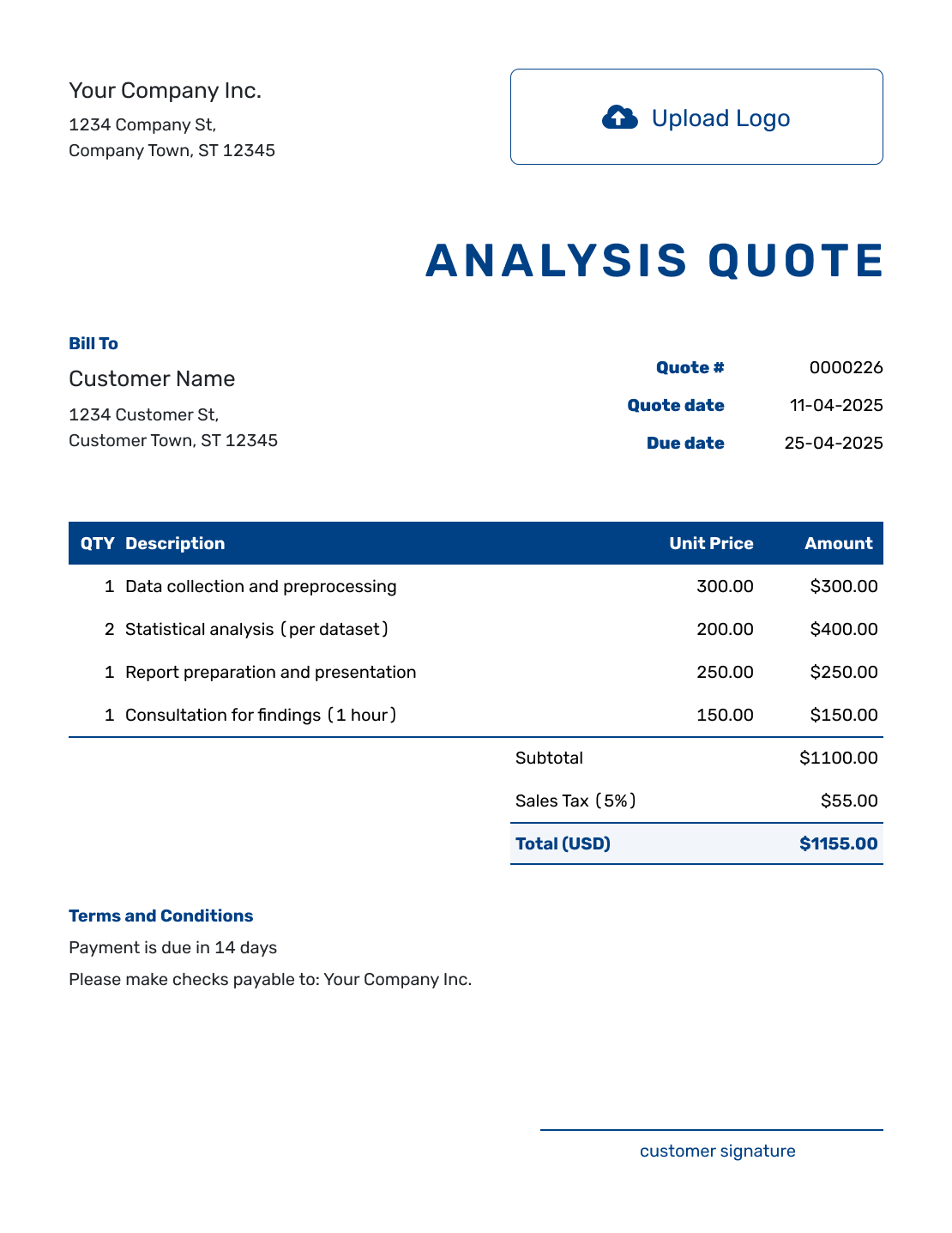
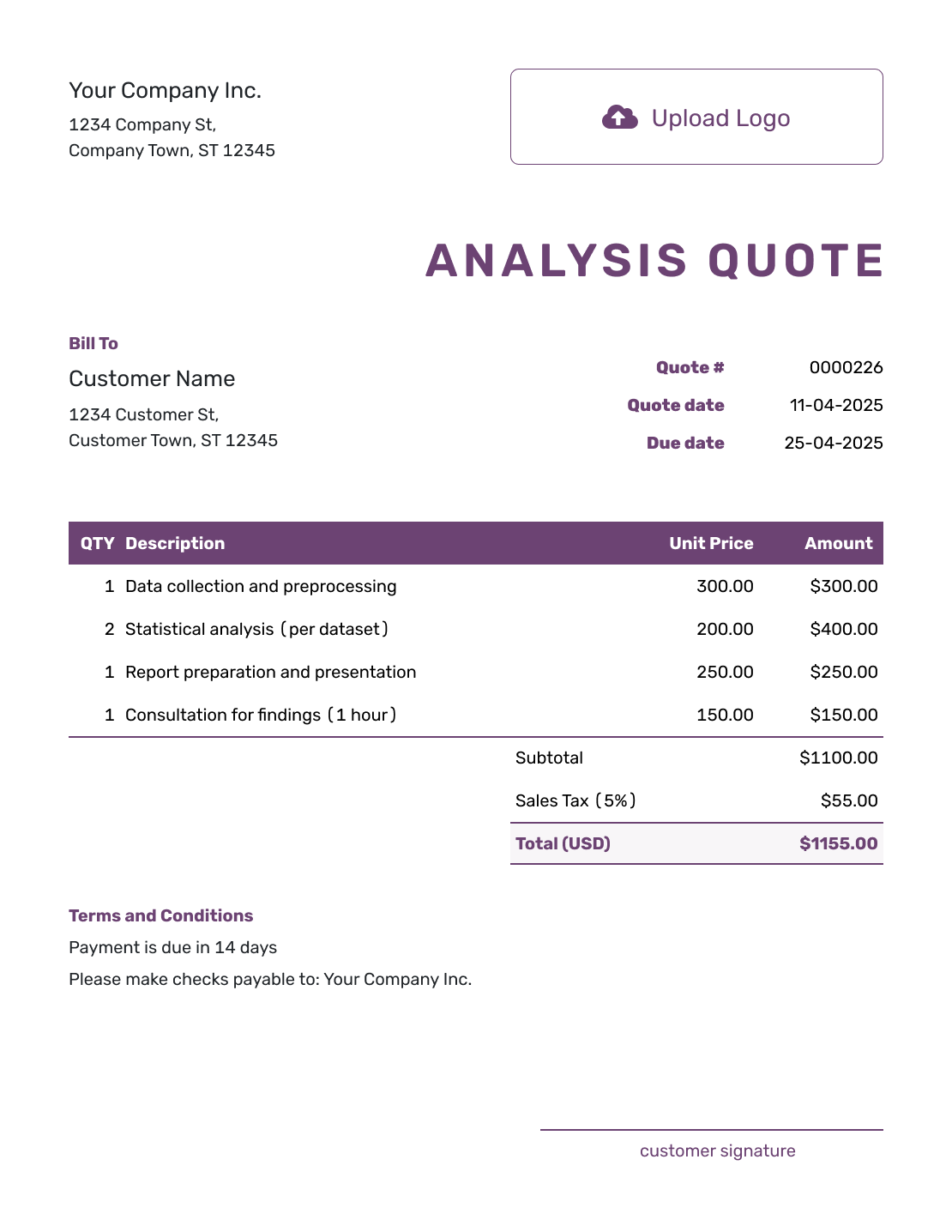
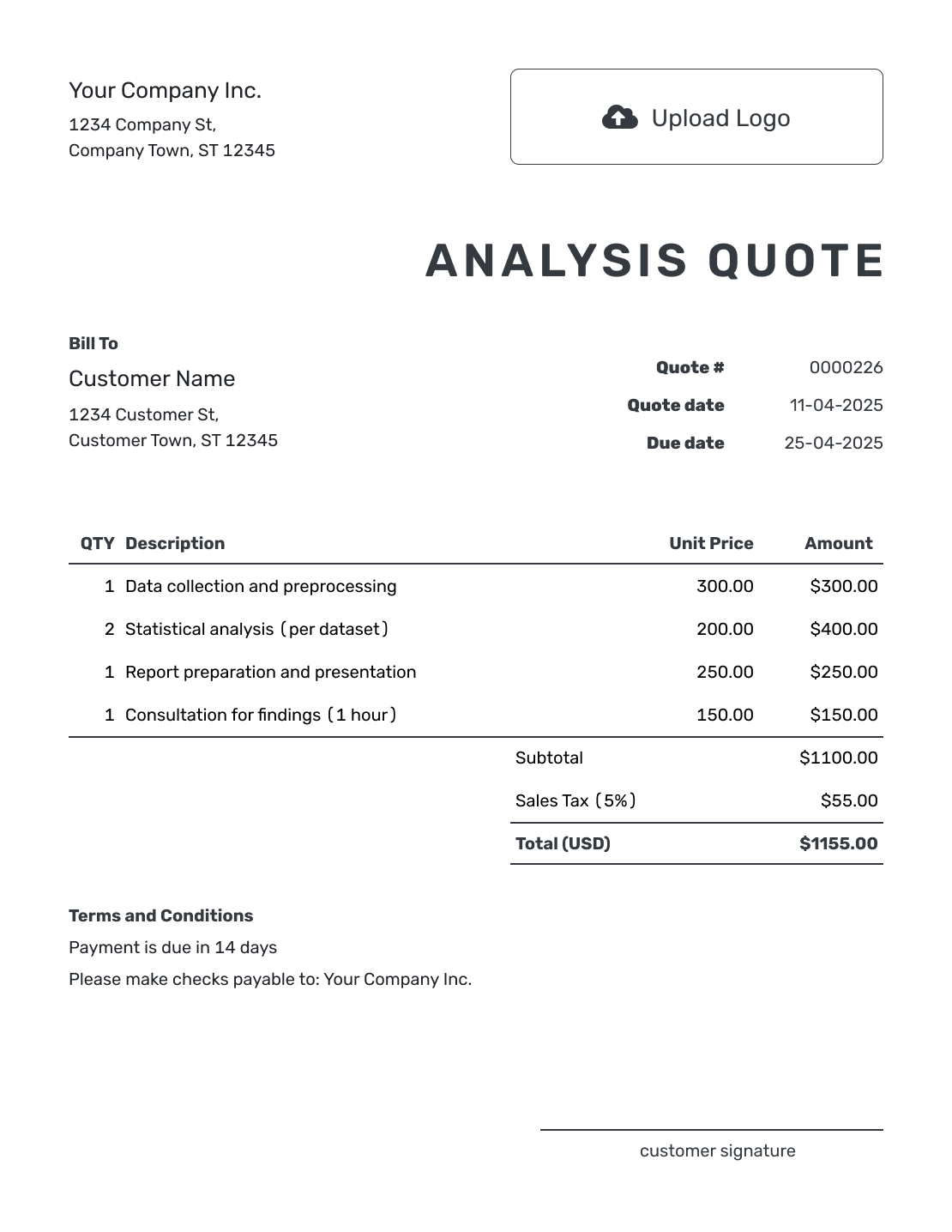
These previews open the customer quote editor. For your separate comparison, copy the quote analysis table below into your own spreadsheet or document.
What Is a Quote Analysis?
A quote analysis is a side-by-side review of two or more price quotes. It shows what each offer covers and what you would pay before you choose a supplier.
Two totals are only useful to compare when they cover the same need. Keep a column for each supplier, with the quote number, date and version so you can check the original offer. Use the criteria below to record price, timing, terms and unanswered questions.
If the purchase is part of a customer job, keep the comparison in your own file. Use the confirmed supplier cost alongside your own work and other job costs when setting your selling price. The Docelf quote is where you present that final offer to your customer.
How to Analyze Quotes
Start with the same request for every supplier. You can build the comparison in a spreadsheet or document; keep each original quote alongside it so a changed price is easy to trace.
- Gather Current Quotes: Use the latest version of each quote and keep its supporting notes.
- Define the Need: List the required quantities, specification and deadline every option must meet.
- Compare Full Prices: Include tax, delivery, fees and required extras once. Mark an unknown cost as unconfirmed, not zero.
- Match the Scope: Mark what each quote includes, leaves out or substitutes. Ask suppliers to price the same requirement.
- Review Timing and Terms: Check delivery dates, payment timing, quote validity and any warranty or cancellation terms that matter.
- Resolve Questions: Ask for missing details in writing and update the comparison when the supplier confirms them.
- Choose and Record: Note which offer fits, why you chose it and any conditions still to confirm before you accept.
What to Compare in a Quote Analysis
Use these rows to check what sits behind each price. Keep optional extras separate from the work every supplier has been asked to provide.
| Area | Compare | Ask |
|---|---|---|
| Scope | What is included, how much, the required standard, and any exclusions | Do all options cover the same need? |
| Price | Subtotal, tax, delivery, fees, discounts, and optional work | What is included in the final total? |
| Timing | Lead time, start date, delivery date, and completion date | Can the option meet the real deadline? |
| Terms | Deposit, payment schedule, validity, cancellation, and changes | When is payment due, and how long is the offer valid? |
| Risk | Assumptions, substitutions, missing details, and outside factors | What could change the price or result? |
Copy This Quote Analysis Format
In this fictional example, a business asks three suppliers to quote for 12 interior doors of the same size and specification, supplied without installation. The customer job needs them delivered within 14 calendar days. Copy the rows into your own file and replace Options A, B and C with the supplier names.
All amounts are in US dollars and include any applicable tax. Option C lists a separate tax-inclusive $280 delivery charge, which still needs confirmation. The total-to-compare row includes that stated charge once and keeps C's total provisional.
| Comparison Point | Option A | Option B | Option C |
|---|---|---|---|
| Quoted total | $4,800 | $5,050 | $4,650 |
| Delivery | Included | Included | $280 extra |
| Total to compare | $4,800 | $5,050 | $4,930, pending delivery confirmation |
| Lead time | 3 weeks from order confirmation | 10 calendar days from order confirmation | 4 weeks from order confirmation |
| Payment | 50% deposit | Payment due 15 days after the invoice date | Full payment before delivery |
| Open question | Confirm finish | None | Confirm delivery charge and warranty |
Using the stated delivery charge, Option C would cost $4,930: $4,650 + $280. That is $130 more than Option A, with a later delivery date. Option B costs $250 more than A, but it is the only offer that meets the 14-day deadline as quoted.
On these facts, B is the practical choice if the deadline is fixed. Confirm that its delivery date still holds before accepting. If the schedule can move, ask A to confirm the finish before treating it as the lower-cost alternative.
Example: Internal Decision Note
Preferred offer: Option B at $5,050 including delivery and applicable tax. It covers the 12 specified doors and quotes delivery in 10 calendar days. B costs $250 more than A and is the only offer within the 14-day deadline. Confirm the delivery date before accepting and retain the supplier's written confirmation with this comparison.
Create the Quote for Your Customer
Add the scope and selling prices you have settled on. Docelf calculates the quote total. Review the offer, then email it or download a PDF.
Check the Details Before You Choose
Choosing the Lowest Headline Price
A blank delivery charge is not a free delivery promise. Ask for the missing amount before ranking that offer against an all-in price.
Comparing Different Scopes
A different material or finish may explain a lower price. Keep the difference visible until the supplier confirms it meets your requirement.
Ignoring Timing
Check when the lead time starts: order confirmation, payment or approval of a drawing. That starting point can change whether the quoted date fits.
Leaving Questions Unanswered
Keep a revised quote with the original and update its column. Record the answer in writing so your decision uses the latest scope and price.
More Customer Quote Layouts
Once you have compared the supplier offers, use one of these layouts for the quote you will send your customer. Each preview opens the same Docelf quote editor.
-
Blank Customer Quote Template
Create Free Quote -
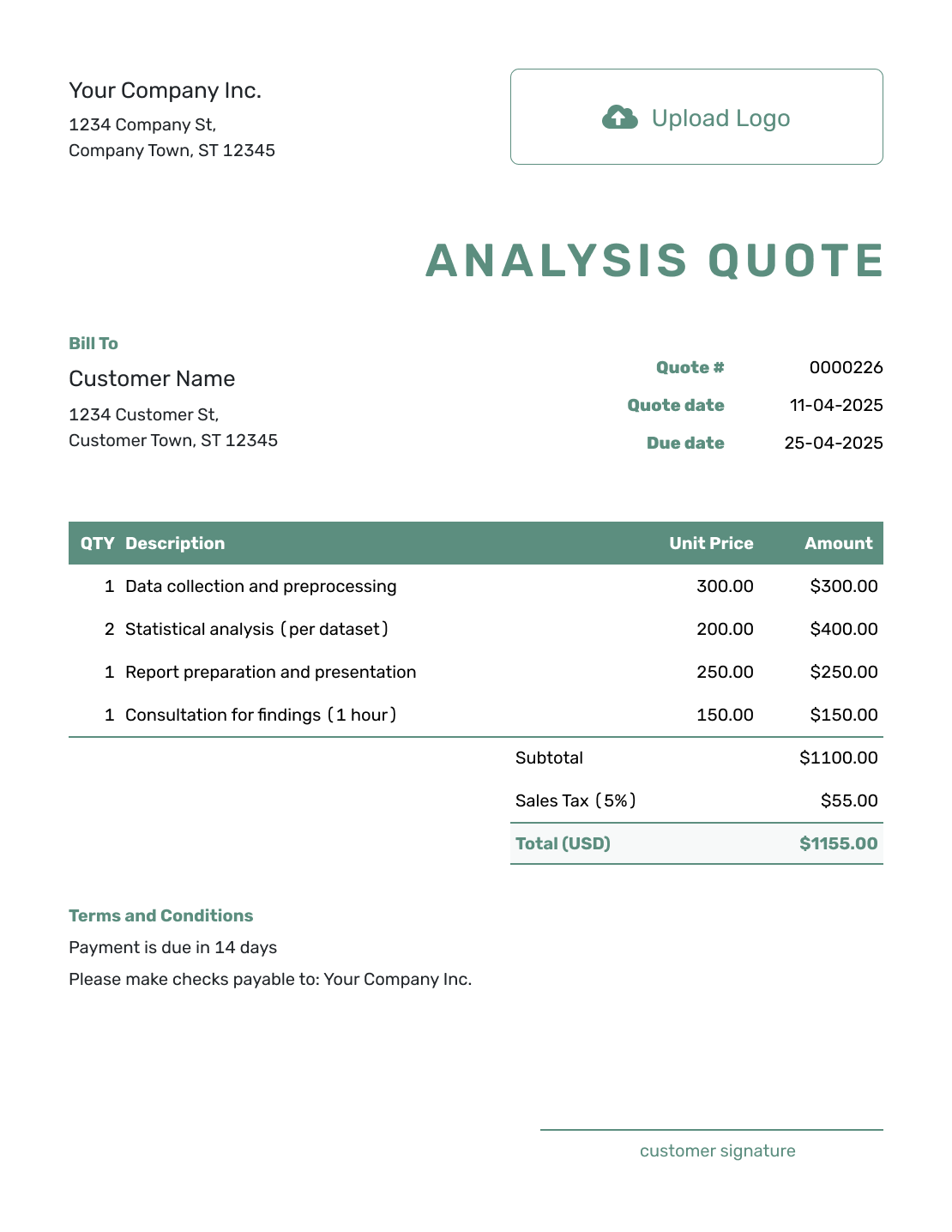
Simple Customer Quote Template
Create Free Quote -
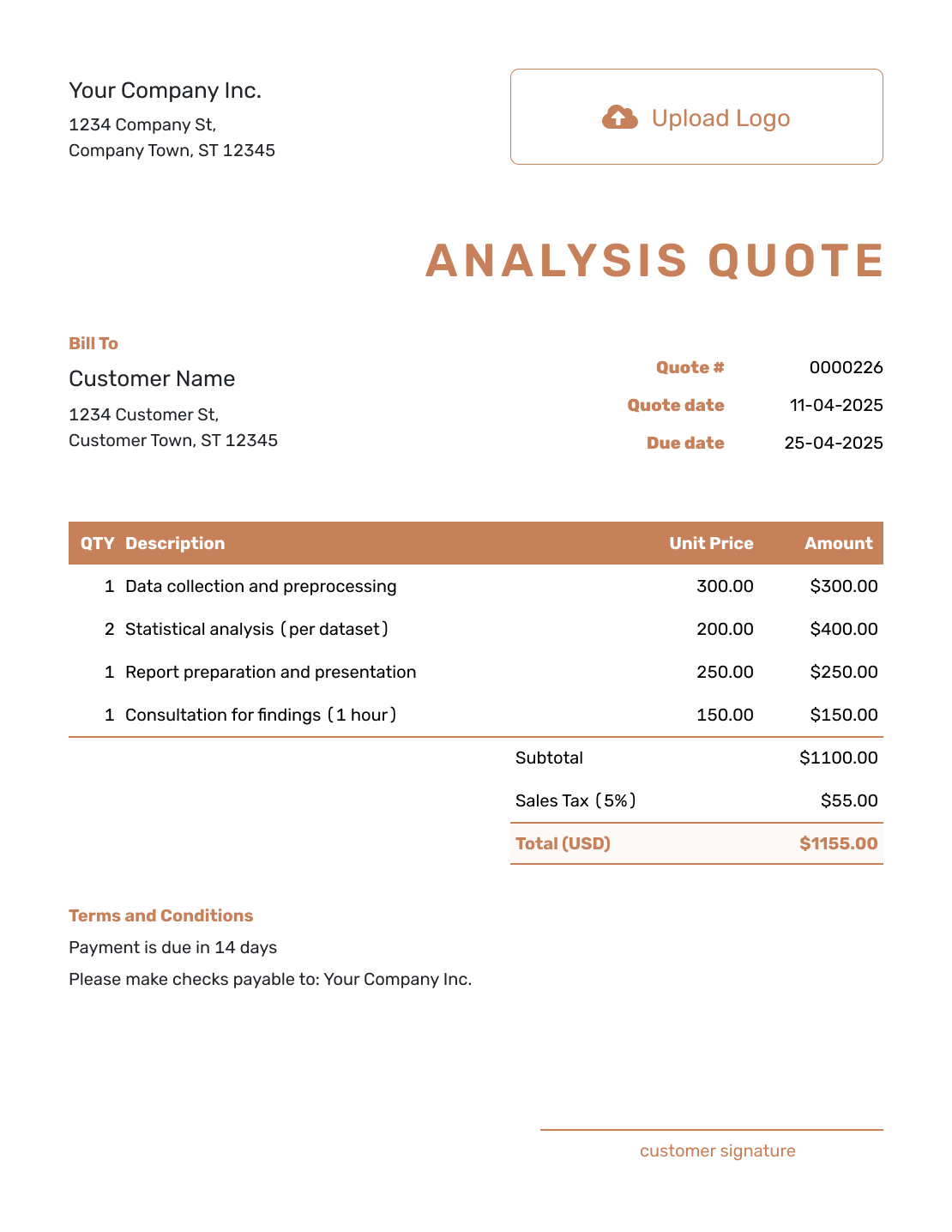
Downloadable Customer Quote Template
Create Free Quote -
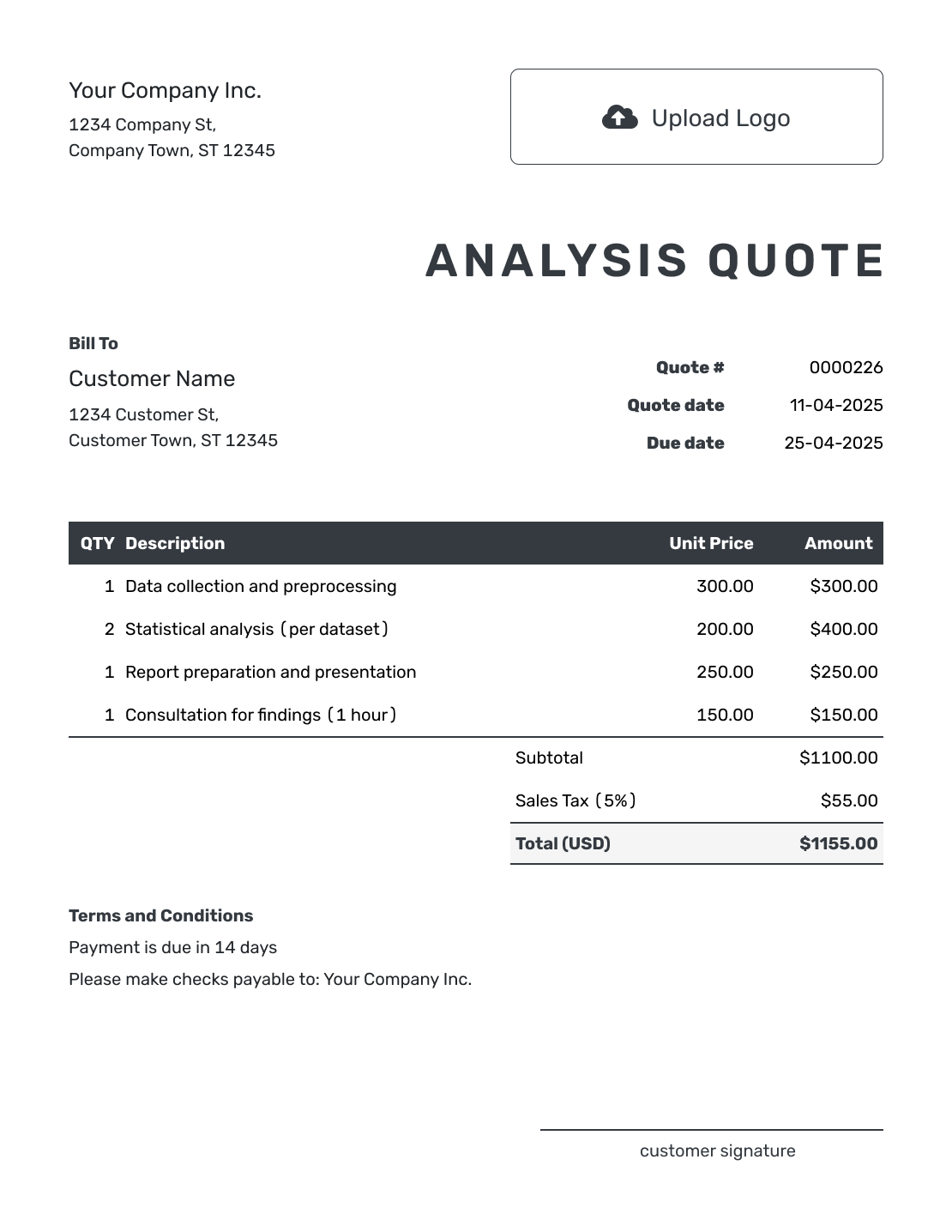
Editable Customer Quote Template
Create Free Quote -
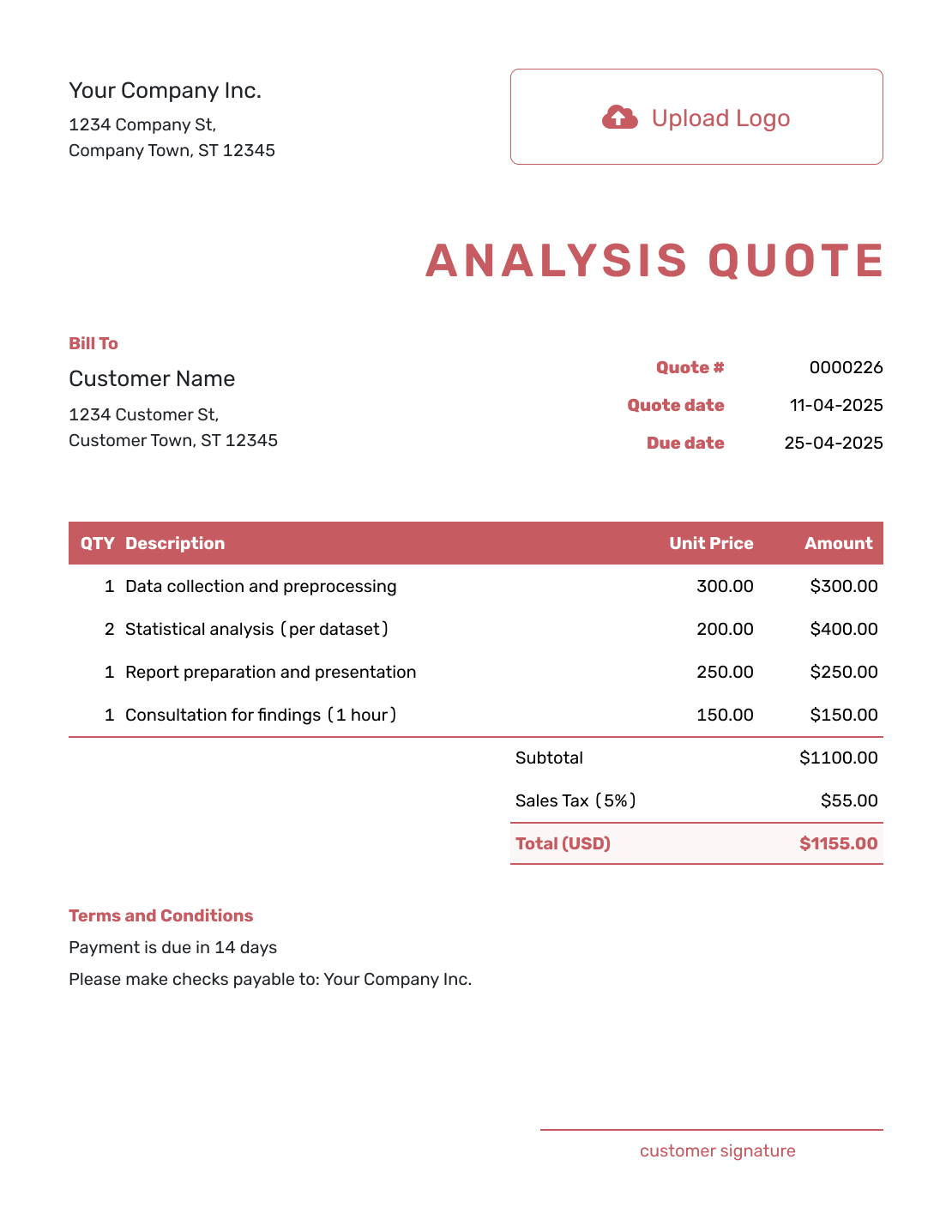
Fillable Customer Quote Template
Create Free Quote -
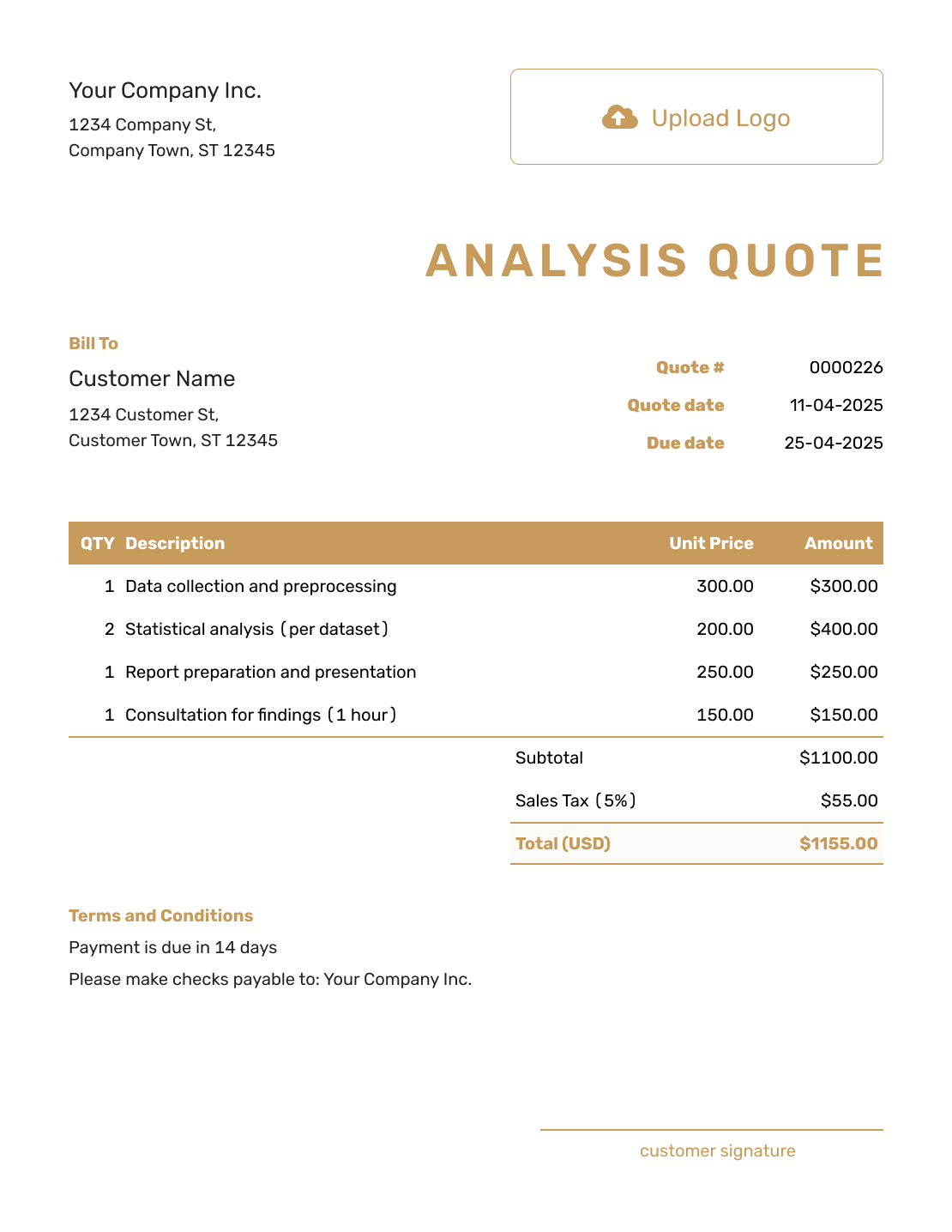
Professional Customer Quote Template
Create Free Quote
Related Quote Templates and Guides
Move from the comparison to a clear quote for the customer.
Quote Analysis FAQs
-
What is a quote analysis template?
A quote analysis template helps you compare several quotes in one place. It shows how the work and price differ. It also keeps timing, terms, and risk easy to check before you choose.
-
How do I compare quotes fairly?
Start with one clear list of what you need. Check each quote against it before comparing the final amount. Then review the timing, terms, and any unanswered questions.
-
Is the lowest quote always the best quote?
No. A lower quote may leave out part of the work or use different materials or standards. It may also take longer or require less favorable payment terms. Choose the option that best fits the full job.
-
What should I compare in a quote analysis?
Compare what each quote includes and the amount you would actually pay. Then check timing, payment terms, exclusions, and any open questions.
-
How do I compare quotes with different scopes?
List the common requirements first, including quantities and specification. Mark missing items, substitutions and optional work, then ask each supplier to price the same scope. Keep unconfirmed costs marked as open questions until you have an answer.
-
Should I include tax and delivery in the comparison?
Yes. Use the same tax basis for every option and include delivery once. In the example, Option C would be $4,650 plus $280 delivery, or $4,930 including applicable tax. That total stays provisional until the supplier confirms the delivery charge.
-
Can I use a spreadsheet for quote analysis?
Yes. Copy the example table into your spreadsheet and give each supplier a column. Add quote numbers, dates and versions, check formulas, and keep the original quotes. This page provides the comparison format; the preview buttons open the customer quote editor.
-
How does Docelf fit into quote analysis?
Keep the analysis in your own spreadsheet or document. Once you have chosen a supplier and set your selling price, use Docelf to create the customer quote with its scope, prices, validity and Terms and Conditions. The editor does not compare incoming supplier quotes for you.
Ready to Create the Customer Quote?
Your supplier choice gives you a firmer starting point for pricing the customer job.
- Add the work you will provide and your selling prices
- Set the offer validity and Terms and Conditions
- Email the final quote or download a PDF




