Free Business Quote Template
Create a professional business quote in minutes
Show what you are offering, what it costs and which terms apply. Customers see the full value without chasing details and can choose your company with confidence.
Email, print or download your quote as a PDF.
14-day free trial. No credit card required.

Price the job. Send the quote. Get back to work.
Business Quote Template Examples
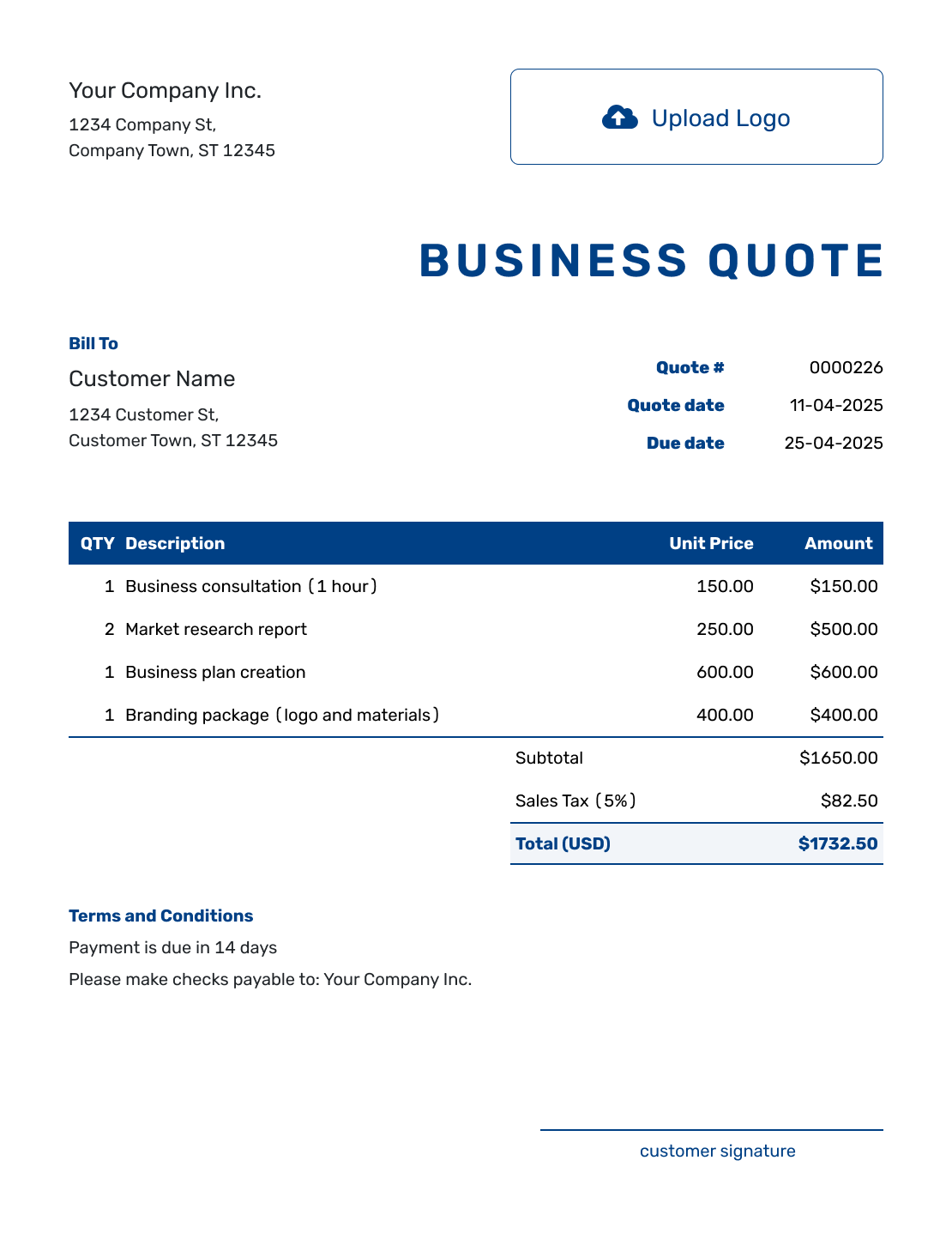
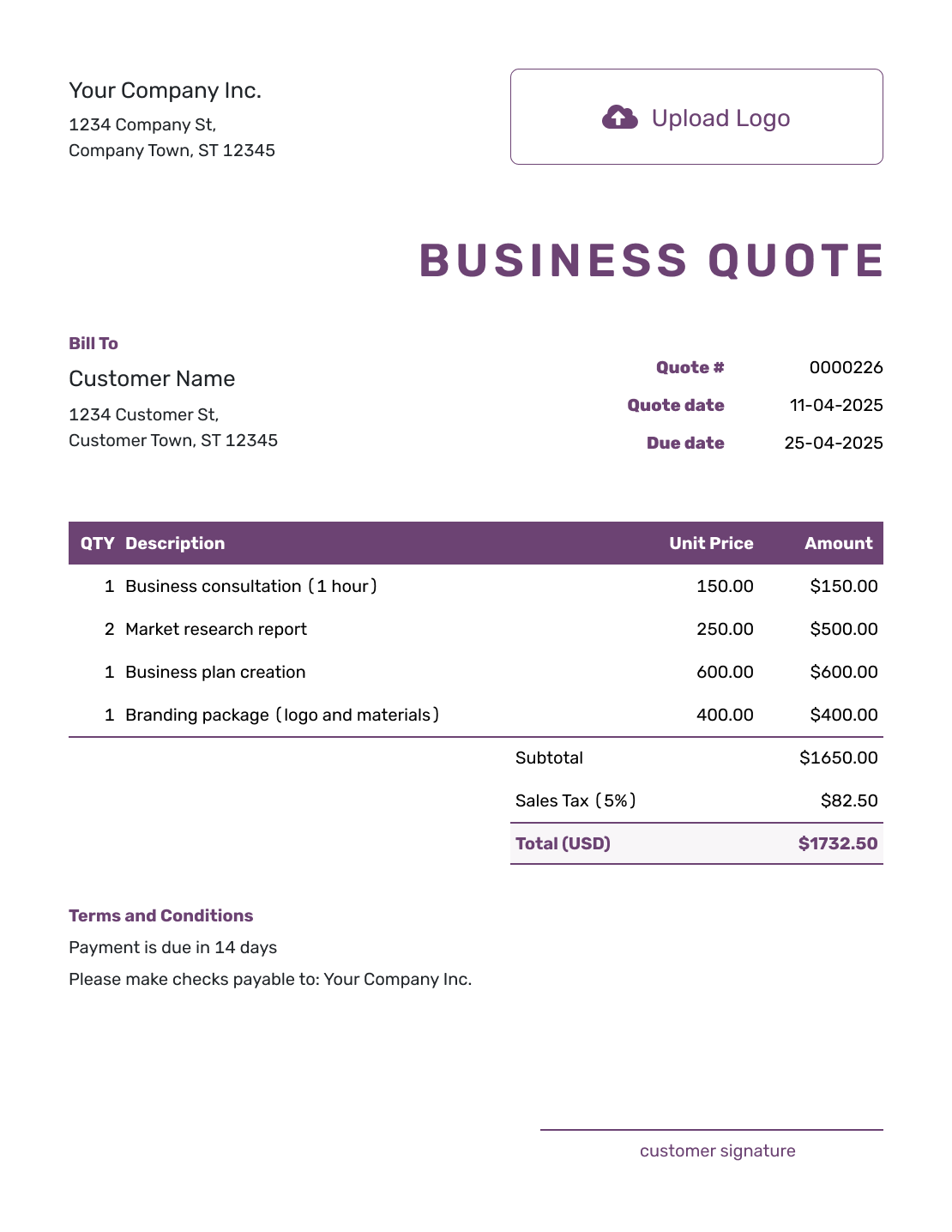
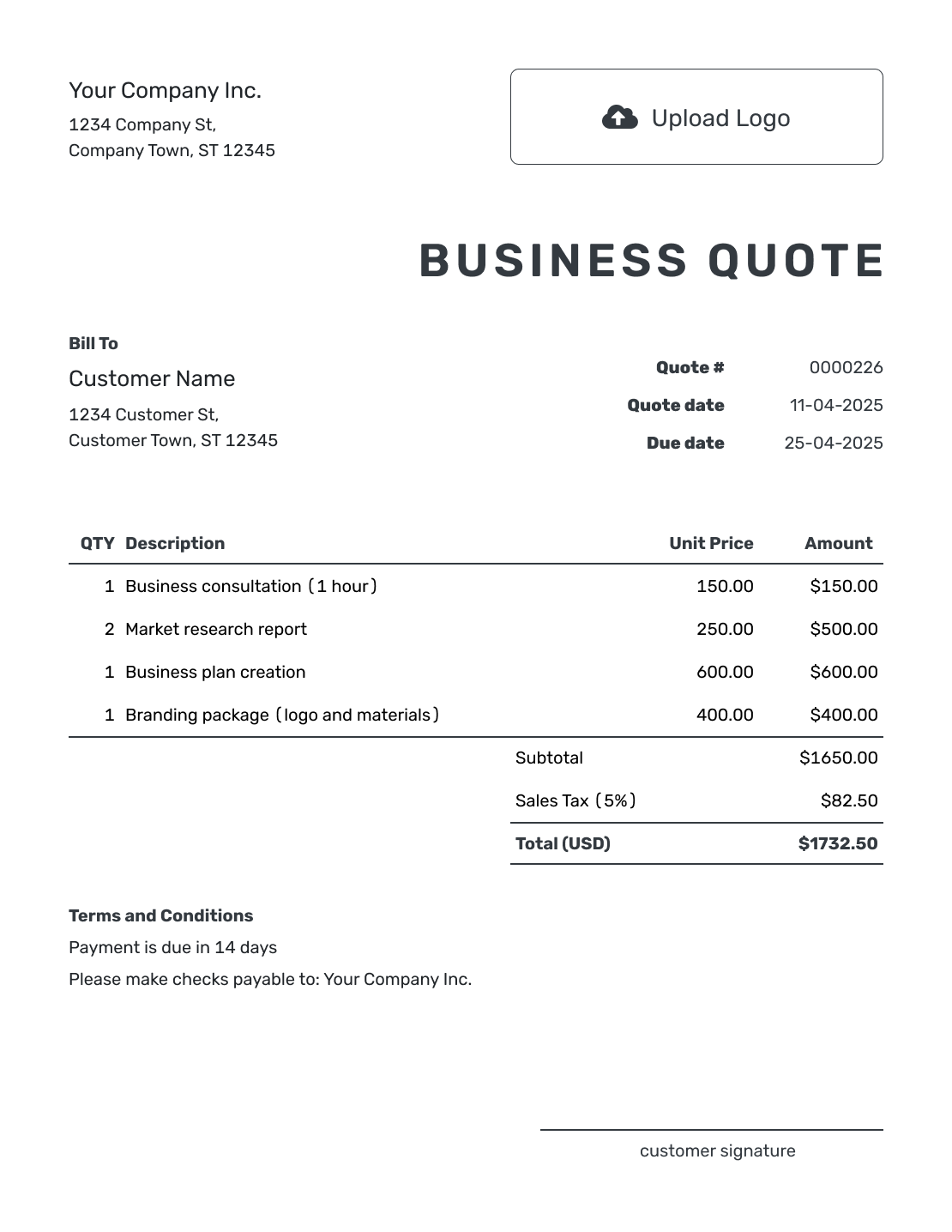
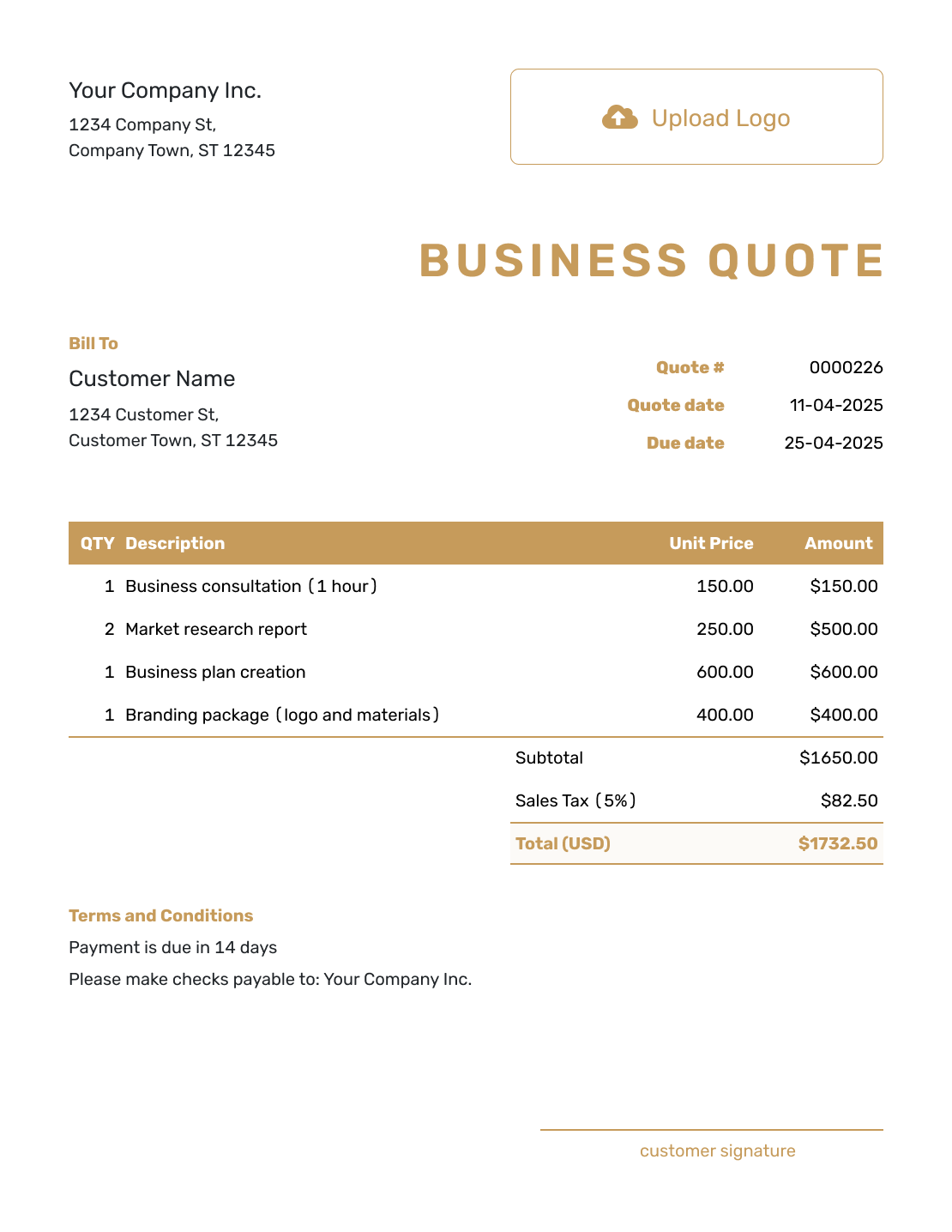
Browse these layouts for a product sale, a service, or an offer that combines both. Every preview opens the same quote editor; add your own customer, prices, and business style.
What Is a General Business Quote?
A business quote is a written offer for a product sale, a service, or a project. It shows what you will provide, the specific price, and the terms the customer needs to review before choosing your business.
One quote can combine goods and services. For example, a shop fitting offer might include display shelves, assembly, and delivery. Give each separately priced part its own line so the customer can see what the total covers.
For a bid, proposal, or another specific purpose, browse the business quote templates by purpose.
How to Use a Business Quote Template
Start with the products or work you have discussed with the customer. Saved customer and item details can save typing; check that their prices and descriptions still fit this offer.
- Business Details: Enter your business name and contact details.
- Logo: Add your logo if you want the quote to match your other documents.
- Customer: Choose a saved customer or add the contact details for this offer.
- Number and Dates: Check the quote number and issue date. Set a valid-until date for the offer.
- Products or Services: List each product or service with its quantity and unit price.
- Check the Total: Add applicable tax or discounts. Docelf calculates the total.
- Terms and Sending: Add scope, timing, and payment details in Terms and Conditions. Review, then email or download a PDF.
How to Fill In Business Quote Line Items
Use a quantity and unit that explain the price: individual products, hours of work, or one fixed-price service. If assembly is already included in a product price, describe it there instead of charging for it again.
This fictional shop display order combines products with separately priced assembly and delivery. Prices are in US dollars, with an illustrative 8% tax on all three charges. Use the tax treatment that applies to your own sale.
| QTY | Description | Unit Price | Amount |
|---|---|---|---|
| 4 | Freestanding display shelf — each | $125.00 | $500.00 |
| 3 | Shelf assembly — labor hours | $50.00 | $150.00 |
| 1 | Local delivery to the shop | $40.00 | $40.00 |
| Subtotal | $690.00 | |
| Sales Tax (8% illustrative) | $55.20 | |
| Quote Total | $745.20 |
What to Include in Business Quote Terms
Use Terms and Conditions to explain the offer beyond the item prices. State how long it is valid, when you expect to deliver, when payment is due, and any relevant limits on the work.
The sample below belongs to the display order above. Adapt the timing and payment terms to arrangements your business actually uses.
Example: Terms and Conditions
- Offer valid for 14 days from the quote date.
- Includes four display shelves, three hours of assembly, and one local delivery to the shop. Wall fixing is not included.
- Delivery and assembly date to be agreed after acceptance. Payment is due within 14 days of the invoice date.
- Please approve any changes to quantities or work before the revised work begins.
Put a Straightforward Business Offer in Writing
Bring the goods and work into one offer. Docelf calculates the total as you enter the prices. Review the scope and terms, then send the quote.
Business Quote, Estimate, or Invoice?
Use a quote when the scope and price are clear enough for the customer to accept. An estimate is a better starting point when the final work or cost is still uncertain. An invoice asks for payment when it is due.
A proposal explains more of your approach and why it suits the customer. It can include quoted pricing, but a straightforward sale rarely needs that extra background.
More Business Quote Layouts
These remaining previews offer more layout ideas. Each opens the same editor, ready for the details of your offer.
-
Blank Business Quote Template
Create Free Quote -
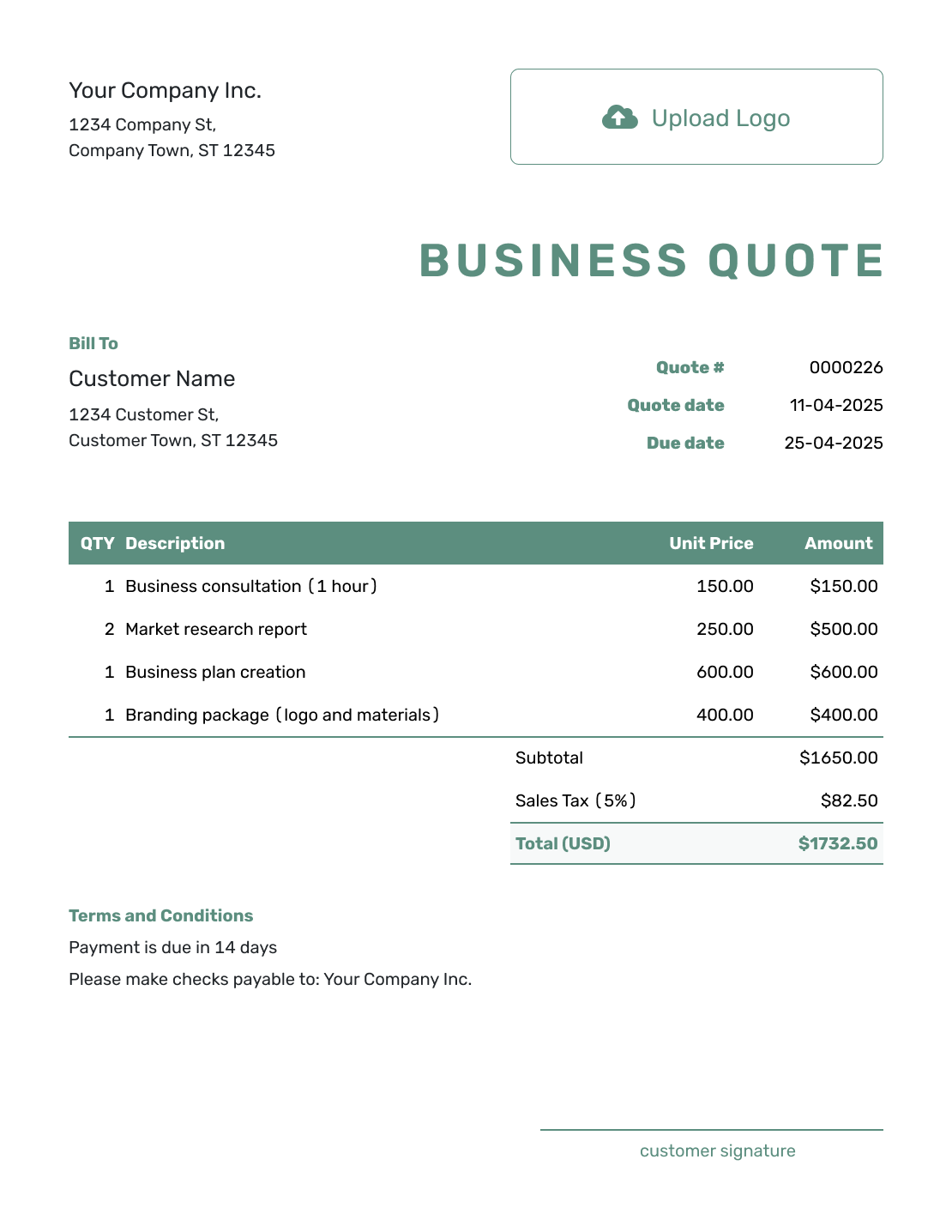
Simple Business Quote Template
Create Free Quote -
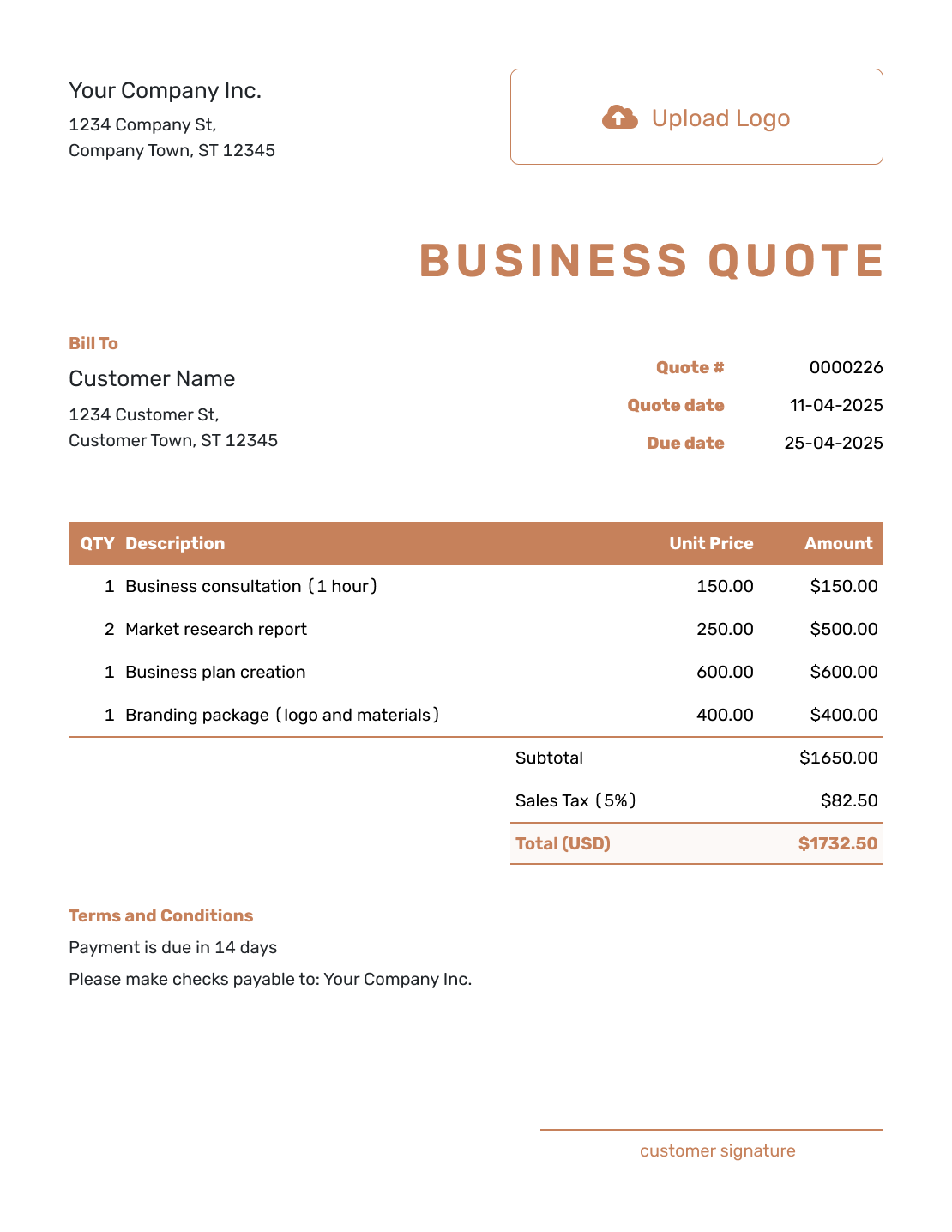
Downloadable Business Quote Template
Create Free Quote -
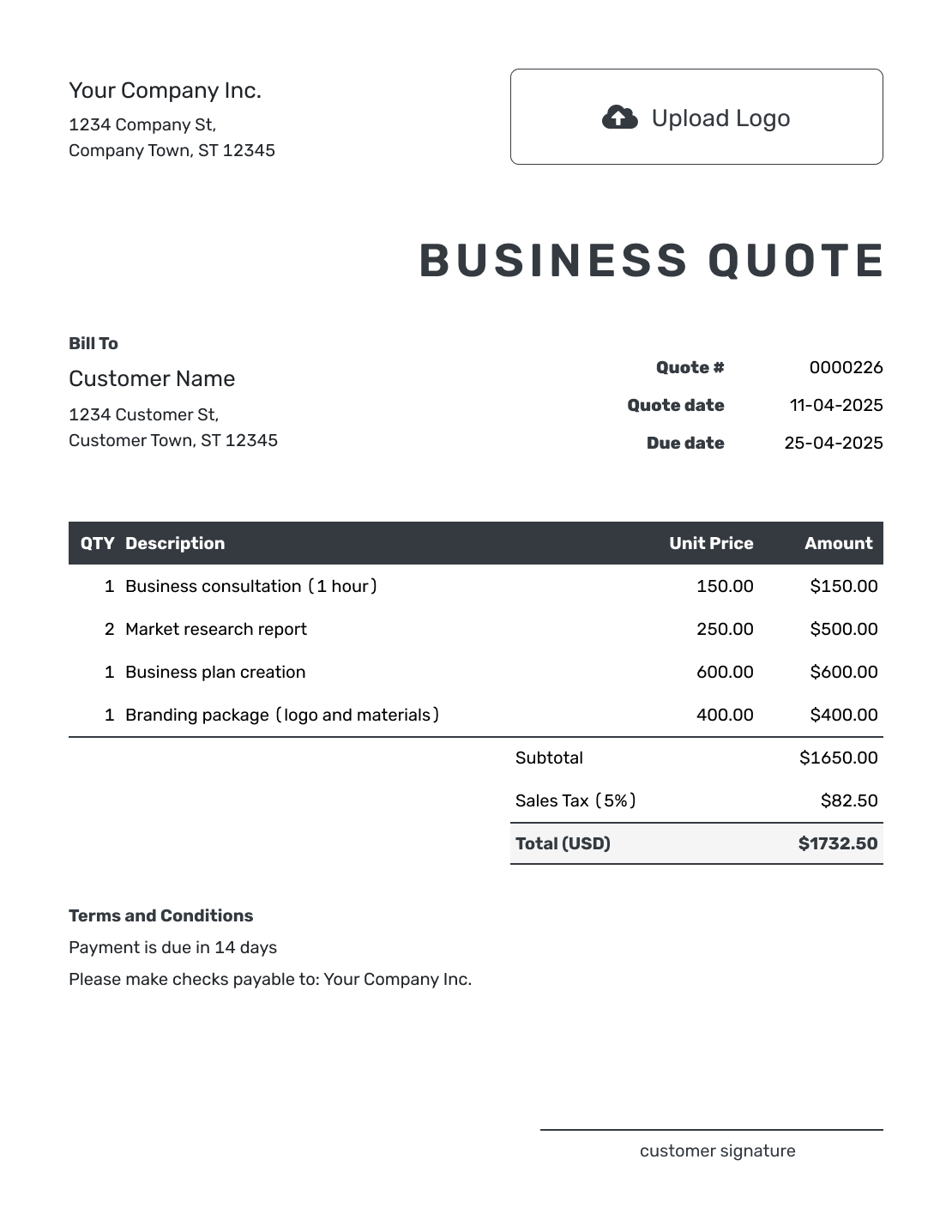
Editable Business Quote Template
Create Free Quote -
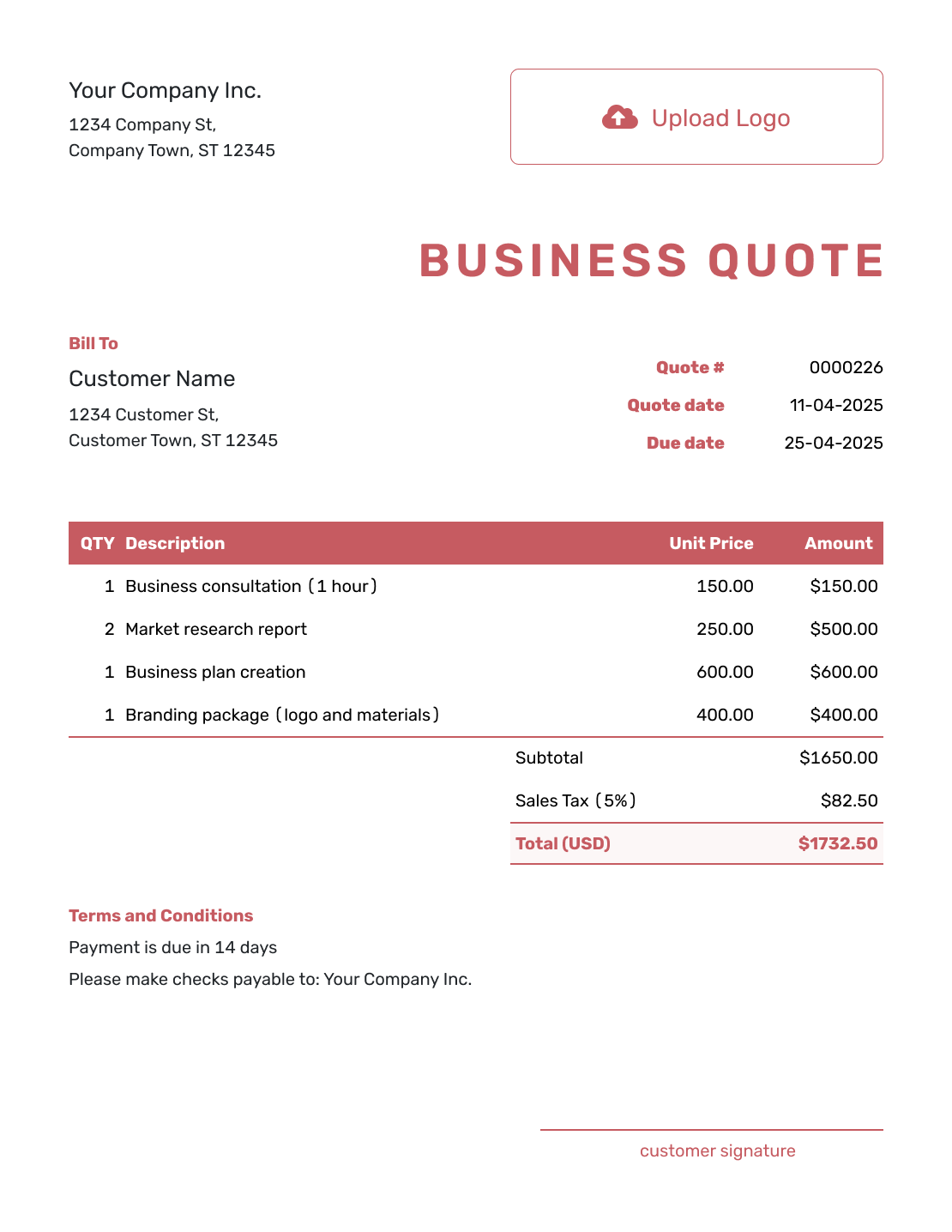
Fillable Business Quote Template
Create Free Quote -
Professional Business Quote Template
Create Free Quote
Business Quote Template File Formats
Prefer an editable file? Choose the format that best fits how you write, calculate, share, and send the quote.
Need a Purpose-Specific Business Quote Template?
Use the flexible template on this page for a straightforward offer. Choose a more specific template when the quote centers on a small business, product sale, bid, proposal, or order.
After You Send the Business Quote
When you email a quote from Docelf, its history shows delivery and opening information. Your customer can accept or decline the quote online, and Docelf updates the status and emails you when they respond.
If the customer asks for a change, update the affected items and terms, then send the revised offer for acceptance. When it is time to bill, create an invoice from the quote; Docelf copies the relevant customer and item details.
Business Quote Template FAQs
-
What is a business quote template?
A business quote template is a reusable layout for presenting products, services, or project work and the price you plan to charge. It helps you include the same core details on every quote.
-
Can one business quote include products and services?
Yes. Give separately priced products and services their own lines, with clear quantities and unit prices. Describe work included in a product or package price within that item so it is not charged twice.
-
What should I include in a business quote?
Identify your business and customer, then add the quote number, issue date, and validity period. Describe the offer with quantities, prices, applicable tax, and a total. Terms and Conditions can explain timing, payment, exclusions, and how to accept.
-
What is the difference between a business quote and an estimate?
A quote gives a specific price for clearly defined work. An estimate gives your best prediction when the final scope or cost may still change.
-
What is the difference between a quote and a proposal?
A quote focuses on the offer and price. A proposal usually gives more background about the customer's needs, your recommended approach, scope, and why your business is a good fit. A proposal can include quoted pricing.
-
What is the difference between a business quote and an invoice?
A quote is sent before the sale or work begins so the customer can review and accept the offer. An invoice is sent when payment is due.
-
When should I use the general business quote template?
Use it for a straightforward product sale, service, or project. You can change the content and styling for each customer. A more specific guide can help when you need to explain a bid, proposal, or industry-specific job.
-
Can I reuse a business quote for another customer?
Yes. Duplicating a quote creates a new draft with a new document number. Update the customer, dates, quantities, prices, and terms before sending it. Check any old exclusions or delivery details as well.
-
Can I download or print the business quote?
Yes. You can email the quote from Docelf or download a PDF to print or send yourself.
Ready to Send Your Business Quote?
Put the complete offer in one place so the customer can review it without chasing details.
- Describe the products, services, or project work clearly
- Check the price, validity period, and terms
- Email the quote or download a PDF




