Free Product Quote Template
Create a professional product quote in minutes
List the exact products or models, quantities, prices and availability in one offer. Buyers can compare the details without back-and-forth and place the order with you.
Email, print or download your quote as a PDF.
14-day free trial. No credit card required.

Price the job. Send the quote. Get back to work.
Product Quote Template Examples
Browse the layouts before adding your own products and prices. Each preview opens the same quote editor, where you can change the design and enter the details of your offer.
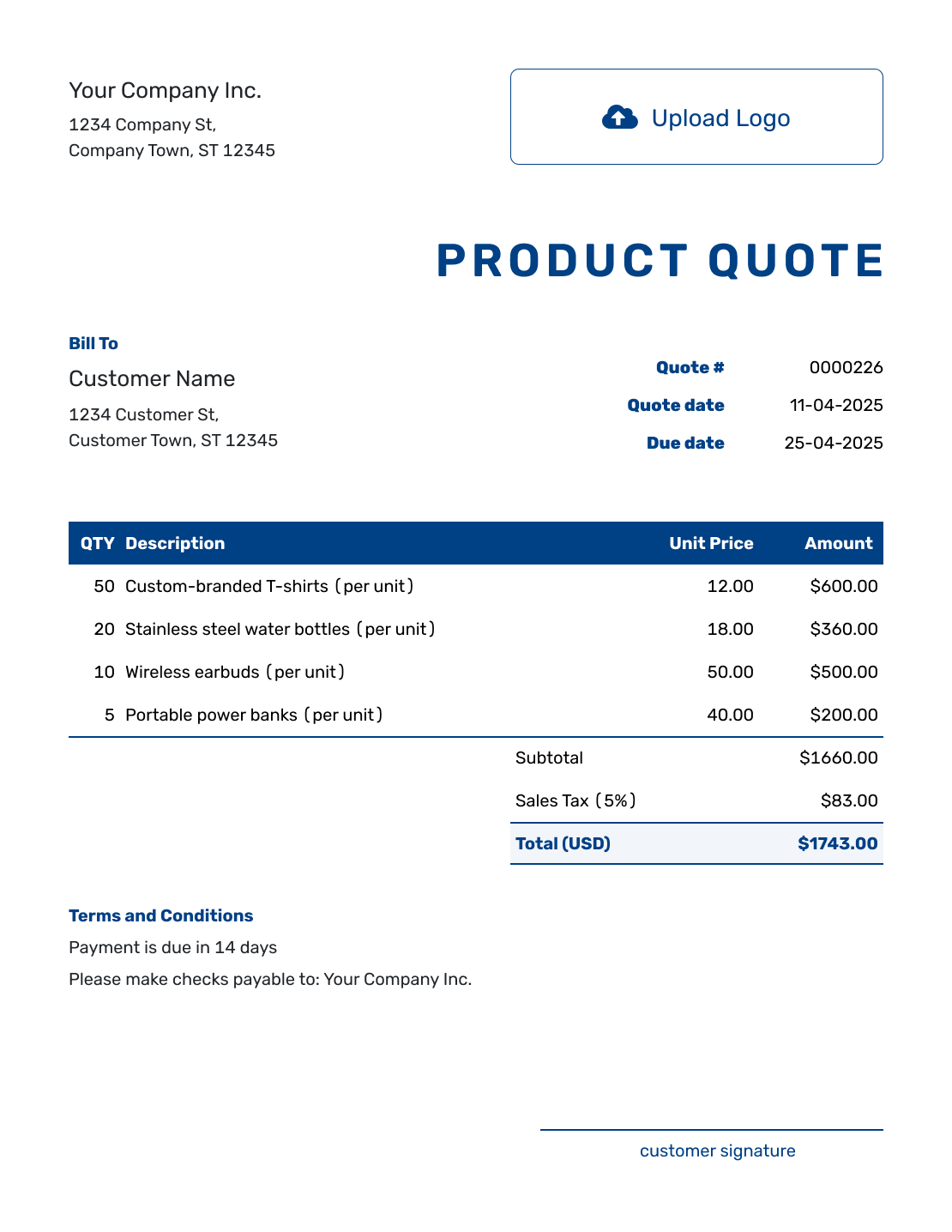
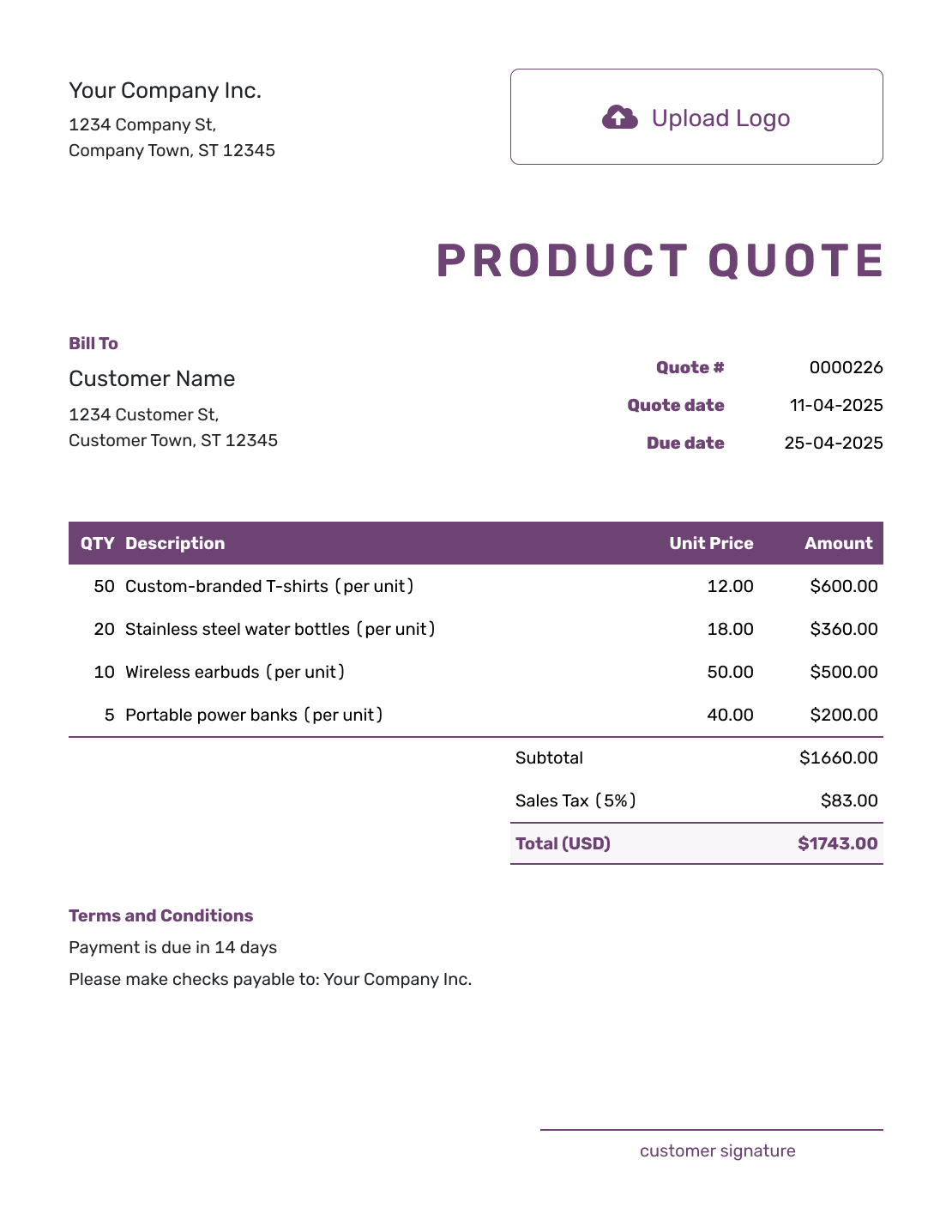
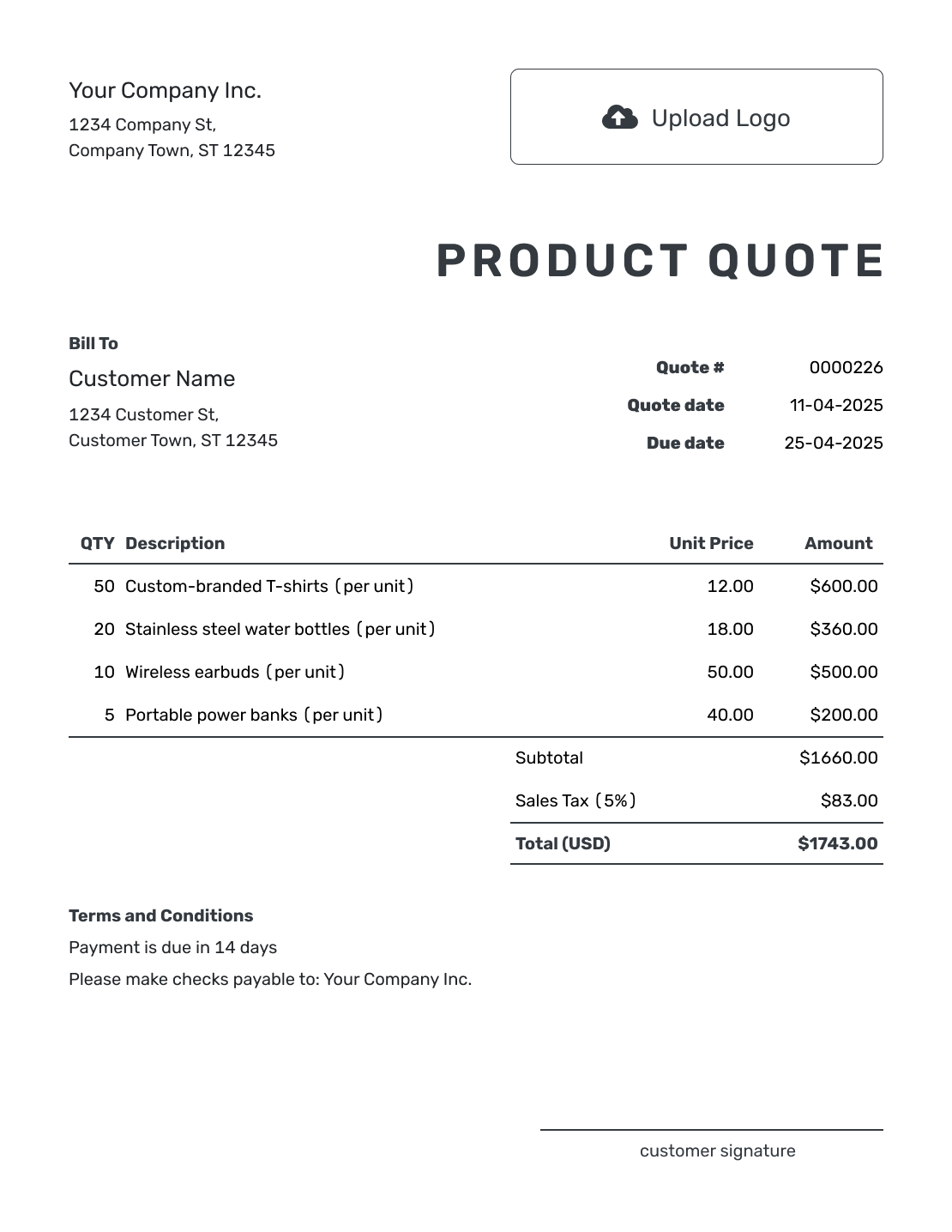
Quote the Exact Products the Customer Asked For
A product quote is a written offer for specific goods before the customer places an order. It shows what you will supply, how many the customer will receive, and the price and terms of the sale.
A name alone may not identify the right item. Model numbers, sizes, colors, and pack quantities help the buyer check the offer against their request. You can reuse saved product and customer details in Docelf, then check that the prices and availability are still current.
Selling goods with setup, installation, or training? The sales quote guide covers offers that combine products and services.
How to Create a Product Quote
Work from the customer’s request and your current product prices. The steps below follow the quote from your business details to the terms of the offer.
- Business Details: Enter your business name and contact details.
- Logo: Add your logo if you want the quote to match your sales documents.
- Customer: Choose a saved customer or enter the name and contact details.
- Number and Dates: Check the quote number, issue date, and valid-until date.
- Product Lines: Describe each product or pack with its quantity and unit price. Add separately charged shipping as an item.
- Tax and Total: Add any applicable tax and check the total Docelf calculates.
- Terms and Sending: Use Terms and Conditions for availability, delivery, and payment timing. Review, then email or download the quote.
How to Fill In Product Quote Line Items
State what one unit buys. If you sell by the case, give the number of pieces in each case and enter the number of cases as the quantity. This keeps a case price from looking like the price of a single item.
This fictional quote supplies takeout packaging to a café, priced in US dollars. It covers 800 cups, 800 matching lids, and 200 bags, plus local delivery. The illustrative 8% tax applies to every line; use the tax treatment that applies to your sale.
| QTY | Description | Unit Price | Amount |
|---|---|---|---|
| 8 | 12 oz kraft paper cups — case of 100 | $24.00 | $192.00 |
| 8 | Sip lids to fit the quoted 12 oz cups — case of 100 | $12.00 | $96.00 |
| 4 | Medium kraft paper carry bags — case of 50 | $18.00 | $72.00 |
| 1 | Local delivery to the agreed address | $25.00 | $25.00 |
| Subtotal | $385.00 | |
| Sales Tax (8% illustrative) | $30.80 | |
| Quote Total | $415.80 |
What to Include in Product Quote Terms
The Terms and Conditions field explains what the price depends on: how long the offer lasts, when you can supply the goods, and when payment is due. If an item is backordered or made to order, give its expected lead time so the buyer can plan.
Adapt the sample below to the packaging order and your actual policies. Add return or warranty conditions only when relevant, and check the local requirements that apply to them.
Example: Terms and Conditions
- Offer valid for 14 days from the quote date.
- Prices cover the case quantities listed above. Lids are supplied to fit the quoted 12 oz cups.
- Payment is due before delivery. Local delivery will take place within three business days after payment and is included in the quoted total.
- Changes to the items or quantities require an updated quote. Substitutions need customer approval.
Confirm the Exact Products Before You Sell
Put the offer together while the product details are at hand. Docelf calculates the total from your quantities, prices, and taxes. Review the finished quote, then send it to the customer.
Price Standard, Custom, or Bulk Products
Use the details that matter for the type of product sale. The quote should make it easy for the customer to check what they are buying.
Standard Products
A product name and model or SKU may be enough for a familiar item. Add the size or color when variants have different prices, and confirm availability before sending.
Custom Products
The buyer needs to confirm the specifications before production starts. Describe the size, material, or finish, and explain any proof approval. Give separately priced setup work its own line.
Wholesale or Bulk Orders
Make the unit clear: a piece, pack, or case. State any minimum order quantity and the quantity needed for a volume discount. Freight and lead time can matter as much as the unit price.
What to Include in a Product Quote
Your customer should be able to confirm the exact products, the complete price, and what happens after they accept.
- Your business name, contact details, and logo
- Your customer's name and contact details
- A unique quote number, issue date, and valid-until date
- Product names, descriptions, model numbers, SKUs, or specifications when useful
- Quantities, unit prices, applicable discounts and tax, and the total; shipping as an item when charged
- Availability, lead time, delivery method, or pickup details
- Payment timing and any return, warranty, or substitution conditions your business uses
- A clear way for the customer to accept the quote
Product Quote, Sales Quote, or Invoice?
Choose the document based on what you are selling and whether payment is due.
Product Quote
A specific offer for goods, with quantities, prices, availability, and delivery terms.
Sales Quote
A broader offer that may combine goods with services such as installation or training.
Invoice
An invoice requests payment when it is due under the agreed terms. The quote explains the offer before that payment request.
More Product Quote Layouts
-
Blank Product Quote Template
Create Free Quote -
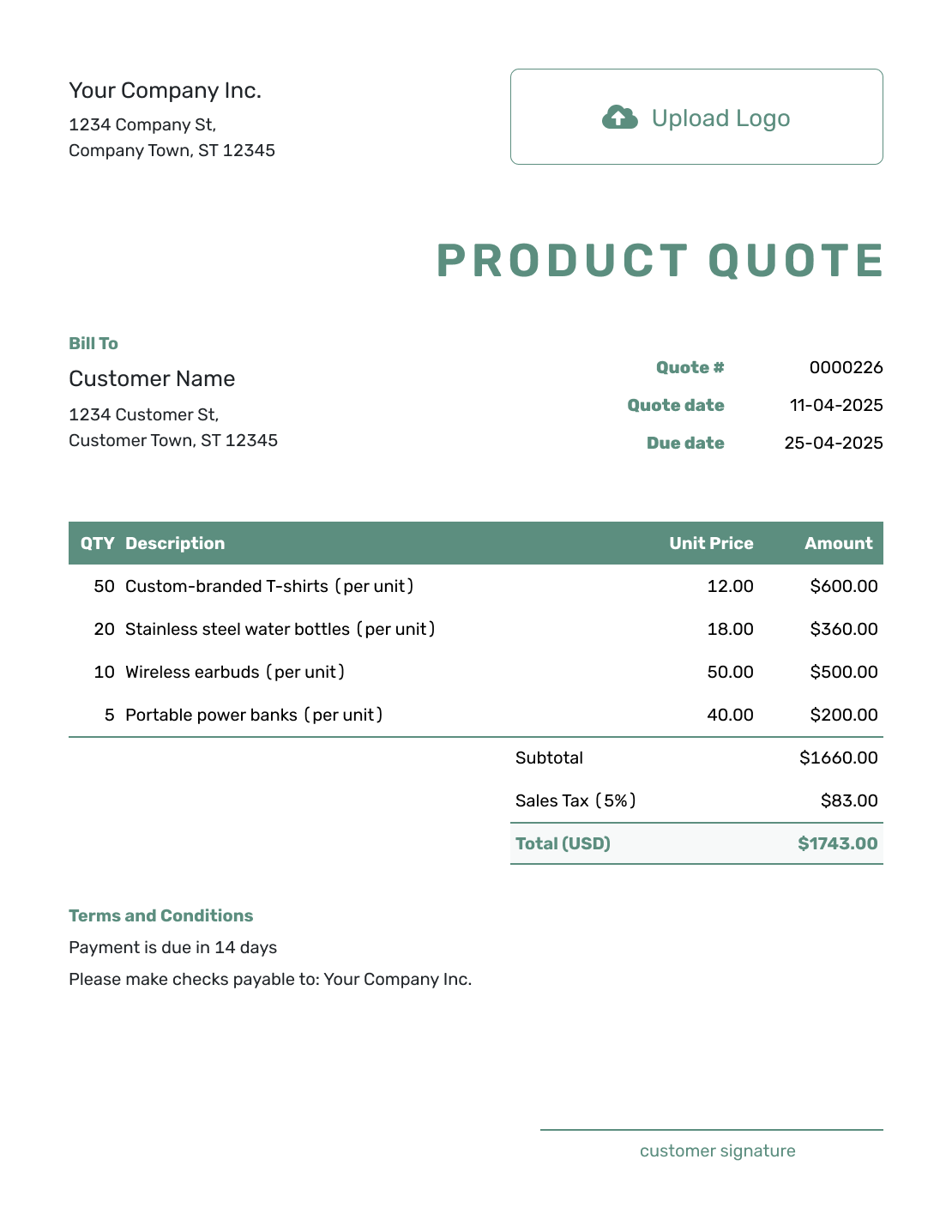
Simple Product Quote Template
Create Free Quote -
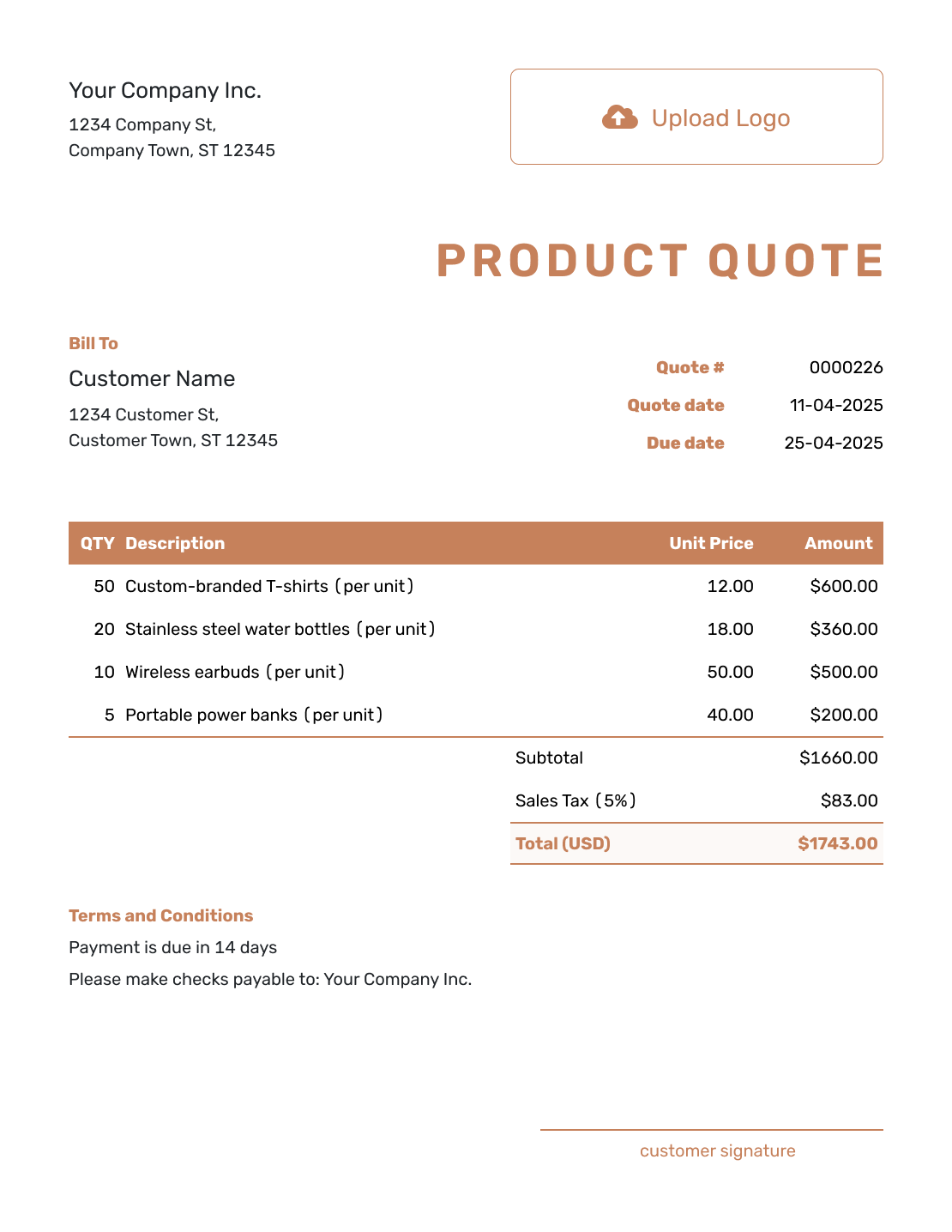
Downloadable Product Quote Template
Create Free Quote -
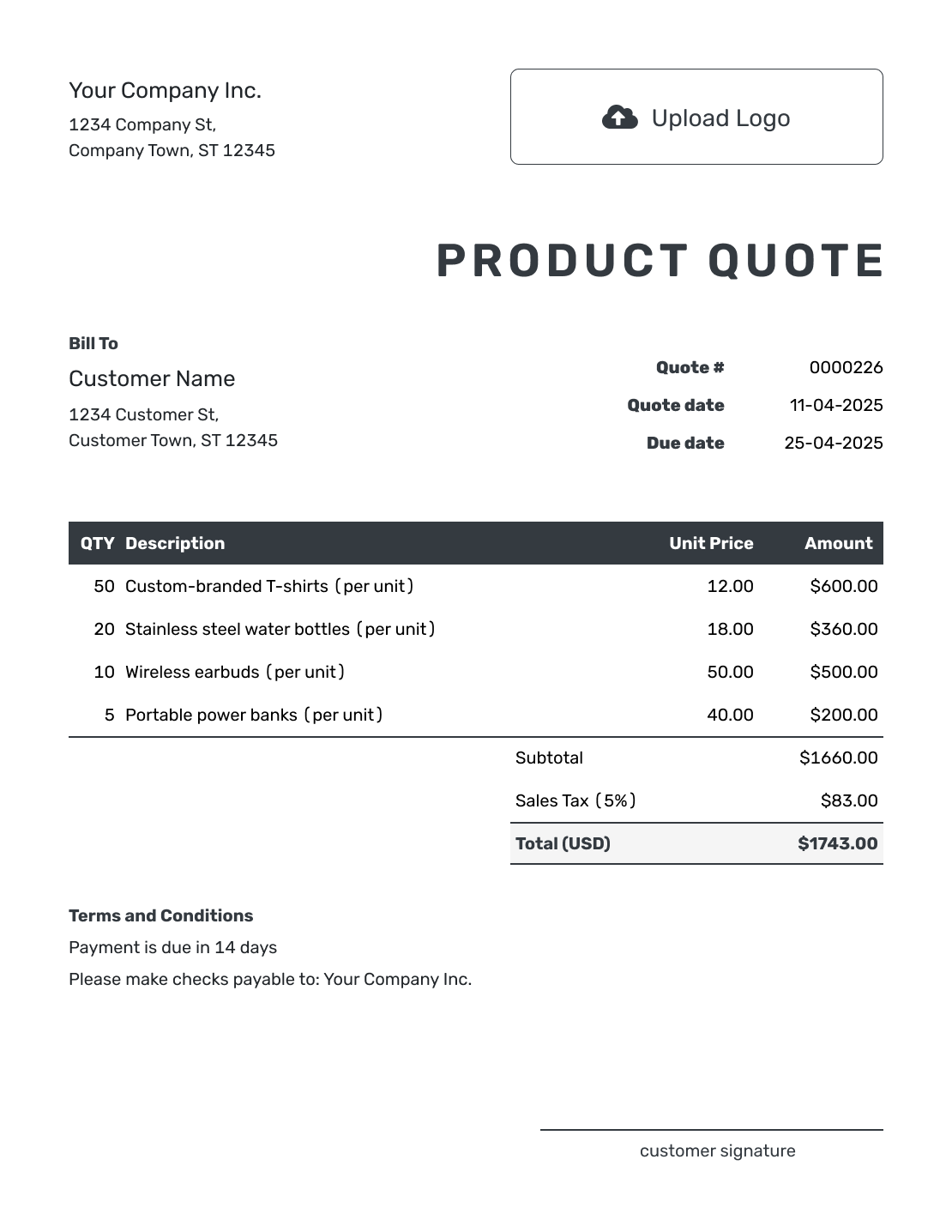
Editable Product Quote Template
Create Free Quote -
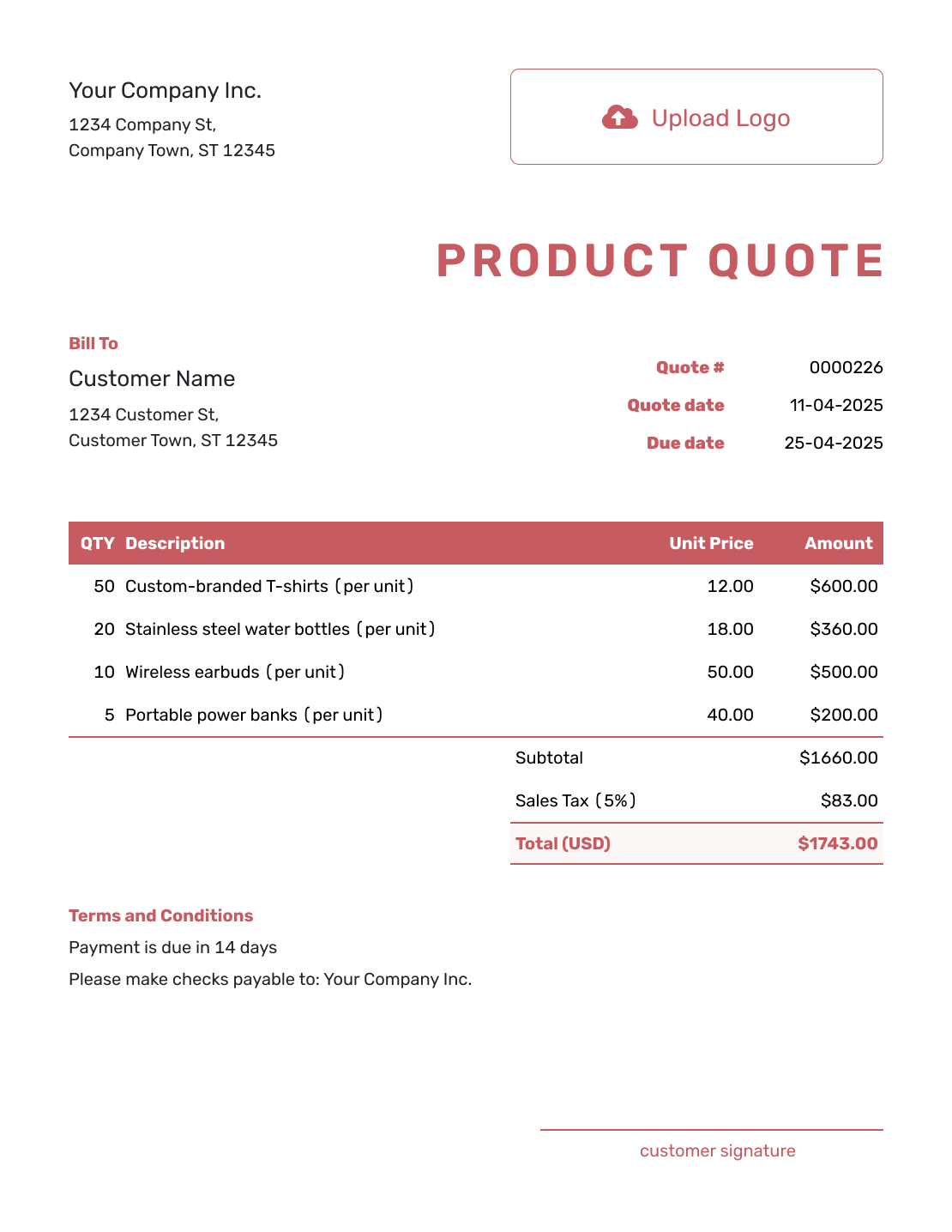
Fillable Product Quote Template
Create Free Quote -
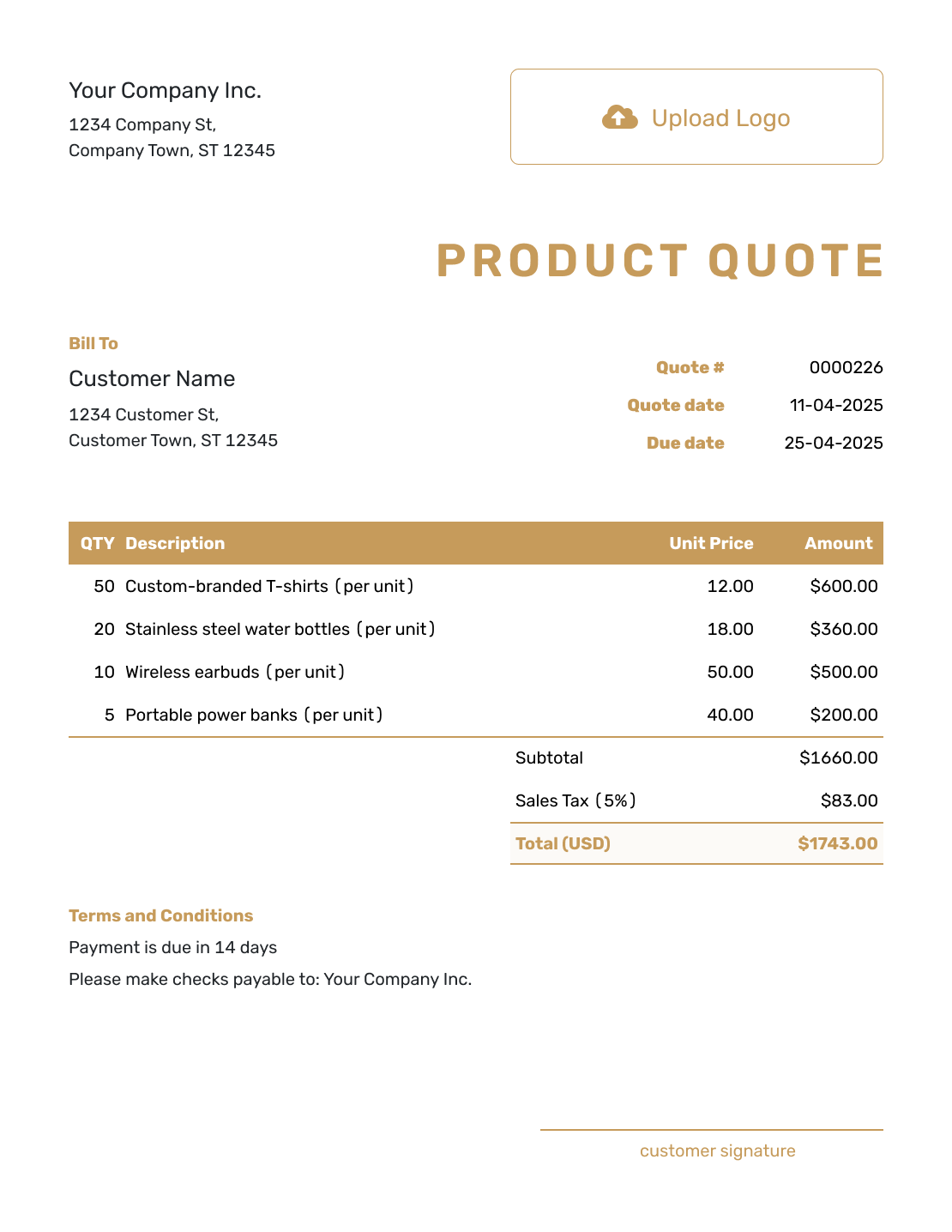
Professional Product Quote Template
Create Free Quote
Product Quote Template File Formats
These pages offer separate document and spreadsheet templates. Word and Google Docs suit a text-led offer; Excel and Google Sheets help you work with quantities and prices. Docelf downloads the finished quote as a PDF.
Related Product, Purchase, and Sales Quote Templates
Use the sales guide for goods with services, the price guide for a straightforward price offer, or the order guide for an agreed set of items. The purchase guide covers a planned order and its complete cost.
After You Send the Product Quote
Your customer can accept or decline an emailed quote online. Check the document history to see whether they opened it; Docelf updates the status and emails you when they respond.
If stock, delivery timing, or the requested quantity changes, update and resend the offer so the customer can confirm the new details. When payment is due, create an invoice from the quote. Docelf copies the customer and item details; check the invoice against the agreed order before sending it.
Product Quote Template FAQs
-
What is a product quote template?
A product quote template is a reusable layout for pricing goods before the customer places an order.
-
How do I create a product quote?
Add your business and customer details, a quote number, issue date, and valid-until date. List the goods with quantities and unit prices, then add any shipping charge as an item. Check applicable tax and the total. Add delivery and payment terms before sending.
-
What product details should I include?
Include the product name and a clear description. Add the model number, SKU, or other specification when the customer needs it to confirm the exact item.
-
How do I quote bulk product orders?
State whether the quantity means individual pieces, packs, or cases, and give the contents of each pack or case. Show any minimum order or volume-discount threshold. Add freight as an item and explain the lead time and price expiry.
-
Should shipping be included in a product quote?
Yes, when you are charging for it. Add shipping, delivery, or freight as an item with a quantity and price so it contributes to the subtotal. If the cost is not yet known, clearly state that it is excluded and explain when you will confirm it.
-
How do I quote a custom product?
Describe the important specifications and approval steps. Add setup charges and production time when they affect the order. State what can change the price before production begins.
-
What is the difference between a product quote and a price list?
A price list shows standard prices for many products. A product quote is a customer-specific offer for selected goods and delivery terms.
-
Can I turn an accepted product quote into an invoice?
Yes. Create an invoice from the quote when payment is due. Docelf copies the customer, product, and price details; check them against the accepted offer and add the invoice due date.
-
How should I show product availability on a quote?
Describe each item as available, backordered, made to order, or subject to confirmation. Give the expected lead time in the description or Terms and Conditions. Explain how you will agree on a substitute if the item becomes unavailable.
Ready to Send Your Product Quote?
Give the buyer an offer they can check against the products they need.
- Match names, models, quantities, and unit prices
- Set clear availability and delivery terms
- Email the product quote or download a PDF




