Free Purchase Quote Template
Create a professional purchase quote in minutes
Show the products or equipment, quantities, total cost, freight and delivery details. The complete cost and delivery picture helps buyers place the order without another round of questions.
Email, print or download your quote as a PDF.
14-day free trial. No credit card required.

Price the job. Send the quote. Get back to work.
Purchase Quote Template Examples
Browse these previews for layout and wording ideas. Each opens the same quote editor, where you can add the buyer's requested items and style your own quote.
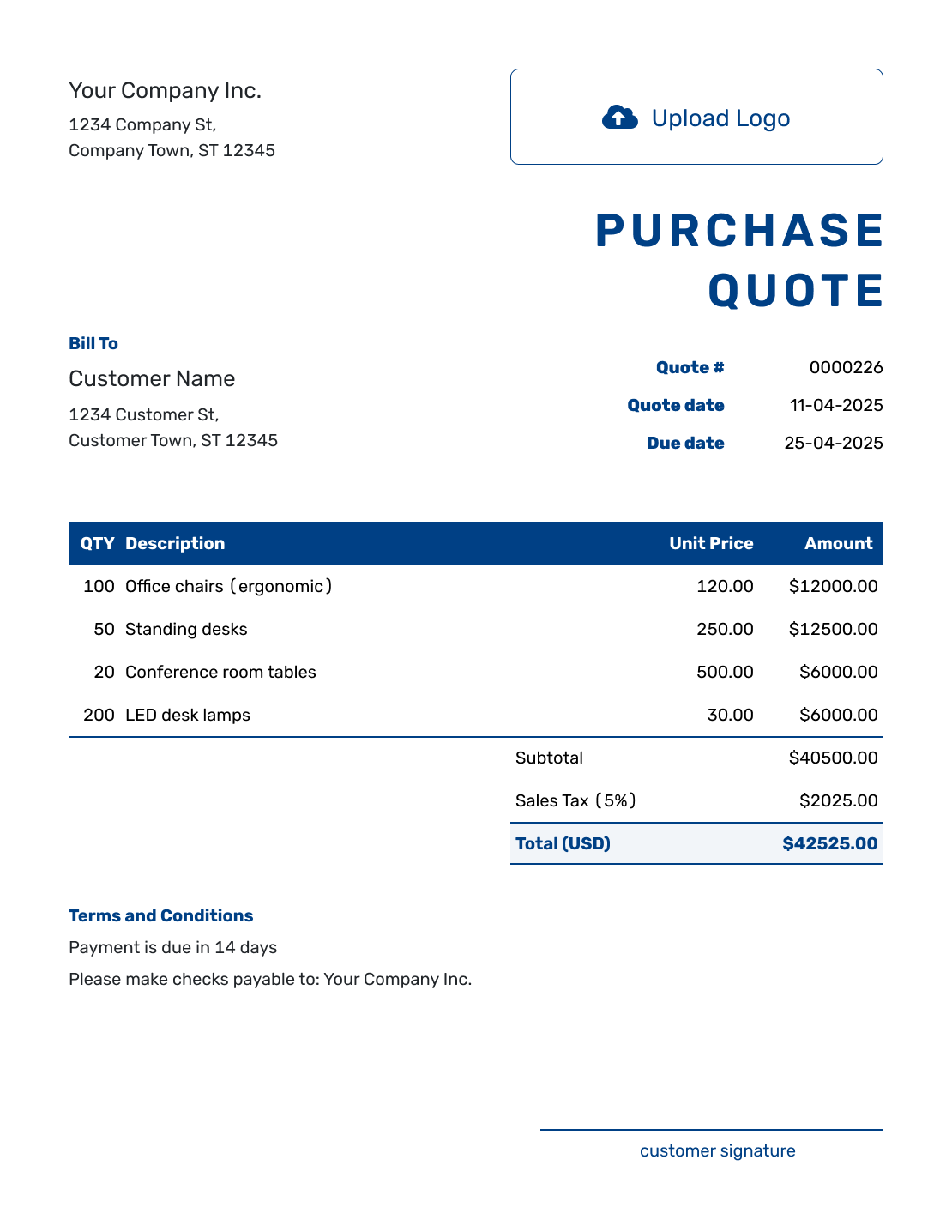
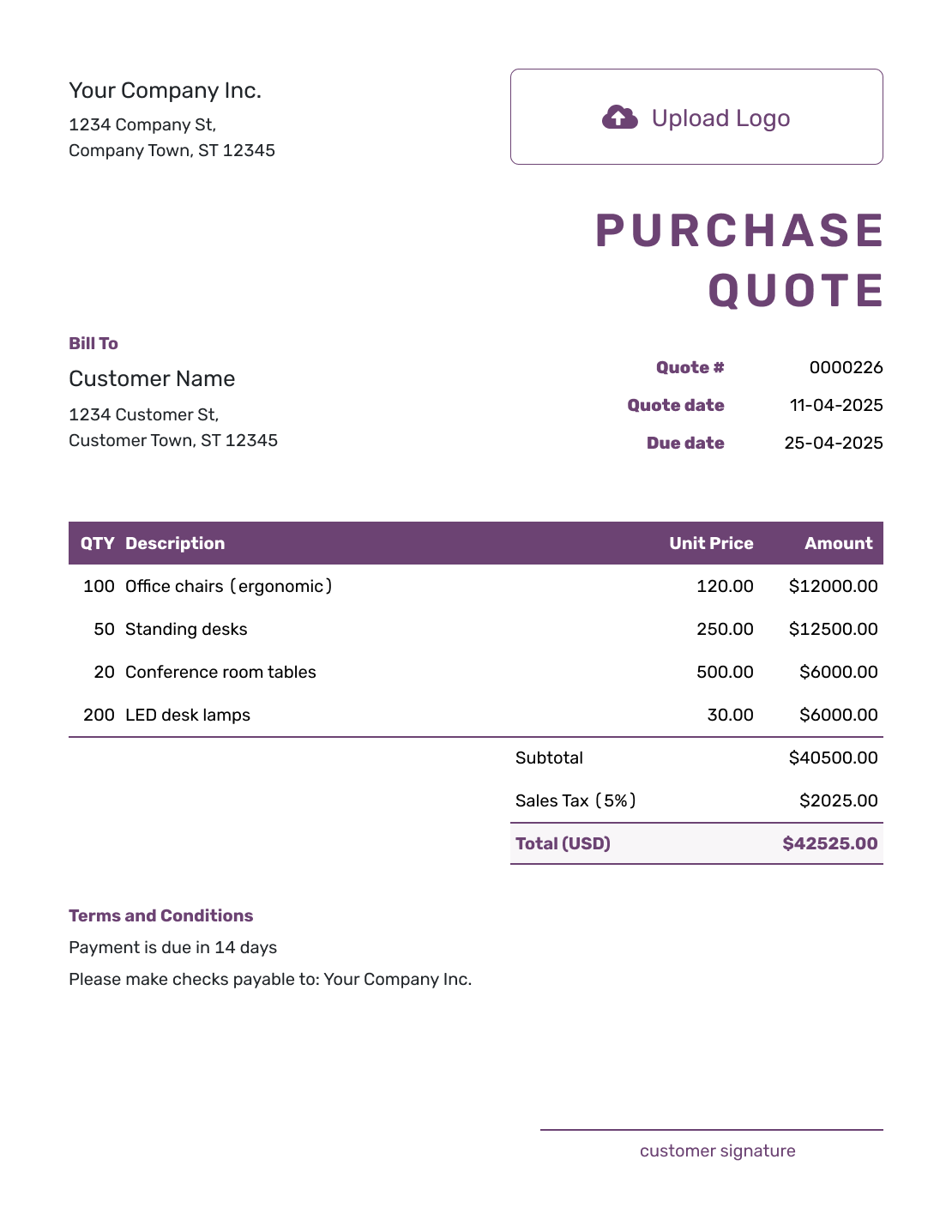
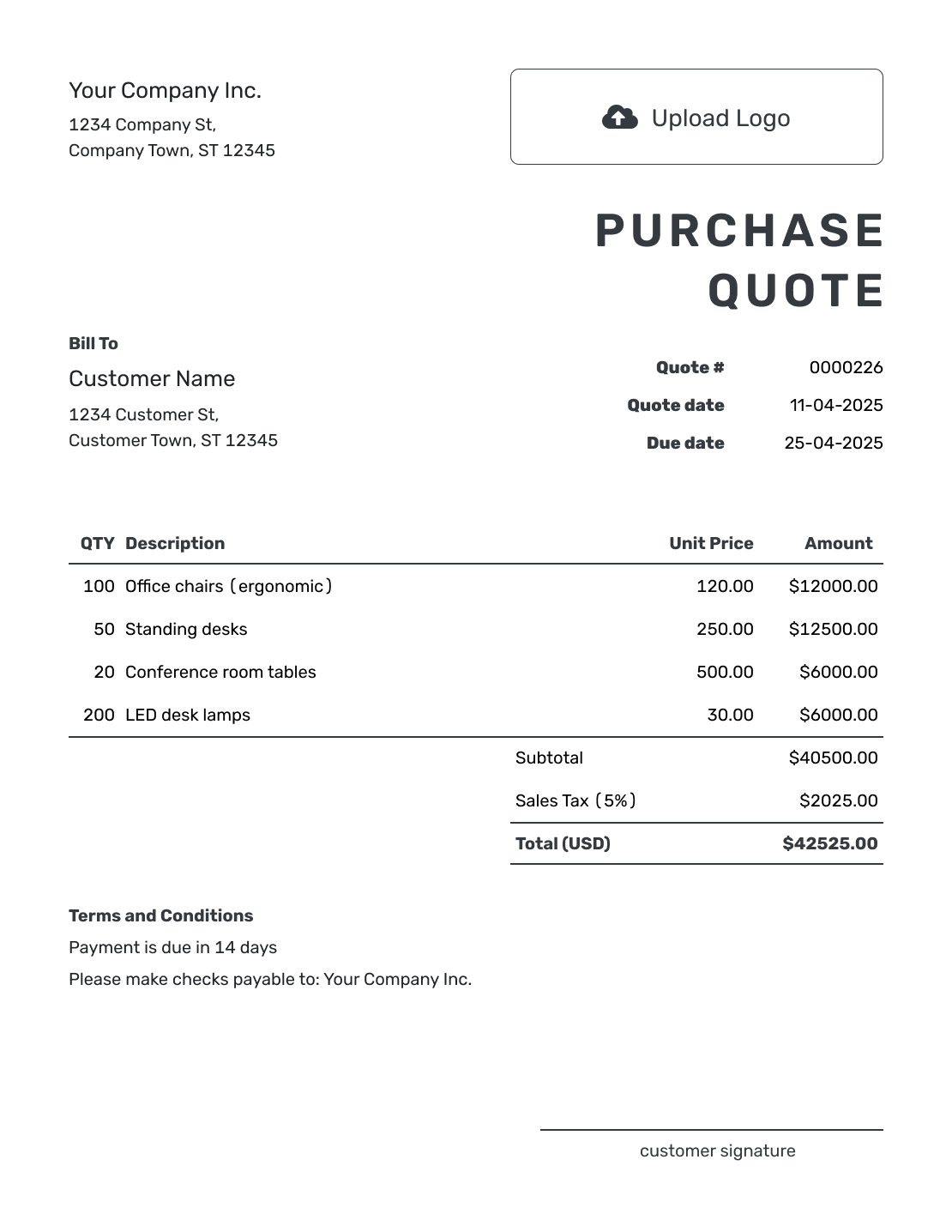
Price the Order Before the Buyer Commits
A purchase quote is a seller's written offer for items a customer or business wants to order. Use it for materials, supplies, stock, or equipment when you can offer a specific price for the requested quantities.
The quote comes from you, the seller. Once the buyer chooses your offer, they may send a purchase order to confirm what they want to buy. For a formal request for quotation (RFQ) response, use the vendor quote template.
Purchase Quote, Vendor Quote, or Purchase Order?
Purchase and vendor quotes are both seller offers. A purchase order comes from the buyer; choose the resource that fits your part in the sale.
Purchase Quote
The seller sends a purchase quote to price the items a buyer wants to order before the order is confirmed.
Vendor Quote
A vendor quote responds to a buyer request or RFQ and often includes alternates, availability, freight, and lead time.
Purchase Order
The buyer sends a purchase order after choosing what to buy. It authorizes the agreed items, prices, and delivery terms.
The seller sends an invoice when payment is due after the purchase is approved or fulfilled.
How to Create a Purchase Quote
Start with the items the buyer wants to order. Match the descriptions and quantities, then make the complete cost and delivery terms easy to check.
- Business Details: Enter your business name and contact details.
- Logo: Add your logo if you want the quote to match your sales documents.
- Buyer: Add the buyer's company and contact details.
- Quote Details: Check the quote number and date. Set a valid-until date for the offer.
- Requested Items: List the products, quantities, and unit prices. Add freight as its own item and apply any tax.
- Delivery and Terms: Use Terms and Conditions for the request reference, delivery details, and payment terms.
- Review and Send: Add signature fields if useful. Review the offer and total, then email the quote or download a PDF.
How to Fill In Purchase Quote Line Items
Use a description the buyer can match to their request, including the model, size, or finish when it matters. Make the pricing unit clear: one desk, one box, or one pallet. A separate freight item keeps the delivery charge in the subtotal.
This fictional office furniture order is priced in US dollars. The example applies an illustrative 8% sales tax to all three items; use the tax treatment that applies to your sale.
| QTY | Description | Unit Price | Amount |
|---|---|---|---|
| 12 | Stacking visitor chair — black fabric, each | $95.00 | $1,140.00 |
| 6 | Office desk — 48 × 24 in., oak finish, each | $180.00 | $1,080.00 |
| 1 | Freight to the buyer's office loading area | $120.00 | $120.00 |
| Subtotal | $2,340.00 | |
| Sales Tax (8% illustrative) | $187.20 | |
| Quote Total | $2,527.20 |
What to Include in Purchase Quote Terms
The prices tell the buyer what the order costs. The Terms and Conditions field explains how you will supply it. Include the buyer's request reference, delivery location and method, expected lead time, and when payment is due.
Use only conditions you actually offer. If stock is not reserved until the order is confirmed, say so. The sample below adds delivery and payment details to the furniture quote; adapt it to your agreement.
Example: Terms and Conditions
- Prices are valid for 14 days from the quote date. Please reference purchase request PR-204 when ordering.
- Freight covers delivery to the loading area at 18 Maple Street. Assembly and placement inside the office are not included.
- Expected delivery is 5–7 business days after order confirmation. Stock availability will be confirmed when you order.
- Payment is due within 30 days of the invoice date. Any product substitutions need the buyer's approval.
Create a Purchase Quote Ready for the Buyer
Add the requested products and a separate freight item. Docelf calculates the total, ready for you to review and send to the buyer.
Show the Complete Order Cost
The quoted price depends on the order size and delivery arrangement. These are the details to settle before the buyer says yes.
Requested Quantities
Match the buyer's requested units. If you sell in boxes of 20, say how many boxes the price covers. Note minimum orders and any quantity you cannot supply.
Volume Pricing
Show the unit price or volume discount for the quoted quantity. Put a different order size in a separate quote or a clearly labeled note so it does not increase this order's total.
Freight and Delivery
Price a known freight charge as an item. If it is estimated, excluded, or billed separately, explain that before the buyer accepts. Confirm the delivery location and shipping method.
Price and Availability
Add a valid-until date and explain whether stock or lead time can change before the order is placed.
More Purchase Quote Layouts
-
Blank Purchase Quote Template
Create Free Quote -
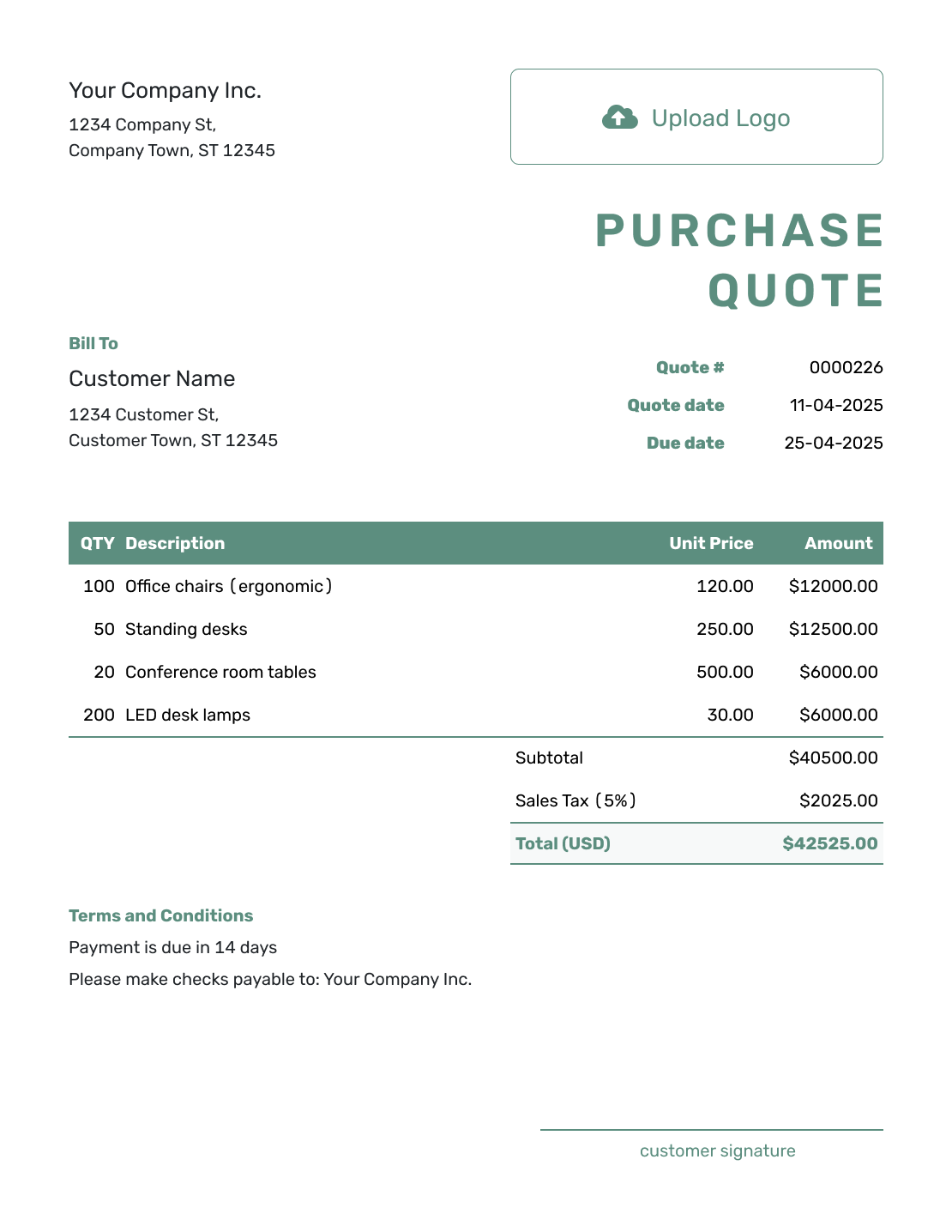
Simple Purchase Quote Template
Create Free Quote -
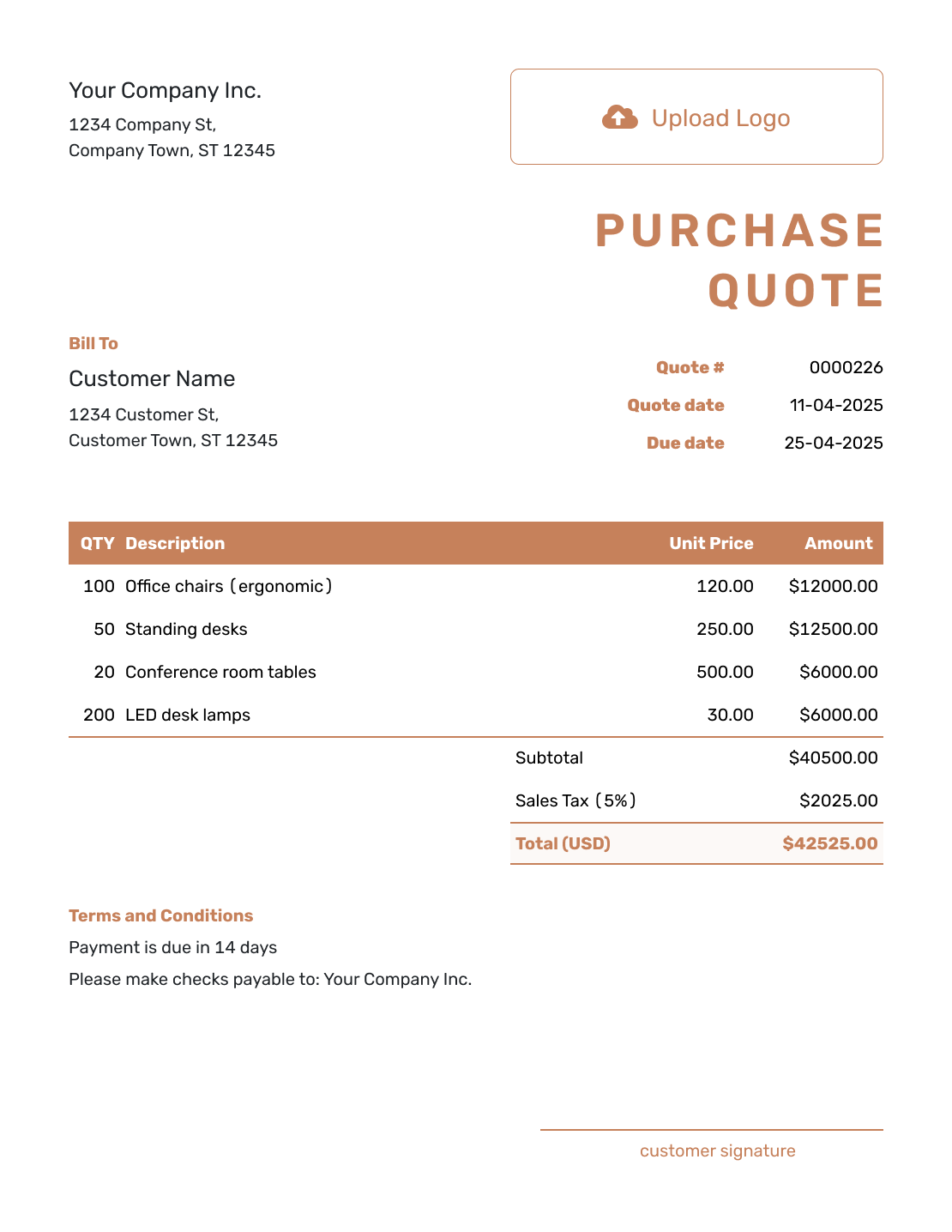
Downloadable Purchase Quote Template
Create Free Quote -
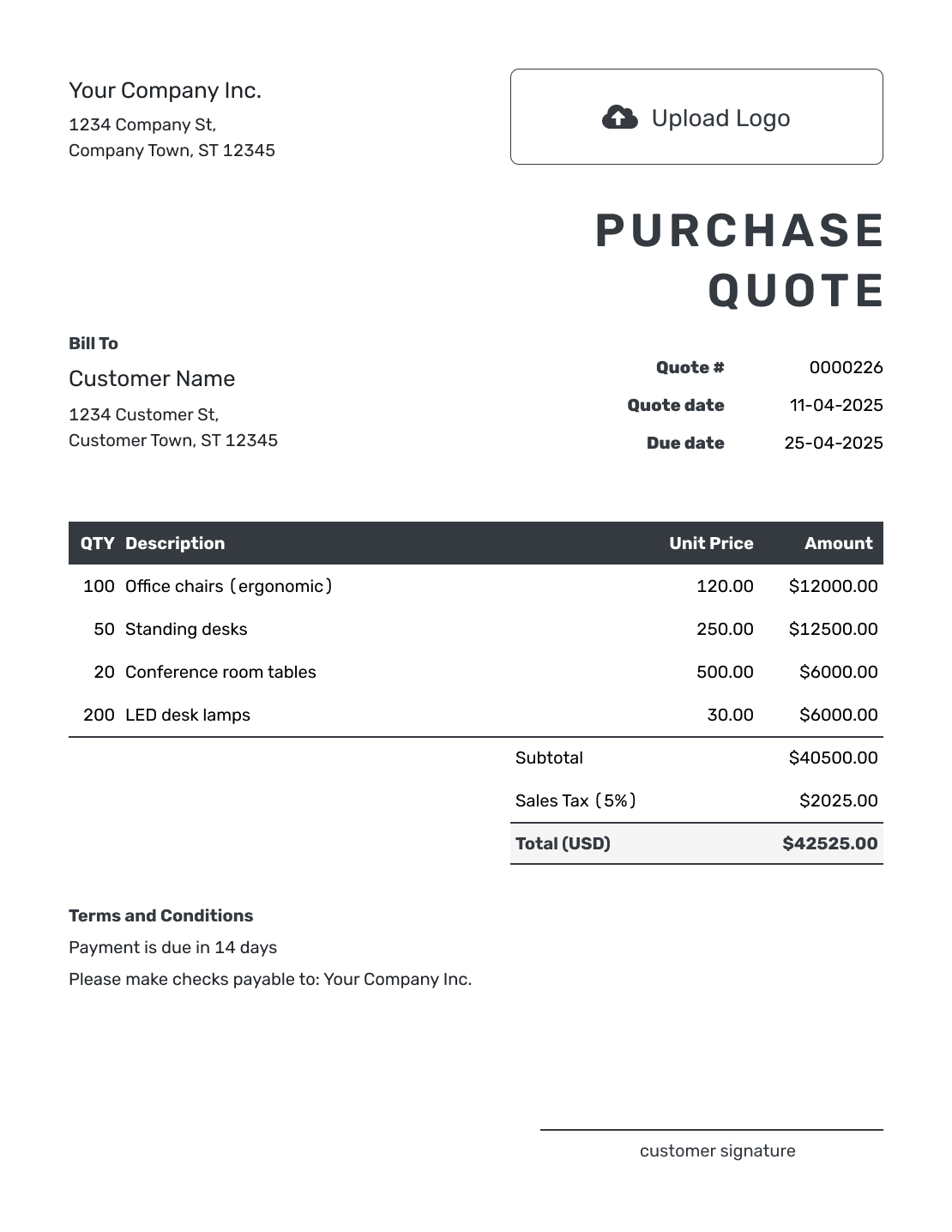
Editable Purchase Quote Template
Create Free Quote -
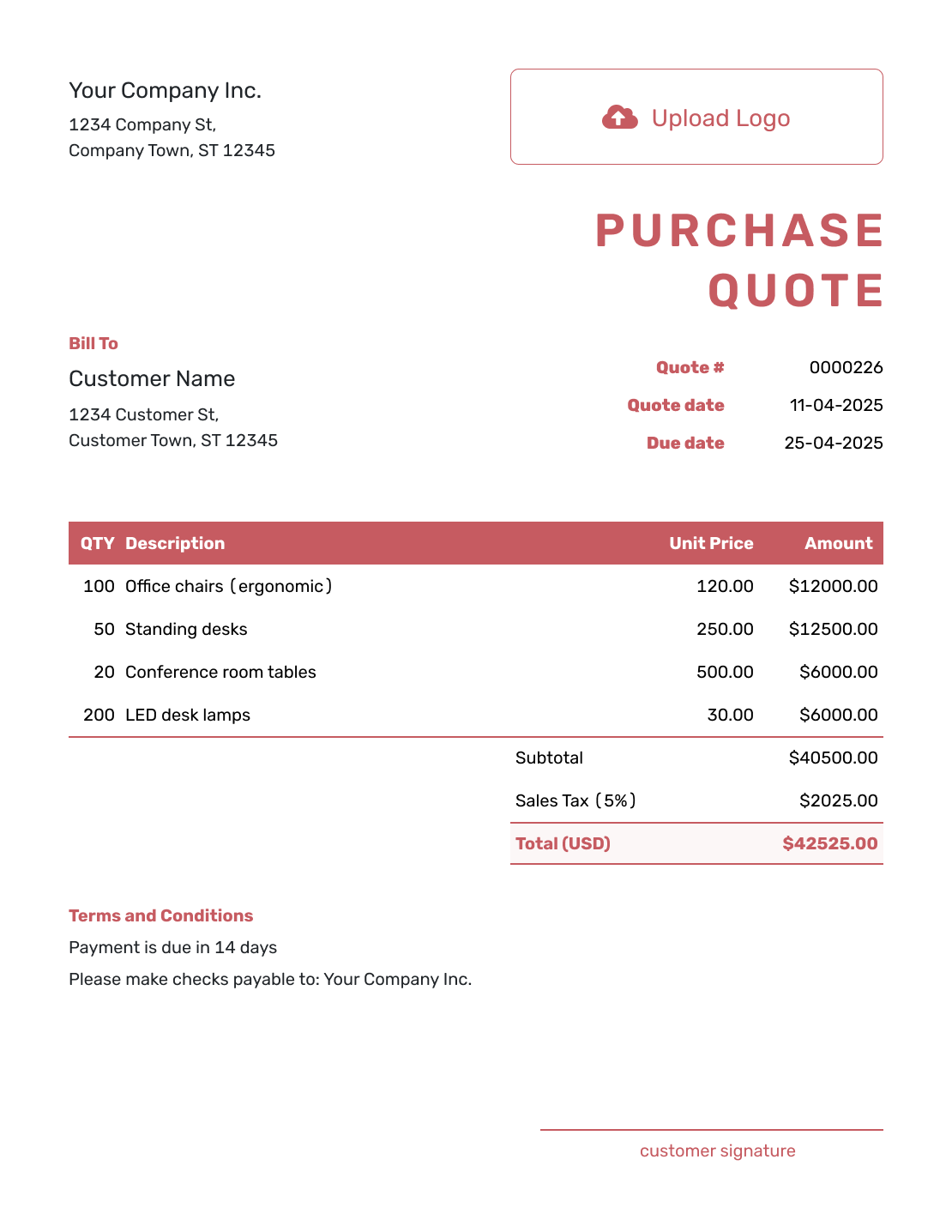
Fillable Purchase Quote Template
Create Free Quote -
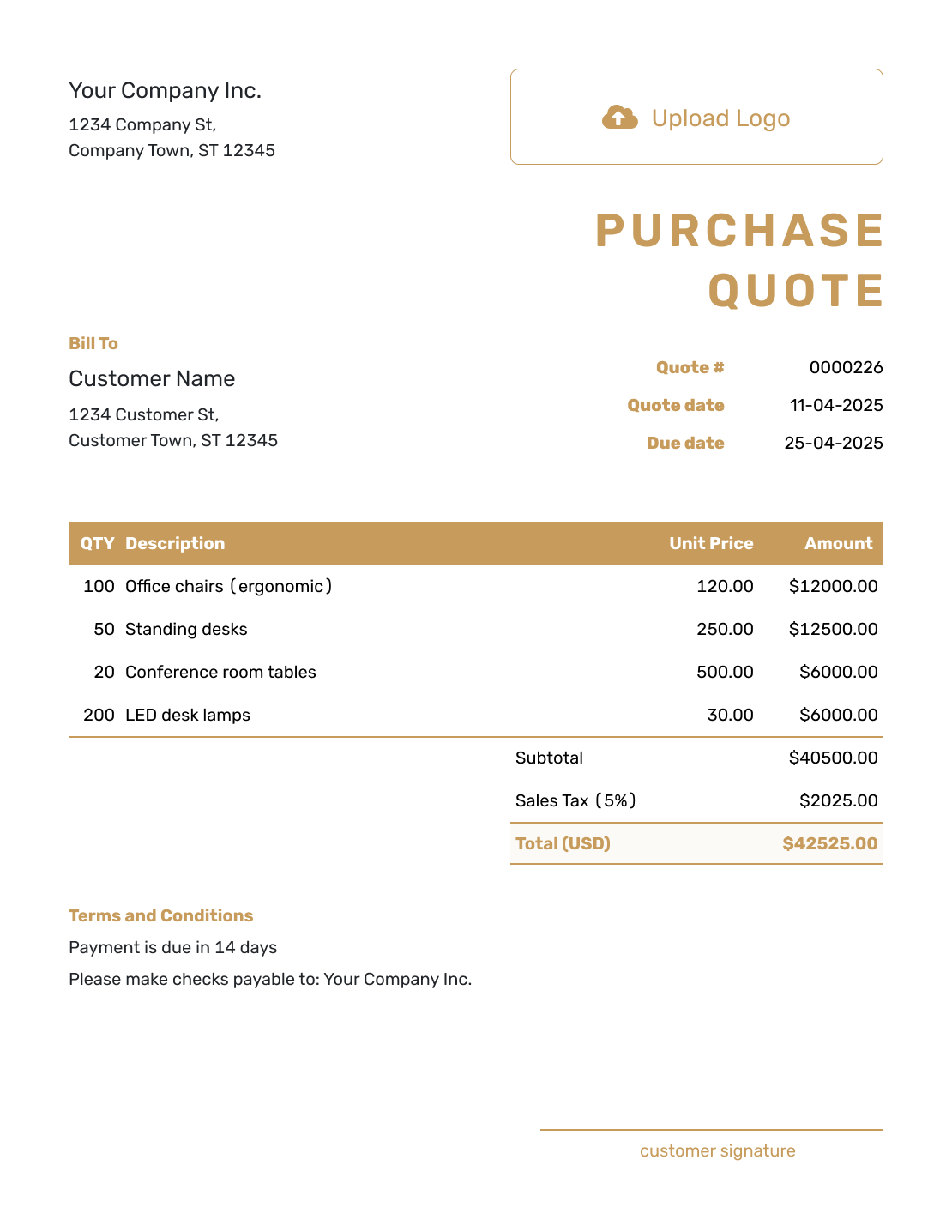
Professional Purchase Quote Template
Create Free Quote
Purchase Quote Template File Formats
Prefer an editable file? Choose the format that best fits how you list quantities, compare prices, calculate totals, and share the offer.
Related Purchase and Supplier Templates
Choose the page that matches whether you are pricing an order, answering a procurement request, quoting products, or moving to a purchase order.
Purchase Quote Template FAQs
-
What is a purchase quote template?
A purchase quote template is a reusable seller layout for pricing the items a customer or business wants to order. It lists the proposed order details before the order is placed.
-
Who sends a purchase quote?
The seller sends the purchase quote to the buyer. It gives the buyer a price to review before placing the order.
-
Is a purchase quote the same as a purchase order?
No. The seller sends a purchase quote to offer prices and terms. The buyer sends a purchase order to confirm and authorize the purchase after choosing the offer.
-
What should I include in a purchase quote?
Include the buyer and seller details, quote number, date, and valid-until date. Identify the requested items with quantities, units, and prices. Add freight as a separate item when charged, then check tax and the total. Use Terms and Conditions for the request reference, delivery details, and payment terms.
-
How do I show volume pricing?
Show the unit price or volume discount for the requested quantity. If a larger order gets a different price, send a separate quote or explain that alternative in a labeled note. Do not add both quantities as payable items unless the buyer is ordering both.
-
Should freight be included in a purchase quote?
Include known freight as a line item so it contributes to the subtotal. If freight is estimated, excluded, or billed separately, say so clearly. Confirm the delivery location and shipping method before the buyer accepts.
-
How long should a purchase quote be valid?
Use a valid-until date that fits how often your prices, inventory, or freight costs change. Explain that availability and lead time may need to be confirmed when the buyer orders.
-
Can I turn an accepted purchase quote into an invoice?
Yes. When you are ready to bill, create an invoice from the quote in Docelf. It copies the relevant buyer, item, quantity, price, and document details so you can review the invoice without entering them again.
-
Can the buyer create a purchase order from the purchase quote?
The buyer can prepare a separate purchase order using your quote as a reference. This is not an automatic quote-to-purchase-order conversion in Docelf. Check that the buyer's order matches the agreed items, quantities, prices, and delivery terms.
Ready to Send the Purchase Quote?
Give the buyer a complete quote before they place the purchase order.
- Match item descriptions, quantities, and unit prices
- Show availability, freight, and delivery terms
- Email the purchase quote or download a PDF




