Free Vendor Quote Template
Create a professional vendor quote in minutes
Mirror the buyer's item names and reference numbers so your offer lines up with their request. That small step makes comparison easier and helps buyers place the order with you.
Email, print or download your quote as a PDF.
14-day free trial. No credit card required.

Price the job. Send the quote. Get back to work.
Vendor Quote Template Examples
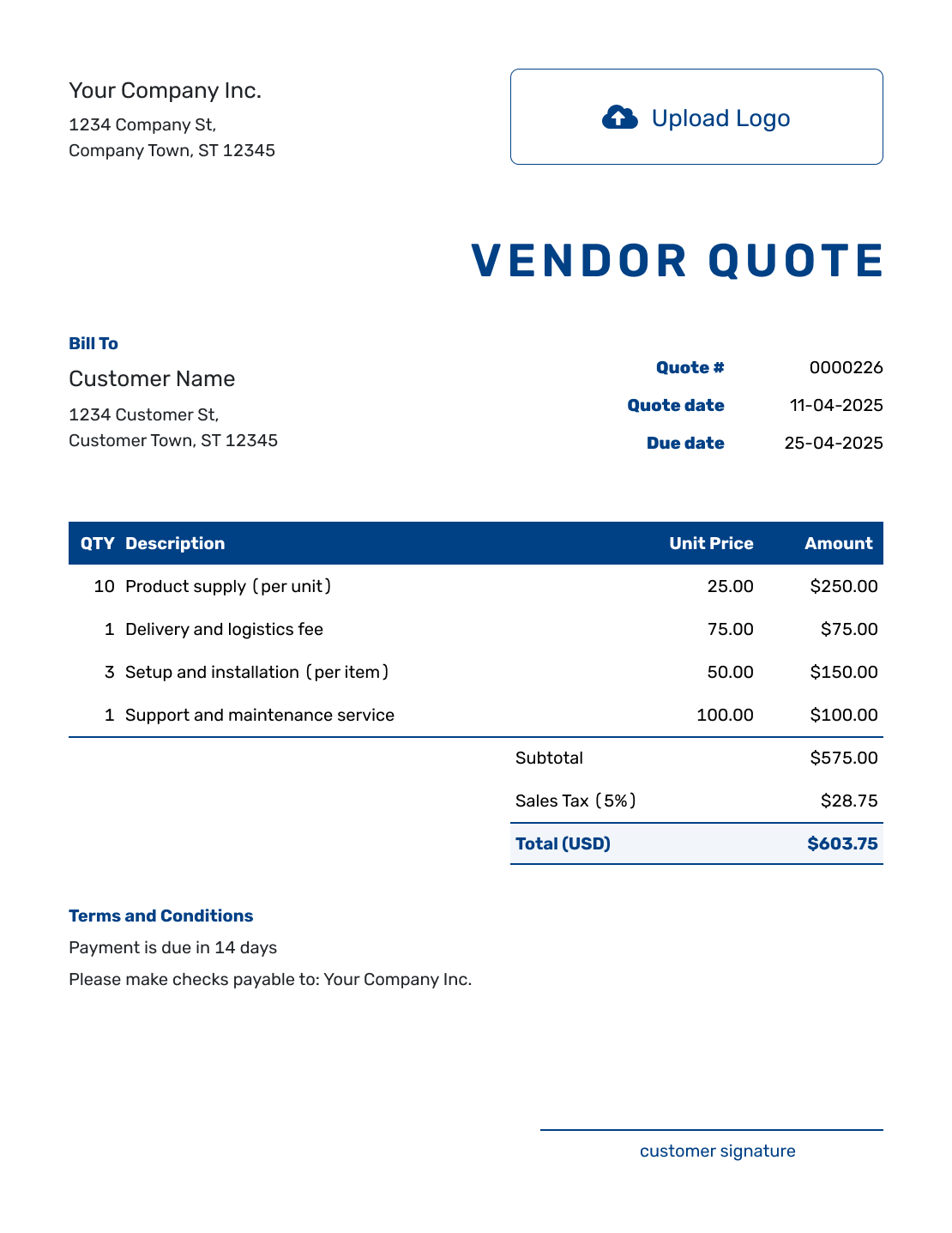
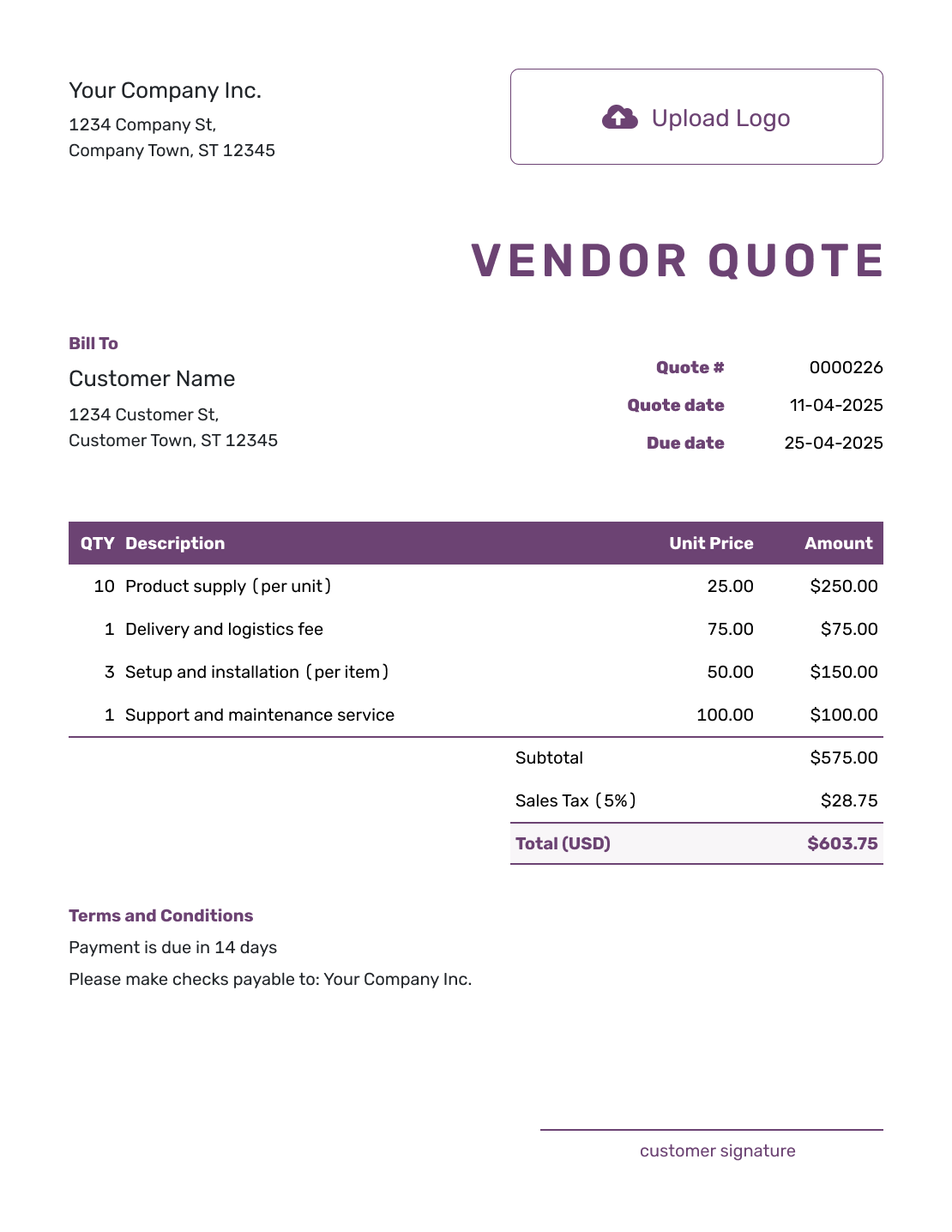
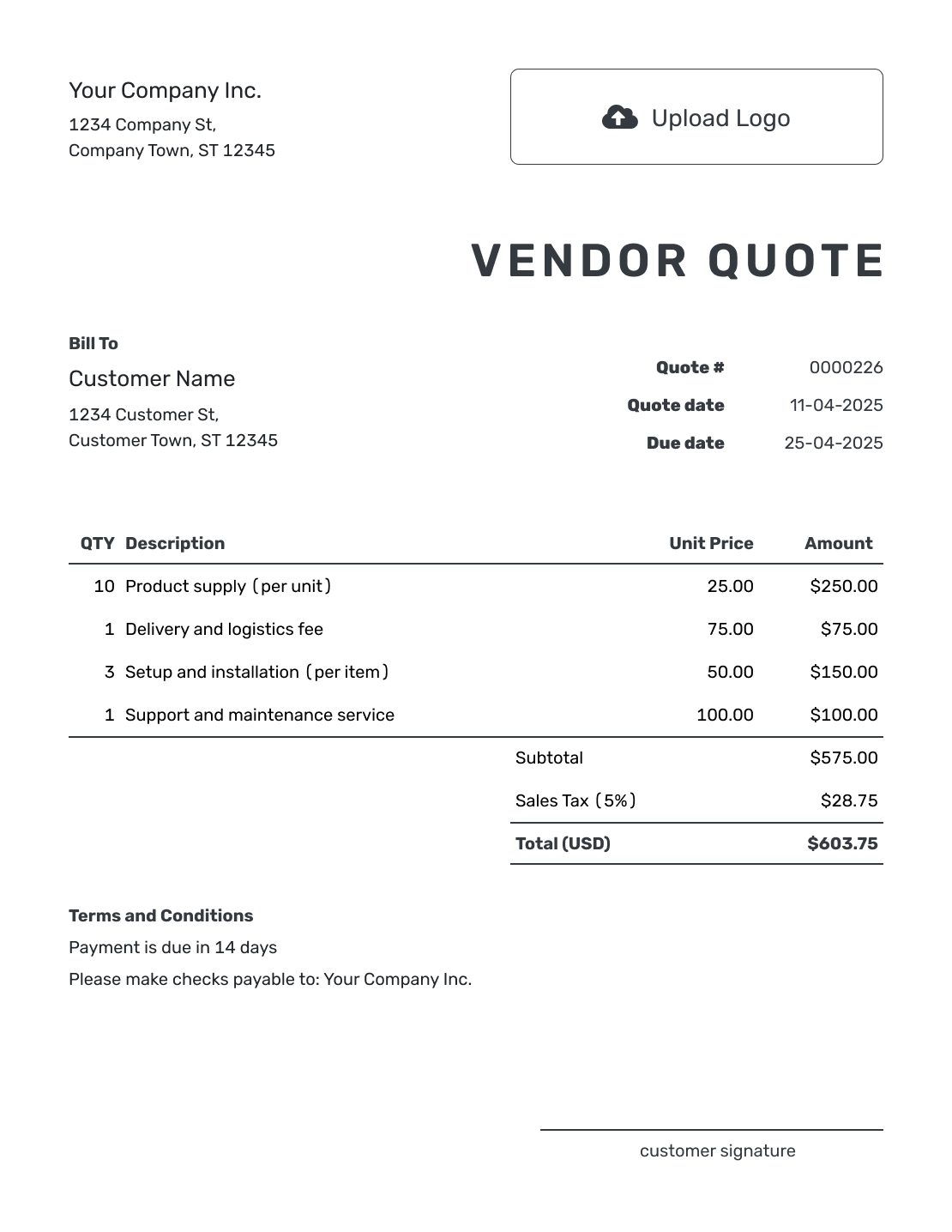
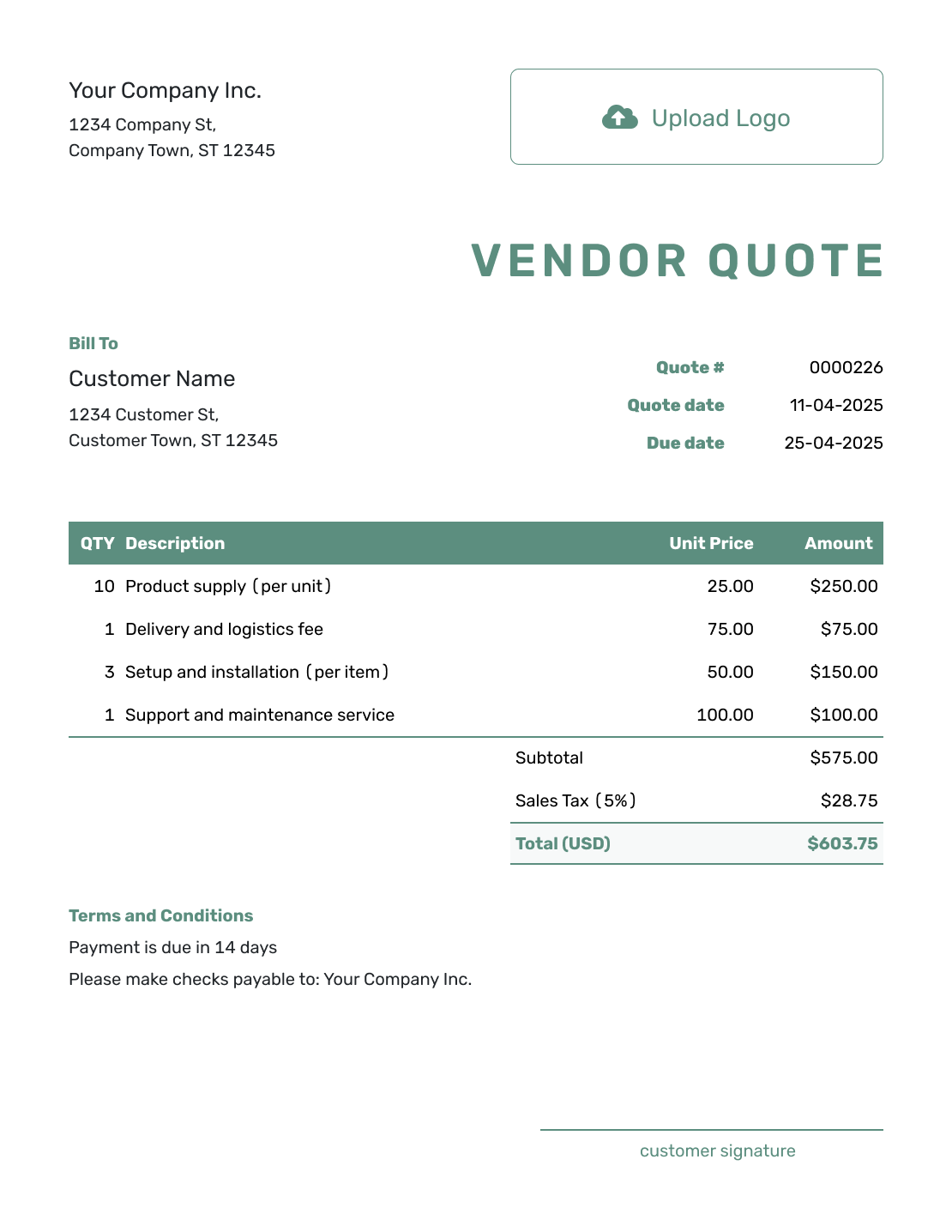
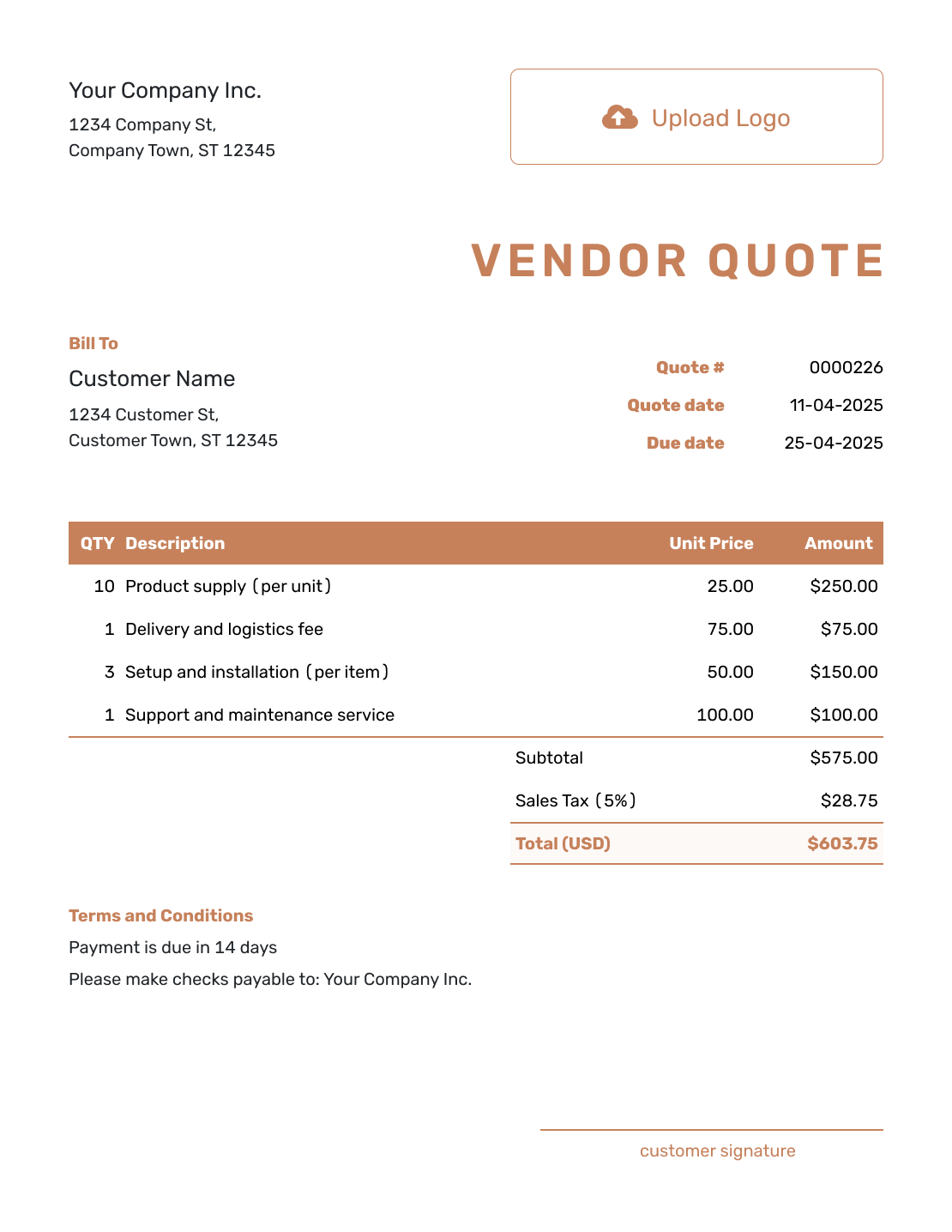
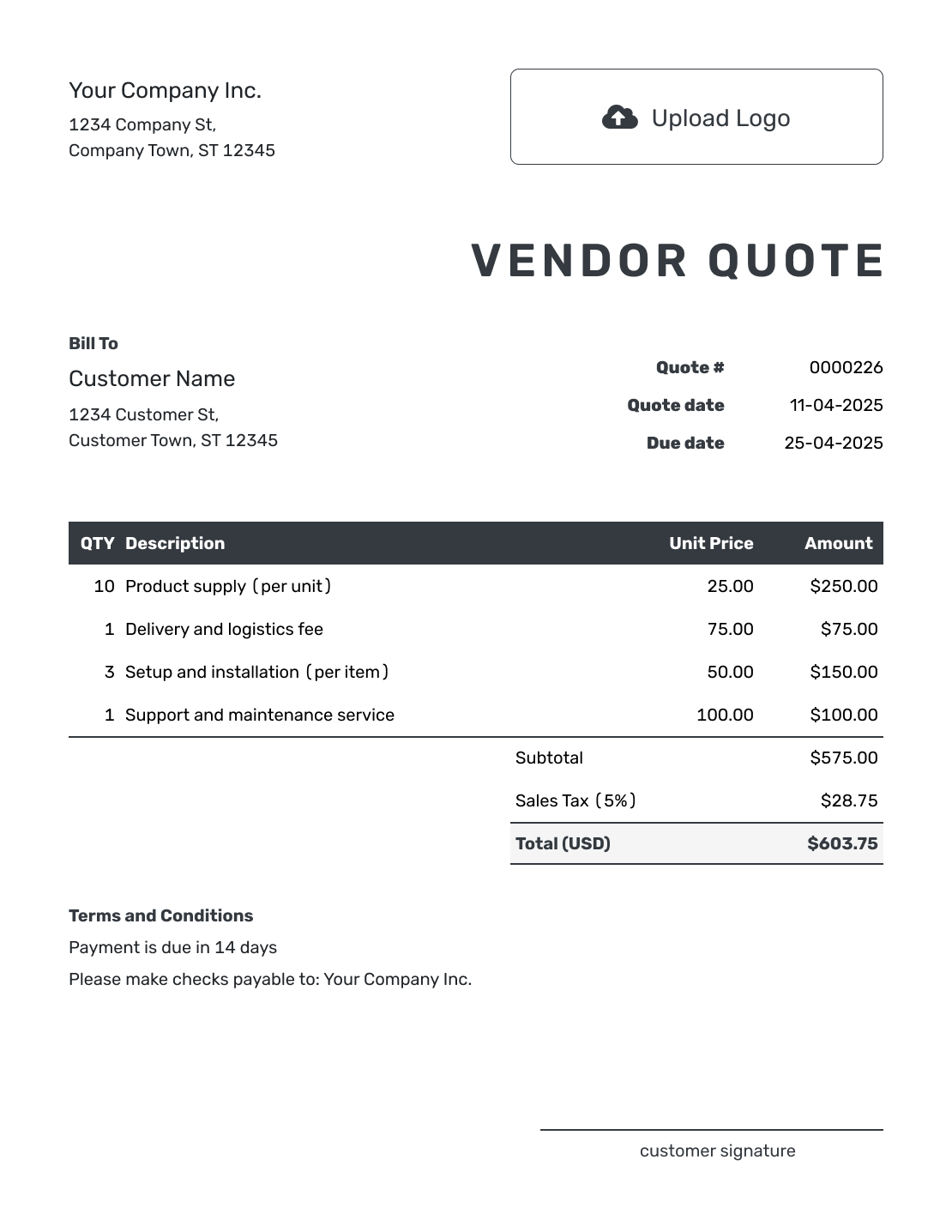
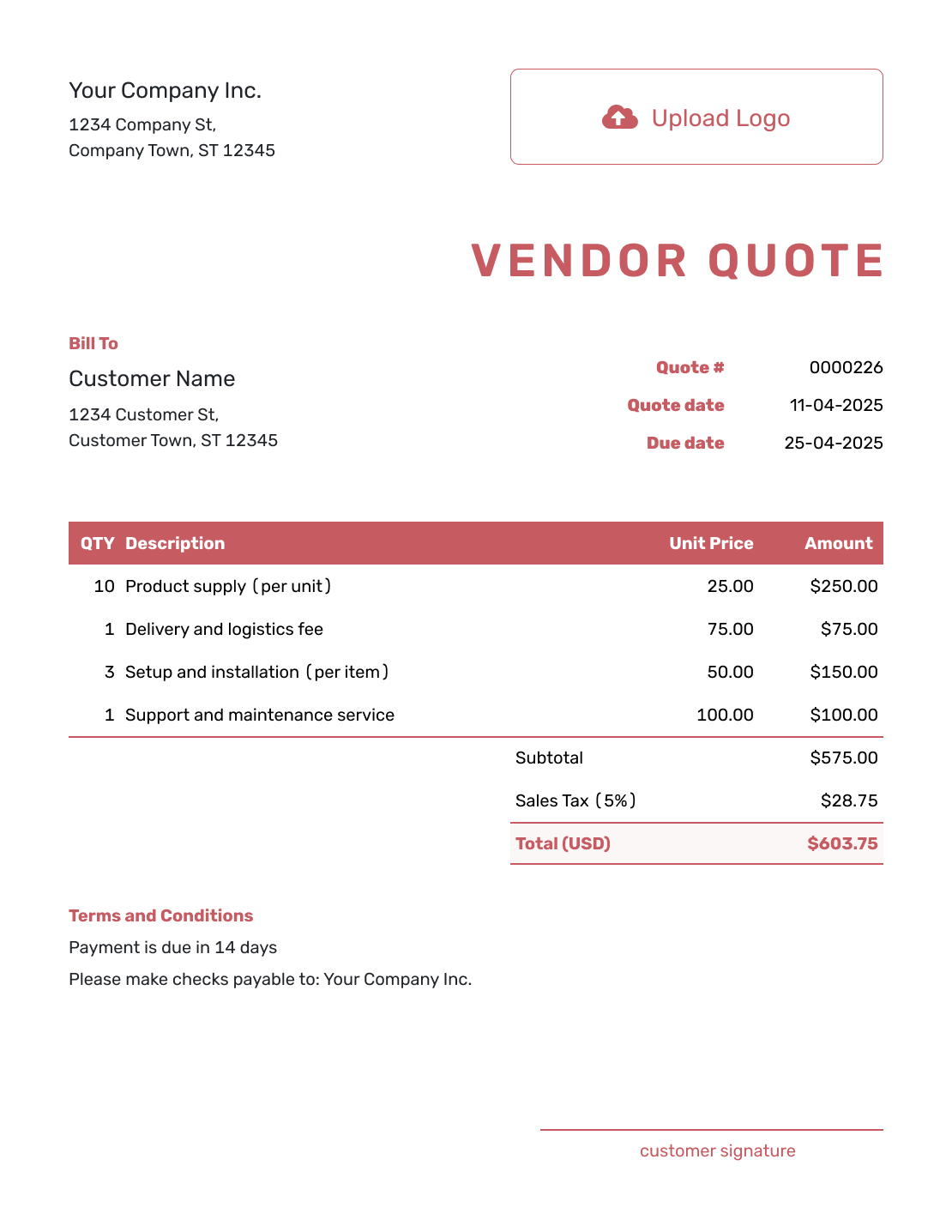
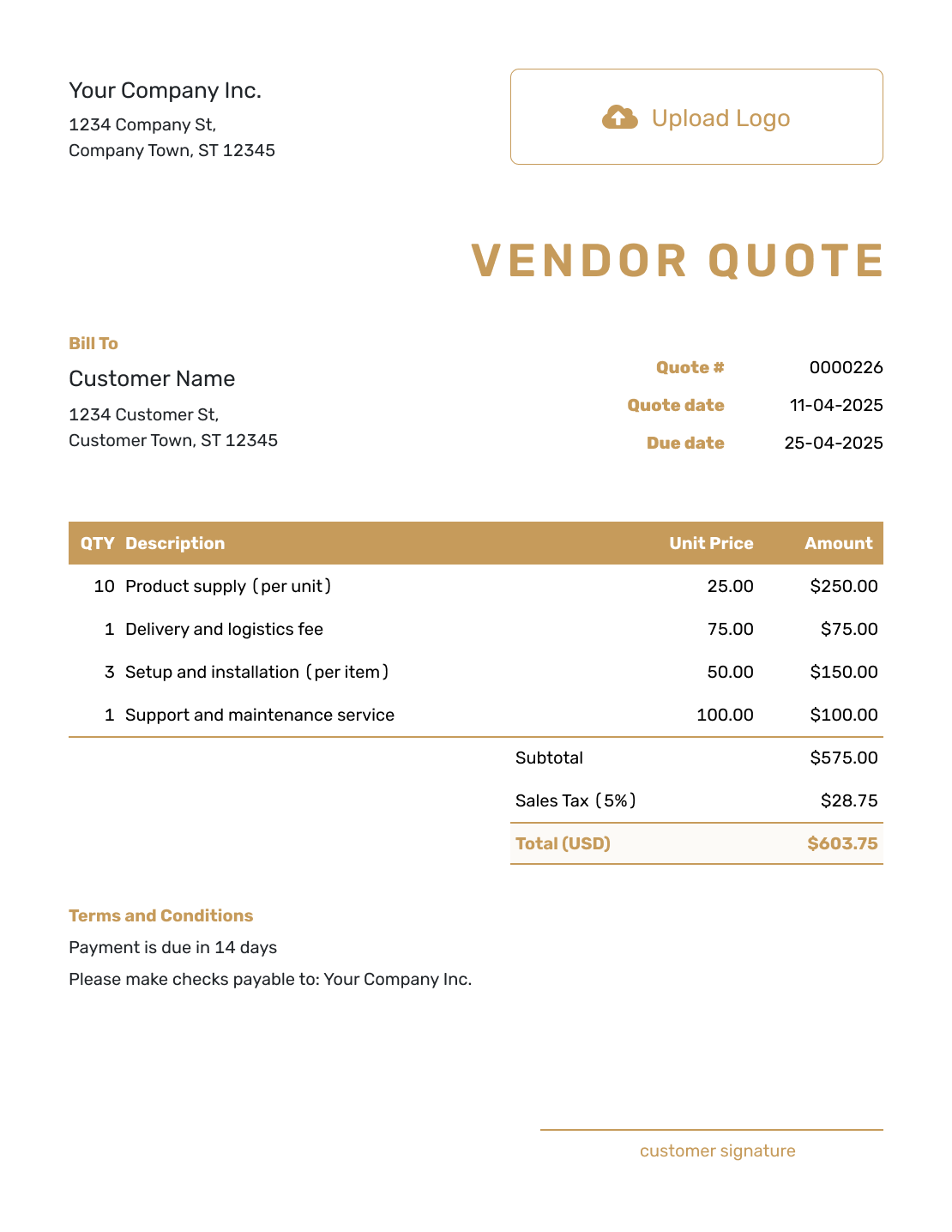
Use these previews for layout ideas before adding your own offer. Every preview opens the quote editor, where you can replace the sample details and choose your style.
What Is a Vendor Quote?
A vendor quote is a supplier's written offer to provide goods or services at stated prices and terms. It often responds to a request for quotation (RFQ), where a buyer asks suppliers to price the same items or work.
Keep the buyer's item references and units of measure in your response. That lets the buyer check your offer against the request, even when your own product codes differ.
How to Create a Vendor Quote
Work from the buyer’s request as you fill in the quote. Keep the requested references beside your item descriptions; use Terms and Conditions for supply details that apply to the whole offer.
- Vendor Details: Add your business name and contact details.
- Your Logo: Add the logo used on your sales documents.
- Buyer: Add the buyer's company and contact details.
- Quote Number and Dates: Check the quote number, issue date, and valid-until date.
- Match the Request: Add the requested items, references, quantities, and unit prices. Include charged freight as an item.
- Check the Total: Check the subtotal, applicable tax, and quote total calculated by Docelf.
- Terms and Sending: Add supply details in Terms and Conditions. Review, then email the quote or download a PDF.
How to Fill In Vendor Quote Line Items
A price per box is different from a price per individual part. State the pack size and the unit you are pricing, and keep the buyer’s line reference in the description. Give any charged delivery service its own item row so it is included in the subtotal.
This fictional response to RFQ-248 quotes workshop fasteners in US dollars. The buyer requested 1,200 bolts and 1,200 matching nuts, supplied as 12 boxes of 100 each. An illustrative 8% tax applies to all three charges; use the tax treatment that applies to your sale.
| QTY | Description | Unit Price | Amount |
|---|---|---|---|
| 12 | RFQ-248, line 1: M8 × 40 mm galvanized hex bolts — box of 100 | $18.00 | $216.00 |
| 12 | RFQ-248, line 2: M8 galvanized hex nuts — box of 100 | $9.00 | $108.00 |
| 1 | Local delivery to the buyer’s workshop | $36.00 | $36.00 |
| Subtotal | $360.00 | |
| Sales Tax (8% illustrative) | $28.80 | |
| Quote Total | $388.80 |
What to Include in Vendor Quote Terms
Use the Terms and Conditions field to explain when you can supply the goods or services and what the buyer needs to do next. Include a vendor or account number if the buyer uses one, along with the RFQ reference and delivery location.
Keep the wording specific to your offer. State when the lead time starts, how long the price is valid, and when payment is due. Add minimum quantities, exclusions, substitution limits, or warranty details only when they apply to your business. Check any warranty or other regulated terms against local requirements.
Example: Terms and Conditions
- Offer for RFQ-248: 12 boxes of bolts and 12 boxes of nuts, with 100 pieces per box. No substitutions without the buyer’s written approval.
- Prices valid for 14 days from the quote date. Stock availability will be confirmed when the order is placed.
- Delivery to the buyer’s workshop within five business days after we confirm the order. The $36.00 delivery charge is included in the quoted subtotal.
- Payment due within 30 days of the invoice date. Please include RFQ-248 on your purchase order.
Create a Vendor Quote Ready for the Buyer
Use the buyer’s request to build your offer. Docelf calculates the total, so you can check the details and send the quote.
Help the Buyer Compare Your Offer
A buyer needs to see where your offer matches the request and where it differs. Keep exceptions easy to find so they can compare the complete offer, not just the unit price.
Request References
Add the RFQ, project, account, or item reference the buyer used. These references help the buyer match your quote to the request and send it to the right reviewer.
Exact Match or Alternate
Match the requested specification. If you offer an alternate, describe the difference and its price separately. Keep optional alternatives out of the main quote total unless the buyer chooses them.
Availability and Lead Time
State what is in stock and what must be produced or scheduled. Give each item its lead time and say whether that period starts at order confirmation or another agreed point.
Freight and Delivery
State the delivery location and method. If you charge freight, add it as a line item. If it is estimated, included in item prices, prepaid, or billed separately, explain that clearly.
Check the Vendor Quote Before Sending
Check the finished offer against the buyer’s request. A missing reference or unclear unit of measure can hold up an otherwise complete response.
- Your vendor or supplier name, address, contact details, logo, and vendor number when relevant
- The buyer company, contact person, billing details, and delivery location
- A quote number, issue date, valid-until date, and RFQ or request reference
- Goods or services, specifications, quantities, units of measure, and approved alternates
- Unit prices, discounts, sales tax, freight, fees, and the total
- Availability, lead time, delivery method, schedule, and minimum order quantities
- Payment terms, warranties, substitutions, exclusions, and other supply conditions
- A clear acceptance or purchase-order step
Vendor Quote, Purchase Quote, or Purchase Order?
Vendor quote and purchase quote can describe the same seller’s offer, with a different emphasis. A purchase order comes from the buyer.
Vendor Quote
The vendor sends a quote in response to a buyer request. It shows what the vendor can supply, what it costs, and which terms apply.
Purchase Quote
A purchase quote focuses on pricing a planned order. It does not need to be a separate document after a vendor quote.
Purchase Order
The buyer sends a purchase order to authorize the purchase after choosing the vendor offer.
The vendor sends an invoice when payment is due after the buyer accepts the offer or issues a purchase order.
More Vendor Quote Layouts
Vendor Quote Template File Formats
Prefer a document or spreadsheet? Use Word or Google Docs for editable wording, or Excel or Google Sheets for quantities and prices. These pages offer separate file templates; Docelf downloads your finished quote as a PDF.
Related Vendor, Purchase, and Order Templates
Choose the page that matches whether you are responding as a vendor, pricing a planned purchase, quoting products, or moving to an order.
After You Send the Vendor Quote
When you email the quote from Docelf, you can see when the buyer opens it. The buyer can accept or decline online without a Docelf account.
If the buyer sends a purchase order, check its quantities, prices, and delivery terms against your offer before confirming the order. Agree any changes and update the quote when needed.
Vendor Quote Template FAQs
-
What is a vendor quote template?
A vendor quote template is a reusable supplier layout for responding to a buyer request with a clear offer.
-
What is an RFQ?
An RFQ is a request for quotation. A buyer sends it to one or more vendors to ask for pricing and terms for defined goods or services. The vendor quote is the response.
-
What should I include in a vendor quote?
Include the vendor and buyer details, quote and request references, and item or service descriptions. Then add pricing, freight, availability, and lead time. Check the payment terms and total before you send it.
-
Is a vendor quote the same as a purchase order?
No. The vendor sends a quote to offer goods or services. The buyer sends a purchase order after choosing the offer to authorize the purchase.
-
How should I show alternate products?
List the requested item first when available. Label an alternate clearly and explain its specification, price, and availability. Keep it separate from the included items so the total does not charge for both options.
-
Should a vendor quote include lead time?
Yes. State what is available now and how long production, scheduling, or delivery will take. Note any item with a different lead time.
-
How long should a vendor quote be valid?
Choose a valid-until date based on how often prices, inventory, freight, and labor availability change. State that availability may need confirmation when the order is placed.
-
Can I turn an accepted vendor quote into an invoice?
Yes. When payment is due, create an invoice from the quote in Docelf. It copies the buyer and item details, so you do not have to enter them again.
-
Should a vendor quote reference the buyer's RFQ?
Yes. Add the RFQ, request, or project reference in Terms and Conditions, and put item references beside the relevant descriptions. The buyer can then match your offer to the request and use those references on the purchase order.
Ready to Send the Vendor Quote?
Answer the buyer's request with an offer their procurement team can compare line by line.
- Match the buyer's item names, quantities, and references
- Show availability, freight, lead time, and alternates
- Email the vendor quote or download a PDF




