Free Sales Quote Template
Create a professional sales quote in minutes
Connect the recommended product or service to the customer's need and show the final price. Put the value up front and give customers a reason to buy from you.
Email, print or download your quote as a PDF.
14-day free trial. No credit card required.

Price the job. Send the quote. Get back to work.
Sales Quote Template Examples
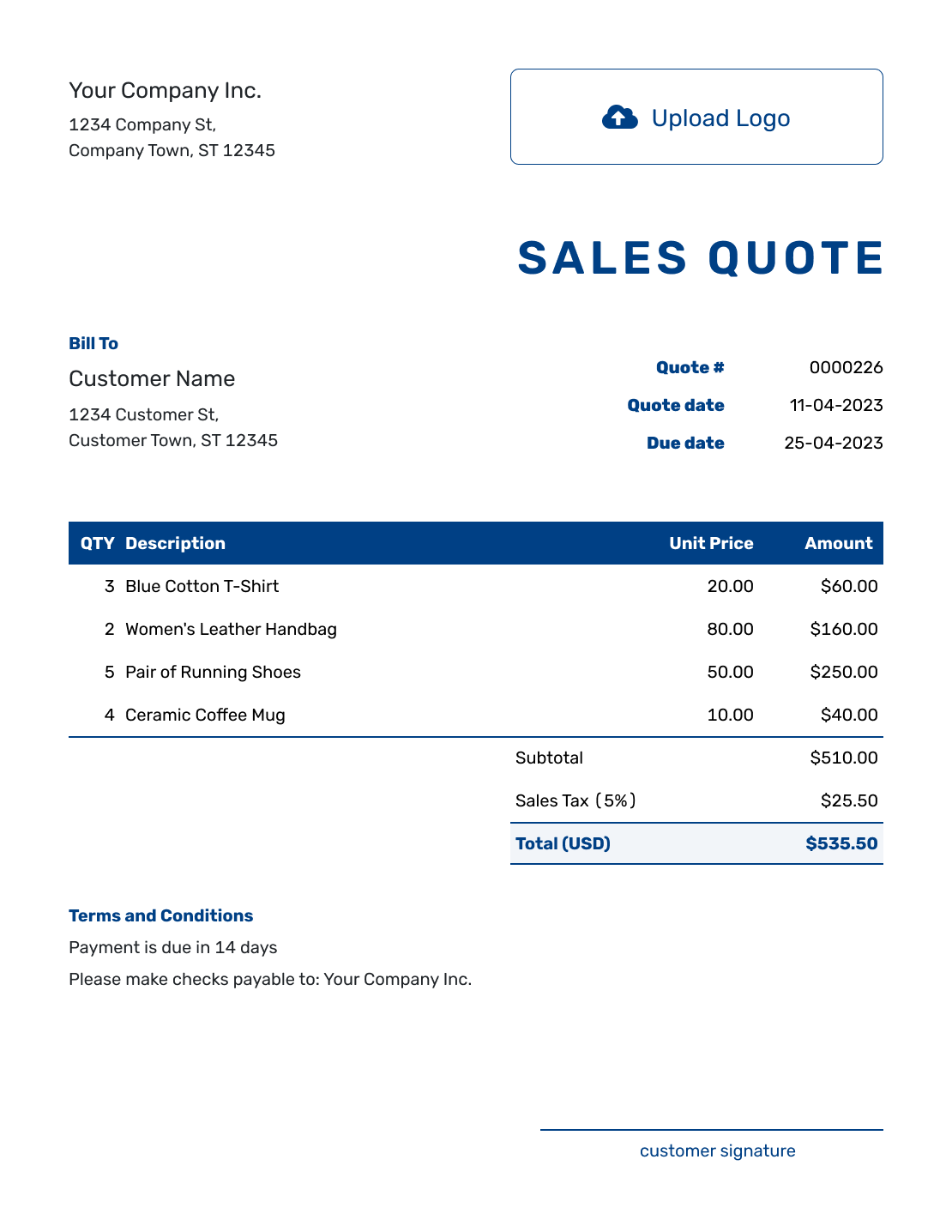
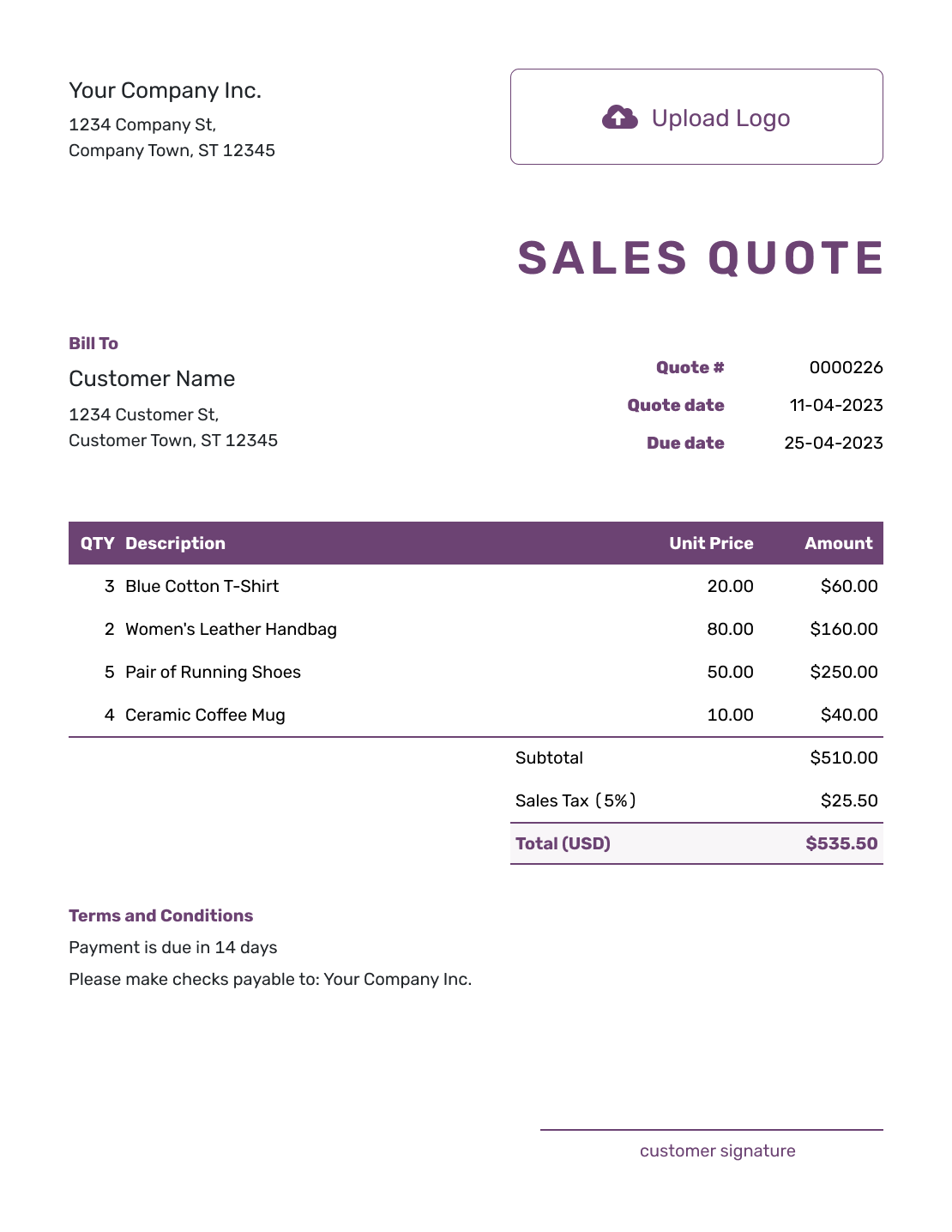
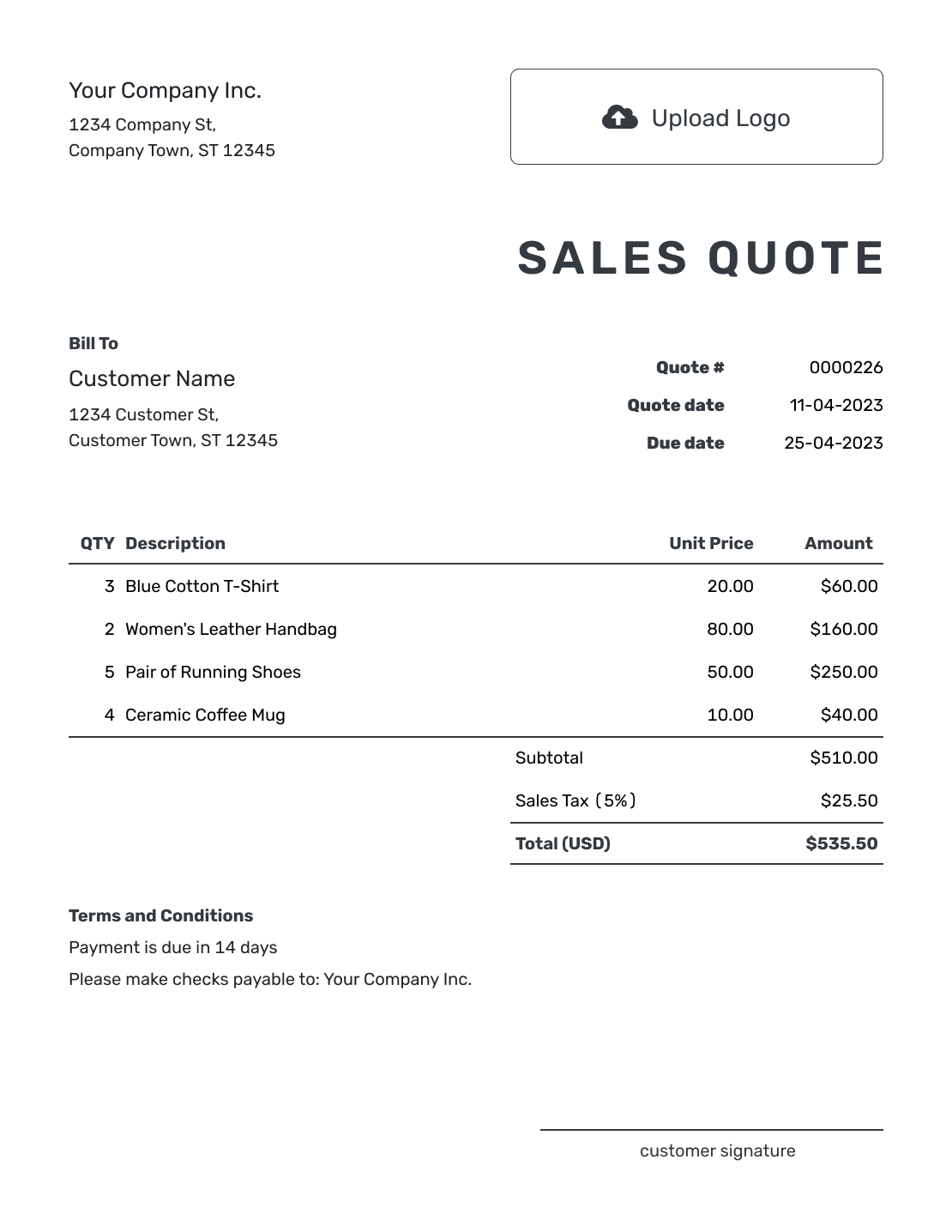
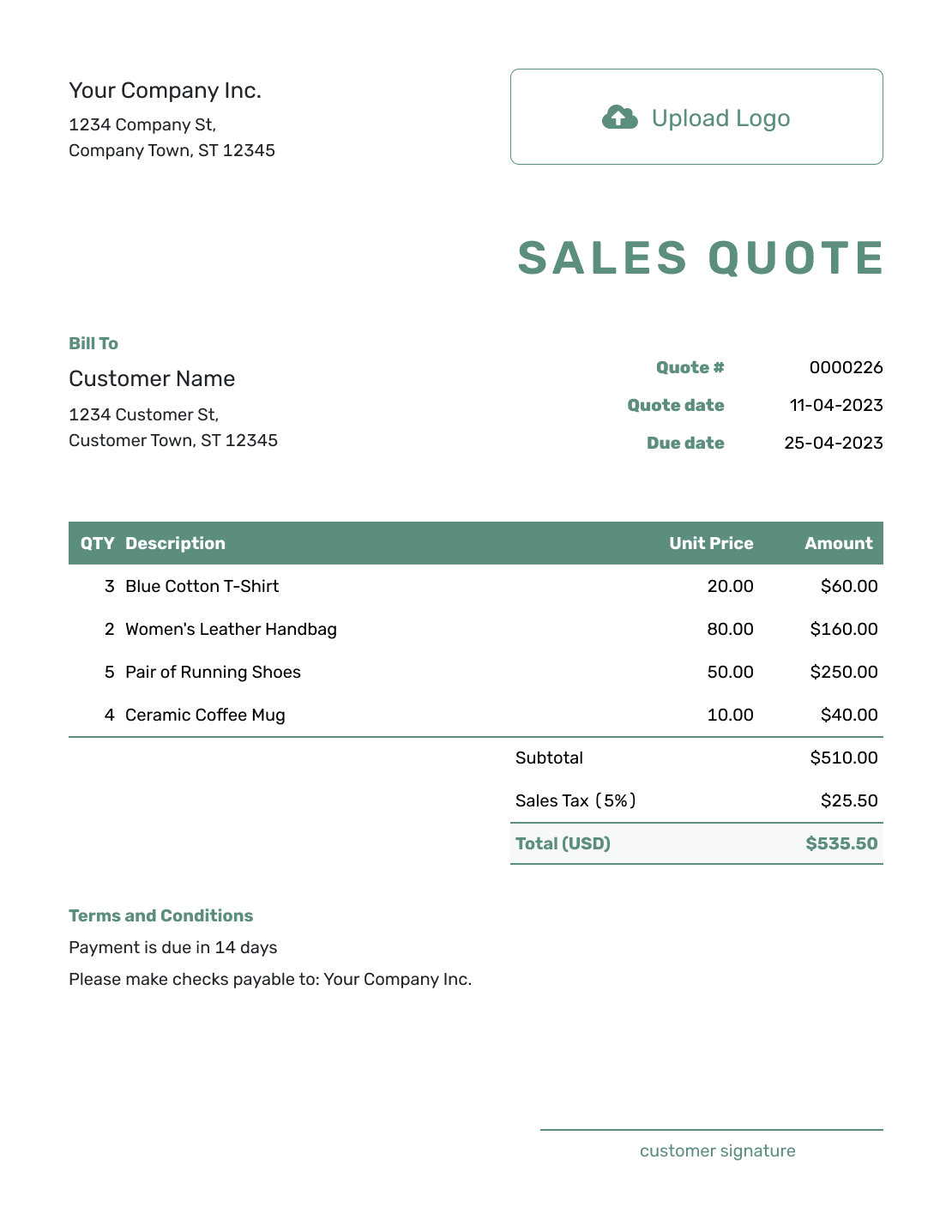
Use these previews for layout ideas. Each opens the same quote editor, where you can add your offer and choose your own colors and fonts.
What Is a Sales Quote?
A sales quote is a written offer you send to a potential or existing customer before the sale is confirmed. It shows the products or services, price, and terms the customer can review and accept.
A sales offer can combine goods and services, such as office chairs with assembly and delivery. Explain why the recommended choice fits the customer's request, then show the price of that choice.
For an offer centered only on physical goods, use a product quote template. For a straightforward price offer, use a price quote template.
How to Create a Sales Quote
Start with the offer discussed with the customer. Price one complete choice so the total shows what they would pay for it. Saving the quote does not email it; you choose when to send it.
- Business Details: Enter your business name and contact details, including the salesperson handling the offer.
- Your Logo: Add your logo. Choose the colors and fonts you use for your business.
- Customer: Choose a saved customer or enter the customer’s name, company, and contact details.
- Number and Dates: Check the quote number and issue date, then set a valid-until date.
- The Recommended Offer: List the chosen products and services with quantities and unit prices.
- Check the Total: Review any discount and applicable tax. Docelf calculates the total.
- Terms and Sending: Add timing and payment details in Terms and Conditions. Review the quote, then email it or download a PDF.
How to Fill In Sales Quote Line Items
Name the product or service precisely enough for the customer to recognize the offer. Include a model, size, or service scope when it matters. Put separately charged assembly and delivery in their own item rows so they are included in the subtotal.
This fictional offer equips a four-person office with task chairs, assembly, and one delivery. Prices are in US dollars. An illustrative 8% tax applies to all three charges; use the tax treatment that applies to your sale.
| QTY | Description | Unit Price | Amount |
|---|---|---|---|
| 4 | Adjustable mesh task chair — black | $175.00 | $700.00 |
| 4 | Chair assembly — per chair | $25.00 | $100.00 |
| 1 | Local delivery to one office address | $60.00 | $60.00 |
| Subtotal | $860.00 | |
| Sales Tax (8% illustrative) | $68.80 | |
| Quote Total | $928.80 |
What to Include in Sales Quote Terms
Use Terms and Conditions to explain when the offer expires, when you can deliver or start, and when payment is due. Include any assumptions or exclusions that affect the price. These details help the customer understand what happens after they accept.
Adapt this wording to your actual offer and use only policies you follow. If a discount depends on quantity or an order deadline, state that condition here as well as showing the discount in the price.
Example: Terms and Conditions
- Offer valid for 14 days from the quote date.
- Includes four black mesh task chairs, assembly, and delivery to one ground-floor office address.
- Delivery within 10 business days after acceptance, by appointment. Payment due before delivery.
- Changes to quantities or the delivery address require an updated quote.
Create a Sales Quote Ready to Approve
Bring the products and services together in one offer. Docelf calculates the total as you add quantities and prices. Review the quote, then send it to the customer.
Make the Sales Options Easy to Compare
A quote should help the customer decide, not make them decode the offer. When you offer a choice, explain what the extra cost changes. Keep the priced items for one choice together so alternatives are not added into one total.
Products and Services
Show what is included in the package price and give separately charged services their own rows. In the example above, assembly and delivery are both part of the offer.
Packages or Options
Use a separate quote for each differently priced package. For example, compare the four-chair offer with a version using higher-backed chairs, keeping assembly and delivery consistent.
Discounts
Show the standard price and discount clearly. Add any quantity, timing, or bundle condition that applies.
Next Step
Make the choice explicit before the customer accepts. If they want a different quantity or package, update the offer and check the total before resending it.
Check the Offer Before You Send It
A quick review keeps the quote in step with the conversation you have already had with the customer.
- The named product or service matches the recommended choice
- Quantities, any discount, applicable tax, and separately charged delivery are included in the total
- Availability, delivery or start timing, and payment terms reflect what you can offer
- The customer knows which quote to accept and who to contact with a question
Sales Quote, Product Quote, or Invoice?
Choose the document based on the offer you are presenting and whether the customer is still deciding or ready to pay.
Sales Quote
Use a sales quote to present a complete offer, especially when products and services belong together.
Product Quote
Use a product quote when the offer centers on named goods, availability, and delivery.
Invoice
An invoice asks the customer to pay. A sales quote presents the offer while they are still deciding.
Use an order quote when the price responds to a specific requested order.
More Sales Quote Layouts

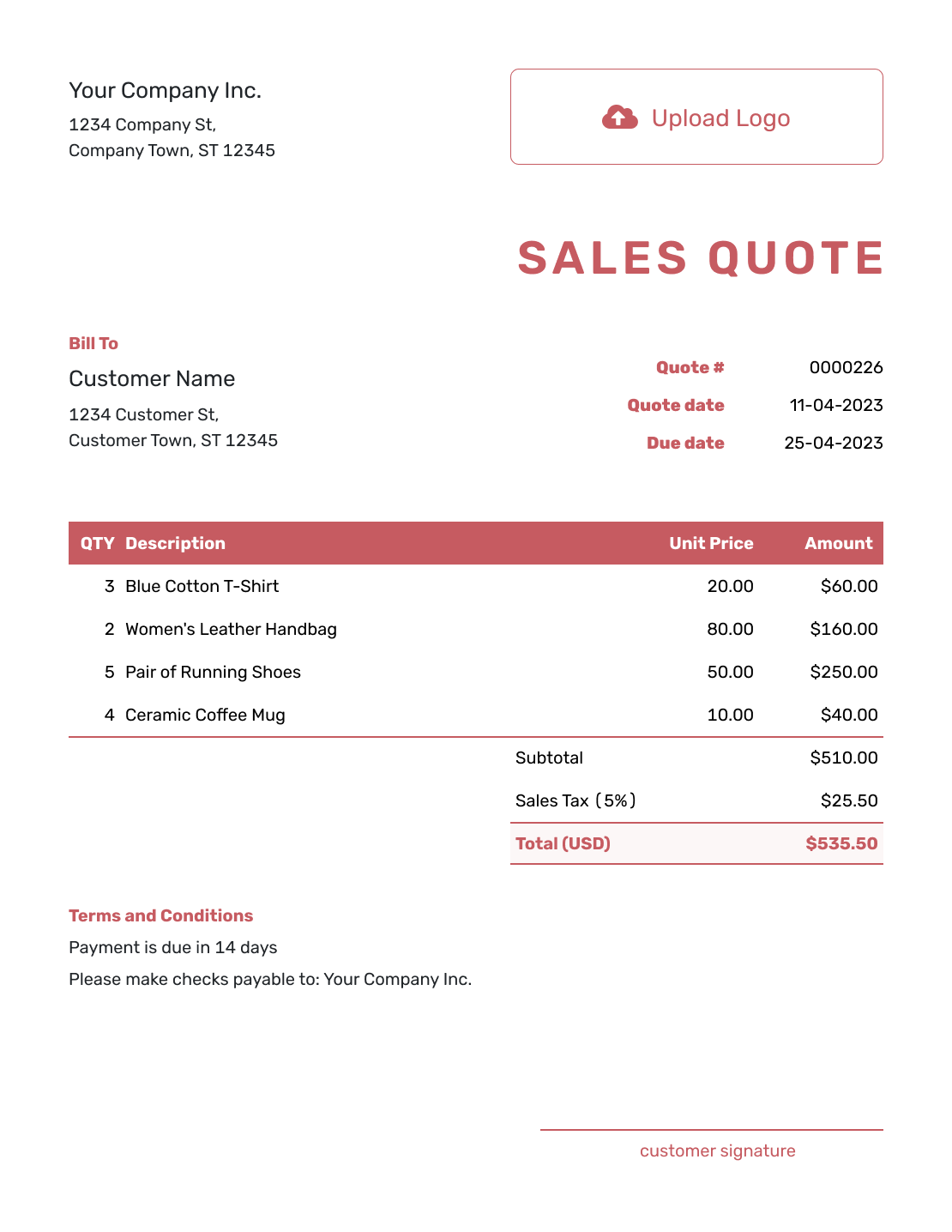
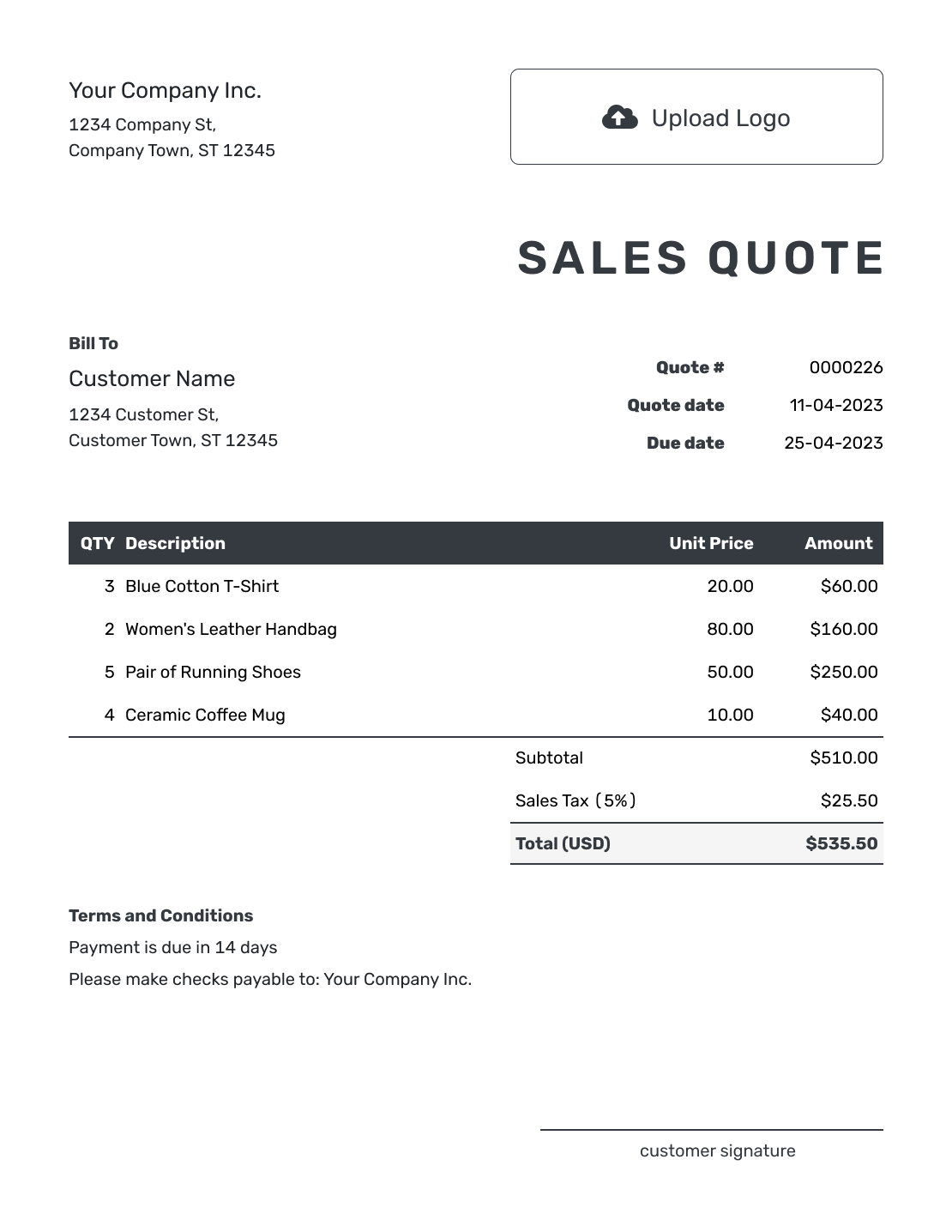
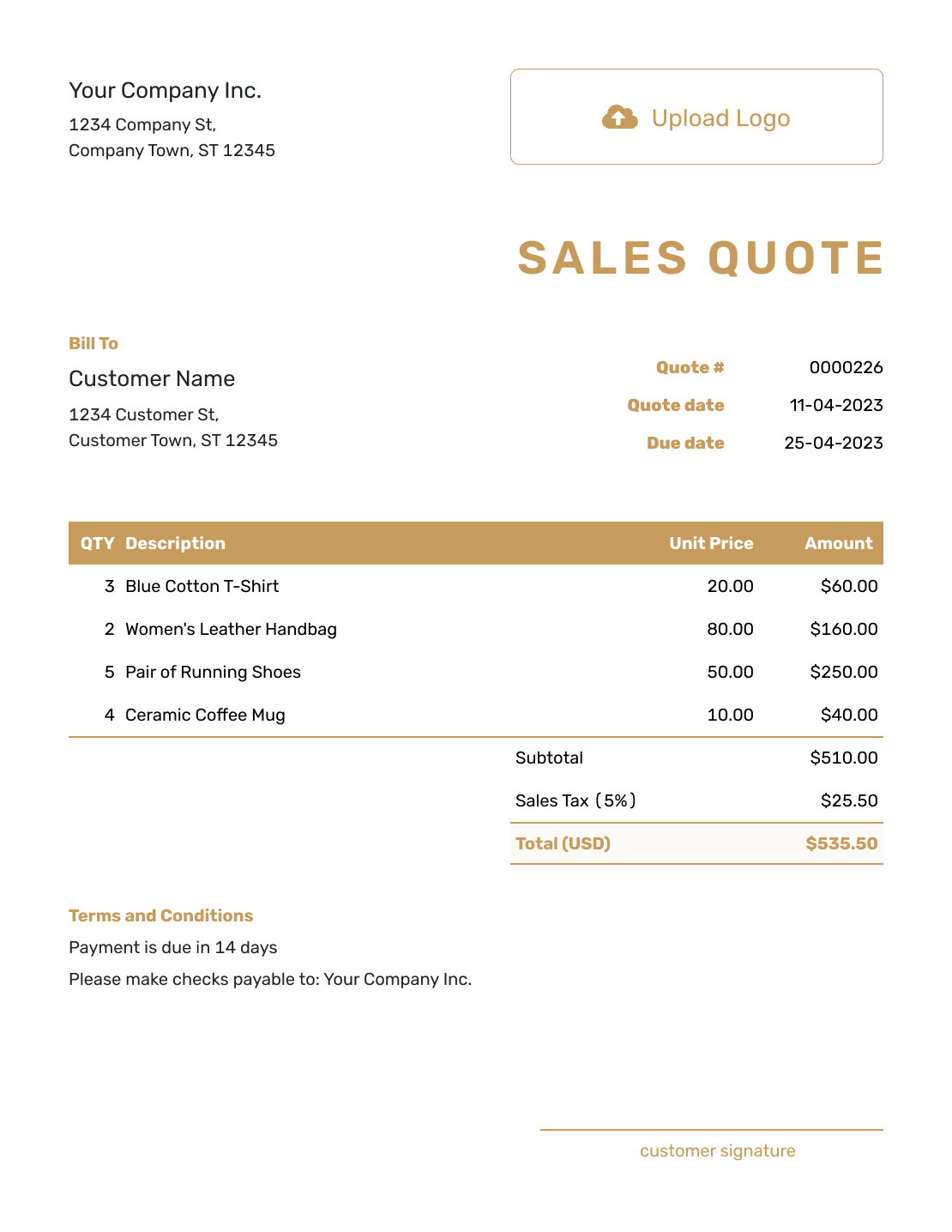

Sales Quote Template File Formats
Prefer an editable document or spreadsheet? These pages provide separate file templates. Docelf downloads the finished quote as a PDF.
Related Sales and Order Quote Templates
Use these guides when the offer centers on a particular product, a requested order, or the details discussed with one customer.
After You Send the Sales Quote
Check the document history to see when your emailed quote was delivered and opened. The customer can view, download, accept, or decline it without a Docelf account. Their response updates the quote status, and Docelf emails you when they accept or decline.
If the customer asks for a change, confirm the revised choice and send an updated quote. When it is time to bill, create an invoice from the quote; Docelf copies the customer, item, price, and document details.
Sales Quote Template FAQs
-
What is a sales quote template?
A sales quote template is a reusable layout for presenting an offer before the customer confirms the sale.
-
When should I send a sales quote?
Send a sales quote after you understand what the customer wants and can give them a clear offer. It should arrive before the sale is confirmed and before you send an invoice.
-
What should I include in a sales quote?
Include the business and customer details, quote number, dates, and the offer. Then add pricing, delivery, and payment terms. Finish with the validity period and acceptance step.
-
Can a sales quote include products and services?
Yes. List each separately priced product or service with its quantity and unit price. The office-chair example combines the chairs, assembly, and delivery in one offer.
-
How do I show options on a sales quote?
Use a separate quote for each priced package so alternatives do not add into one total. Give each choice a clear name and explain what changes in the product, service, timing, or terms.
-
Should I show discounts on a sales quote?
Show the discount when it is part of the offer. Make the original price, discount amount or percentage, conditions, and final total easy to understand.
-
How long should a sales quote be valid?
Choose a valid-until date based on how often your prices, availability, and delivery costs change. A clear deadline helps the customer know when the offer needs review.
-
Can I turn an accepted sales quote into an invoice?
Yes. Create an invoice from the quote when payment is due. Docelf copies the customer, items, prices, and document details so you do not have to enter them again.
-
How should I follow up on a sales quote?
Mention the quote number and ask whether the recommended offer meets the customer’s needs. Give them room to ask about the price or timing. If the offer changes, update and resend the quote so they can review the current version.
Ready to Send the Sales Offer?
Present the recommended offer and give the customer one clear next step.
- Show the chosen products and services
- Check the full price and delivery terms
- Email the sales quote or download a PDF




