Free Export Invoice Template
Create a professional export invoice in minutes
List the products and charges for the export order in a clear invoice. Check the destination's customs requirements separately, then show the customer what to pay so you can get paid.
Email, print or download your invoice as a PDF.
14-day free trial. No credit card required.

Create the invoice. Send it. Get back to work.
Export Invoice Template Previews
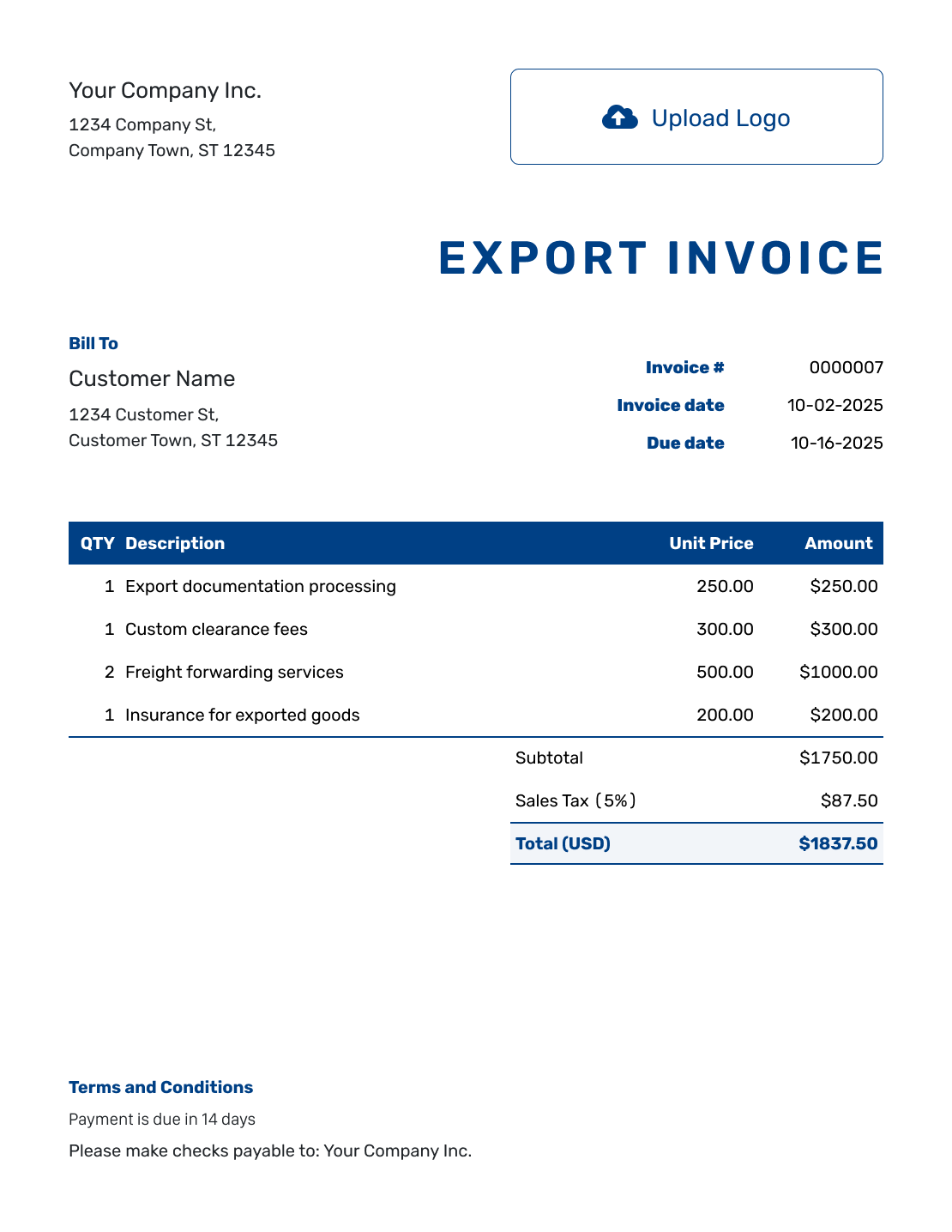
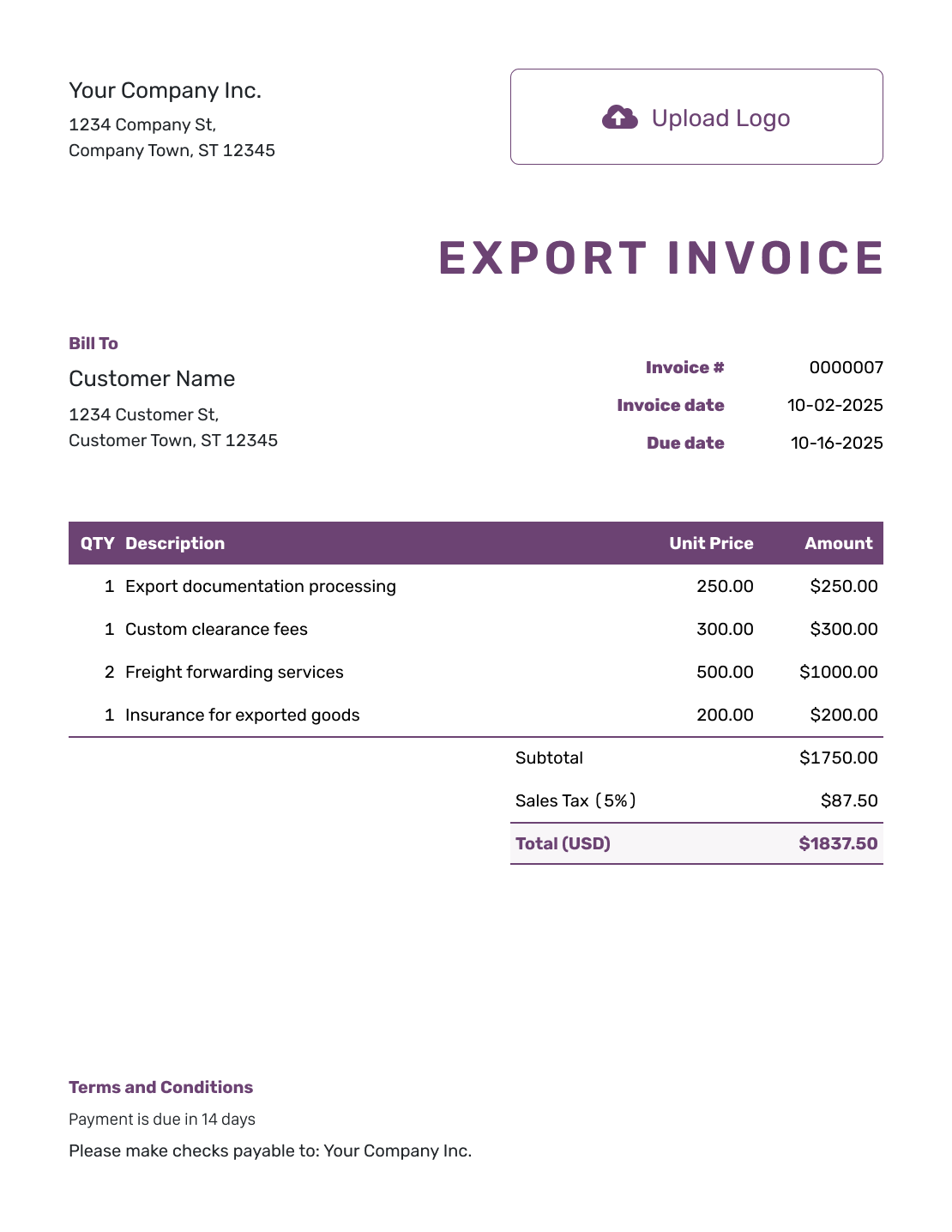
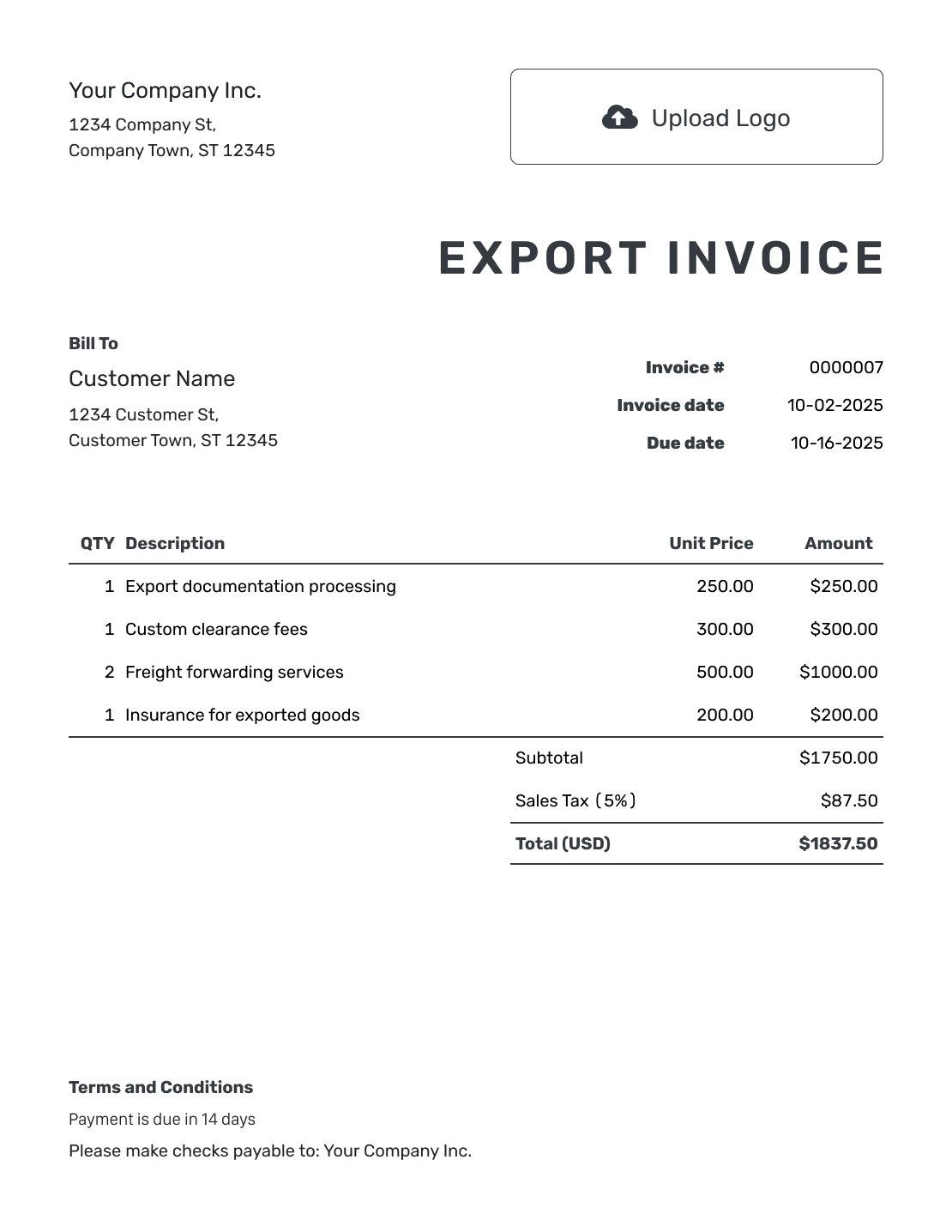
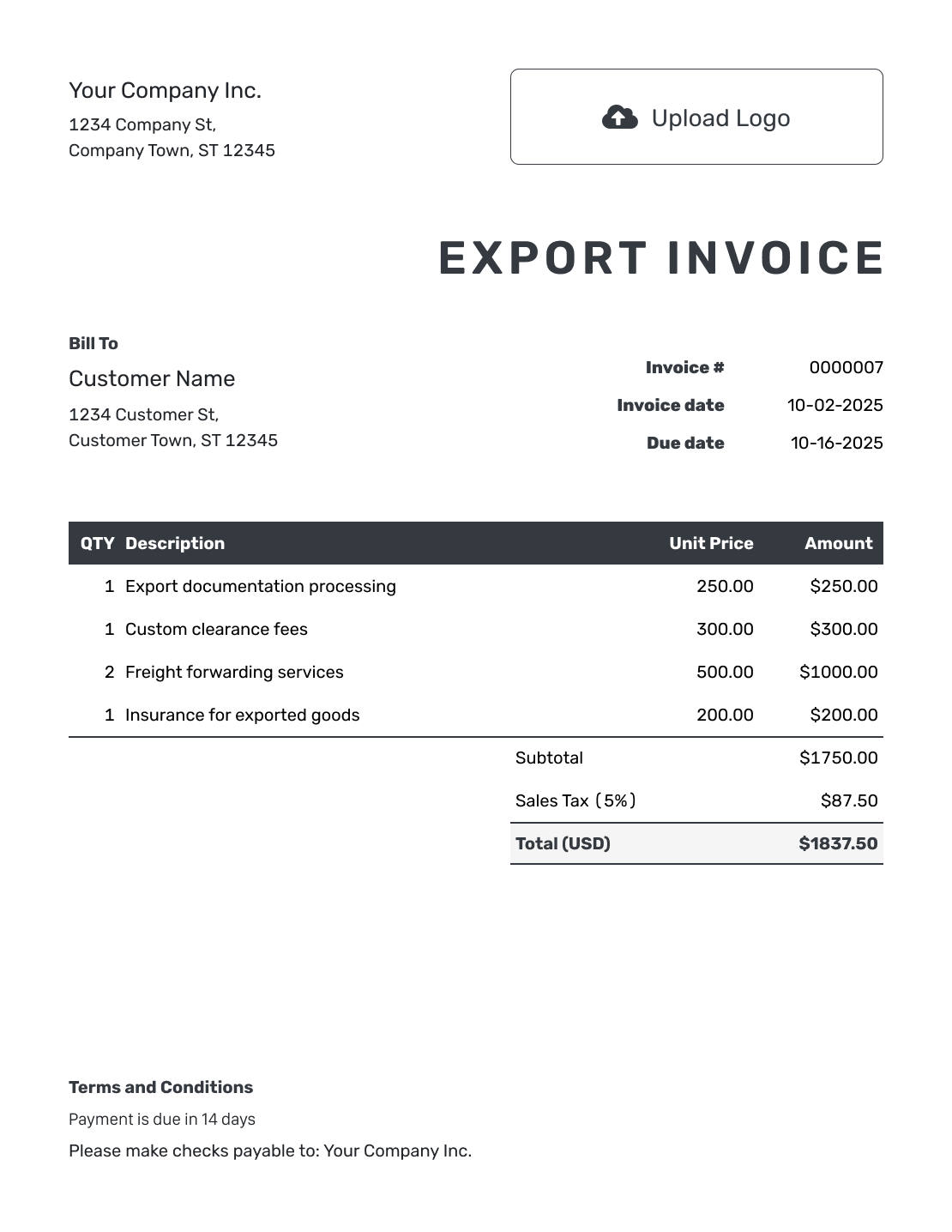
Choose an invoice layout for the overseas sale. Each preview opens the invoice editor, where you can add your own buyer, products and prices.
Use an Export Invoice to Record the Overseas Sale
An export invoice bills an overseas buyer for goods sold. It is commonly called a commercial invoice and may also be used for customs clearance. The information and format required depend on the goods and destination.
Use the invoice to make the sale value, currency and payment terms clear to the buyer. Keep descriptions and quantities consistent with the order and shipment records so everyone handling the shipment sees the same details.
Docelf helps you create and send the invoice. Confirm the required shipment documents with the buyer, carrier or customs broker before shipping. Export filings and customs clearance happen separately from creating the invoice.
How to Create an Export Invoice
Keep the buyer’s order and agreed shipping terms beside you. Use them to check the goods, prices and payment details as you complete the invoice.
- Add the Exporting Business: Enter the seller’s business name and contact details.
- Add Your Business Logo: Add your logo if you want the invoice to match your other business documents.
- Add the Overseas Buyer: Enter the buyer’s billing name and address. Keep any different delivery recipient clearly identified in the shipment details.
- Set the Invoice Number and Dates: Add the invoice number, invoice date and agreed payment due date.
- List the Exported Goods: Describe each product with the quantity, unit and agreed unit price.
- Check Prices and Totals: Add separately charged freight and insurance as item rows. Check the currency, any applicable tax and the total.
- Add Payment and Shipping Terms: Use Terms and Conditions for payment instructions and shipment references. Review the invoice, then email it or download a PDF.
How to Fill In Export Invoice Line Items
Describe each product clearly enough for the buyer to identify it. Add a model, size, material or other useful detail when it matters.
This fictional order uses USD. The buyer pays for three industrial products plus freight and insurance. Each separately priced charge is an item row, so Docelf includes it in the subtotal.
| QTY | Description | Unit Price | Amount |
|---|---|---|---|
| 10 | Anodized aluminum mounting plates, model MP-40 — each | $48.00 | $480.00 |
| 20 | Stainless steel fastener kits, model FK-12 — set | $16.00 | $320.00 |
| 5 | Protective transit cases, model CT-8 — each | $72.00 | $360.00 |
| 1 | Freight for the export order — agreed charge | $140.00 | $140.00 |
| 1 | Shipment insurance — agreed charge | $13.00 | $13.00 |
| Subtotal | $1,313.00 | |
| Total | $1,313.00 |
The goods total $1,160.00; freight of $140.00 and insurance of $13.00 bring the invoice to $1,313.00. No tax or duty rate is assumed here. Check the treatment for your actual shipment; this is a billing example, not a customs valuation calculation.
What to Include in Export Invoice Terms
Use Terms and Conditions to help the buyer match the bill to the order and pay in the agreed currency. Include payment instructions and the shipping term with its named place. The sample below matches the USD order above; replace the bracketed details with your own.
Use only terms your business actually agreed. Check local and destination requirements before adding tax, duty, warranty or other conditions that may be regulated.
Example: Terms and Conditions
- This invoice covers export order [Order Reference] and shipment [Shipment Reference].
- Invoice total: USD 1,313.00, payable by [Payment Method] on [Due Date]. Include [Invoice Number] with payment.
- The total includes the separately listed freight charge of USD 140.00 and insurance charge of USD 13.00.
- Shipping term and named place: [Agreed Trade Term / Place].
Create the Invoice for the Export Order
Enter the goods and agreed charges in Docelf, and let it calculate the total. Add your payment instructions, then review and send the invoice to the buyer.
Check the Export Details That Affect the Invoice
A clear invoice connects the buyer’s order with the goods being shipped. Check these details against the agreement and shipment records.
Seller, Buyer and Delivery Details
Bill the buyer responsible for payment. When someone else receives the goods, keep that recipient’s name and delivery address distinct from the buyer’s billing details.
Product Descriptions and Quantities
Name the product and useful identifying details, such as model and material. Match the quantity and unit to the order. Confirm any required product codes and country-of-origin details for those goods.
Freight, Insurance and Shipping Terms
Give separately charged freight and insurance their own item rows. If the product price already includes a charge, do not add it again. Keep the agreed shipping term and named place with the invoice terms.
Currency and Payment
Use the currency agreed with the buyer for every price and the total. Add a clear due date and payment instructions so the buyer knows which amount to transfer.
Match the Export Invoice to the Order and Shipment
Check the invoice against the buyer’s order and the goods being shipped. Keep product descriptions, quantities and references consistent with the packing and carrier records.
Attach a supporting PDF or image in Docelf when it helps the buyer review the transaction. An attachment does not replace a required export declaration, customs form or signature.
Use a carrier, broker or government form when the general invoice layout does not capture the required export information.
Keep the Export Invoice Easy to Read
Docelf supports USD, EUR, GBP, CAD and AUD. Choose the currency agreed with the overseas buyer and use it consistently throughout the invoice.
Add your logo, colors and fonts without making the details harder to scan. Docelf can save customer and product details for later documents. Review them before each new shipment.
More Export Invoice Previews
These six layouts open the same invoice editor. Keep the product descriptions and payment details clear whichever design you choose.
-
Blank Export Invoice Template
Create Free Invoice -
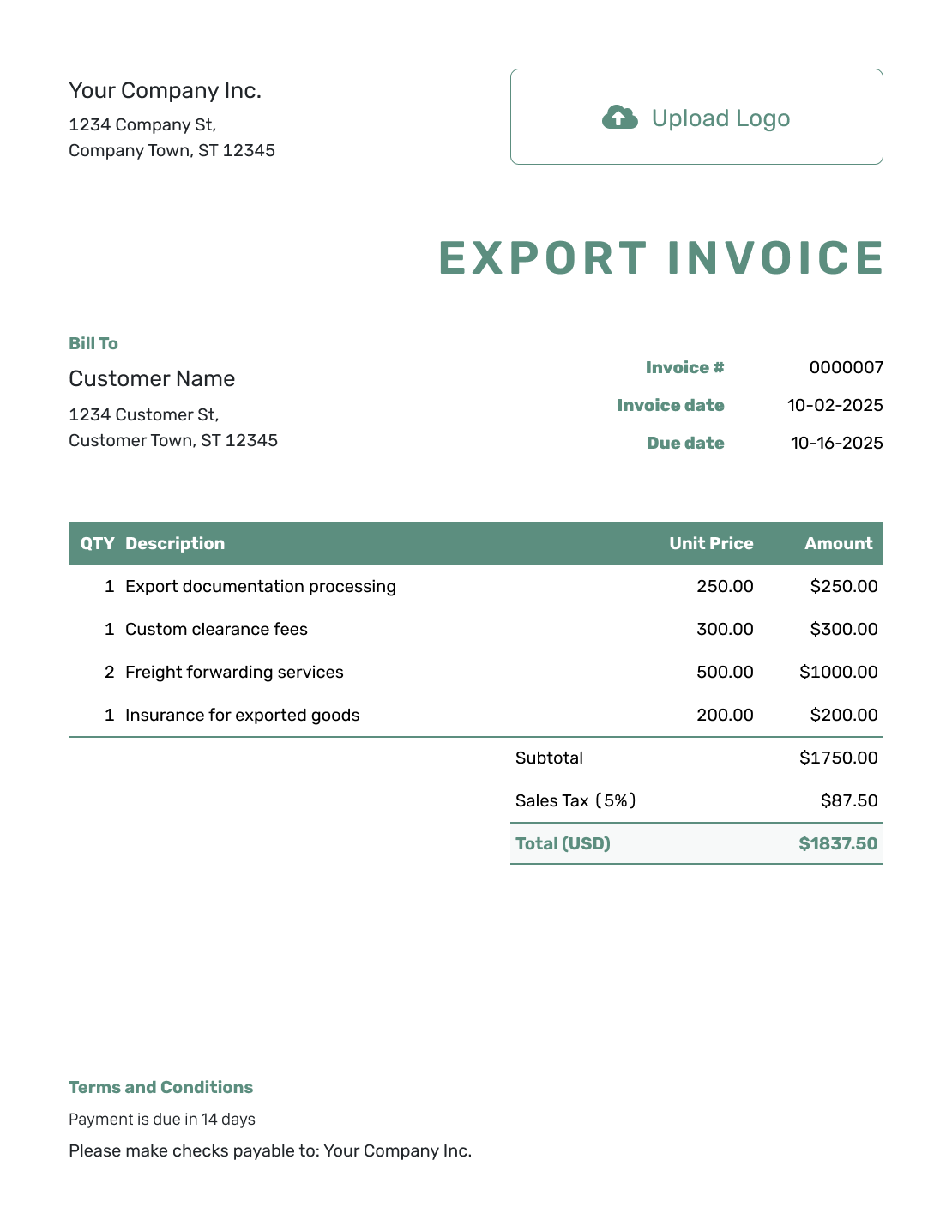
Simple Export Invoice Template
Create Free Invoice -
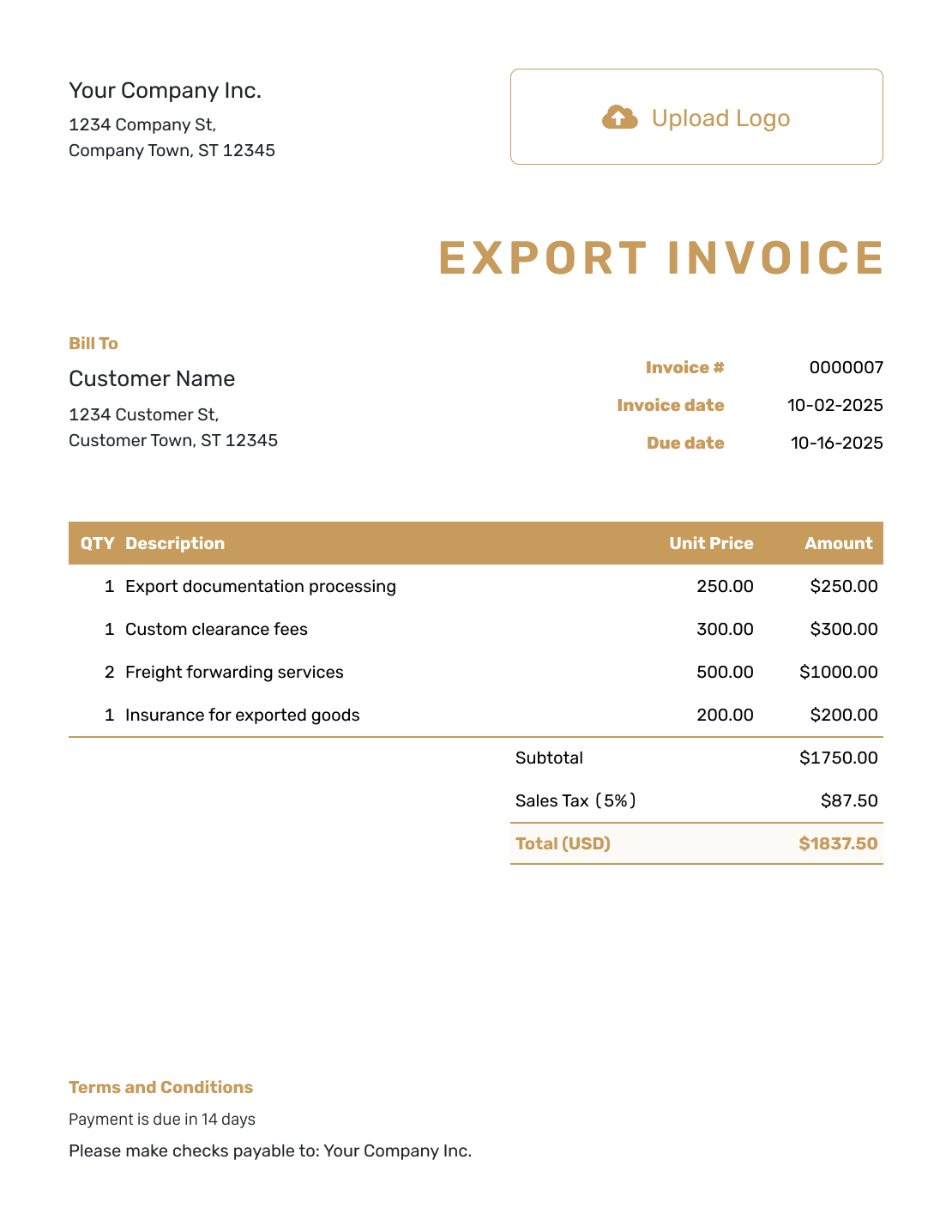
Standard Export Invoice Template
Create Free Invoice -
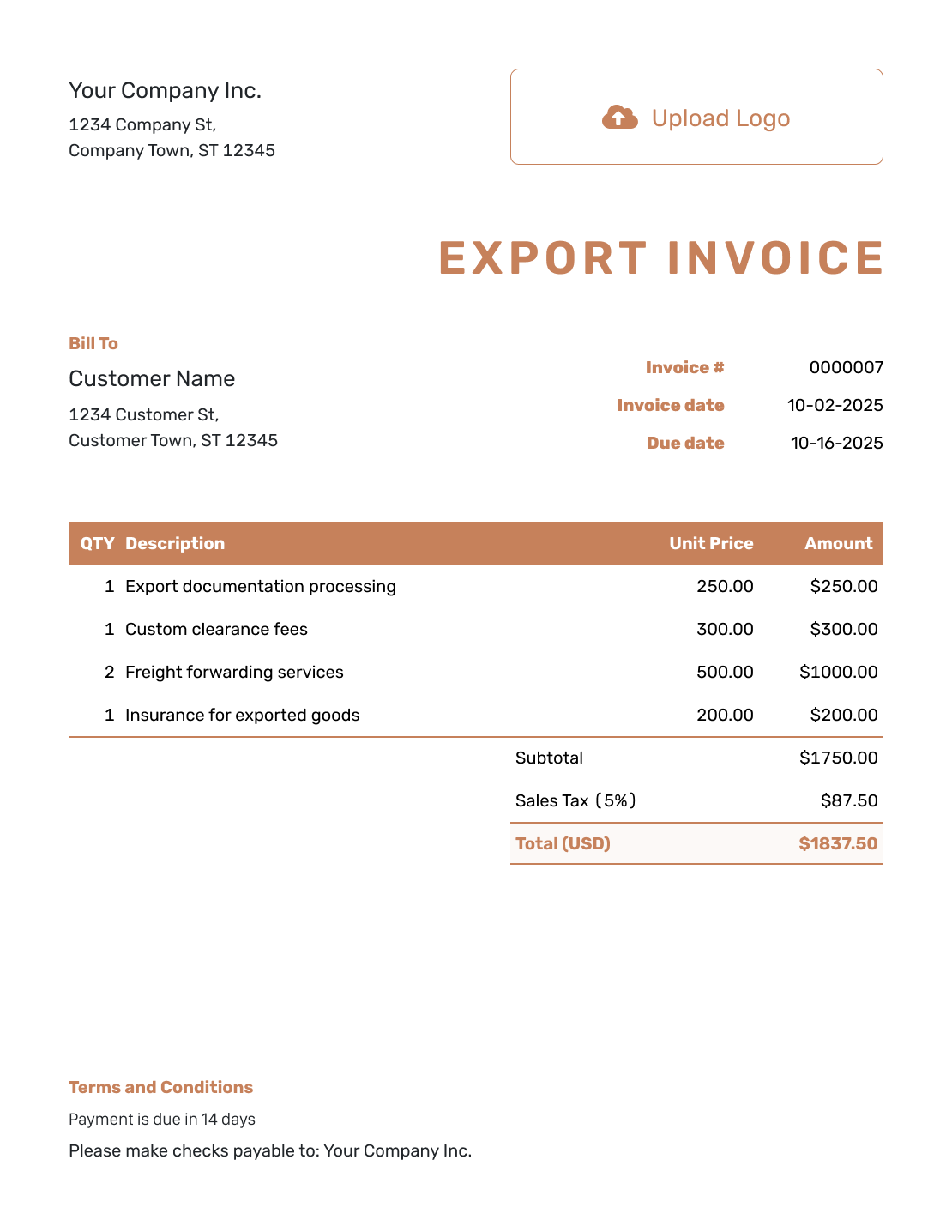
Itemized Export Invoice Template
Create Free Invoice -
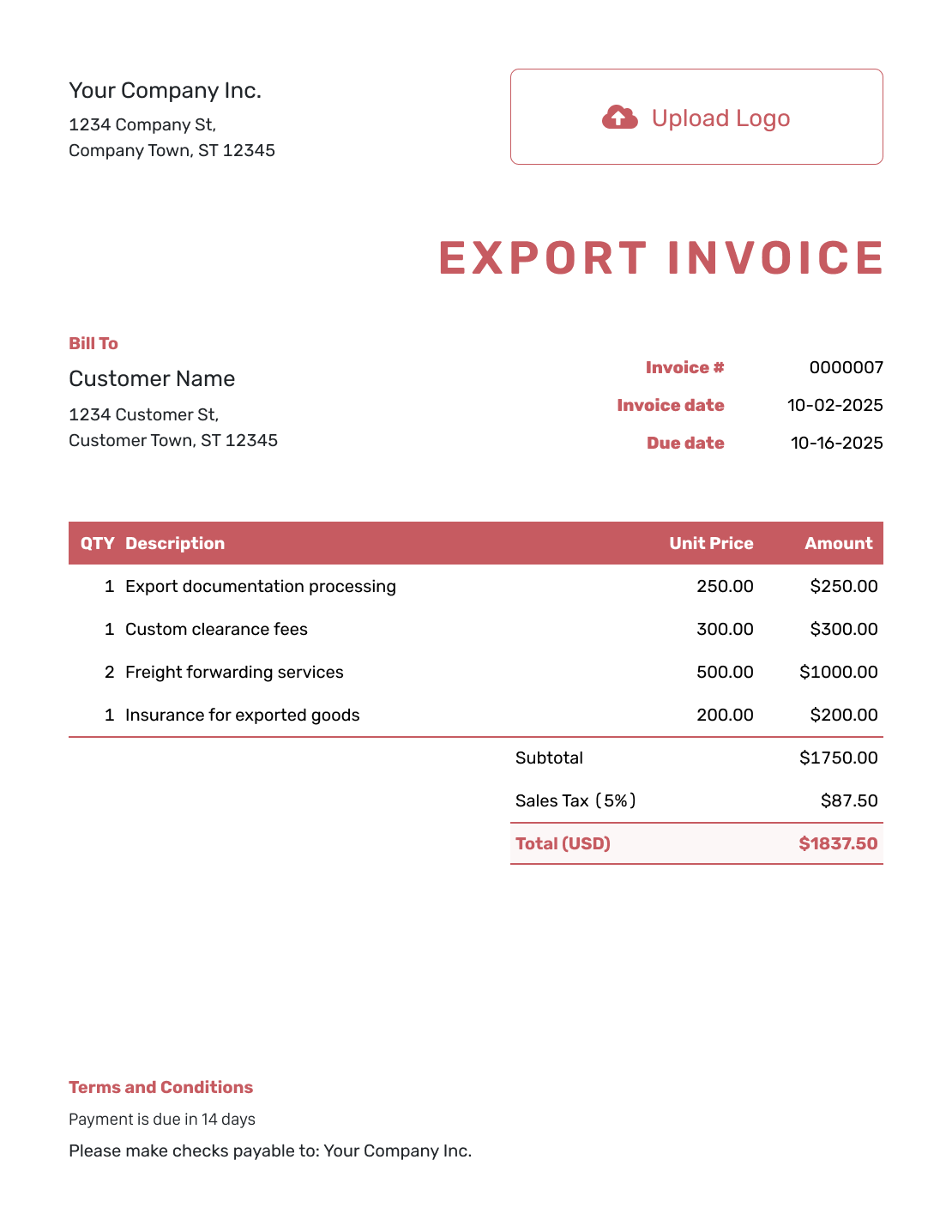
Basic Export Invoice Template
Create Free Invoice -
Hourly Export Invoice Template
Create Free Invoice
After You Send the Export Invoice
Keep the sent invoice with the order and shipment records. In Docelf, check the document history for email delivery and opening information, then record payments as they arrive.
Track the Invoice and Payment
- Follow up with the invoice number and due date if payment is late.
- Record full or partial payments and check the remaining balance.
- After you record payment, create a receipt from the invoice.
- Use the carrier or broker for shipment and customs updates.
Export Invoice Templates by File Format
Prefer to work in a document or spreadsheet? These pages offer general invoice templates in the named formats. Choose a document for longer descriptions or a spreadsheet for quantities and prices.
Export Invoice FAQs
-
What is an export invoice?
An export invoice records an international sale. It shows the seller, buyer, goods, prices and currency. The shipment may also use the invoice for customs purposes, but the required format and supporting details depend on the goods and destination.
-
Is an export invoice the same as a commercial invoice?
The names often refer to the same invoice for goods sold to an overseas buyer. “Commercial invoice” is the common term in shipment paperwork. Confirm the required format and details with the buyer, carrier or customs broker.
-
What should I include on an export invoice?
Include the seller and buyer, invoice number and date, clear product descriptions, quantities, unit prices, currency and total. Add payment and shipping terms. Include shipment references or other trade details when they are required.
-
Do I need HS codes or country-of-origin information?
They may be required depending on the goods and destination. Confirm the correct product codes and origin information with an authoritative source, carrier or customs broker. Do not copy them from an unrelated example.
-
Why is there no tax or duty rate in the example?
Taxes and duties vary by goods, destination and trade terms, so the example does not assume a rate. Check the actual shipment’s requirements and show only charges that belong on the invoice.
-
Can Docelf submit export documents or clear customs?
No. Docelf creates, sends and organizes invoices and other supported business documents. It does not submit export filings, determine the correct import duty or clear goods through customs.
-
Can I create a receipt after the overseas buyer pays?
Yes. Record the payment on the invoice, then create a receipt from that invoice. Docelf reuses the relevant invoice details so you do not have to enter them again.
Ready to Create the Export Invoice?
Give the overseas buyer a bill they can match to the order and pay in the agreed currency.
- List the exported goods and agreed prices
- Keep the currency and payment terms clear
- Email the invoice or download the buyer’s copy




