Free Quote Contract Template
Create a professional quote contract in minutes
Keep the agreed scope, price, payment timing and change terms together in one place. The full deal stays easy to understand, so customers feel comfortable going ahead with you.
Email, print or download your quote as a PDF.
14-day free trial. No credit card required.

Price the job. Send the quote. Get back to work.
Quote Contract Template Examples
Use these previews for layout and wording ideas. Start with the quote contract closest to the amount of detail you need, then create and style your own in Docelf. Replace the sample scope, pricing, and terms with the details of your job.
Popular Quote Contract Layouts
-
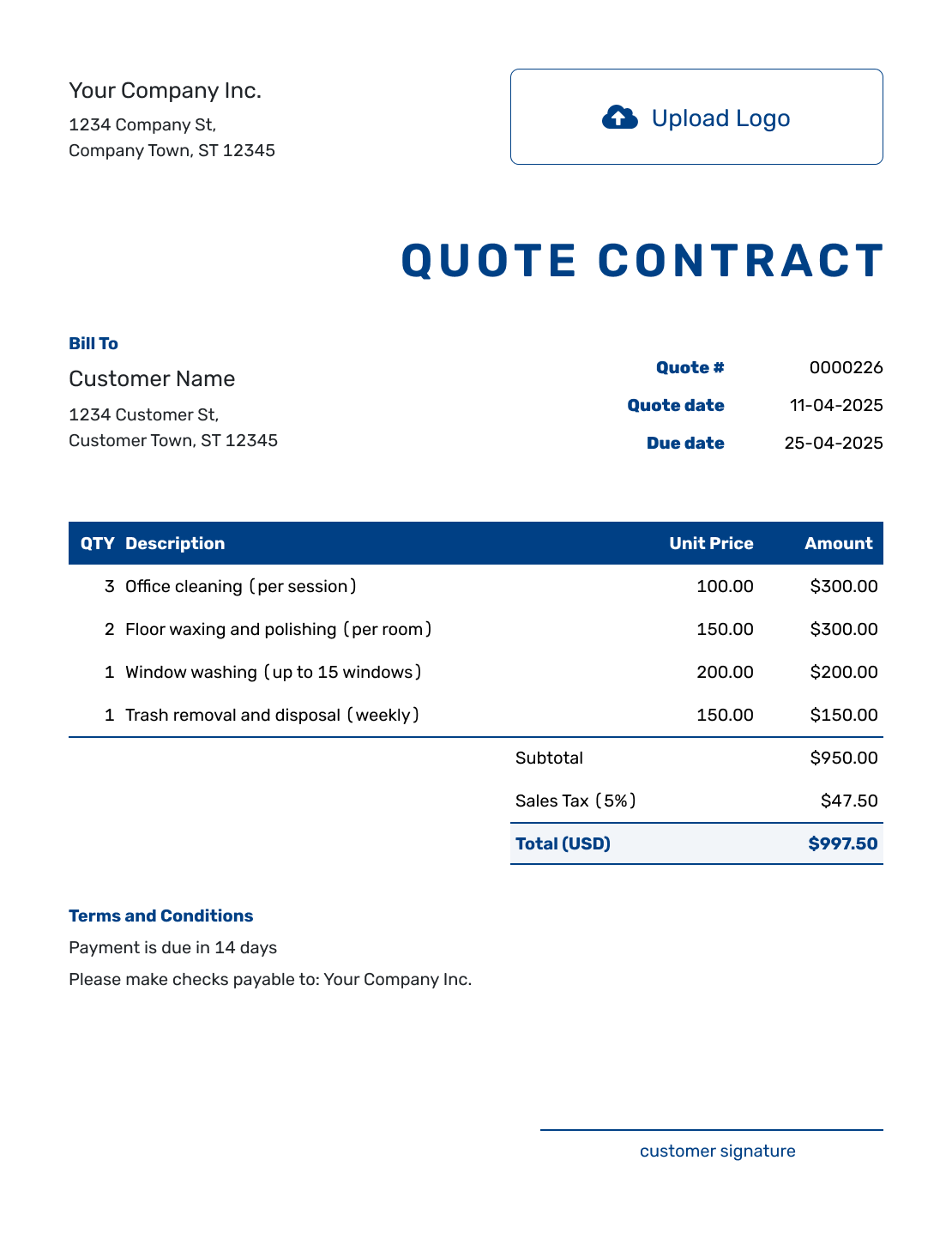
Sample Quote Contract Template
Create Free Quote -
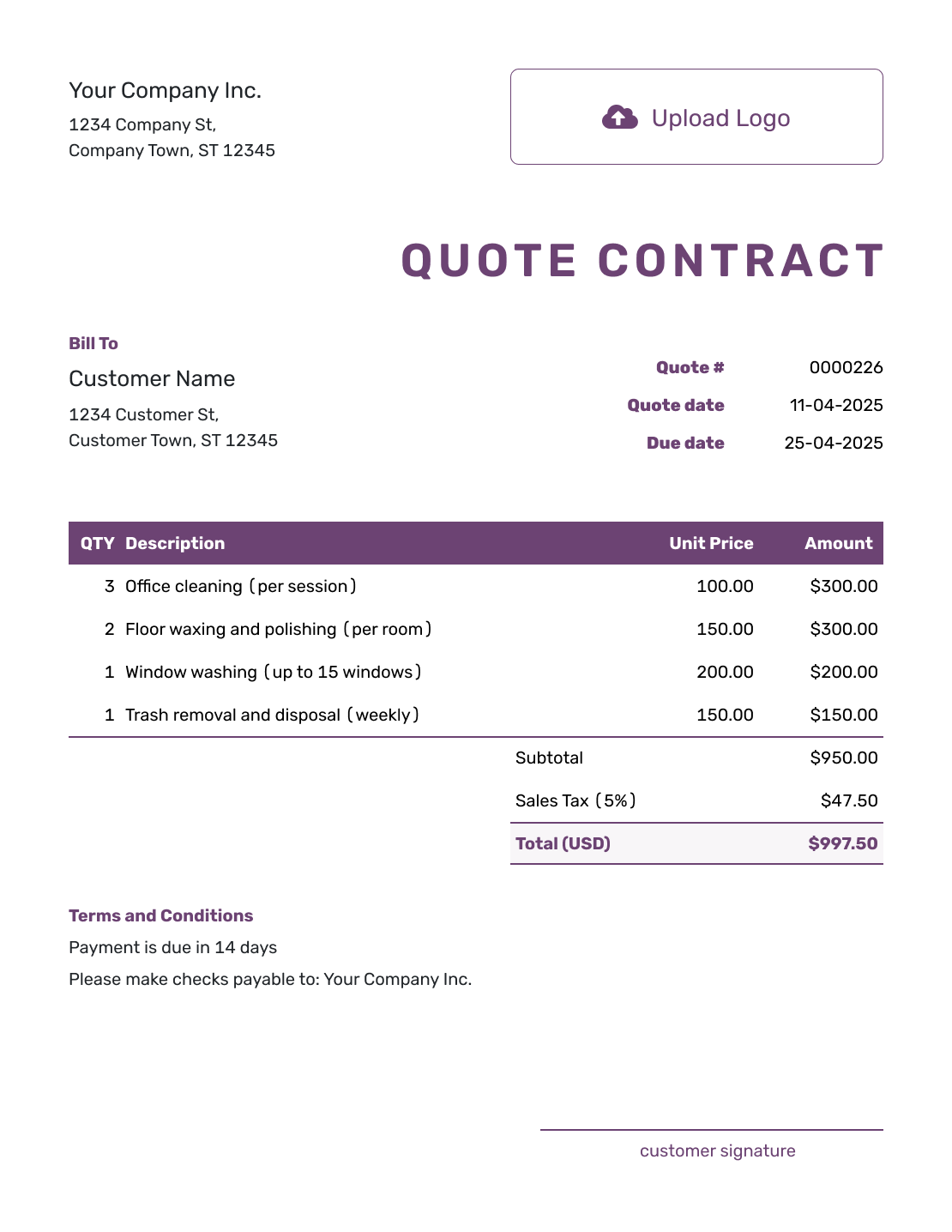
Free Quote Contract Template
Create Free Quote -
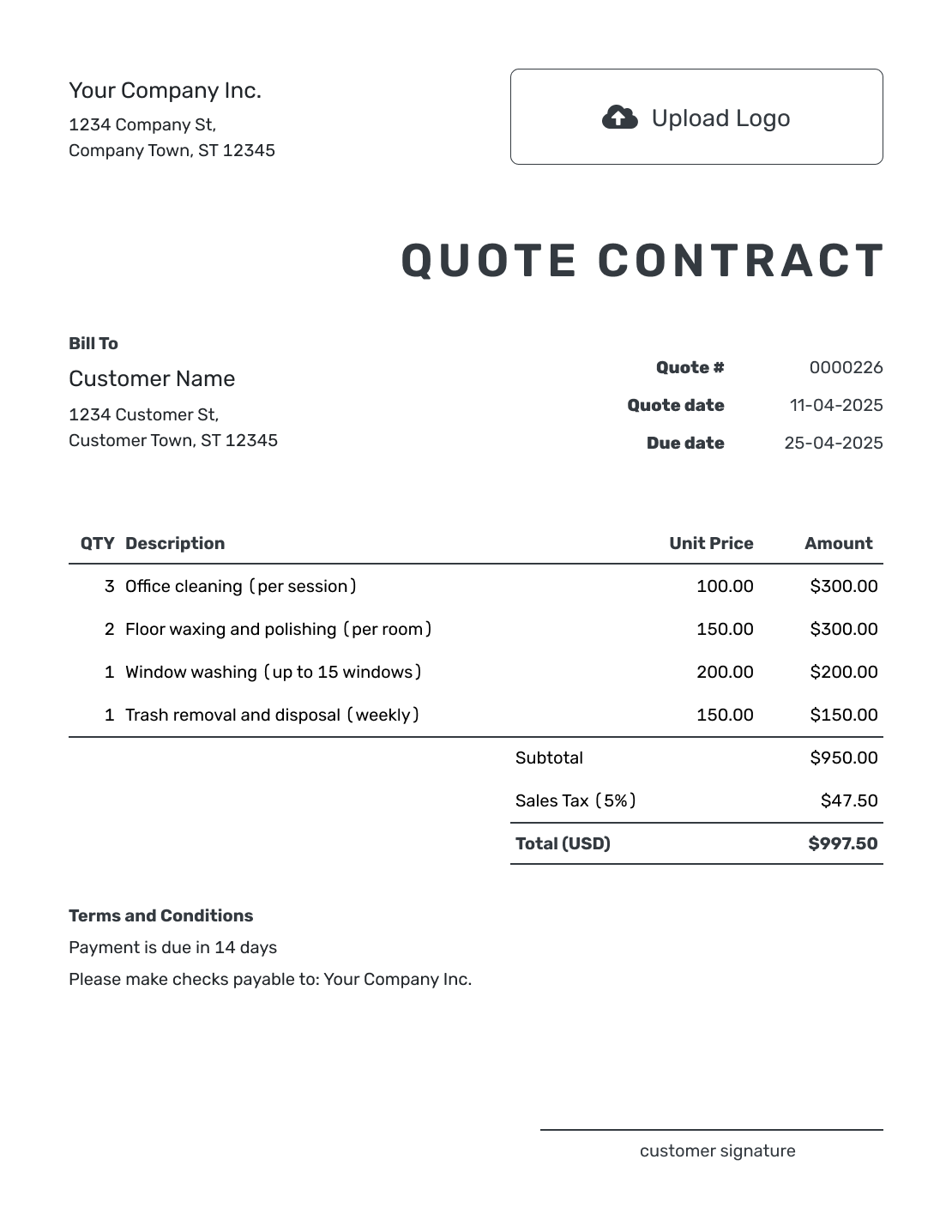
Printable Quote Contract Template
Create Free Quote
More Quote Contract Layouts
-
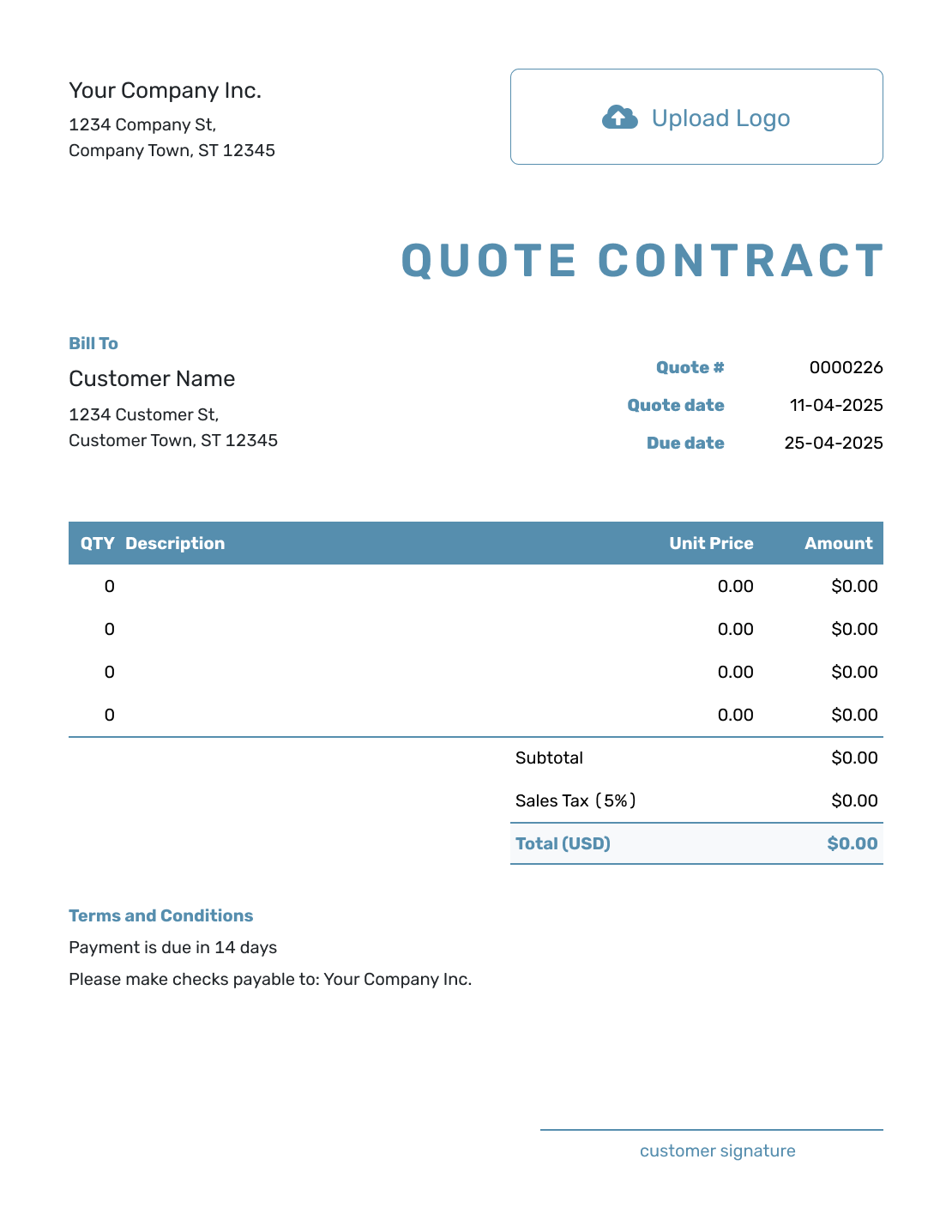
Blank Quote Contract Template
Create Free Quote -
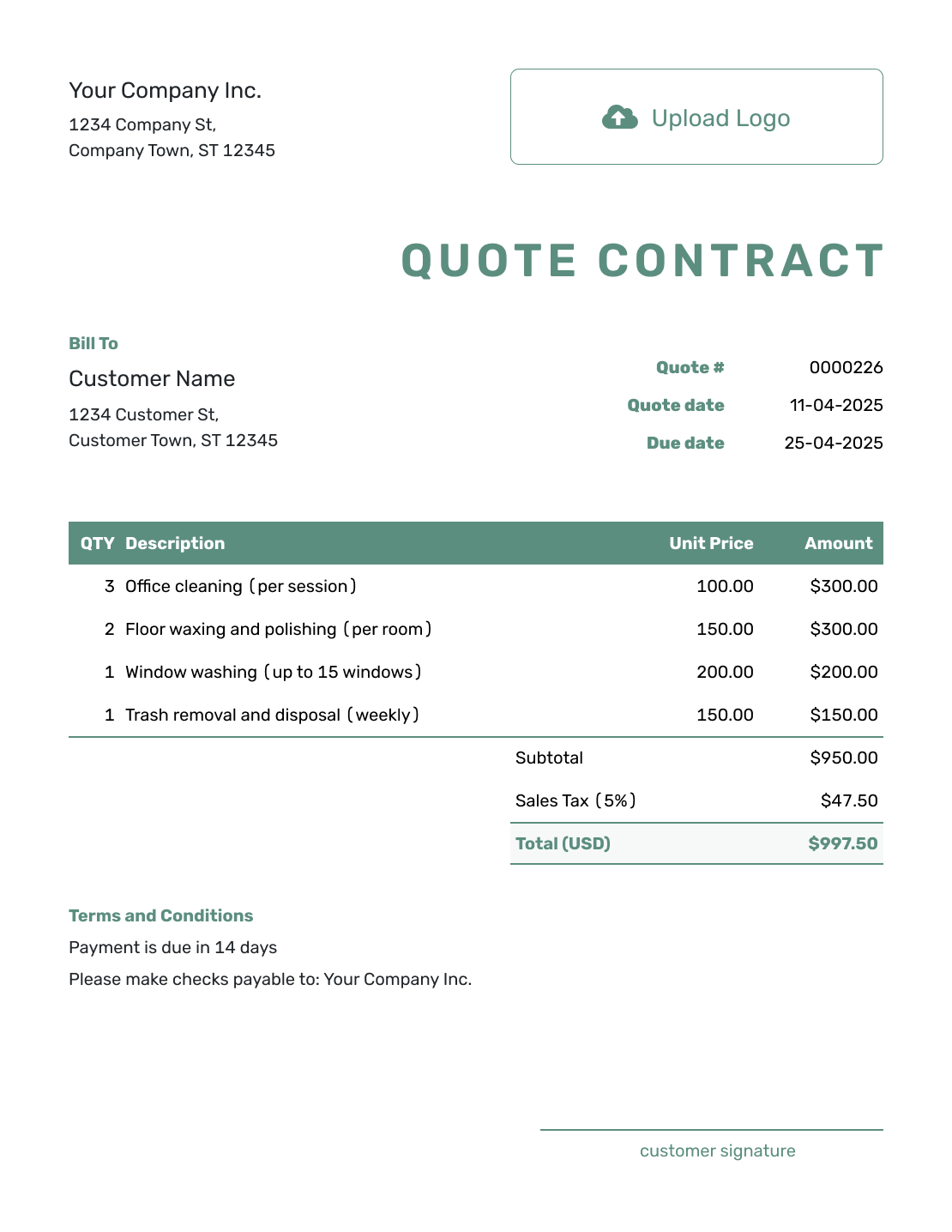
Simple Quote Contract Template
Create Free Quote -
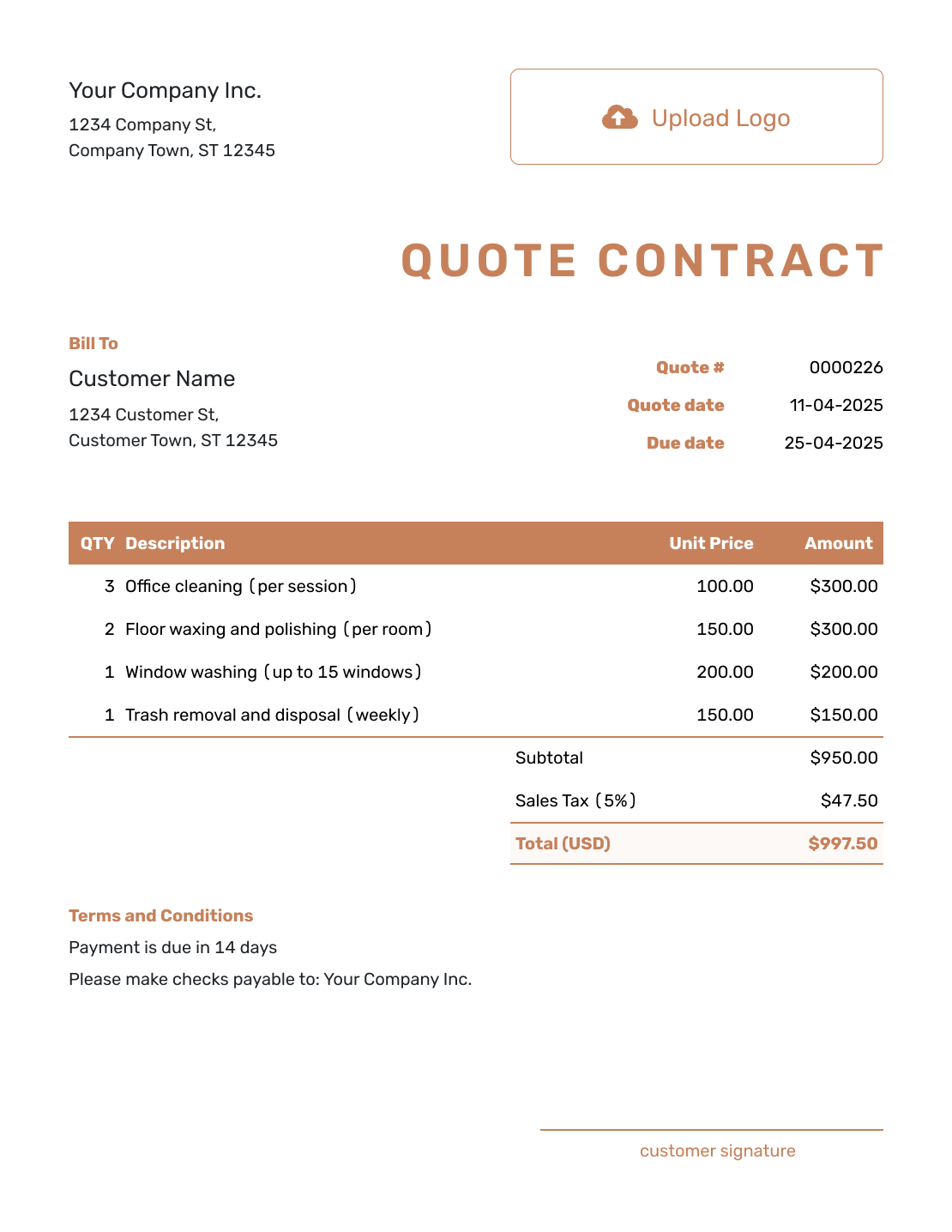
Downloadable Quote Contract Template
Create Free Quote -
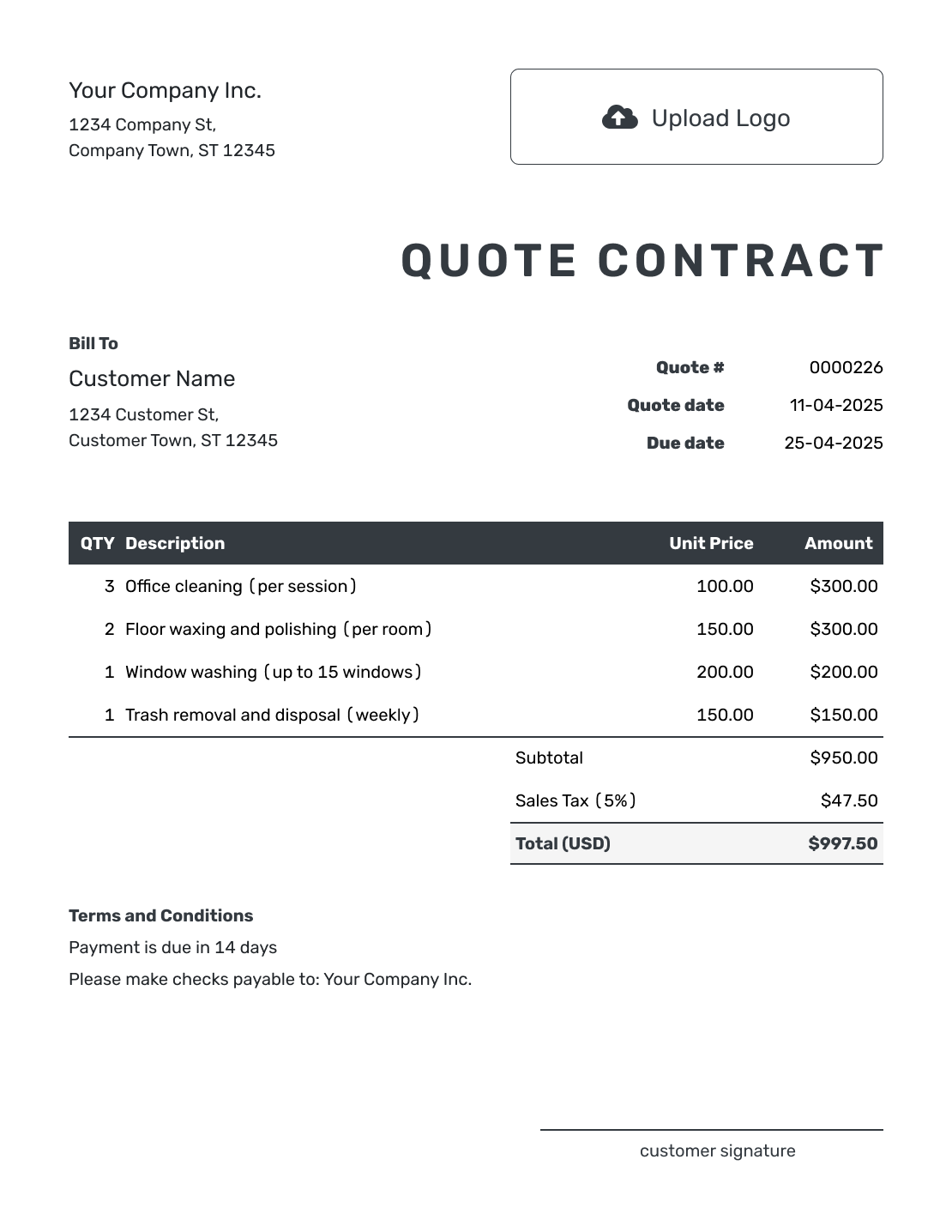
Editable Quote Contract Template
Create Free Quote -
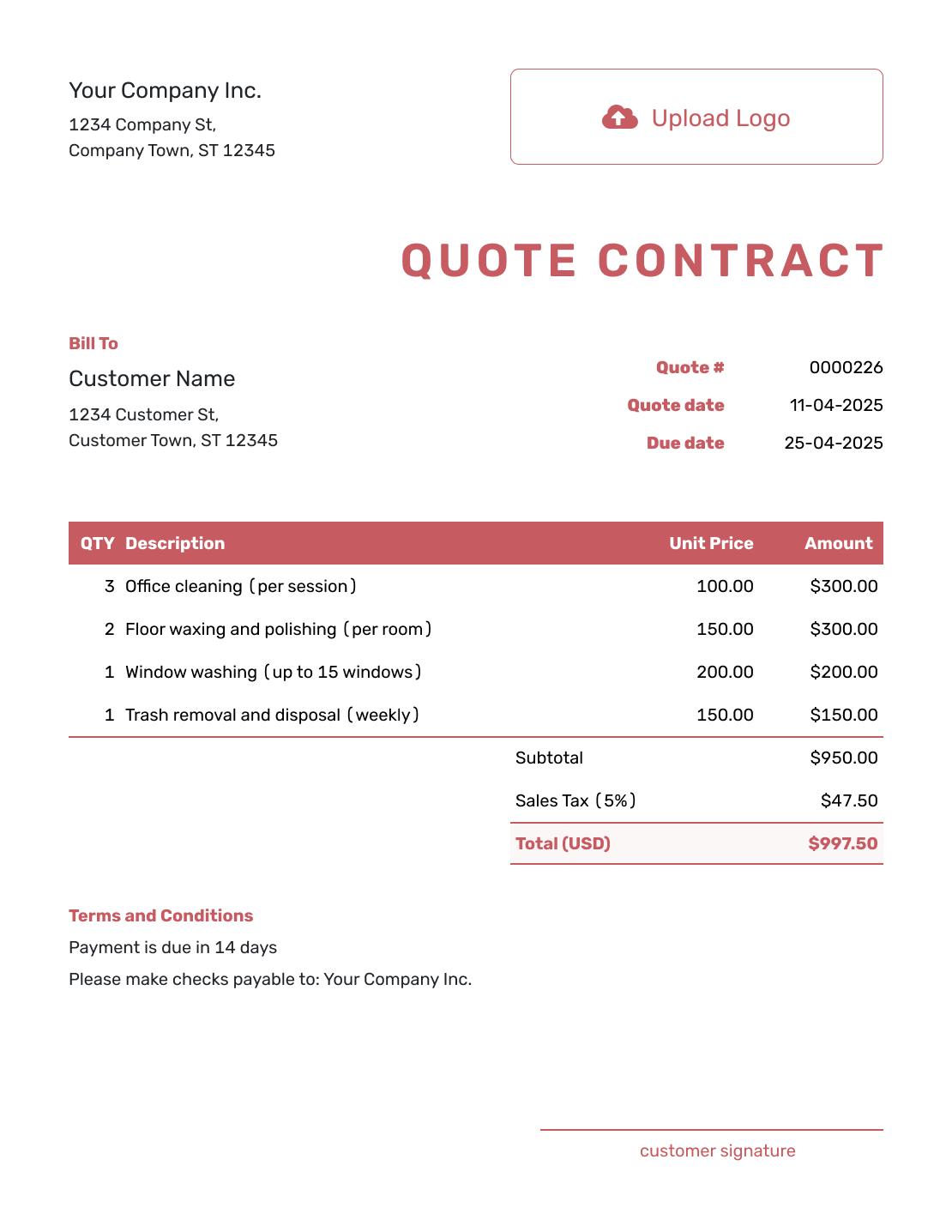
Fillable Quote Contract Template
Create Free Quote -
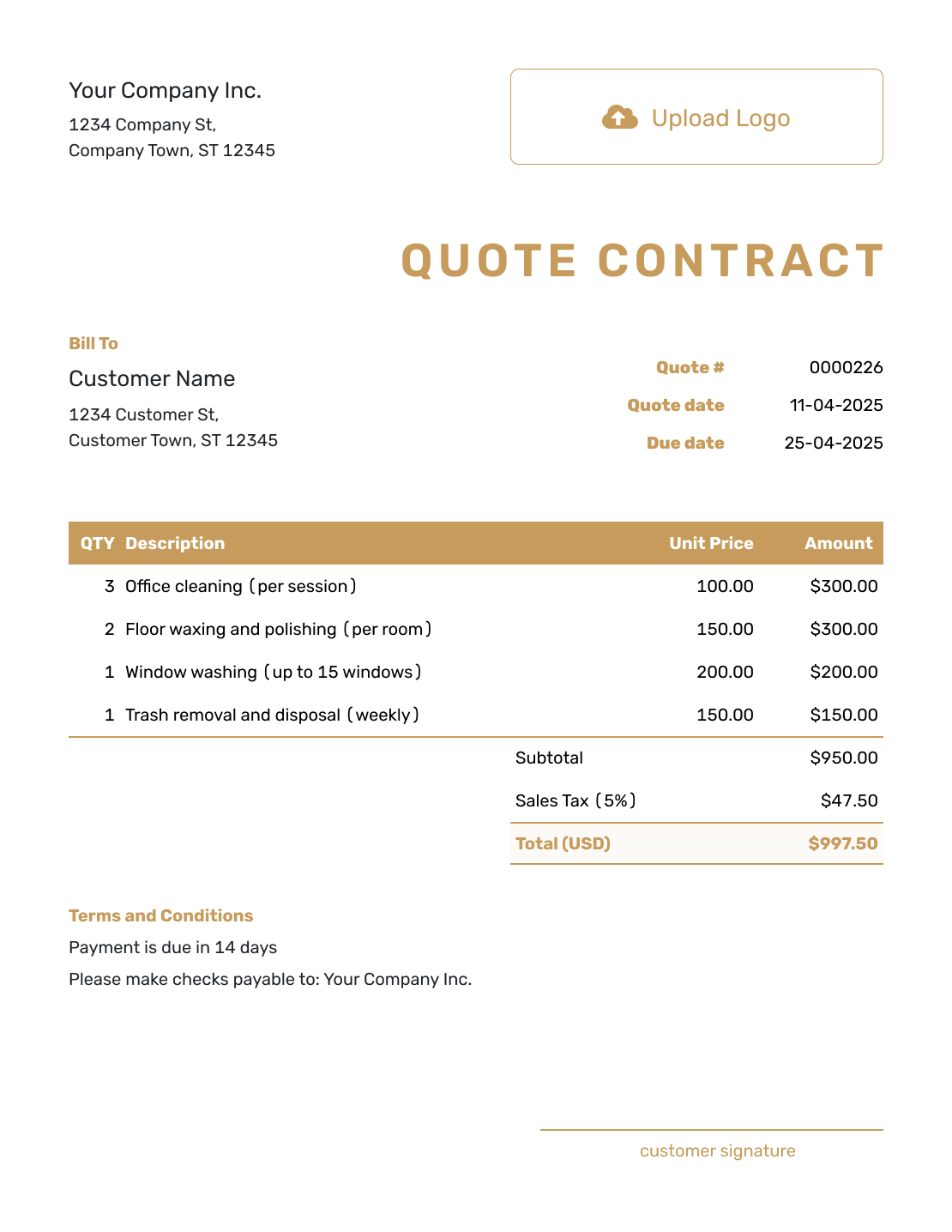
Professional Quote Contract Template
Create Free Quote
Keep the Offer and Working Terms Together
Use a quote contract when a simple price is not enough. Put the defined work, total, payment terms, and acceptance step in one customer-ready document. Add responsibilities and change rules where they matter.
For a more persuasive document with background and a recommended approach, use a quote proposal. For help writing the conditions, see the quote terms example.
- Describe the work and exclusions before the customer accepts
- State deposits, milestones, due dates, and late-payment terms
- Explain how changes, delays, cancellations, and customer responsibilities will be handled
- Keep the accepted quote ready to turn into an invoice
Create a Quote With Terms Ready to Review
Put the price and working terms together. Docelf keeps the accepted version ready when it is time to invoice.
What Is a Quote Contract?
A quote contract is a quote that places the scope, price, and key working terms in one document. It gives the customer one place to review what you will do, what it costs, and how payment, changes, and acceptance will be handled.
It is not a full contract for every job. Whether an accepted quote forms a legal agreement depends on its wording and the law that applies. Use a separate agreement and legal advice for complex, high-value, or high-risk work.
How to Create a Quote Contract
Start with the work the customer is agreeing to. Make the scope, price, responsibilities, and acceptance terms clear enough that you and the customer can refer back to the same document.
- Business Details: Enter your business name and contact details.
- Logo: Add your logo if you want the quote contract to match your documents.
- Customer: Choose a saved customer or enter the name and contact details.
- Number and Dates: Add the quote number, issue date, and valid-until date.
- Scope and Price: Define the services, deliverables, products, and exclusions. Docelf calculates the total.
- Working Terms: State payment timing, responsibilities, changes, cancellation terms, and acceptance.
- Review and Send: Check the scope, price, and terms, then email the quote contract or download a PDF.
Terms to Put Beside the Price
Terms are useful when they answer a real question about how the job will work. Keep them specific to the offer instead of adding long generic language.
Scope and Changes
State what is included, what is excluded, and how added work or changed quantities will be priced and approved.
Payments
List the deposit, milestone payments, and final payment date. Add accepted payment methods and late-payment terms when they matter.
Responsibilities
Explain what you will provide and what the customer must supply, approve, prepare, or make accessible.
Acceptance
State how the customer accepts the quote and which date, signature, or online approval records that decision.
What to Include in a Quote Contract
The customer should be able to understand the offer and the main rules for carrying out the work before accepting it.
- Your business name, contact details, and logo
- Your customer's name and contact details
- A quote number, issue date, valid-until date, and project dates when known
- A clear scope, deliverables, quantities, rates, prices, and total
- Items, services, or responsibilities that are not included
- Deposits, payment milestones, due dates, taxes, and fees
- Change, delay, cancellation, warranty, and customer-responsibility terms when relevant
- A clear acceptance method and space for any required signature or approval
Quote Contract, Proposal, or Invoice?
Choose the document based on how much working detail the customer needs and whether payment is due.
Quote Contract
Use a quote contract when the customer should review the scope, price, and key working terms in the same document.
Quote Proposal
Use a proposal when you also need to explain the customer need, your approach, deliverables, and timeline.
Invoice
Send an invoice when payment is due. In Docelf, turn the accepted quote into an invoice without entering the scope and price again.
Use a standard quote when a clear price and basic terms are enough. When payment is due, create an invoice from the accepted quote.
Quote Contract Template File Formats
Prefer an editable file? Choose the format that best fits how you write the scope, calculate the price, review the terms, and share the document.
Related Quote, Proposal, and Terms Templates
Choose the page that matches whether you need a simpler quote, a persuasive proposal, a competitive bid, or help writing terms.
Quote Contract Template FAQs
-
What is a quote contract template?
A quote contract template is a reusable quote layout that keeps the scope, pricing, terms, and acceptance details in one document.
-
Is a quote contract legally binding?
It can be, but not automatically in every situation. Whether acceptance creates a binding agreement depends on the wording, how it is accepted, and the law that applies. For important or complex work, use a separate contract reviewed for your business.
-
Can I use a quote contract instead of a service contract?
For simple, lower-risk work, a detailed accepted quote may record the main deal. It may not cover insurance, liability, warranties, disputes, or other terms a full service contract needs.
-
What terms should I include in a quote contract?
Include the scope, exclusions, price, and payment timing. Explain how changes and cancellation work, what the customer must do, and how they accept. Add only the terms that fit the work.
-
How should a customer accept a quote contract?
State the acceptance method on the quote. The customer may approve it online, sign it, or use another recorded method your business accepts.
-
What happens if the scope changes after acceptance?
Describe the change in writing and update the price or timing. Ask the customer to approve the revised quote or change order before you continue with the added work.
-
Should I include a deposit in the quote contract?
Include a deposit when your business requires one. State the amount or percentage, when it is due, whether it is refundable, and what work begins after payment.
-
Can I turn an accepted quote contract into an invoice?
Yes. Docelf can turn the accepted quote into an invoice and reuse the customer, scope, line items, and price details.
-
Should a quote contract have an expiration date?
Yes. Add a valid-until date so the customer knows how long the price and terms apply. If the date passes, review the scope, schedule, and costs before issuing an updated quote.
Ready to Put the Price and Terms in Writing?
Keep the priced offer and the working terms together in one customer-ready document.
- Define the scope, exclusions, and responsibilities
- State payment, change, and acceptance terms
- Email the quote contract or download a PDF




