Free Model Invoice Template
Create a professional modeling invoice in minutes
Bill for completed shoots, runway work, appearances or brand projects and state the agreed fee. Clear booking details show the agency or client what to pay and help you get paid.
Email, print or download your invoice as a PDF.
14-day free trial. No credit card required.

Create the invoice. Send it. Get back to work.
Invoice Layouts for Modeling Bookings
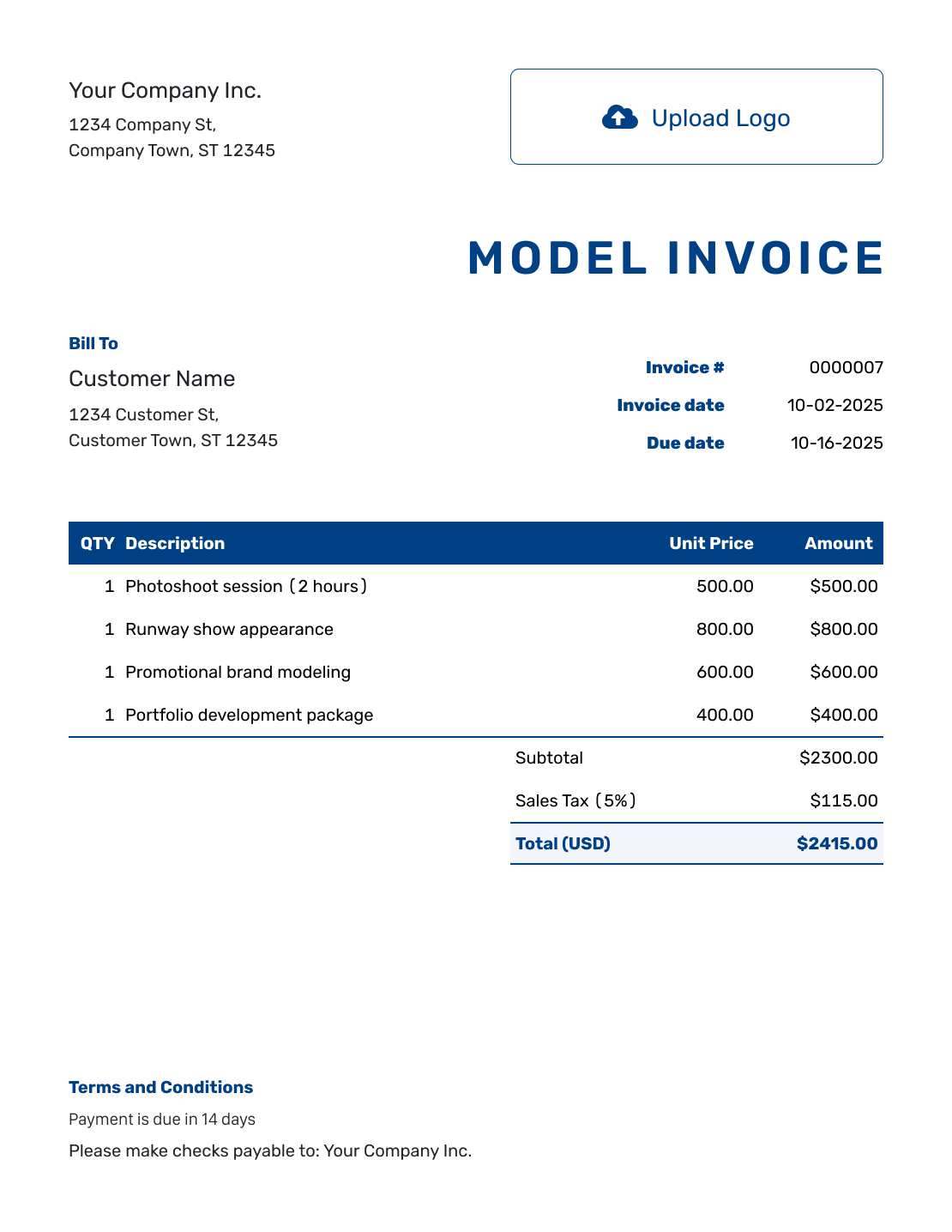
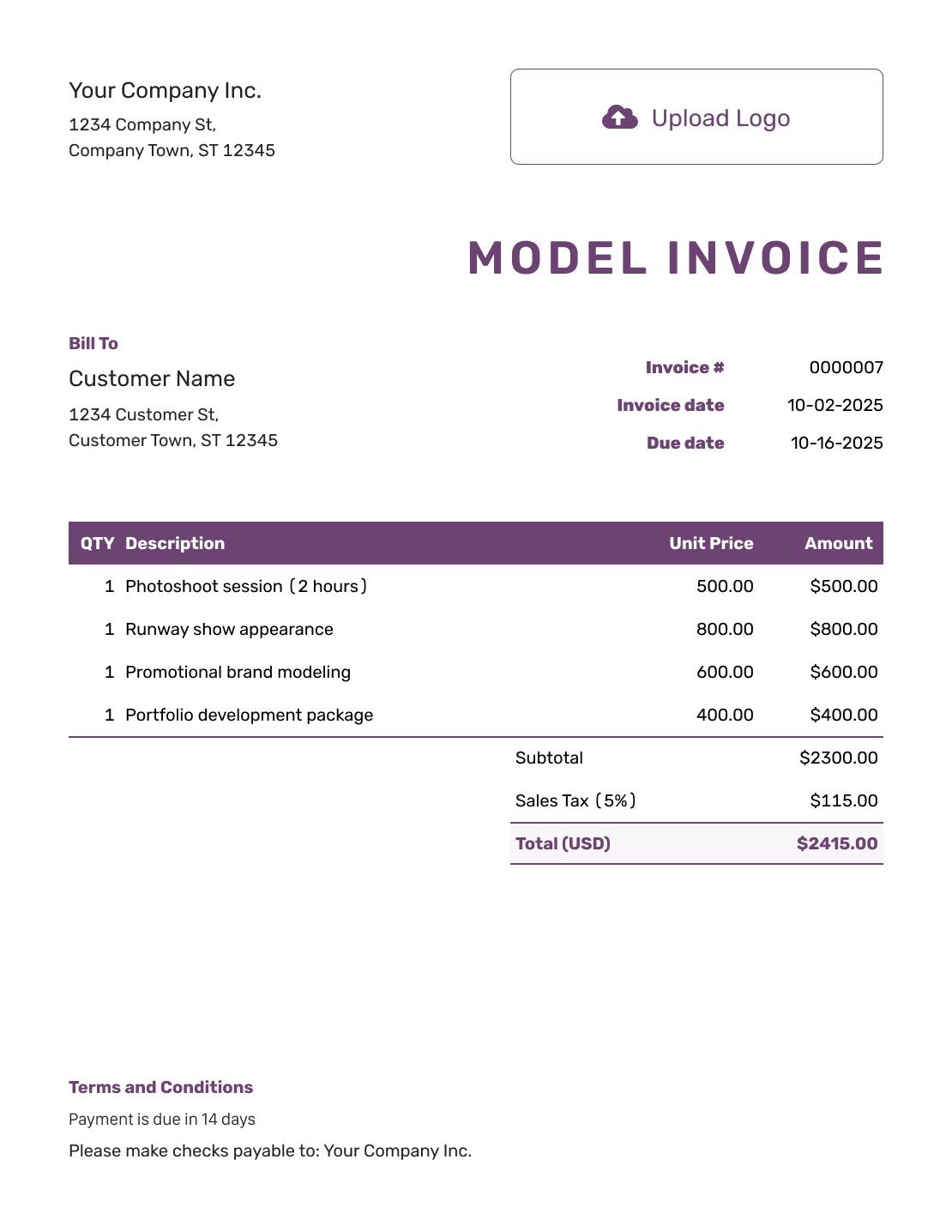
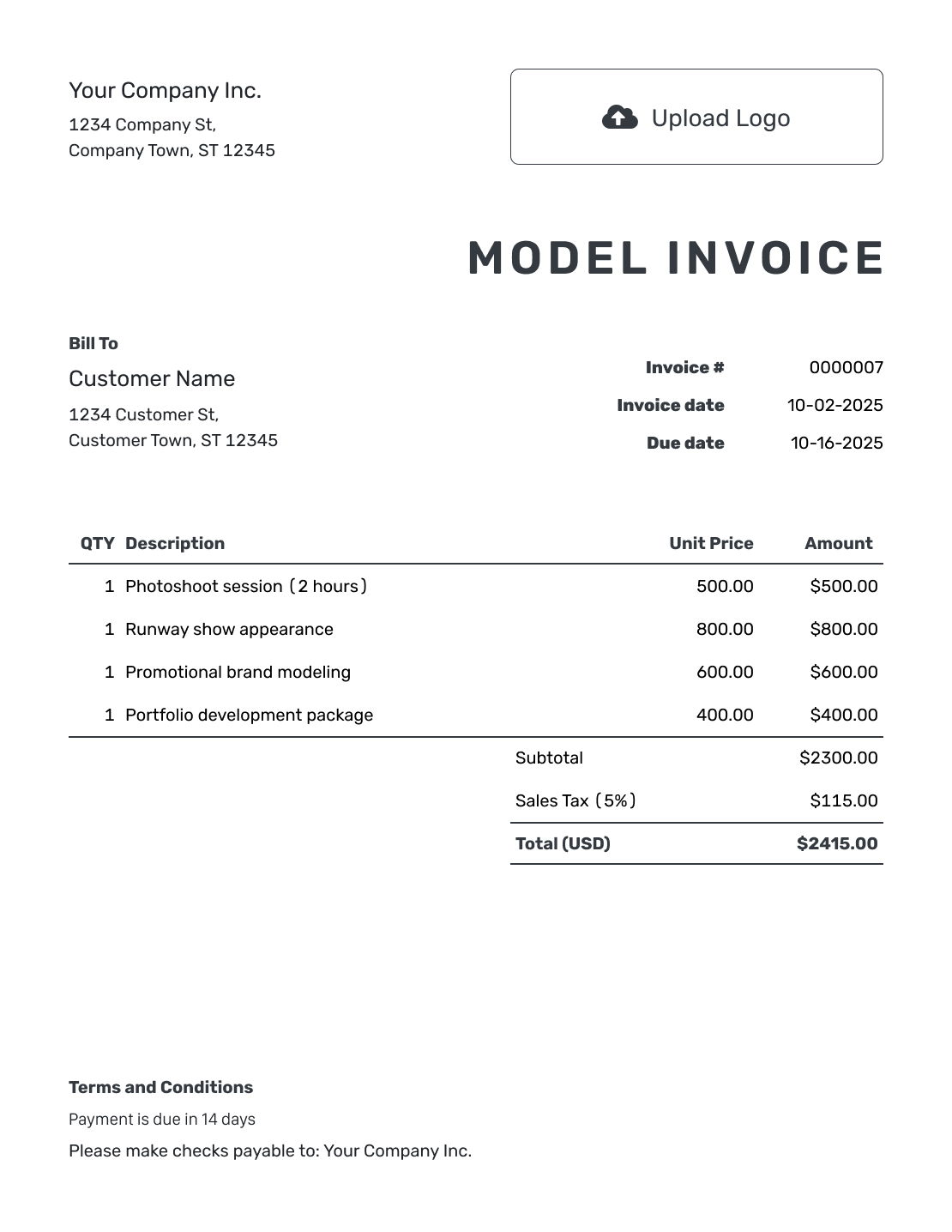
Browse invoice previews for shoots, runway bookings, appearances, or brand collaborations. Each opens the same invoice editor, where you add the booking details and agreed fees.
How to Create a Model Invoice
Keep the booking confirmation nearby while you prepare the invoice. Use its billing details and agreed fees as your starting point.
- Identify Yourself: Enter the name or business name the client expects on your invoice.
- Add Your Branding: Add your logo when you use one for your modeling work.
- Add the Agency or Client: Enter the agency or client’s billing details from the booking.
- Check the Number and Dates: Check the invoice number. Add the invoice date and agreed due date.
- Describe the Booking: List the shoot or appearance, its date, and the agreed modeling fees.
- Review Fees and Totals: Check the rates and any tax or discount. Docelf calculates the total.
- Add Payment Instructions: Reference the booking agreement and explain how the client should pay.
How to Fill In Model Invoice Line Items
Use one unit for a booked day or appearance. Show separately priced fitting time and usage fees on their own lines. Add travel only when you agreed that the client would pay it.
This sample booking uses US dollars (USD). It covers one shoot day, a two-hour fitting, and a separate campaign usage fee. The example applies 8% tax to all three charges. Use your agreed fees and the tax rules that apply to the booking.
| QTY | Description | Unit Price | Amount |
|---|---|---|---|
| 1 | Lookbook shoot — agreed day | $750.00 | $750.00 |
| 2 | Pre-shoot fitting — hours | $60.00 | $120.00 |
| 1 | Campaign usage — booking agreement | $300.00 | $300.00 |
| Subtotal | $1,170.00 | |
| Tax (8% example) | $93.60 | |
| Total | $1,263.60 |
What to Include in Model Invoice Terms
Use Terms and Conditions to include the booking reference, payment deadline, and instructions for paying. For image usage, refer to the campaign and usage terms in your agreement. These should cover where, how, and for how long the images can be used. Do not add new usage rights on the invoice.
Keep agency arrangements, extra-time charges, and travel terms consistent with the booking. Check local requirements before adding fees or other conditions. Use this example only for terms that fit your agreement.
Example: Terms and Conditions
- Payment is due on [Due Date] by [Payment Method].
- This invoice covers booking [Booking Reference] for [Client or Campaign] on [Service Date].
- Modeling time, fittings, and approved extras are charged as agreed for the booking.
- Image usage follows the channels, territory, and duration in [Usage Agreement Reference].
Put the Booking Details on the Bill
Create a clear bill for the shoot or appearance. Enter the agreed fees and let Docelf calculate the total. Review the invoice before you send it.
Check the Booking Before You Bill
Show what each fee covers and refer to the existing booking agreement for the full terms.
Agency or Direct Client
Bill the customer named in the booking. If an agency arranged the work, confirm whether the agency or the brand will pay you. Send the invoice to that customer.
Booked Time
State whether the fee covers a day, half-day, appearance, or hours. Keep the service date beside the description so the client can match it to the schedule.
Usage Fee
Identify a separately agreed usage charge and reference the booking terms. Do not imply that an appearance fee automatically includes every use of the images.
Approved Expenses
List approved travel and other expenses separately from the modeling fee. Attach the supporting receipts so the client can check each expense.
Keep Extra Time Separate from the Day Fee
For a fixed day fee, enter Quantity 1 and identify the booking date. Do not multiply that fee by the number of hours worked. If the booking has a separate hourly arrangement, use the billable hours instead.
List an extra fitting, longer appearance, or additional shoot time only at the price agreed for that work. The invoice should reflect the booking, not introduce a new extra-time policy afterward.
Use a Name the Billing Team Recognizes
Use the same name or business name as the booking. Add your logo and choose readable colors and fonts.
Put your billing contact in the footer. You can also add an industry name before “Invoice.”
For international bookings, choose the agreed currency from USD, EUR, GBP, CAD, or AUD. Attach a booking summary or approved expense receipt as a PDF, JPG, GIF, PNG, or WebP file, up to 5 MB per attachment.
Send the Invoice to the Right Billing Contact
Check the recipient with the agency or client before sending. When you email the invoice from Docelf, its document history shows when the recipient opens it. Use the booking reference if you need to follow up.
Record each payment against the correct invoice. Docelf keeps the amount, date, and remaining balance together. After recording payment, create a receipt from that invoice for the client’s records.
More Model Invoice Previews
-
Blank Model Invoice Template
Create Free Invoice -
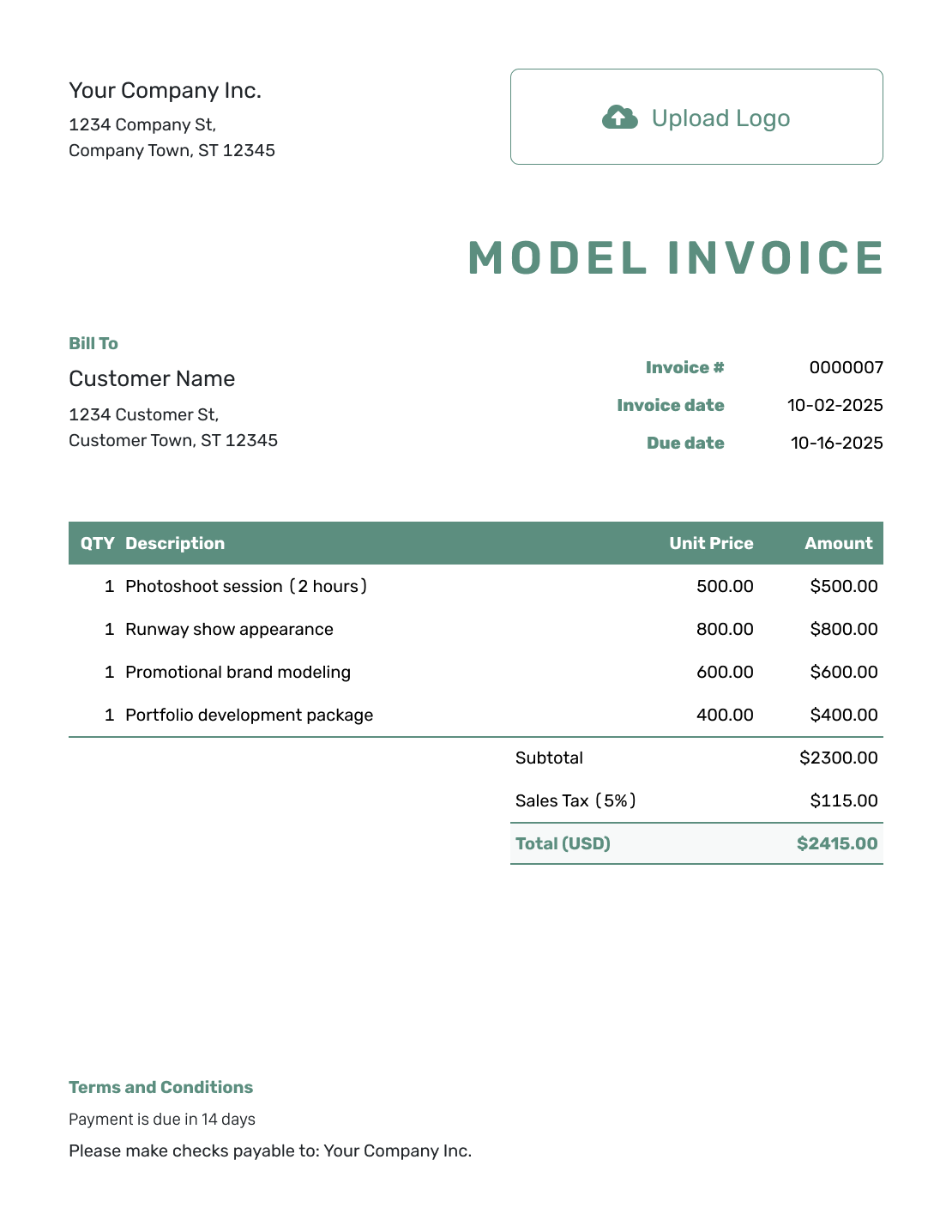
Simple Model Invoice Template
Create Free Invoice -
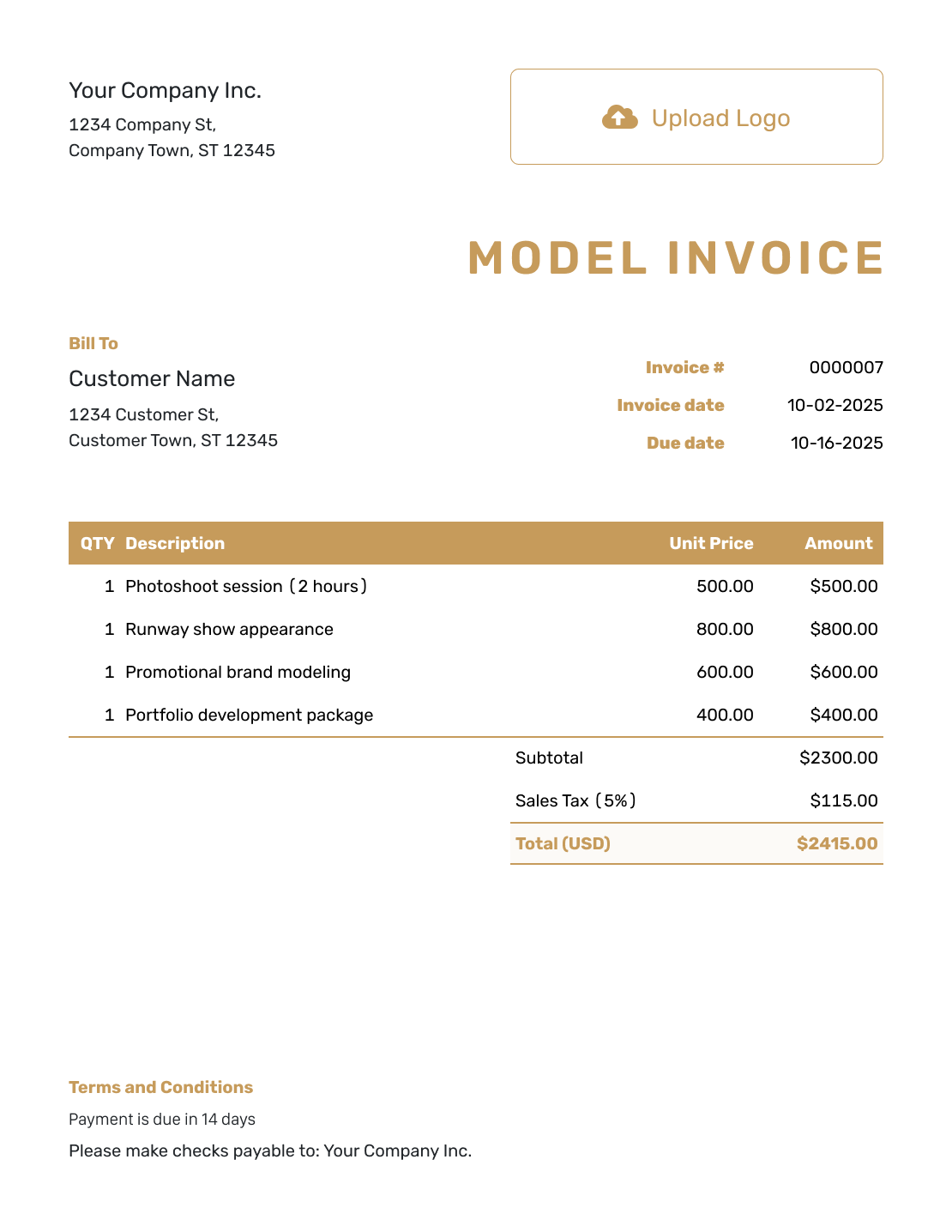
Standard Model Invoice Template
Create Free Invoice -
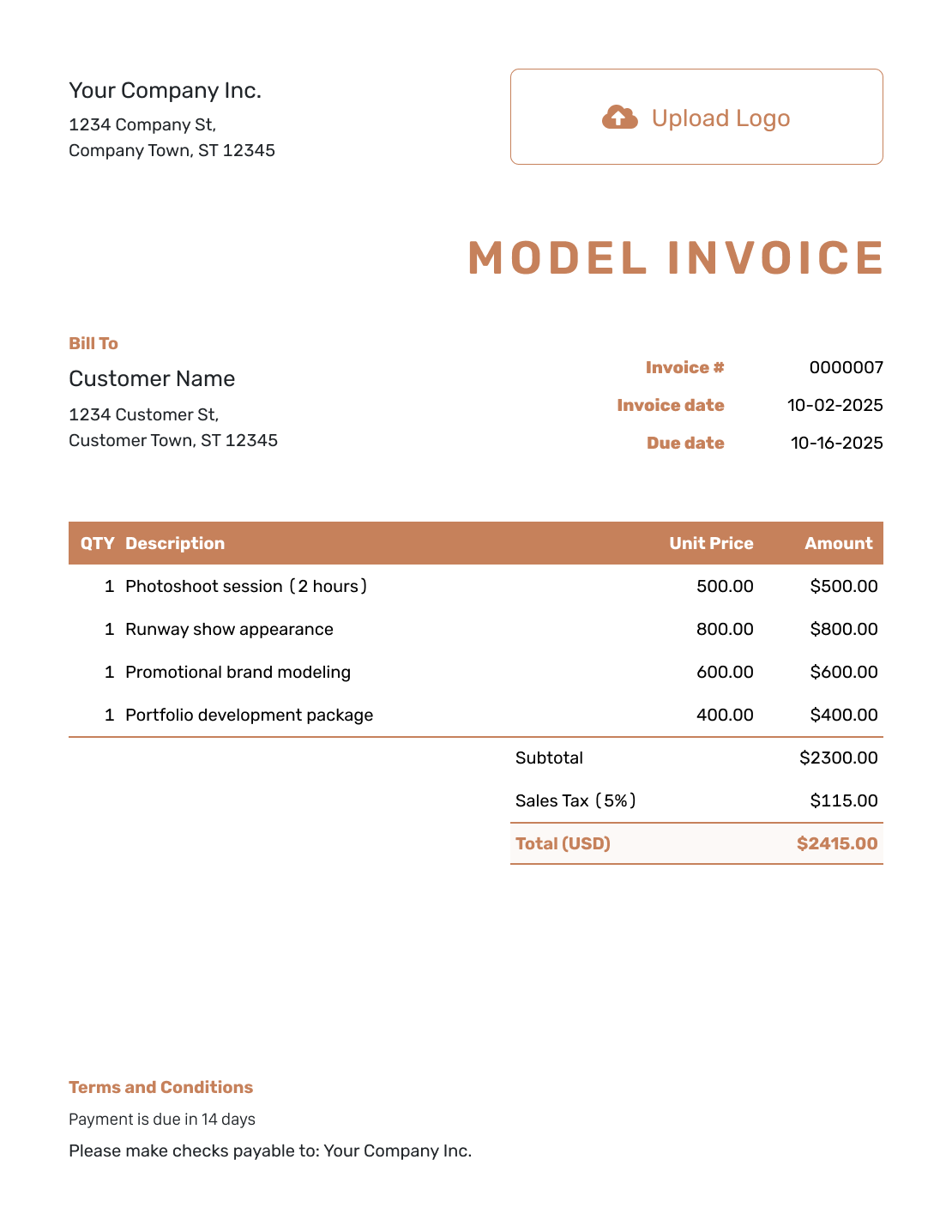
Itemized Model Invoice Template
Create Free Invoice -
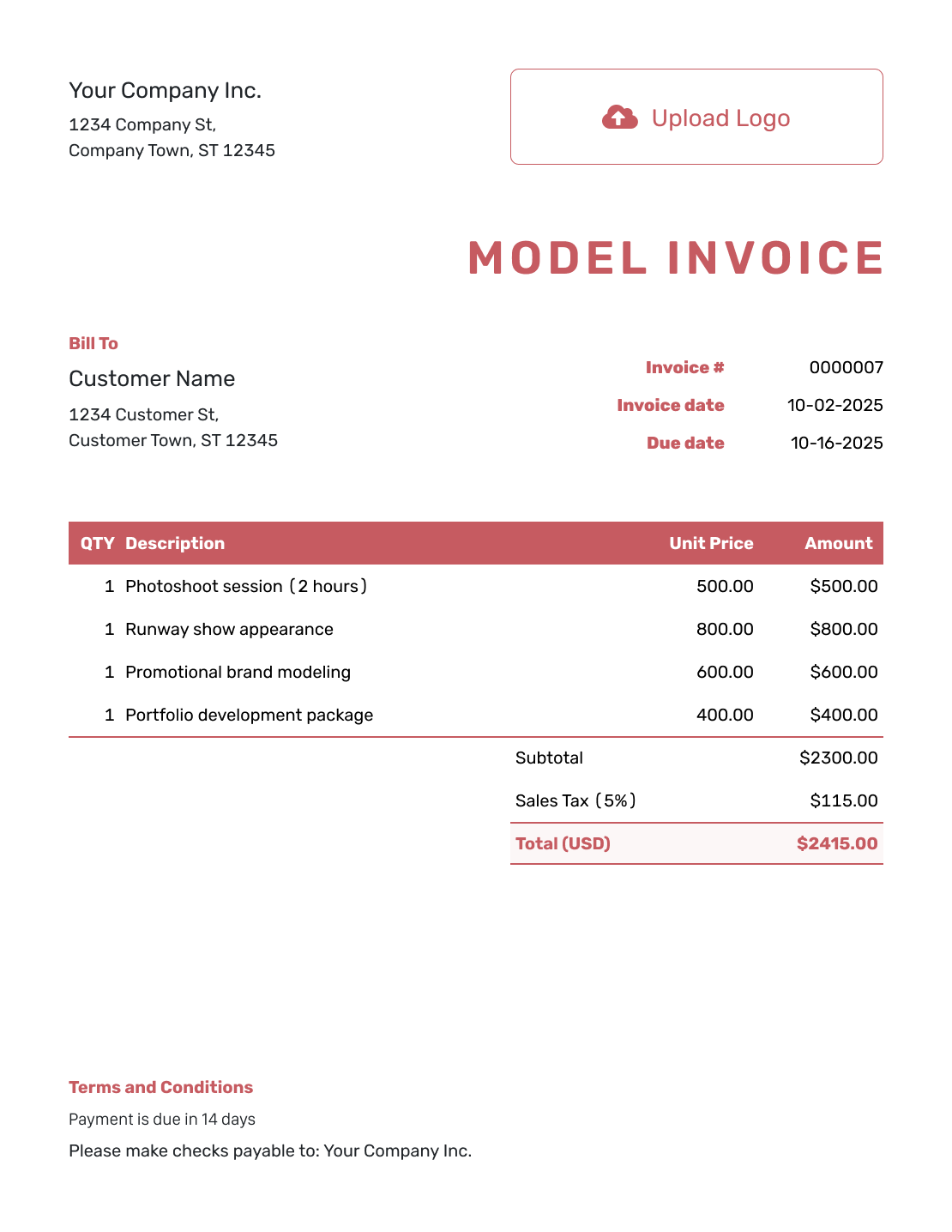
Basic Model Invoice Template
Create Free Invoice -
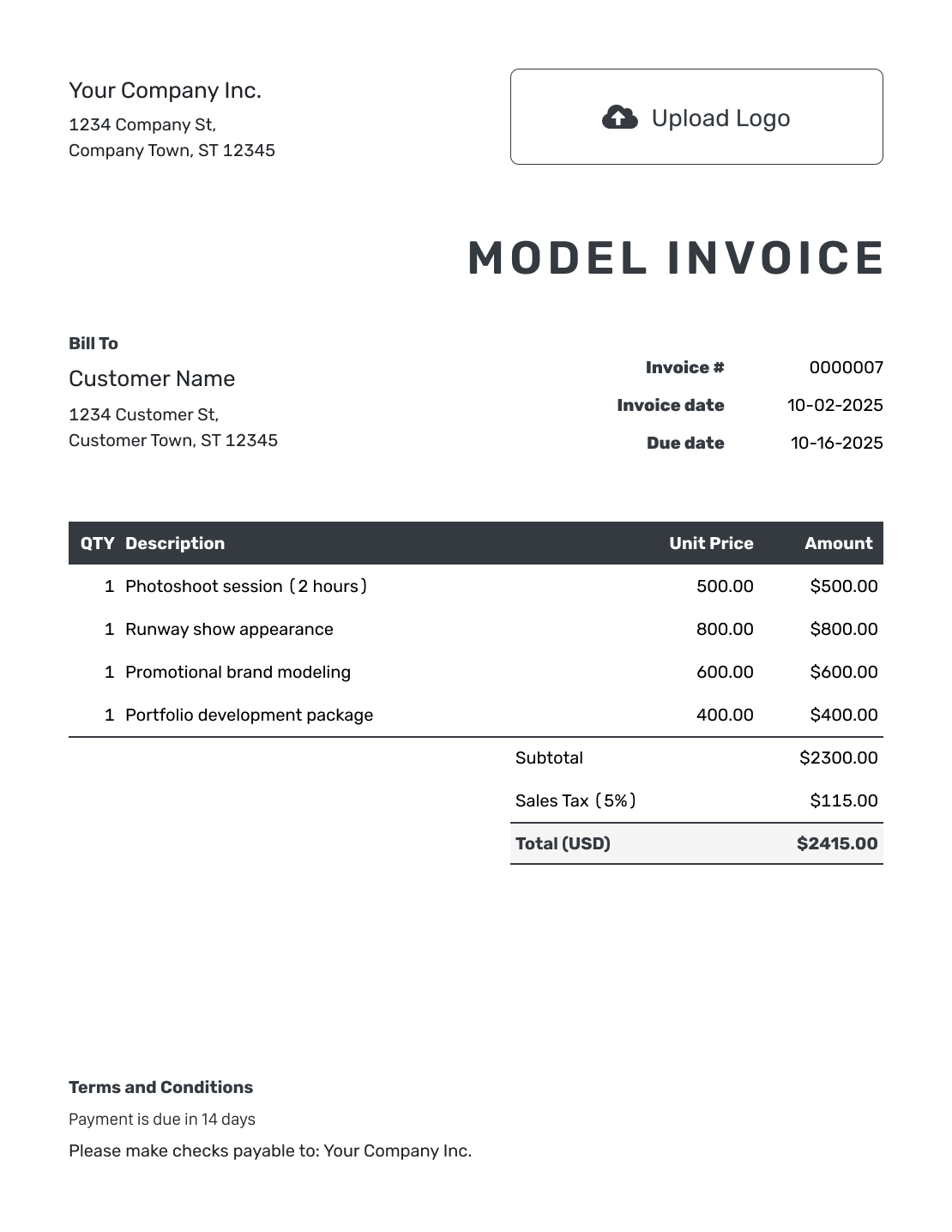
Hourly Model Invoice Template
Create Free Invoice
Model Invoice File Formats
Does your agency need an editable file? Use a general Word, Google Docs, Excel, or Google Sheets invoice template. Add your booking reference and fee breakdown in the format your agency uses.
Model Invoice FAQs
-
Who should receive my model invoice when an agency arranged the booking?
Follow the billing arrangement for that booking. Confirm whether the agency or the direct client expects your invoice and use their billing details. Avoid sending duplicate payment requests to both.
-
What quantity should I enter for a day rate?
Enter 1 for one agreed day fee and identify the shoot date in the description. Use an hourly quantity only when that part of the booking is priced by the hour.
-
Can I list a fitting as a separate charge?
Yes, when the fitting has its own agreed fee. Give its date and use the agreed hours or fixed charge. Do not add another charge when the fitting was included in the shoot fee.
-
How do I describe image usage on the invoice?
Reference the usage agreement or booking terms and label any separately priced usage fee. Keep the campaign, channels, territory, and duration consistent with that agreement.
-
How should I show travel expenses for a modeling job?
Use a separate line for an approved expense and describe what it covered. Attach the supporting receipt when the client needs it. Do not add travel already included in the booking fee.
-
Can I use my modeling name on the invoice?
Use the name required by your billing agreement. You can also add your modeling name as a reference so the client recognizes the booking.
Create the Invoice for Your Booking
Make the fee easy for the agency or client to check and pay.
- Identify the booking and the client or agency
- List modeling fees and approved extras
- Keep the due date with the invoice




