Free Content Creator Invoice Template
Create a professional invoice in minutes
Name the campaign or project and the videos or posts you delivered. Help the brand or agency match your invoice to the agreed work and pay you.
Email, print or download your invoice as a PDF.
14-day free trial. No credit card required.

Create the invoice. Send it. Get back to work.
Invoice Previews for Content and Campaign Work
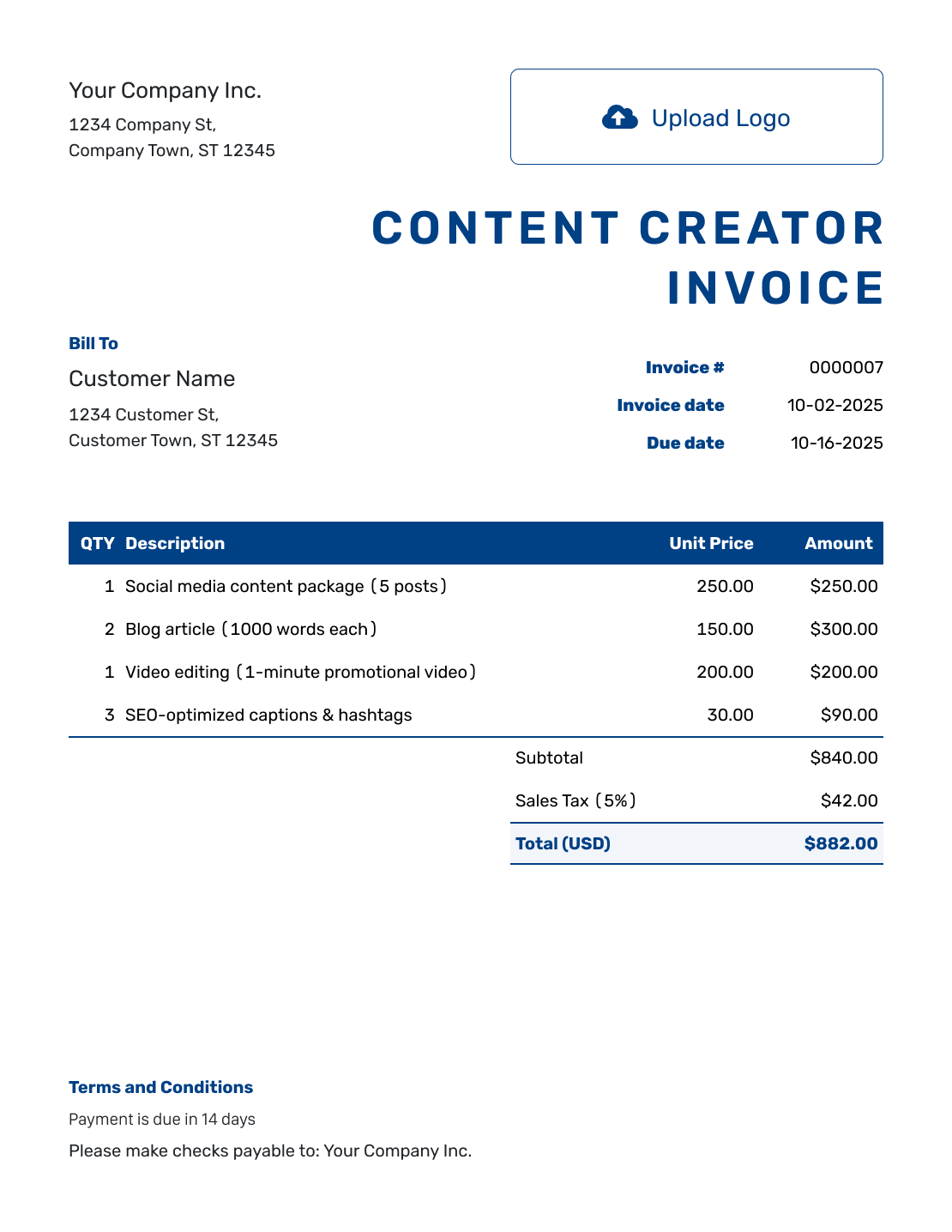
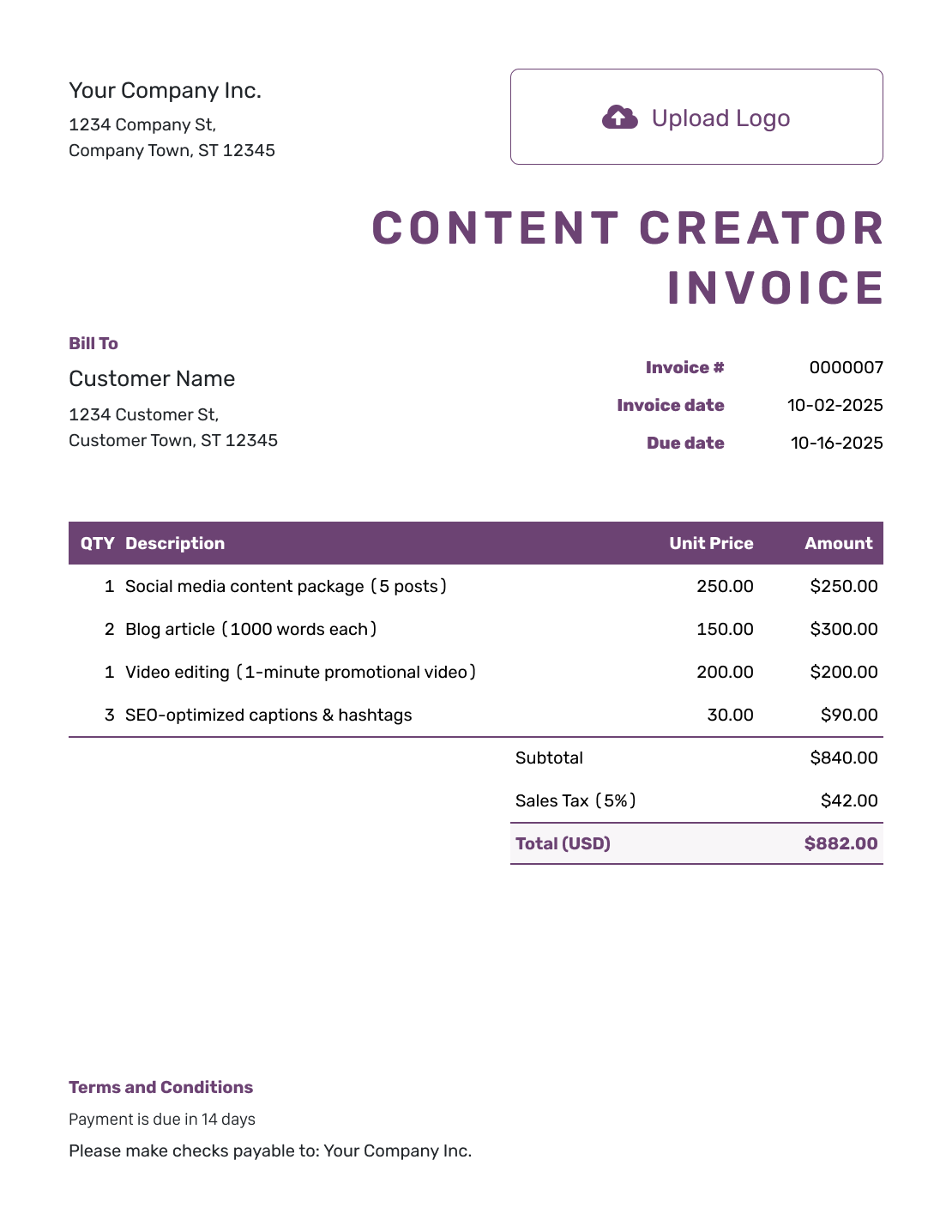
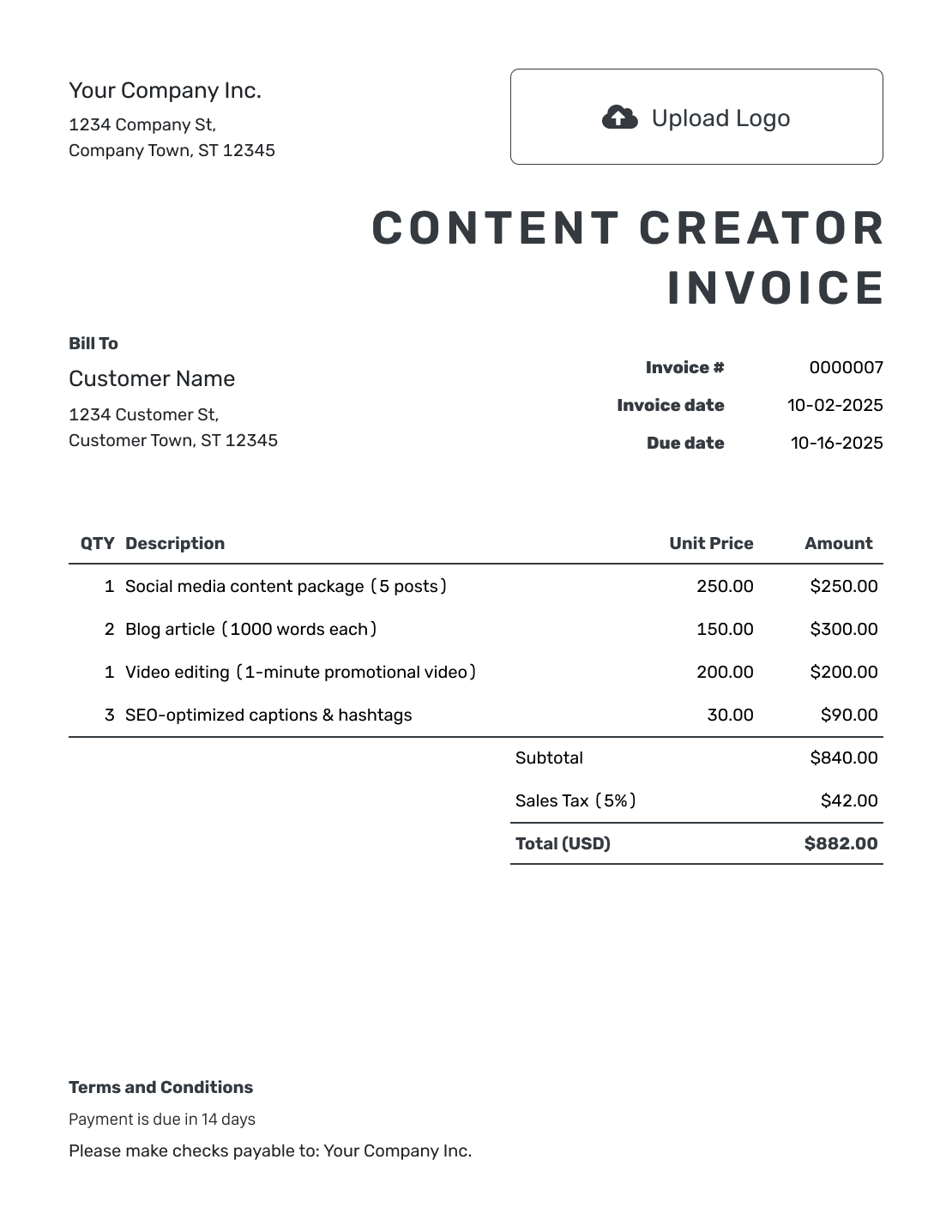
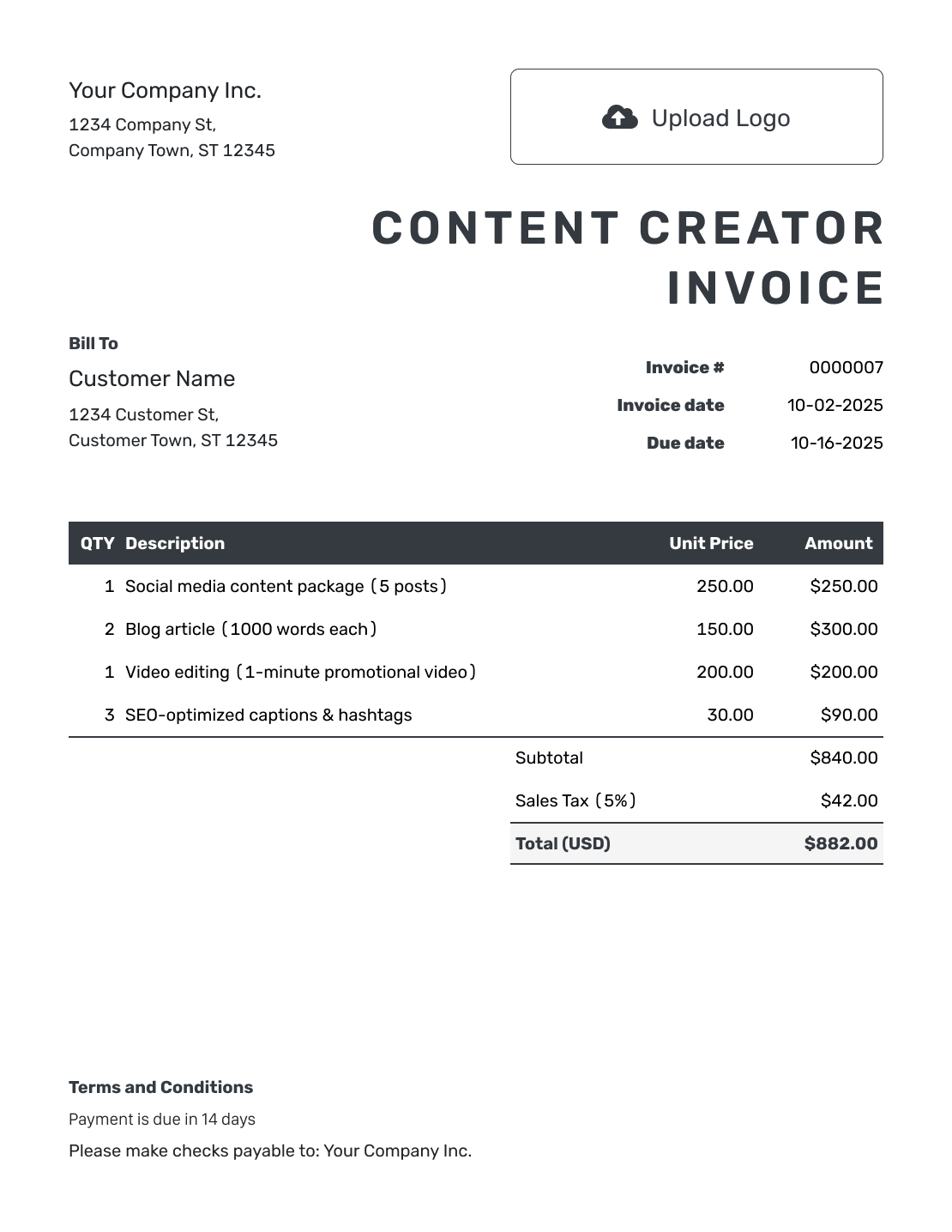
Browse invoice previews for videos, posts or sponsored work. Each opens the same invoice editor, where you enter the campaign and content you delivered.
Connect Each Fee to the Content You Delivered
Name the campaign and describe the content behind each fee. This might be a video, podcast segment, blog post or social media post. Add a delivery date or published-post reference when it helps the client check the work.
Separate content production from publishing a sponsored post when your agreement gives each a different fee. An edited video delivered to a brand is not the same task as a post on your own channel. Bill for the work and usage the client agreed to buy.
How to Create a Content Creator Invoice
Have your campaign brief and delivery record ready. Use them to check the content and fees as you fill in the invoice.
- Add Your Billing Name: Use the business or creator name shown in the campaign agreement.
- Add Your Creator Logo: Choose a logo that helps the brand recognize your invoice.
- Choose the Paying Client: Use the brand’s or agency’s billing details, as agreed.
- Add the Number and Dates: Check the invoice number. Add the invoice date and payment deadline.
- List the Delivered Content: Name each video, post or package. Enter the quantity and agreed rate.
- Review Fees and Totals: Apply any tax or discount. Check the total against the campaign agreement.
- Write the Payment Terms: Add the payment instructions and campaign reference from your agreement.
How to Fill In Content Creator Invoice Line Items
Put the number of videos or posts in Quantity. Use 1 for a package with one agreed price. List approved extra editing on its own line.
This fictional product campaign uses USD. Two product videos and a sponsored story set have separate fees. The client approved the extra editing as a separate charge. The example adds 6% tax to the $1,010.00 subtotal. Use the tax treatment that applies to your work.
| QTY | Description | Unit Price | Amount |
|---|---|---|---|
| 2 | Edited product video — 30 seconds each | $350.00 | $700.00 |
| 1 | Sponsored story set — 3 frames | $180.00 | $180.00 |
| 2 | Approved extra editing — hours | $65.00 | $130.00 |
| Subtotal | $1,010.00 | |
| Sales Tax (6% example) | $60.60 | |
| Total | $1,070.60 |
What to Include in Content Creator Invoice Terms
Use Terms and Conditions to state when and how to pay, and identify the campaign agreement. Clarify whether the listed charge covers content production, publication on your channel or both.
Refer to the existing agreement for usage periods and included edits. Get the client’s agreement before adding any new usage permissions or charges. Use the sample below only for terms you agreed with the client.
Example: Terms and Conditions
- Payment is due by [Due Date] using [Payment Method] for campaign [Campaign Reference].
- The listed fees cover the delivered content and sponsored placements described above.
- Included edits and approved additional editing follow [Agreement Reference].
- Content usage, channels and usage periods remain as agreed in that document.
Put the Campaign Fee in One Clear Invoice
Create an invoice for the content you delivered. Docelf reuses saved client details, so you can focus on this campaign’s charges.
Check Who Handles the Campaign Payment
The person reviewing your content may not be the person who pays the invoice. Check the billing details before sending.
Working Directly With a Brand
Use the company name and billing email the brand gives you. Include its campaign reference or purchase order number when requested.
Working Through an Agency
Confirm which company is paying you. Use that company’s details in the customer section. Name the brand’s campaign in the line items.
Keep Content Delivery Separate From the Invoice
Add your logo and choose fonts and colors that fit your creator business. Put your billing contact in the footer. An optional industry name can appear before “Invoice.”
You can attach a PDF delivery summary or a supported image. Docelf accepts PDF, JPG, GIF, PNG and WebP files up to 5 MB each. Send video, audio and larger files through your agreed delivery method, not as Docelf attachments.
Before an overseas campaign starts, agree on the billing currency. Docelf supports USD, EUR, GBP, CAD and AUD.
Follow Up With the Campaign Reference
Email the finished invoice from Docelf and check its document history to see whether the client opens it. An opened invoice does not confirm content approval or payment.
When the payment arrives, record the amount and date. You can then create a receipt from that invoice. Docelf tracks any amount still due. Check that balance before billing for the same content again.
Need a message to go with the bill? Use the invoice email examples and add the campaign name.
More Content Creator Invoice Previews
-
Blank Content Creator Invoice Template
Create Free Invoice -
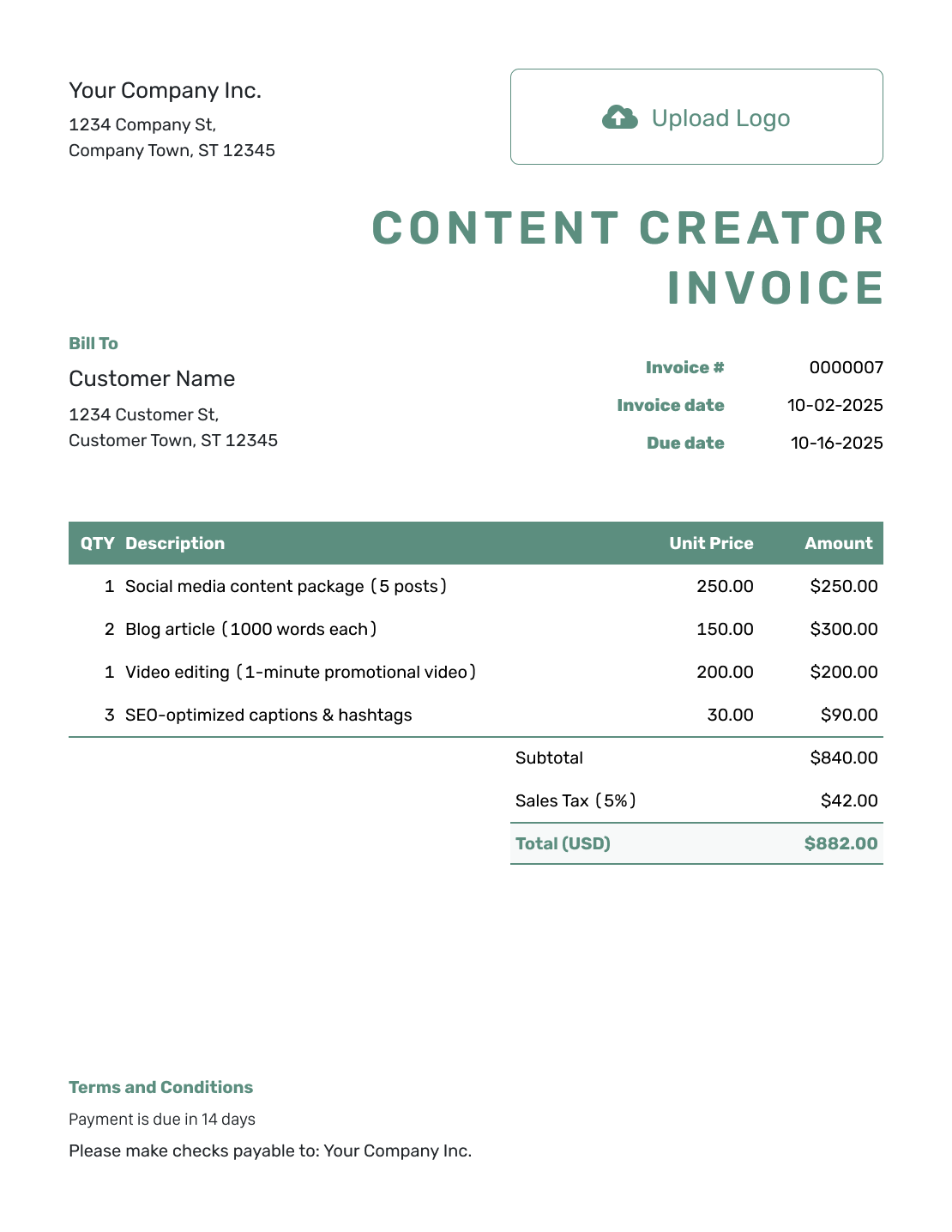
Simple Content Creator Invoice Template
Create Free Invoice -
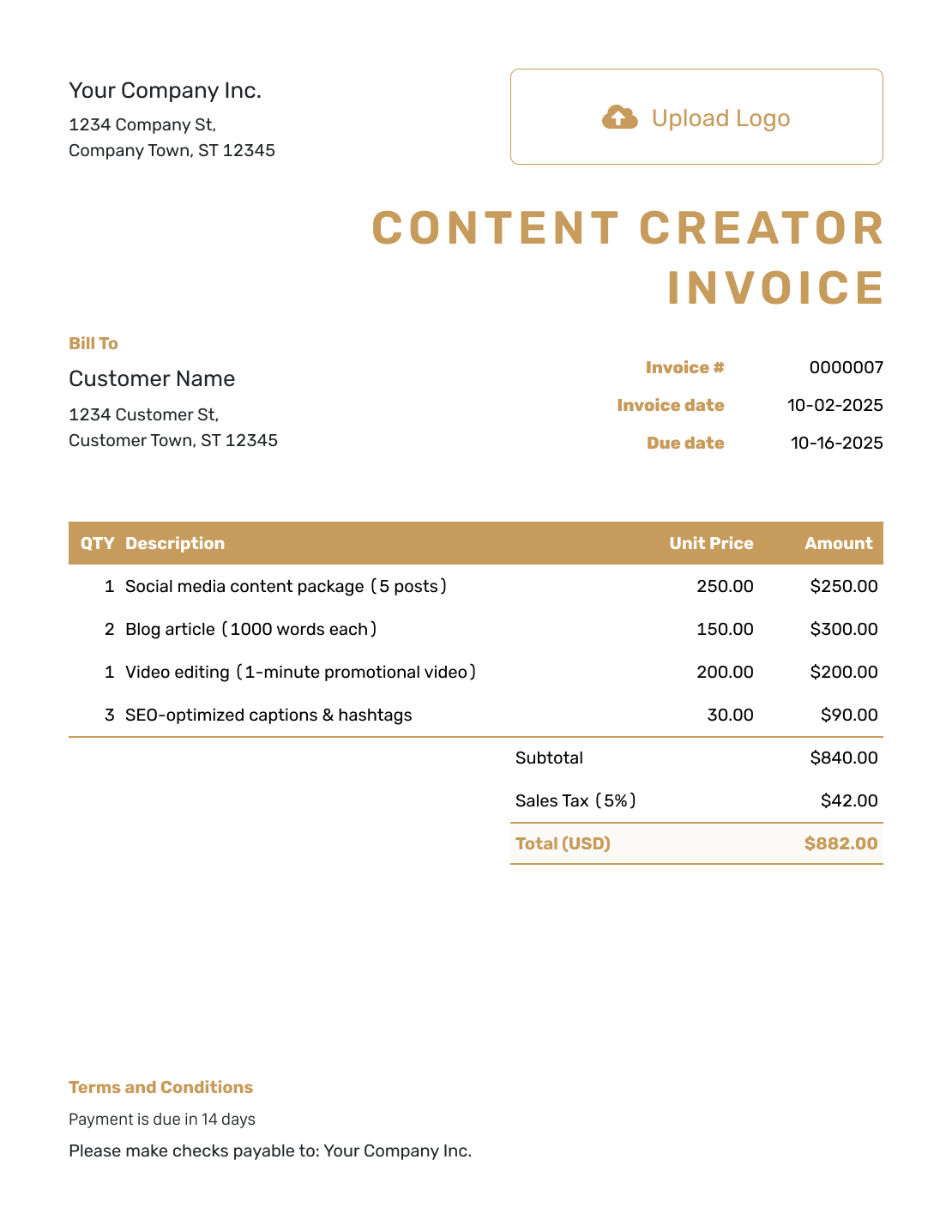
Standard Content Creator Invoice Template
Create Free Invoice -
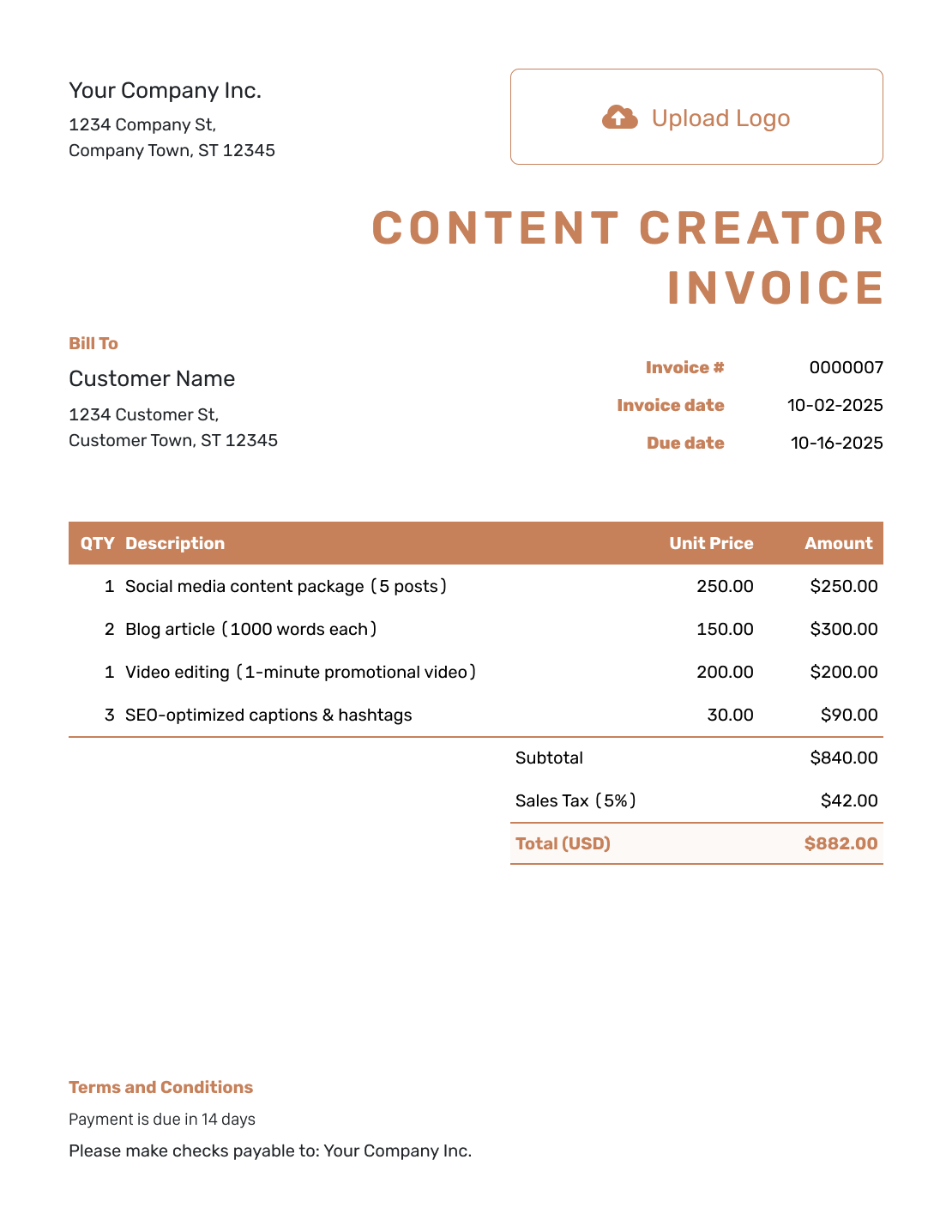
Itemized Content Creator Invoice Template
Create Free Invoice -
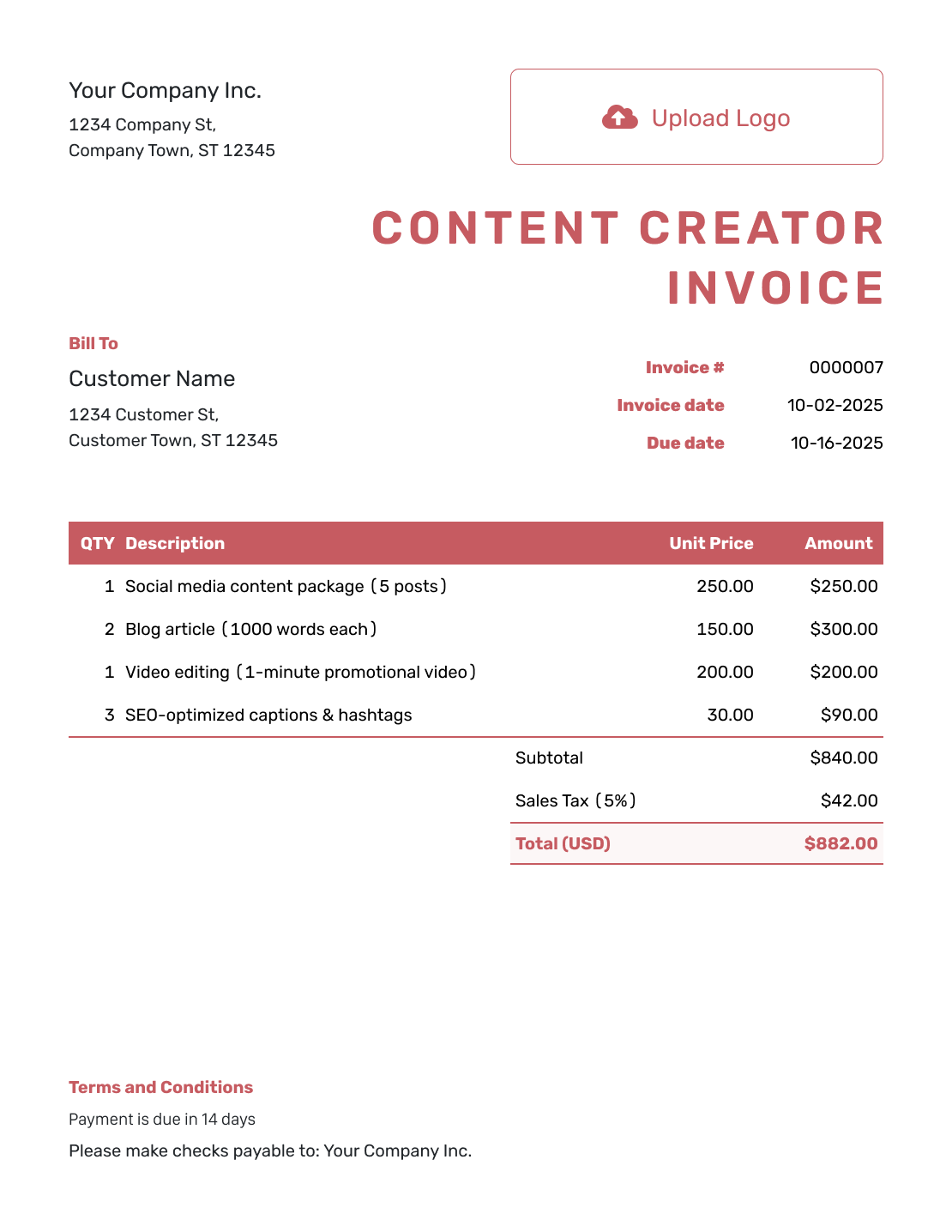
Basic Content Creator Invoice Template
Create Free Invoice -
Hourly Content Creator Invoice Template
Create Free Invoice
Content Creator Invoice File Formats
Already keep campaign records in a document or spreadsheet? Choose a general invoice template below and label each content fee clearly.
Content Creator Invoice FAQs
-
What should a sponsored post invoice include?
Name the campaign, channel and sponsored content covered by the fee. Include the agreed price and the relevant publication or delivery date. Use the payer’s billing details and state when payment is due.
-
Should I invoice the brand or its agency?
Invoice the company that agreed to pay you. Confirm its billing name, address and email before sending. Use the campaign name in the invoice so the payer can connect the charge to the brand’s project.
-
How do I invoice for a package of videos and posts?
Use one line if the agreement gives the whole package one price. Describe what the package includes. Use separate lines when the videos, posts or other services have their own agreed fees.
-
Where should I put a separately agreed content usage fee?
Add it on its own line only when the client agreed to pay for usage separately. Identify the content and refer to the agreed channels and usage period. Do not charge again for usage already covered by a package fee.
-
Can I attach videos or podcast files to a Docelf invoice?
No. The supported attachment formats are PDF, JPG, GIF, PNG and WebP, with a 5 MB limit per file. Use your agreed delivery method for video and audio. A PDF summary can identify what you delivered.
-
Should I charge for every edit after sending a first version?
Do not charge again for edits included in the agreed fee. List extra editing only when the client approved the additional cost. For hourly editing, show the hours and agreed rate.
Ready to Bill for the Campaign?
Keep the bill focused so the client can review it and pay.
- Name the campaign and delivered content
- Use the billing details of the company paying you
- Send the invoice with a clear due date




