Free Freelance Writer Invoice Template
Create a professional writing invoice in minutes
Bill for the writing, editing, research or copywriting you delivered for the client. A clear service and fee breakdown makes the bill easier to review and pay.
Email, print or download your invoice as a PDF.
14-day free trial. No credit card required.

Create the invoice. Send it. Get back to work.
Invoice Templates for Writing and Editing
Review these layouts for articles, website copy, technical documents, and marketing content. In the invoice creator, list the assignments you delivered. Keep the project name beside each charge.
-
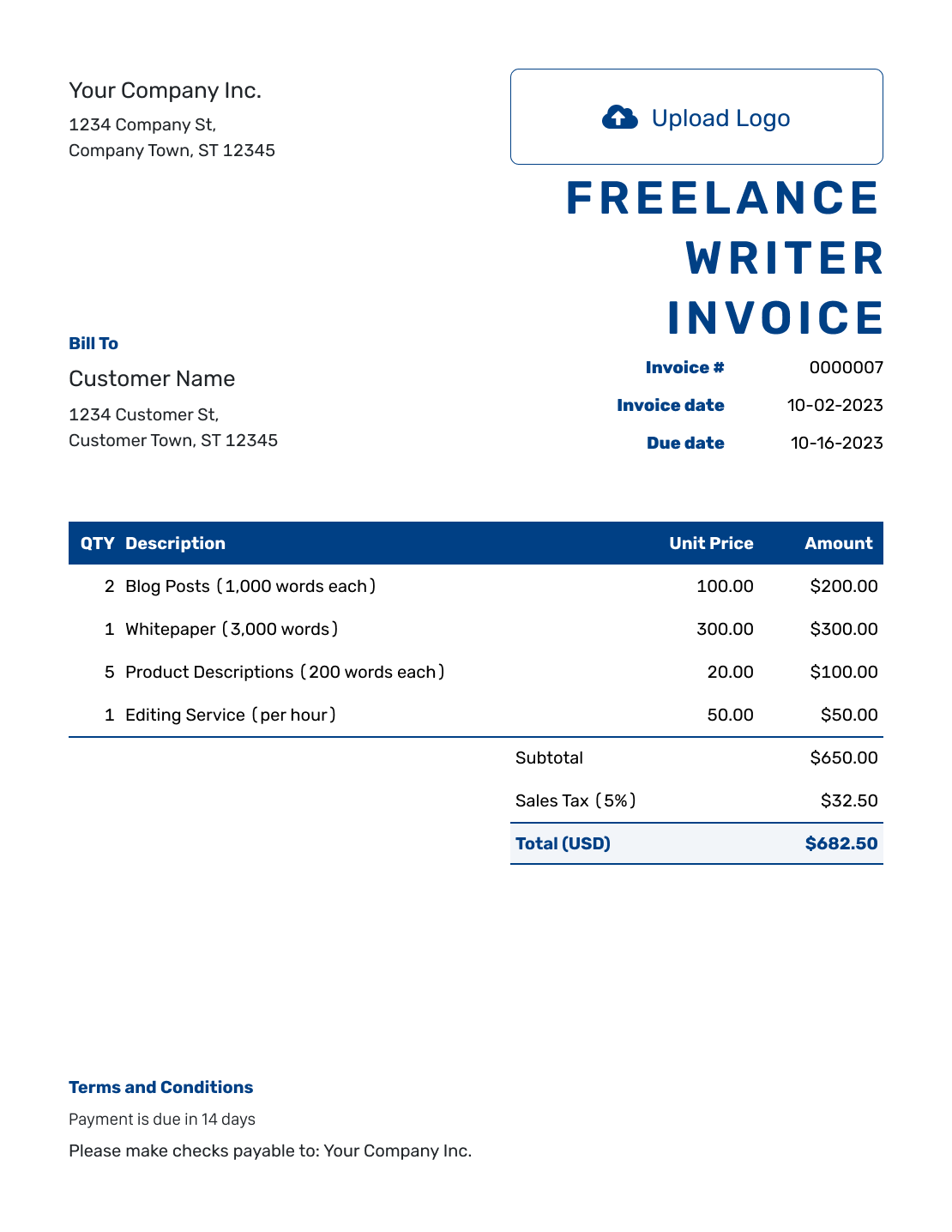
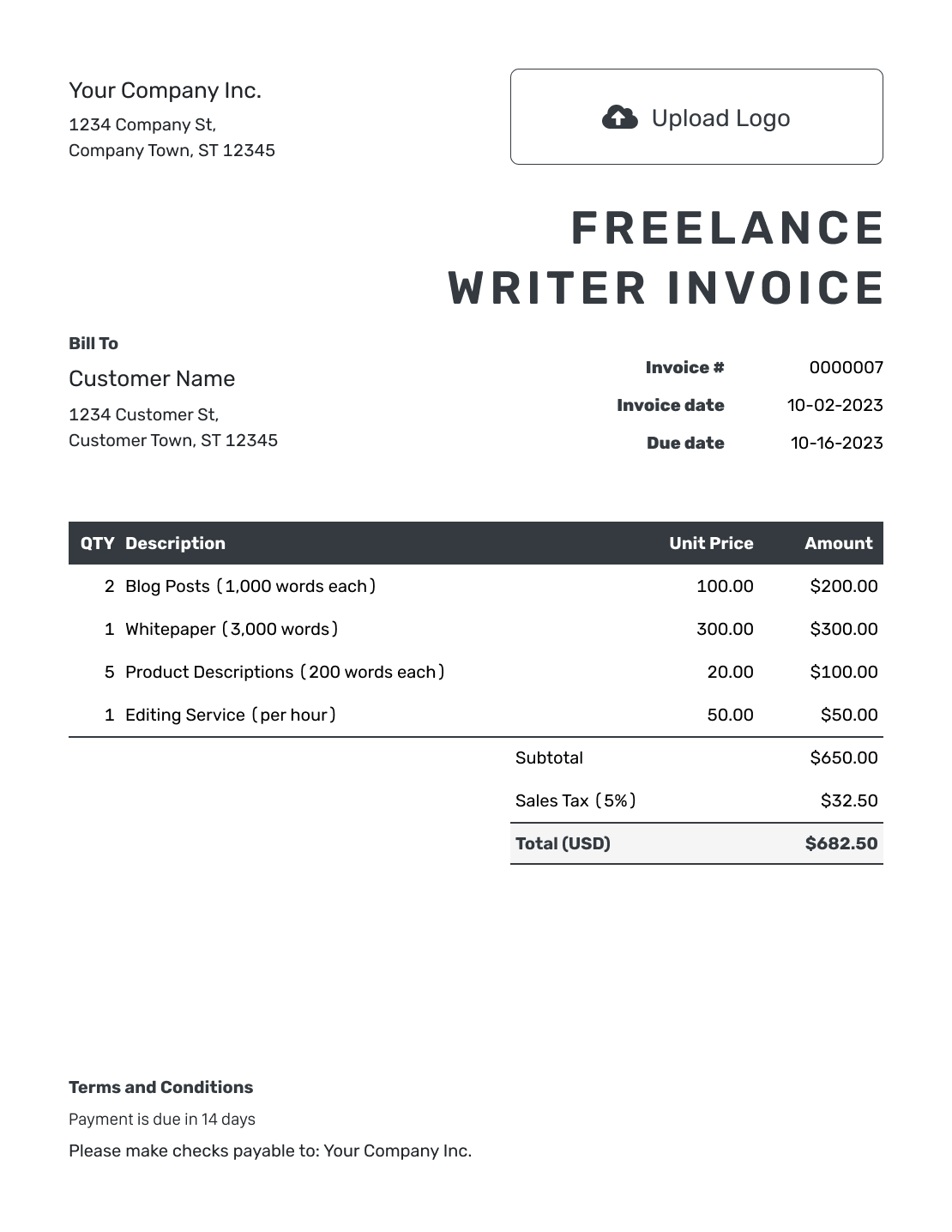
Sample Freelance Writer Invoice Template
Create Free Invoice -
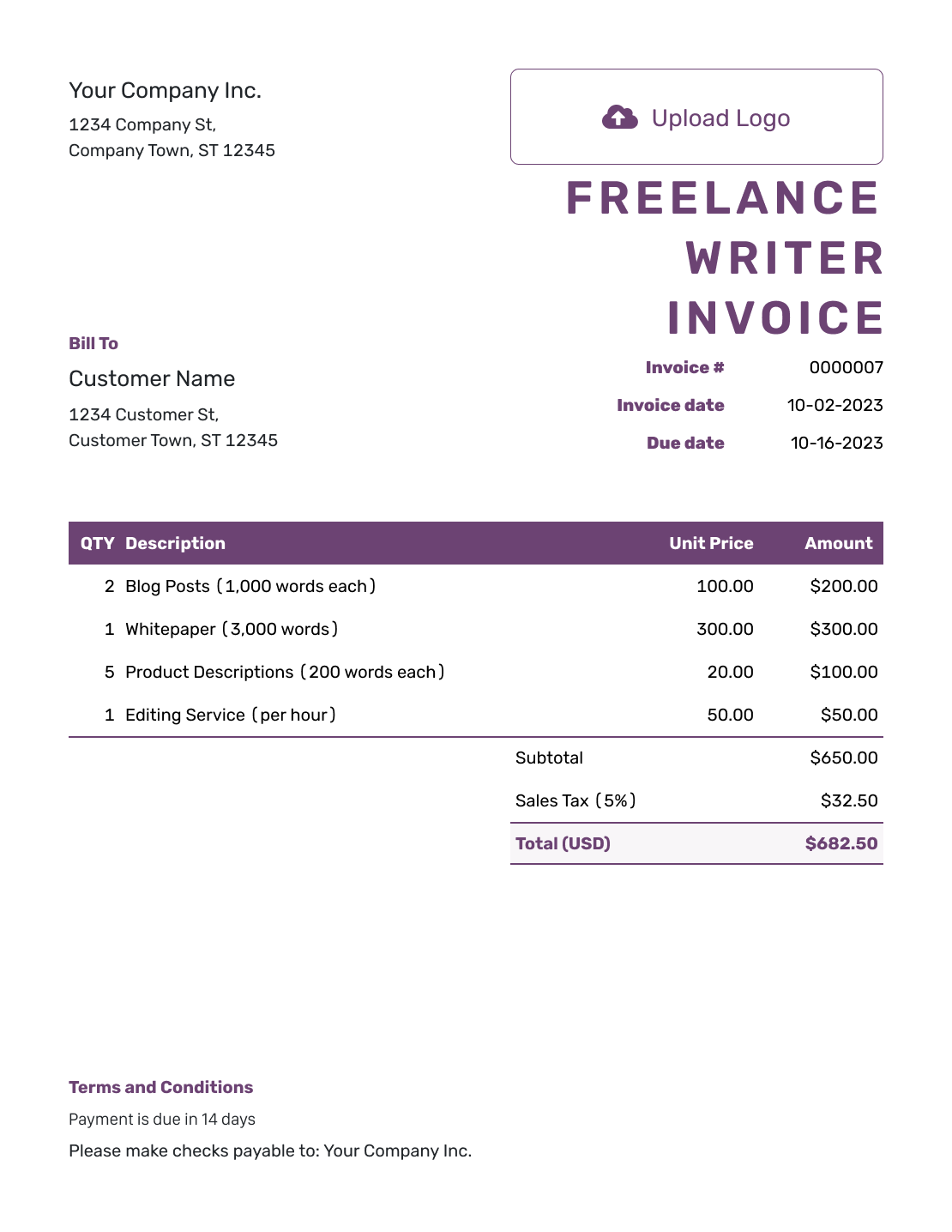
Free Freelance Writer Invoice Template
Create Free Invoice -
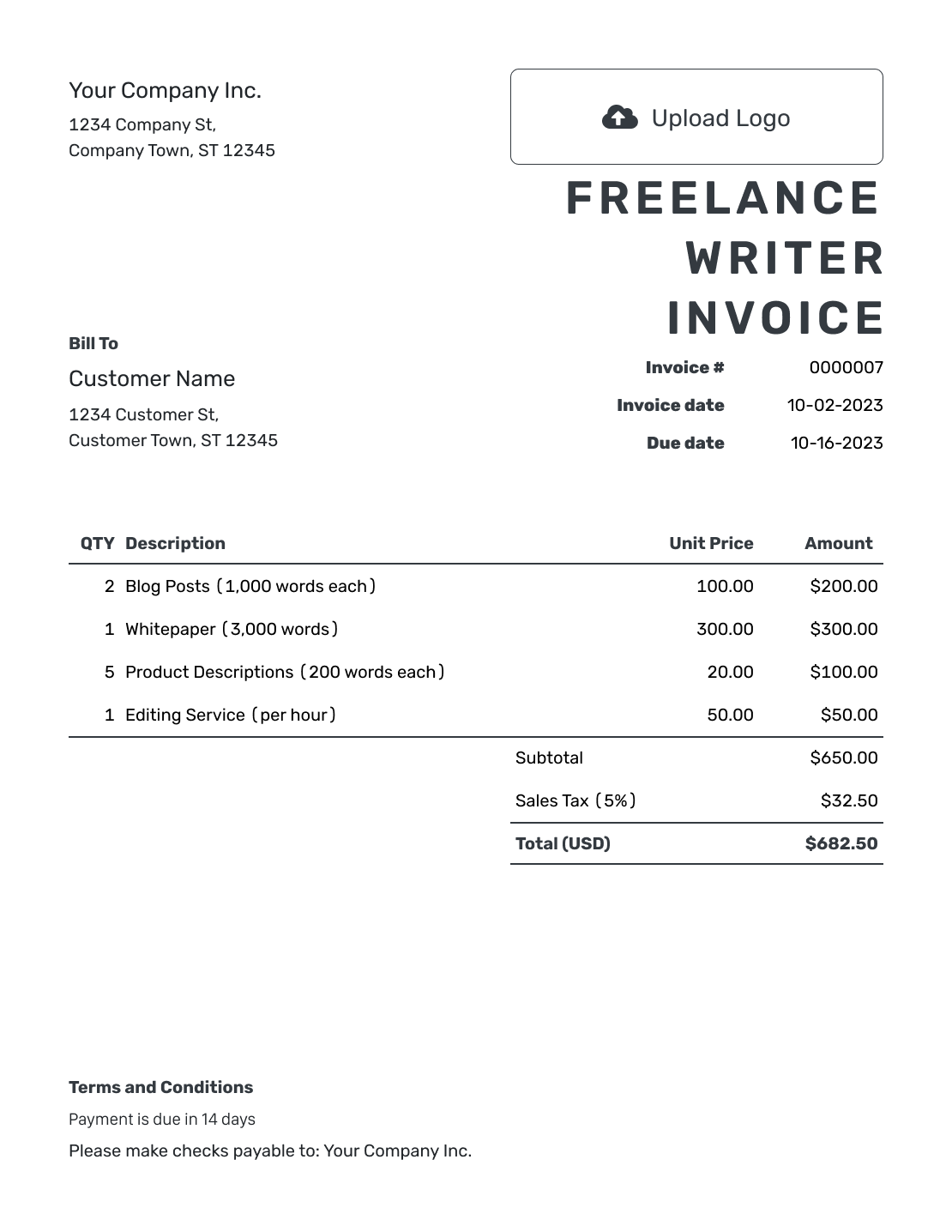
Printable Freelance Writer Invoice Template
Create Free Invoice
See six more invoice previews below the billing guidance.
How to Create a Freelance Writer Invoice
Use the assignment brief and your delivery record to prepare the bill. Match each fee to the pricing method in your agreement with the client.
- Add Your Writing Business: Enter your name or business name and the email used for billing.
- Add Your Logo: Use your writing business logo, or leave it out for a simple layout.
- Identify the Client: Use the client’s billing name and the contact who handles invoices.
- Set the Number and Dates: Check the invoice number. Set the invoice date and payment due date.
- Name the Assignments: List each article or project with its word count, hours, or fixed fee.
- Review the Calculation: Check quantities and rates. Add any applicable tax or agreed discount.
- State the Payment Terms: Add payment instructions and the assignment reference before sending the invoice.
How to Fill In Freelance Writer Invoice Line Items
A per-word charge needs a billable word count and a price per word. For editing or research billed by time, use hours and the hourly rate. Do not add another charge for work already included in a project fee.
This sample invoice uses US dollars (USD) and covers three separate assignments. The article has a per-word rate. Copyediting and interview research are billed by the hour. The example adds 6% tax to the full $765.00 subtotal. Use your own rates and the tax rules that apply to your work.
| QTY | Description | Unit Price | Amount |
|---|---|---|---|
| 1,200 | Article: Home Office Setup — words | $0.40 | $480.00 |
| 3 | Copyedit: Product Guide — hours | $55.00 | $165.00 |
| 2 | Research: Founder Profile — hours | $60.00 | $120.00 |
| Subtotal | $765.00 | |
| Tax (6% example) | $45.90 | |
| Total | $810.90 |
What to Include in Freelance Writer Invoice Terms
Use Terms and Conditions to state the payment deadline and identify the assignments covered. Refer to the brief for included revisions and delivery terms so the client can connect your invoice to the writing agreement.
Use only policies you actually agreed to. Check local requirements before adding late fees or other payment conditions. Replace the placeholders in this example with the details for your client.
Example: Terms and Conditions
- Payment is due on [Due Date] using [Payment Instructions].
- This invoice covers the assignments delivered under brief [Brief Reference].
- Included revisions follow the brief; separately billed revisions require prior approval.
- Usage and publication terms remain as stated in the writing agreement.
Create an Invoice for Your Writing
Bill the assignments without rebuilding the document. Enter word counts or hours and your agreed rates. Docelf calculates the total.
Choose the Right Unit for Each Writing Fee
The quantity should explain how you reached the charge. It does not need to describe every part of your writing process.
Per Word
Use the word count your agreement treats as billable. For a 1,200-word assignment, enter 1,200 as Quantity. At $0.40 per word, enter $0.40 as Unit Price. The line amount is $480.00.
Per Assignment
Use Quantity 1 for an agreed article or copywriting package. Include the title or brief reference. Do not add your internal writing hours as another charge for the same work.
By the Hour
Name the editing, interview, or research task. Enter only the hours you agreed to bill separately from any fixed fee.
Keep Revisions and Delivery Dates Clear
Name the article, page, or document version the client received. Include the delivery date when one invoice covers assignments finished at different times. A title such as “About page copy — final draft” is easier to match than “Writing services.”
Keep included revisions within the original fee. List an extra revision separately only when the client approved the additional charge. Keep the agreed deadline or brief reference with the assignment details.
Reuse Your Details, Not Last Month’s Charges
Add your logo and choose readable fonts and colors. Put your billing email in the footer. You can also add an industry name before “Invoice.”
Save customer and service details in Docelf for your next invoice. You can duplicate an earlier invoice, but check every assignment on the new draft.
For international clients, select the agreed currency from USD, EUR, GBP, CAD, or AUD.
Attach a PDF brief or a supported image when it helps explain the bill. Docelf accepts PDF, JPG, GIF, PNG, and WebP files up to 5 MB each. Send editable manuscripts through your usual delivery channel.
Keep the Editor and Billing Contact in the Loop
Check that the invoice reaches the person who handles payment, even when you worked with a different editor. When you email an invoice from Docelf, you can see when the recipient opens it.
Use the assignment names when answering a billing question. After payment, record the amount and date in Docelf. You can create a receipt from the invoice without entering the assignment details again.
More Freelance Writer Invoice Previews
These six previews open the same invoice editor. Add your own services, charges, and payment details.
-
Blank Freelance Writer Invoice Template
Create Free Invoice -
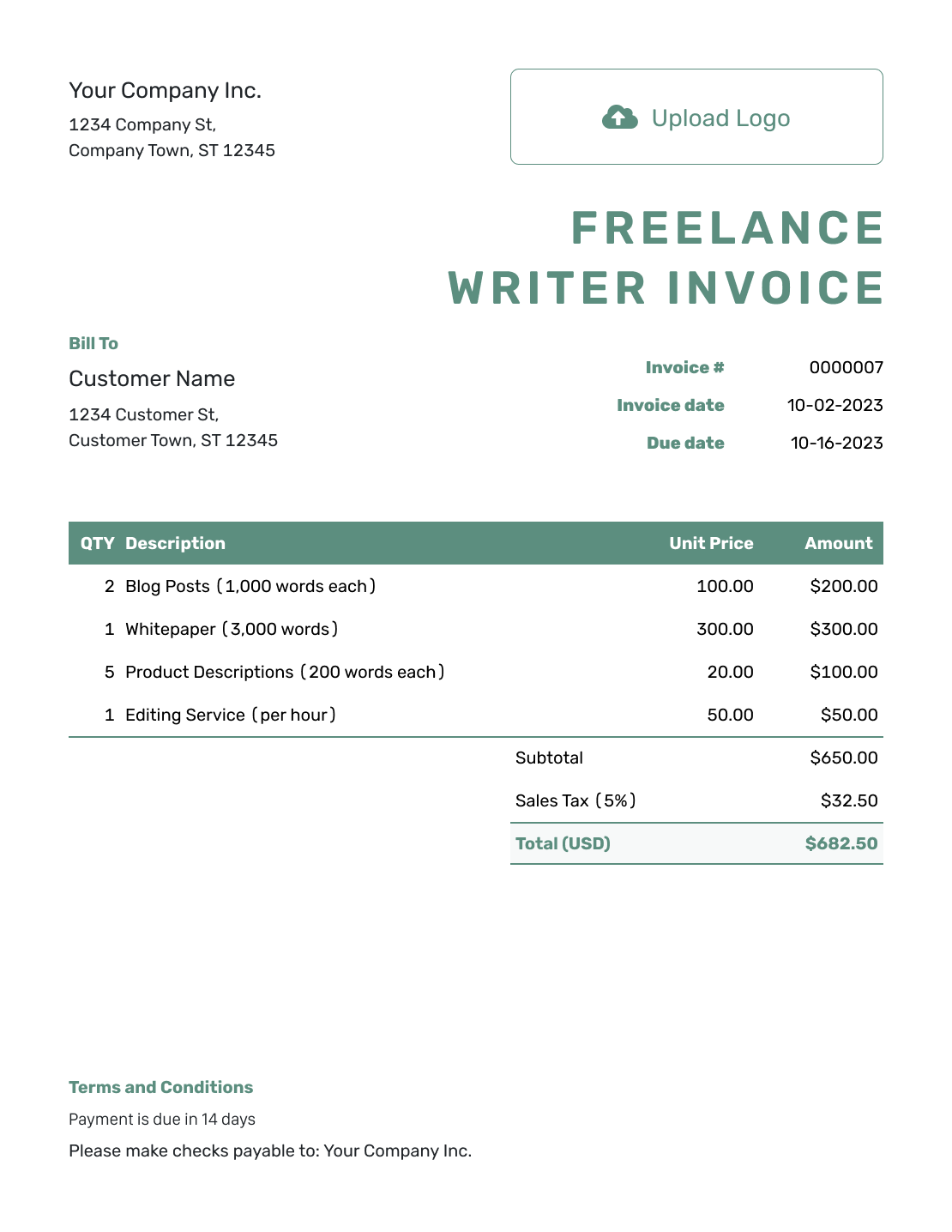
Simple Freelance Writer Invoice Template
Create Free Invoice -
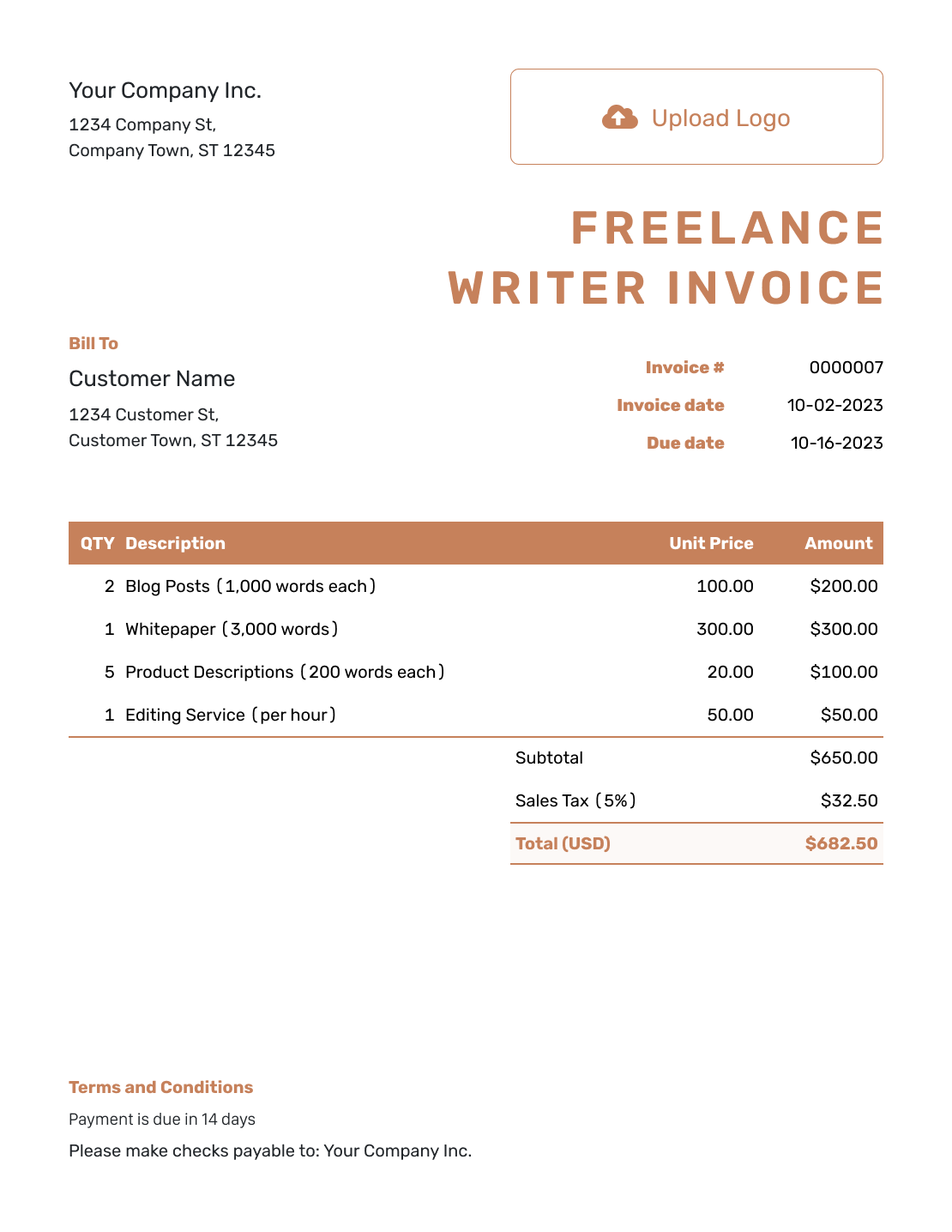
Standard Freelance Writer Invoice Template
Create Free Invoice -
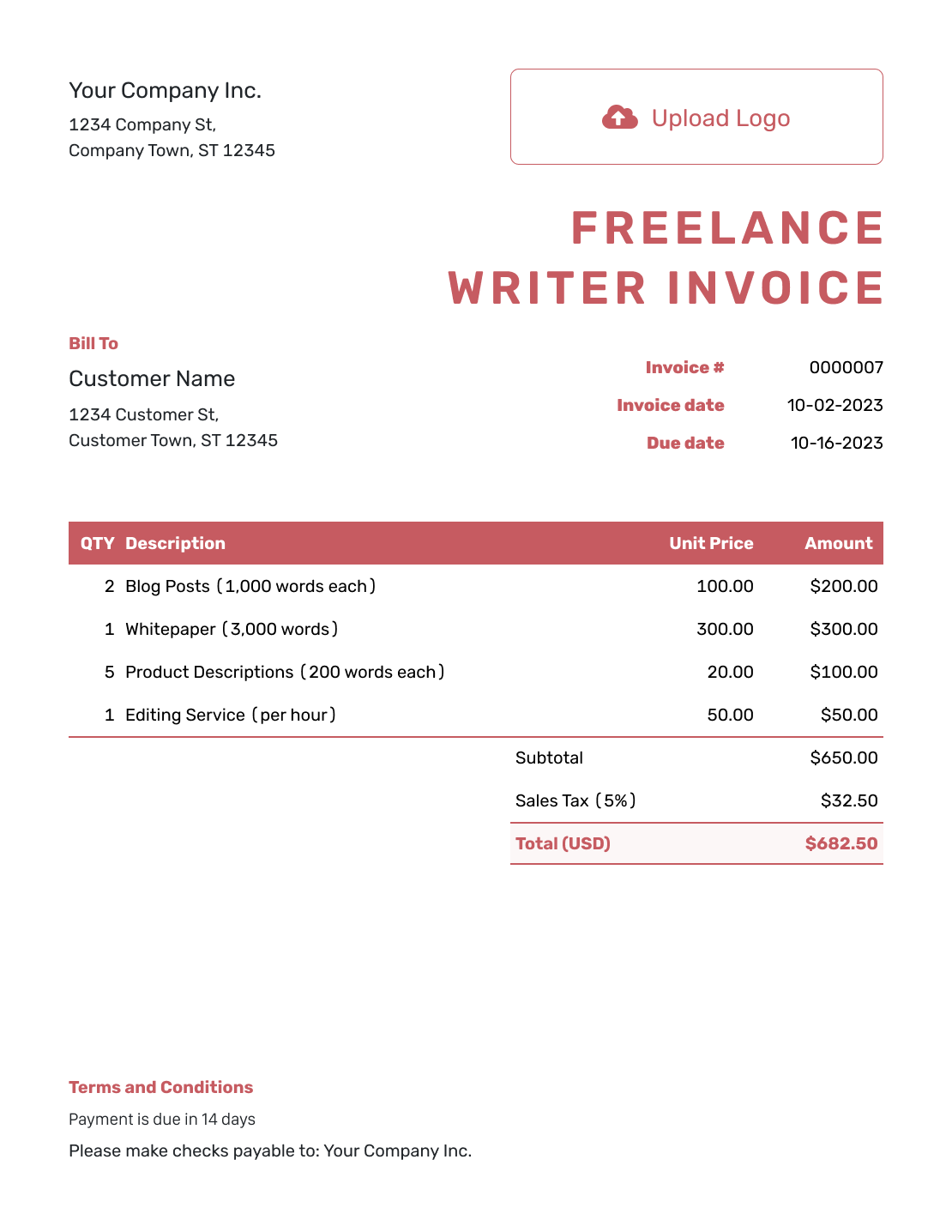
Itemized Freelance Writer Invoice Template
Create Free Invoice -
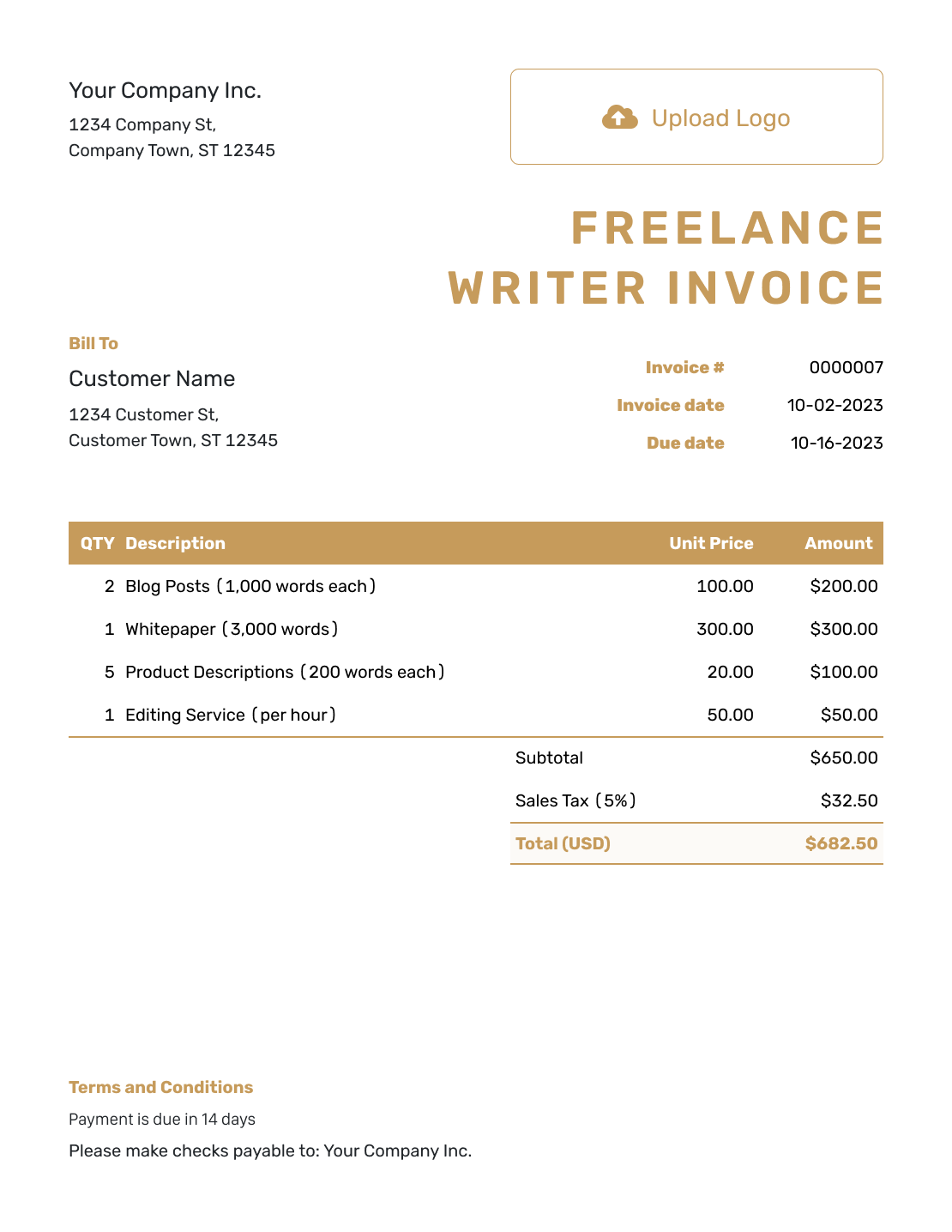
Basic Freelance Writer Invoice Template
Create Free Invoice -
Hourly Freelance Writer Invoice Template
Create Free Invoice
File Formats for a Writing Invoice
Use the general Word or Google Docs template for a document you can edit. Choose Excel or Google Sheets for a spreadsheet layout. Keep word counts and hourly quantities clearly labeled whichever format you use.
Freelance Writer Invoice FAQs
-
Which word count should I use on the invoice?
Use the billable word count agreed in the assignment brief. Label the article or section it covers. The draft, published article, and agreed assignment length may have different word counts.
-
Should I charge for research on a separate line?
Only when your agreement prices research separately. If the article fee already covers it, keep it within that fee. For separate research, show the task and agreed fixed charge or hours.
-
How should I invoice for an additional revision?
Identify the assignment and describe the approved extra revision. Use the agreed fee or hourly rate. Revisions included in the original assignment should not become new charges.
-
Can one invoice cover several articles?
Yes. Give each article its own title or brief reference and charge. Add delivery dates so the client can check a month of work without guessing which assignments are included.
-
Can I attach a Word manuscript to the invoice?
Docelf attachments support PDF, JPG, GIF, PNG, and WebP files up to 5 MB each, not DOCX files. Use a PDF for a supporting document or send the editable manuscript through your agreed delivery channel.
-
What should I do when the client asks for a purchase order number?
Add the client’s purchase order number in the invoice description or Terms and Conditions. The billing team can use it to match the invoice to the assignment. Ask the client to confirm the number rather than making one up.
Bill the Writing You Delivered
Finish the invoice while the assignments are still fresh in your mind.
- Name each delivered article or project
- Use the agreed word rate, fixed fee, or hourly rate
- Send the bill with a clear due date




