Free Digital Marketing Invoice Template
Create a professional invoice in minutes
Group completed SEO, content or advertising work by campaign or service. A clear fee breakdown shows clients what they are paying for and helps you get paid.
Email, print or download your invoice as a PDF.
14-day free trial. No credit card required.

Create the invoice. Send it. Get back to work.
Invoice Previews for Marketing Services
Choose a layout for monthly marketing work or a one-time campaign. Use the billing period and service names to help the client check your fees.
-
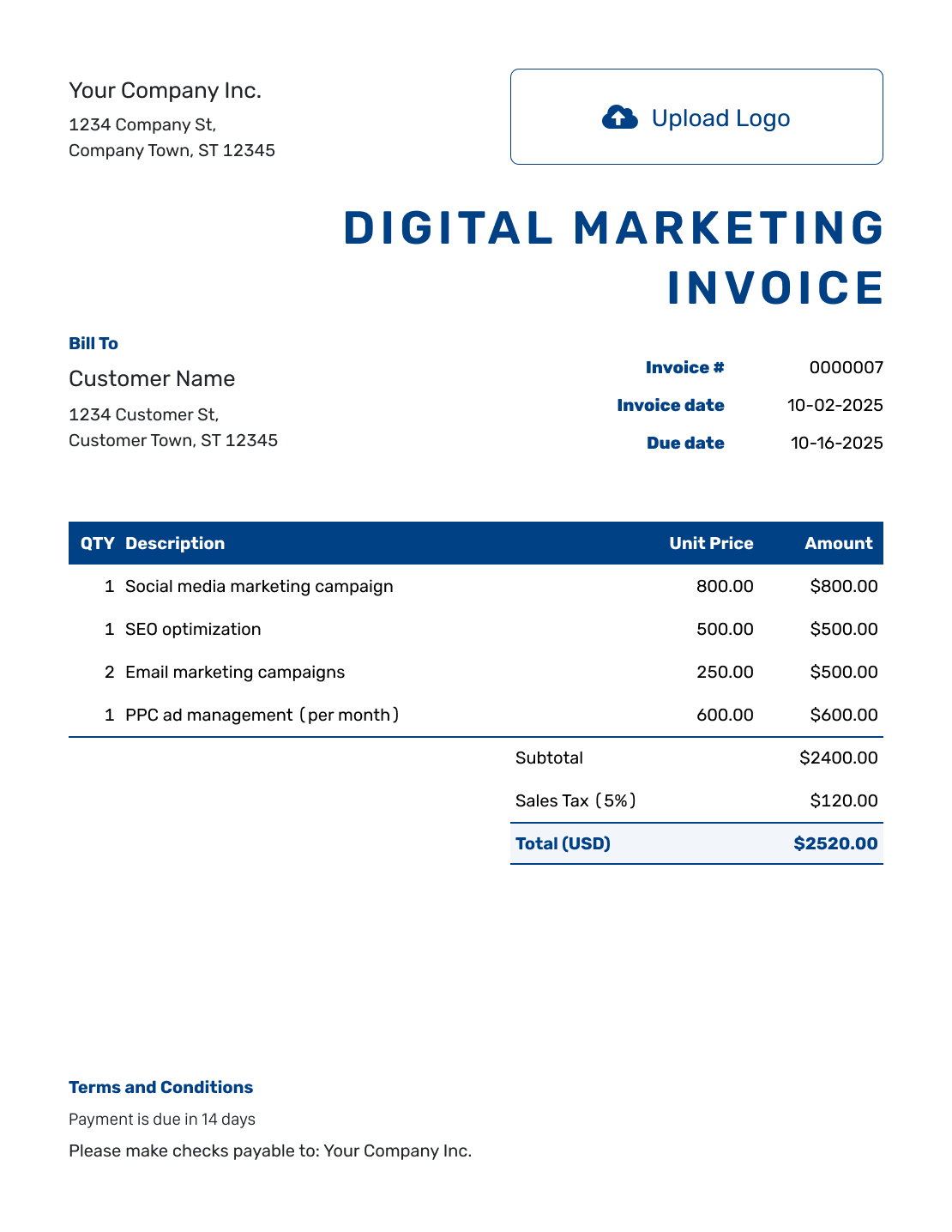
Sample Digital Marketing Invoice Template
Create Free Invoice -

Free Digital Marketing Invoice Template
Create Free Invoice -
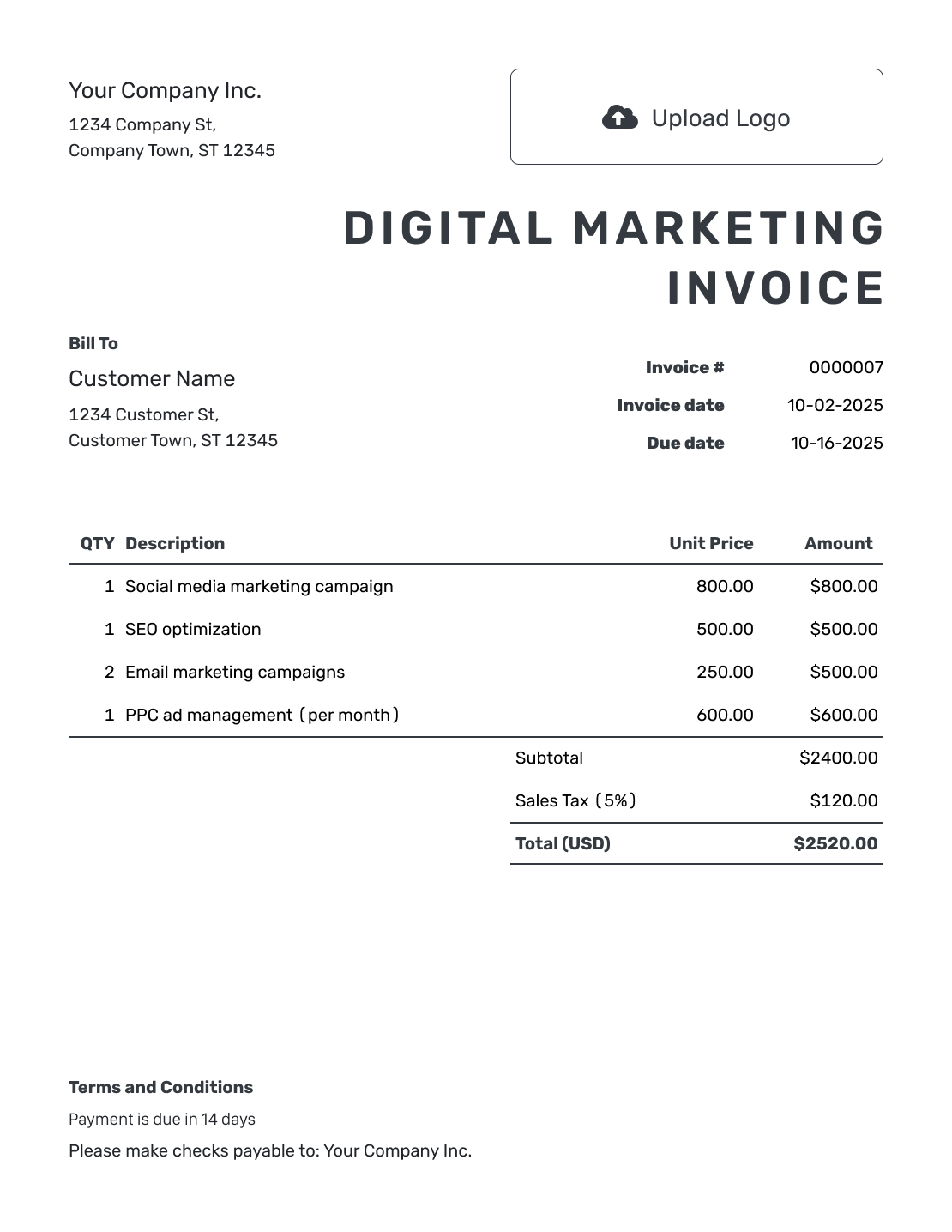
Printable Digital Marketing Invoice Template
Create Free Invoice
See six more invoice previews below the billing guidance.
Separate Your Marketing Fee From Advertising Spend
Your service fee and the client’s advertising budget cover different things. Identify the SEO, content, email or paid-ad work you performed. Show the campaign or billing period that each fee covers.
Add advertising spend only when you paid it and agreed that the client would reimburse you. If the client paid the advertising platform directly, keep that amount out of the charges due to you. A campaign report can explain the budget without billing it again.
How to Create a Digital Marketing Invoice
Use your service agreement to check this billing period’s charges as you fill in the invoice.
- Name Your Business: Add your agency or freelance business name and billing contact.
- Add Your Logo: Use the same logo as your campaign reports or service proposal.
- Confirm the Client: Enter the company’s billing details and the agreed payment contact.
- Set the Number and Dates: Check the invoice number, invoice date and payment due date.
- List the Period’s Services: Name each service and billing period. Add quantities and agreed rates.
- Check Fees and Tax: Check ad costs you are billing back to the client. Add any tax or discount and review the total.
- State the Payment Terms: Explain how to pay and reference the service agreement and billing period.
How to Fill In Digital Marketing Invoice Line Items
Use clear service names instead of one unexplained campaign total. A monthly fee uses Quantity 1. Count the campaigns you created, or use hours when you agreed to bill for your time.
This fictional monthly invoice uses USD. The agency paid the $300.00 advertising charge and is billing it back at cost. An illustrative 5% tax applies only to the $1,085.00 service fees, not the advertising reimbursement. These tax choices are examples, not a rule for marketing services.
| QTY | Description | Unit Price | Amount |
|---|---|---|---|
| 1 | Monthly SEO review and keyword plan — August | $450.00 | $450.00 |
| 3 | Email campaign build — per campaign | $120.00 | $360.00 |
| 1 | Paid-ad campaign management — August | $275.00 | $275.00 |
| 1 | Approved advertising spend reimbursement | $300.00 | $300.00 |
| Subtotal | $1,385.00 | |
| Sales Tax (5% on service fees) | $54.25 | |
| Total | $1,439.25 |
What to Include in Digital Marketing Invoice Terms
Use Terms and Conditions to state the billing period and when payment is due. Explain which services the fee covers, and refer to the agreement for ongoing work or separately approved campaigns.
Separate your management fee from costs you are asking the client to repay. Use the payment terms and expense arrangements you agreed with the client. Check local requirements before introducing late fees or other new conditions.
Adapt the example below to the services and terms agreed with your client.
Example: Terms and Conditions
- Payment is due by [Due Date] for services during [Billing Period].
- Service fees follow agreement [Agreement Reference].
- Any advertising reimbursement listed was approved and paid by our business on the client’s behalf.
- Advertising paid directly by the client is not included in the amount due.
Create an Invoice for Your Marketing Fees
List your service fees and any ad costs the client agreed to repay. Docelf calculates the total. Check the billing period before sending.
Check the Agreement Before Adding Another Charge
A useful breakdown should explain your fee, not charge twice for work already covered.
Work Included in a Monthly Fee
Describe the month and covered services. Do not add separate charges for keyword research, reporting or other tasks already included in that fee.
Separately Approved Campaign Work
Name the extra campaign or piece of work and its agreed price. Charge separately for campaign setup or email creation only when it is outside the regular fee.
Reuse the Client Details, Not Last Month’s Charges
For the next billing period, duplicate the previous invoice in Docelf. The copy becomes a new draft with a new number. Update the billing period, dates and charges. Review the draft, then send it.
Check each advertising reimbursement against the supporting cost record. Leave out ad charges the client paid directly. Attach a PDF cost summary when it helps explain the amount.
Keep performance figures in your campaign report. Use the invoice to describe the marketing work provided and the fees due.
Keep Agency Billing Consistent
Match your invoice to your reports with a logo, readable fonts and brand colors. Put a billing contact in the footer. You can also add an industry name before “Invoice.”
Docelf accepts PDF, JPG, GIF, PNG and WebP attachments up to 5 MB each. Use the agreed currency for the client: USD, EUR, GBP, CAD or AUD.
Check Delivery, Then Record the Payment
Docelf shows delivery and viewing information for an invoice you email. An opened invoice does not confirm payment. Record a payment only after you receive it.
Record the amount received and the payment date. Docelf keeps the balance with the invoice. You can then create a receipt from that invoice for the payment received.
For a bill that has passed its due date, use the past due invoice email examples and name the billing period.
More Digital Marketing Invoice Previews
These six previews open the same invoice editor. Add your own services, charges, and payment details.
-
Blank Digital Marketing Invoice Template
Create Free Invoice -
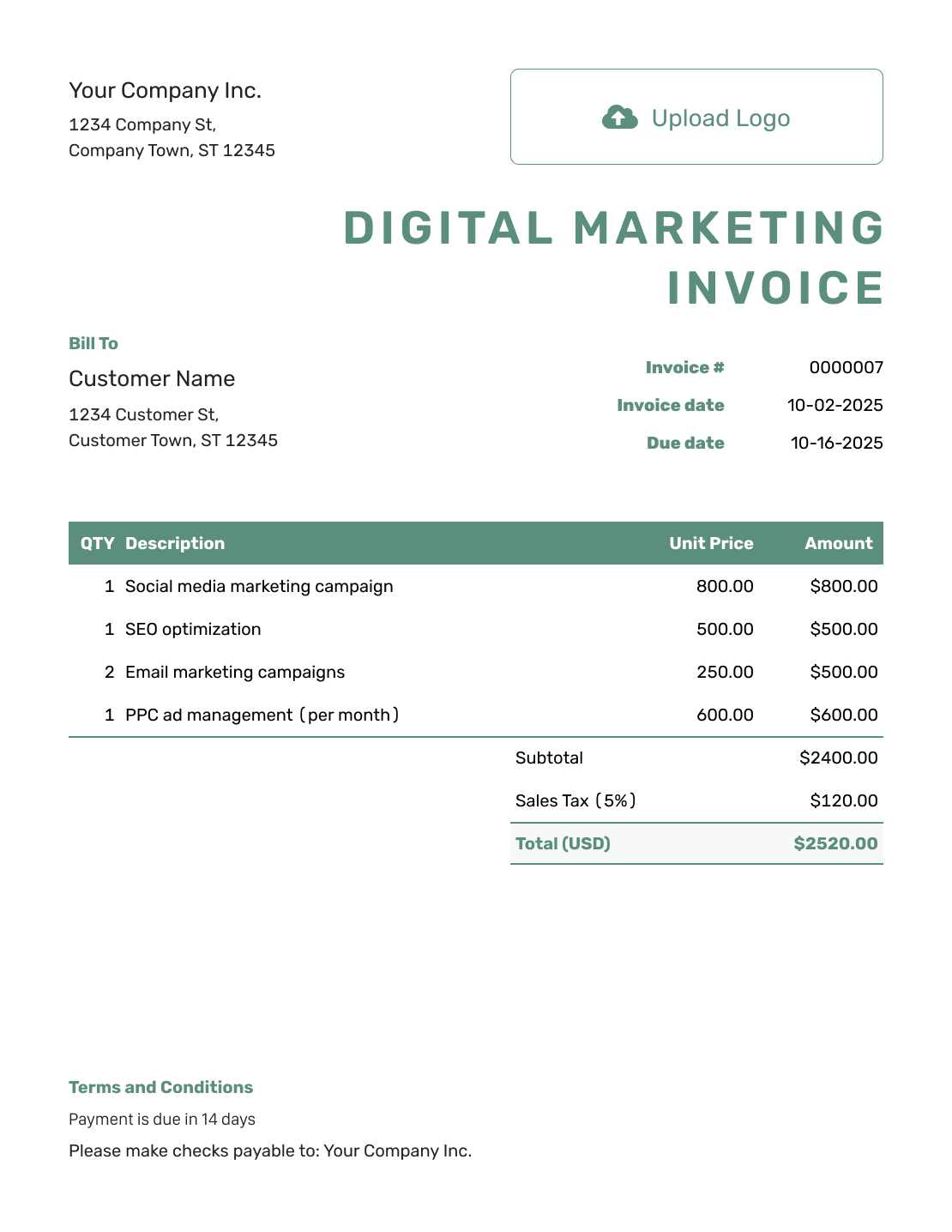
Simple Digital Marketing Invoice Template
Create Free Invoice -
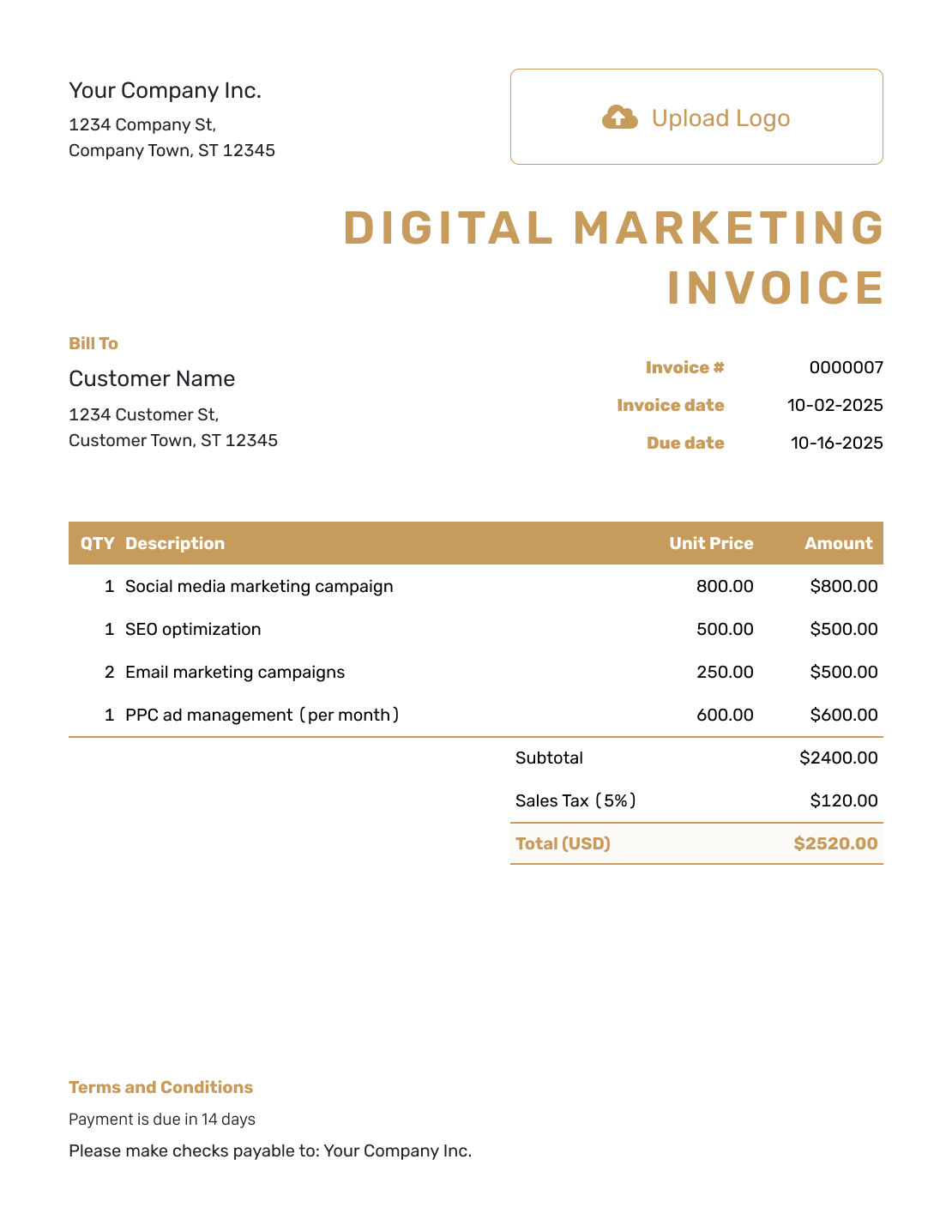
Standard Digital Marketing Invoice Template
Create Free Invoice -
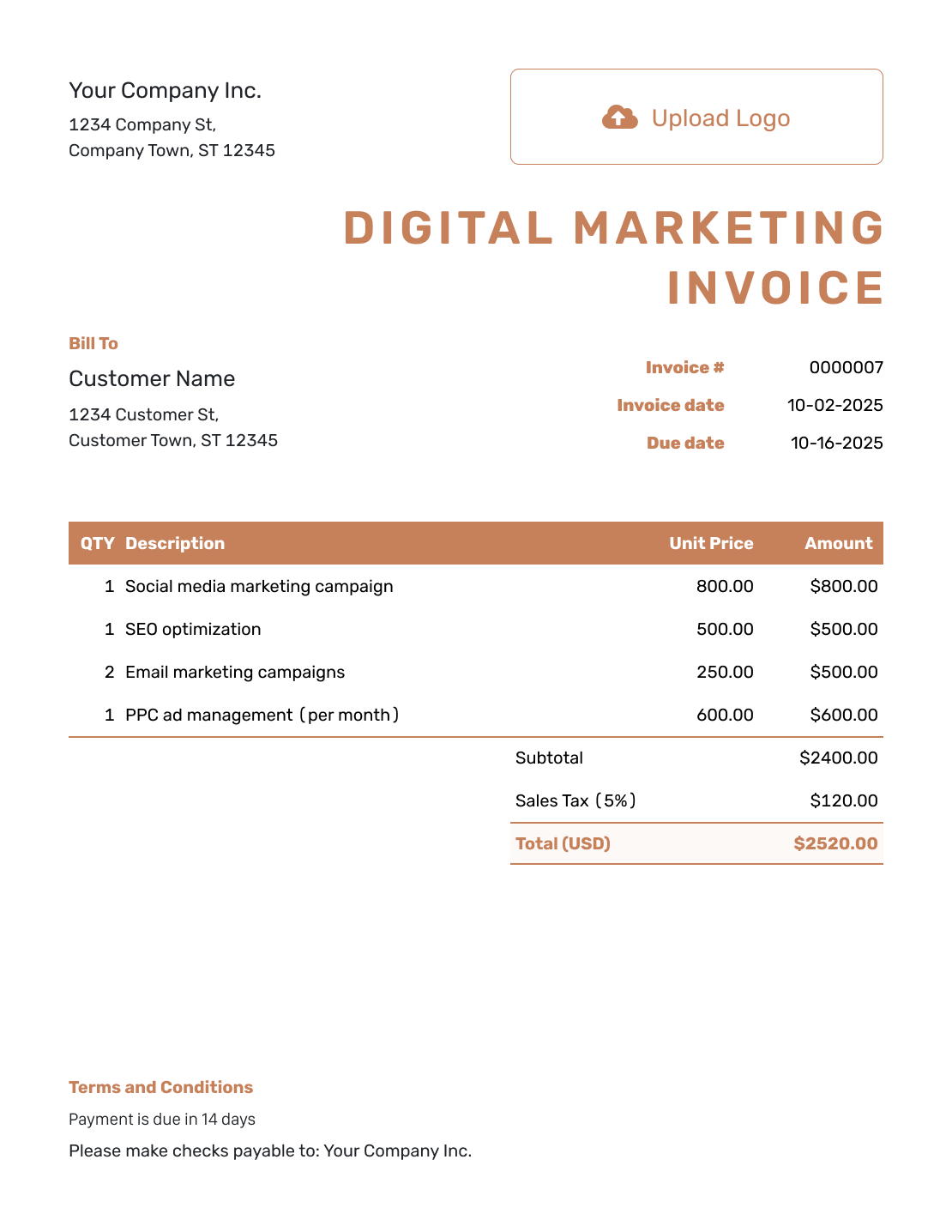
Itemized Digital Marketing Invoice Template
Create Free Invoice -
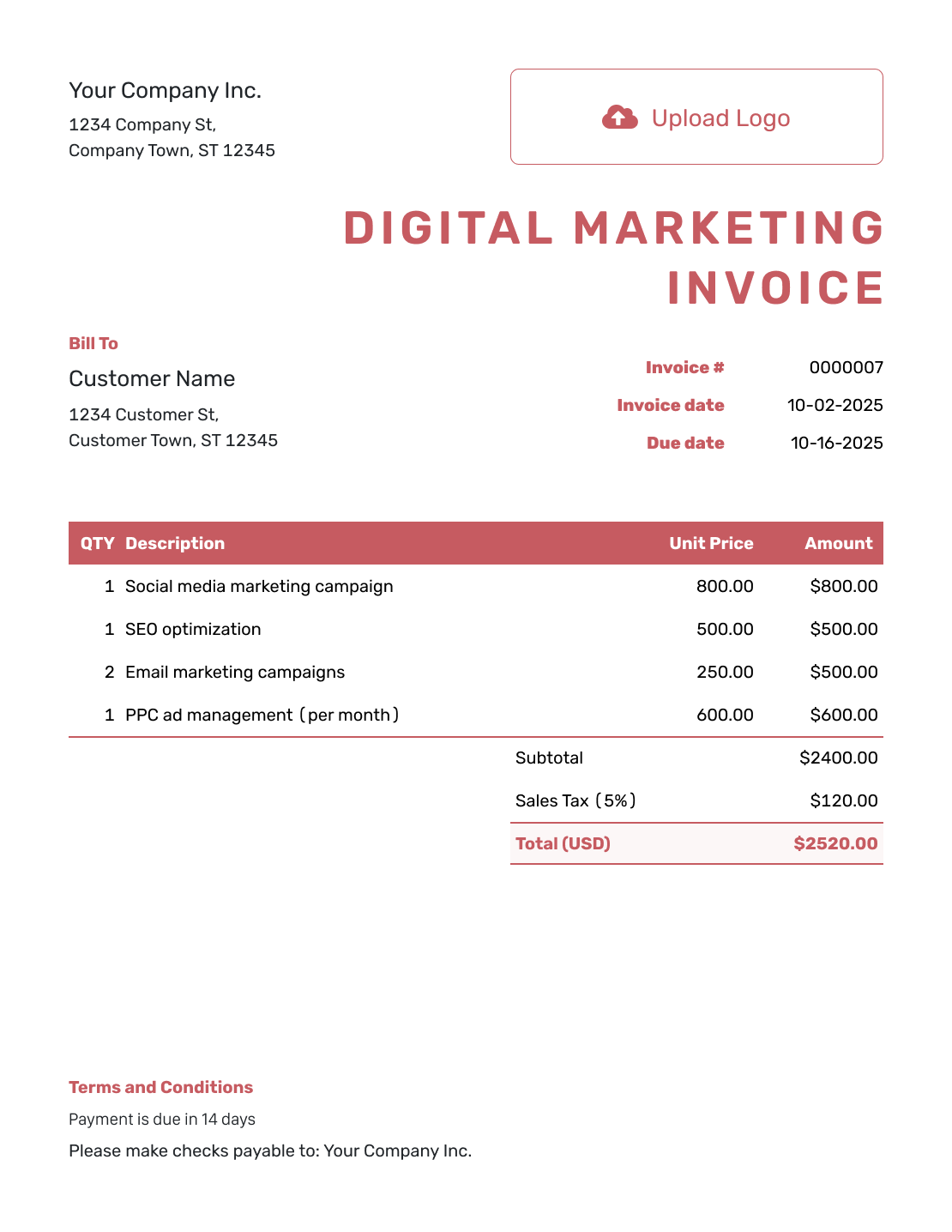
Basic Digital Marketing Invoice Template
Create Free Invoice -
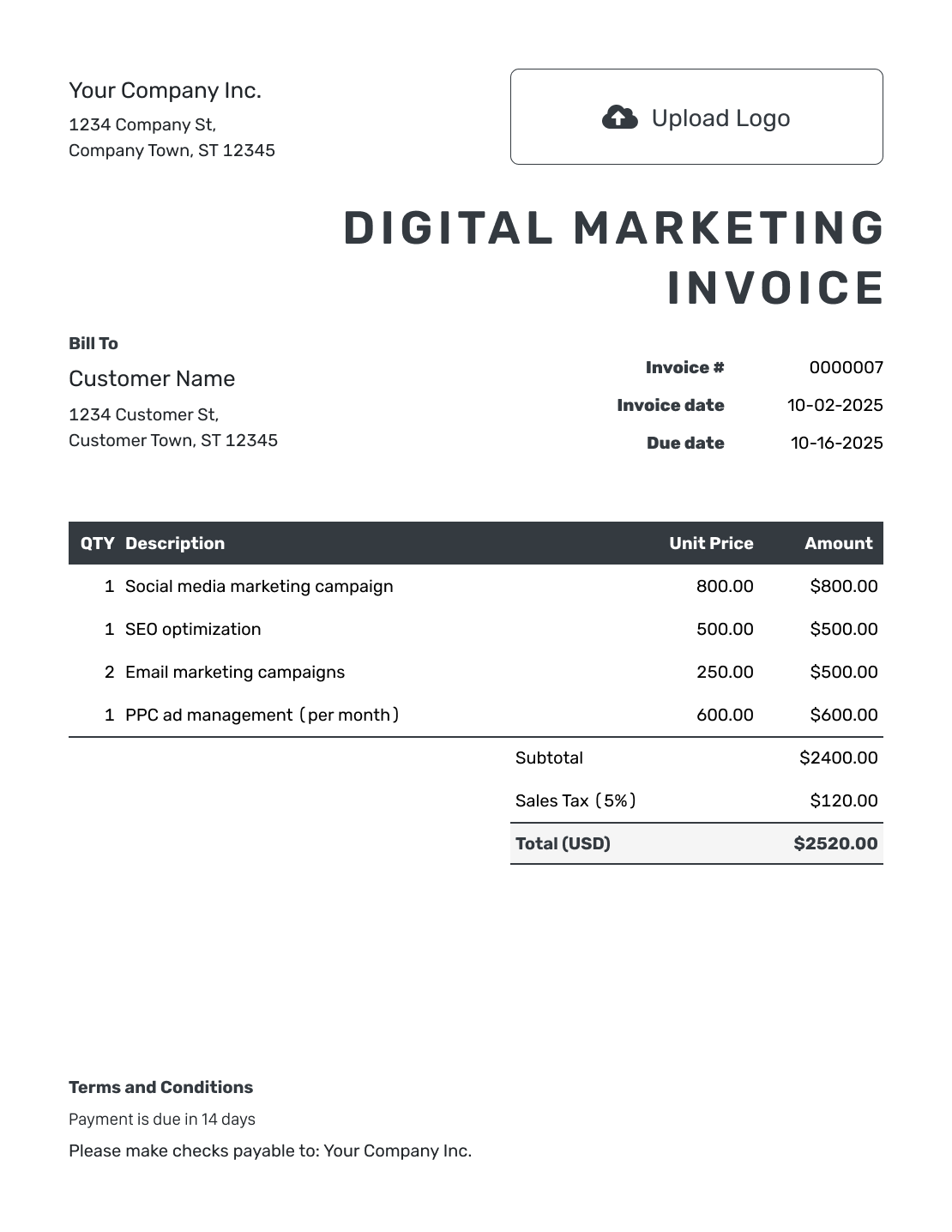
Hourly Digital Marketing Invoice Template
Create Free Invoice
Digital Marketing Invoice File Formats
These general Word, Google Docs, Excel and Google Sheets templates offer file-based alternatives. Whichever format you choose, separate your service fees from ad costs the client needs to repay.
Digital Marketing Invoice FAQs
-
What services should I list on a digital marketing invoice?
List the services you agreed to bill for, such as SEO work, content strategy, email campaign creation or paid-ad management. Name the billing period or campaign. Keep included tasks inside a package fee rather than charging for them twice.
-
Should the client’s ad spend appear in my invoice total?
Only when you are billing an agreed cost that your business paid. Label that reimbursement separately from your service fee. Do not add advertising spend that the client paid directly to the platform.
-
Can I list a monthly fee and extra campaign work together?
Yes, when the extra work has a separately agreed price. State what the monthly fee covers and identify the additional campaign. Do not add another charge for services the monthly fee already includes.
-
How do I reuse a marketing invoice next month?
Duplicate it in Docelf to create a new draft with a new number. Update the billing period, invoice dates and actual charges. Review the invoice, then send it. Duplicating it does not send the next month’s bill.
-
Should I put campaign results on the invoice?
Use the invoice to explain the services and fees due. Keep detailed results in the campaign report. You can attach a PDF summary to the invoice when it helps the client connect the work to the bill.
-
Can I attach evidence for an advertising reimbursement?
Yes. Attach a supported PDF or image showing the agreed cost you paid. Docelf accepts PDF, JPG, GIF, PNG and WebP files up to 5 MB each. Make sure the amount on the invoice matches the attached cost record.
Ready to Invoice for Your Marketing Work?
Give the client a bill they can match to the right campaign or month.
- Identify the services and billing period
- Separate your fee from approved ad costs
- Email the invoice and record the payment when it arrives




