Free Generic Invoice Template
Create a professional generic invoice in minutes
Use a general invoice for a one-off job, sale or service. Add the charges and due date so the customer knows what to pay and you can get paid.
Email, print or download your invoice as a PDF.
14-day free trial. No credit card required.

Create the invoice. Send it. Get back to work.
Start With an Invoice That Fits More Than One Job
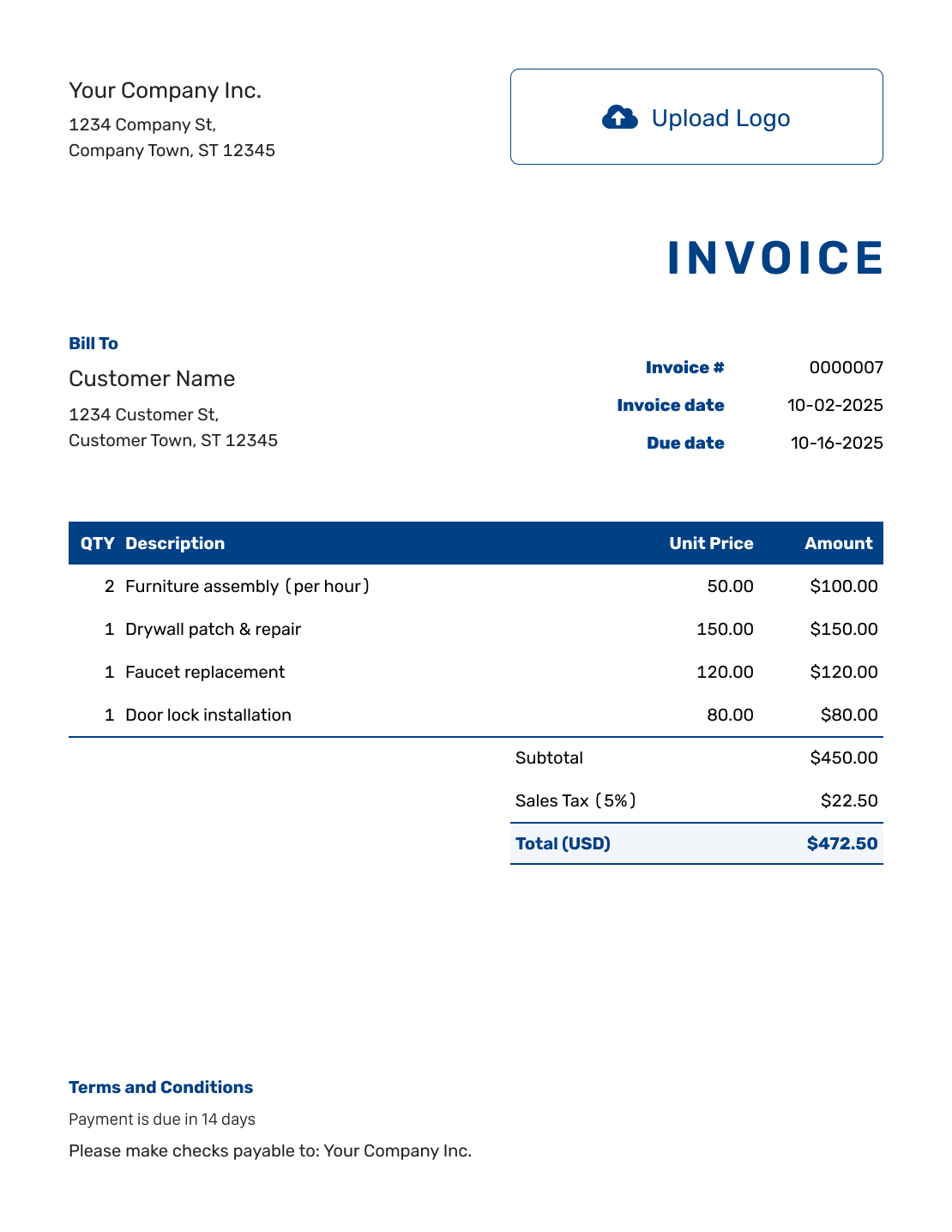
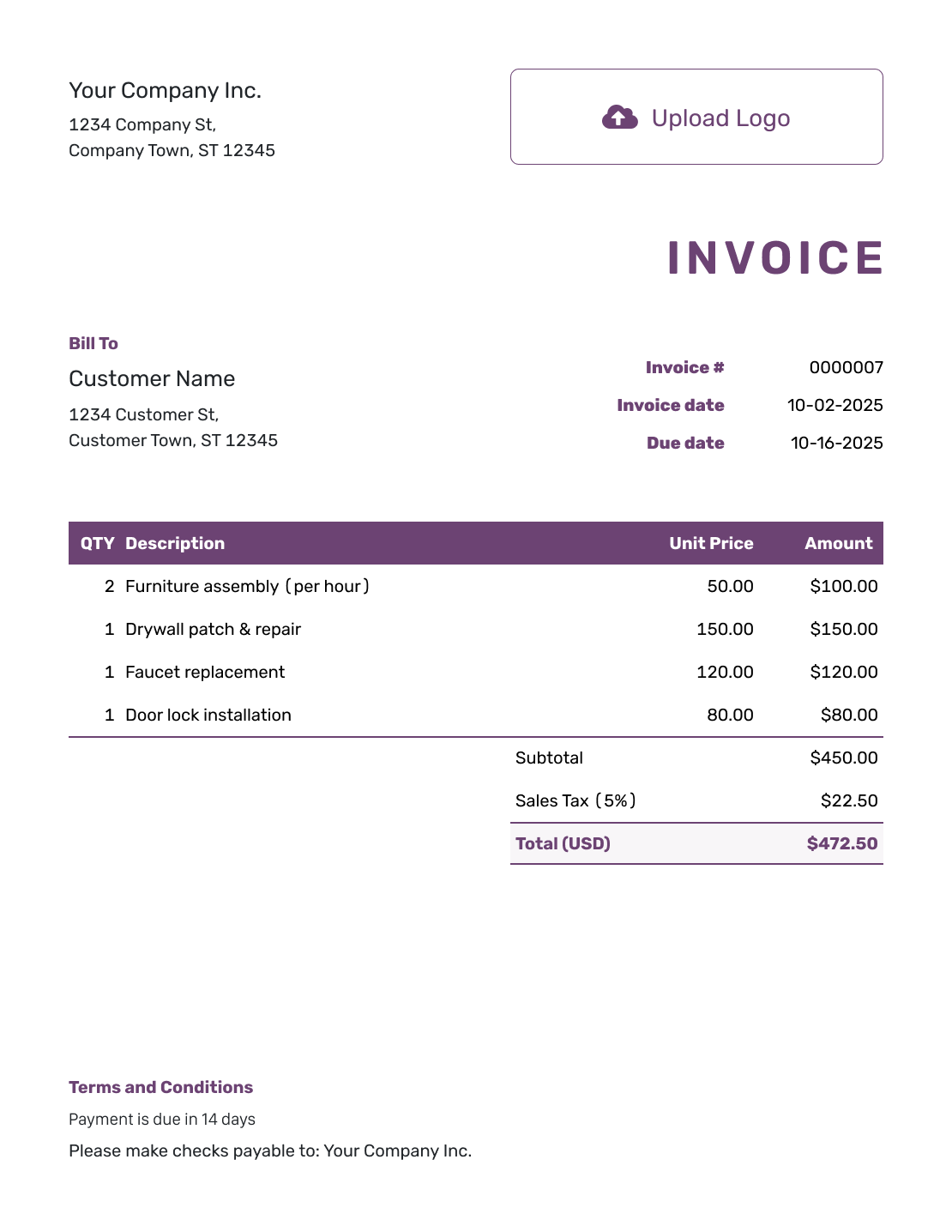
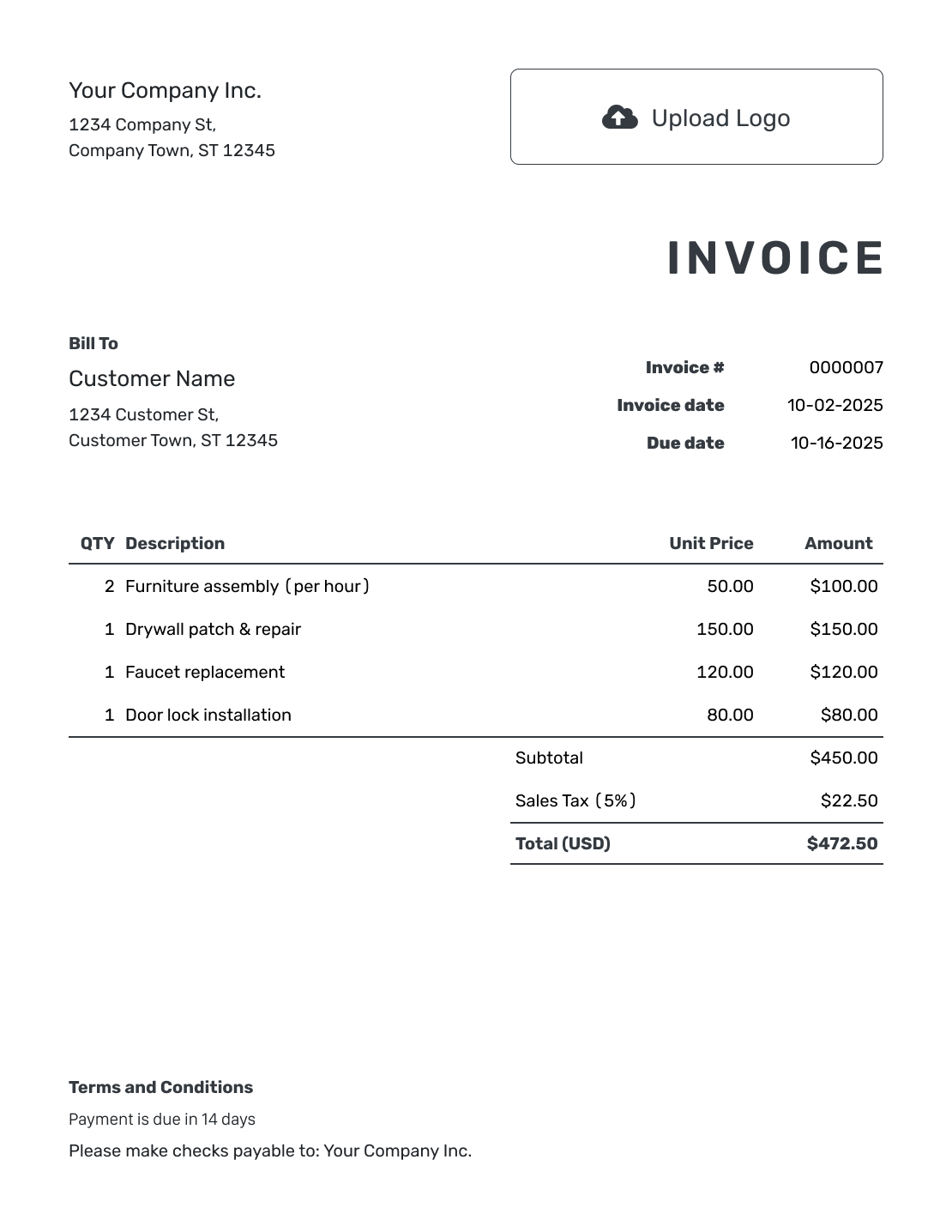
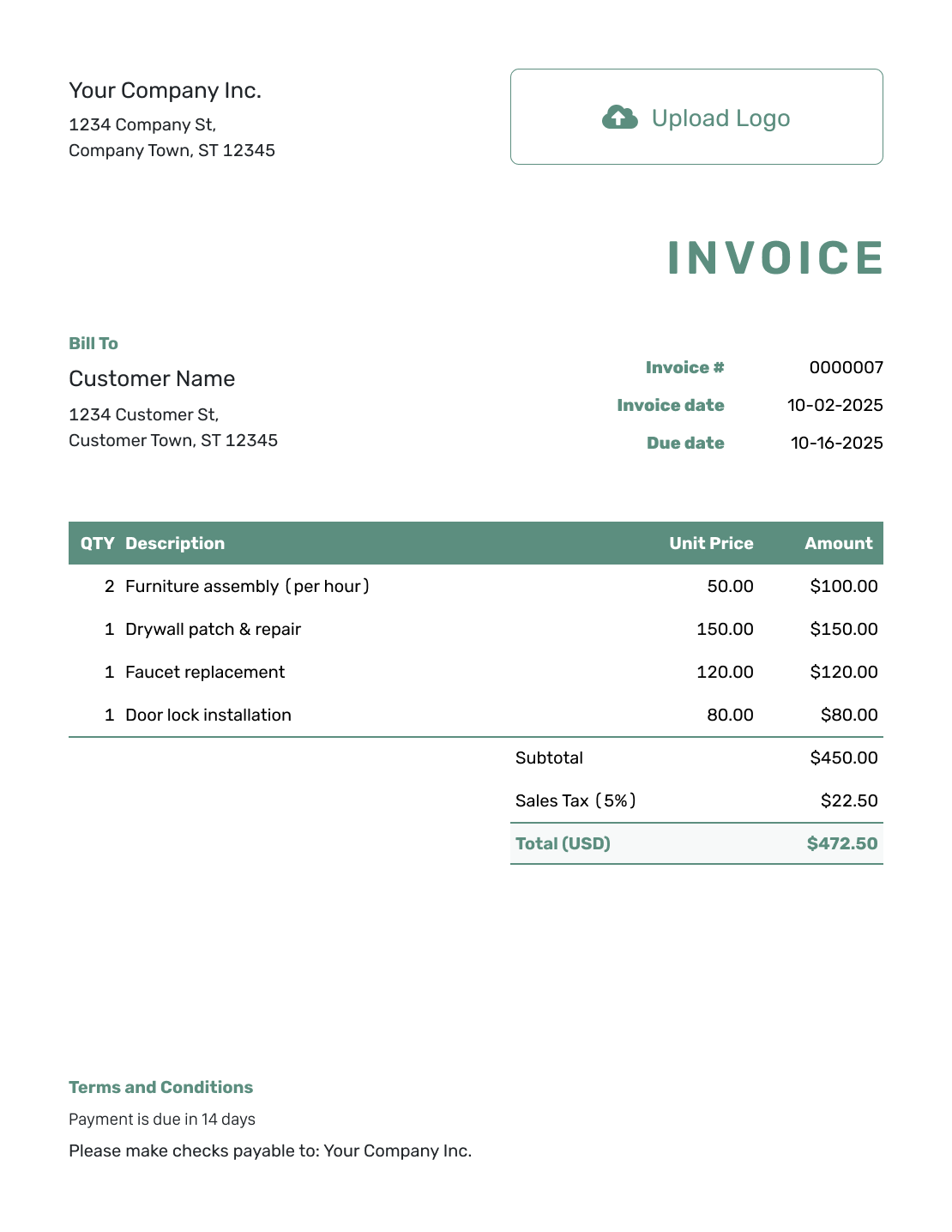
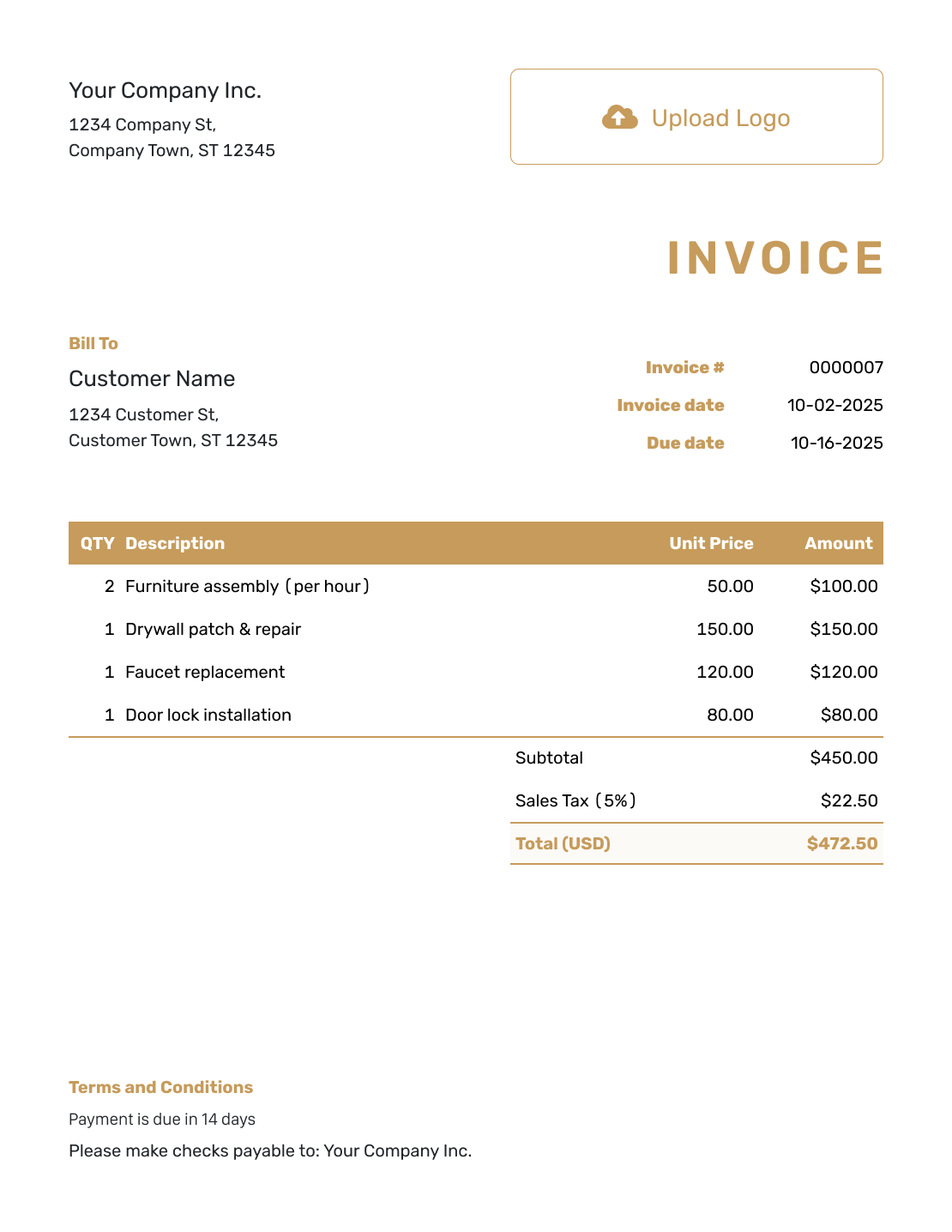
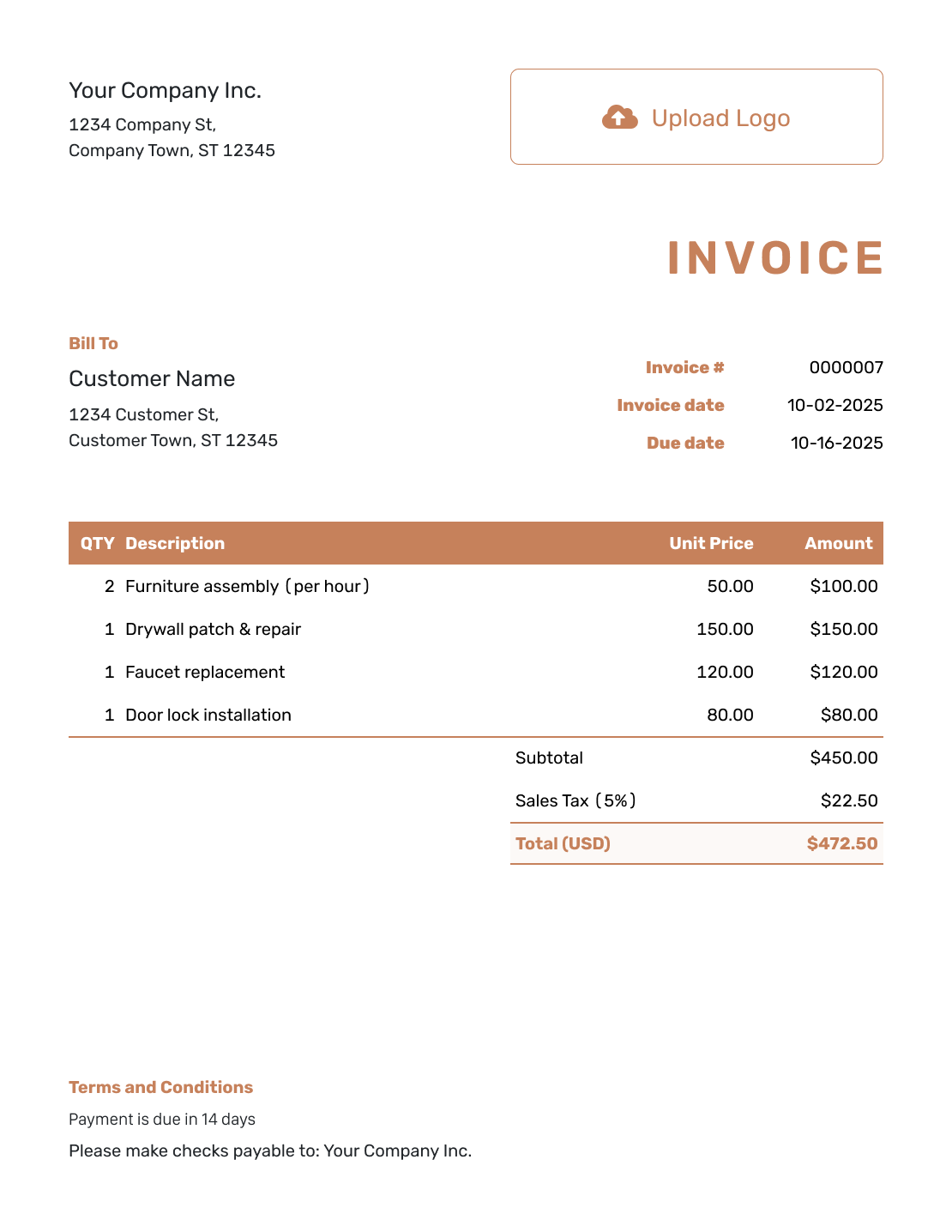
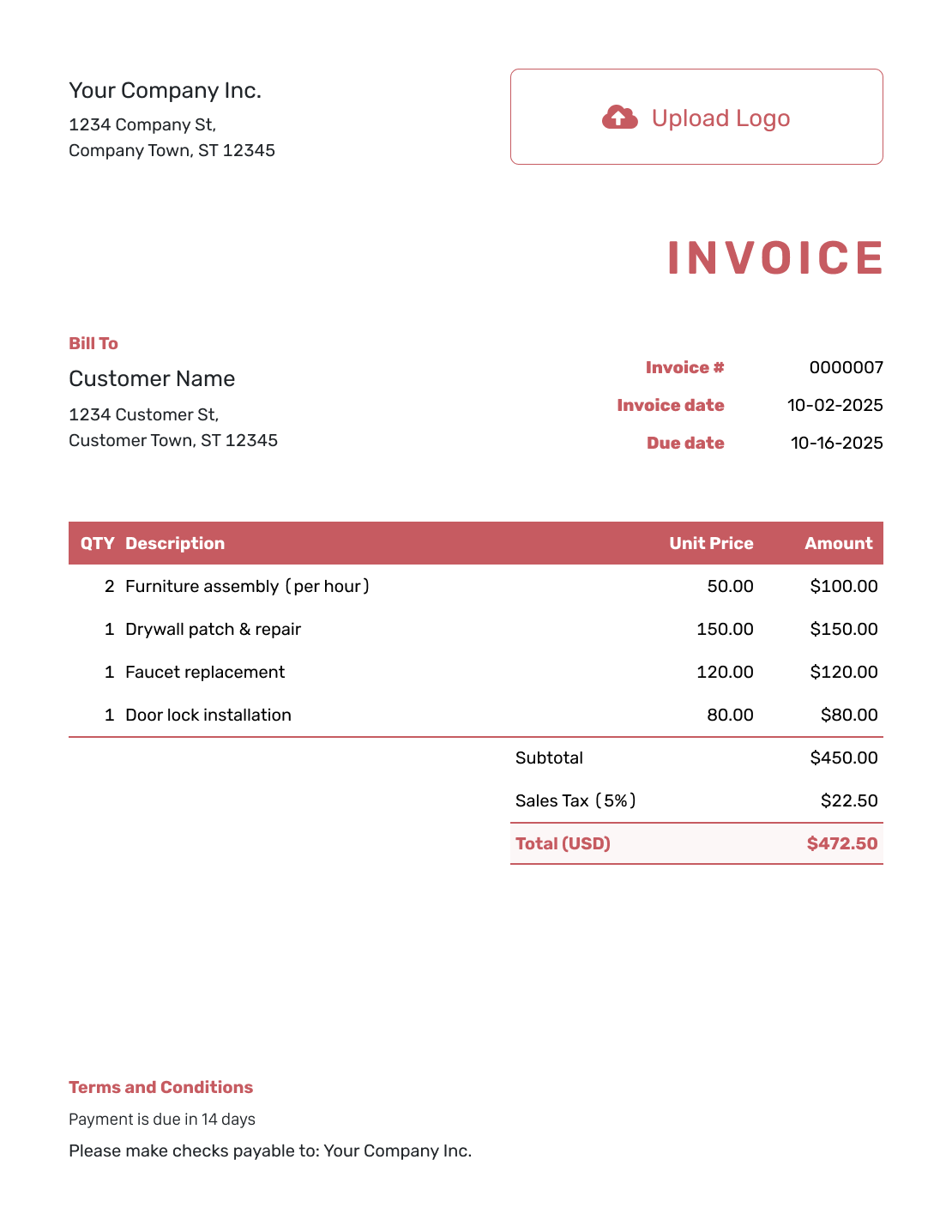
These invoice previews offer general layouts rather than a form for one trade. Choose a starting point and describe the products or services you actually provided. Each preview opens the same invoice editor.
How to Create a Generic Invoice
A general layout can cover a sale, a service or both. Make the descriptions specific even when the template is not.
- Identify the Seller: Add your business name and the contact details for billing questions.
- Choose a Business Look: Add a logo and use colors and fonts that are easy to read.
- Identify the Buyer: Choose the customer or enter the billing name and address.
- Check the Invoice Dates: Check the invoice number and set the issue date and due date.
- Name the Products or Work: Use a clear unit for each line, such as pieces, hours or one delivery.
- Review the Price Breakdown: Add applicable tax or discounts and check Docelf’s calculated total.
- Explain the Payment: Use Terms and Conditions for payment instructions and the order or job reference.
Adapt Generic Invoice Lines to the Sale
You can use the same invoice for products, labor and delivery. Give each its own line so the customer can see what it costs.
The example below bills for office chairs, assembly time and delivery. The prices are in US dollars. It uses an example tax rate of 6% on all three charges.
| QTY | Description | Unit Price | Amount |
|---|---|---|---|
| 4 | Office chairs | $45.00 | $180.00 |
| 2 | Chair assembly — hours | $55.00 | $110.00 |
| 1 | Local delivery | $30.00 | $30.00 |
| Subtotal | $320.00 | |
| Sales Tax (6% example) | $19.20 | |
| Total | $339.20 |
What to Include in Generic Invoice Terms
Use the Terms and Conditions field to explain when and how to pay. Identify the order or job when the customer needs that reference to match the bill.
Only include terms that apply to this sale. Match the payment period to the invoice due date, and replace the bracketed details with your own instructions.
Example: Terms and Conditions
- Payment is due within 7 days of the invoice date.
- Charges cover the products, assembly and delivery listed on this invoice.
- Pay by [Accepted Payment Method] using [Payment Details].
- Include [Order Reference] and the invoice number with your payment.
- Contact [Billing Email or Phone] with questions about this order.
One Sale, One Clear List of Charges
List what you sold and let Docelf calculate the total. Review the charges, then send the invoice to the customer.
Use a General Layout, Not General Descriptions
A customer should be able to match each line to something they received.
- Replace “Products” with the actual product name and quantity.
- State hours or another billing unit for service charges.
- Identify a job, location or service period when the customer has several orders.
- Show an agreed delivery charge as its own line rather than hiding it in a product price.
- Check whether your customer or local rules require any additional invoice details.
Know When a More Specific Template Helps
A generic layout works well for everyday billing. A job that needs a detailed parts list, service period or project reference may be easier to start from an industry invoice template.
Check what the customer needs to see, especially for a job with detailed billing instructions. A general template may not cover every required detail.
Reuse the Details That Stay the Same
Save products and services in Docelf for later invoices, then recheck quantities and prices for each order. The saved details give you a starting point; the finished bill should describe this sale.
Your logo, colors, fonts and contact footer can stay consistent across different kinds of work. You can also add an industry name before “Invoice.” Attach a supporting file when the customer needs more information about a charge.
Choose the currency agreed with the customer: USD, EUR, GBP, CAD or AUD.
Keep Different Sales Easy to Find
The invoice number gives you a way to identify this bill even when you sell several kinds of products or services.
- After emailing the invoice from Docelf, check its document history for delivery and opening information.
- Record the payment amount and date against the correct invoice.
- Create a receipt from that invoice after recording payment.
More General Invoice Layouts
These remaining previews offer other ways to present the same invoice details. Each opens the online invoice editor.
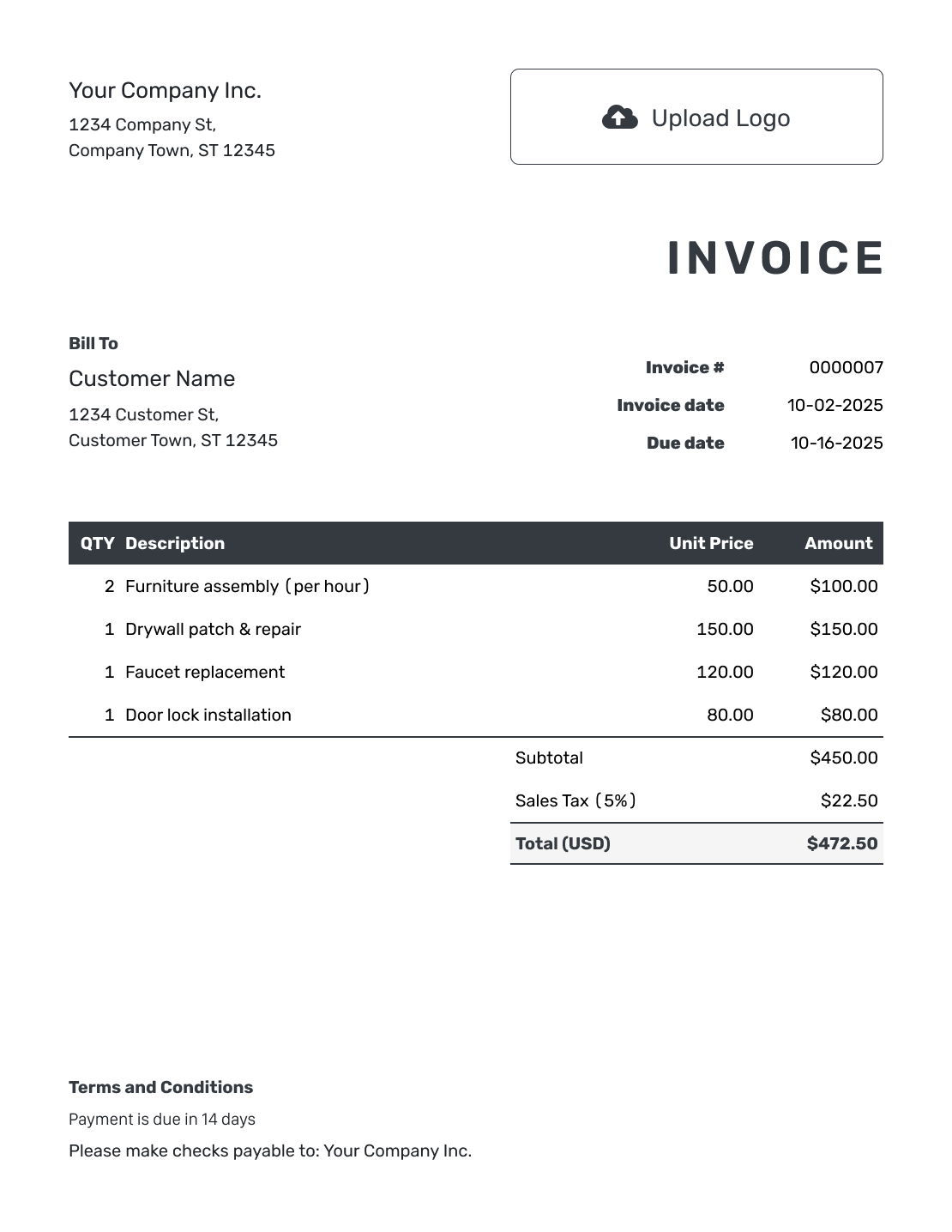
Use a General Invoice in the Format You Know
Choose a document format for editing wording and layout, or a spreadsheet format for working with quantities and rates. Each format page provides its own starting templates.
Generic Invoice Template FAQs
-
What makes an invoice template generic?
A generic template gives you an invoice layout without wording for one particular trade. Fill it in for your business and customer. Use specific descriptions and payment instructions for the sale.
-
Can I combine products and services on a generic invoice?
Yes. Put each product or service on its own line. Give every line a clear quantity and unit price. The customer should be able to distinguish an item purchased from time spent or a delivery charge.
-
Can one template work for different types of customers?
Yes, but check each customer’s billing instructions. Some need an order reference, job location or service period to identify the bill. Update those details for each invoice rather than relying on the template alone.
-
Does a generic invoice replace a specialized invoice?
Not always. A general layout may be enough for everyday billing. Choose a more specific template when the job needs details such as a parts list or service period.
-
Can I add an industry name later?
Yes. Docelf supports an optional industry name before the invoice title. You can also edit descriptions, payment terms and footer information so the invoice fits the work you are billing.
-
How do I show a fixed-price job on a generic invoice?
Use a quantity of 1 and the agreed job price. Describe what that price covers. If materials or delivery are included, say so in the description; give them separate prices only when they are additional agreed charges.
Create a Bill That Fits This Sale
Give the customer a bill they can match to this order or job.
- Describe the actual products and services
- Set the due date and payment instructions
- Review the total and send the invoice




