Free Musician Invoice Template
Create a professional musician invoice in minutes
Bill for completed performances, lessons or studio work with the service date and agreed fee. Clear charges and a due date tell clients what to pay and help you get paid.
Email, print or download your invoice as a PDF.
14-day free trial. No credit card required.

Create the invoice. Send it. Get back to work.
Invoice Templates for Gigs, Lessons, and Studio Work
Review these layouts for gigs, lessons, or studio work. In the invoice creator, name the service and dates your client knows. Use the agreed price for the lesson, session, or performance.
-
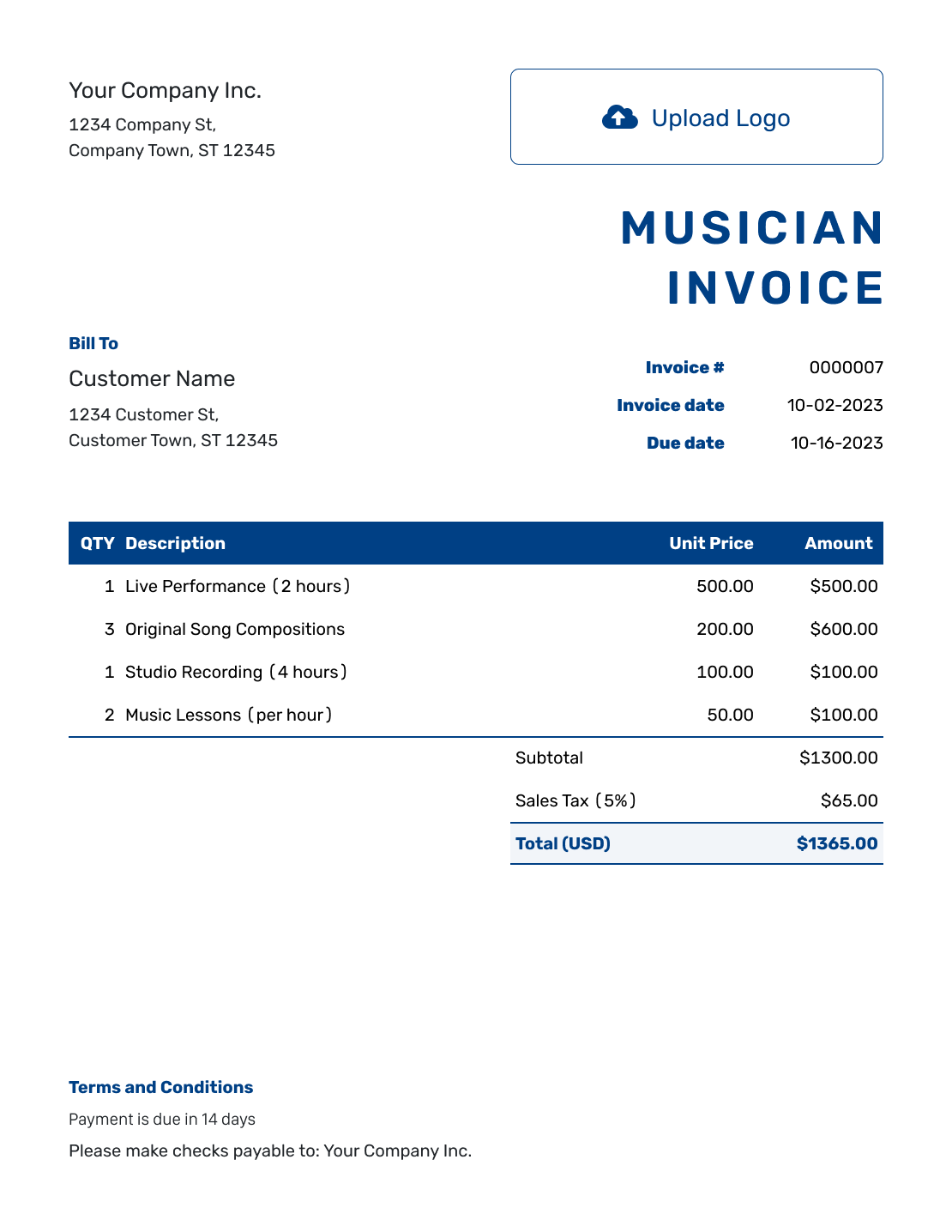
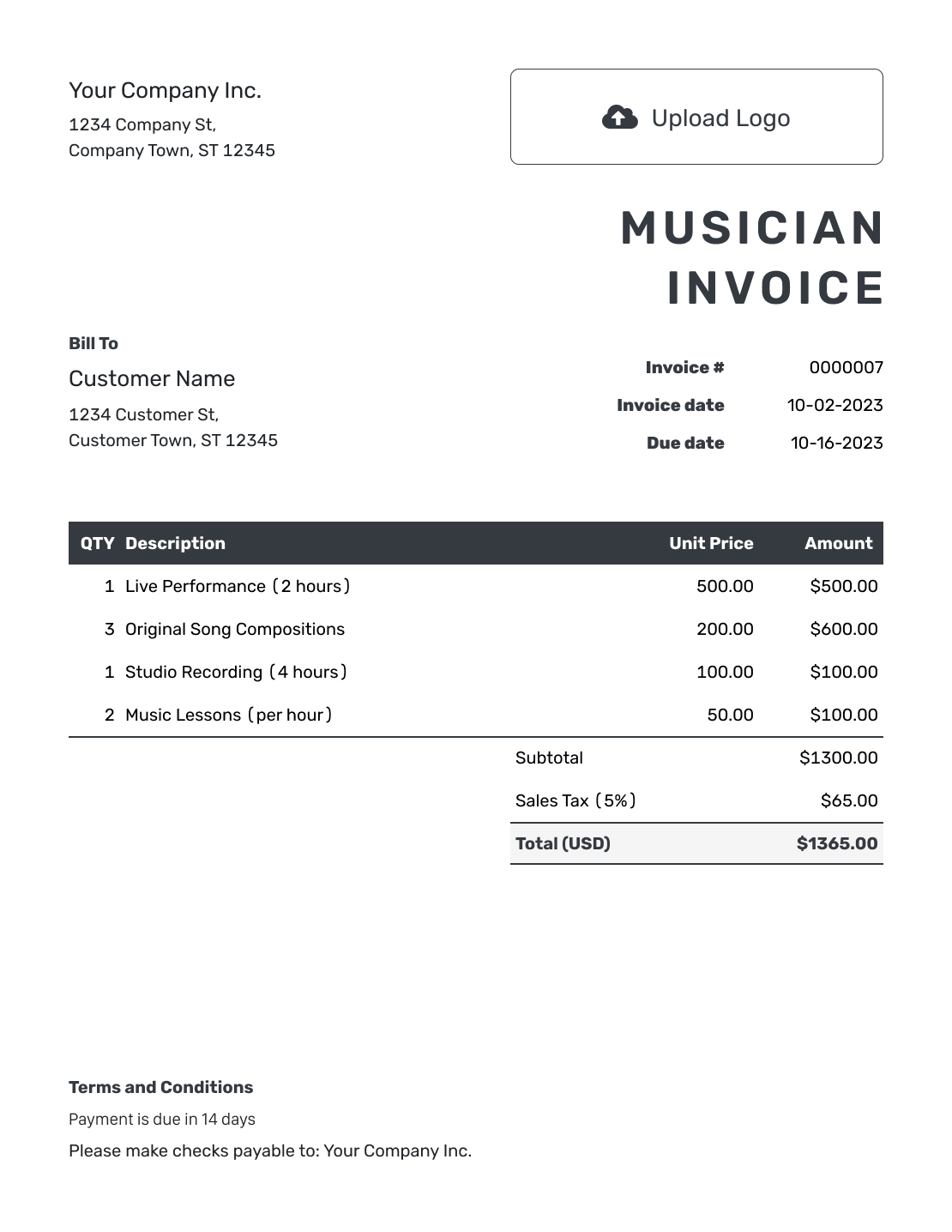
Sample Musician Invoice Template
Create Free Invoice -
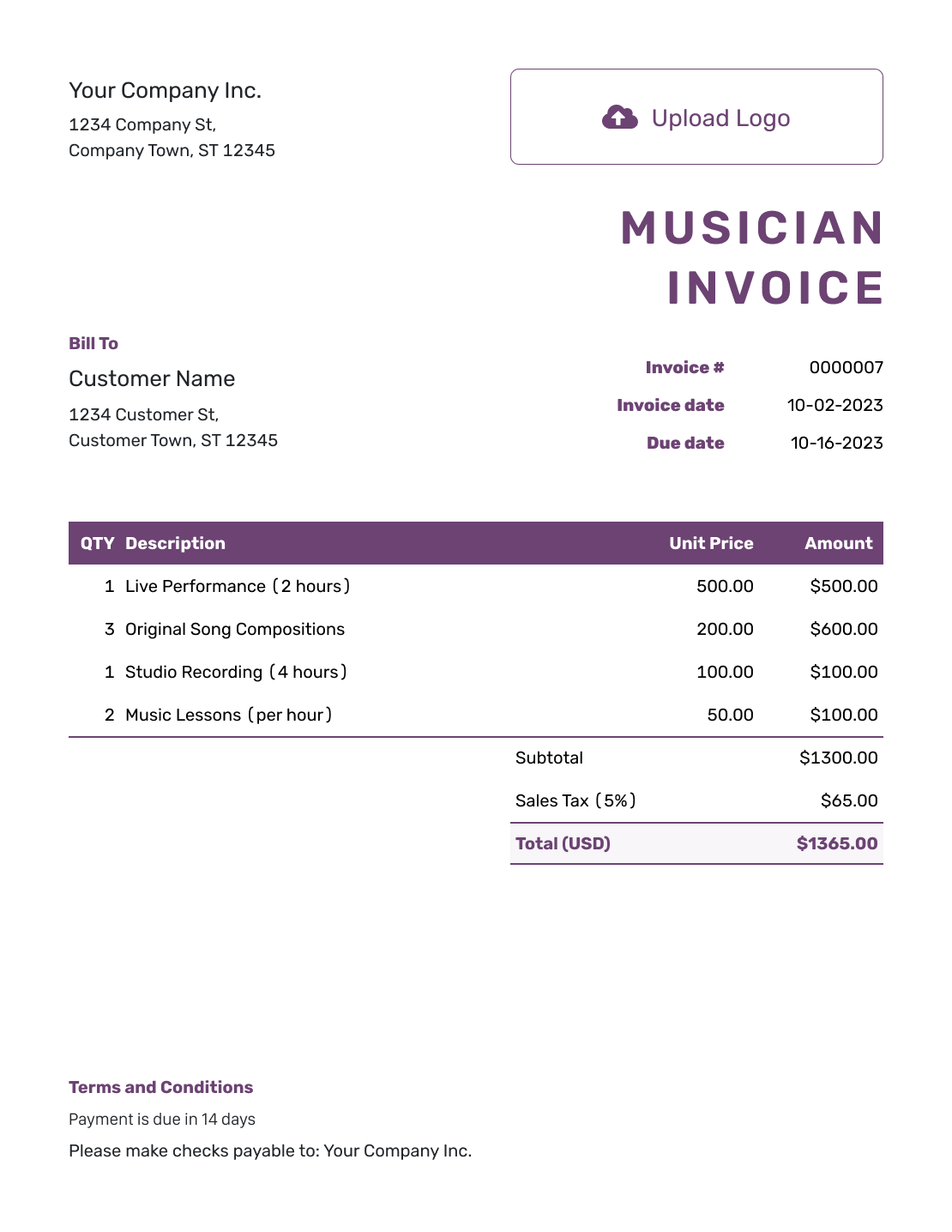
Free Musician Invoice Template
Create Free Invoice -
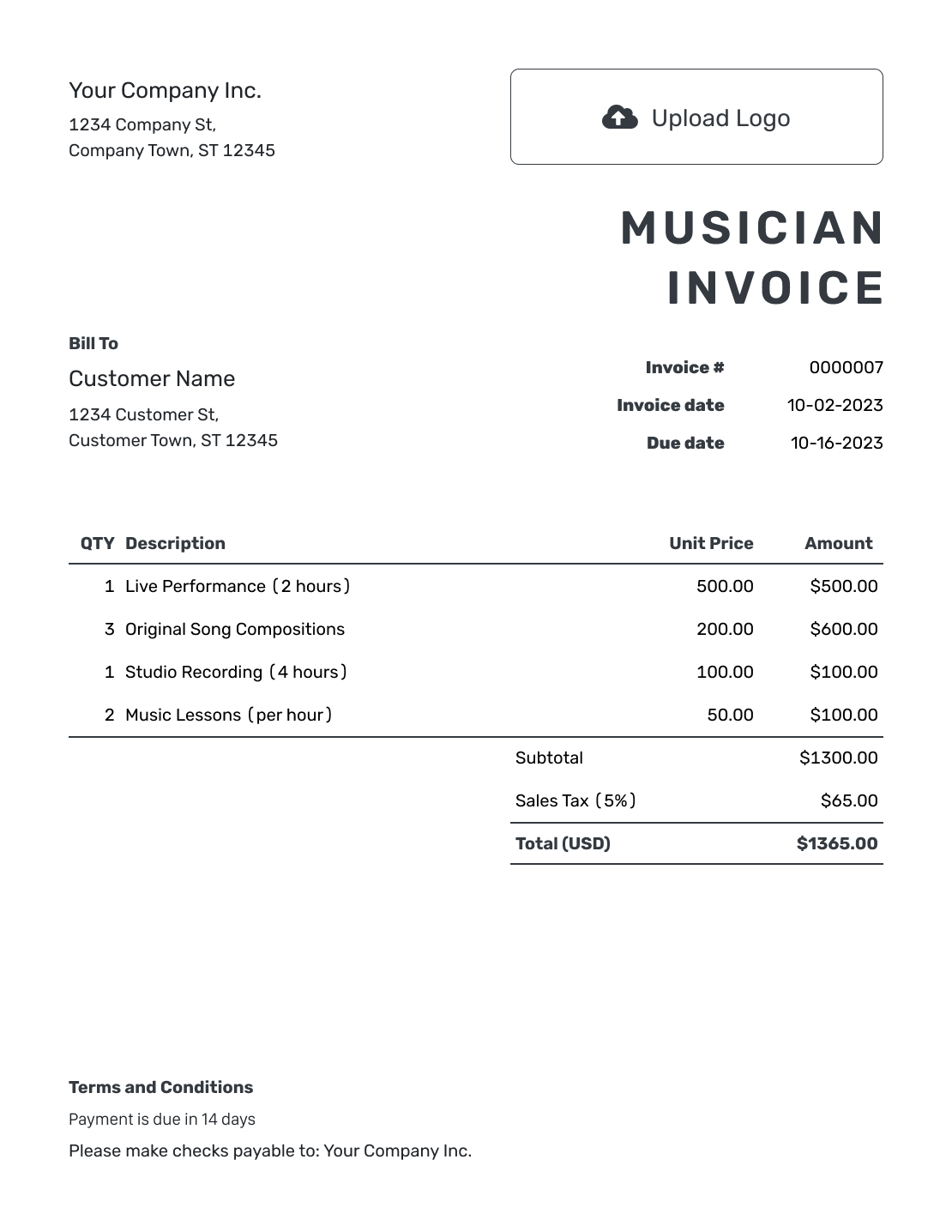
Printable Musician Invoice Template
Create Free Invoice
See six more invoice previews below the billing guidance.
How to Create a Musician Invoice
Start with the booking or lesson record. Show whether you are charging per lesson, per hour, or for a fixed fee.
- Add Your Music Business: Enter your name, band name, or business name as agreed with the client.
- Add Your Logo: Add your band, teaching, or studio logo when you use one.
- Choose the Client: Add the client who pays for the gig, lessons, or studio work.
- Set the Invoice Dates: Check the number and invoice date. Add the agreed payment due date.
- List the Music Work: Identify the gig, lesson dates, or recording project and the agreed fees.
- Check the Total: Review quantities and rates. Add any applicable tax or agreed discount.
- Explain How to Pay: Add payment instructions and refer to the booking or lesson agreement.
How to Fill In Musician Invoice Line Items
State whether each price is per lesson, per hour, or for a whole performance. Use that unit for the quantity on each line.
This sample studio invoice uses US dollars (USD). It lists recording hours, rehearsal hours, and a separate arrangement fee. The arrangement fee does not include the hourly work shown. The example adds 6% tax to the $570.00 subtotal. Use your own rates and the tax rules that apply to your work.
| QTY | Description | Unit Price | Amount |
|---|---|---|---|
| 3 | Recording session — hours | $90.00 | $270.00 |
| 2 | Rehearsal for recording — hours | $60.00 | $120.00 |
| 1 | Custom arrangement — agreed fee | $180.00 | $180.00 |
| Subtotal | $570.00 | |
| Tax (6% example) | $34.20 | |
| Total | $604.20 |
What to Include in Musician Invoice Terms
Use Terms and Conditions to tell the client when payment is due and what the invoice covers. For studio work, reference the recording agreement for delivery and usage terms. For performances or lessons, use the relevant booking or teaching agreement instead.
Only include policies you use for that job. Check local requirements before adding cancellation charges or late fees. This example is for the studio work shown above; adjust it for your own services.
Example: Terms and Conditions
- Payment is due on [Due Date] using [Payment Instructions].
- This invoice covers the listed sessions and arrangement for [Recording Project].
- Additional sessions or changes require a separately agreed fee.
- Delivery and usage terms follow recording agreement [Agreement Reference].
Create the Invoice for Your Music Work
Create the invoice without setting up a spreadsheet. Docelf calculates the total from your agreed fees. Email the bill when it is ready.
Describe the Performance, Lesson, or Session
The client should be able to match each line to a gig, lesson, or recording task without asking for a second explanation.
Live Performances
Give the event date and venue, then state what the booked fee includes. Add separately approved rehearsal, equipment, or travel charges only when they are outside that fee.
Music Lessons
List the lesson dates and session length. For a fixed price per lesson, put the number of lessons in Quantity. For hourly teaching, use hours instead of mixing lessons and hours on the same line.
Studio and Songwriting Work
Name the track or project. List recording time separately from any per-song or arrangement fee only when you agreed to bill them separately. Refer to the recording agreement for usage terms.
Billing for a Band or Your Own Part
Bill for the full performance only when that is the package your business agreed to provide. If you were hired for your own part, list your work and fee.
Check the billing name before sending. The customer may be an event organizer or studio even when someone else arranged the date. Keep the invoice addressed to the person or business responsible for payment.
Set Up Your Music Business Details Once
Add your logo, colors, and fonts in Docelf. Put your booking or billing contact in the footer. You can also add an industry name before “Invoice.”
Choose the agreed currency from USD, EUR, GBP, CAD, or AUD.
Save lesson or session details for reuse. Duplicate a previous invoice to create a new draft. Check its dates and quantities before sending.
Attach a PDF session summary when helpful. Docelf supports PDF, JPG, GIF, PNG, and WebP files up to 5 MB per attachment.
Keep Track of the Music Invoice After Sending
When you email the invoice from Docelf, you can see when the recipient opens it. When following up, identify the performance, teaching period, or recording project so the client can find the right bill.
Record the payment when it arrives. Docelf tracks the remaining balance and marks a fully paid invoice Paid. You can also create a receipt from the invoice after recording the payment.
More Musician Invoice Previews
These six previews open the same invoice editor. Add your own services, charges, and payment details.
-
Blank Musician Invoice Template
Create Free Invoice -
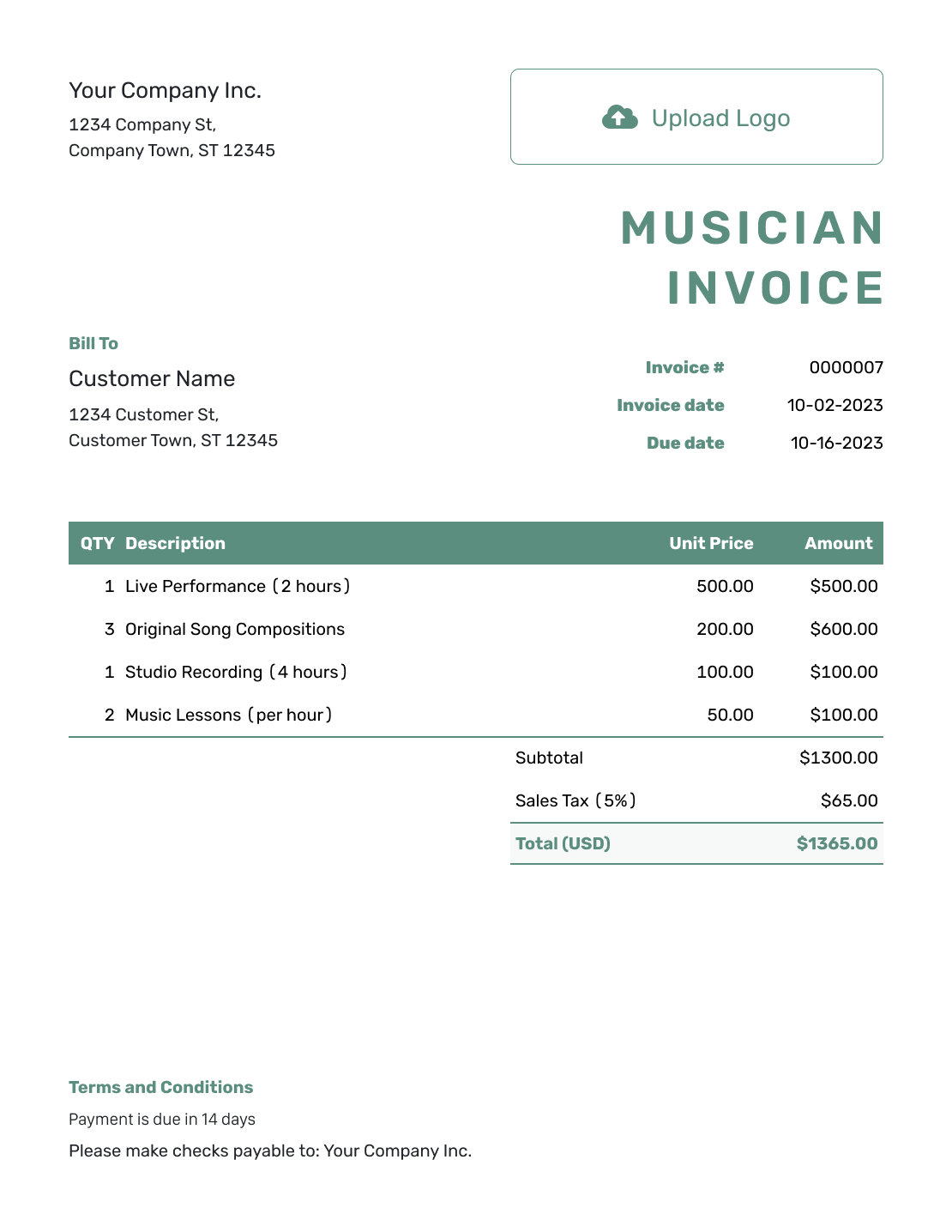
Simple Musician Invoice Template
Create Free Invoice -
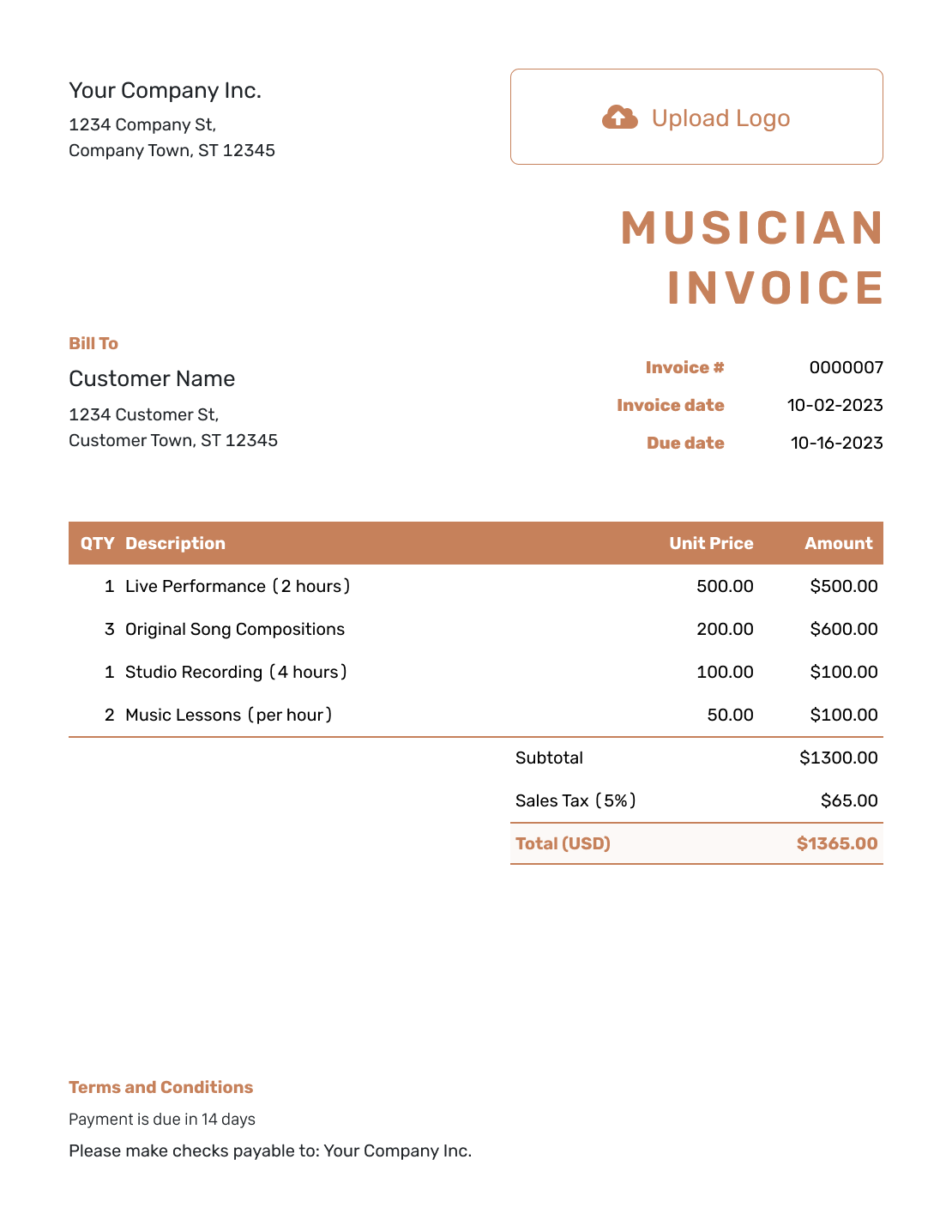
Standard Musician Invoice Template
Create Free Invoice -
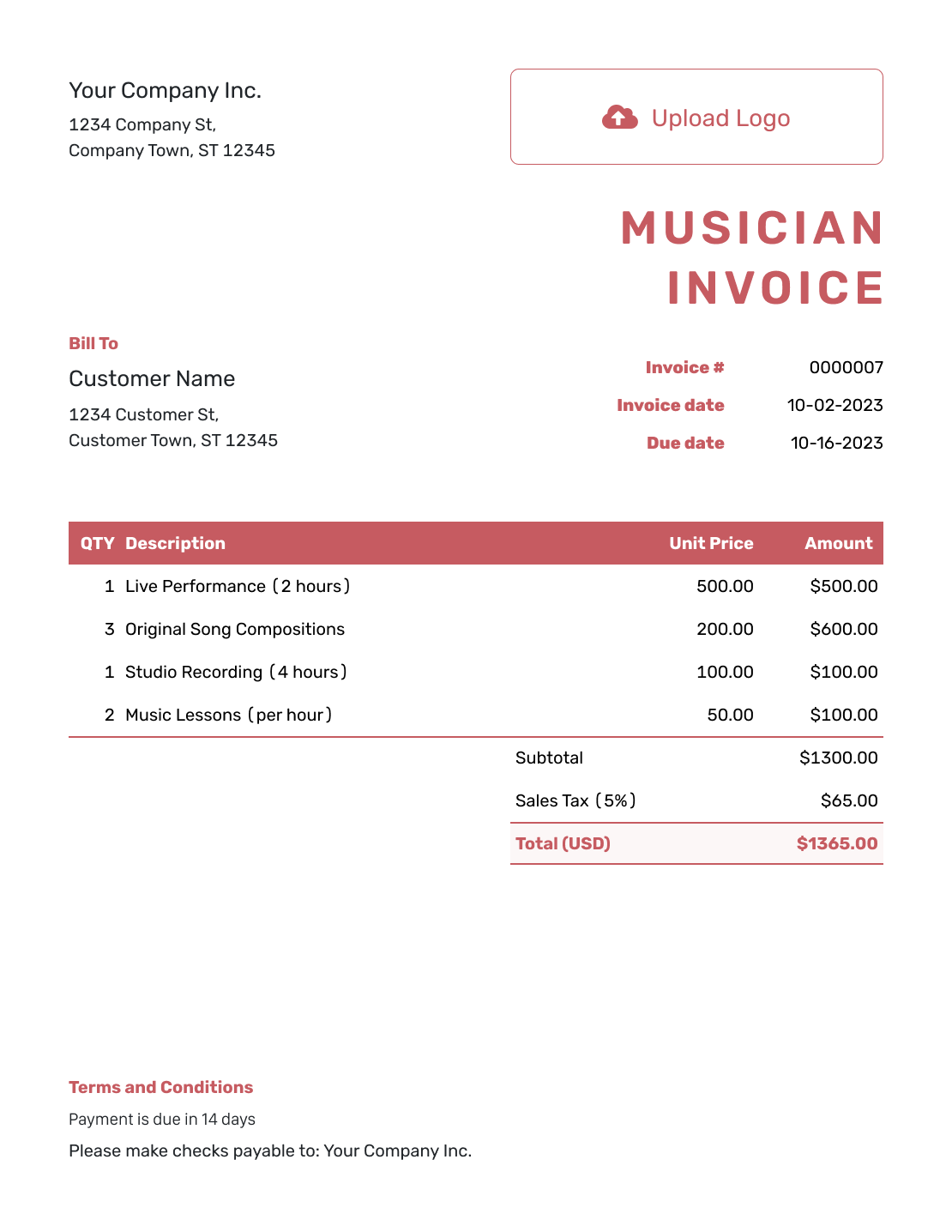
Itemized Musician Invoice Template
Create Free Invoice -
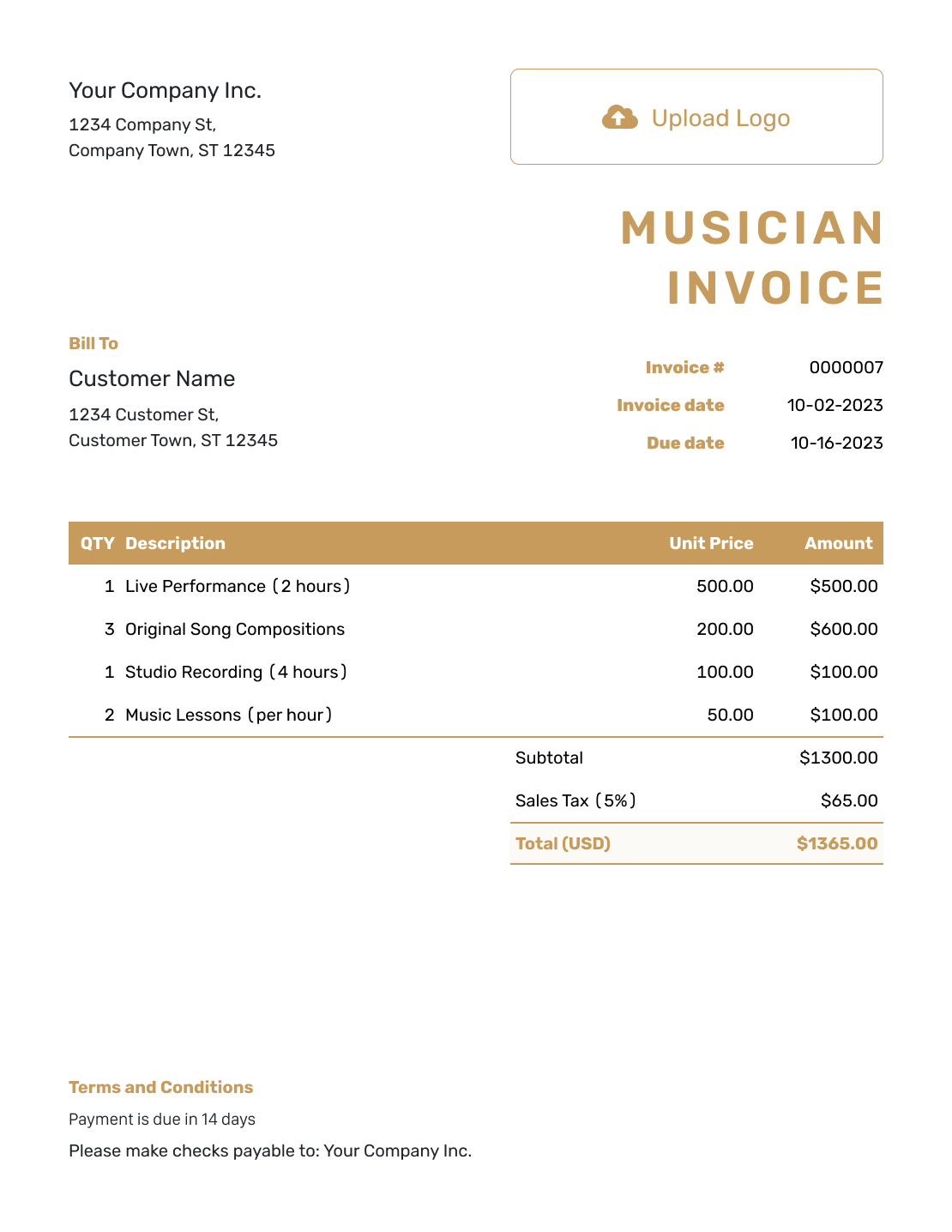
Basic Musician Invoice Template
Create Free Invoice -
Hourly Musician Invoice Template
Create Free Invoice
Musician Invoice File Formats
Use a general Word or Google Docs invoice template to edit the wording and layout. Excel and Google Sheets offer spreadsheet starting points. Label whether you are charging per lesson, hour, song, or performance.
Musician Invoice FAQs
-
Should my invoice show the whole band’s fee?
Show the full fee only when your business is billing the customer for the agreed band package. If you are billing for your own session or performance contribution, list that contribution and its agreed price.
-
How do I invoice for several music lessons?
List the lesson dates and the length of each session. Use the number of lessons as Quantity for a per-lesson price, or the billable hours for an hourly price.
-
Can I charge per song instead of per hour?
Yes, when that is how you agreed to price the work. Name the songs or project and use the song count as Quantity. Do not add recording hours again when they are included in the per-song fee.
-
Can I reuse last month’s lesson invoice?
Yes. Duplicate it in Docelf to create a new draft with a new invoice number. Update the lesson dates, quantities, and due date before sending. Duplicate and send each month’s invoice yourself.
-
Can I attach an audio recording to the invoice?
Docelf accepts PDF, JPG, GIF, PNG, and WebP attachments up to 5 MB each, not audio files. Attach a PDF session summary when useful. Send audio files through your usual delivery method.
-
Does a musician invoice replace my recording or royalty agreement?
No. Use the invoice for the agreed services and charges you are billing. Refer to your separate agreement for recording usage, ownership, or royalty arrangements.
Send the Bill for Your Music Work
Keep the session details clear and the billing easy to finish.
- Identify the gigs, lessons, or tracks
- Show the agreed fee for each service
- Email the invoice when it is ready




