Free Car Detailing Quote Template
Create a professional quote in minutes
Show the detailing package and price, with extras or condition charges as options. The quote shows what the service covers and helps customers book you with confidence.
Email, print or download your quote as a PDF.
14-day free trial. No credit card required.

Price the job. Send the quote. Get back to work.
Car Detailing Quote Template Examples
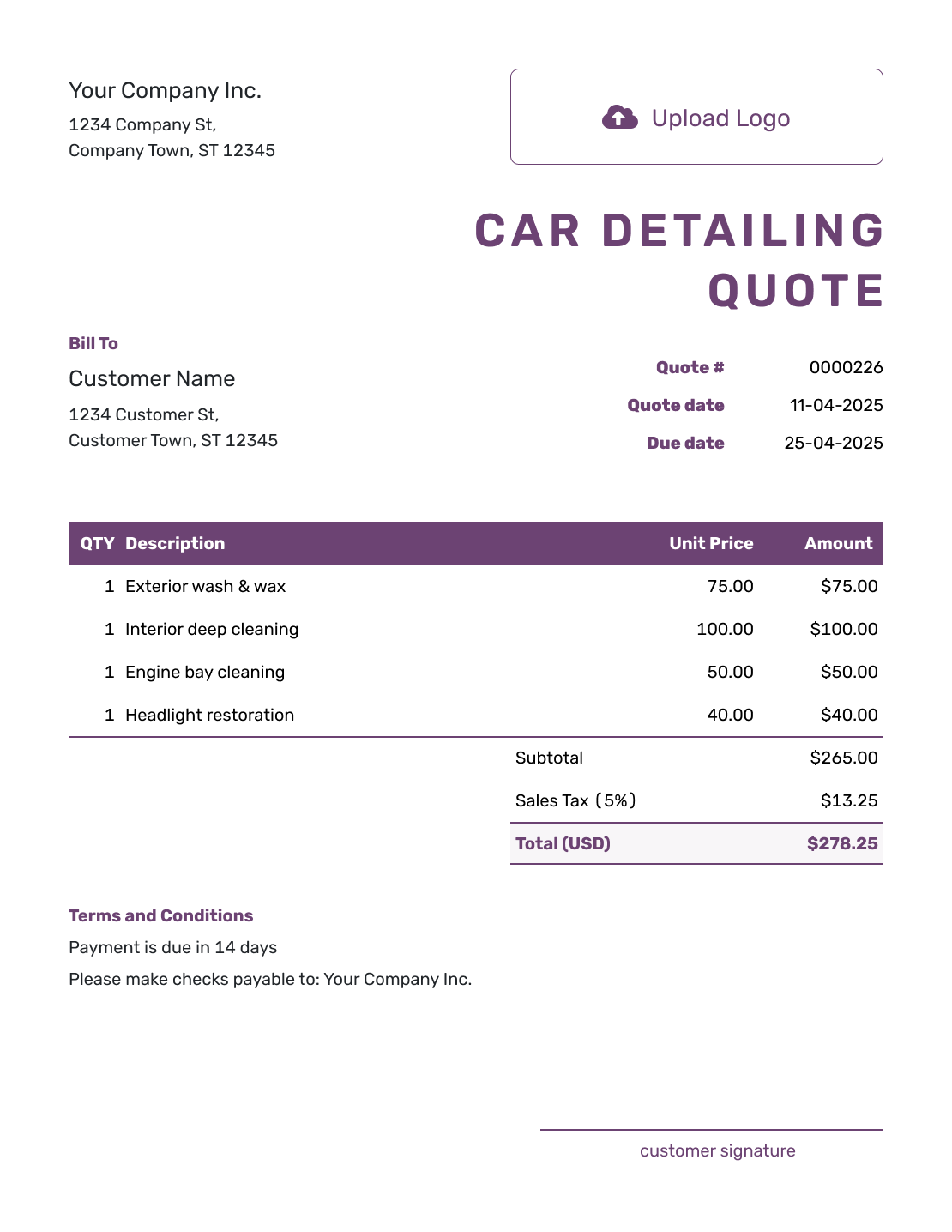
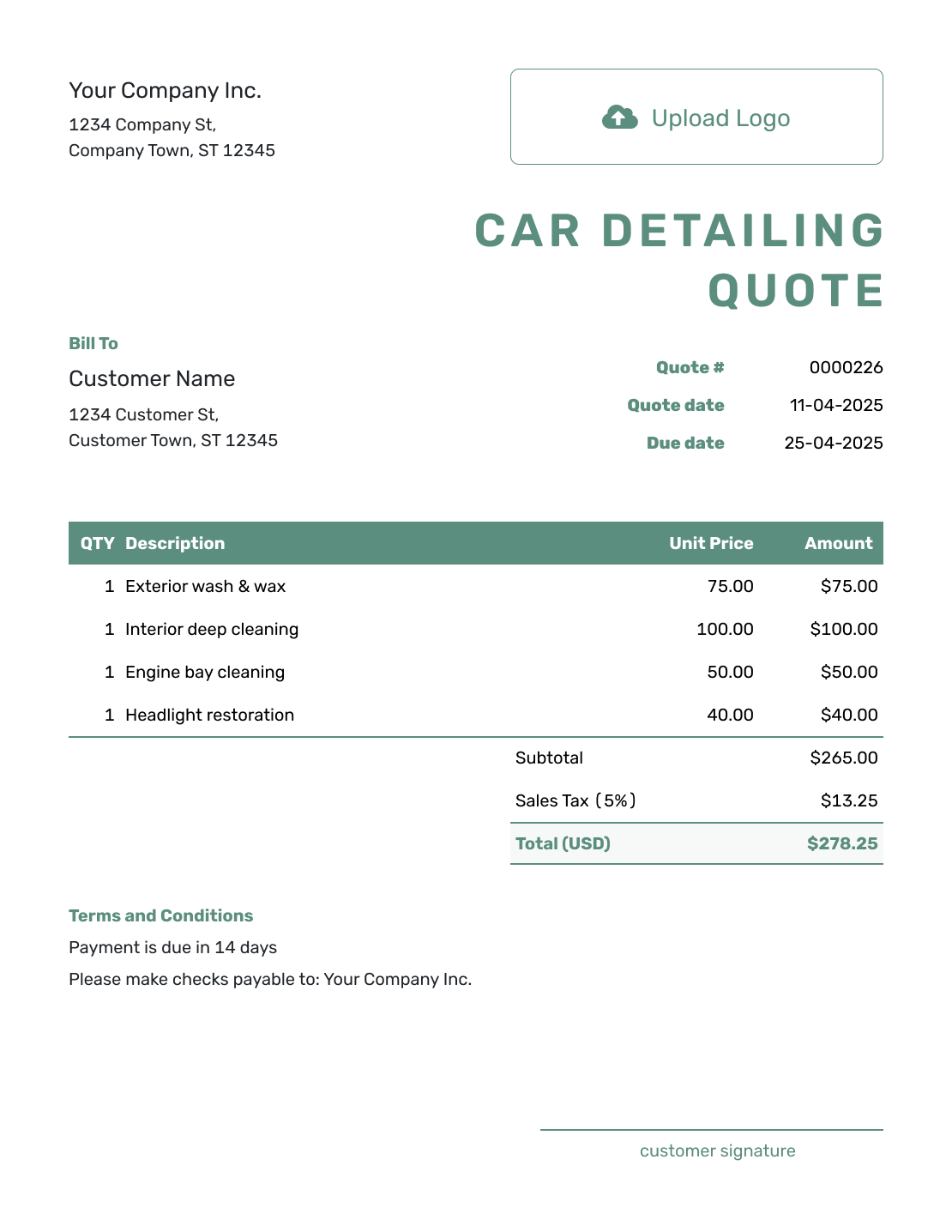
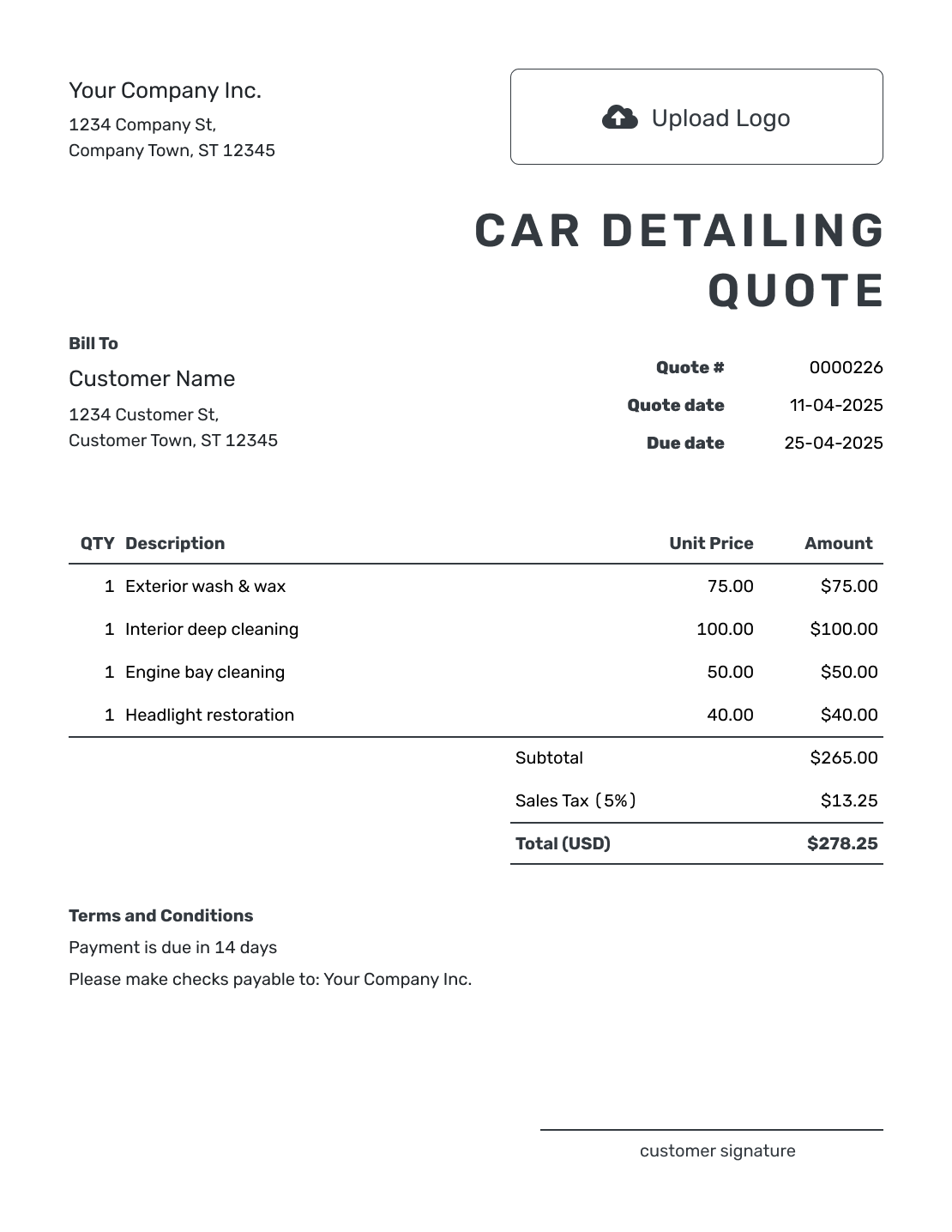
Use these previews for ideas on presenting a detailing package and price. Every preview opens the same quote editor, where you can add the services and terms for your shop or mobile business.
What Is a Car Detailing Quote?
A car detailing quote is a written offer for detailing work on a customer’s vehicle. It shows the package, add-ons, price, and terms before the customer books or approves the service.
Use a quote when the service and price are clear. If you need to inspect the vehicle before confirming the work, use an estimate first. An invoice comes later, when payment is due.
Quoting repairs instead? Use the auto repair quote template for parts and repair labor.
How to Create a Car Detailing Quote
Start with the package the customer wants and the vehicle you have assessed. The steps below put that offer into the quote editor.
- Your Business: Add your detailing business name and booking contact.
- Your Logo: Add the logo you use on your business documents.
- The Customer: Choose a saved customer or enter their contact details.
- Number and Dates: Check the quote number and date. Set a valid-until date.
- Vehicle and Services: Identify the vehicle in the package description. Add chosen extras with their prices.
- The Total: Check the charges, any discount, and applicable tax. Docelf calculates the total.
- Terms and Sending: Add booking details in Terms and Conditions. Review the quote, then email it or save a PDF.
How to Fill In Car Detailing Quote Line Items
Keep a package together when you sell it for one price, and describe the services it covers in that row. Give separately priced extras their own rows. The quote total should cover the package and extras the customer is choosing; describe unchosen options outside that total.
This fictional mobile detailing quote is for one sedan. The customer has chosen upholstery cleaning in addition to the base package. Prices are in US dollars, with an illustrative 8% tax on all three charges.
| QTY | Description | Unit Price | Amount |
|---|---|---|---|
| 1 | Sedan detail — exterior hand wash, wax, wheel cleaning, interior vacuum, and glass | $160.00 | $160.00 |
| 1 | Upholstery extraction — front and rear fabric seats | $55.00 | $55.00 |
| 1 | Mobile service travel — customer's address within the quoted service area | $25.00 | $25.00 |
| Subtotal | $240.00 | |
| Sales Tax (8% illustrative) | $19.20 | |
| Quote Total | $259.20 |
What to Include in Car Detailing Quote Terms
Use Terms and Conditions to explain the booking arrangements and the condition you priced. A mobile detail may also need a suitable parking space or access to water and power. State what you need the customer to provide before you arrive.
Adapt this example to the sedan quote above, using only policies your business follows. If you take a booking deposit, explain its amount and when it is due here. Keep any cancellation or refund policy consistent with local requirements.
Example: Terms and Conditions
- Price valid for 14 days from the quote date. Confirm the appointment time with us before booking.
- Allow approximately three hours at your address. Please provide a suitable parking space and access to water and power.
- Price covers the sedan in the condition shown in your photos. We will quote any additional work for your approval before starting it.
- The quoted $259.20 is due when the service is complete.
Put the Detailing Package in Writing
Add the package and chosen extras in Docelf. The total updates as you enter the prices, so your offer is ready to check and send.
Confirm the Vehicle Size and Condition
A sedan, large SUV, and work van may need different amounts of time. Identify the vehicle and use the matching package price, or clearly label a size charge. If the package price already includes that size, you do not need to charge for it again.
Photos or an inspection can help you price pet-hair removal, heavy staining, or paint correction. Describe the condition you have allowed for. If the vehicle needs substantially more work when it arrives, agree a revised price with the customer before starting the extra service.
For coatings or correction, explain the treatment included and any preparation you have priced. Avoid promising that every scratch or stain will disappear. The customer needs to understand the service you are offering, not just the name of the upgrade.
More Car Detailing Quote Layouts
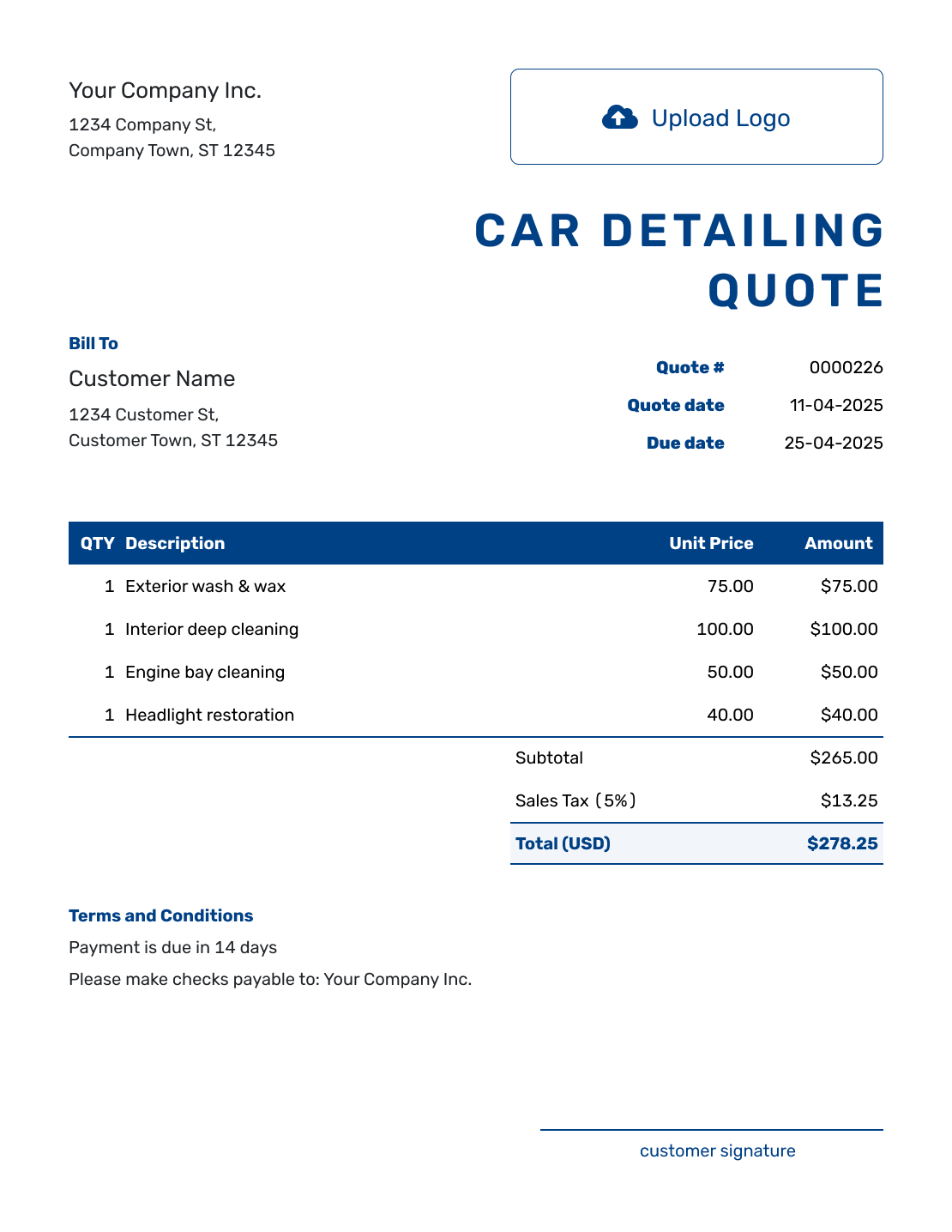
Compare the remaining six layouts, then create a quote with your own vehicle details and services.
-
Sample Car Detailing Quote Template
Create Free Quote -
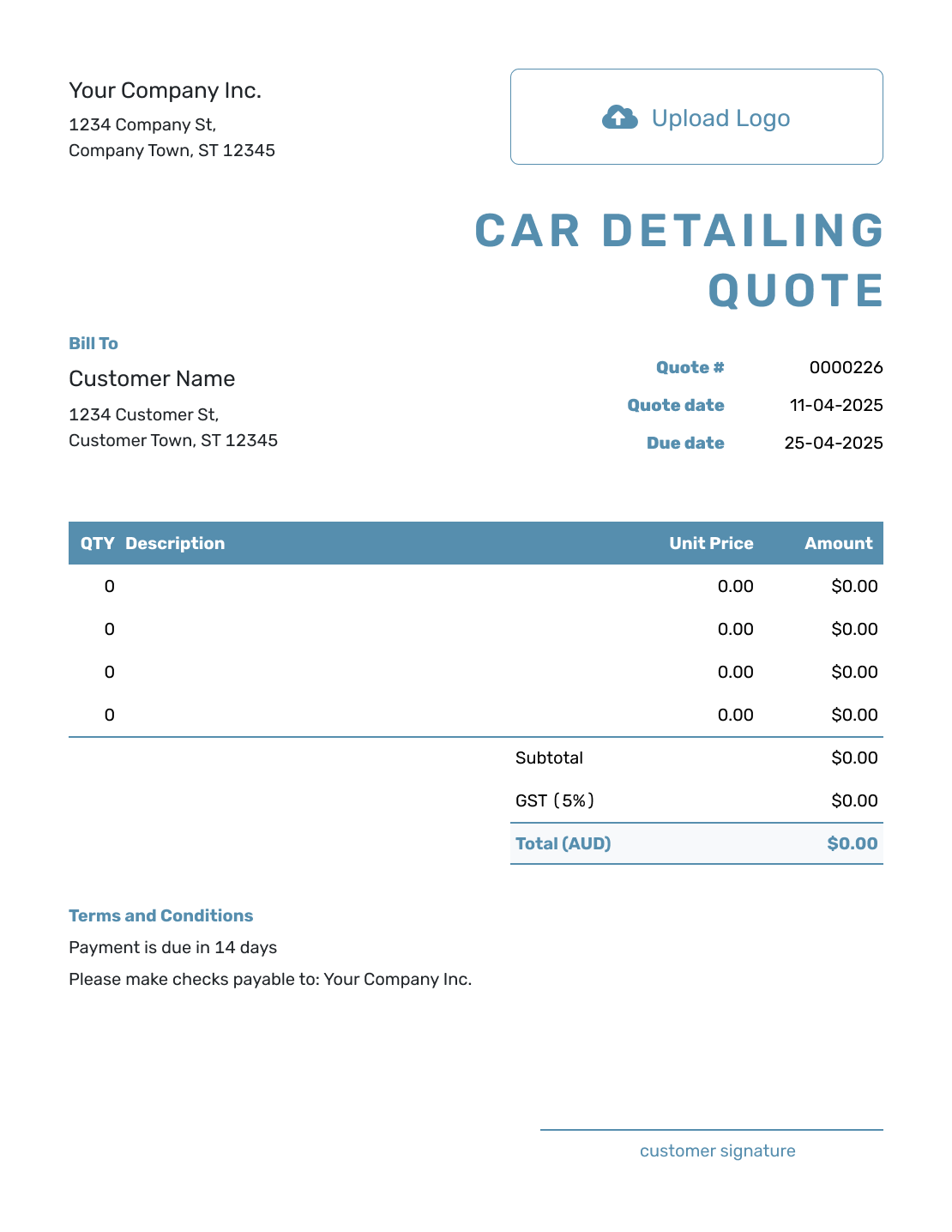
Blank Car Detailing Quote Template
Create Free Quote -
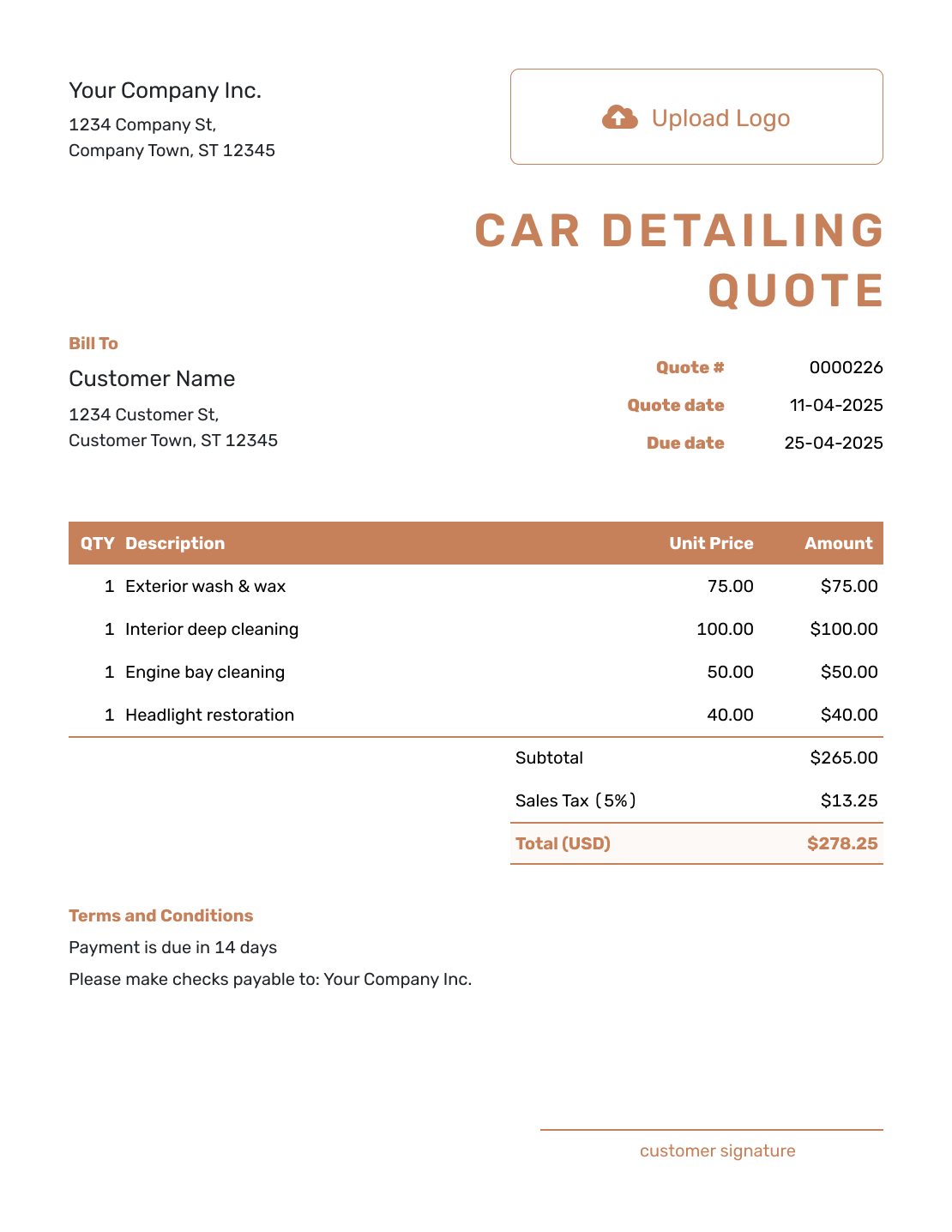
Downloadable Car Detailing Quote Template
Create Free Quote -
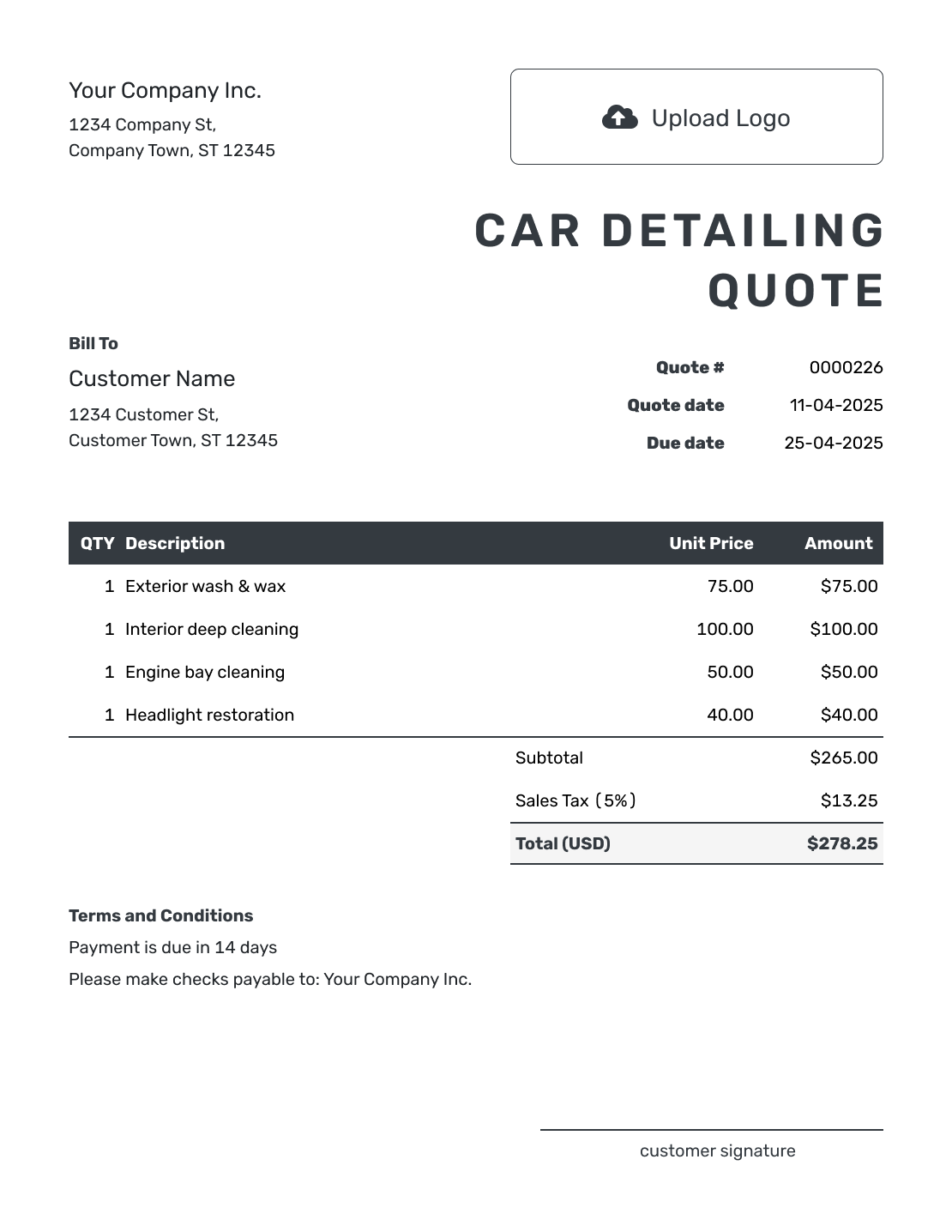
Editable Car Detailing Quote Template
Create Free Quote -
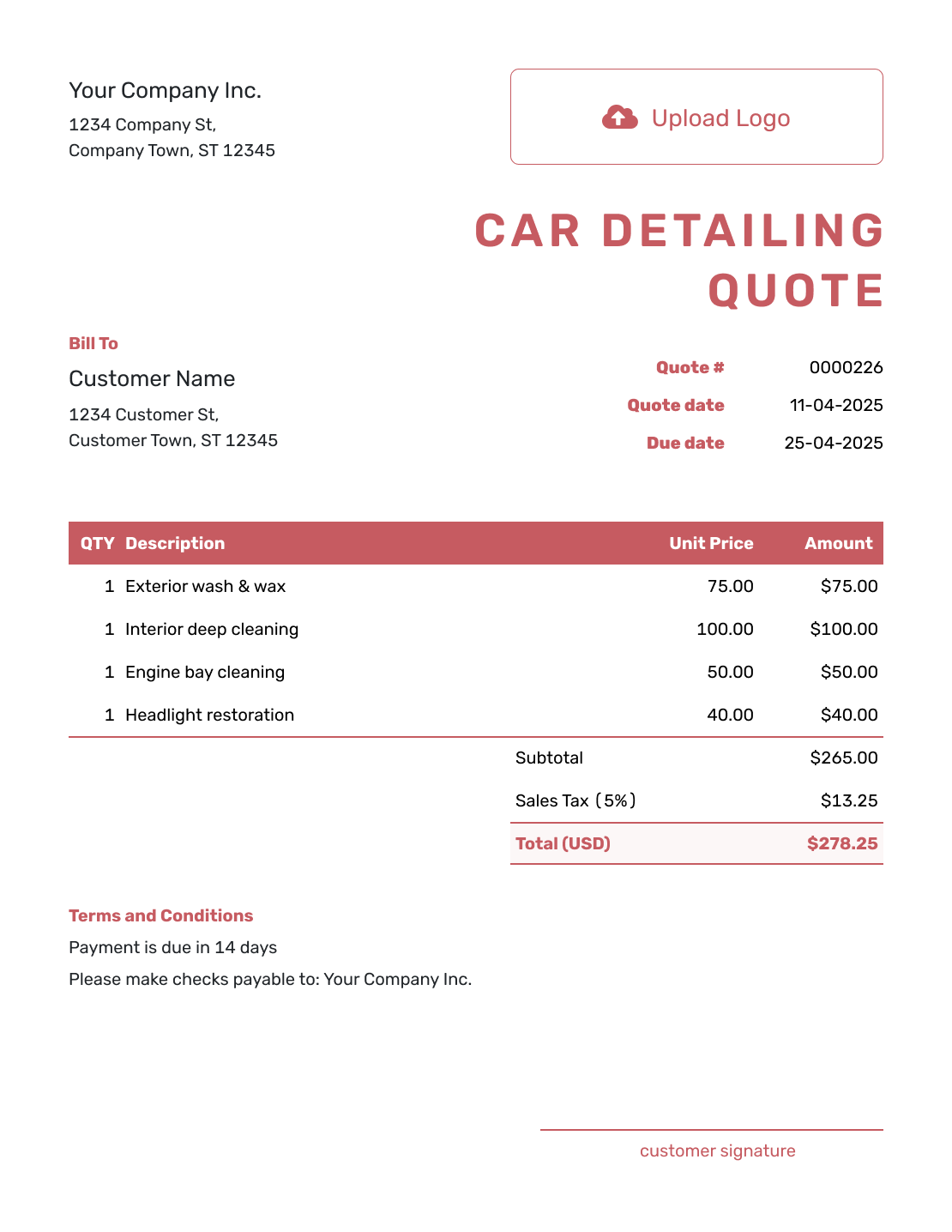
Fillable Car Detailing Quote Template
Create Free Quote -
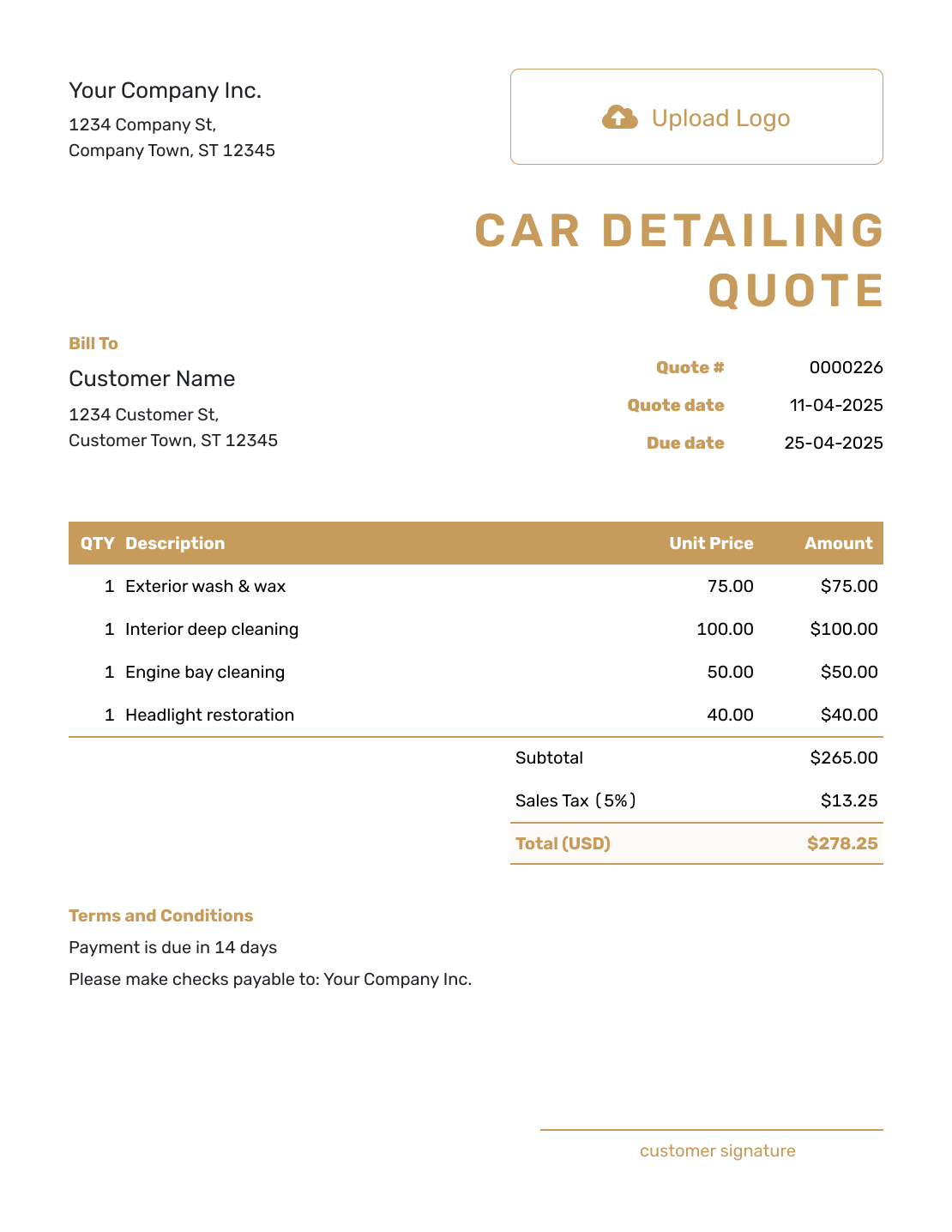
Professional Car Detailing Quote Template
Create Free Quote
Related Automotive Quote Templates
Use this page for detailing packages and appearance services. Choose an auto repair quote for mechanical work or a vehicle quote for a vehicle sale.
Other Quote Template File Formats
These pages offer separate templates for the software you already use. Docelf’s online editor downloads the finished quote as a PDF.
See every option on the quote templates by format page.
After You Send the Quote
When you email the quote from Docelf, you can see its delivery and opening history. Your customer can accept or decline it online. Confirm the appointment with them once the package is agreed.
If the customer wants a different service, update and resend the quote for approval. When payment is due, create an invoice from the quote. The customer and service details carry over; check that the invoice includes any agreed changes before sending it.
Car Detailing Quote Template FAQs
-
What is a car detailing quote?
A car detailing quote is a written offer for a specific vehicle and detailing package. It shows the price, add-ons, and terms before the customer books or approves the service.
-
What should I include in a car detailing quote?
Start with the business, customer, and vehicle details. Show the package and the selected extras with their prices and applicable tax. Include a quote number, date, valid-until date, and the booking and payment terms.
-
Should I quote a package or list every detailing service separately?
Lead with the package when that is how you sell the service. Describe the included work in that row, then give separately priced extras their own rows. A service included in the package does not need another charge.
-
How do I handle different vehicle sizes on a detailing quote?
Identify the vehicle size or category you used for pricing. If a larger vehicle costs more, show that charge or use the matching package price.
-
How should I quote paint correction, ceramic coating, or other add-ons?
Describe the treatment and preparation included, then show its price. Include selected upgrades in the quoted total. Keep unchosen options outside the total, and update the quote if the customer decides to add one.
-
What if the vehicle condition is worse than expected?
State the condition assumption in the quote when it affects pricing. If you discover substantially more work, update the scope and price and ask the customer to approve the revised quote before starting the extra service.
-
How long should a car detailing quote be valid?
Choose a validity period that fits how long you can hold the quoted price. A valid-until date does not reserve an appointment: confirm the service date with the customer separately.
-
Should I use a quote or an estimate for car detailing?
Use a quote when the package and price are defined. Use an estimate when the final amount depends on inspecting the vehicle or confirming its condition first.
-
Can I turn an accepted detailing quote into an invoice?
Yes. Create the invoice from the quote in Docelf. The customer and quoted services carry over. Check any agreed changes, then add the payment details before sending the invoice.
Ready to Send Your Detailing Quote?
Put the detailing package in writing before you reserve the appointment.
- Identify the vehicle size or category
- Show the package and chosen add-ons
- Email the car detailing quote or download a PDF




