Free Consultant Quote Template
Create a professional consultant quote in minutes
Set out the consulting work and the deliverables included in your fee. Clients get a clear view of your approach and a reason to hire you.
Email, print or download your quote as a PDF.
14-day free trial. No credit card required.

Price the job. Send the quote. Get back to work.
Consultant Quote Template Examples
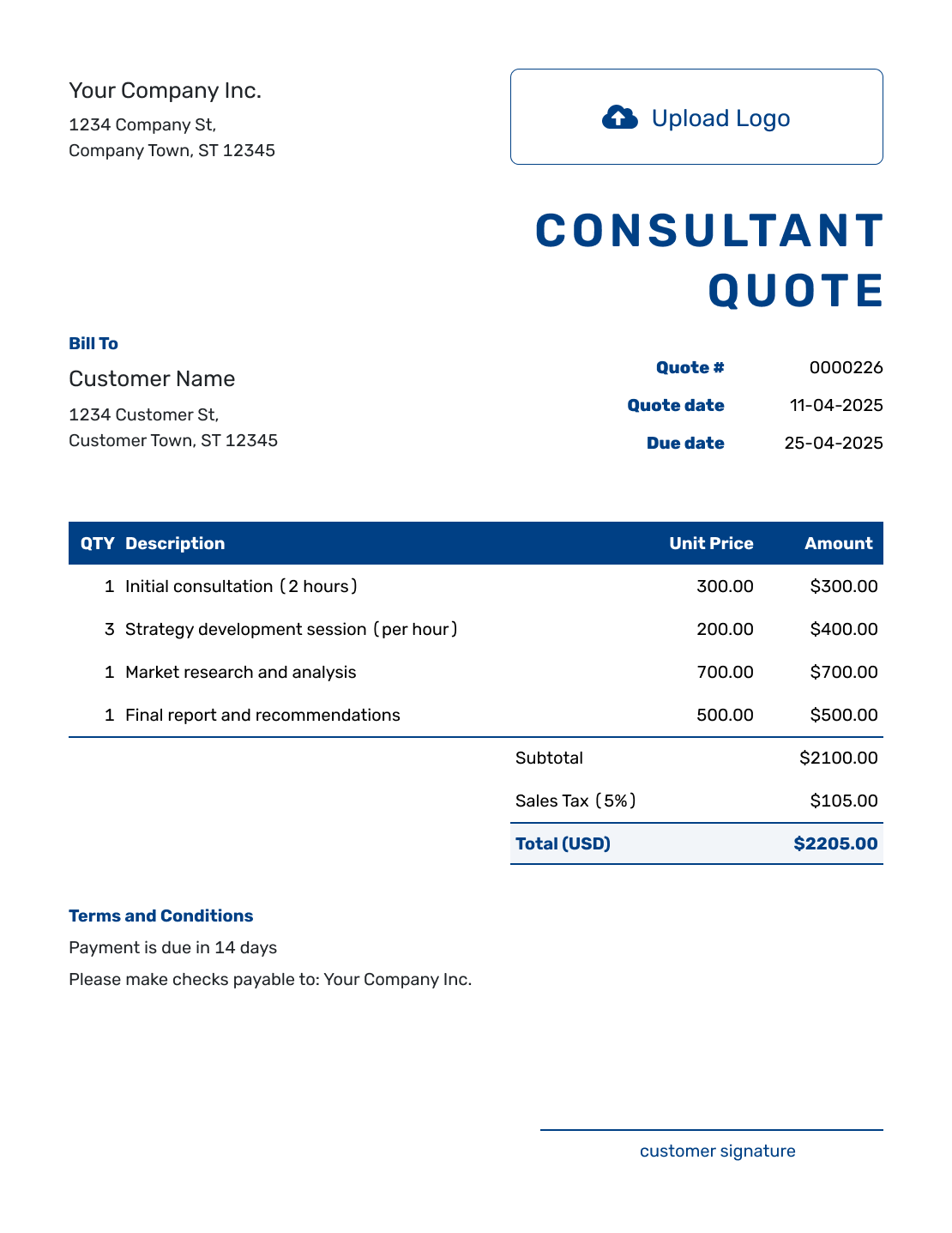
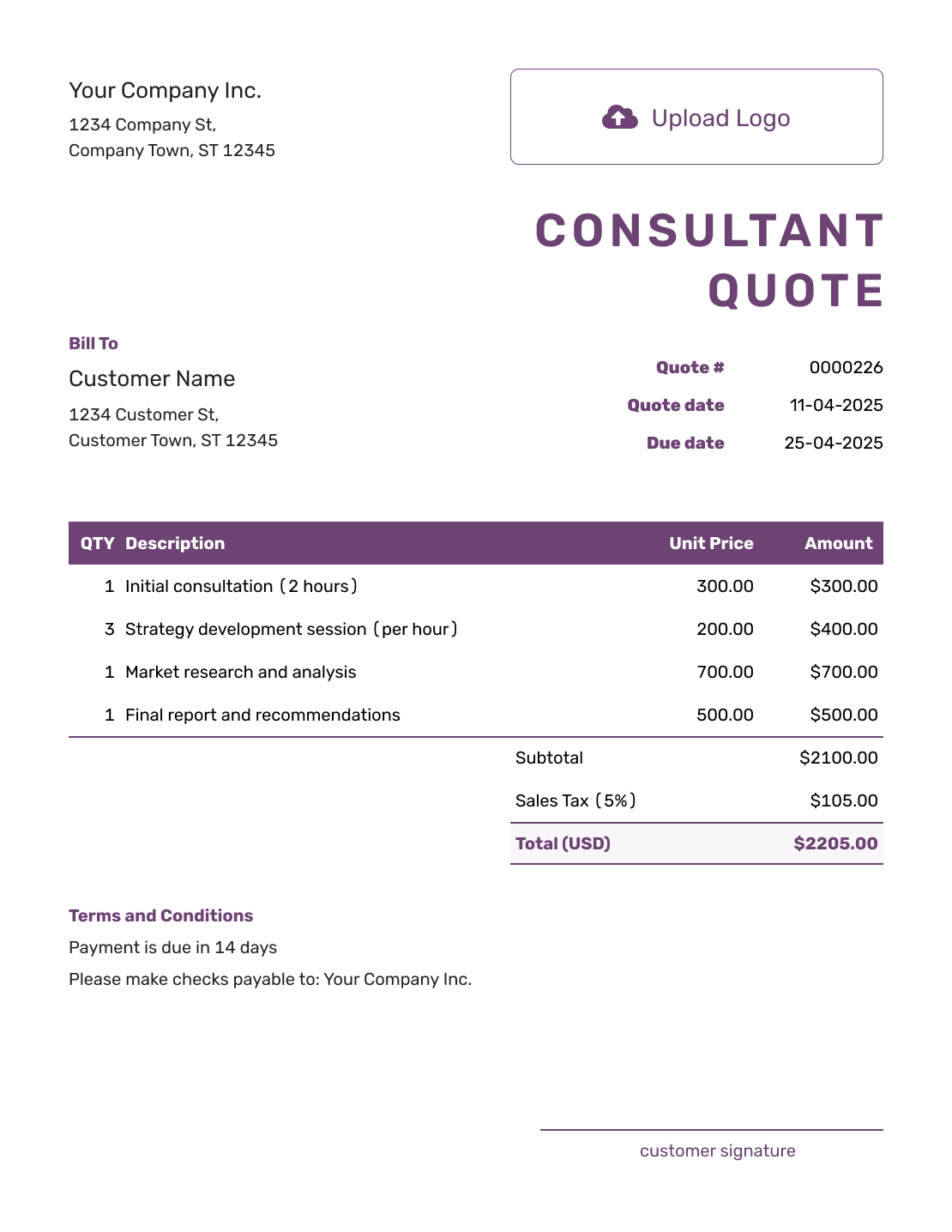
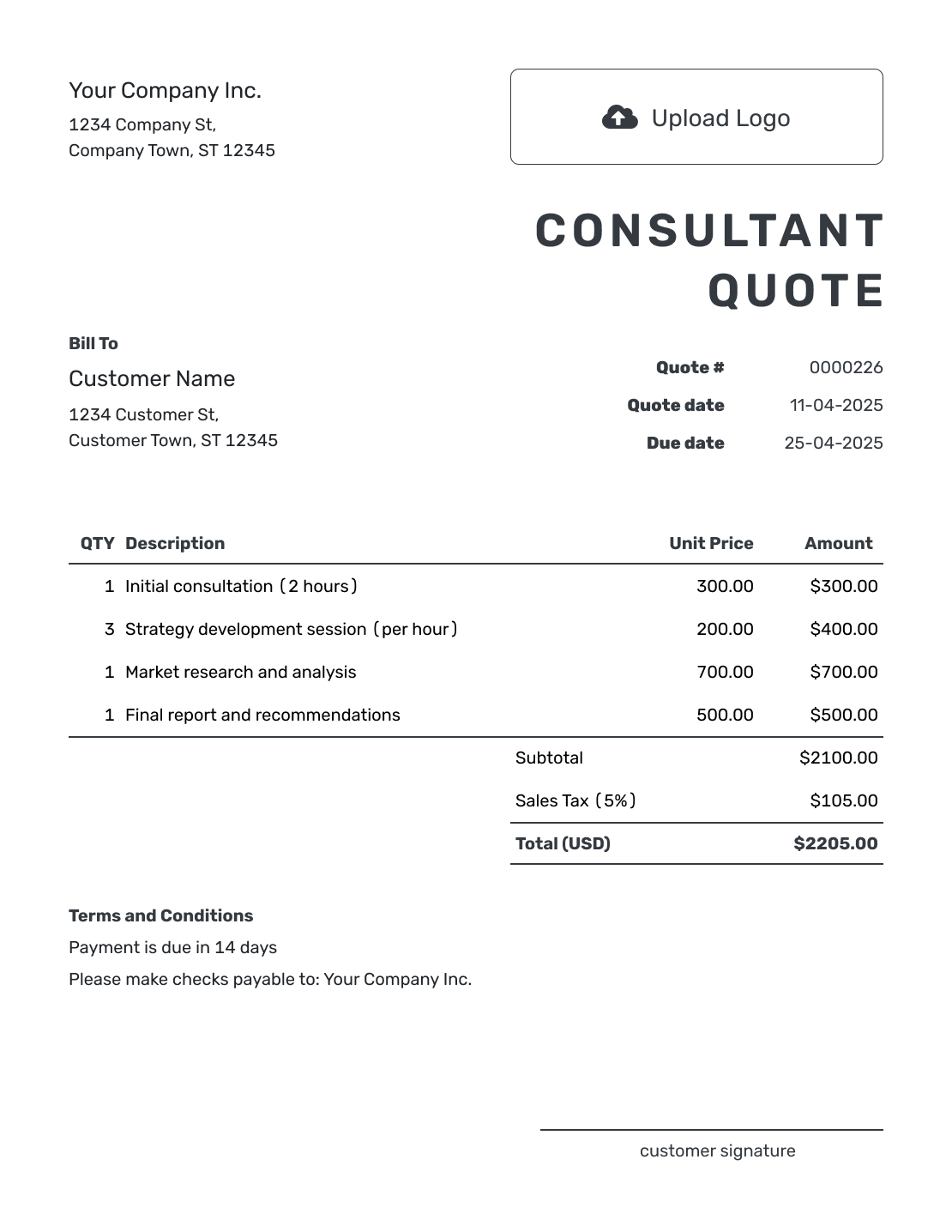
Browse these layouts before putting your consulting offer in writing. Each preview opens the same quote editor, where you can add your own engagement details and style.
Tie the Consulting Fee to a Clear Engagement
A consultant quote puts a defined engagement and fee in writing. Connect the price to the decision or problem the client needs help with, then explain what you will deliver. A workshop, findings report, or implementation plan is easier to review than a broad line labeled “consulting.”
Use a quote when you can offer a clear scope and price or pricing method. A proposal can add the background, recommended approach, and team experience when the client needs more context before choosing.
Choose a Consulting Fee Structure
Choose the fee structure after defining what the client needs. You can combine methods, but say which work each price covers so the same service is not charged twice.
Fixed Project Fee
Use a fixed fee when the deliverables and timeline are clear. Name the included meetings and review rounds so the client can see the limits of that price.
Hourly or Day Rate
Use an hourly or day rate when the amount of support may vary. Show the planned quantity and explain how you will agree on time beyond it; a rate alone does not explain the total.
Retainer
Use a retainer for ongoing advice or a set amount of time each month. State the period, included access or hours, response timing, and how additional work is approved.
Milestone Fees
Tie each fee to a named stage, workshop, draft, or completed deliverable. Explain when that stage is ready for review and when its payment is due.
How to Create a Consultant Quote
Begin with the result the client expects. Then break the engagement into the work, deliverables, and pricing needed to reach it.
- Your Business: Add your consulting business name and contact details.
- Your Logo: Use the logo from your other client documents.
- The Client: Enter the person or company commissioning the engagement.
- Number and Dates: Check the quote number, issue date, and valid-until date.
- Services and Fees: List deliverables with their fees, or the quoted hours and rate.
- Check the Total: Review any separately charged expenses, tax, and total.
- Terms and Send: Add client responsibilities in Terms and Conditions. Review, then email or save a PDF.
How to Fill In Consultant Quote Line Items
Name the deliverable and how you charge for it. Use one line for a fixed service, or show hours or days alongside the rate. Keep separately charged workshops and implementation support visible instead of hiding them in a general consulting fee.
This fictional operations review is priced in US dollars. It includes a workshop, a findings report, and a handover meeting, all at fixed fees. The 8% tax is illustrative; use the tax treatment that applies to your services.
| QTY | Description | Unit Price | Amount |
|---|---|---|---|
| 1 | Half-day operations workshop with client team | $900.00 | $900.00 |
| 1 | Process review and written recommendations report | $1,600.00 | $1,600.00 |
| 1 | One-hour findings and handover meeting | $250.00 | $250.00 |
| Subtotal | $2,750.00 | |
| Sales Tax (8% illustrative) | $220.00 | |
| Quote Total | $2,970.00 |
What to Include in Consultant Quote Terms
The Terms and Conditions field explains what the fee assumes: the information you need, the work included, and the timing for feedback and payment. If you use a deposit or milestone payments, state when each is due. Include only policies your business actually uses.
This sample belongs to the operations review above. Adapt the dates and review period to the engagement. If you use cancellation fees or other special conditions, check the requirements that apply to your business before including them.
Example: Terms and Conditions
- This quote is valid until [date]. It covers one half-day workshop, one recommendations report, and a one-hour handover meeting.
- The client will provide the agreed process records and nominate one decision-maker before the workshop on [date].
- The report is due [number] business days after the workshop and receipt of the agreed records. One round of factual corrections is included.
- Payment is due [agreed timing]. Travel and implementation work are not included.
- Additional meetings, revisions beyond the included round, or implementation support need an agreed fee and schedule before work begins.
Create a Consulting Quote Ready to Review
Give the client a price tied to the work they need. Add your services in Docelf, check the calculated total, and email the offer when you are ready.
Consulting Quote, Proposal, or Invoice?
Choose the document that matches the client decision you need next.
Consulting Quote
Use a quote when the scope and pricing are clear and the client needs a written offer to review and accept.
Consulting Proposal
Use a proposal when the client needs more context about the challenge, your approach, credentials, and recommended solution.
Invoice
Send an invoice when payment is due. It requests payment for the agreed work; the quote gives the client an offer to consider first.
Agree on Client Inputs and Extra Work
The schedule may depend on access to data, staff, or a decision-maker. Name who supplies each input and when you need it. Explain how late information or feedback changes the delivery date, and set the number of meetings or revisions included in the fee.
Keep travel and third-party expenses visible. If you know a cost and include it in the quoted total, give it its own line. If you will bill it later, say that it is outside the total and agree on the approval process or spending limit.
When the engagement expands, update the scope, fee, and timing together. Send the revised quote for the client to accept before starting the added work.
More Consultant Quote Layouts
Here are six more layouts for your consulting quote. Keep the fee and deliverables easy to find whichever layout you use.
-
Blank Consultant Quote Template
Create Free Quote -
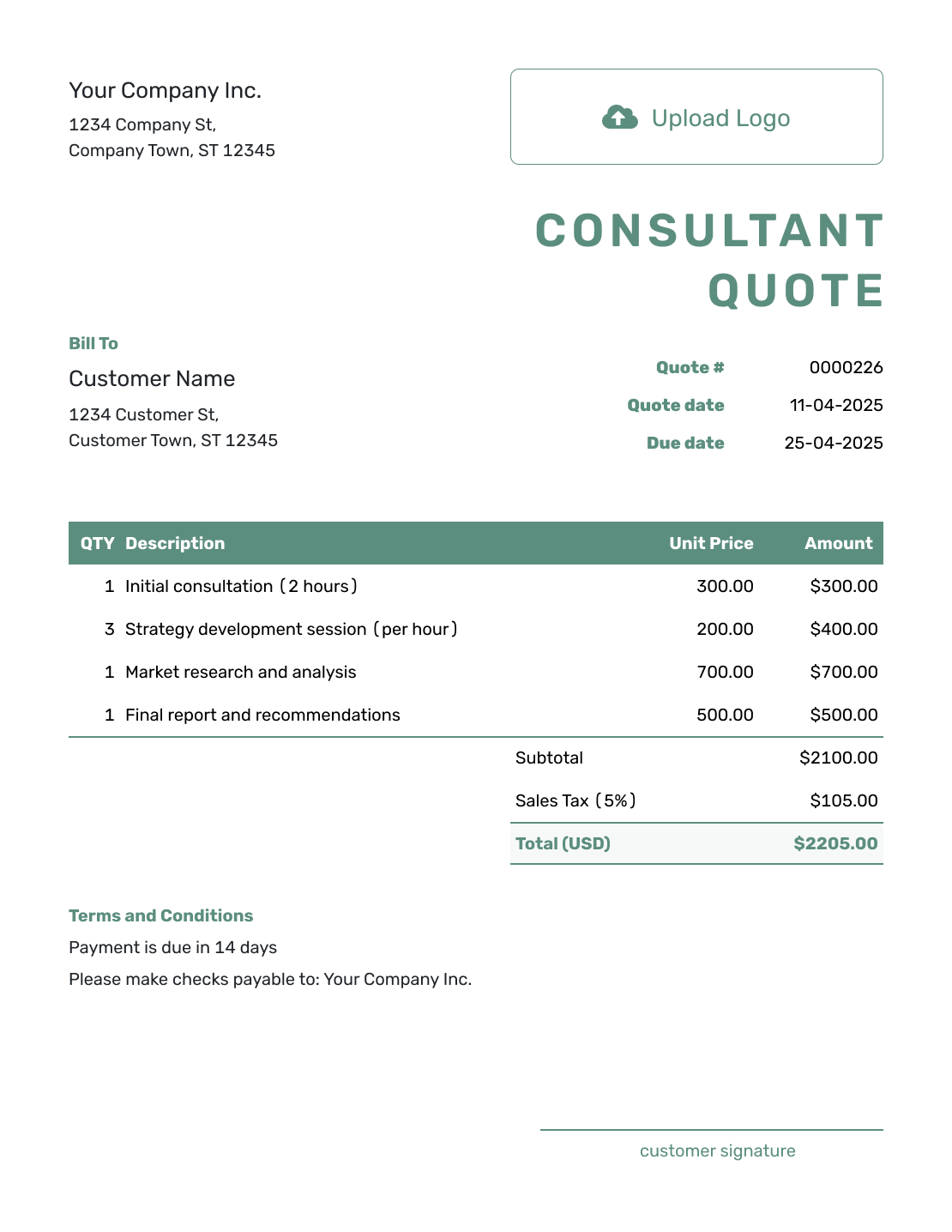
Simple Consultant Quote Template
Create Free Quote -
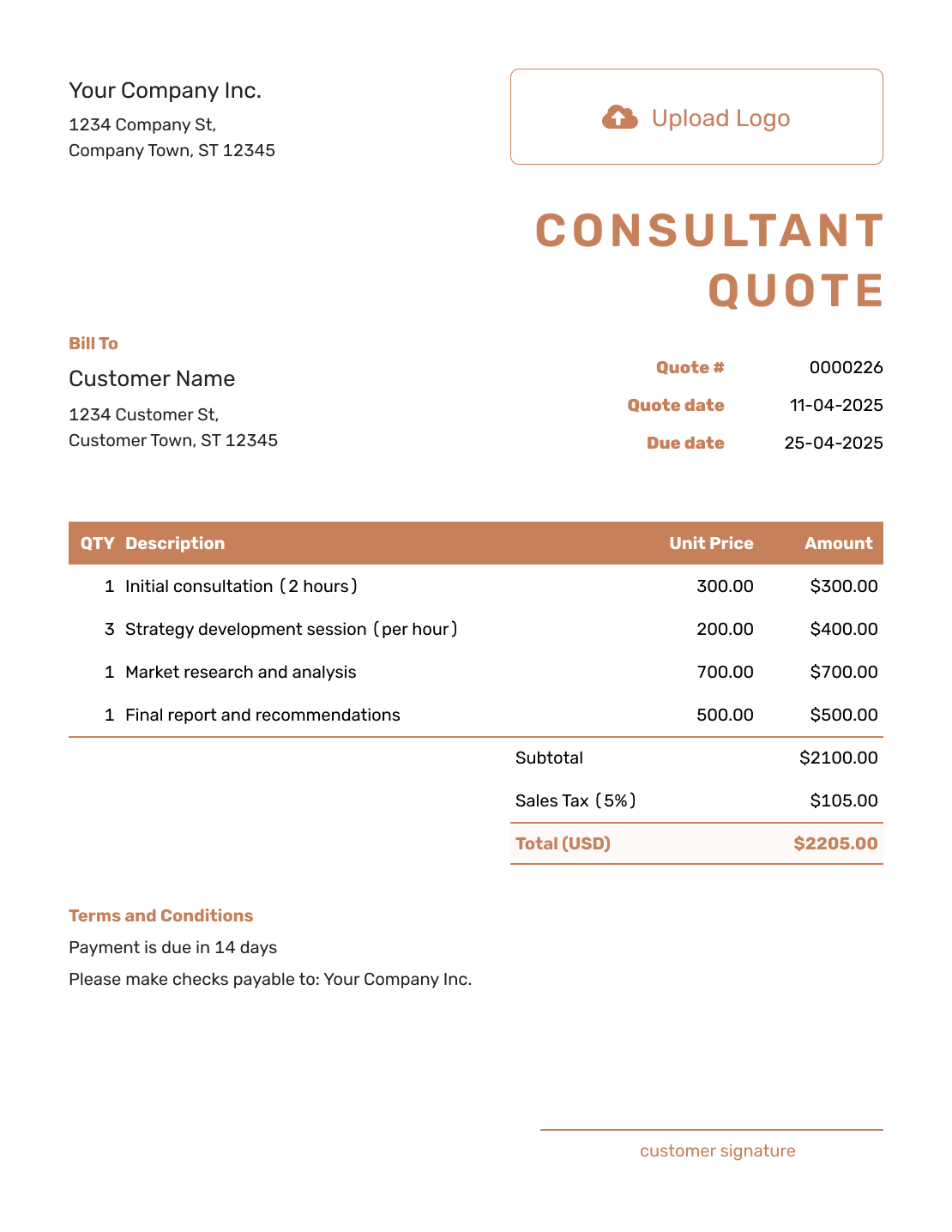
Downloadable Consultant Quote Template
Create Free Quote -
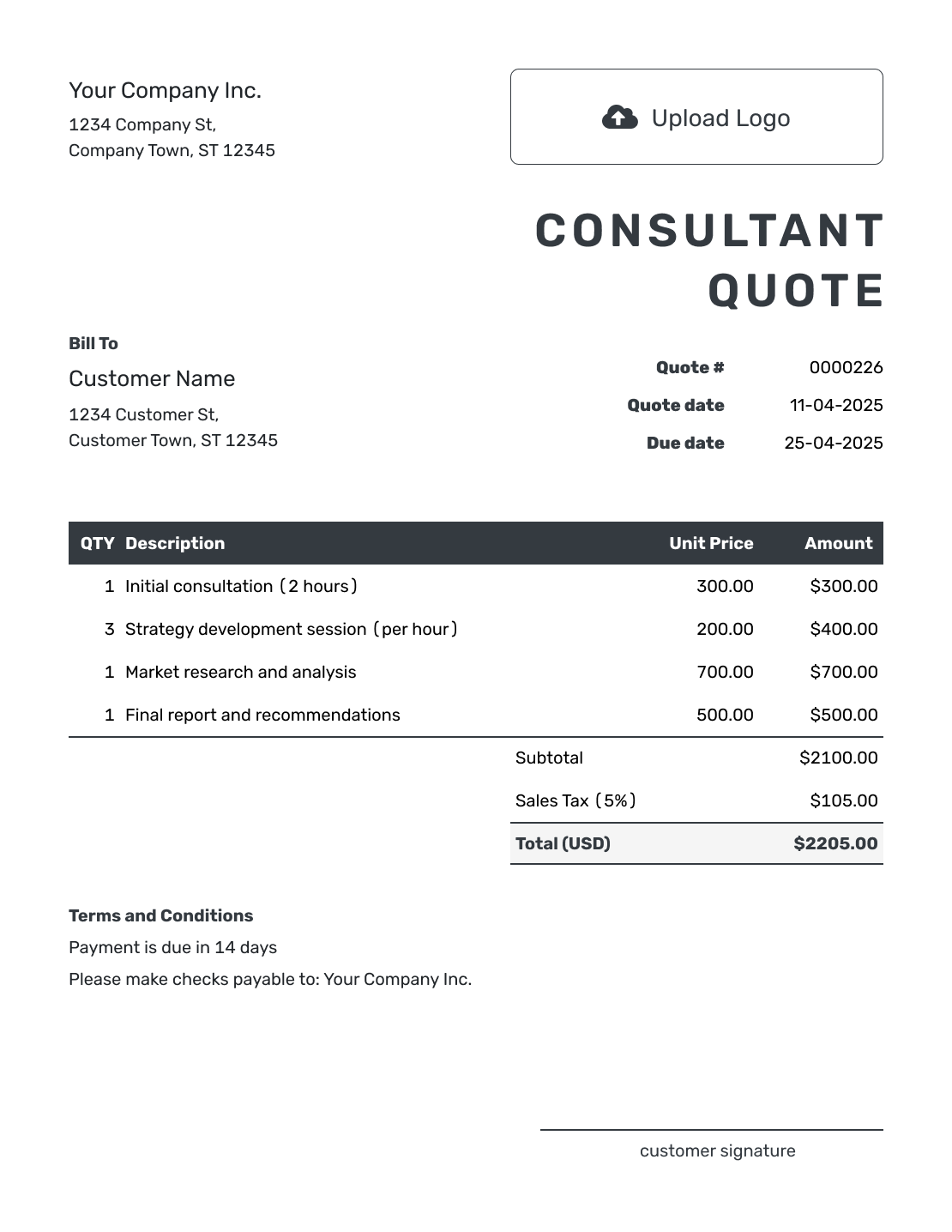
Editable Consultant Quote Template
Create Free Quote -
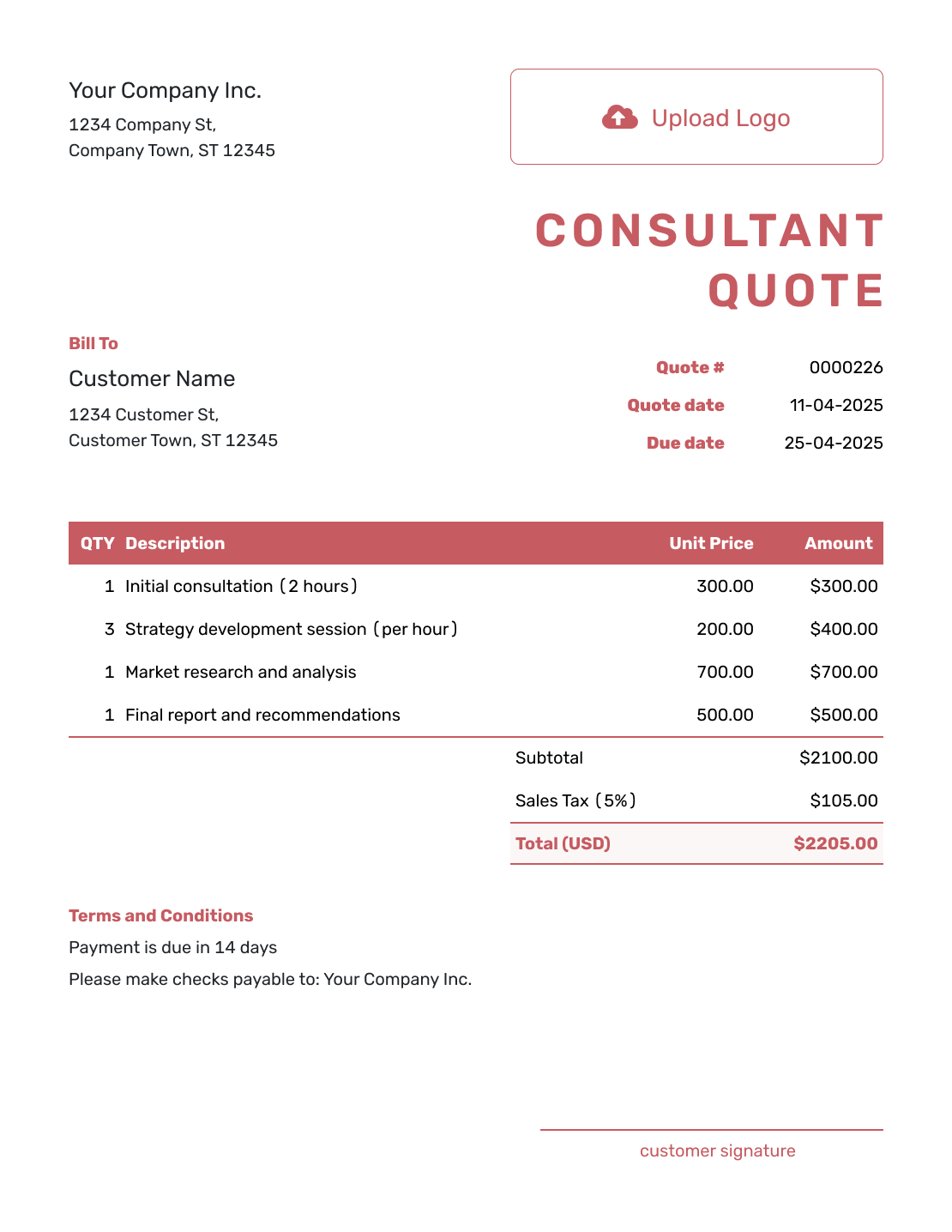
Fillable Consultant Quote Template
Create Free Quote -
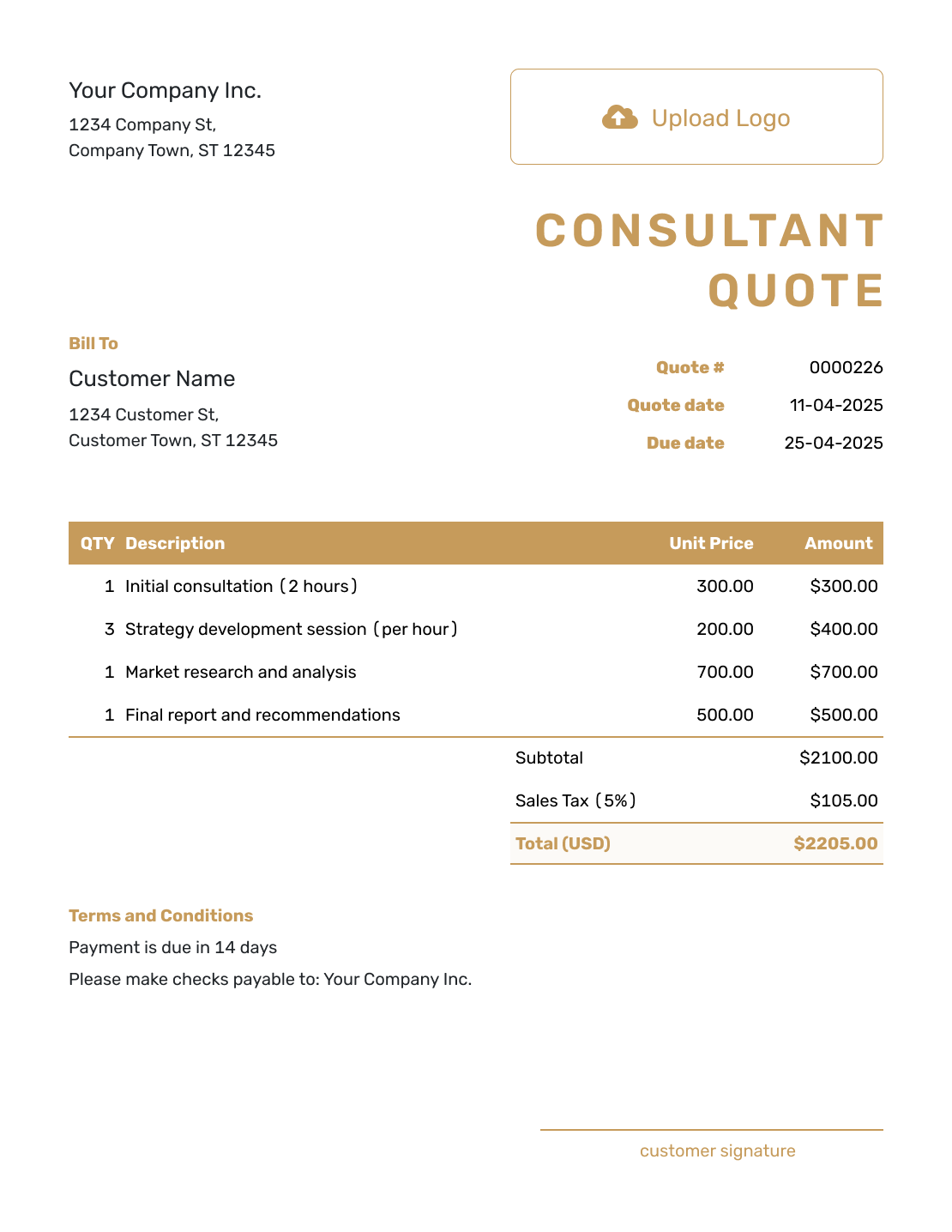
Professional Consultant Quote Template
Create Free Quote
Other Quote Template File Formats
Prefer to work in a document or spreadsheet? These pages offer separate file templates. Docelf downloads the finished online quote as a PDF.
Related Quote Templates
Choose another professional service template when the work or pricing method needs a more specific starting point.
After You Send the Consulting Quote
An emailed Docelf quote lets your client accept or decline online. The document history shows delivery and viewing information, and Docelf emails you when the client responds. Saving or editing the quote does not email it; you choose when to send.
When payment is due, create an invoice from the quote. The client, items, and prices carry over. Check that the amount matches the stage you are billing and add the due date before sending.
For another milestone or retainer period, duplicate the invoice as a new numbered draft. Replace the period, services, and amount so the next invoice covers only the new work.
Consultant Quote Template FAQs
-
What is a consultant quote?
A consultant quote explains the engagement and what the client will receive. It also states the timing, fee, expenses, and terms.
-
What should I include in a consultant quote?
Include the business and client details, quote dates, and objective. Describe the scope, deliverables, and timing. State the fee, expenses, assumptions, and acceptance terms.
-
How do I price consulting services in a quote?
Use a fixed project fee when the scope is clear. Use an hourly or day rate when the time may vary. A retainer works for ongoing support, while milestone fees suit a larger engagement.
-
What is the difference between a consulting quote and a proposal?
A consulting quote focuses on the defined work, price, and terms. A proposal usually gives more background about the client problem, your recommended approach, credentials, and why the client should choose you.
-
How do I quote a consulting retainer?
State the recurring fee and billing period. Explain what is included and when the client can expect a response. Add the rate or approval process for work beyond the retainer.
-
Should travel and other expenses be included?
Show known travel or third-party costs as separate line items when they are included in the total. If approved expenses will be billed later, say they are outside the total and state how the client will approve them.
-
How should I handle extra meetings or revisions?
State the number of meetings and review rounds included. Explain the rate or fee for additional work and agree on it before going ahead. When the scope changes, update the quote so the client can approve the new fee and timing together.
-
How long should a consultant quote be valid?
Choose a period that gives the client time to decide without leaving your fees or schedule open indefinitely. Add a valid-until date when availability, costs, or timing may change.
-
Can I turn an accepted consultant quote into an invoice?
Yes. Create an invoice from the quote in Docelf to reuse the client, item, and price details. Check the services and amount against the stage you are billing, then add the due date before sending.
Ready to Send Your Consulting Quote?
Give the client one clear view of the engagement before the work begins.
- Separate the core engagement from optional work
- State the fee, expenses, timing, and client responsibilities
- Email the consulting quote or download a PDF




