Free Financial Advisor Invoice Template
Create a professional invoice in minutes
List the planning, consulting or advisory service and state the agreed fee. Clients can see what the charge covers and when it is due, helping your firm get paid.
Email, print or download your invoice as a PDF.
14-day free trial. No credit card required.

Create the invoice. Send it. Get back to work.
Choose a Layout for Your Advisory Fee
Preview the invoice designs, then enter the planning or advisory service you agreed to bill. Each layout has room for a service description, fee, and payment due date.
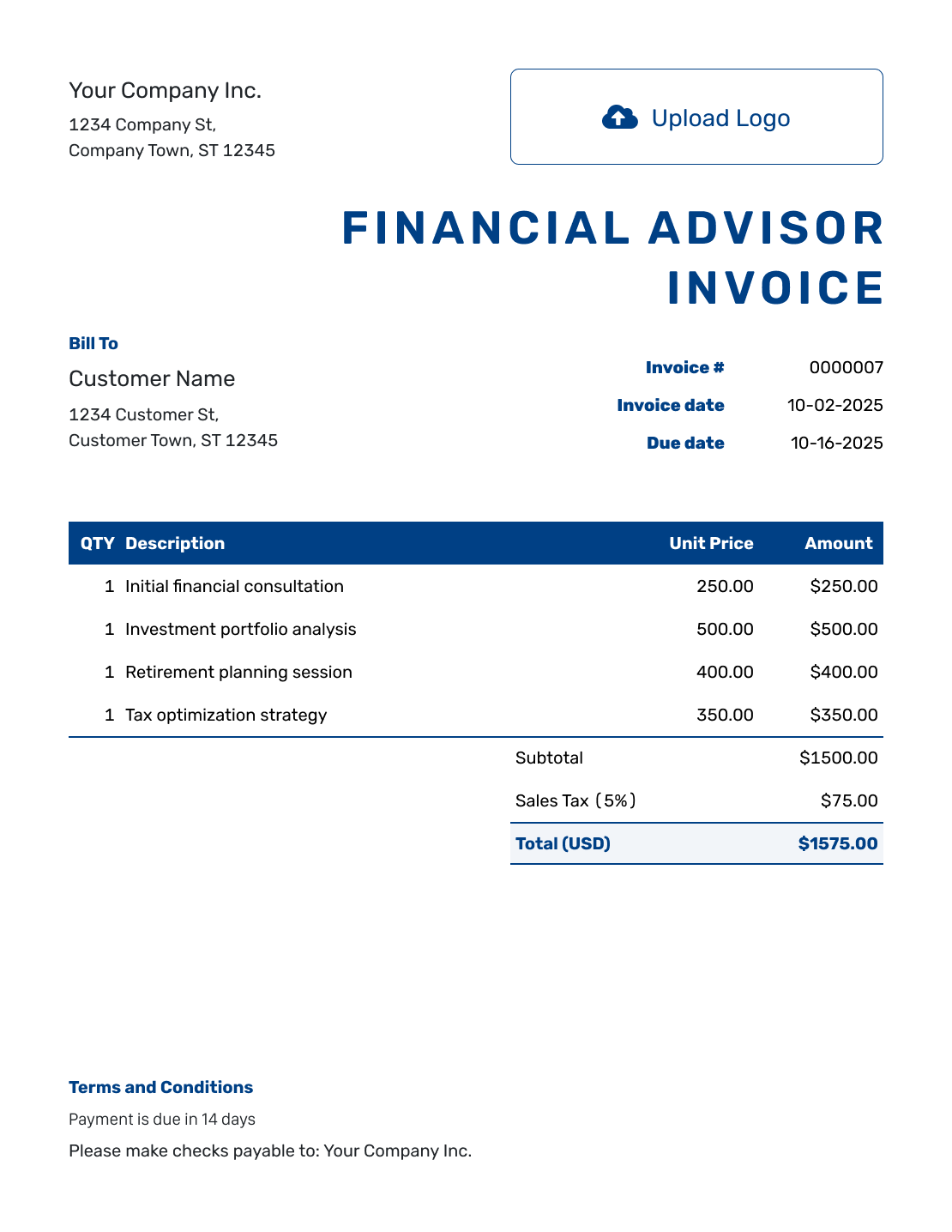
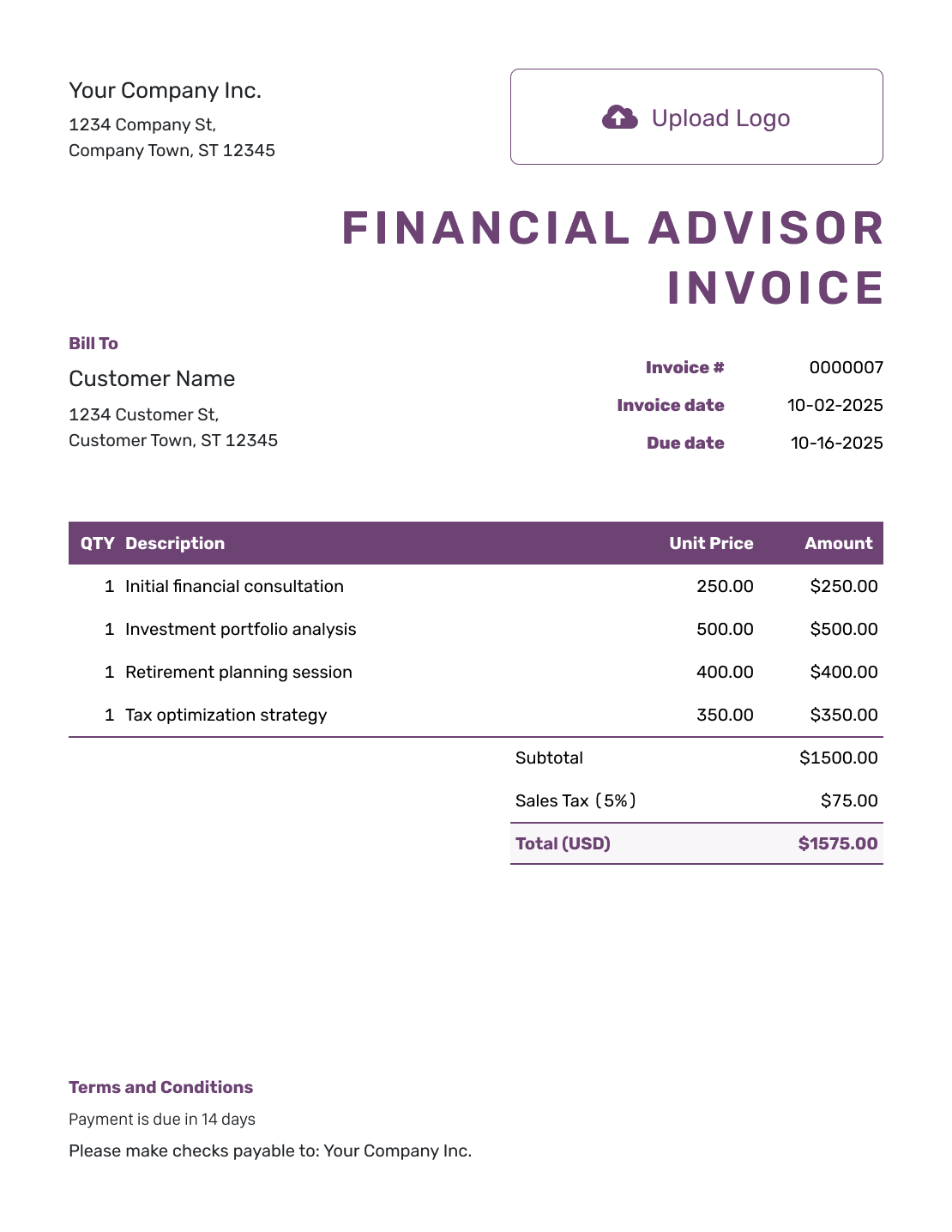
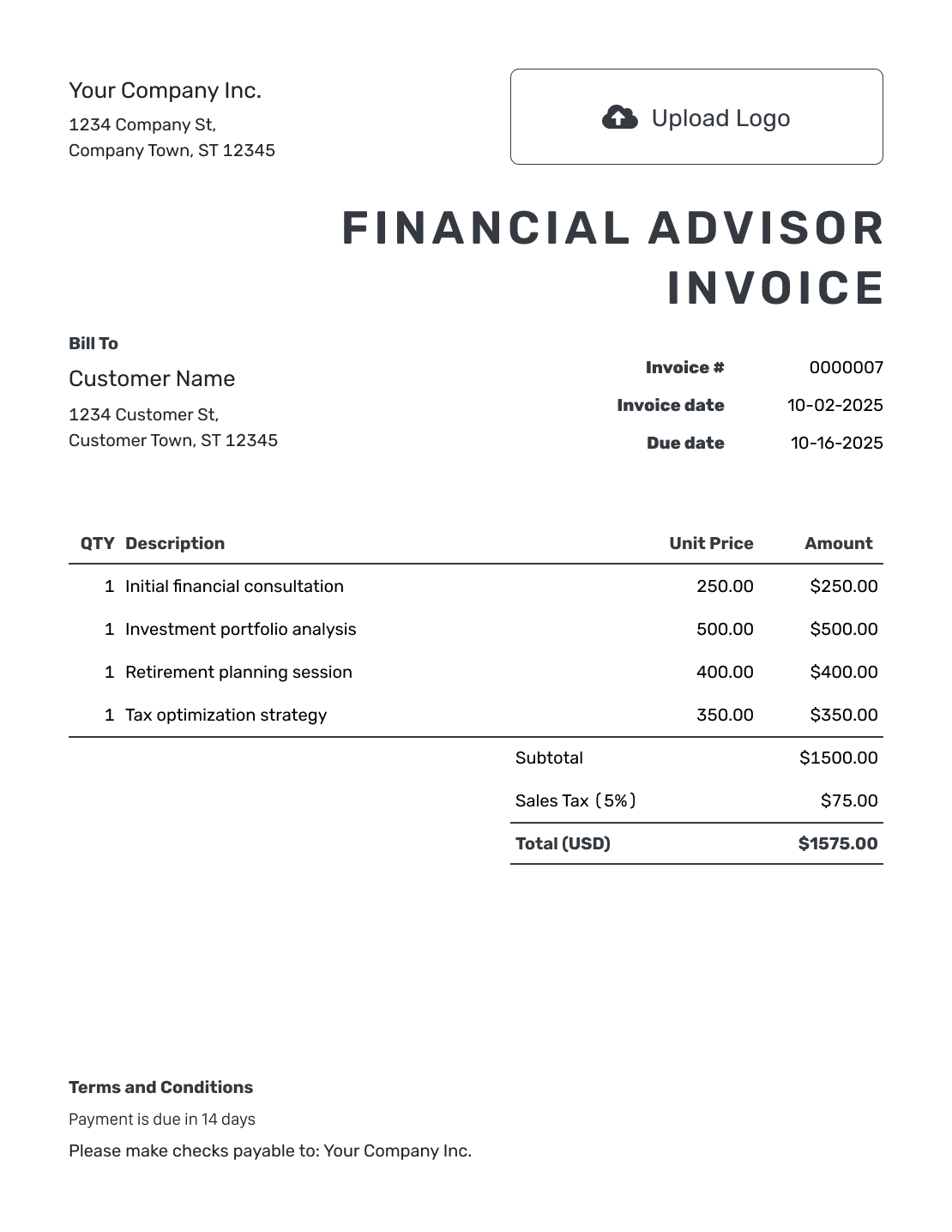
How to Create a Financial Advisor Invoice
Have the service agreement and billing period ready. Use them to explain what the client is paying for and how you calculated the fee.
- Identify Your Firm: Enter the firm name and the contact who handles fee questions.
- Add the Firm’s Logo: Use the logo your client already knows from your other documents.
- Select the Client: Check the billing name and contact details against your agreement.
- Set the Invoice Dates: Confirm the invoice number, issue date, and agreed due date.
- Name the Advisory Service: State the service period. Enter the agreed hours or fixed fee.
- Review the Fee Total: Check applicable tax and any discount. Docelf updates the total.
- State the Payment Instructions: Add payment instructions in Terms and Conditions. Review the invoice, then email it or download a PDF.
How to Fill In Financial Advisor Invoice Line Items
Use a service description the client can match to your agreement. A planning review, a consultation, and follow-up work can have separate fees when you agreed to bill them separately.
This fictional USD invoice covers one completed financial planning engagement. The retirement review and follow-up meeting have fixed fees; the budgeting consultation is billed by the hour. An illustrative 8% tax applies to all three fees.
| QTY | Description | Unit Price | Amount |
|---|---|---|---|
| 1 | Retirement plan review — fixed fee | $450.00 | $450.00 |
| 2 | Budget planning consultation — hours | $150.00 | $300.00 |
| 1 | Plan follow-up meeting — fixed fee | $125.00 | $125.00 |
| Subtotal | $875.00 | |
| Sales Tax (8% example) | $70.00 | |
| Total | $945.00 |
The prices and tax rate are examples. Use the agreed fees and check the tax requirements that apply to your advisory services.
What to Include in Financial Advisor Invoice Terms
Terms and Conditions should explain the fee period, payment timing, and billing contact. Refer to the relevant service agreement rather than putting investment instructions in the invoice.
Use the payment arrangements already agreed with the client. The sample below goes with the planning engagement above; replace its bracketed details before sending.
Example: Terms and Conditions
- This invoice covers the retirement plan review, budgeting consultation, and follow-up meeting provided during [Service Period] under [Agreement Reference].
- Payment of $945.00 is due on [Due Date] by [Accepted Payment Method].
- Please use [Invoice Number] as your payment reference.
- Please contact [Billing Contact] with questions about the services or fee calculation.
Prepare the Advisory Fee Invoice
Add the agreed services and fees to Docelf. The invoice keeps the amount and due date together. Email it directly or download a PDF for your client.
Show What the Advisory Fee Covers
Start with the service your client agreed to pay for. Use a description such as budgeting consultation, tax-planning discussion, investment review, or business finance consultation when it accurately describes the work.
A Fixed Planning Fee
Name the plan or review and the period it covers. Use quantity 1 and enter the agreed fee as the unit price. Keep any included meetings within that fee; list a follow-up separately only when it has its own agreed price.
An Hourly Consultation
State the time billed and the agreed hourly rate. A brief service description is enough; the invoice does not need the client’s private discussion notes.
Another Agreed Fee Basis
For an ongoing service fee, name the billing period and work covered. Use quantity 1 and enter the fee for that period as the unit price. If your agreement uses a separate calculation, calculate that fee first and include a short summary so the client can check it.
Keep the Fee Invoice Focused
A fee invoice asks for payment for your service. An investment statement serves a different purpose. Do not present account balances, contributions, or investment returns as service charges.
Use your firm’s logo, fonts, and colors, with a billing contact in the footer. Docelf also lets you add an industry name before “Invoice.” Match the agreed currency using USD, EUR, GBP, CAD, or AUD.
If a fee summary is needed, you can attach a PDF or supported image up to 5 MB. Include only what the intended recipient needs to check the charge, rather than attaching the full financial plan.
Keep Track of the Advisory Invoice
Check the document history for delivery and opening information after you email the invoice through Docelf. An opened invoice does not confirm that the client has paid.
Record the amount and date after payment arrives. Docelf keeps any remaining balance with the invoice. You can then create a receipt from the invoice to confirm the payment.
More Financial Advisor Invoice Previews
-
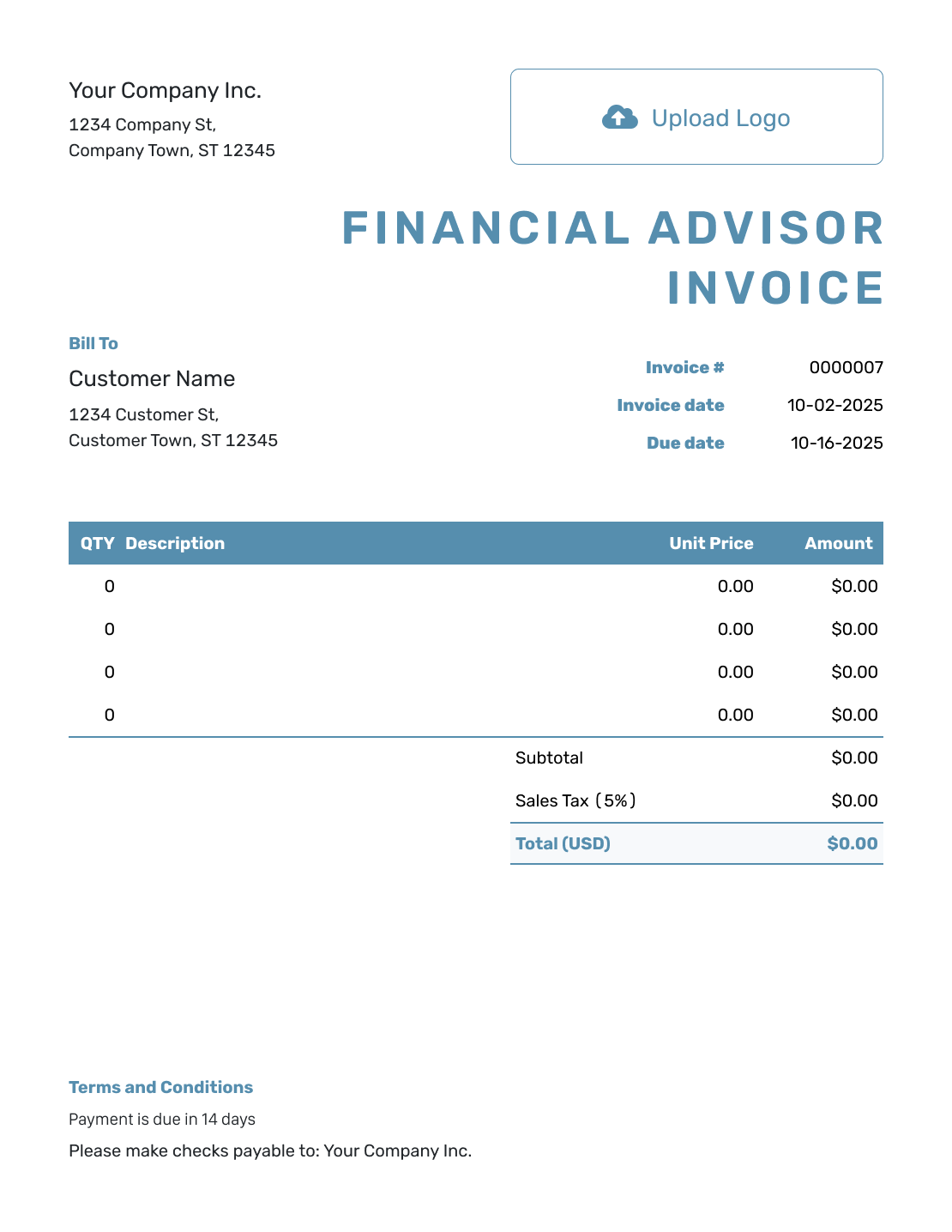
Blank Financial Advisor Invoice Template
Create Free Invoice -
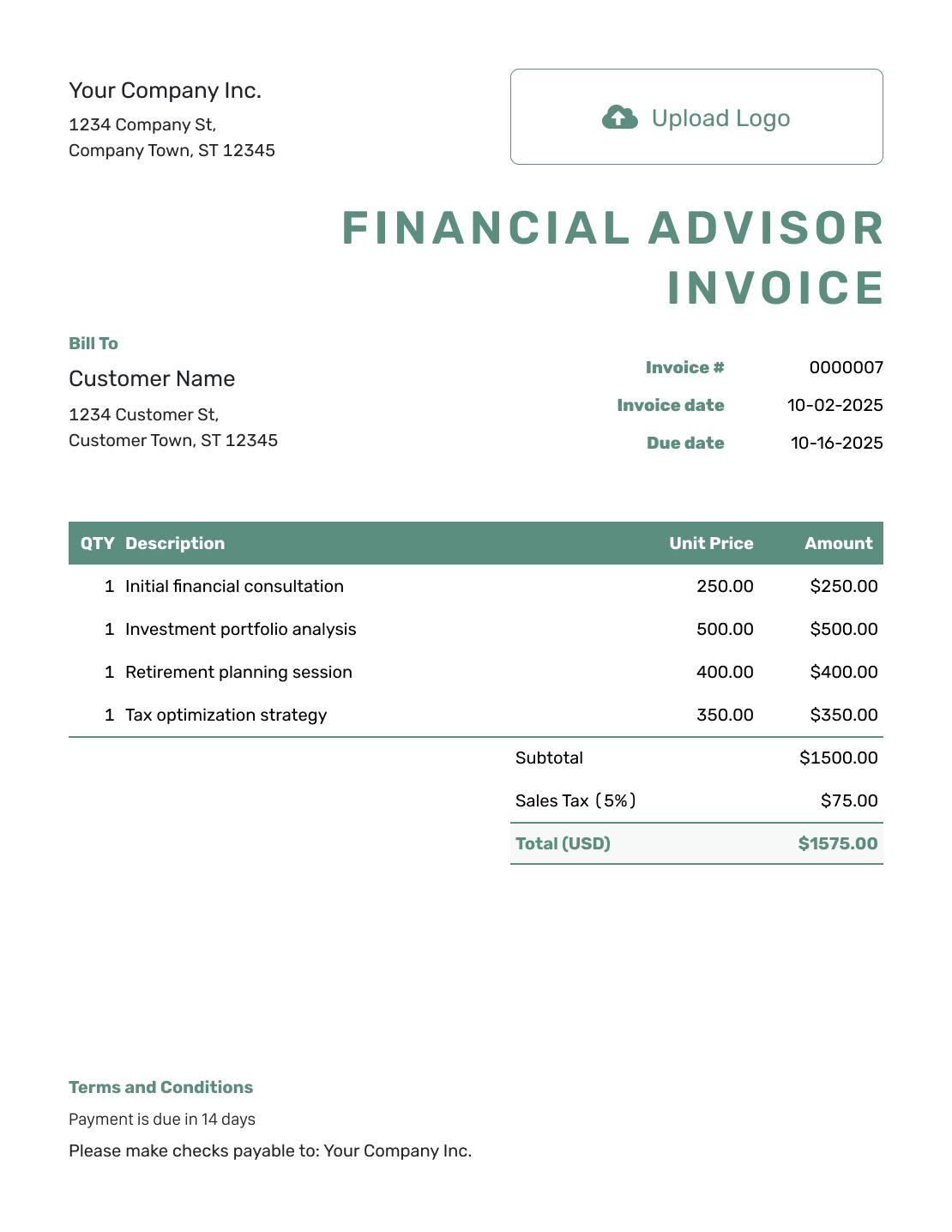
Simple Financial Advisor Invoice Template
Create Free Invoice -
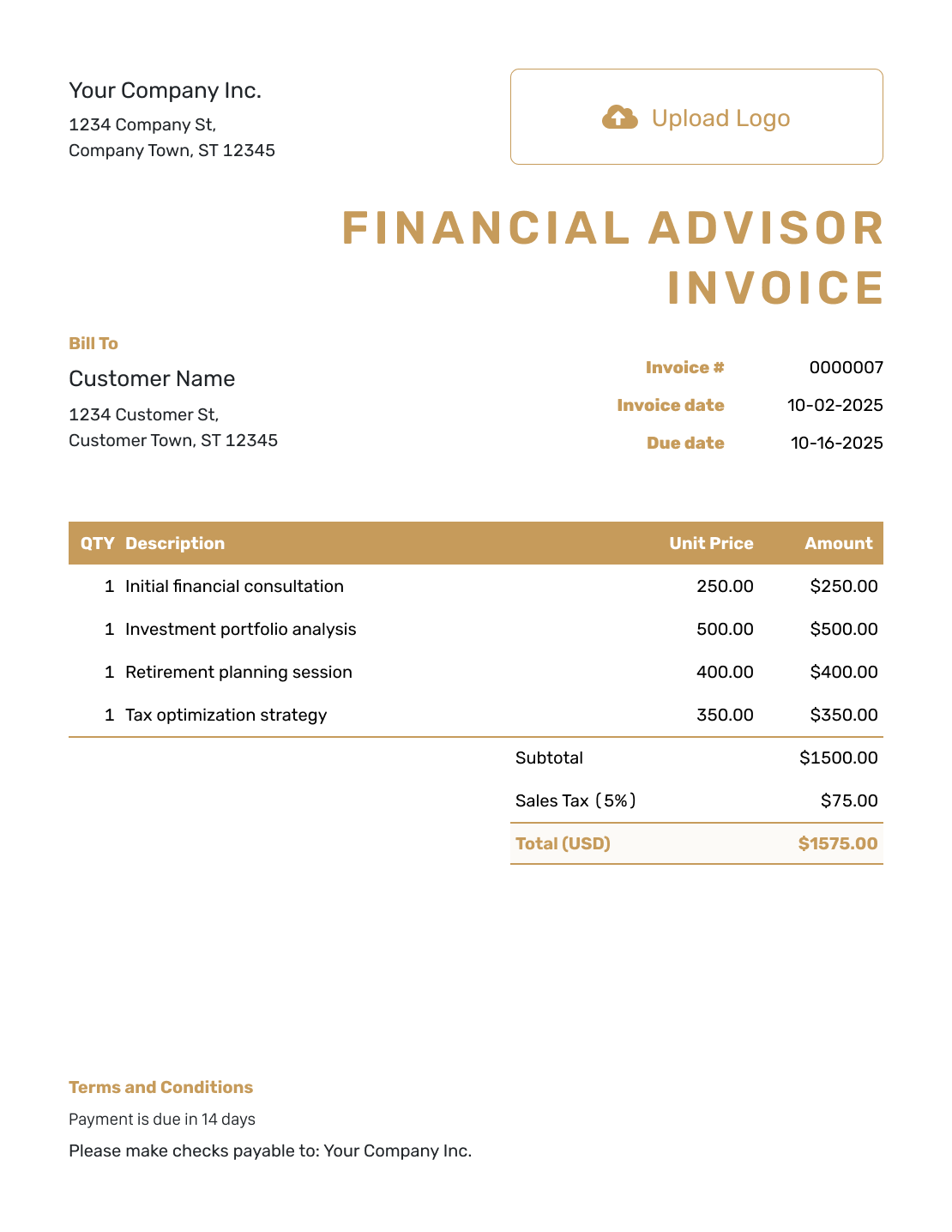
Standard Financial Advisor Invoice Template
Create Free Invoice -
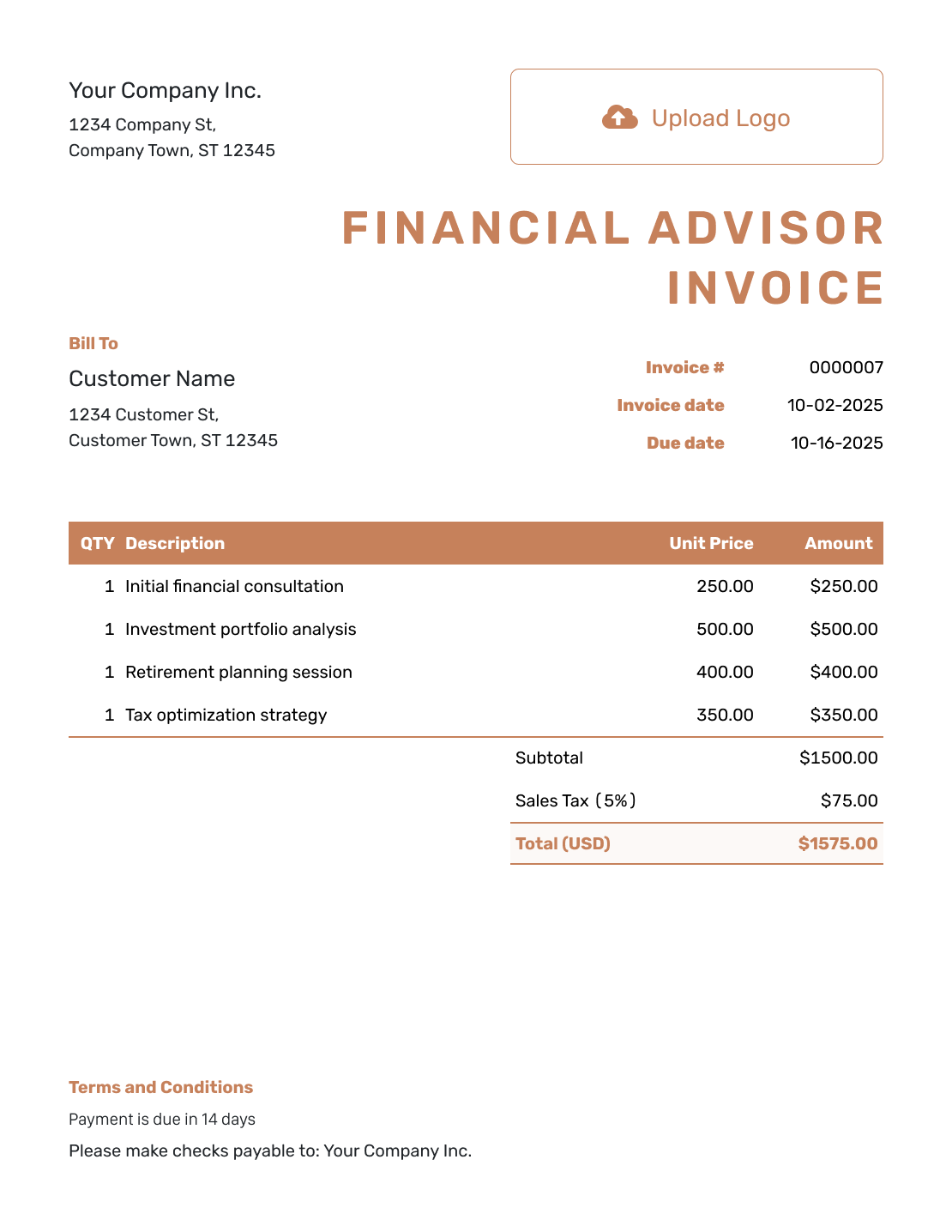
Itemized Financial Advisor Invoice Template
Create Free Invoice -
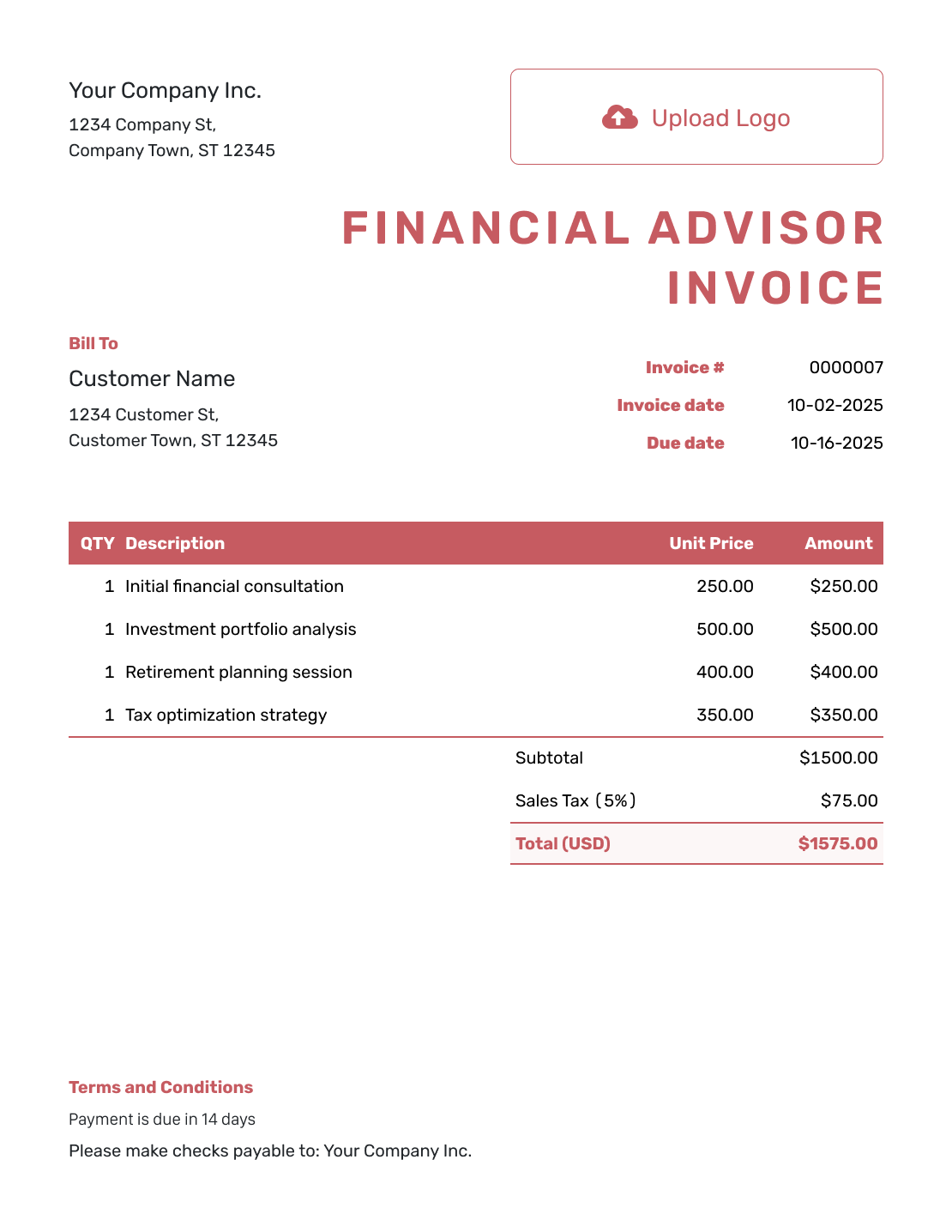
Basic Financial Advisor Invoice Template
Create Free Invoice -
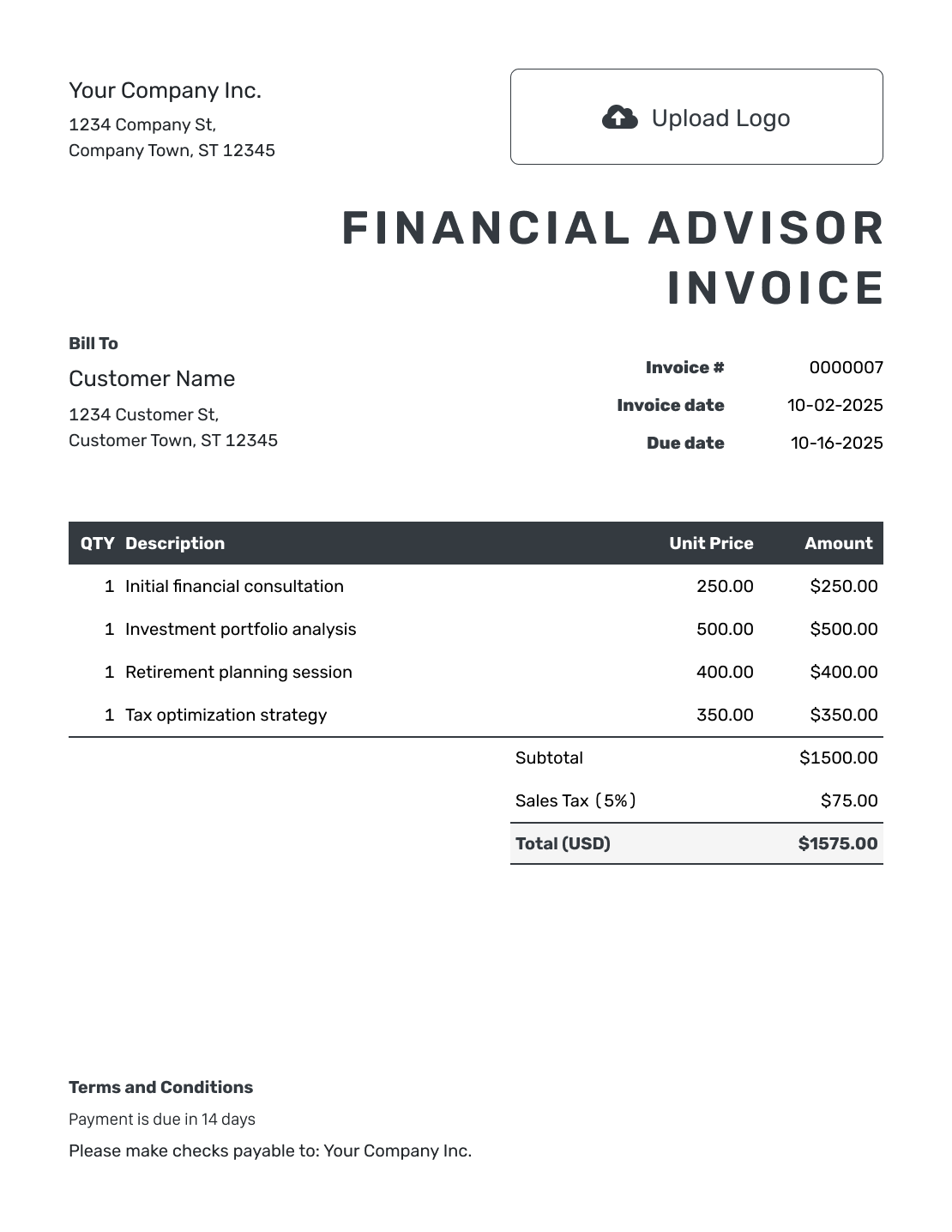
Hourly Financial Advisor Invoice Template
Create Free Invoice
Prefer an Editable Advisory Invoice File?
The format pages below offer general invoice files you can adapt for service fees. Keep the fee description and billing period just as clear in the file as on an invoice created in Docelf.
Financial Advisor Invoice FAQs
-
What details should a financial advisor invoice show?
Identify the firm and client, the service provided, and the period covered. Show the agreed fee or hours and rate, any applicable tax, the total, and the due date. Include the service agreement reference and payment instructions when useful.
-
Is an advisory invoice the same as an investment statement?
No. The invoice asks the client to pay a service fee. Keep investment balances, contributions, and returns separate from the charges for your work.
-
Can I list a planning fee and hourly advice together?
Yes, when they are separate charges under your agreement. Name the fixed-fee service and show the hours for the additional consultation. Do not add charges for work already included in the fixed fee.
-
How do I show a fee that is not billed by the hour?
Name the service and period covered, use quantity 1, and enter the agreed fee as the unit price. If the fee depends on a separate calculation in your agreement, calculate it first and include a short summary explaining the amount.
-
Should I include the client’s financial plan with the invoice?
Not just to explain the fee. A short service or fee summary may be enough for the billing recipient. Keep private planning notes and unrelated account details out of the invoice.
-
What should I send after the client pays the advisory fee?
Record the payment amount and date in Docelf, then create a receipt from the invoice. The receipt confirms the payment; the invoice remains the record of the service charges.
Send a Clear Invoice for Your Advisory Services
Make your service fee easy for the client to identify and pay.
- Name the advice and service period
- Show the agreed fee and due date
- Keep a copy of the invoice in Docelf




