Free Funeral Invoice Template
Create a clear funeral invoice in minutes
Present the memorial services, arrangements and related charges in a calm, respectful invoice. Clear wording helps the family understand the amount due and makes the payment step easier during a difficult time.
Email, print or download your invoice as a PDF.
14-day free trial. No credit card required.

Create the invoice. Send it with care. Keep the next step simple.
Choose a Funeral Invoice Layout
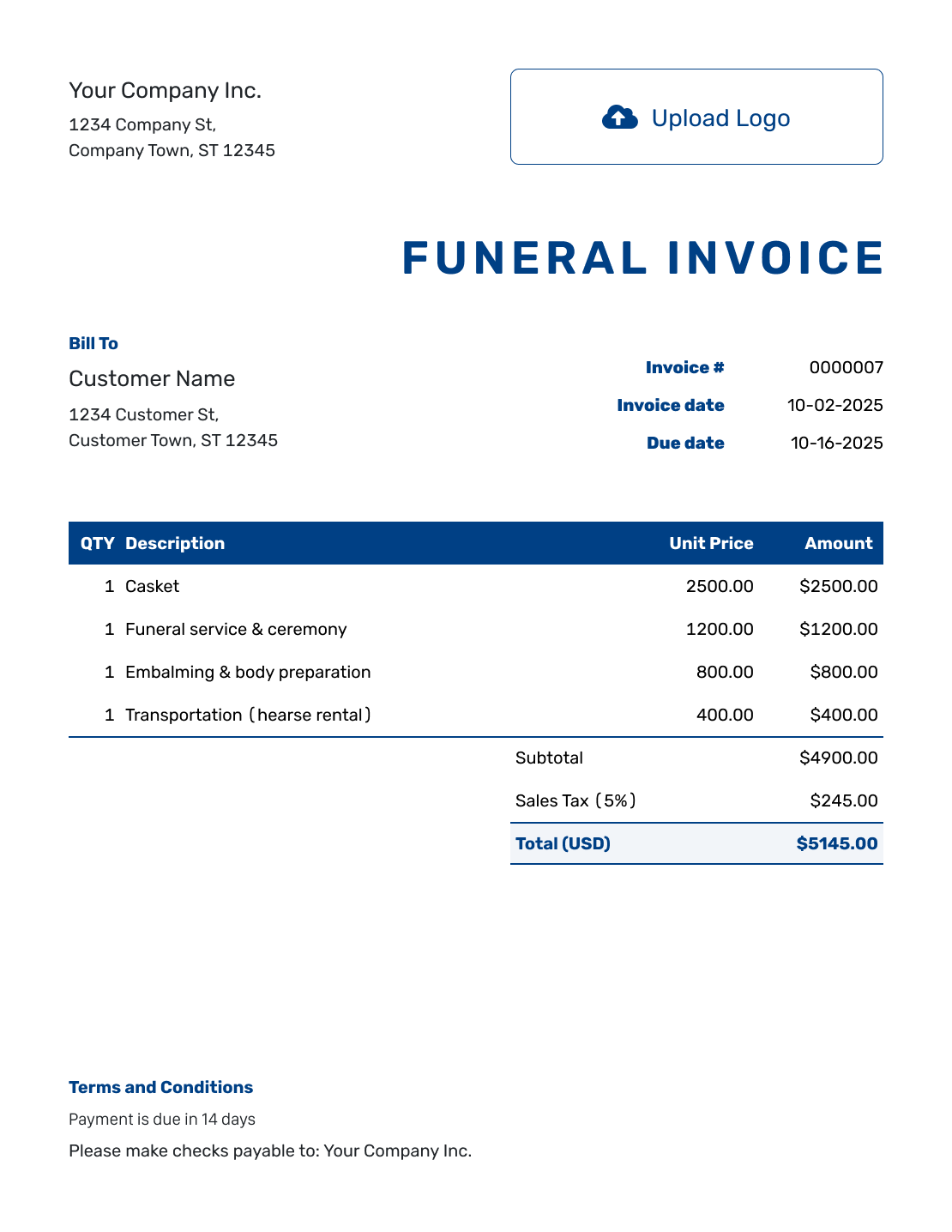
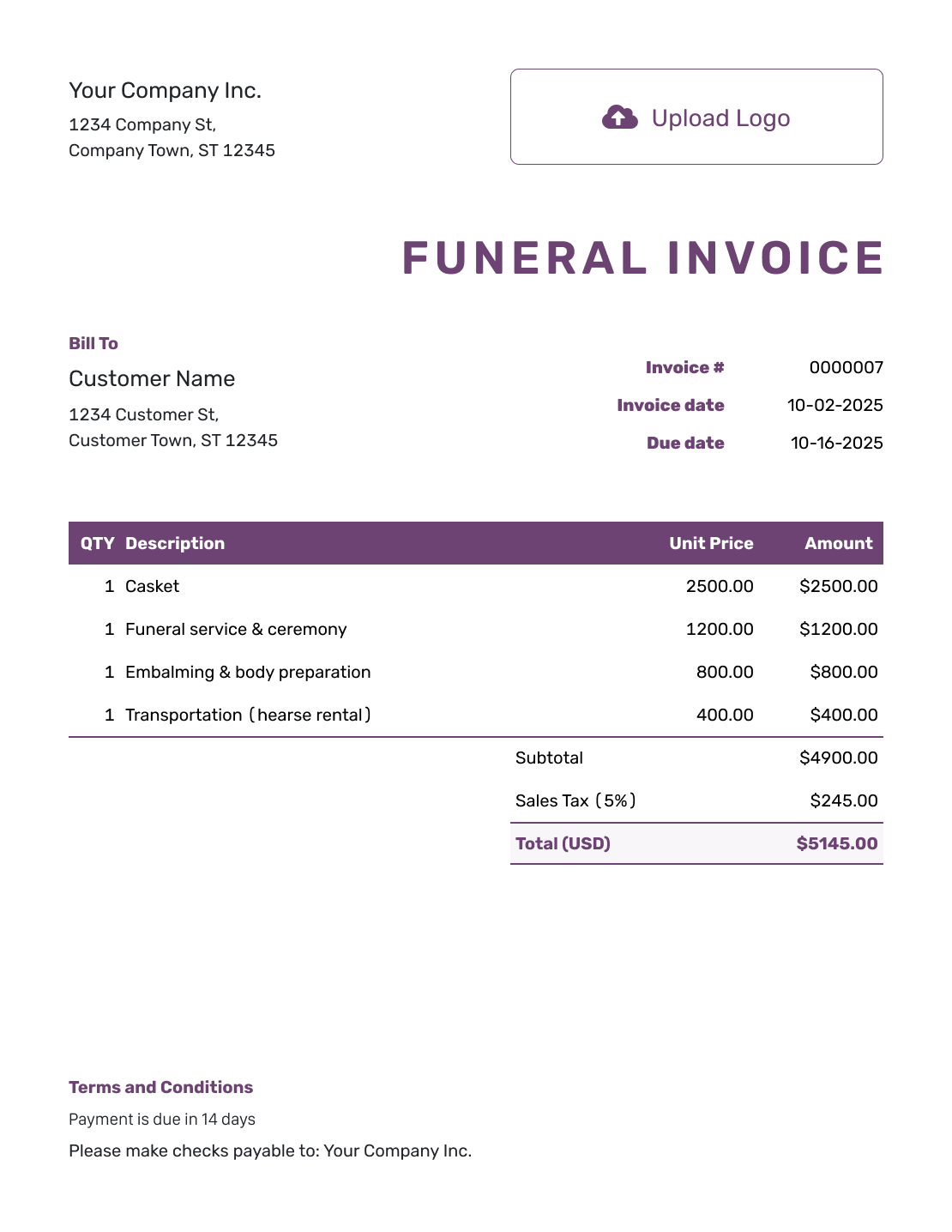
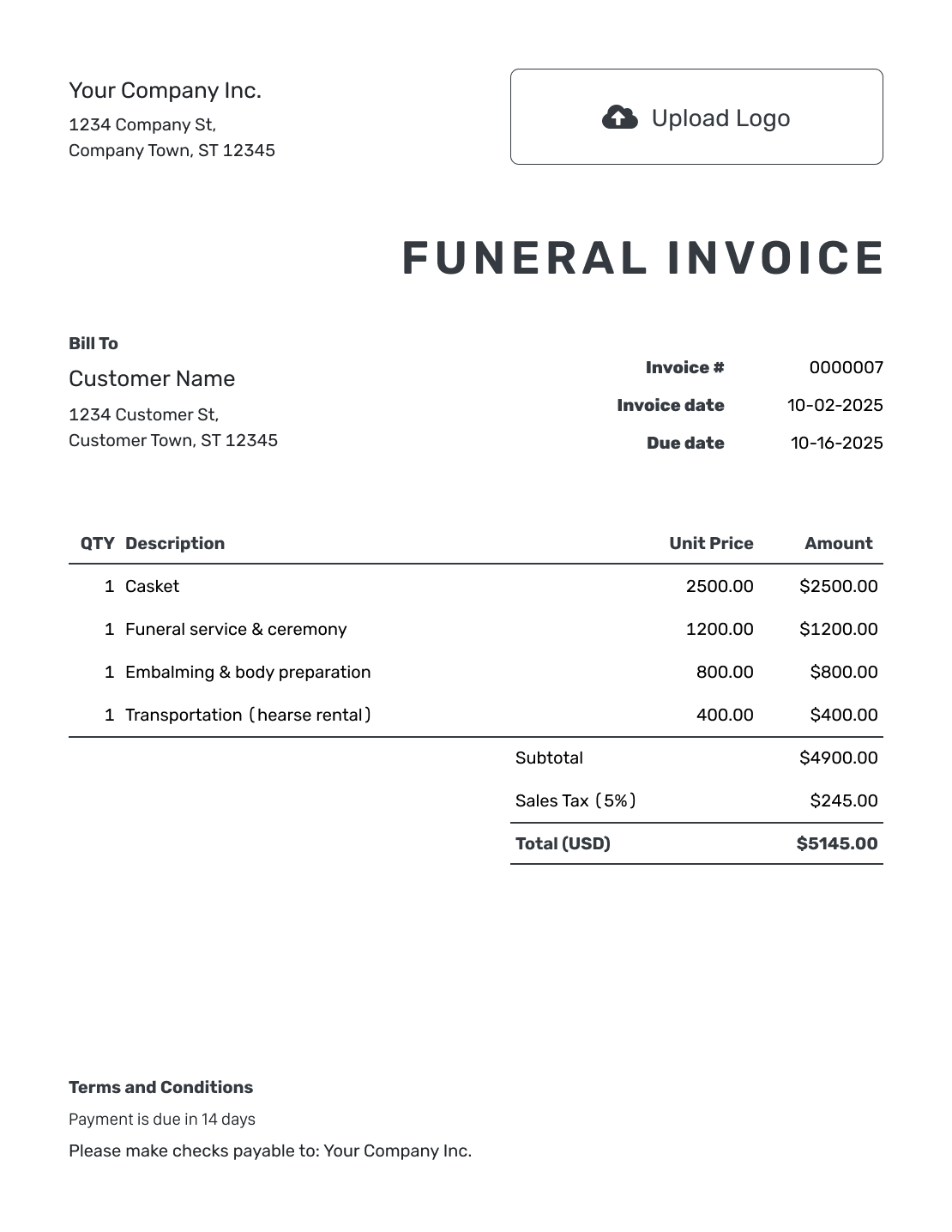
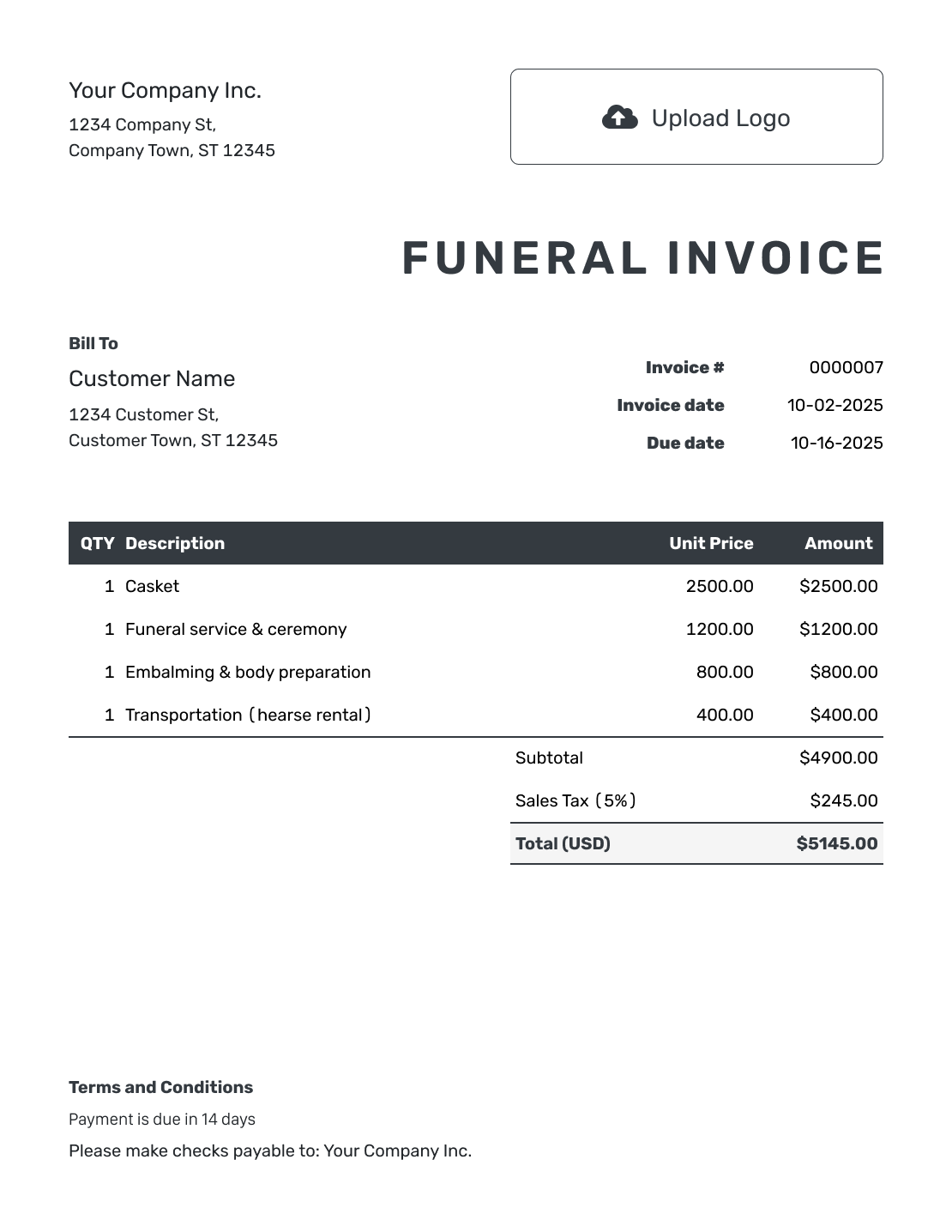
Use these funeral, cremation and memorial invoice previews to plan the bill. In Docelf, enter the arrangements the family selected. Each preview opens the invoice editor.
Give the Family a Clear Record of the Arrangements
A funeral invoice shows the services, their prices and any amount still due. Address it to the person or organization responsible for payment. Include a contact at the funeral home who can answer billing questions.
List transportation, preparation, casket or urn choices and memorial services by name. For a package, explain what the price includes. Do not charge for those same services again as extras.
How to Create a Funeral Invoice
Have the list of selected arrangements and any payment records ready. Follow these steps to prepare the bill for the person handling payment.
- Add Your Business: Enter the funeral home name and a contact for billing questions.
- Add Your Logo: Use your logo and a simple design that suits your business.
- Choose the Billing Contact: Enter the person or organization named in the payment arrangements.
- Set the Number and Dates: Check the invoice number, issue date and agreed payment due date.
- List the Arrangements: Name each selected service or item. Add the quantity and agreed price.
- Check the Charges: Apply any tax or discount. Docelf calculates the subtotal and total.
- Add Terms and Conditions: Give payment instructions and a billing contact. Review, then send to the agreed recipient.
How to Fill In Funeral Invoice Line Items
List your services, goods and charges from other providers on separate lines. Use familiar descriptions so the family can match each charge to the arrangements.
This fictional memorial bill uses USD and covers only the four items below. The 8% example tax applies to the urn and flowers, not the service charges.
| QTY | Description | Unit Price | Amount |
|---|---|---|---|
| 1 | Memorial service coordination | $650.00 | $650.00 |
| 1 | Chapel use for the memorial service | $400.00 | $400.00 |
| 1 | Selected urn | $175.00 | $175.00 |
| 1 | Memorial floral arrangement | $120.00 | $120.00 |
| Subtotal | $1,345.00 | |
| Sales Tax (8% example) | $23.60 | |
| Total Due | $1,368.60 |
The prices and tax treatment are examples, not a complete funeral price list. Check which goods and services are taxable before using your own rates.
What to Include in Funeral Invoice Terms
Use Terms and Conditions to explain when and how to pay. Give the family a name and contact details for billing questions.
Keep the wording consistent with the arrangements agreed with the family. Include only the payment instructions and policies you actually use. Replace the placeholders below with the details for this bill.
Example: Terms and Conditions
- This invoice covers the selected arrangements for [Service Reference] on [Service Date].
- The invoice total is due on [Agreed Due Date].
- Please pay by [Accepted Payment Method] using [Invoice Number] as the reference.
- For questions about the arrangements or payment, contact [Name and Contact Details].
Prepare the Bill With Care
Keep the selected arrangements and charges together. Docelf calculates the total as you enter them. Review the payment instructions before sharing the invoice.
Separate Packages, Extras and Other Providers
A clear breakdown helps the family recognize what they chose.
Services Included in a Package
Name the package and describe the services it covers. Transportation, preparation or embalming may already be included; use the actual arrangements rather than a standard list.
Goods and Additional Services
Give a casket, urn or floral arrangement its own line when it is priced separately. Add other memorial services only when they were selected and are not included elsewhere.
Charges From Other Providers
Name the provider and explain what the charge covers. Leave out charges the family is paying directly to that provider.
Keep the Billing Details Easy to Find
Use a readable font and restrained colors. Put your billing phone number or email in the footer so the family has a clear place to ask for help.
You can add an industry name before “Invoice” in Docelf. Choose USD, EUR, GBP, CAD or AUD, and keep that currency throughout the bill.
Attach a short arrangement summary only when the billing contact needs it. PDF and supported image attachments can be up to 5 MB each. Check that every attachment is appropriate for the recipient.
More Funeral Invoice Previews
Browse the remaining layouts, then use your own service descriptions and the charges agreed with the family.
-
Blank Funeral Invoice Template
Create Free Invoice -
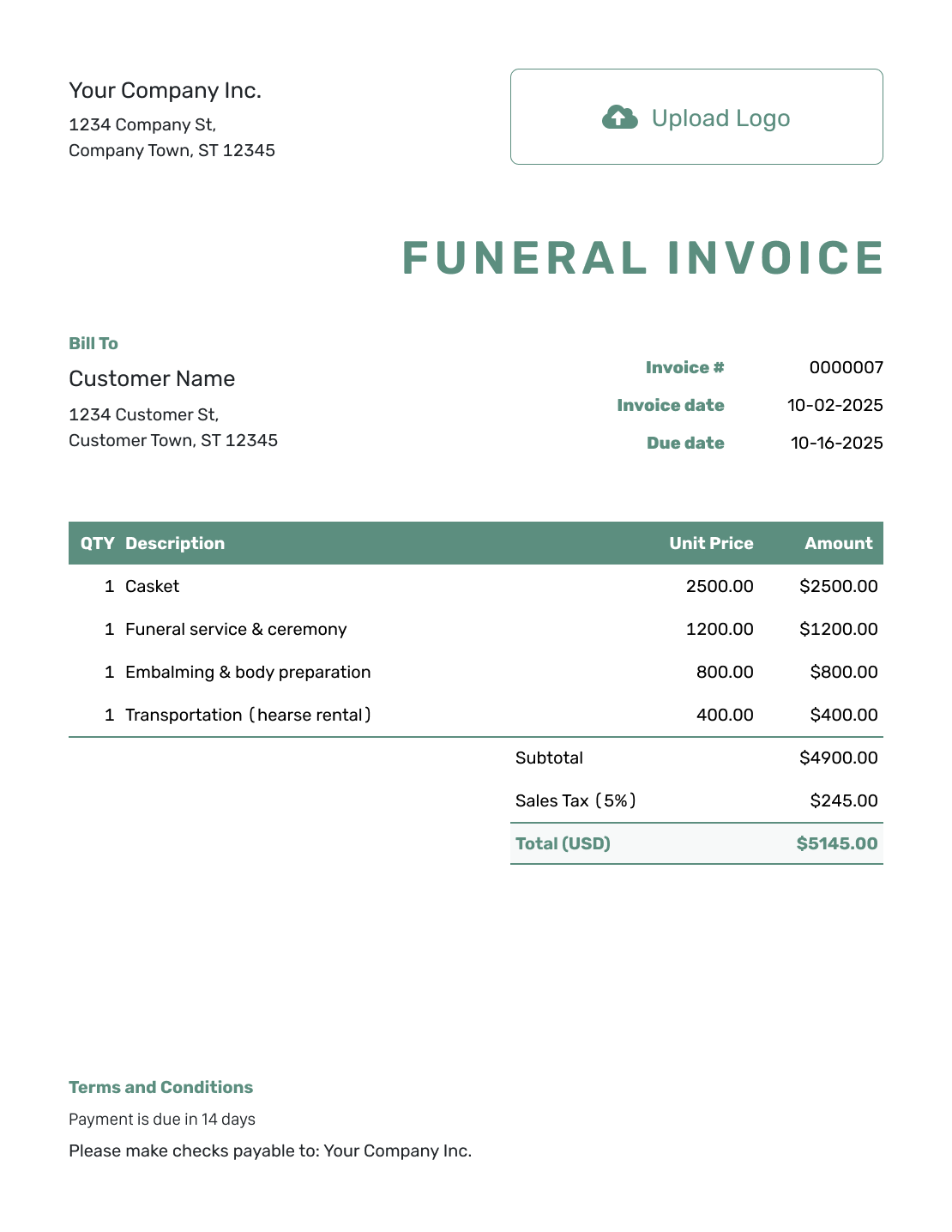
Simple Funeral Invoice Template
Create Free Invoice -
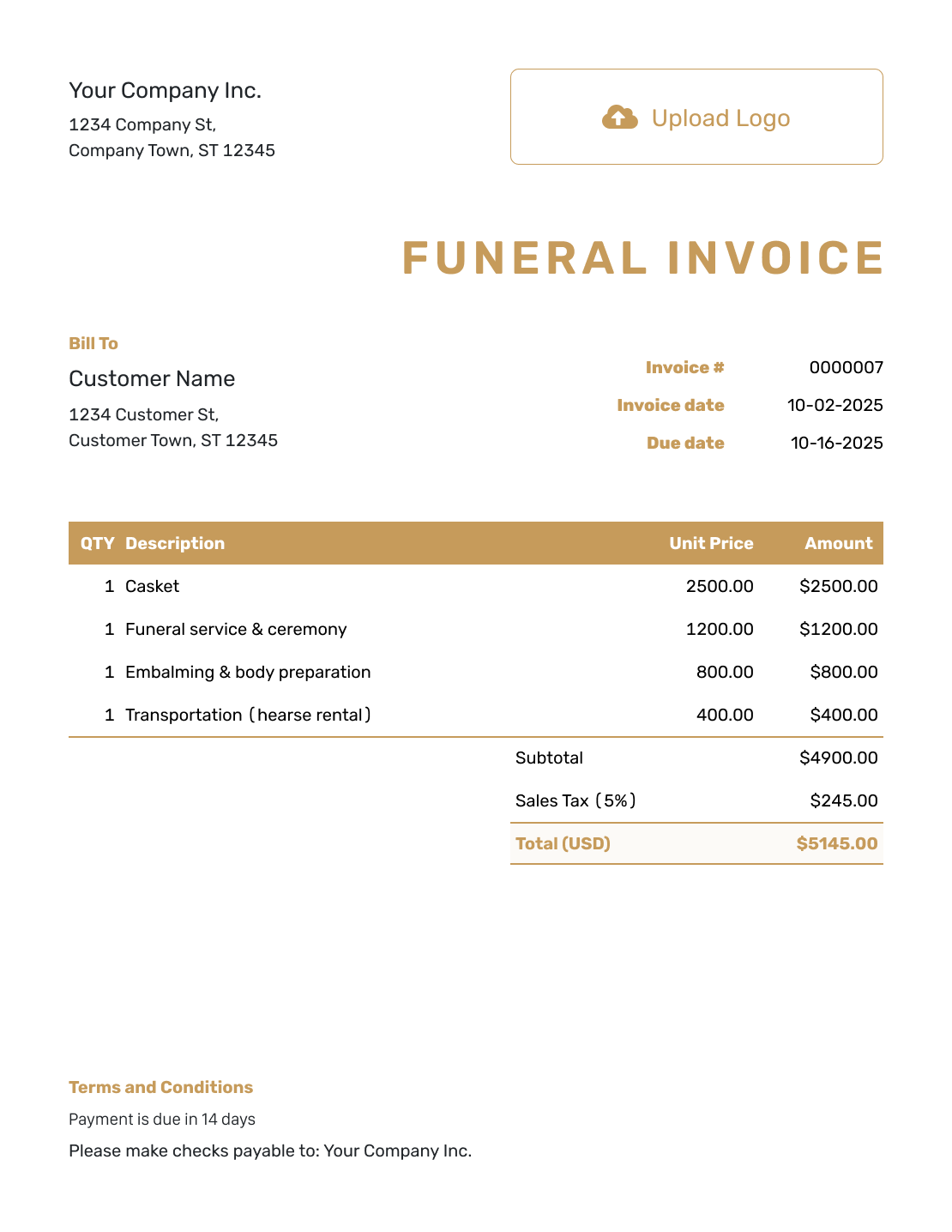
Standard Funeral Invoice Template
Create Free Invoice -
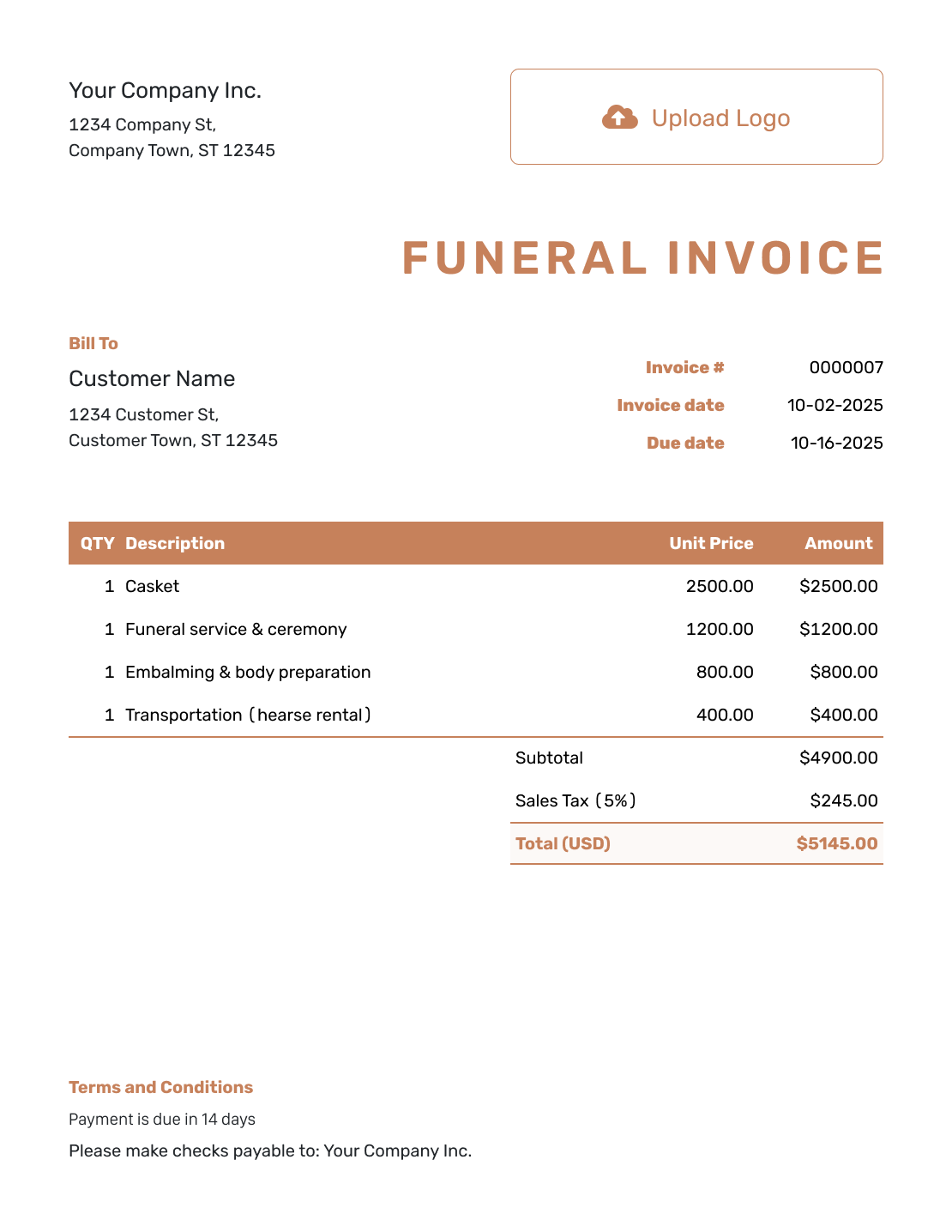
Itemized Funeral Invoice Template
Create Free Invoice -
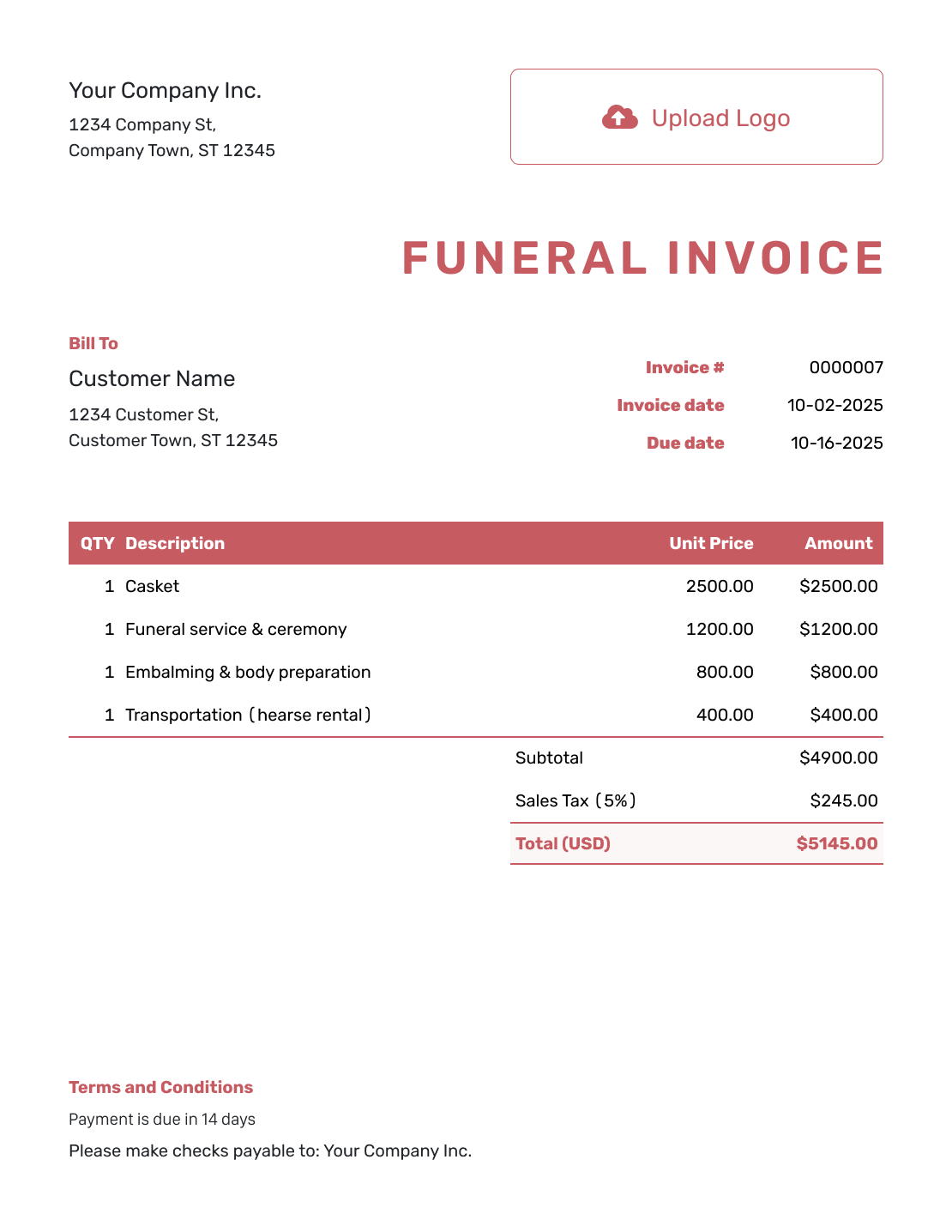
Basic Funeral Invoice Template
Create Free Invoice -
Hourly Funeral Invoice Template
Create Free Invoice
Keep Track of the Balance After Sending
Docelf shows when an emailed invoice is delivered and opened. Follow up with the person handling the bill.
Record each payment against the invoice so the remaining balance stays clear. After recording a payment, create a receipt from the invoice. This gives the payer a separate record of the amount received.
Need a Funeral Invoice in a File Format?
These general invoice files can be adapted for the selected arrangements. Use Word or Google Docs for a written breakdown, or Excel or Google Sheets for a longer list of charges.
Funeral Invoice FAQs
-
What should I include on a funeral invoice?
Name the funeral home and the person or organization responsible for payment. List the selected services and goods with their prices. Add the invoice number, issue date and due date. Explain how to pay, and show any earlier payment and the remaining balance.
-
Who should receive the funeral invoice?
Send it to the person or organization named in the billing arrangements. Confirm their contact details before sending. The person organizing the service may not be paying the bill. Check who needs a copy rather than sending it to every family member.
-
How do I show a funeral or cremation package?
Name the package and explain what it includes. List separately priced goods or services on their own lines. Check that nothing included in the package is also billed as an extra.
-
Can I include transportation and floral arrangements?
Yes, when they are part of the selected arrangements and you are collecting the payment. Describe each charge clearly. Identify charges from other providers and leave out anything the family is paying directly to them.
-
How do I show a payment the family already made?
Record the payment amount and date on the invoice. Docelf keeps the remaining balance with that record. An earlier payment is not a discount on the services.
-
Can I give the payer a receipt?
Yes. After recording a payment, create a receipt from the invoice. The receipt confirms the amount received, while the invoice shows the charges and any balance left to pay.
Ready to Prepare the Funeral Invoice?
Give the family a bill they can review at their own pace.
- List the selected arrangements clearly
- Make the amount and due date easy to find
- Send the bill to the person handling payment




