Free Landscaping Invoice Template
Create a professional invoice in minutes
Describe the planting, lawn work or maintenance completed at the property and show the job total. Customers can see which outdoor services you completed and pay the amount due.
Email, print or download your invoice as a PDF.
14-day free trial. No credit card required.

Create the invoice. Send it. Get back to work.
Landscaping Invoice Template Examples
Use these landscaping invoice previews for planting work, outdoor improvements, or property upkeep. Each preview opens the same invoice editor. Add the completed work and the materials you supplied.
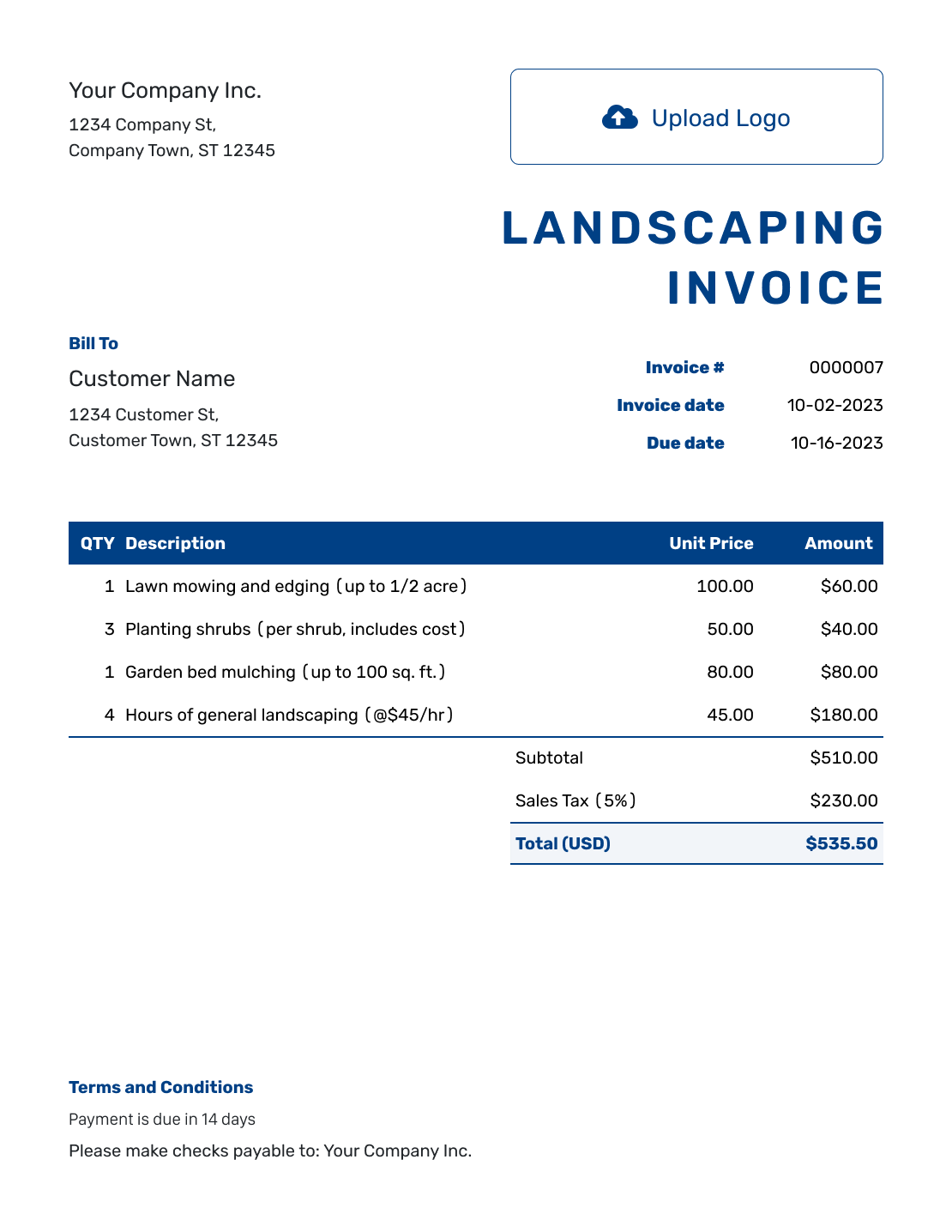
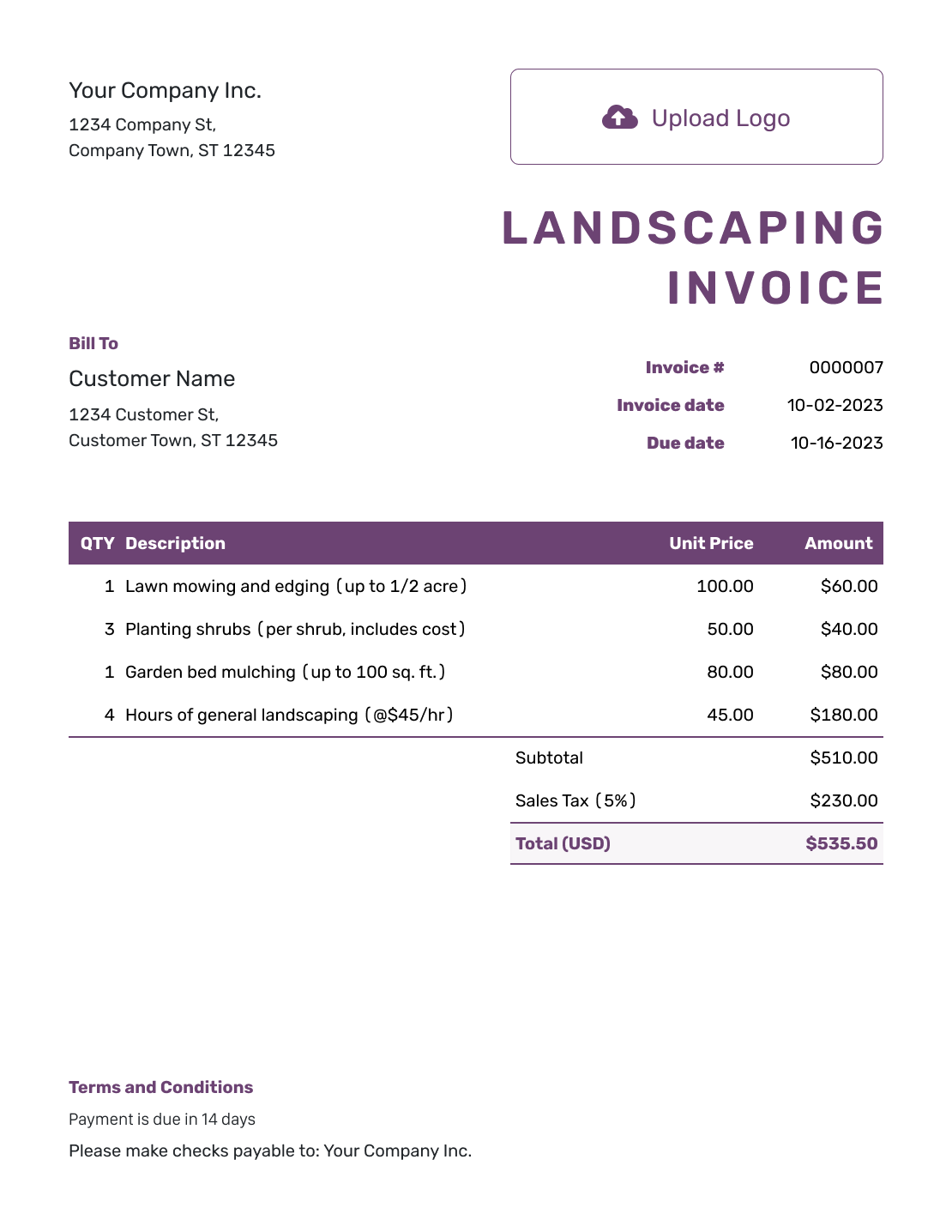
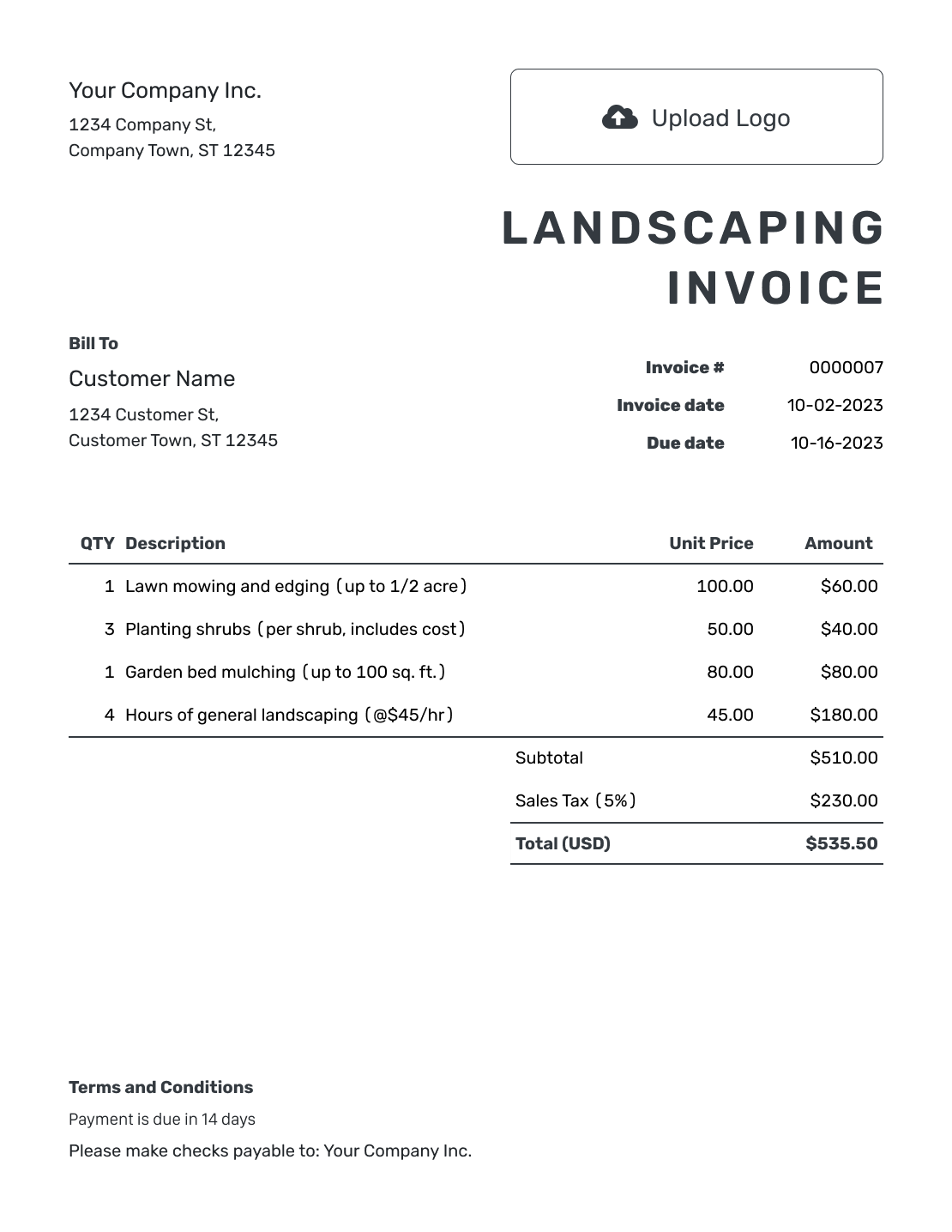
Bill for the Work Completed at the Property
A landscaping invoice asks the customer to pay for completed outdoor work. Identify the property, even when you send the bill to an owner or manager at another address.
Describe the job rather than using a broad line such as “Landscaping services.” Name planting, tree trimming, irrigation installation, or other completed work. Show the agreed project price or the labor and materials you charge separately.
How to Create a Landscaping Invoice
Start with the job record and the price agreed with the customer. Use these fields to turn the completed landscaping work into an invoice.
- Add Your Landscaping Business: Enter your business name and the contact details for billing questions.
- Add Your Business Logo: Use your logo to match the estimate or other job documents.
- Select the Paying Customer: Choose the owner or property manager responsible for the bill.
- Check the Number and Dates: Set the invoice number, invoice date, and agreed due date.
- Describe the Property Work: Include the service address and job dates. List the work and materials with clear units and prices.
- Review Prices and Tax: Add any agreed discount and applicable tax. Check the total Docelf calculates.
- State the Payment Terms: Add payment instructions and the job reference in Terms and Conditions. Review the invoice, then email it or download a PDF.
How to Fill In Landscaping Invoice Line Items
Separate labor from materials when that matches your pricing. Label plants by size and quantity, and bulk materials by their unit. If a price includes both supply and installation, say so instead of billing the same work twice.
This sample planting job uses U.S. dollars. The eight labor-hours cover bed preparation and shrub planting. Spreading is included in the mulch price, not the labor charge.
The example applies 8% tax to all four charges. Check the tax rules for your own job.
| QTY | Description | Unit Price | Amount |
|---|---|---|---|
| 8 | Bed preparation and shrub planting — labor-hours | $55.00 | $440.00 |
| 6 | Boxwood shrubs, 3-gallon — plants | $38.00 | $228.00 |
| 3 | Hardwood mulch, supplied and spread — cubic yards | $70.00 | $210.00 |
| 1 | Green-waste removal — load | $65.00 | $65.00 |
| Subtotal | $943.00 | |
| Sales Tax (8% example) | $75.44 | |
| Total | $1,018.44 |
What to Include in Landscaping Invoice Terms
Use Terms and Conditions to connect the bill to the property and agreed work. Include payment timing and any estimate or job reference that helps the customer recognize the charge.
Include warranty terms or plant-care policies only when your business uses them. Check local requirements before adding fees or warranty limits. This example keeps the focus on the completed job and how to pay.
Example: Terms and Conditions
- This invoice covers the landscaping work completed at [Service Address] on [Job Date].
- Charges reflect the agreed work in [Estimate or Job Reference] and any approved additions listed on this invoice.
- Payment is due by [Due Date] using [Accepted Payment Method]. Please include [Invoice Number] with payment.
- See the job record for any plant-care instructions. Contact [Billing Contact] with billing questions.
Turn the Completed Job Into an Invoice
Create the bill while the job details are fresh. Docelf calculates the total from the work and materials you enter.
Make Materials and Labor Easy to Match to the Job
A customer should be able to connect each charge with something you supplied or completed. These details help explain the bill.
Identify the Property
Put the work address in the description or Terms and Conditions when it differs from the billing address. Add the area of the property when only part of the site was landscaped.
Name the Materials
Describe plants by type and size. Use clear units for mulch, soil, or other bulk materials so the quantity means something to the customer.
Explain Labor Units
For hourly work, say whether you charge for each person’s time or for the whole crew. Use the matching labor-hour or crew-hour quantity. For a fixed-price job, show the agreed project price.
Show Agreed Extras
Identify delivery, waste removal, or extra work when it has a separate price. Leave out a second charge when the project price already covers it.
Use the Accepted Price as Your Starting Point
Have an accepted estimate or quote in Docelf? Create the invoice from it. Docelf copies the customer and item details. Check the quantities and any agreed additions against the completed job.
Save customer and item details for later work. For repeat upkeep, duplicate an earlier invoice and check the dates and quantities in the new draft before sending it.
Check the Payment Against the Landscaping Bill
Attach a PDF or image when a job record or plant list helps explain the invoice. After emailing it through Docelf, check its history to see when the customer opens it. Use the property address and job reference in any follow-up.
Record each payment on the invoice and check the remaining balance. You can then create a receipt from the invoice to confirm the payment.
More Landscaping Invoice Previews
Add your logo, colors, and font so the invoice matches your other job documents. You can add an optional industry name before “Invoice” and keep your contact details in the footer.
Use the currency agreed for the job: USD, EUR, GBP, CAD, or AUD.
-
Blank Landscaping Invoice Template
Create Free Invoice -
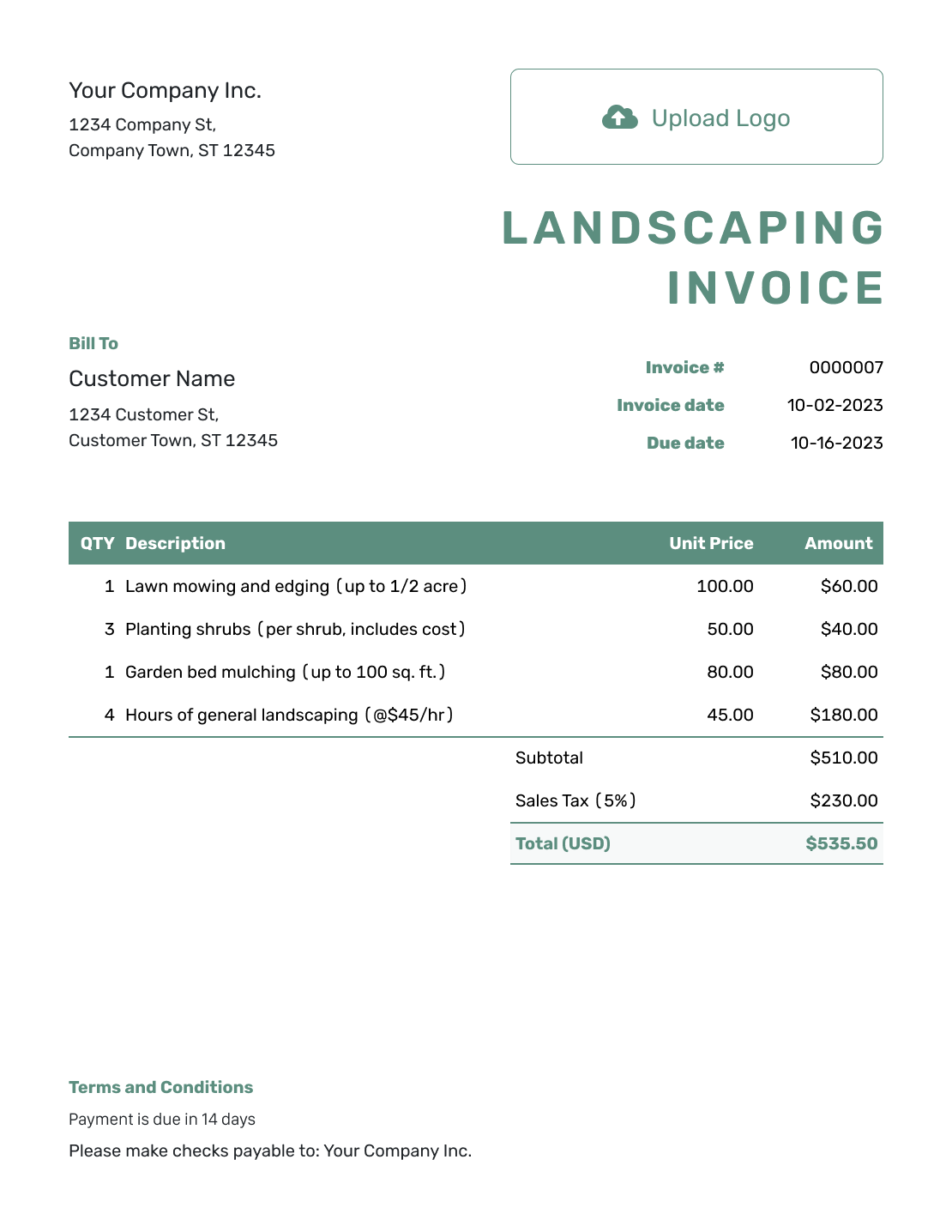
Simple Landscaping Invoice Template
Create Free Invoice -
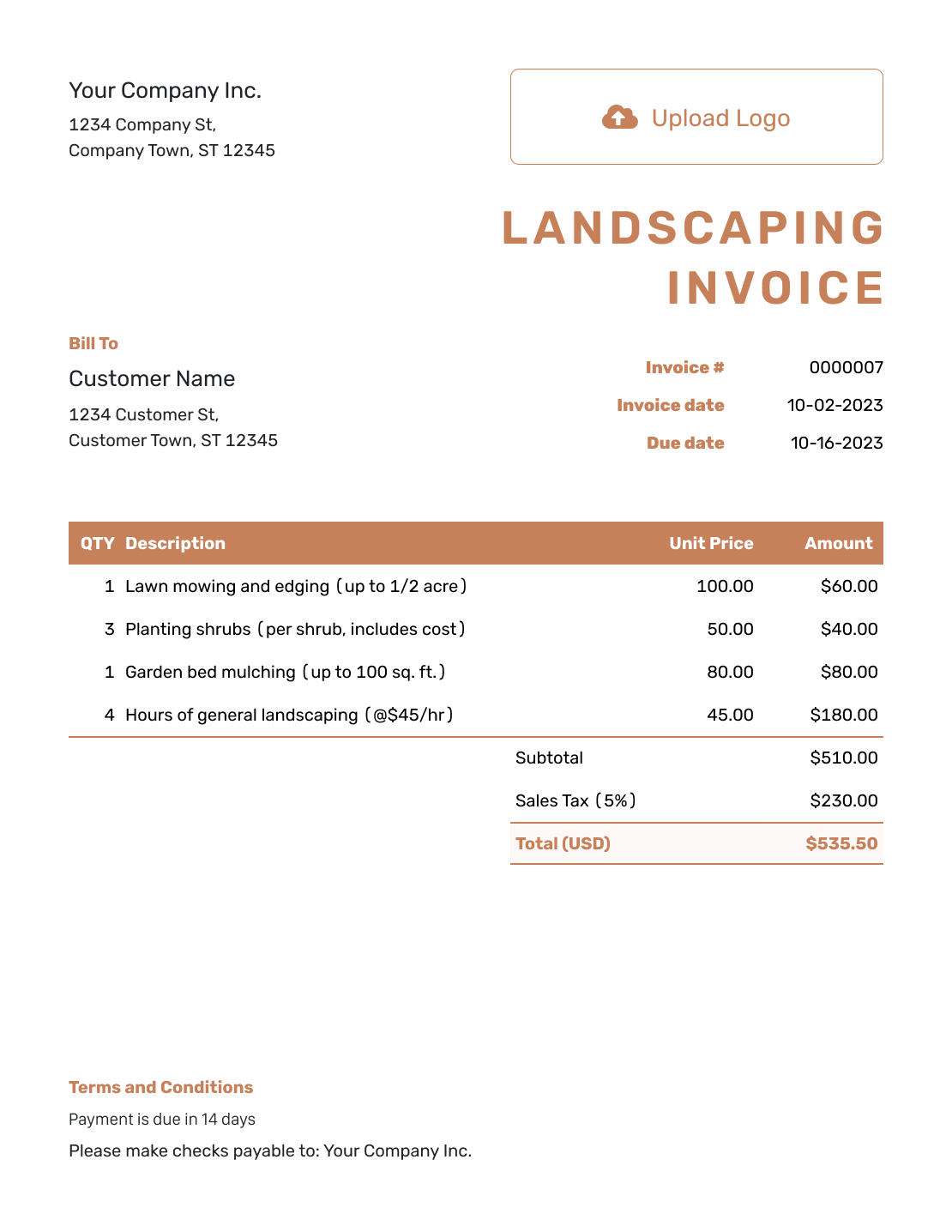
Standard Landscaping Invoice Template
Create Free Invoice -
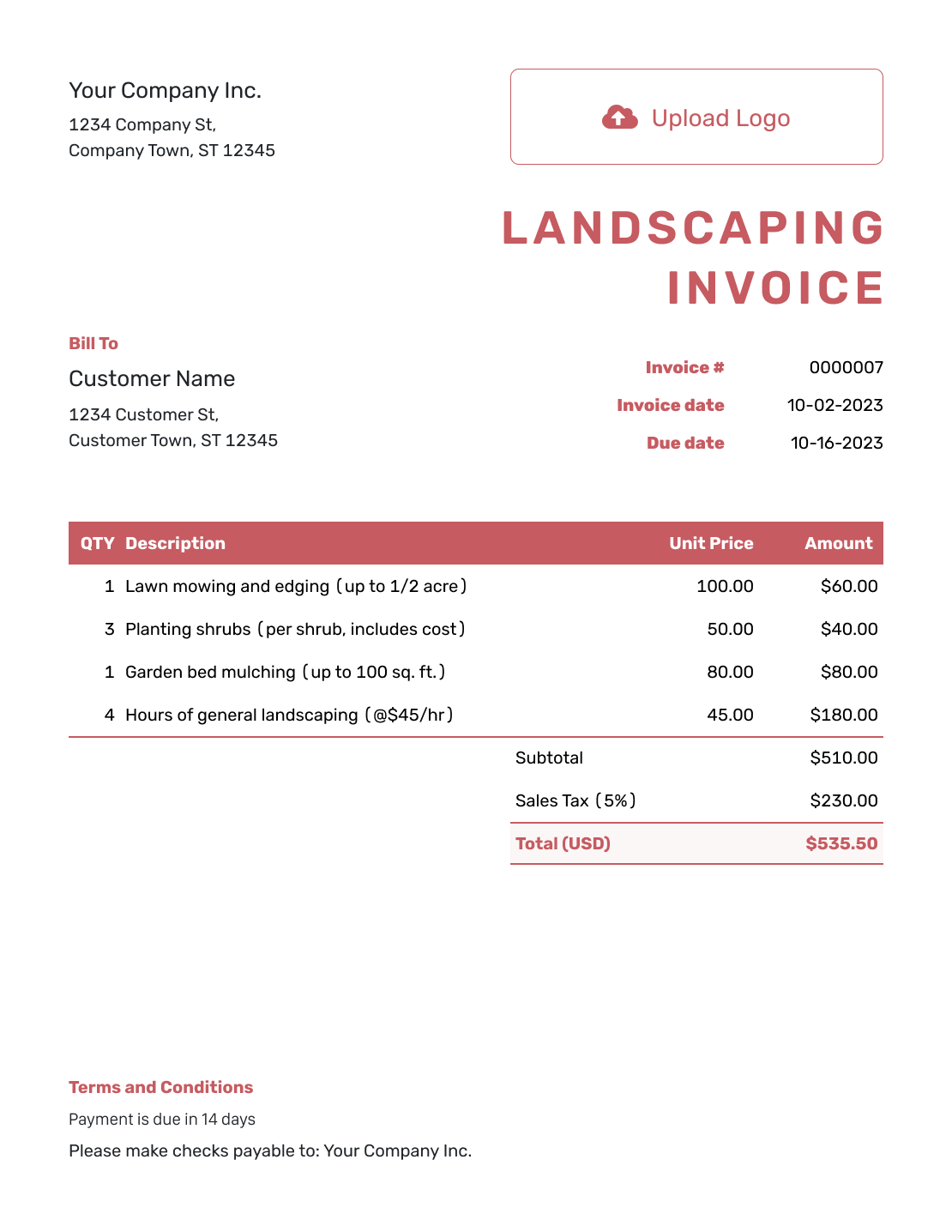
Itemized Landscaping Invoice Template
Create Free Invoice -
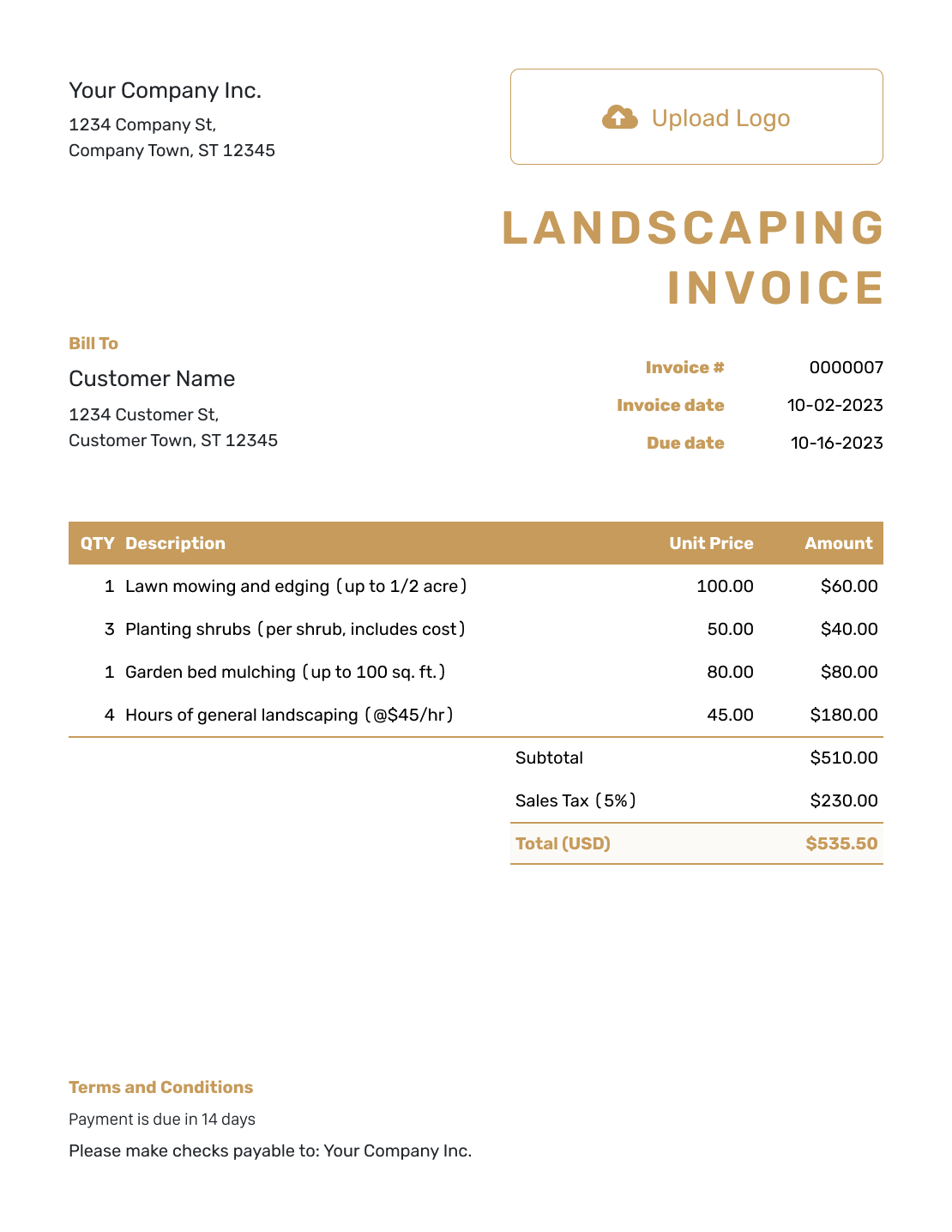
Basic Landscaping Invoice Template
Create Free Invoice -
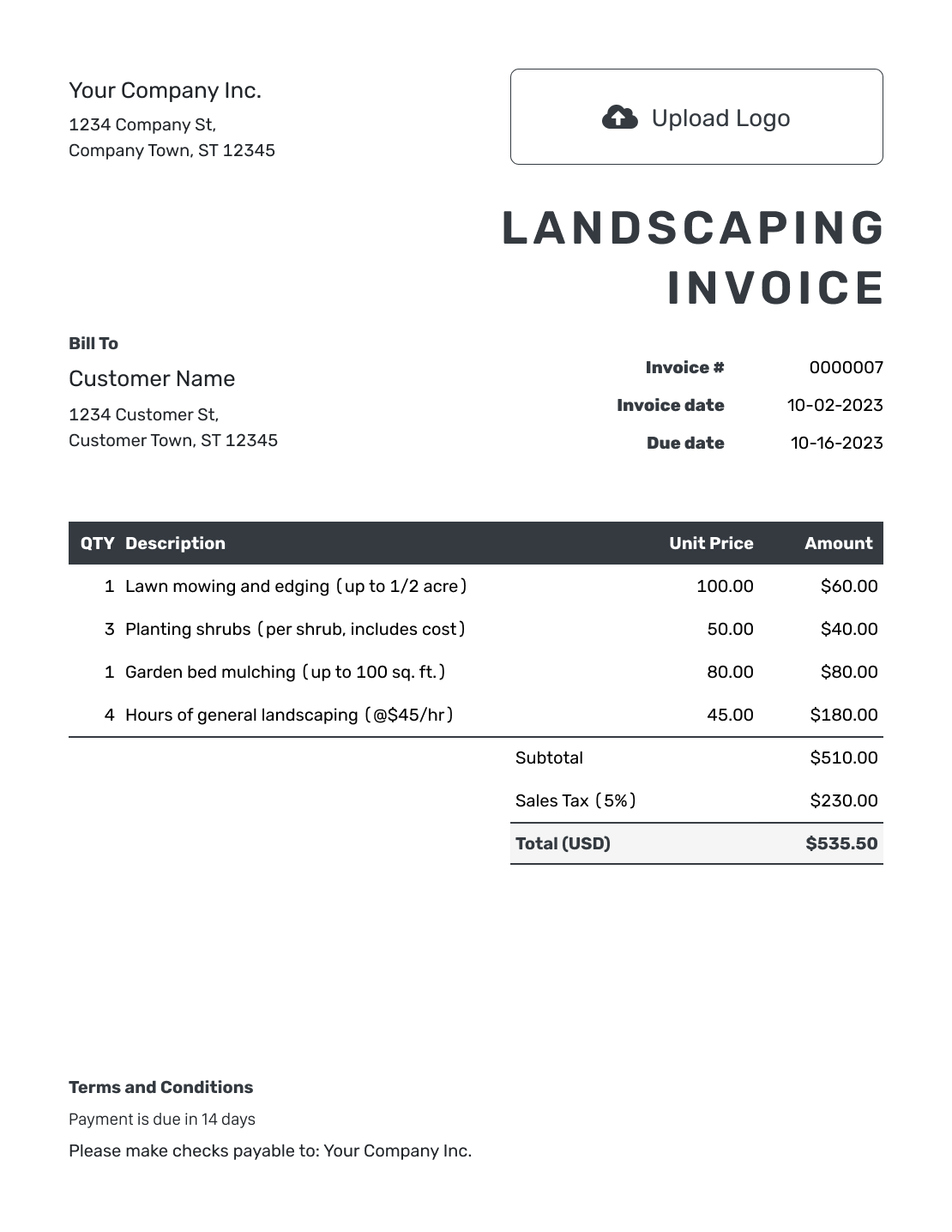
Hourly Landscaping Invoice Template
Create Free Invoice
Choose a File Format for Your Landscaping Invoice
Need an editable file for the job folder? Start with one of these general invoice templates and add the landscaping details. Use Word or Google Docs for the written bill. Excel and Google Sheets give you rows for quantities and prices.
Landscaping Invoice FAQs
-
How is a landscaping invoice different from an estimate?
An estimate presents the expected work and price before the final bill. An invoice asks the customer to pay. In Docelf, you can create an invoice from an estimate and review the details for the work completed.
-
Should I list plants and labor separately?
Yes, when your pricing separates them. Name the plants and sizes, then show the labor hours or agreed labor charge. For an all-in project price, describe what it includes without adding those same costs again.
-
How do I show mulch, soil, or other bulk materials?
Name the material and state the unit, such as cubic yards or bags. Use the quantity supplied and the agreed price per unit. Say whether delivery or spreading is included.
-
What does a labor-hour mean on the invoice?
A labor-hour is one person’s work for one hour. If the quantity combines several workers’ time, say that in the description. Use a clearly labeled crew-hour instead when your agreed rate covers the whole crew.
-
Can I include tree trimming or irrigation work?
Yes. Describe the work completed and use its agreed price or billing unit. Separate tasks with different rates so the customer can see how the charges add up.
-
Where should I put the property address?
Use the description or Terms and Conditions when the service address differs from the customer’s billing address. Identify the property clearly, especially when the customer manages several sites.
Finish the Paperwork for the Outdoor Job
Give the customer a bill that reflects the work they can see at the property.
- Describe the completed landscaping
- Keep material quantities and labor charges clear
- Email the invoice or download the PDF




