Free Pet Sitting Invoice Template
Create a professional invoice in minutes
Bill for completed visits, overnight care or other pet-sitting services and show the dates covered. Clients can see what the fee covers and pay the amount due.
Email, print or download your invoice as a PDF.
14-day free trial. No credit card required.

Create the invoice. Send it. Get back to work.
Pet Sitting Invoice Template Examples
Choose a preview, then add the booking dates and agreed care. Every preview opens the same invoice editor.
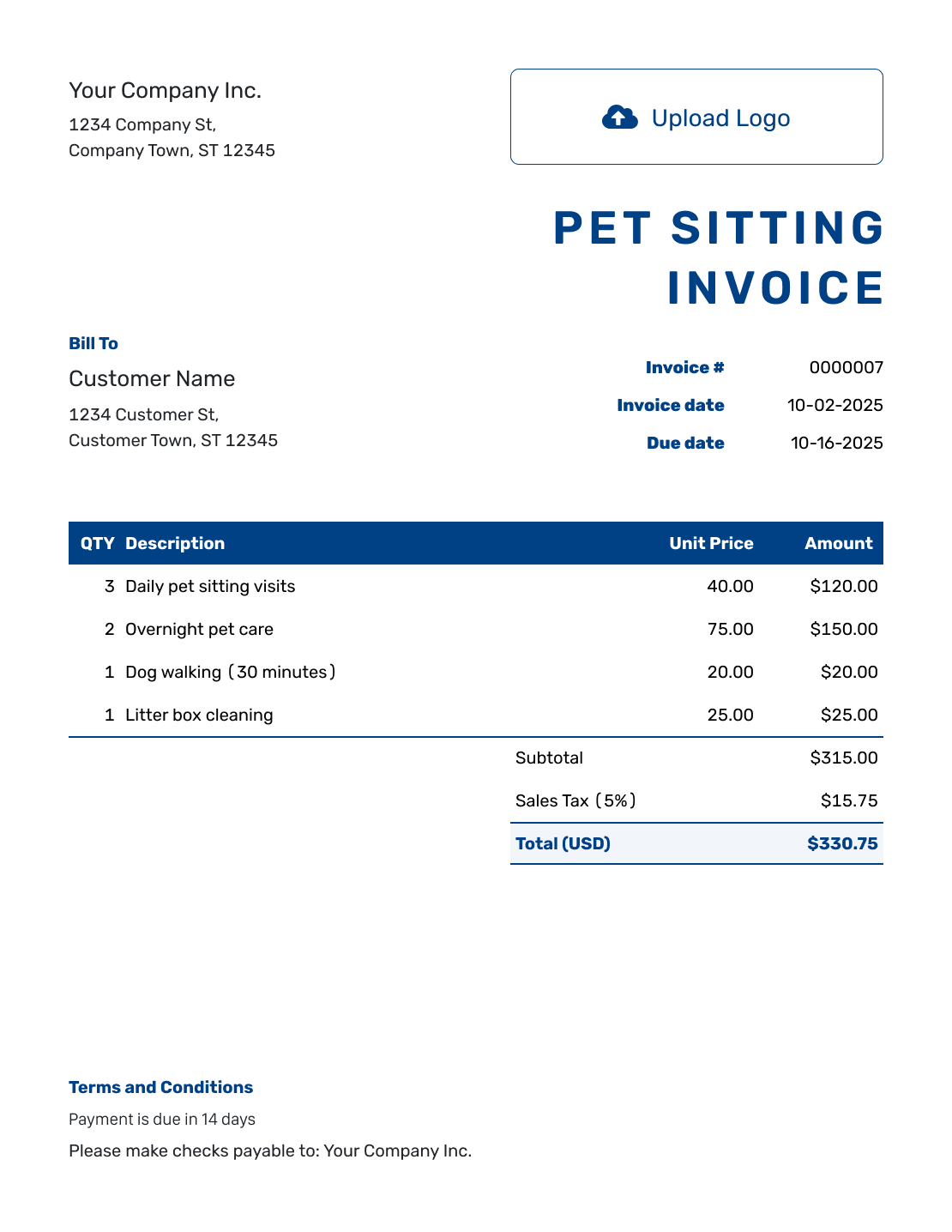
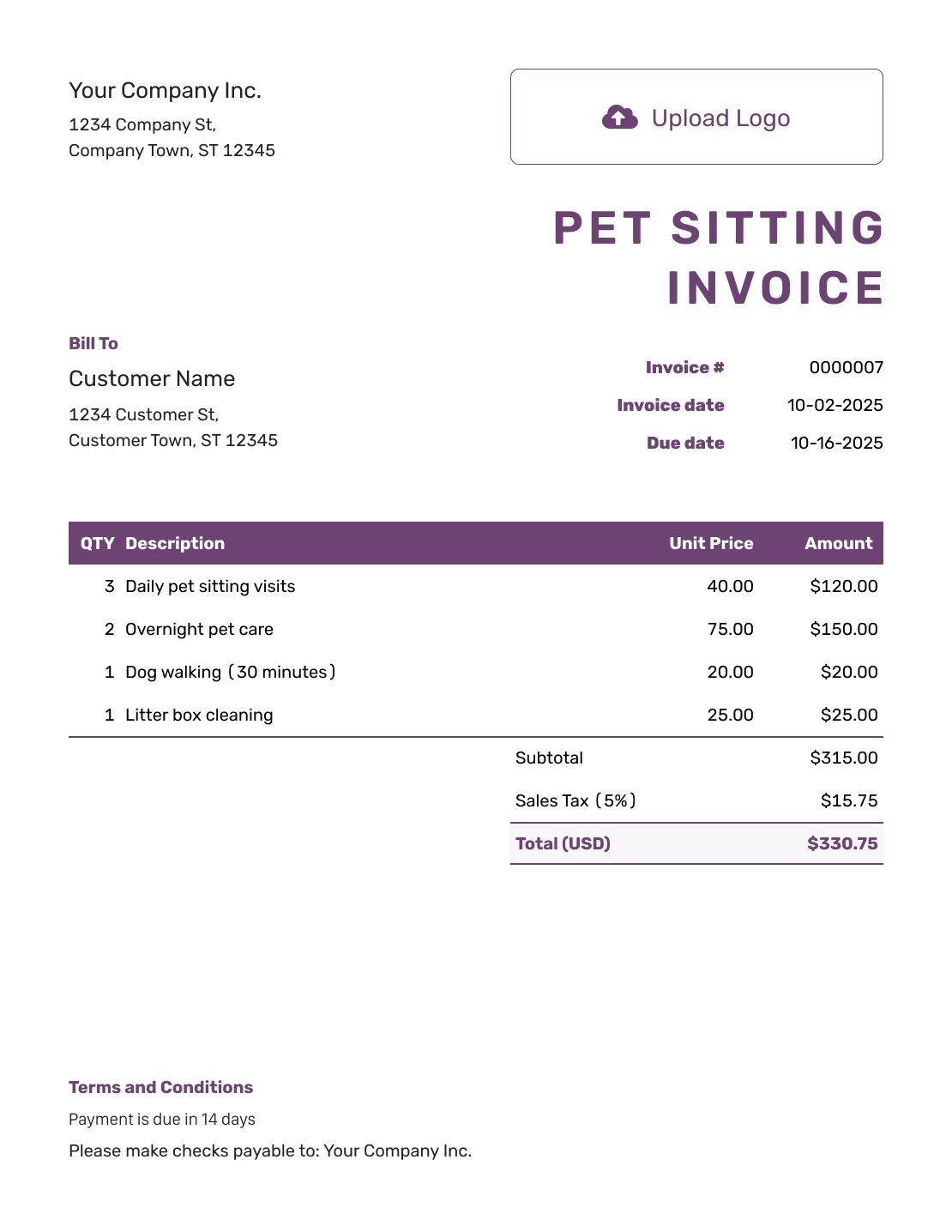
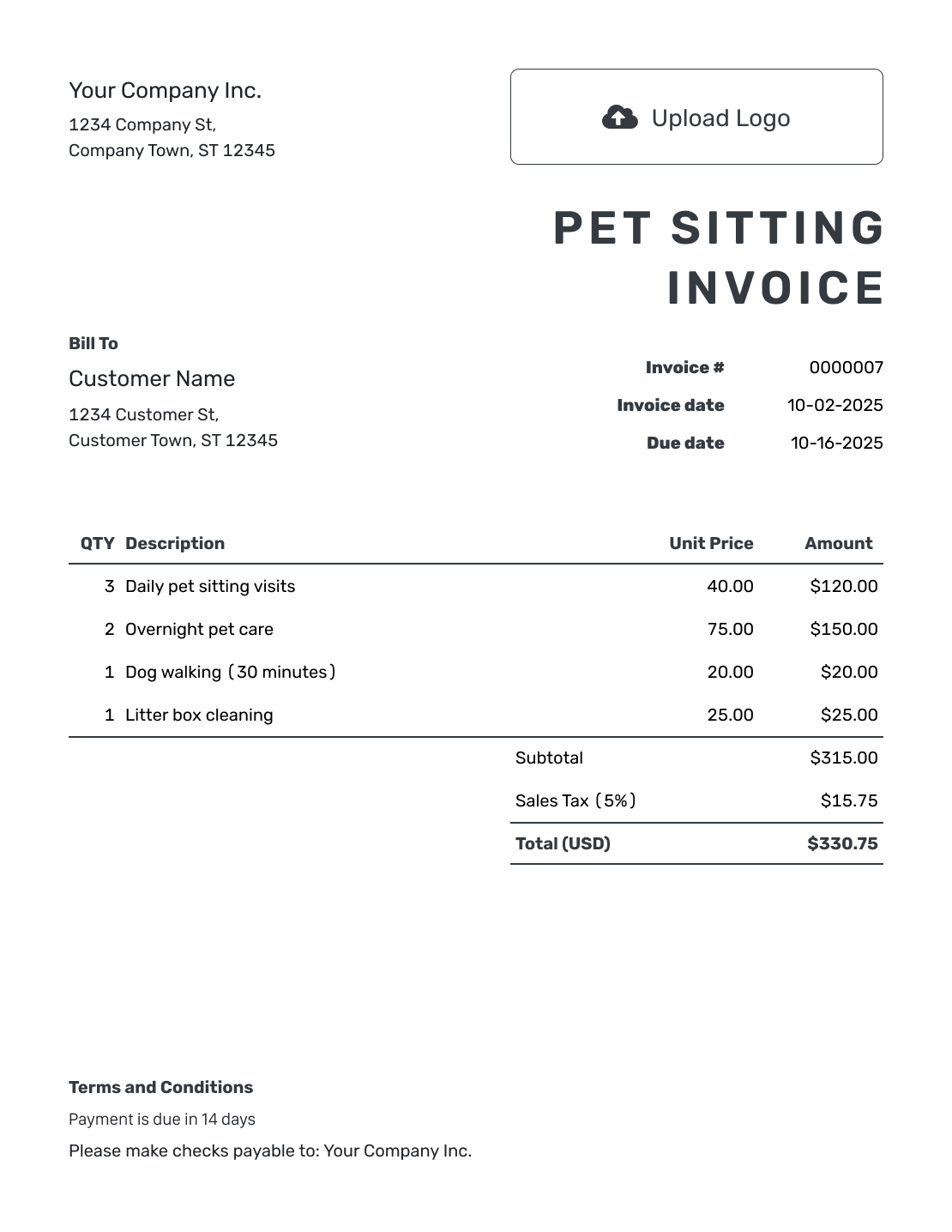
Match the Pet Care Bill to the Booking
A pet sitting invoice asks the owner to pay for pet care. Name the pets or household and the dates of the visits or overnight stays.
Say what the overnight or package price includes. If feeding or walks are part of that rate, do not charge for them again. List extra visits, separately agreed care, or approved purchases with their own descriptions.
How to Create a Pet Sitting Invoice
Have the booking dates, agreed rates, and care record ready. Follow the numbered fields to prepare the invoice.
- Add Your Pet Sitting Business: Enter the business name and contact details the owner knows.
- Add Your Logo: Add your usual business logo so the owner recognizes the invoice.
- Select the Pet Owner: Choose the saved client or enter the owner’s billing details.
- Set the Invoice Dates: Check the invoice number and issue date. Set the agreed payment due date.
- List the Care Provided: Name the pet and booking dates. Label nights, visits, hours, and agreed extras.
- Review the Charges: Apply relevant tax and any agreed discount. Check the calculated invoice total.
- Explain How to Pay: Add payment instructions in Terms and Conditions. Review the invoice, then email it or download a PDF.
How to Fill In Pet Sitting Invoice Line Items
Give overnight stays and separately priced drop-in visits their own lines. Label the unit for each charge so the owner can check the number of nights or visits. For an approved purchase, describe what you bought and attach the receipt as a PDF or image.
This fictional booking covers three nights, August 7–10, 2026, with prices in U.S. dollars. The owner agreed to three midday visits outside the overnight package.
The example uses an illustrative 8% tax on all charges, including the approved food purchase. Use the tax treatment that applies to your services and purchases.
| QTY | Description | Unit Price | Amount |
|---|---|---|---|
| 3 | Overnight care, August 7–10 — nights | $80.00 | $240.00 |
| 3 | Midday visits, August 7–9 — visits | $22.00 | $66.00 |
| 1 | Owner-approved pet food purchase — receipt attached | $14.50 | $14.50 |
| Subtotal | $320.50 | |
| Sales Tax (8% example) | $25.64 | |
| Invoice Total | $346.14 |
What to Include in Pet Sitting Invoice Terms
Use Terms and Conditions to describe the booking and payment arrangements. Make clear which visits or tasks fall outside the overnight or package fee.
Only include policies already used for this booking. Check local requirements before adding cancellation, late-payment, or refund terms. Adapt the example below and replace the bracketed details before sending.
Example: Terms and Conditions
- This invoice covers the August 7–10, 2026 booking for [Pet’s Name].
- The overnight rate includes [Included Care]. Three separately agreed midday visits are listed as additional services.
- The $14.50 pet food purchase is supported by an attached receipt.
- The invoice total of $346.14 is due by [Due Date] using [Accepted Payment Method]. Please include [Invoice Number] with payment.
Finish the Bill for This Booking
Enter the care you provided and the agreed rates. Docelf calculates the total. Check the booking details, then send the invoice to the owner.
Check the Nights, Visits, and Agreed Rates
Count nights from the arrival and departure dates: August 7–10 is three nights. Keep daytime visits separate when they have their own price, as in the example above.
If the agreed rate changes during a longer booking, use separate lines for each rate and its dates. Before sending, check these details:
- Check the dates and visit counts against your care record.
- Apply extra-pet charges only to the care they cover.
- List owner-approved purchases with their supporting receipts.
Keep the Owner’s Details Ready for the Next Stay
Save the client and your usual care services in Docelf. Duplicate an invoice from an earlier booking to create a new draft with a new number. Replace the dates and quantities before sending it. Docelf does not send the duplicate automatically.
Use your logo, colors, and font so the owner recognizes your business. Add an optional industry name before “Invoice” and use the footer for your billing contact. Docelf supports USD, EUR, GBP, CAD, and AUD.
Attach only the relevant PDF or image records the owner needs to check the bill. Keep the invoice focused on the charged care rather than copying every pet-care instruction into it.
After You Send the Pet Sitting Invoice
After emailing the invoice from Docelf, check its history to see whether it was delivered and opened.
When payment arrives, record the amount and payment date on the invoice. You can then create a receipt from it to confirm the payment. Check the payment record before following up on an unpaid amount.
More Pet Sitting Invoice Previews
These previews offer more ways to present the same care details. Open the editor to enter the dates, services, and prices for your booking.
-
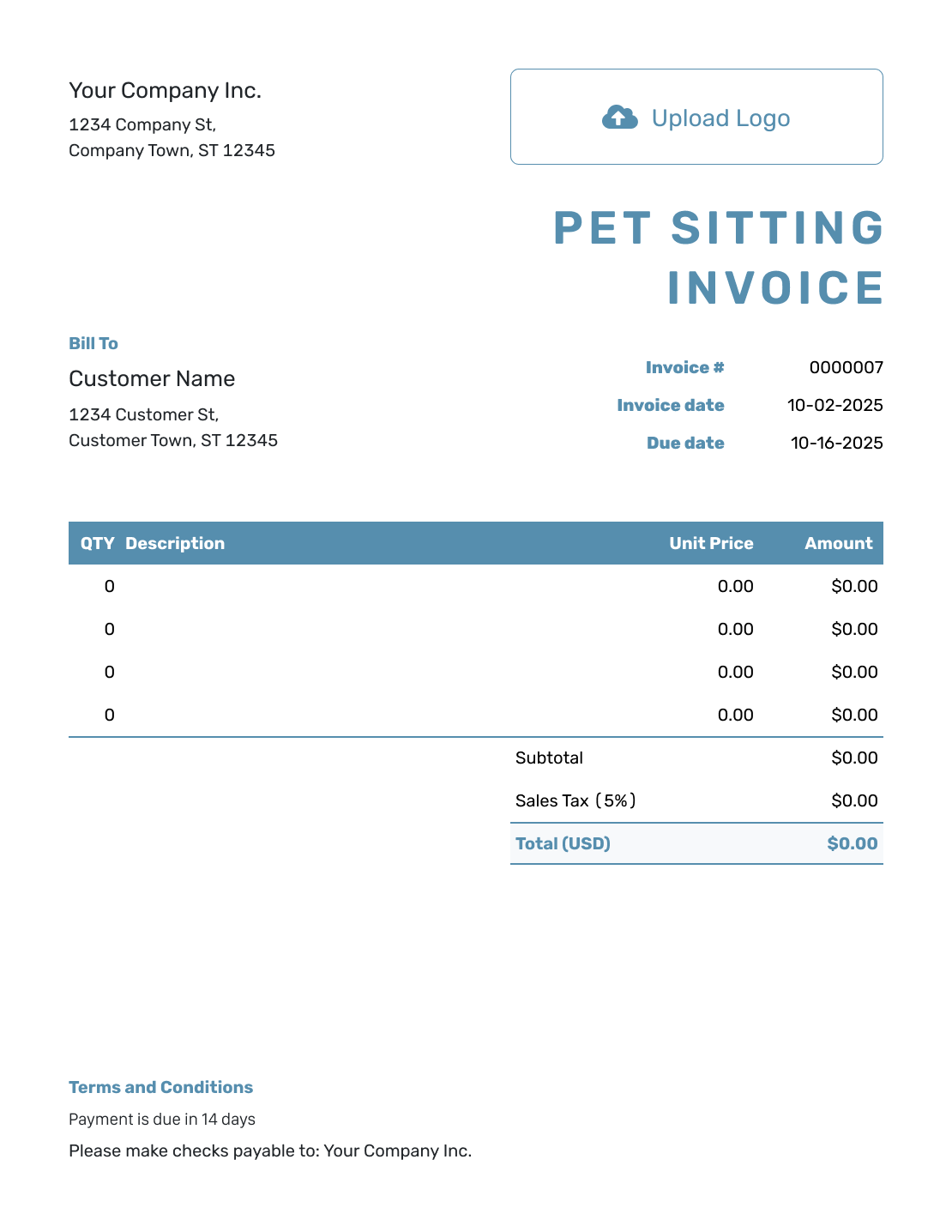
Blank Pet Sitting Invoice Template
Create Free Invoice -
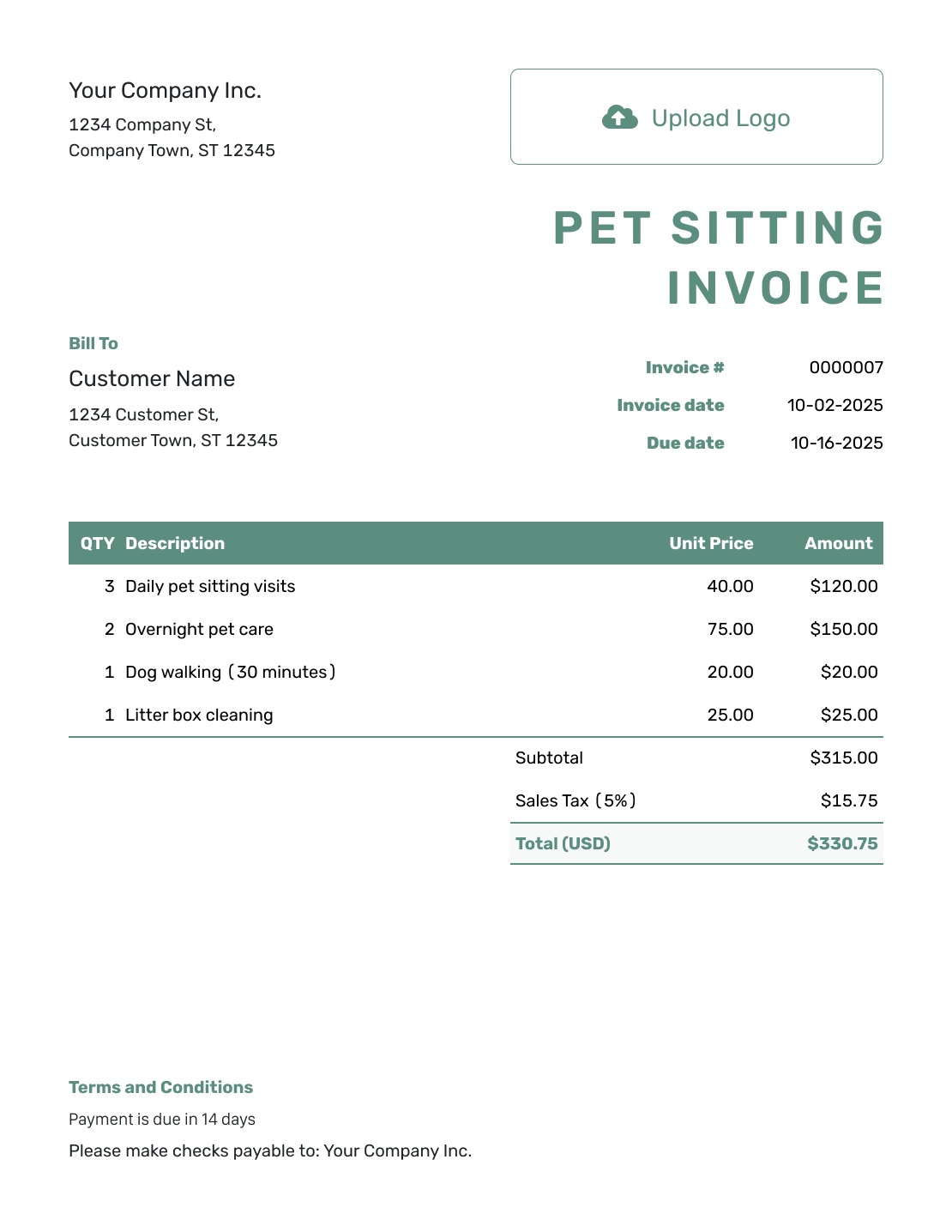
Simple Pet Sitting Invoice Template
Create Free Invoice -
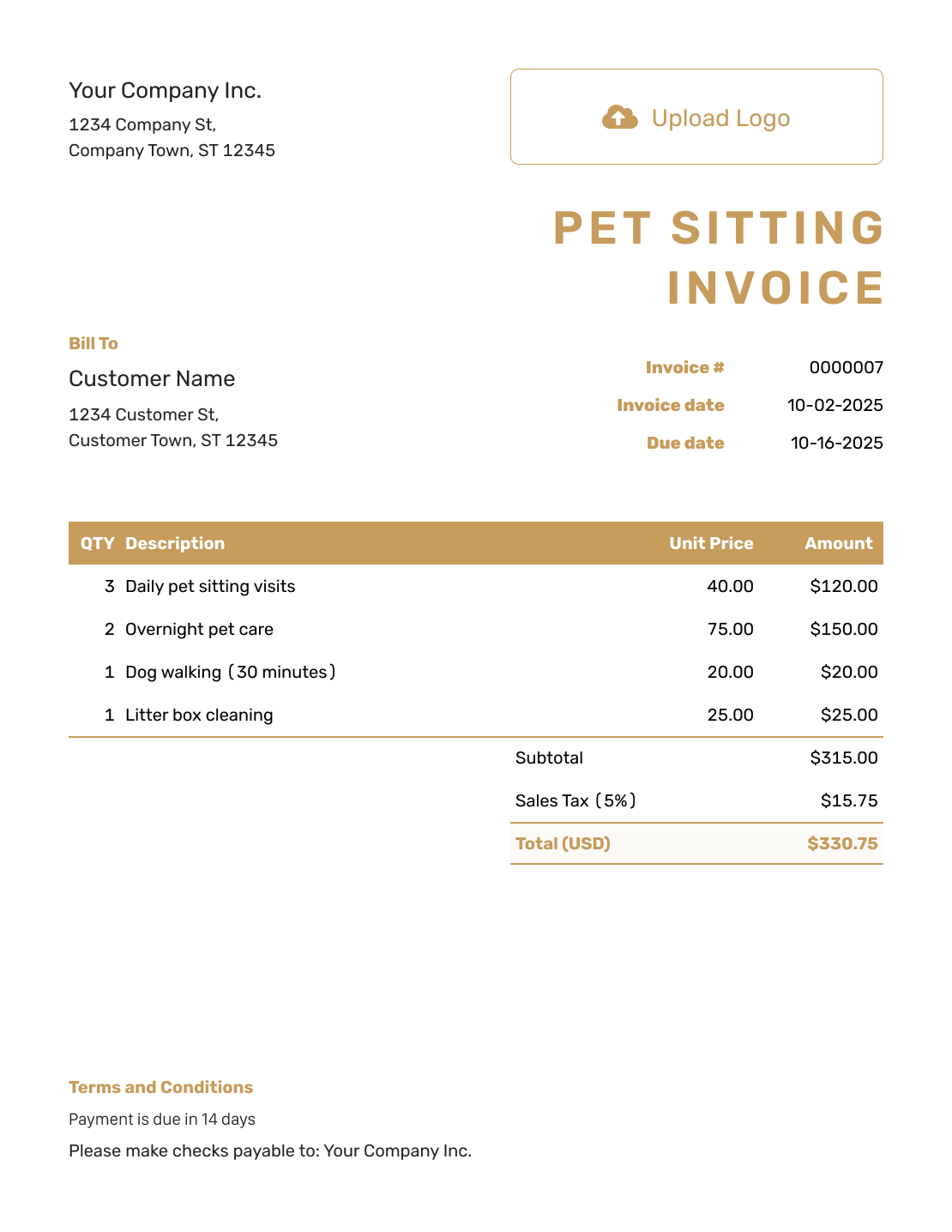
Standard Pet Sitting Invoice Template
Create Free Invoice -
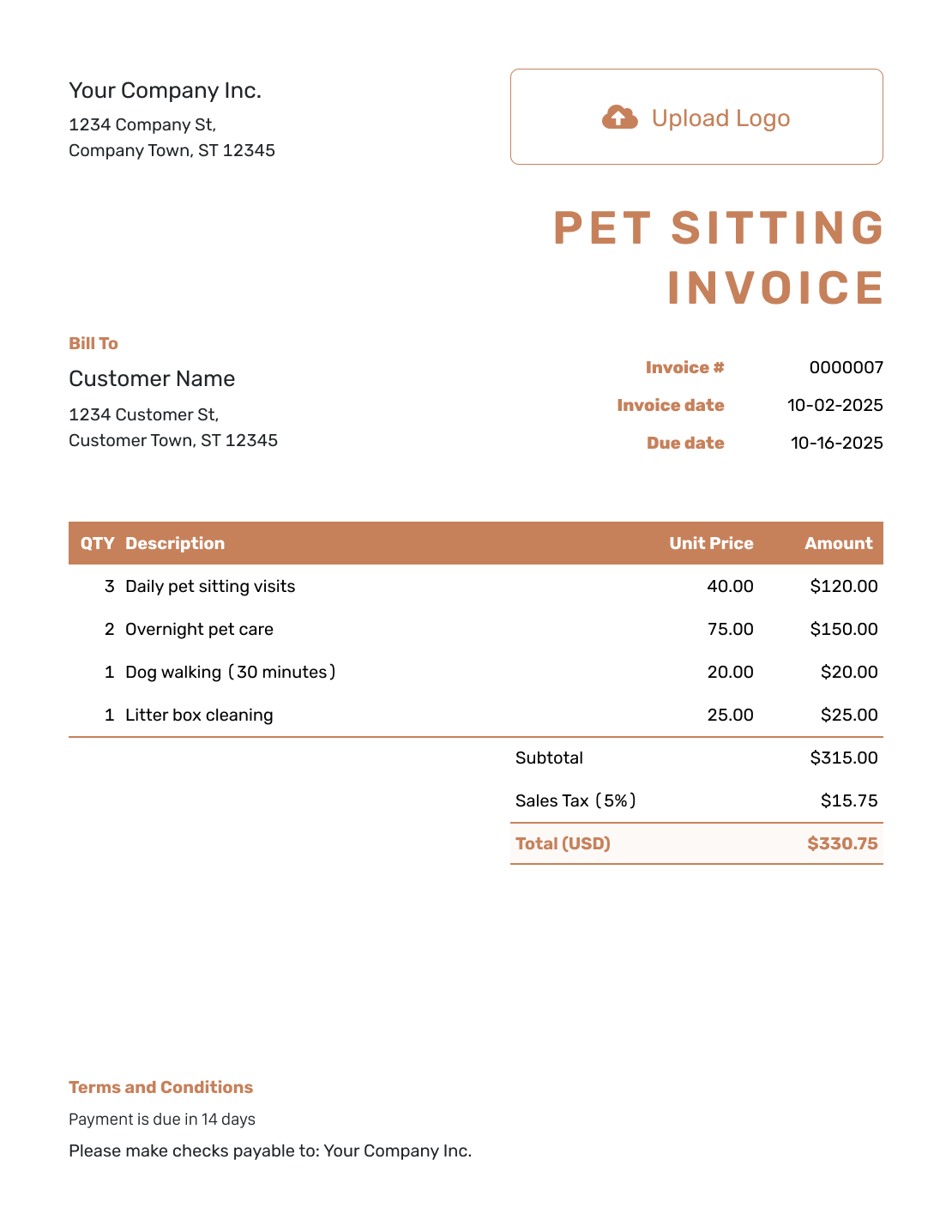
Itemized Pet Sitting Invoice Template
Create Free Invoice -
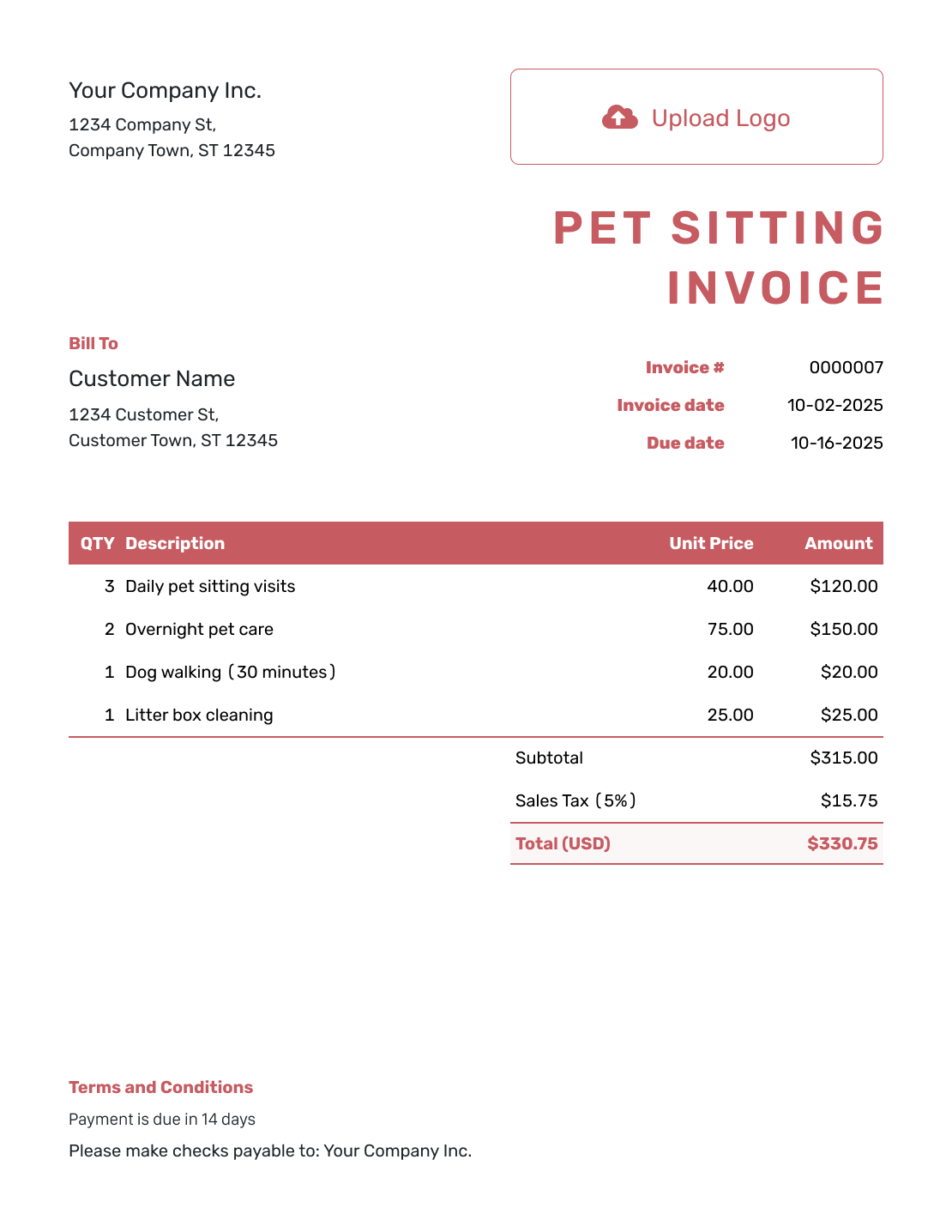
Basic Pet Sitting Invoice Template
Create Free Invoice -
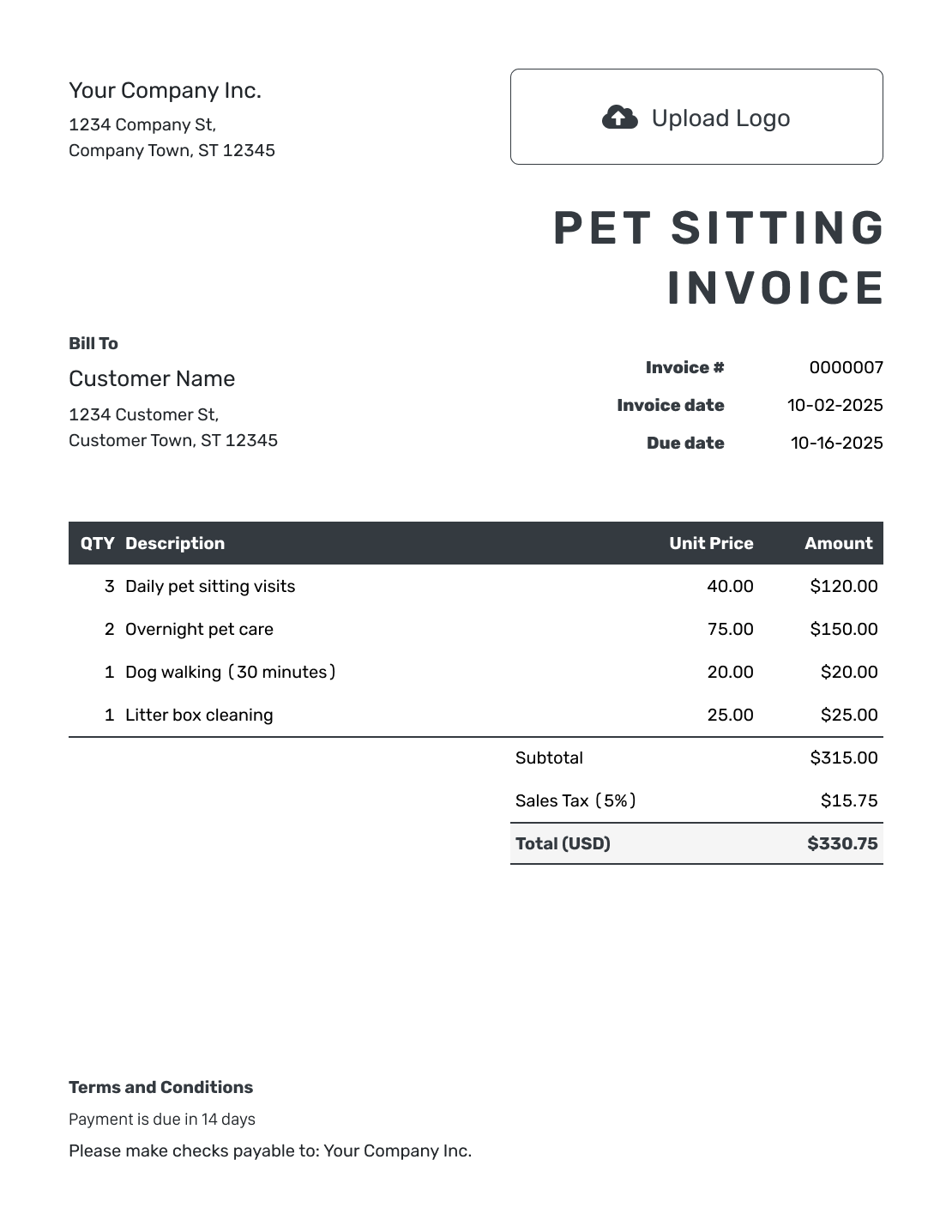
Hourly Pet Sitting Invoice Template
Create Free Invoice
Pet Sitting Bills in a File You Can Edit
Use a general Word or Google Docs invoice for the booking details, or Excel or Google Sheets for nights, visits, and prices. Add the owner’s information and care dates to the selected template.
Pet Sitting Invoice FAQs
-
Should I bill overnight pet sitting by nights or days?
Use the unit in the booking agreement. For a nightly price, count the nights and show the stay dates. List separately priced daytime visits on their own lines instead of mixing nights and visits in one quantity.
-
How do I show walks and feeding included in an overnight rate?
Name them in the overnight service description as included care. Do not add another charge for those tasks. Use a separate line only for care the owner agreed to pay for outside the overnight package.
-
How should I show a pet-sitting deposit already paid?
Record it as a payment toward the invoice, with the amount and date. Check the remaining balance before you send the bill. Do not enter the deposit as a discount or charge the owner for it again.
-
Can I charge for pet food I bought during the stay?
Yes, when the owner approved the purchase. List the agreed amount and attach the receipt as a PDF or image. Check which tax applies to the charge.
-
Can one invoice cover care for several pets?
Yes. Identify the pets or household and explain whether the agreed rate covers all of them. Show an extra-pet charge separately only when it is part of the agreed price.
-
What should I send when the owner has already paid in full?
Record the full payment on the invoice, then create a receipt from it. A fully paid Docelf invoice is marked Paid. The receipt confirms payment instead of asking the owner to pay again.
Ready to Wrap Up the Pet Care Booking?
Give the owner a clear bill for the care while they were away.
- Show the booking dates and included care
- Separate extra visits and approved purchases
- Email the invoice or download a PDF




