Free Engineering Quote Template
Create a professional engineering quote in minutes
Price the engineering work by phase, with a clear deliverable for each. The technical plan stays easy to follow and helps clients choose your firm.
Email, print or download your quote as a PDF.
14-day free trial. No credit card required.

Price the job. Send the quote. Get back to work.
Engineering Quote Template Examples
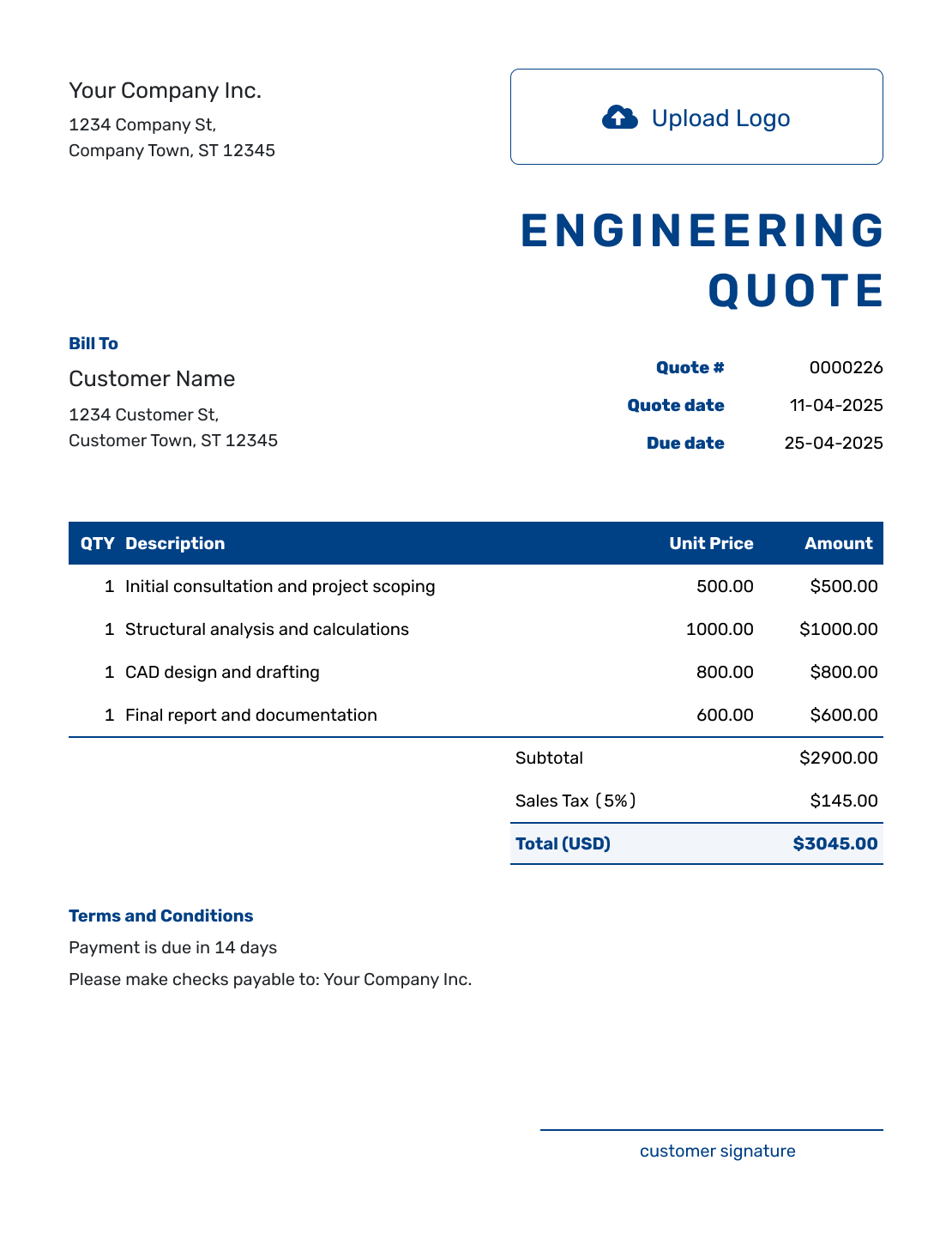
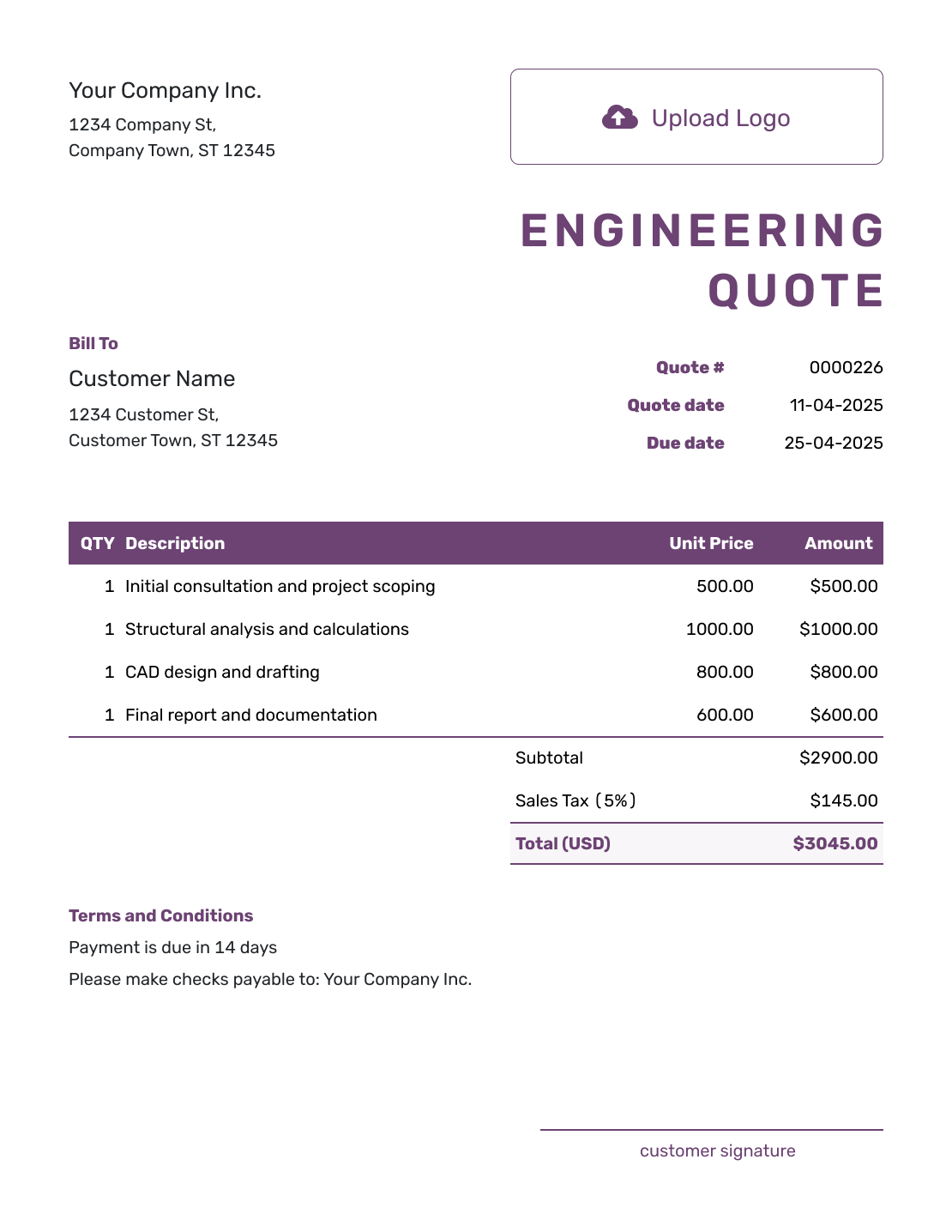
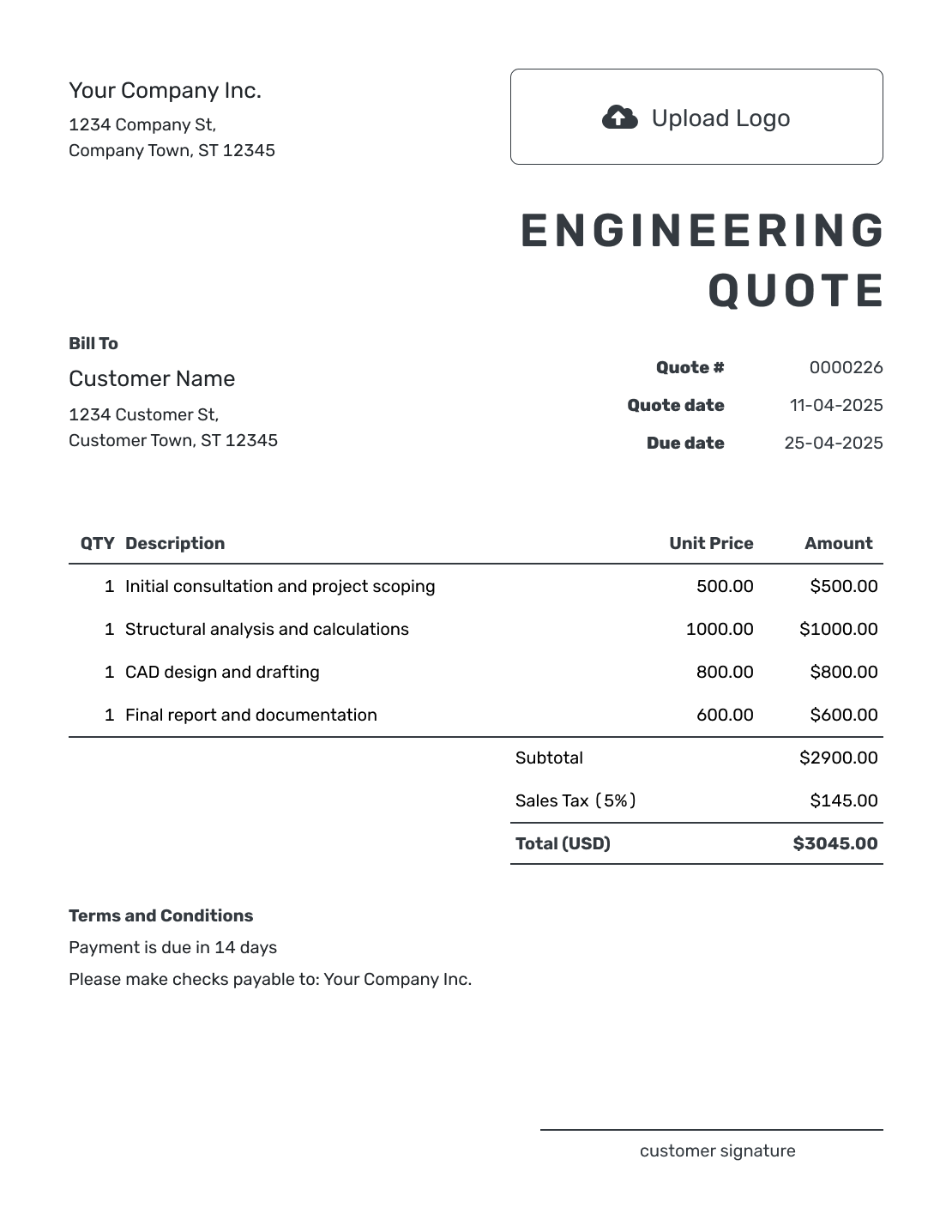
Browse the layouts before adding your own project phases and fees. Each preview opens the same Docelf quote editor.
What Is an Engineering Quote?
An engineering quote is a written offer for defined services. It sets out the phases, deliverables, schedule, and professional fees, along with expenses and terms.
Use a quote when you can define the work and price or pricing method clearly. If key project information is still missing, an estimate can show the likely cost while you confirm the scope.
How to Create an Engineering Quote
Start with the project brief and the information the client can supply. Follow the fields below, then review the scope and price before emailing the quote or downloading a PDF.
- Your Business: Add your engineering firm and contact details.
- Your Logo: Use the logo from your project documents.
- The Client: Enter the client responsible for this project.
- Number and Dates: Check the quote number, issue date, and valid-until date.
- Phases and Fees: List each deliverable with its quantity and fee. Price expenses separately.
- Tax and Total: Check any tax and the total offered for this scope.
- Terms and Conditions: Add the project reference, schedule, client inputs, and scope limits.
How to Fill In Engineering Quote Line Items
For a fixed phase fee, use a quantity of one and name what the client will receive. For hourly work, use the planned hours and rate, and explain how any extra hours will be approved. Keep expenses you charge back to the client on their own lines.
This fictional quote covers an assessment of an existing warehouse roof. Each phase has a fixed fee in US dollars. The 8% tax rate applies to all three items for this example; use the tax treatment that applies to your work.
| QTY | Description | Unit Price | Amount |
|---|---|---|---|
| 1 | Site visit and review of supplied roof drawings | $650.00 | $650.00 |
| 1 | Roof load assessment and calculations | $1,200.00 | $1,200.00 |
| 1 | Findings report and one client review meeting | $450.00 | $450.00 |
| Subtotal | $2,300.00 | |
| Sales Tax (8% illustrative) | $184.00 | |
| Quote Total | $2,484.00 |
What to Include in Engineering Quote Terms
The Terms and Conditions field explains the boundaries of the fee. Name the information and access the client must provide, what you will deliver, and when payment is due. This helps the client see what is included before approving the work.
Adapt the sample below to your actual agreement. Use only the scope limits and policies that fit the project, and confirm any professional or local requirements that apply.
Example: Terms and Conditions
- Valid until [date]. Work starts after acceptance and receipt of the existing drawings and site-access details.
- The price covers one site visit, a roof load assessment, and a findings report with one client review meeting. Intrusive testing, surveys, permit fees, and redesign are excluded.
- The report is due three weeks after the site visit, provided the agreed information is available. Payment is due within 14 days of the report invoice.
- We will agree on the scope and price of any additional investigation, design work, or client-requested revisions before proceeding.
Create an Engineering Quote Ready to Review
Put the agreed project scope into a quote. Docelf calculates the total from your phase fees and expenses. Review it, then send it to the client.
Break the Engineering Fee Down by Project Phase
Use phases that make sense for the discipline and project. The client should be able to see what each stage produces.
Investigation and Site Work
List the site visits and records review needed to understand existing conditions. Add measurements or surveys you provide.
Analysis and Design
Describe the analysis and design decisions covered by the fee. Add modeling or options only where they are part of the scope.
Drawings and Reports
Name the drawings and reports you will deliver. Include specifications or schedules when they are part of the work.
Review and Project Support
State the meetings and review responses included. Add inspections or construction-phase support where needed.
Make Expenses and Assumptions Clear
Tell the client which records, drawings, and site access the price relies on. If you will pay for travel or specialist work and charge it back, show the known cost as a separate item. State whether that amount is fixed or an allowance.
An allowance is a stated amount for a cost you cannot confirm yet. Explain what it covers and how you will agree on any difference. If the client pays a testing company, permit authority, or surveyor directly, mark that cost as excluded from your total.
Engineering Quote, Estimate, or Invoice?
Use the document that matches how certain the project scope is and whether payment is due.
Engineering Quote
Use a quote when the services, assumptions, and fee are clear enough for the client to accept.
Engineering Estimate
Use an estimate when the final scope, hours, testing, or other project details may still change.
Invoice
Send an invoice when a deposit, phase fee, reimbursable expense, or final payment is due.
Check the Engineering Offer Before Sending
Read the quote against the project brief. These final checks help catch a gap between the work discussed and the offer the client will review.
- The project name, location, and objectives match the brief and known site conditions.
- Each fee has a clear deliverable, with expenses and any allowance identified.
- The schedule includes the expected start, milestones, client review periods, and delivery dates.
- The terms explain client responsibilities, included revisions, exclusions, and how extra work is approved.
More Engineering Quote Layouts
-
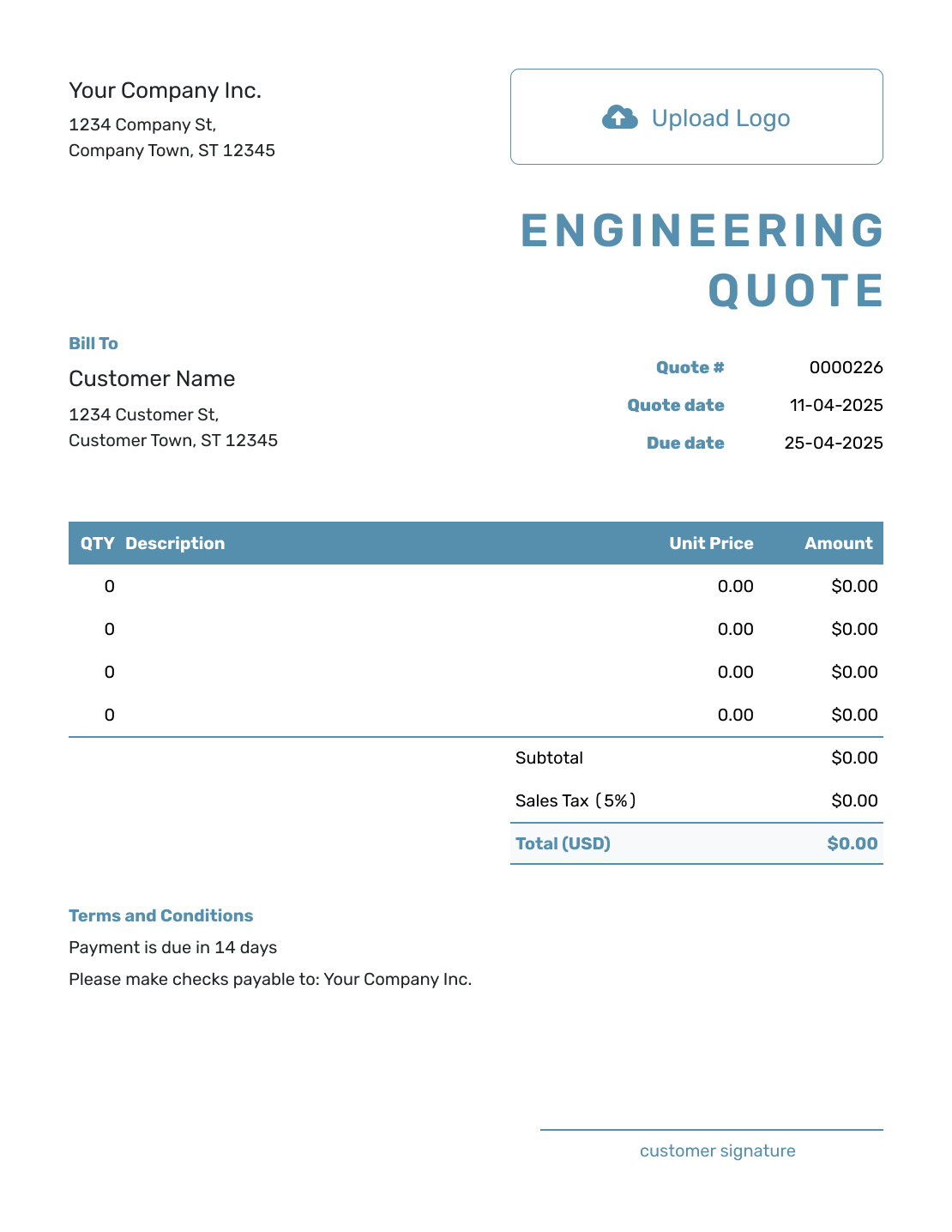
Blank Engineering Quote Template
Create Free Quote -
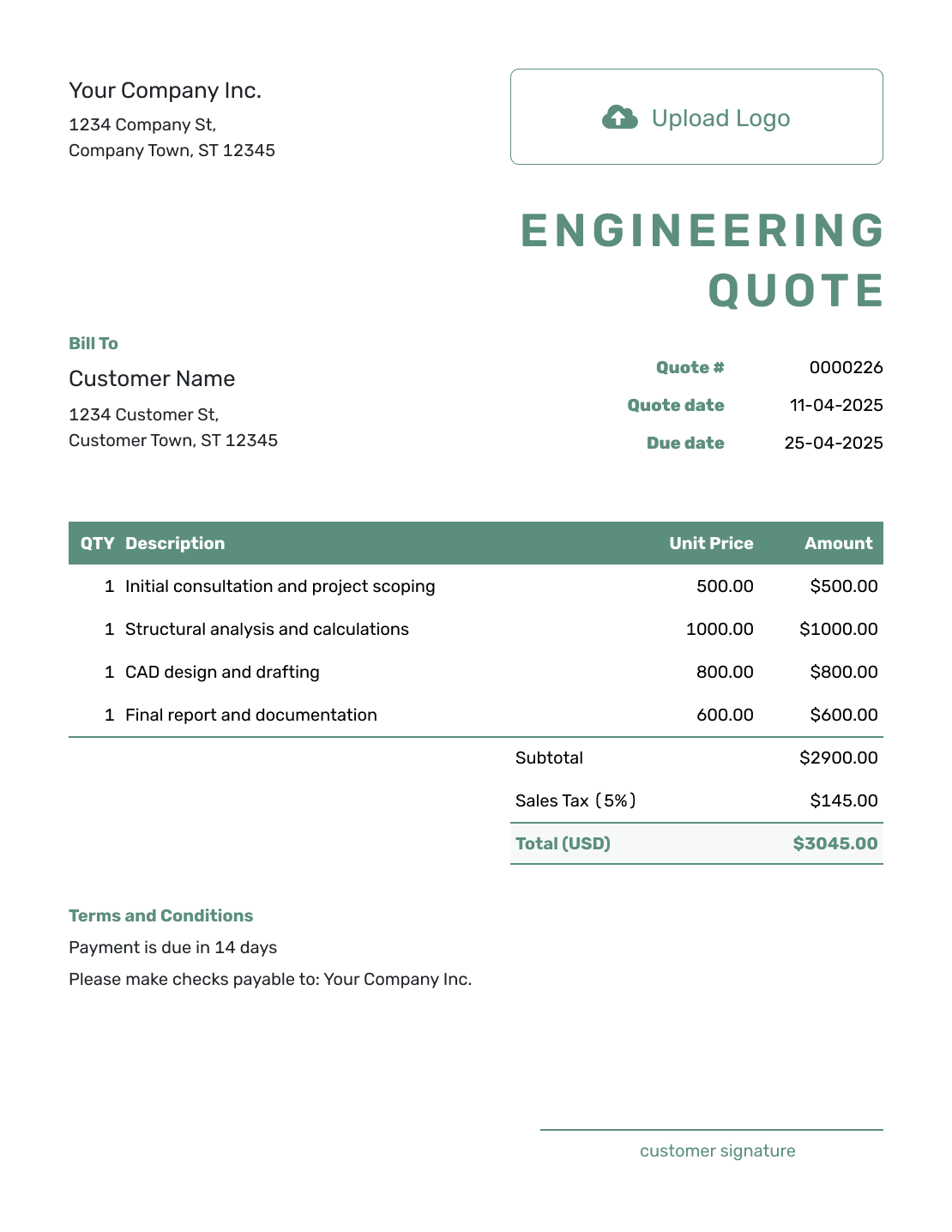
Simple Engineering Quote Template
Create Free Quote -
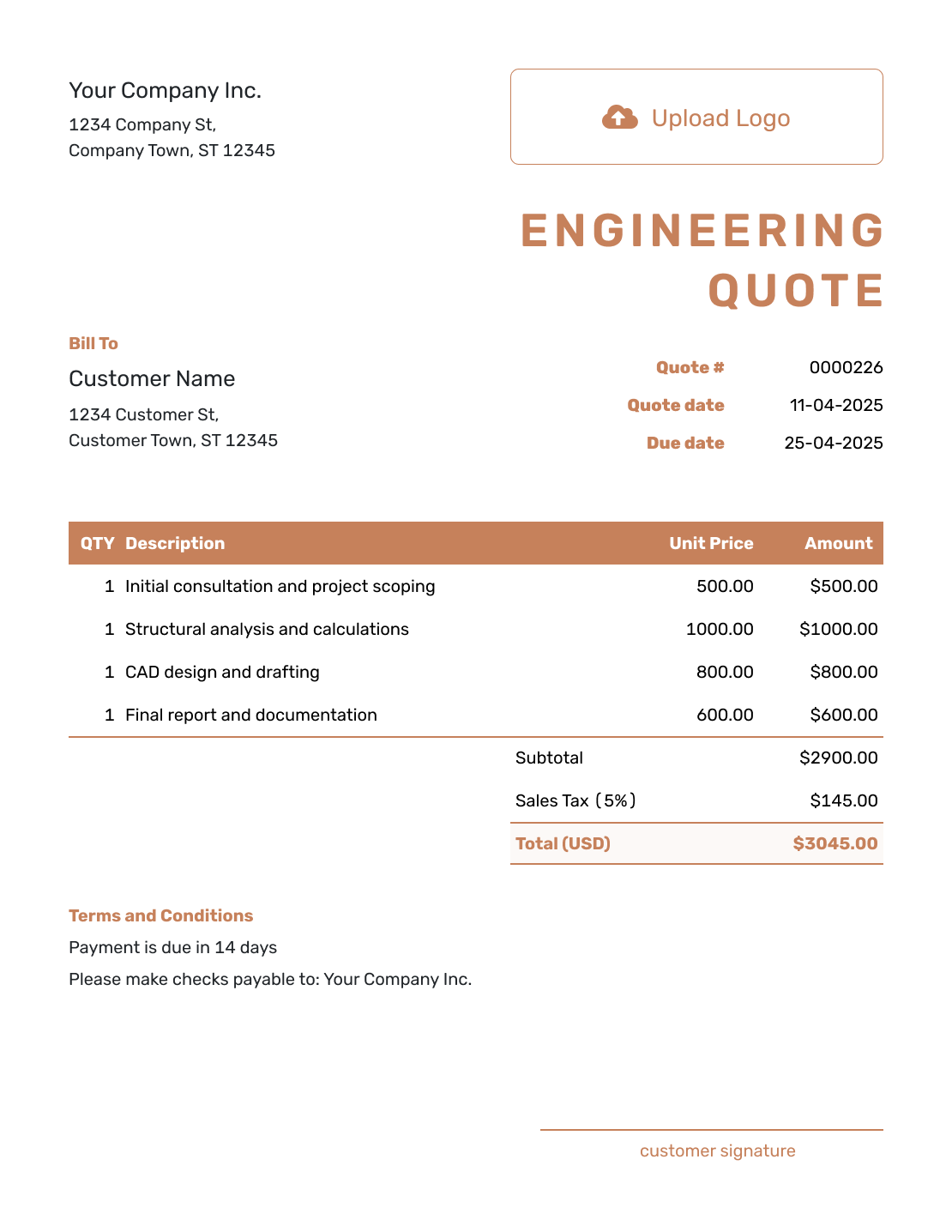
Downloadable Engineering Quote Template
Create Free Quote -
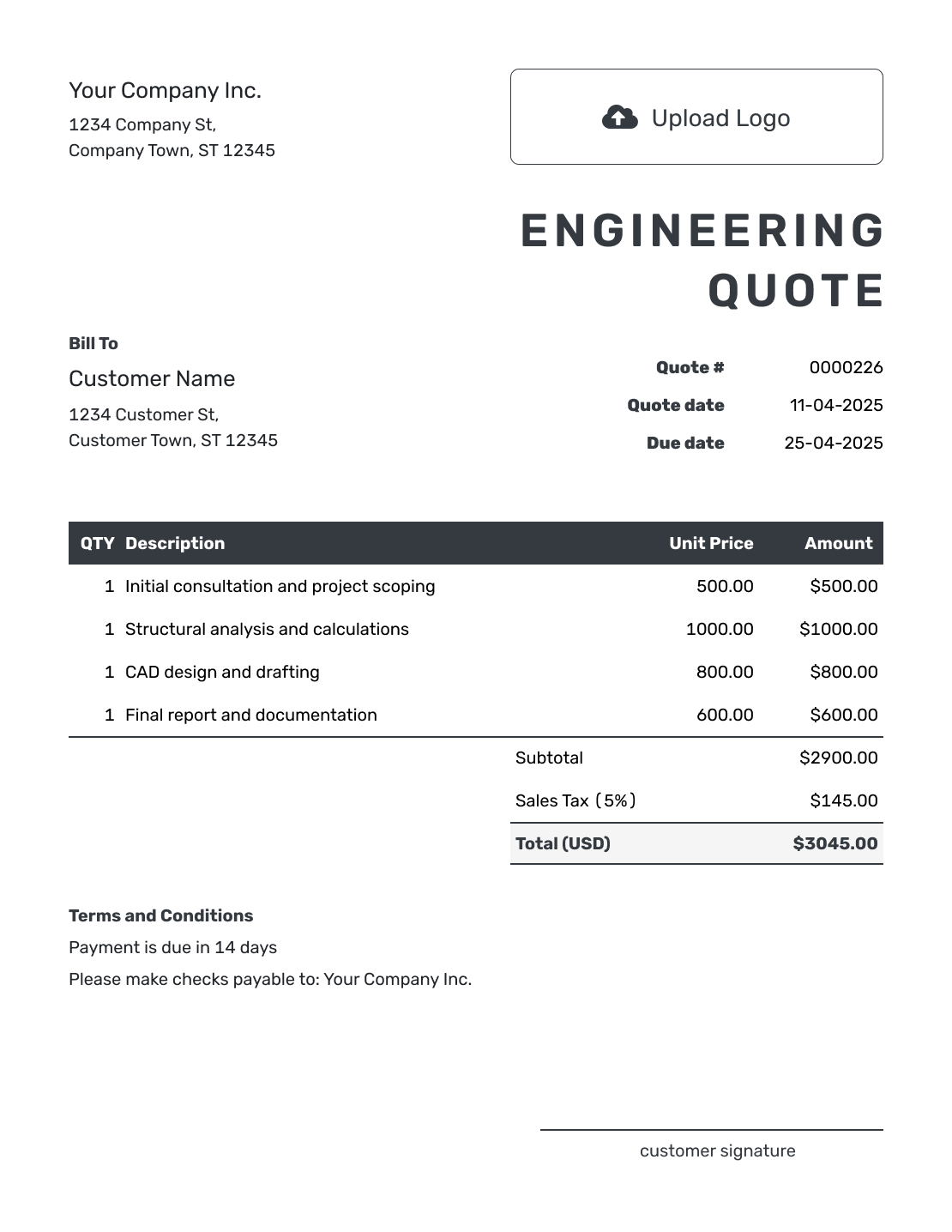
Editable Engineering Quote Template
Create Free Quote -
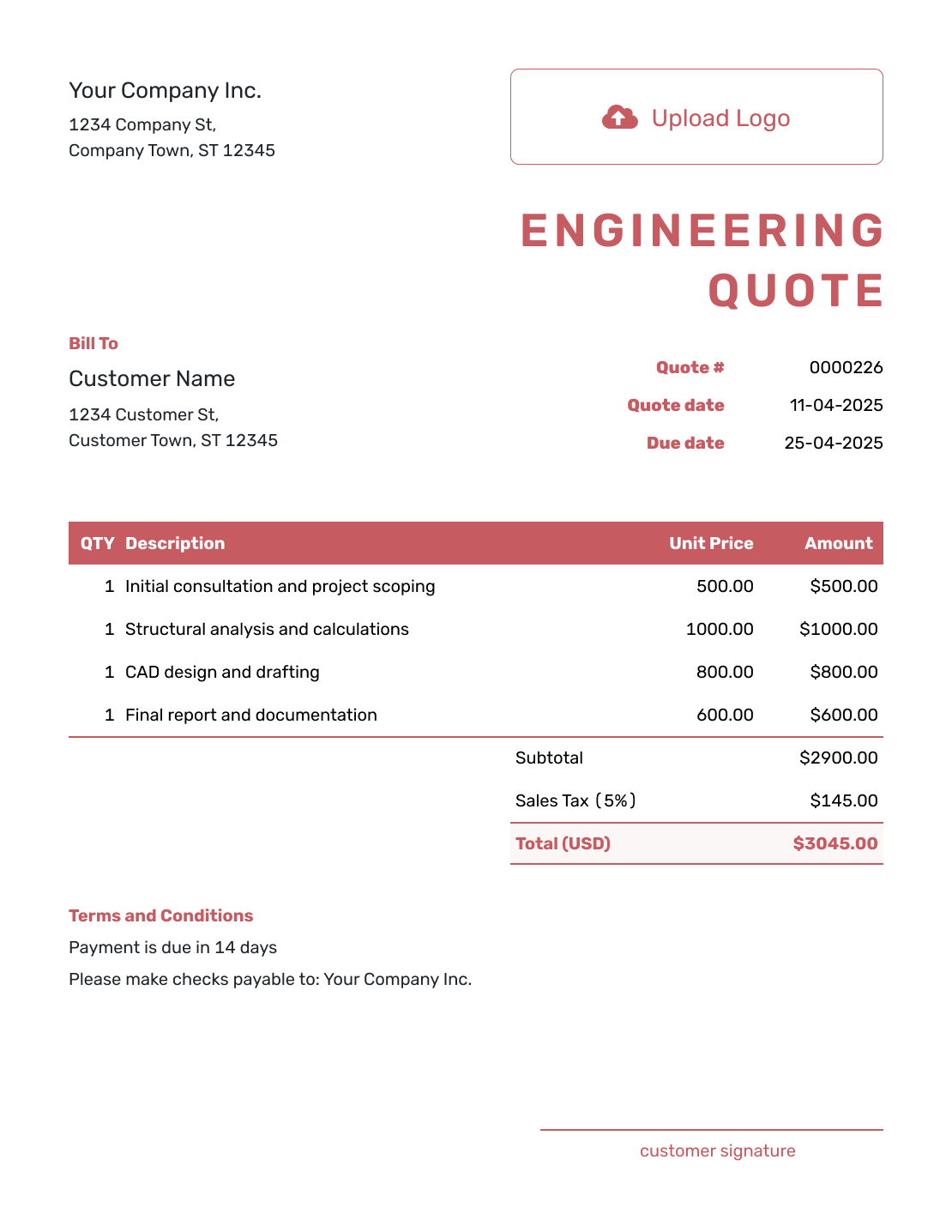
Fillable Engineering Quote Template
Create Free Quote -
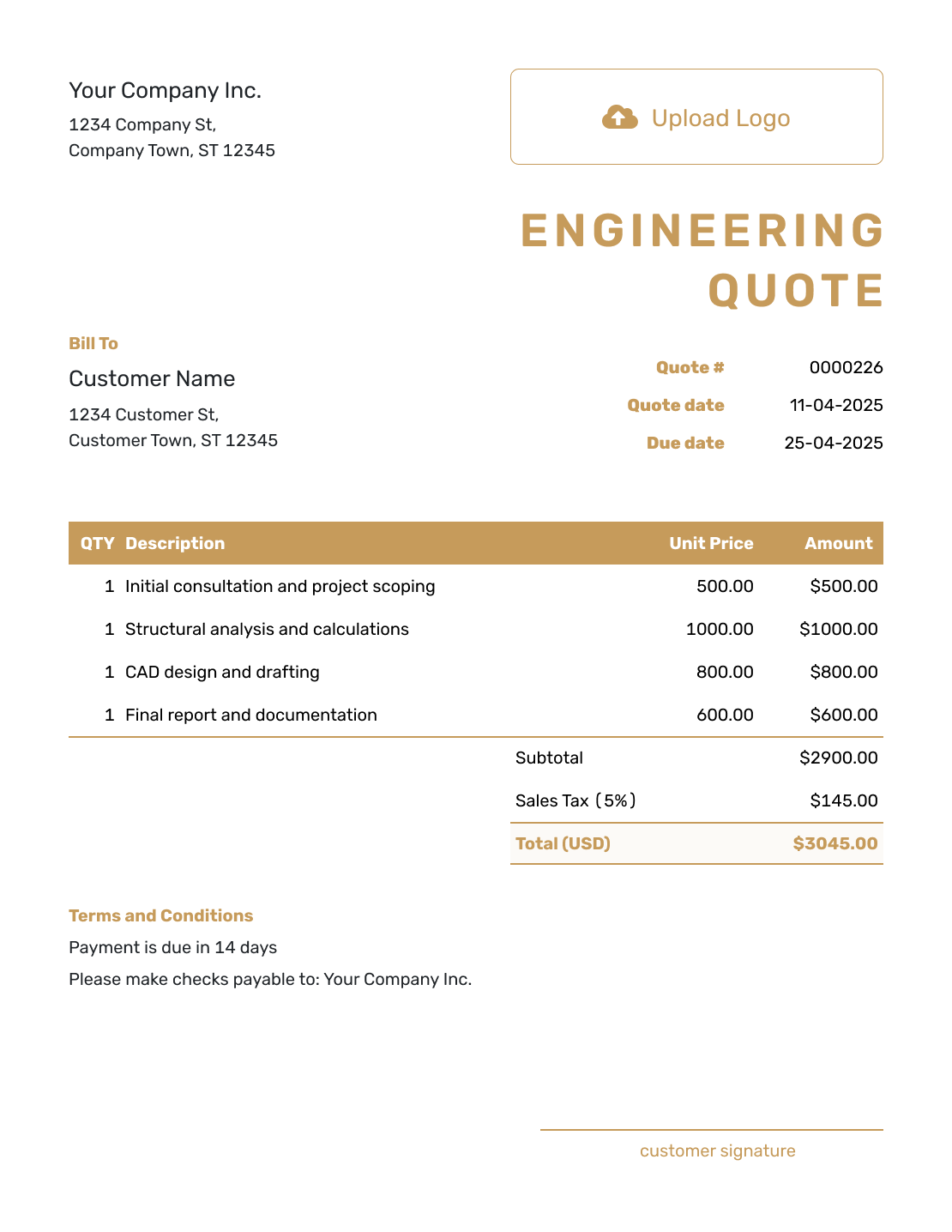
Professional Engineering Quote Template
Create Free Quote
Other Quote Template File Formats
Prefer to work in a document or spreadsheet? These pages provide separate file templates. Docelf downloads your finished online quote as a PDF.
Related Quote Templates
Browse related professional service templates for project work, hourly services, or broader consulting engagements.
After You Send the Engineering Quote
Check the document history to see when the emailed quote was delivered and opened. Your client can accept or decline it online, and Docelf emails you when they respond. If the scope changes, update the quote and send the revised offer before starting the additional work.
When it is time to bill, create an invoice from the quote. The client, phase, and fee details carry over; check that the invoice covers only the work now due for payment. For a later phase or approved expense, duplicate the invoice as a new draft and update its items and amount.
Engineering Quote Template FAQs
-
What is an engineering quote?
An engineering quote explains the services and project phases. It states the deliverables, schedule, and professional fees. It also records reimbursable expenses, assumptions, and terms.
-
What should I include in an engineering quote?
Include the business and client details, project location, and quote dates. Describe each phase and its deliverables. State the fees and expenses. Add the main assumptions, client responsibilities, and acceptance terms.
-
How should I break down an engineering fee?
Break the fee into phases or deliverables that match the project. Common phases include investigation, design, drawings, and project support. Use fixed phase fees, hourly rates, or both.
-
Should reimbursable expenses be included in the quote?
Show known travel or third-party expenses as separate items when you charge them to the client. Say whether each amount is fixed or an allowance. Costs the client pays directly should be identified as excluded from your quote total.
-
What is the difference between an engineering quote and an estimate?
A quote gives the client a specific price or pricing method for a defined scope and assumptions. An estimate is a best prediction when important project information is still missing and the final cost may change.
-
How should I handle revisions or additional engineering services?
State the review meetings and revision rounds included in the fee. Agree on the scope, price, and timing of additional services before doing the extra work, then send a revised quote when the offer changes.
-
Can I include allowances for uncertain costs?
Yes. Label an allowance clearly, explain what it covers, and state how the final charge will be handled if the actual approved cost is higher or lower.
-
How long should an engineering quote be valid?
Choose a valid period that reflects your availability, subcontractor or specialist pricing, and other costs that may change. Add a valid-until date so the client knows when the offer should be reviewed again.
-
Can I turn an accepted engineering quote into an invoice?
Yes. Create an invoice from the quote when payment is due. Check that it includes only the phase or services you are billing now. For later work, duplicate the invoice as a new draft and update the items and amount.
Ready to Send Your Engineering Quote?
Present the project as one organized offer the client can review and approve.
- Tie each phase to the drawings, analysis, or review work
- Show what the fee includes and what the client supplies
- Email the engineering quote or download a PDF




