Free Manufacturing Quote Template
Create a professional quote in minutes
Show the product specification and order quantity, with setup cost, unit price and lead time. Buyers get the detail they need to order from you with confidence.
Email, print or download your quote as a PDF.
14-day free trial. No credit card required.

Price the job. Send the quote. Get back to work.
Manufacturing Quote Template Examples
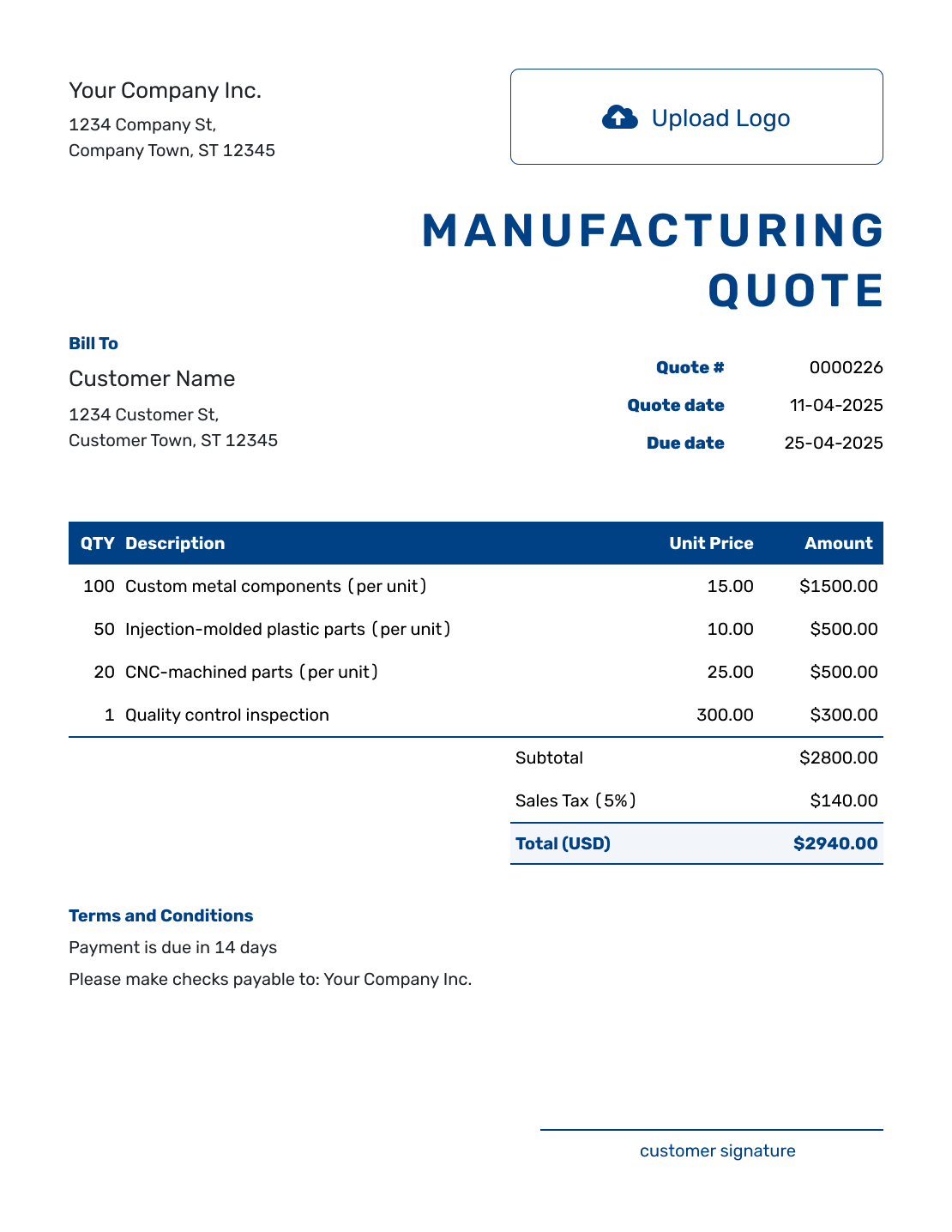
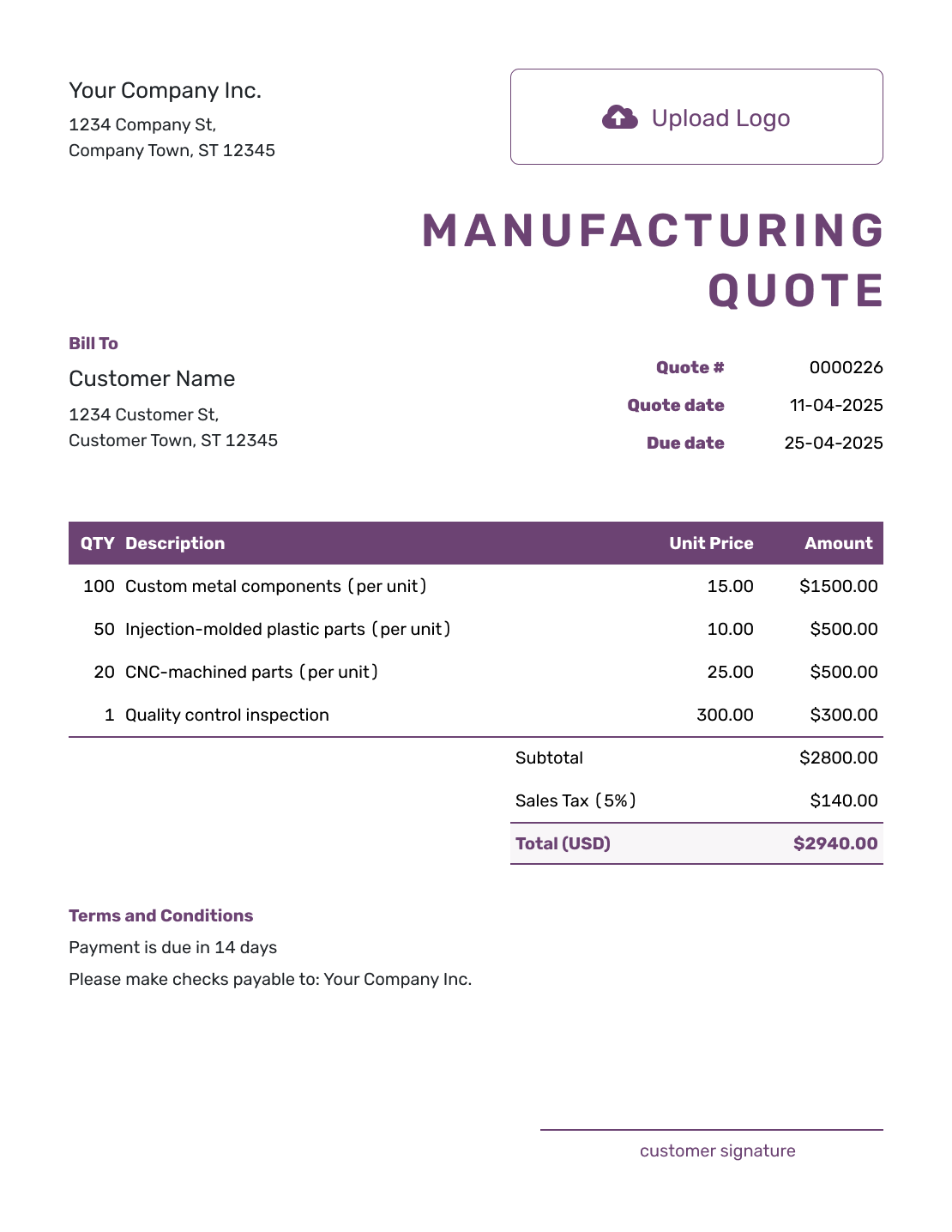
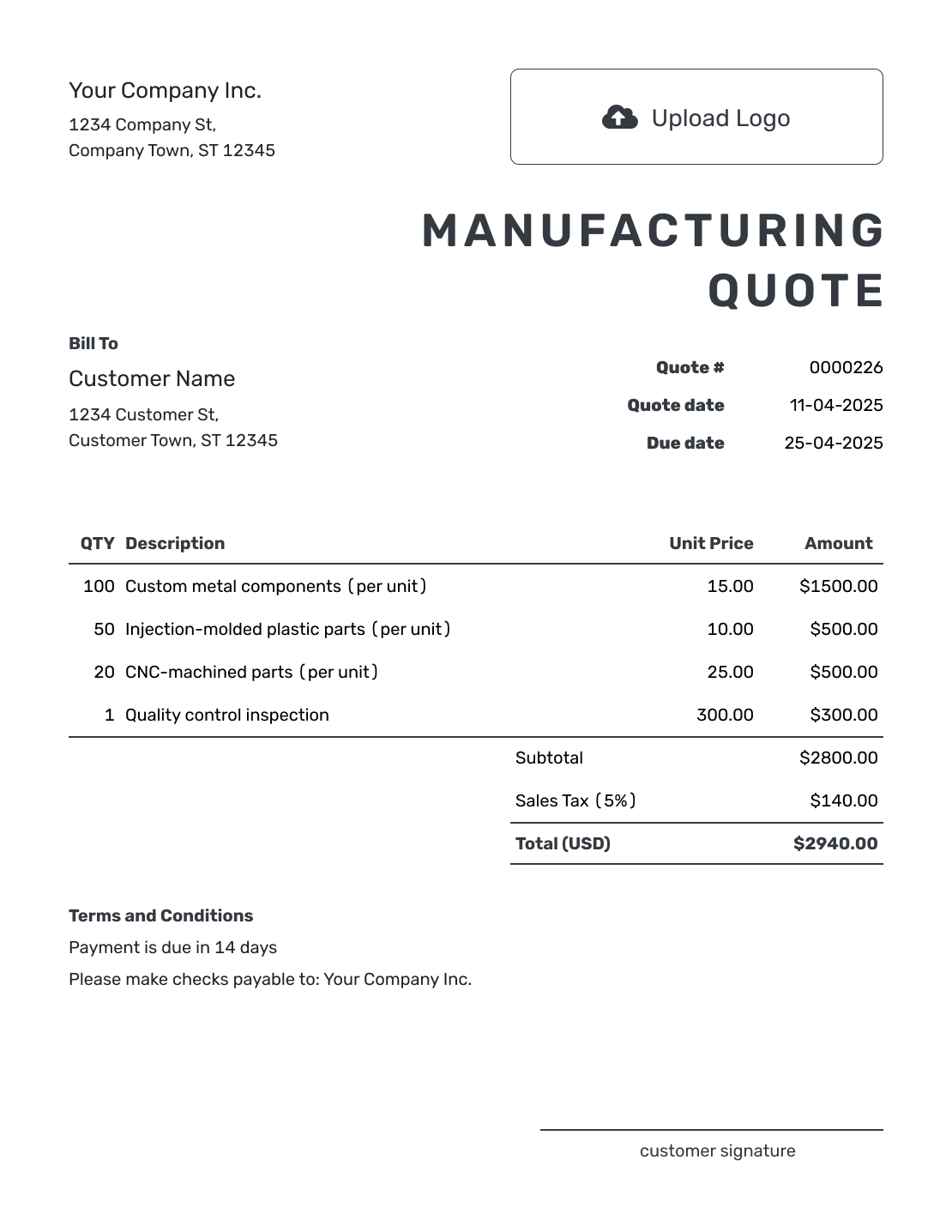
Browse these examples before adding your own product and order details. Each preview opens the same quote editor; you can choose your colors, fonts, and document design there.
What Is a Manufacturing Quote?
A manufacturing quote is a written offer to produce a defined product or order. It connects the price to the specification, order quantity, and lead time so the buyer can decide whether to place the order.
Use a quote once the design, material, and production quantity are settled enough to offer a specific price. An estimate is more useful while those details are still uncertain. An invoice requests payment when your agreed deposit, milestone, shipment, or completed order is ready to bill.
For machining-only work, use the machine shop quote template. The production quote template focuses on a defined batch or repeat run.
How to Create a Manufacturing Quote
Start with the product specification you have priced. The steps below put the buyer, order details, and total in the right places.
- Your Business: Add your manufacturing business name and contact details.
- Your Logo: Add the logo used on your product and order documents.
- The Customer: Enter the buyer’s company and contact details.
- Quote Number and Dates: Check the number and issue date. Set a valid-until date.
- Product and Charges: Reference the part and revision. Add quantities, unit prices, and setup charges.
- The Total: Check each line, applicable tax, any agreed discount, and the quote total.
- Terms and Send: Add lead time and approval conditions in Terms and Conditions. Review, then send.
How to Fill In Manufacturing Quote Line Items
Give separately priced work its own line. A setup charge applies to the order, while a unit price is multiplied by the quantity. If material or labor is already included in the product price, describe it there rather than charging for it twice.
This fictional order is for 100 aluminum covers made to drawing MC-104, revision B. Prices are in US dollars, with an illustrative 8% tax on all four charges. Use the tax treatment that applies to your order.
| QTY | Description | Unit Price | Amount |
|---|---|---|---|
| 1 | Fixture setup for cover MC-104, drawing revision B | $180.00 | $180.00 |
| 100 | Formed aluminum cover MC-104, revision B — per cover | $6.50 | $650.00 |
| 100 | Powder coating for MC-104 covers — per cover | $1.20 | $120.00 |
| 1 | Packed order delivered to the customer’s local workshop | $50.00 | $50.00 |
| Subtotal | $1,000.00 | |
| Sales Tax (8% illustrative) | $80.00 | |
| Quote Total | $1,080.00 |
The $180.00 setup charge belongs to this first order. The covers and coating cost $770.00 for 100 units, before setup, delivery, and tax. For a repeat order, confirm which preparation costs still apply instead of simply reusing the first total.
What to Include in Manufacturing Quote Terms
Use Terms and Conditions to explain what the price covers and what starts the lead time. Identify the approved specification, payment timing, delivery arrangement, and how changes will be agreed.
Adapt the sample to your actual order. Add a minimum order quantity, required certifications, or warranty terms only when they apply. Check applicable requirements before including warranty or other regulated terms.
Example: Terms and Conditions
- This offer is for 100 covers to drawing MC-104, revision B, with powder coating and local delivery as listed.
- Quote valid for 14 days from the issue date. Expected dispatch is three weeks after written drawing approval and order confirmation; local delivery follows within two working days.
- Payment is due within 30 days of the invoice date.
- Changes to the drawing, finish, or quantity will be priced and agreed before the changed work begins.
Put the Specification and Price in One Offer
Keep the product revision beside the charges it defines. Docelf calculates the total as you enter quantities and prices, ready for you to review and send.
Show What Drives the Manufacturing Price
A buyer comparing offers needs to know whether each price covers the same work. These details make that comparison easier.
Use the Correct Specification
Reference the drawing, bill of materials, or approved sample and its revision. Specify material, production operations, outside processing, inspection, packaging, and certifications where they affect the offer. This gives the buyer a clear boundary for what is included.
Separate One-time Costs
Tooling, programming, samples, or first-article checks may belong to the first order. Preparation can also recur on later orders. Label what each charge covers instead of assuming every setup charge is a one-time cost.
Show Quantity Breaks Clearly
For quantity breaks, give each order size its own complete offer or clearly separated comparison. Do not add alternative quantities together in one quote total. State any minimum order quantity and keep the specification the same across the options.
State Lead Time and What Starts It
Say what starts the lead time: for example, drawing approval, an agreed deposit, material receipt, or purchase-order release. Distinguish dispatch from delivery so the buyer knows when the order should arrive.
More Manufacturing Quote Layouts
-
Blank Manufacturing Quote Template
Create Free Quote -
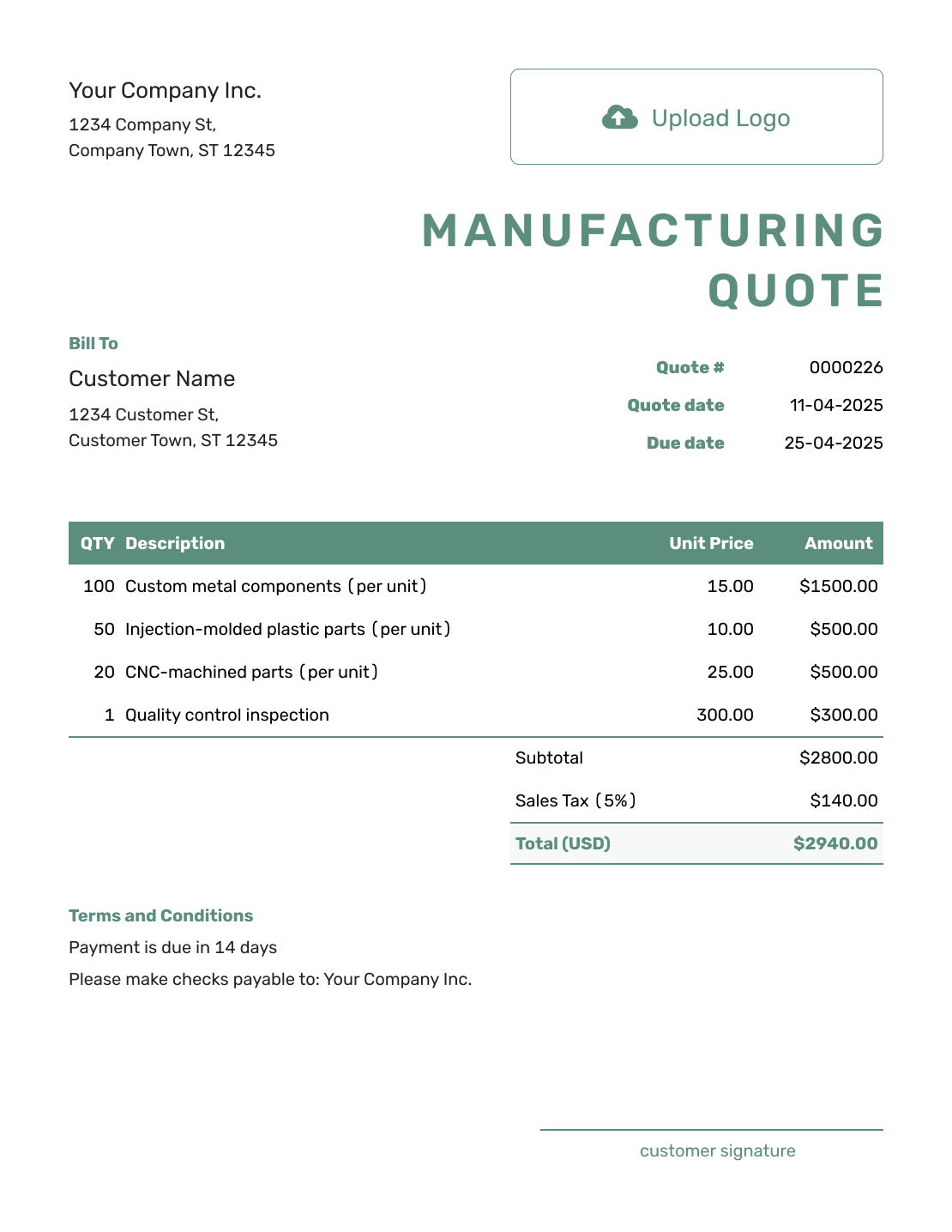
Simple Manufacturing Quote Template
Create Free Quote -
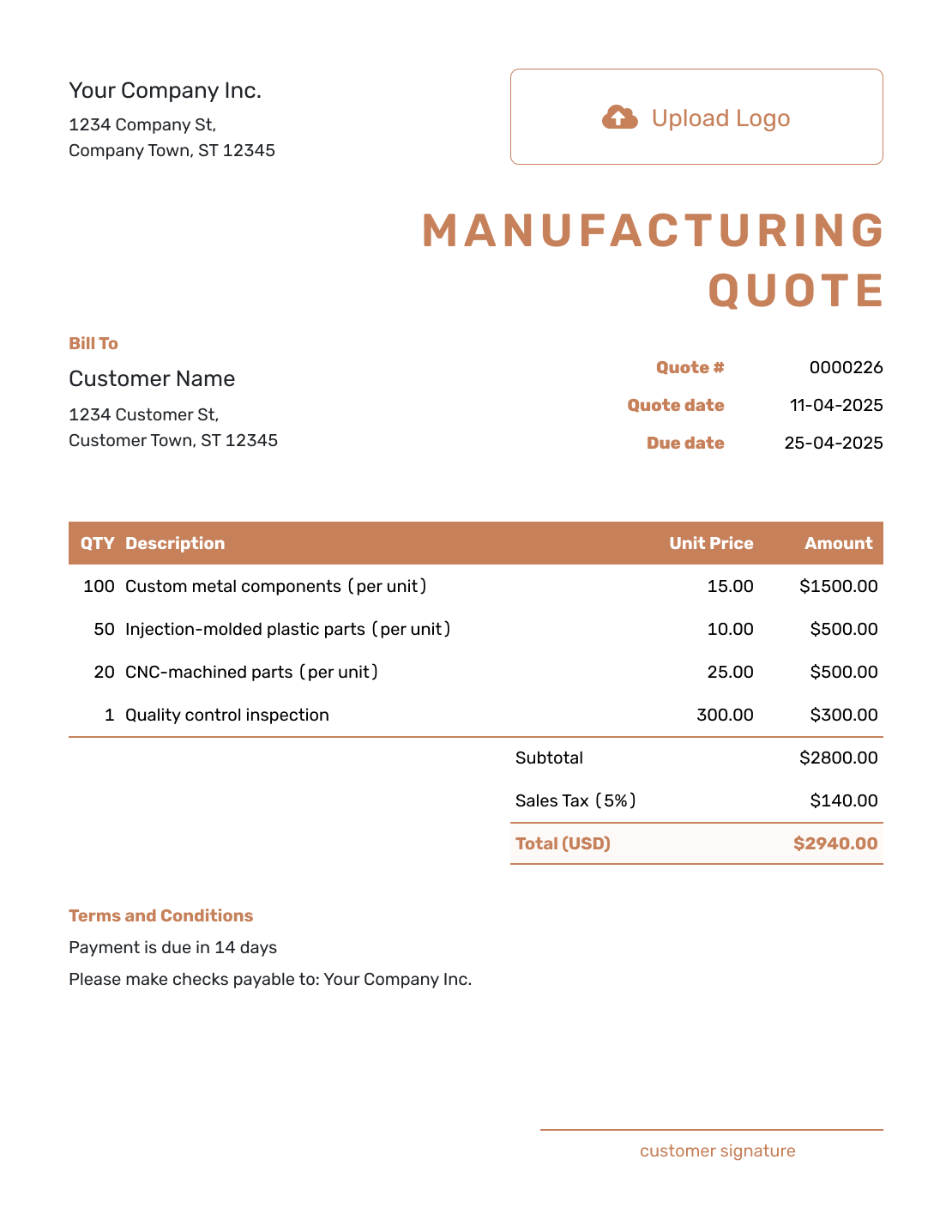
Downloadable Manufacturing Quote Template
Create Free Quote -
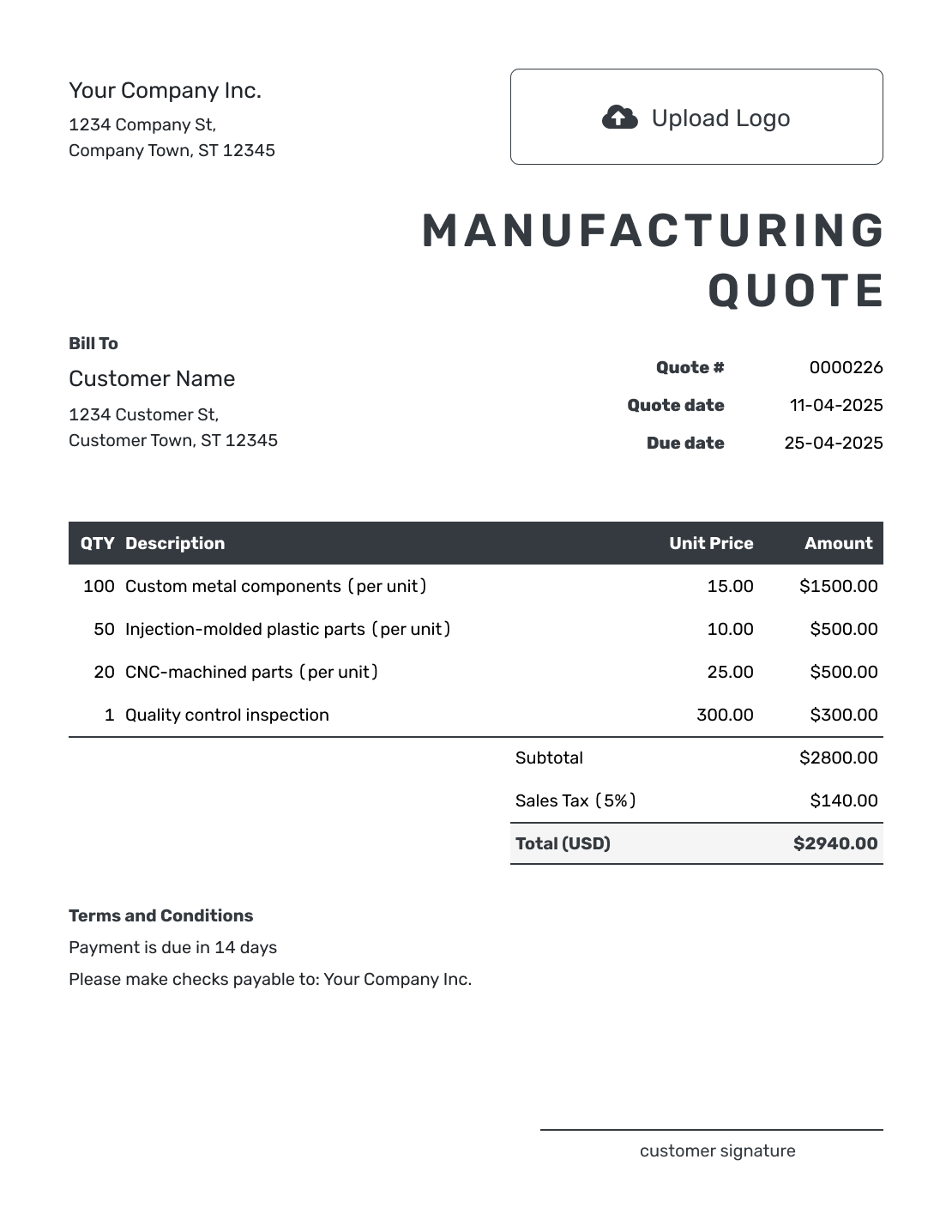
Editable Manufacturing Quote Template
Create Free Quote -
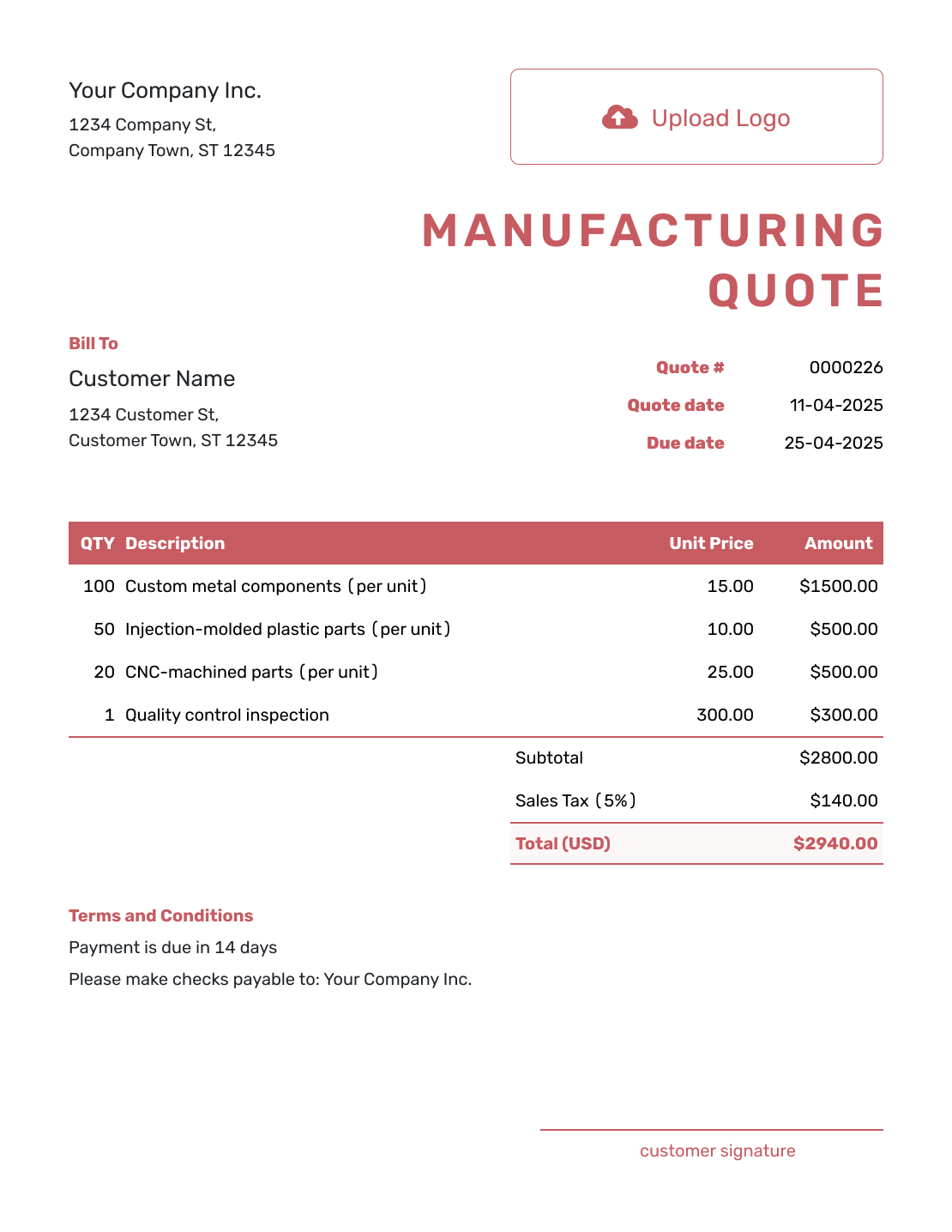
Fillable Manufacturing Quote Template
Create Free Quote -
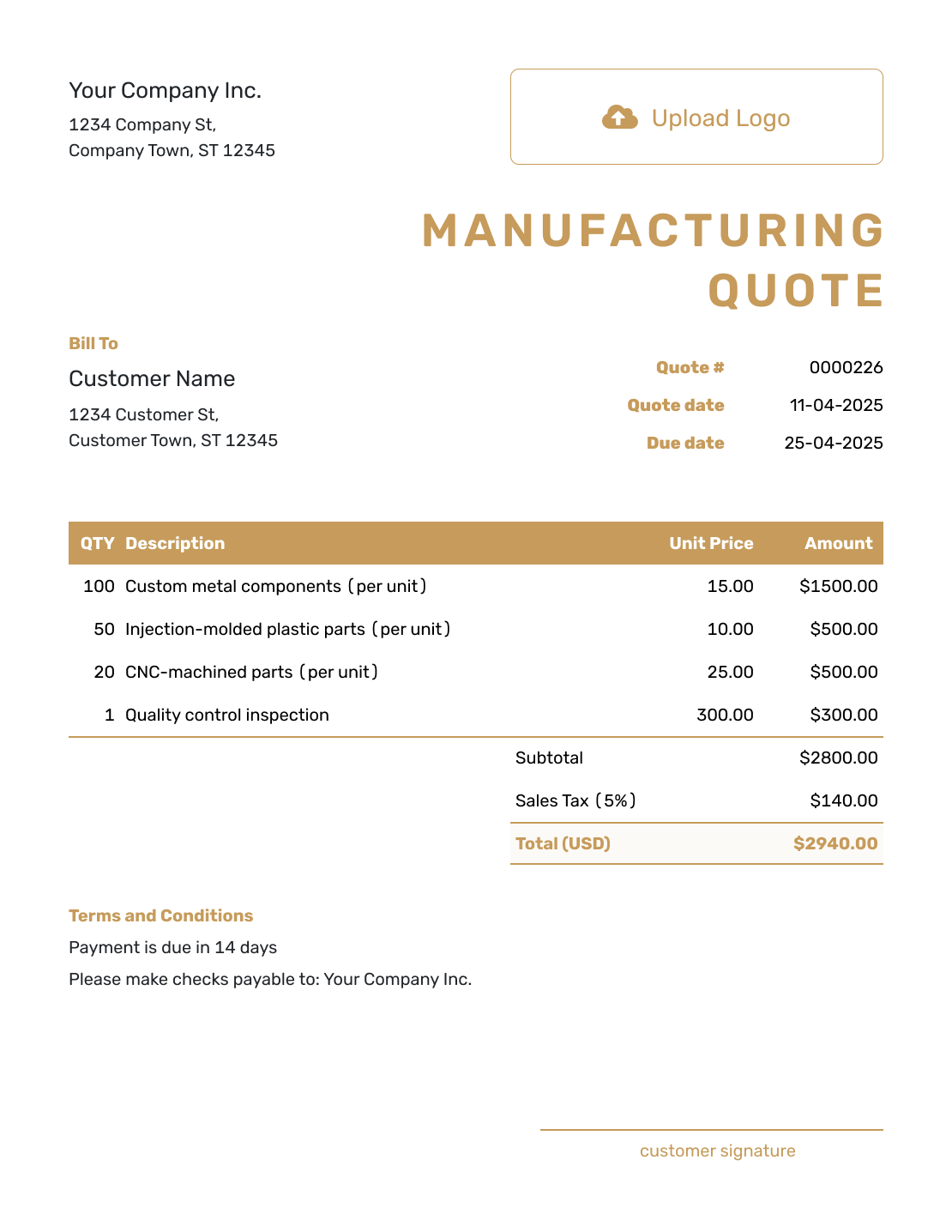
Professional Manufacturing Quote Template
Create Free Quote
After You Send the Manufacturing Quote
When you email the quote from Docelf, its history shows delivery and viewing information. Your customer can accept or decline it online without a Docelf account. If the specification or order size changes, agree on the revised price and lead time before starting the changed work.
When payment is due, create an invoice from the quote. Docelf copies the relevant customer, item, price, and document details. Review the invoice for the stage you are billing; the whole order total may not be due at once.
For a later milestone or shipment, you can duplicate the invoice as a new draft. Update its quantities, line items, dates, and amount before sending it.
Related Manufacturing and Equipment Quote Templates
Use this manufacturing template for a complete production order. Choose a machine shop, production, welding, or equipment template when that narrower type of work is the main thing being priced.
Other Quote Template File Formats
These pages offer separate document and spreadsheet templates. Use Docelf to create the quote online and download the finished document as a PDF.
See every option on the quote templates by format page.
Manufacturing Quote Template FAQs
-
Can I use a manufacturing quote for a prototype?
Yes, when the prototype specification and work are defined well enough to price. State how many samples the offer covers and what testing or inspection is included. If the design is still changing, an estimate may be a clearer starting point.
-
How do I share the specification with the quote?
Reference the specification and revision in the item description. Docelf supports PDF, JPG, GIF, PNG, and WebP attachments, up to 5 MB each. Make sure the attachment matches the revision used to calculate the price.
-
How do I show quantity pricing on a manufacturing quote?
Use a separate quote for each quantity option when each has a different total. Keep the specification and cost basis consistent, and label the quantity on each offer. The customer can then choose an order size without treating all options as one order.
-
Should tooling and setup be separate from the unit price?
Yes, when they are separately priced. Label a first-order tooling charge clearly, but check whether setup or preparation will recur. A repeat order may reuse tooling and still need machine setup or inspection.
-
Should a manufacturing quote include lead time?
Yes. State the expected lead time and what starts it. That could be design approval or a deposit. It could also be material receipt or purchase-order release. Lead time is part of the offer when it affects the customer’s decision.
-
How should I handle freight and delivery?
If you charge for freight, add it as an ordinary line item so it contributes to the subtotal. If the buyer arranges collection or freight will be priced later, state that in Terms and Conditions so the quote total is not mistaken for a delivered price.
-
How long should a manufacturing quote be valid?
Choose a validity period that fits the costs most likely to change. Material prices, outside processing, freight, or available capacity may move while the quote is open. Add a valid-until date when you should not hold the price indefinitely.
-
What if the customer changes the specification after accepting the quote?
Review the change and update the price, quantity, or lead time if needed. Send a revised quote for acceptance so it matches the new specification.
-
Can I reuse a manufacturing quote for a repeat order?
Yes. Duplicate the quote to create a new draft with a new number. Check the current specification, quantity, material prices, setup charges, and lead time before sending it. The earlier price may no longer fit the new order.
Ready to Send Your Manufacturing Quote?
Give the customer one clear production offer before materials or capacity are committed.
- Identify the product and current revision
- Show setup or tooling separately from unit pricing
- Email the manufacturing quote or download a PDF




