Free Machine Shop Quote Template
Create a professional quote in minutes
Use the current drawing revision, machining work and quantity, with setup and material costs shown clearly. The offer is easy to compare and helps customers feel confident placing the order with you.
Email, print or download your quote as a PDF.
14-day free trial. No credit card required.

Price the job. Send the quote. Get back to work.
Machine Shop Quote Template Examples
Browse layouts for a machining offer before adding the part and run details. Each preview opens the same quote editor.
-

Sample Machine Shop Quote Template
Create Free Quote -
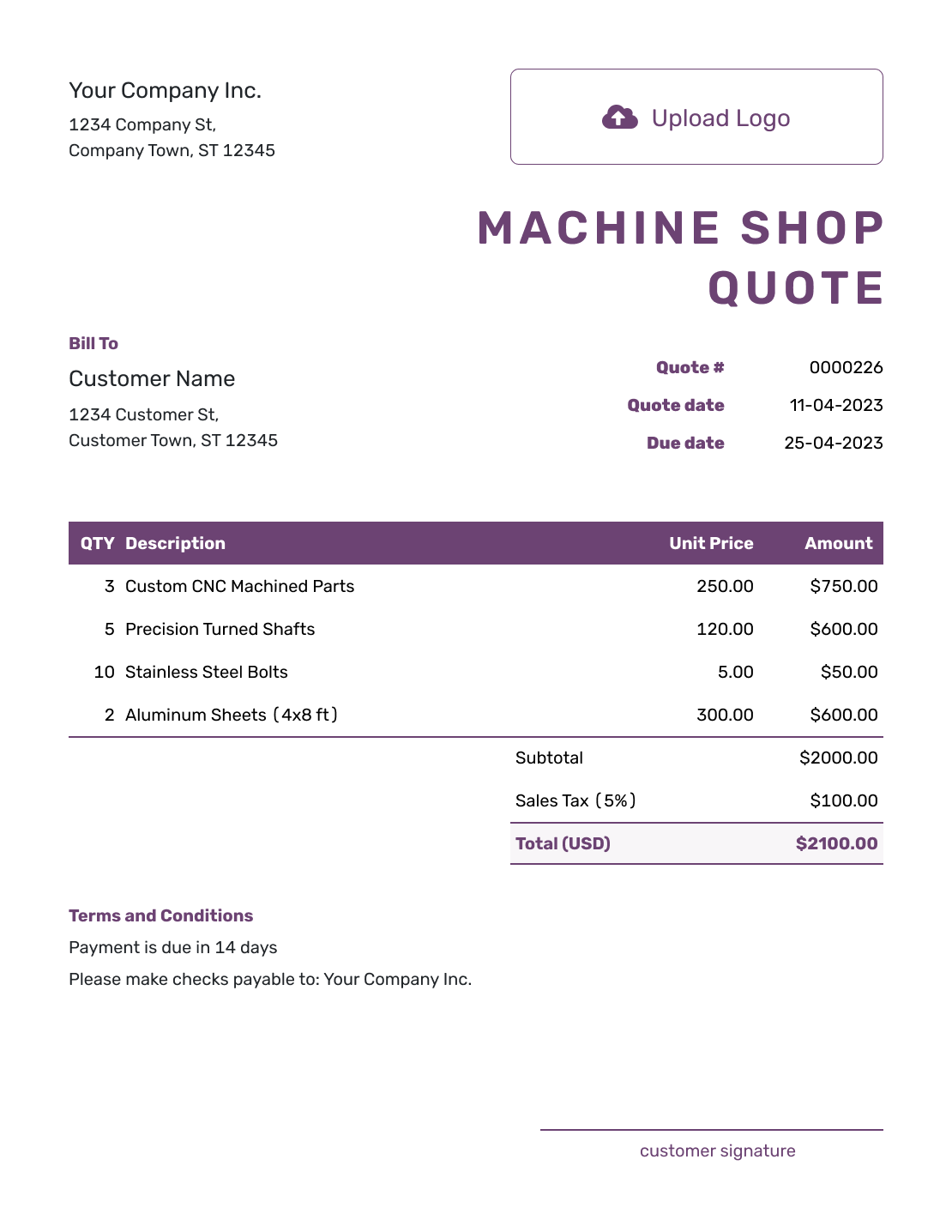
Free Machine Shop Quote Template
Create Free Quote -
Printable Machine Shop Quote Template
Create Free Quote
See six more quote previews after the pricing and terms guidance.
What Is a Machine Shop Quote?
A machine shop quote is a written offer for a defined part or machining job. It connects the price to the drawing revision, quantity, and work you will carry out. The same approach fits custom parts, repair machining, modifications, and production runs.
Use a quote when the part and scope are clear enough to price. If inspection or engineering could still change the work, use an estimate or explain the assumptions behind the price. The customer should be able to tell which material, finish, and inspection requirements your offer covers.
For a broader production order, use the manufacturing quote template. For fabricated welded work, use the welding quote template.
How to Create a Machine Shop Quote
Keep the drawing revision close to the priced work. Follow these steps to create a quote for the part and quantity your customer needs.
- Shop Details: Add your shop name and the contact for this job.
- Your Logo: Add your logo to match your other shop documents.
- Customer Details: Enter the customer who will review the offer.
- Number and Dates: Check the quote number, issue date, and valid-until date.
- Parts and Pricing: Reference the part and revision. Add setup, quantities, unit prices, and separately priced operations.
- Check the Total: Review item amounts, any discount or tax, and the total for this run.
- Terms and Sending: Add lead time and scope in Terms and Conditions. Check the revision, then email the quote or save a PDF.
How to Fill In Machine Shop Quote Line Items
Separate one-time setup from work priced per part. Say whether the unit price includes material, machining, and finishing so the customer does not read the same cost twice. Give separately priced inspection or outside processes their own rows.
This fictional quote covers 20 aluminum mounting brackets to drawing BR-204, revision C. The part price includes material and machining; setup and a dimensional inspection report are separate. All three lines have an illustrative 8% tax.
| QTY | Description | Unit Price | Amount |
|---|---|---|---|
| 1 | Setup and programming — BR-204 revision C | $250.00 | $250.00 |
| 20 | Aluminum mounting bracket — material and machining | $28.00 | $560.00 |
| 1 | Dimensional inspection report for the 20-part run | $90.00 | $90.00 |
| Subtotal | $900.00 | |
| Sales Tax (8% illustrative) | $72.00 | |
| Quote Total | $972.00 |
What to Include in Machine Shop Quote Terms
Use Terms and Conditions to connect the price to the drawing, material, and quantity. State when the lead time starts, what finishing or inspection is included, and how you will handle a changed revision. Include only conditions that apply to this job.
The sample below belongs to the 20-bracket run above. Replace its timing and payment terms with your own agreement.
Example: Terms and Conditions
- Price is for 20 aluminum brackets to drawing BR-204, revision C, with setup and one dimensional inspection report.
- Parts supplied deburred. Coating and heat treatment are not included.
- Offer valid for 14 days from the quote date. Ready for customer collection within 15 business days after written acceptance and approval of revision C.
- Payment due within 30 days of invoice. Changes to the revision, quantity, or inspection requirements need a revised quote.
Send the Price for the Agreed Part
Build the quote around the current drawing and run quantity. Docelf calculates the total while you keep the scope and lead time clear.
Tie the Price to the Drawing Revision
A drawing tells you what to produce; the quote tells the customer what you have priced. Keep the two consistent, especially when the customer is still changing the design.
Reference the Drawing Revision
Use the same part number and revision in the description and Terms and Conditions. You can attach the quoted drawing as a PDF or image. A new revision needs a price and lead-time review before you confirm the change.
Separate Setup From Run Cost
Setup, programming, fixtures, or first-article work can have their own prices. State the run quantity the unit price covers. For a different quantity or repeat order, check both setup and unit pricing before reusing the quote.
Call Out Critical Requirements
Reference the material specification, tolerances, surface finish, and any inspection report or certification included in the price. If the customer supplies material, identify it and agree on usable quantities and responsibility for scrap before the work starts.
Include Outside Processes and Delivery
State whether heat treatment, plating, grinding, or outside inspection is included. Separately priced packaging and freight belong in the item table. Give a lead time that covers the promised work and say when that time starts.
More Machine Shop Quote Layouts
-
Blank Machine Shop Quote Template
Create Free Quote -
Simple Machine Shop Quote Template
Create Free Quote -
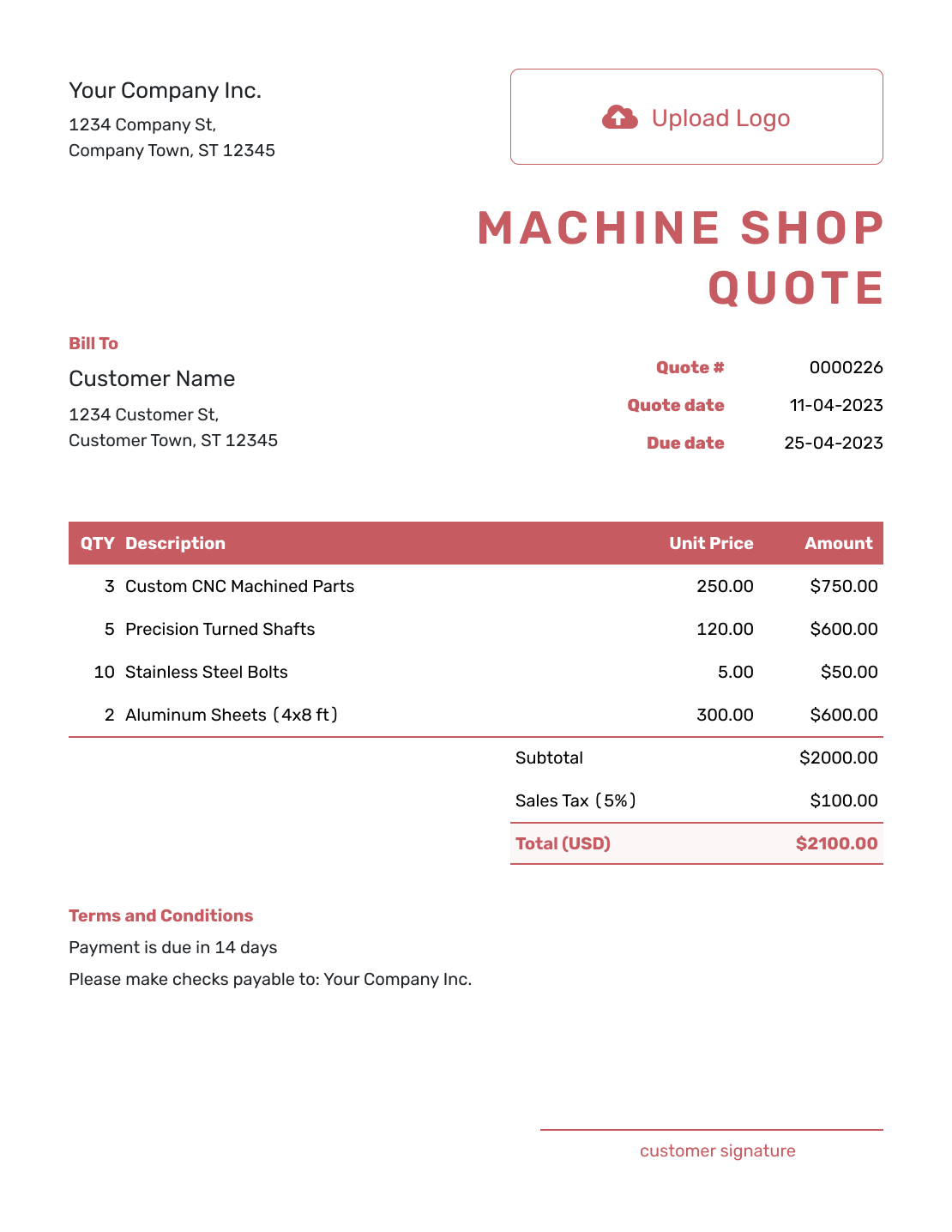
Downloadable Machine Shop Quote Template
Create Free Quote -
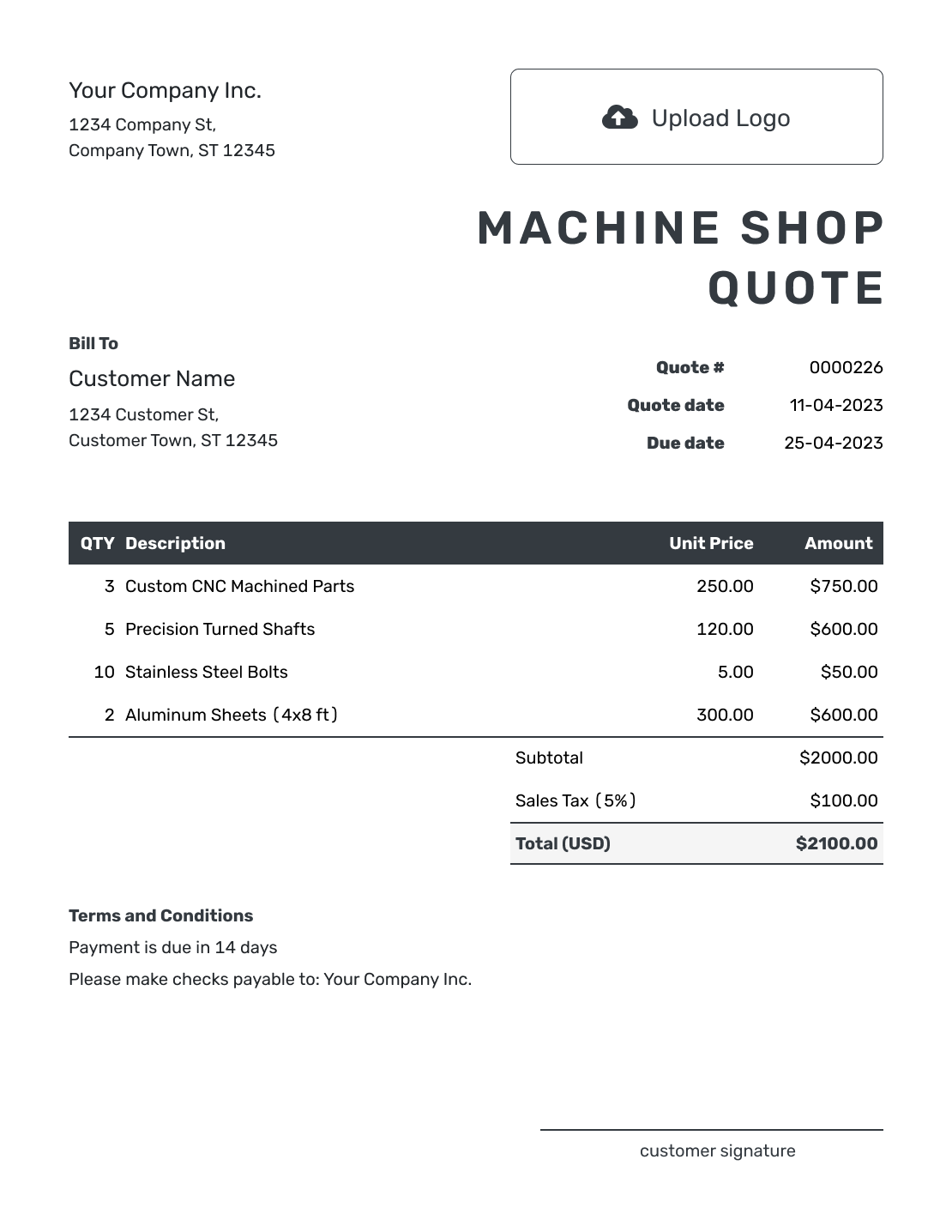
Editable Machine Shop Quote Template
Create Free Quote -
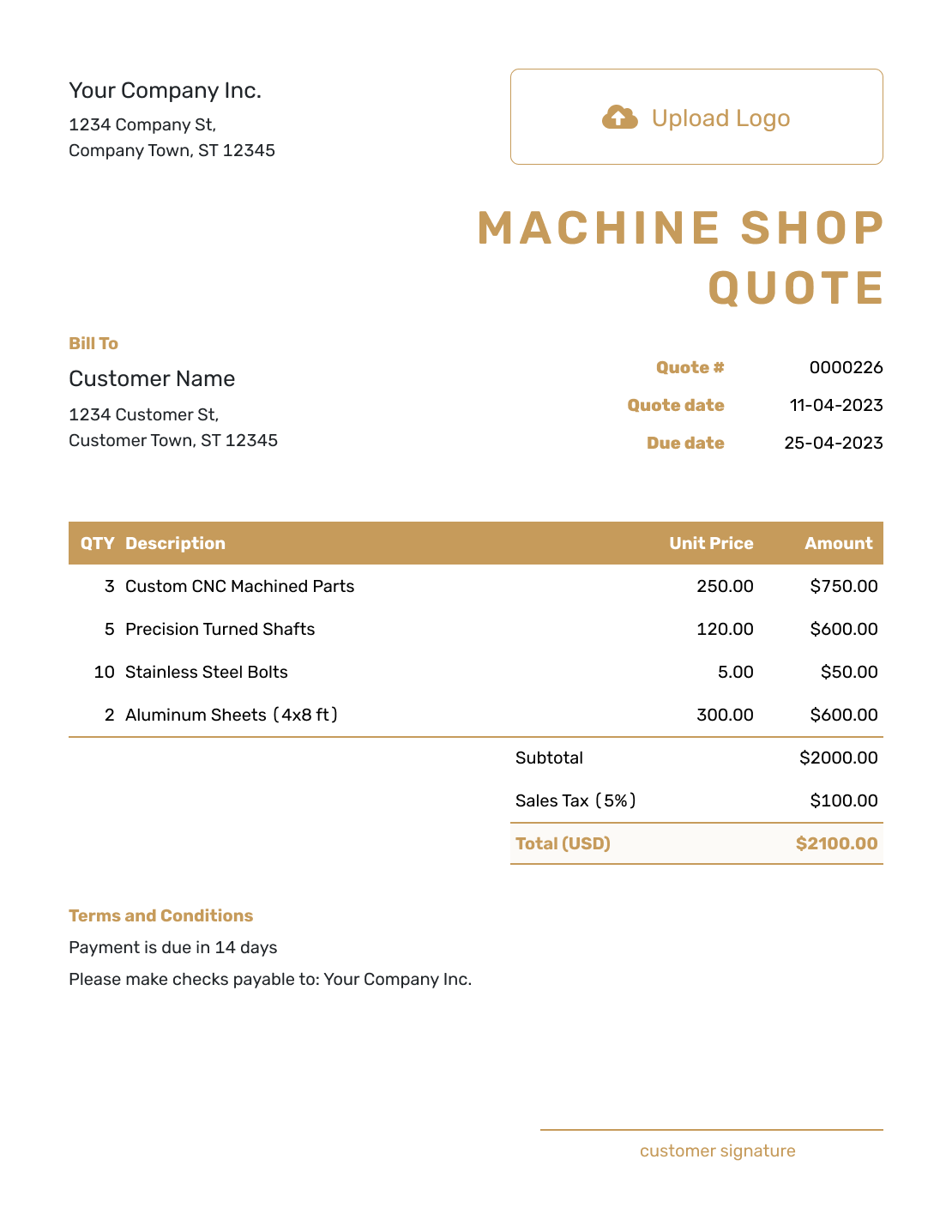
Fillable Machine Shop Quote Template
Create Free Quote -
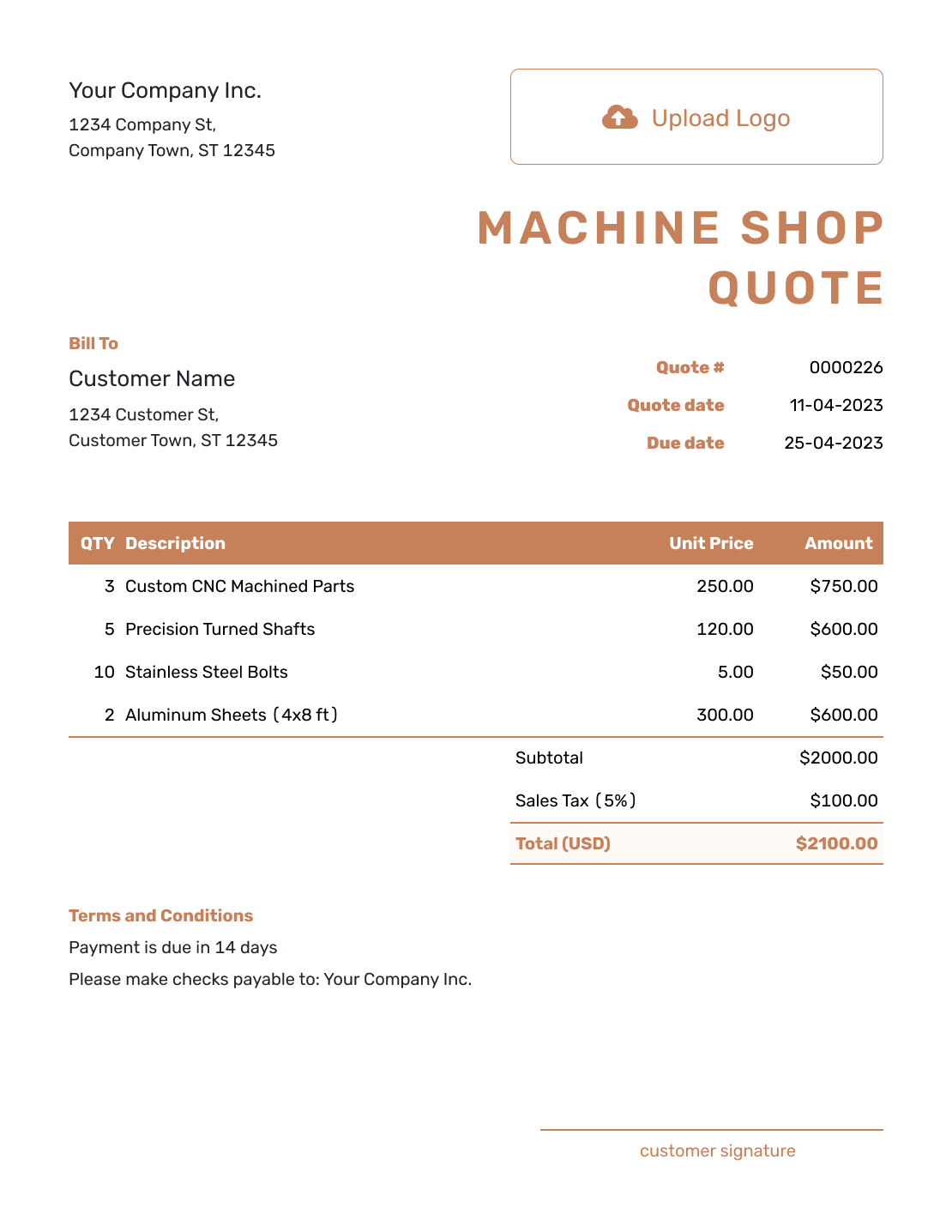
Professional Machine Shop Quote Template
Create Free Quote
Related Manufacturing and Shop Quote Templates
Use the machine shop template when machining details drive the price. Choose a broader manufacturing or production template when the order includes more than machining, or a welding template for welded fabrication and repair.
Other Quote Template File Formats
These pages offer separate document and spreadsheet templates. Use one if you prefer to edit in that format; Docelf downloads the finished quote as a PDF.
See every option on the quote templates by format page.
After You Send the Machine Shop Quote
Your customer can accept or decline the quote online without a Docelf account. Check delivery and opening information in the document history. If they ask for a different revision or quantity, review the price and lead time before sending an updated offer.
Create an invoice from the quote when work is ready to bill. Docelf copies the customer and line items. For a later part of the run, you can duplicate the invoice as a new numbered draft; update it to include only the quantities and charges now being billed.
Machine Shop Quote Template FAQs
-
Does the same unit price apply to a different quantity?
Only if you confirm it. The unit price belongs to the quantity and scope stated in the quote. Review setup, material, and run pricing when the customer changes the quantity, then send a revised offer.
-
Can I attach the drawing to the quote?
Yes. Attach the quoted revision as a PDF, JPG, GIF, PNG, or WebP file, up to 5 MB per attachment. For a CAD file, export a PDF or supported image before attaching it. Name the part and revision in the quote as well.
-
Should I include the drawing revision on a machine shop quote?
Yes, when the job uses a drawing or model. The revision identifies the design covered by the price. Use it consistently in the quote and any drawing attachment, then review the offer if the design changes.
-
How should I show setup and unit pricing?
Show setup, programming, fixtures, or first-article work separately when they are one-time costs. Then show unit pricing for the run so quantity changes are easier to evaluate.
-
Do tolerances and inspection requirements belong on the quote?
Include the quality requirements that materially affect the job or price. A tight tolerance or special inspection can change machining time. Certifications and measurement requirements can also add work or risk.
-
How do I handle customer-supplied material?
State that the material is customer-supplied and note any assumptions that affect machining or scrap responsibility. If you provide the material, list the material cost or include it clearly in the quoted price.
-
Should a machine shop quote include lead time?
Yes. State the lead time the price is based on and note when it starts, especially if the clock begins after drawing approval, material receipt, or purchase-order release.
-
What if the customer changes the drawing or quantity after accepting the quote?
Review the change, update the price or lead time if needed, and send a revised quote for acceptance. Do not assume the old price still applies to a new revision or quantity.
-
Can I turn an accepted machine shop quote into an invoice?
Yes. Create the invoice from the quote in Docelf, then review the quantities and charges before sending it. If you bill the run in stages, include only the work being billed on that invoice.
Ready to Send Your Machine Shop Quote?
Give your customer a price tied to the part they need and the work your shop will provide.
- Reference the part and drawing revision
- Show setup, run pricing, and lead time
- Email the quote or download a PDF




