Free Power Washing Quote Template
Create a professional quote in minutes
List each surface and its condition, with preparation or special treatment priced clearly. The full job is clear at a glance, helping customers feel ready to hire you.
Email, print or download your quote as a PDF.
14-day free trial. No credit card required.

Price the job. Send the quote. Get back to work.
Power Washing Quote Template Examples
Use these previews for layout ideas before pricing your surfaces. Each opens the same quote editor, where you can enter the measured areas and cleaning work.
-
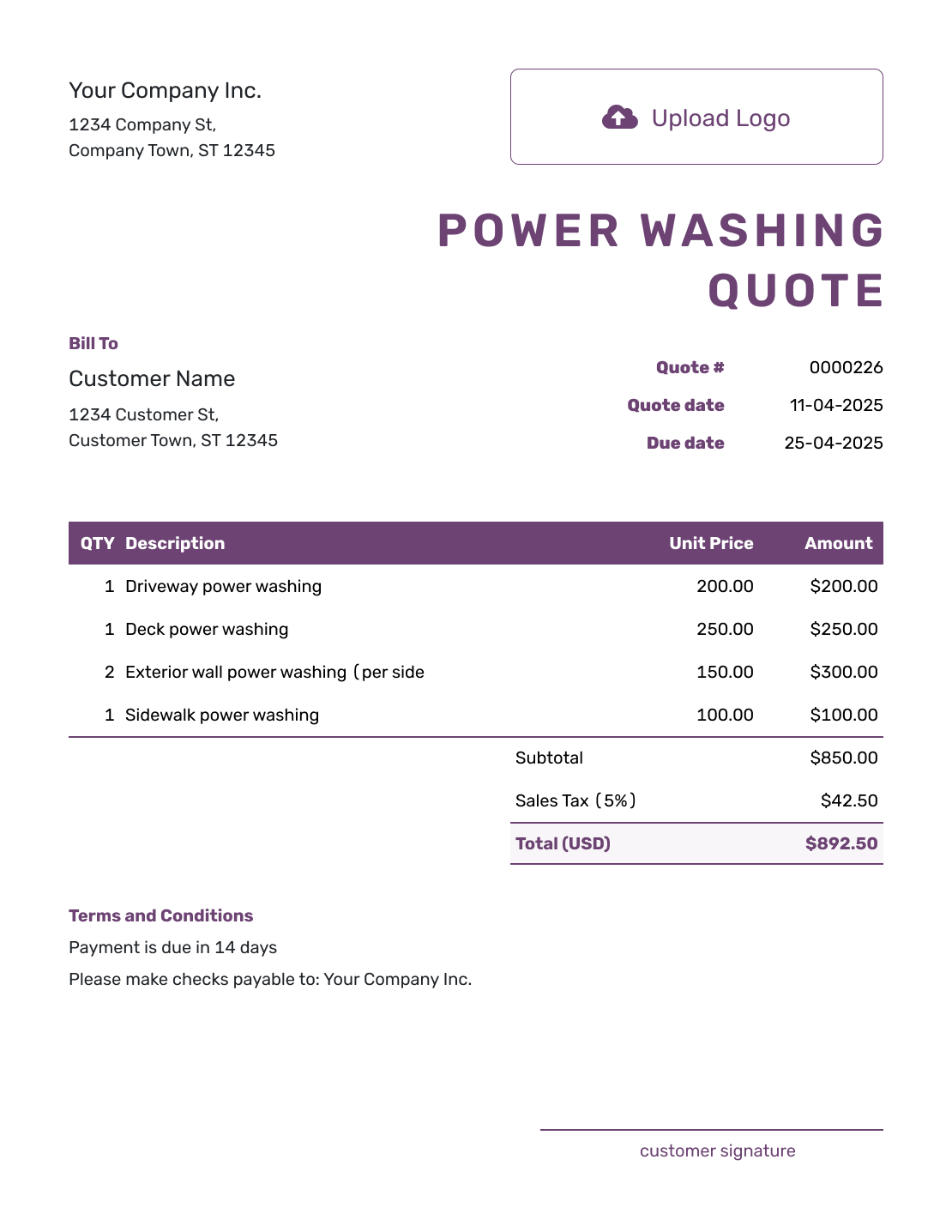
Free Power Washing Quote Template
Create Free Quote -
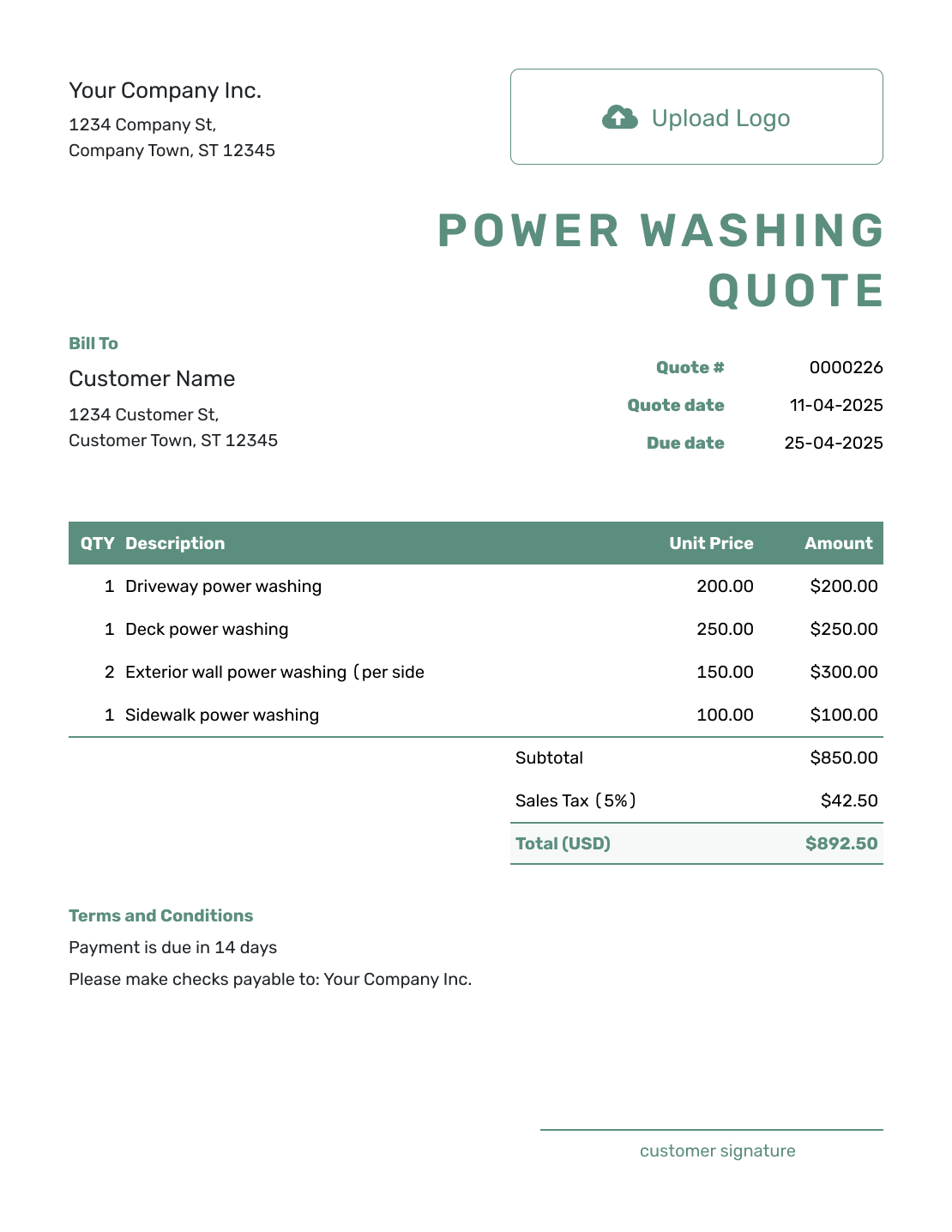
Simple Power Washing Quote Template
Create Free Quote -
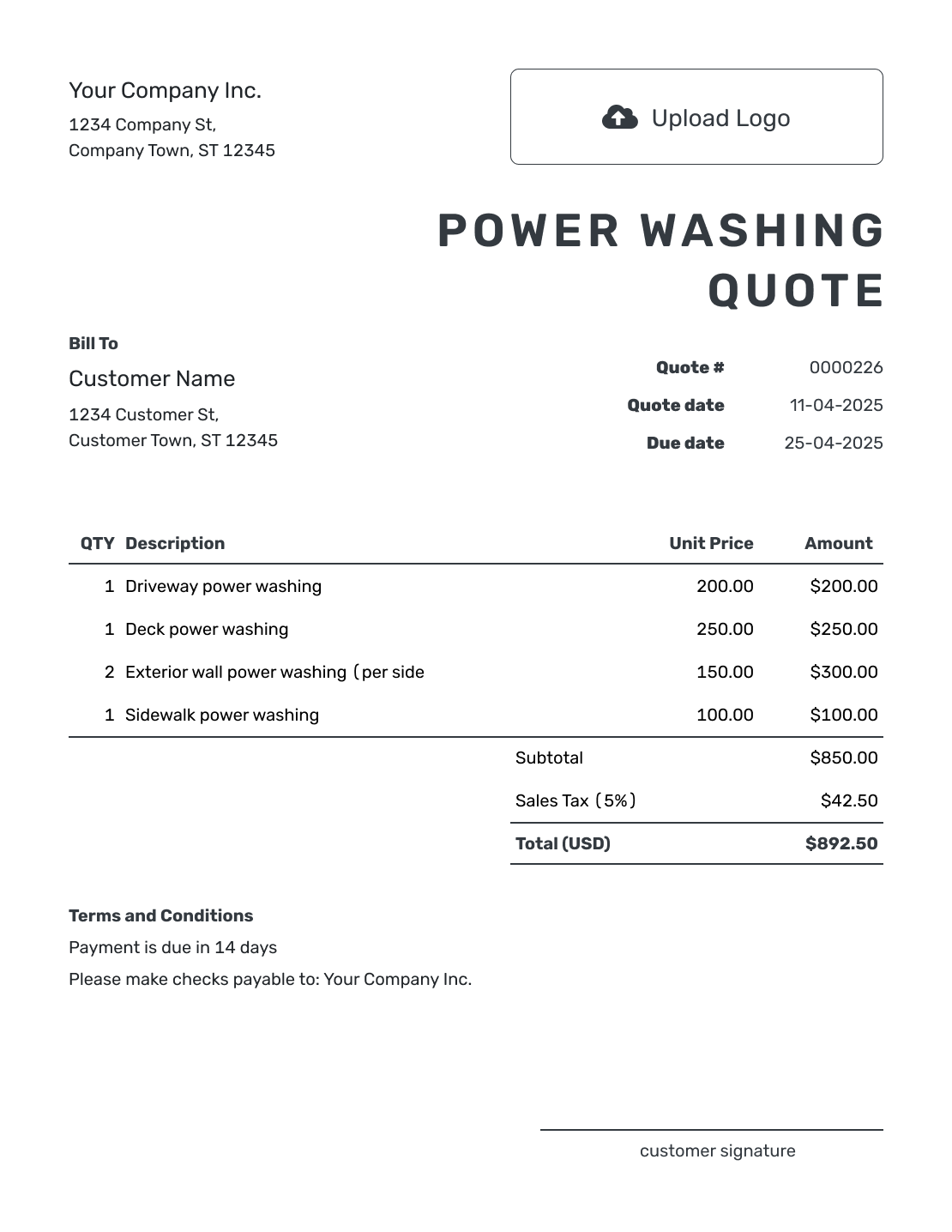
Printable Power Washing Quote Template
Create Free Quote
See the other six power washing quote previews below the practical guidance.
What Is a Power Washing Quote?
A power washing quote is a written offer for cleaning specific exterior surfaces. It tells the customer what you will wash and how you priced it. It also explains the included preparation or treatment and the total cost.
Use a quote after you know the surfaces and their condition. Confirm the access and requested result, then set the scope and price. If the job changes after inspection, update the quote before doing the added work.
How to Create a Power Washing Quote
Confirm the surfaces, measurements, and access before setting the price. The steps below put that site information into a quote the customer can review.
- Power Washing Business: Add your business details and the contact customers should use for site questions.
- Branding: Add your logo so the quote matches your other customer documents.
- Customer and Property: Enter the customer and service address. Note the site contact and access arrangements.
- Quote Dates: Check the quote number and issue date. Set a valid-until date for the offer.
- Surfaces and Prices: List each surface and method with its quantity, unit, and rate. Check the tax and total.
- Preparation and Terms: Use Terms and Conditions for preparation, water access, the service date, and payment terms.
- Review and Send: Check measurements, included treatments, and total. Review, then email or download the quote.
How to Fill In Power Washing Quote Line Items
Name the surface and the unit behind each quantity. If a treatment has its own price, give it a separate row so the customer can see what it adds to the job.
This fictional quote covers a concrete driveway, a front walkway, and oil-spot pretreatment on the driveway. Prices are in US dollars. All three charges use an illustrative 8% tax rate; use the tax treatment that applies to your work.
| QTY | Description | Unit Price | Amount |
|---|---|---|---|
| 800 | Concrete driveway wash — per sq ft | $0.25 | $200.00 |
| 200 | Front walkway wash — per sq ft | $0.30 | $60.00 |
| 1 | Oil-spot pretreatment on driveway | $40.00 | $40.00 |
| Subtotal | $300.00 | |
| Sales Tax (8% illustrative) | $24.00 | |
| Quote Total | $324.00 |
What to Include in Power Washing Quote Terms
The Terms and Conditions field explains the practical arrangements behind the price. Use it for customer preparation, the water supply, payment timing, and how you will confirm the service date.
For this example, the driveway treatment is included, but a specific stain-removal result is not promised. Adapt the wording to the work you inspected and the policies your business actually uses. Replace the date before sending.
Example: Terms and Conditions
- This quote is valid until [date]. We will confirm the service date after acceptance and agree on another date if weather prevents the work.
- The price covers the driveway, front walkway, and driveway oil-spot pretreatment listed above. Complete removal of old stains and cleaning other surfaces are not included.
- The customer will clear movable items from the quoted areas and provide access to the agreed water supply.
- Payment is due on completion. Additional surfaces or treatments require a revised quote for approval.
Put the Site Visit Into a Clear Offer
Enter the areas you measured and the work you agreed to price. Docelf calculates the total, so you can review the offer and send it from the same place.
What to Include in a Power Washing Quote
The customer should be able to see which surfaces you will clean, how you priced them, and what preparation or extra treatment is included.
Customer and Property
Add the customer and service address. Name the site contact and note any access or parking issue that affects setup.
Surfaces and Measurements
List each surface and its size or quantity. Name every surface included in the job. Group similar areas when the same method and price apply.
Condition and Preparation
Note the condition that changes the work. Call out heavy buildup or loose material. Add any customer preparation or site obstacle separately.
Cleaning Work and Treatments
Describe the washing method and any treatment included. Put spot work or surface-specific preparation on separate lines.
Equipment, Access, and Protection
State any access or setup that changes the work, such as lift access or the water supply. Add travel, containment, or protection only when it changes the price.
Price, Schedule, and Terms
Show the line-item prices and total. Add the planned service date and weather policy. Then state the exclusions, payment terms, and acceptance details.
Choose a Power Washing Pricing Method
Use a pricing method that fits the surface and makes the calculation easy for the customer to follow.
- Flat price: Use a fixed price when the surfaces and condition are clear. Describe optional treatments and their prices in Terms and Conditions, outside the total until chosen.
- Price by area or length: Show the measured area or length and the rate. Use separate rates when surfaces need different work.
- Itemized by surface: Price each surface separately so the customer can compare the choices. Revise the quote total for the work they select before acceptance.
- Hourly or minimum charge: Show the rate and included hours, or the minimum service price. Explain how extra time needs approval; use an estimate if the time is still too uncertain for a specific offer.
Explain What Changes the Cleaning Price
Two areas of the same size can need different preparation or equipment. Heavy buildup, a fragile surface, or restricted access may explain why one costs more. Describe the condition you used for pricing, then show any separately charged treatment or setup. If preparation is already included in the washing price, say so in that description.
Power Washing Quote, Estimate, or Invoice?
Use a quote for a defined surface-cleaning scope and price. Use an estimate when measurements or treatment may change, and an invoice when the work is ready to bill.
Quote
Use a quote when the surfaces and price are clear. The customer can approve the work before you schedule it.
Estimate
Use an estimate when the surface condition or preparation is uncertain. Explain what could change the final price.
Invoice
Send an invoice when payment is due. It shows the amount to pay and the payment deadline for the agreed work.
After You Send the Power Washing Quote
Check the document history to see whether the emailed quote was delivered and opened. Your customer can accept or decline it online without a Docelf account. Docelf updates the status and emails you when they respond.
If the customer adds a patio or asks for another treatment, revise the scope and price before doing that work. Saving changes does not email the quote; choose to send the revised version and ask the customer to accept it.
When payment is due, create an invoice from the quote. Docelf copies the customer, item, and price details. Check them against the agreed job before sending the invoice.
More Power Washing Quote Layouts
Here are the remaining six previews. Reuse saved customer and service details in Docelf, then check the new measurements and rates. Docelf recalculates tax, any discount, and the total as you edit; download the finished quote as a PDF when it is ready.
-
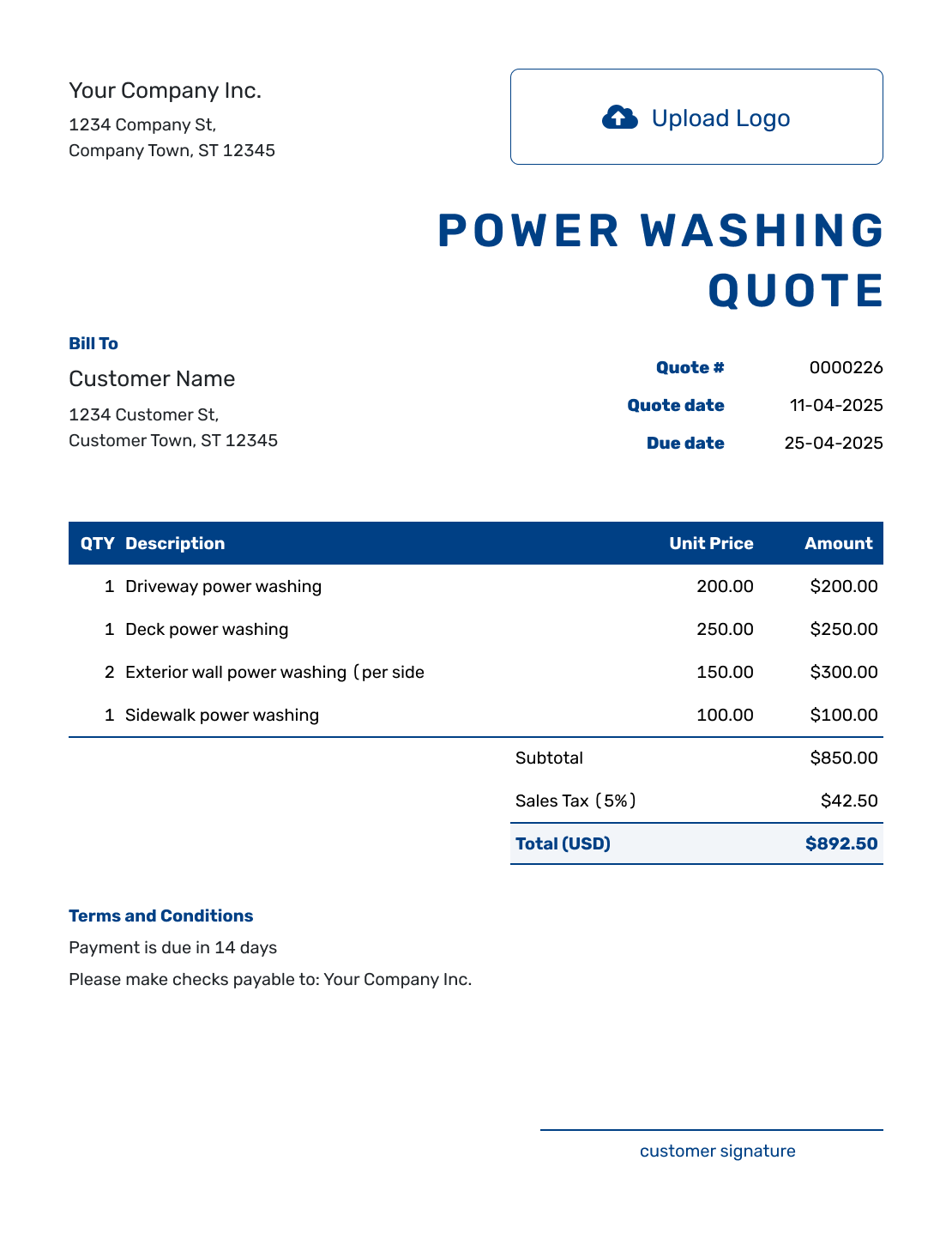
Sample Power Washing Quote Template
Create Free Quote -
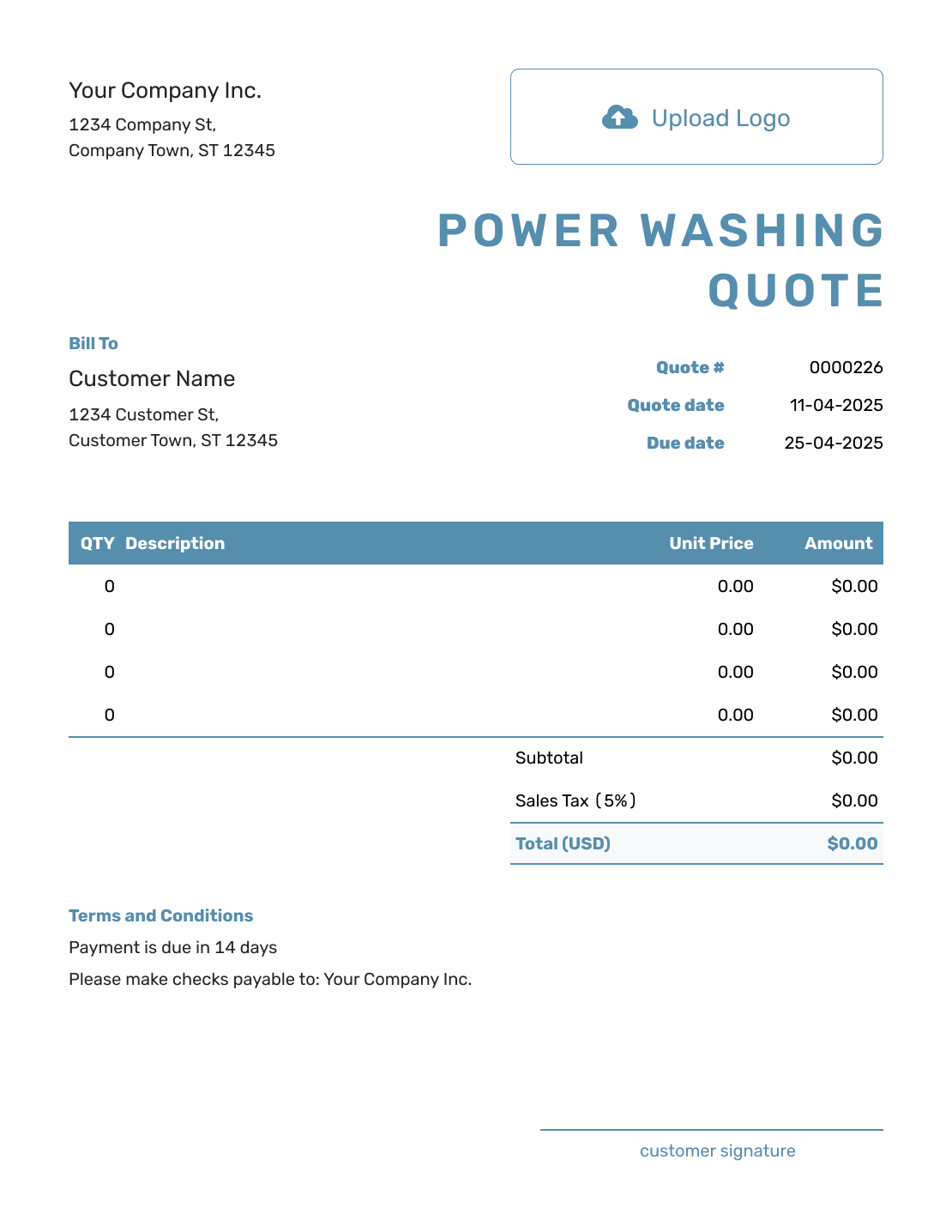
Blank Power Washing Quote Template
Create Free Quote -
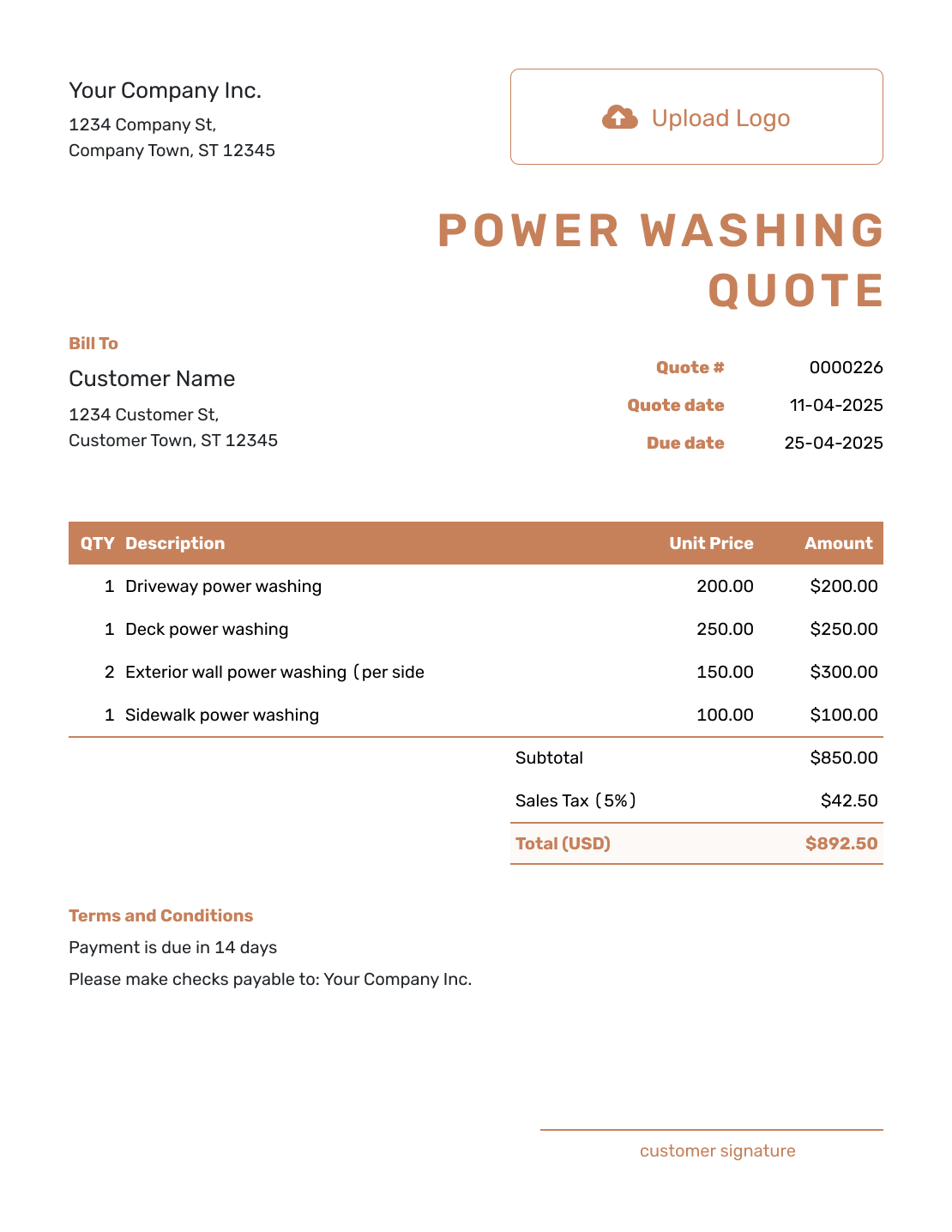
Downloadable Power Washing Quote Template
Create Free Quote -
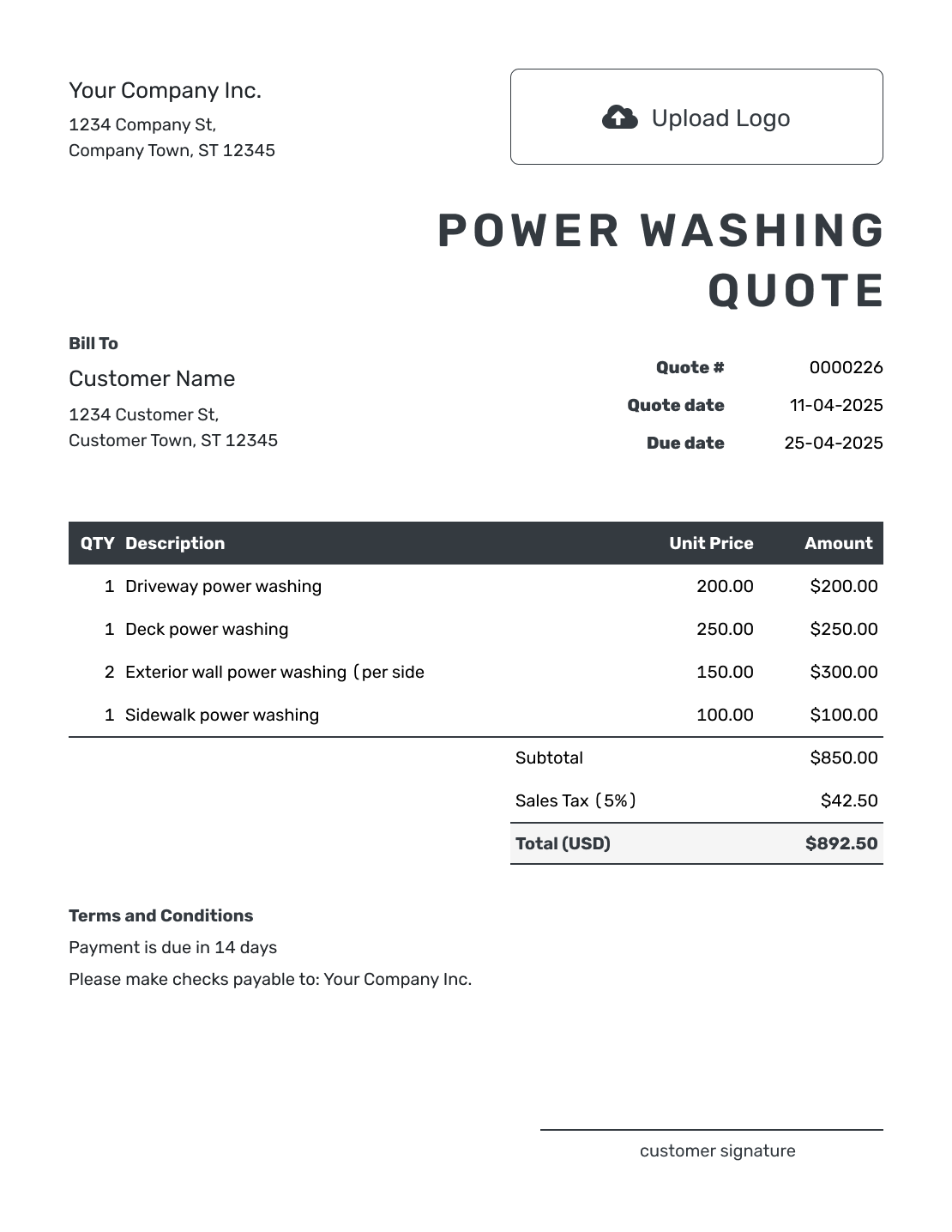
Editable Power Washing Quote Template
Create Free Quote -
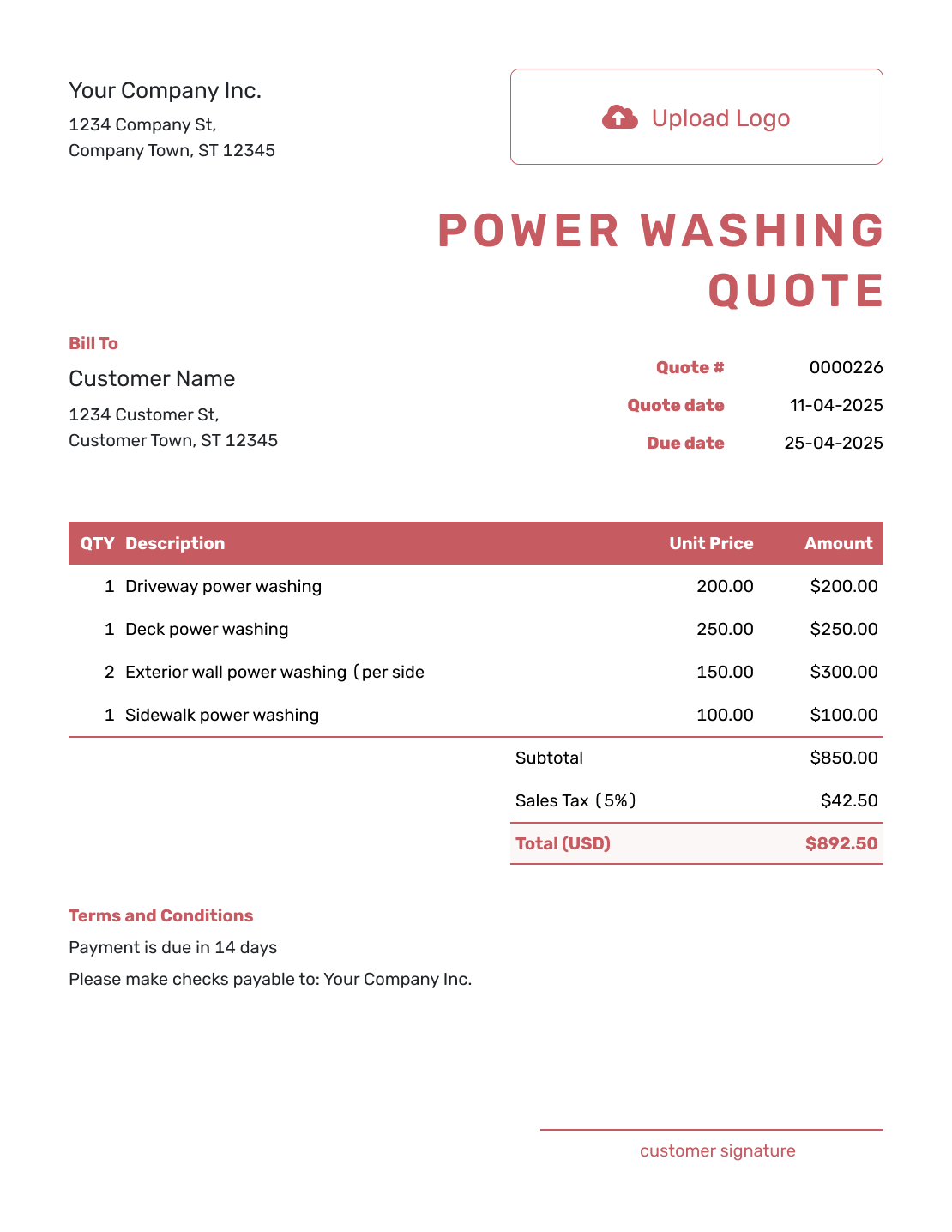
Fillable Power Washing Quote Template
Create Free Quote -
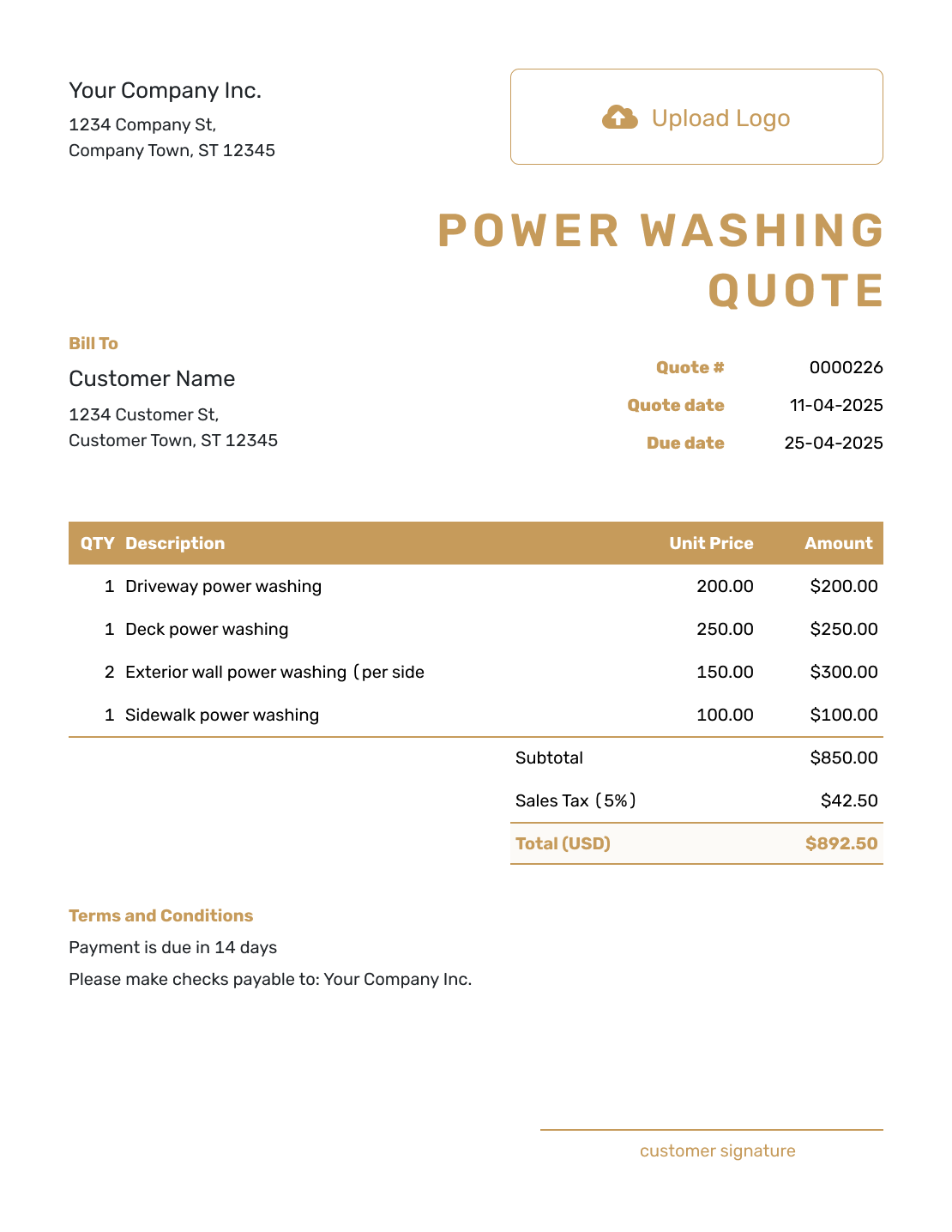
Professional Power Washing Quote Template
Create Free Quote
More Exterior and Property Service Quote Templates
Use a power washing quote for exterior surface cleaning. Choose another property service template when the main job is window, gutter, landscaping, or general cleaning work.
Other Quote Template File Formats
Prefer a separate file template? Word and Google Docs suit descriptions and terms; Excel and Google Sheets suit measured areas and rates. These links open format pages. Docelf downloads your finished online quote as a PDF.
Power Washing Quote Template FAQs
-
What is a power washing quote?
A power washing quote is a written offer for cleaning specific exterior surfaces. It tells the customer which surfaces are included, how their condition affects the work, and what the job will cost. It can also show preparation or treatment that changes the price.
-
What should I include in a power washing quote?
Start with the property and list the surfaces, measurements, and cleaning work. Describe included preparation and give separately charged treatment or equipment its own price. Add the total, terms, and acceptance details.
-
How do I price a power washing job?
Use the pricing method that matches the job, such as a flat price or a rate by area. Base the price on the surface, condition, and access. Show special treatment or equipment separately. Add travel or a minimum charge when it applies.
-
Can I use this template for pressure washing?
Yes. Use the service name and cleaning method you actually provide. Keep the surface measurements, preparation, and separately priced treatments clear so the offer matches the job.
-
Should I visit the property before quoting?
A site visit or customer photos can help you confirm the surfaces, condition, and access. If a photo leaves an important detail unclear, check it before committing to the price. You can attach relevant site photos to the quote so the customer can match the offer to the areas discussed.
-
How should I list stain or growth treatment?
Name the treatment and the surface it applies to. If it is included in the base wash, say so in that description. Otherwise give it a separately priced line, as in the oil-spot pretreatment example. State any important limits on the result.
-
What should I do if the power washing scope changes?
Revise the quote to include the added surface or treatment and its price. Check whether setup or equipment also changes, then send the updated offer and get acceptance before doing the extra work.
-
Can I turn an accepted power washing quote into an invoice?
Yes. In Docelf, you can turn the accepted power washing quote into an invoice. Docelf reuses the customer details and line items, so you do not have to enter the same job again.
-
Should I include water access and site protection?
State whether the job requires access to the customer’s water supply or another setup. Add protection when it affects the scope or price. Explain what you will protect and what the customer needs to prepare.
Ready to Send the Power Washing Quote?
Give the property owner a surface-by-surface cleaning plan and price to approve.
- Keep each surface and treatment on a clear line
- State preparation, access, and weather terms
- Email the power washing quote or download a PDF




