Free Cleaning Quote Template
Create a professional cleaning quote in minutes
Show the regular cleaning, visit schedule and price, with deeper cleaning as an option. The package stays easy to understand and helps customers choose your business.
Email, print or download your quote as a PDF.
14-day free trial. No credit card required.

Price the job. Send the quote. Get back to work.
Cleaning Quote Template Examples
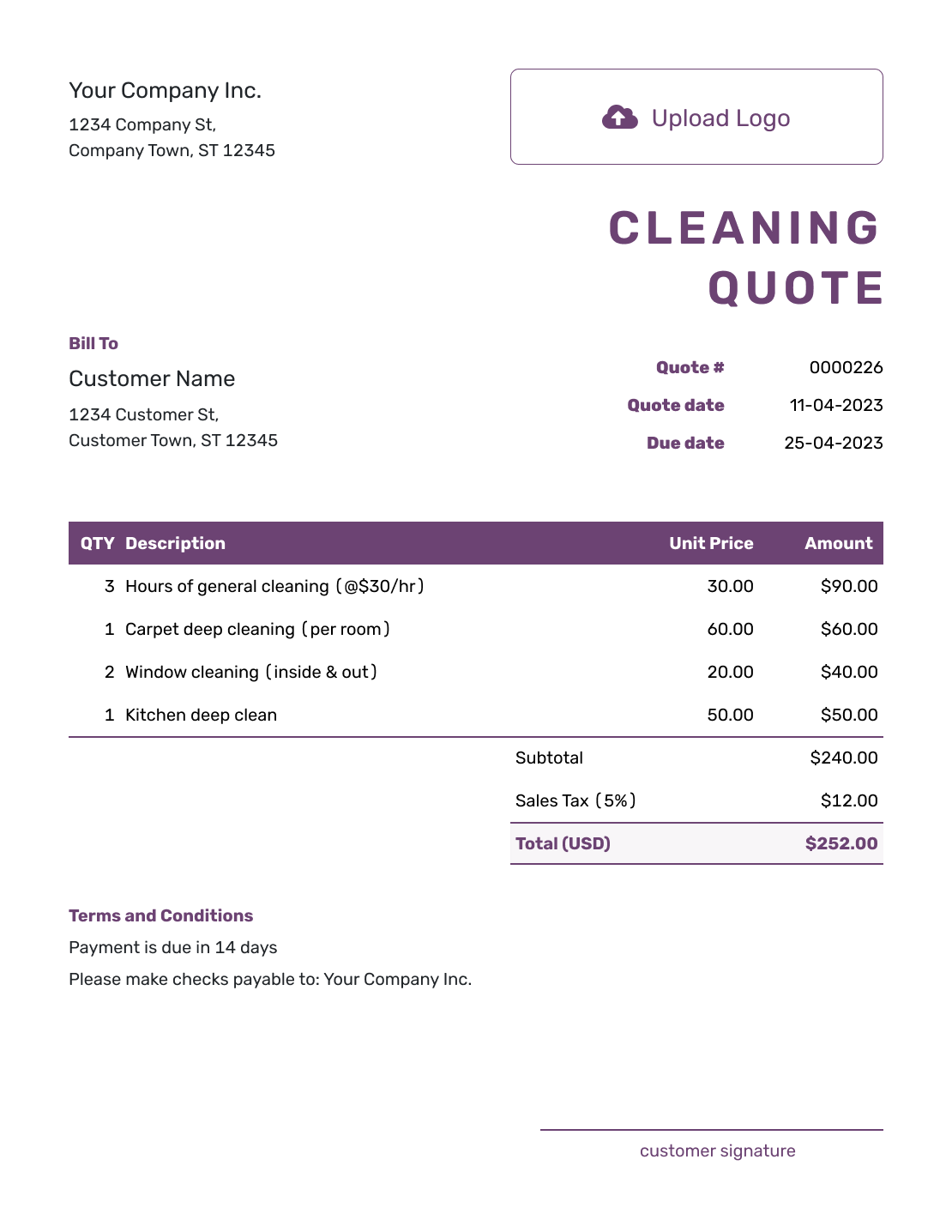
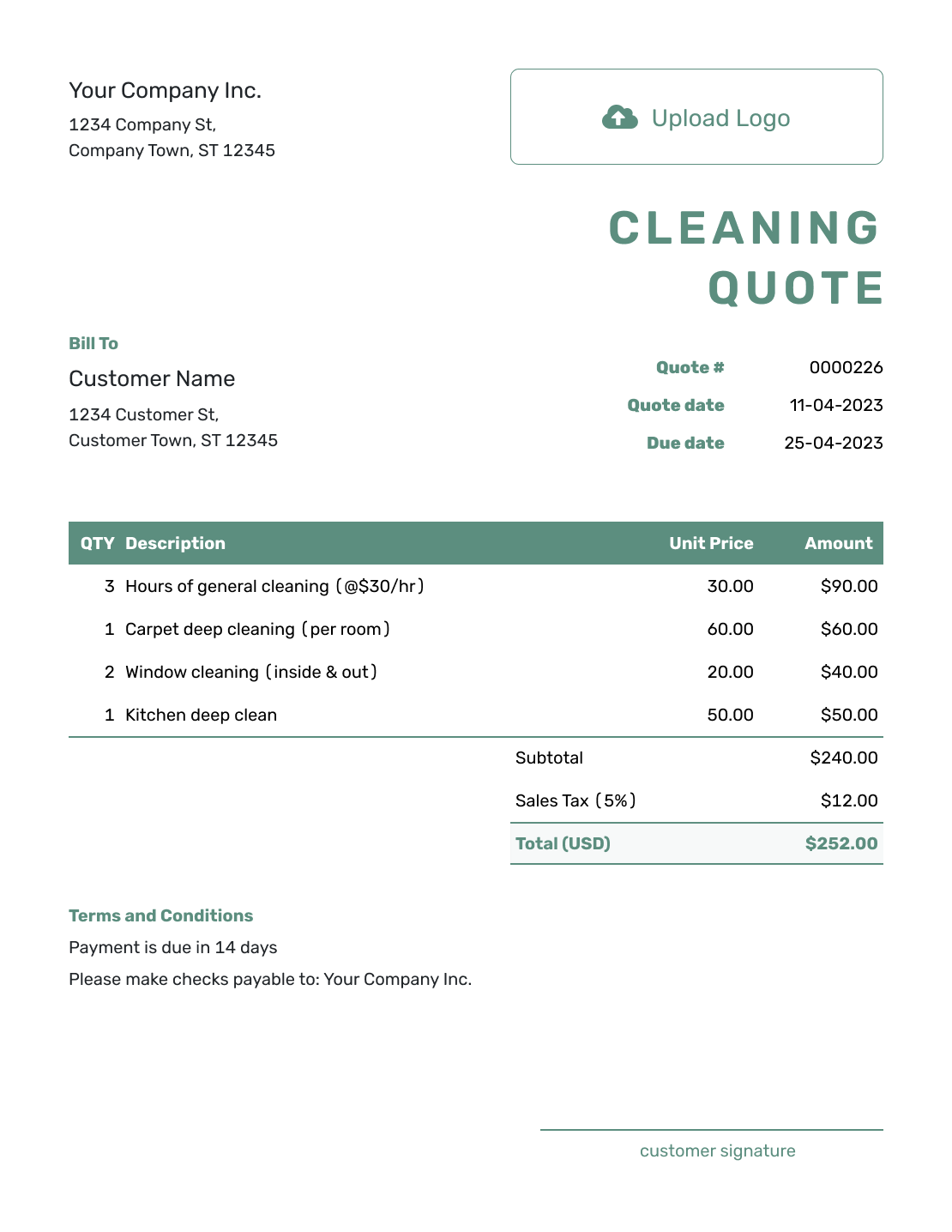
Browse three cleaning quote layouts before adding your own scope and price. Every preview opens the same quote editor.

What Is a Cleaning Quote?
A cleaning quote is a written offer for a defined cleaning job. It tells your customer what you will clean and what it will cost. It can also show the visit schedule and how long the offer is valid.
Use a quote for one-time or recurring cleaning when the scope and price are clear. If the job changes, update the quote and ask your customer to accept the revised version.
How to Create a Cleaning Quote
Start with the property and the period your offer covers. You can reuse saved customer and cleaning service details in Docelf, then adjust them for this job.
- Cleaning Business: Add your business name and the contact details your customer should use.
- Branding: Add your logo to match your other business documents.
- Customer and Property: Choose the customer and add the service address and site contact.
- Quote Dates: Check the quote number and issue date. Set a valid-until date.
- Services and Prices: Describe each service, then add the number of visits or other quantity and rate.
- Check the Total: Check line amounts and any applicable tax or discount.
- Terms and Sending: Add the schedule and terms in Terms and Conditions. Review, then email, print, or download the quote.
How to Fill In Cleaning Quote Line Items
Make the quantity match the period you are quoting. Four visits at a per-visit rate are different from one monthly package. Describe the tasks in each line so the customer can see what the price includes.
This fictional offer covers four weekly visits to a small shared property. Each visit includes the three services below, with standard supplies included. Prices are in US dollars; the illustrative 8% tax applies to all three services.
| QTY | Description | Unit Price | Amount |
|---|---|---|---|
| 4 | Common areas — dusting and floor care, per visit | $55.00 | $220.00 |
| 4 | Two shared bathrooms — cleaning, per visit | $35.00 | $140.00 |
| 4 | Shared kitchen — counters, sink, and floor, per visit | $25.00 | $100.00 |
| Subtotal | $460.00 | |
| Sales Tax (8% illustrative) | $36.80 | |
| Quote Total | $496.80 |
The subtotal is $115.00 per visit × 4 visits = $460.00. The $496.80 quote total covers the full four-visit period. Window cleaning or occasional deep cleaning can be offered separately; add them to this total only when they are part of the agreed work.
What to Include in Cleaning Quote Terms
Use Terms and Conditions to explain the visit schedule, access arrangements, payment timing, and work outside the price. Include only policies you use. Adapt this sample to the four-visit offer above and the dates agreed with your customer.
Example: Terms and Conditions
- Offer valid for 14 days from the quote date. Covers four weekly visits on dates agreed with the customer.
- The customer provides access to the listed areas. Standard cleaning products and equipment are included.
- Window cleaning, appliance interiors, and additional visits are excluded. Extra work requires an agreed revised quote.
- Total for the four visits: $496.80, including tax. Payment is due within 7 days of the invoice issued after the fourth visit.
What to Include in a Cleaning Quote
Your customer should be able to understand the job without calling to ask what the price covers. Use clear descriptions and measurable details where they help.
Customer and Service Address
Add the customer's name and contact details. Include the property address, property type, and a site contact or access note when needed.
Cleaning Tasks and Areas
List the rooms or areas included. Add quantities or square footage when they help explain the work. Note any condition or special instruction that changes the scope.
Schedule and Pricing
State whether the cleaning is one-time or recurring. Identify the visits covered by this quote, their schedule, and the price per visit or period.
Supplies, Terms, and Acceptance
Explain who provides supplies or equipment. Add the payment terms and valid-until date. Note any exclusion that could surprise the customer, then make acceptance clear.
Choose a Pricing Method That Fits the Cleaning Job
Use the method that matches how you already price the job. Include labor and routine supplies in your price, or show separately charged equipment, travel, and extras clearly.
- Flat price: Use a fixed price when the scope is clear. Keep optional work outside the quoted total until it is agreed.
- Hourly rate: Show the rate and agreed hours, plus any minimum charge you use. If the hours are still uncertain, an estimate may be a better fit. Explain how extra time will be approved.
- Price per visit: For recurring cleaning, show the price per visit or billing period. Note tasks that happen less often.
- Price by area or size: Use a measurable unit when size drives the work. Show the quantity and rate, then price extras separately.
Create a Cleaning Quote Ready to Send
Put the agreed cleaning into a quote your customer can review. Docelf calculates the total as you add the services. Check the offer, then send it.
Cleaning Quote, Estimate, or Invoice?
Choose the document based on how certain the price is and whether payment is due.
Quote
Use a quote for a specific cleaning offer with a defined scope and price.
Estimate
Use an estimate when the time, condition, or final work is still uncertain. Explain the assumptions behind the expected price.
Invoice
Send an invoice when payment is due. It requests payment for the cleaning being billed.
After You Send the Cleaning Quote
Check the document history to see whether your customer opened the emailed quote. They can accept or decline it online, and Docelf updates the status when they respond.
If the customer adds work or another visit, update the scope and price, then ask them to accept the revised quote before the extra cleaning. When it is time to bill, create an invoice from the quote and check the copied details.
More Cleaning Quote Layouts
Use another layout if it suits the way you present your cleaning offer. Add the agreed work and price in the editor.
-

Sample Cleaning Quote Template
Create Free Quote -
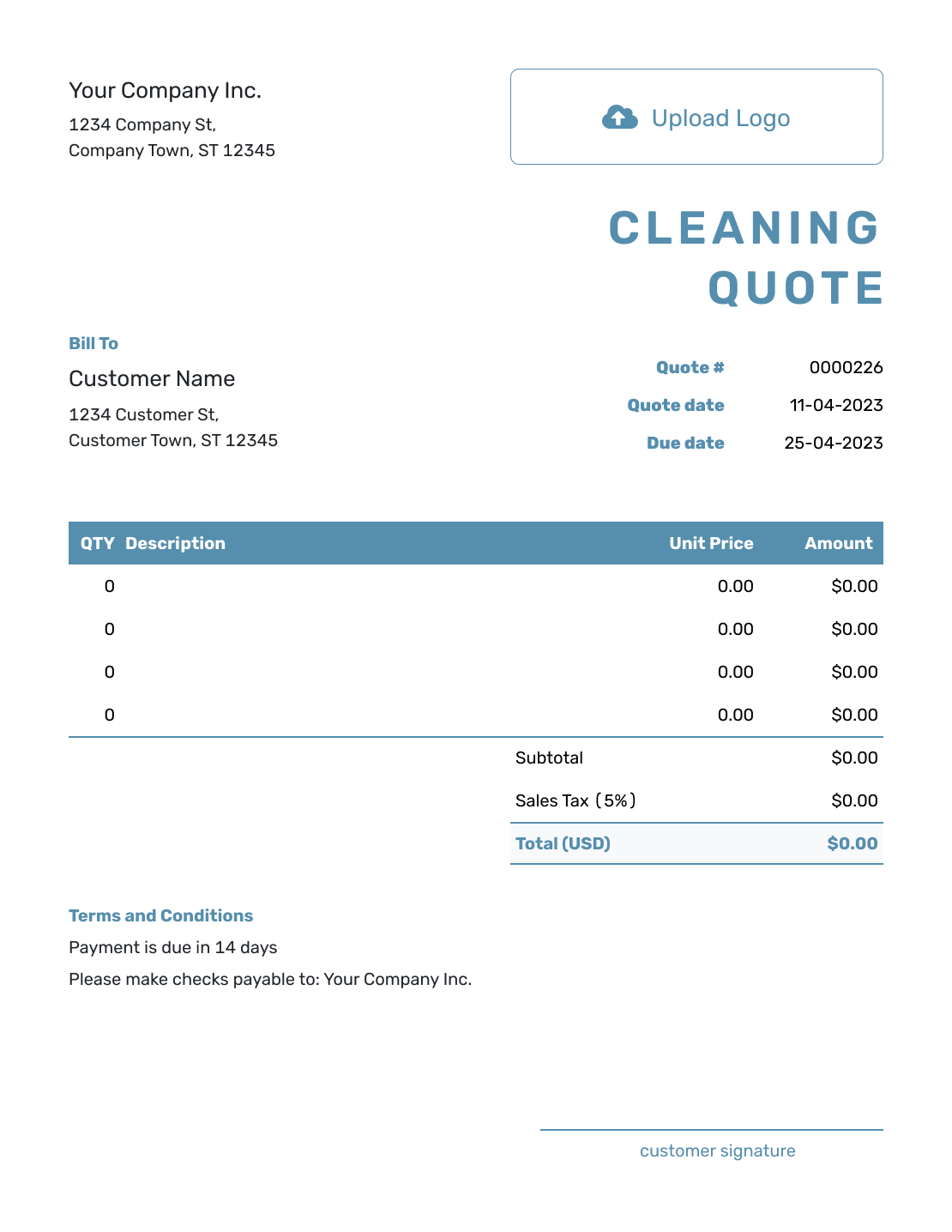
Blank Cleaning Quote Template
Create Free Quote -
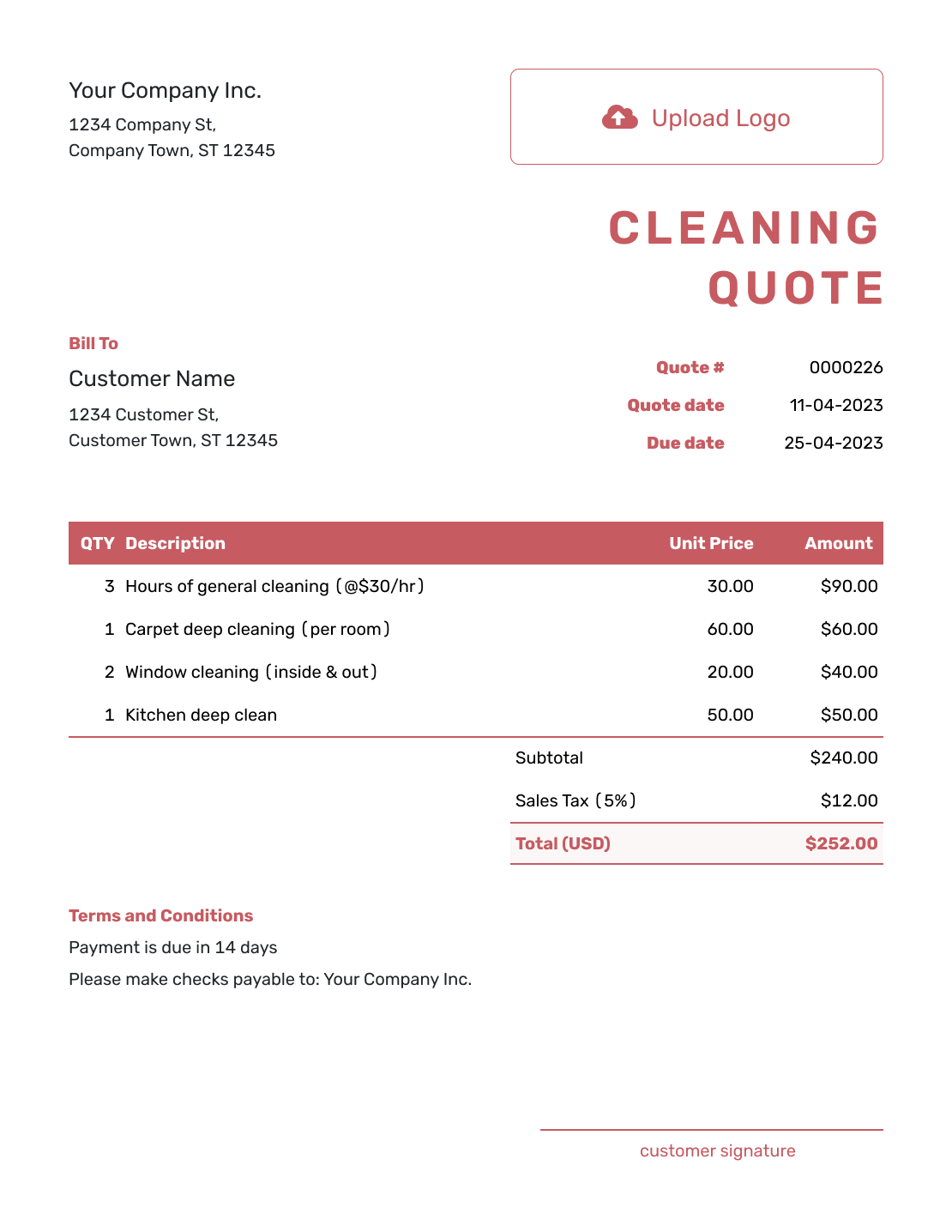
Downloadable Cleaning Quote Template
Create Free Quote -
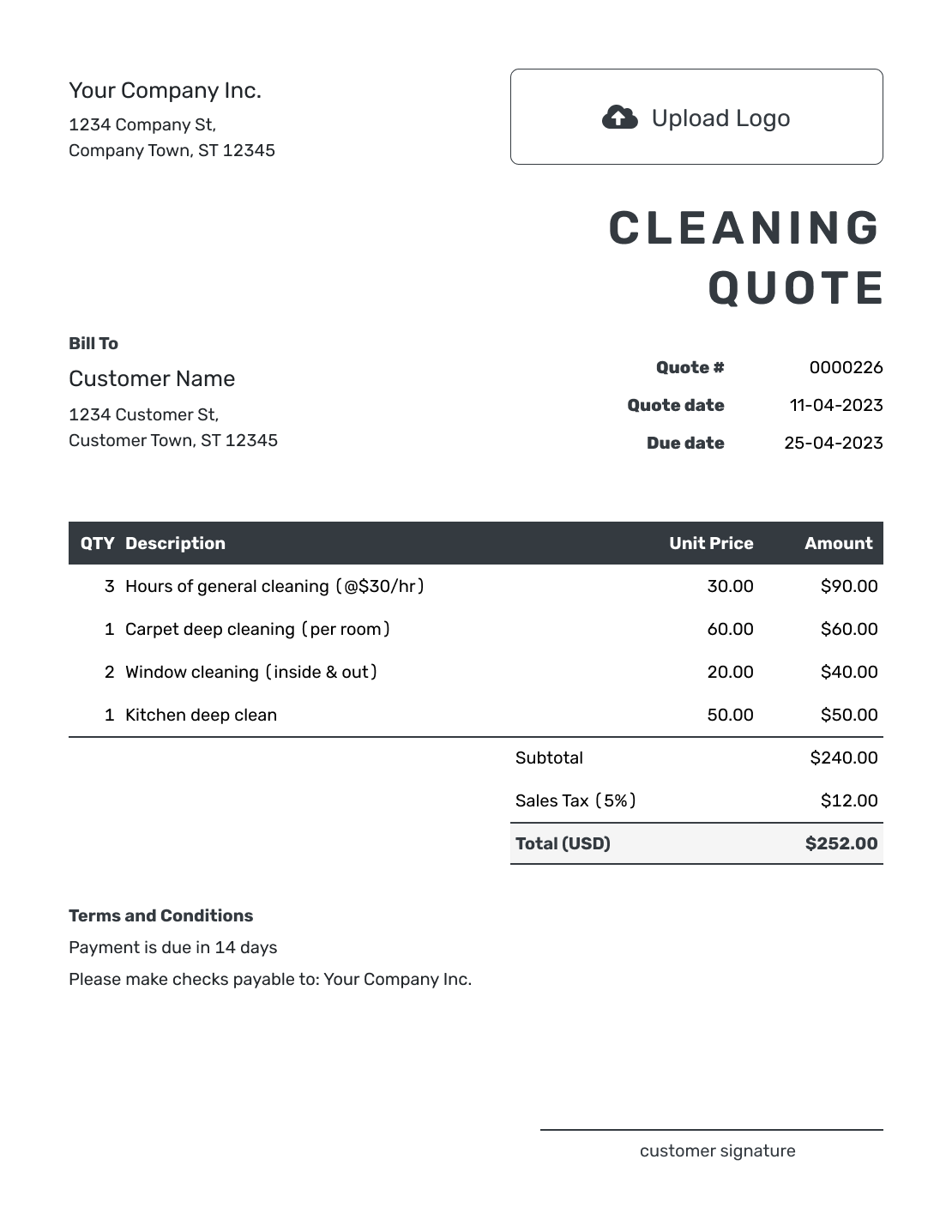
Editable Cleaning Quote Template
Create Free Quote -
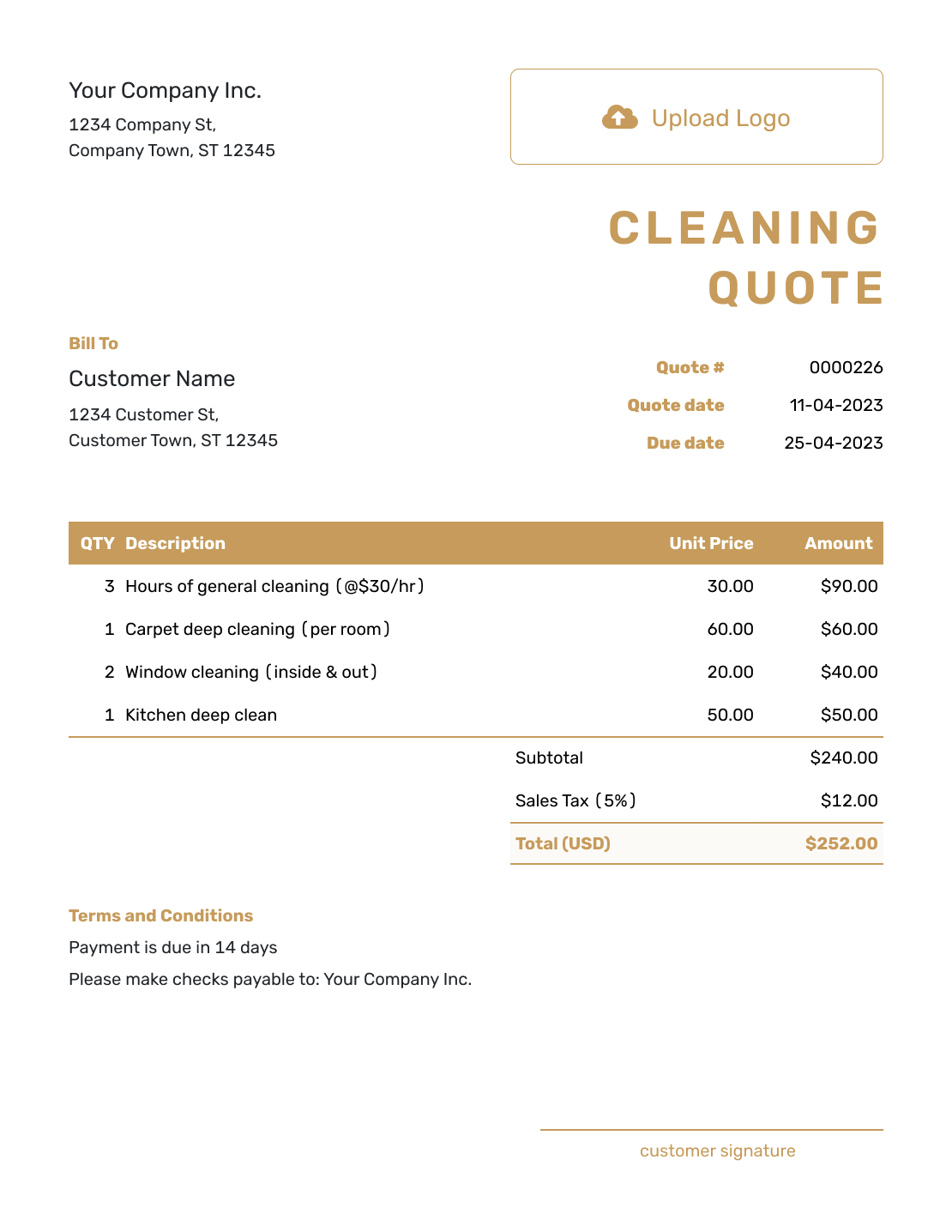
Fillable Cleaning Quote Template
Create Free Quote -

Professional Cleaning Quote Template
Create Free Quote
Choose the Cleaning Quote Closest to the Job
A general cleaning quote works well when you offer several services. Choose a more specific template when one service makes up most of the job.
Other Quote Template File Formats
Prefer to work in a document or spreadsheet? These pages provide separate quote templates in the named formats. Docelf downloads your finished online quote as a PDF.
Cleaning Quote Template FAQs
-
What is a cleaning quote?
A cleaning quote is a written offer for a specific cleaning job. It tells the customer what you will clean, how often you will visit, and what the work will cost. It can also explain who provides supplies and how long the price is valid.
-
What should I include in a cleaning quote?
Start with the customer and service address. Describe the cleaning work in clear lines and state the visit frequency. Show add-ons separately, then add the total, payment terms, and acceptance details.
-
How do I price a cleaning job?
Use the method that matches the job, such as a flat price, hourly rate, per-visit price, or a rate based on size. Allow for the property's condition and the time the work will take. Show extra supplies or add-ons separately so the customer can see what changes the total.
-
How do I quote recurring cleaning?
State the visit frequency, the tasks included, and the price per visit. If the total covers several visits, give the exact visit count and period. Describe optional deep cleaning separately and include its price in the total only when it is agreed.
-
Should cleaning supplies be included in the quote?
State who provides the supplies. You can include standard products in the base price and list specialty products, equipment, or customer-requested materials separately when they change the cost.
-
What should I do if the cleaning scope changes?
Update the quote with the new rooms, tasks, frequency, or add-ons and revise the price. Ask your customer to accept the updated quote before you do the extra work.
-
How long should a cleaning quote be valid?
Set a valid-until date that matches how long you can hold the price. Put the exact date on the quote. State separately whether a service date is reserved or still needs to be confirmed.
-
Can I turn an accepted cleaning quote into an invoice?
Yes. In Docelf, you can turn the accepted cleaning quote into an invoice. Docelf reuses the customer details and line items, so you do not have to enter the same job again.
-
Can I email or download a cleaning quote?
Yes. You can email the quote from Docelf, print it, or download a PDF. Your customer can view and download it without a Docelf account. Creating or editing the quote does not email it; you choose when to send it.
Ready to Send Your Cleaning Quote?
Give your customer an offer they can say yes to before the cleaning begins.
- Separate the base service from add-ons
- State the frequency and who provides supplies
- Email the cleaning quote or download a PDF




