Free Window Cleaning Quote Template
Create a professional quote in minutes
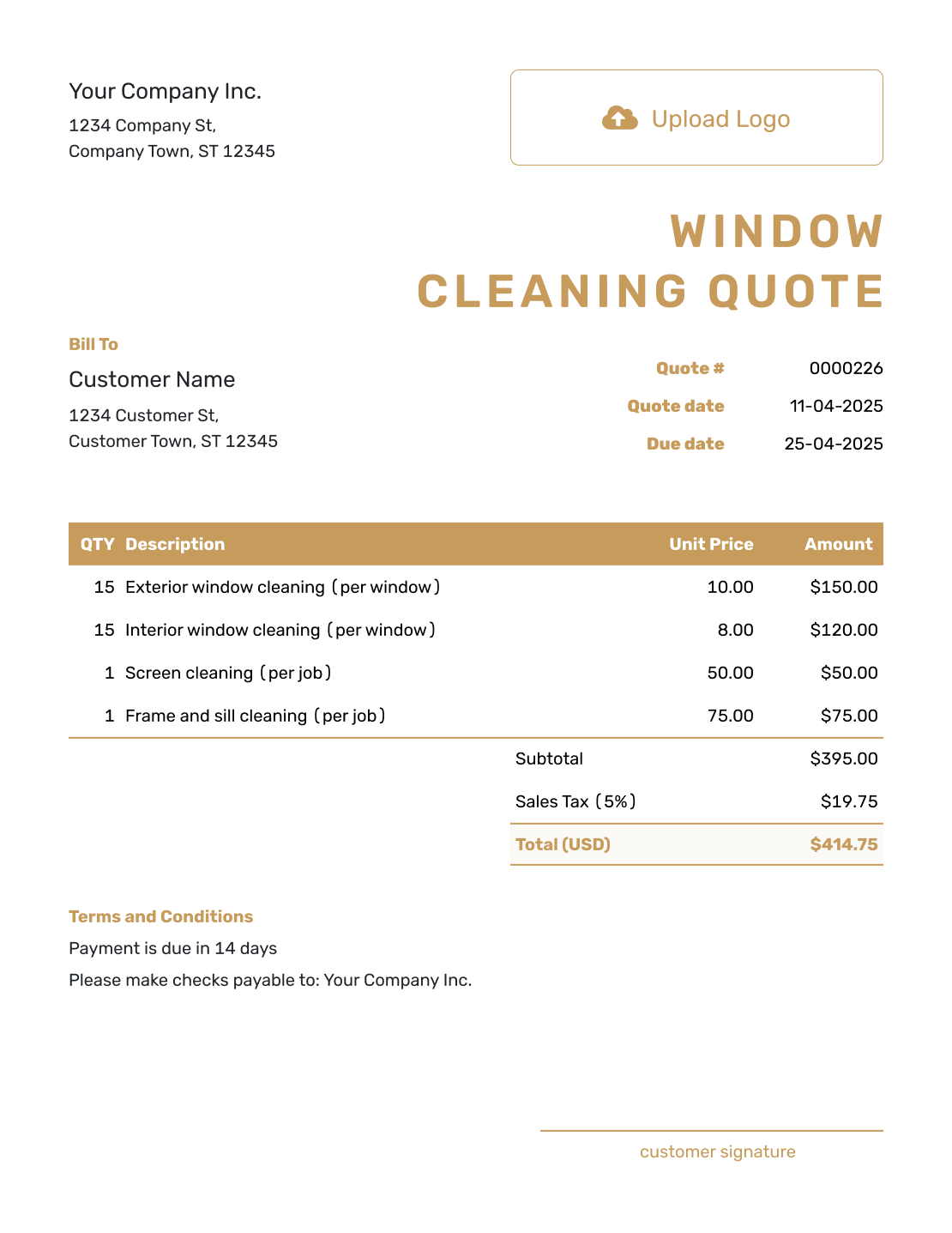
Start with the window count or service area and say whether inside, outside or both are included. The service and price are clear at a glance, helping customers choose your business.
Email, print or download your quote as a PDF.
14-day free trial. No credit card required.

Price the job. Send the quote. Get back to work.
Window Cleaning Quote Template Examples
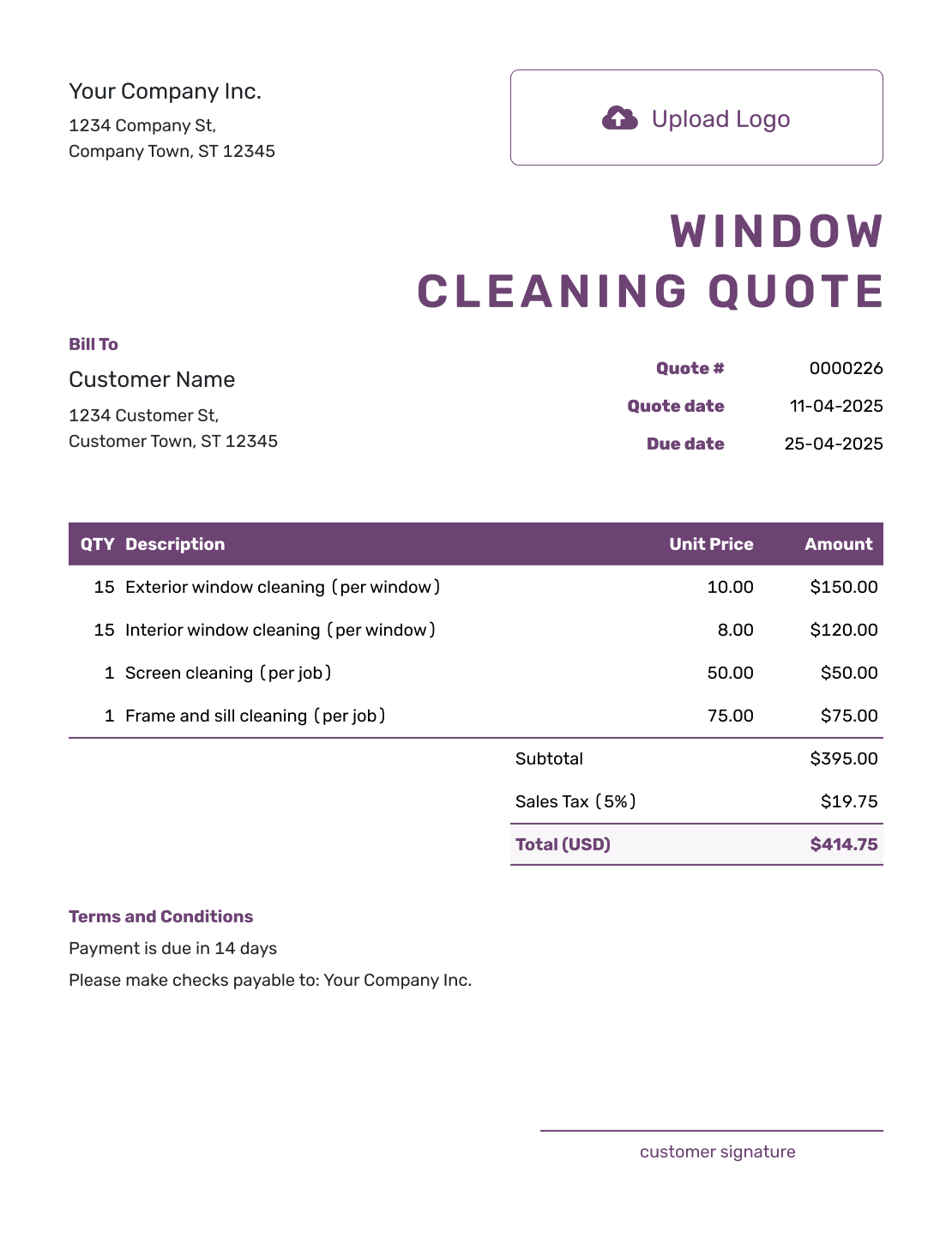
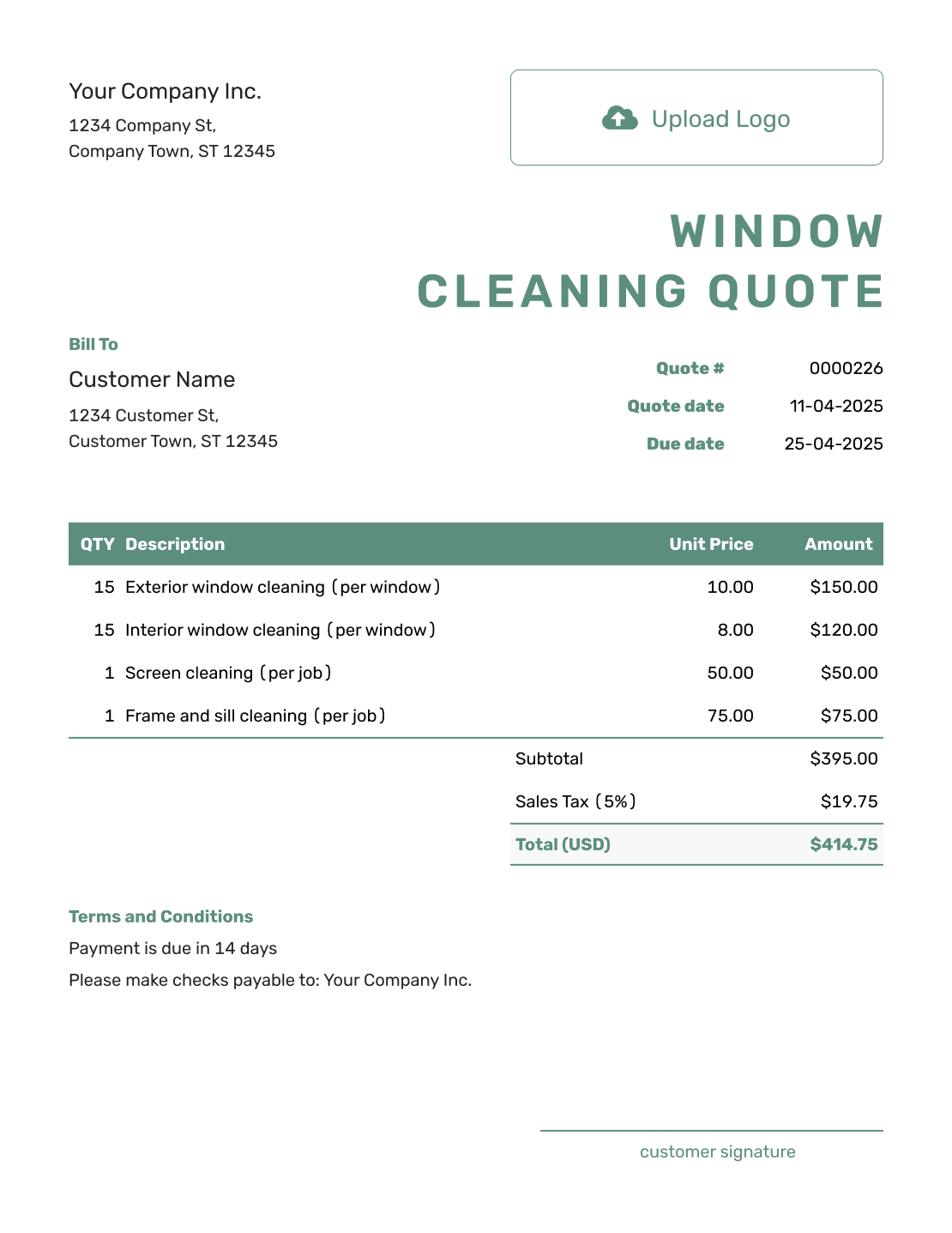
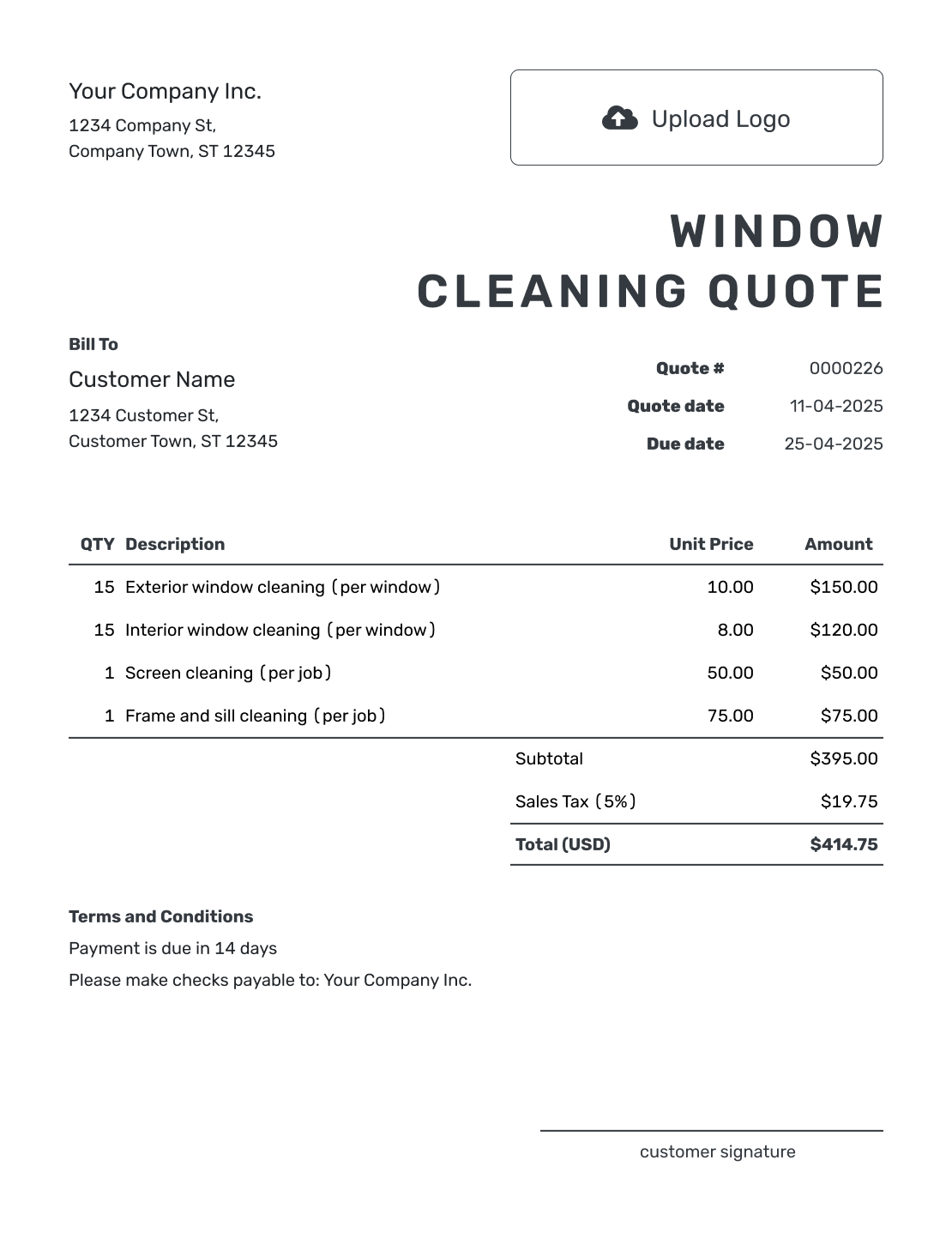
Browse these layouts before adding your own window count and prices. Every preview opens the same quote editor; the examples below show how to describe the work.
What Is a Window Cleaning Quote?
A window cleaning quote is a written offer for cleaning specified glass and related parts of a property. It gives the customer a price for an agreed scope before the visit. Confirm the count, condition, and access before setting that price.
The counting unit matters. For example, ten windows with two panes each give you twenty panes. If your rate covers both sides, a quantity of twenty still means twenty panes, each cleaned inside and out. Say that in the description so the customer can check your count.
When inside and outside work have different quantities or rates, use separate lines. Describe any included frame or sill cleaning within the base service. Screens and track cleaning can be included in a package or priced as extras; the quote should make that choice clear.
How to Create a Window Cleaning Quote
Use your site notes to prepare the quote. Saved customer and service details give you a starting point; check the quantities and rates for this visit.
- Window Cleaning Business: Add your business name and the contact details your customer should use.
- Branding: Add your logo to match your other cleaning documents.
- Customer and Property: Enter the customer and service address. Add a site contact when needed.
- Quote Dates: Check the quote number and issue date, then choose a valid-until date.
- Window Count and Service: List the counted units, included sides, quantities, and rates. Add separately priced extras.
- Terms and Conditions: Explain access, preparation, exclusions, payment timing, and the proposed visit date.
- Review and Send: Check the scope, tax, and total. Email the quote or download a PDF when ready.
How to Fill In Window Cleaning Quote Line Items
Give each separately priced service its own line. Name the unit in the description, especially when the glass count differs from the number of screens or tracks. If you charge a fixed property price, use a quantity of one and describe the full included scope.
This fictional quote covers one routine visit to a single-story home: twenty panes cleaned on both sides, ten removable screens, and ten window tracks. Prices are in US dollars, and the 8% tax on all three services is illustrative. Use the rates and tax treatment that apply to your work.
| QTY | Description | Unit Price | Amount |
|---|---|---|---|
| 20 | Routine glass cleaning — per pane, inside and outside | $8.00 | $160.00 |
| 10 | Removable screen washing — per screen | $4.00 | $40.00 |
| 10 | Window track cleaning — per window | $3.00 | $30.00 |
| Subtotal | $230.00 | |
| Sales Tax (8% illustrative) | $18.40 | |
| Quote Total | $248.40 |
What to Include in Window Cleaning Quote Terms
The Terms and Conditions field explains the arrangements behind the price. Use it for the visit timing, access and preparation, payment terms, and anything outside the agreed cleaning. Include only policies your business actually uses.
For the example above, the customer needs to know which windows to clear and whether stain removal is included. Adapt this wording to the property, and replace the date before sending:
Example: Terms and Conditions
- This quote is valid until [date]. We will agree on the visit date after acceptance and contact you if weather requires a change.
- The price covers twenty panes cleaned inside and outside, ten removable screens, and ten window tracks at the quoted property.
- Please clear indoor window access and arrange entry. Frames, sills, skylights, storm windows, paint removal, and mineral-stain treatment are not included.
- Payment is due on completion. We will agree on a revised price before carrying out any added work.
Create a Window Cleaning Quote with a Clear Count
Put the agreed window count and services into Docelf. It calculates the total from your quantities and rates. Review the offer, then email it to your customer.
Choose a Window Cleaning Pricing Method
Use the method that matches how you count the work. For larger properties, a floor or building-area label helps the customer locate each group of windows. Include any travel or minimum charge in the quoted price.
- Price per window or pane: Show the quantity and rate. Use separate rates when service sides or access levels change the work.
- Flat property price: Use a fixed price when the count, access, and service are clear. State exactly what is included.
- Hourly rate: State the hourly rate and agreed hours or limit. If the hours are still uncertain, label the total as an estimate rather than presenting it as a fixed quote.
- Recurring visit price: Name the frequency and price per visit or billing period. Separate a first clean from repeat visits when buildup changes the work, and specify less frequent screen or track cleaning.
Account for Height, Access, and Property Conditions
The same pane count can take very different amounts of time. Identify high or obstructed glass before committing to a price, and describe any equipment charge that changes the total. For occupied or restricted spaces, agree on an appointment window, parking, and who will arrange entry. The service address and site contact are especially useful when a property manager receives the quote elsewhere.
Routine cleaning may not cover mineral buildup or post-construction residue. Check the condition first, then price that work separately or explain that it is excluded. This lets the customer choose the extra service without assuming it comes with every clean.
Window Cleaning Quote, Estimate, or Invoice?
Choose the document based on how much you know about the work and whether you are ready to request payment.
Quote
Use a quote for a specific price once the count, included sides, and access are confirmed.
Estimate
Use an estimate for an expected price when the glass count, access, or time required still needs checking.
Invoice
Use an invoice to request payment when the cleaning is complete or an agreed payment is due.
After You Send the Window Cleaning Quote
Your customer can view and accept or decline the emailed quote online without a Docelf account. The document history shows delivery and opening information, and Docelf emails you when the customer responds.
If the customer adds windows or asks for extra work, revise the scope and price, then resend the quote for acceptance. Saving your edits does not send the updated document; choose to send it when it is ready.
When payment is due, create an invoice from the quote. Docelf copies the customer and item details, so you can check them against the agreed work, add the due date, and send the bill.
More Window Cleaning Quote Layouts
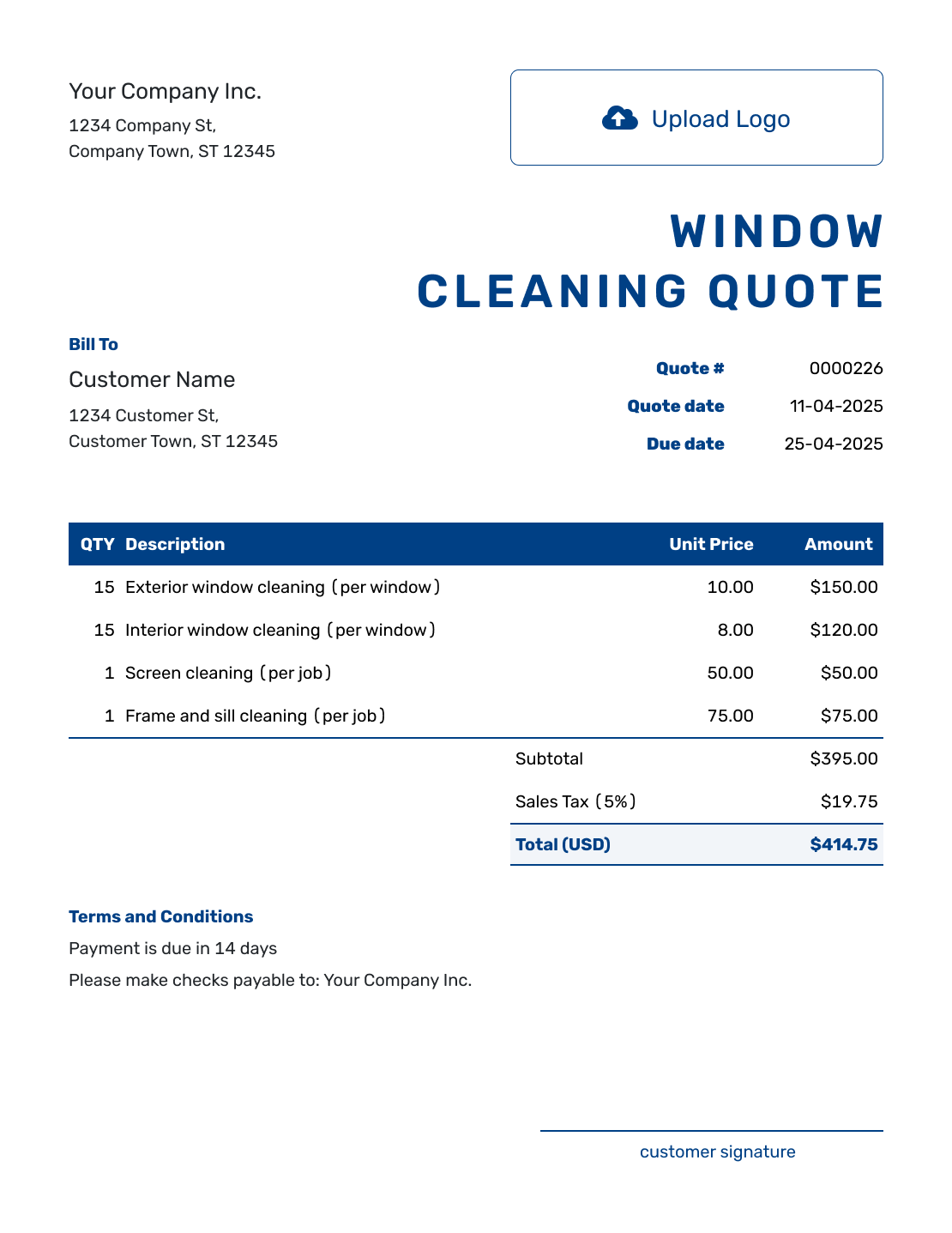
These six previews offer more layout ideas. Each opens the same quote editor, where you can add your own services and prices.
-
Sample Window Cleaning Quote Template
Create Free Quote -
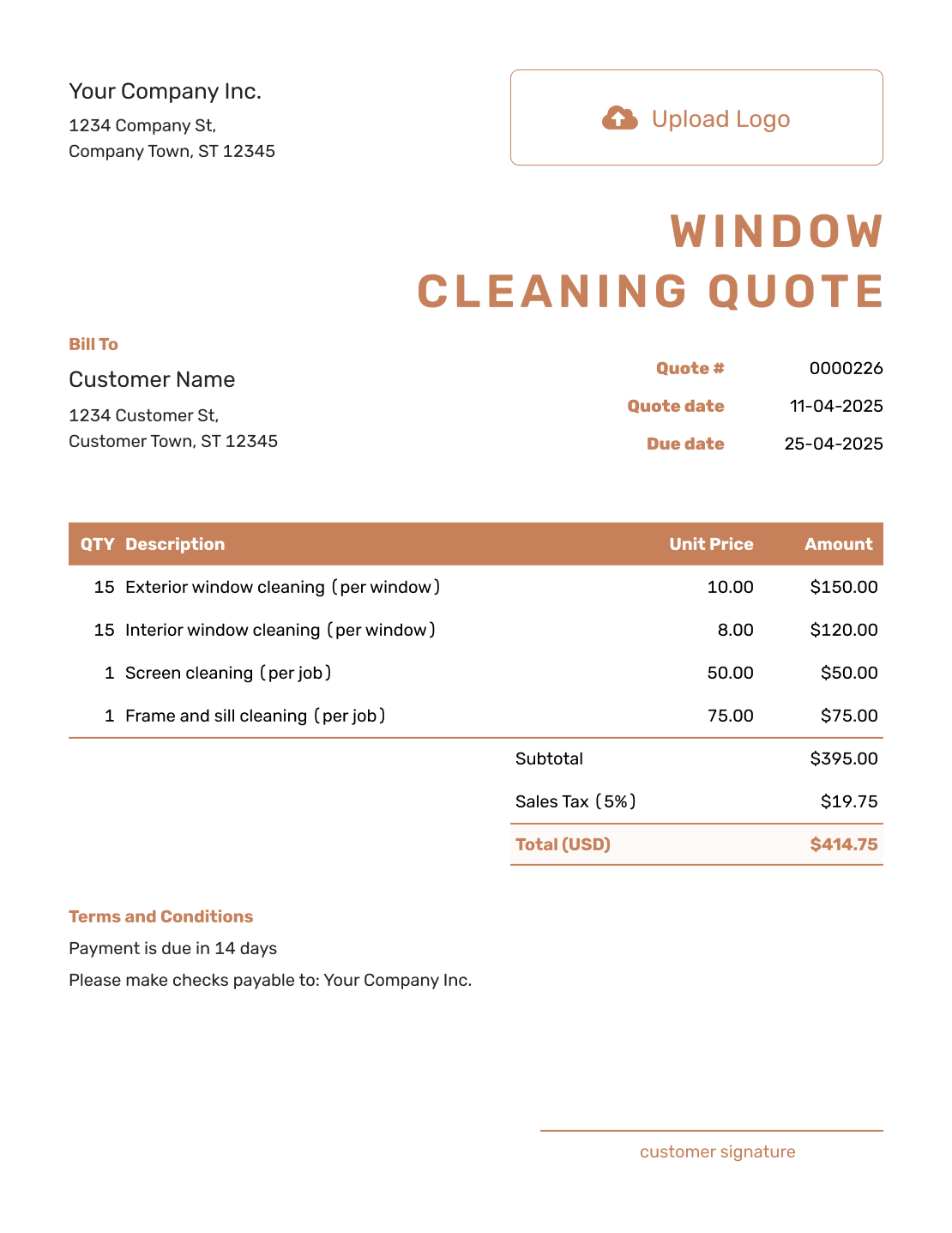
Blank Window Cleaning Quote Template
Create Free Quote -
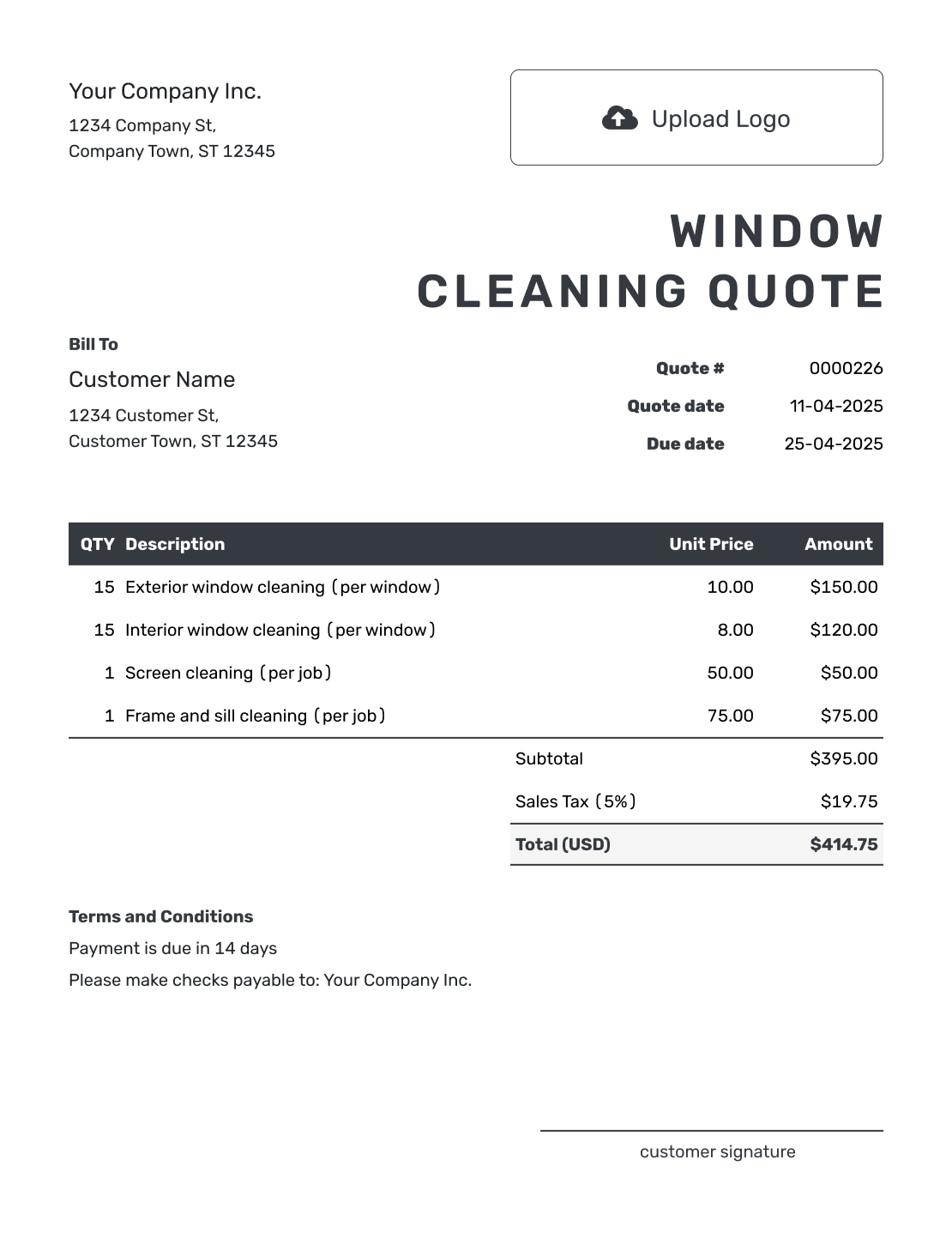
Downloadable Window Cleaning Quote Template
Create Free Quote -
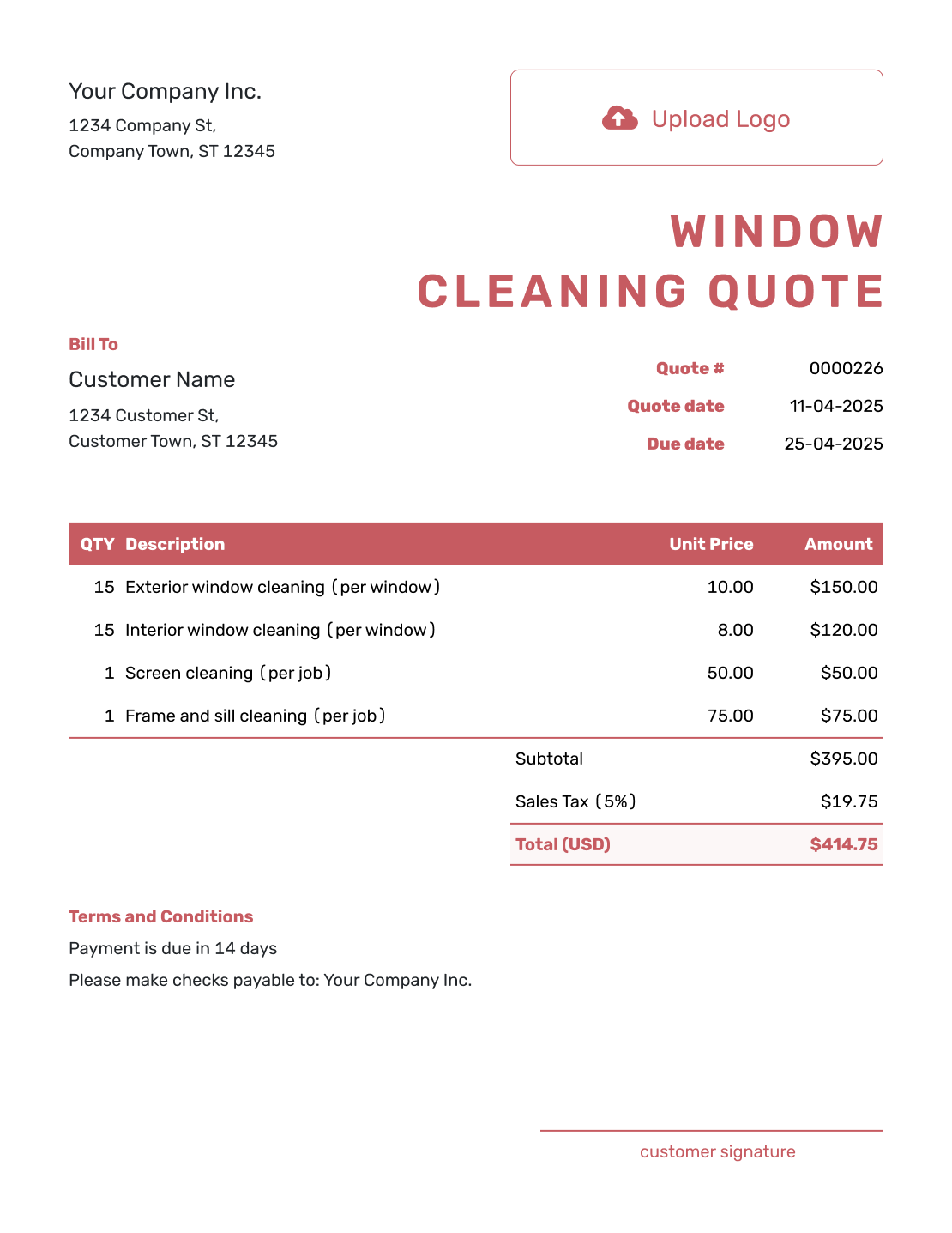
Editable Window Cleaning Quote Template
Create Free Quote -
Fillable Window Cleaning Quote Template
Create Free Quote -
Professional Window Cleaning Quote Template
Create Free Quote
More Cleaning and Exterior Service Quote Templates
Use a window cleaning quote when glass and related window parts are the main service. Choose another cleaning or exterior template when the scope is broader.
Other Quote Template File Formats
These pages provide separate document and spreadsheet templates. Word or Google Docs suits scope and terms; Excel or Google Sheets suits quantities and rates. Docelf downloads your finished online quote as a PDF.
Window Cleaning Quote Template FAQs
-
What is a window cleaning quote?
A window cleaning quote is a written offer for cleaning specific glass at a property. It tells the customer how the work was counted, which sides are included, and what the service will cost. It can also show screens, tracks, or access work that changes the price.
-
What should I include in a window cleaning quote?
Start with the property and state how you counted the work. Show whether the price covers interior glass, exterior glass, or both. Put screens, tracks, and access charges on separate lines when they change the total. Finish with the schedule, terms, and acceptance details.
-
How do I price window cleaning?
Use the counting method your business applies consistently, such as a price by window, pane, or property. Base the price on the service sides, height, access, and condition. Show screens, tracks, or specialty glass separately. Add equipment or a minimum charge when it applies.
-
Should I count windows or panes?
Either can work if you define the unit. Ten windows with two panes each are twenty panes. If your per-pane rate covers inside and outside cleaning, use a quantity of twenty and say that both sides are included.
-
Are screens and tracks included in window cleaning?
Only if your quote says so. Describe screens or tracks within the base service when included, or give them separate lines when charged as extras. Make the same distinction for frames, sills, storm windows, and specialty glass.
-
How do I quote high or hard-to-reach windows?
Identify the windows and describe the access or equipment required. Show any access charge separately. Name the equipment or restriction that creates the added cost.
-
What should I do if the window cleaning scope changes?
Revise the affected quantities or services and the total, then resend the quote. Ask your customer to accept the updated offer before carrying out the added work.
-
Can I turn an accepted window cleaning quote into an invoice?
Yes. In Docelf, you can turn the accepted window cleaning quote into an invoice. Docelf reuses the customer details and line items, so you do not have to enter the same job again.
-
How do I quote recurring window cleaning?
Show the visit frequency, included areas and sides, and price per visit or billing period. If the first clean needs extra work, price it separately from maintenance visits. Identify screens, tracks, or high glass cleaned less often.
Ready to Send the Window Cleaning Quote?
Turn your site notes into an offer your customer can check before booking the visit.
- State the count method and included sides
- Show separately priced extras and the total
- Email the window cleaning quote or download a PDF




