Free UK Quotation Template
Create a professional UK quotation in minutes
Use pounds, VAT and a valid-until date in the places customers expect. A familiar UK quotation is easier to approve and helps them choose you with confidence.
Email, print or download your quotation as a PDF.
14-day free trial. No credit card required.

Price the job. Send the quotation. Get back to work.
UK Quotation Template Examples
Browse these layouts for a quotation in pounds. Each preview opens the same Docelf quote editor, where you can enter your own details, choose your style, and add VAT when it applies.
-
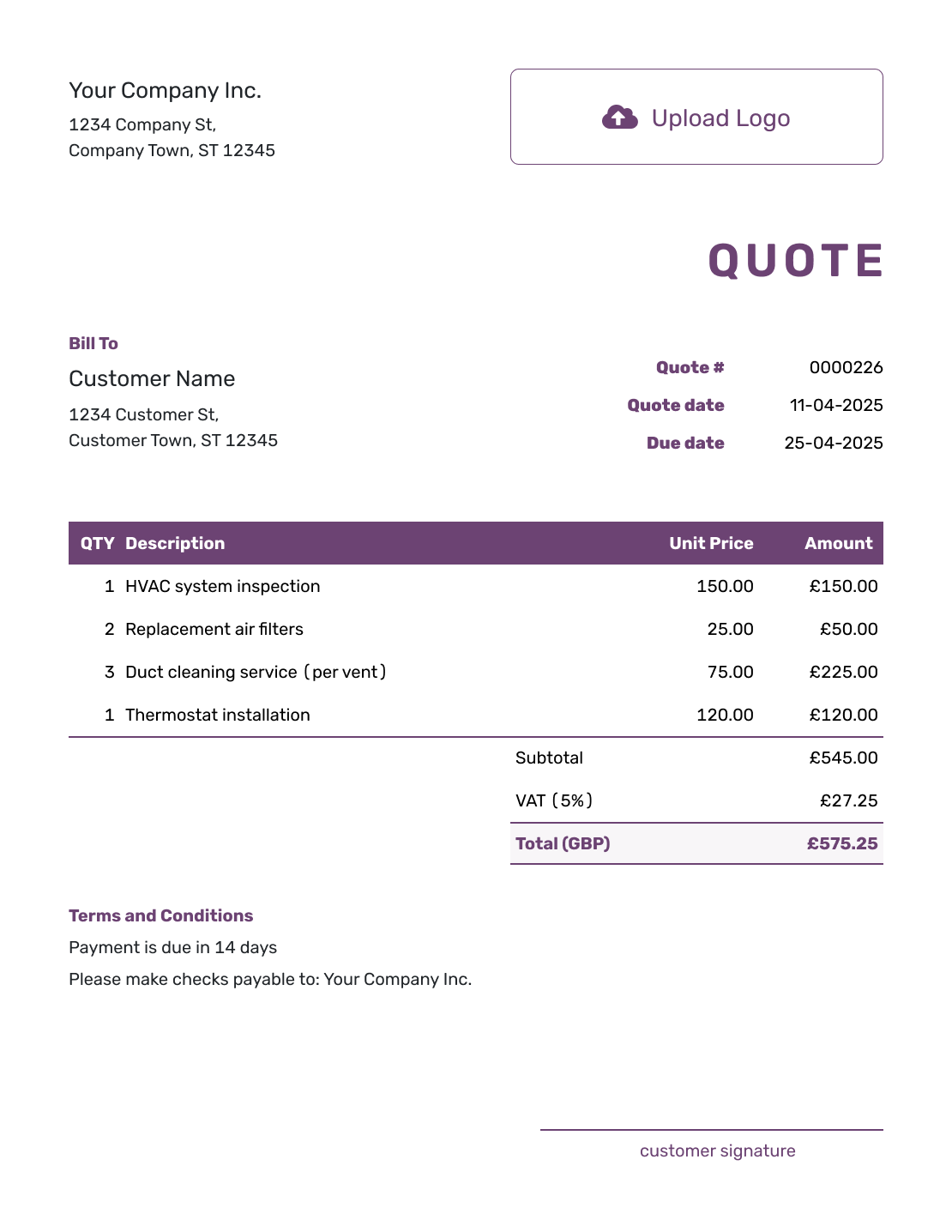
Free UK Quotation Template
Create Free Quote -
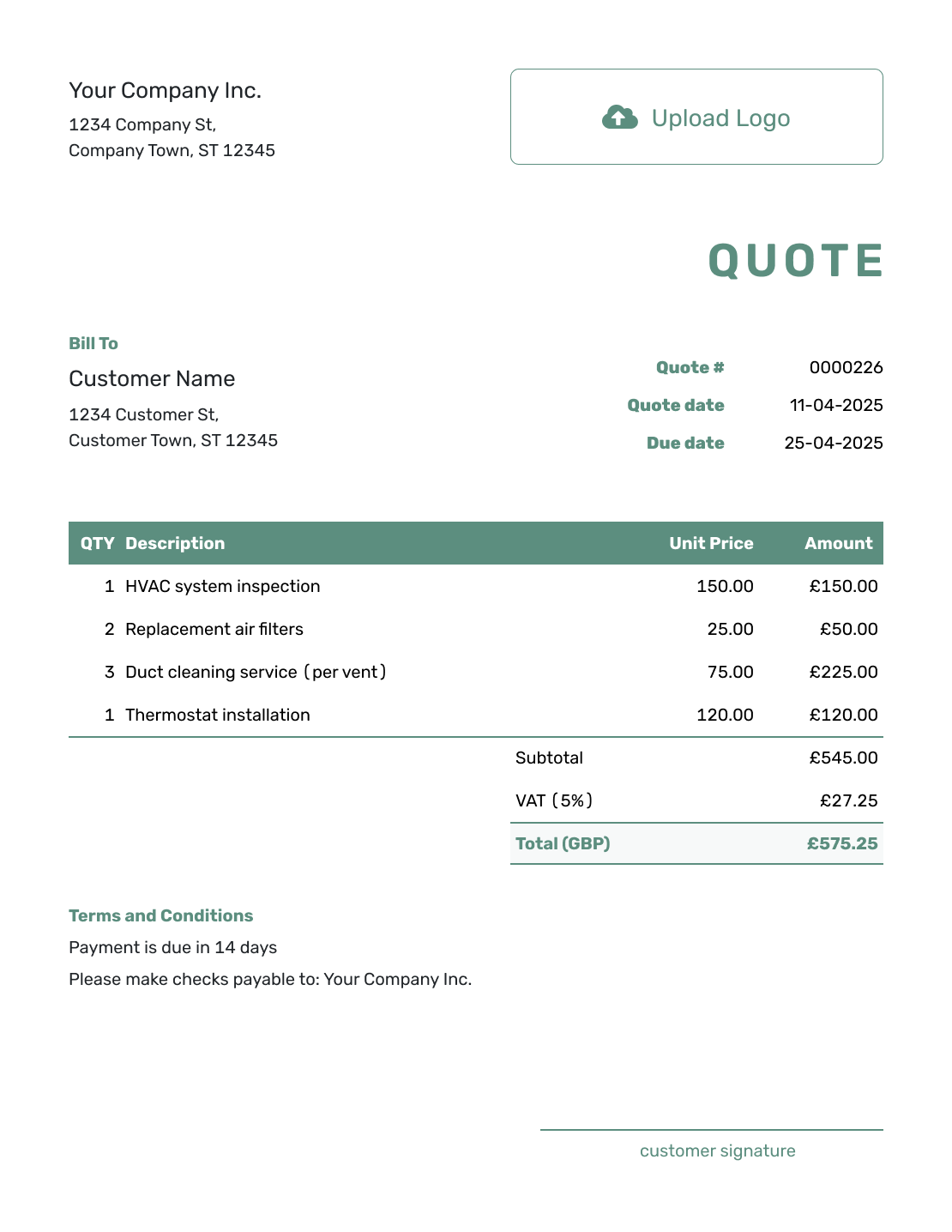
Simple UK Quotation Template
Create Free Quote -
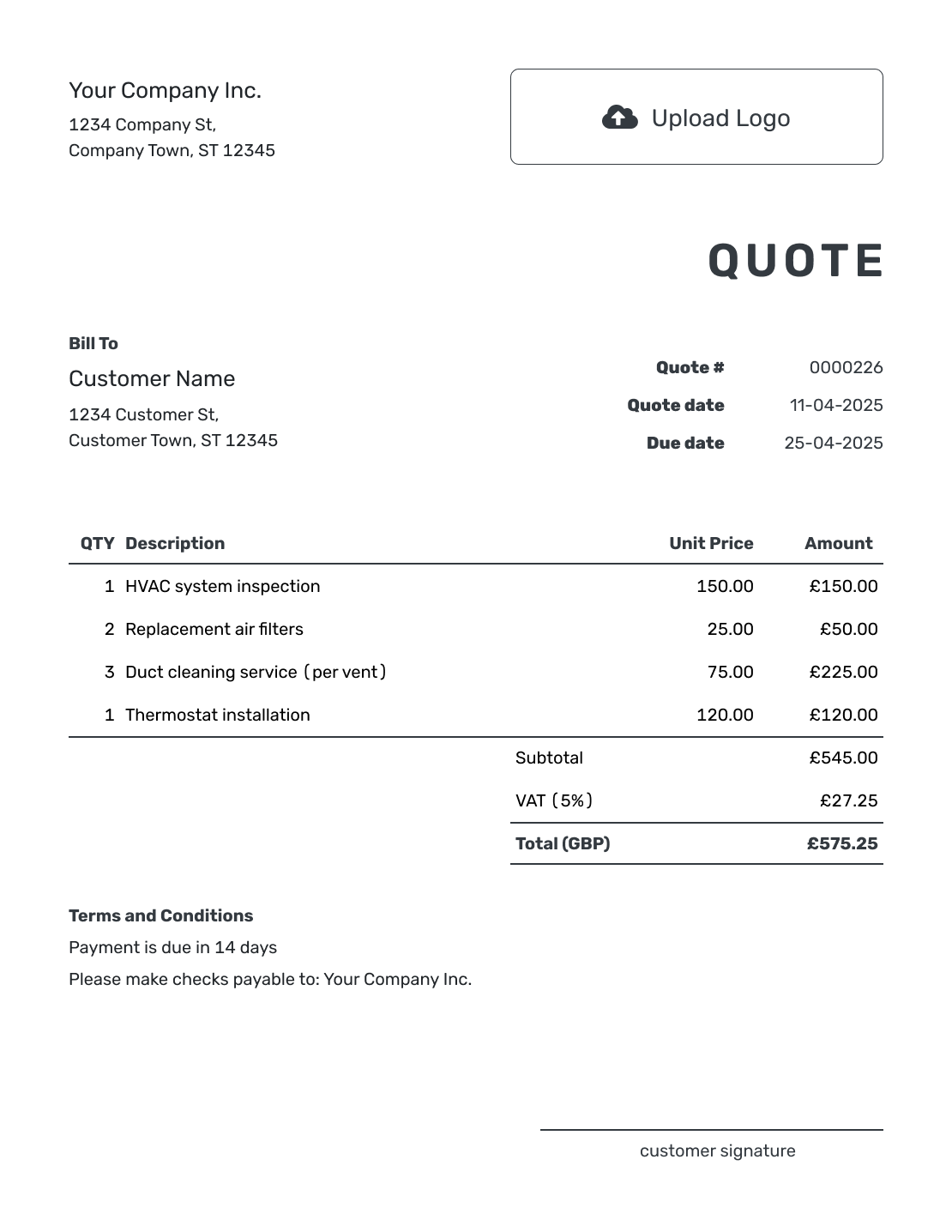
Printable UK Quotation Template
Create Free Quote
See the other six UK quotation previews below the guidance.
What Is a UK Quotation?
A quotation is a written offer. It explains what you will provide, what you will charge, how long the price holds, and which terms apply. In everyday business use, quotation and quote usually mean the same thing.
Send it before the customer commits to the work or order. Specific descriptions help them compare the offer with what they asked for, while the total shows the price they are being asked to accept.
How to Create a UK Quotation
Set the quotation currency to GBP, then work through the details below. You can reuse saved customer, product, and service information; check the quantities and rates for this offer.
- Business Details: Add your business name, address, and contact details. Include company or VAT numbers when relevant.
- Logo: Add your logo to match your other business documents.
- Customer: Choose a saved customer or enter their name, address, and contact details.
- Number and Dates: Check the quotation number and issue date. Set a valid-until date for the offer.
- Offer in Pounds: Describe each product or service with its quantity and price in pounds.
- VAT and Total: Apply VAT when it belongs on the sale. Check the subtotal, VAT amount, and final total.
- Terms and Sending: Add timing, payment terms, and exclusions in Terms and Conditions. Review, then email or save a PDF.
How to Show UK Quotation Line Items
Give each separately priced product or service its own row. Name the unit behind the quantity, such as hours, visits, or pieces of furniture, so the customer can follow the price. Put any delivery charge in the item table too.
This fictional office furniture installation quotation uses GBP. The business is VAT-registered, and all three services use an illustrative 20% VAT rate. Unit prices are before VAT; the customer can see both the breakdown and the £600.00 total.
| QTY | Description | Unit Price | Amount |
|---|---|---|---|
| 4 | Desk assembly — per desk | £60.00 | £240.00 |
| 1 | Meeting table assembly | £110.00 | £110.00 |
| 3 | Wall shelf installation — per shelf | £50.00 | £150.00 |
| Subtotal | £500.00 | |
| VAT (20% illustrative) | £100.00 | |
| Quotation Total | £600.00 |
What to Include in UK Quotation Terms
Use Terms and Conditions to explain the assumptions behind the price and what happens when the customer accepts. For installation work, it helps to say who supplies the furniture, when the site will be ready, and when payment is due. If your business takes a deposit, state when it is due too.
Adapt this example to the offer above. Include only terms your business actually uses, and check that any payment, cancellation, or other conditions meet the requirements for your customer and sale.
Example: Terms and Conditions
- Quotation valid for 14 days from the issue date.
- Price covers assembly and installation of the listed customer-supplied furniture. Furniture supply and removal of old furniture are excluded.
- Installation date to be agreed after acceptance. The work area must be clear and the furniture on site.
- Payment is due within 14 days of the invoice issued after installation.
- We will price any additional work and agree it with you before starting it.
For more wording, see the quote terms example. The sample's 14-day validity and payment periods are choices for this fictional job, not rules for every quotation.
Create a UK Quotation Ready to Send
Put your own offer into the quotation while the details are fresh. Docelf calculates the total as you add the items. Check the finished offer, then send it to the customer.
Make VAT and Optional Work Clear
Use the VAT treatment that applies to your business and the sale. If you are not VAT-registered, do not add VAT. If you are registered, check the right rate for each item; the 20% used above is an example, not a rate to apply to every sale.
State whether item prices include or exclude VAT, then show the VAT amount and the final total. A customer should not need to add tax themselves to find out what they will pay. Check HMRC's guidance on charging VAT for your circumstances.
Keep an optional extra outside the main total until the customer chooses it. For example, furniture removal could be a separate offer alongside the installation above. If the agreed scope or price changes, send a revised quotation and confirm the change before doing the extra work.
Quotation, Estimate, or Invoice?
Choose the document based on how certain the price is and whether payment is due.
After You Send the UK Quotation
Check the document history to see when your emailed quotation was delivered and opened. Your customer can accept or decline online, and Docelf updates the status and emails you when they respond.
If they have questions, refer to the quotation number so you are discussing the same offer. Use the quotation email guide for wording when you send or follow up.
When it is time to bill, create an invoice from the quotation. Docelf copies the relevant customer, item, price, and document details; review the invoice before sending it.
More UK Quotation Layouts
These six previews offer more layout ideas. They all open the quote editor; for a separate Word or spreadsheet template, use the format links below.
Other Quote Template File Formats
Use Word or Google Docs when you want to edit the wording and layout yourself. Excel and Google Sheets suit item lists with calculations. Check the file's currency and VAT settings before sending your UK quotation; Docelf itself downloads the finished document as a PDF.
Related Quote Templates
Browse the main collection or choose a more specific page. You can compare industries, file formats, and regional wording.
UK Quotation Template FAQs
-
What is a quotation in the UK?
A quotation is a written offer that explains what a business will provide and charge. It states how long the price is valid and which terms apply. The customer can review the offer before deciding whether to accept it.
-
Is a quotation the same as a quote?
Yes. Quotation and quote usually mean the same type of business document. Both describe the products, services, or work being offered and the price the customer can expect to pay.
-
What should a UK quotation include?
Include your business and customer details, a quotation number, issue date, and valid-until date. Describe the work and show quantities, prices, any discount, VAT when applicable, and the total in pounds. Add the timing, terms, and how to accept.
-
Should a UK quotation include VAT?
If you are VAT-registered and VAT applies to the sale, show it clearly with the total the customer will pay. Do not add VAT if you are not registered. Check the applicable rate rather than copying the example rate from a template.
-
Is an accepted quotation legally binding in the UK?
An accepted quotation can become part of a binding contract, depending on the wording and circumstances. Make the scope and price clear before the customer accepts. State the validity period and terms. Get legal advice for a high-value, unusual, or disputed agreement. See the guidance on forming a contract.
-
How long should a quotation be valid?
Choose a valid-until date that fits your costs, schedule, and availability. If the customer accepts after that date, review the price and timing before you confirm the work.
-
Can I send the UK quotation as a PDF?
Yes. Review the quotation in Docelf, then download a PDF or email it directly to the customer. Creating, editing, or saving it does not send it; you choose when to send the finished offer.
-
Can I turn an accepted quotation into an invoice?
Yes. Docelf copies the relevant customer, item, price, and document details into a new invoice. Review the amount and payment due date before sending it, including any changes agreed since the quotation.
Ready to Send Your UK Quotation?
Finish the quotation with the UK details the customer needs to review the offer.
- Show the price in pounds and make the VAT treatment clear
- Check the validity period and terms before sending
- Email the quotation or download a PDF




