Free Computer Invoice Template
Create a professional computer invoice in minutes
Separate the hardware sold from setup, repair or support services on the invoice. Customers can see each charge, check the total and pay the correct amount.
Email, print or download your invoice as a PDF.
14-day free trial. No credit card required.

Create the invoice. Send it. Get back to work.
Preview Computer Sales and Service Invoices
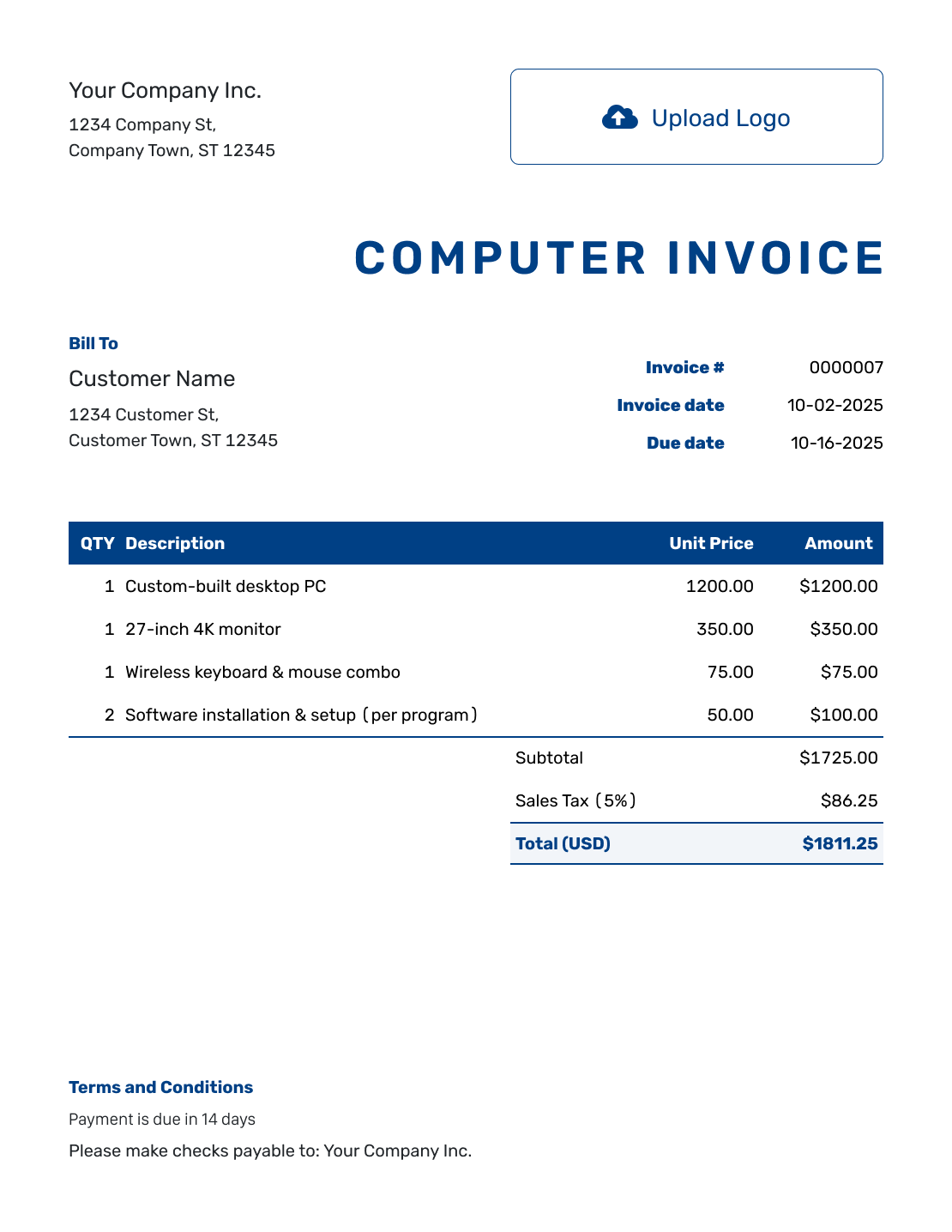
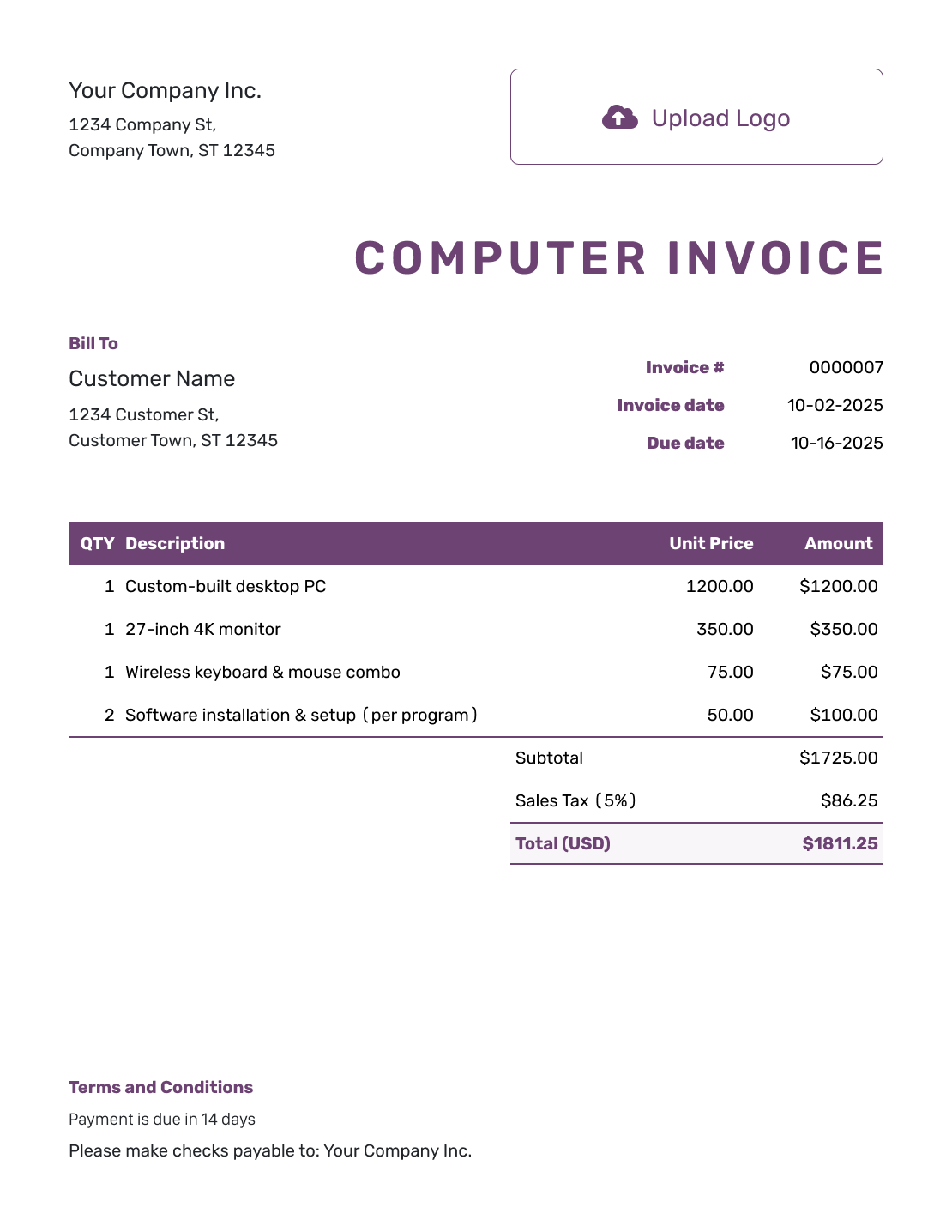
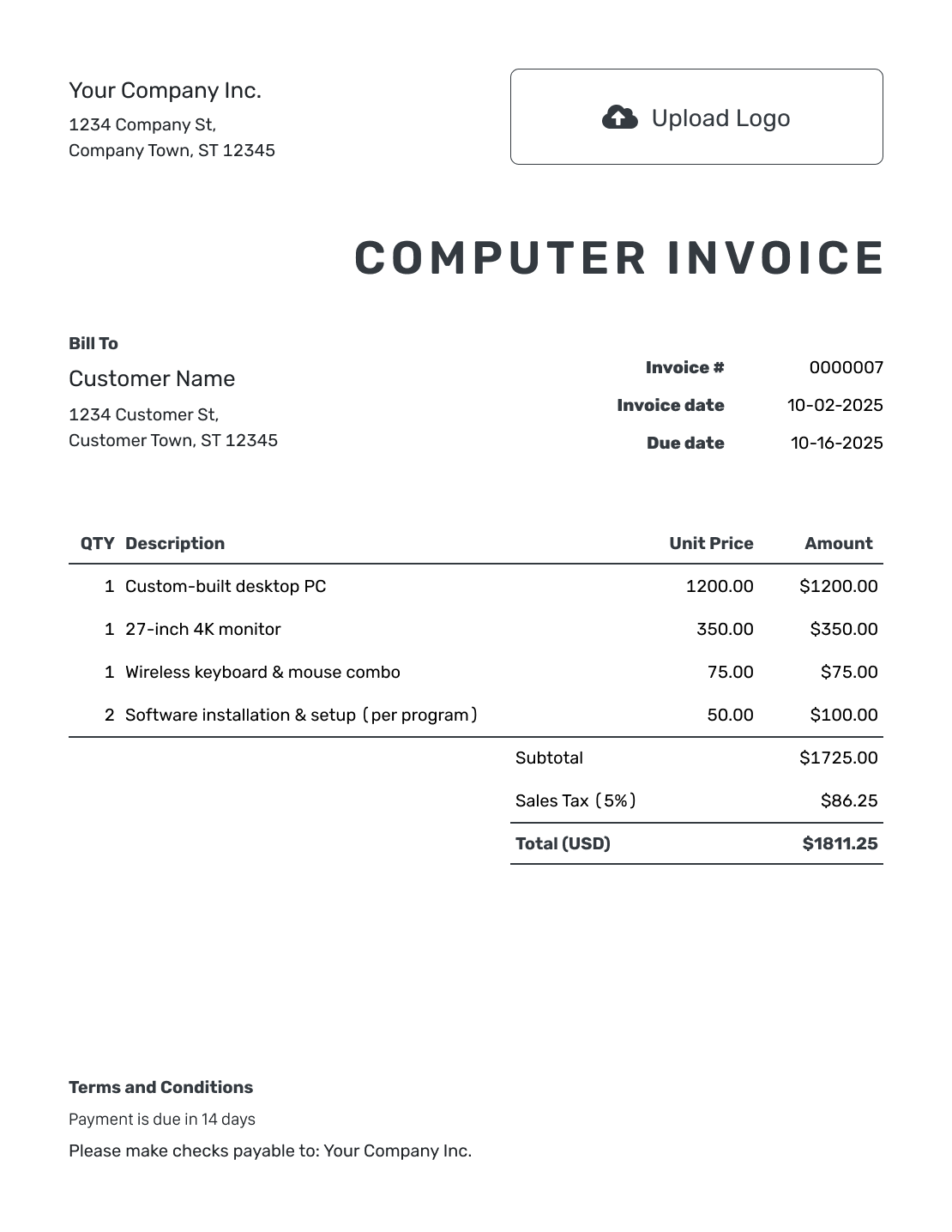
Use these layouts for hardware sales, repairs, or IT support. Enter the device or job reference with the charges so the customer knows which work the invoice covers. Each preview opens the invoice editor.
How to Create a Computer Invoice
Start with the sales order or repair ticket. Use the invoice to show the equipment supplied and the work you completed.
- Add Your Business: Enter the store or repair business name and contact details.
- Add Your Logo: Use the same logo as your repair ticket or sales paperwork.
- Add the Customer: Check who is paying for the device or support work.
- Check the Number and Dates: Review the invoice number, issue date, and payment due date.
- List Hardware and Services: Separate parts from labor. Include the device or job reference.
- Review Tax and Totals: Check which charges need tax. Docelf calculates the line amounts and total.
- Add Terms and Conditions: Explain payment and agreed service terms. Review the invoice, then email it or save a PDF.
How to Fill In Computer Invoice Line Items
Put a replacement part on its own line. Describe labor by the task and state whether you charged by the hour or at a fixed price.
This fictional repair uses USD. It includes an SSD, installation and data transfer, and a separate operating-system setup fee. For this example only, 8% tax applies to the $95 hardware charge, not the service fees.
| QTY | Description | Unit Price | Amount |
|---|---|---|---|
| 1 | 1 TB solid-state drive | $95.00 | $95.00 |
| 2 | SSD installation and data transfer — hours | $80.00 | $160.00 |
| 1 | Operating-system setup — fixed fee | $45.00 | $45.00 |
| Subtotal | $300.00 | |
| Sales Tax (8% of $95 example) | $7.60 | |
| Total | $307.60 |
The setup fee does not include a software license. Prices and tax treatment are illustrative; check the rules that apply to hardware and services where you work.
What to Include in Computer Invoice Terms
Use Terms and Conditions to identify the approved repair or sale and explain payment. Add relevant warranty information only when it matches the part or service you supplied.
For a repair, distinguish replacement parts from work on customer-supplied equipment. Check local requirements before adding warranty periods, return rules, or fees. Adapt the following wording to the actual job.
Example: Terms and Conditions
- This invoice covers the parts and services listed for repair ticket [Ticket Number].
- Payment is due on [Due Date] using [Accepted Payment Method].
- The operating-system setup charge covers installation work only; no software license is included.
- Please contact [Service Contact] with the repair ticket number for questions about the completed work.
Bill for the Completed Computer Repair
Enter the parts and completed service work in Docelf. It calculates the charges while you check the job details. Send the invoice when it is ready.
Keep Hardware, Labor, and Software Charges Clear
A computer invoice may cover a sale, a repair, or ongoing support. Give the customer enough detail to identify the device without filling the bill with technical notes.
- For a computer sale, name the model and the agreed configuration.
- For a custom PC build, identify the supplied components and the assembly charge.
- For repair work, use a ticket number or device reference and describe what you fixed.
- For IT support, state the visit date or service period and the time or fixed fee.
- For software, distinguish a license sold from installation or setup labor.
If you credit an earlier diagnostic charge toward the repair, show the adjustment clearly. Do not bill the same work twice. Keep passwords and personal files off the invoice.
Add the Details the Customer Will Need Later
Put your service contact in the footer so the customer knows where to ask about the repair. A short repair summary or parts list can support the bill. Docelf accepts PDF and supported image attachments up to 5 MB each.
Match the invoice to your shop with a logo, fonts, and colors. You can add an industry name before “Invoice.” For a customer using another currency, choose from USD, EUR, GBP, CAD, or AUD.
Already priced the work in Docelf? Create the invoice from the quote or from an estimate. Review the supplied parts and completed work before you send it.
More Computer Invoice Previews
Use the layout you prefer as a reference for your equipment and service charges.
-
Blank Computer Invoice Template
Create Free Invoice -
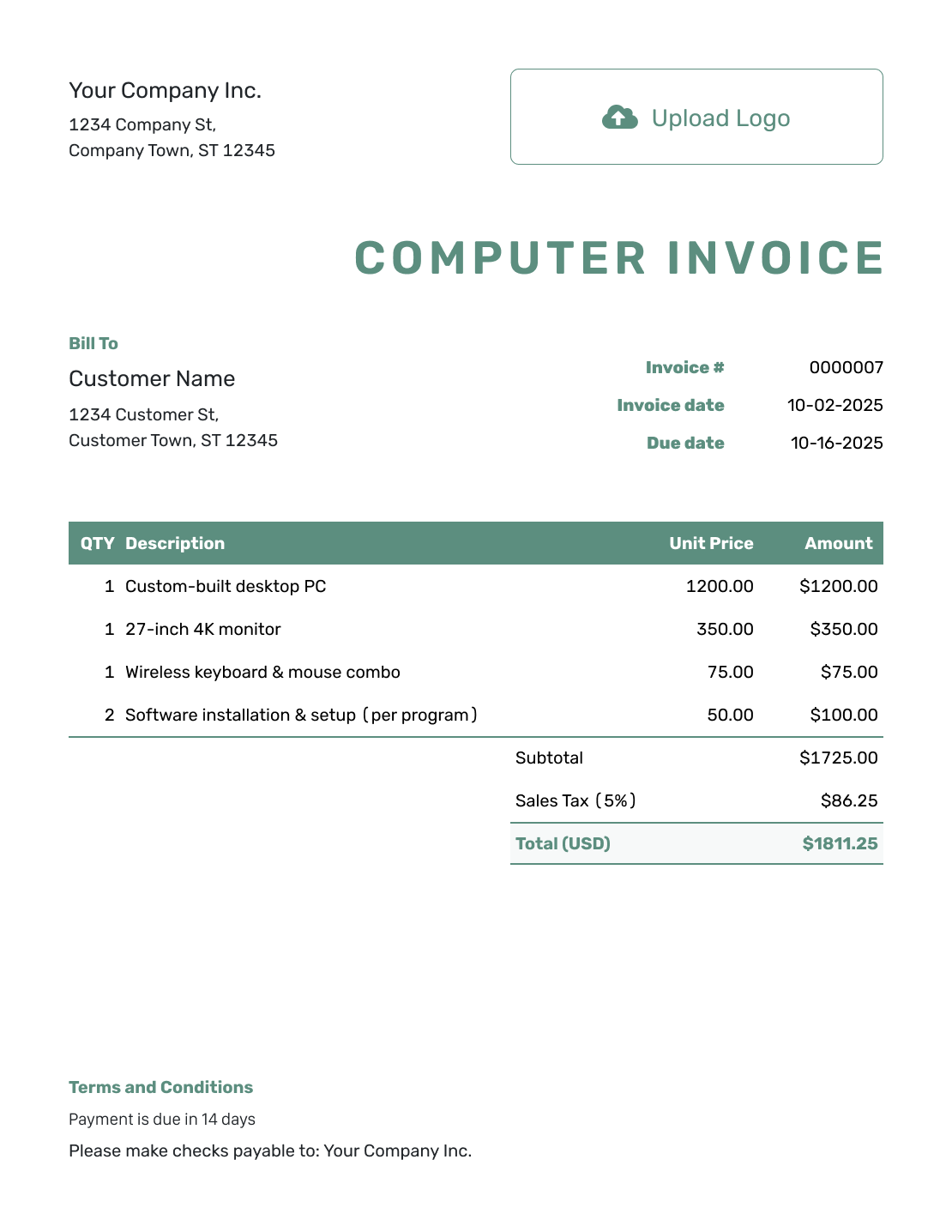
Simple Computer Invoice Template
Create Free Invoice -
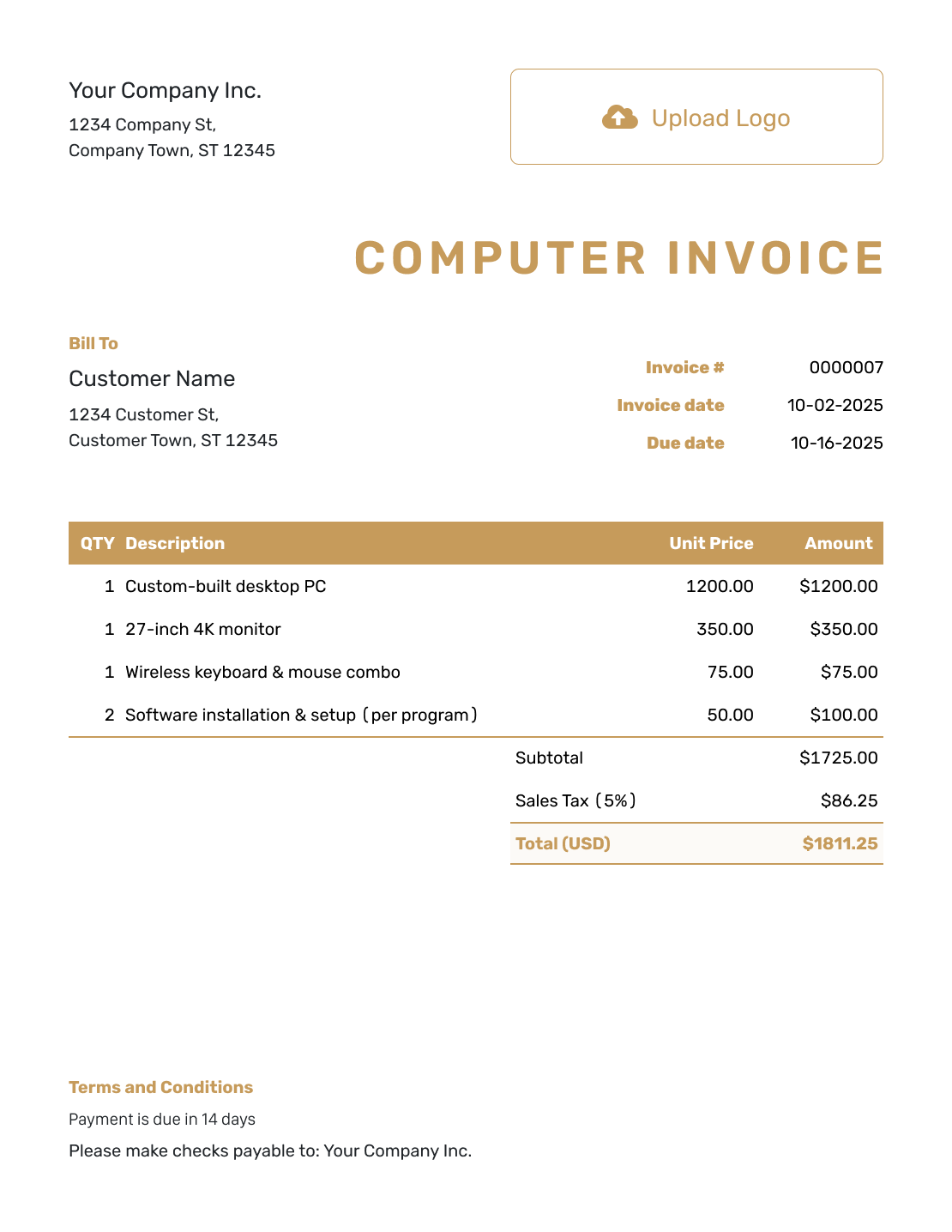
Standard Computer Invoice Template
Create Free Invoice -
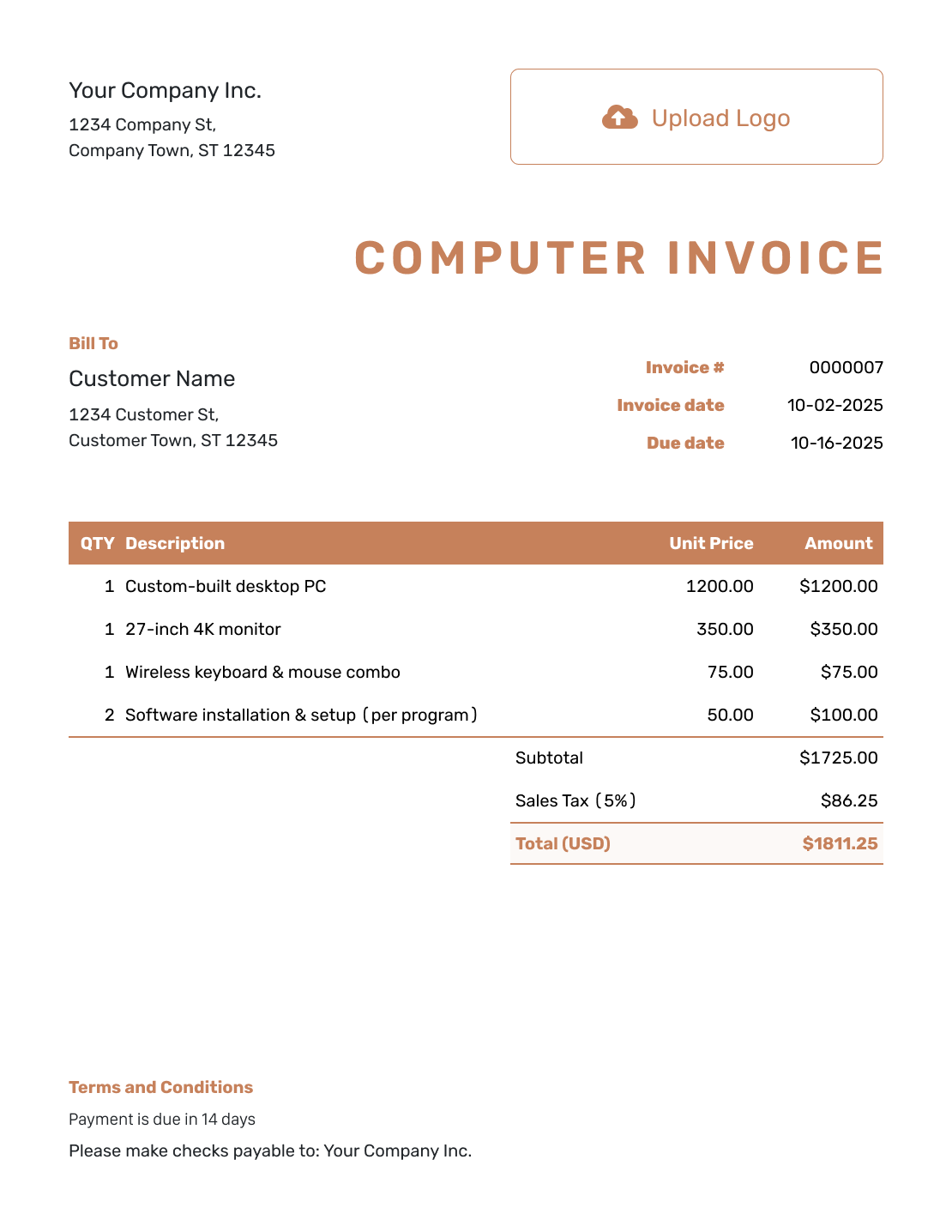
Itemized Computer Invoice Template
Create Free Invoice -
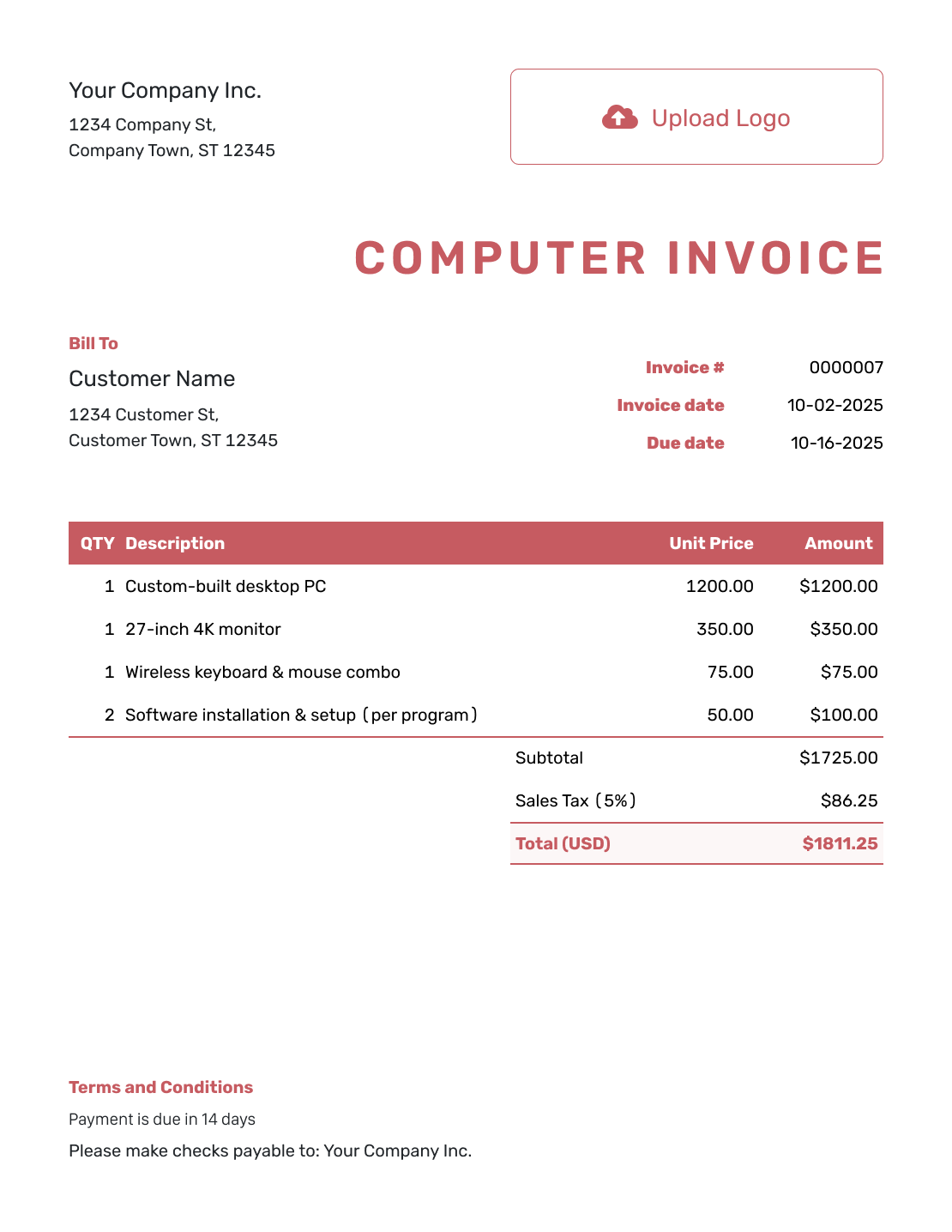
Basic Computer Invoice Template
Create Free Invoice -
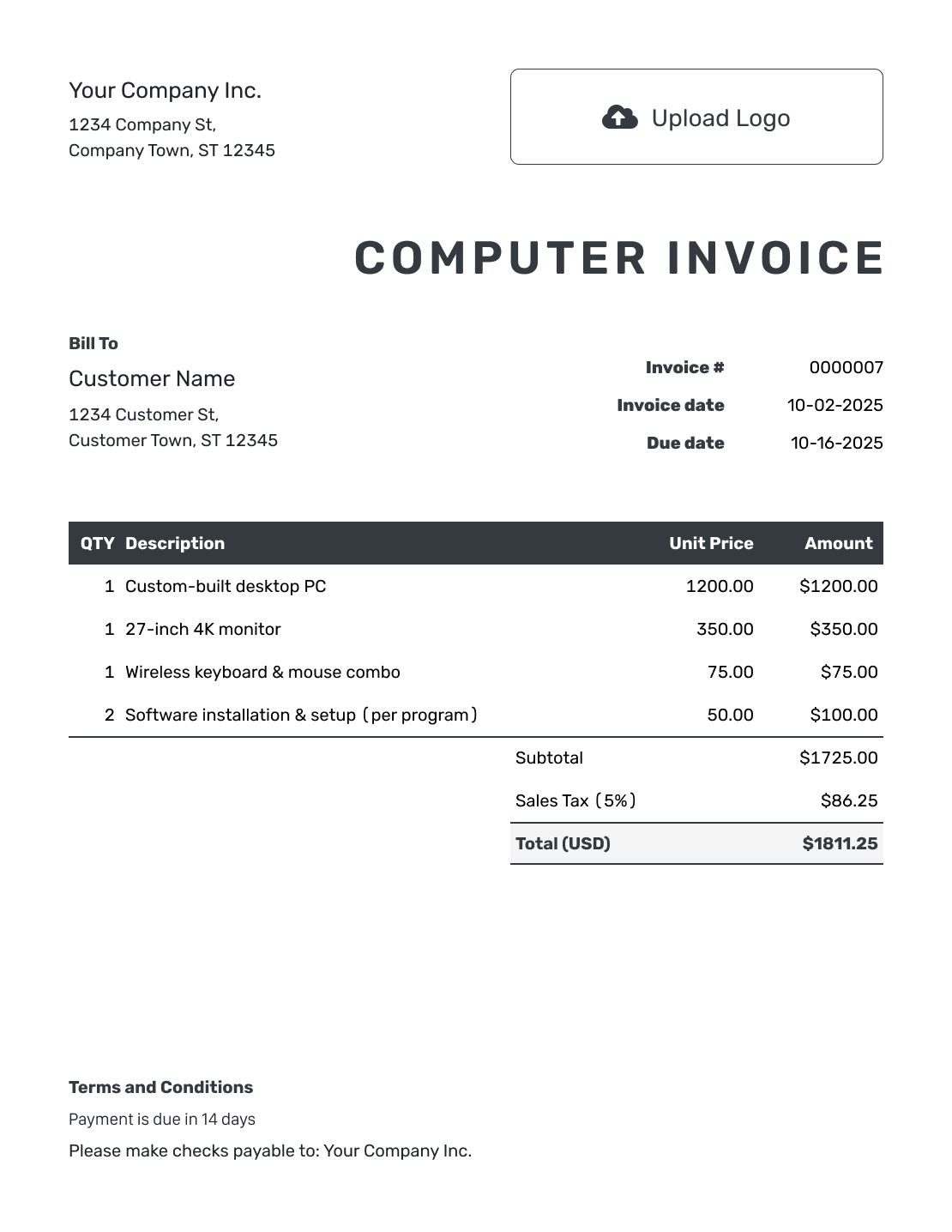
Hourly Computer Invoice Template
Create Free Invoice
Record Payment for the Sale or Repair
Docelf shows delivery and opening information for invoices you email from your account. Use the repair ticket or order reference when answering a customer’s billing question.
When the customer pays, record the amount and date against the invoice. A full payment marks it Paid; a partial payment leaves the remaining balance visible. Create a receipt after recording payment so the customer has a record of what they paid.
Computer Invoice Templates in File Formats
Need an editable file instead? Use one of these general invoice templates and add your hardware and service lines. The preview cards above open Docelf rather than downloading a file.
Computer Invoice FAQs
-
Can one invoice include computer parts and repair labor?
Yes. Put the parts and labor on separate lines. Identify the device or repair ticket and show whether each service has an hourly rate or fixed fee.
-
Which computer details belong on the invoice?
For a sale, include the model and configuration the customer bought. For a repair, add a ticket number or device reference that identifies the job. Do not include passwords or unrelated personal information.
-
How do I show a diagnostic fee credited toward a repair?
Describe the diagnostic charge and the agreed credit so the customer can see the adjustment. Check that the fee is not included twice in the final repair charges.
-
How should I bill for software installation?
Name the setup or installation work and its fee. A software license is a separate product from the labor. List a license only when you supplied it as part of the sale.
-
Can I use this template for ongoing IT support?
Yes. Identify the service period and describe the support covered by the fee. For the next period, duplicate the invoice in Docelf, update it, and send it yourself.
-
Should I add warranty details to the computer invoice?
Include relevant warranty details that match the parts or services supplied. Do not promise coverage your business does not provide. Check local requirements before setting warranty periods or return conditions.
Ready to Bill for the Computer Job?
Close out the paperwork with a bill that shows what the customer received.
- Identify the device or repair ticket
- Separate parts from service charges
- Email the finished invoice or save a PDF




