Free Illustrator Invoice Template
Create a professional invoice in minutes
List the finished illustrations and any agreed usage fee on your invoice. Show what each charge covers to help you collect the full payment agreed with your client.
Email, print or download your invoice as a PDF.
14-day free trial. No credit card required.

Create the invoice. Send it. Get back to work.
Invoice Layouts for Illustration Projects
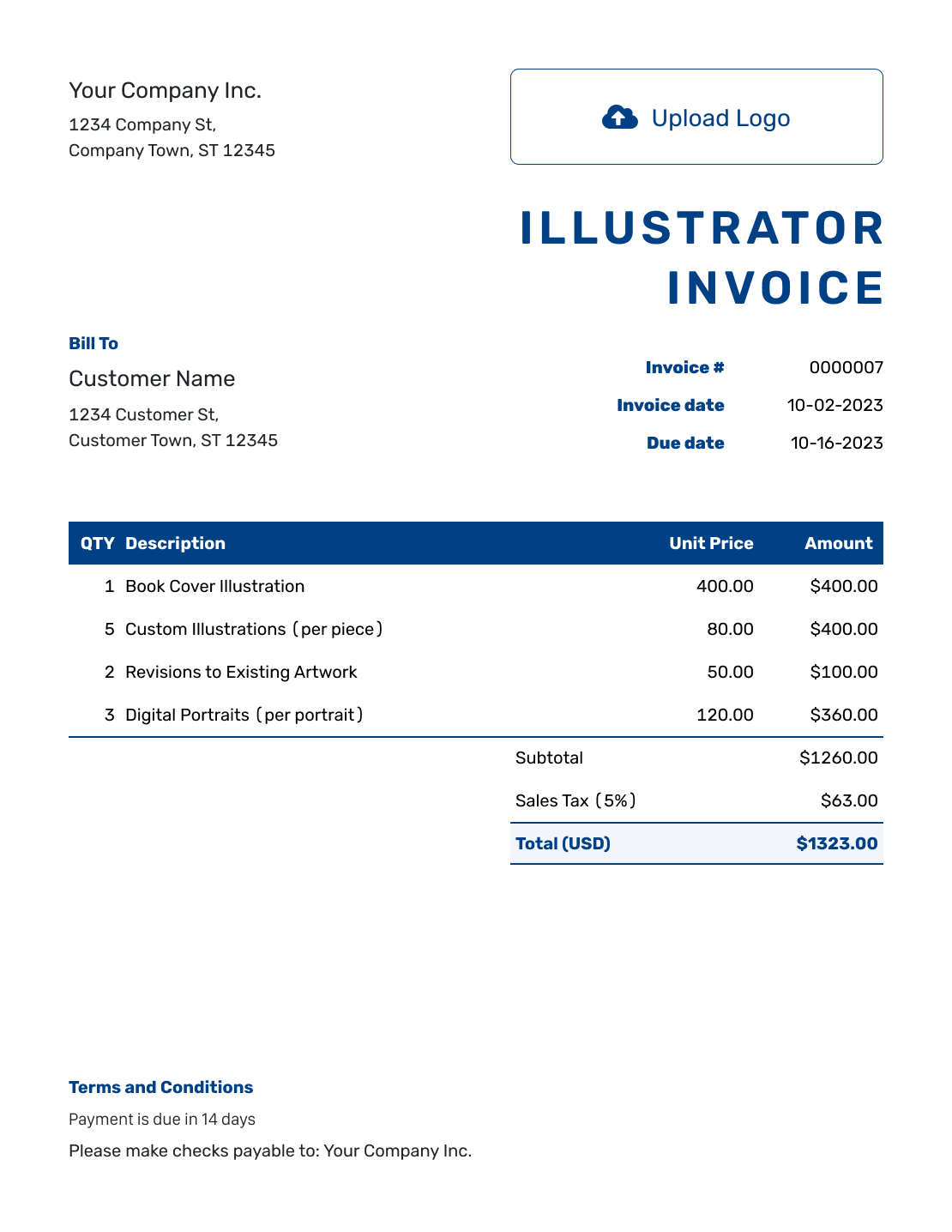
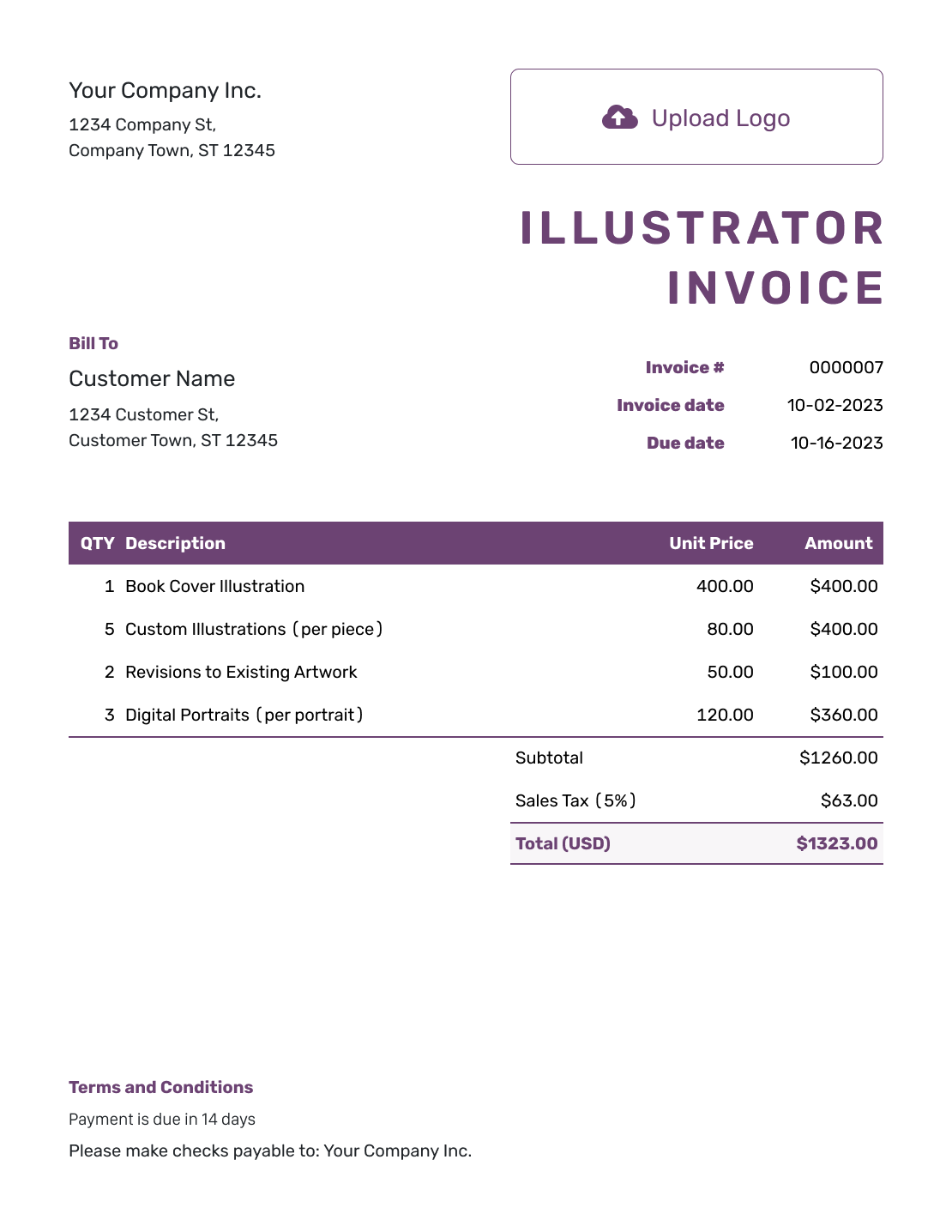
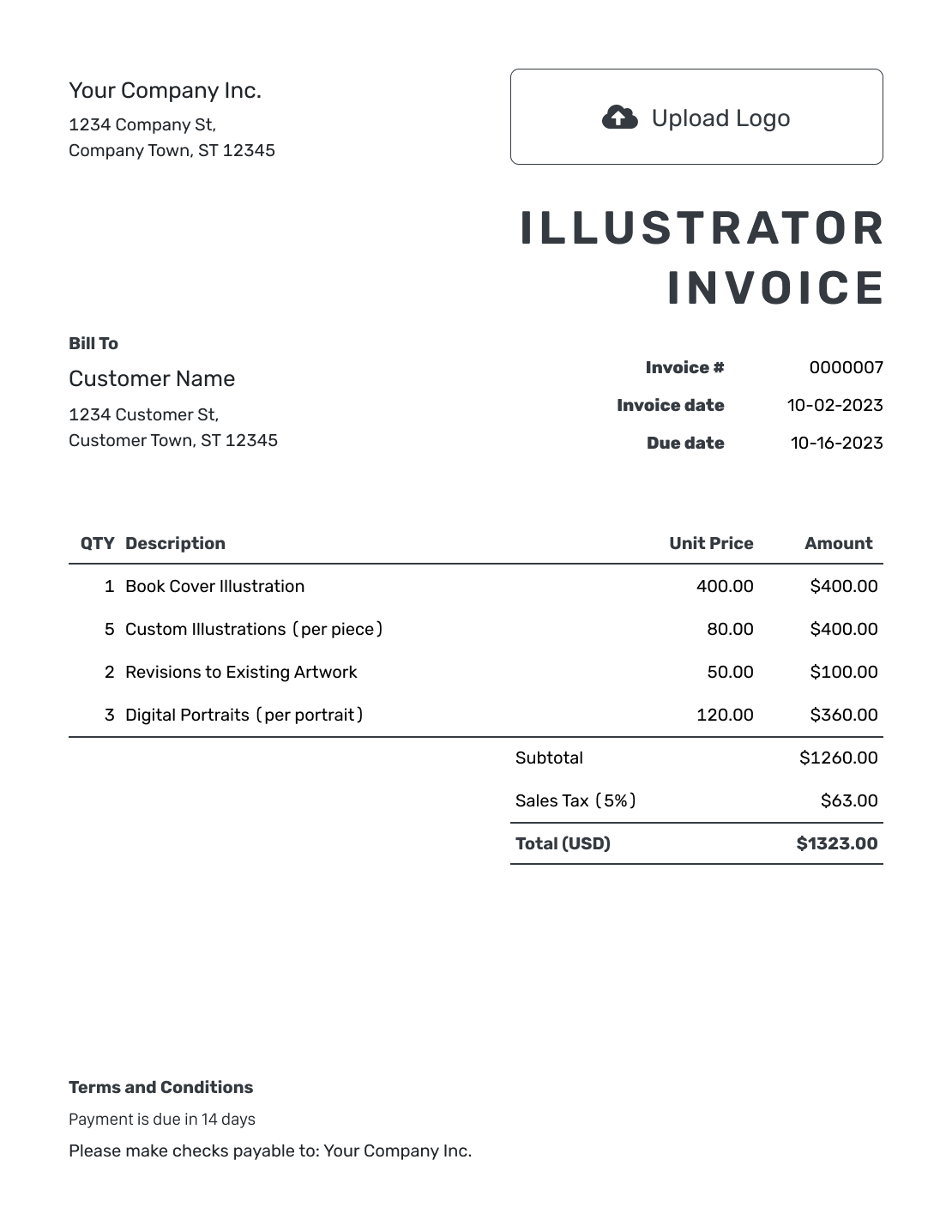
Browse invoice previews for book, editorial or digital illustration. Each opens the invoice editor, where you can name the finished illustrations and add the agreed price per image or project.
Identify the Illustrations Behind the Fee
Give each charge a description the client can connect to the brief. A cover, full-page illustration and set of small spot illustrations may have different fees. Add the project, publication or file reference when several images belong to the same job.
Use the agreed project price or price per illustration. Keep included sketches and revisions within that fee. List extra work separately only when the client approved a separate charge.
How to Create an Illustrator Invoice
Check your illustration brief against the files you delivered. Use that list to fill in the invoice.
- Name Your Illustration Business: Add your name or studio name and the billing contact.
- Add Your Logo: Add your studio logo so the client recognizes the invoice.
- Enter the Client’s Details: Confirm the publisher’s, agency’s or direct client’s billing details.
- Check the Number and Dates: Set the invoice date and due date alongside the invoice number.
- List the Illustrations: Identify each illustration or set. Add its quantity and agreed unit price.
- Review the Total: Check approved extras and any tax or discount. Review the total.
- Add Payment and Usage Terms: State how to pay. Refer to the existing illustration agreement for usage terms.
How to Fill In Illustrator Invoice Line Items
Use the description to distinguish a full-page illustration from smaller images or extra revision work. For an hourly charge, enter the hours as Quantity and the hourly rate as Unit Price.
This fictional editorial project uses USD. The client approved an extra revision charge beyond the illustration fees. An illustrative 6.5% tax applies to the $1,100.00 subtotal. The rates and tax treatment are examples, not standard illustration pricing or local tax advice.
| QTY | Description | Unit Price | Amount |
|---|---|---|---|
| 1 | Full-page editorial illustration — finished artwork | $600.00 | $600.00 |
| 4 | Spot illustration — finished artwork | $95.00 | $380.00 |
| 1.5 | Approved additional revisions — hours | $80.00 | $120.00 |
| Subtotal | $1,100.00 | |
| Sales Tax (6.5% example) | $71.50 | |
| Total | $1,171.50 |
What to Include in Illustrator Invoice Terms
Use Terms and Conditions to explain when and how to pay, with the invoice number as a payment reference. Keep file delivery, revision allowances and usage wording consistent with the illustration agreement.
If you agreed on a separate usage fee, list it among the charges. Refer to the agreed purpose and usage period without adding new conditions to the invoice. Adapt this example to the project.
Example: Terms and Conditions
- Payment is due by [Due Date] for illustrations listed under [Project Reference]. Pay by [Payment Method] using [Invoice Number] as the reference.
- The listed artwork and included revisions follow brief [Brief Reference].
- Additional revisions shown on this invoice were approved separately.
- File delivery and permitted usage follow agreement [Agreement Reference].
Invoice for the Illustrations You Delivered
Use your finished image list to create the invoice. Docelf calculates the total from your quantities and fees.
Keep the Illustration Count Clear
A precise count helps the client review a book or editorial project without reopening every file.
- Name a cover or full-page illustration individually when it has its own fee.
- Use a quantity for a set of spot illustrations at the same unit price.
- Keep alternate versions or sizes within the main fee when they are already included.
- Add a brief or file reference when image names alone are unclear.
Keep Usage Fees Consistent With the Agreement
An illustration fee may already include the usage described in your agreement. Do not add a second usage charge for the same permission. If the client agreed to a separate usage fee, identify the illustrations it covers. Use the wording from that agreement.
An agreement reference connects the invoice to the detailed usage terms without repeating them all. If the client asks for different usage, agree on the change and any extra fee before billing for it.
Send a Readable Invoice With a Useful Preview
Match your invoice to your illustration business with a logo, fonts and colors. Keep your contact details in the footer. An optional industry name can appear before “Invoice.”
Attach a small PDF contact sheet or preview image when it helps identify the finished illustrations. Docelf accepts PDF, JPG, GIF, PNG and WebP attachments up to 5 MB each. Use another delivery method for layered source files or larger artwork.
For an overseas publisher, use the agreed currency throughout. Docelf supports USD, EUR, GBP, CAD and AUD.
Keep the Payment With the Illustration Project
Email the invoice from Docelf and check its viewing history. Use the project or publication reference when asking the billing contact about an unpaid invoice.
Once you receive payment, record its amount and date. Docelf marks a fully paid invoice Paid. You can create a receipt from the invoice after recording the payment.
For a new project, use the design quote template to describe the illustration work and price before you bill.
More Illustrator Invoice Previews
These six previews open the same invoice editor. Choose the appearance there and add your own project details.
-
Blank Illustrator Invoice Template
Create Free Invoice -
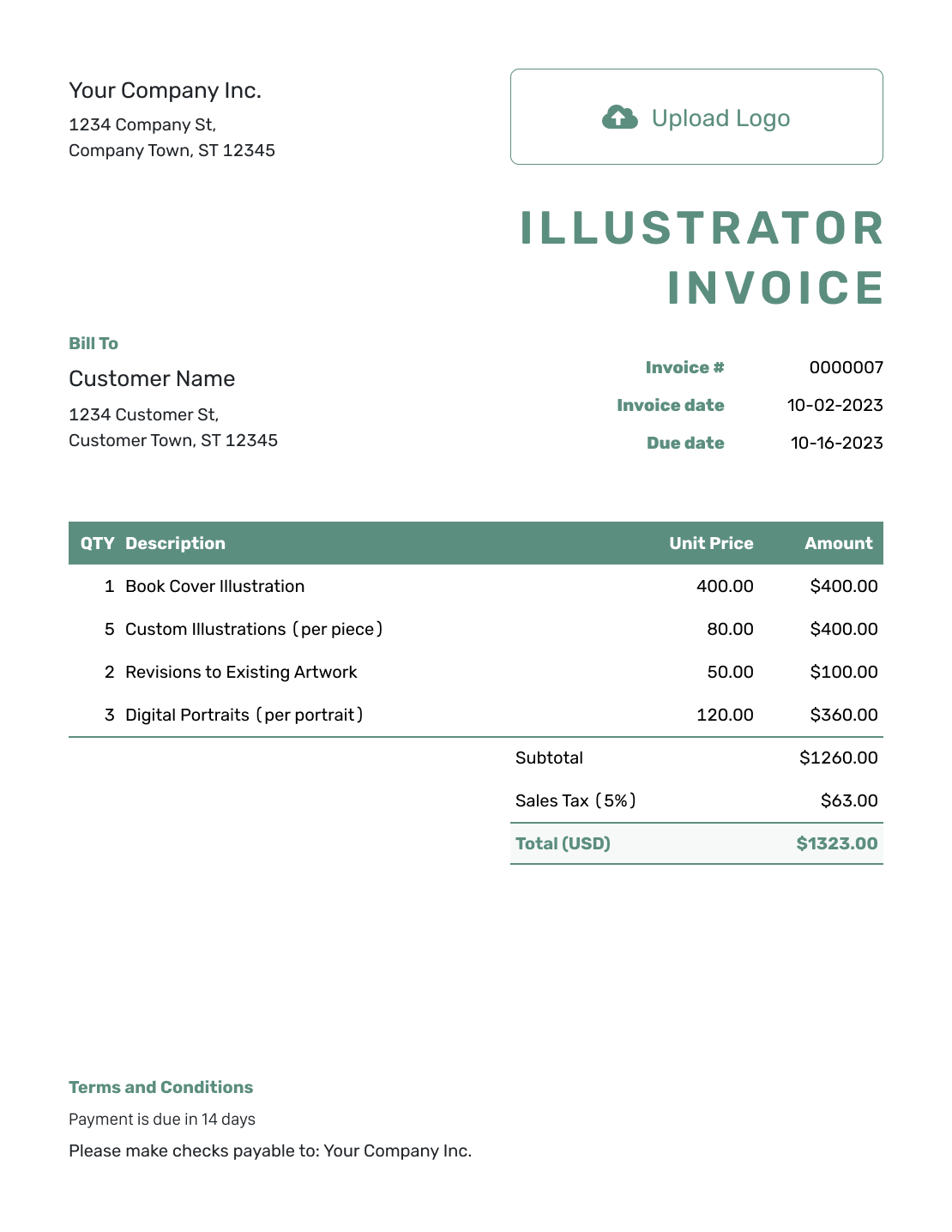
Simple Illustrator Invoice Template
Create Free Invoice -
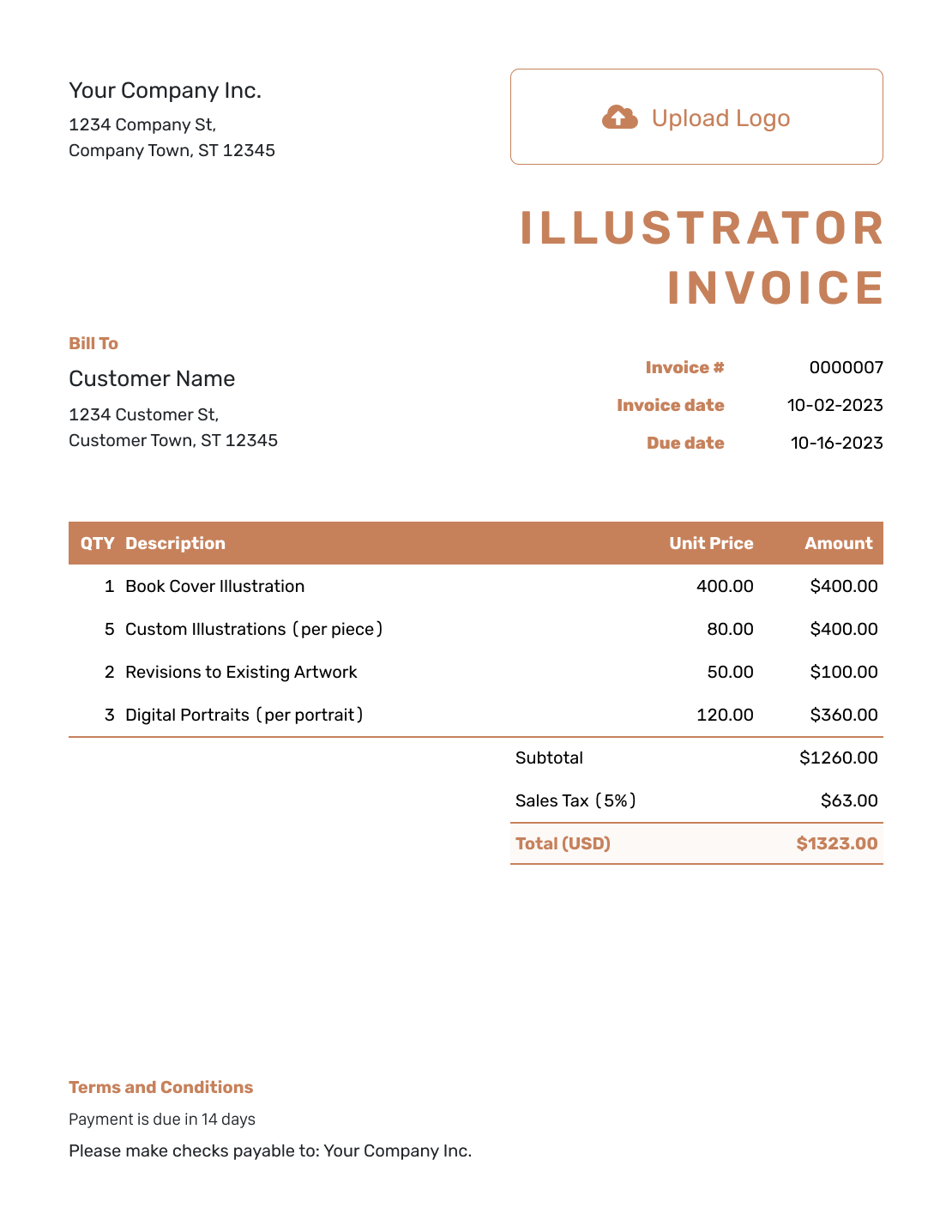
Standard Illustrator Invoice Template
Create Free Invoice -
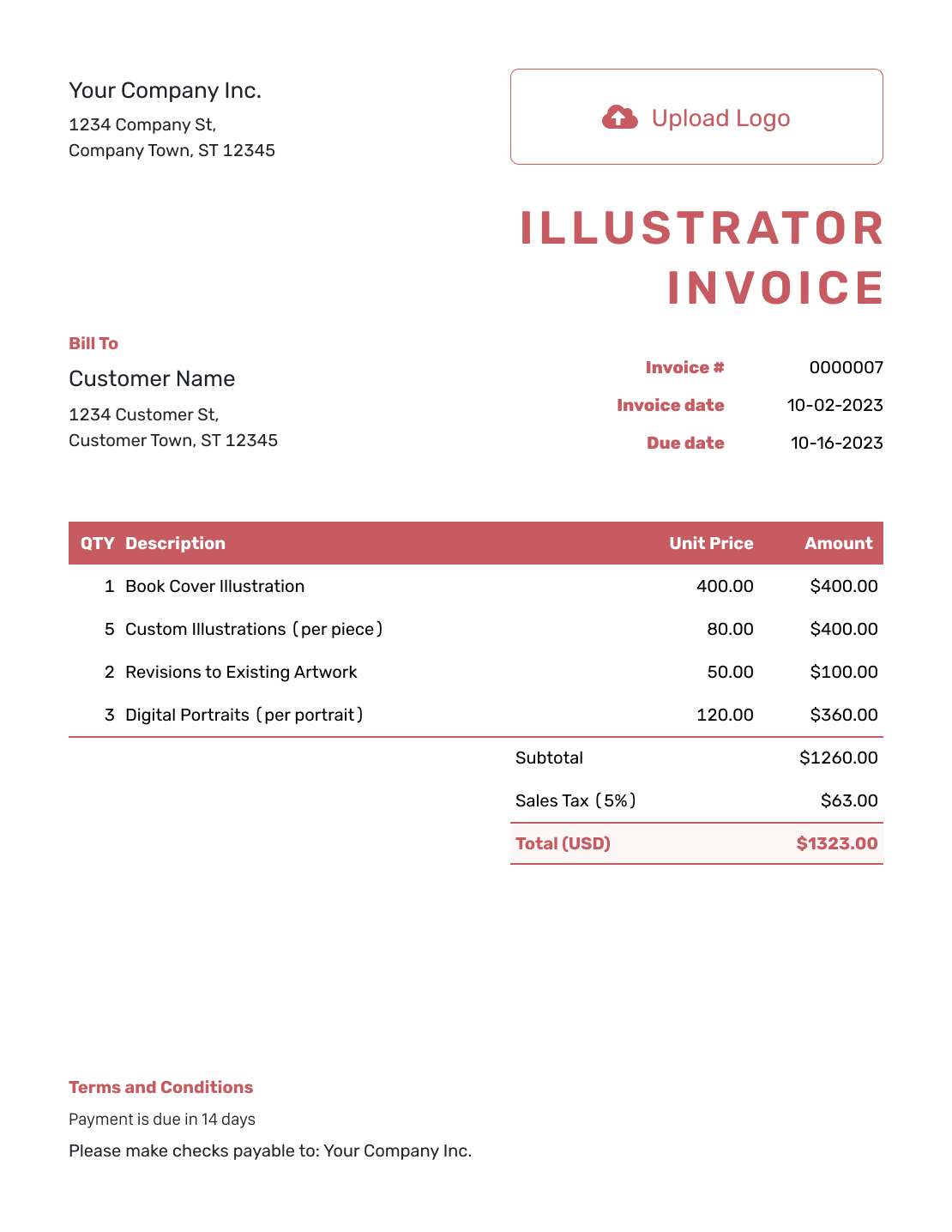
Itemized Illustrator Invoice Template
Create Free Invoice -
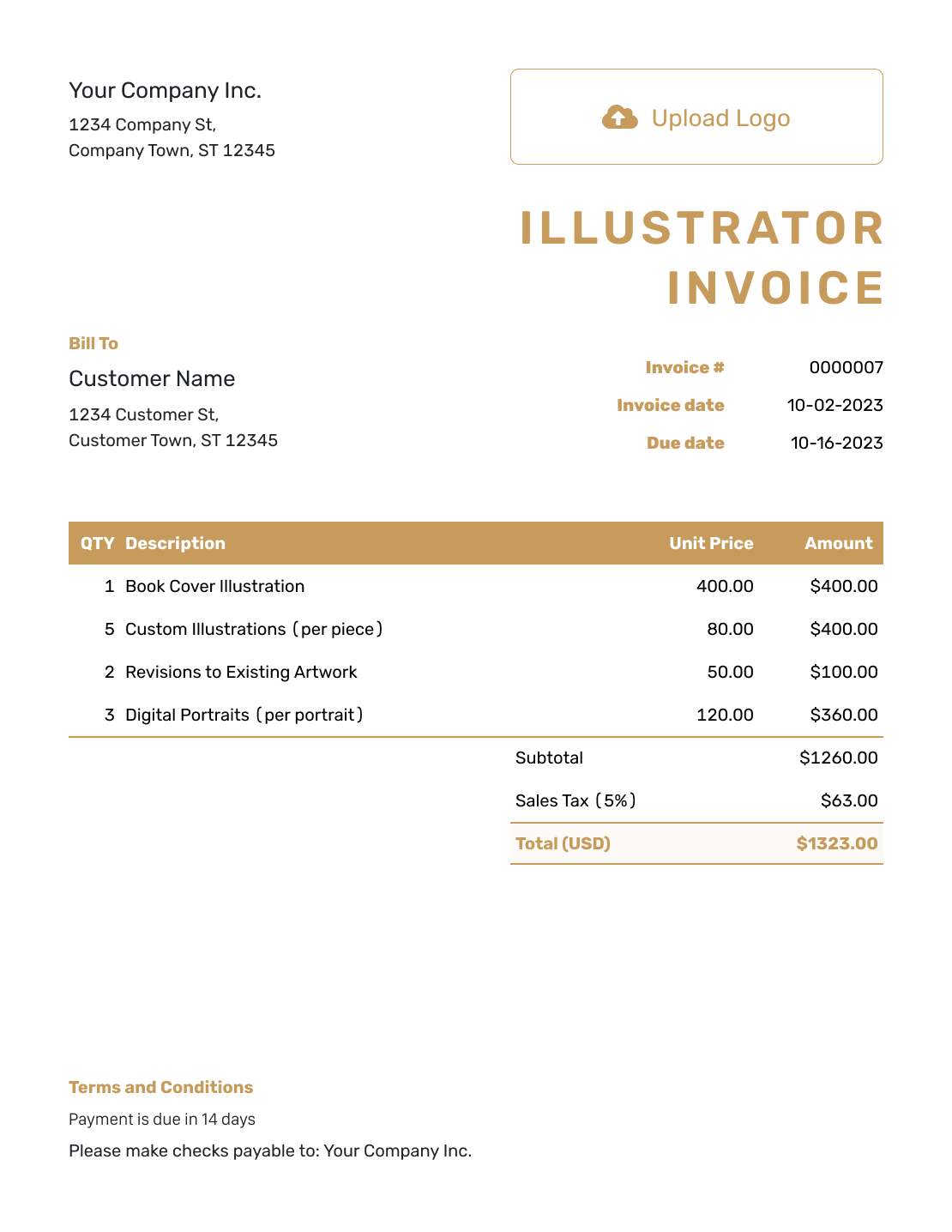
Basic Illustrator Invoice Template
Create Free Invoice -
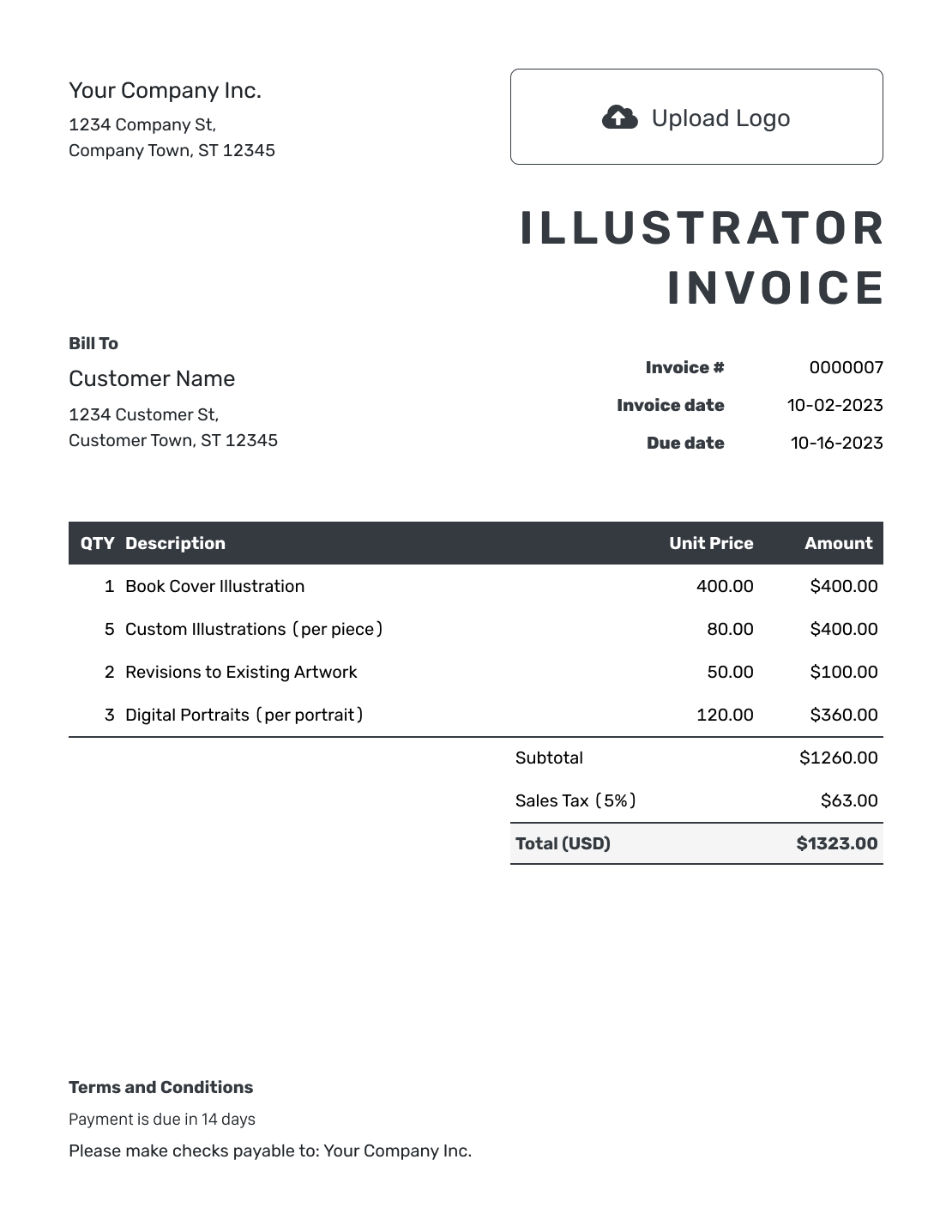
Hourly Illustrator Invoice Template
Create Free Invoice
Illustrator Invoice File Formats
A document template can hold detailed illustration descriptions; a spreadsheet can help you organize image counts and rates. Choose a general invoice format and add the brief reference yourself.
Illustrator Invoice FAQs
-
Should I charge per illustration or use one project fee?
Use the pricing method in your agreement. List a quantity and unit price for illustrations sold individually. Use Quantity 1 for a complete project package, and describe the images included in that package.
-
Should I bill separately for sketches and revisions?
Keep sketches and revisions inside the main fee when your agreement includes them. Add a separate charge only for approved extra work. Name the extra task and show its fixed price or hours and rate.
-
How should I show an illustration usage fee?
List the usage fee on its own line only when the client agreed to pay it separately. Identify the illustrations and refer to the agreed purpose and usage period. Do not add the fee again when the illustration price already includes that usage.
-
How do I describe several illustrations for one book?
Name the book or project and group illustrations with the same price. Give covers, full-page images and spot illustrations distinct descriptions when their fees differ. Add image or brief references that help the client check the count.
-
Can I attach layered illustration files to the invoice?
Docelf accepts PDF, JPG, GIF, PNG and WebP files up to 5 MB each. Use a preview image or PDF contact sheet with the invoice. Deliver layered source files through the method agreed with the client.
-
Can I reuse the details from my illustration quote?
Yes. Create an invoice from the quote in Docelf. Check the copied illustration descriptions and fees. Add any approved extra work, then check the invoice dates before sending.
Ready to Bill for the Finished Illustrations?
Finish the project’s paperwork with a clear request for payment.
- Name the illustrations and check the count
- Keep agreed extra work easy to see
- Send the invoice with payment instructions




