Free Mechanic Invoice Template
Create a professional mechanic invoice in minutes
List the completed repairs, parts and labor on the invoice. Customers can see how the charges add up to the total, making it easier for your shop to get paid.
Email, print or download your invoice as a PDF.
14-day free trial. No credit card required.

Create the invoice. Send it. Get back to work.
Mechanic Invoice Layouts for Your Next Job
Browse layouts for the repair or service you finished. Each preview opens the same invoice editor, where you can bill by the hour or enter a fixed price for the job.
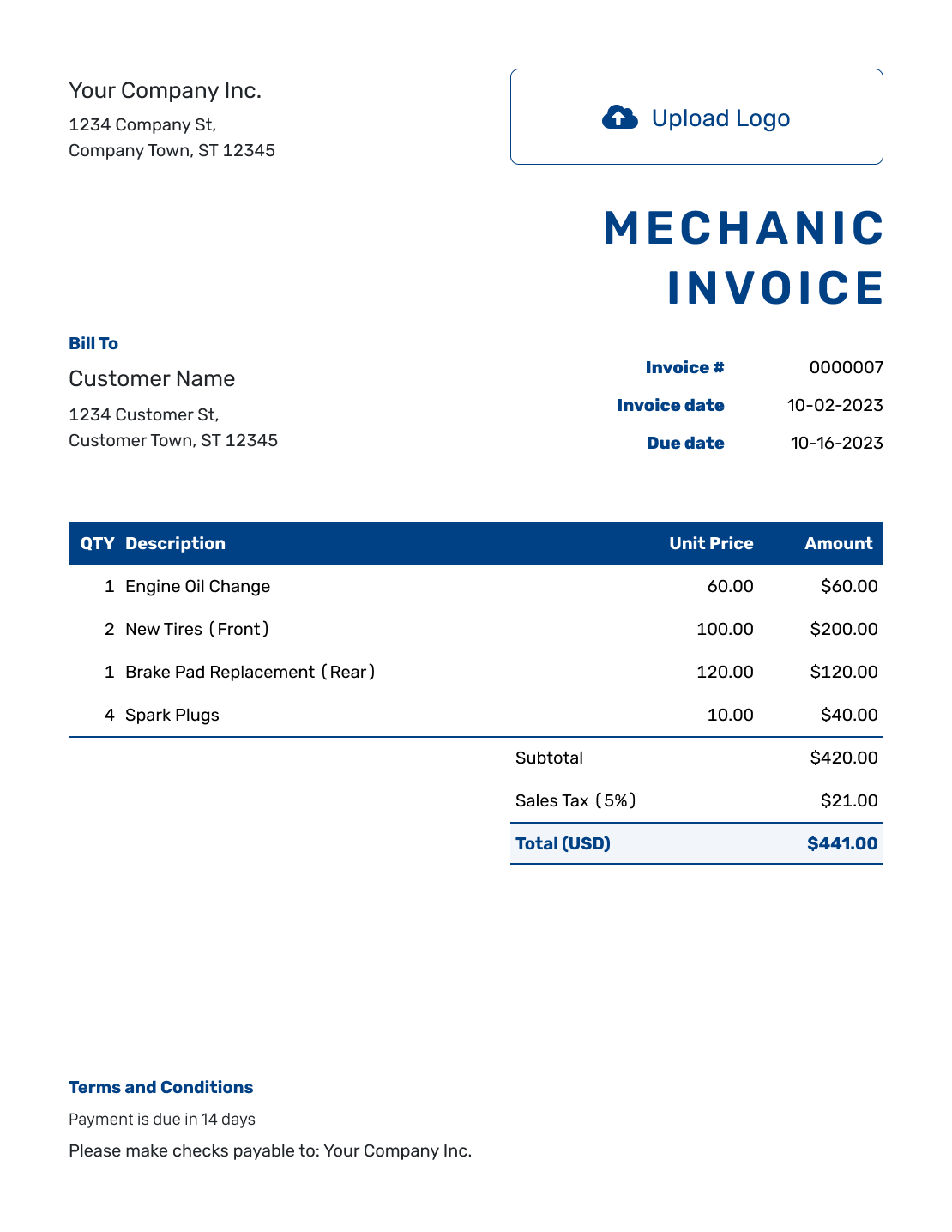
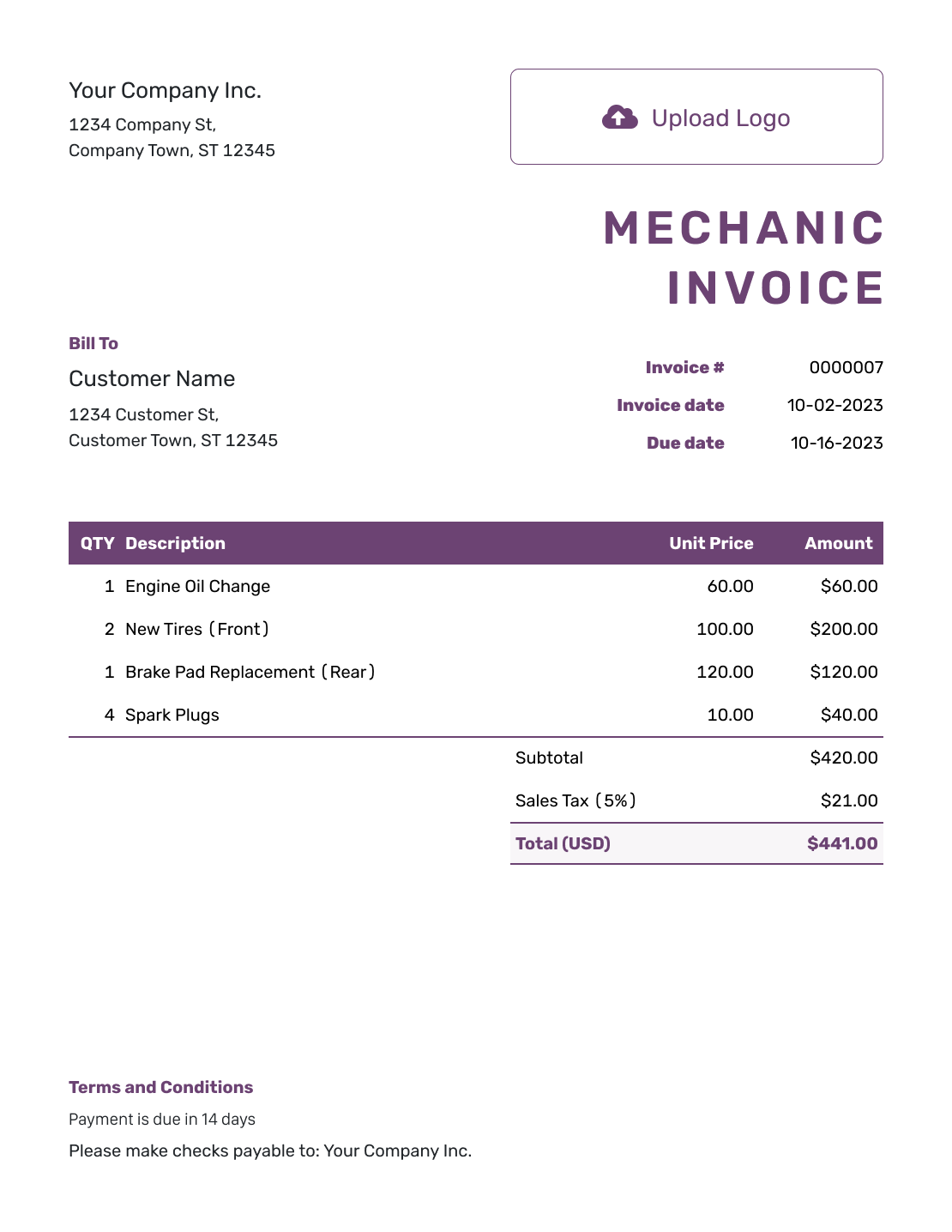
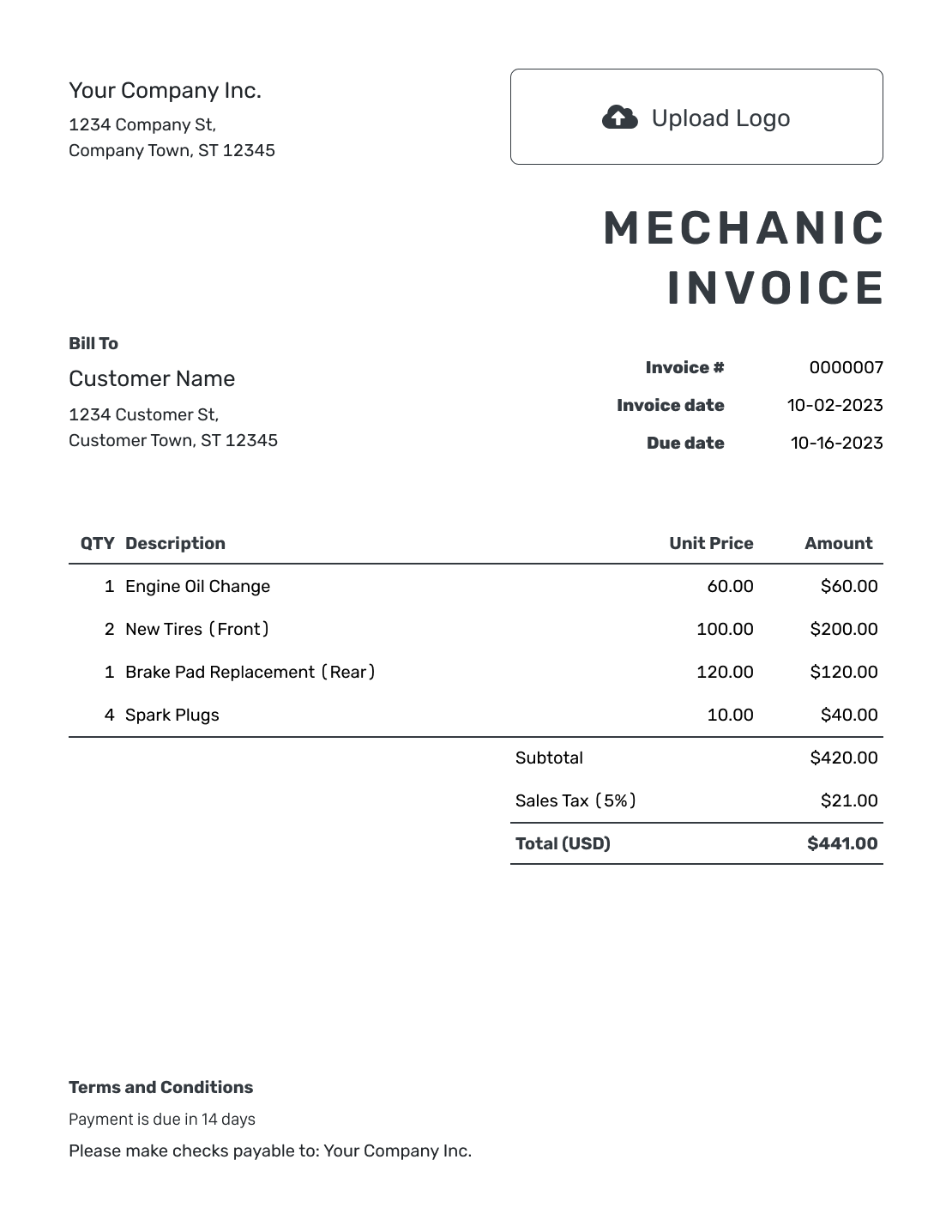
Bill for a Diagnostic Visit or Finished Repair
Bill for a shop repair, mobile visit or fixed-price service with a mechanic invoice. Add the vehicle and service date so the customer can recognize the job.
Separate diagnostic work, parts and repair labor when each has its own price. An agreed call-out charge belongs on its own line for a mobile visit. Recommendations for future work can stay with the estimate until the work is completed.
How to Create a Mechanic Invoice
Check the job notes before you start. They give you the service date and the work to bill.
- Add Your Business Details: Enter your business name and the phone number customers should use for repair questions.
- Add Your Logo: Use your business logo to help the customer recognize the invoice.
- Add the Customer: Choose a saved customer or enter their contact details.
- Add the Number and Dates: Check the invoice number. Set the invoice date and agreed payment due date.
- Describe the Completed Job: Identify the vehicle and visit date. List diagnosis, parts and labor with their quantities and rates.
- Review Charges and Tax: Check any discount and the tax on each charge. Docelf updates the subtotal and total.
- Explain How to Pay: Add payment instructions to Terms and Conditions. Review the invoice, then email it or download a PDF.
How to Fill In Mechanic Invoice Line Items
Name the task rather than writing only “Mechanical work.” For hourly labor, put the hours in Quantity and the hourly rate in Unit Price. For a fixed fee, use a quantity of one and describe what it covers.
This sample mobile repair uses US dollars. The customer agreed to diagnostic and call-out fees in addition to the repair cost. The example adds 8% tax to the $245 alternator, but not to service charges.
| QTY | Description | Unit Price | Amount |
|---|---|---|---|
| 1 | Charging-system diagnostic test — agreed fixed fee | $75.00 | $75.00 |
| 1 | Replacement alternator supplied | $245.00 | $245.00 |
| 1.5 | Alternator installation — labor hours | $90.00 | $135.00 |
| 1 | Mobile call-out — agreed visit charge | $35.00 | $35.00 |
| Subtotal | $490.00 | |
| Sales Tax (8% on parts — example) | $19.60 | |
| Total | $509.60 |
The labor amount is 1.5 hours × $90.00 = $135.00. Tax on the $245.00 part is $19.60. The prices and tax rate are examples, not recommended rates. Check which charges are taxable for your business.
What to Include in Mechanic Invoice Terms
Use Terms and Conditions to state the due date and payment method. Identify the visit and explain any agreed diagnostic or call-out charge. Keep the wording consistent with what you told the customer before the job.
Refer to the actual parts or labor warranty. Do not promise coverage you do not provide. Check local requirements for fees, warranty limits and policies on customer-supplied parts. Adjust the example below to match your business.
Example: Terms and Conditions
- Payment is due by [Due Date] using [Accepted Payment Method].
- This invoice covers diagnosis and repair for [Vehicle ID]. We completed the work at [Service Location] on [Visit Date].
- Diagnostic and call-out charges match the fees agreed before the visit.
- Applicable warranty details are in [Warranty Document]. Contact [Business Phone or Email] with questions about the completed work.
Finish the Bill While the Job Is Still Fresh
Enter the work you completed. Docelf calculates the total from your parts and labor charges. Send the invoice from your phone before you leave the job site.
Help the Customer Check Each Charge
Match the bill to the work and prices you agreed on with the customer.
Diagnosis
A diagnostic charge should name the test or inspection it covers. If diagnosis is included in the repair price, explain that within the repair description so the customer can see it was not charged twice.
Hourly or Fixed-Price Labor
Hours and the agreed rate explain an hourly charge. A fixed-price service needs a clear description of what is included, so parts or labor covered by that price are not billed again.
Mobile Visits
Include the service location and any agreed call-out charge. Say whether the fee includes travel. Keep the call-out charge separate from repair labor.
Who Supplied the Parts?
Use a clear part name and add the part number when helpful. Note any customer-supplied part in the work description. Do not add a parts charge for it.
Start With the Estimate for This Visit
Already prepared a mechanic estimate? Docelf can create the invoice from it, copying the customer and item details so you do not have to type them again. You can also create an invoice from a quote.
Check the copied items against your job notes. Update any changes the customer agreed to. Keep work you have not done in the estimate rather than adding it to this bill.
Keep Your Shop or Mobile Business Easy to Recognize
Add your logo and use your business colors and fonts. Put a phone number or email address in the footer for billing questions.
You can also add an industry name before the invoice title. Choose US dollars, euros, British pounds, Canadian dollars or Australian dollars to match the bill.
Add a repair summary or a relevant photo when it explains the job. Docelf supports PDF, JPG, GIF, PNG and WebP attachments, up to 5 MB each. The customer can download them with the invoice.
More Mechanic Invoice Previews
Compare the remaining layouts before entering your own repair details. Each preview opens the invoice editor.
-
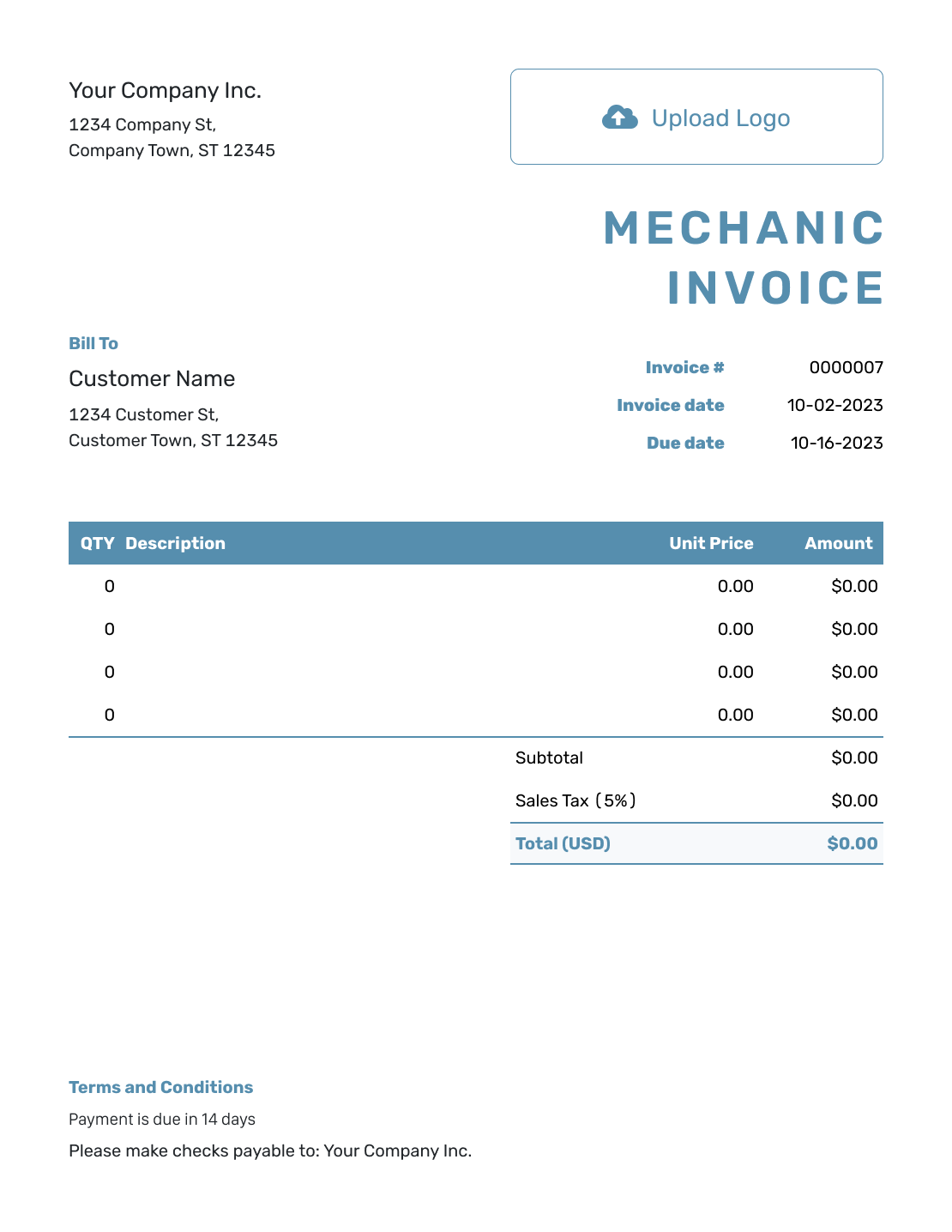
Blank Mechanic Invoice Template
Create Free Invoice -
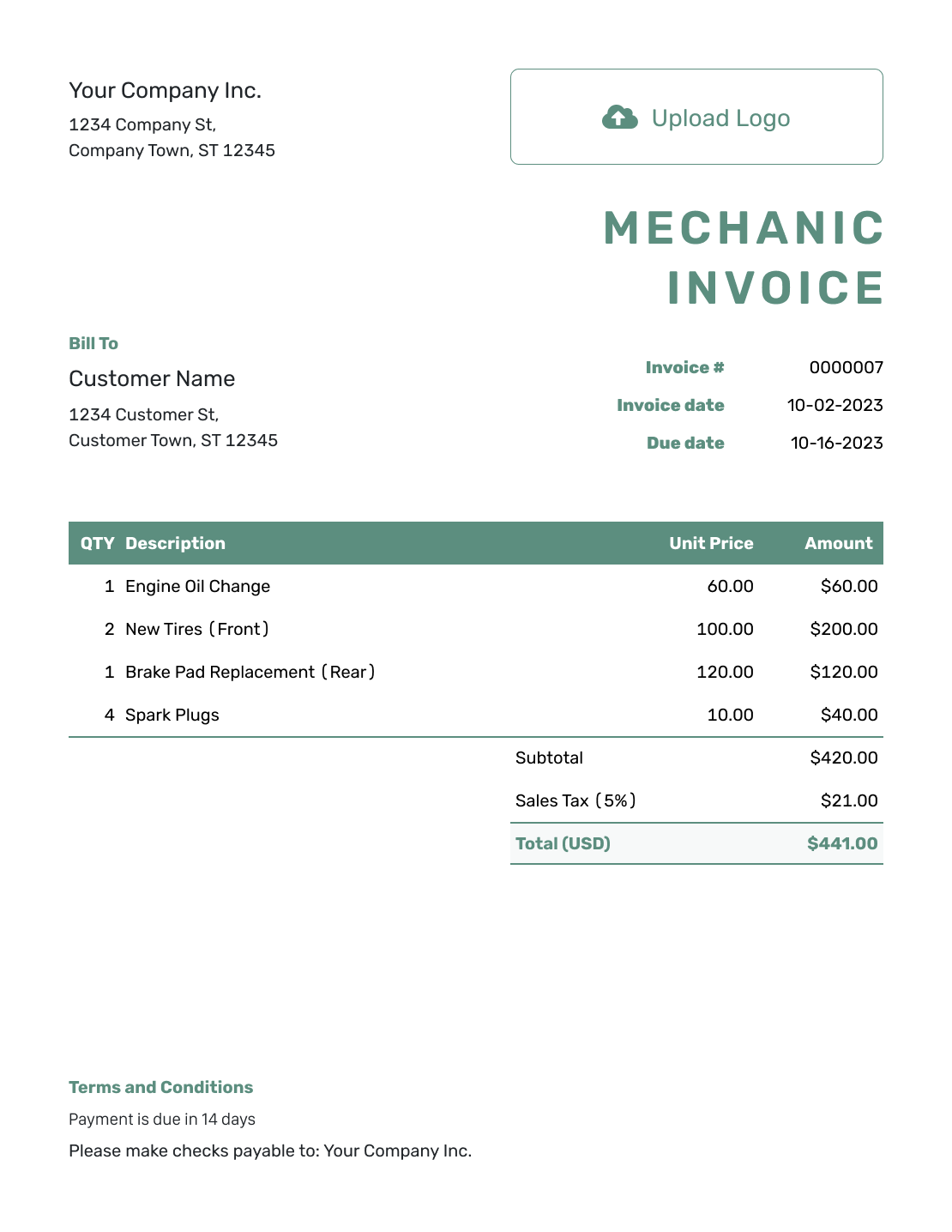
Simple Mechanic Invoice Template
Create Free Invoice -
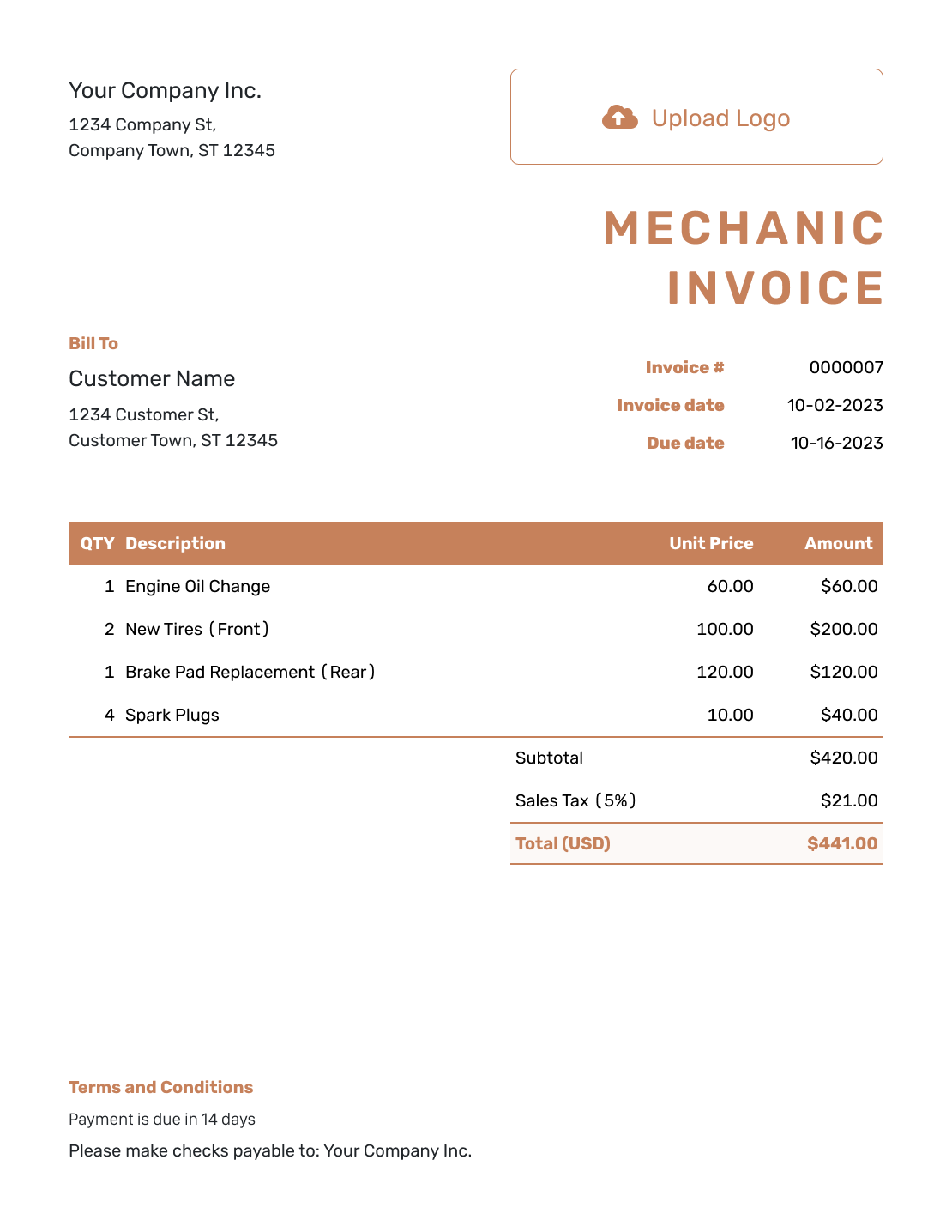
Standard Mechanic Invoice Template
Create Free Invoice -
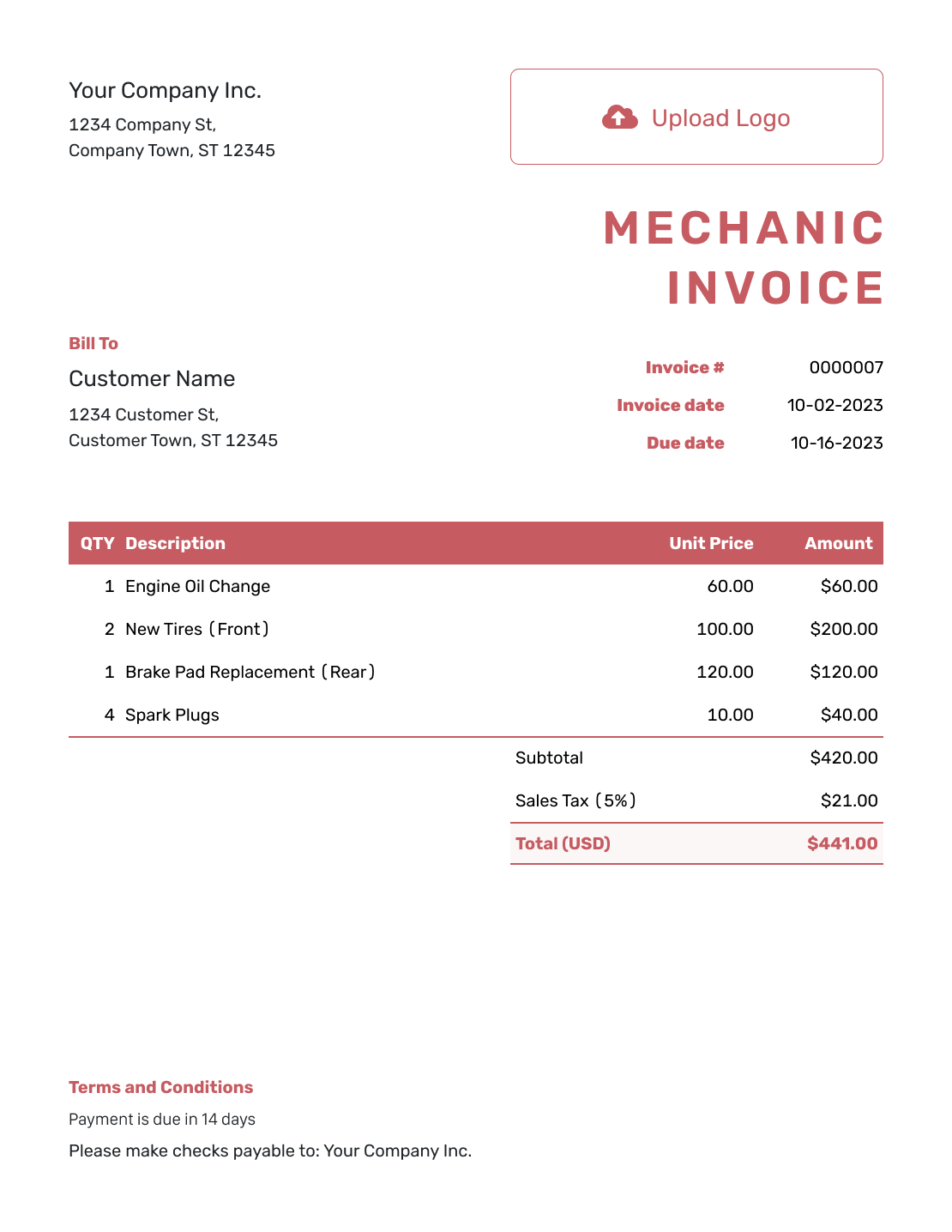
Itemized Mechanic Invoice Template
Create Free Invoice -
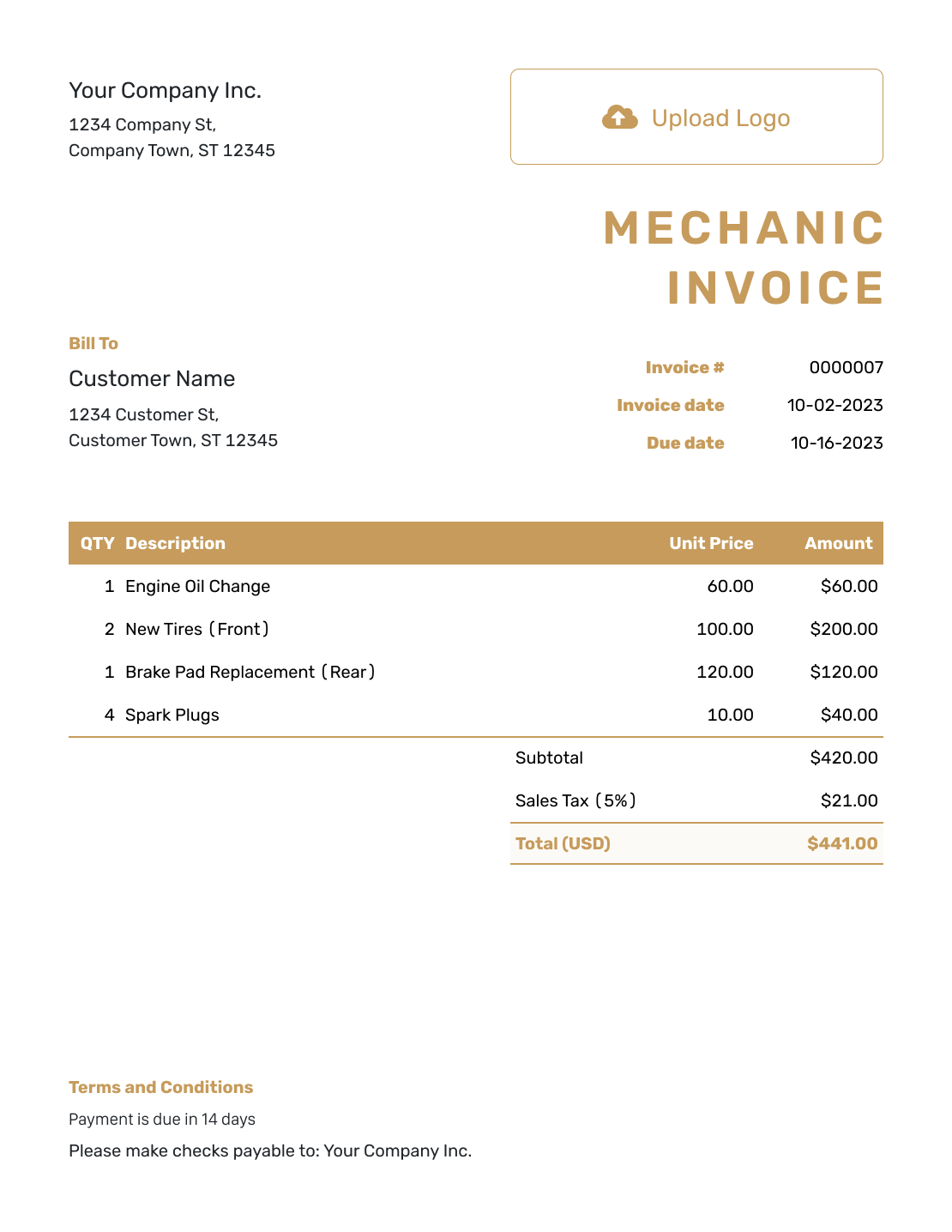
Basic Mechanic Invoice Template
Create Free Invoice -
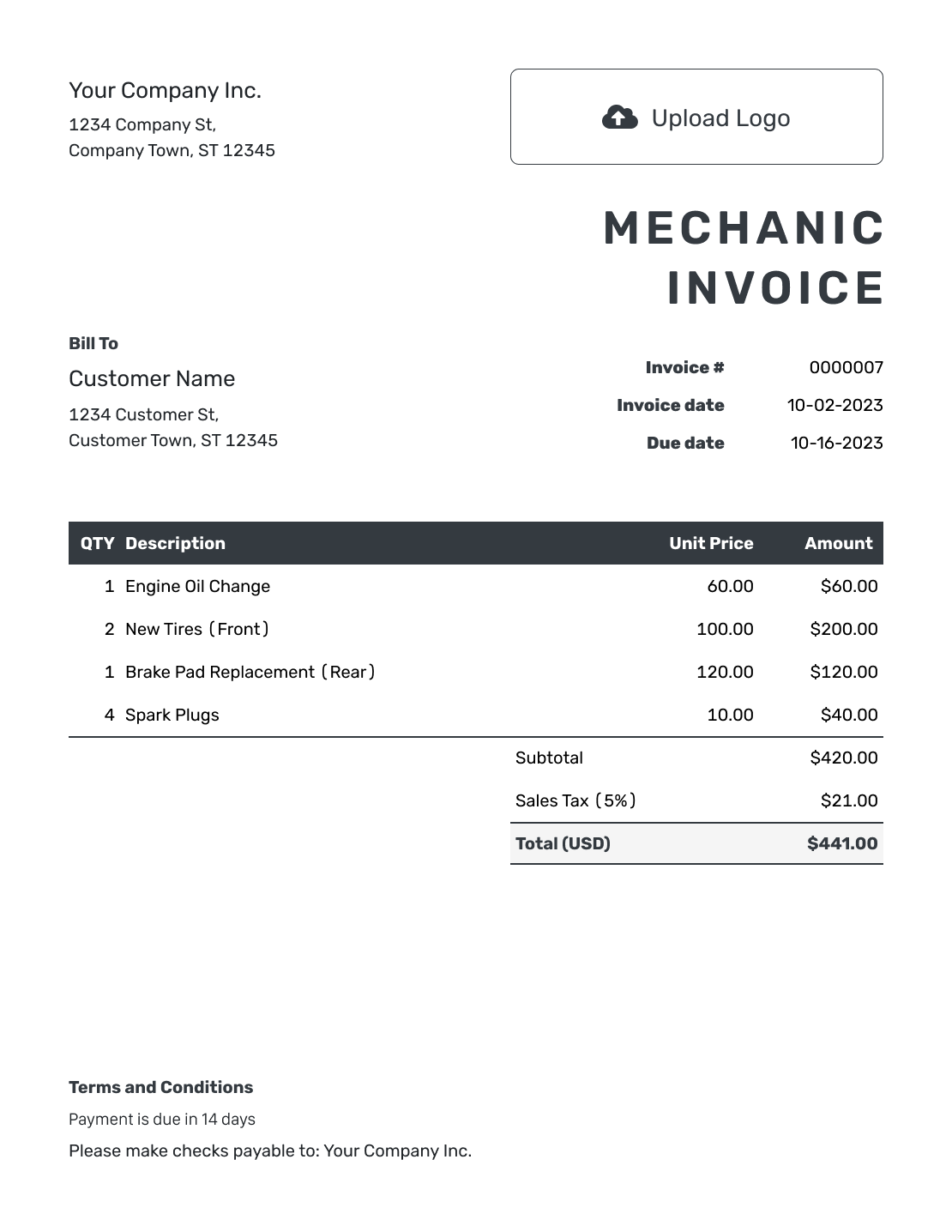
Hourly Mechanic Invoice Template
Create Free Invoice
Use a Mechanic Invoice in the Format You Know
The links below open general invoice templates you can adapt for the repair. Keep the vehicle details with your parts-and-labor breakdown.
After You Send the Mechanic Invoice
Check the invoice’s document history in Docelf to see when your email was delivered and the customer opened the invoice. If payment is overdue, use the vehicle details and service date to identify the bill when you follow up.
Record the Payment for This Visit
- Record the payment amount and date when the customer pays.
- Check the remaining balance if they pay only part of the bill.
- Create a receipt from the invoice after recording payment. Docelf marks a fully paid invoice as Paid.
Mechanic Invoice FAQs
-
Can I use this invoice as a mobile mechanic?
Yes. Add the vehicle, service date and location so the customer knows which visit you are billing. List an agreed call-out charge separately from the repair. Docelf works on phones, tablets and computers.
-
How do I enter mechanic labor hours?
Use the number of hours as Quantity and the hourly rate as Unit Price. For example, 1.5 hours at $90.00 per hour is a $135.00 labor charge. Describe the repair so the customer can see what those hours covered.
-
What should I enter for a fixed-price service?
Use a quantity of one and the agreed service price. Describe what the service includes. Do not add parts or labor charges already included in that price.
-
Can I invoice for diagnosis when no repair was completed?
Yes. Describe the diagnostic work you completed and the fee the customer agreed to. Do not include parts you did not supply or repairs you did not perform. Keep any proposed repair in a separate estimate.
-
How do I show a part supplied by the customer?
Note that the customer supplied the part in the work description. Bill for your labor and any materials you supplied. Do not add a charge for the customer’s part. Check that your terms match the warranty and local requirements.
-
Where do I put the vehicle and visit details?
Put the make and model in the description or Terms and Conditions. Add the vehicle identification number (VIN) or license plate number. Include the service date and job reference. Add mileage and the service location when they help you and the customer identify the visit.
-
How do I give the customer proof of payment?
Record the payment on the invoice in your Docelf account. Then create a receipt from that invoice. Docelf copies the relevant details and keeps the receipt connected to the invoice.
Ready to Bill for the Work You Completed?
Finish the paperwork for this visit and get back to the next job.
- Describe the diagnosis or repair
- Show the agreed parts and labor charges
- Send the invoice from your phone or computer




