Free Equipment Quote Template
Create a professional equipment quote in minutes
Show the equipment and whether the offer covers a sale, rental or service, plus delivery and installation. The deal stays easy to understand without chasing details, helping customers go ahead with you.
Email, print or download your quote as a PDF.
14-day free trial. No credit card required.

Price the job. Send the quote. Get back to work.
Equipment Quote Template Examples
These previews show ways to present an equipment offer. Each opens the same quote editor, where you can add the sale, rental, or service details.
-
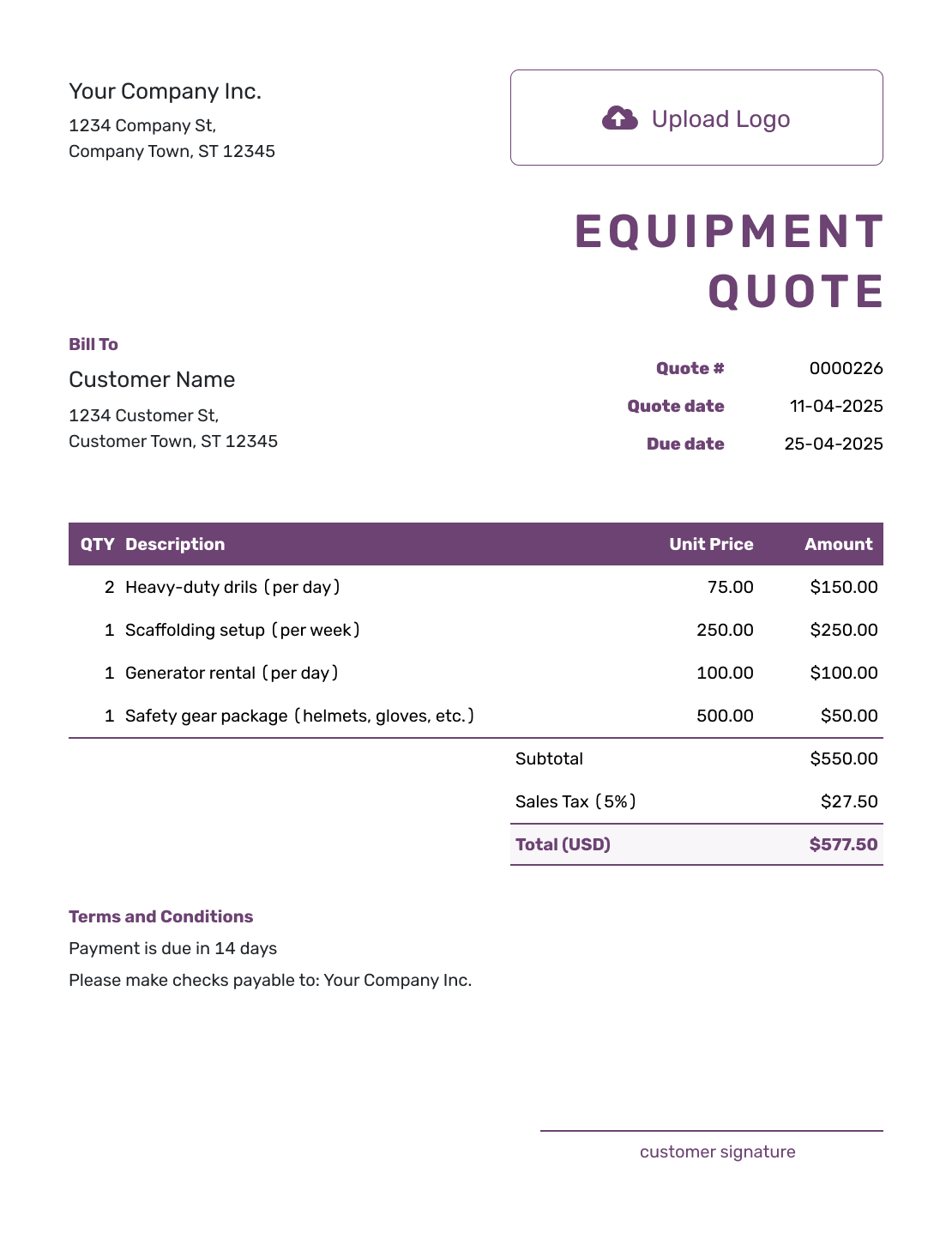
Free Equipment Quote Template
Create Free Quote -
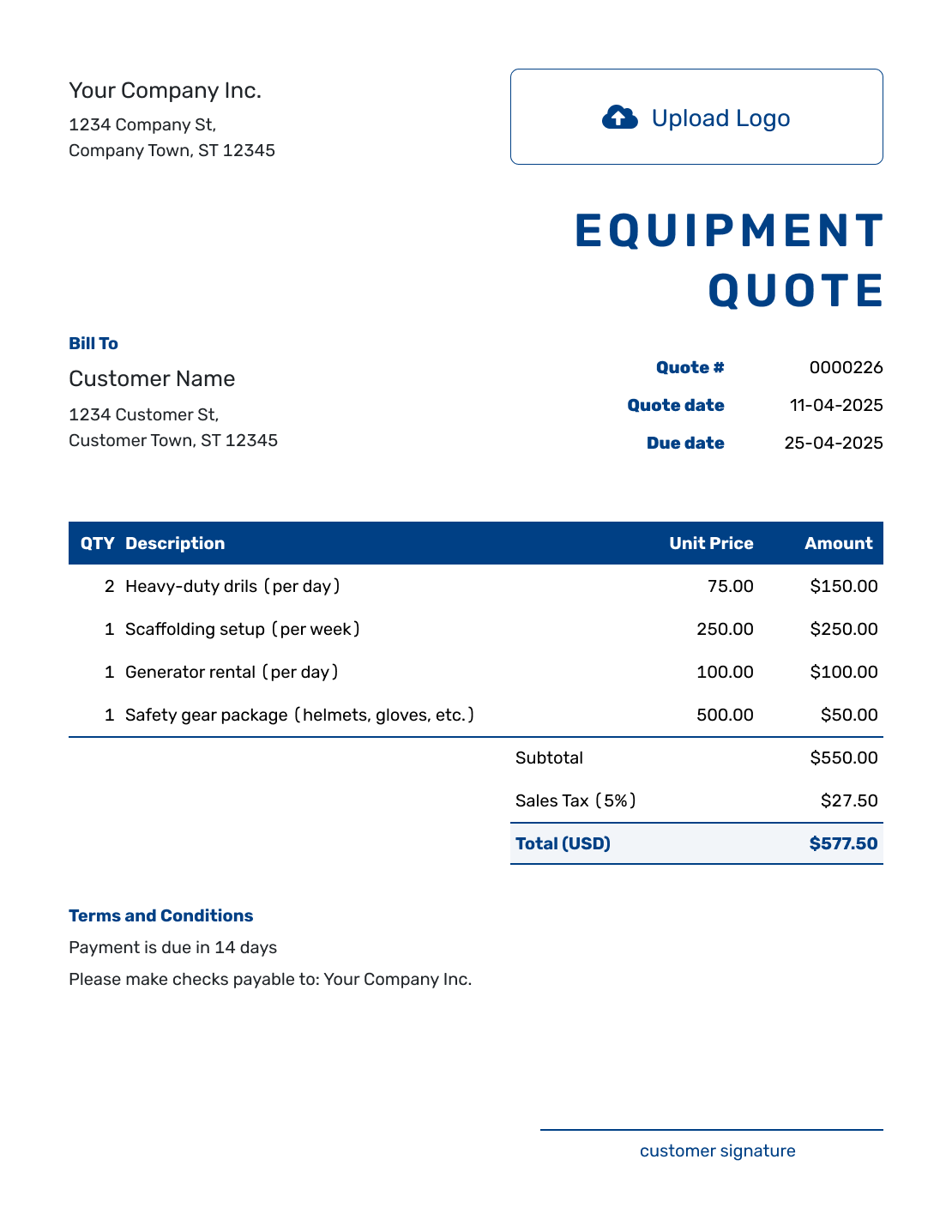
Sample Equipment Quote Template
Create Free Quote -
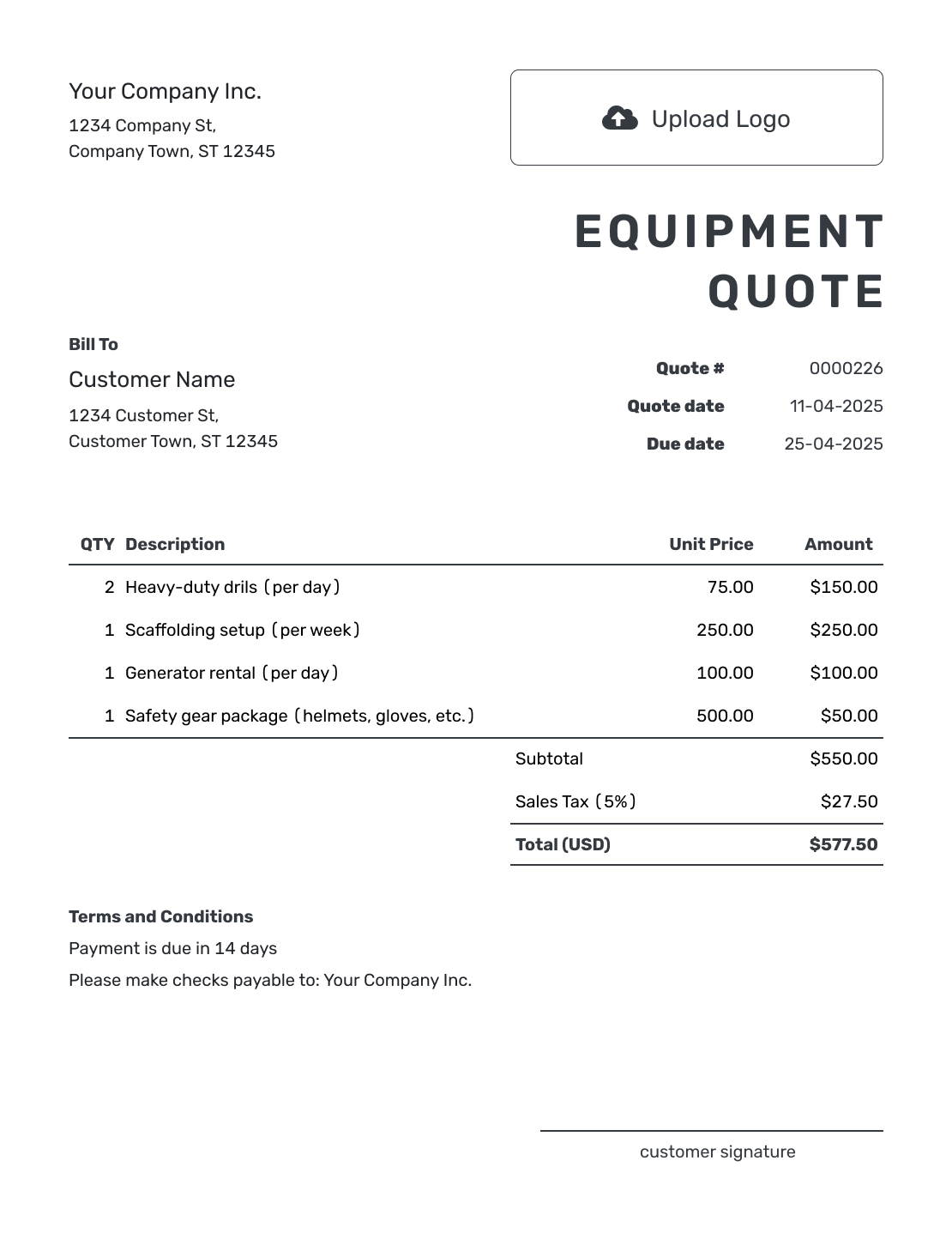
Printable Equipment Quote Template
Create Free Quote
See six more quote previews after the pricing and terms guidance.
What Is an Equipment Quote?
An equipment quote is a written offer for a sale, rental, or service. It identifies the equipment and explains what the customer will receive for the price. A model number and configuration help distinguish your offer from a similar machine with different features.
For a rental, the period and rate are part of the offer. For repair or maintenance, describe the work being priced. Use an estimate while the service scope or equipment configuration is too uncertain for a firm price; send an invoice when payment is due.
Pricing a production run or shop job instead? Browse the manufacturing and equipment quote templates.
How to Create an Equipment Quote
Start with the exact equipment and the way you are supplying it. These steps keep the price and terms together for the customer to review.
- Business Details: Add your business name and the sales contact.
- Your Logo: Add the logo used on your sales documents.
- Customer Details: Enter the person or company receiving the offer.
- Number and Dates: Check the quote number, issue date, and valid-until date.
- Equipment and Charges: List the model, quantity or rental period, and prices. Add separately priced services.
- Check the Total: Review the item amounts, any discount or tax, and the quote total.
- Terms and Sending: Add delivery and payment details in Terms and Conditions. Review, then email the quote or save a PDF.
How to Fill In Equipment Quote Line Items
Give each separately priced item or service its own row. Include the model and configuration in the description. For rentals, name the unit of time: three days at $120 per day is clearer than an unexplained quantity of three.
This fictional sale is for two AC-50 shop air compressors. Delivery is one item, and on-site assembly and startup checks use an hourly rate. All three lines have an illustrative 8% tax; use the treatment that applies to your sale.
| QTY | Description | Unit Price | Amount |
|---|---|---|---|
| 2 | AC-50 shop air compressor — standard configuration | $1,200.00 | $2,400.00 |
| 1 | Local delivery of both compressors | $150.00 | $150.00 |
| 3 | On-site assembly and startup checks — hours | $80.00 | $240.00 |
| Subtotal | $2,790.00 | |
| Sales Tax (8% illustrative) | $223.20 | |
| Quote Total | $3,013.20 |
What to Include in Equipment Quote Terms
The Terms and Conditions field explains what happens beyond the priced items. Use it for availability, delivery arrangements, payment timing, and any installation limits. Include warranty or rental policies only when they apply to this offer.
This sample belongs to the compressor sale above. Adapt it to your actual arrangements, and check local requirements before adding warranty, return, or rental conditions.
Example: Terms and Conditions
- Price covers two AC-50 compressors, local delivery, and three hours of assembly and startup checks.
- Offer valid for 14 days from the quote date. Delivery within 10 business days after acceptance.
- Customer provides clear access and suitable existing power connections. New electrical wiring is not included.
- Payment is due on delivery. Changes to the equipment or installation scope require a revised quote.
Put the Equipment Price in Writing
Build the offer around the equipment your customer chose. Docelf calculates the total, so you can review the delivery and terms before sending it.
Match the Quote to the Way You Provide the Equipment
The same template can work for equipment you sell or rent. It can also cover installation or service. Change the terms to match the offer, and lead with the detail that affects the customer most.
Equipment Sales
Name the model, configuration, and condition so the buyer can compare the same equipment. An accessory included in the price belongs in the description. An optional accessory needs a clear separate price and should enter the total only when selected.
Equipment Rentals
Show the rental start and end dates, the daily or weekly rate, and any included usage. Explain delivery or pickup and the return arrangements. State any deposit or extra-use conditions separately from the price for the agreed rental period.
Equipment Service
Identify the machine by model or serial number, then describe the maintenance or repair. Parts and labor can have separate rows. If inspection is still needed to find the fault, explain what is priced now and what needs a later quote.
Delivery and Installation
Put separately charged freight, setup, commissioning, or training in the item table so it contributes to the subtotal. Explain site access and preparation in the terms; a delivery charge alone does not tell the customer what installation includes.
More Equipment Quote Layouts
-
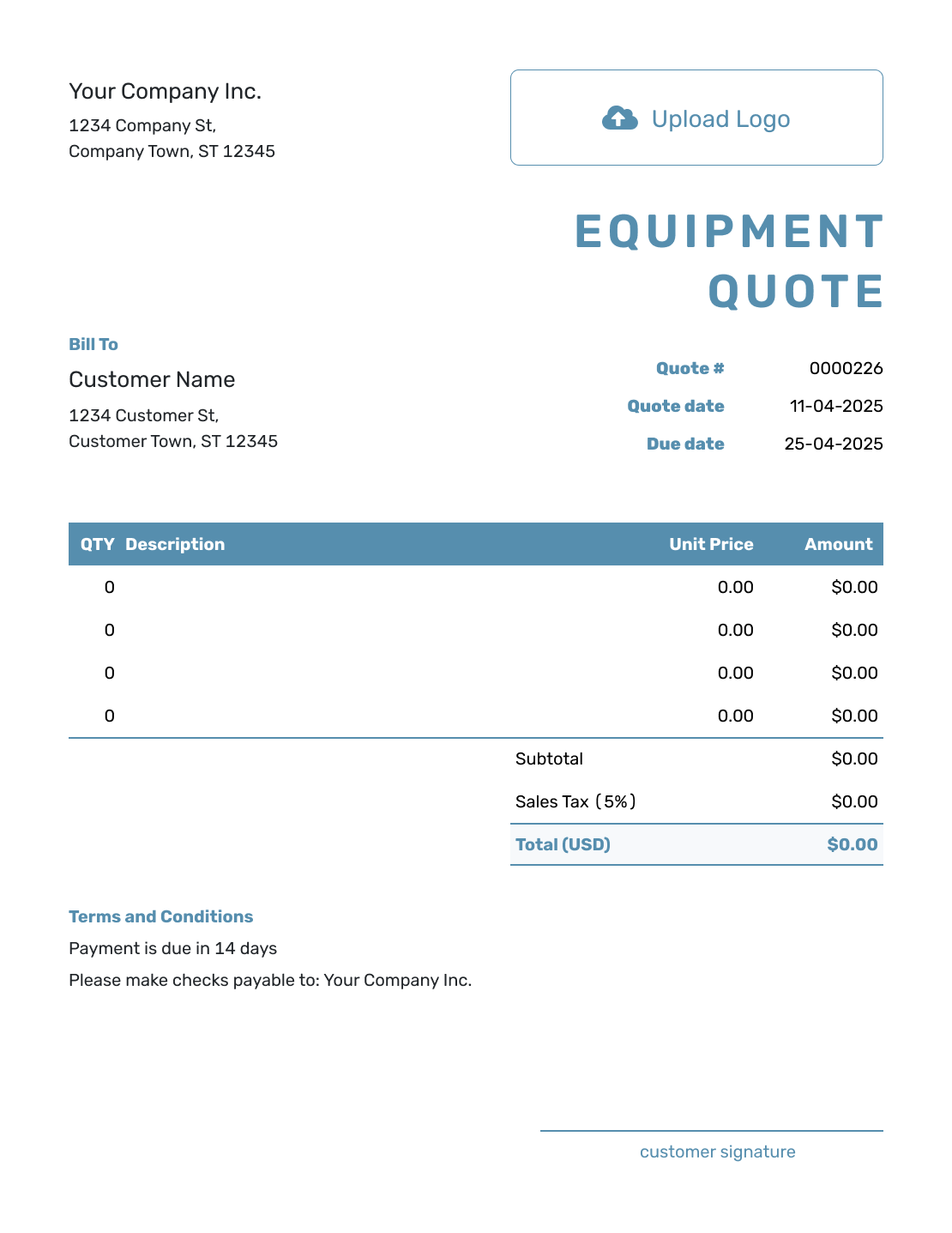
Blank Equipment Quote Template
Create Free Quote -
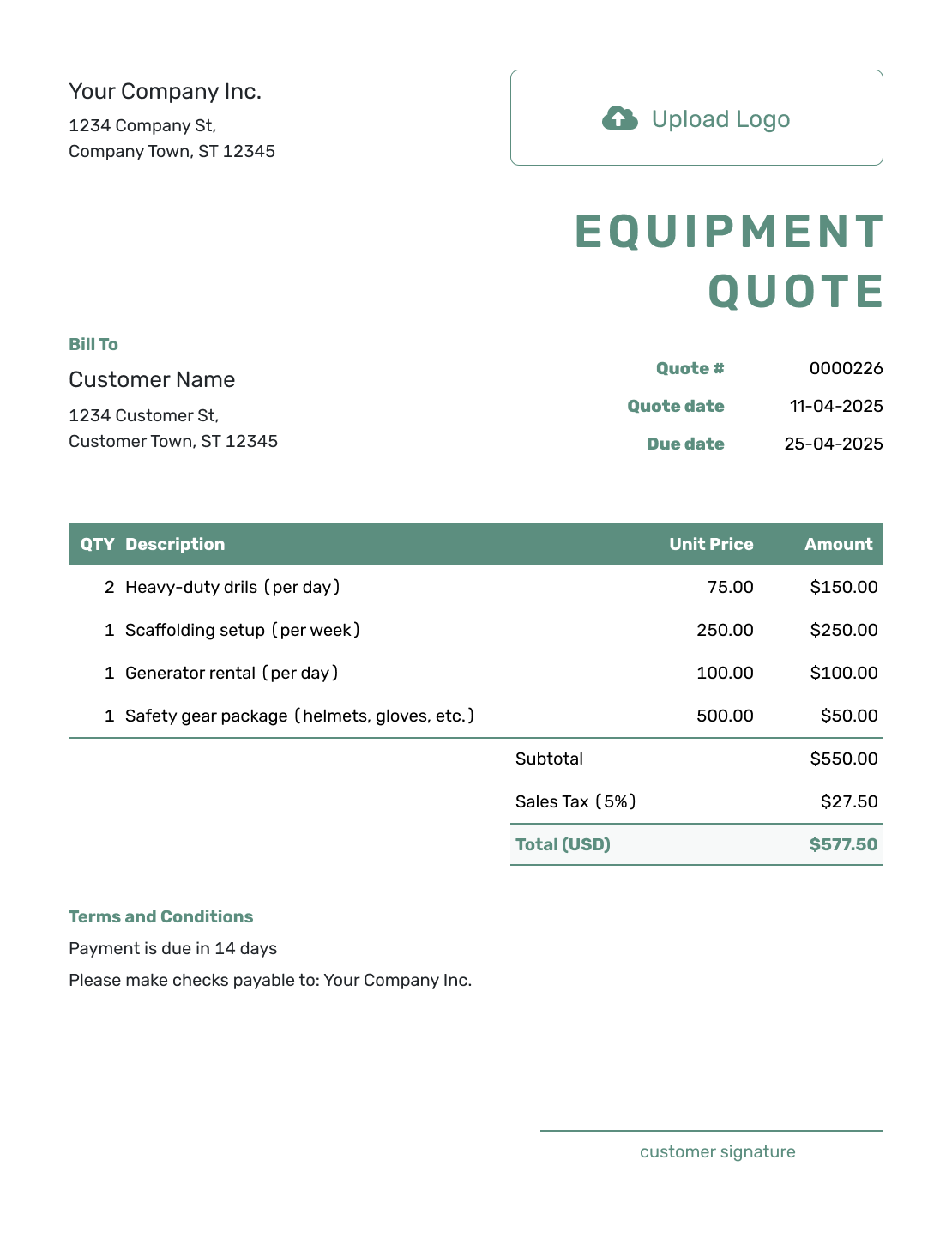
Simple Equipment Quote Template
Create Free Quote -
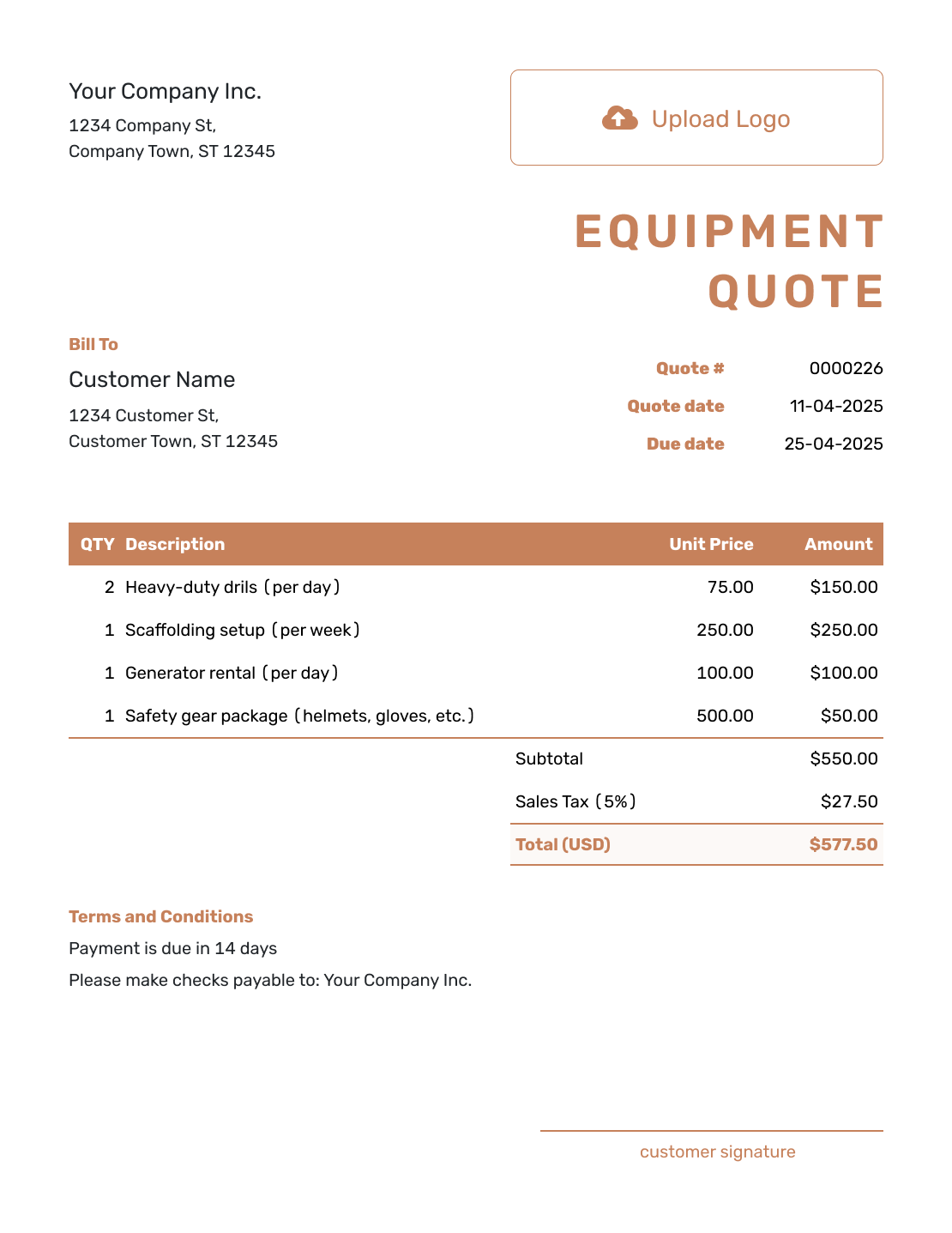
Downloadable Equipment Quote Template
Create Free Quote -
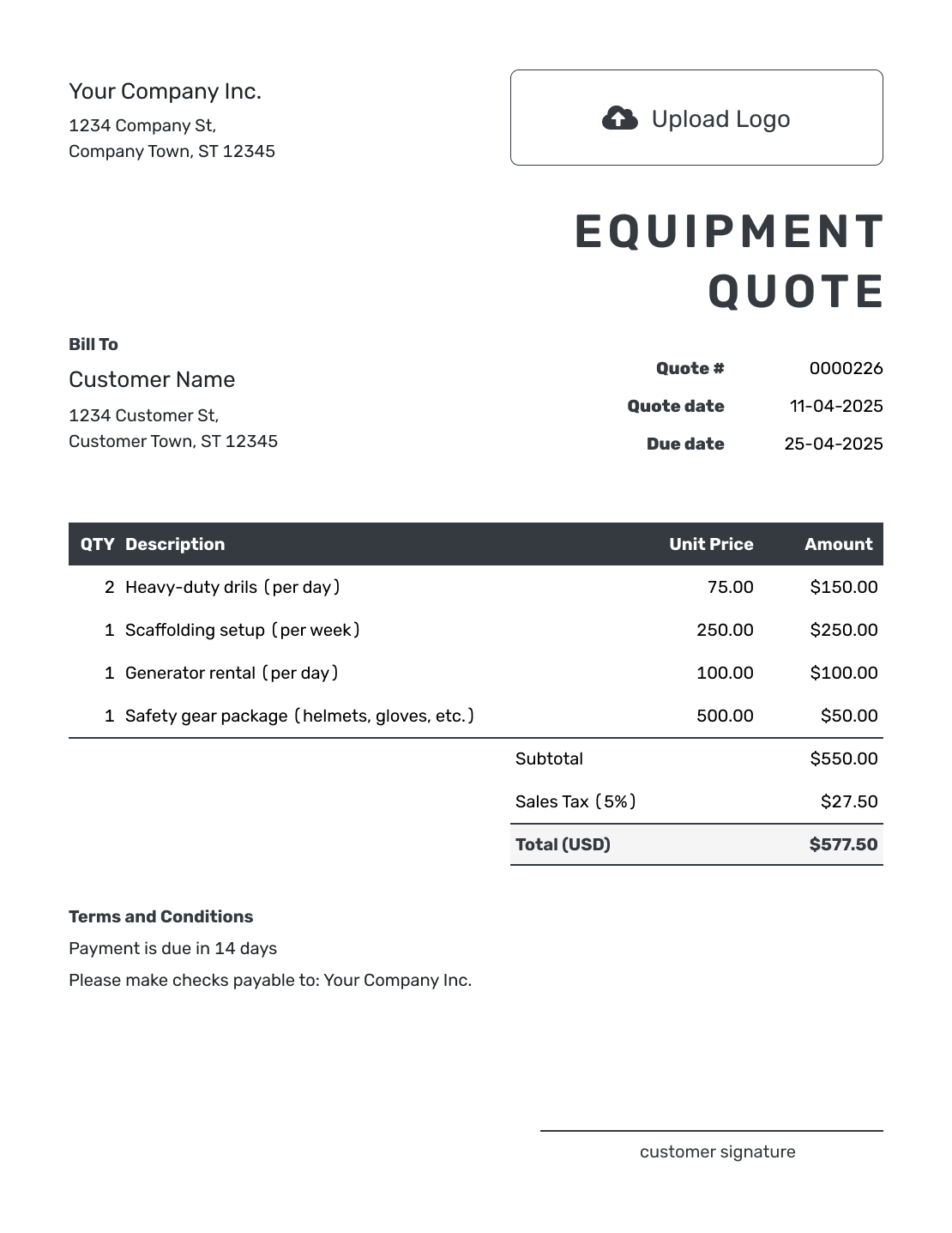
Editable Equipment Quote Template
Create Free Quote -
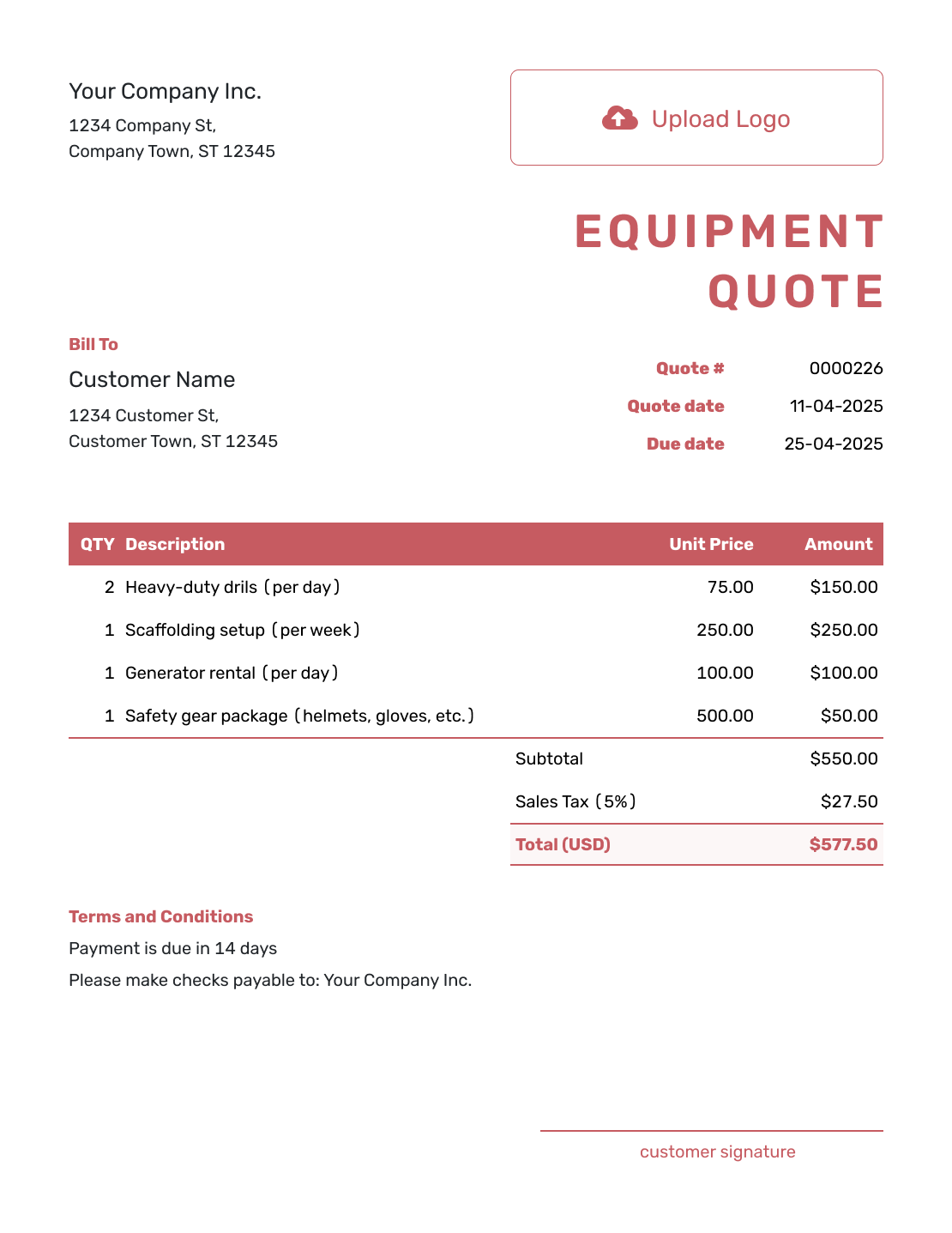
Fillable Equipment Quote Template
Create Free Quote -
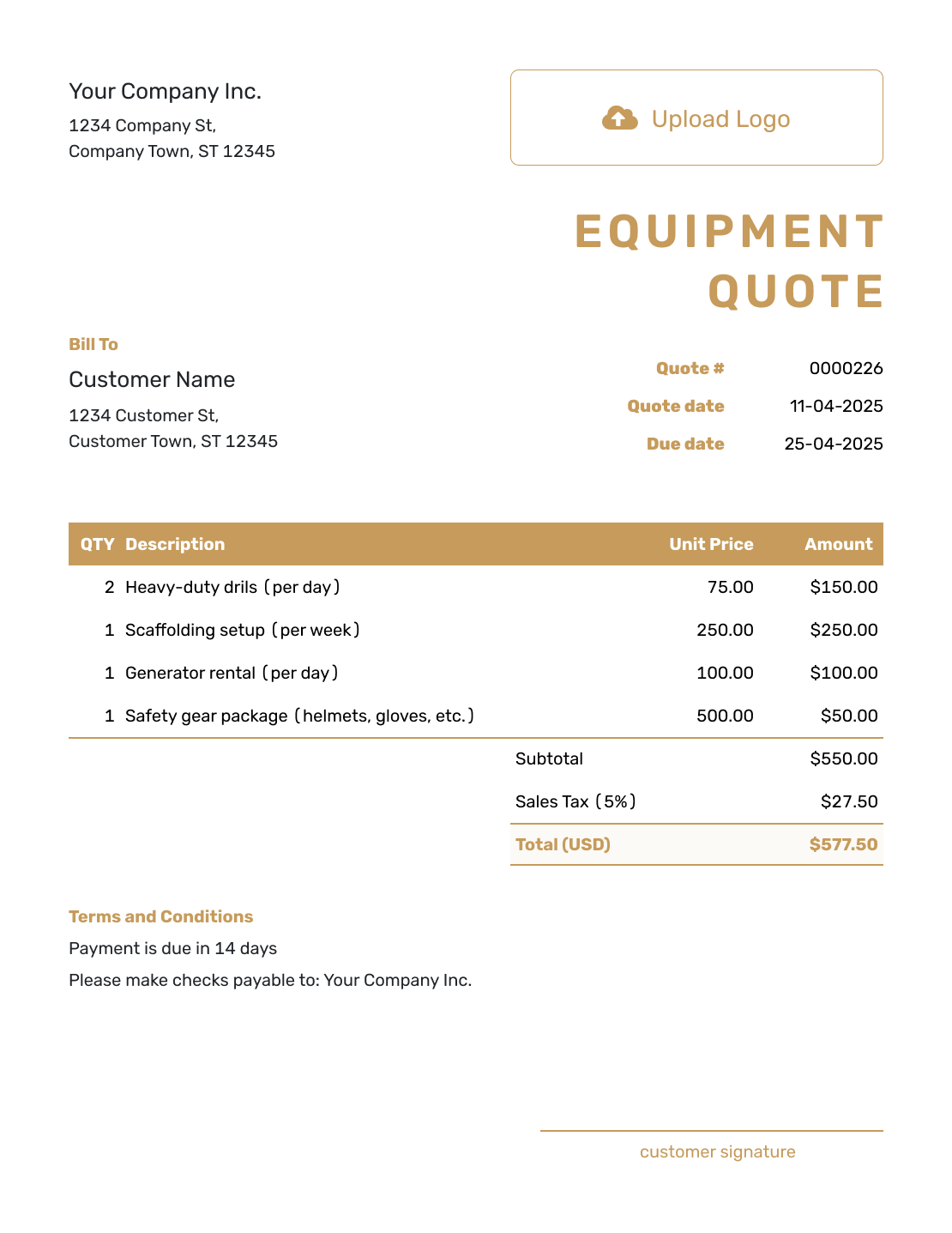
Professional Equipment Quote Template
Create Free Quote
Related Manufacturing and Equipment Quote Templates
Use the equipment template for equipment sales, rentals, installation, or service. Choose a shop or manufacturing template when you are quoting work that produces or fabricates an item.
Other Quote Template File Formats
These pages offer separate document and spreadsheet templates. Use one if you prefer to edit in that format; Docelf downloads the finished quote as a PDF.
See every option on the quote templates by format page.
After You Send the Equipment Quote
Email the quote from Docelf, then check its document history for delivery and opening information. Your customer can accept or decline it online without a Docelf account. If the model, quantity, or rental period changes, review the price and send the revised offer.
When it is time to bill, create an invoice from the quote. Docelf copies the customer and item details. Check the actual equipment, delivery, or rental charges before sending the invoice.
Equipment Quote Template FAQs
-
How do I describe used equipment on a quote?
Identify the model and condition, and add a serial number when it helps identify the specific machine. Describe the accessories included in the price. State any warranty or return terms you actually offer, with wording that meets local requirements.
-
How do I show optional equipment or accessories?
Keep optional prices clearly separate from the selected offer. Include an option in the quoted total only when it is part of what the customer is being asked to accept. Revise the quote if they choose a different configuration.
-
How do I quote equipment for sale?
Identify the equipment first, then show the quantity and unit price. Add delivery or installation when needed. Finish with the total and the warranty or payment terms that apply.
-
How do I quote an equipment rental?
State the equipment, rental dates, and daily or weekly rate. Explain included usage, delivery or pickup, and the return arrangements. Add deposit, extra-use, or damage conditions only when they apply; do not present a refundable deposit as part of the rental price.
-
Should delivery and installation be separate on an equipment quote?
Yes, when they have their own prices. Add them as ordinary items so they contribute to the subtotal. Describe what installation includes and any site preparation the customer must arrange.
-
What equipment details should I put on the quote?
Use the model or other identifier that tells the customer exactly what you are offering. Add the specification when it matters. Include capacity, size, or configuration only when those details affect the choice or price.
-
How long should an equipment quote be valid?
Choose a validity period that matches pricing and availability. A valid-until date is especially useful when supplier costs, freight, inventory, or rental availability can change.
-
Should I use an equipment quote or an estimate?
Use a quote when the equipment and terms are defined and you can offer a specific price. Use an estimate when service work, configuration, delivery, or other variables could change the final amount.
-
Can I turn an accepted equipment quote into an invoice?
Yes. Docelf copies the customer and item details into the invoice. Check what should be billed if the delivered equipment, rental duration, or completed service differs from the original offer.
Ready to Send Your Equipment Quote?
Give your customer an equipment offer they can act on, with the supply and service details settled.
- Identify the equipment and what is included
- Show the price, delivery, and terms
- Email the quote or download a PDF




