Free Event Planning Quote Template
Create a professional quote in minutes
Show the planning package and your fee, with the wider event budget kept separate. Customers can see your role clearly and feel confident booking you for the event.
Email, print or download your quote as a PDF.
14-day free trial. No credit card required.

Price the job. Send the quote. Get back to work.
Event Planning Quote Template Examples
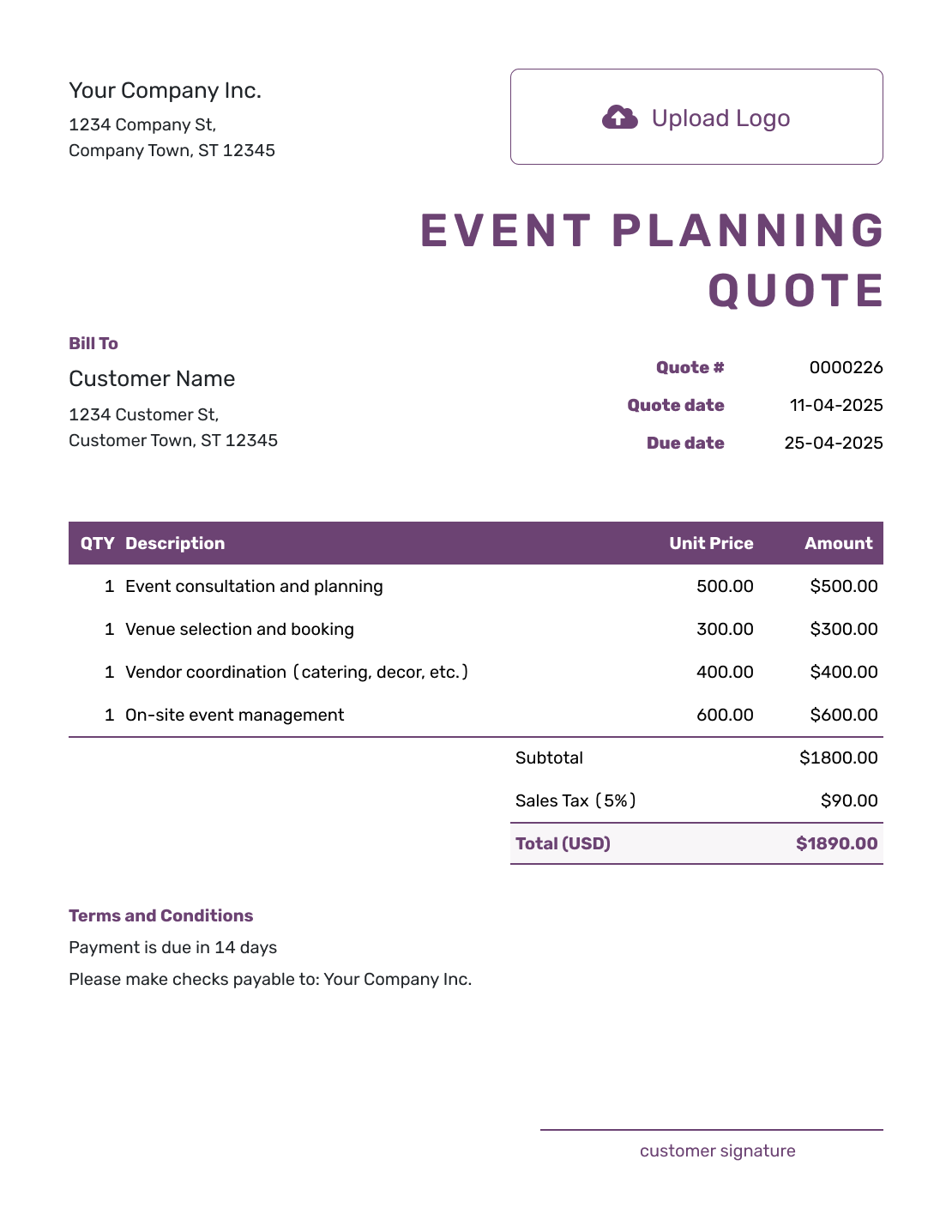
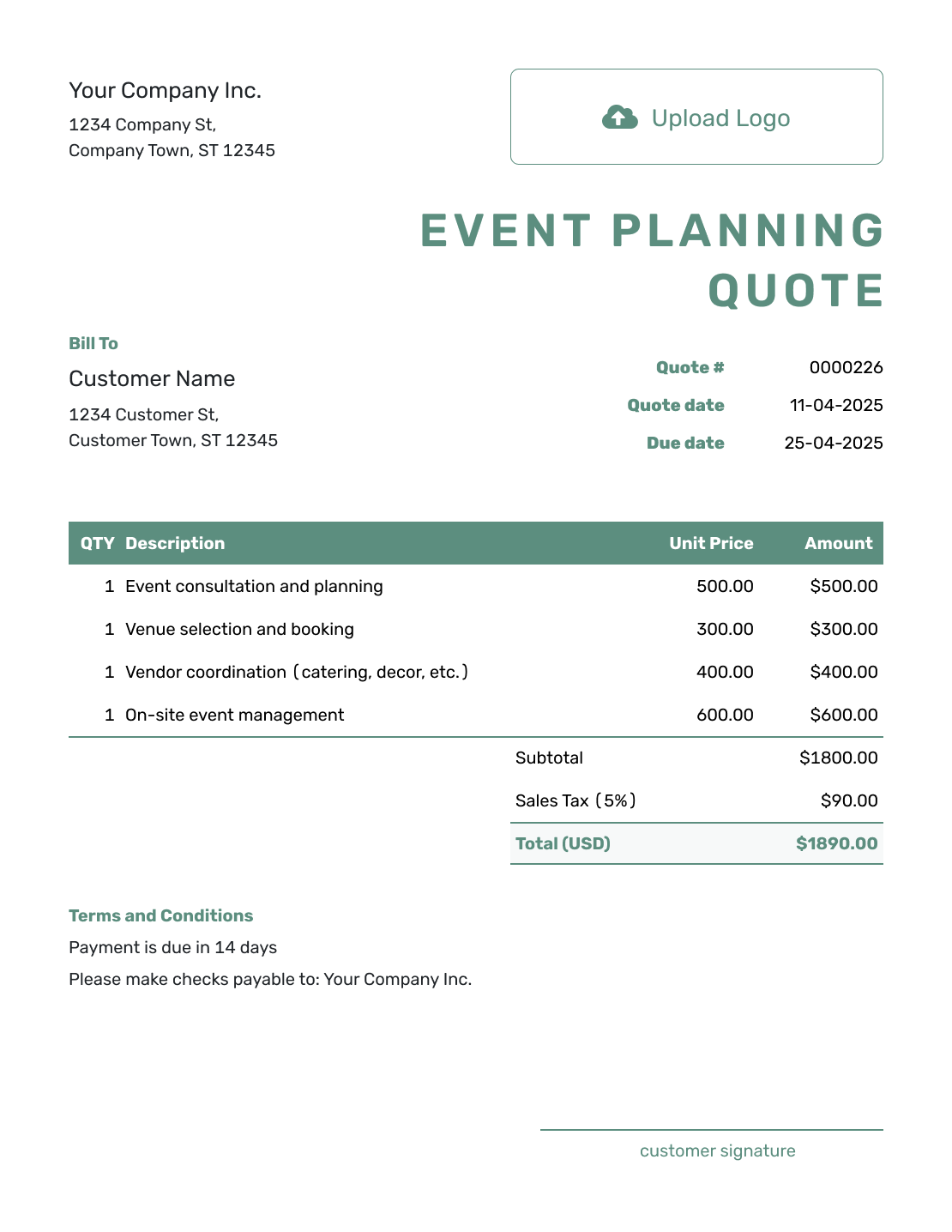
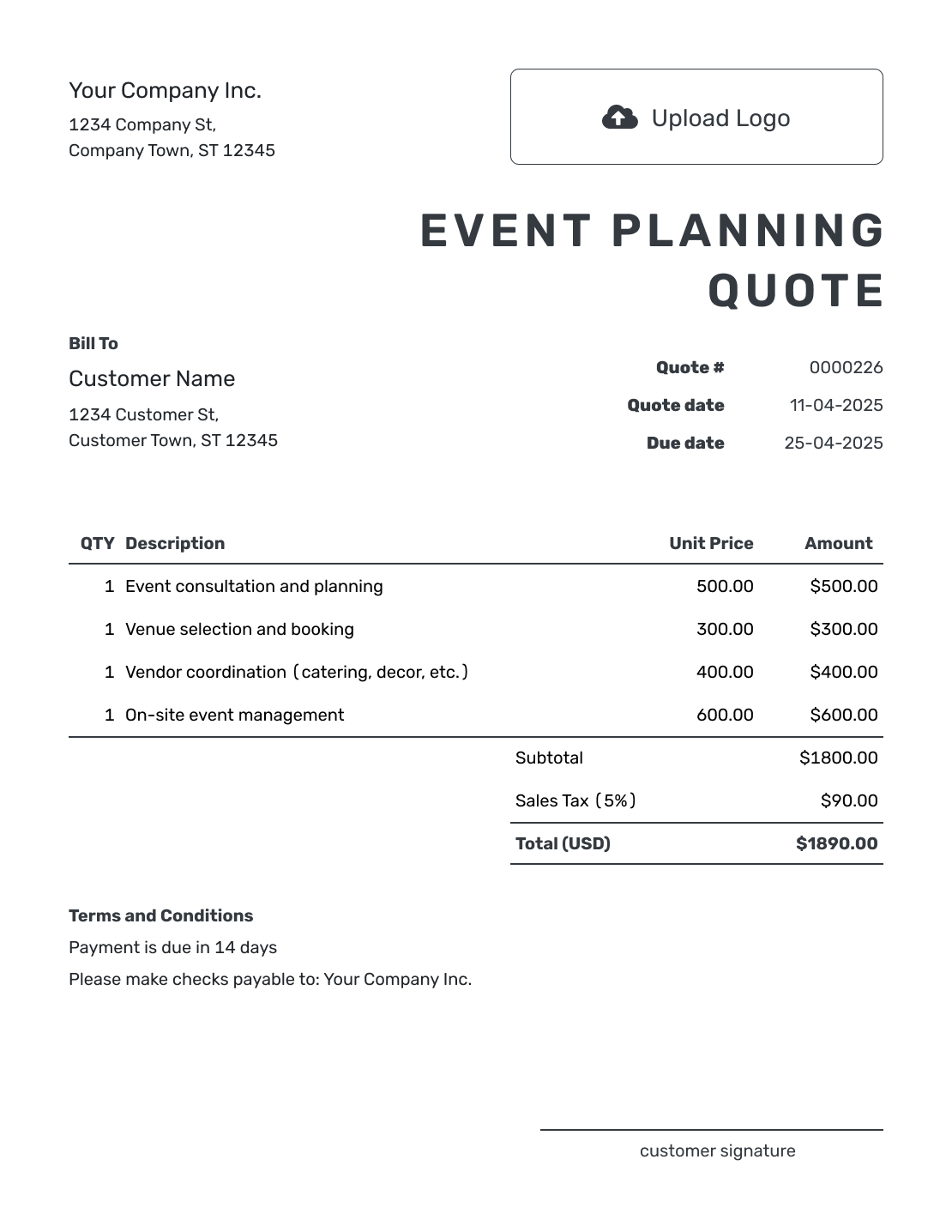
Use these previews for layout and wording ideas. Each opens the same quote editor, where you can add your own planning service and price.
What Is an Event Planning Quote?
An event planning quote is a written offer for the planning or coordination work you will provide. It tells the customer what your fee covers and what the work will cost.
Use a quote when the planning work and fee are clear enough to price. Your fee can be fixed even while the customer is still choosing caterers or rentals; keep those unsettled costs outside your planning total.
How to Create an Event Planning Quote
Start with the event brief: the date, venue, and level of planning support. Add your services in Docelf, which calculates the total from your quantities and prices. You choose when to send the finished quote.
- Planning Business: Add your planning business, logo, and contact details.
- Customer and Event: Name the customer, event, date, and venue.
- Quote Dates: Check the quote number, issue date, and valid-until date.
- Planning Scope: Describe the package, meetings, and coordination included.
- Fee and Extra Work: Price each service with a quantity and rate.
- Outside Costs and Terms: Use Terms and Conditions for exclusions, booking terms, and payment timing.
- Review and Send: Check the event details and total, then email or download a PDF.
How to Fill In Event Planning Quote Line Items
A package row can cover related planning work, while a separately priced walkthrough or event-day service gets its own row. Describe the package limits so the customer knows how much support the price includes.
This fictional quote covers a company reception at Maple Hall on November 14, 2026. The customer pays the venue and other vendors directly. The planning services below are in US dollars, with an illustrative 8% tax applied to all three items; use the tax treatment that applies to your services.
| QTY | Description | Unit Price | Amount |
|---|---|---|---|
| 1 | Planning package — two meetings, vendor schedule, and event run sheet | $1,200.00 | $1,200.00 |
| 1 | Venue walkthrough — up to two hours | $150.00 | $150.00 |
| 6 | Event-day coordination — hours, 2–8 p.m. | $90.00 | $540.00 |
| Subtotal | $1,890.00 | |
| Sales Tax (8% illustrative) | $151.20 | |
| Quote Total | $2,041.20 |
What to Include in Event Planning Quote Terms
The Terms and Conditions field explains the boundaries behind your price. Name the event, say how long the offer is valid, and state when payment is due. Meeting limits and event-day hours help the customer see what counts as extra work.
Adapt this sample to your booking and use only policies your business actually follows. If you require a deposit, explain its amount and due date here without treating it as a discount on your quote.
Example: Terms and Conditions
- For the company reception at Maple Hall on November 14, 2026. This offer is valid until October 12, 2026.
- Includes two planning meetings, the vendor schedule and run sheet, one venue walkthrough of up to two hours, and coordination from 2–8 p.m. on the event day.
- The customer books and pays the venue, caterer, and other vendors directly. Their charges are not included in this quote.
- Payment is due November 7, 2026. Additional meetings, changed dates, or longer event-day coverage require a revised quote for approval.
Choose How You Charge for Event Planning
Your pricing method should match the work you can commit to. The example above combines a fixed planning package with separately priced services; use only the approach your business offers.
Planning Package
Use a fixed package when the work is clearly defined. Name the deliverables and any meeting limit. Keep included tasks within the package price so they are not charged twice.
Hourly Planning
Show the hourly rate and the number of hours covered by the offer. If the hours are still a prediction, describe the total as an estimate rather than a fixed planning price.
Percentage Fee
State the percentage and the costs it applies to. For example, a 10% fee on an agreed $20,000 budget is $2,000 before tax. Explain whether the fee changes if that budget changes.
Day-of Coordination
Price event-day coordination separately when it is outside the main package. State the start and finish times, staffing included, and how the customer can request extra coverage.
Show Who Pays the Event Vendors
Coordinating a caterer does not necessarily mean you are selling the catering. If the customer books and pays vendors directly, describe your coordination work in the planning quote and identify those vendor charges as excluded. The wider event budget can remain a separate planning document.
If you supply a rental or vendor service as part of your own offer, give that charge a clearly labeled item row. Only include a confirmed amount in a fixed quote total. Keep optional upgrades outside the accepted total until the customer chooses them, then update the quote.
Event Planning Quote, Estimate, or Invoice?
Choose the document based on how certain the planning price is and whether payment is due.
Quote
Use a quote for a defined planning service at a specific price. The customer can review the scope and decide whether to book you.
Estimate
Use an estimate when the planning hours or price are still your best prediction. State the assumptions that could change the final cost.
Invoice
Use an invoice when payment is due, including a booking deposit if you require one. Show the amount to pay and the payment deadline.
Put Your Planning Offer in Writing
Turn the event brief into an offer the customer can review. Add your services and prices, let Docelf calculate the total, then send it when you are ready.
After You Send the Event Planning Quote
Your customer can accept or decline the emailed quote online without a Docelf account. Check the document history for delivery and viewing information. Docelf updates the status and emails you when the customer responds.
If the event grows or the customer wants more planning support, update the scope and price and resend the quote. Agree on the revised offer before taking on the added work; a longer event day may need more coordination hours even when the venue stays the same.
For a later event, reuse saved customer and service details as a starting point. Check the new date, venue, scope, and rates before sending.
More Event Planning Quote Layouts
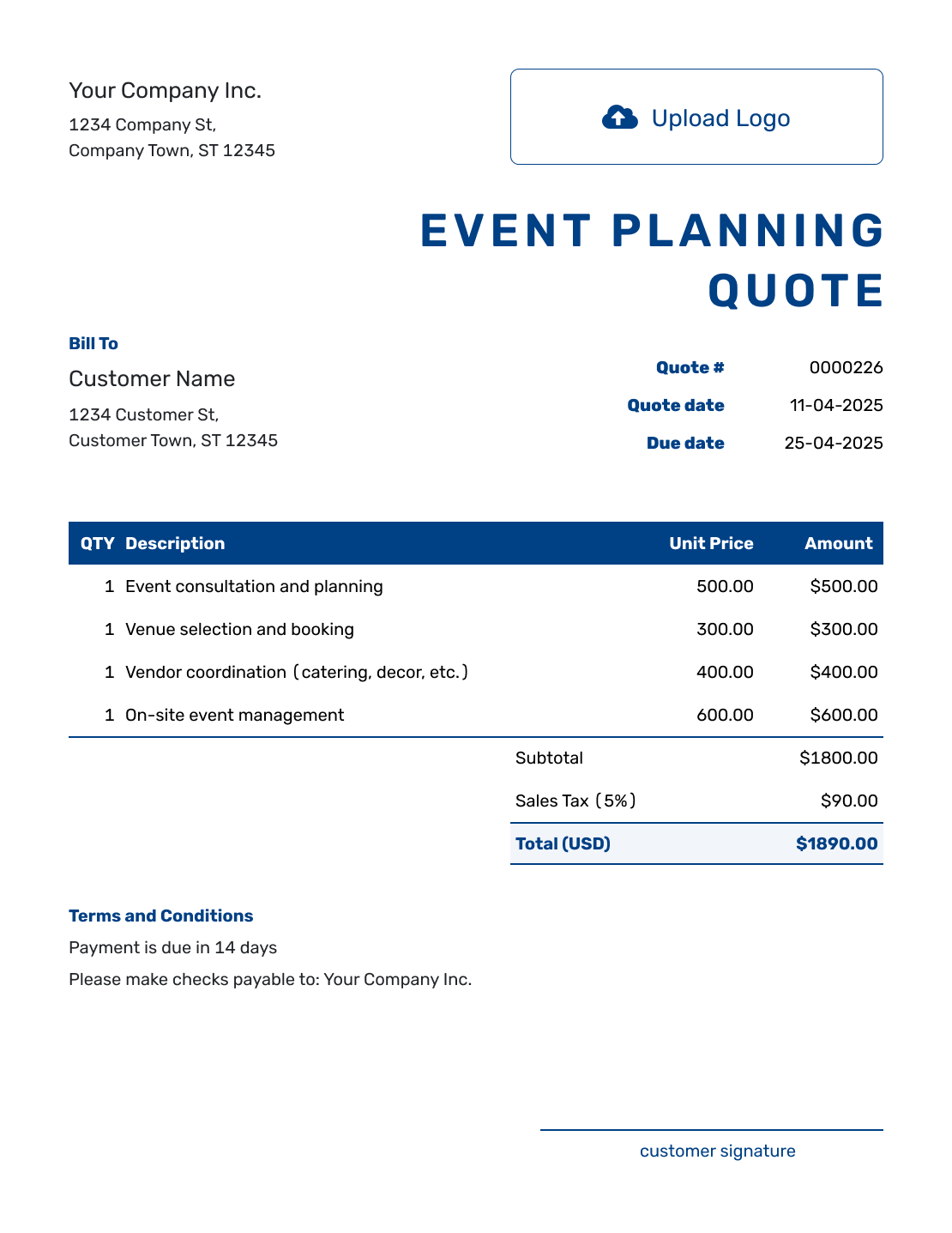
These six previews offer more ways to present your planning service. Add your own logo, colors, and fonts in the quote editor.
-
Sample Event Planning Quote Template
Create Free Quote -
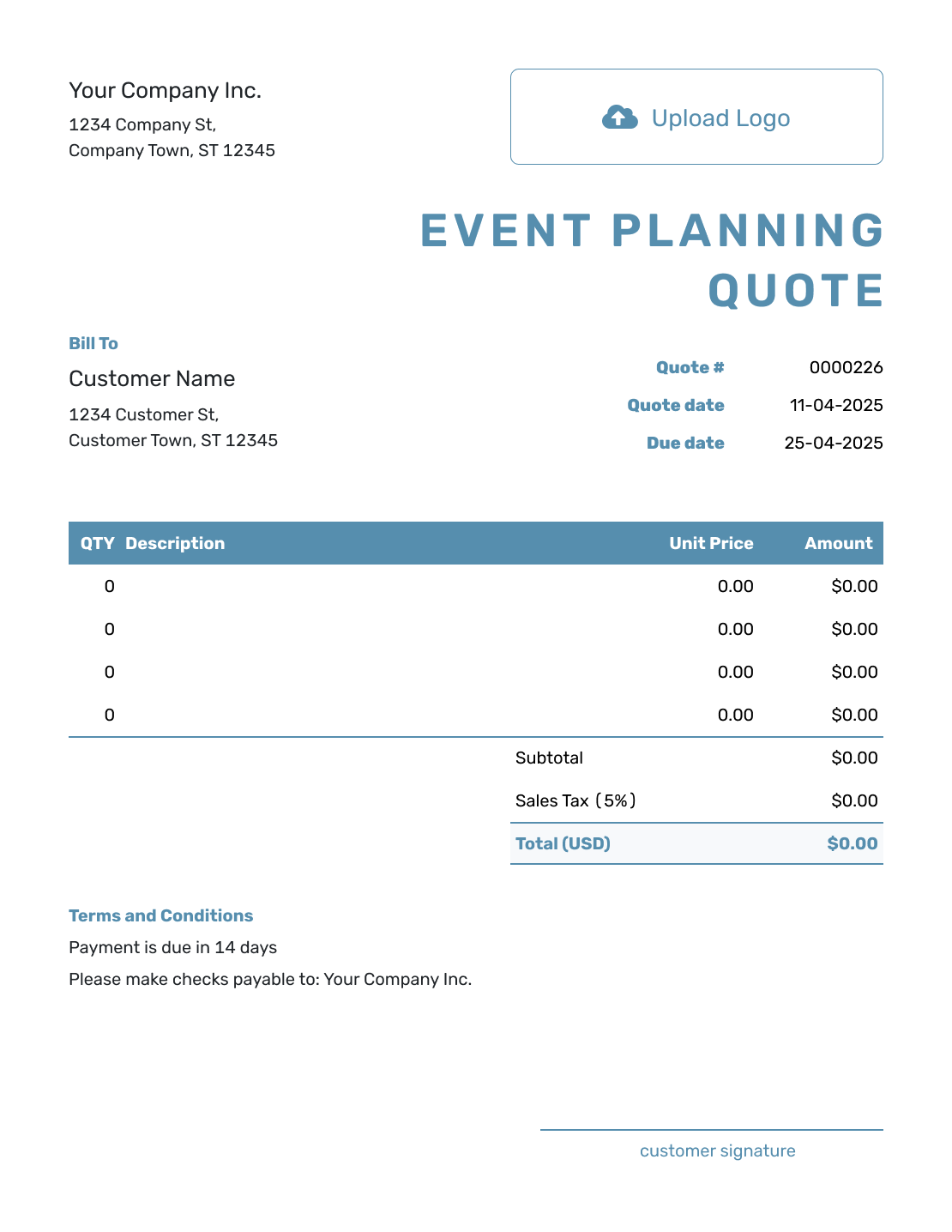
Blank Event Planning Quote Template
Create Free Quote -
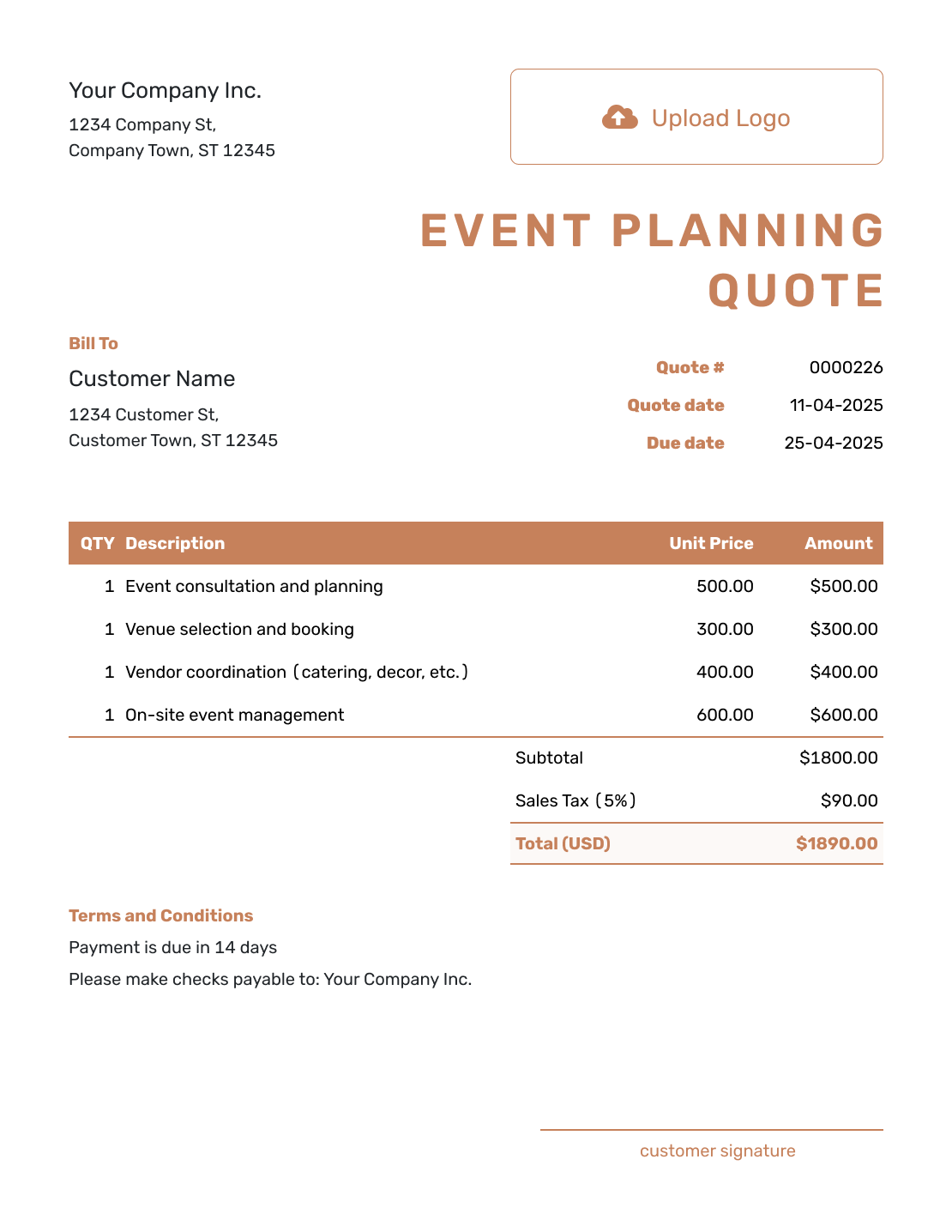
Downloadable Event Planning Quote Template
Create Free Quote -
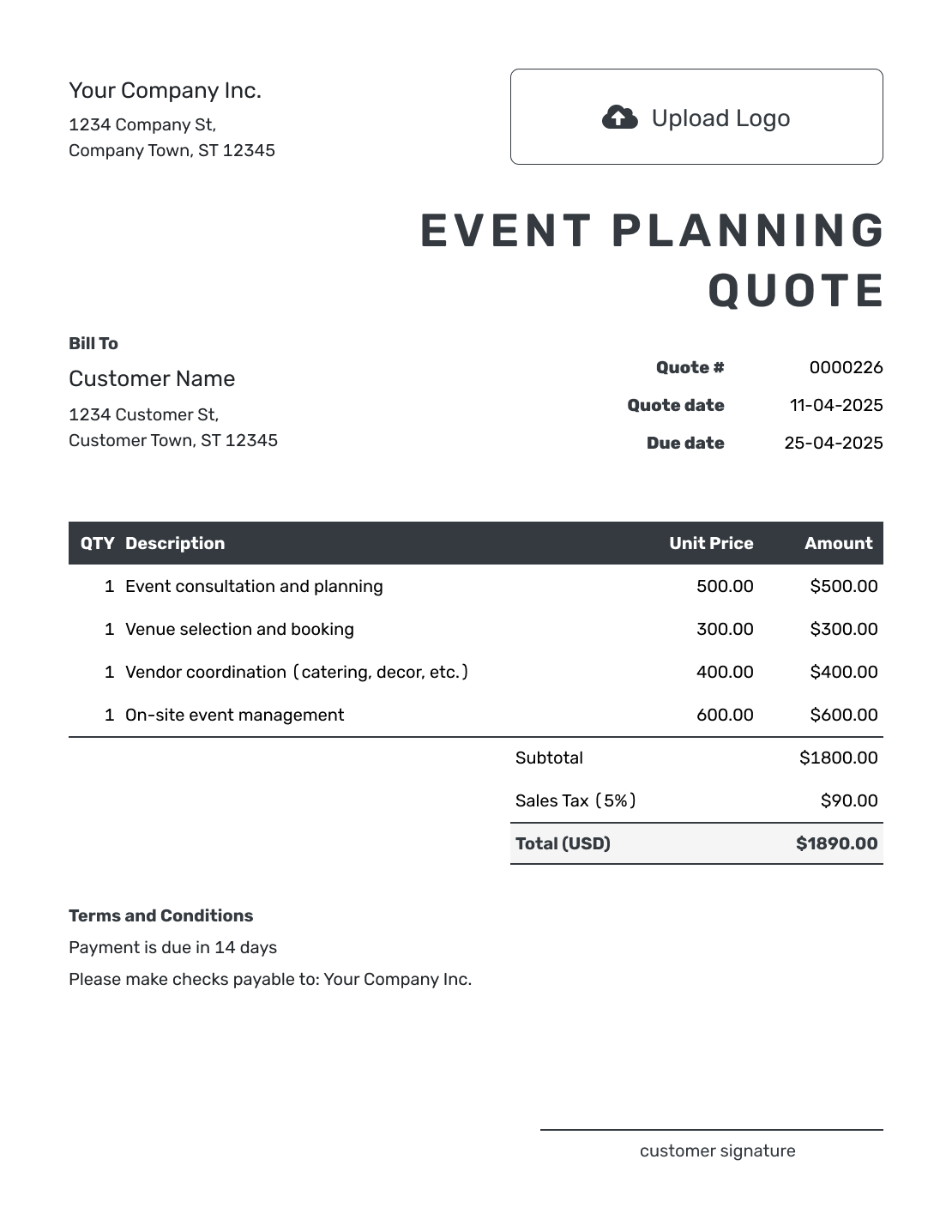
Editable Event Planning Quote Template
Create Free Quote -
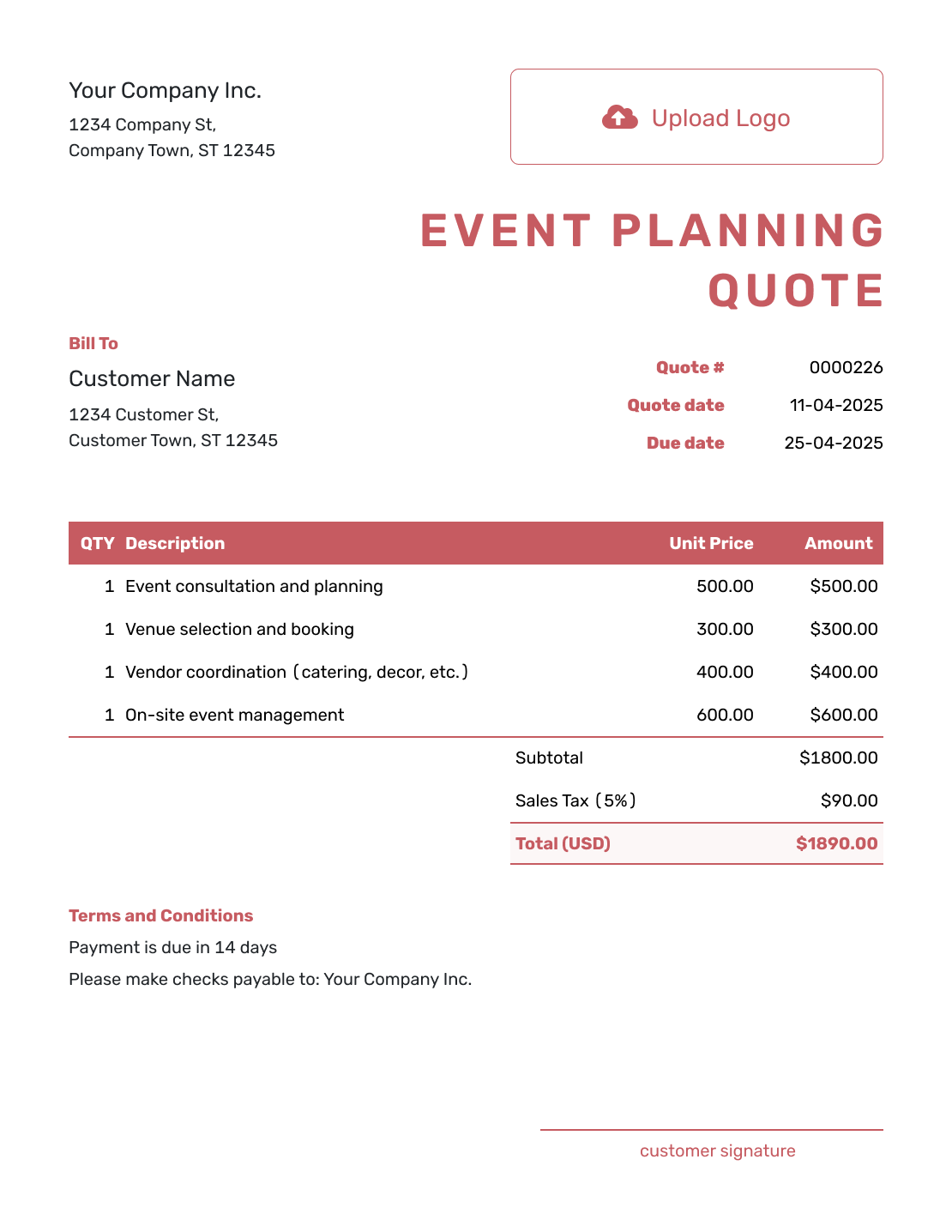
Fillable Event Planning Quote Template
Create Free Quote -
Professional Event Planning Quote Template
Create Free Quote
Related Event Quote Templates
Use the event planning template when coordination is the main service. Choose a more specific quote when you are pricing one part of the event.
Other Quote Template File Formats
Use Word or Google Docs for a document you can edit, or Excel or Google Sheets for a pricing table. These pages provide separate file templates; Docelf downloads your finished online quote as a PDF.
Event Planning Quote Template FAQs
-
What is an event planning quote?
An event planning quote offers your planning or coordination services at a stated price. It identifies the event and explains what your fee covers, how long the offer is valid, and the booking terms.
-
What should I include in an event planning quote?
Include your business and customer details, event date and venue, quote number, and dates. Describe the planning work with quantities and prices, then explain the scope limits and payment terms. Include a deposit only if you require one.
-
How do I price event planning services?
Use the method that matches your business. You might use a fixed package or an hourly rate. Some planners charge a percentage fee or price day-of coordination separately. Explain what the fee covers so the customer can compare the work with the price.
-
Should I separate my planning fee from vendor costs?
Yes. When the customer pays a vendor directly, keep that charge outside your quote total and identify it as excluded. If you supply the service as part of your offer, show its confirmed charge on a separate item row.
-
Should an event planning quote include a deposit?
Include a deposit when your business requires one to reserve the date or begin planning. State the amount or percentage and when the remaining balance is due.
-
How should I handle added planning work after acceptance?
Update the quote when the event grows or the planning work changes. Show the added work and revised price. Ask the customer to accept the updated quote before you take on the extra work.
-
How long should an event planning quote be valid?
Choose a date through which you can stand by the planning price and availability. Use the same date in the valid-until field and written terms. Explain any separate requirement for reserving the event date; an offer deadline alone does not explain the booking process.
-
Can I turn an accepted event planning quote into an invoice?
Yes. When payment is due, create an invoice from the quote. Docelf copies the customer, item, and price details. Check the invoice against the accepted offer, add the due date, and send it.
-
Can I email or download an event planning quote?
Yes. Email it from Docelf, print it, or download a PDF. The customer can view and download the emailed quote without a Docelf account.
Ready to Send Your Event Planning Quote?
Make your planning service and fee easy to approve before the work begins.
- Define the planning services and level of support
- Separate your fee from vendor or venue costs
- Email the event planning quote or download a PDF




