Free DJ Quote Template
Create a professional DJ quote in minutes
Show the booking hours, DJ package, equipment, travel and paid upgrades in one offer. Customers get a clear view of the package and a reason to book you.
Email, print or download your quote as a PDF.
14-day free trial. No credit card required.

Price the job. Send the quote. Get back to work.
DJ Quote Template Examples
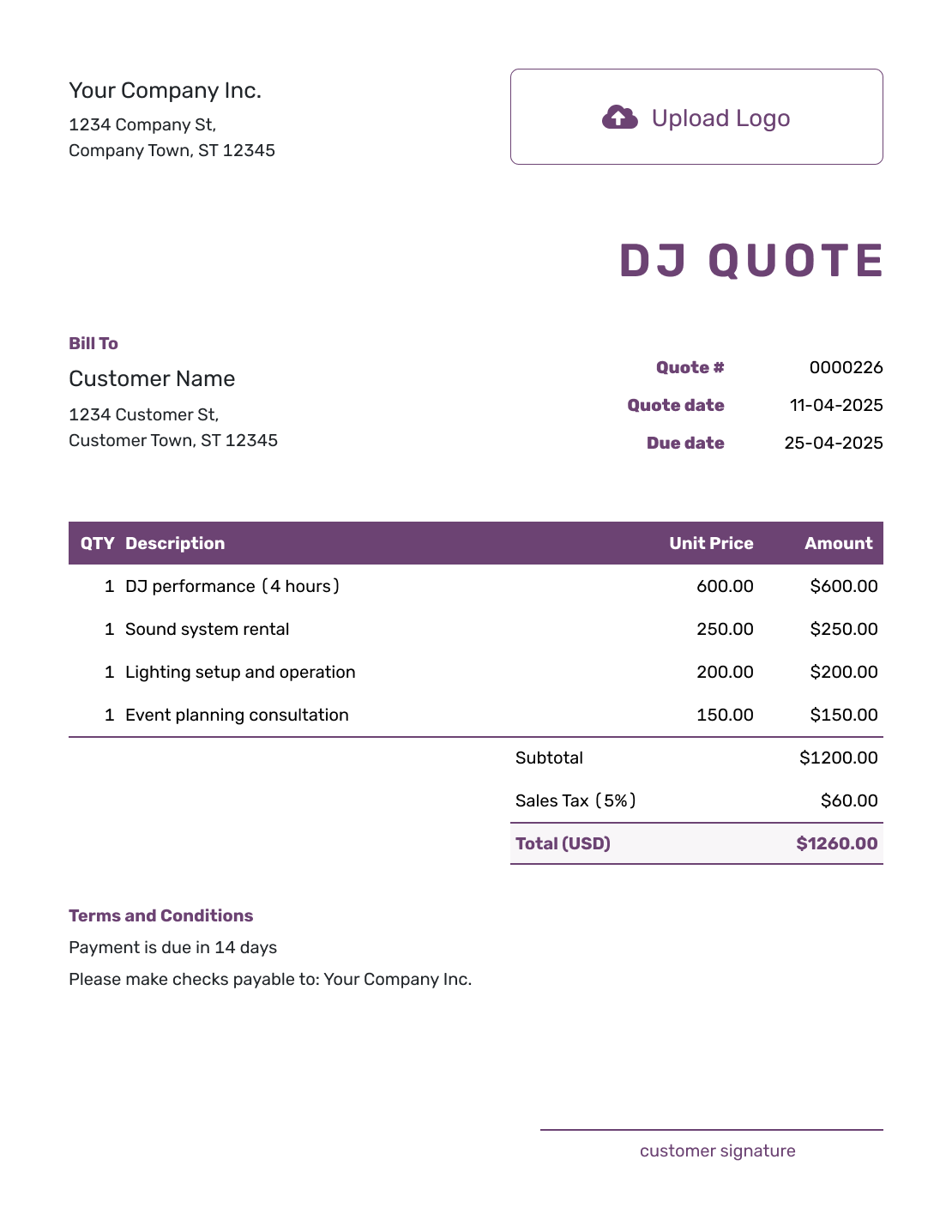
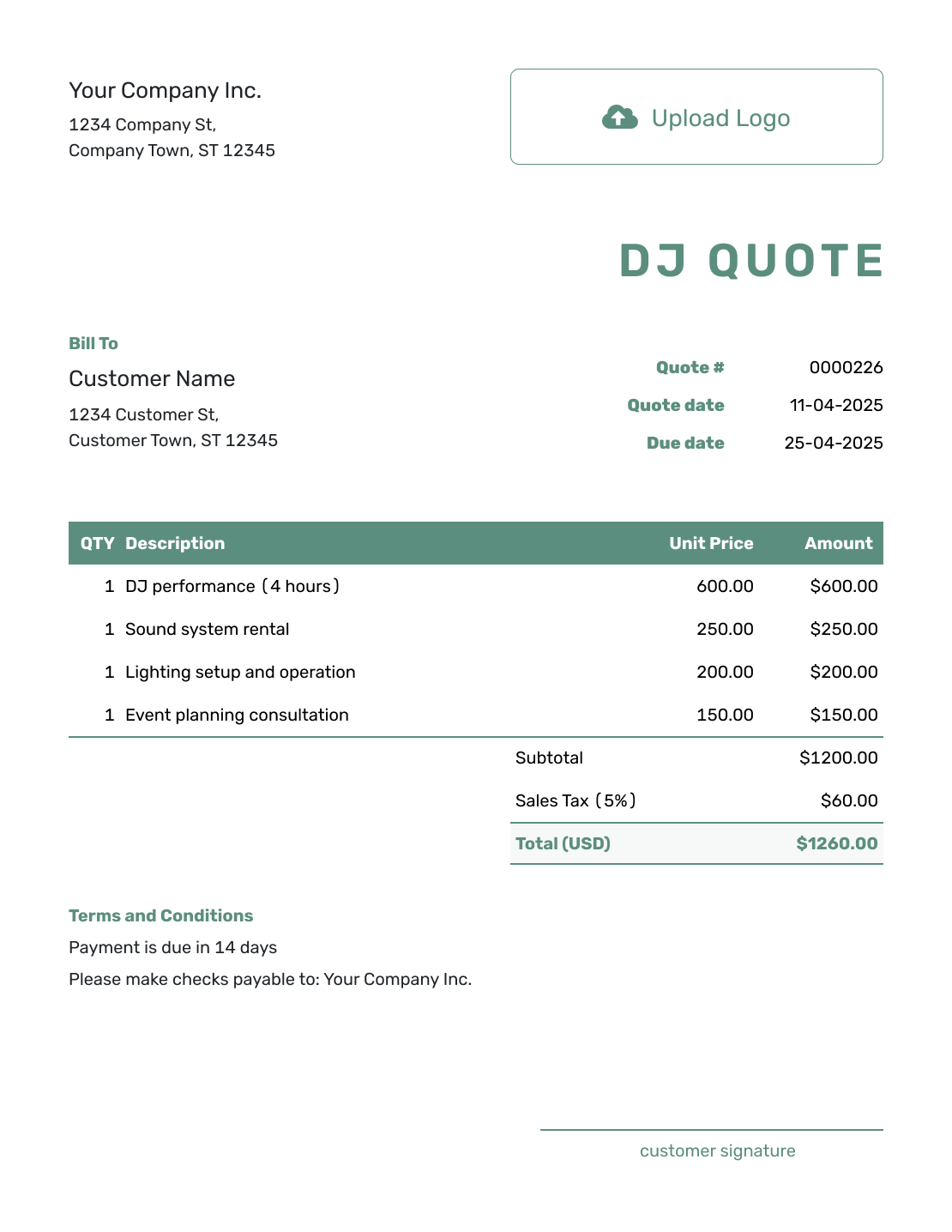
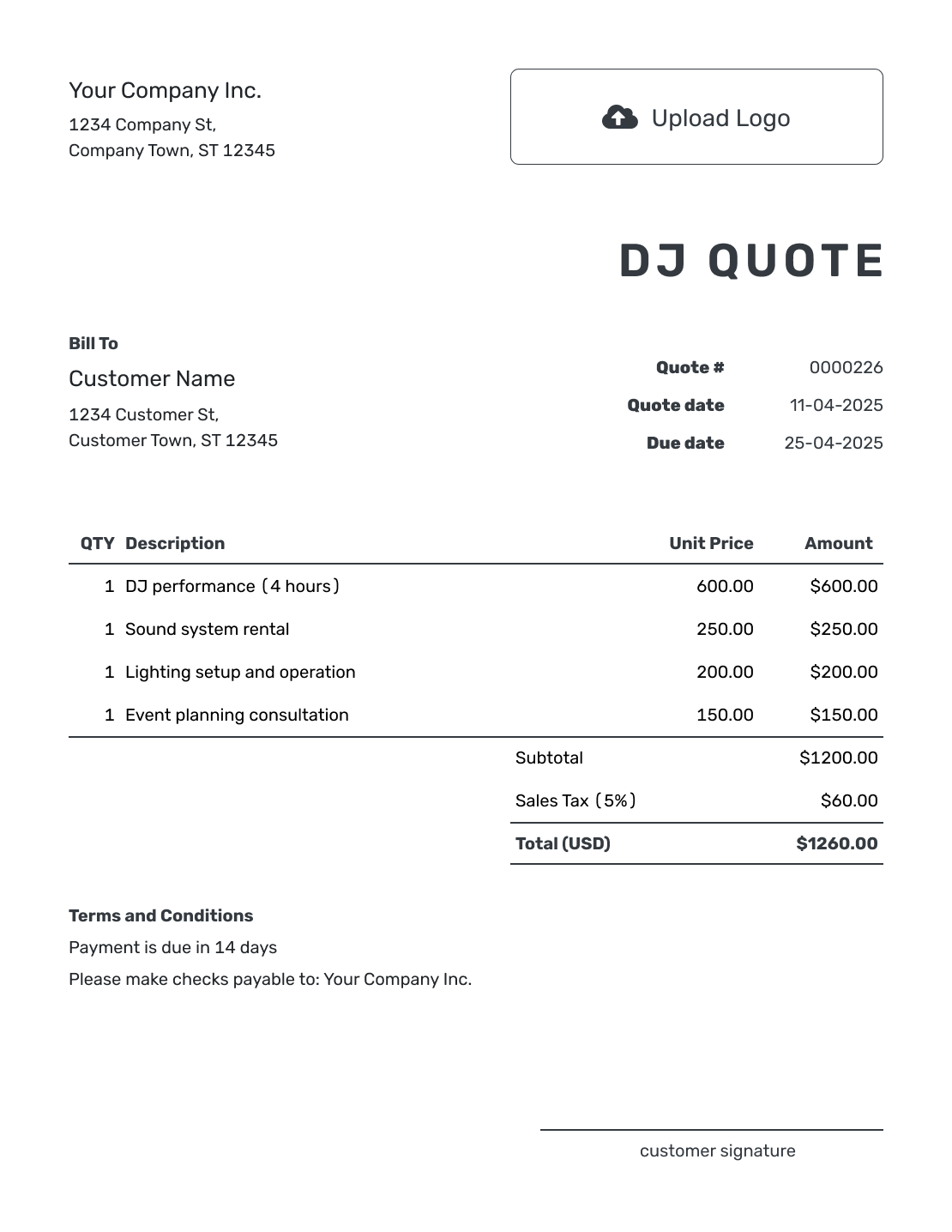
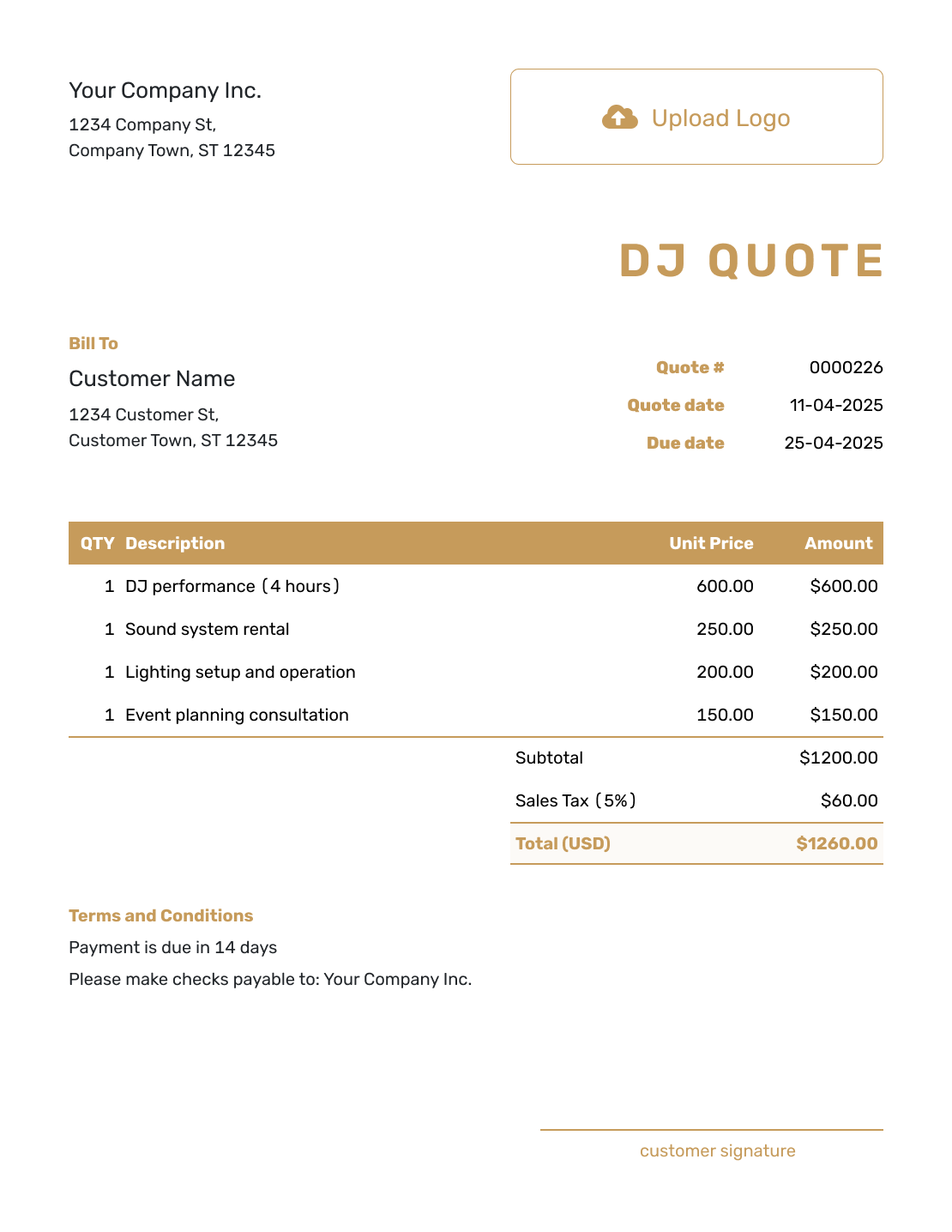
Browse these DJ quote layouts before adding your own booking. Each preview opens the same quote editor, where you enter the package and price.
What Is a DJ Quote?
A DJ quote is a written offer for a booking. It shows what the DJ package covers and what the booking will cost.
Use a quote when the event details and DJ package are clear enough to price. State how overtime or extra equipment will be handled so the customer knows what can change the total.
How to Create a DJ Quote
Start with the event date, venue and agreed performance times. You can reuse saved customer and DJ service details in Docelf, then check them against this booking.
- DJ Business: Enter your DJ business name and booking contact.
- Your Logo: Add the logo you use on your booking documents.
- The Customer: Enter the person or company booking you.
- Quote Number and Dates: Check the number and issue date. Set a valid-until date for the offer.
- Package and Extras: List the performance package and selected extras with quantities and prices.
- Quoted Total: Check the line amounts, applicable tax and full booking price.
- Terms and Sending: Add the event details and booking terms in Terms and Conditions. Review, then email or save a PDF.
How to Fill In DJ Quote Line Items
A package price works well when it covers a set number of performance hours and your usual equipment. Describe what that package includes, then give selected extras their own rows. Equipment already included in the package does not need another charge.
This fictional wedding booking includes a four-hour reception set, separate ceremony audio and eight uplights. The prices are in US dollars, with an illustrative 8% tax applied to all three items. Use the tax treatment that applies to your services.
| QTY | Description | Unit Price | Amount |
|---|---|---|---|
| 1 | Reception DJ package — four performance hours, standard sound and MC coverage | $600.00 | $600.00 |
| 1 | Ceremony audio — separate sound setup and 30-minute service | $150.00 | $150.00 |
| 8 | Uplights — installed for the reception | $20.00 | $160.00 |
| Subtotal | $910.00 | |
| Tax (8% illustrative) | $72.80 | |
| Quote Total | $982.80 |
The $982.80 is the price offered for this booking. A possible extension later in the evening belongs in the overtime terms until the customer chooses the extra time.
What to Include in DJ Quote Terms
Use Terms and Conditions to explain when you will perform and what the venue needs to provide. Setup access is different from performance time: arriving early to set up does not automatically add DJ hours to the package.
Give the offer a valid-until date and explain how the customer reserves the event date. If you require a deposit, state the amount and payment timing here. Adapt the sample below to your booking. Include only booking and cancellation policies your business actually uses, and check any conditions against local requirements.
Example: Terms and Conditions
- Offer valid for 14 days from the quote date. The event date is reserved after written booking confirmation.
- Ceremony audio runs from 6:00–6:30 p.m.; reception DJ and MC coverage runs from 7:00–11:00 p.m. at Maple Hall on October 17, 2026.
- Venue access from 5:00 p.m. for setup; suitable power and space to be confirmed with the venue.
- Full payment due seven days before the event. Added performance time or equipment requires an agreed price before the extra service begins.
Price the DJ Package and Booked Hours
Put the agreed DJ package into a quote while the booking details are fresh. Docelf calculates the total as you add the selected extras. Review the offer, then send it to your customer.
Check the Venue Before Pricing Extra Equipment
A ceremony in another room or outdoors may need its own sound setup, even when the reception package includes speakers. Confirm whether ceremony audio and MC coverage are part of the base offer or separately priced services.
The venue also affects access, setup and travel. Check the room or outdoor space, available power and when you can load in. If distance, parking or an overnight stay adds a charge, show that travel service in the item table so it contributes to the quoted total.
For lighting or sound upgrades, name the selected equipment and its quantity. Keep unchosen options out of the booking total, then revise the quote if the customer decides to add them.
DJ Quote, Estimate, or Invoice?
Choose the document based on how certain the booking price is and whether payment is due.
Quote
Use a quote when the date, hours and DJ package are clear enough for a specific offer the customer can accept.
Estimate
Use an estimate when the event length or equipment needs are still being worked out and the price is your best prediction.
Invoice
Send an invoice when a deposit or other payment is due. It tells the customer what to pay and when, rather than asking them to choose a package.
After You Send the DJ Quote
Your customer can view, download, and accept or decline the quote online without a Docelf account. Check the document history to see when the email was delivered and the quote opened. Docelf updates the quote status when the customer responds and emails you the result.
A longer event, a new venue or an equipment upgrade can change the price. Update the offer and ask the customer to review the new scope and total before you commit to the added time or gear. Follow the booking conditions you stated when confirming the event date.
More DJ Quote Layouts
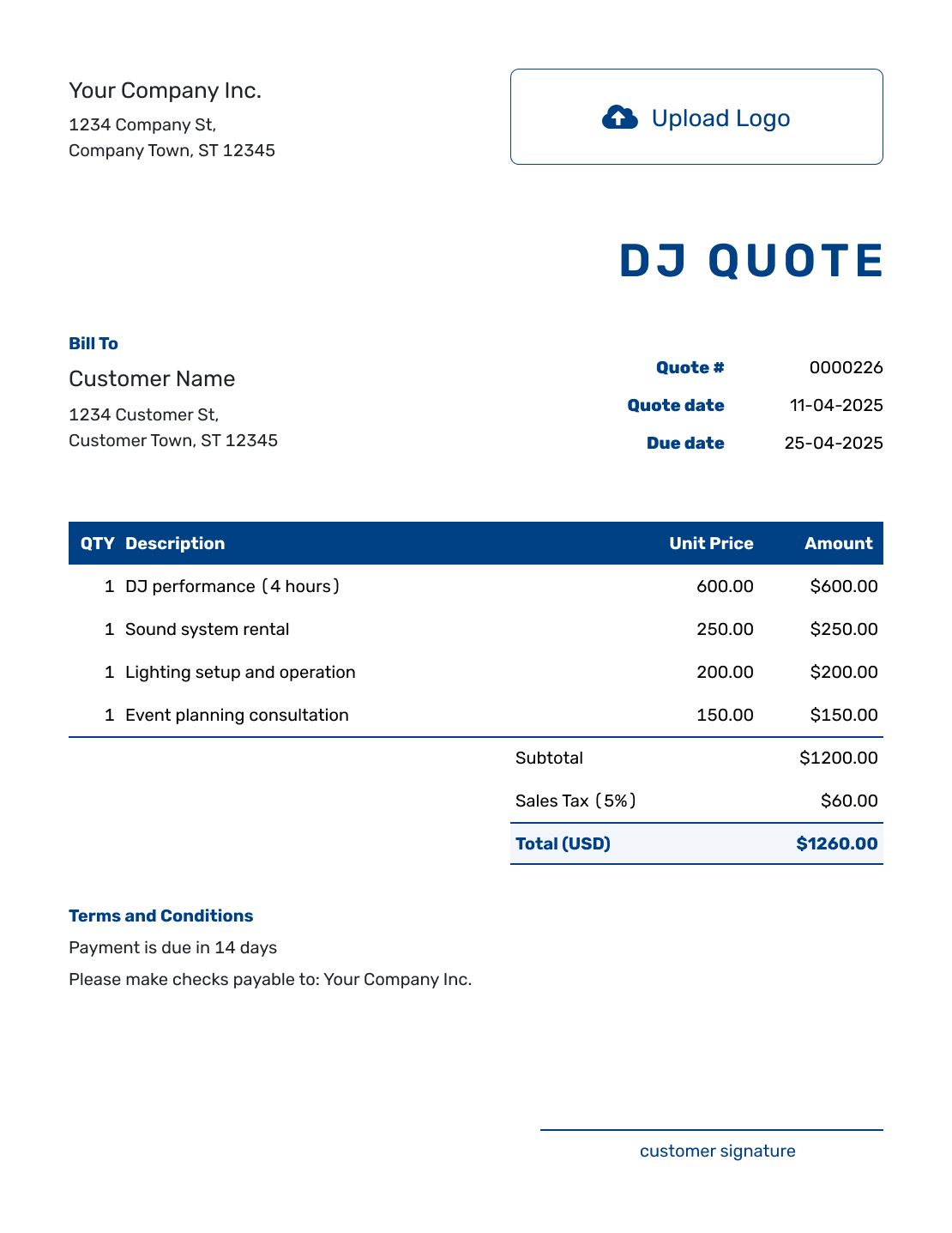
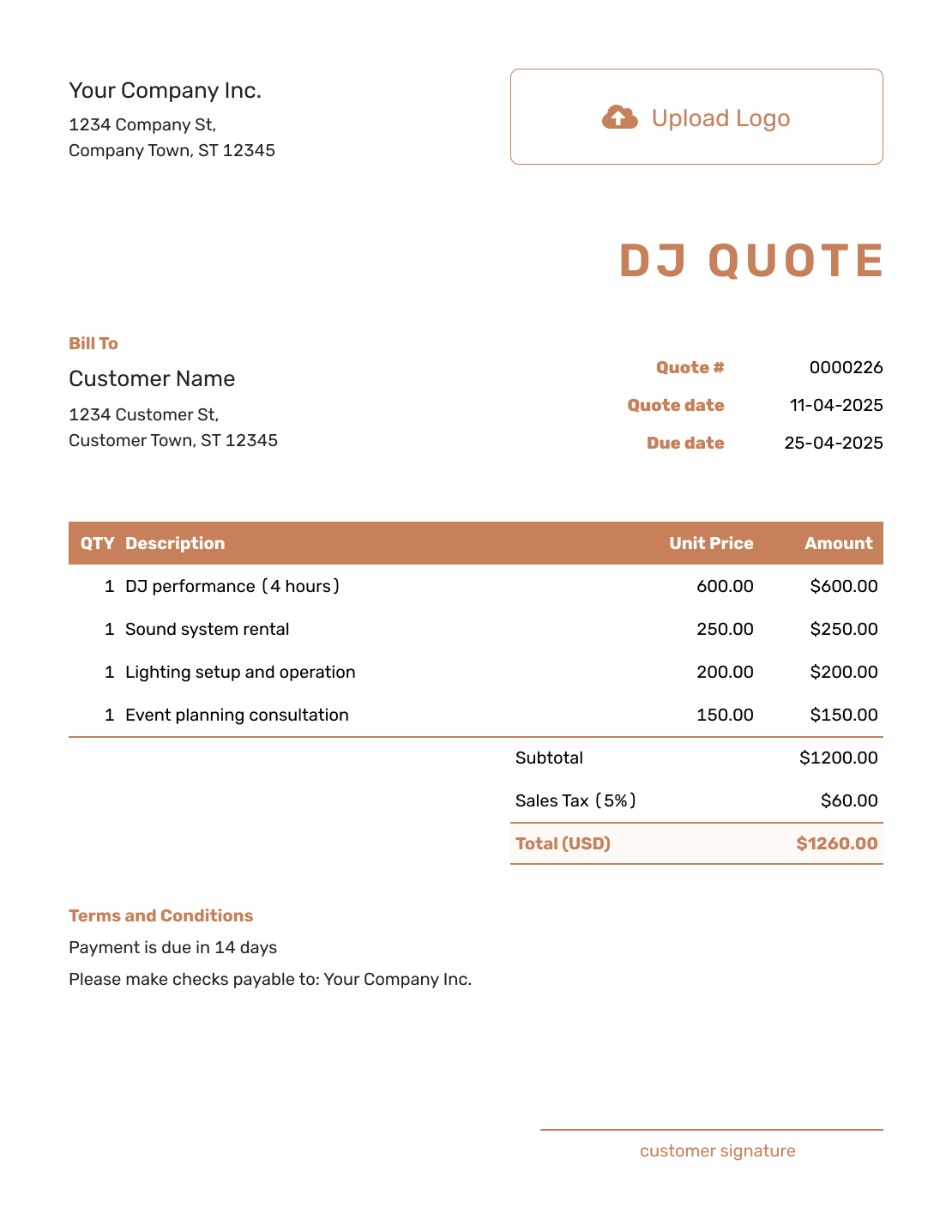
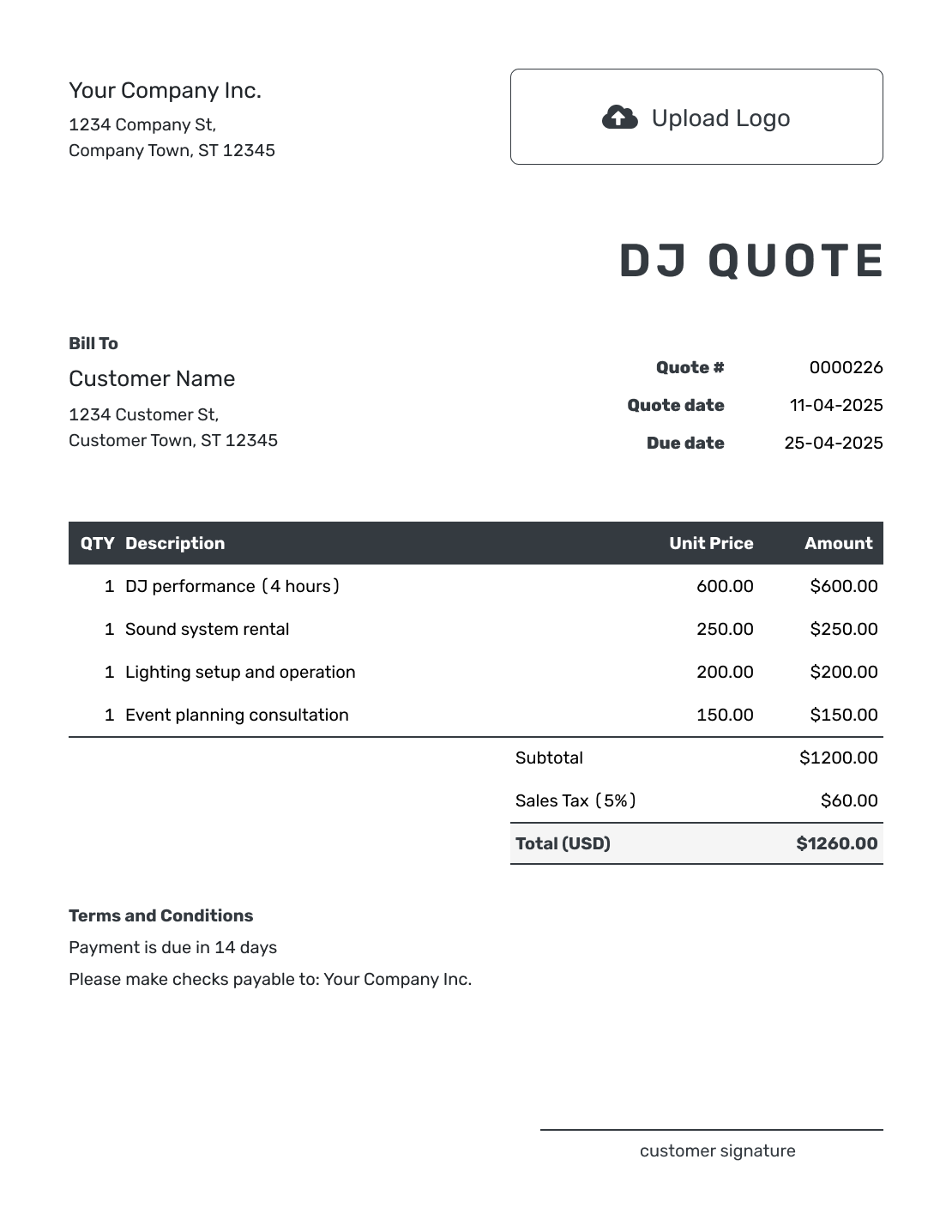
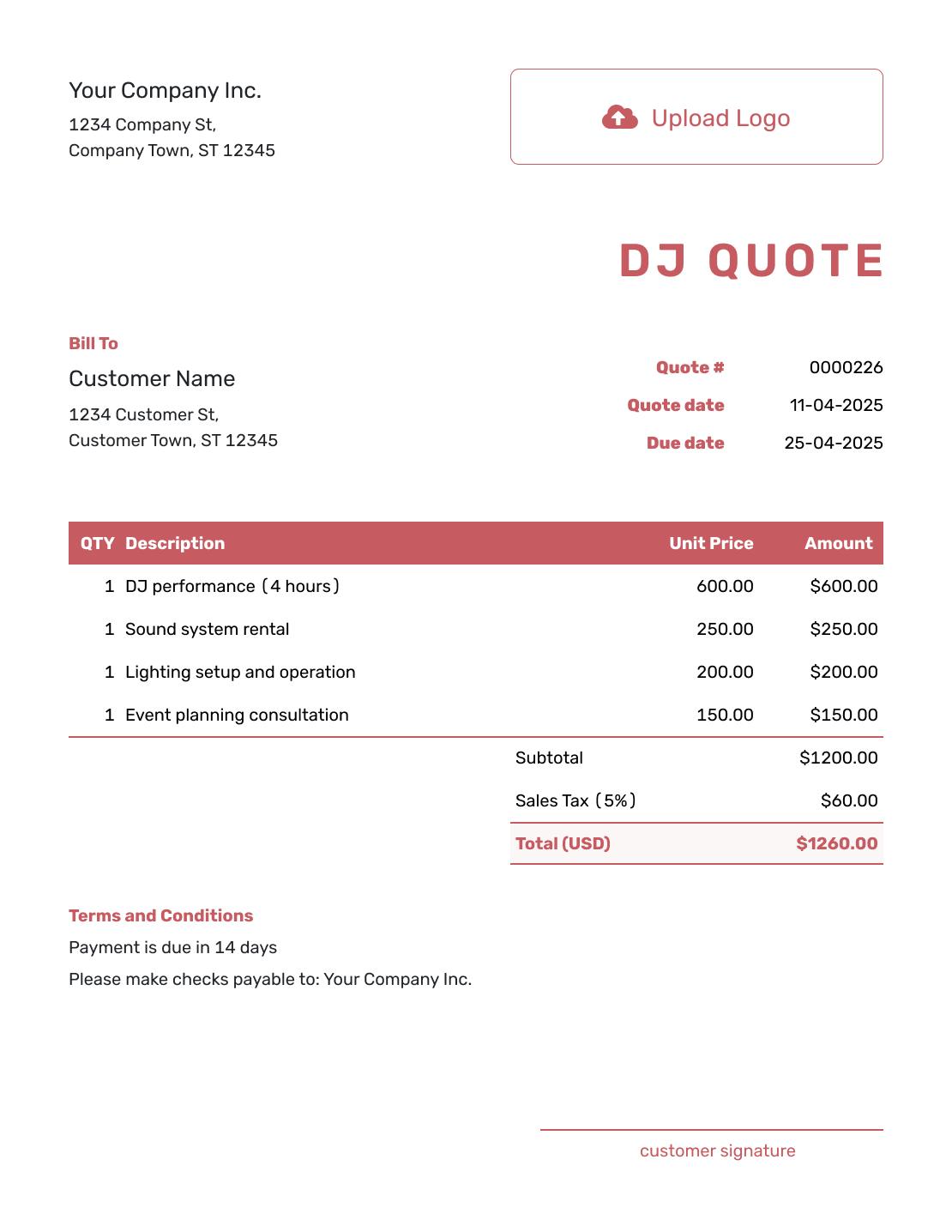
Use these six previews for more layout ideas. Keep your own performance times, equipment and booking terms when you create the quote.
Related Event Quote Templates
Use the DJ quote when entertainment is the service you are pricing. These templates help when the same event also needs planning, catering, or a broader event package.
Other Quote Template File Formats
These pages provide separate document and spreadsheet templates you can revise when the package or booked hours change. Docelf downloads the finished online quote as a PDF.
DJ Quote Template FAQs
-
What is a DJ quote?
A DJ quote is a written offer that explains the DJ services you plan to provide for an event and what you plan to charge. It can show the event hours and DJ package. Add equipment upgrades, travel, or overtime terms when they apply.
-
What should I include in a DJ quote?
Include your business and customer details, plus the event date and venue. Show the performance hours and DJ package. Add any paid equipment or travel. Then state the total and overtime terms, plus any deposit your business requires.
-
How do I price a DJ booking?
Start with a base package that covers a defined number of performance hours and the equipment you normally include. Add a separate charge when an upgrade or extra location changes the booking. Do the same when travel adds a meaningful cost.
-
How should I price DJ overtime?
State when overtime begins and whether you charge by the hour or another time unit. For example, an extra 30 minutes at $150 per hour costs $75 before any applicable tax. Agree to the extra time before performing it, subject to your availability and the venue’s closing time.
-
Should sound and lighting be included in the DJ package?
Include the equipment that belongs in your standard package and list upgrades separately. The quote should make it easy for the customer to see which sound or lighting choices change the price.
-
Should I charge travel separately on a DJ quote?
Charge travel separately when the booking creates a meaningful travel cost. State the charge clearly so it is not confused with the DJ package price.
-
Should I include a deposit on a DJ quote?
If your business requires a deposit to reserve the date, state the amount or percentage, its due date and when the remaining balance is due. Keep the full booking price visible; the quote describes the payment terms, not money already received.
-
Can I turn an accepted DJ quote into an invoice?
Yes. In Docelf, you can turn the accepted DJ quote into an invoice. Docelf reuses the customer details and line items, so you do not have to enter the booking again.
-
Can I email or download a DJ quote?
Yes. You can email the DJ quote from Docelf, print it or download a PDF. Creating or editing it does not send it; you choose when to email the finished offer.
Ready to Send the DJ Quote?
Give your customer a booking offer they can review alongside the event plan.
- State the venue, setup time, and booked hours
- Show the package price and selected extras
- Email the DJ quote or download a PDF




