Free Catering Quote Template
Create a professional catering quote in minutes
Use the guest count and service style to show the menu, staffing and paid extras. The package is easy to compare without chasing details, helping clients book you for the event.
Email, print or download your quote as a PDF.
14-day free trial. No credit card required.

Price the job. Send the quote. Get back to work.
Catering Quote Template Examples
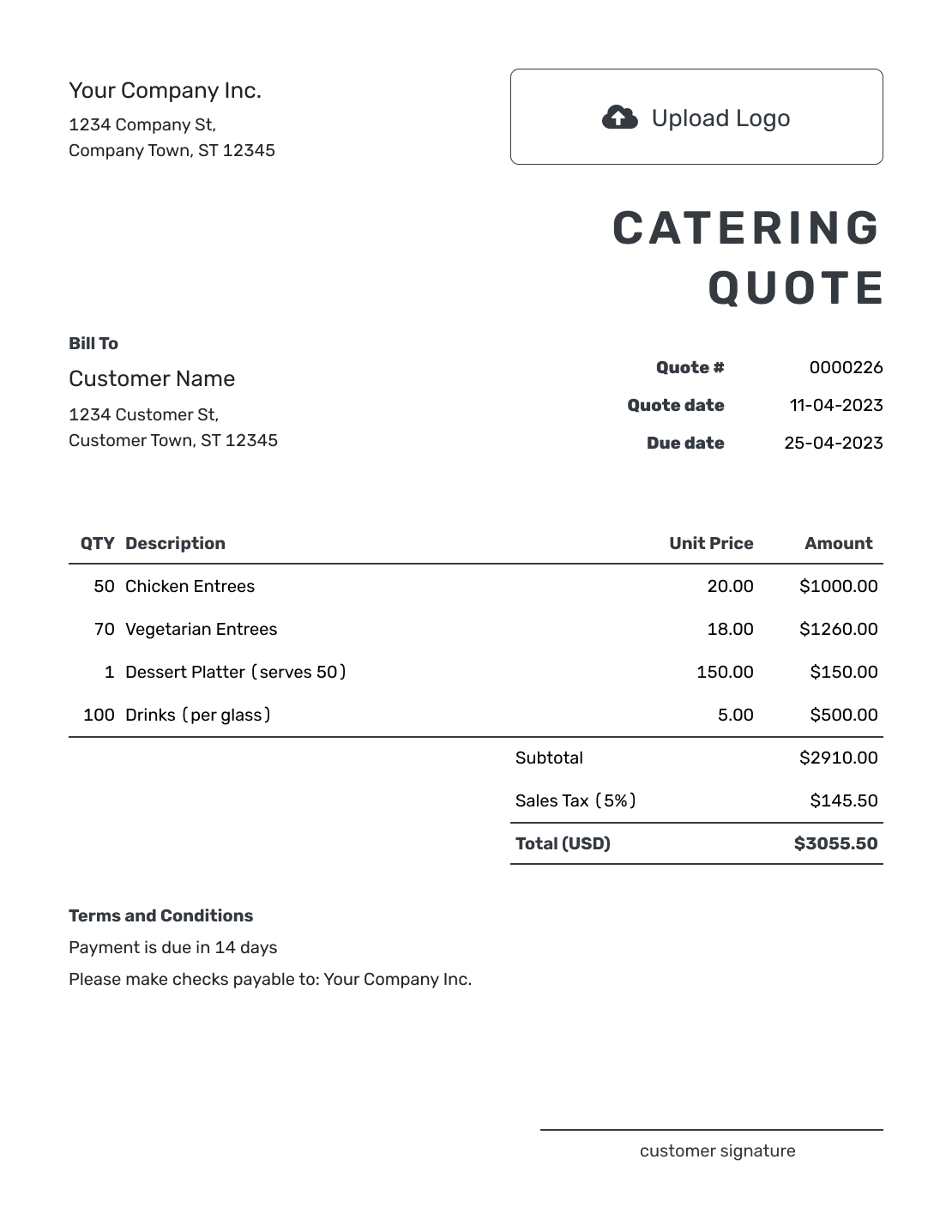
Browse three catering quote previews before adding your event details. Each opens the same quote editor, where you can enter your own menu, guest count, and prices.


What Is a Catering Quote?
A catering quote is a written offer for a specific event. It shows the food service the customer chose and what it will cost.
Use a quote when the guest count and service style are clear enough to price. If the final headcount can still change, state the deadline and explain how a revised count affects the total.
How to Create a Catering Quote
Have the agreed menu and service times beside you as you prepare the quote. You can reuse saved customer and catering service details, then check the quantities and rates for this event.
- Your Catering Business: Add your business name and the contact for event questions.
- Your Logo: Use the logo from your menus or other business documents.
- The Customer: Add the person or company booking the catering.
- Quote Number and Dates: Check the quote number, issue date, and valid-until date.
- Food and Service: List the menu, guest count, staffing, and other separately priced services.
- Check the Total: Review quantities, rates, and applicable tax. Docelf calculates the total.
- Terms and Sending: Add event details and booking terms in Terms and Conditions. Review the quote, then email it or download a PDF.
How to Fill In Catering Quote Line Items
The quantity should explain how you arrived at the price. For food priced per person, use the guest count. For separately priced staff, use the combined hours: two servers working four hours each means eight staff-hours.
This fictional buffet lunch is for 60 guests. The example uses US dollars and an illustrative 8% tax on all three charges; use the tax treatment that applies to your business.
| QTY | Description | Unit Price | Amount |
|---|---|---|---|
| 60 | Buffet lunch — chicken, vegetable pasta, and salads, per guest | $32.00 | $1,920.00 |
| 8 | Two servers, four hours each — staff-hours | $30.00 | $240.00 |
| 1 | Local delivery and buffet equipment setup | $100.00 | $100.00 |
| Subtotal | $2,260.00 | |
| Sales Tax (8% illustrative) | $180.80 | |
| Quote Total | $2,440.80 |
What to Include in Catering Quote Terms
The Terms and Conditions field connects the price to the event. Include the venue, service times, and what the package covers. Make clear whether the job is drop-off catering or staffed service. A quote's valid-until date is the deadline for accepting the offer; the final guest-count deadline tells the customer when you need the number of meals confirmed.
Use the sample below as a starting point for the buffet example. Include only payment and booking policies your business actually uses. If you require a deposit, explain its amount and due date here, without subtracting an unpaid deposit from the quote total.
Example: Terms and Conditions
- Buffet lunch for 60 guests at the Oak Room on October 16, 2026; lunch service from noon to 2 p.m.
- Price includes the listed menu, two servers for four hours each, and delivery with buffet equipment setup. The venue supplies tables, chairs, and tableware.
- Offer valid until October 2, 2026. Final guest count and dietary requests due by October 9.
- Menu, headcount, or service changes will be quoted for approval before preparation.
- Payment is due seven days before the event.
Price the Catering Plan
Enter the menu and service your customer has chosen. Docelf calculates the total from your quantities and rates. Review the offer, then send it for a decision.
Choose How You Price the Catering Job
Use the method that matches your catering business. Make the base price easy to see, then show paid extras separately.
Price per Person
A per-person rate works when the amount of food follows the guest count. State what each meal includes so the customer can compare the offer with their budget.
Package Price
For a fixed package, use a quantity of one and describe the menu, service, and number of guests it covers. Explain how you price any guests beyond that number.
Staffing Charges
For hourly staffing, say how many staff you provide and which hours cover setup, service, and clearing. Keep staffing inside the package price when it is already included.
Rentals and Setup
Name the equipment you provide and what the venue supplies. Put separately charged rentals, setup, and delivery in the item table so they contribute to the subtotal.
When the Guest Count or Menu Changes
A few more guests may change the food quantity without changing the staffing or delivery charge. Review the affected lines rather than raising every item by the same percentage. Agree on dietary requests and any menu substitutions before you finalize the revised offer.
If the change affects the agreed price or service, update the quote and ask the customer to accept the revised offer before you order food or arrange extra staff.
After You Send the Catering Quote
Your customer can view the quote and accept or decline it online without a Docelf account. You can check delivery and opening information in the document history; Docelf also emails you when the customer accepts or declines.
When it is time to request payment, create an invoice from the quote. Docelf copies the customer, items, prices, and document details. Check them against the final event plan before sending the invoice.
More Catering Quote Layouts
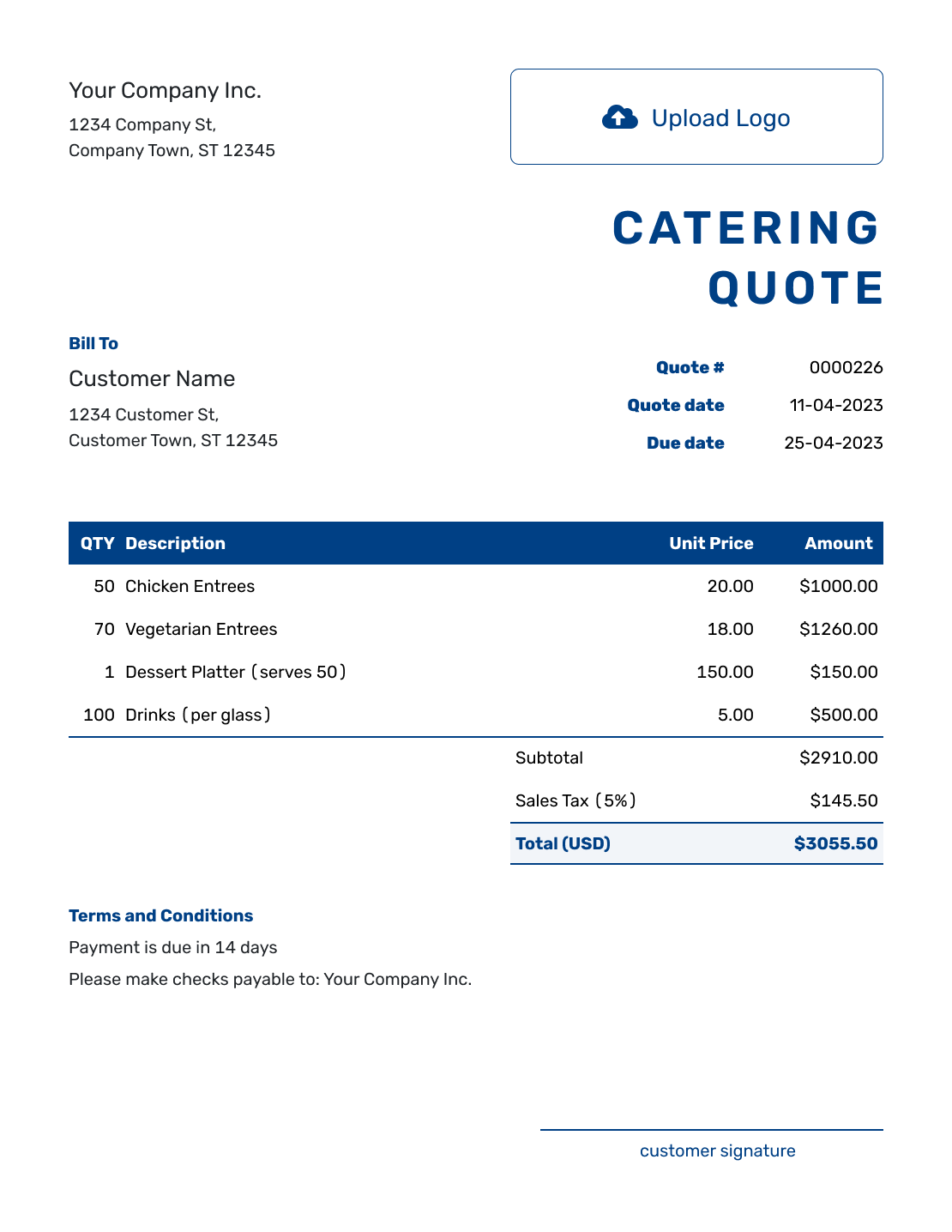
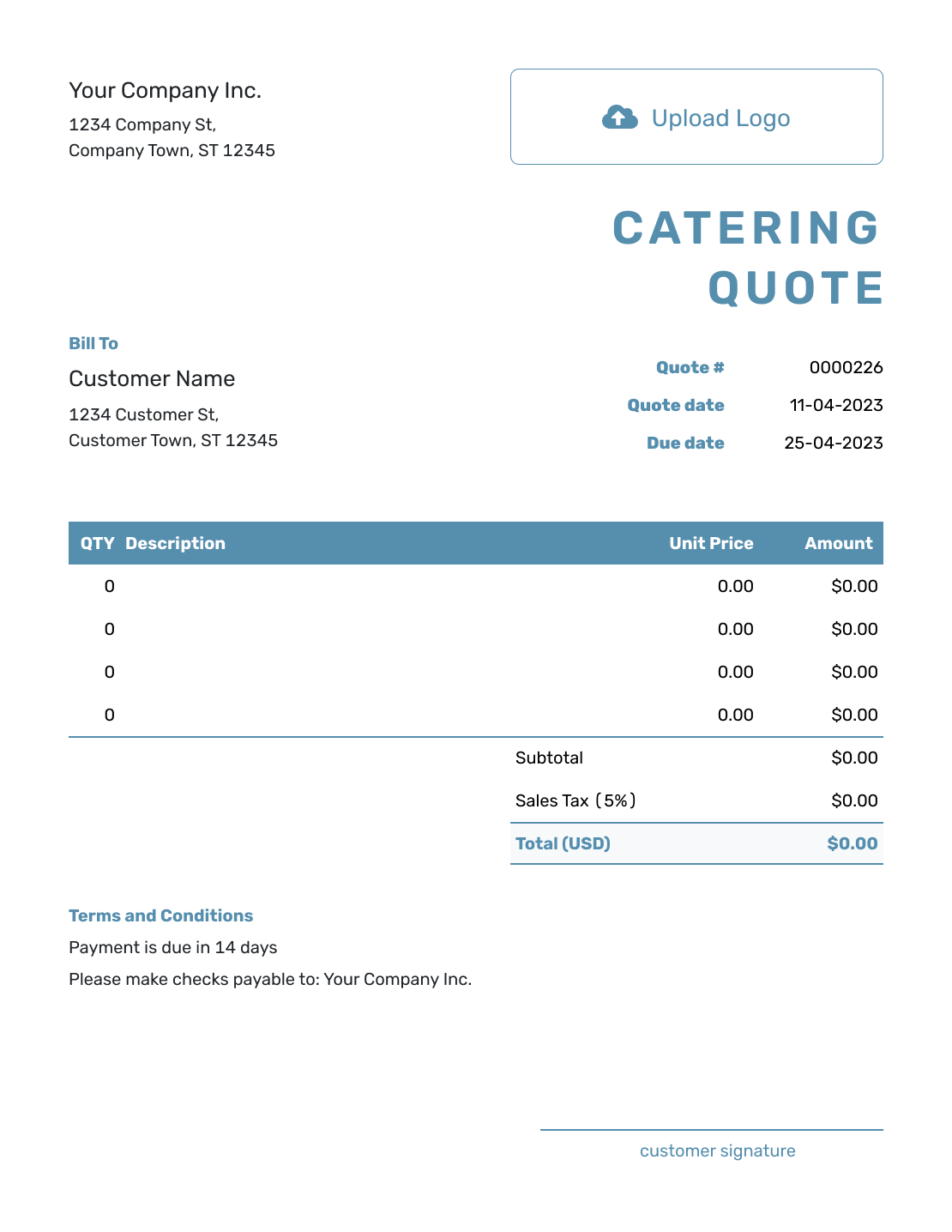
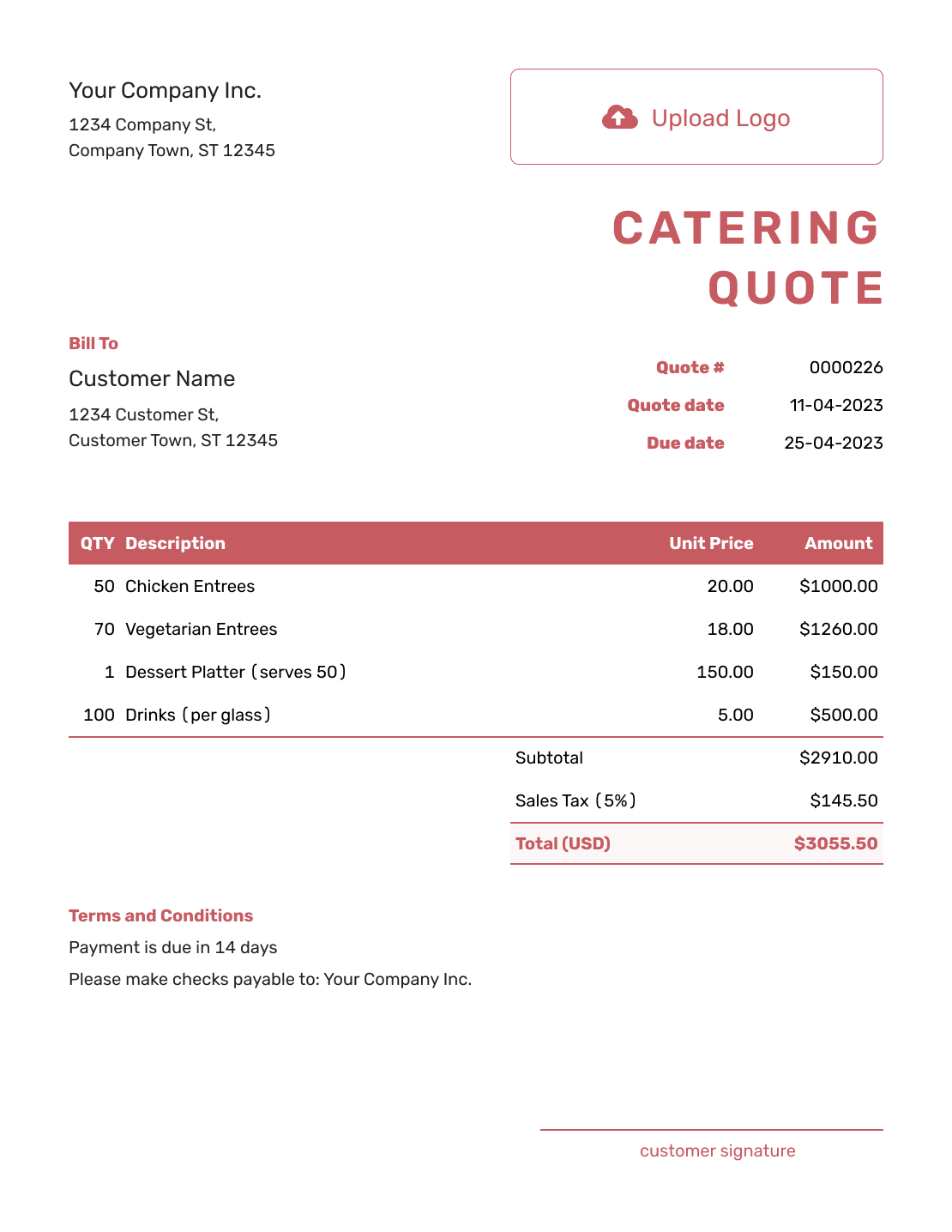
These six previews offer more layout ideas. The editor lets you add your logo and choose colors and fonts to match your catering business.
-
Sample Catering Quote Template
Create Free Quote -
Blank Catering Quote Template
Create Free Quote -
Downloadable Catering Quote Template
Create Free Quote -
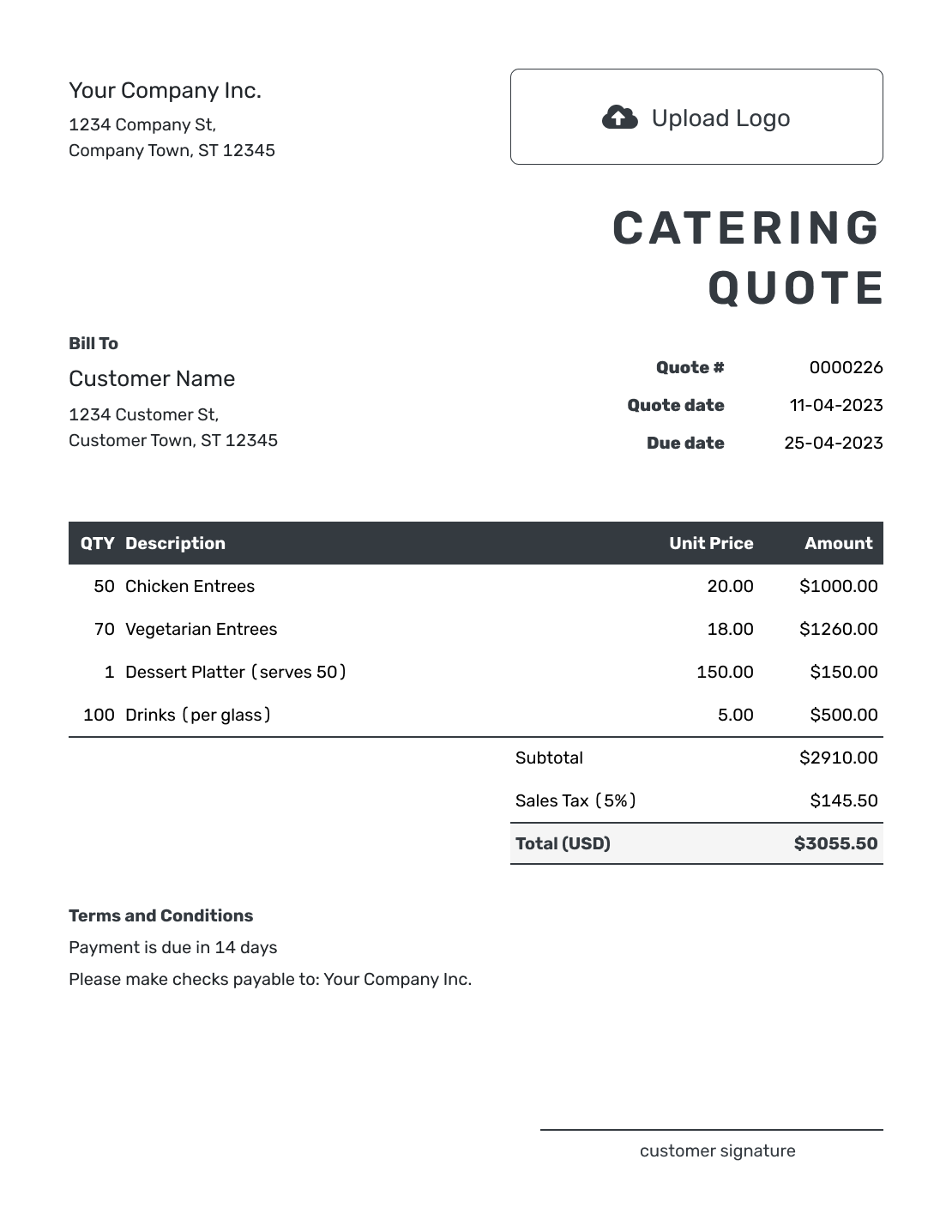
Editable Catering Quote Template
Create Free Quote -

Fillable Catering Quote Template
Create Free Quote -

Professional Catering Quote Template
Create Free Quote
Catering Quote, Estimate, or Invoice?
Choose the document based on how final the catering plan is and whether payment is due.
Quote
Use a quote when the menu, service style, and price are defined. It gives the customer a specific catering offer to review and accept.
Estimate
Use an estimate for an early budget while the guest count or menu is still being discussed. Explain the assumptions behind the likely price.
Invoice
Use an invoice to request payment, whether for a booking deposit or the final amount due. It tells the customer how much to pay and when.
Related Food and Event Quote Templates
For a custom cake order, use the cake guide. The flower, planning, and event guides cover other services for the same occasion.
Other Quote Template File Formats
Prefer to work in a document or spreadsheet? These pages provide separate file templates. You can update the guest count there; Docelf downloads a finished quote as a PDF.
Catering Quote Template FAQs
-
What is a catering quote?
A catering quote is a written offer that explains the food service you plan to provide for an event and what you plan to charge. It can show the menu or package and the guest count. Add staffing, rentals, or delivery when those services belong in the offer.
-
What should I include in a catering quote?
Identify your business, the customer, and the event. Show the menu or package, guest count, service style, and total price. Use Terms and Conditions for the final-count deadline and payment timing, including a deposit only when you require one.
-
How do I price catering per guest?
Set a per-person rate for the food or package, then multiply it by the quoted guest count. Show paid extras separately when they are not included in the per-person price. That might mean extra staff, rentals, or delivery.
-
What if the final guest count changes?
State when the final guest count is due and how a changed count affects the price. Update the quote when the new headcount changes the total, then ask the customer to accept the revised offer.
-
Should catering staff and rentals be separate line items?
They can be. Separate line items make it easier to show the food price and extra service costs. Use them for paid staff or rentals when those sit outside the package.
-
Should I include a deposit on a catering quote?
Include a deposit when your catering business requires one to reserve the date or begin event preparation. State the amount or percentage and when the remaining balance is due.
-
What if the menu changes after the quote is accepted?
Update the quote with the new menu or service and revise the price. Ask the customer to accept the updated quote before you order or prepare the added work.
-
Can I turn an accepted catering quote into an invoice?
Yes. Docelf copies the customer, items, prices, and document details into the invoice. Check the final guest count and any agreed changes before sending it to request payment.
-
Can I email or download a catering quote?
Yes. You can email the catering quote from Docelf, print it, or download a PDF. Your customer can view and download the received quote without a Docelf account.
Ready to Send the Catering Quote?
Give your customer a catering offer they can check against the event plan.
- Price the menu for the agreed guest count
- Make included services and paid extras clear
- Email the catering quote or download a PDF




