Free Wedding Flower Quote Template
Create a professional quote in minutes
List the approved arrangements, setup, substitution terms and full floral price. Couples get a clear plan they can review and a reason to book you for the wedding.
Email, print or download your quote as a PDF.
14-day free trial. No credit card required.

Price the job. Send the quote. Get back to work.
Wedding Flower Quote Template Examples
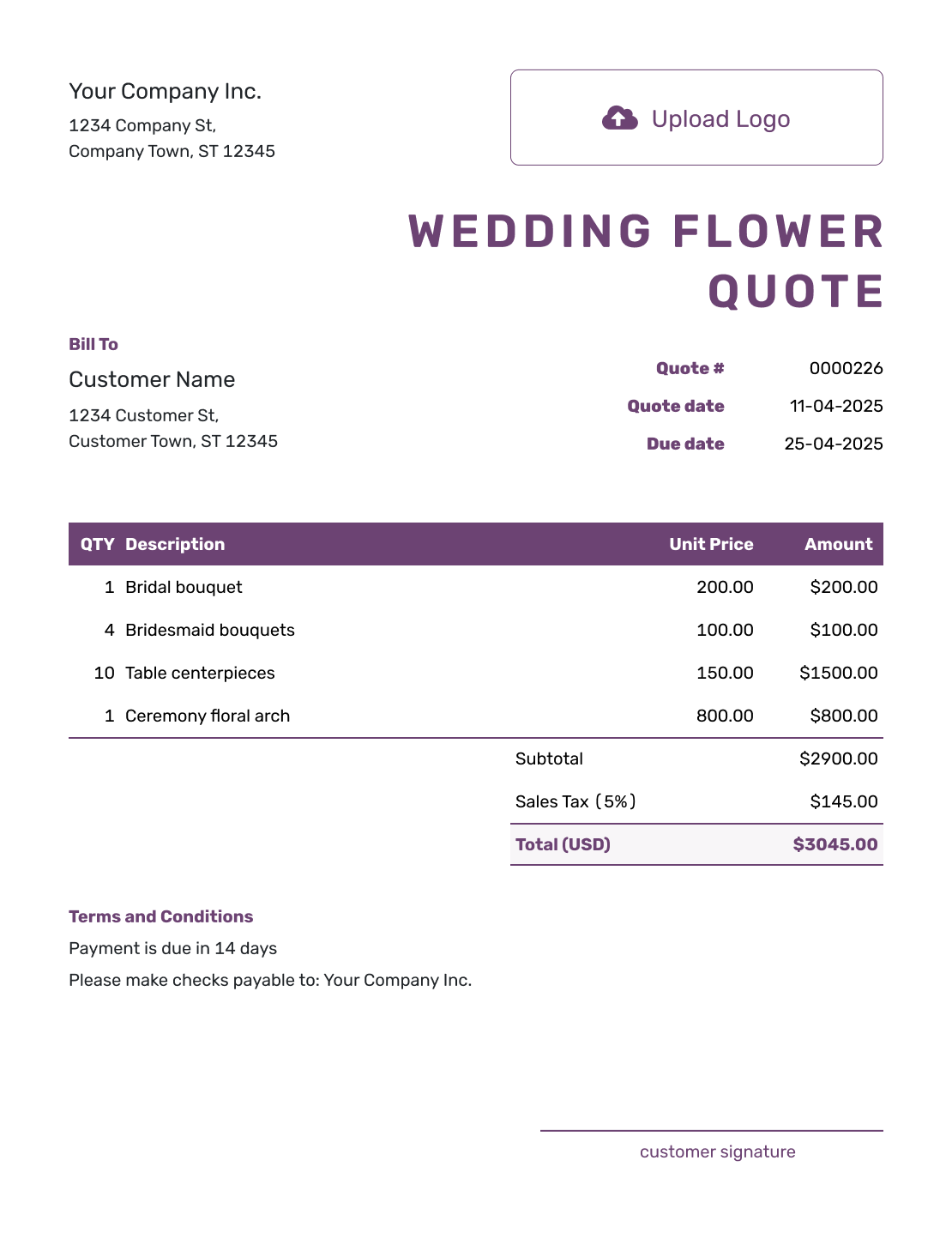
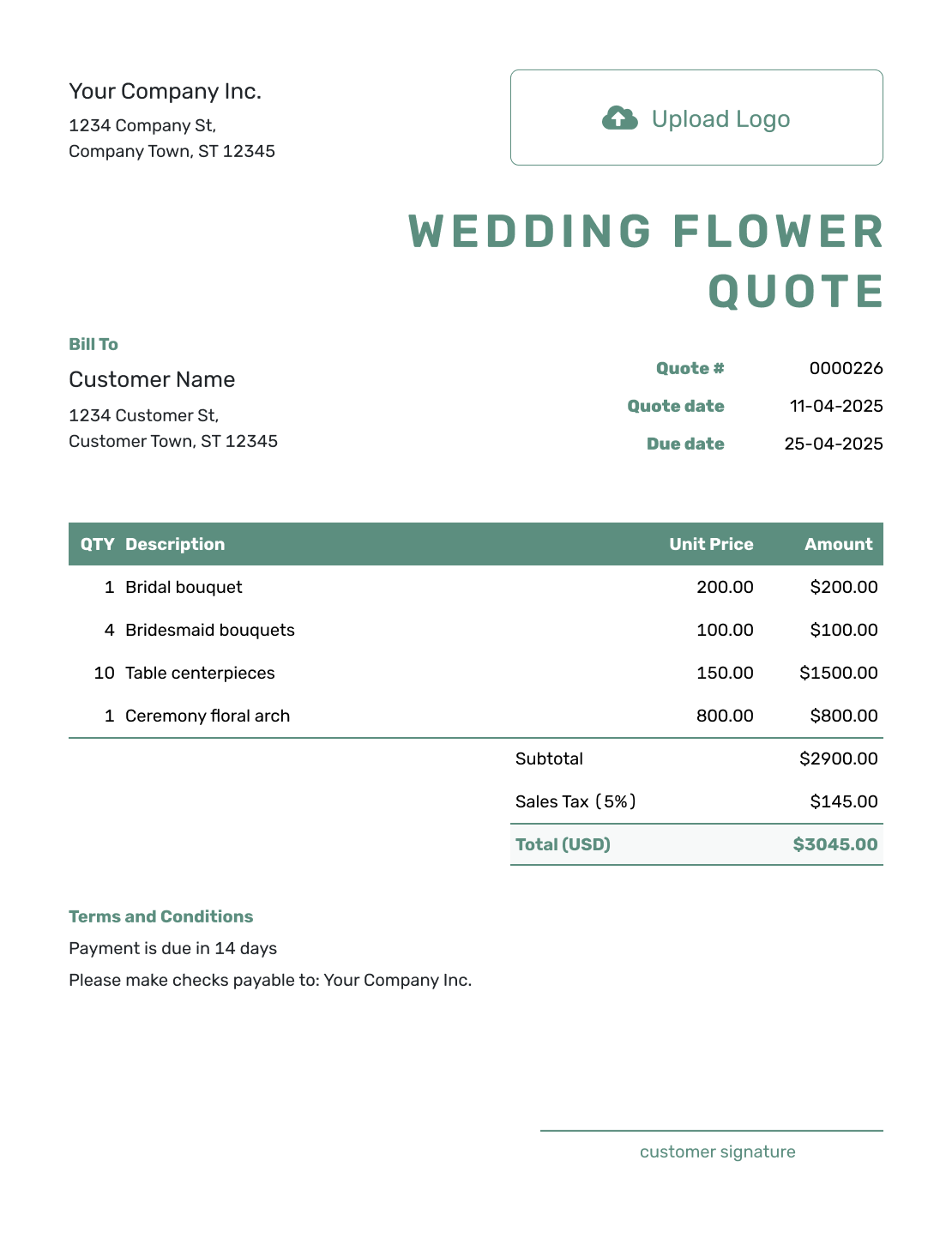
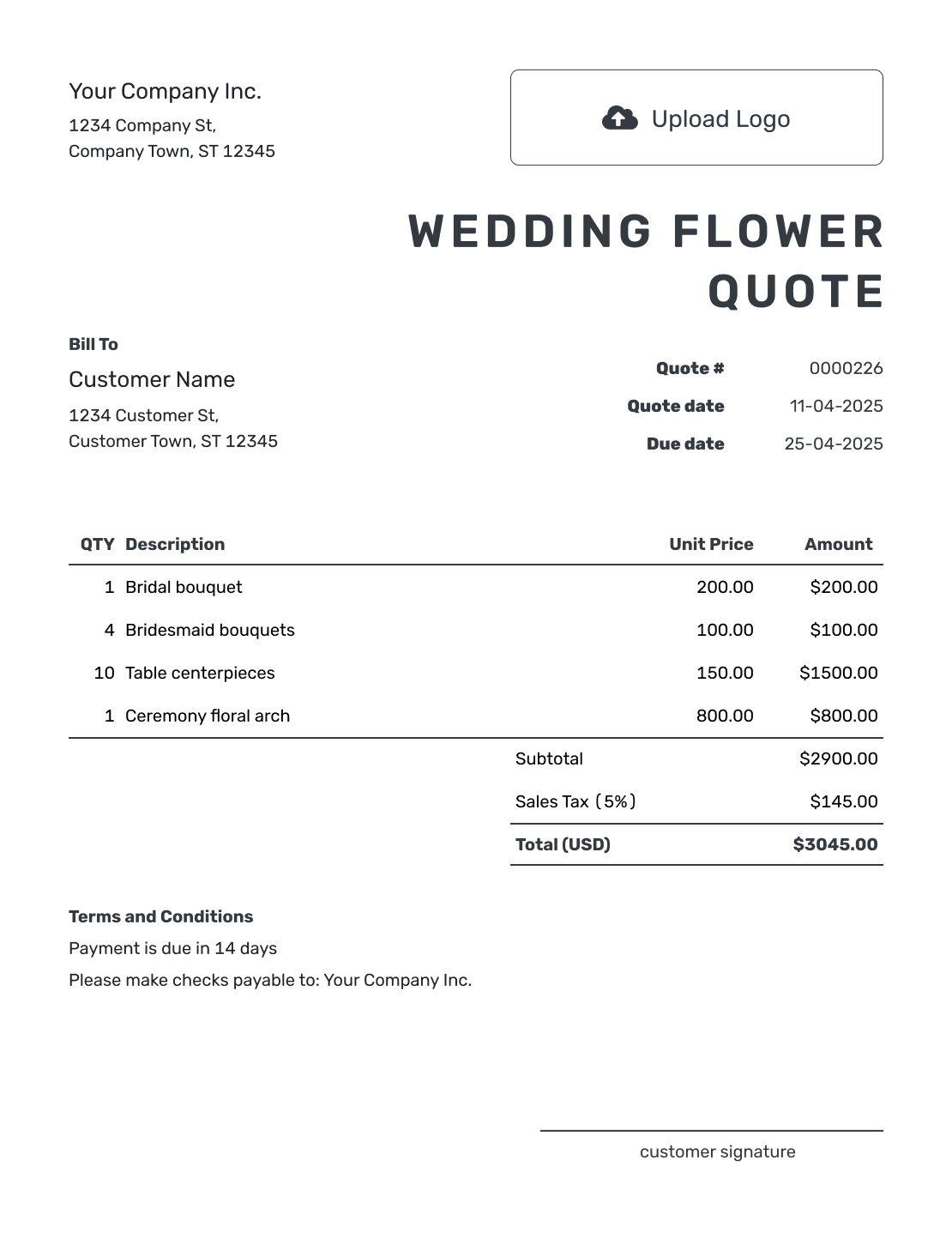
Browse the floral quote previews, then enter your own wedding details and prices. Each preview opens the same quote editor.
What Is a Wedding Flower Quote?
A wedding flower quote is a written offer for the floral work you will provide. It tells the couple what the design includes and what it will cost.
Use it after the consultation when you know enough about the arrangements to price the work. If a flower may need a seasonal substitution, explain how you will handle that before the quote is accepted.
Wedding Flower Quote, Estimate, or Invoice?
Choose the document based on how final the floral design is and whether payment is due.
Quote
Use a quote when the floral design and price are clear enough to make a specific offer the couple can review and accept.
Estimate
Use an estimate while the couple is still choosing arrangements or quantities. It gives them an expected price before the final floral plan is set.
Invoice
Use an invoice to request a deposit or final payment. Keep the amount due and payment date clear, so the couple knows what to pay next.
How to Create a Wedding Flower Quote
Start with the floral plan from your consultation. Keep the wedding date separate from the quote date, and use the same arrangement names the couple has already seen.
- Your Floral Business: Add your business and the contact who handles wedding questions.
- Your Logo: Use the logo from your floral proposal or consultation paperwork.
- The Couple: Enter the couple’s name and contact details.
- Quote Number and Dates: Check the quote number, issue date, and valid-until date.
- Arrangements and Services: List quantities and unit prices, including separately charged delivery or setup.
- Tax and Total: Apply the tax that fits your work and check the full quoted price.
- Terms and Sending: Add the wedding details and agreed policies in Terms and Conditions. Review, then email the quote or save a PDF.
How to Price the Floral Arrangements and Services
Give each arrangement type its own line when the quantities may change. A unit price can include both flowers and design work; describe that clearly so the couple knows what is included. Put separately charged delivery, setup, rentals, or collection in the item table too.
This fictional wedding order is priced in US dollars. It includes a bridal bouquet, four bridesmaid bouquets, ten table arrangements, and delivery and setup. An illustrative 8% tax applies to every item; use the tax treatment required for your own sale.
| QTY | Description | Unit Price | Amount |
|---|---|---|---|
| 1 | Bridal bouquet — flowers and design | $180.00 | $180.00 |
| 4 | Bridesmaid bouquets — flowers and design | $75.00 | $300.00 |
| 10 | Low table arrangements — flowers, design, and keepsake vases | $85.00 | $850.00 |
| 1 | Delivery to the wedding venue | $75.00 | $75.00 |
| 2 | On-site arrangement setup — staff-hours | $50.00 | $100.00 |
| Subtotal | $1,505.00 | |
| Sales Tax (8% illustrative) | $120.40 | |
| Quote Total | $1,625.40 |
What to Include in Wedding Flower Quote Terms
Use Terms and Conditions to connect the priced order to the wedding day. Include the date, venue, delivery window, and setup location. A wedding-day contact is useful when someone other than the couple will receive the flowers.
State how long the offer is valid and how you will agree on substitutions or quantity changes. Add the payment schedule and any rental-return policy your business actually uses. Adapt the sample below to your own booking and local requirements.
Example: Terms and Conditions
- Wedding at Willow Hall on June 12, 2027. Delivery and setup: 10 a.m.–noon in the reception room.
- This quote covers the listed arrangements in the agreed white-and-green palette. The table vases are included for the couple to keep.
- Offer valid until October 15, 2026. Payment is due by June 5, 2027.
- If a flower in the agreed floral plan is unavailable, we will agree on a substitute with the couple before ordering it.
- Changes to quantities or the design need a revised quote and the couple’s approval before we order the additional flowers.
Confirm the Floral Plan Before Ordering
Turn the agreed floral design into a priced offer. Docelf updates the total as you change quantities, so you can review the final amount before sending.
Plan for Changes to the Floral Order
A floral order may change as the guest count and venue plans settle. Agree on how changes will be handled, then keep the affected quantities and services easy to update.
Arrangement Quantities
State when the couple needs to confirm the final quantities. If the table count changes, update the centerpiece line and ask them to review the new total. Keep unselected upgrades outside the quoted total until the couple chooses them.
Seasonal Substitutions
Explain which details matter most: the color palette, arrangement size, or particular flowers. Describe the substitution policy you can actually offer, including when you will contact the couple.
Rentals and Returns
Say which vases or stands are rentals and which the couple can keep. For rentals, state who returns them and when, with any replacement policy you actually use. Check local requirements before adding fees.
Setup and Pickup
Confirm when you can enter the venue and where each arrangement goes. Price separately charged setup or later collection as service lines, and say whether moving flowers between ceremony and reception is included.
After You Send the Floral Quote
The couple can review and accept or decline the quote online without a Docelf account. Check the document history to see when the emailed quote was delivered and opened. A response updates the quote’s status, and Docelf emails you when it is accepted or declined.
If the couple asks for more centerpieces or a larger installation, update the design, quantities, and price together. Ask them to approve the revised offer before you order or prepare the added flowers. For another wedding, you can reuse saved customer and service details, then check the new dates, design, and prices.
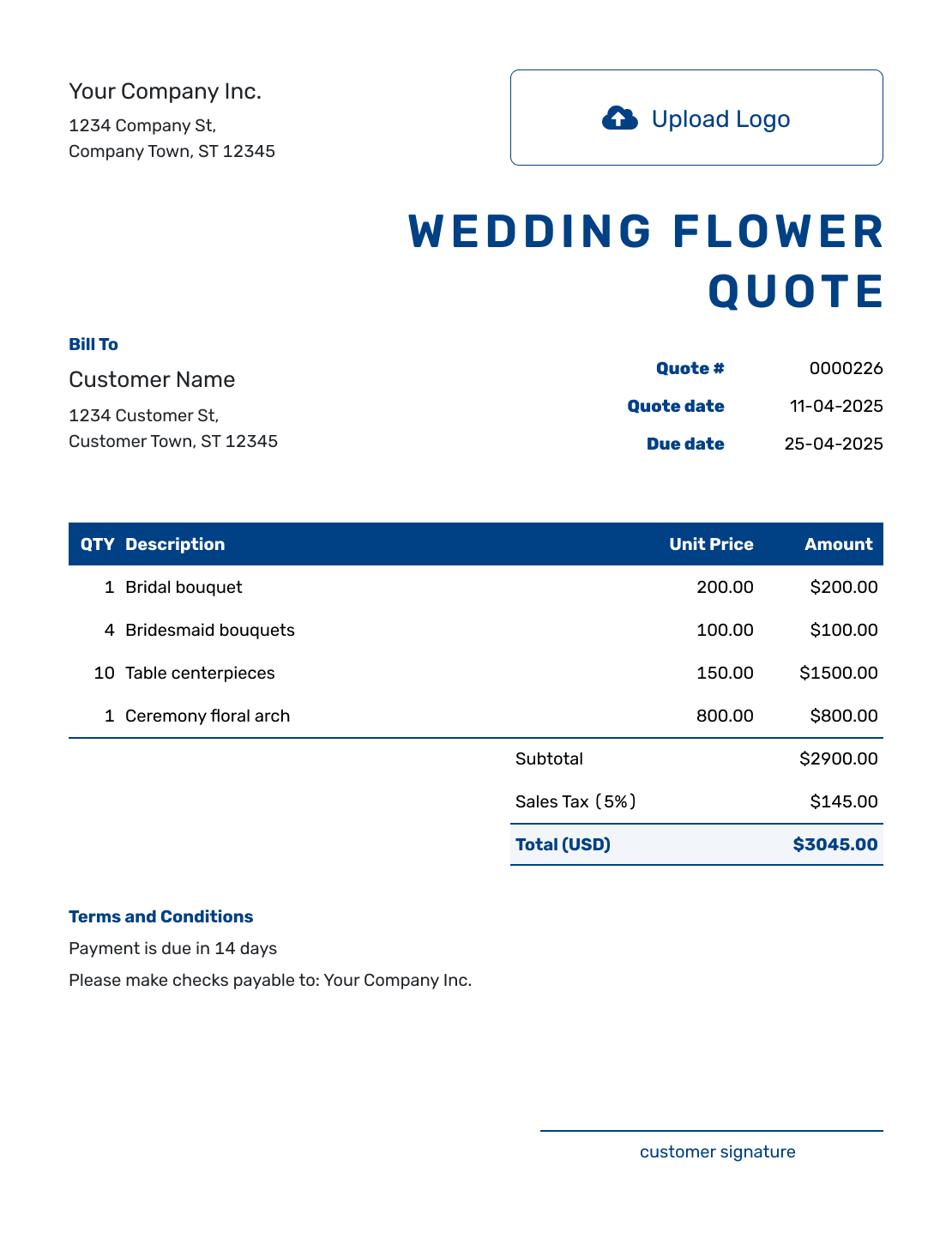
More Wedding Flower Quote Layouts
-
Sample Wedding Flower Quote Template
Create Free Quote -
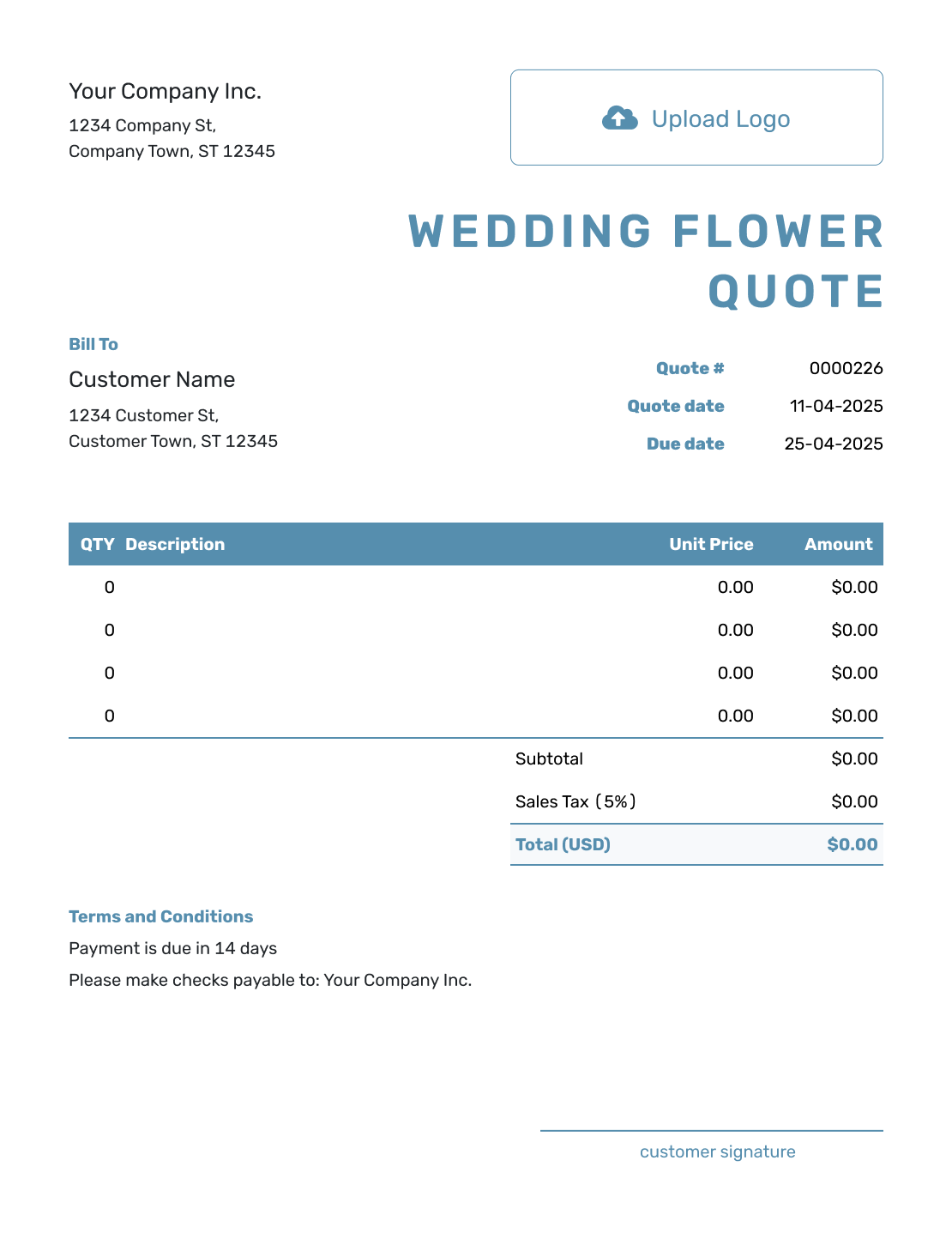
Blank Wedding Flower Quote Template
Create Free Quote -
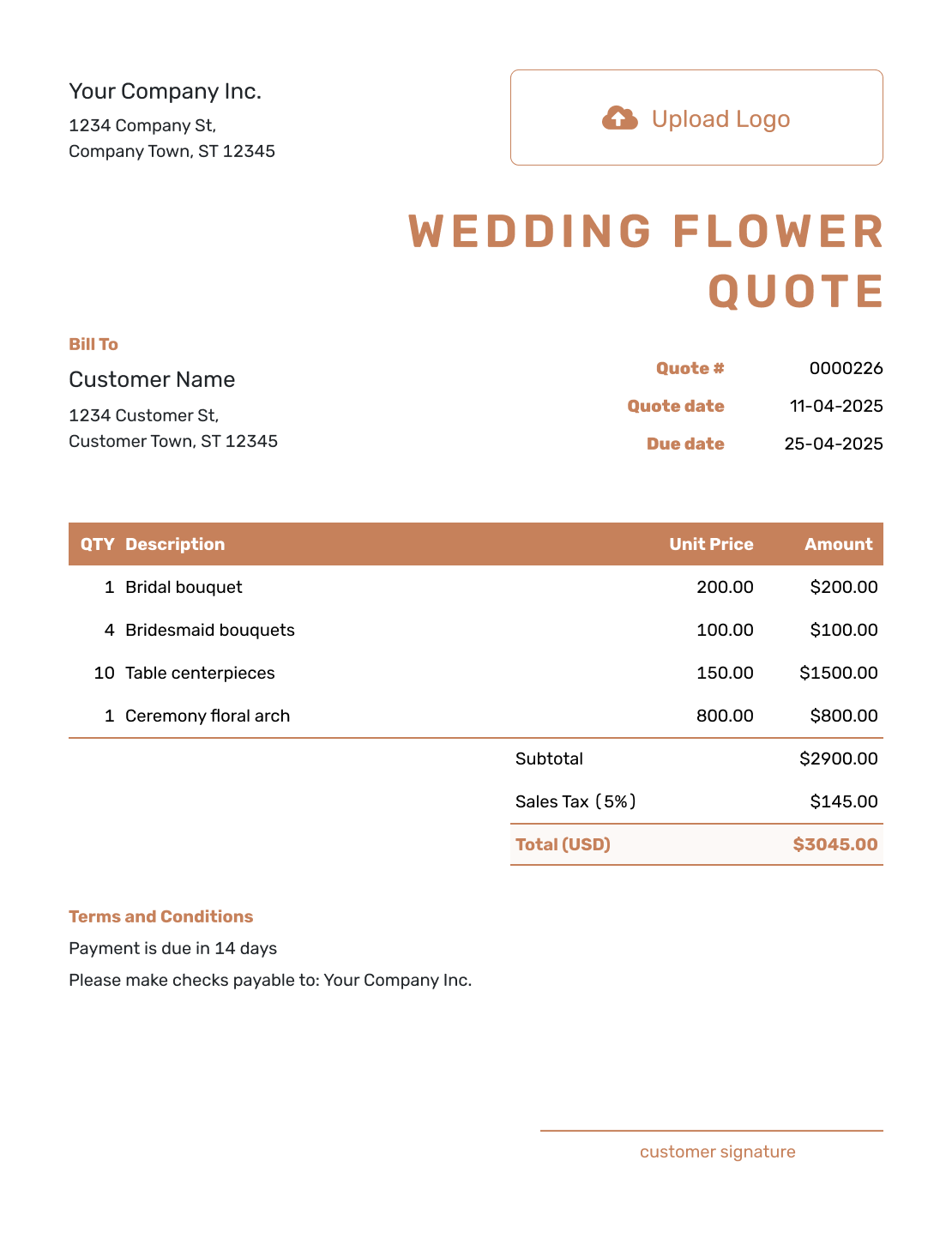
Downloadable Wedding Flower Quote Template
Create Free Quote -
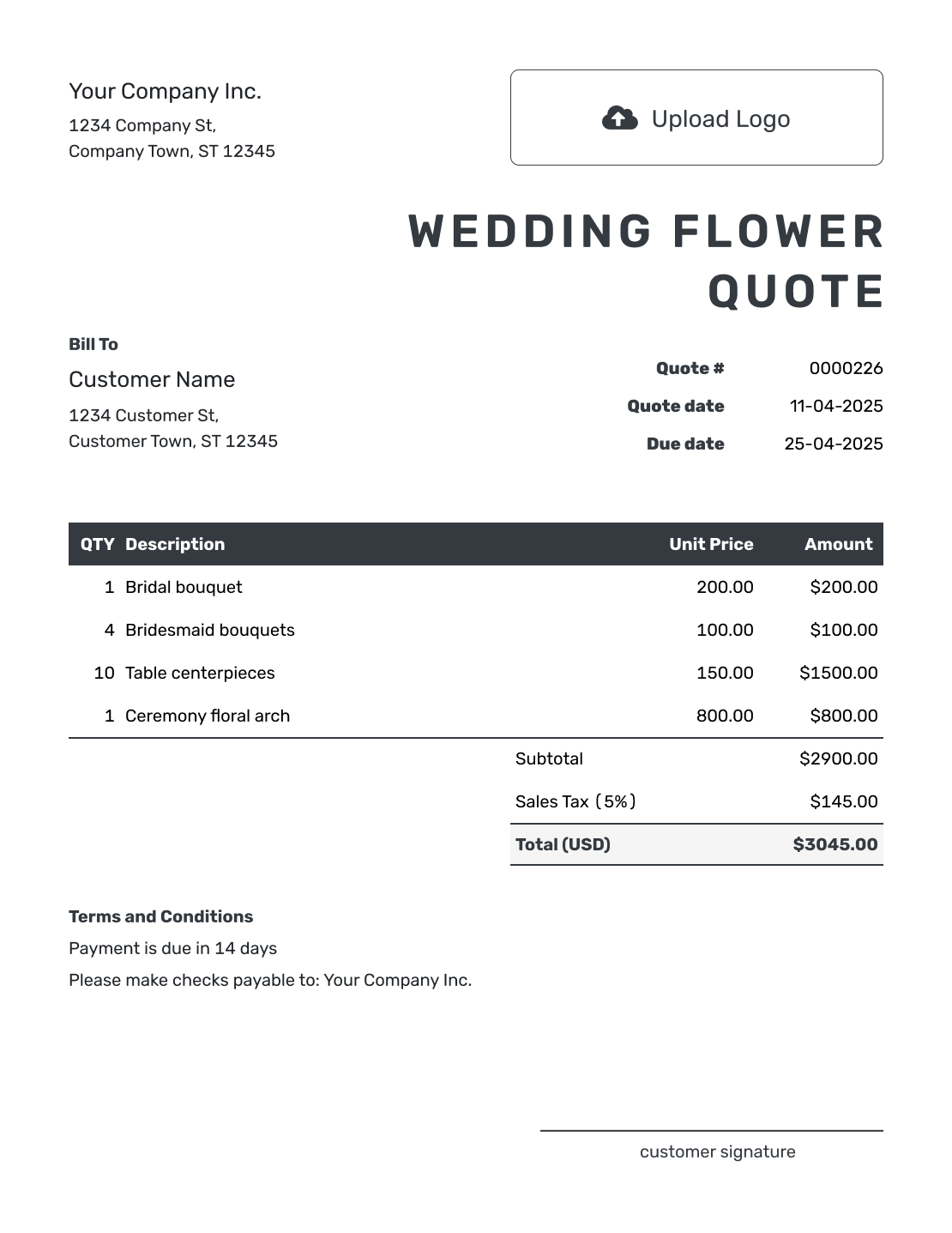
Editable Wedding Flower Quote Template
Create Free Quote -
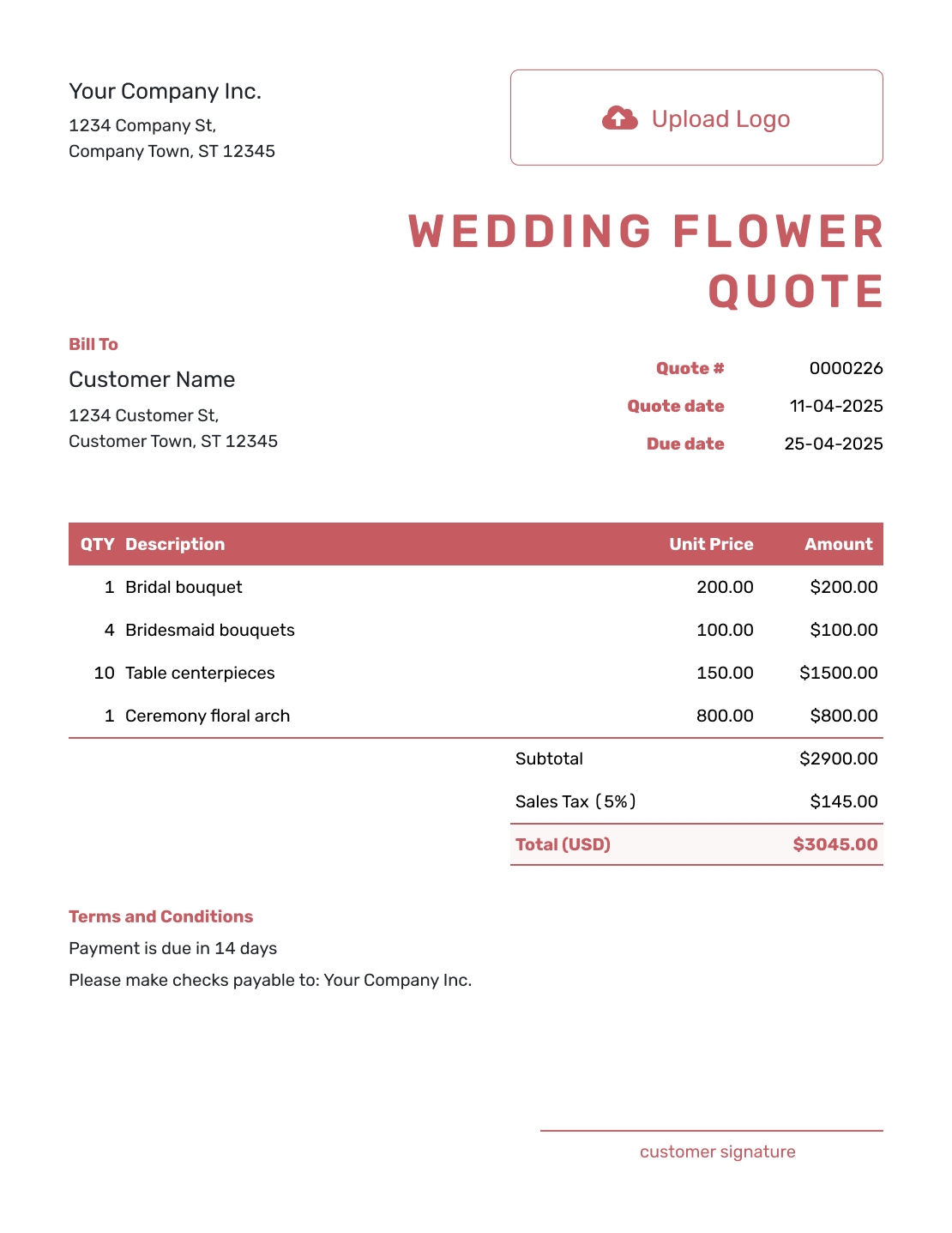
Fillable Wedding Flower Quote Template
Create Free Quote -
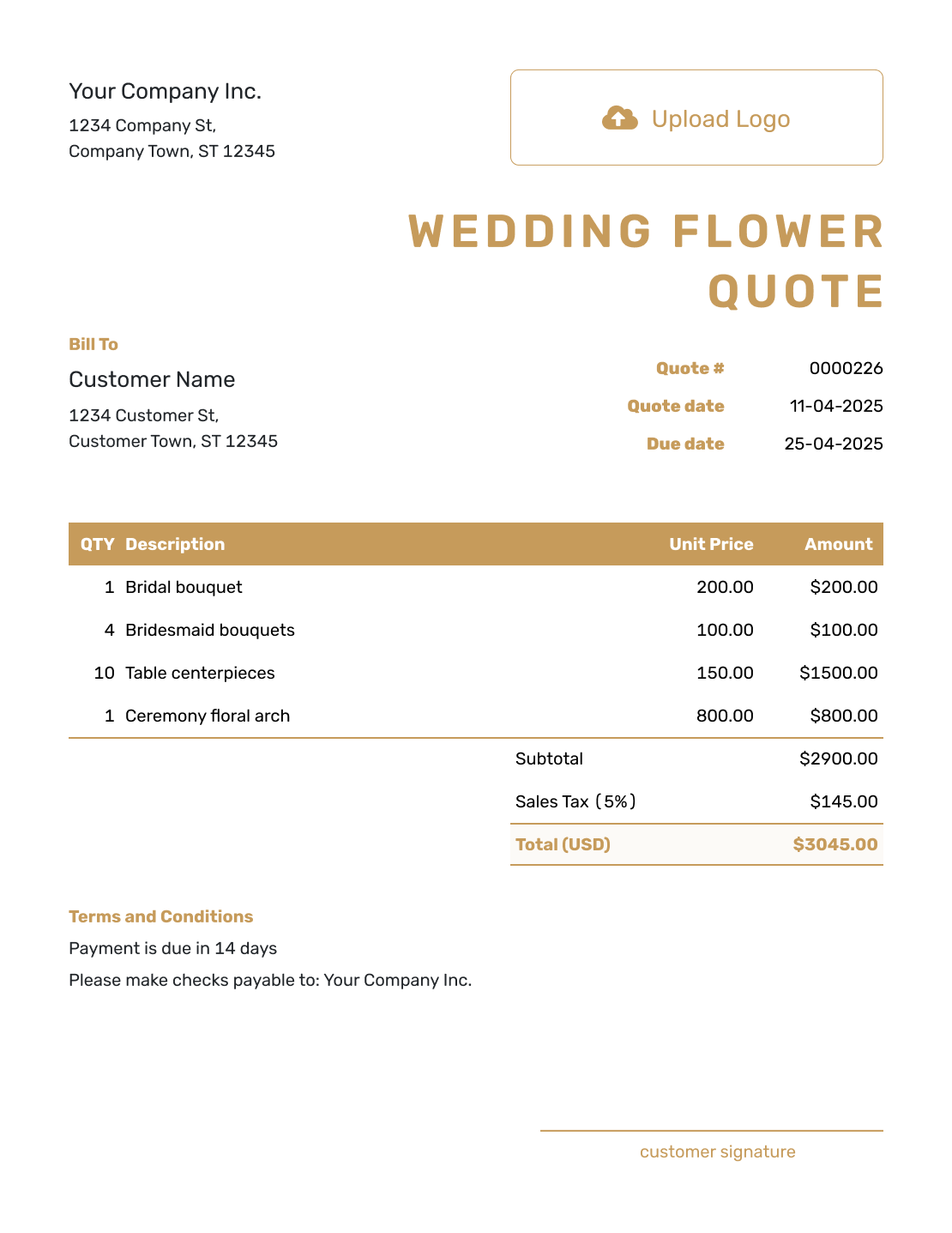
Professional Wedding Flower Quote Template
Create Free Quote
Related Wedding and Event Quote Templates
Wedding flowers are often one part of a larger event. Use these related templates when you also price another part of the wedding or the full event.
Other Quote Template File Formats
Prefer a document or spreadsheet file? These pages provide separate templates for editing there. Docelf downloads your finished online quote as a PDF.
Wedding Flower Quote Template FAQs
-
What is a wedding flower quote?
A wedding flower quote is a written offer for an agreed floral design and price. It tells the couple what the flower order includes and what it will cost.
-
What should I include in a wedding flower quote?
Include your business details and details for the couple. Add the wedding date, venue, and quote dates. Describe the floral arrangements and quantities. Then show any paid delivery or rentals, the total price, and the payment terms.
-
How do I price wedding flowers?
Base each arrangement price on its flowers, materials, and design labor. You can use a package when its contents and quantities are clear. Give separately charged delivery, setup, or collection its own item row, and include it in the subtotal before calculating applicable tax.
-
Should a wedding flower quote mention substitutions?
Yes, when seasonal availability may affect the exact flowers. Explain which features you will preserve and when you will contact the couple about a substitute. Promise only the approach your business can actually provide.
-
Should delivery and setup be separate line items?
They can be. Separate line items make it easier to show the floral design price and the cost of extra services. Use them for delivery, setup, or rental collection when those are paid separately.
-
Should I include a deposit on a wedding flower quote?
If your business requires a deposit to reserve the date or order materials, state the amount or percentage and payment deadlines in Terms and Conditions. The quote still shows the full offered price; send an invoice when you need to request payment.
-
What if the arrangement quantities change after the quote is accepted?
Update the quote with the new quantities and price. Ask the couple to accept the revised quote before you order or prepare the added flowers.
-
Can I turn an accepted wedding flower quote into an invoice?
Yes. In Docelf, you can turn the accepted wedding flower quote into an invoice. Docelf reuses the customer details and line items, so you do not have to enter the floral order again.
-
Can I email or download a wedding flower quote?
Yes. You can email the wedding flower quote from Docelf, print it, or download a PDF. Review it first: creating or editing the quote does not send it. You choose when to email the document.
Ready to Send the Wedding Flower Quote?
Put the floral plan in writing before you order flowers or reserve setup time.
- List bouquets, arrangements, installations, and rental items
- Check delivery, setup, tax, and the full quoted price
- Email the wedding flower quote or download a PDF




