Free Cake Quote Template
Create a professional cake quote in minutes
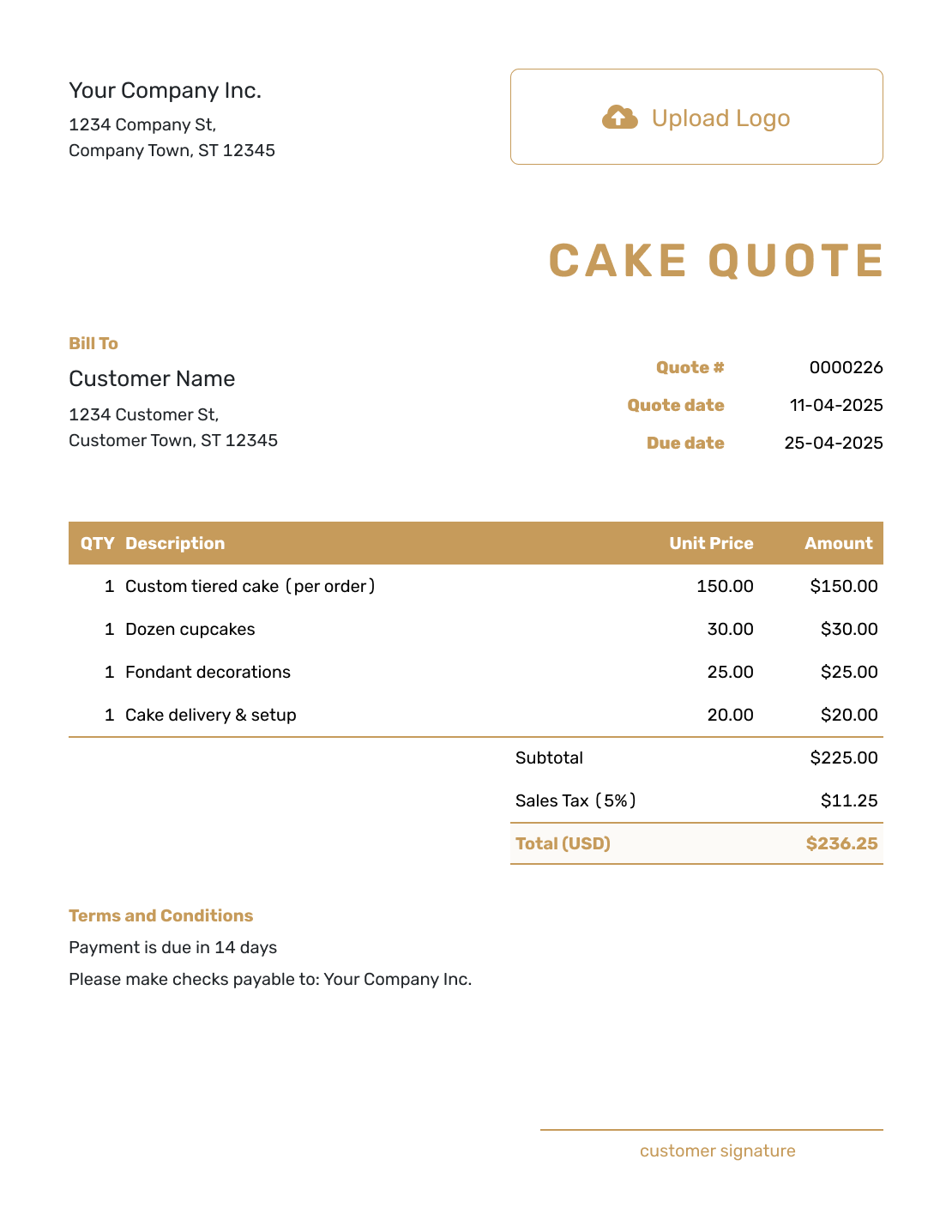
Show the cake design, serving size, base price and paid upgrades. The quote shows exactly what customers are ordering and helps them place the cake order with confidence.
Email, print or download your quote as a PDF.
14-day free trial. No credit card required.

Price the job. Send the quote. Get back to work.
Cake Quote Template Examples
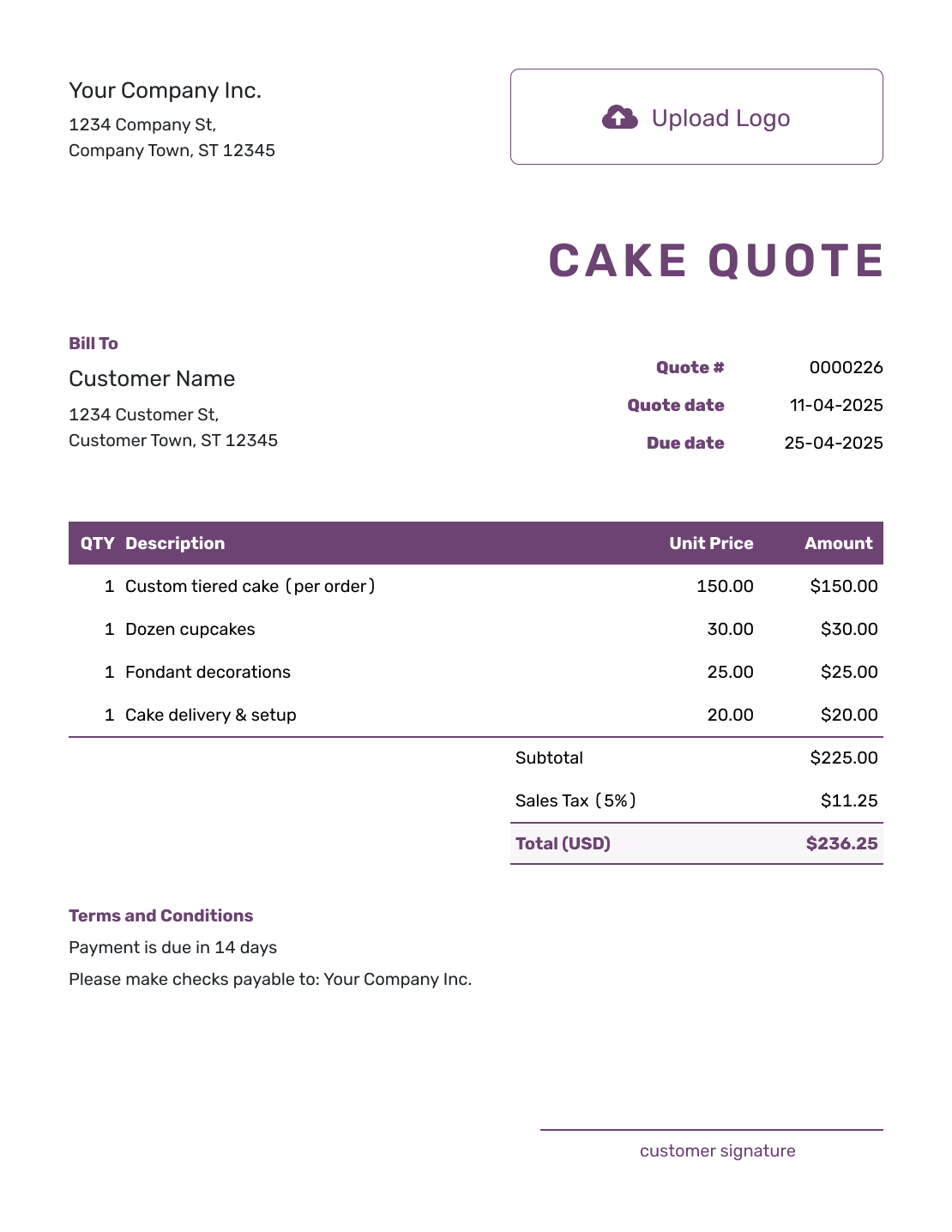
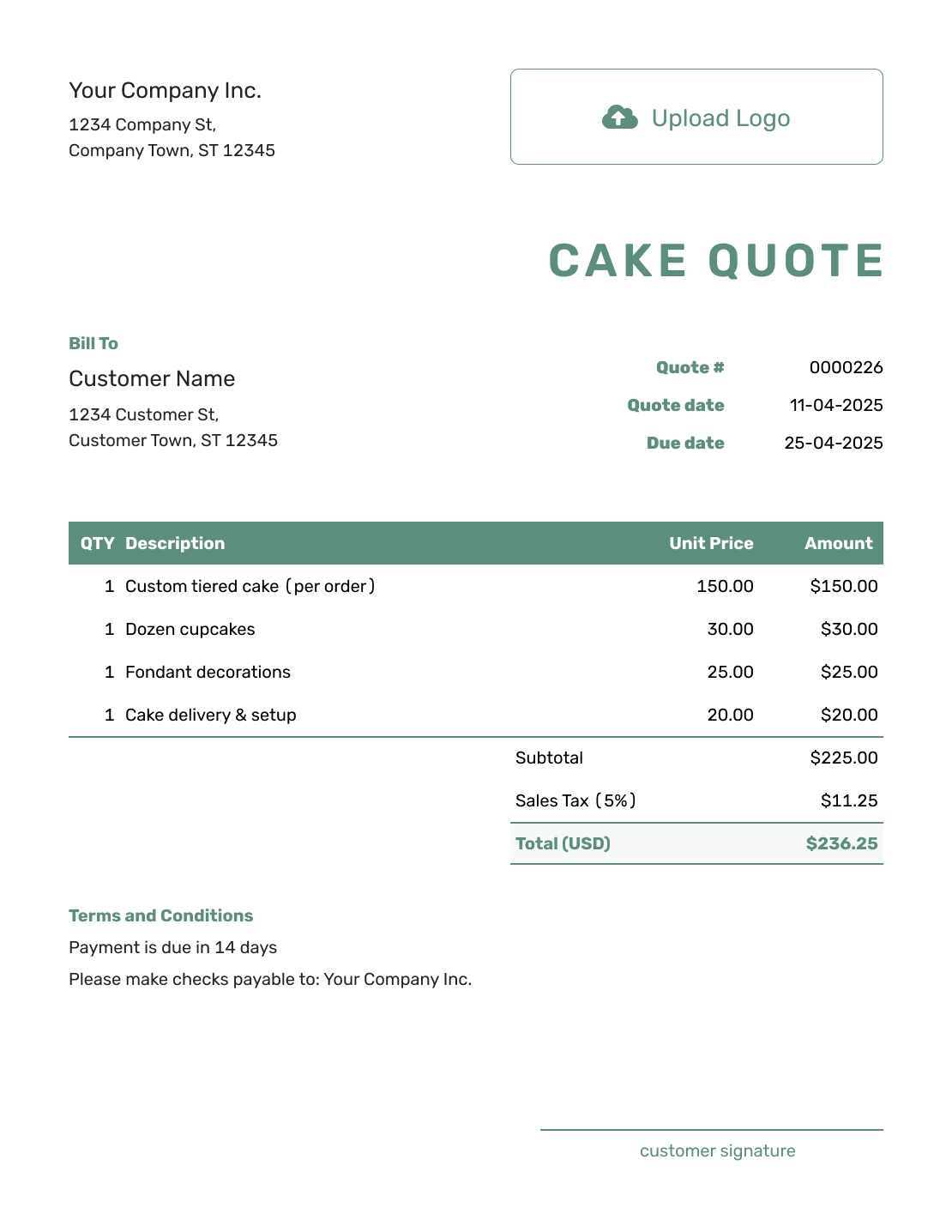
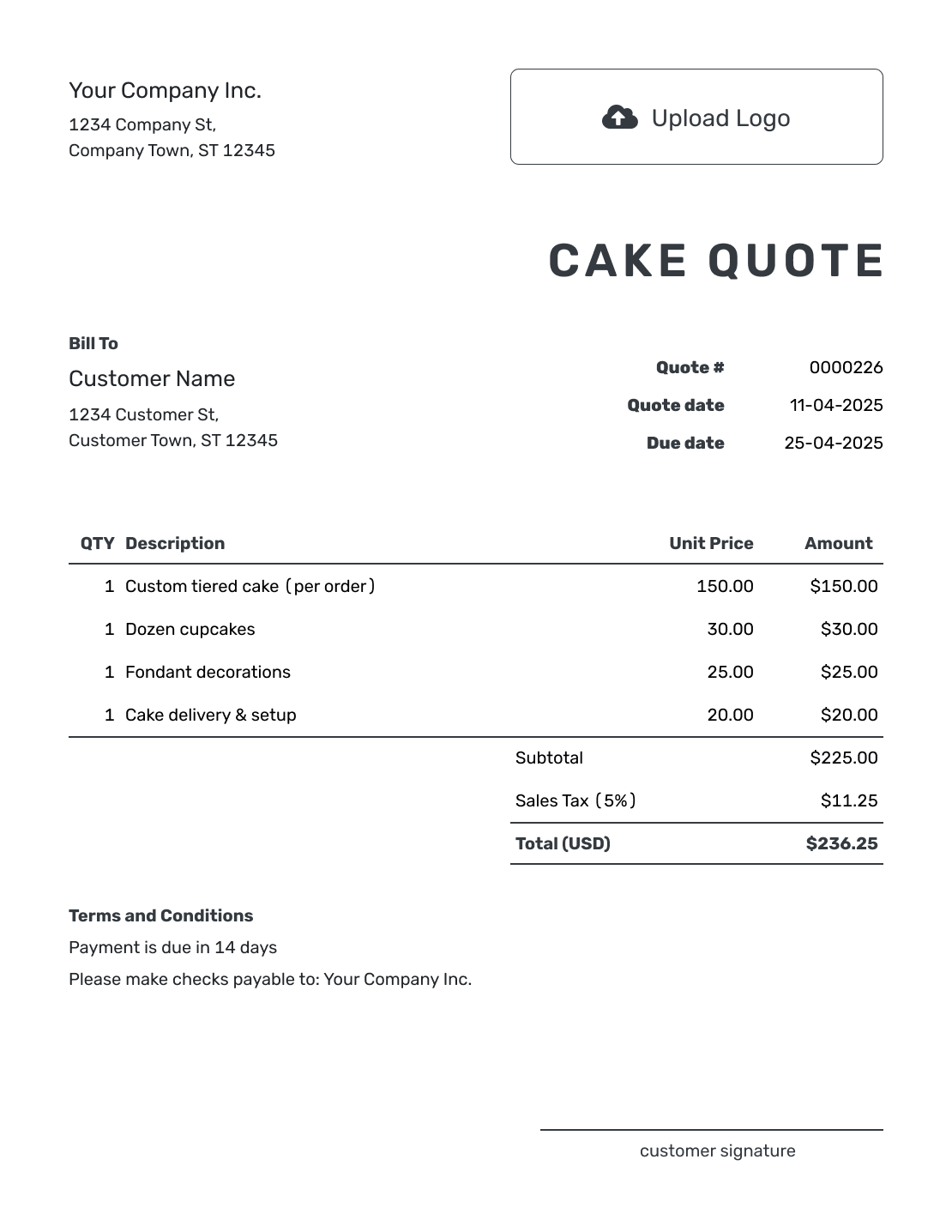
Browse the cake quote layouts, then add your own design and price. Each preview opens the same quote editor.
What Is a Cake Quote?
A cake quote is a written offer for an agreed cake design and price. It shows the customer what the order includes and what it will cost.
Use a quote once the size and design are clear enough to price. If the serving count or decoration changes later, revise the quote so the customer can approve the new total.
Cake Quote, Estimate, or Invoice?
Choose the document based on how final the cake design is and whether payment is due.
Quote
Use a quote when the size, design, and price are settled enough to make a specific offer. The customer can review and accept it.
Estimate
Use an estimate when the cake details may still change. It fits when the final price is not yet fixed.
Invoice
Send an invoice when a deposit or final payment is due. The quote explains your offer; the invoice asks the customer to pay.
How to Create a Cake Quote
Start with the design you have discussed with the customer. The quote puts the size, finish, and price in writing so they can decide whether to place the order.
- Cake Business: Add your bakery name and the contact details for cake orders.
- Your Logo: Use your bakery logo to match the quote to your business.
- Customer: Enter the customer ordering the cake, with a contact number for handoff.
- Quote Number and Dates: Check the quote number, issue date, and valid-until date.
- Cake and Extras: Describe the size, servings, flavors, and finish. Price agreed extras on their own lines.
- Tax and Total: Check quantities, prices, and applicable tax. Docelf calculates the total.
- Order Terms and Sending: Add the event and delivery details in Terms and Conditions. Review, then email the quote or save a PDF.
How to Fill In Cake Quote Line Items
A whole-cake price uses a quantity of 1, with the size and expected servings in the description. If you charge per serving, use the serving count as the quantity and the price per serving as the unit price. Either way, explain what the base price includes so an upgrade does not look like a second charge for the same work.
This fictional birthday order uses a fixed cake price, a separately priced decoration, and local delivery. Prices are in US dollars, with an illustrative 8% tax on all three items. Use the tax treatment that applies to your order.
| QTY | Description | Unit Price | Amount |
|---|---|---|---|
| 1 | Two-tier vanilla cake — buttercream finish, approximately 30 servings | $180.00 | $180.00 |
| 1 | Hand-painted floral decoration | $45.00 | $45.00 |
| 1 | Local cake delivery to Maple Hall | $25.00 | $25.00 |
| Subtotal | $250.00 | |
| Sales Tax (8% illustrative) | $20.00 | |
| Quote Total | $270.00 |
What to Include in Cake Quote Terms
Use Terms and Conditions for the event date, pickup or delivery arrangements, and payment timing. Keep the quote's valid-until date separate from the date the cake is needed. If you reserve the date only after acceptance and a deposit, explain that policy here. Include any deadline your bakery sets for final design changes.
This sample continues the birthday order above. Adapt the timing and conditions to your bakery; include only policies you actually use.
Example: Terms and Conditions
- Quote valid through October 5, 2026, for the cake and floral decoration listed above.
- Delivery to Maple Hall on October 17, 2026, between 10 and 11 a.m. Please provide the delivery contact's phone number.
- Full payment is due seven days before delivery.
- Changes to the design or serving count require a revised quote before we begin the changed work.
Confirm the Cake Design and Price
Put the cake you discussed into a written offer. Docelf calculates the price as you add the cake and extras, ready for your customer to review.
Show What Changes the Cake Price
The same serving count can cover very different cakes. Explain the choices that affect your price so the customer can see what an upgrade adds.
Servings and Size
State the tier sizes and expected servings. If your estimate of servings assumes a particular slice size, explain that in the description so the customer can plan the event.
Design Complexity
Sculpted shapes or hand-painted details may need their own price. Describe the agreed finish and attach a design sketch or reference image when it helps the customer recognize the cake.
Premium Flavors or Fillings
Name the flavor and filling included in the base cake. Show a premium filling as an extra only when it costs more, and make clear whether the charge covers the whole cake or each tier.
Delivery, Setup, and Rentals
Give paid delivery, setup, or cake-stand rental its own item row, with quantity and price. If a service is included in the cake price, say so in the description instead of charging for it again.
After You Send the Cake Quote
Your customer can view, download, and accept or decline the quote without a Docelf account. You can check its delivery and opening history, and Docelf emails you when the customer accepts or declines.
If the serving count, design, or delivery plan changes, revise the relevant details and price before ordering ingredients or starting extra work. Ask the customer to accept the revised quote so you both have the same order in front of you.
For a repeat customer, reuse their saved details and your saved cake items as a starting point. Check the new event date, design, and prices before sending.
More Cake Quote Layouts
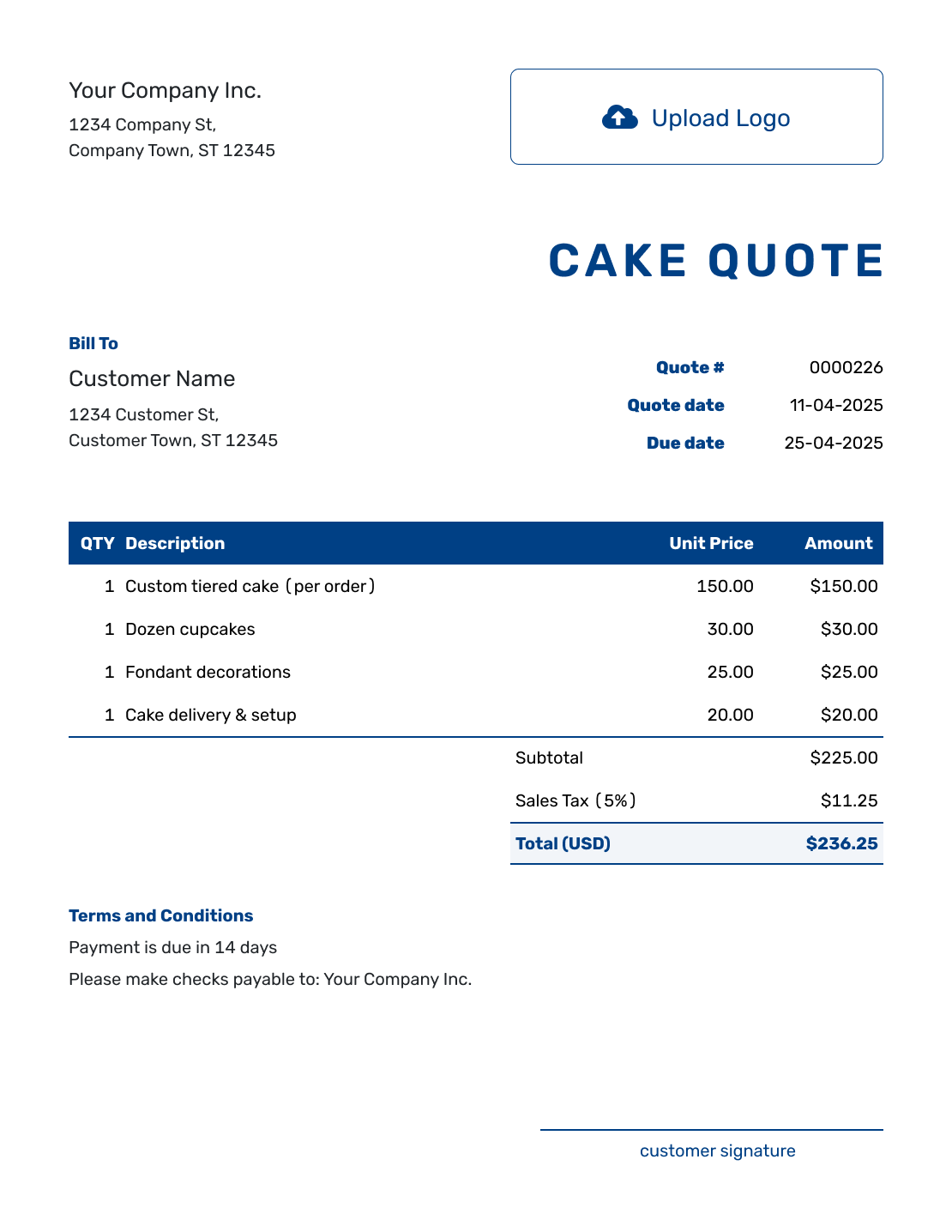
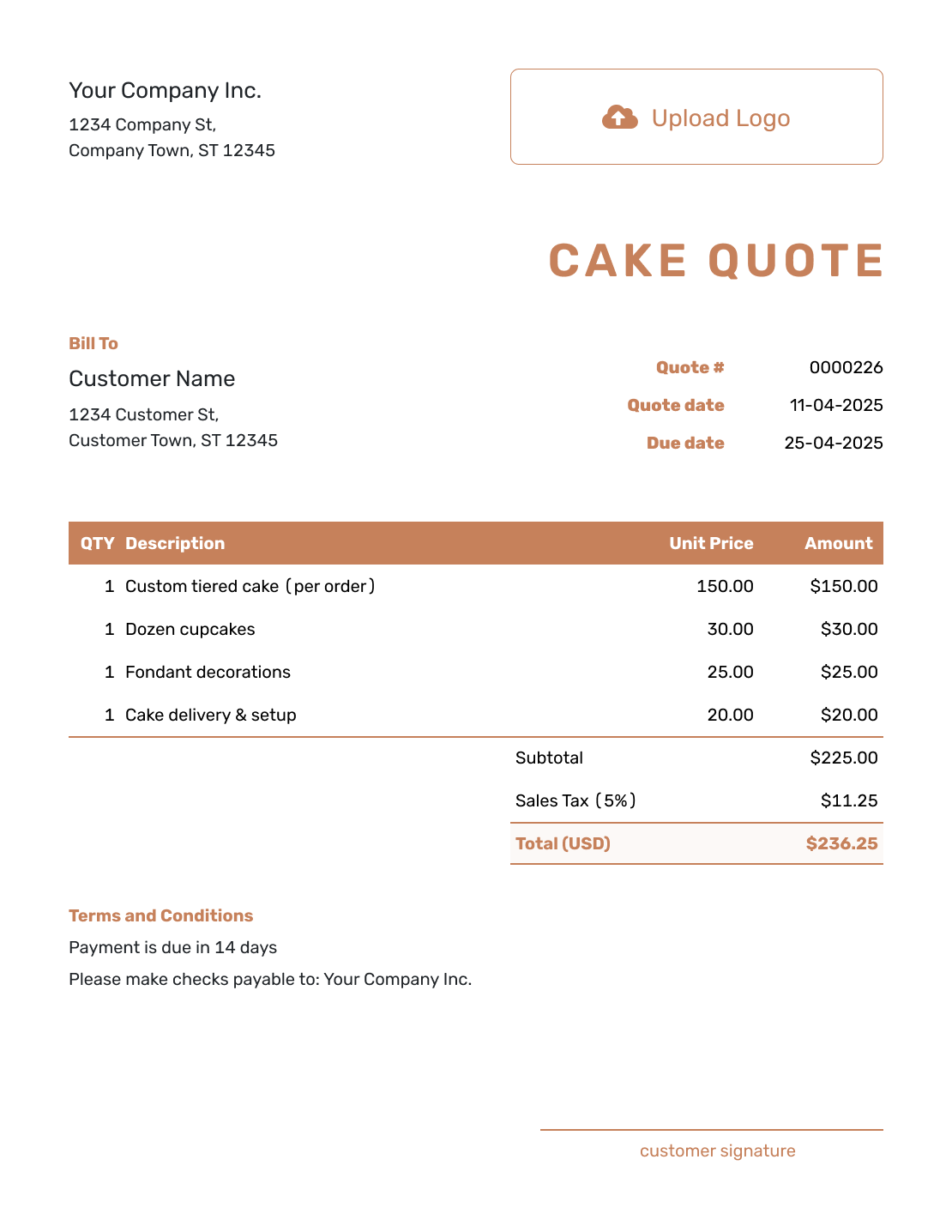
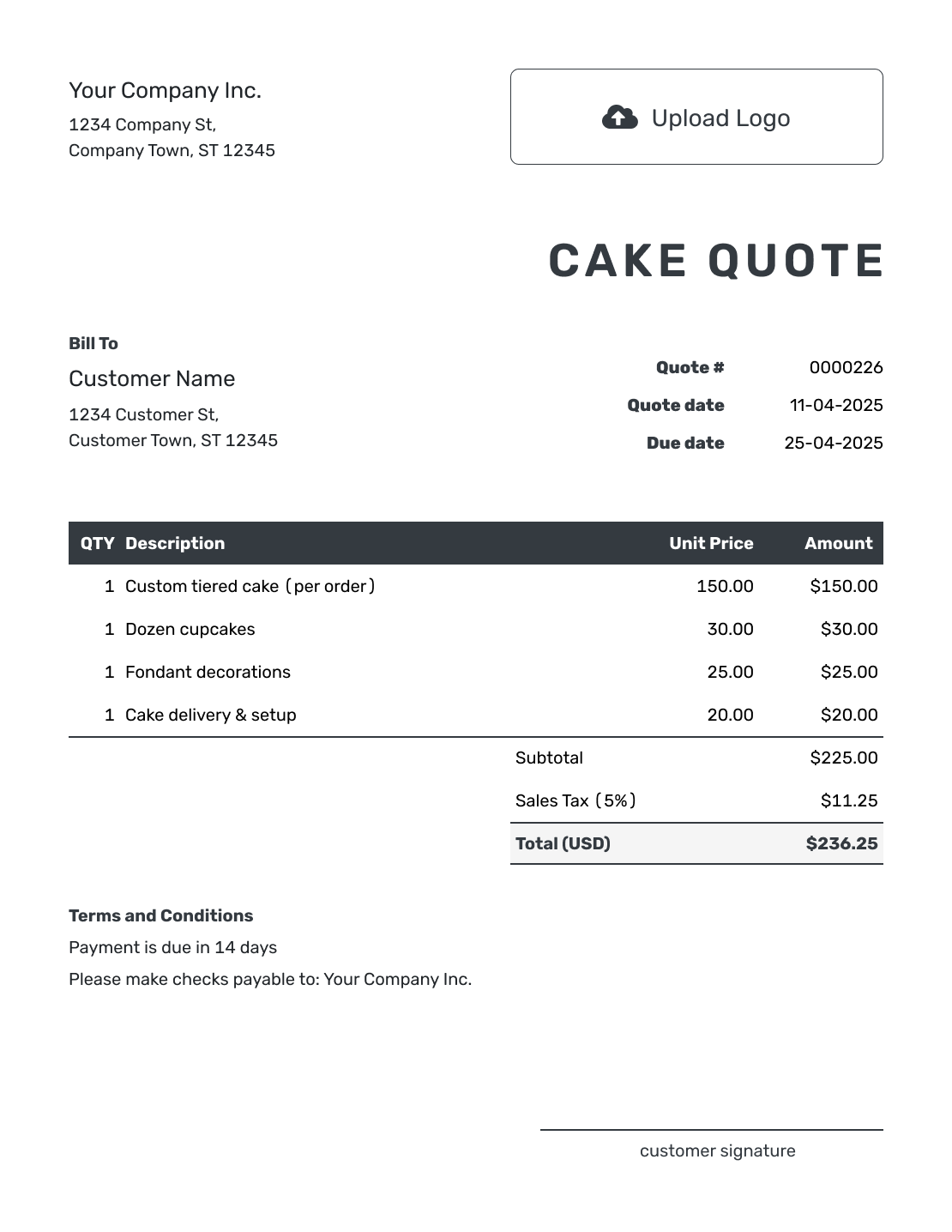
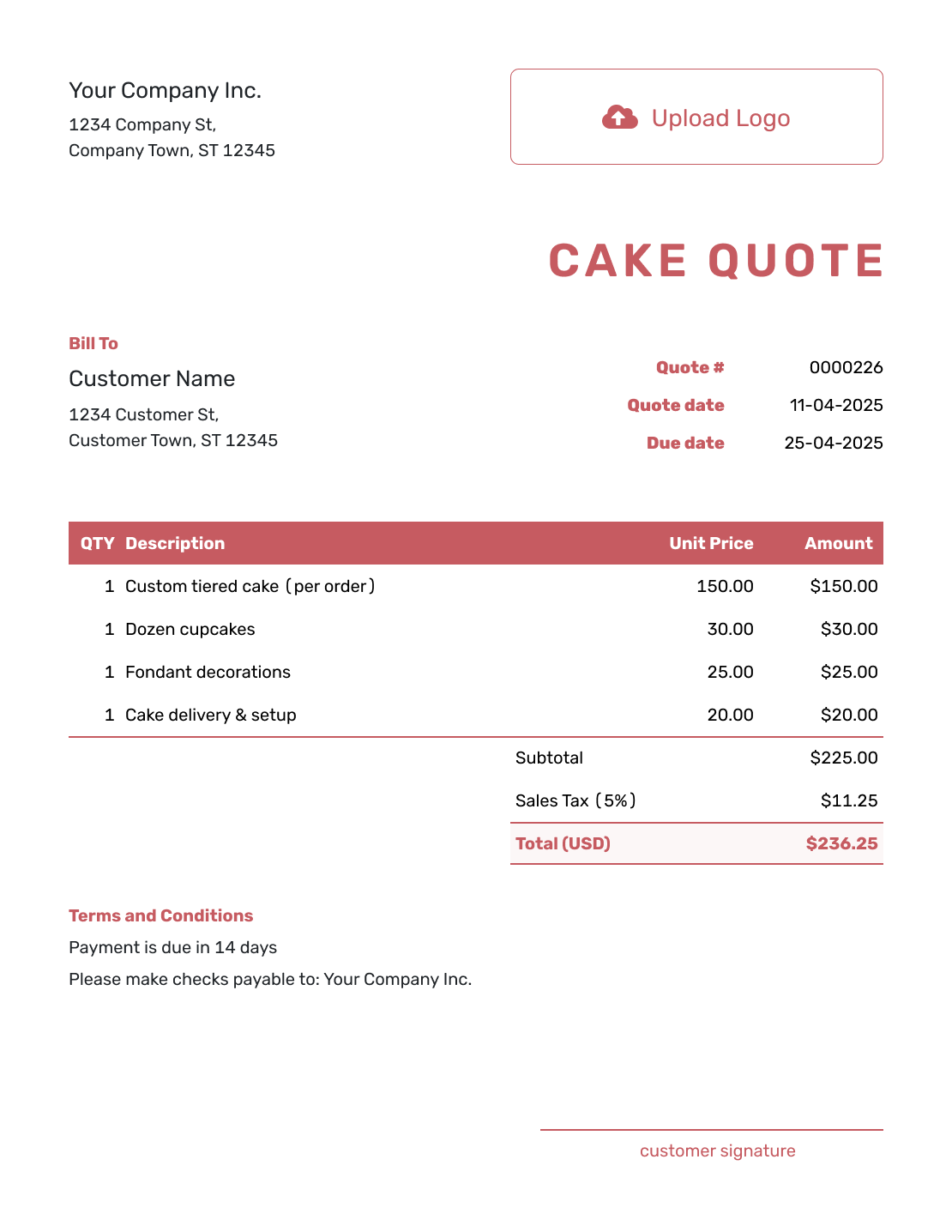
These six examples offer more layout ideas. Each opens the same quote editor, where you enter your own cake order.
Related Food and Event Quote Templates
Use the cake quote for a specific cake order. These templates help when the same event also needs catering, flowers, or broader event services.
Other Quote Template File Formats
Prefer to prepare the quote in a document or spreadsheet? These pages provide separate file templates. Docelf downloads the finished quote as a PDF.
Cake Quote Template FAQs
-
Does accepting the quote reserve the cake date?
That depends on your bakery's booking policy. Explain in Terms and Conditions whether you reserve the date after acceptance, after a deposit, or once another stated condition is met. Confirm the reservation with the customer.
-
What should I include in a cake quote?
Include your business and customer details, plus the event date and quote dates. State the cake size or serving count and describe the agreed design. Show paid upgrades separately. Then add the total price and payment terms.
-
How do I price a custom cake?
Base the price on the size or servings and the work required for the approved design. Add a separate charge when premium ingredients or detailed decoration increase the work. Do the same for paid delivery, setup, or rentals.
-
Should I price a cake per serving or use a flat price?
Use the method that fits your bakery. For a whole-cake price, enter a quantity of 1 and describe the expected servings. For per-serving pricing, enter the serving count as the quantity and the price per serving as the unit price. State the included design either way.
-
Should delivery and setup be included in the cake price?
Either is fine if the quote explains what is included. For separately charged delivery or setup, add an item row with its quantity and price. It contributes to the subtotal; there is no separate shipping-cost field below the totals.
-
Should I include a deposit on a cake quote?
Include a deposit when your business requires one to reserve the date or begin the order. State the amount or percentage and when the remaining balance is due.
-
What if the cake design changes after the quote is accepted?
Update the quote when a paid part of the order changes. That may be the serving count, design, or delivery plan. Ask the customer to accept the revised quote before you commit to the added work.
-
Can I turn an accepted cake quote into an invoice?
Yes. In Docelf, you can turn the accepted cake quote into an invoice. Docelf reuses the customer details and line items, so you do not have to enter the cake order again.
-
Can I email or download a cake quote?
Yes. You can email the cake quote from Docelf, print it, or download a PDF. Creating or saving the quote does not email it; you choose when to send it.
Ready to Send the Cake Quote?
Give the customer a complete cake offer before you reserve production time.
- List the size, flavors, decoration, and included setup
- Show delivery, rentals, and selected upgrades
- Email the cake quote or download a PDF




