Free Fencing Quote Template
Create a professional fencing quote in minutes
Break the project into fence runs and gates, with removal or repairs shown as options. A clear total keeps the options manageable and gives customers a clear reason to choose you.
Email, print or download your quote as a PDF.
14-day free trial. No credit card required.

Price the job. Send the quote. Get back to work.
Fencing Quote Template Examples
Use these previews for layout and wording ideas. Start with the example closest to the job, then create your own fencing quote in Docelf. Map the fence runs and gates before you add your logo or brand colors.
Popular Fencing Quote Layouts
-
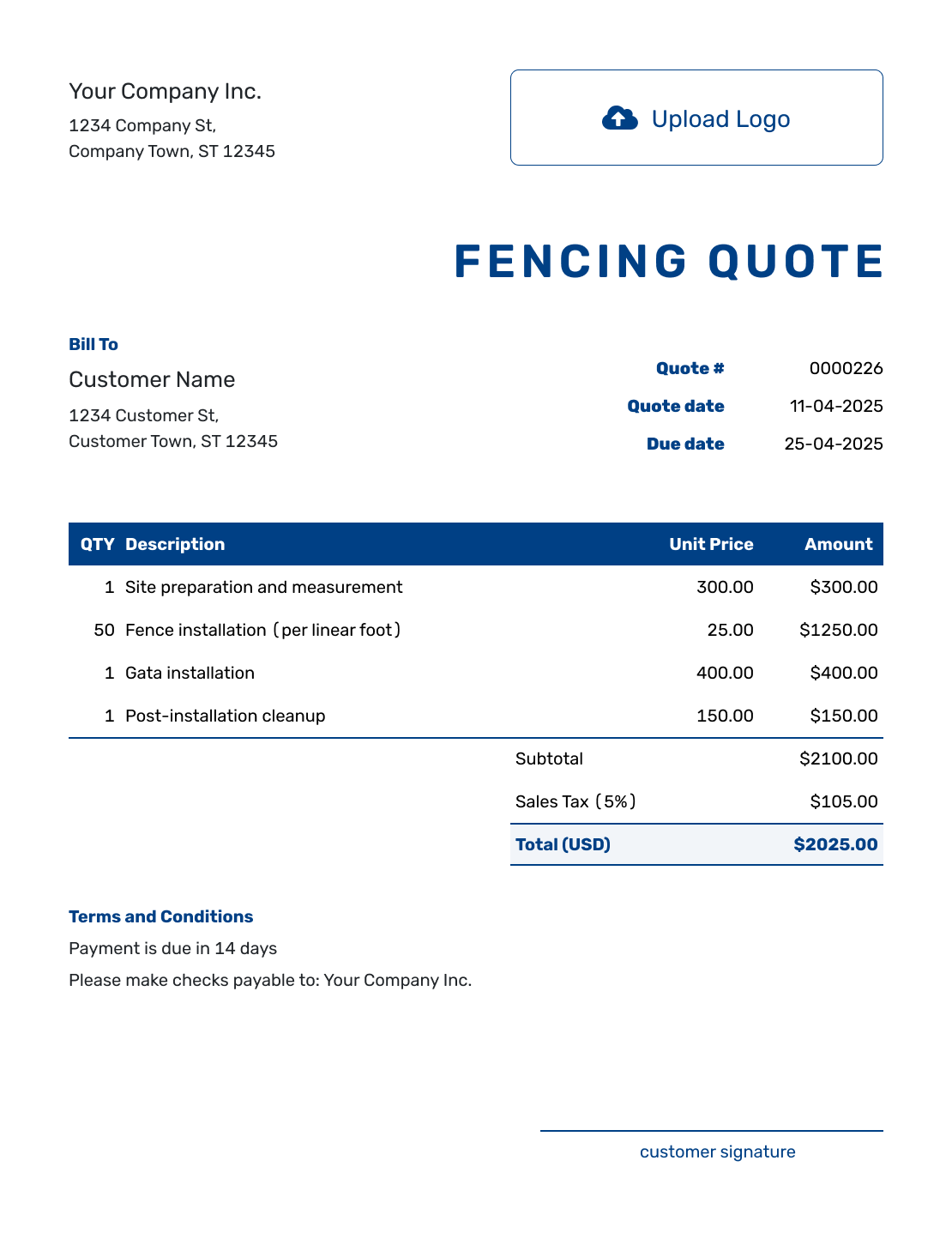
Sample Fencing Quote Template
Create Free Quote -
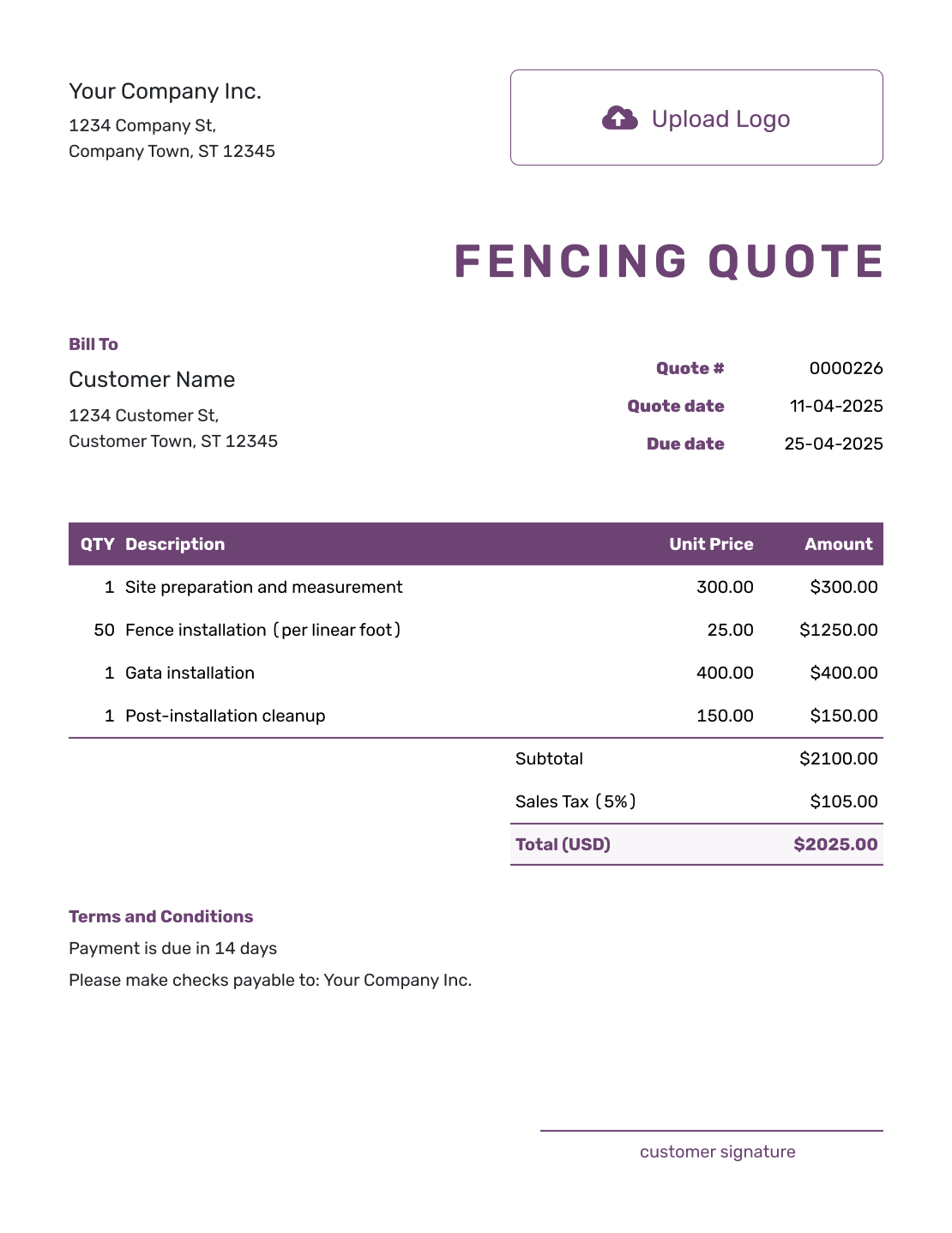
Free Fencing Quote Template
Create Free Quote -
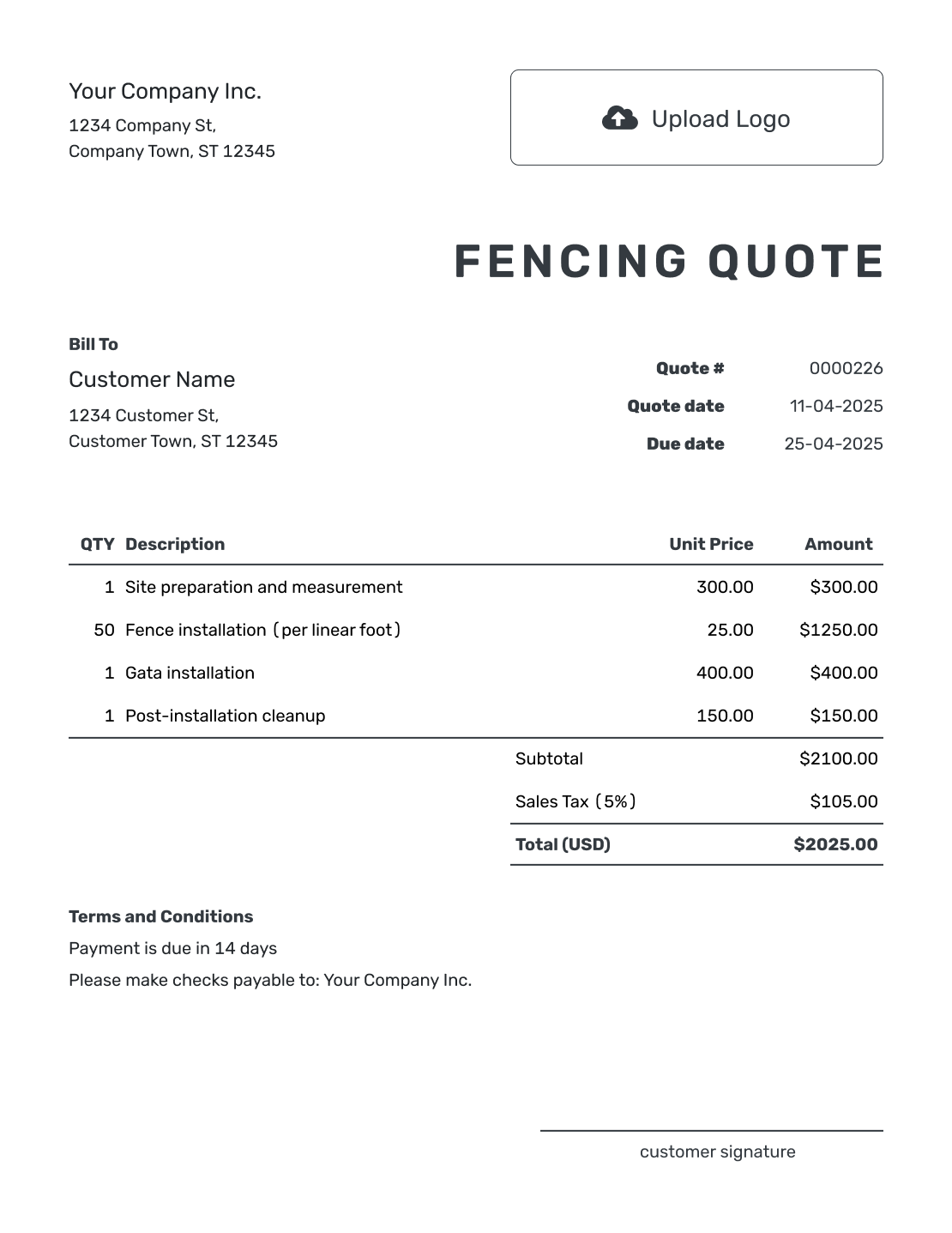
Printable Fencing Quote Template
Create Free Quote
More Fencing Quote Layouts
-
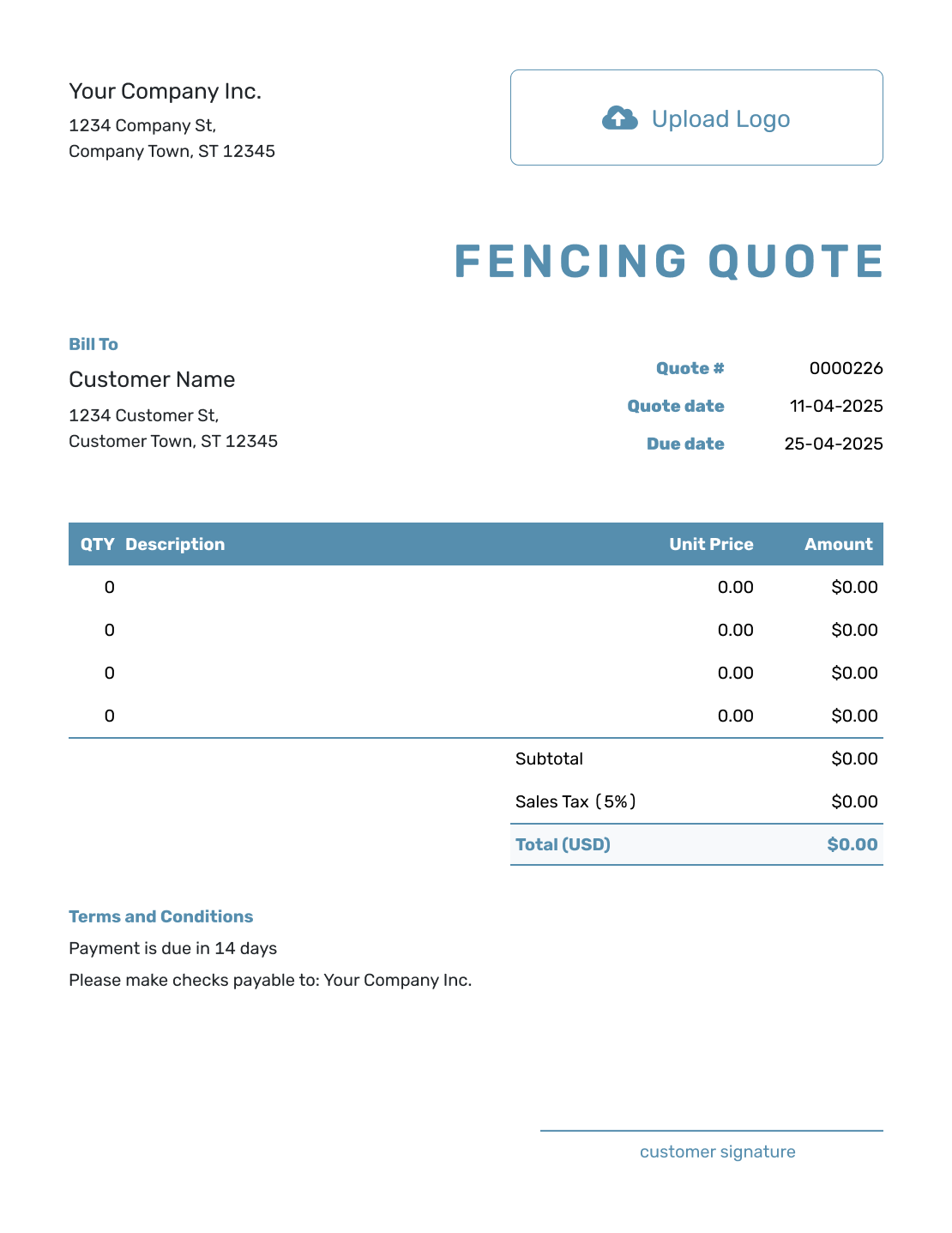
Blank Fencing Quote Template
Create Free Quote -
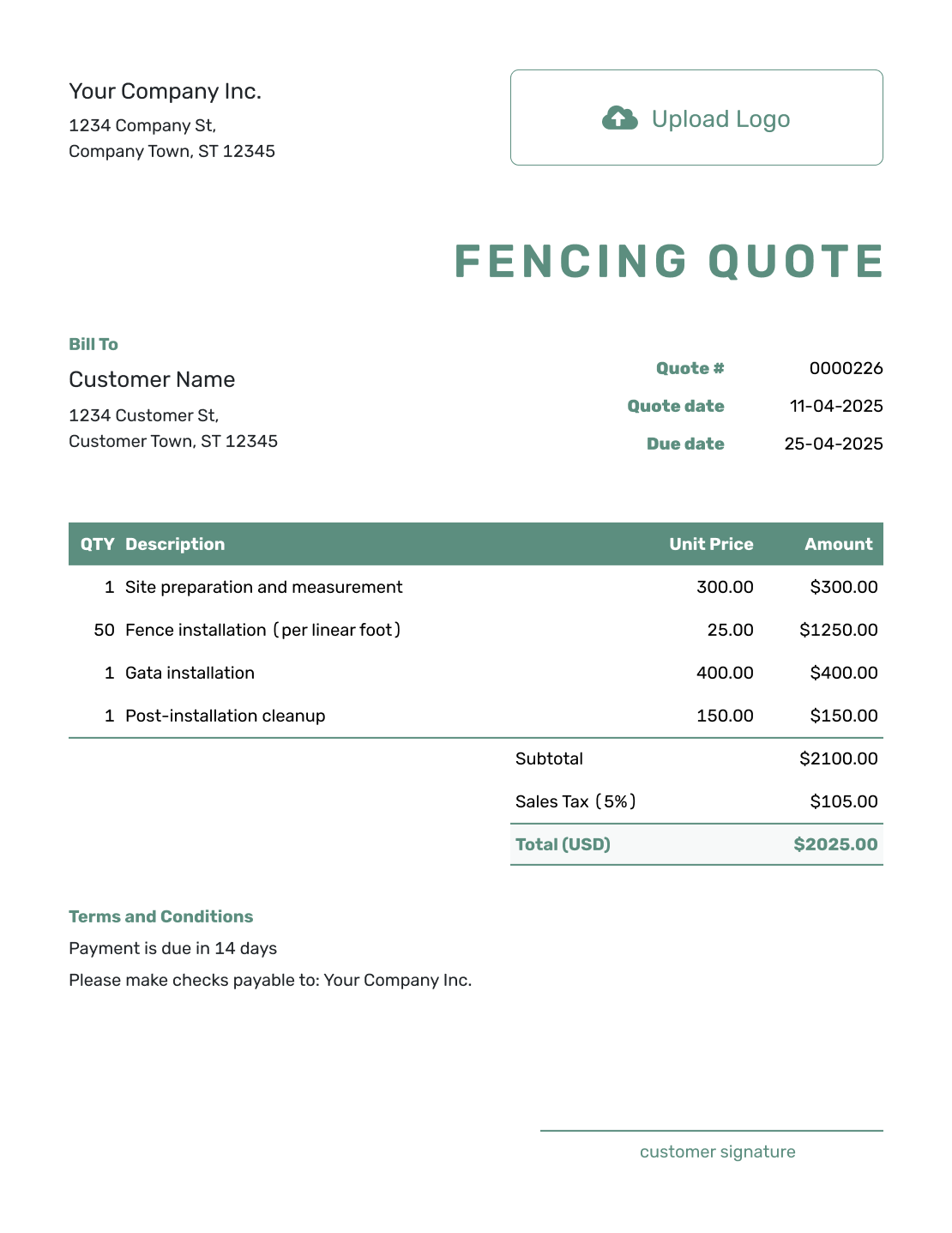
Simple Fencing Quote Template
Create Free Quote -
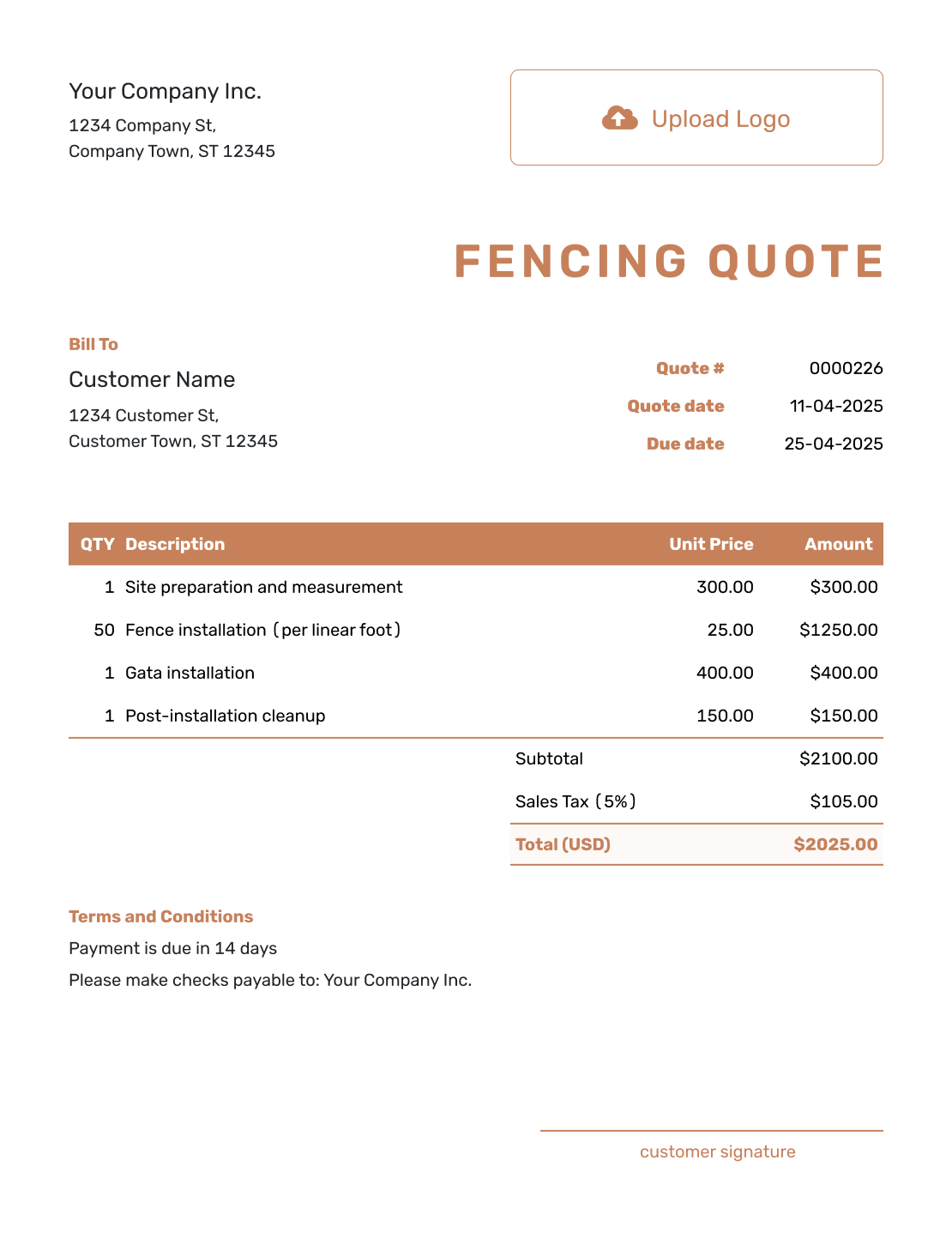
Downloadable Fencing Quote Template
Create Free Quote -
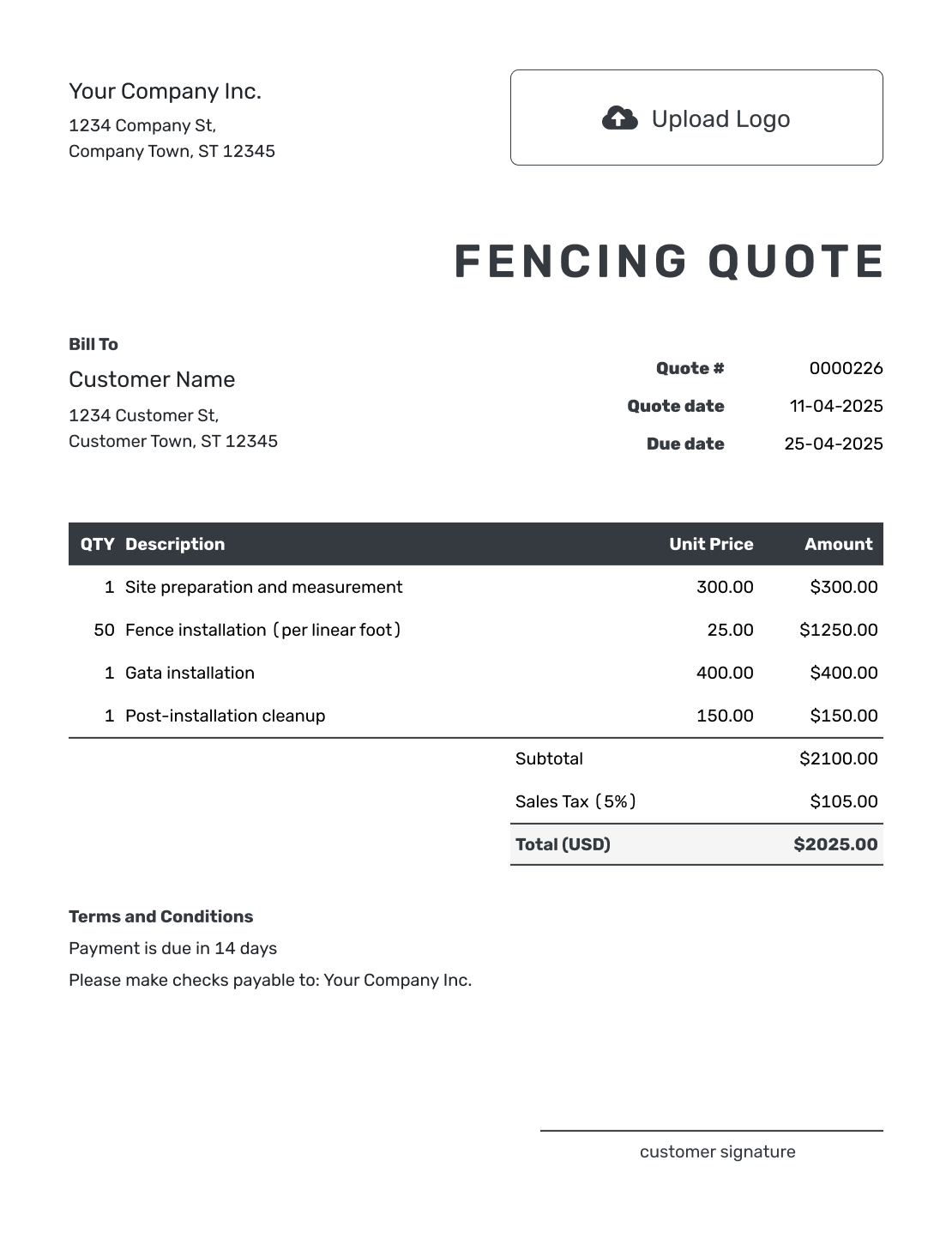
Editable Fencing Quote Template
Create Free Quote -
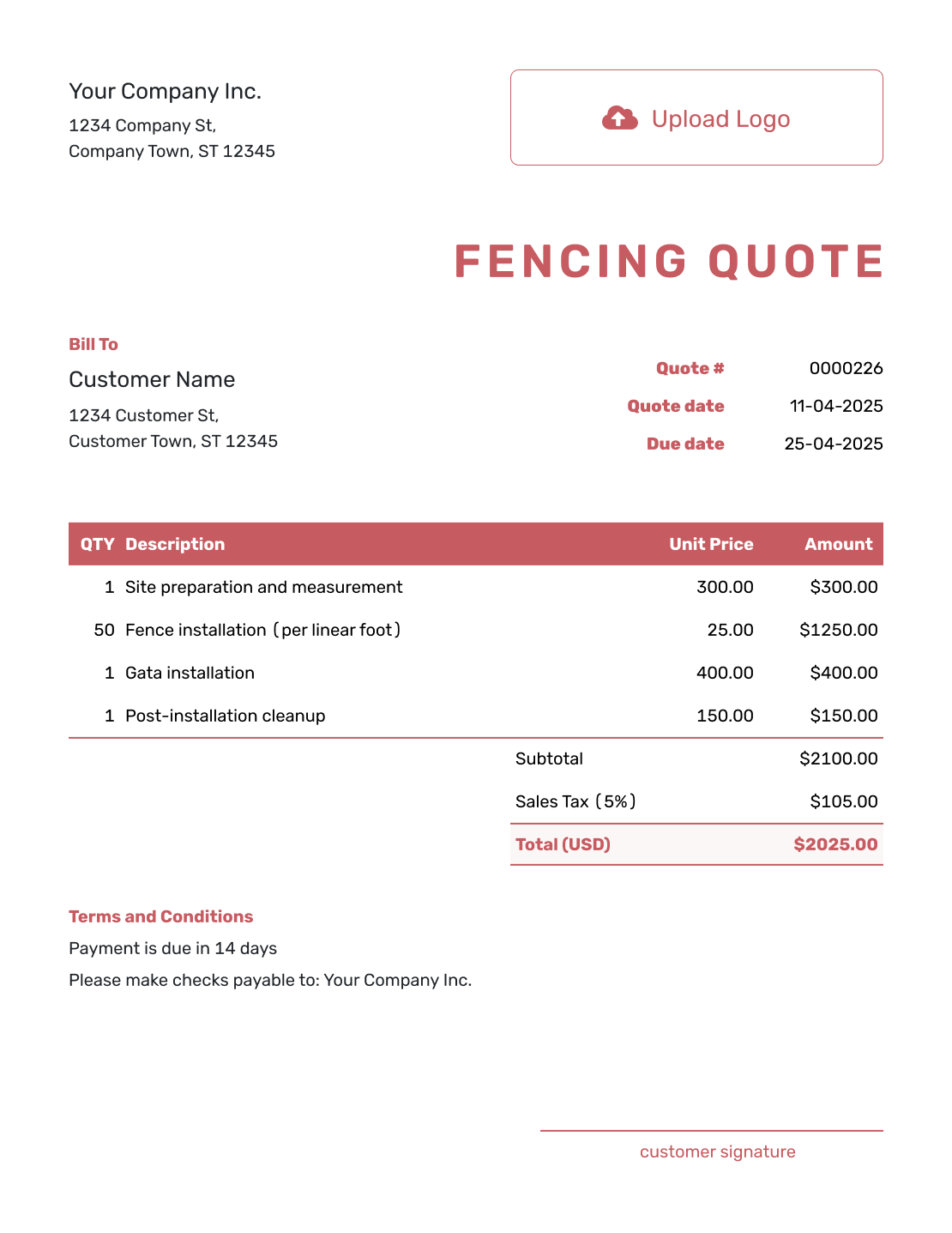
Fillable Fencing Quote Template
Create Free Quote -
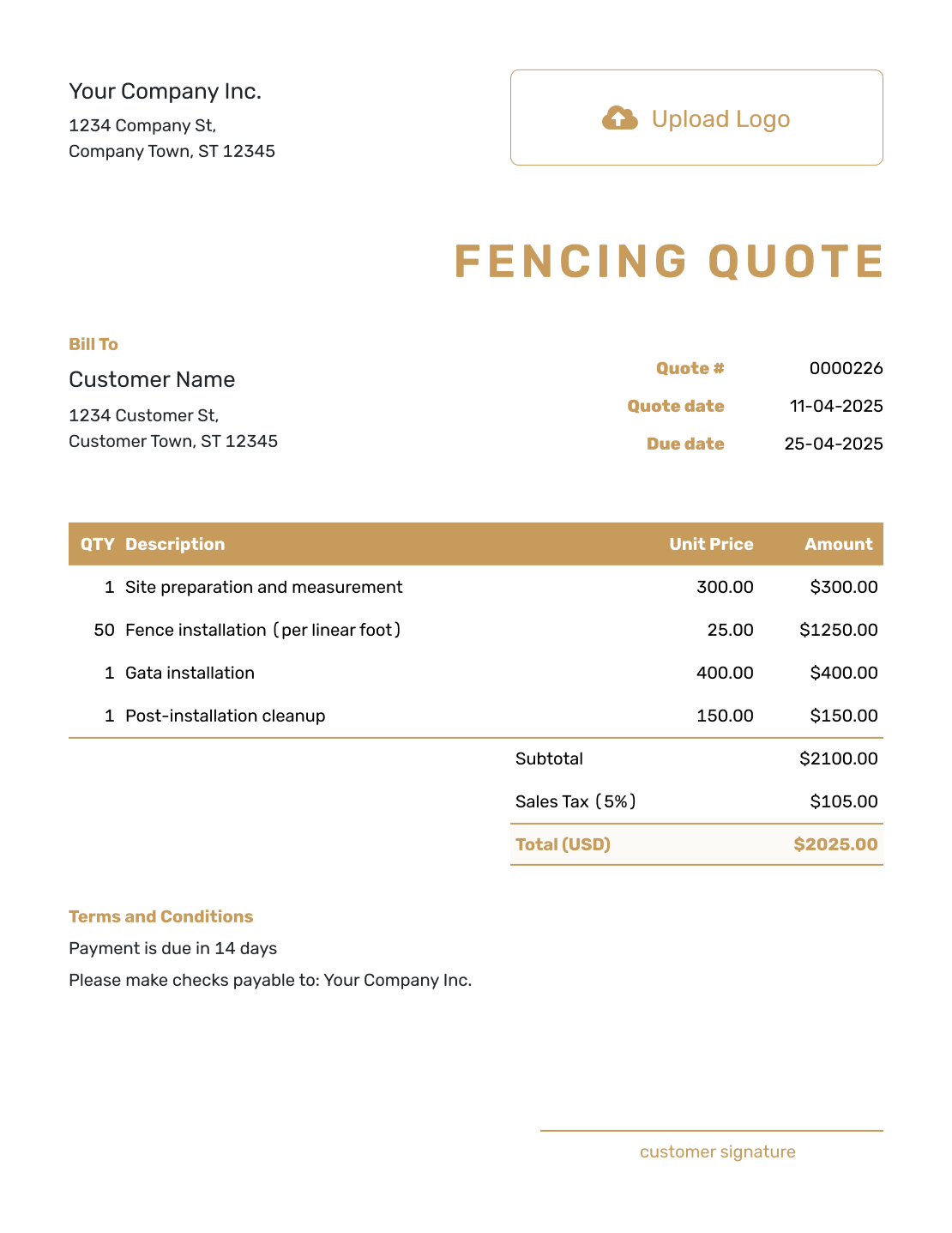
Professional Fencing Quote Template
Create Free Quote
Turn Fence Measurements Into a Clear Price
A fencing quote should make the property layout easy to compare with the price. Break the job into fence runs, gates, and separate site work.
Quoting a larger project with several trades? Use the construction quote template, or browse all construction quote templates.
- Reuse saved customer, product, and service details
- List fence runs by location, length, height, and material
- Price posts, panels, rails, gates, hardware, concrete, and finish work
- Separate installation, removal, hauling, equipment, and optional services
- Keep the accepted scope ready to turn into an invoice
Create a Fencing Quote Ready to Send
Map the fence runs and gates before you price the installation. Docelf adds up the fence and removal work. Check the property assumptions, then email the quote or save a PDF.
What Is a Fencing Quote?
A fencing quote is a written offer for a defined fence project. It states what you will install or remove and which fence system the price covers.
Use a quote when the layout, fence type, and price are clear. Once your customer accepts it, the quoted price covers the work listed. If the measurements, materials, or site work change, revise the quote and ask the customer to accept it again.
Use a construction estimate when the final cost may still change because the property line, ground conditions, or material choice is not settled.
Use a construction quote when the fence is one part of a broader project. Group the different trades by phase.
Fencing Quote, Estimate, or Invoice?
Choose the document based on how certain the fence scope is and whether payment is due.
Fencing Quote
Use a quote when the fence layout, materials, services, and price are clear enough to offer in writing.
Fencing Estimate
Use an estimate when measurements, ground conditions, material choices, or removal work may still change the final cost.
Fencing Invoice
Send an invoice when payment is due. In Docelf, create it from the accepted fencing quote and review the copied details before sending.
How to Create a Fencing Quote
A clear fencing quote connects the measured layout to the work and price. Follow these seven steps.
- Business and Logo: Add your business details and logo.
- Customer and Property: Add the customer, installation address, and property details.
- Fence Layout: Record each fence run, height, gate, and dimension that affects the work.
- Materials and Options: Name the fence system and finish. Keep posts, panels, hardware, and options easy to compare.
- Price the Work: Price materials and installation. Keep removal and equipment separate when they apply.
- Timing and Terms: Add the installation window, payment terms, access, permits, and property-line assumptions.
- Review and Send: Check the layout, materials, and total, then email the quote or download a PDF.
Before you send: Compare the quote with your measurements and gate count. Check that removal work, access assumptions, and the total are clear.
After You Send the Fencing Quote
- See when the customer opens and responds to the fencing quote
- Revise and resend it if the layout, materials, gates, or price changes
- Turn the accepted fencing quote into an invoice when payment is due
Make the Fence Scope Easy to Check
A fencing customer should be able to see what will be installed, where it will go, and what is included in the price.
Show the Measurements
List each fence run with its length and height. Show gate openings separately.
Name the Fence System
Name the fence material and style. Specify the posts, panels, hardware, and finish that affect the price.
Separate Removal and Site Work
Separate removal and hauling from the new installation. Add special site work or equipment as its own line item.
Clarify Boundaries and Permits
State which measurements or property-line information the price relies on. Make clear who handles permits or approvals.
What to Include in a Fencing Quote
Give your customer enough detail to understand the fence, the price, and what happens before installation.
- Your business name, contact details, and logo
- Your customer details and the fence installation address
- A quote number, issue date, and valid-until date
- Fence runs, measurements, height, corners, gates, and layout notes
- Fence material, style, posts, panels, rails, hardware, concrete, and finishes
- Labor, removal, hauling, equipment, delivery, and other services
- Quantities, rates, prices, discounts, sales tax, and the total quoted price
- Expected timing, payment terms, access needs, assumptions, exclusions, and acceptance details
Do not leave the fence type or layout open to interpretation. The customer should be able to tell which fence and services the accepted price covers.
Other Quote Template File Formats
Use the format that best fits how you write, calculate, review, and share the quote.
See every option on the quote templates by format page.
More Quote Templates for Fence and Site Work
Use the fencing page for a defined fence installation or replacement. Choose a broader construction template when the job includes other structures, trades, or site work.
Fencing Quote Template FAQs
-
What is a fencing quote?
A fencing quote is a written offer for a defined fence job. It states the layout and material choice. It also shows the services, price, terms, and valid-until date.
-
What should I include in a fencing quote?
Include the property and customer details, then identify each fence run and gate. Name the fence system and price the installation. Add removal work, timing, payment terms, and acceptance details.
-
Should a fencing quote show the linear footage?
Show the measured length when it helps explain the price. You can list each fence run separately and include the height, corners, gates, or other layout details that affect materials and labor.
-
Should gates be separate line items?
Separate a gate when its size or installation changes the price. Give automation or special hardware its own line item. This makes it easier for the customer to compare options and understand the total.
-
How do I quote removal of an old fence?
Describe what will be removed. State whether the price covers concrete removal, hauling, disposal, and cleanup. List the work separately when it is a meaningful part of the job.
-
Who should confirm the property line and permits?
State the property information your price relies on. Make clear who handles surveys, permits, utility marking, and association approval. The responsible party may vary by job and location, so make it clear in the quote.
-
What is the difference between a fencing quote and an estimate?
A fencing quote gives a specific price for defined fence work. An estimate is a best prediction of the cost when measurements, ground conditions, materials, or the final scope are not fully known.
-
How do I create a fencing quote online?
Start a quote in Docelf and add the customer and property. Map the fence runs, then price the chosen system and any removal work. Docelf calculates the total so you can email the quote or download a PDF.
-
Can I turn an accepted fencing quote into an invoice?
Yes. Open the accepted quote in Docelf and create the invoice. Docelf reuses the customer, property, and line-item details, so you do not have to enter the same fence job again.
Ready to Send Your Fencing Quote?
Match the fence price to the exact runs, gates, materials, and finish.
- Show each fence run and gate in the scope
- Keep removal, equipment, and options separate
- Email the fencing quote or download a PDF




