Free Freight Quote Template
Create a professional freight quote in minutes
Show the load, route and freight service, with handling and added charges priced clearly. Shippers can compare the rate quickly and book your freight service with confidence.
Email, print or download your quote as a PDF.
14-day free trial. No credit card required.

Price the job. Send the quote. Get back to work.
Freight Quote Template Examples
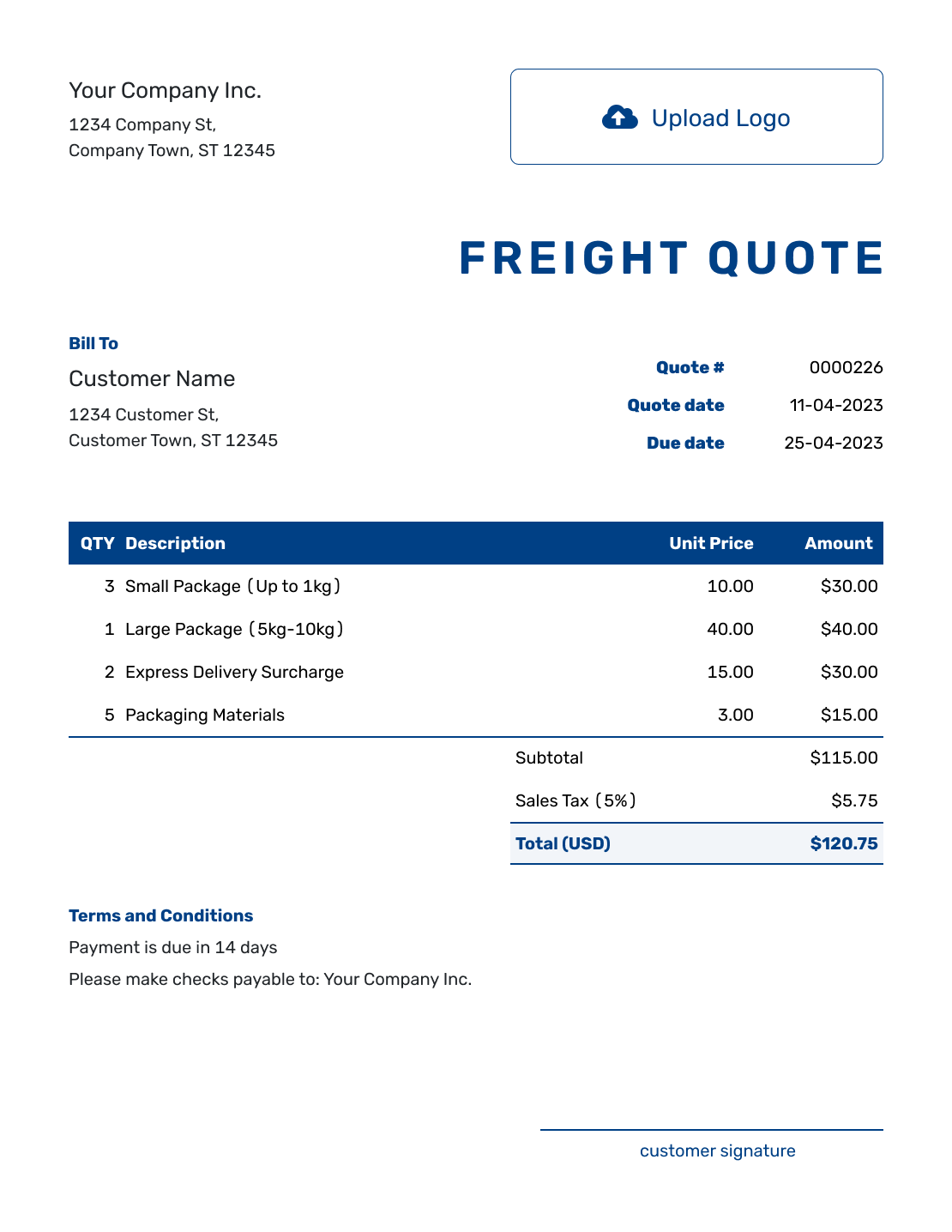
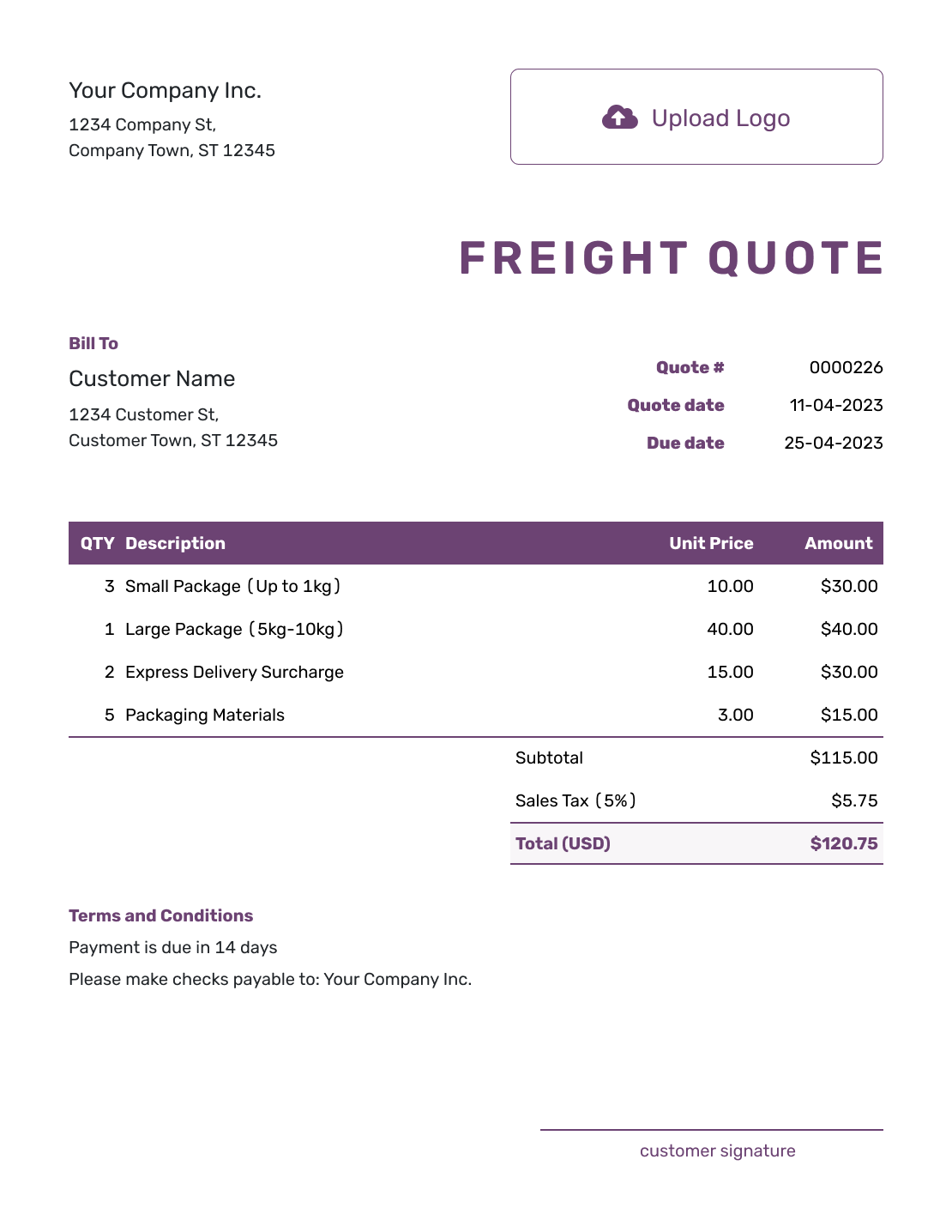
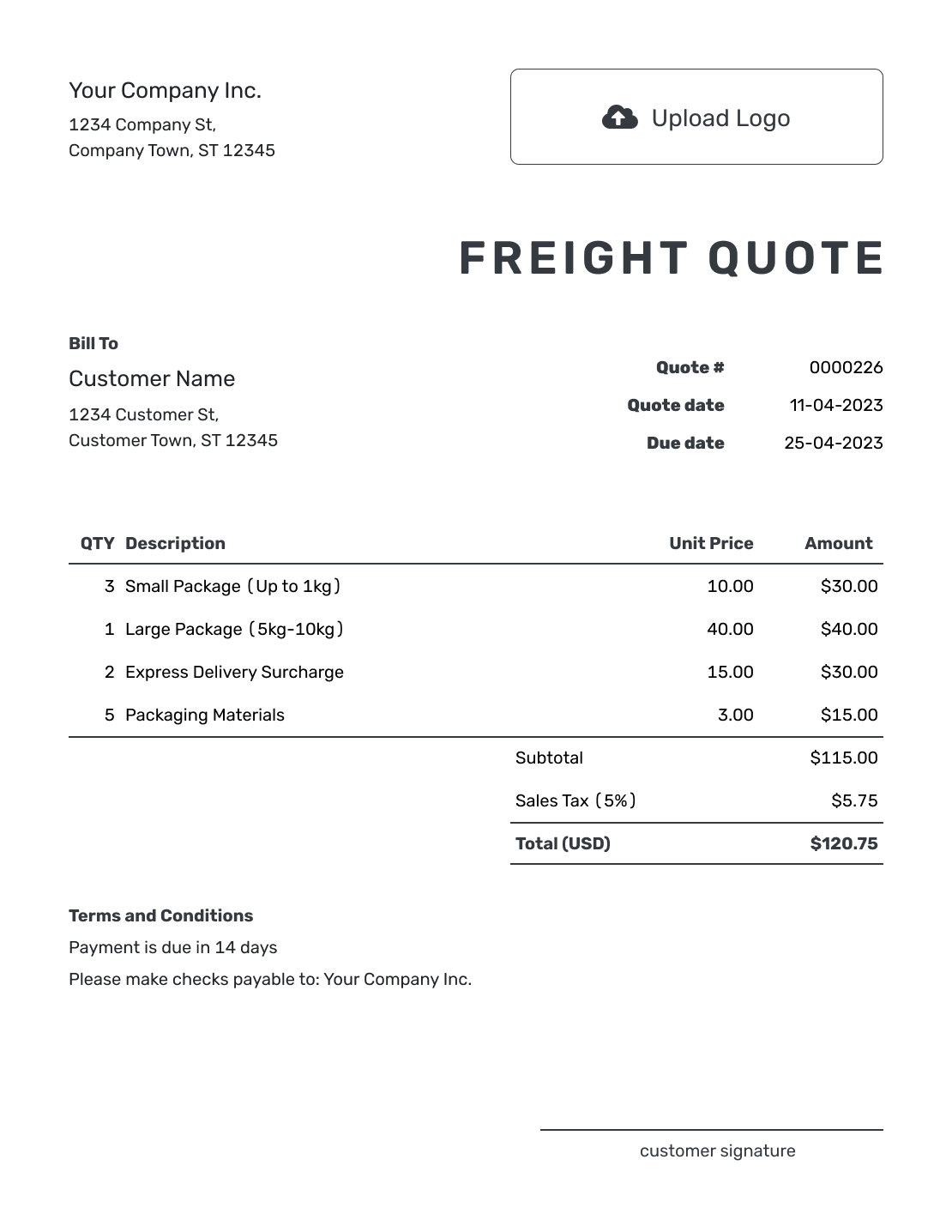
Use these previews for layout ideas before adding your shipment details and prices. Each preview opens the same quote editor, where you can create your own offer.
What Is a Freight Quote?
A freight quote is a written offer to transport a shipment at a stated price. The route, load details, service, and terms explain what that price covers, so your customer can decide whether to book.
Use it when you are the provider quoting a customer. If you need prices from carriers for your own shipment, the shipping request for quote guide helps you prepare that request.
How to Create a Freight Quote
Confirm the route, load, and requested service before pricing the shipment. Use the item descriptions for what you are carrying and charging for, and Terms and Conditions for the arrangements behind the rate.
- Your Business: Add your freight business name and contact details.
- Your Logo: Add the logo from your other business documents.
- The Customer: Choose a saved customer or enter the customer details.
- Number and Dates: Check the quote number and issue date, then set a valid-until date.
- Freight and Charges: Describe the route and load. Add the service, quantity, and price for each charge.
- The Total: Check the item amounts, applicable tax, and quoted total.
- Terms and Sending: Use Terms and Conditions for timing, access, and payment terms. Review, then email or save a PDF.
How to Show Freight Charges and the Total
Give the transportation service its own item row, with the route and load in the description. List separately priced fuel and added services, often called accessorials, underneath it. A service already included in your base rate does not need a second charge.
This fictional warehouse shipment contains two pallets of boxed machine parts, each 48 × 40 × 48 inches, weighing 1,200 lb in total. The quote includes transportation, a fixed fuel surcharge, and liftgate unloading at the destination. Prices are in US dollars; the 8% tax on all three items is illustrative, not a tax rule for freight.
| QTY | Description | Unit Price | Amount |
|---|---|---|---|
| 1 | Freight transport — two pallets of boxed machine parts from Springfield warehouse to Fairview business address | $600.00 | $600.00 |
| 1 | Fuel surcharge — fixed amount for the quoted trip | $60.00 | $60.00 |
| 1 | Liftgate unloading at the destination | $75.00 | $75.00 |
| Subtotal | $735.00 | |
| Tax (8% illustrative) | $58.80 | |
| Quote Total | $793.80 |
What to Include in Freight Quote Terms
The Terms and Conditions field explains the arrangements behind your rate. State how long the offer is valid, the expected pickup and transit timing, and when payment is due. Be clear about who handles loading and unloading.
This sample belongs to the two-pallet quote above. Replace the bracketed details before sending, and use the same deadline in the valid-until field. Adapt the terms and tax treatment to your actual service and local requirements.
Example: Terms and Conditions
- Quote valid until [date] for two pallets of boxed machine parts, each 48 × 40 × 48 inches, weighing 1,200 lb in total, from [Springfield pickup address] to [Fairview delivery address].
- Pickup: [date and window]. Expected transit: [time]. Confirm the collection and delivery arrangements before booking.
- The sender loads at the pickup dock. The price includes the fixed fuel surcharge and liftgate unloading at the destination. Inside delivery and storage are not included.
- Payment is due on delivery. Changes to the load, route, or requested service require a revised price for approval before the changed service is provided.
Put Your Freight Rate in Writing
Add the shipment and its charges in Docelf. The total updates as you enter your prices. Review the offer, then send it to your customer.
What to Include in a Freight Quote
A useful rate is tied to a specific shipment. Before sending, check that the customer can recognize the load and understand the service included in your price.
Customer and Route
Name the customer and both addresses. A warehouse dock and a site without unloading equipment may need different service, even when the route is the same.
Freight Details
Describe the goods, pallet or package count, weight, and dimensions your price is based on. Include freight class when your service uses it, and flag special handling before you set the rate.
Service and Accessorials
State the service level and equipment, including loading and unloading arrangements. Price requested liftgate, inside delivery, or storage services as item rows so they contribute to the subtotal.
Rate, Timing, and Terms
Keep the quote deadline separate from pickup and delivery dates. Describe transit time as expected unless you are offering a guaranteed service, and state when payment is due.
Shipment Details Changed Before Acceptance?
A heavier load, different address, or extra handling request may change your offer. Update the affected item descriptions, charges, and terms together, then resend the quote so the customer has one current price to review.
If a possible charge is not yet part of the offer, explain when it would apply in Terms and Conditions. For example, state your waiting-time allowance and rate if you charge for delays. Do not add an assumed delay to the quoted total.
Freight Quote, Shipping Request for Quote, or Invoice?
Choose the document based on who needs the price and whether you are ready to ask for payment.
Freight Quote
Send a freight quote to your customer when you are setting the price for the transportation service.
Shipping Request for Quote
Send this request to carriers when you want them to price a shipment for your business.
Invoice
Use an invoice to request payment for the freight service, showing the amount due and when to pay.
More Freight Quote Layouts
-

Blank Freight Quote Template
Create Free Quote -

Simple Freight Quote Template
Create Free Quote -
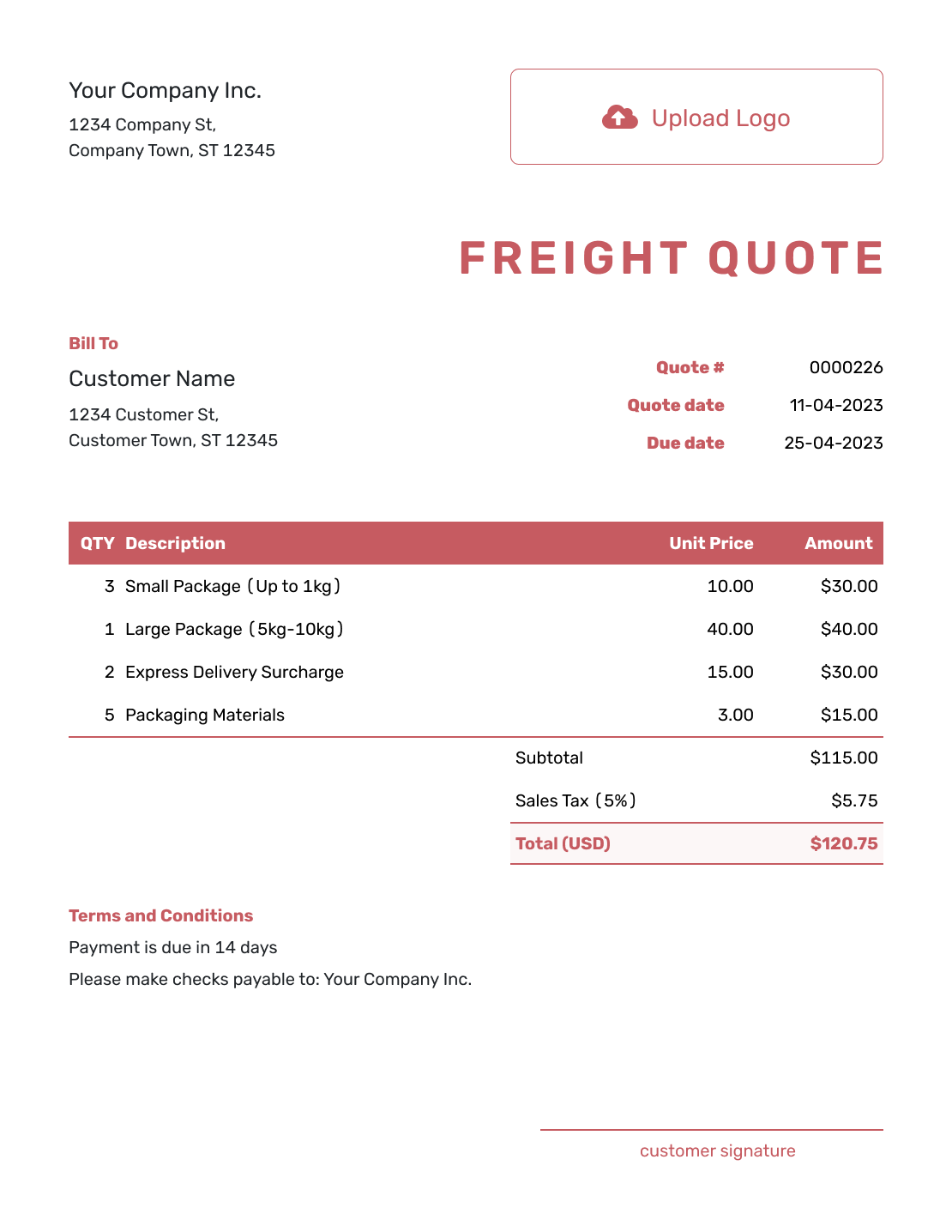
Downloadable Freight Quote Template
Create Free Quote -

Editable Freight Quote Template
Create Free Quote -

Fillable Freight Quote Template
Create Free Quote -

Professional Freight Quote Template
Create Free Quote
Related Logistics Quote Templates
Use the transportation template for broader trip-based services, or the moving company template for a household or office move. If you are buying transport, use the shipping request guide to ask carriers for rates.
Other Quote Template File Formats
Word and Google Docs suit written shipment descriptions and terms. Excel and Google Sheets suit rate calculations with quantities and prices. These pages offer separate file templates; Docelf downloads the finished online quote as a PDF.
After You Send the Freight Quote
Your customer can view and accept or decline the quote online without a Docelf account. Check the document history to see whether the emailed quote was delivered and opened. Docelf updates the status and emails you when the customer responds.
For a repeat shipment, reuse the saved customer and service details, then check the route, load, and current rate before sending the new offer.
Freight Quote Template FAQs
-
What is a freight quote?
A freight quote is a written offer to transport a shipment at a stated price. It identifies the route, load, service, and charges, with the timing and terms that apply to the offer.
-
What should I include in a freight quote?
Include your business and customer details, a quote number, the issue date, and a valid-until date. Describe the route and load, then itemize the service and charges. Use Terms and Conditions for timing, loading arrangements, payment terms, and exclusions.
-
How do I price a freight shipment?
Base the quote on the route, load, equipment, and service you have agreed to provide. Show separately priced fuel and added services as item rows, then check applicable tax and the total. Docelf calculates the amounts from your entries; you set the freight rate.
-
What freight details should be on the quote?
Include the details your rate depends on, such as pallet or package count, total weight, dimensions, and any relevant freight class. Identify special handling or equipment needs so the quoted service matches the actual load.
-
Should accessorial charges be separate line items?
Yes, when you charge for them separately. Give liftgate, inside delivery, storage, or other added services their own item rows. Describe anything already covered by the base rate there instead, so it is not charged twice.
-
What is the difference between a freight quote and a shipping request for quote?
A freight quote is a price you send to your customer. A shipping request for quote is a request you send to carriers or transportation providers so they can price a shipment for you.
-
What should I do if the shipment changes?
Update the descriptions, charges, and terms affected by the change, then resend the revised quote for approval. Editing or saving the quote does not email it; you choose when to send the new version.
-
Can I turn an accepted freight quote into an invoice?
Yes. When it is time to bill, create an invoice from the freight quote in Docelf. The relevant customer, item, and price details carry over. Check them against the agreed service and add the invoice due date before sending.
-
Can I email or download a freight quote?
Yes. Email the freight quote from Docelf when it is ready, or download a PDF to save, print, or send another way. Your customer can view and download the received quote without a Docelf account.
Ready to Send the Freight Quote?
Put the shipment rate in one clear offer before the load is booked.
- State the route, service level, and equipment
- Let Docelf calculate the item amounts and total
- Email the freight quote or download a PDF




