Free Shipping Quote Request Form Template
Get carrier rates you can compare
Give each carrier the same route, load and service details so you can compare rates fairly. Use the returned prices to choose a carrier and prepare the customer quote.
Send the request to the carriers you want to compare. When the rates come back, create the customer quote in Docelf.
14-day free trial. No credit card required.

Send the request. Compare the rates. Price the shipment.
Shipping Quote Request Form Examples
These previews offer layout ideas. For wording you can use now, copy the shipping request example below into your email or document app and replace the shipment details.
-
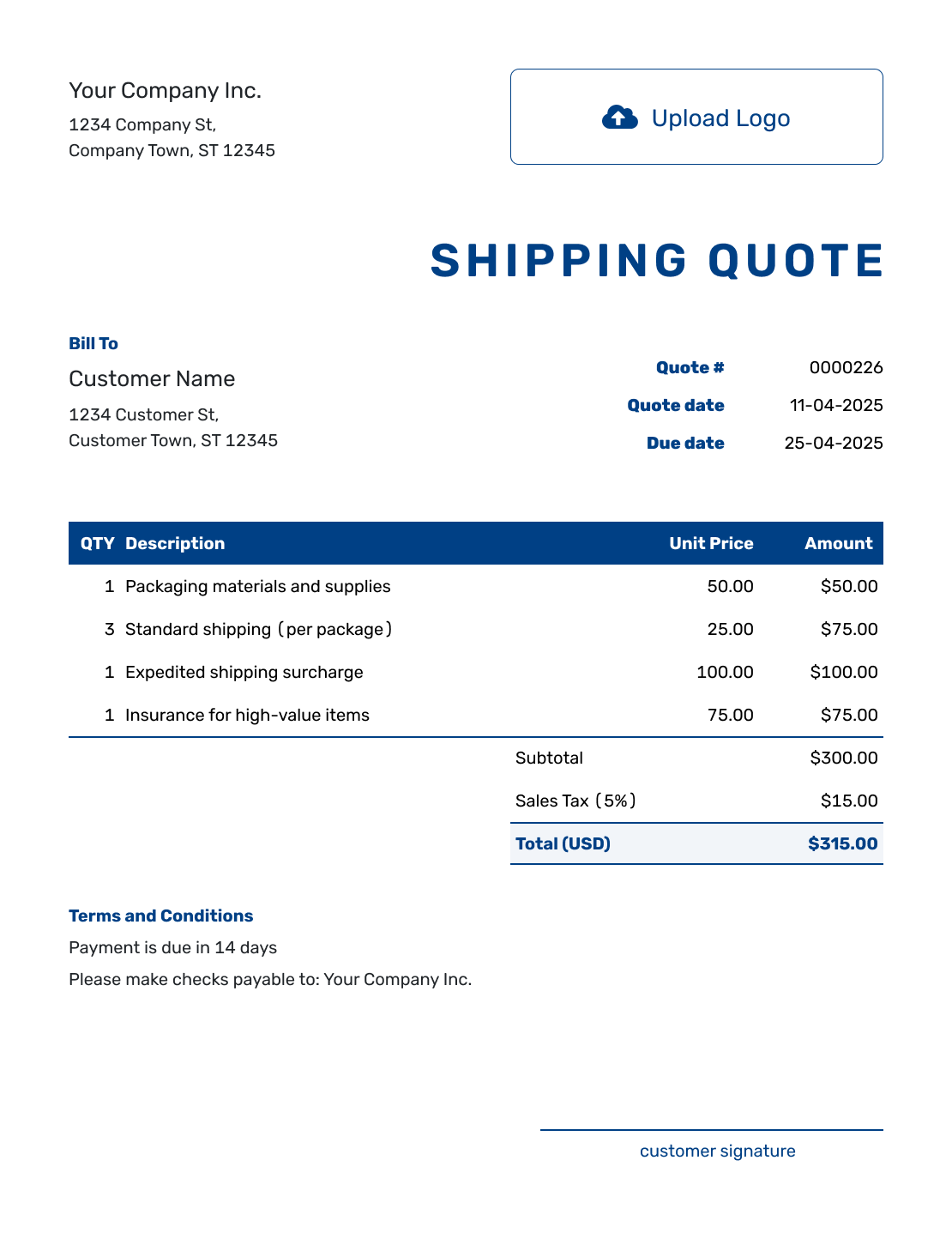
Sample Shipping Quote Request Form Template
See Request Steps -
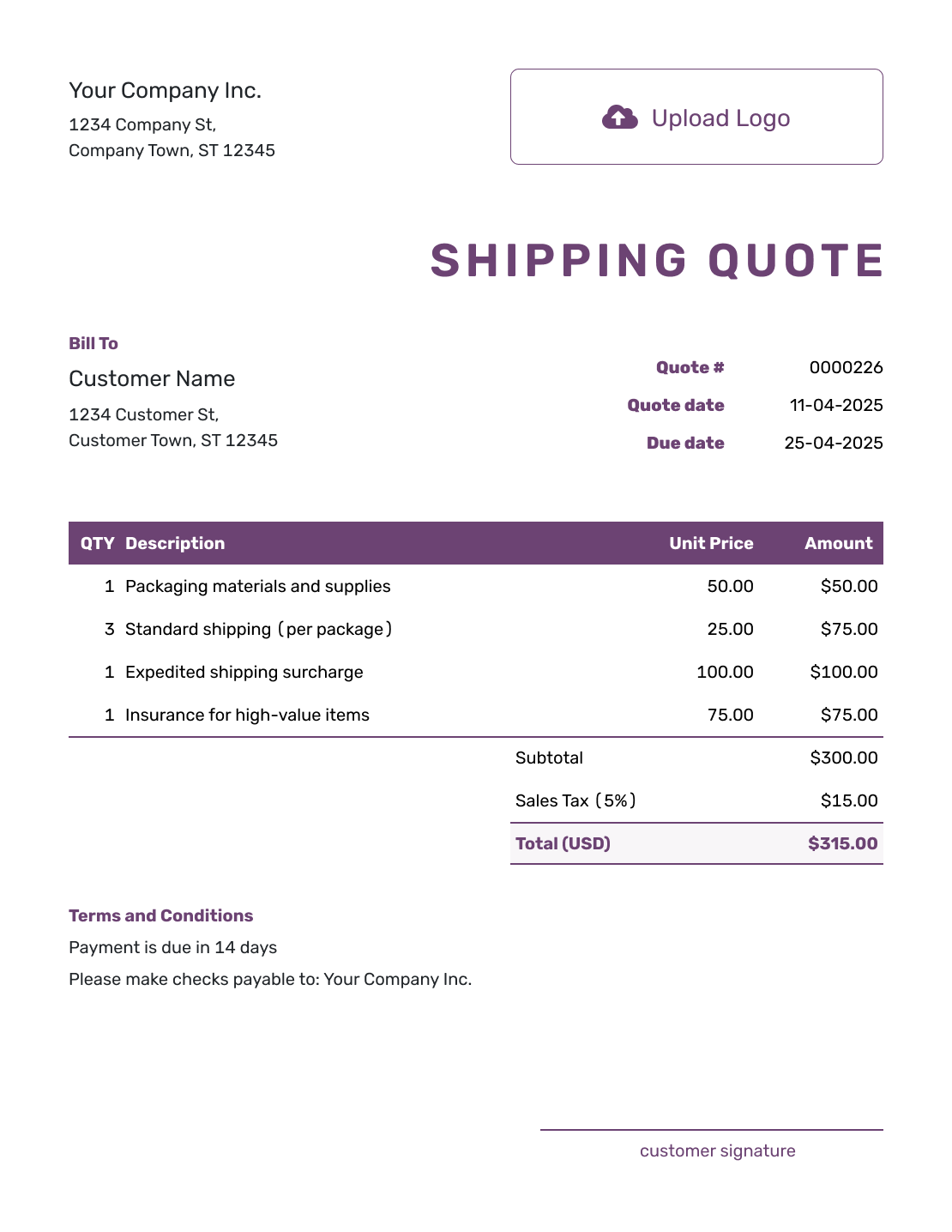
Free Shipping Quote Request Form Template
See Request Steps -
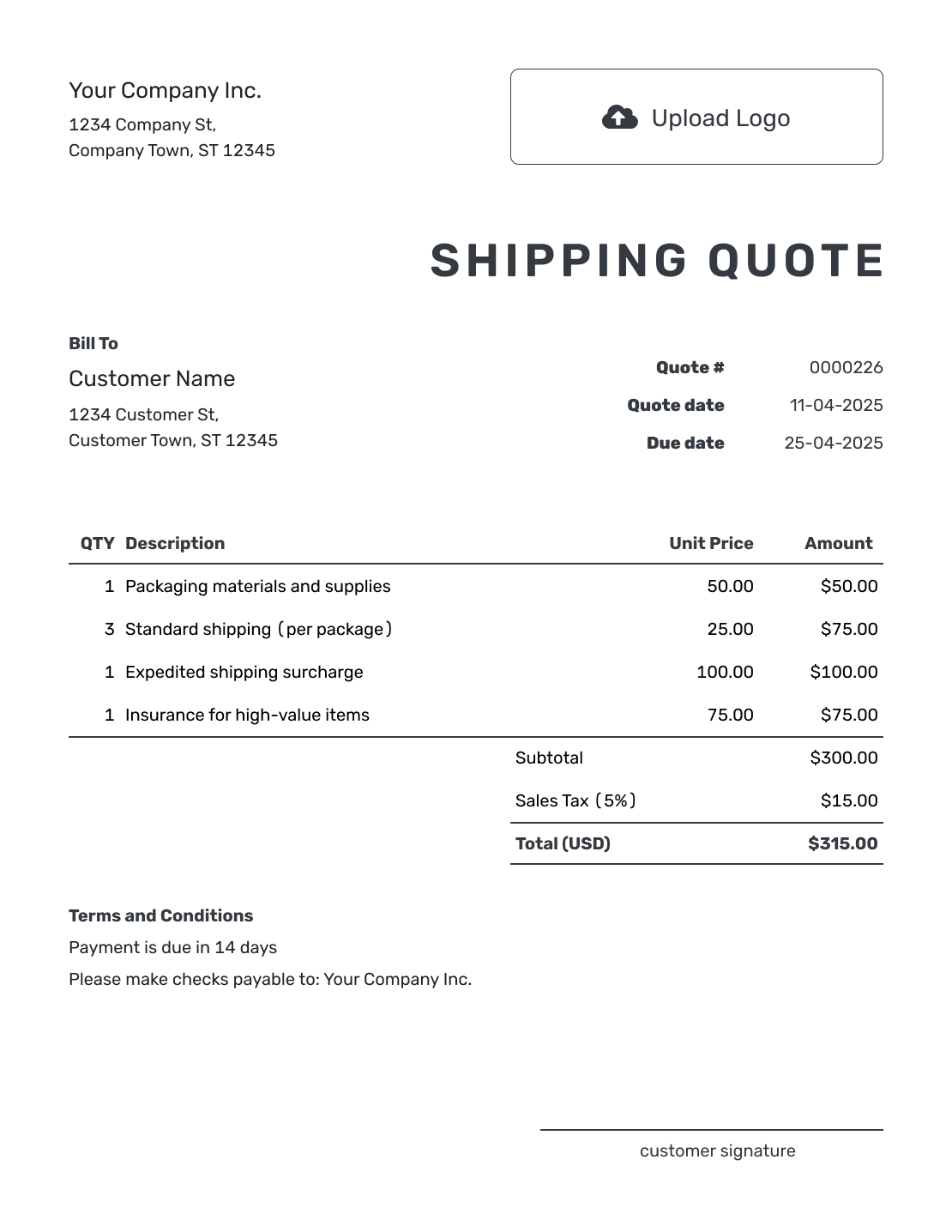
Printable Shipping Quote Request Form Template
See Request Steps
See six more shipping request layouts after the practical guidance.
What Is a Shipping Request for Quote?
A shipping request for quote, or shipping RFQ, asks carriers to price a shipment for your business. You describe the load, route, timing, and service; the carriers reply with their rates.
Write the request in your usual email or document app. Docelf creates the separate quote you send a customer if you are selling the transportation service.
A Shipping Quote Request You Can Adapt
This example is for two pallets of boxed office furniture. Replace the bracketed text and change the shipment details to fit your load. Leave the price for the carrier to supply.
Example: Pallet Shipment Request
Subject: Shipping quote request [reference] — [pickup city] to [delivery city]
Hello [carrier contact],
Please quote the following shipment for [business name]:
- Pickup: [full address and ZIP code], on [date], between [local times]. A loading dock and forklift are available.
- Delivery: [full address and ZIP code], by [date], between [local times]. This is a business address with no dock; a liftgate is needed.
- Load: two non-stackable pallets of boxed office furniture. Each packed pallet measures 48 × 40 × 48 inches and weighs 400 lb, including the pallet. Total weight: 800 lb.
Please return your quote in USD by [date, time, and time zone]. Show the transportation rate, fuel surcharge, liftgate charge, any other applicable charges, and the total. Confirm expected transit time and how long the rate is valid.
Please let me know if you need more details to confirm the service and price.
Thank you,
[name]
[business name]
[email and phone]
How to Create a Shipping Request for Quote
Start with a shipment description you can send to every carrier. Mark anything still to be confirmed so the carrier can explain what its price assumes.
- Business Details: Add your business name, contact person, email, and phone number.
- Carrier: Address the request to the carrier or transportation provider you want to price the shipment.
- Request Number and Deadline: Add a reference, request date, and response deadline with a time zone.
- Route and Timing: Give full pickup and delivery addresses, dates, and time windows.
- Shipment Details: Describe the goods and count the packages or pallets. Give packed dimensions and weight with units, stating whether each weight is per piece or for the whole load.
- Requested Service and Charges: Explain the service, equipment, and loading or delivery help you need. Ask for an itemized rate and total in the same currency.
- Review and Send the Request: Check the measurements, access, timing, and contact details. Send the same shipment requirements to each carrier.
Include the Details That Change the Service
A street address and total weight are a start. The carrier also needs to know what it will collect and how it can load and deliver it.
Origin and Destination
Identify business or residential locations and any appointment or access restrictions. Say whether a dock, forklift, or help with unloading is available at each end.
Shipment Details
Measure the load as it will travel, including packaging and pallets. List different sizes or weights separately. If the carrier needs a freight classification you do not know, ask it to confirm what information is required.
Requested Service
State the pickup window and whether the delivery date is a preference or a requirement. Mention non-stackable freight, liftgate service, inside delivery, or other handling needs that apply.
Rate Response Details
Ask the carrier to use your reference and return the price by your deadline. Request the currency, total, expected transit time, rate-validity date, and any assumptions or exclusions.
Compare What Each Carrier Includes
Put the replies beside the request before choosing a rate. A lower total is only useful if it covers the service you need.
- Same shipment: Check the route, packed dimensions, weight, and service against your request.
- Complete price: Compare the transportation rate, fuel surcharge, and other applicable charges in the same currency.
- Extra services: Check whether loading help, liftgate service, or inside delivery is included. Carriers may call these accessorial charges.
- Timing and validity: Check expected transit time and how long the rate is available. Ask the carrier to confirm any required delivery date.
If one response leaves the requested liftgate service unpriced, ask for a revised total that includes it. Keep optional services separate so you can compare the required shipment fairly.
Shipment Details Changed While You Are Collecting Rates?
Send an updated request to the carriers you are still considering and identify what changed. A revised weight, delivery address, or collection date may affect their responses.
Use a revision date or reference to keep the replies together. Ask each carrier to confirm its price for the updated shipment before comparing totals.
Shipping Request for Quote, Freight Quote, or Invoice?
The request asks for a price; the quote offers one. Who sends each document depends on which side of the shipment you are arranging.
Shipping Request for Quote
Send this to carriers when you want them to price a shipment for your business.
Freight Quote
A carrier replies with a freight quote. If you sell transportation to a customer, send a separate quote for your own service and price.
Invoice
Send the invoice when your customer owes payment. It does not replace the carrier rate request.
If your process calls for one, use a purchase order when your business places an order with a carrier or vendor.
More Shipping Request Layouts
Keep the same shipment information whichever layout you use. These six previews complete the collection; each links to the request steps.
-
Blank Shipping Quote Request Form Template
See Request Steps -
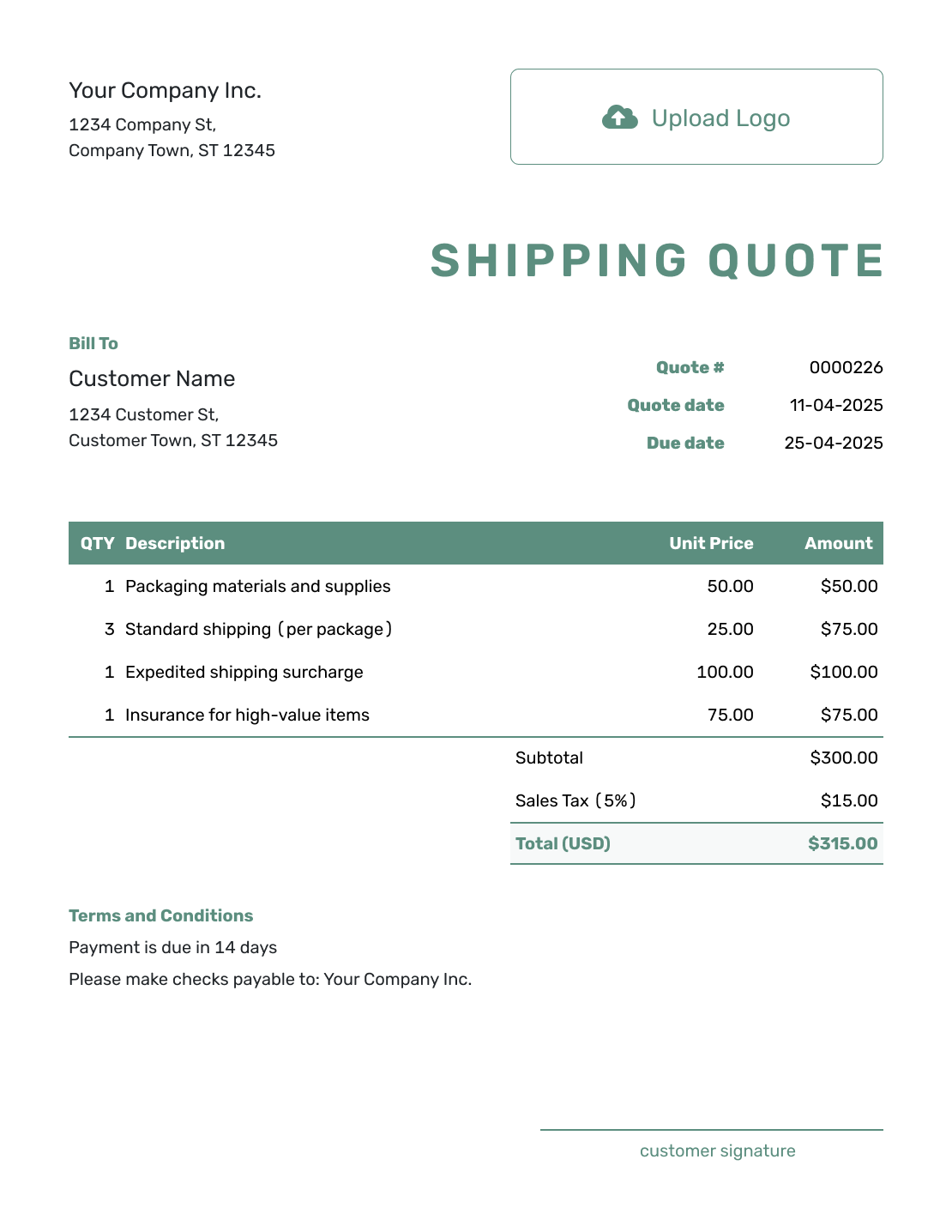
Simple Shipping Quote Request Form Template
See Request Steps -
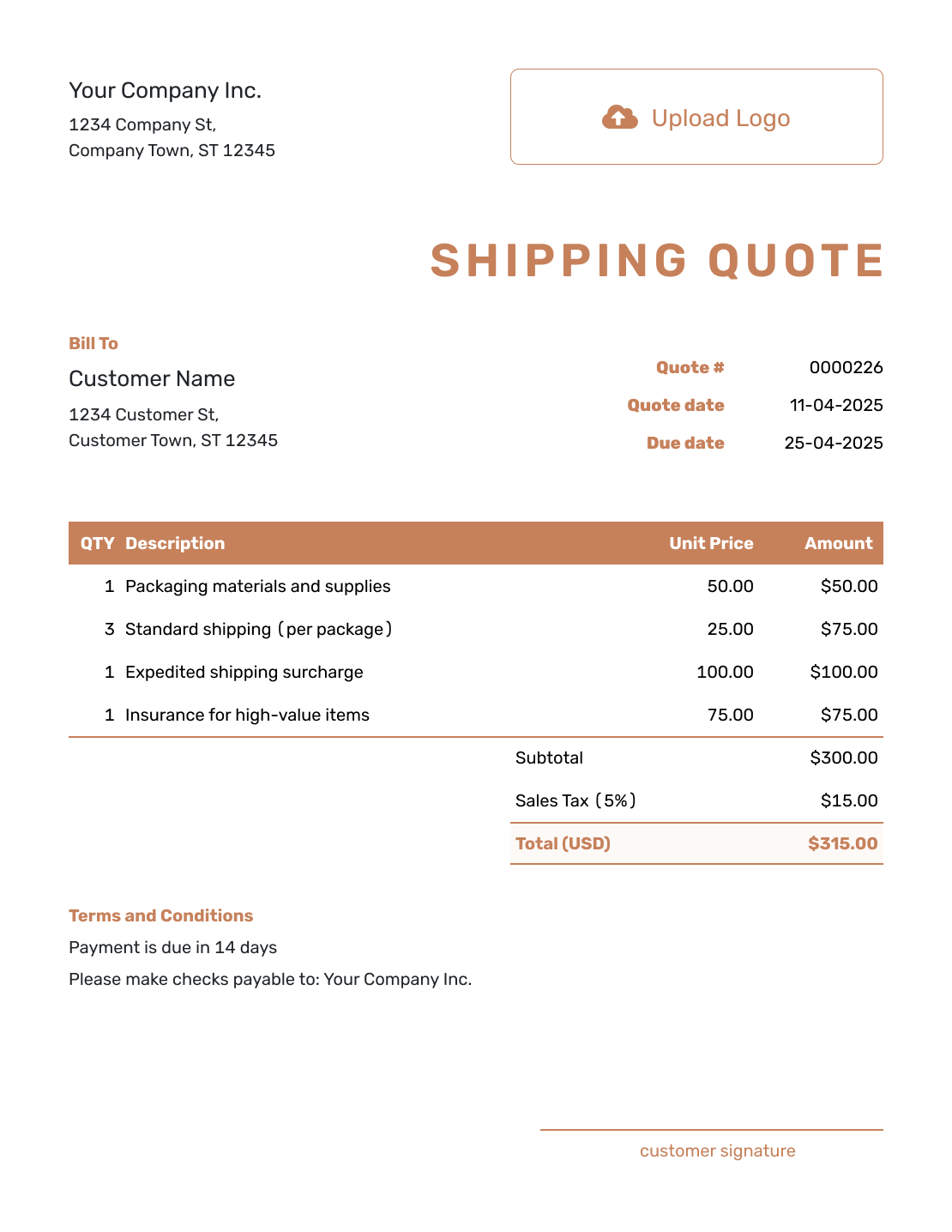
Downloadable Shipping Quote Request Form Template
See Request Steps -
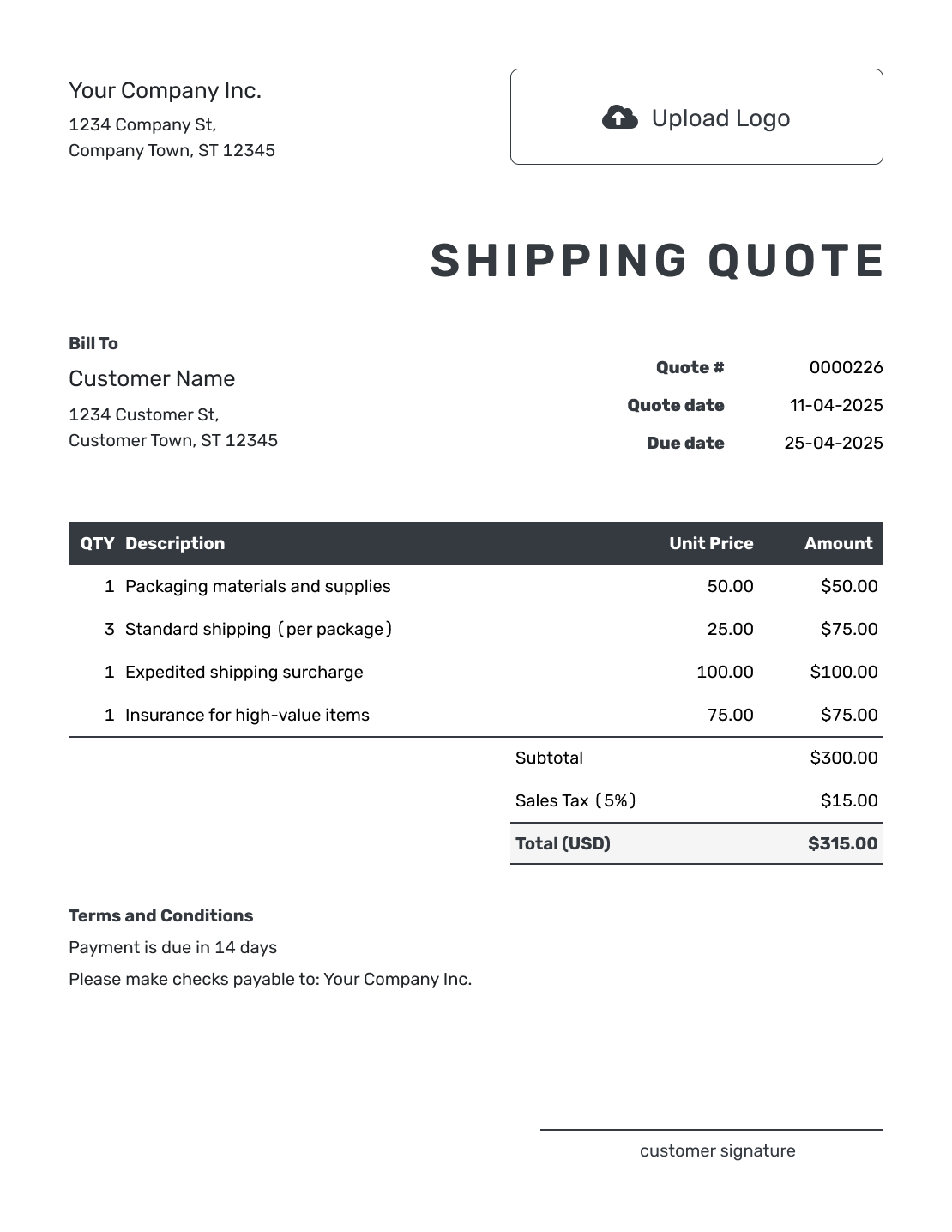
Editable Shipping Quote Request Form Template
See Request Steps -
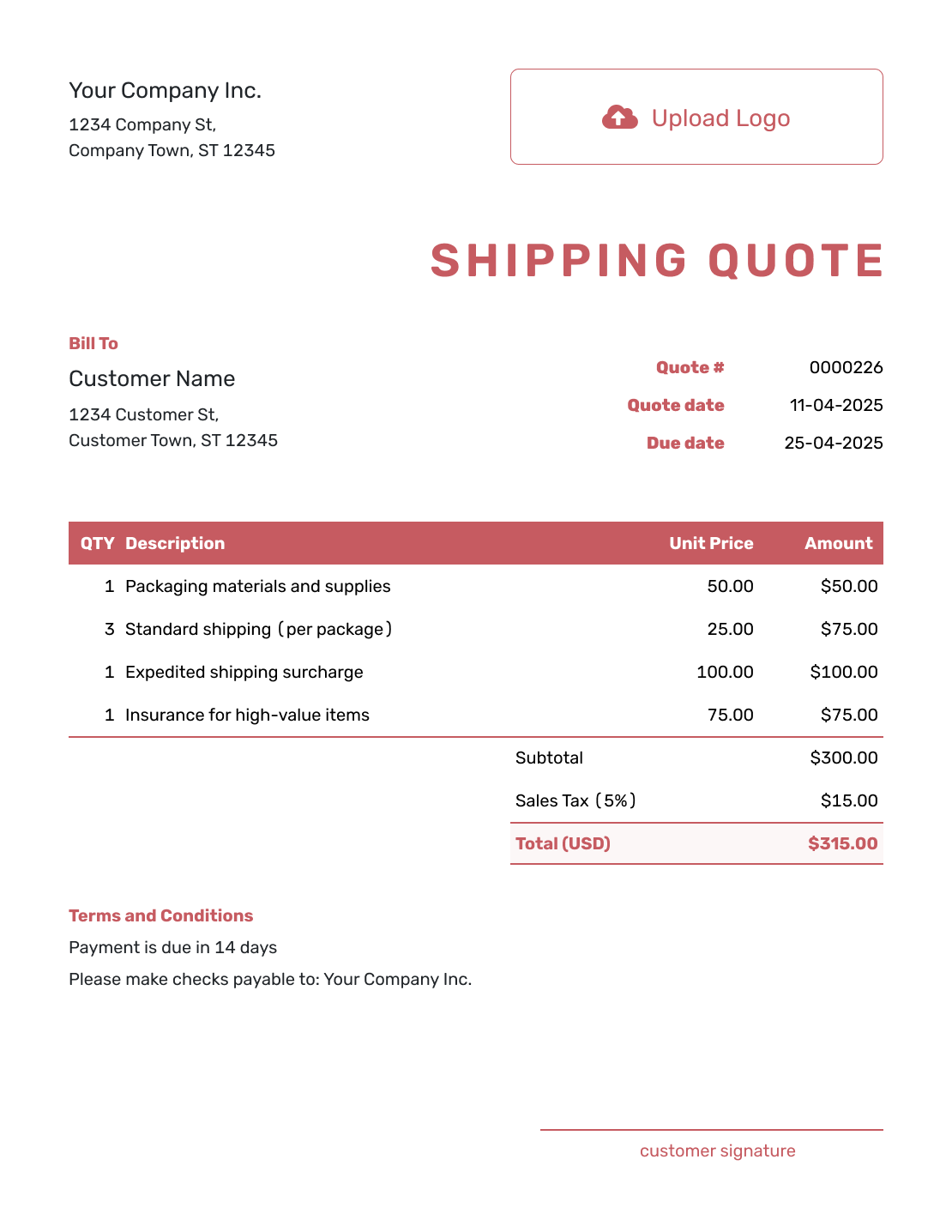
Fillable Shipping Quote Request Form Template
See Request Steps -
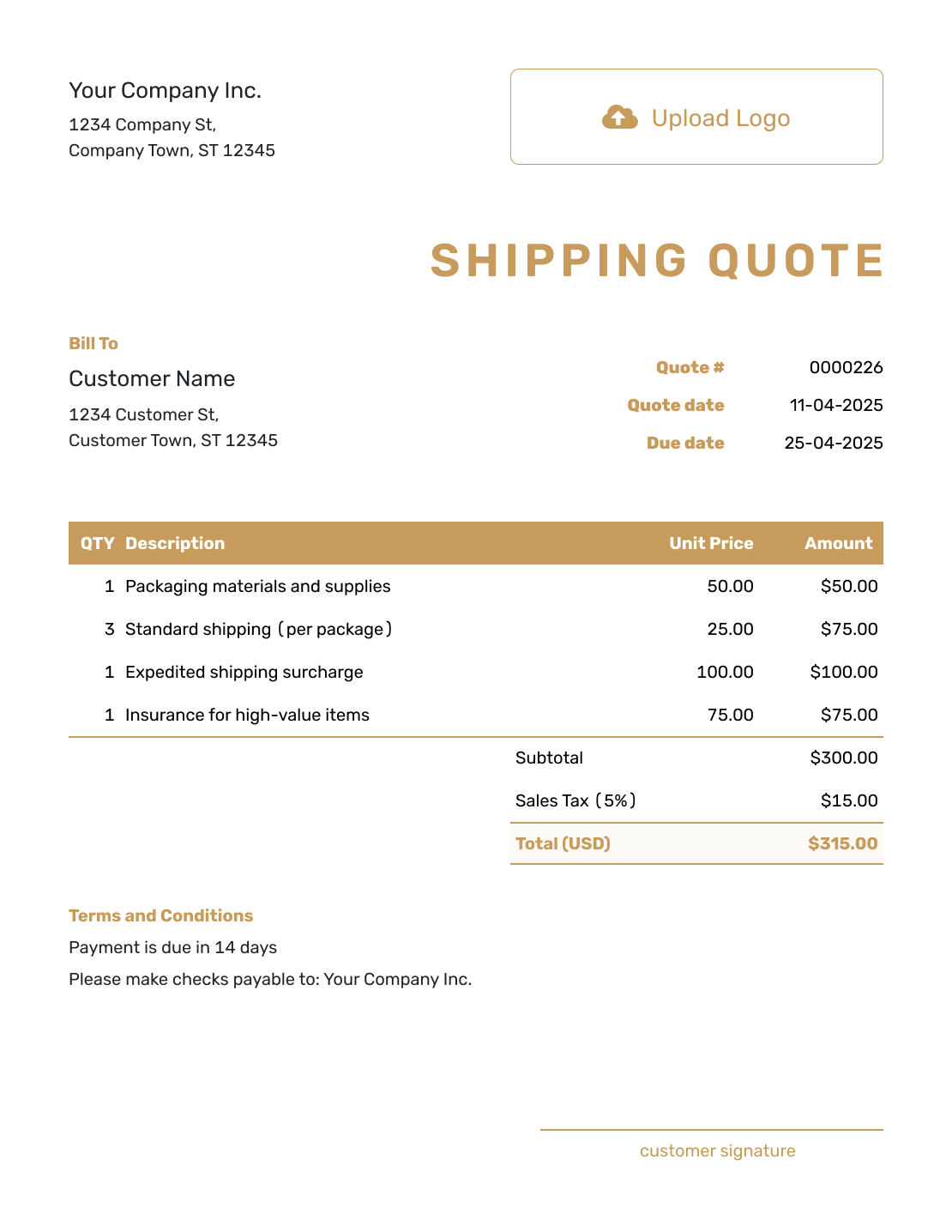
Professional Shipping Quote Request Form Template
See Request Steps
Prepare the Separate Customer Freight Quote
If you are arranging transportation for a customer, use the selected carrier rate when setting your own offer. The Docelf preview below shows the customer quote, not the request sent to carriers.
- Name the Customer: Add your business and the customer receiving your offer.
- Price Your Service: Describe the shipment and add the prices you are offering. Put separately charged transportation, handling, or delivery services in the item table.
- Explain the Offer: Use Terms and Conditions for timing, scope, payment terms, and exclusions. Choose a quote-validity date that fits the carrier rate and your own offer.
- Review and Send: Check the total and terms, then email the quote or download a PDF. When it is time to bill, create an invoice from that customer quote.
Rates Ready? Create the Customer Freight Quote
Put your own offer into a clear customer quote. Docelf calculates the total from your items and prices. Review it before you choose to send.
Related Logistics Quote Templates
Use one of these customer quote templates when you are ready to set the price for the shipment or transportation service.
Other Quote Template File Formats
Need a standard quote file for customer pricing? Choose a quote format here, then keep the carrier RFQ separate.
Shipping Quote Request Form FAQs
-
What is a shipping request for quote?
A shipping request for quote, or shipping RFQ, asks a carrier to price a shipment for your business. You send the shipment requirements; the carrier replies with its service and rate.
-
What should I include in a shipping quote request form?
Include your business contact, request reference, pickup and delivery addresses, dates, load details, and requested service. Give a response deadline and ask for the total, currency, expected transit time, rate validity, and any exclusions.
-
What shipment details do carriers need for a quote?
Describe the goods, number of packages or pallets, packed dimensions, and weight with units. Say whether each weight is per piece or for the whole load, and include the packaging and pallets. Mention loading access and handling needs. Ask the carrier about any required freight classification rather than guessing.
-
Should I send the same RFQ to multiple carriers?
Yes, when you are comparing rates. Keep the shipment and service requirements the same so each carrier is pricing the same request. Change only the carrier details and any carrier-specific question.
-
What charges should I ask carriers to show separately?
Ask for the base transportation rate, fuel surcharge, and other applicable charges, plus the total. Have the carrier identify extra-service charges, such as liftgate or inside delivery, and confirm whether they are included in the total.
-
What is the difference between a shipping RFQ and a freight quote?
The RFQ asks a carrier for a price. The carrier's freight quote answers with an offer for the shipment. If you sell that transportation service to a customer, prepare a separate customer quote with your own price and terms.
-
What should I do if the shipment changes after I sent the RFQ?
Send the revised details to the carriers you are still considering and identify the change with a revision date or reference. Ask them to confirm the price for that version before comparing their replies.
-
Can I turn a shipping request for quote into an invoice?
The carrier request is not an invoice or a customer offer. If you are selling the transportation service, create a separate customer quote in Docelf. You can create an invoice from that quote when it is time to bill.
-
Can I use the same request as a starting point for a customer freight quote?
Yes. Reuse the route and shipment details when preparing the customer offer, but set your own service, price, and terms. The selected carrier rate is a cost to consider; it does not have to be the price you charge your customer.
Ready to Create the Customer Freight Quote?
Give your customer an offer they can review and accept. Keep the carrier request with your own records.
- Add the customer and shipment details
- Show your service, price, and terms
- Email the quote or download a PDF




