Free Transportation Quote Template
Create a professional quote in minutes
Show the route, service, extra stops and waiting time in one clear price. Customers know what the service will cost and can choose your transportation company with confidence.
Email, print or download your quote as a PDF.
14-day free trial. No credit card required.

Price the job. Send the quote. Get back to work.
Transportation Quote Template Examples
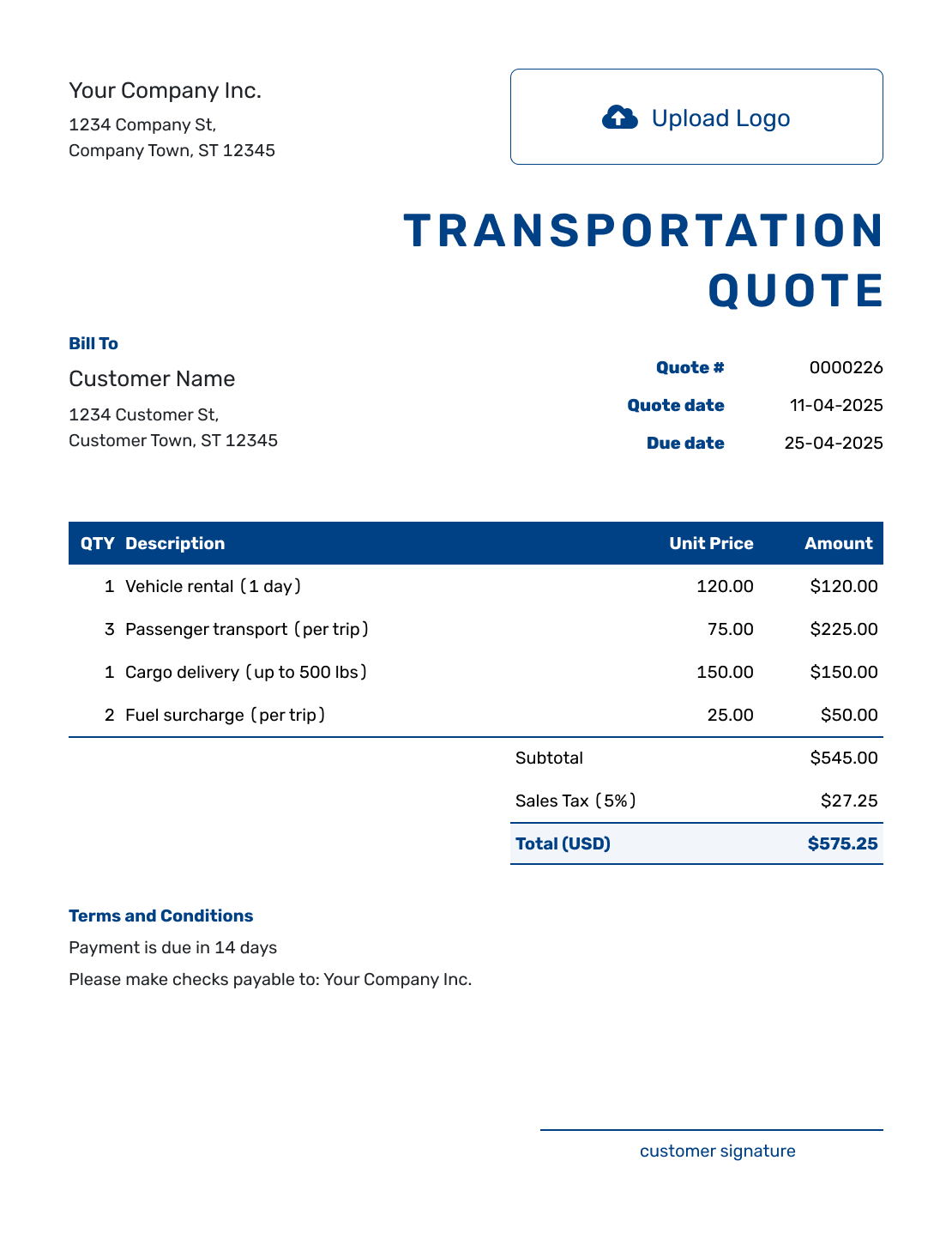
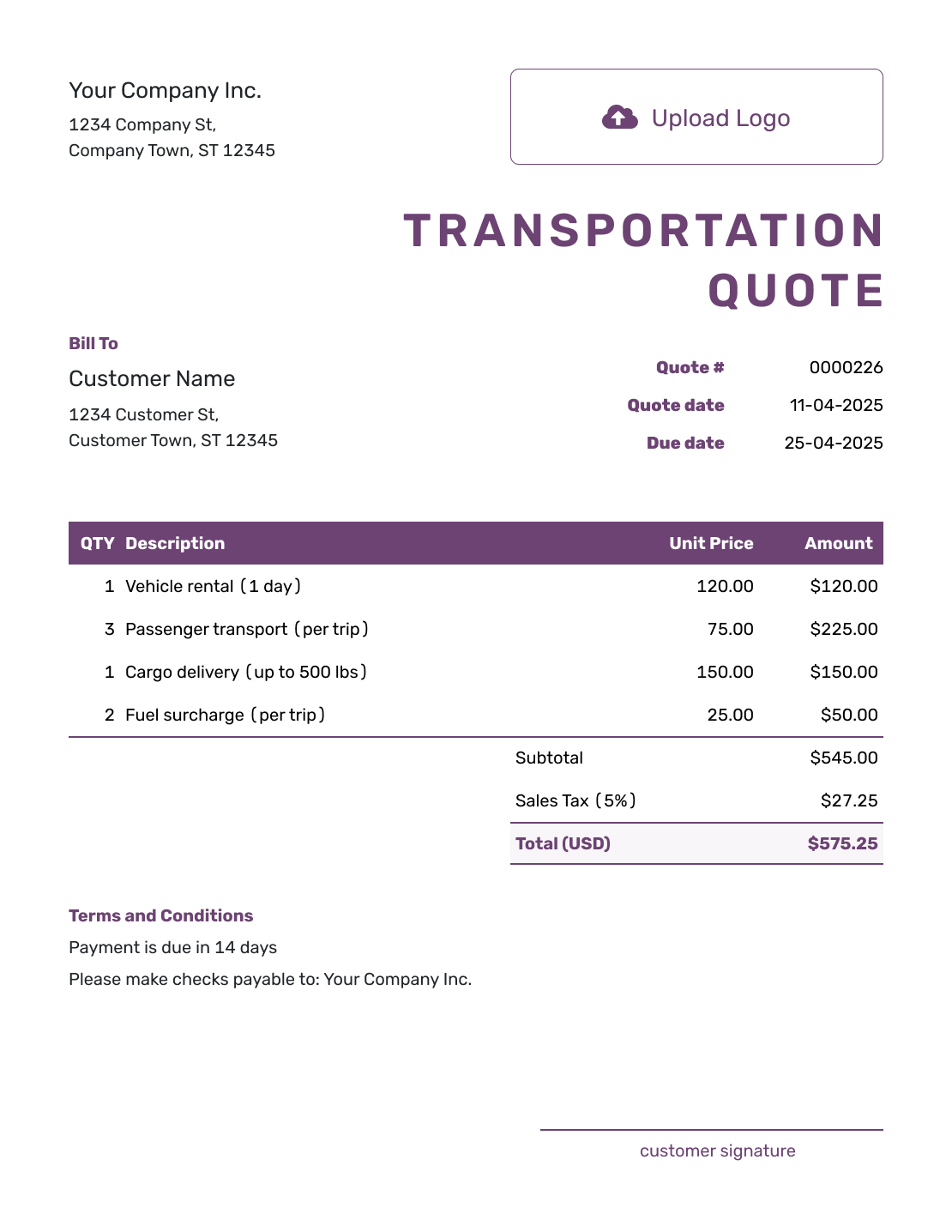
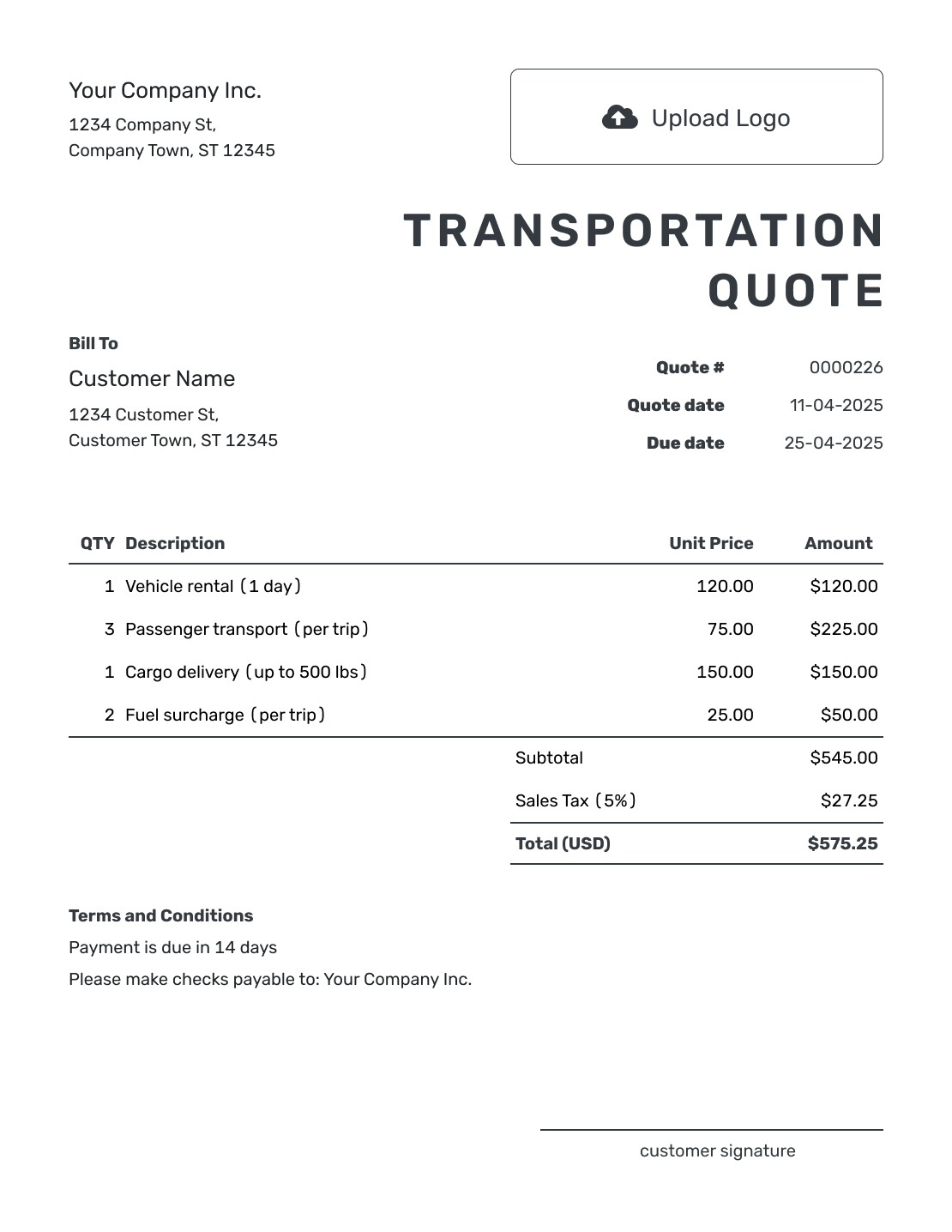
Browse these layouts before adding your route and prices. Each preview opens the same quote editor, where you can create your own transportation offer.
What Is a Transportation Quote?
A transportation quote is a written offer to move people, goods, or equipment along an agreed route. It gives the customer a price for a defined service, with the timing, terms, and a deadline for accepting.
Use it for a passenger transfer, a regular route, or other transportation work that does not need the cargo detail of a freight quote. A one-way trip and a return booking should be easy to tell apart before the customer chooses.
Choose a Pricing Method That Fits the Transportation Job
The quantity should match the unit your rate uses. A trip price uses a quantity of one; an hourly or mileage charge uses the hours or miles covered by the offer.
- Per trip: Name the route and whether the price includes a return journey.
- Hourly: State the booked hours, when the clock starts, and whether waiting is included.
- Mileage: Give the included distance and say whether travel to the pickup is part of it.
- Per passenger: Use the agreed passenger count and say what happens if that count changes.
- Fixed route: Identify the route, number of trips, and any separately priced stops.
How to Create a Transportation Quote
Have the itinerary and service details ready before you price the trip. You can reuse saved customer and service details in Docelf, then adjust them for this booking.
- Your Business: Add your transportation business name and contact details.
- Your Logo: Add the logo you use on your booking documents.
- The Customer: Choose the saved customer or enter their name and contact details.
- Number and Dates: Check the quote number, issue date, and valid-until date.
- The Service: Describe the route, vehicle, and service date. Enter quantities and rates for each charge.
- The Total: Check the trip price, extra charges, and applicable tax. Docelf calculates the total.
- Terms and Sending: Add booking details in Terms and Conditions. Review the quote, then email it or download a PDF.
How to Fill In Transportation Quote Line Items
Describe the trip in the main line, then give separately priced services their own rows. A booked half-hour of waiting is a charge in the offer; a rate for possible later delays belongs in your terms.
This fictional US-dollar quote covers a one-way shuttle for 14 passengers from River Airport to Maple Conference Hall on October 12, 2026. The customer has requested a hotel stop and 30 minutes of waiting there. All three charges use an illustrative 8% tax rate; apply the tax treatment that fits your service and location.
| QTY | Description | Unit Price | Amount |
|---|---|---|---|
| 1 | One-way trip, River Airport to Maple Conference Hall — 16-seat vehicle and driver, 14 passengers | $240.00 | $240.00 |
| 1 | Additional pickup stop at Lakeview Hotel | $45.00 | $45.00 |
| 0.5 | Booked waiting at Lakeview Hotel — hours | $60.00 | $30.00 |
| Subtotal | $315.00 | |
| Sales Tax (8% illustrative) | $25.20 | |
| Quote Total | $340.20 |
What to Include in Transportation Quote Terms
Use Terms and Conditions to explain the itinerary, payment timing, and what happens if the customer changes the trip. State any included waiting time and how you price time beyond it.
The sample below belongs to the shuttle quote above. Adapt it to the arrangements your business actually offers, including any cancellation policy you use.
Example: Terms and Conditions
- Offer valid through October 5, 2026, for travel on October 12, 2026.
- Pickup at River Airport at 9:00 a.m.; one-way travel via Lakeview Hotel to Maple Conference Hall for up to 14 passengers.
- The $340.20 total includes the vehicle, driver, fuel, route tolls, hotel stop, and 30 minutes of waiting at the hotel. Return travel is not included.
- Additional waiting is $60 per hour before applicable tax, charged in 15-minute increments. We will confirm route, timing, or passenger changes and any revised price with you before providing the changed service.
- Payment is due by October 9, 2026.
Put Your Transportation Price on the Page
Add the trip and any separately priced services. Docelf calculates the total from your quantities and rates, ready for you to review and send.
Check the Service Before You Send
A customer should be able to match the quoted price to the trip they have in mind. These checks help catch a missing return journey or an extra stop before you send the offer.
Customer and Route
Name the pickup and destination, including any agreed stops. State whether the price covers one way or a return, and confirm the pickup date and time window.
Transportation Service
Match the vehicle to the passengers and luggage, or to the goods and equipment being moved. Describe any loading help or other service included in the price.
Pricing Method and Extra Charges
Check whether fuel, tolls, waiting, and extra stops are already covered. Put separately priced services on item lines so they contribute to the subtotal without being charged twice.
Timing and Terms
Keep the service date separate from the quote expiry date. State when payment is due and how you will agree a new price if the itinerary changes.
After You Send the Transportation Quote
Your customer can view, download, and accept or decline the quote without a Docelf account. Check the document history to see when the emailed quote was delivered and opened.
If the route, schedule, vehicle, or stops change, update the affected details and send the revised offer for the customer to review. Editing does not email the quote; you choose when to send it. When payment is due, you can create an invoice from the quote without entering the customer and service details again.
More Transportation Quote Layouts
-
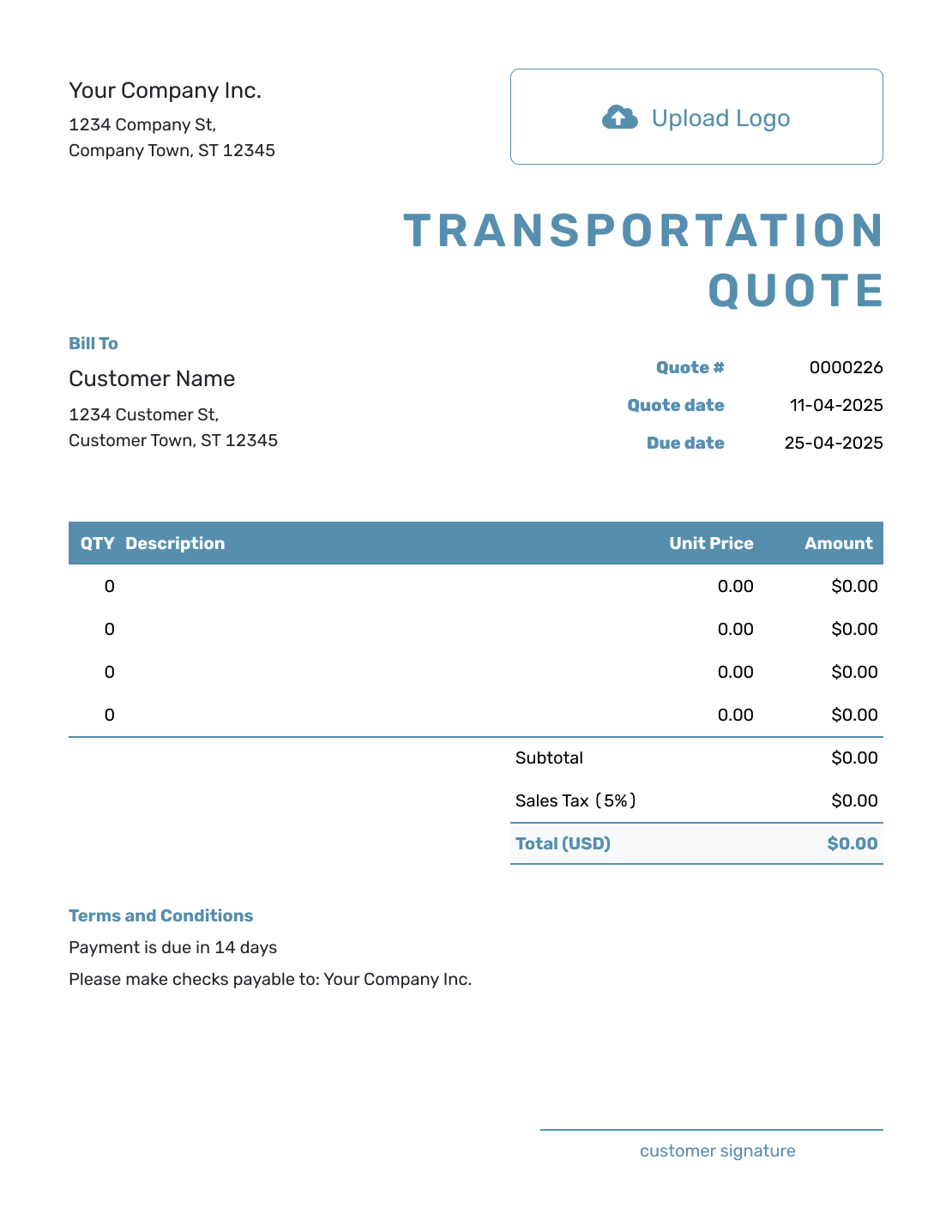
Blank Transportation Quote Template
Create Free Quote -
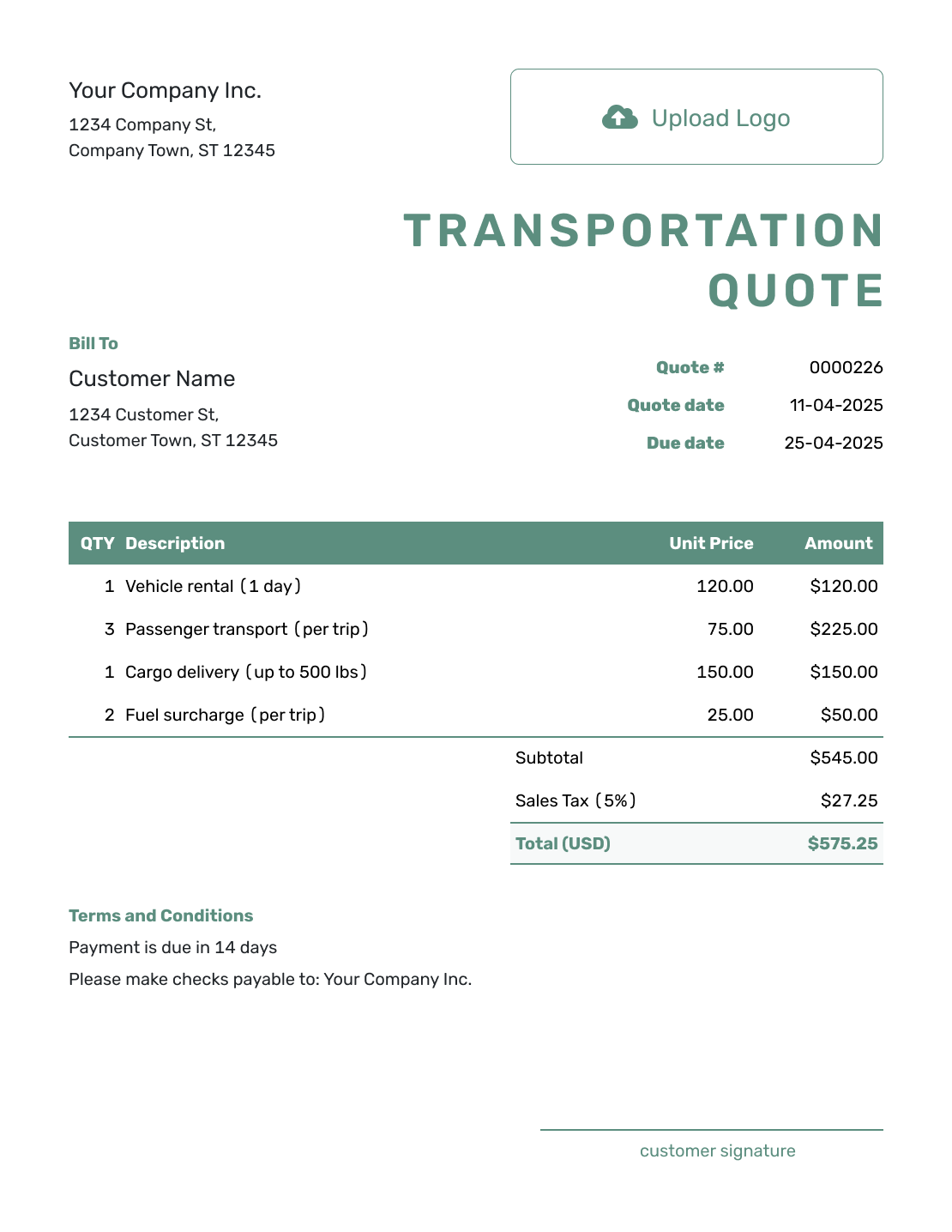
Simple Transportation Quote Template
Create Free Quote -
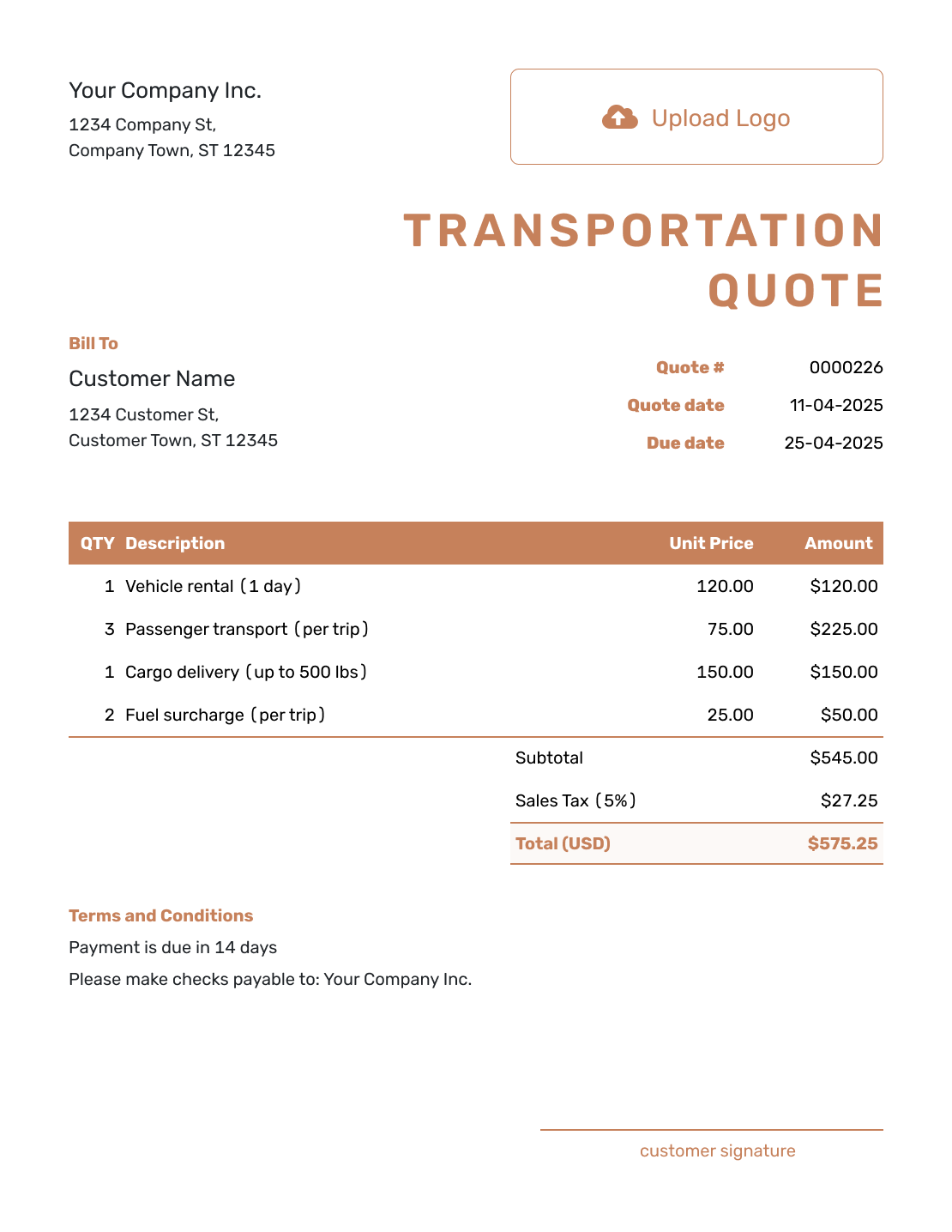
Downloadable Transportation Quote Template
Create Free Quote -
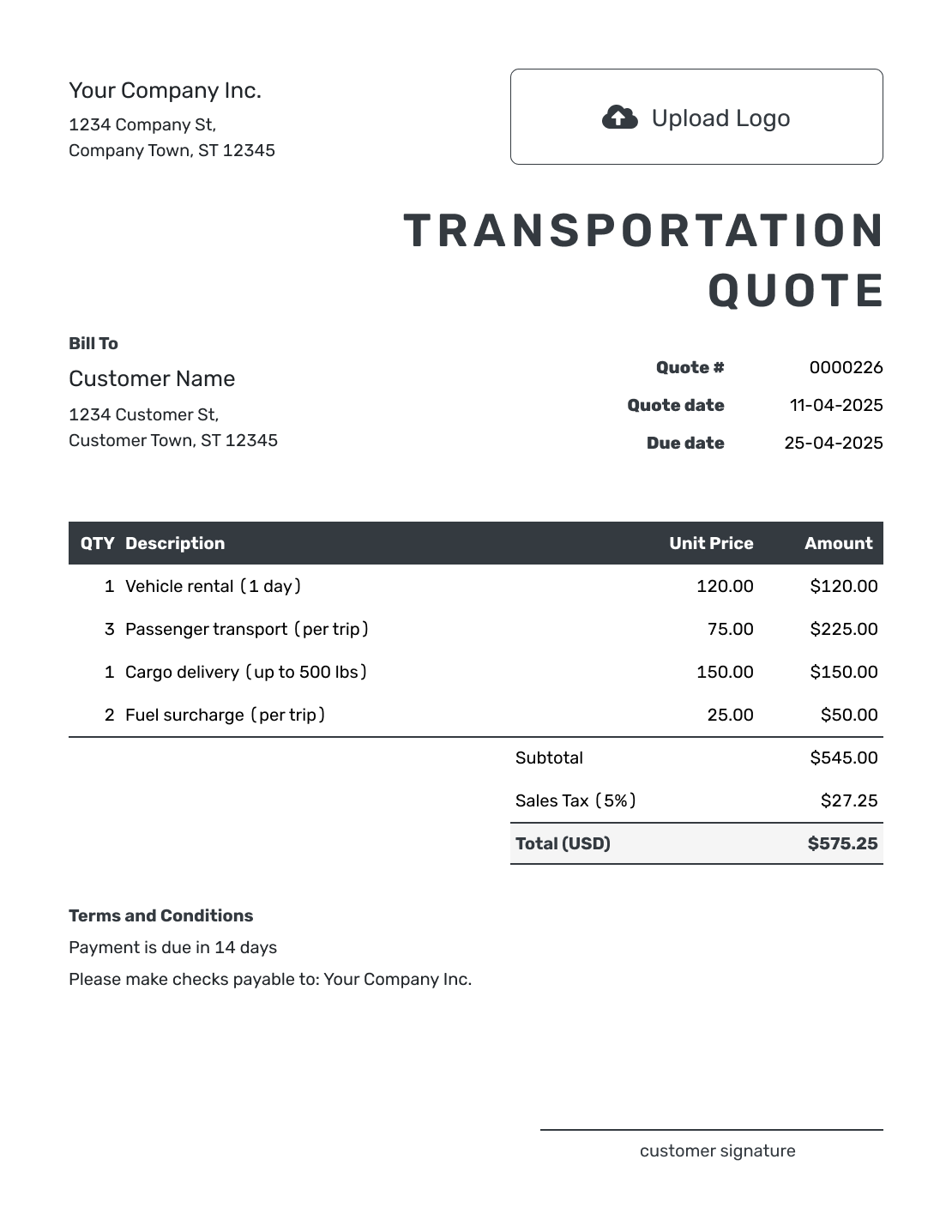
Editable Transportation Quote Template
Create Free Quote -
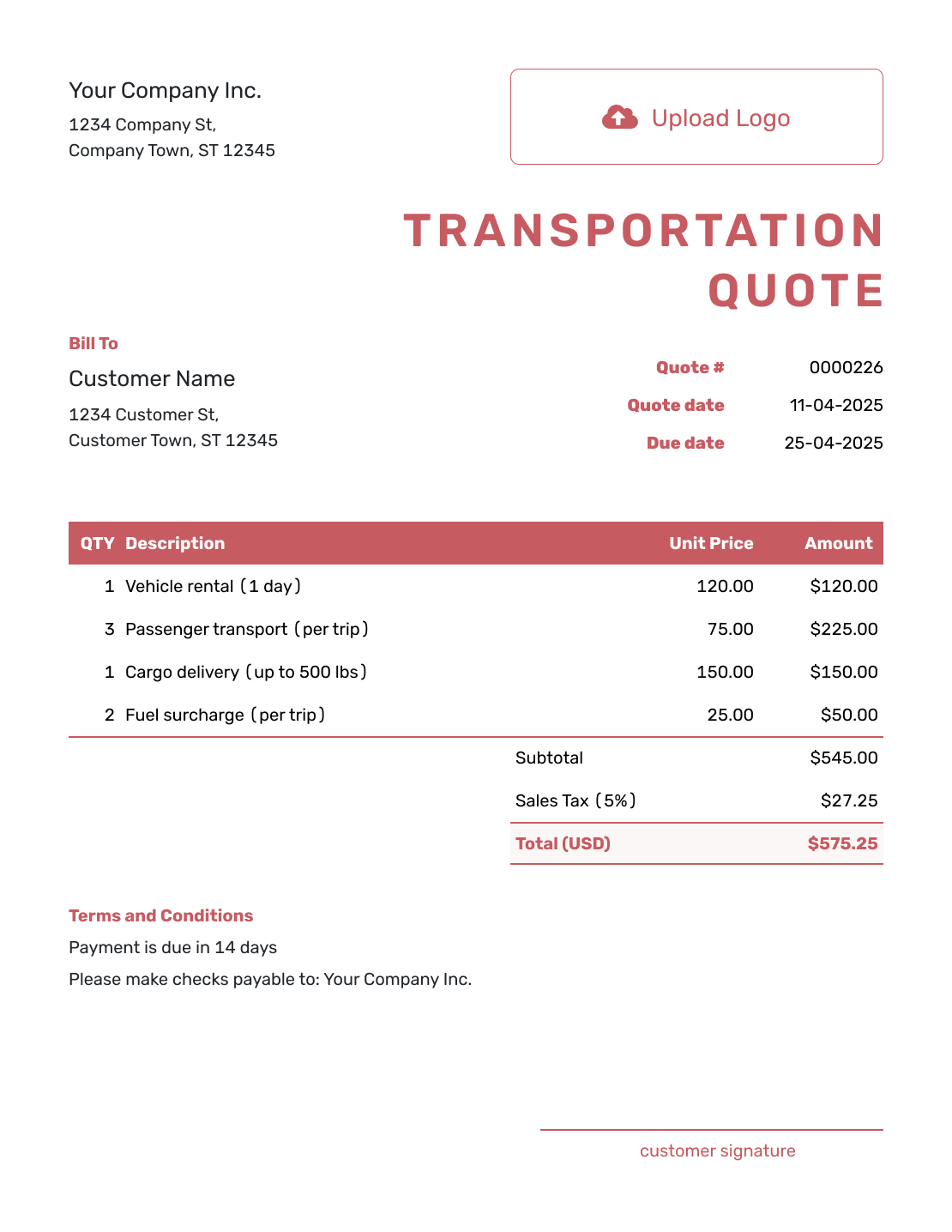
Fillable Transportation Quote Template
Create Free Quote -
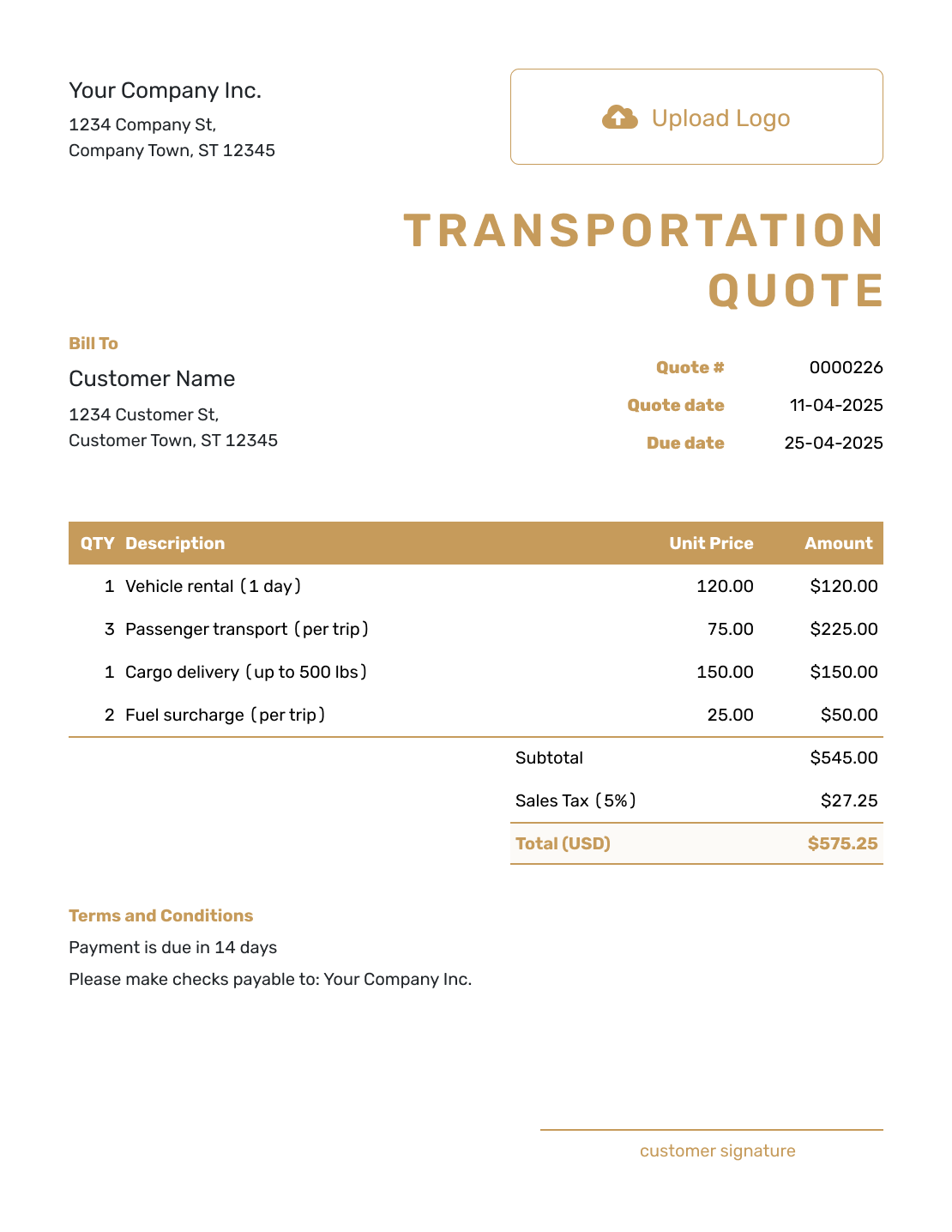
Professional Transportation Quote Template
Create Free Quote
Transportation Quote, Freight Quote, or Invoice?
Match the document to what you are offering and whether you are quoting a price or requesting payment.
Transportation Quote
Use this for general transportation work when the route and service do not need a more specific format.
Freight Quote
Use the freight quote for cargo shipments where weight, dimensions, equipment, and extra handling affect the price.
Invoice
Send an invoice to request payment for the agreed transportation service. It shows the amount due and when to pay.
For a household or office move, use the moving company quote template.
Related Logistics Quote Templates
Use a freight or moving template to quote that specific service. If you are buying transport and need carriers to send prices back, choose the shipping request guide instead.
Other Quote Template File Formats
Prefer a document or spreadsheet file? These pages offer templates in the named format. Docelf downloads your finished online quote as a PDF.
Transportation Quote Template FAQs
-
What is a transportation quote?
A transportation quote is a written offer to move people, goods, or equipment along a defined route. It states the service, price, timing, terms, and how long the offer is valid.
-
What should I include in a transportation quote?
Include your business and customer details, a quote number, and the quote and service dates. Describe the route and service, then show quantities, rates, any separately priced extras, and applicable tax. Add payment terms and a valid-until date.
-
How do I price a transportation job?
Choose the unit your rate uses: trips, hours, miles, or passengers. Show that quantity beside the rate and describe what it covers. For a fixed route, identify the included trips and stops so the customer knows what the price buys.
-
Should extra stops and waiting time be separate charges?
Separate them when they have their own price. In the example, 30 minutes of booked waiting is 0.5 hours at $60 per hour, giving a $30 line amount before tax. Put the rate for any later unplanned waiting in Terms and Conditions; do not charge it in advance as though it has been booked.
-
When should I use a freight quote instead?
Use a freight quote when you are pricing a cargo shipment and the load weight, dimensions, freight class, equipment, or extra handling affect the rate.
-
When should I use a moving-company quote instead?
Use a moving-company quote for a household or office move, where the inventory, crew time, packing, and access at each property shape the price.
-
What should I do if the route or service changes?
Update the route, service details, and any affected prices, then send the revised quote for the customer to review and accept. Changes to the schedule or vehicle should be clear even if the total stays the same.
-
Can I turn an accepted transportation quote into an invoice?
Yes. Create an invoice from the quote when you are ready to request payment. Docelf copies the relevant customer, service, price, and quote details so you can check the invoice without entering them again.
-
Can I email or download a transportation quote?
Yes. Email it from Docelf or download a PDF to share another way. Your customer can view and download the received quote without a Docelf account.
Ready to Put the Transportation Service in Writing?
Give your customer an offer they can check against the trip they need.
- Describe the route and the service included
- Price the trip and any separately charged extras
- Email the transportation quote or download a PDF




