Free Snow Removal Quote Template
Create a professional quote in minutes
Set the service area, snowfall trigger and price, with de-icing or return visits as options. A clear plan helps customers compare providers and choose your company.
Email, print or download your quote as a PDF.
14-day free trial. No credit card required.

Price the job. Send the quote. Get back to work.
Snow Removal Quote Template Examples
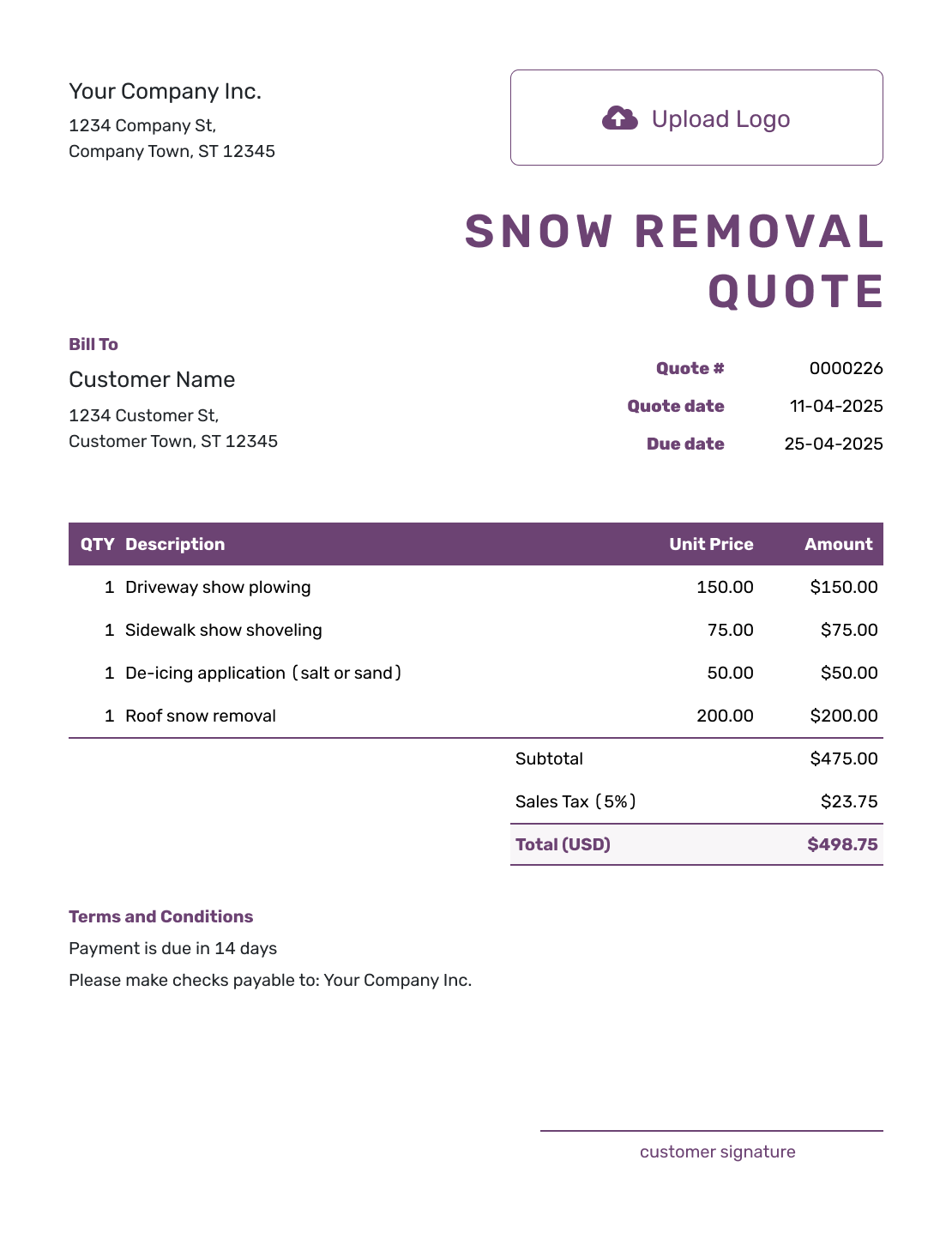
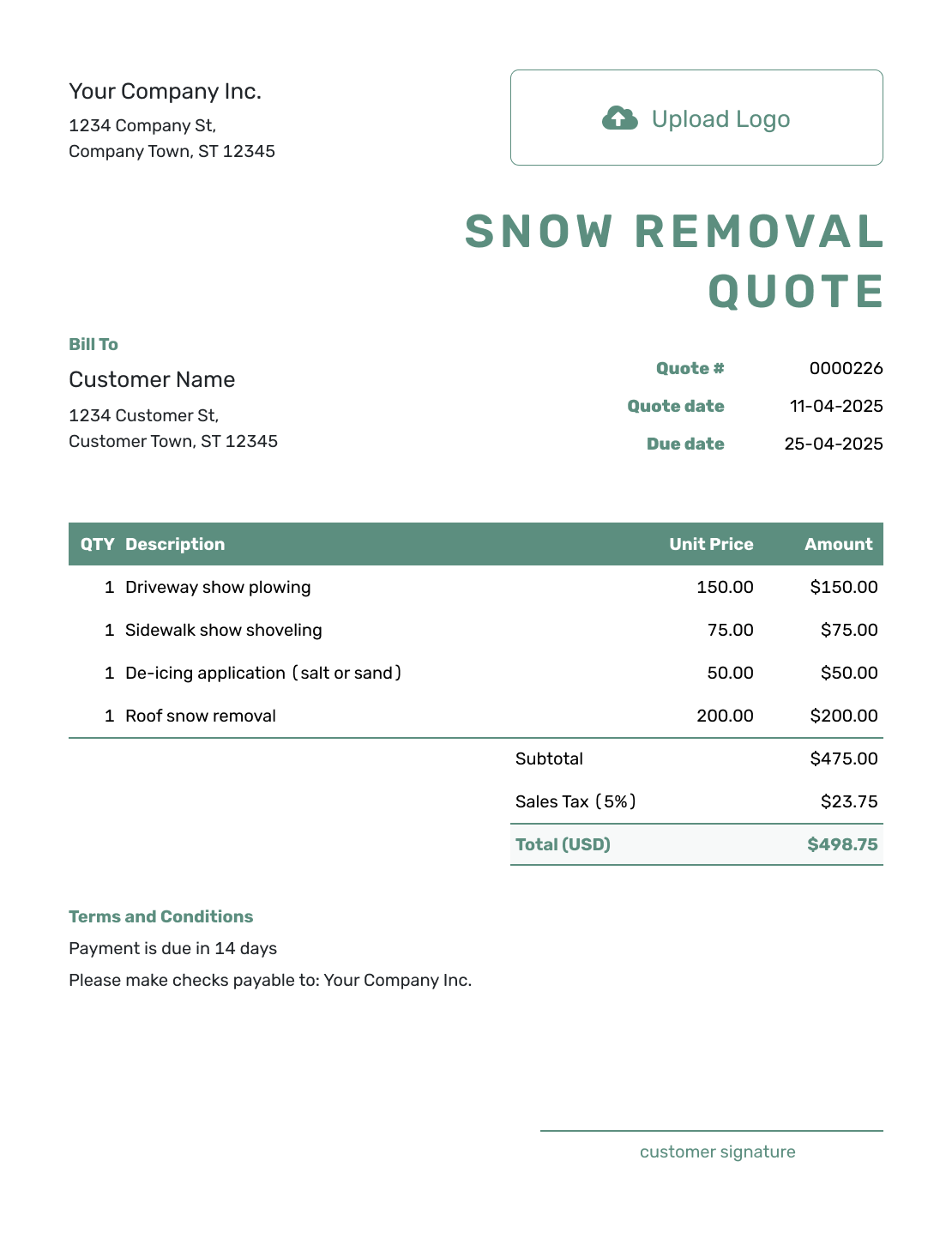
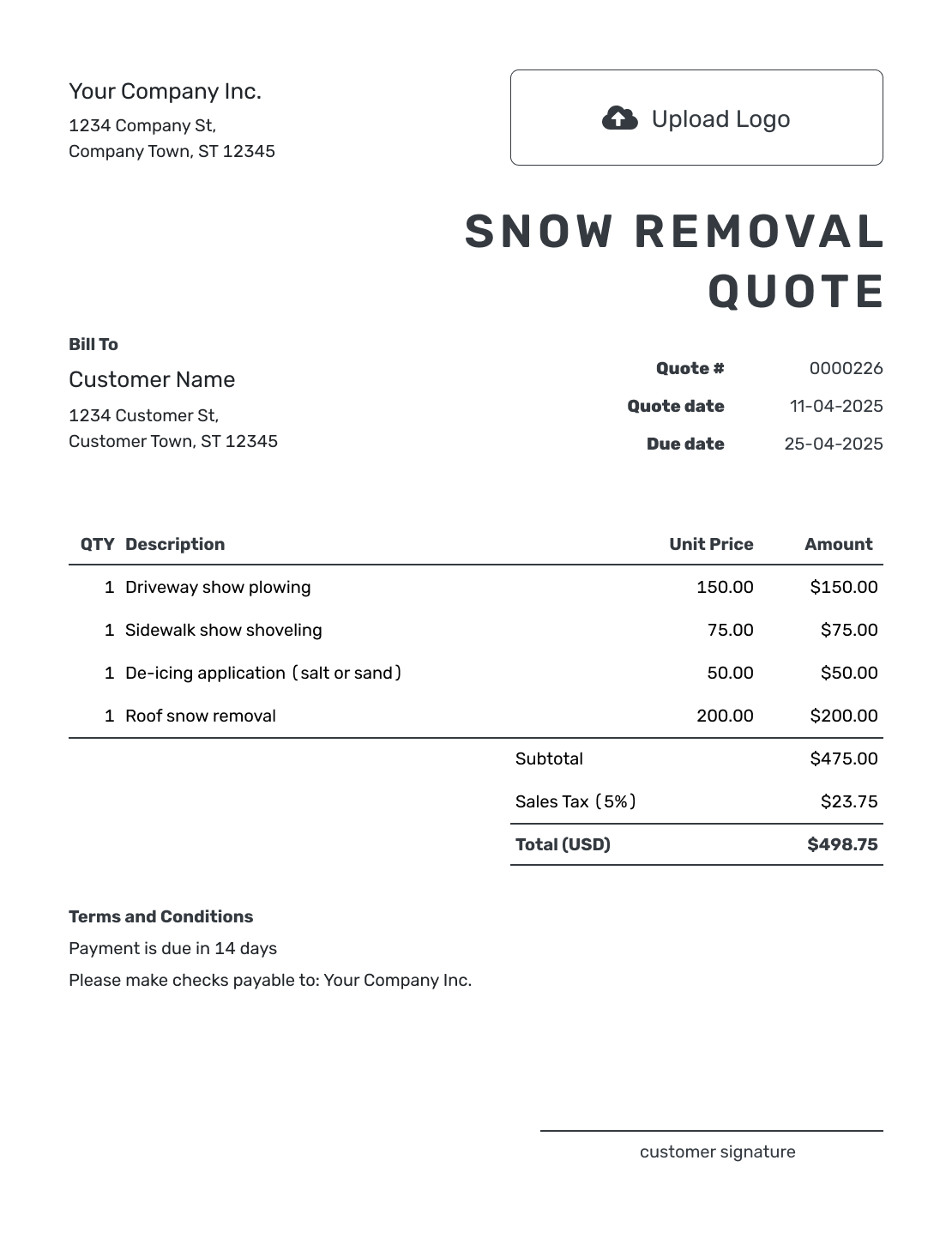
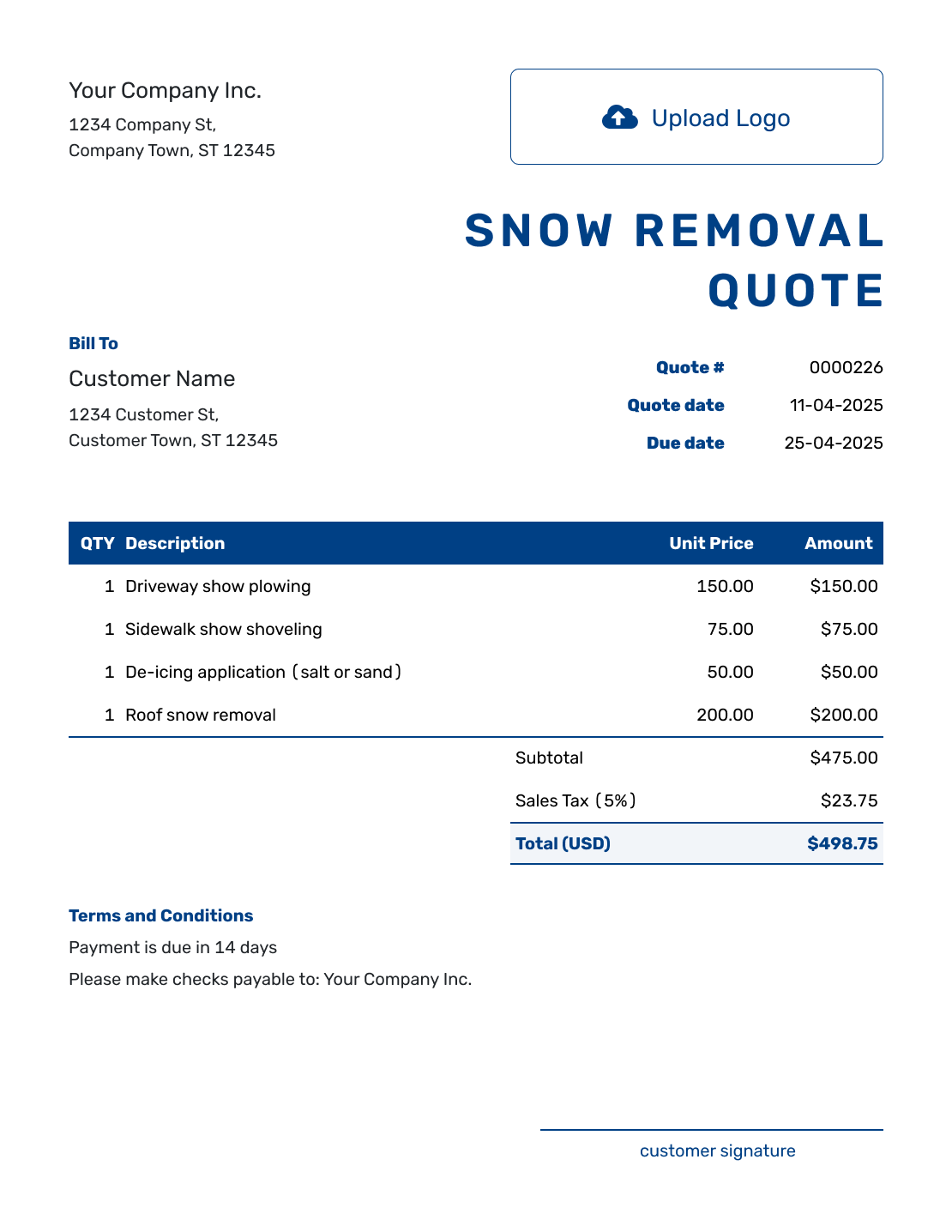
These nine previews offer layout and wording ideas for your snow service. Each opens the same quote editor, where you add your own property, service areas, and prices.
What Is a Snow Removal Quote?
A snow removal quote is a written offer for clearing and treating defined areas during a snow event or season. It tells the customer which areas you will service, what triggers a visit, what work is included, and how you will charge.
Use a quote for a one-time event, per-visit service, or a seasonal agreement when the service rules and price are clear. If the customer changes the areas or service level, update the quote before the added work begins.
Make the Snowfall Trigger and Visit Plan Clear
A snowfall trigger tells the customer when service starts; it does not explain how many visits the price covers. Pair the trigger with a visit plan so the property manager knows whether you will return during a long storm and how those visits are charged.
Identify parking areas, loading areas, entrances, and walkways by name or on an attached site plan. Mark priority and safety-sensitive areas, and name a site contact with access instructions. Agree where snow will be stacked and whether hauling is included.
How to Create a Snow Removal Quote
Build the quote around the property and the service you can offer. Docelf calculates the total from the quantities, prices, and taxes you enter.
- Snow Removal Business: Add your business details and a contact customers can reach during snow events.
- Your Logo: Add your logo so seasonal customers recognize the quote.
- Customer and Property: Enter the customer and service address. Put access details with the service scope.
- Quote Number and Dates: Check the number and issue date. Set a valid-until date for the offer.
- Service Areas and Prices: Name each separately priced service, with its quantity, unit, and rate.
- Check the Total: Review the service charges and applicable tax. Make the price per visit, event, or season clear.
- Terms and Sending: Use Terms and Conditions for the trigger, visit plan, and payment timing. Review, then email or download the quote.
How to Fill In Snow Removal Quote Line Items
A line item should name both the service and its unit. One plowing visit is different from a whole snow event. Keep separately priced walkways, de-icing, hauling, or return visits on their own lines, and describe bundled work within the base service.
This fictional quote covers one visit to a small office property after the agreed snowfall trigger. Plowing, walkway clearing, and one de-icing application are included. Prices are in US dollars, with an illustrative 8% tax on all three services; use the tax treatment that applies to your work.
| QTY | Description | Unit Price | Amount |
|---|---|---|---|
| 1 | Parking lot plowing — one visit, snow stacked on site | $120.00 | $120.00 |
| 1 | Front entrance and walkway clearing — one visit | $45.00 | $45.00 |
| 1 | De-icing application to entrance and walkway — labor and one 50 lb bag | $40.00 | $40.00 |
| Subtotal | $205.00 | |
| Sales Tax (8% illustrative) | $16.40 | |
| Quote Total | $221.40 |
What to Include in Snow Removal Quote Terms
The Terms and Conditions field connects the price to the service plan. Explain the snowfall trigger, response window, covered areas, and what happens if snow continues falling. Include only terms your business can actually meet.
This sample belongs to the one-visit quote above. Adapt the trigger and timing to your route, and replace the placeholders before sending. A seasonal quote also needs service dates and any visit or material limits.
Example: Terms and Conditions
- Valid until [date] for the parking lot, front entrance, and walkway at [service address].
- A visit is triggered by 2 inches of snow measured at the property. We will attend within the agreed response window of [hours].
- The $221.40 total includes one plowing visit, walkway clearing, and one de-icing application using one 50 lb bag. Snow is stacked in the agreed on-site area; hauling is excluded.
- Return visits or additional de-icing need separate approval and pricing. Payment is due after the visit.
Create a Snow Removal Quote Before the Next Event
Put the service plan into a quote the property manager can approve. Docelf calculates the total as you price each service. Check the visit terms, then email it or download a PDF.
Choose a Snow Removal Pricing Method
Use a pricing method your business can explain and deliver consistently. Define the service trigger before you show the price.
- Per push or visit: Charge for each dispatch or completed visit. State the trigger and what the visit includes.
- Per event or snowfall range: Set prices for an event or defined snowfall range. Explain when another event or charge begins.
- Seasonal price: Name the start and end dates, payment schedule, and limits on visits, snowfall depth, or material use. Price extra service beyond those limits. Use a separate service agreement when you need detailed operating terms.
- Hourly rate: Show the labor or equipment rate, expected time, and any minimum charge. Price materials or hauling separately when needed.
Snow Removal Quote, Estimate, or Invoice?
Use a quote to offer a specific price for a defined service. An estimate helps when the final cost is still uncertain; an invoice requests payment.
Quote
Use a quote when the service areas, trigger, and price are clear. The property contact can approve the plan before the next event.
Estimate
Use an estimate when the number of events or material use is uncertain. Explain what could change the final price.
Invoice
Send an invoice when payment is due for a visit or billing period. Its charges should match the work and payment schedule you agreed.
After You Send the Snow Removal Quote
Your customer can accept or decline the emailed quote online without a Docelf account. Check the document history for delivery and viewing information. Docelf updates the status and emails you when the customer responds.
If the service area, snowfall trigger, or priority changes, revise the scope and price, then ask the customer to accept the updated offer before the change takes effect.
When payment is due, create an invoice from the quote and check it against the visits and materials you are billing. For the next event or billing period, duplicate that invoice as a new numbered draft and update the date and charges. You can also reuse saved customer and service details when creating a new quote.
More Snow Removal Quote Layouts
-
Sample Snow Removal Quote Template
Create Free Quote -
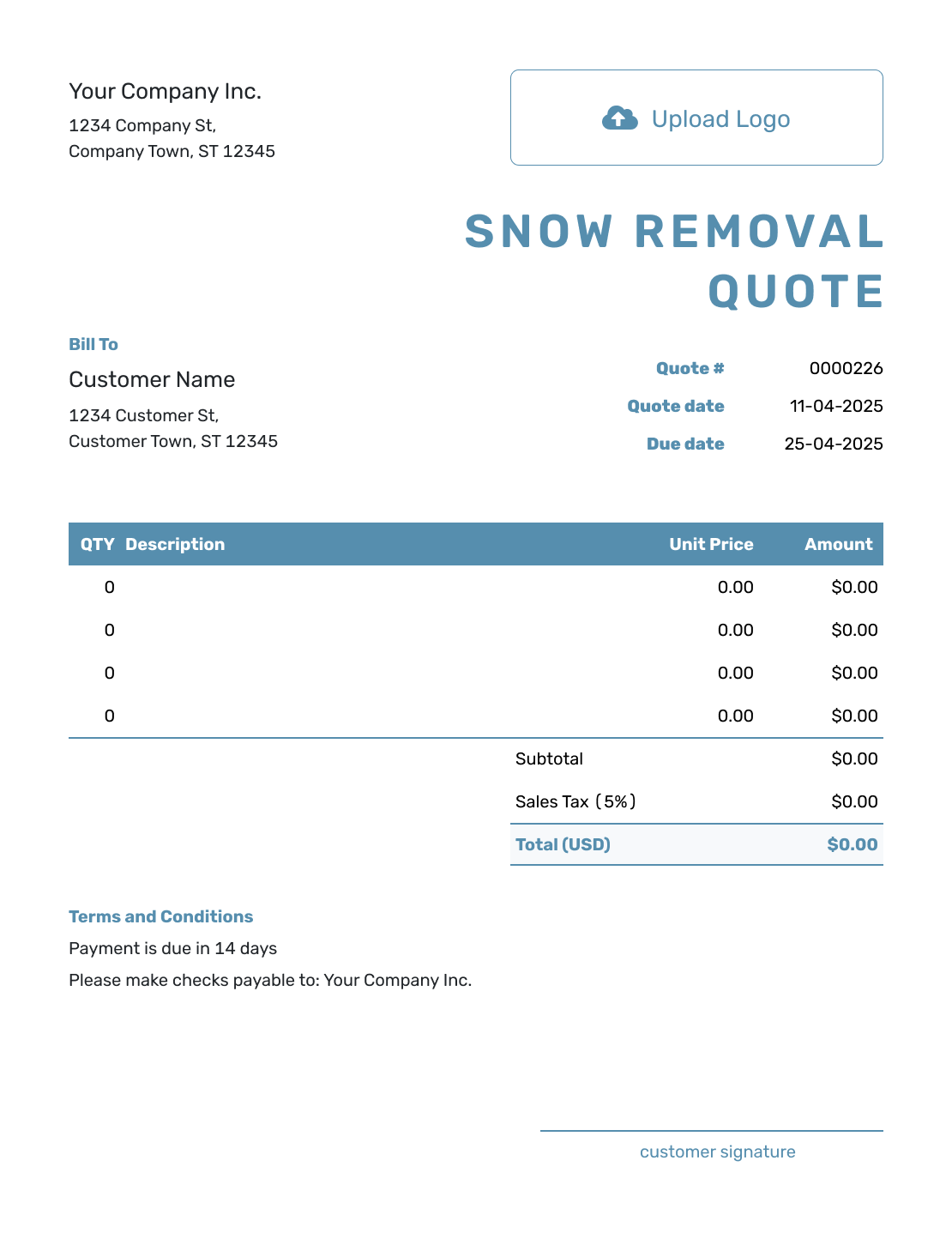
Blank Snow Removal Quote Template
Create Free Quote -
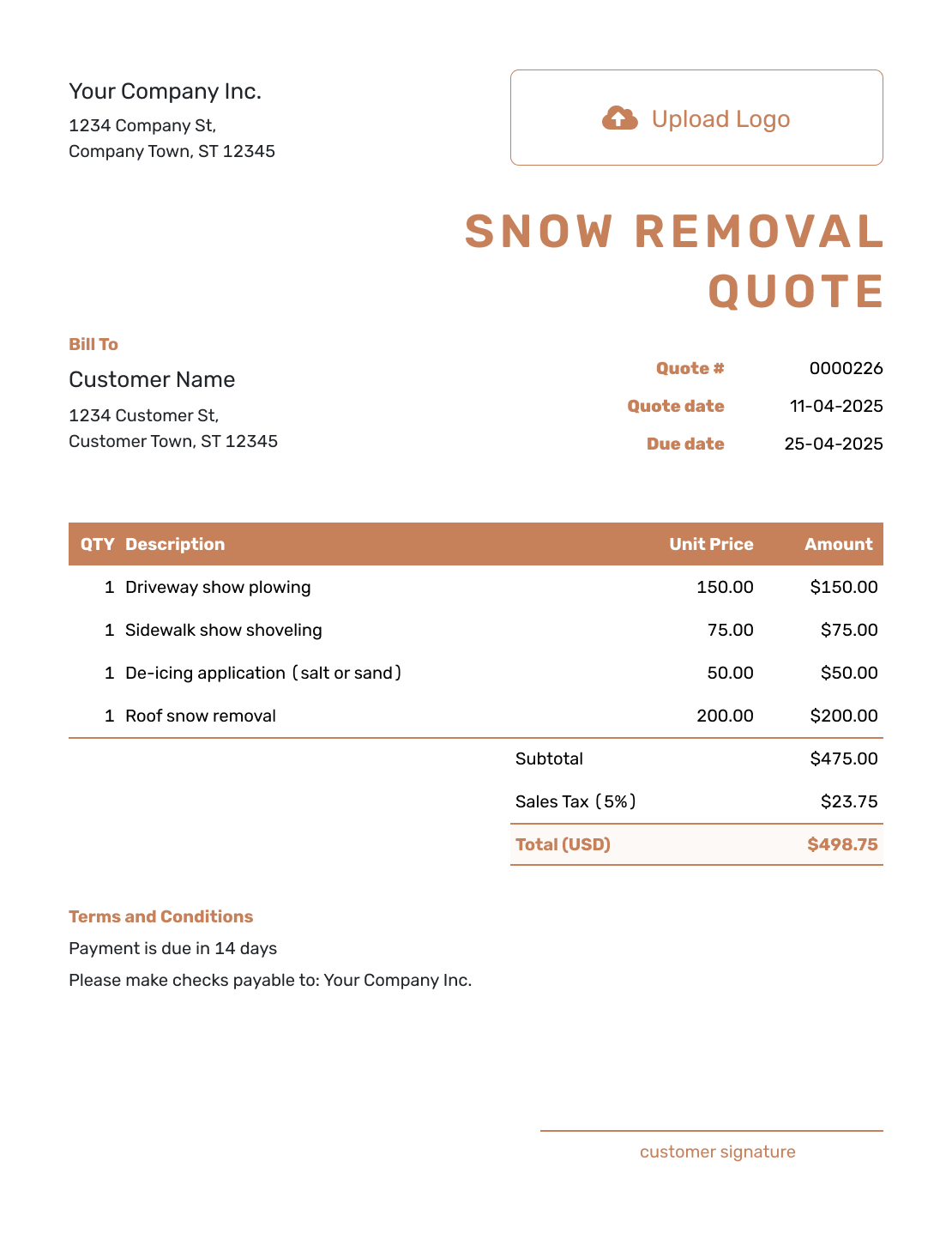
Downloadable Snow Removal Quote Template
Create Free Quote -
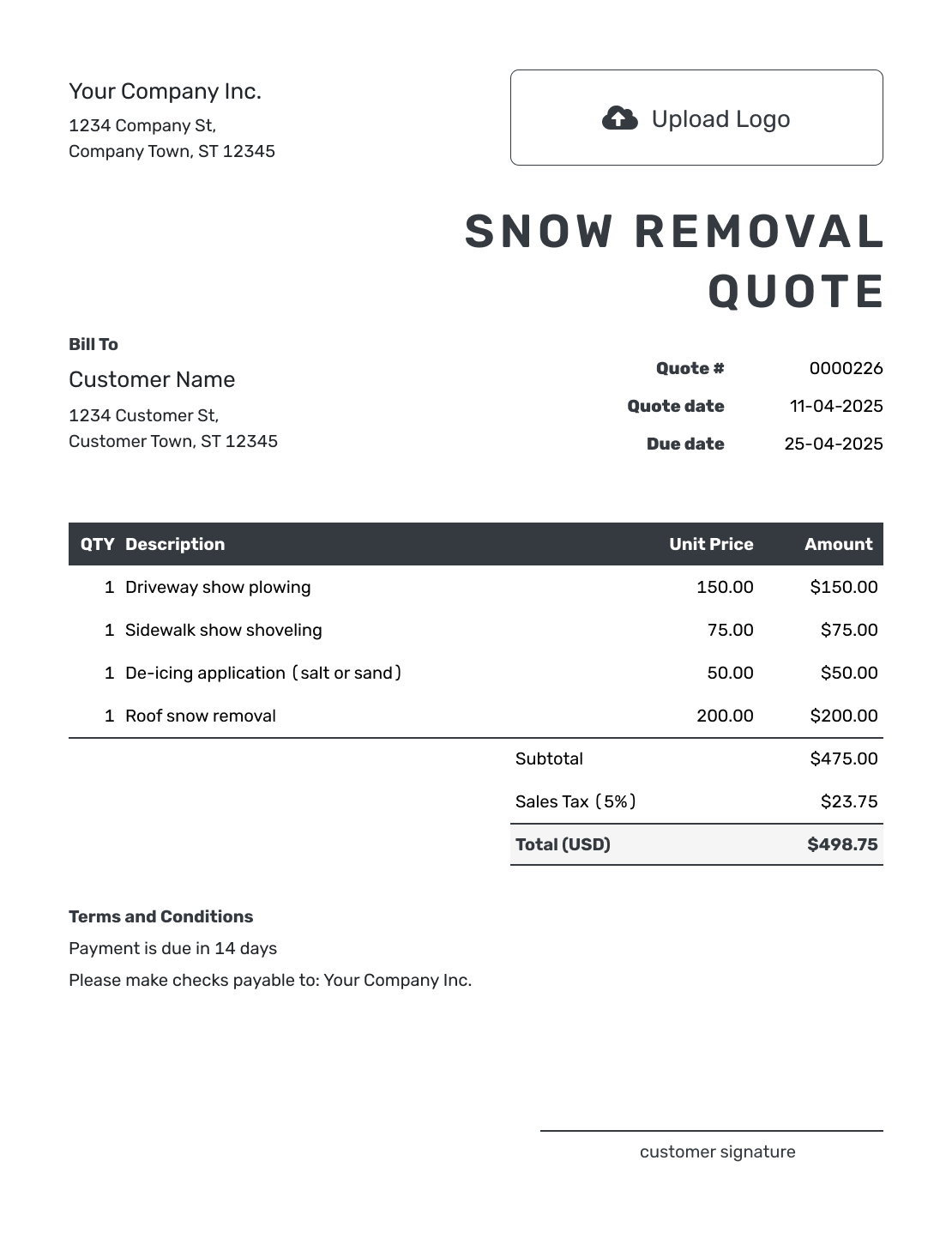
Editable Snow Removal Quote Template
Create Free Quote -
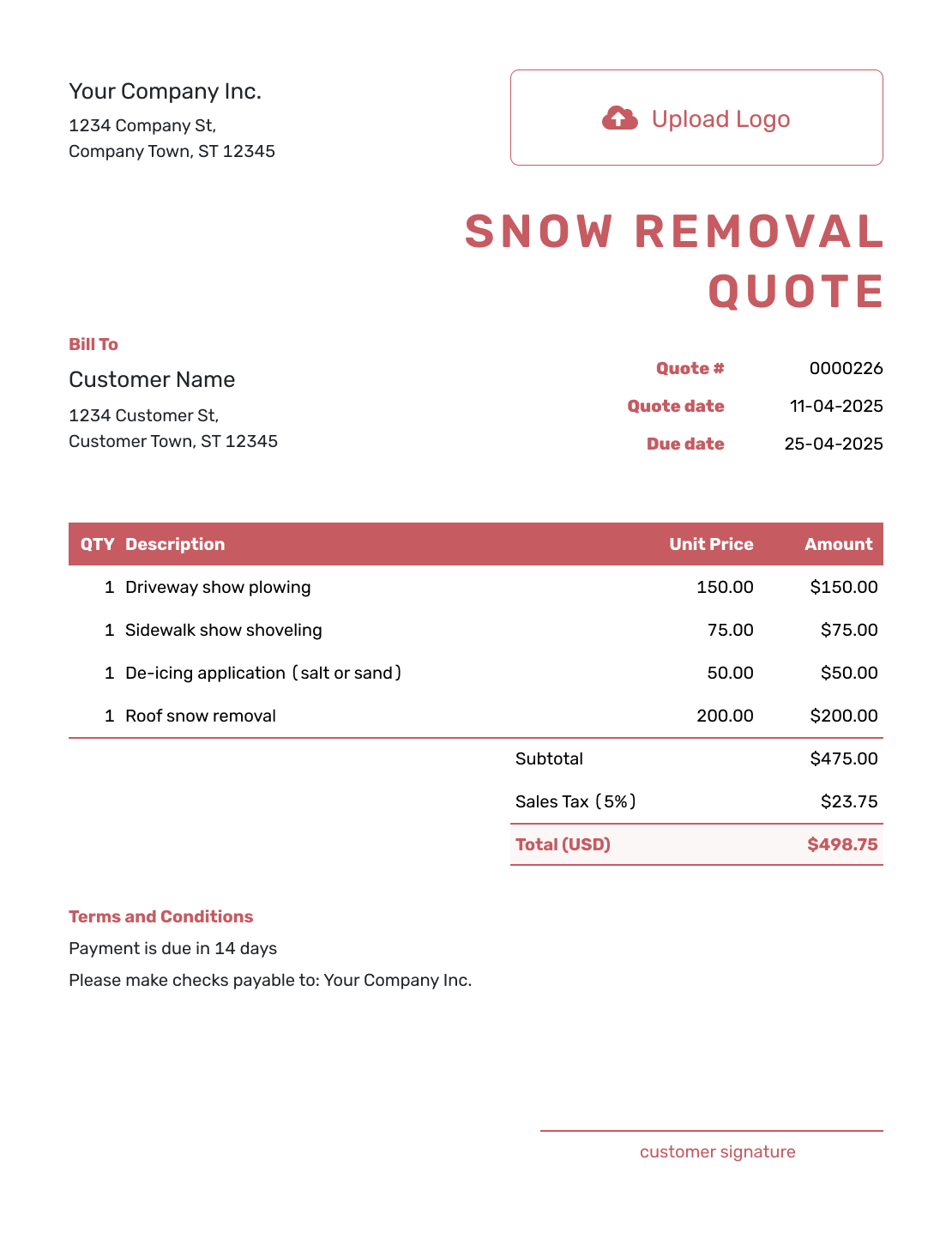
Fillable Snow Removal Quote Template
Create Free Quote -
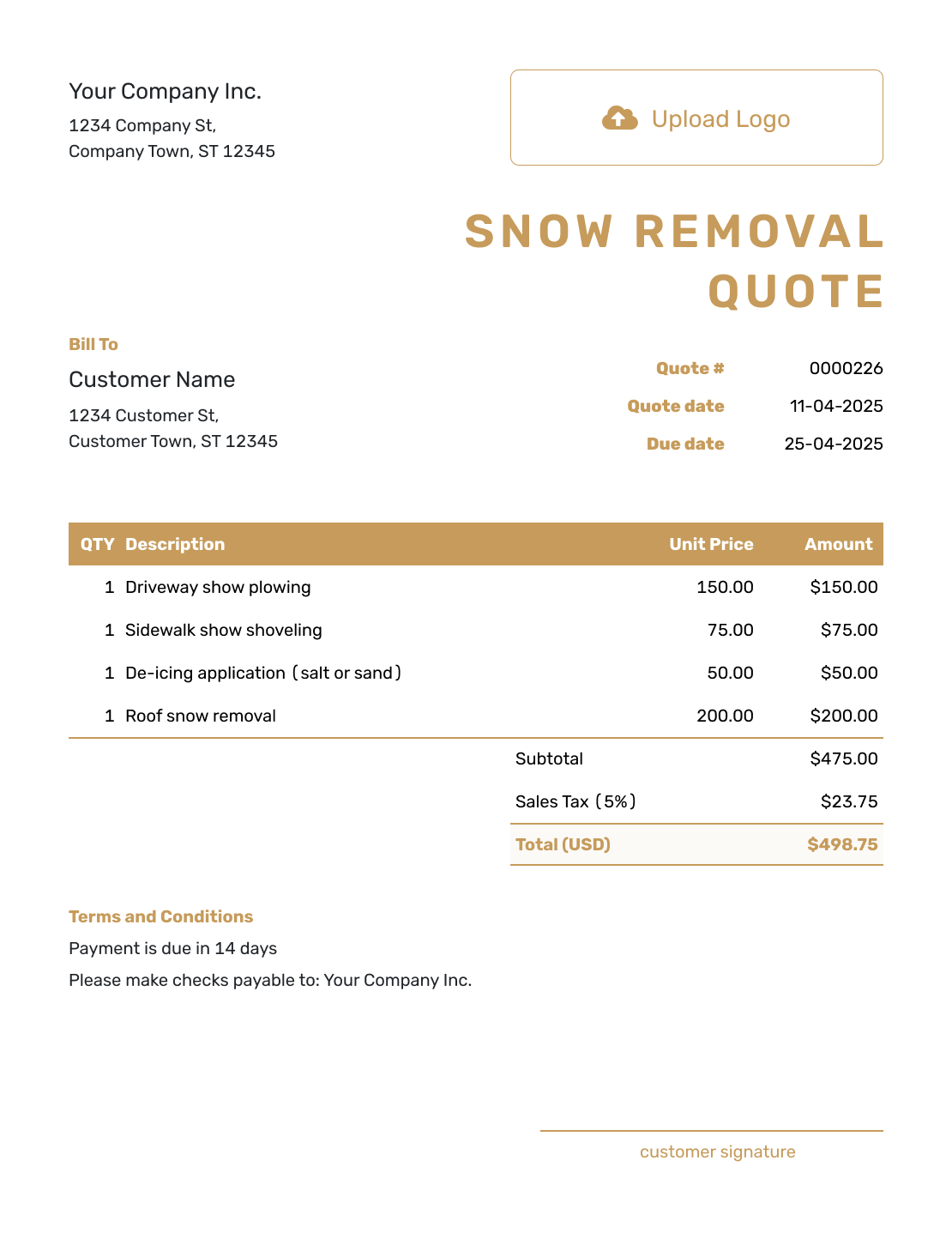
Professional Snow Removal Quote Template
Create Free Quote
More Seasonal and Outdoor Service Quote Templates
Use a snow removal quote for winter service with a clear trigger and pricing basis. Choose another outdoor template for landscaping, lawn care, or tree work.
Other Quote Template File Formats
These pages provide separate document and spreadsheet templates for writing the snow service offer. Docelf downloads your finished online quote as a PDF.
Snow Removal Quote Template FAQs
-
Does a per-visit price cover the whole snowstorm?
Not unless your offer says so. A per-visit price covers the defined visit; a storm may need more than one. Explain when you will return, what each return visit covers, and whether it is included or charged separately.
-
What should I include in a snow removal quote?
Identify the property, priority areas, snowfall trigger, and visit plan. Show the price and what it covers, including any de-icing or hauling. Add the service period, response timing, quote validity, and payment terms.
-
How do I price snow removal?
Choose a basis that fits the offer: per visit, per event or snowfall range, seasonal, or hourly. Define the service areas and included work before pricing them. Name the unit on each line so the customer can tell whether the total covers one visit or a longer service period.
-
How do I quote seasonal snow removal?
State the start and end dates, covered areas, trigger, and response plan. Explain any limit on visits, snowfall depth, or material use, with the price for work beyond that limit. Include the payment schedule and make clear whether de-icing and hauling are included.
-
Should de-icing materials be included in the quote?
State whether the price includes a set amount, an application, or actual material use. For a separately charged material, name the material, unit, and rate. In the worked example, one 50 lb bag and its application are included in the $40.00 line; additional use needs separate approval and pricing.
-
What is a snowfall trigger?
A snowfall trigger is the agreed condition that starts service, such as a stated accumulation, a snow event, or a customer request. For an accumulation trigger, say where it is measured. Keep the response window separate so the trigger is not mistaken for a promise of immediate arrival.
-
What should I do if the snow removal scope changes?
Revise the offer to show the changed area, trigger, service priority, or extra work and its price. Ask the customer to accept the updated quote before you carry out the change.
-
Can I turn an accepted snow removal quote into an invoice?
Yes. Docelf copies the relevant customer, service, and price details into the invoice. Check the line items against the actual visit or billing period and add the due date before sending.
-
How do I invoice seasonal or recurring snow removal?
For the next event or billing period, duplicate a previous invoice to create a new numbered draft. Update the dates, visits, materials, and approved charges. Check that the invoice follows the payment schedule in the service agreement.
Ready to Send the Snow Removal Quote?
Give the property contact a clear service plan before the next snowfall.
- State the trigger and what the base visit covers
- Separate de-icing, hauling, and return visits
- Email the snow removal quote or download a PDF




