Free Translation Quote Template
Create a professional translation quote in minutes
Price the translation using the language pair and source volume. The full cost is clear at a glance, helping clients feel ready to hire you.
Email, print or download your quote as a PDF.
14-day free trial. No credit card required.

Price the job. Send the quote. Get back to work.
Translation Quote Template Examples
Browse the layouts before adding your own language pair and source files. Each preview opens the same Docelf quote editor.
-
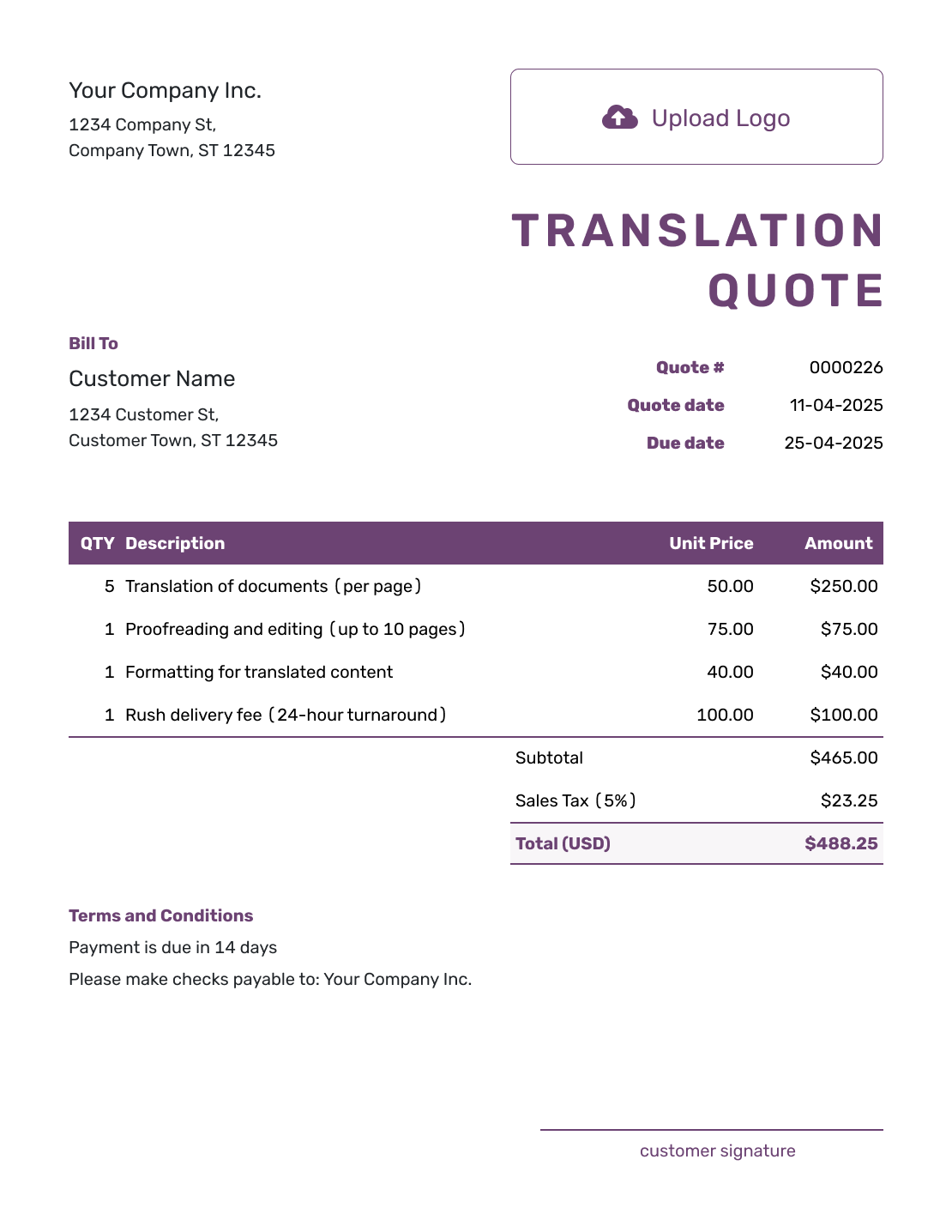
Free Translation Quote Template
Start with a clean layout for the language pair, volume, rate, and deadline.
Create Free Quote -
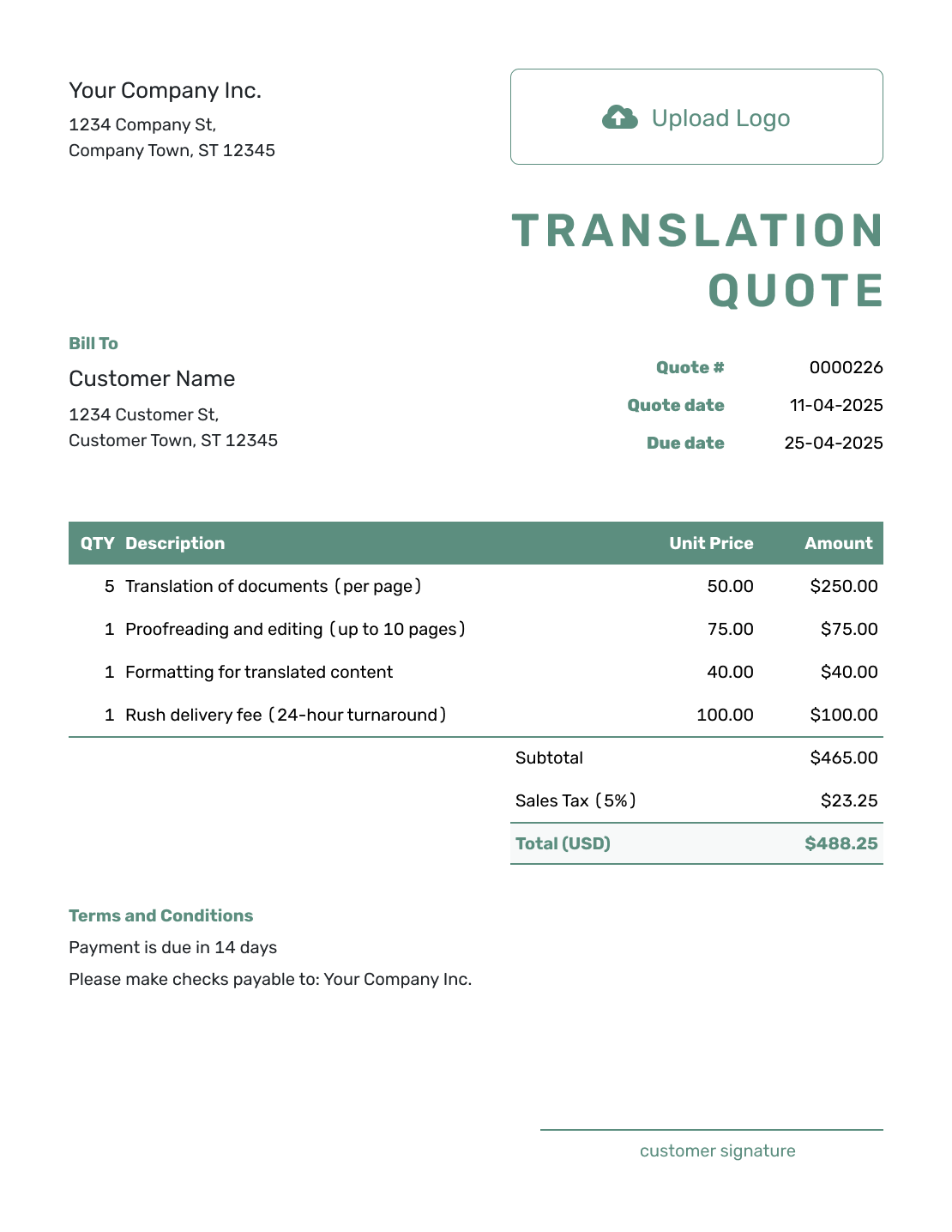
Simple Translation Quote Template
Keep a straightforward translation job focused on quantity, price, and delivery.
Create Free Quote -
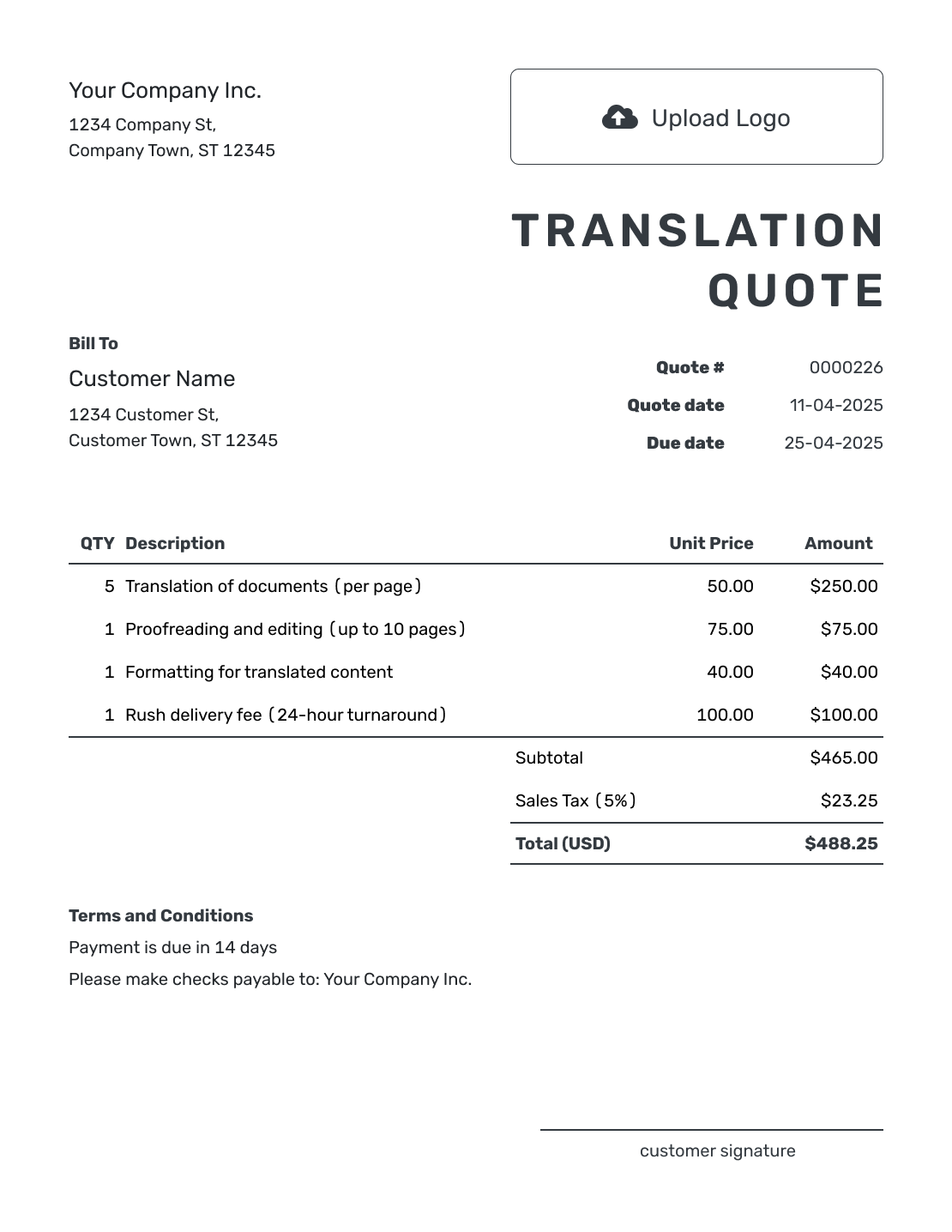
Printable Translation Quote Template
Use a translation layout that stays clear when reviewed on paper or PDF.
Create Free Quote
What Is a Translation Quote?
A translation quote is a written offer for a specific language assignment. It connects the source files and language pair to the service, price, and delivery date.
Review the files before fixing the offer. A readable word count may be enough for a straightforward document; scans, specialist terminology, or complex formatting can need a closer look. If the files or deadline change, agree on the revised quote before starting extra work.
How to Create a Translation Quote
Confirm the source files and the service the client needs before entering the price. Complete the fields below, then check the finished offer before emailing it or downloading a PDF.
- Your Business: Add your translation business and contact details.
- Your Logo: Add the logo used on your client documents.
- The Client: Enter the client receiving the translation offer.
- Number and Dates: Check the quote number, issue date, and valid-until date.
- Services and Rates: Name the language pair and source files. Add quantities and rates.
- Tax and Total: Check additional charges, any tax, and the full price.
- Terms and Conditions: Add delivery, revision, payment, and source-change terms.
Choose the Translation Pricing Unit
Use the unit that matches the assignment, and name it beside the quantity. A client should be able to check how you reached the price. Confirm the count before quoting a fixed total, or explain how an unconfirmed quantity will be agreed.
Per Word
A confirmed source-word count lets you price the text before translating it. If you charge by target words instead, say how the final count and amount will be agreed.
Per Hour
Use an hourly rate when the effort is not reflected by word count. This can fit editing, research, or formatting work.
Per Minute
For audio or video, say whether the rate covers translation, transcription, or subtitles. Define the source duration and whether subtitle timing or captions are included.
Per Page or Project
A fixed project fee suits a defined set of files and services. For a per-page price, define what counts as a page so a short certificate and a dense report are not treated as the same unit.
How to Fill In Translation Quote Line Items
Name the language pair and source file in the translation item. Give separately priced review or formatting its own row; leave work already included in your translation rate within that price.
This fictional offer is for a 2,000-word product guide translated from English into Spanish. Proofreading by a second linguist and two hours of layout formatting are separately priced. Values are in US dollars, with an illustrative 8% tax on all items; use your own rates and applicable tax treatment.
| QTY | Description | Unit Price | Amount |
|---|---|---|---|
| 2,000 | English to Spanish translation — Product guide v1, source words | $0.12 | $240.00 |
| 2,000 | Second-linguist proofreading — per source word | $0.04 | $80.00 |
| 2 | Translated document layout formatting — hours | $40.00 | $80.00 |
| Subtotal | $400.00 | |
| Sales Tax (8% illustrative) | $32.00 | |
| Quote Total | $432.00 |
What to Include in Translation Quote Terms
The Terms and Conditions field connects the price to the files you reviewed. Identify the source version and confirmed count, then explain delivery, revisions, and payment. Include only terms you actually use.
This sample goes with the product-guide example above. Replace the placeholders with agreed dates and adapt the revision period to the assignment.
Example: Terms and Conditions
- Valid until [date] for Product guide v1: 2,000 confirmed English source words translated into Spanish.
- Includes translation, proofreading by a second linguist, and two hours of layout formatting. Translated files will be delivered in DOCX and PDF by [date, time, and time zone].
- One round of corrections within seven days of delivery is included. New source text, another target language, or layout work beyond the stated hours needs an agreed revised price.
- Payment is due within 14 days of the invoice. The delivery date assumes acceptance and receipt of all source files by [date].
Create a Translation Quote Ready to Send
Add the confirmed word count and your rates. Docelf calculates the total, including separately priced services. Check the delivery terms, then email the offer.
Separate Translation From Additional Services
Your base rate might include editing, proofreading, or terminology checks. Say what is included before listing extras, so the client is not charged twice for the same work. A second linguist, complex formatting, or rush delivery can have a separate price when it is an additional service.
List certification, sworn translation, notarization, or physical copies only when you can provide them. Confirm what the receiving organization requires before offering a certification service; the terms are not interchangeable.
For a small assignment, explain any minimum charge. It sets the lowest total for the service. If you show a separate adjustment, charge only the difference between the calculated fee and the minimum.
For work beyond translation, browse the professional service quote templates for freelance, hourly-rate, project, and general services alternatives.
Check the Translation Offer Before Sending
Compare the quote with the source files and the client’s instructions before sending it. Pay particular attention to details that a price table alone cannot explain.
- The source version, language pair, subject matter, and intended use match the assignment.
- The quantity, rate, separately priced services, any minimum-charge adjustment, and tax add up to the quoted total.
- The delivery date and translated file formats match what the client needs.
- Revision limits, confidentiality terms, and client responsibilities reflect the agreed work.
- Payment timing and the way to accept the offer are clear.
Did the Files or Word Count Change? Update the Quote
Keep the accepted quote tied to the exact source version. A replacement file, extra pages, or another target language can change both the price and the time needed.
Agree on the change before translating the extra content. Update the affected items, delivery date, and terms, then send the revised quote. If you agreed to bill by a final confirmed quantity, use that same method when checking the invoice.
More Translation Quote Layouts
-
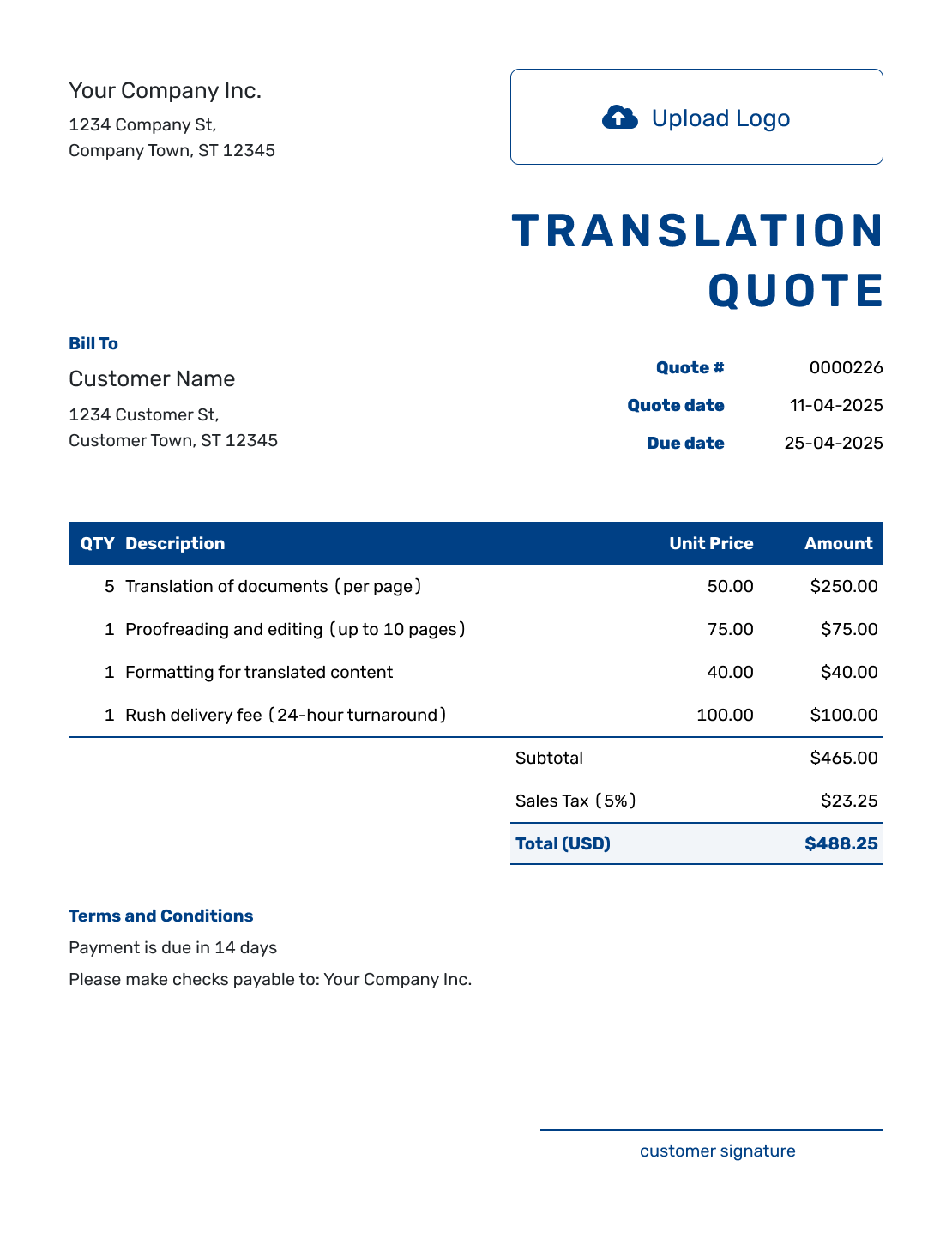
Sample Translation Quote Template
See how word count, language pair, proofreading, and fees can be shown.
Create Free Quote -
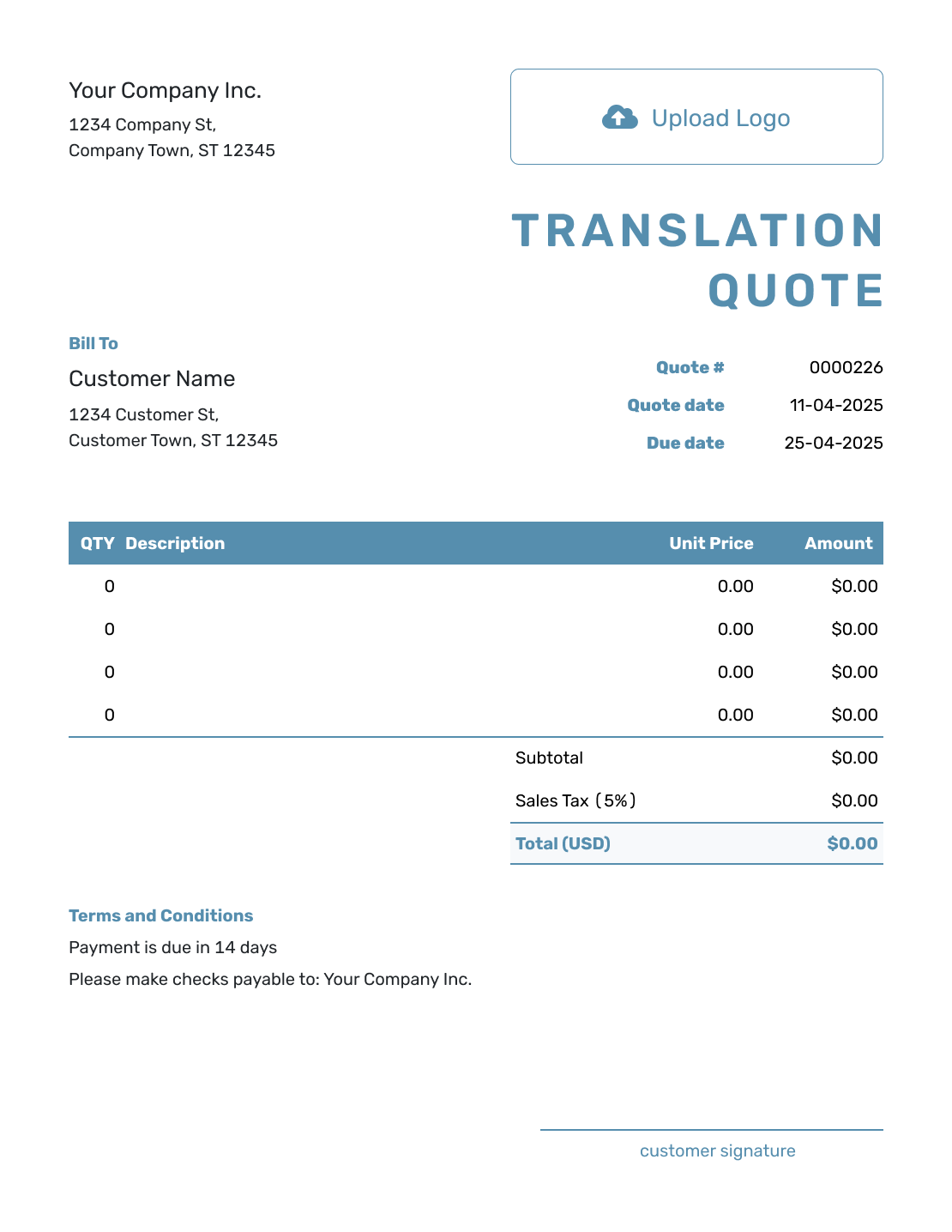
Blank Translation Quote Template
Build the quote from scratch when the job has unusual files or service needs.
Create Free Quote -
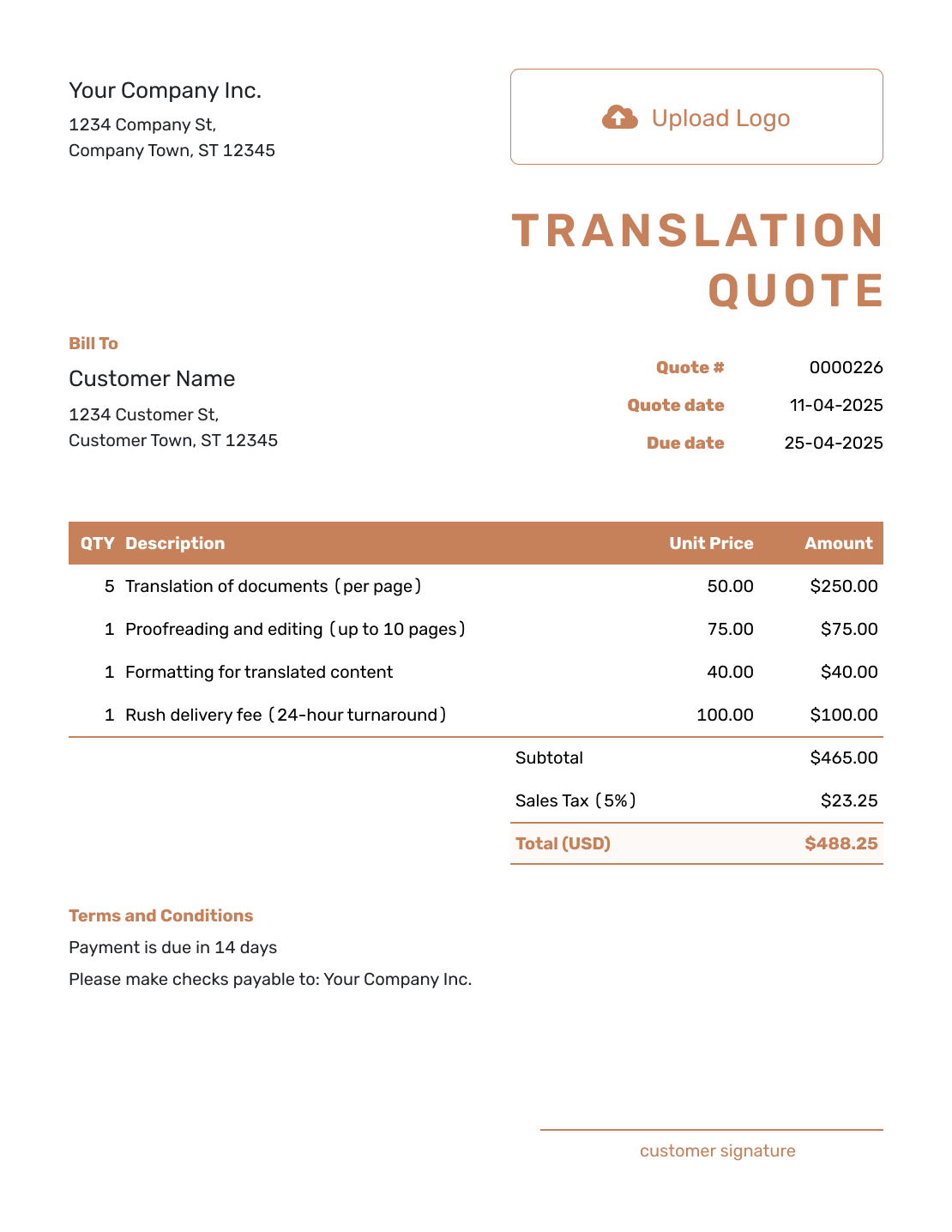
Downloadable Translation Quote Template
Use the layout for inspiration, then save the finished translation quote as a PDF.
Create Free Quote -
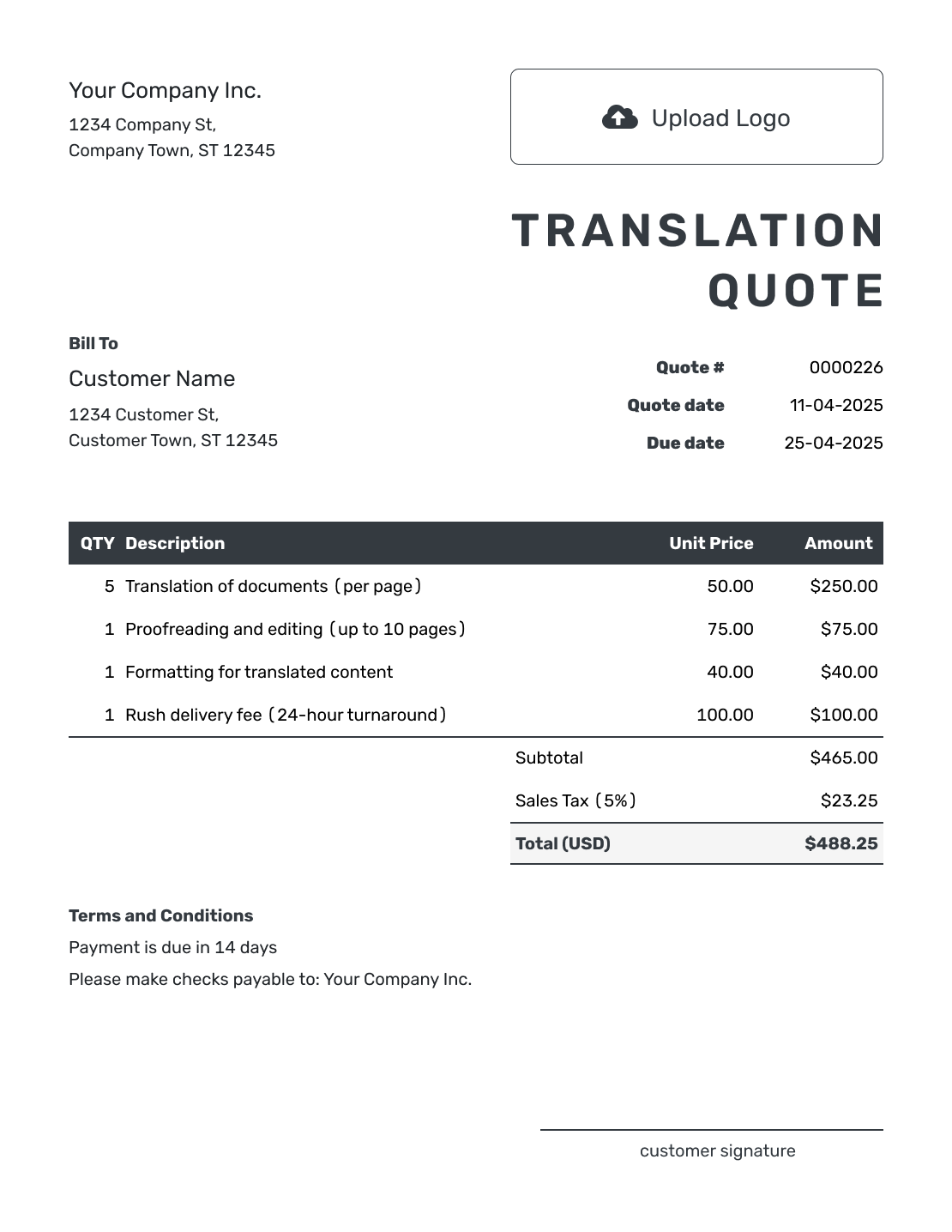
Editable Translation Quote Template
Adjust word counts, rates, services, and deadlines before you send the quote.
Create Free Quote -
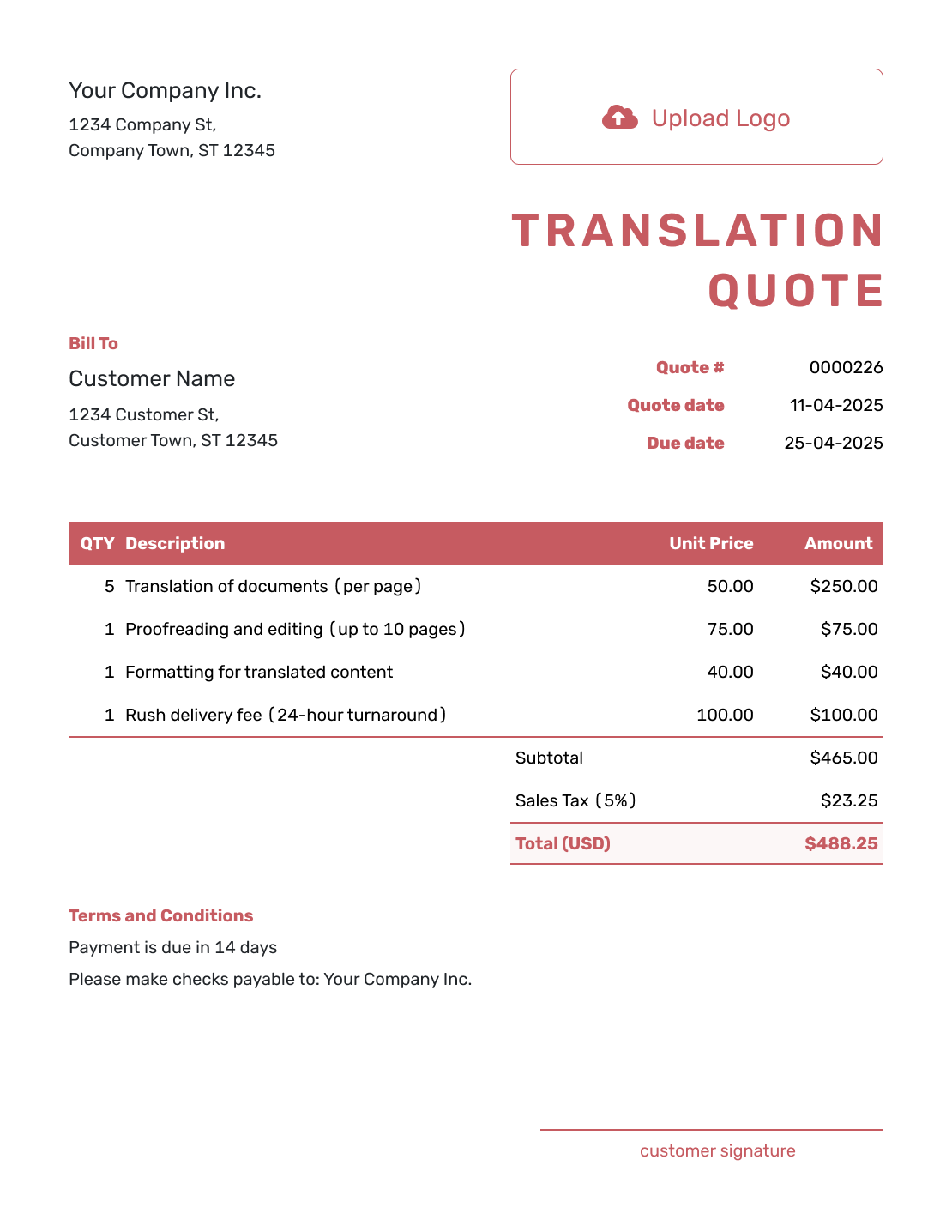
Fillable Translation Quote Template
Work through languages, source files, pricing units, and terms in a clear order.
Create Free Quote -
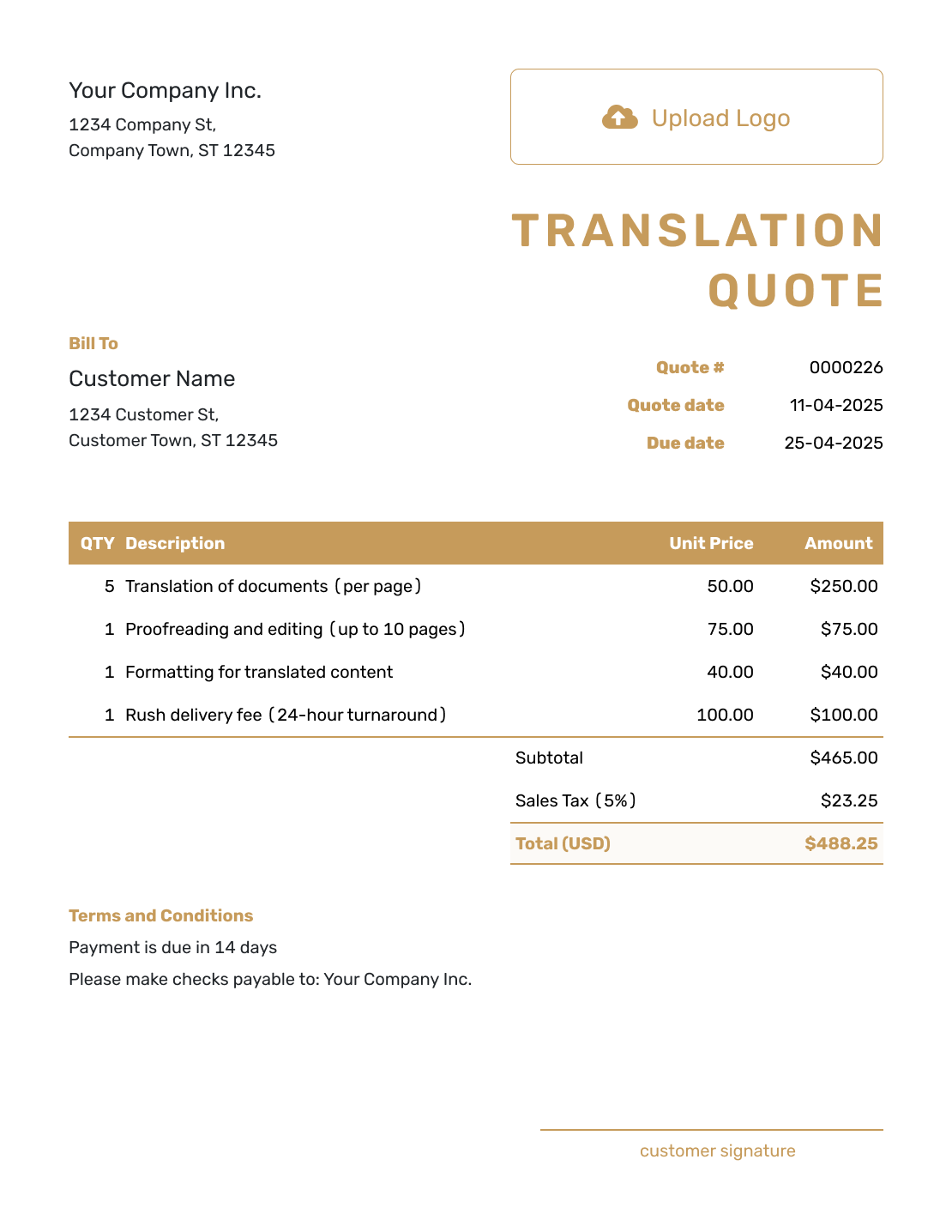
Professional Translation Quote Template
Present translation, review, certification, and delivery fees in a polished layout.
Create Free Quote
Translation Quote Template File Formats
Prefer a document or spreadsheet? These pages provide separate file templates. Docelf downloads the finished online quote as a PDF.
Related Quote Templates
Choose a related template for freelance work, hourly pricing, projects, or general services.
After You Send the Translation Quote
The document history shows when your emailed quote was delivered and opened. Your client can accept or decline online, and Docelf emails you their response. An opening tells you they have viewed the offer; check their response before treating the assignment as accepted.
When it is time to bill, create an invoice from the quote. Docelf copies the client, service, quantity, and rate details. Check these against the agreed files and any approved changes, then add the payment due date before sending.
Translation Quote Template FAQs
-
What is a translation quote template?
A translation quote template is a reusable layout for language services. It states the language pair, source quantity, deadline, and price. It also records the terms and acceptance details.
-
What should I include in a translation quote?
Include the language pair and source files. State the quantity, pricing unit, and delivery date. Add the services, fees, payment terms, and acceptance details.
-
How do I calculate a translation quote?
Multiply the agreed quantity by your rate, then add separately priced services and applicable tax. A minimum charge is the lowest service fee, not another full fee on top. In the example above, translation, proofreading, and formatting total $400.00 before $32.00 illustrative tax.
-
Should I charge per source word or target word?
Use the method you can define and verify clearly. A confirmed source-word count lets the client see the total before translation starts. If you bill by target words, explain how you will confirm the final count and agree on the resulting amount.
-
How do I quote proofreading or editing?
List proofreading or editing as a separate service when it is not included in the translation rate. State whether it is priced per word, per hour, or as a fixed fee.
-
How should I handle rush translation fees?
Add rush delivery as a separate line item or state the adjusted rate. Include the delivery deadline and any limits on revisions or customer response times.
-
What if the final word count changes?
Update the quote before work begins when the source files or quantity change. If the quote states that billing uses the confirmed final quantity, adjust the invoice to that agreed count.
-
Can I turn an accepted translation quote into an invoice?
Yes. Docelf reuses the customer, language-service, quantity, and rate details so you can review the invoice instead of entering them again.
-
Can I email or download the translation quote?
Yes. Email the translation quote through Docelf or download a PDF to print or send yourself. Creating or editing the quote does not email it; you choose when to send.
Ready to Send Your Translation Quote?
Give the customer a complete translation offer before you reserve the deadline.
- Show the pricing unit and base language service
- Include the services and delivery date you agreed
- Email the translation quote or download a PDF




