Free HOA Dues Invoice Template
Create a professional HOA dues invoice in minutes
Bill each homeowner for regular dues, with any special assessments listed as separate charges. Help your association collect the payments it needs to cover shared expenses.
Email, print or download your invoice as a PDF.
14-day free trial. No credit card required.

Create the invoice. Send it. Get back to work.
Choose an Invoice Layout for HOA Dues
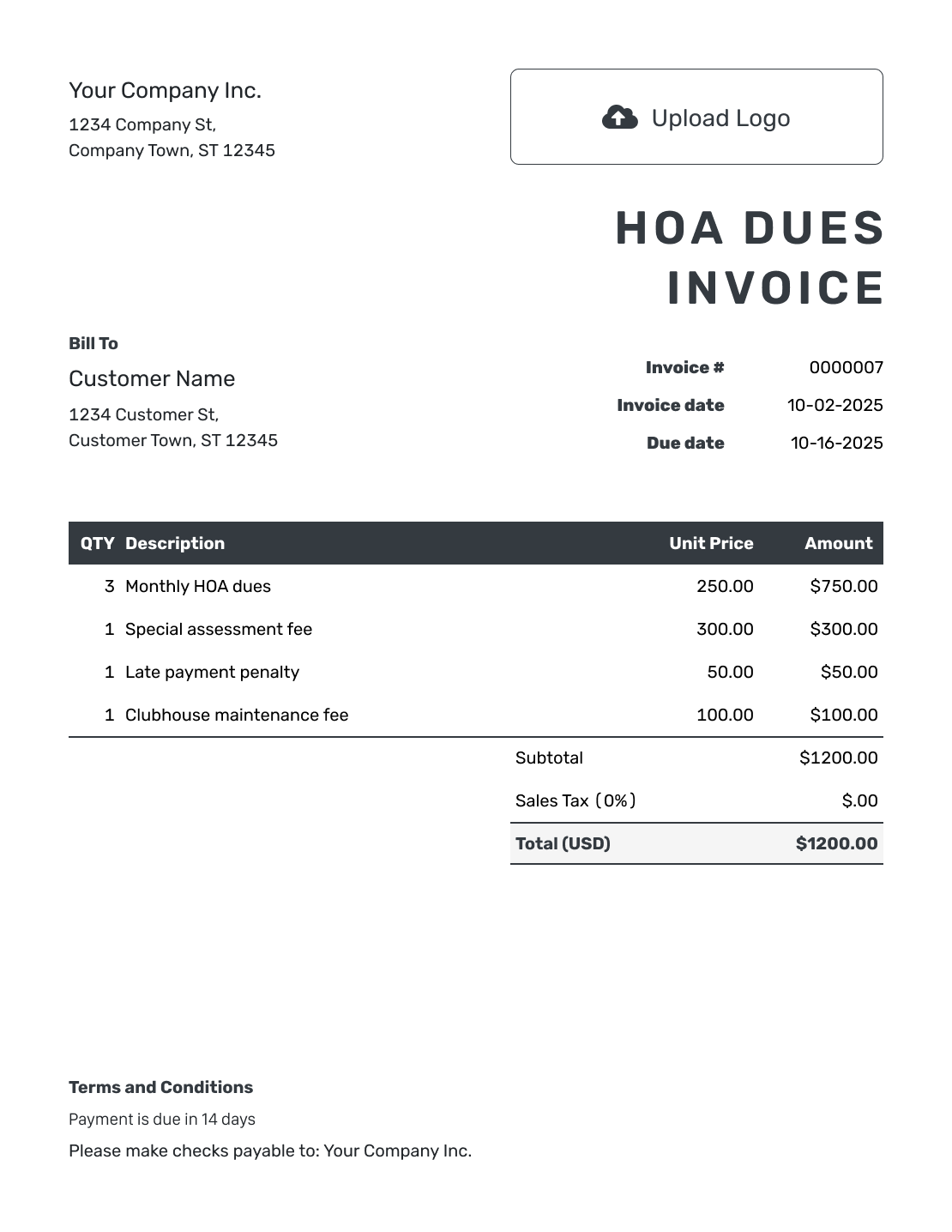
Choose a layout for the dues and assessments you need to bill. Use the association’s actual charges and billing period. Each button opens the invoice editor.
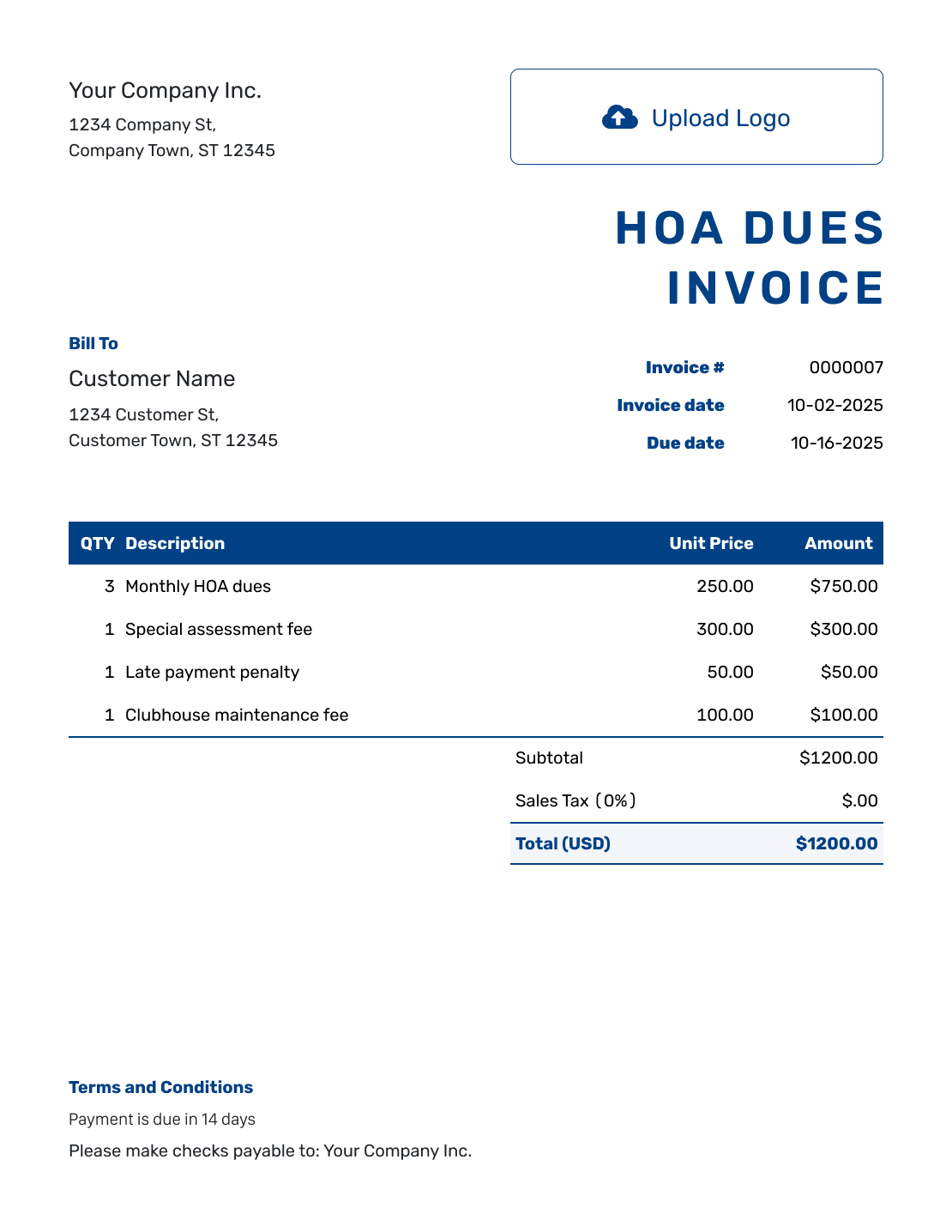
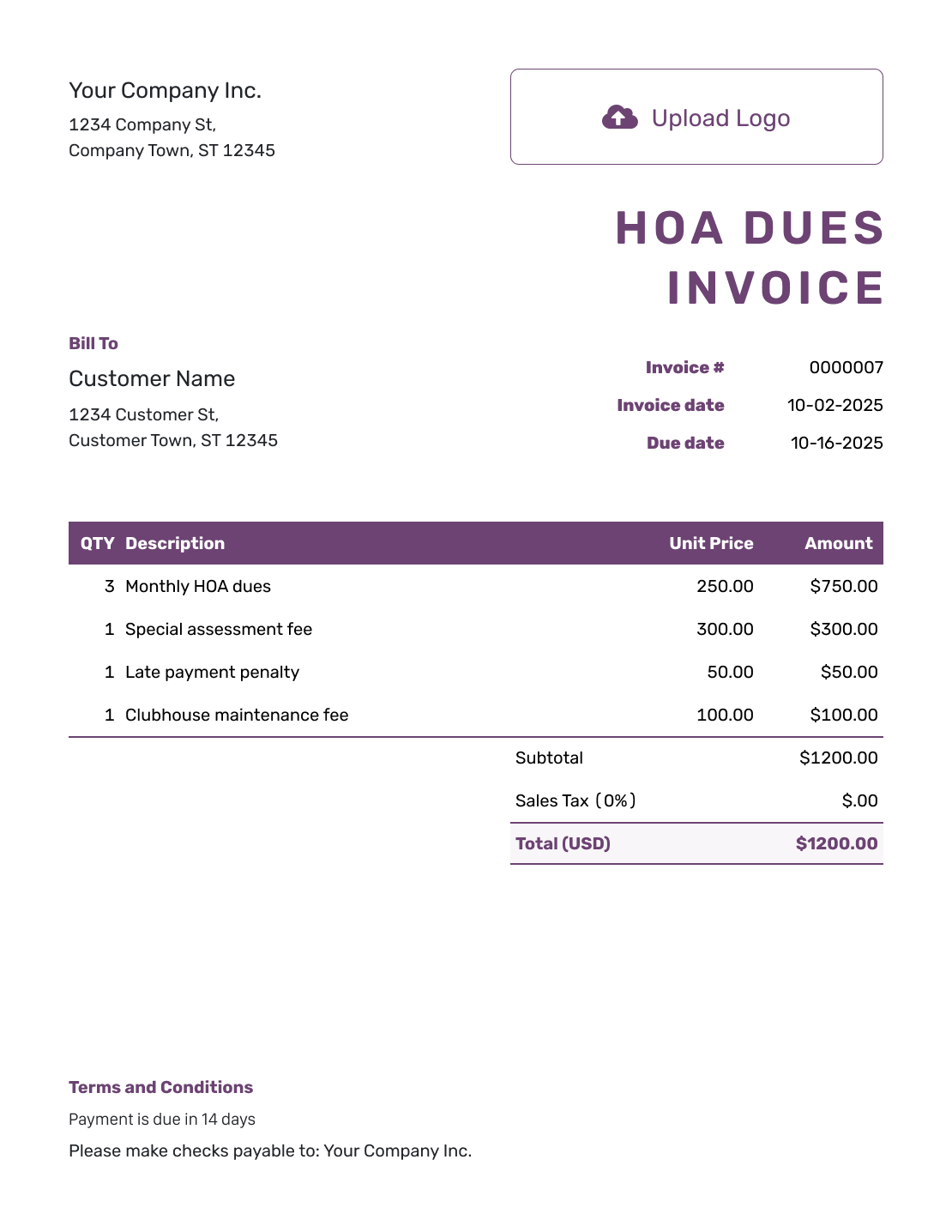
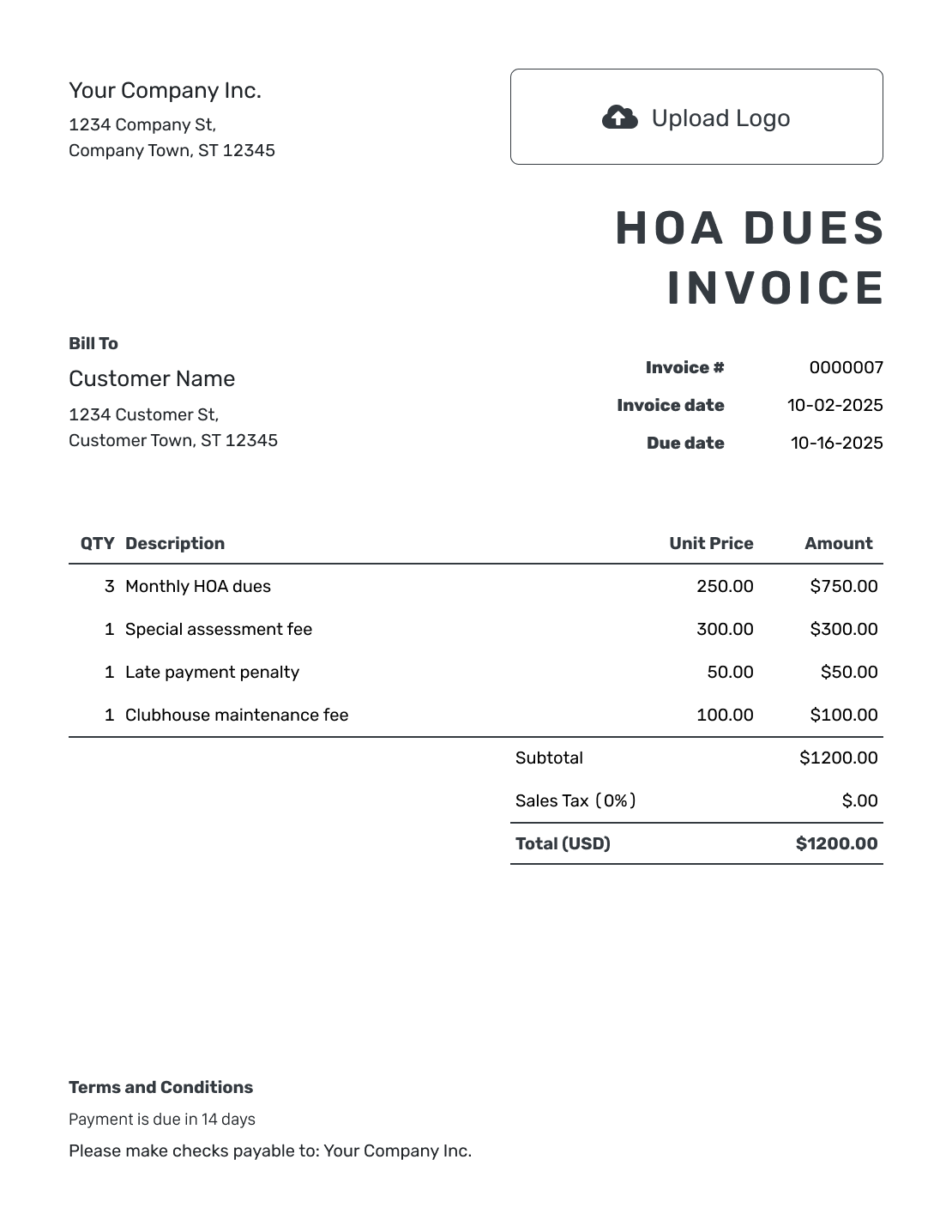
Bill the Right Homeowner for the Right Period
Show the homeowner, property, and billing period on the HOA invoice. Include the unit or property address even when the homeowner gets mail elsewhere.
The dues period tells the homeowner what the charge covers. The due date tells them when to pay. For September dues, show both the month and the payment deadline.
How to Create an HOA Dues Invoice
Have the homeowner’s details and the association’s charge schedule ready. List only the amounts you need to bill now.
- Name the Association: Enter the association name and a contact for billing questions.
- Add the Association Logo: Use your usual logo so homeowners recognize the sender.
- Add the Homeowner: Enter the billing contact. Identify the property or unit in the description or Terms and Conditions.
- Set the Number and Dates: Check the invoice number and date. Set the payment deadline for this bill.
- List Dues and Assessments: Name the billing period. List each assessment that is not included in regular dues.
- Review the Amount Due: Check the amounts against the association’s schedule. Docelf adds them to calculate the total.
- Add Payment Instructions: Add payment instructions and the property or invoice reference in Terms and Conditions. Review the invoice, then send it.
How to Fill In HOA Dues Invoice Line Items
Use the charge names from the association’s schedule. List regular dues and any separately billed assessment on different lines.
This fictional example bills Unit 24 for September 2026 in US dollars. The reserve contribution is separate from regular dues. Leave it out as an extra charge when your dues already include it.
No tax is included in this example. Check which taxes apply to your association’s charges.
| QTY | Description | Unit Price | Amount |
|---|---|---|---|
| 1 | September regular dues — Unit 24 | $275.00 | $275.00 |
| 1 | September reserve contribution — Unit 24 | $45.00 | $45.00 |
| 1 | Roof assessment — common-area roof repairs | $80.00 | $80.00 |
| Subtotal | $400.00 | |
| Amount Due | $400.00 |
What to Include in HOA Dues Invoice Terms
Use Terms and Conditions to tell the homeowner when and how to pay, including the invoice or property reference. This is also a useful place for property details that are not in the line items.
Use the association’s actual payment policies. Before adding late fees or other conditions, check the governing documents and local requirements. Adapt the example below to the association’s payment instructions.
Example: Terms and Conditions
- This invoice covers the September 2026 charges listed for Unit 24.
- Payment of $400.00 is due by [Due Date] using the association’s payment instructions.
- Include Unit 24 and invoice [Invoice Number] with the payment.
- Direct questions about a charge to [Association Billing Contact].
Make the Dues Bill Easy to Recognize
Keep the unit and dues period easy to find. Docelf calculates the total from the charges you enter. Review the bill, then email it to the homeowner.
Check What Belongs on This Dues Invoice
Check these details before sending the current period’s bill.
Regular Dues
Use the amount and billing period in the association’s schedule. Do not charge included services again as extras.
Special Assessments
Name the project or assessment so the homeowner can recognize the charge. If it is split into installments, identify the one due now.
Earlier Invoices
Refer to an unpaid invoice by its number. Do not add those charges again as new dues.
Recorded Payments
Record each payment on the invoice it pays. Check the invoice number before adding it.
Reuse the Invoice for the Next Dues Period
A previous invoice saves you entering the same association and homeowner details again. Duplicate it in Docelf to create a new draft with a new invoice number, then update the billing period and due date.
Before sending, check the homeowner and property details against your current records. Any assessment installment also needs the right label and amount for this period. You review and send each new invoice yourself.
Use the Association’s Usual Billing Details
The association’s logo and usual fonts and colors help homeowners recognize the bill. A billing contact in the footer gives them someone to ask about a charge.
An attached assessment notice can explain a charge without crowding the invoice. Use a PDF or image, and choose the association’s billing currency: Docelf supports USD, EUR, GBP, CAD, and AUD.
Match Each Payment to the Right Invoice
You can see whether a homeowner opens an invoice emailed from Docelf. Before following up, check the due date and any payment already received.
Record the payment amount and date on the invoice it pays. Docelf shows the remaining balance and marks a fully paid invoice Paid. Need to give the homeowner a receipt? Create one from the invoice after recording the payment.
More HOA Dues Invoice Previews
These six layouts open the same invoice editor. Keep the property reference and dues period visible whichever design you choose.
-
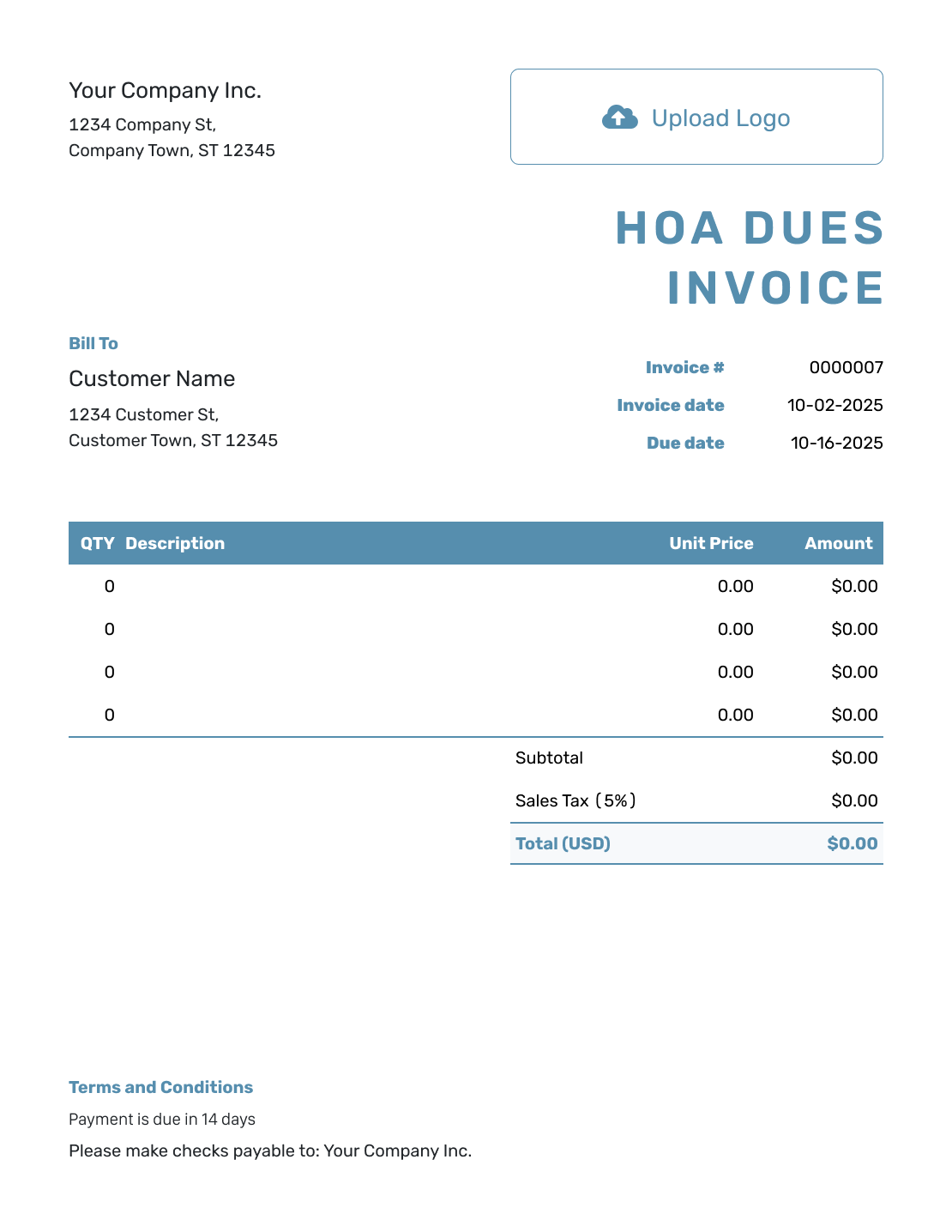
Blank HOA Dues Invoice Template
Create Free Invoice -
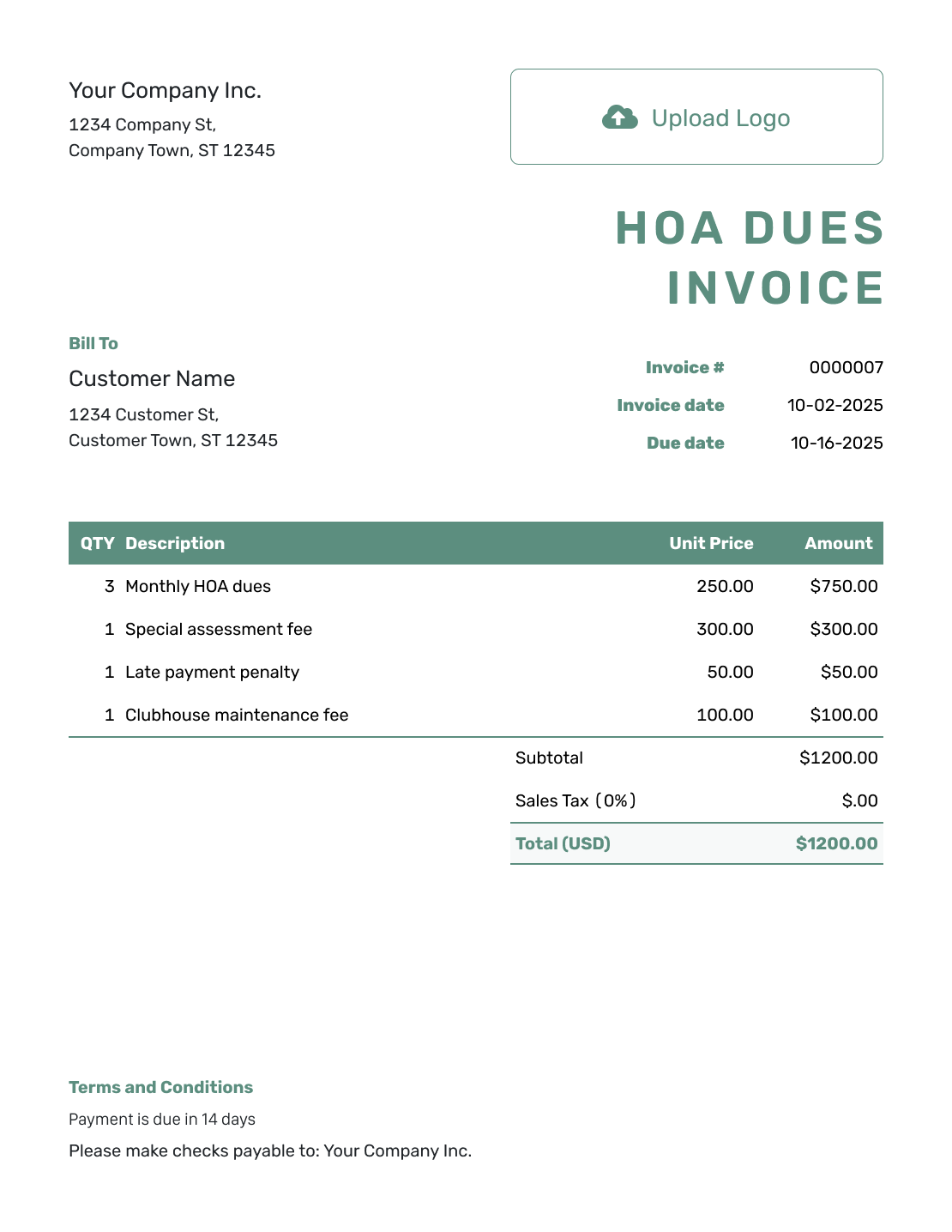
Simple HOA Dues Invoice Template
Create Free Invoice -
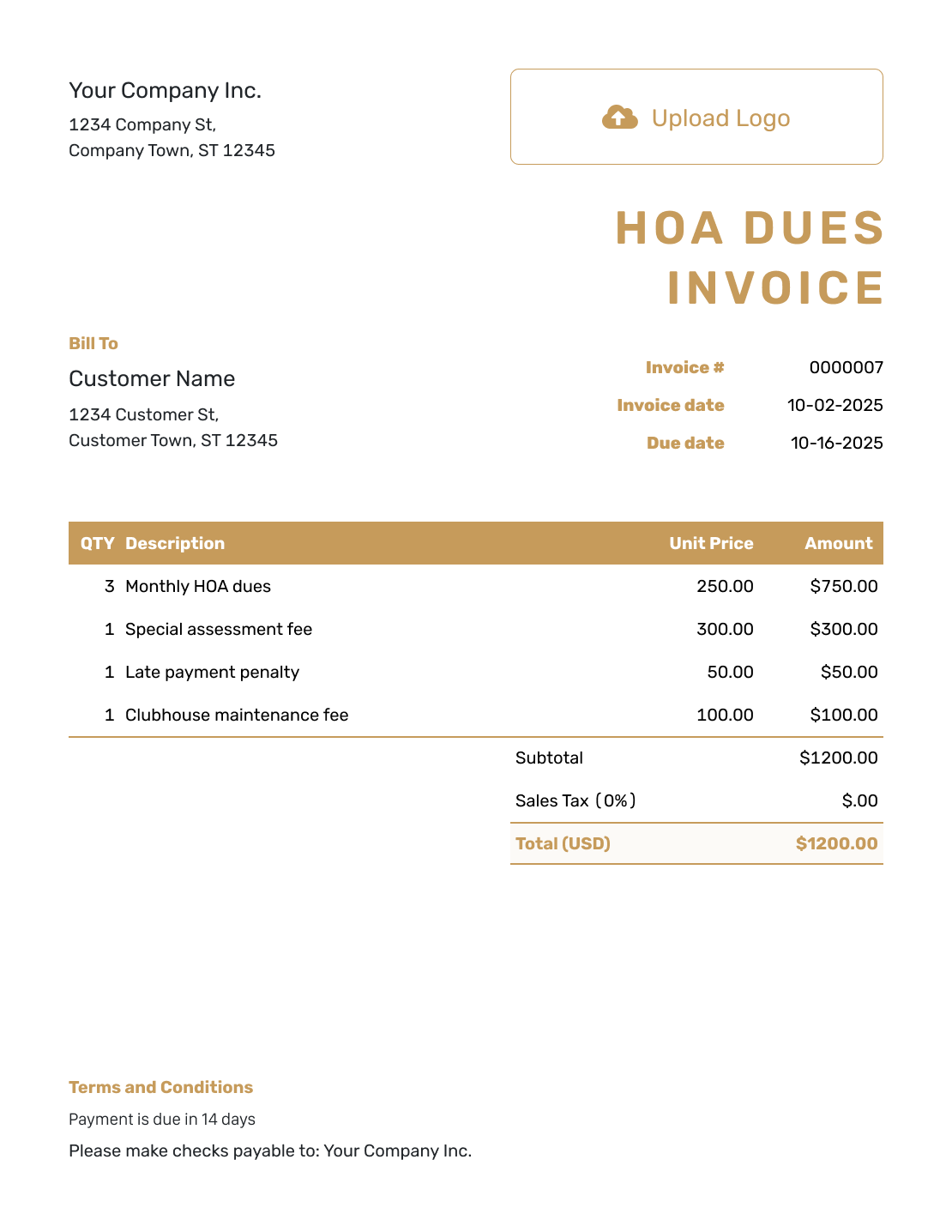
Standard HOA Dues Invoice Template
Create Free Invoice -
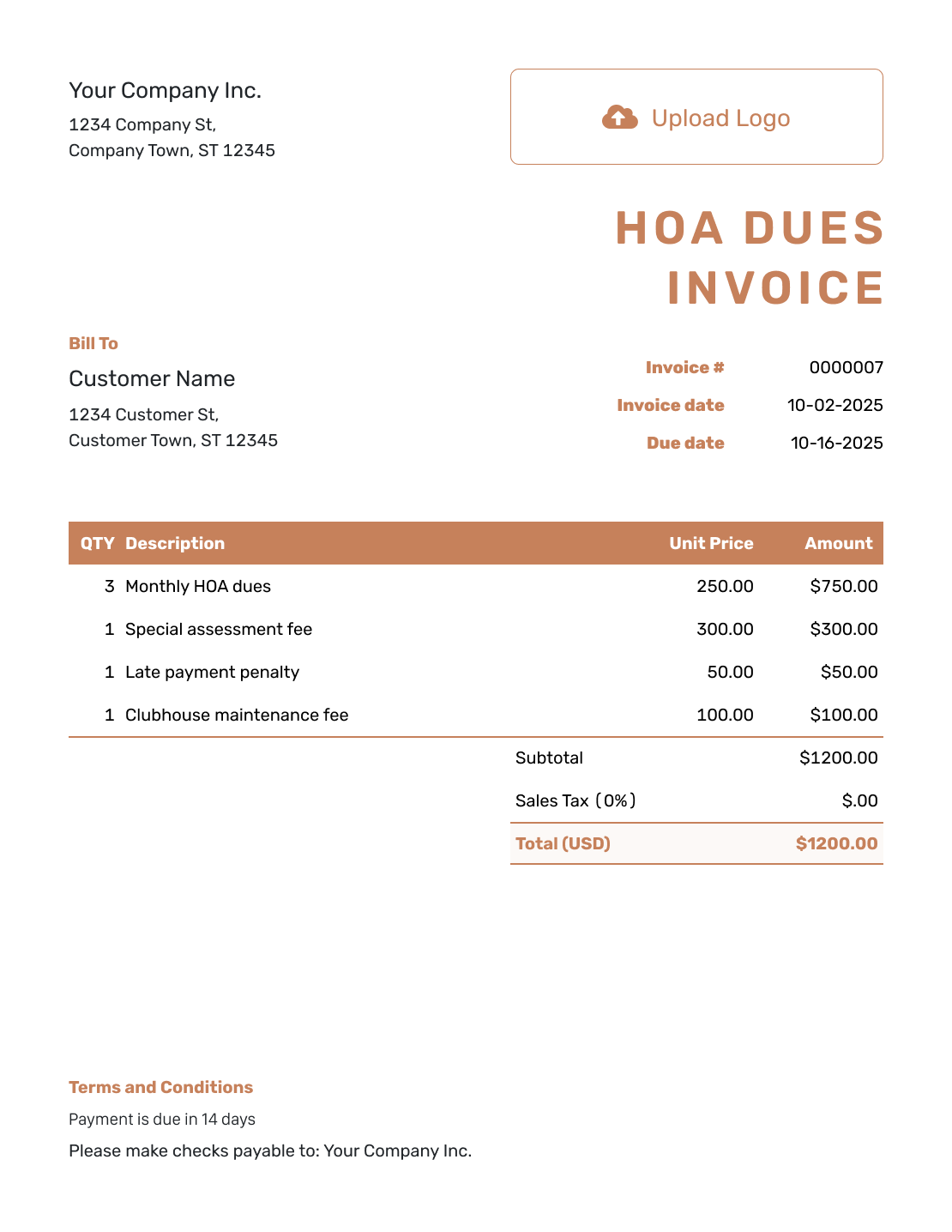
Itemized HOA Dues Invoice Template
Create Free Invoice -
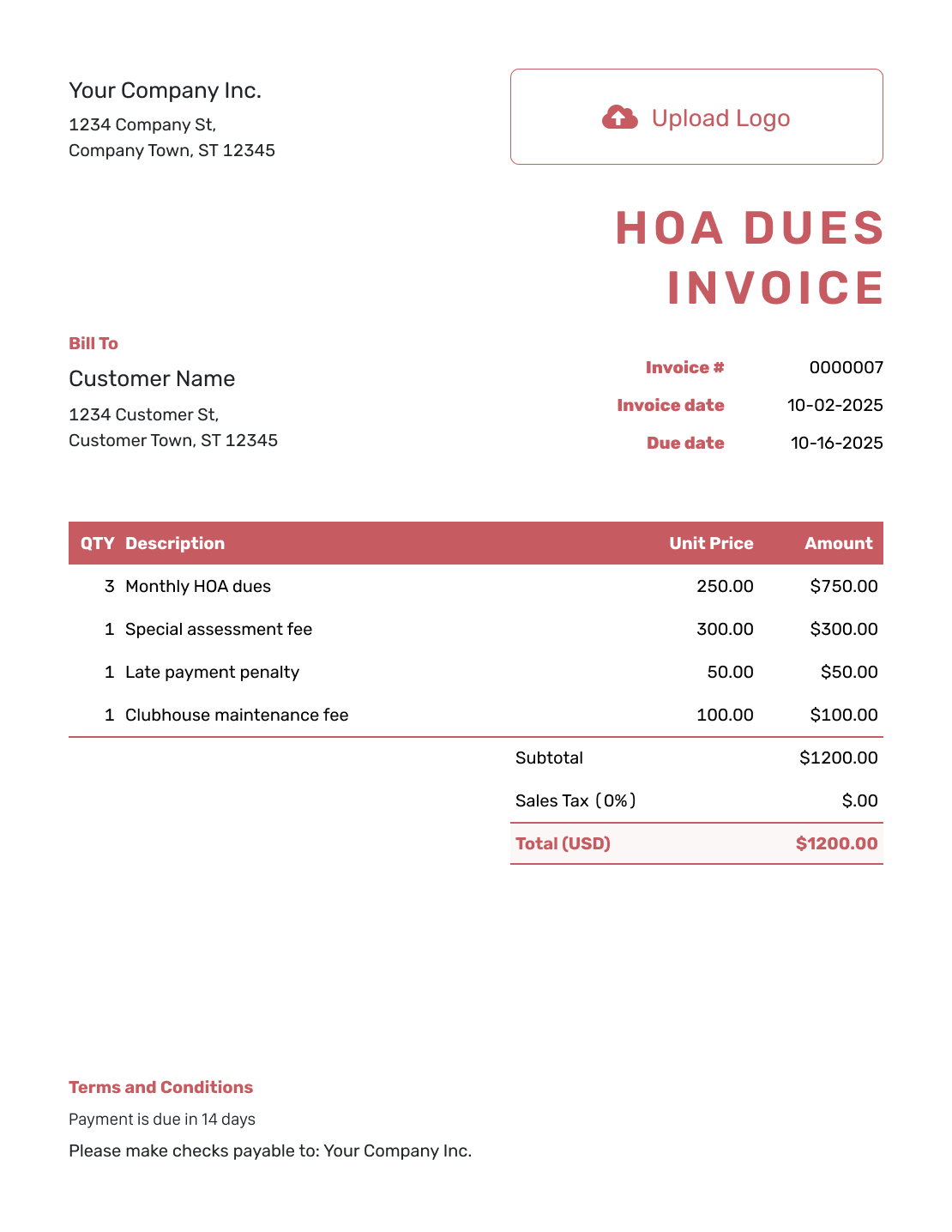
Basic HOA Dues Invoice Template
Create Free Invoice -
Hourly HOA Dues Invoice Template
Create Free Invoice
Use a File Template for Association Billing
Prefer to prepare the bill in Word or a spreadsheet? Keep the property reference and billing period visible when adapting one of these invoice templates.
HOA Dues Invoice FAQs
-
Where should I put the property address on an HOA invoice?
Identify the unit or property in the description or Terms and Conditions. Keep the homeowner’s billing contact details in the customer information. This keeps the property clear even when the mailing address is different.
-
How should I show a special assessment?
Give it a separate line when it is billed separately from regular dues. Name the assessment and the installment or period it covers. Use the actual amount in the association’s charge schedule.
-
Should I add unpaid dues from an older invoice to the new invoice?
Check the earlier invoice and any payments first. Refer to it by number so the homeowner can find it. Do not add its charges again as new dues for the current period.
-
Can I add a late fee to an HOA dues invoice?
Check the fee against the association’s policies, governing documents, and local requirements. Use only a fee that applies to this bill. Label it clearly and identify the overdue invoice or period. Do not copy a fee from a sample.
-
How do I reuse an HOA invoice for the next billing period?
Duplicate the previous invoice in Docelf to create a new draft with a new number. Update the billing period, due date, and charges, then review and send it yourself. Creating or saving the draft does not send it.
-
How do I record a partial dues payment?
Record the payment amount and date on the invoice it belongs to. Docelf shows what remains unpaid. Enter only the amount received, not the full dues amount.
Ready to Bill the Current Dues Period?
Give each homeowner one clear bill for this period.
- Identify the homeowner and property
- Show the current dues and assessments
- Keep the payment record with the invoice




