Free Membership Invoice Template
Create a professional invoice in minutes
Show members their plan fee and any extras they chose. Make the bill easy to understand so your organization can get paid for new memberships and renewals.
Email, print or download your invoice as a PDF.
14-day free trial. No credit card required.

Create the invoice. Send it. Get back to work.
Choose a Membership Invoice Layout
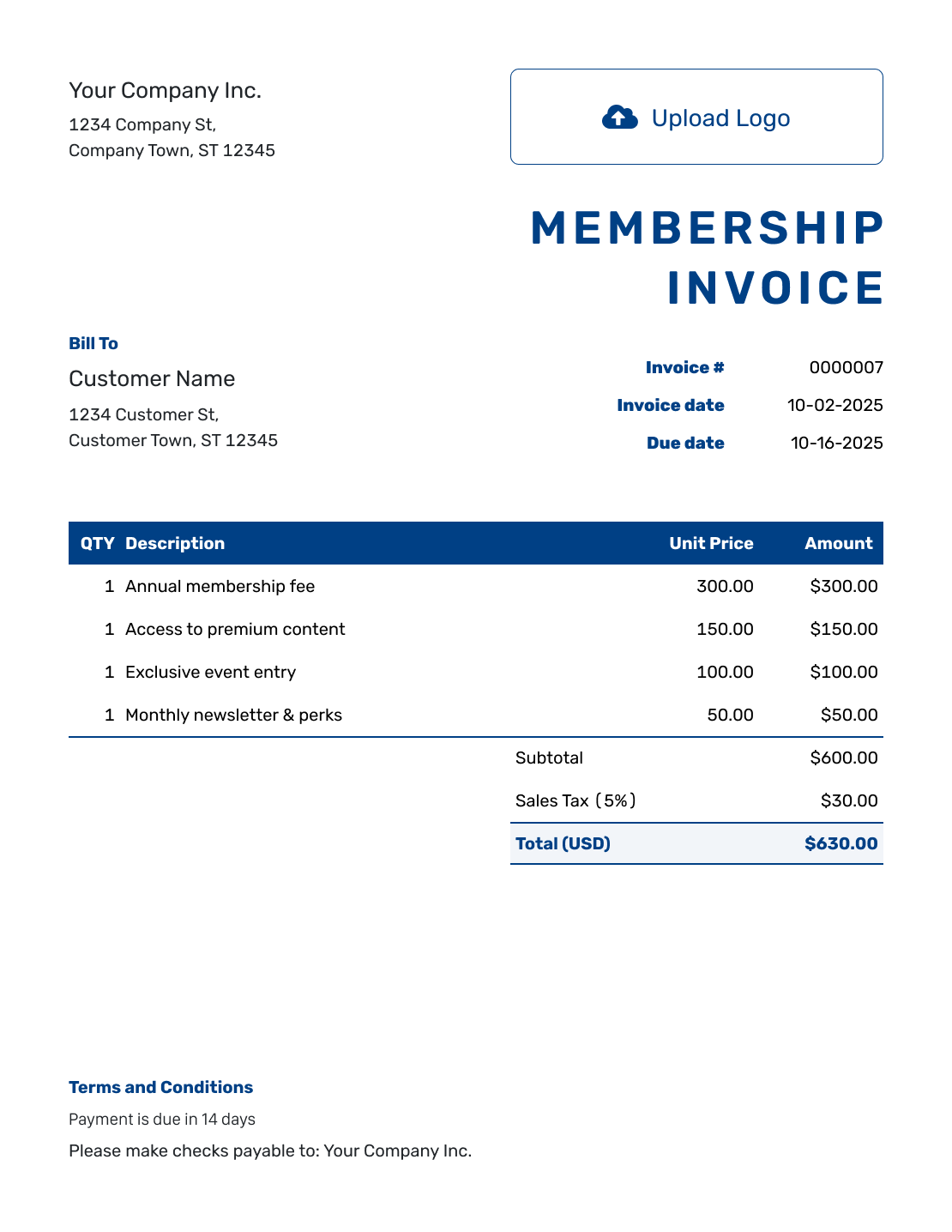
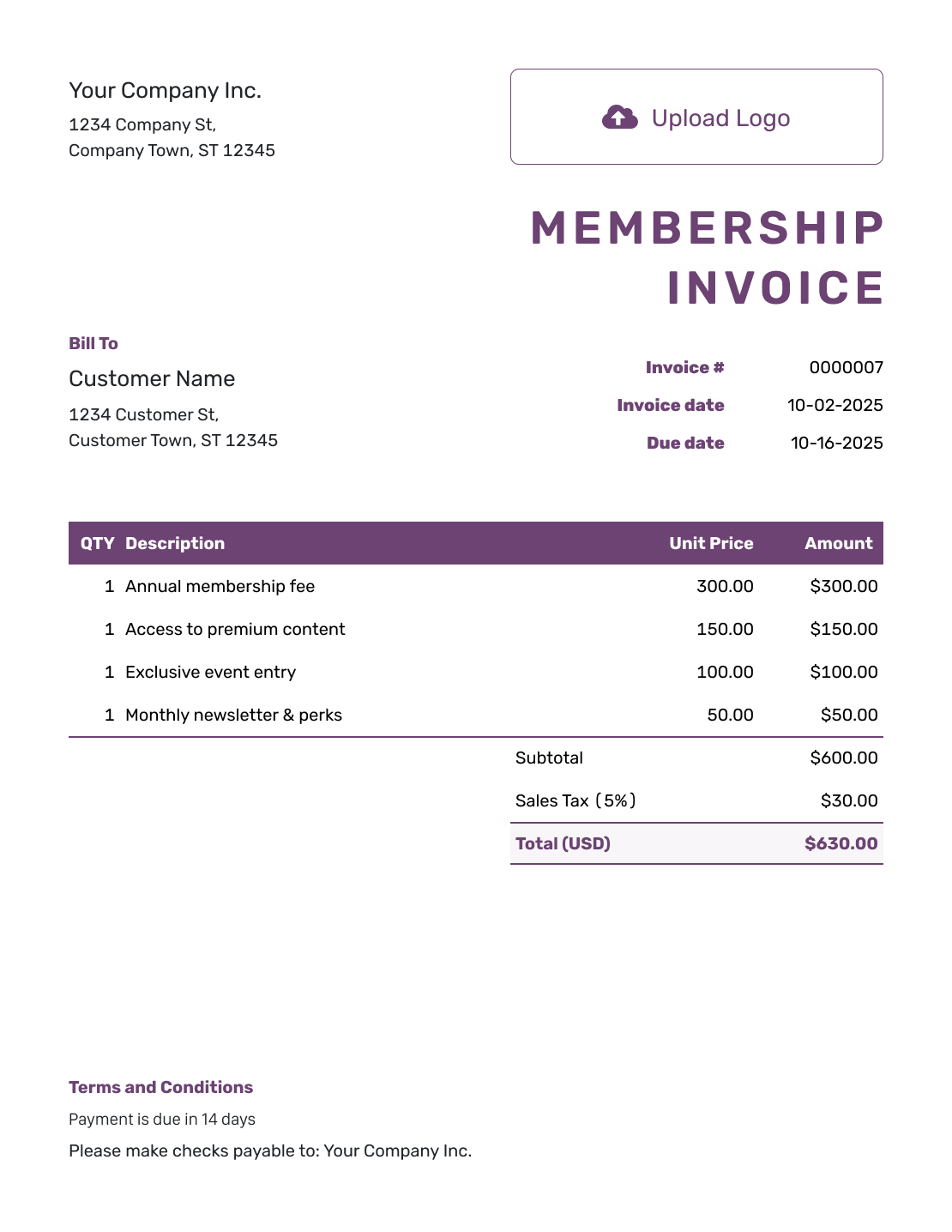
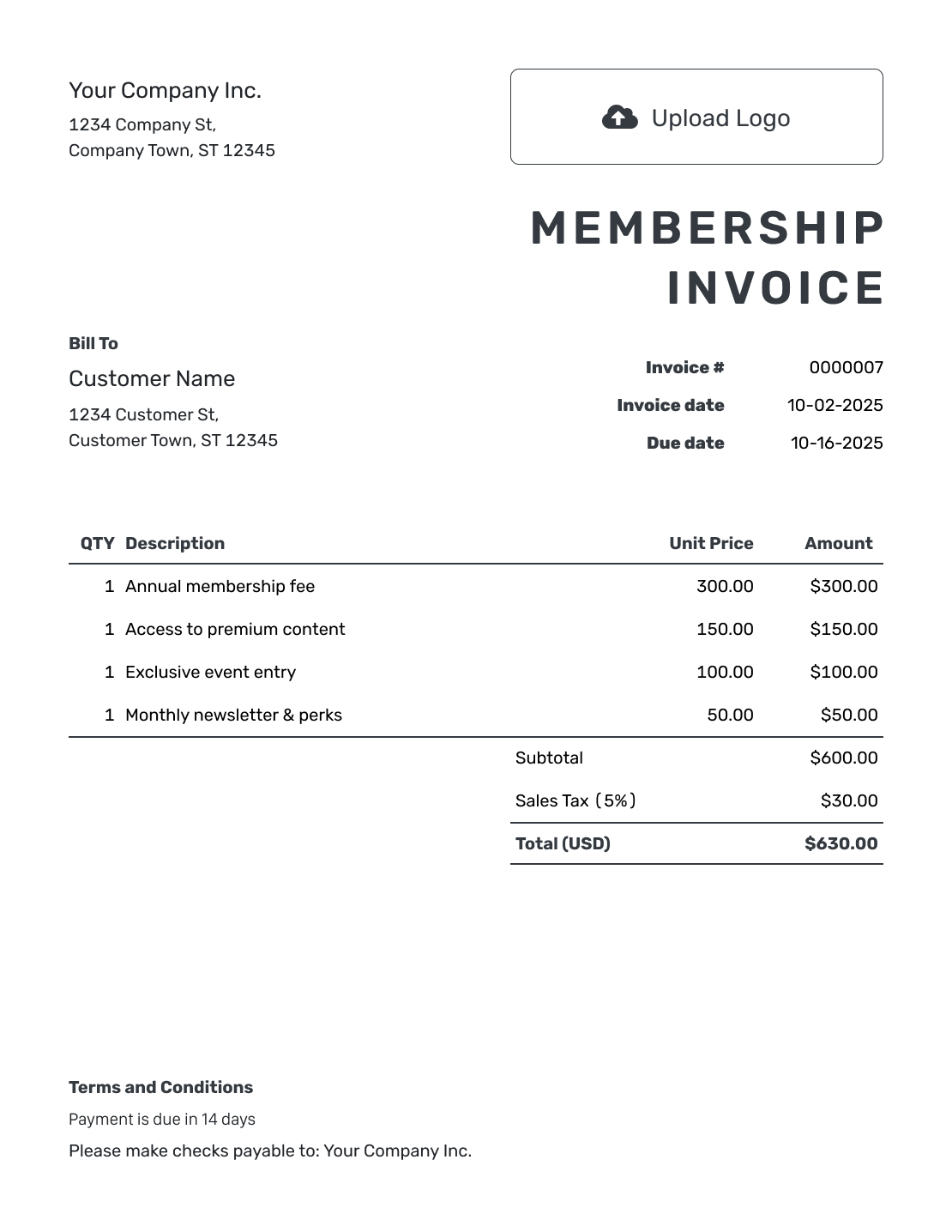
Start with a layout for your club, gym, or professional association. Replace the sample charges with the member’s plan and selected extras. The buttons open the invoice editor.
Show the Membership Period and What the Fee Covers
A membership invoice asks a member to pay for a plan or a one-time fee. For a monthly, quarterly, or annual plan, show the start and end dates. Label a joining fee as a one-time charge.
Name the plan and explain what the base fee includes. List an extra service only when the member chose it and it is not already included in the fee.
How to Create a Membership Invoice
Check the member’s plan and the dates it covers before entering charges.
- Add Your Organization: Enter the club or organization name and its billing contact details.
- Use Your Logo: Add the logo members already know.
- Choose the Member: Add the member’s billing details. Put any membership reference in the description or Terms and Conditions.
- Set the Number and Dates: Check the invoice number and issue date. Set a clear payment due date.
- List the Plan and Extras: Add the plan and billing period. List selected extras only when the base fee does not cover them.
- Check Tax and the Total: Add any tax or discount that applies. Docelf updates the total.
- Explain Payment and Renewal: Add payment instructions and renewal terms from the member’s agreement. Review the invoice, then email it or save a PDF.
How to Fill In Membership Invoice Line Items
Show the base membership fee and selected extras on separate lines. Include the dates each charge covers.
This fictional fitness-club bill covers September 2026 and uses US dollars. The member chose a locker and two small-group sessions as extras. The example applies 8% tax to all three charges. Check the tax treatment for your own fees.
| QTY | Description | Unit Price | Amount |
|---|---|---|---|
| 1 | Fitness membership — September 2026 | $60.00 | $60.00 |
| 1 | Locker rental — September 2026 | $12.00 | $12.00 |
| 2 | Small-group session — September | $15.00 | $30.00 |
| Subtotal | $102.00 | |
| Sales Tax (8% example) | $8.16 | |
| Total Due | $110.16 |
What to Include in Membership Invoice Terms
Use Terms and Conditions to explain when the member should pay. Add the renewal details that apply to this billing period.
Use your organization’s actual cancellation, refund, and plan-change policies. Check local requirements before adding them. Adapt the wording below to the member’s agreement.
Example: Terms and Conditions
- The membership and locker charges cover September 1–30, 2026.
- The two listed small-group sessions are extra services selected by the member.
- Payment of $110.16 is due by [Due Date] using the payment details shown.
- Renewal, membership changes, and refunds follow [Membership Agreement Reference], subject to applicable requirements.
Make the Renewal Bill Easy to Recognize
Name the membership period and the plan being billed. Use saved member details in Docelf instead of entering them again. Check the charges, then send the bill.
Keep Joining Fees and Part-Period Charges Clear
A joining fee belongs on the bill for joining, so label it as a one-time charge. When you reuse that invoice for a renewal, remove the fee.
Someone joining or changing plans partway through a period may have an agreed charge for fewer days. Show those dates beside the amount so the member can see why it differs from the usual full-period fee.
Prepare the Next Membership Invoice
For the next billing period, duplicate an invoice in Docelf to create a new draft with a new number. Update the covered dates and payment deadline.
Check the plan and selected extras against the member’s current agreement, keeping only charges for the new period. The new draft stays unsent until you choose to send it.
Keep Your Club’s Billing Details Consistent
Use the club’s logo, fonts, and colors so members recognize the bill. Add a billing contact in the footer. Attach a plan summary as a PDF or image when it helps explain a charge.
Choose the agreed currency before entering rates. Docelf supports USD, EUR, GBP, CAD, and AUD. Keep the plan name and billing period in the descriptions even when you change the design.
Record the Payment on the Membership Invoice
For an invoice emailed from Docelf, the document history shows whether the member opened it. When payment arrives, record the amount and date on that period’s invoice.
Docelf keeps the payment status and remaining balance with the bill. After recording the payment, you can create a receipt from the invoice. Membership access and attendance belong in your separate club records, with renewal terms in the membership agreement.
More Membership Invoice Previews
These six layouts open the same invoice editor. Keep the plan name and covered dates visible whichever design you choose.
-
Blank Membership Invoice Template
Create Free Invoice -
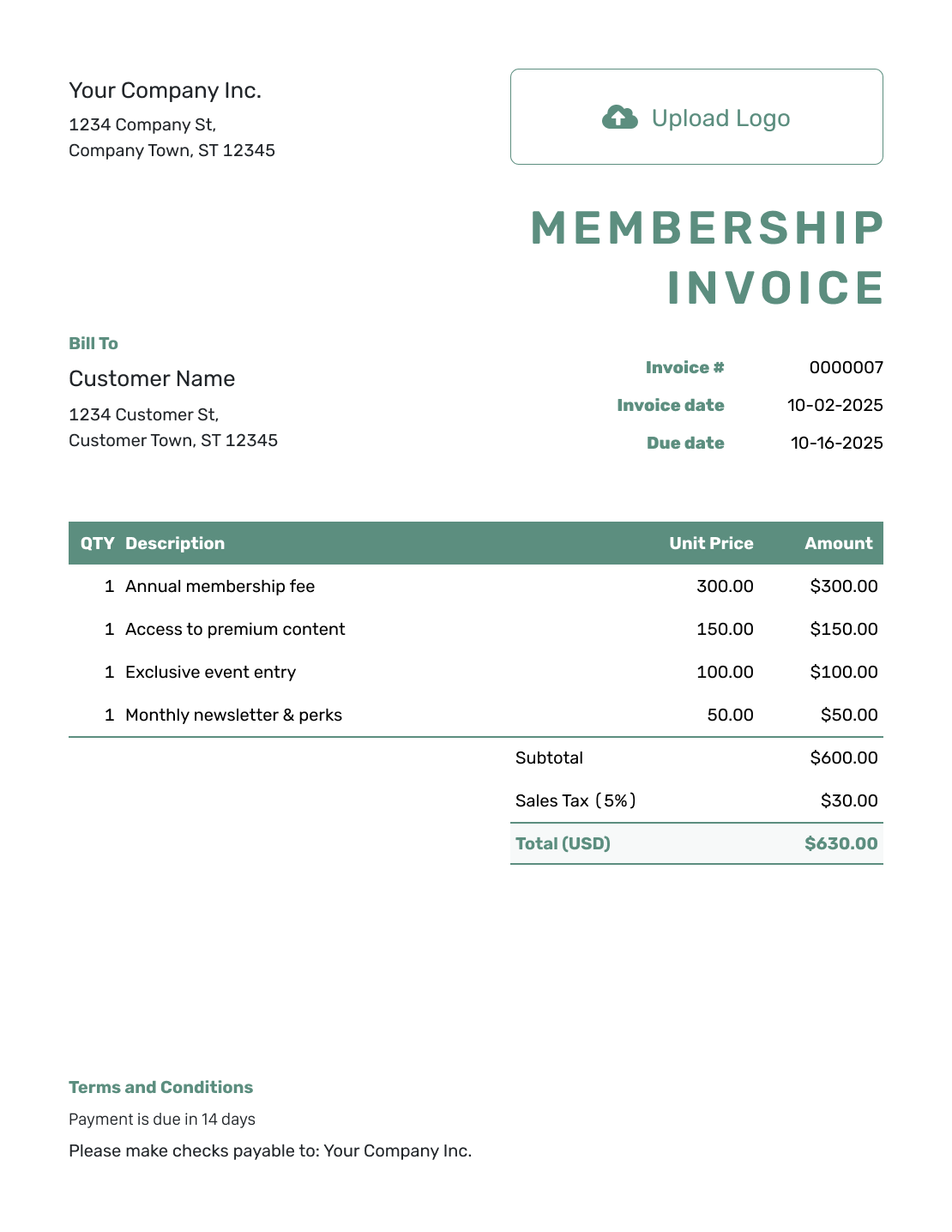
Simple Membership Invoice Template
Create Free Invoice -
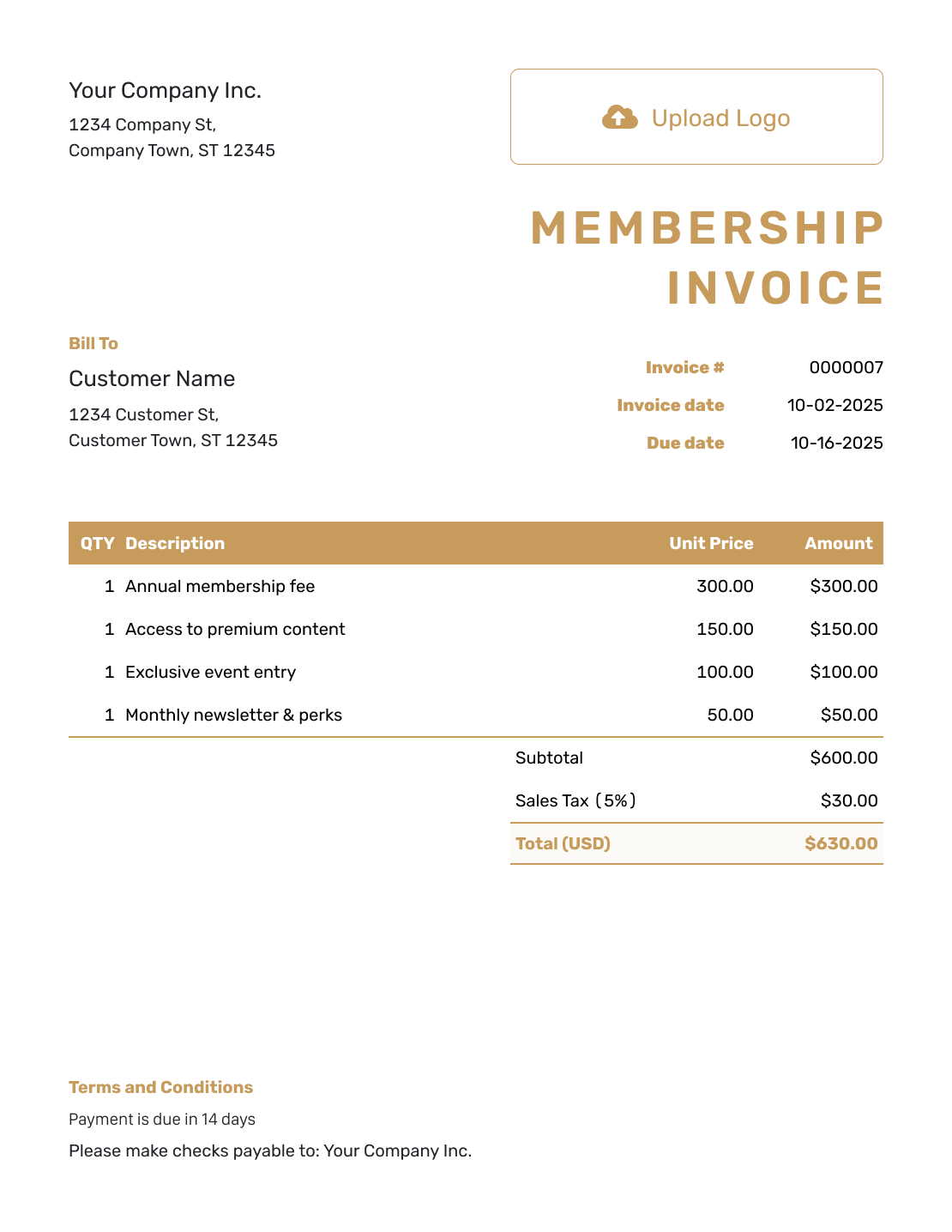
Standard Membership Invoice Template
Create Free Invoice -
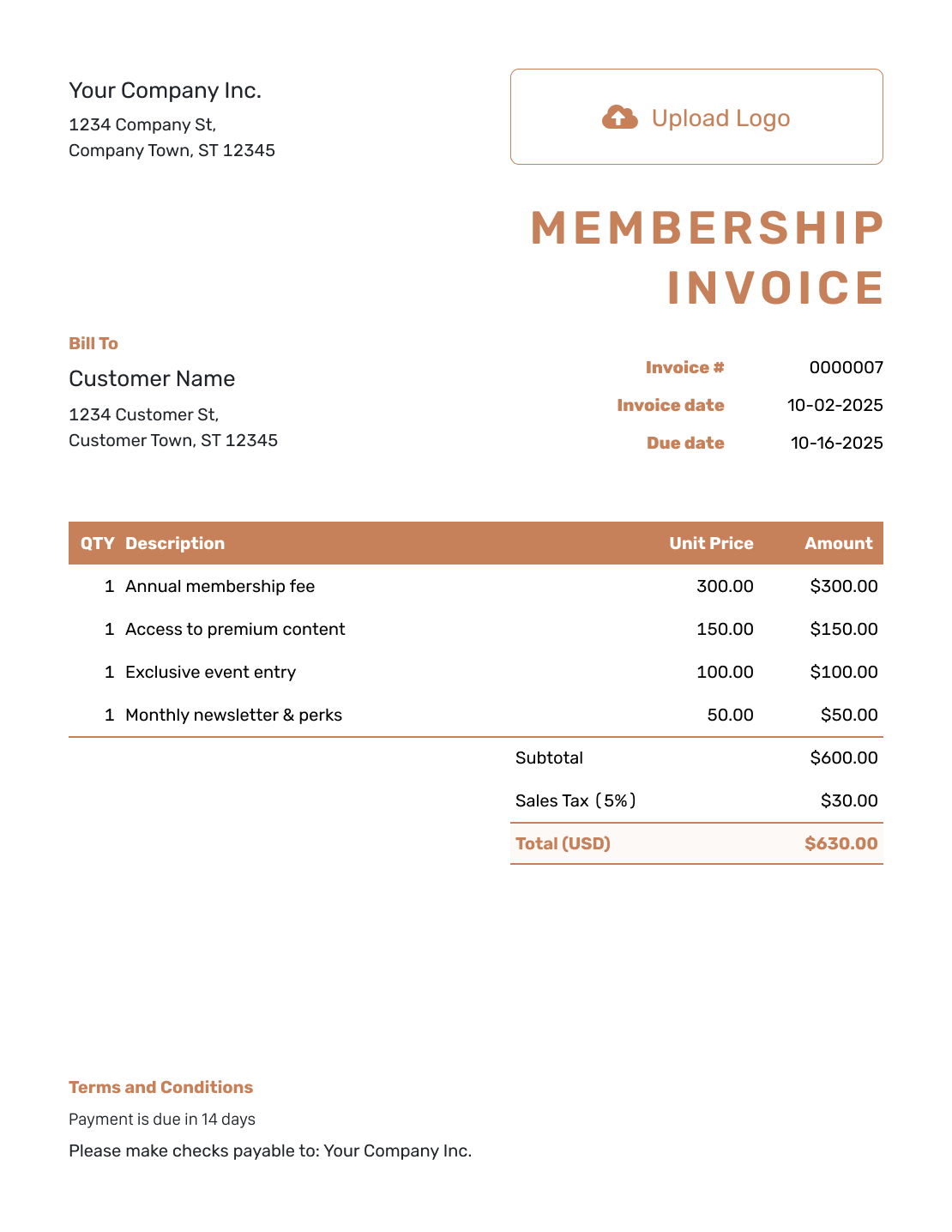
Itemized Membership Invoice Template
Create Free Invoice -
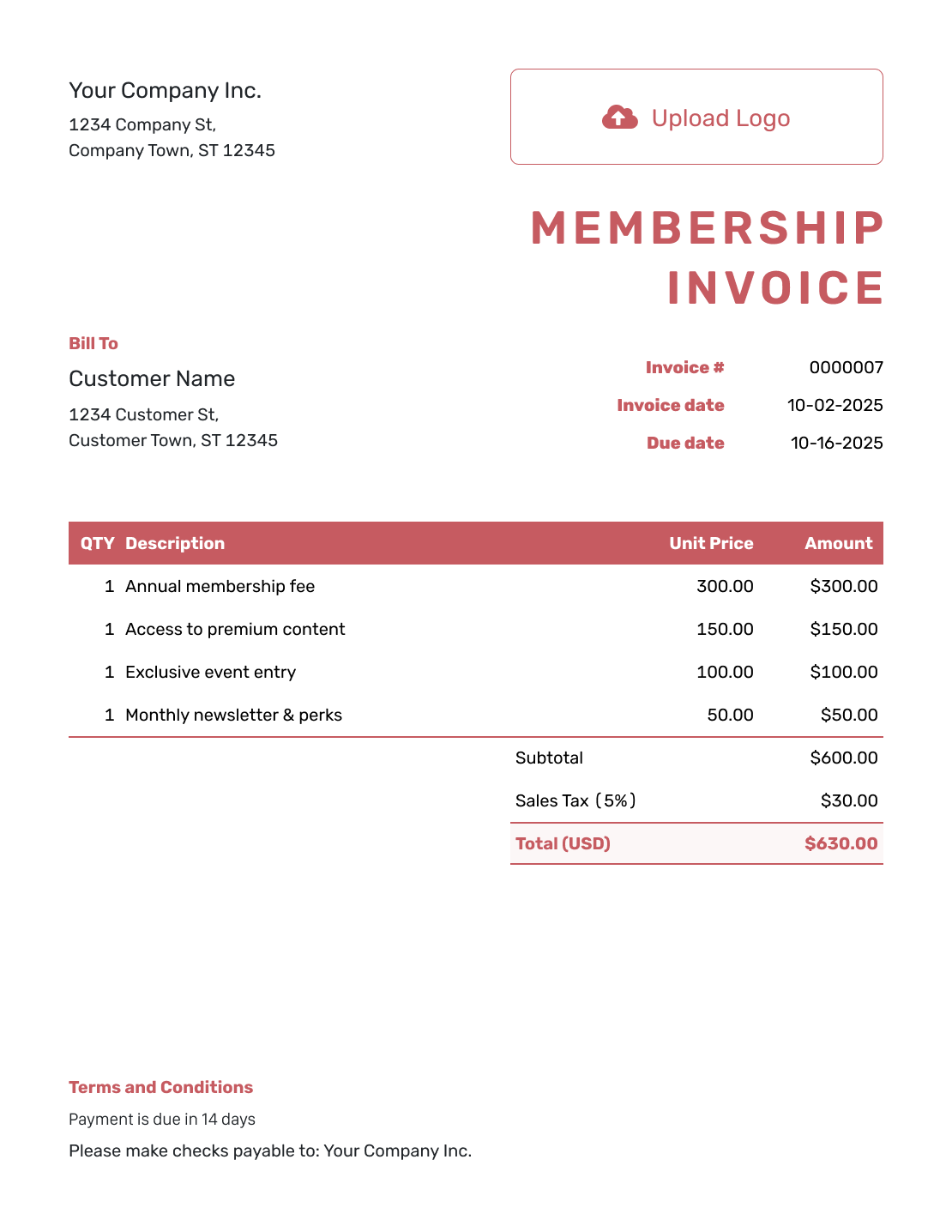
Basic Membership Invoice Template
Create Free Invoice -
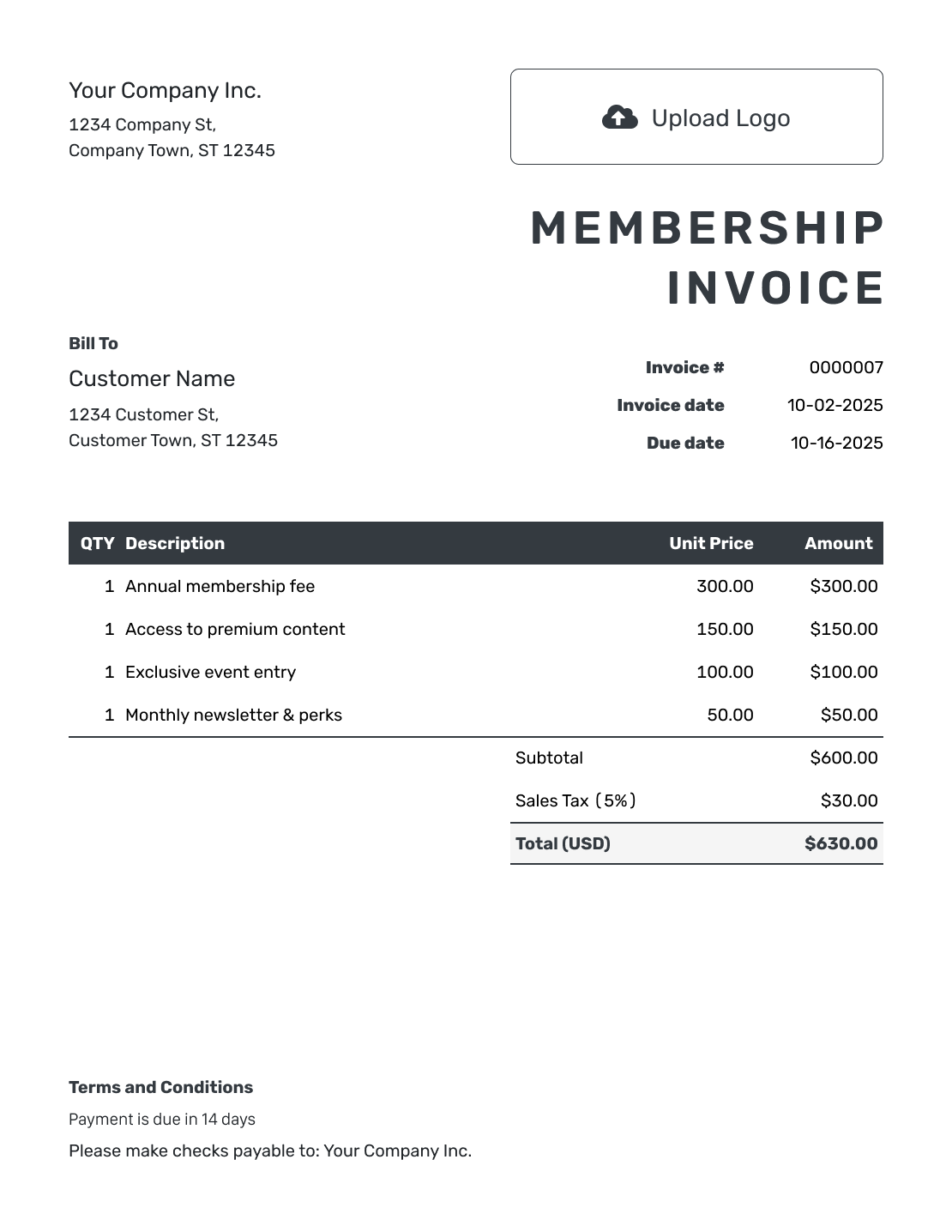
Hourly Membership Invoice Template
Create Free Invoice
Prefer a File Template for Membership Bills?
Choose a format below and save a copy for each member and period. In a spreadsheet, check that the total includes any extra services.
Membership Invoice FAQs
-
Is the membership period the same as the invoice due date?
No. The membership period says which dates the fee covers. The due date says when the member should pay. Put the covered dates in the charge description and set the payment deadline separately.
-
Should I list benefits that are included in the membership fee?
Describe included benefits with the base fee. Do not add them again as paid items. Use separate charge lines only for extras the member chose.
-
How do I show a one-time joining fee?
Give the joining fee its own description and label it as a one-time charge. Check later invoices so the fee is not repeated when you reuse the member’s bill.
-
How do I bill someone who joins partway through the month?
Use the amount you agreed for the partial month. Show the covered dates in the description. Check the member’s plan before using the full monthly fee.
-
How do I prepare recurring membership invoices?
Duplicate the previous invoice in Docelf to create a new numbered draft. Update the membership period, due date, and charges, then review and send it yourself. Creating or saving the draft does not send it.
-
Should every membership invoice use the example 8% tax?
No. The 8% rate is only for this example. Check which charges are taxable and which rate applies to your organization.
-
Can I send the member a receipt after payment?
Yes. Record the payment on the membership invoice, then create a receipt from it. Enter only the amount received. Docelf keeps any remaining balance with the invoice.
Ready to Send the Member’s Bill?
Keep the fee easy to understand so the member knows exactly what this payment covers.
- Name the plan and covered dates
- Separate selected extras from included benefits
- Record the member’s payment when it arrives




