Free Modern Invoice Template
Create a professional modern invoice in minutes
Use a clean, current design without changing what the invoice needs to do. Customers can find the total and due date quickly, making it easier for your business to get paid.
Email, print or download your invoice as a PDF.
14-day free trial. No credit card required.

Create the invoice. Send it. Get back to work.
Compare Layouts for a Clean Invoice
Look for a layout that gives the charges and amount due enough space. Open the editor from a preview, then choose the colors and fonts for your business.
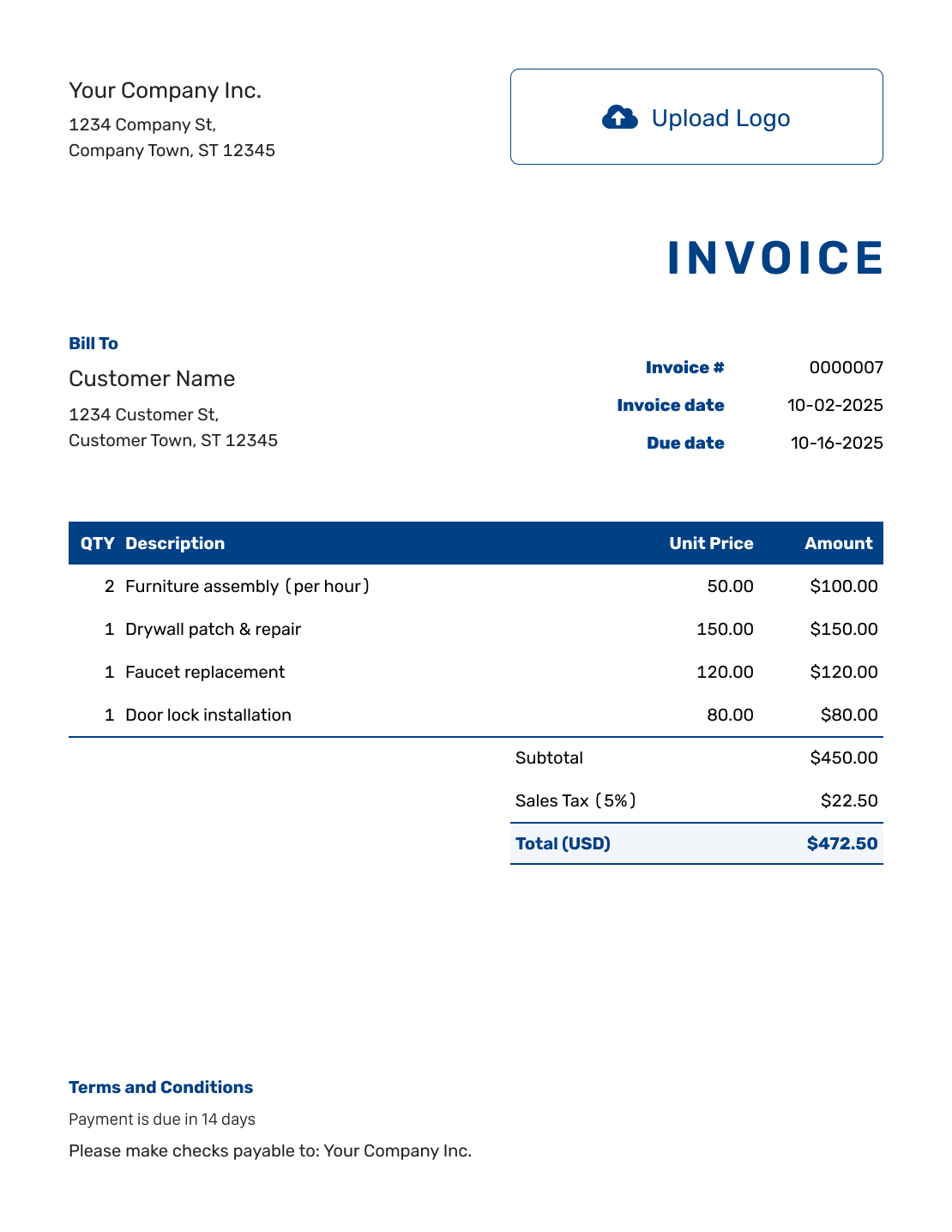
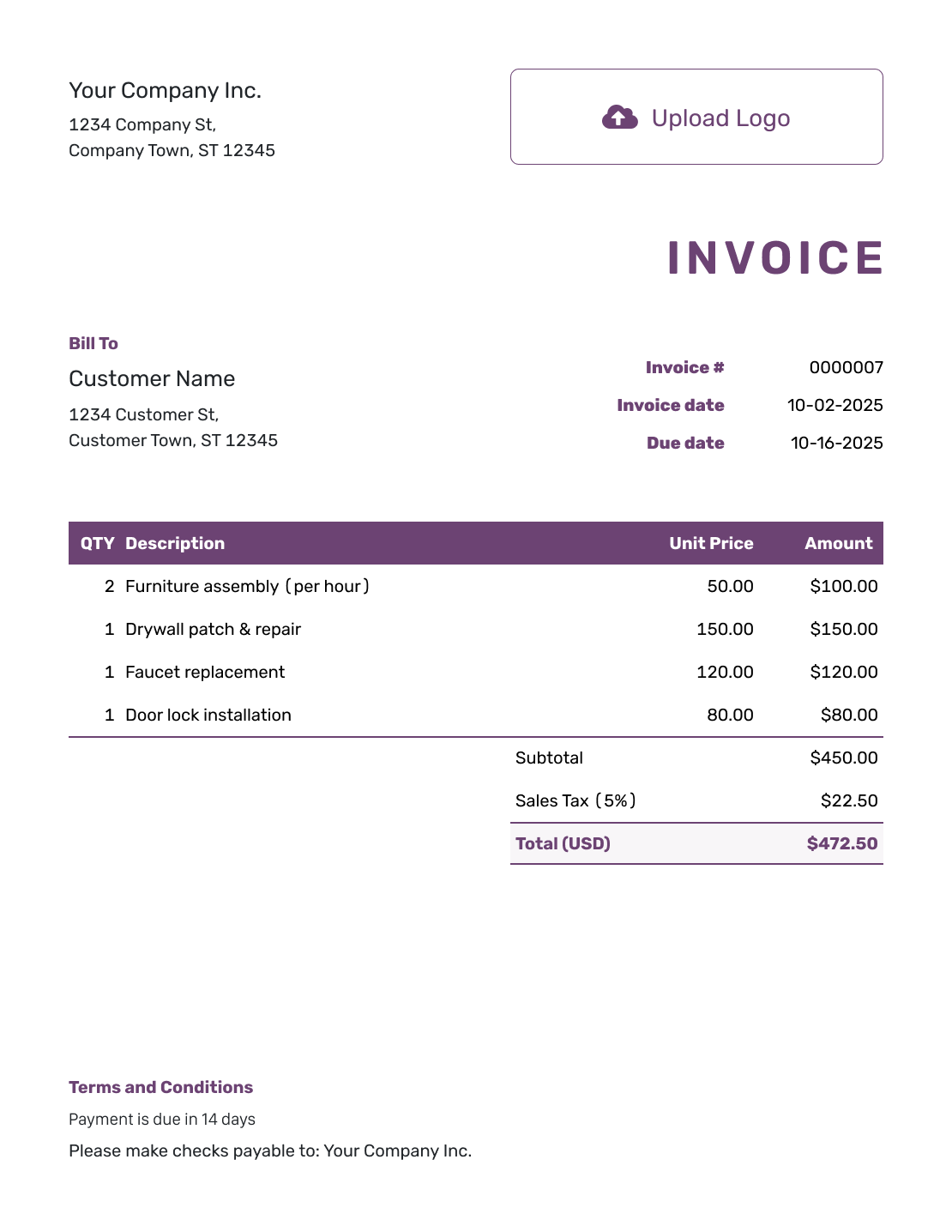
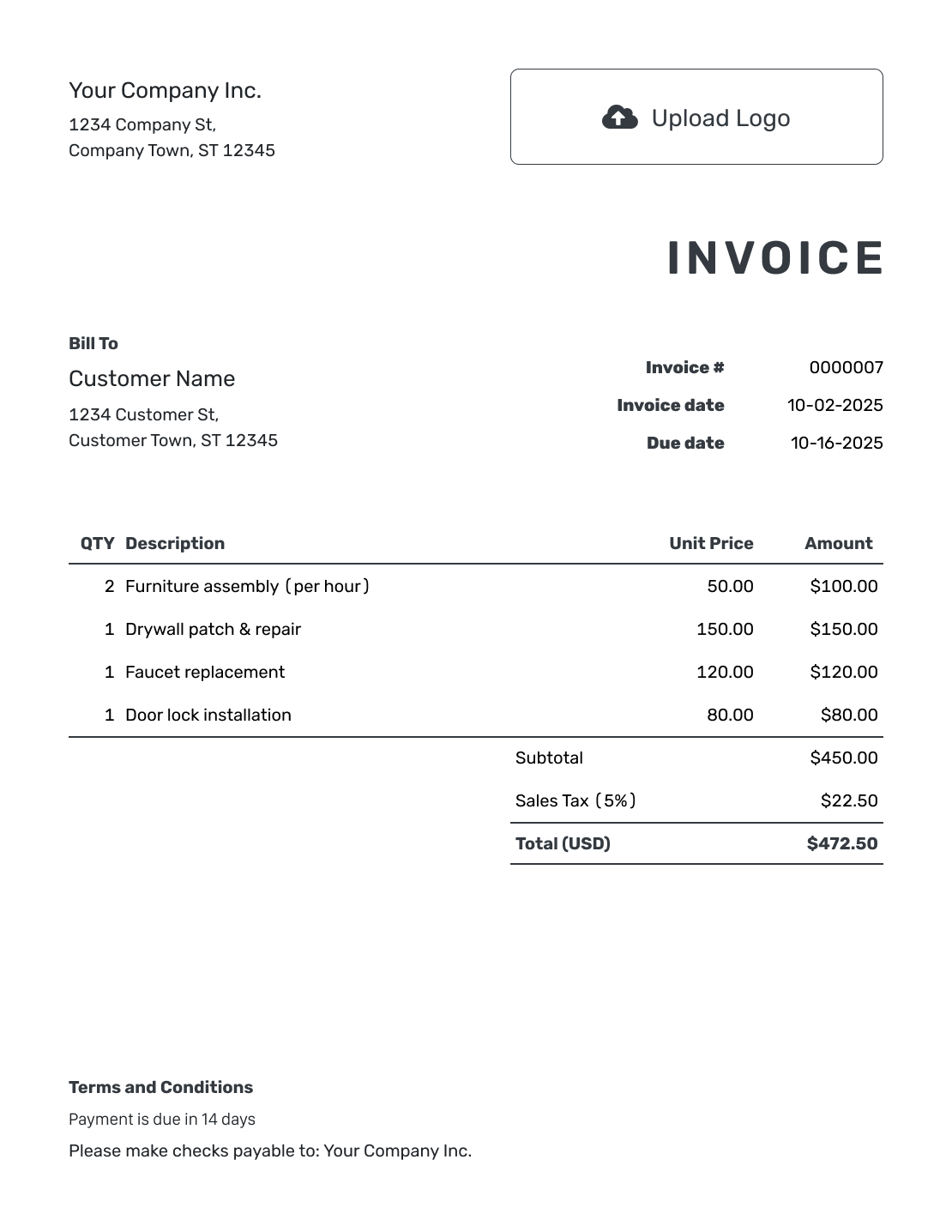
How to Create a Modern Invoice
A modern look should make the bill easier to read. Keep the business details, charges and payment instructions clear as you choose the style.
- Identify Your Business: Use a business name and billing contact that customers can recognize.
- Choose a Readable Style: Add your logo and select colors and fonts that keep the amounts clear.
- Add the Customer: Enter the billing details without shortening names or addresses just to save space.
- Keep Dates Easy to Find: Check the invoice number, issue date and payment due date.
- Use Clear Descriptions: Use concise descriptions with clear quantities and unit prices.
- Review the Total: Add applicable tax or discounts and check the calculated amount.
- Add Terms and Conditions: Keep payment instructions readable. Preview the complete invoice, then email it or download a PDF.
Keep Each Charge Easy to Read
Use descriptions that tell the customer what you provided. Keep enough detail to recognize each charge, even when it needs more than one line.
This photography example shows the session, edited images and backdrop setup as separate charges. It uses prices in US dollars and an example 5% tax on all three lines.
| QTY | Description | Unit Price | Amount |
|---|---|---|---|
| 1 | Product photography session | $240.00 | $240.00 |
| 12 | Edited product images | $15.00 | $180.00 |
| 1 | Backdrop setup | $40.00 | $40.00 |
| Subtotal | $460.00 | |
| Sales Tax (5% example) | $23.00 | |
| Total | $483.00 |
What to Include in Modern Invoice Terms
Use Terms and Conditions for short, readable payment instructions. Include how to pay, the payment reference and a billing contact so the clean layout still gives the customer what they need.
The example below is for a completed photography job. Use the agreed payment period and replace the bracketed payment method and billing contact.
Example: Terms and Conditions
- Payment is due within 14 days of the invoice date.
- Charges cover the photography work and edited images listed above.
- Pay by [Accepted Payment Method] and use the invoice number as your payment reference.
- For billing questions, contact [Studio Billing Email].
Choose a Clear Look Without Rebuilding the Bill
Choose the colors and fonts in Docelf. Preview the full invoice to check how the descriptions and totals look. Email it when everything is easy to read.
Make Design Choices That Help the Customer Pay
Review the invoice as a bill first and a branded document second.
Readable Contrast
Choose colors that keep labels and amounts visible. Check the PDF before using a light or dark design for the customer’s bill.
Clear Type
Use a font that keeps numbers easy to tell apart. Do not shorten a useful description just to make a row look smaller.
Visible Amount Due
Keep the total and any remaining balance easy to find. Styling should not make the customer hunt for the amount to pay.
Room for the Details
Let descriptions wrap when they need to. Move a long job record into an attachment rather than crowding every detail onto the bill.
Preview More Than the First Screen
Read the full invoice, not just the logo and total at the top. Check wrapped descriptions, payment instructions and any additional pages.
Docelf supports light and dark document designs. Use logo, color and font settings to find a readable combination. A modern invoice does not need extra decoration to look complete.
Give Extra Details a Clear Place
Put your website or billing contact in the footer. Add an industry name before “Invoice” when it helps the customer recognize your work.
Select the invoice currency before entering prices. Docelf supports USD, EUR, GBP, CAD and AUD. For a fuller billing breakdown, see the itemized invoice guidance.
More Invoice Layouts
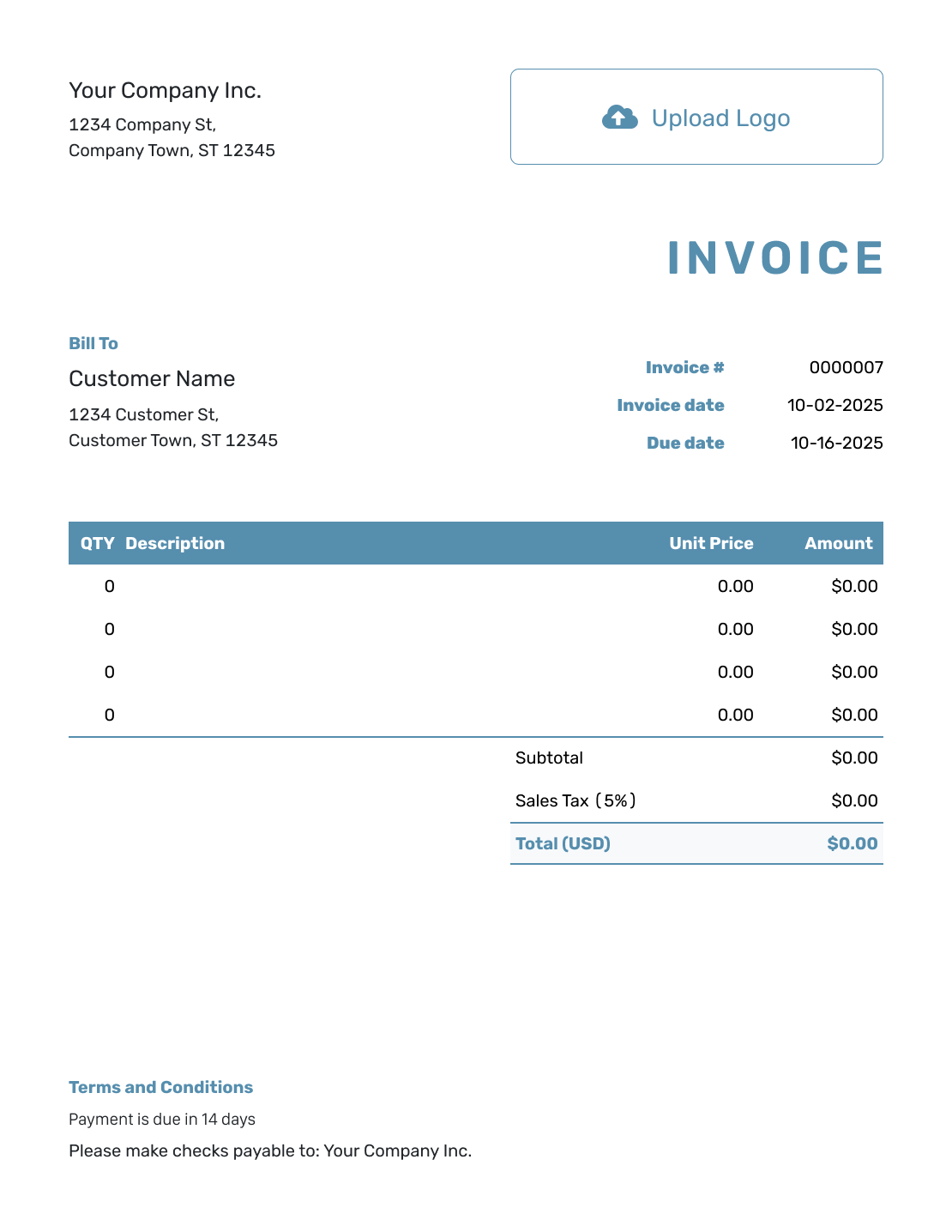
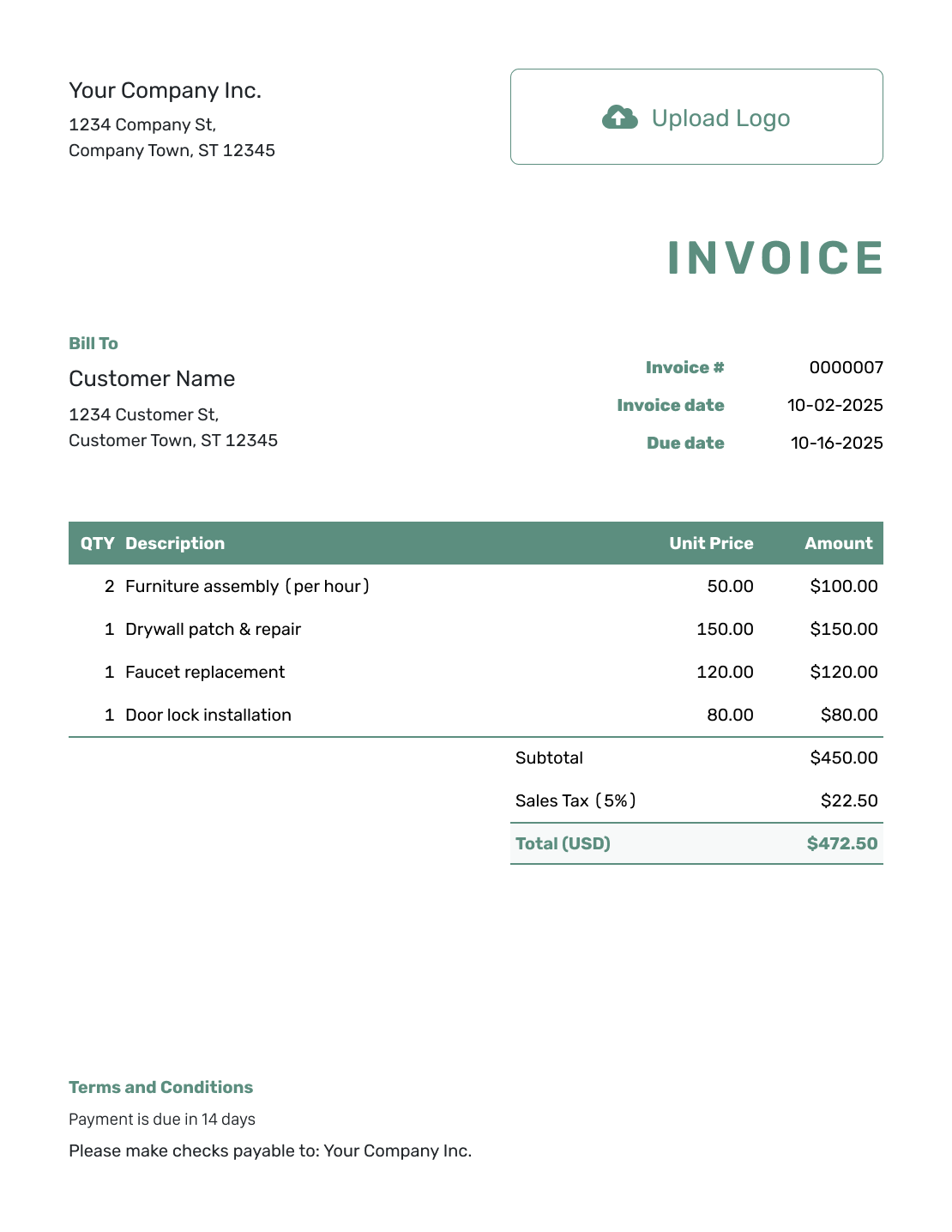
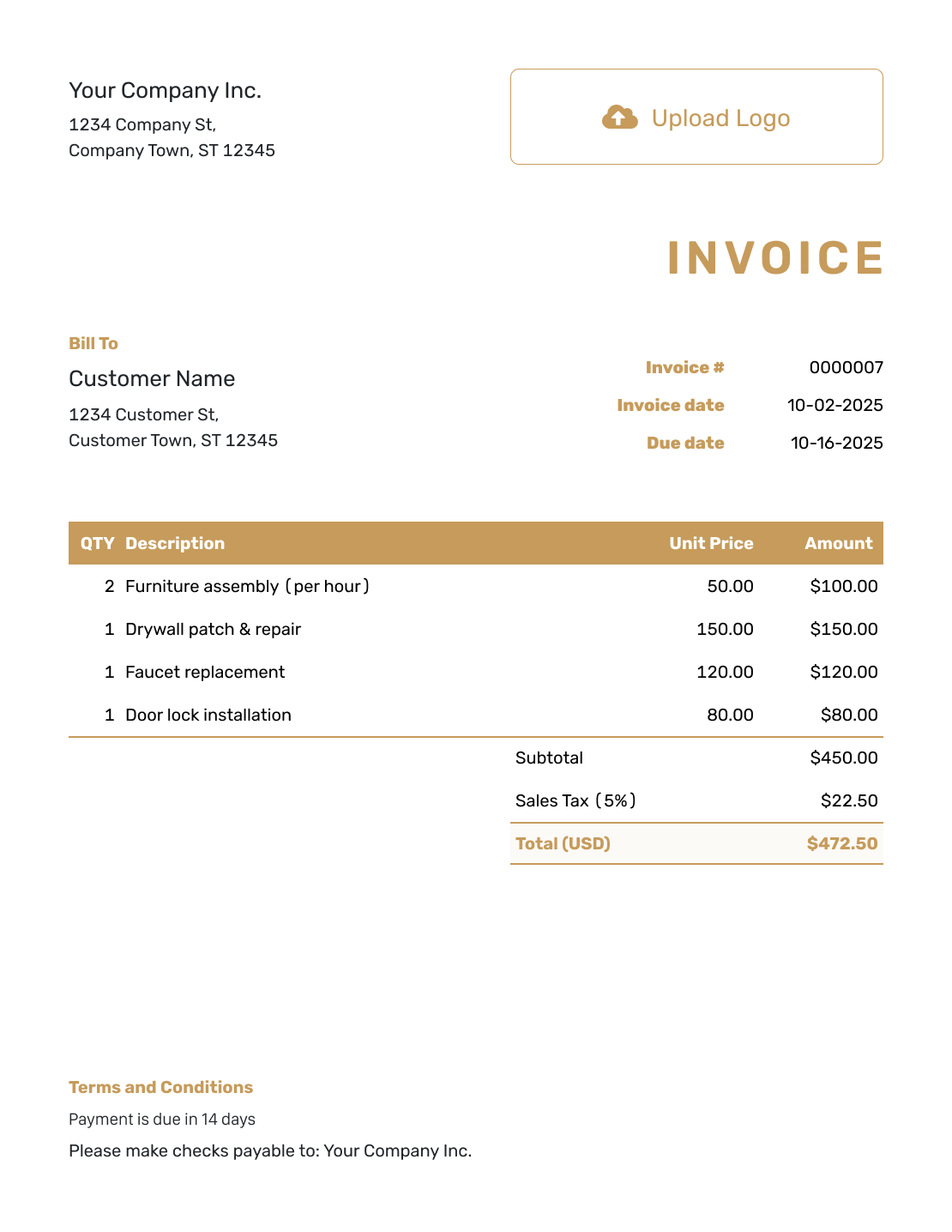
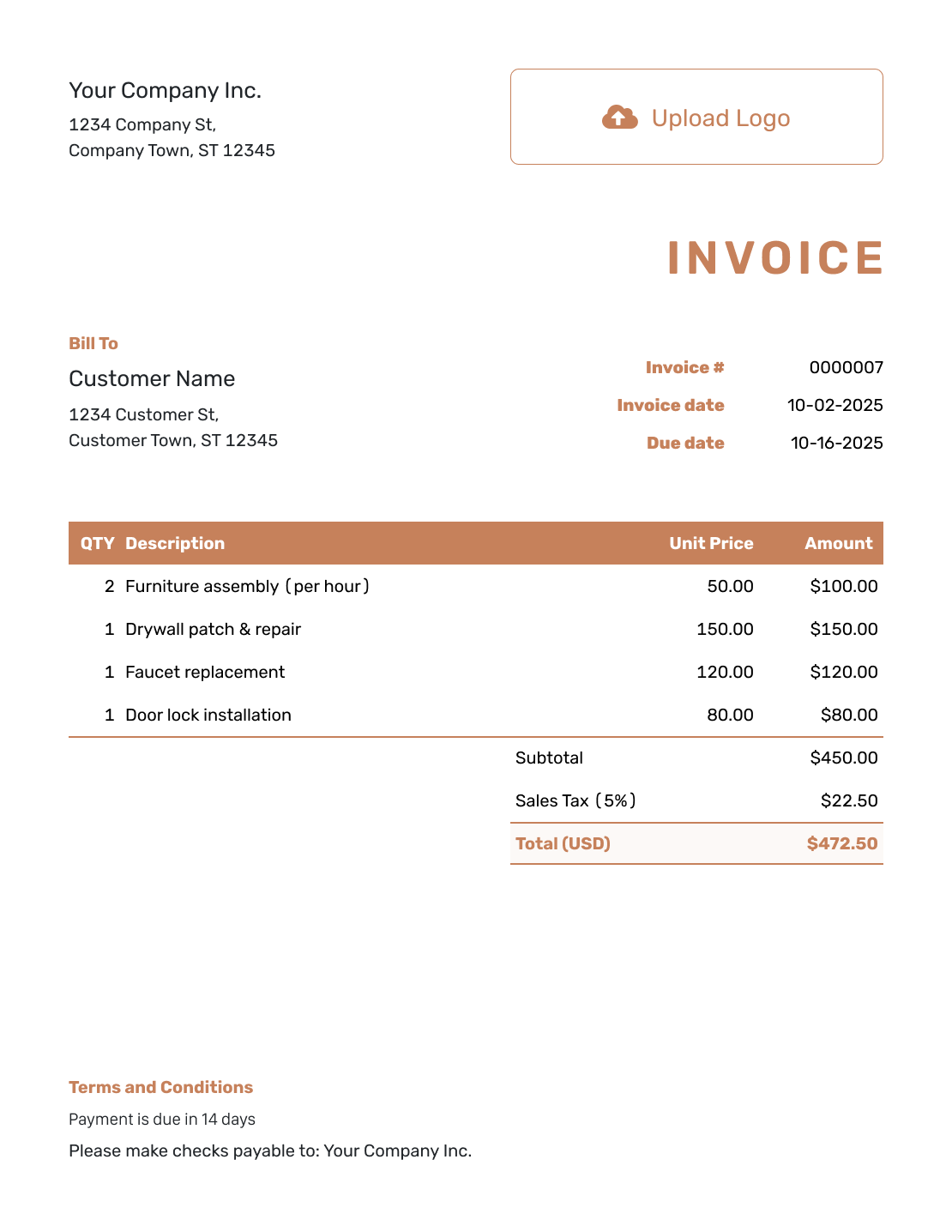
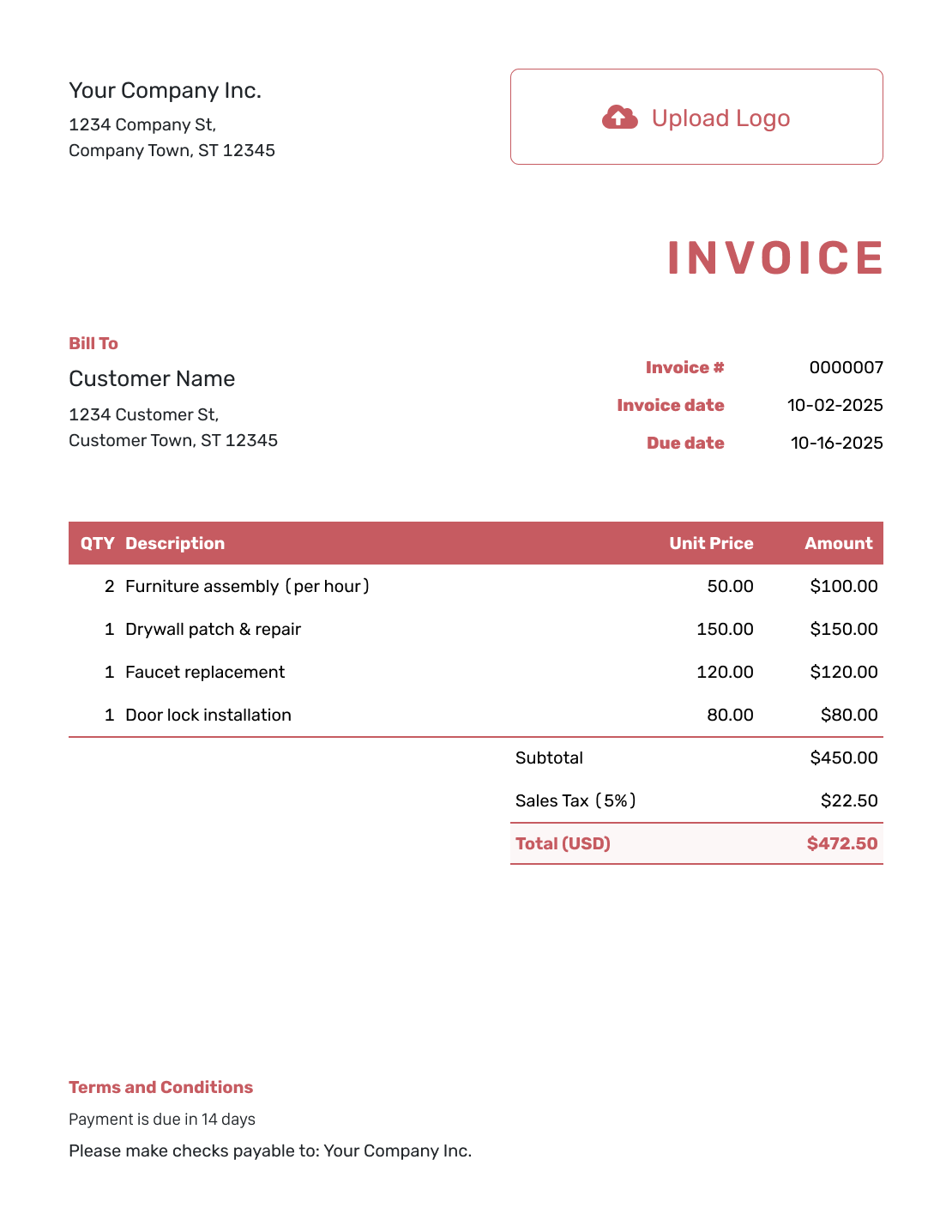
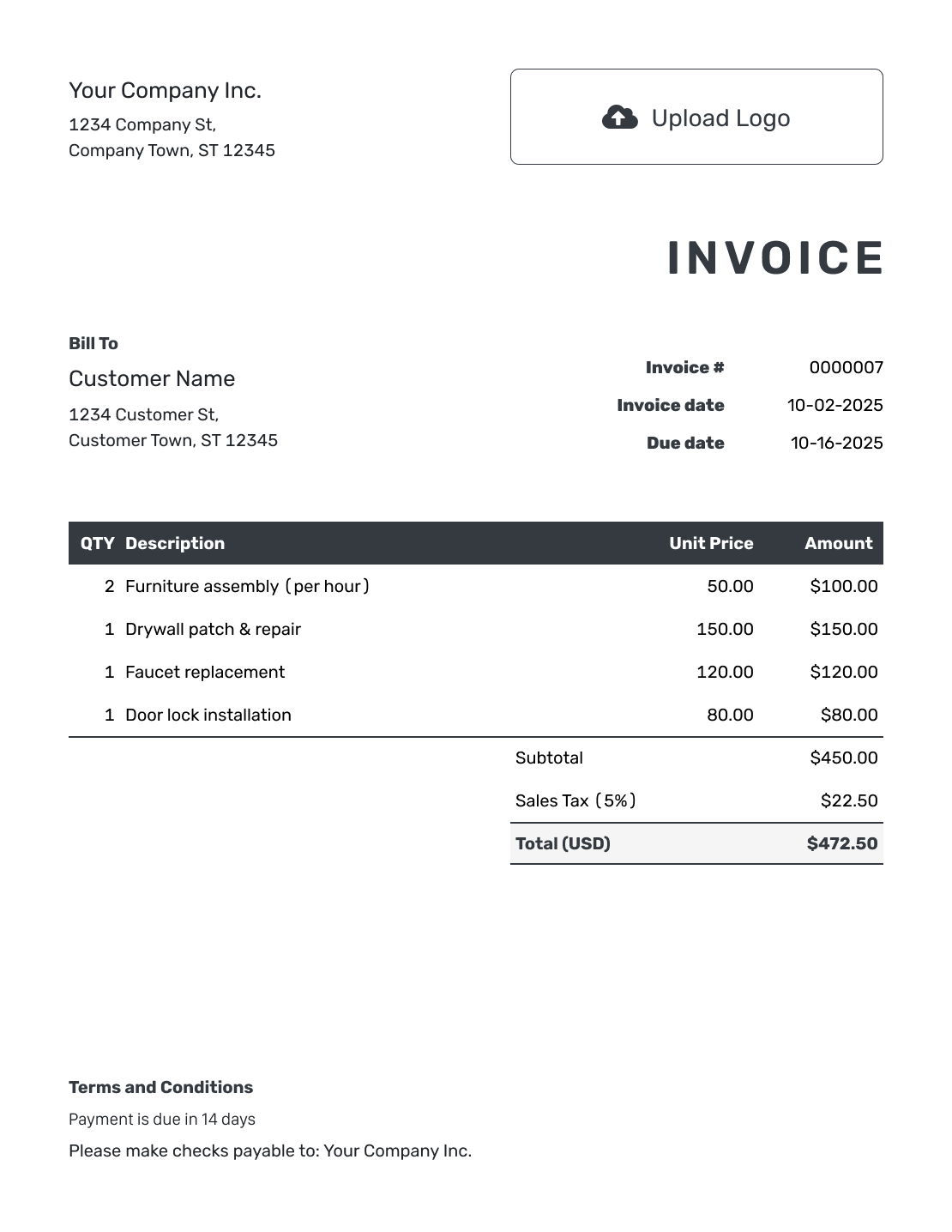
These six previews open the same invoice editor. Add your own billing details after opening it.
Keep the Payment Record as Clear as the Layout
Once the design is settled and the invoice is sent, focus on the amount still unpaid.
- Check the invoice history to see whether the customer opened the emailed invoice.
- Record payments so the remaining balance stays current.
- Create a receipt from the invoice after recording a payment.
Prefer to Style an Invoice File?
Use Word or Google Docs for document-based editing. Excel and Google Sheets offer spreadsheet templates. Review your chosen format as a finished invoice before sending it.
Modern Invoice Template FAQs
-
What makes an invoice look modern?
A modern invoice uses a clean layout, readable type and enough space around important details. The design should help the customer find the charges, due date and amount to pay rather than distract from them.
-
Can I use a dark invoice design?
Docelf supports light and dark document designs. Check the preview and PDF for readable text and amounts. Choose the version that works best for how the customer will view the bill.
-
Should I shorten descriptions to keep the layout clean?
Keep descriptions concise, but leave enough detail to identify the work or product. Let a useful description wrap. Attach a longer job record when the invoice would otherwise become crowded.
-
Does a modern invoice need different payment terms?
No. Use the terms agreed with the customer. A different design should not change the amount, due date or payment instructions. Keep those details visible and easy to read.
-
Can a modern invoice still be printed?
Yes. You can print a Docelf invoice or download it as a PDF. Check the full document before sharing it, including any wrapped descriptions and payment details.
Send a Clean Invoice With a Clear Amount Due
Give the customer a bill that is easy to recognize and easy to read.
- Choose your logo, fonts and colors
- Keep charges and payment details readable
- Preview the complete invoice before sending




