Free Roofing Invoice Template
Create a professional roofing invoice in minutes
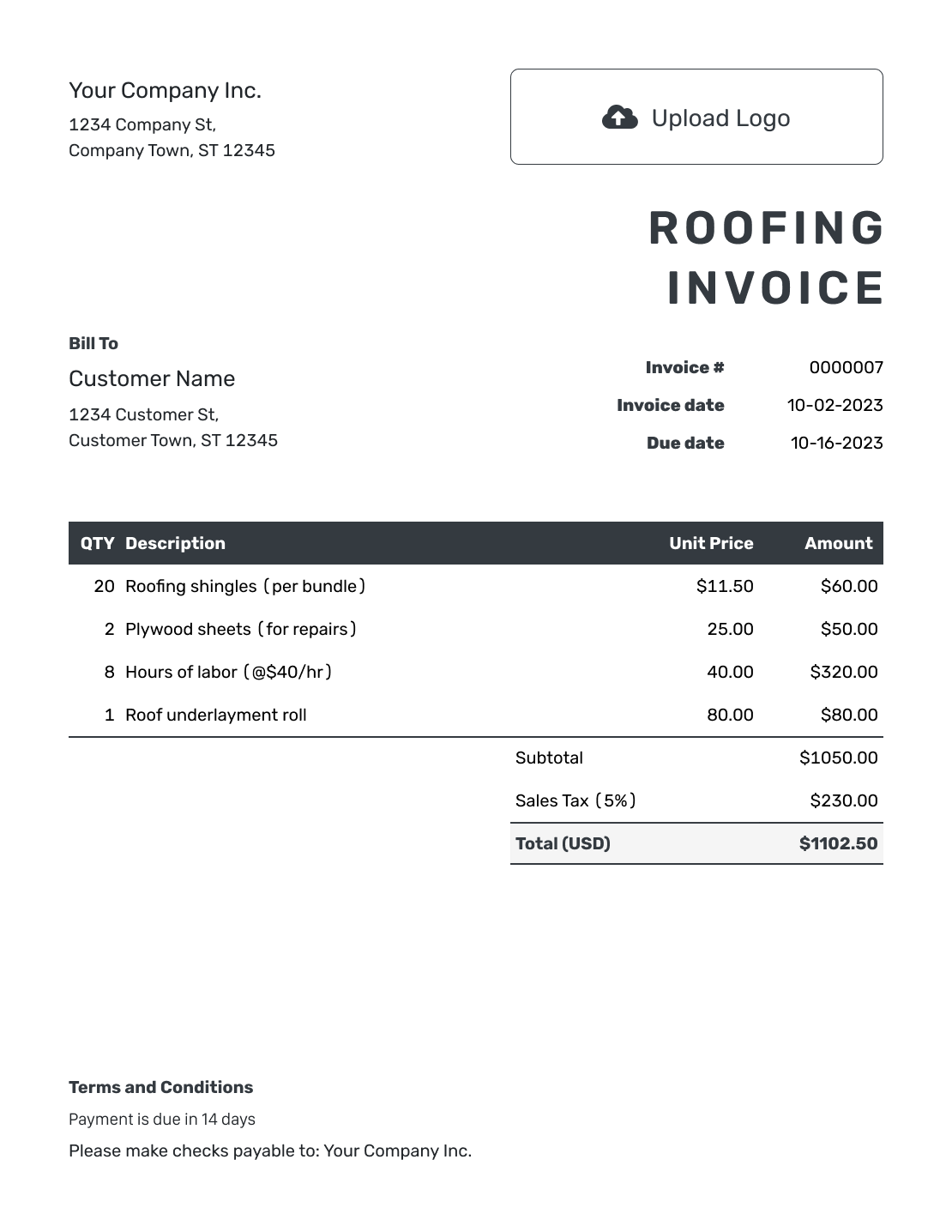
Bill for the roof repair, replacement or installation work you completed, including labor and materials. Show the balance and payment due date to help you get paid on time.
Email, print or download your invoice as a PDF.
14-day free trial. No credit card required.

Create the invoice. Send it. Get back to work.
Roofing Invoice Templates for Repairs and Installations
See example layouts for a roof repair, replacement, or installation invoice. Create your own in Docelf with the property details and the work you are billing.
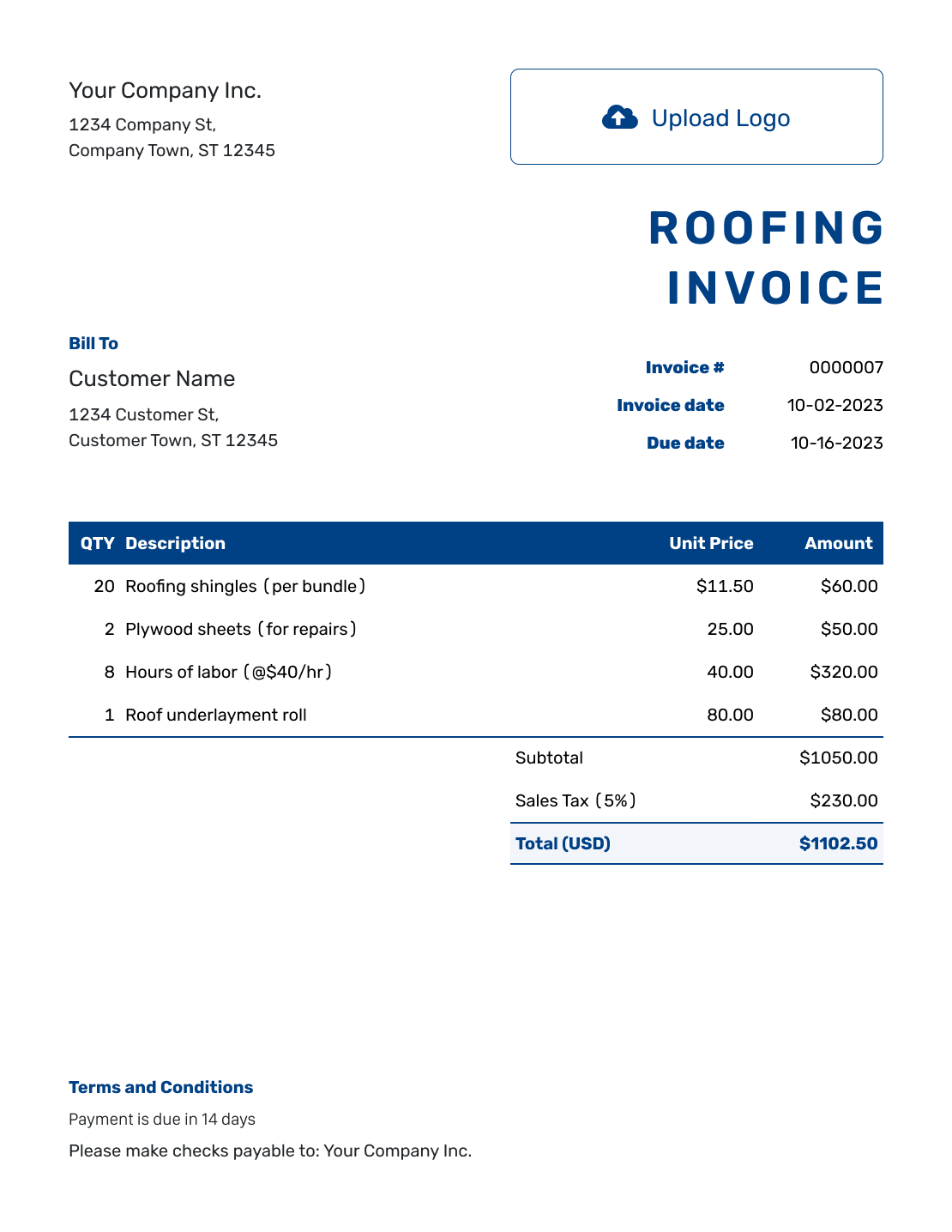
How to Create a Roofing Invoice
Use the job record and agreed roofing price to prepare the invoice. For a larger project, name the work or stage this bill covers.
- Add Your Business: Enter your roofing business name and the contact for payment questions.
- Add Your Logo: Use the same logo as your proposal, estimate, or quote.
- Choose the Billing Customer: Name the homeowner, business, or contractor responsible for paying you.
- Set the Number and Dates: Check the invoice number and invoice date. Use the payment due date from your agreement.
- List the Roofing Work: Name the roof area or stage. Add materials, labor, and agreed disposal charges.
- Check the Amount Due: Add any tax or discount that applies. Review Docelf’s total.
- Add Terms and Send: In Terms and Conditions, add the property and job references with payment instructions. Review, then email or download the invoice.
How to Fill In Roofing Invoice Line Items
Use units the customer can understand, such as bundles, rolls, and labor hours. Identify the repair area in the work description. For a fixed-price job, describe what the price includes. Do not add separate charges for materials already covered.
This USD example covers a garage roof repair, not a full replacement. An illustrative 8% tax applies to $368.00 of shingles, underlayment, and flashing. Labor and debris removal are untaxed here. Use the prices and tax treatment that apply to your job.
| QTY | Description | Unit Price | Amount |
|---|---|---|---|
| 6 | Architectural shingles — bundles | $39.50 | $237.00 |
| 1 | Roof underlayment — roll | $89.00 | $89.00 |
| 1 | Step flashing — pack | $42.00 | $42.00 |
| 7 | Garage roof repair — labor hours | $90.00 | $630.00 |
| 1 | Job debris removal | $95.00 | $95.00 |
| Subtotal | $1,093.00 | |
| Sales Tax (8% on materials) | $29.44 | |
| Total | $1,122.44 |
What to Include in Roofing Invoice Terms
Use Terms and Conditions to connect the payment instructions to the roofing agreement. Identify the property and completed roof area or stage, then state when payment is due. The job or contract reference helps the customer match the bill to the work.
Refer to the workmanship warranty you agreed to provide. List material warranties separately. Do not promise more coverage than your agreement provides. Check local requirements before adding late fees or warranty limits.
Adapt these example terms to the repair or installation you are billing.
Example: Terms and Conditions
- This invoice covers the listed roofing work at [Property Address] under [Job/Contract Reference].
- Payment for [Completed Work/Stage] is due on [Due Date] by [Payment Method].
- Any extra work shown here was approved under [Change Reference].
- Workmanship terms and any material warranty information are provided in [Agreement/Warranty Reference]. Contact [Business Contact] with questions about the invoice.
Create the Invoice for the Roofing Job
Enter the completed roof work in Docelf. Docelf calculates the total from your charges. Check the invoice before emailing it to the customer.
Make the Roof Area and Billing Stage Clear
A small repair and a full replacement need different descriptions. Keep the invoice specific to the work the customer is paying for.
Identify the Property and Area
Name the property and the roof area, such as the garage or rear extension. Add a project reference for commercial work or a site with several buildings.
Describe the Completed Work
Distinguish patching or flashing repairs from a replacement or new installation. Include removal and cleanup when they are part of the agreed charge.
Show Approved Additional Work
Put added work on its own line and refer to the customer’s approval. Show an extra repair or changed quantity clearly rather than adding it to an unrelated labor charge.
Check Previous Bills
For a project with several bills, name the stage and check what you already invoiced. Leave out work already billed on an earlier invoice.
Support the Bill With the Right Job Records
Attach a completion photo, approved change record, or material breakdown when it helps explain a charge. Keep longer descriptions in the attachment. Docelf supports PDF, JPG, GIF, PNG, and WebP files up to 5 MB each.
If your customer or main contractor requires a specific form to request payment, use that form. A general roofing invoice may not replace the form named in your agreement.
When the job started with a Docelf estimate or quote, create the invoice from that document. Review the copied work and prices against what you are billing now. See how to turn an estimate into an invoice.
Keep Your Roofing Documents Consistent
Add your business logo and use the same colors and fonts as your earlier job documents. An optional industry name can appear before “Invoice.” Use the footer for your billing contact or website.
Choose the currency agreed for the job: USD, EUR, GBP, CAD, or AUD. The design guide shows how to update the logo, colors, and fonts without changing the job details.
After You Send the Roofing Invoice
Docelf keeps the invoice due date and payment status with the bill. After emailing it, check the invoice history for delivery and viewing information before following up.
- Use the project and invoice references in a payment follow-up.
- Record payment against the correct bill and check any remaining balance.
- Create a receipt from the invoice after you record the payment.
More Roofing Invoice Previews
-
Blank Roofing Invoice Template
Create Free Invoice -
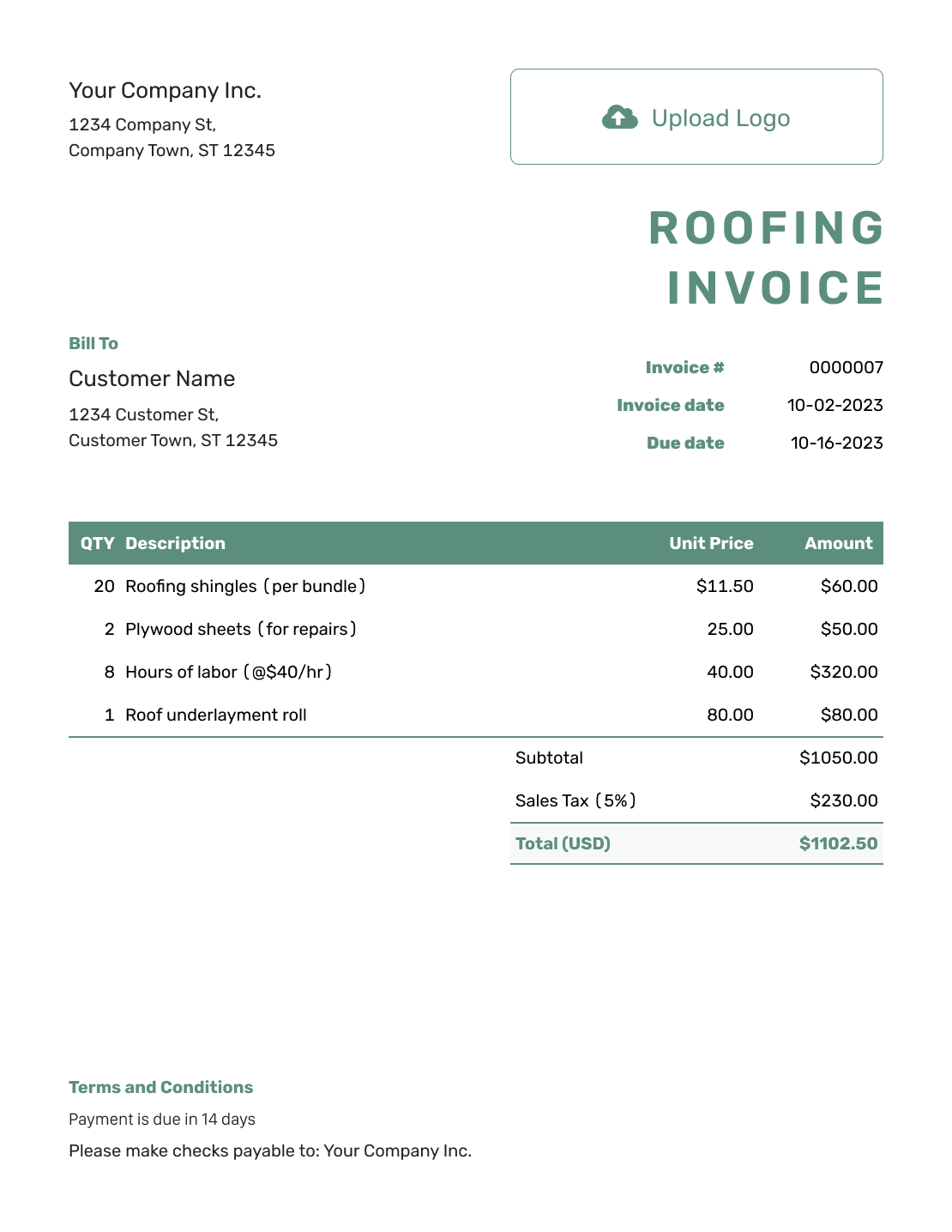
Simple Roofing Invoice Template
Create Free Invoice -
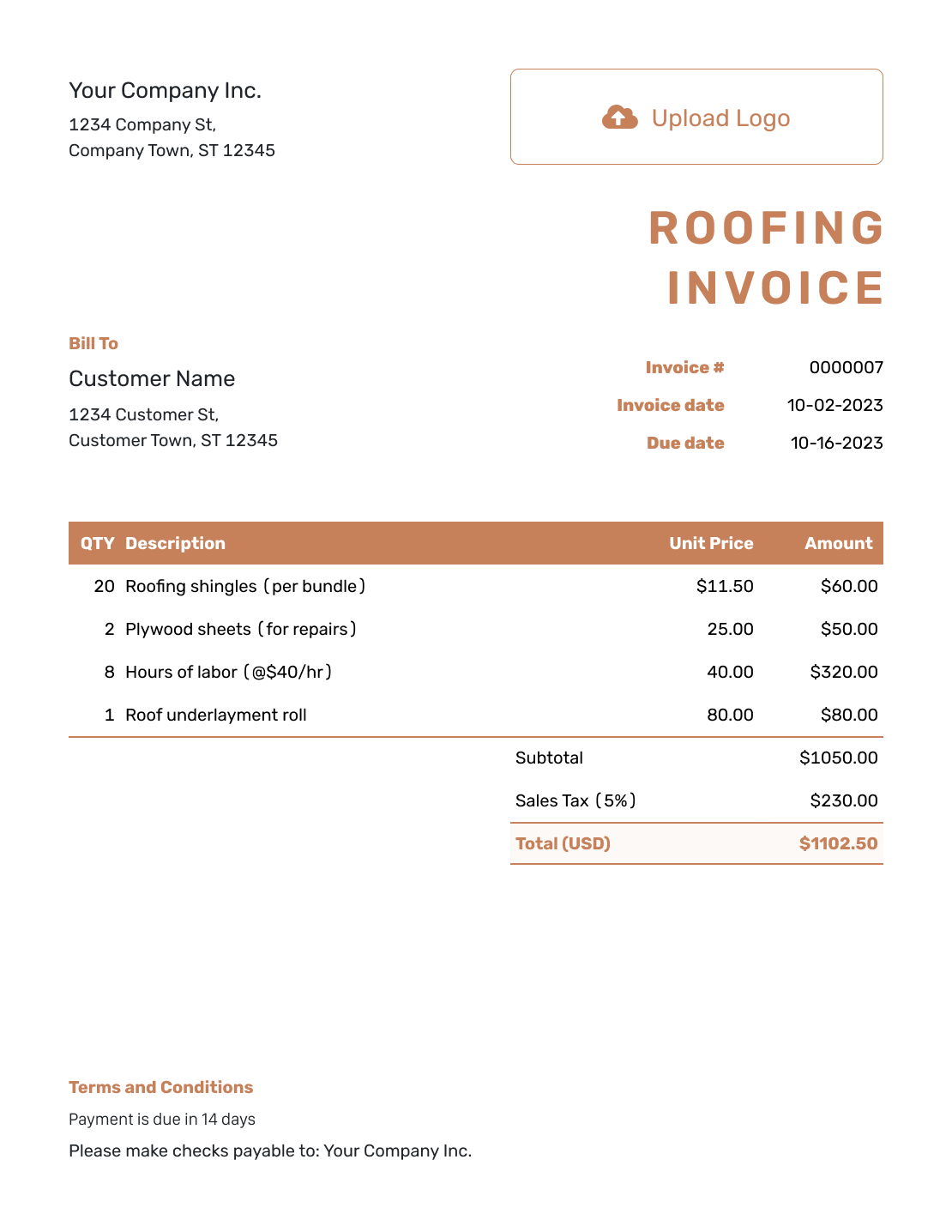
Standard Roofing Invoice Template
Create Free Invoice -
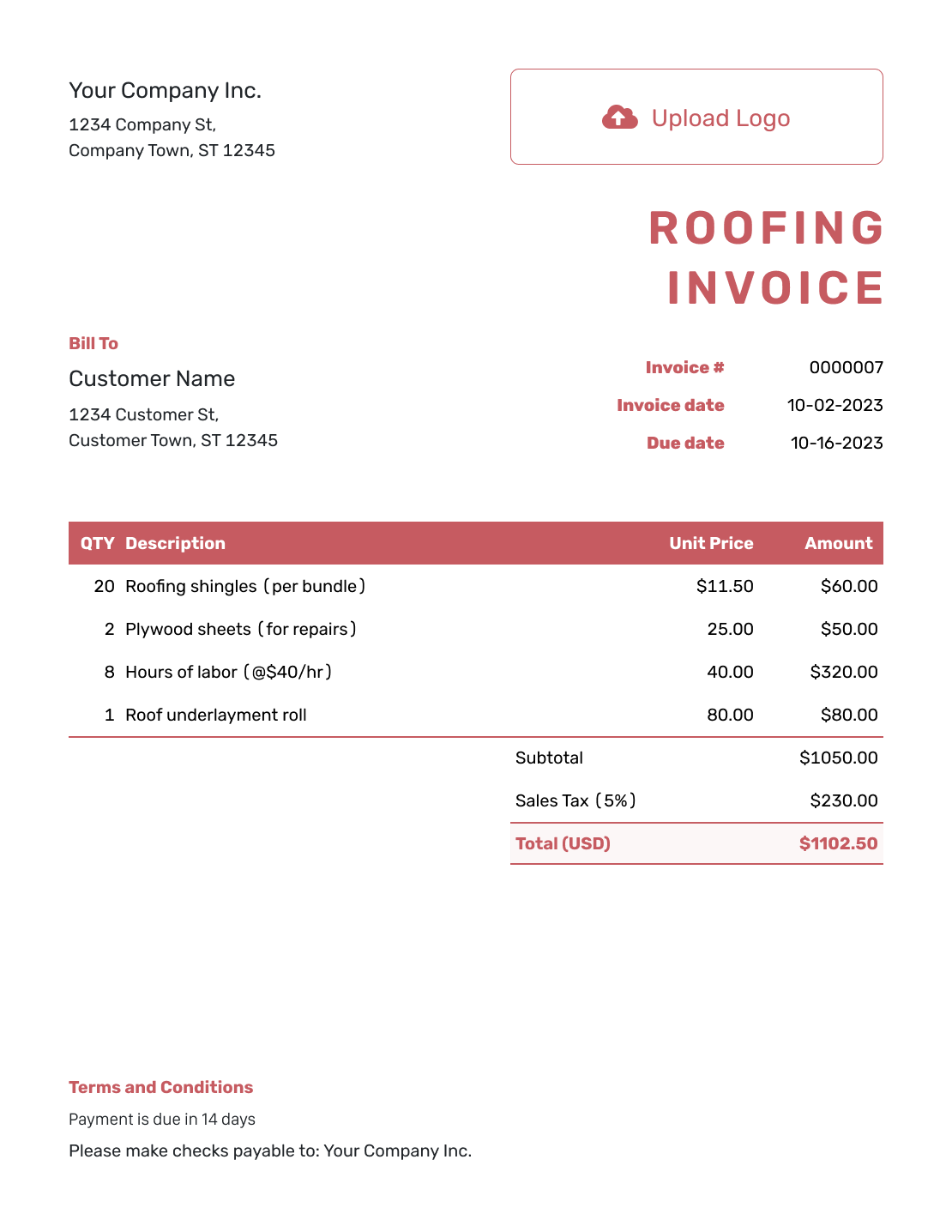
Itemized Roofing Invoice Template
Create Free Invoice -
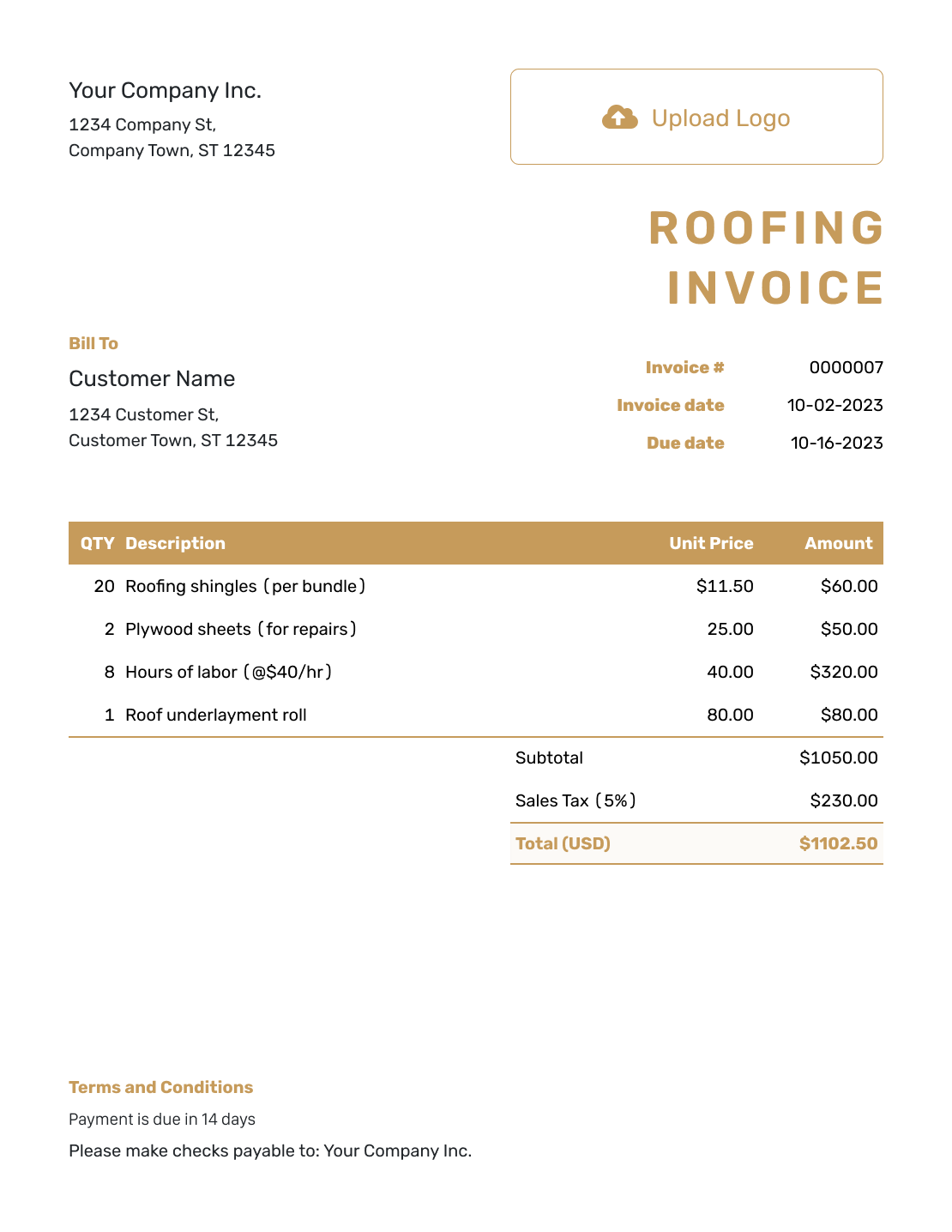
Basic Roofing Invoice Template
Create Free Invoice -
Hourly Roofing Invoice Template
Create Free Invoice
Roofing Invoice File Formats
Use a general invoice file for the roofing job if you prefer working outside Docelf. Word and Google Docs suit a written work description. Excel and Google Sheets give you a spreadsheet for quantities and prices.
Roofing Invoice FAQs
-
How much detail should I include for a roof repair?
Identify the property and roof area. Describe the repair and show the agreed charge. For time-and-materials work, add the material quantities and labor hours so the customer can check the total.
-
Can I use this template for a full roof replacement?
Yes. Describe the replacement work and what the agreed price covers. Include the property and project reference. For staged billing, name the stage you are charging for now.
-
Should debris removal be a separate charge?
Use a separate line when the agreed price treats it as an extra charge. If cleanup and disposal are already included in the roofing price, describe them as included rather than billing them again.
-
How do I show additional roofing work?
List the added work and agreed amount on its own line. Include the approval or change reference. A supporting job record or photo can help explain why the final bill differs from the original price.
-
Where should I put roofing warranty information?
Use Terms and Conditions to name the workmanship warranty you agreed to provide. List any material warranty separately. Attach the relevant document if the customer needs it. Check local requirements before adding limits or new conditions.
-
What if the main contractor asks for a payment application?
Use the form and process required by your agreement. You can prepare a clear invoice in Docelf, but it may not replace a required payment application or other contract document.
-
Can I attach completion photos to a roofing invoice?
Yes. Attach completion photos in a supported image format or a PDF job record. Keep each file to 5 MB or less. The customer can download the files with the invoice.
Ready to Invoice the Roofing Work?
Finish the roofing paperwork so the customer knows what to pay.
- Identify the property and completed work
- Show the agreed materials and labor charges
- Send the invoice with a clear payment due date




