Free Home Inspection Invoice Template
Create a professional invoice in minutes
Bill for the completed inspection and any additional services included in the visit. The charges and due date show the customer what to pay and when, helping you get paid.
Email, print or download your invoice as a PDF.
14-day free trial. No credit card required.

Create the invoice. Send it. Get back to work.
Browse Home Inspection Invoice Layouts
Review the layouts before preparing the bill for an inspection. Each opens the invoice editor, where you can identify the property and enter the services you provided.
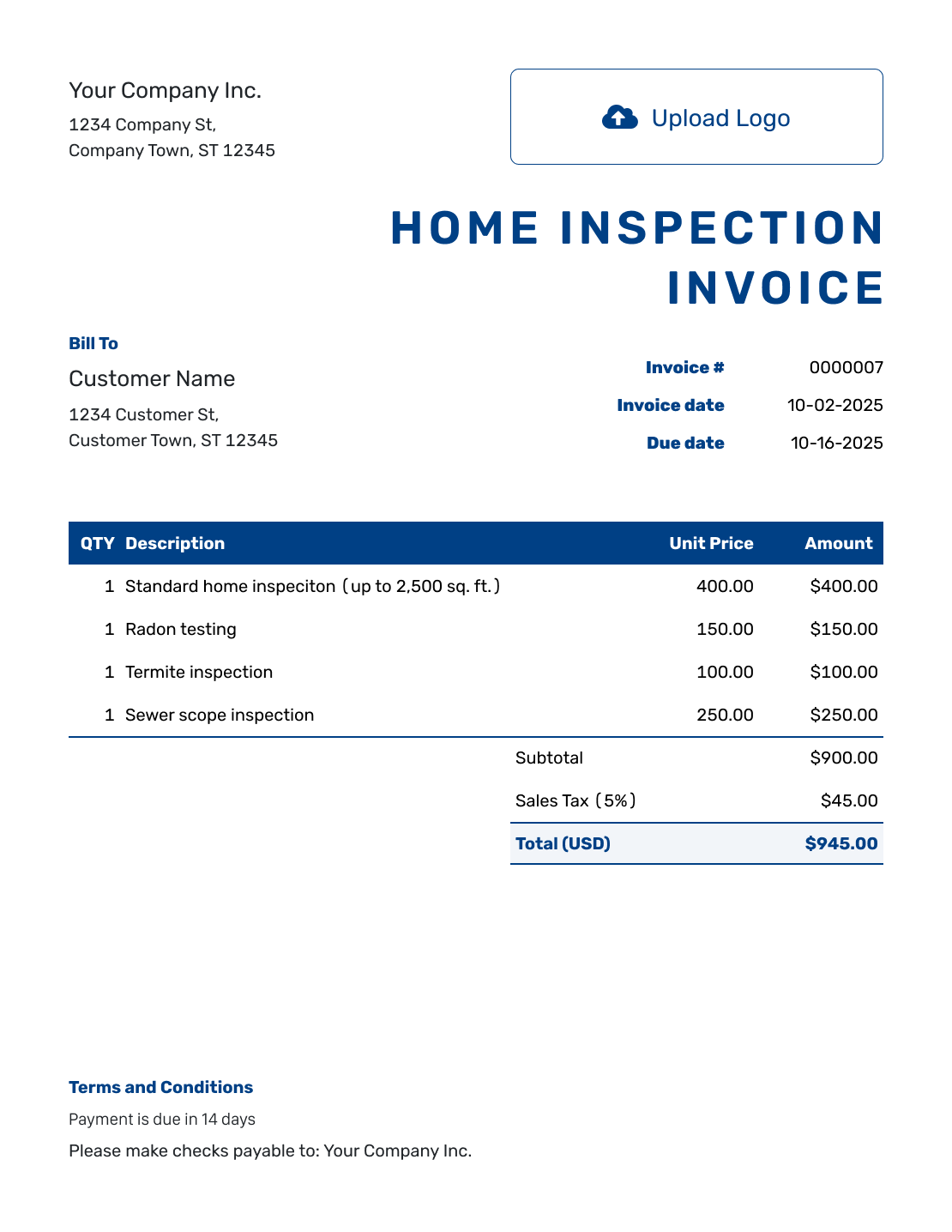
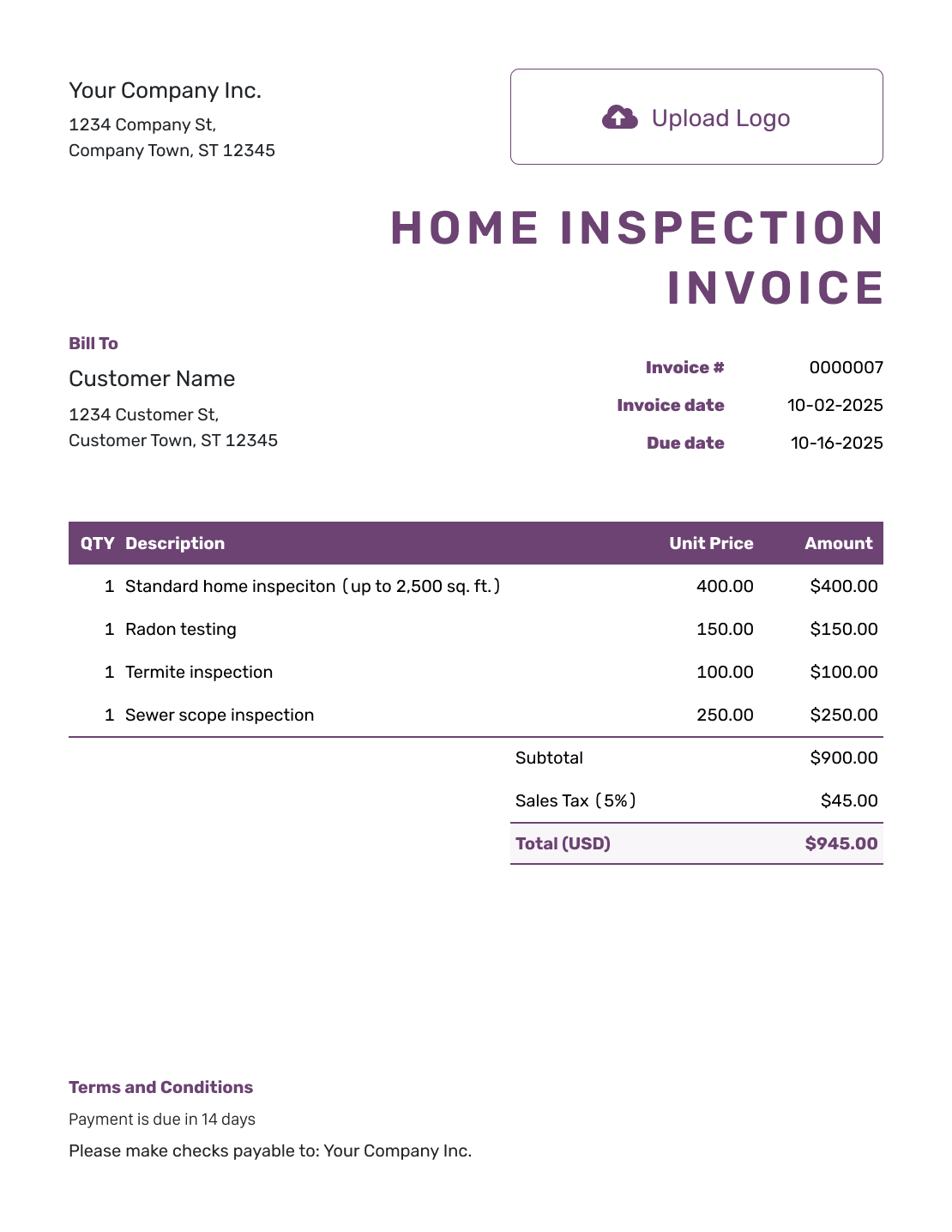
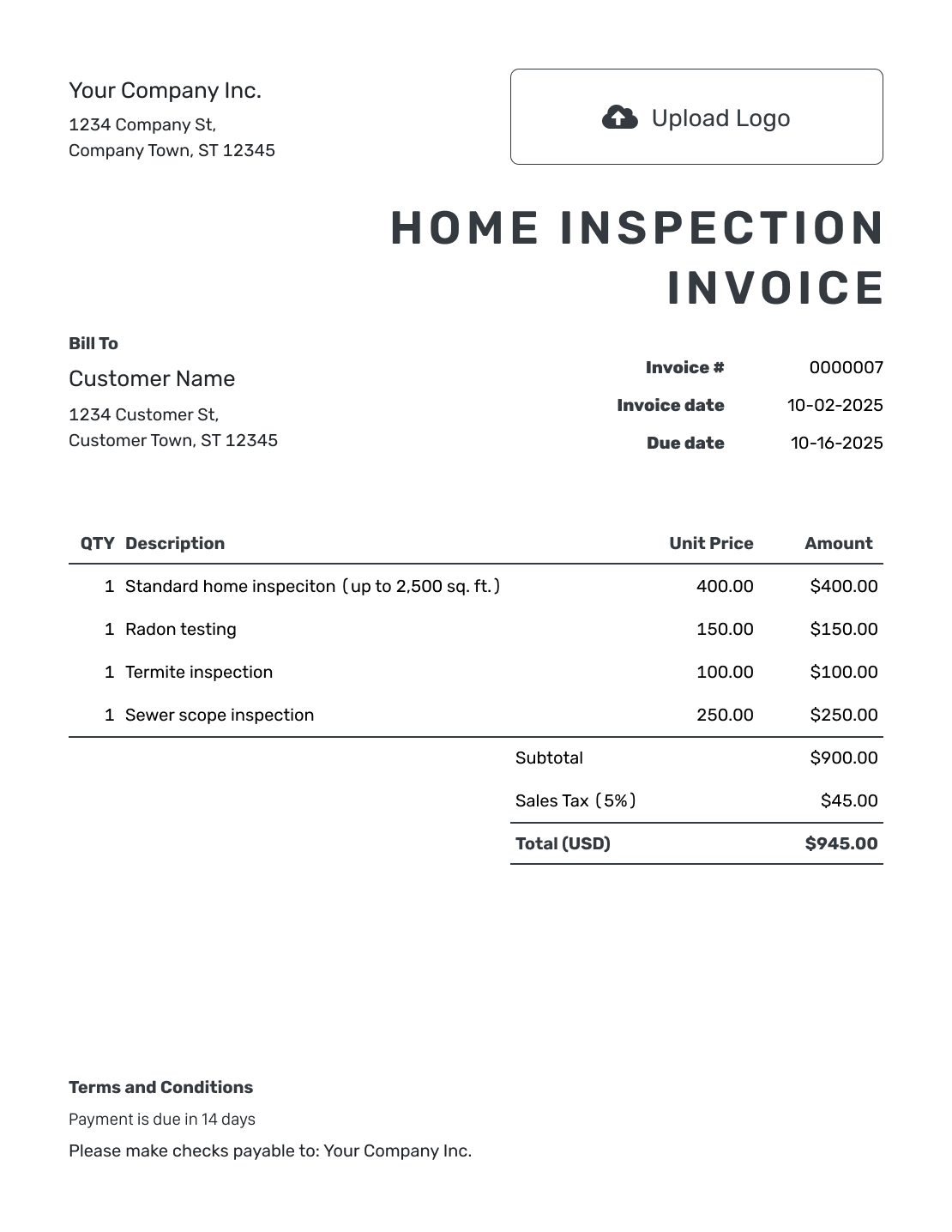
Bill for the Inspection Services You Provided
Use the invoice to show the inspection fee and any additional services the customer ordered. Keep the property address and inspection date with the charges.
Bill the person or business responsible for payment, whether that is the buyer, seller, or another customer. The agent who arranged access may not be the person who owes the fee. Keep inspection findings in the report, not in invoice line items.
How to Create a Home Inspection Invoice
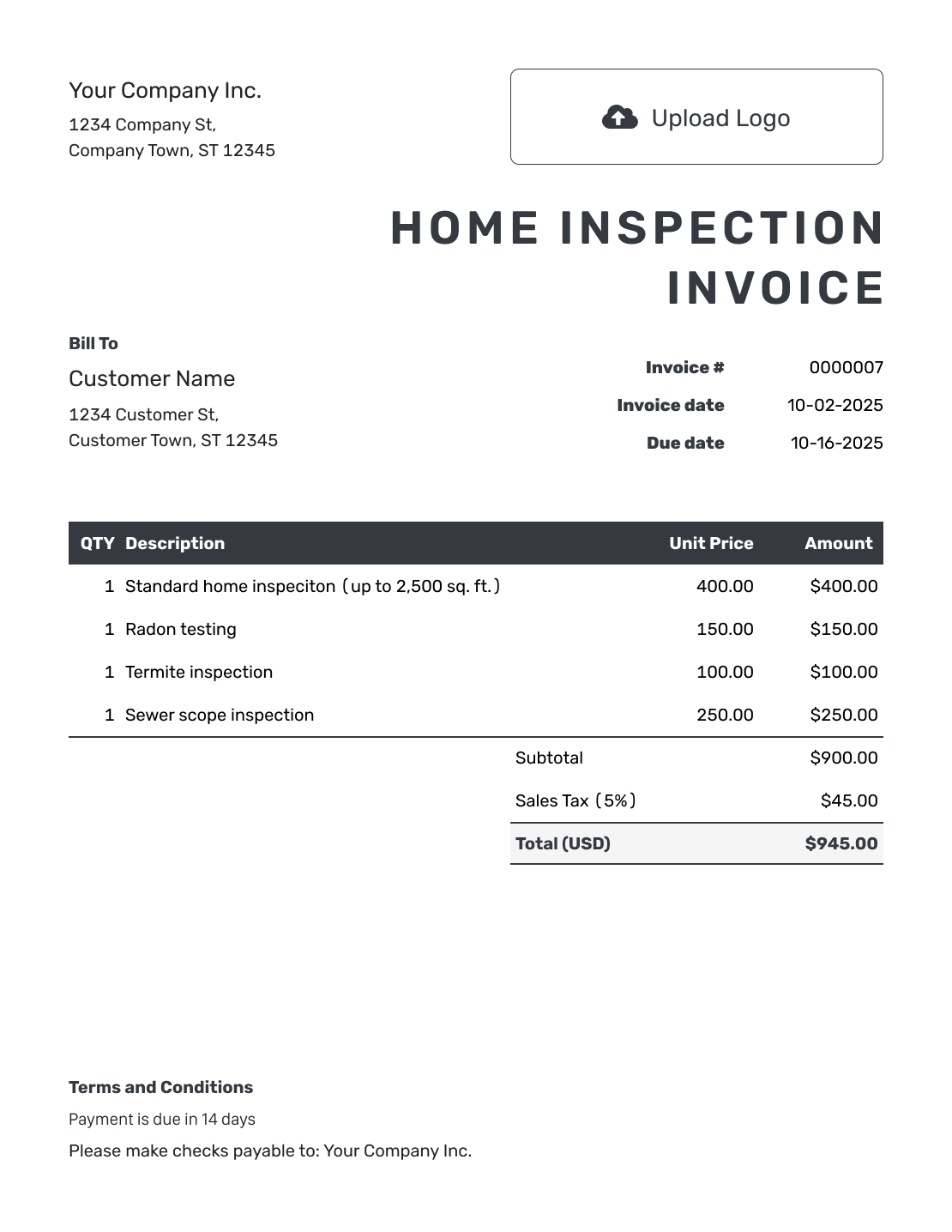
Use the booking details to identify the customer, property, and agreed services. Follow the numbered fields below.
- Add Your Inspection Business: Enter your business name and contact details for billing questions.
- Add Your Logo: Use the same logo as your inspection reports and booking documents.
- Name the Paying Customer: Use the buyer, seller, or business that agreed to pay the inspection fee.
- Set the Number and Dates: Check the invoice number and date. Set the due date from the booking agreement.
- List the Inspection Services: List the inspection and any add-ons the customer ordered, with quantities and fees.
- Review Tax and Total: Add tax when it applies to your services. Check the total Docelf calculates.
- Add Payment Details and Send: Add the property, inspection date, and payment instructions in Terms and Conditions. Review, then email or save a PDF.
How to Fill In Home Inspection Invoice Line Items
Give the main inspection fee its own line. Add a line for each extra service you charge for separately. Include only the agreed services you are billing now.
This fictional USD bill shows an inspection with two agreed add-ons. For this example only, an 8% tax applies to all three charges. Check whether your services are taxable and which rate applies before using the example.
| QTY | Description | Unit Price | Amount |
|---|---|---|---|
| 1 | Home inspection | $395.00 | $395.00 |
| 1 | Radon test — agreed add-on | $150.00 | $150.00 |
| 1 | Detached garage inspection | $60.00 | $60.00 |
| Subtotal | $605.00 | |
| Sales Tax (8% example) | $48.40 | |
| Total | $653.40 |
What to Include in Home Inspection Invoice Terms
Terms and Conditions help the customer connect the bill to the property and inspection date, with clear instructions for payment.
Keep the inspection scope and report delivery consistent with your booking agreement. Adapt the example to the policies you actually use, and check local requirements before adding fees or other conditions.
Example: Terms and Conditions
- Services listed on this invoice relate to [Property Address], inspected on [Inspection Date].
- Inspection scope and report delivery follow agreement [Booking Reference].
- Payment is due on [Due Date] by [Payment Method].
- Send billing questions to [Billing Contact] and include [Invoice Number].
Turn the Inspection Booking Into a Bill
Enter the inspection fee and agreed add-ons. Docelf calculates the total. Send the invoice to the customer named on the booking.
Check the Customer, Property, and Booking
Check who to bill and which visit the charges cover.
Who Is Paying?
Use the customer who agreed to pay. A real estate agent or access contact should not automatically become the billing customer.
Which Property?
State the inspected property address even when it differs from the customer’s mailing address. Add the unit number when needed.
Which Services?
Match the charge descriptions to the booked inspection and add-ons. Do not include a test that was discussed but not ordered.
Which Visit?
Use the inspection date and booking reference. For a separately billed return visit, state what that visit covered.
Keep the Invoice Consistent With Your Inspection Documents
Use your logo, colors, and fonts to match the report and booking paperwork. You can add an industry name before “Invoice.” Put your billing contact in the footer so questions go to the right person.
Docelf creates the invoice; it does not create the inspection report. Attach a relevant existing PDF or image when the customer needs it with the bill. Each attachment can be up to 5 MB.
If you already have an estimate or quote for the inspection in Docelf, create the invoice from it. Review the copied services and prices, and check that the property details match this booking.
Confirm the Invoice Reached the Paying Customer
After sending the invoice through Docelf, check its delivery and opening history. Use the property address and inspection date when following up with the customer.
Record a payment against the inspection invoice when it arrives. You can create a receipt from the invoice after recording the payment. Docelf keeps any remaining balance with the invoice.
More Home Inspection Invoice Layouts
These six previews open the same invoice editor, where you can enter your own customer and service details.
-
Blank Home Inspection Invoice Template
Create Free Invoice -
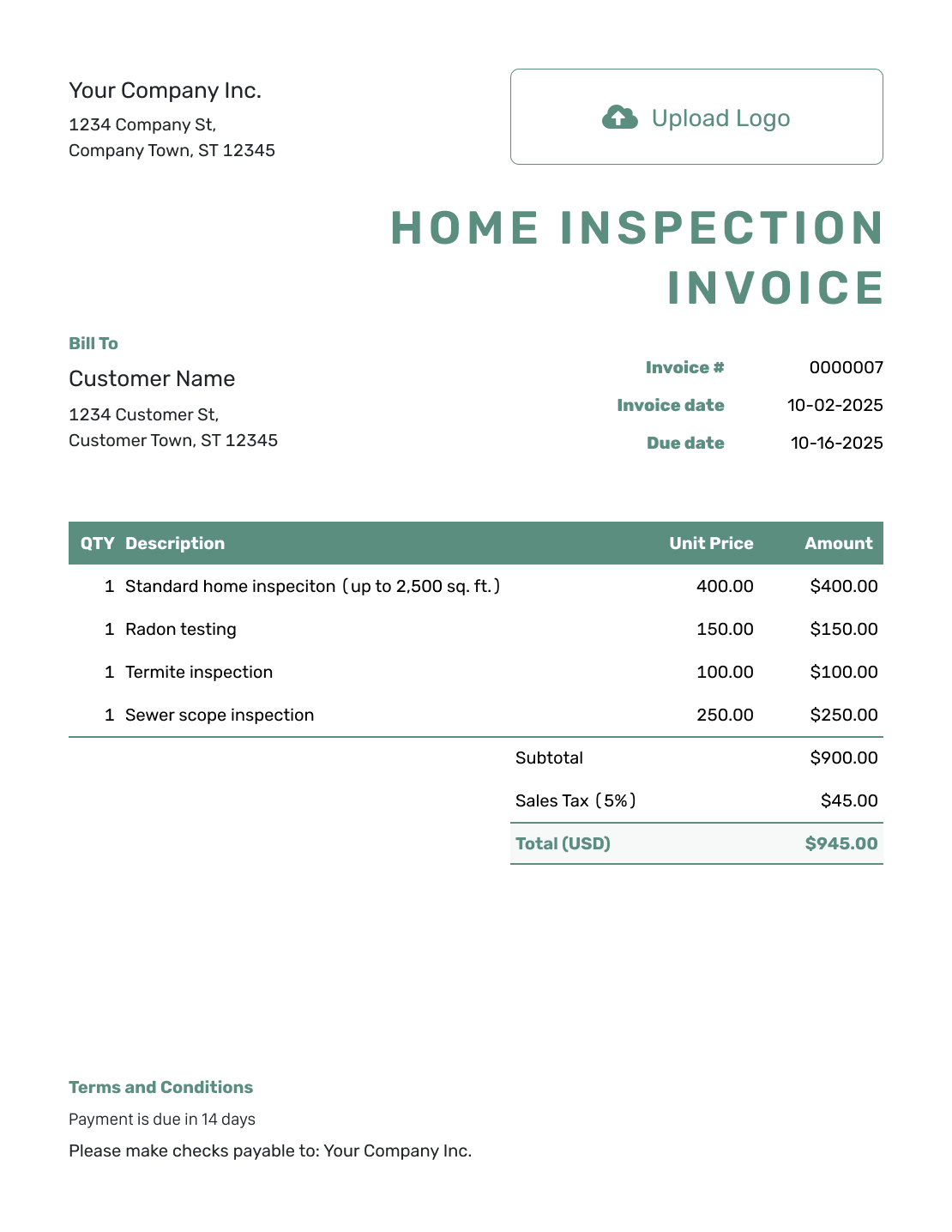
Simple Home Inspection Invoice Template
Create Free Invoice -
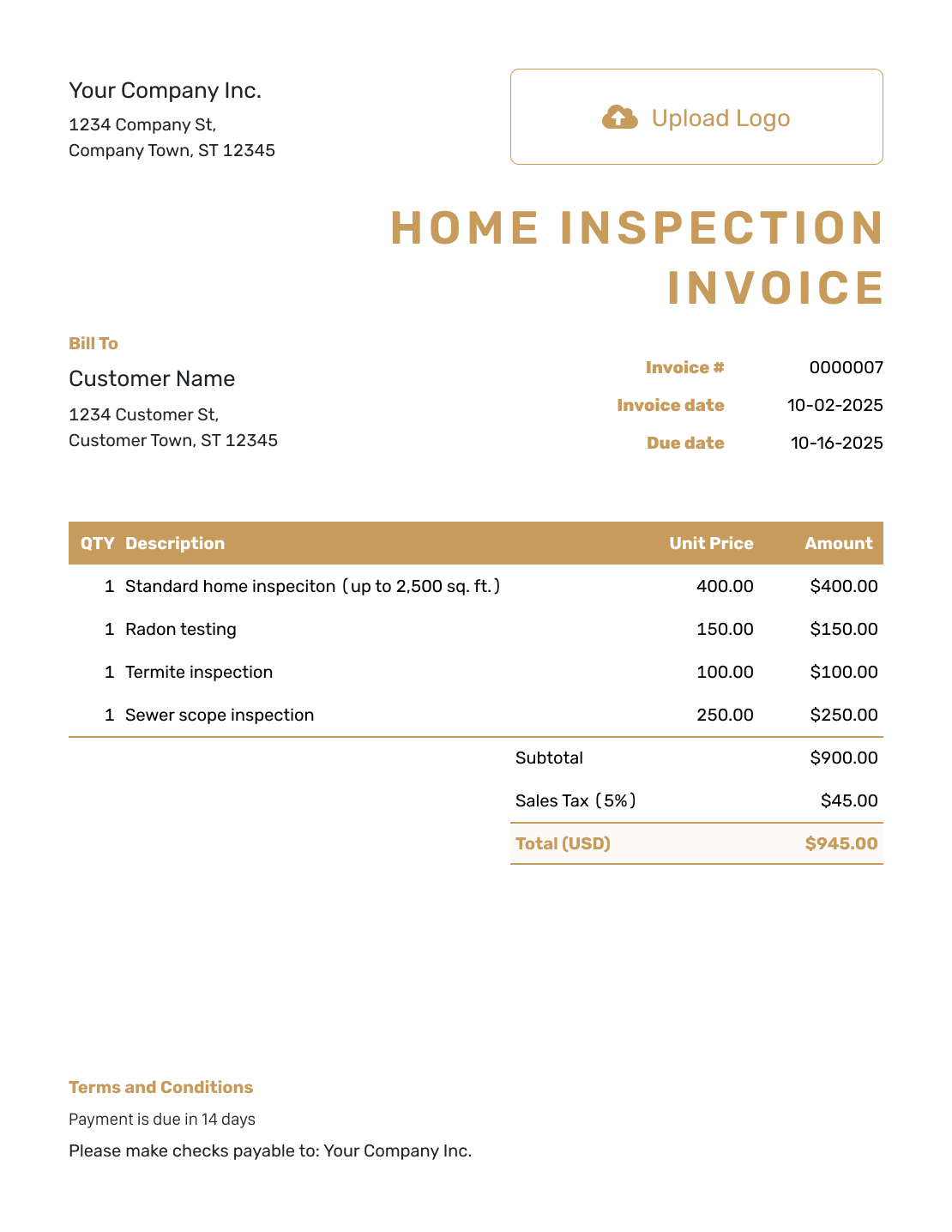
Standard Home Inspection Invoice Template
Create Free Invoice -
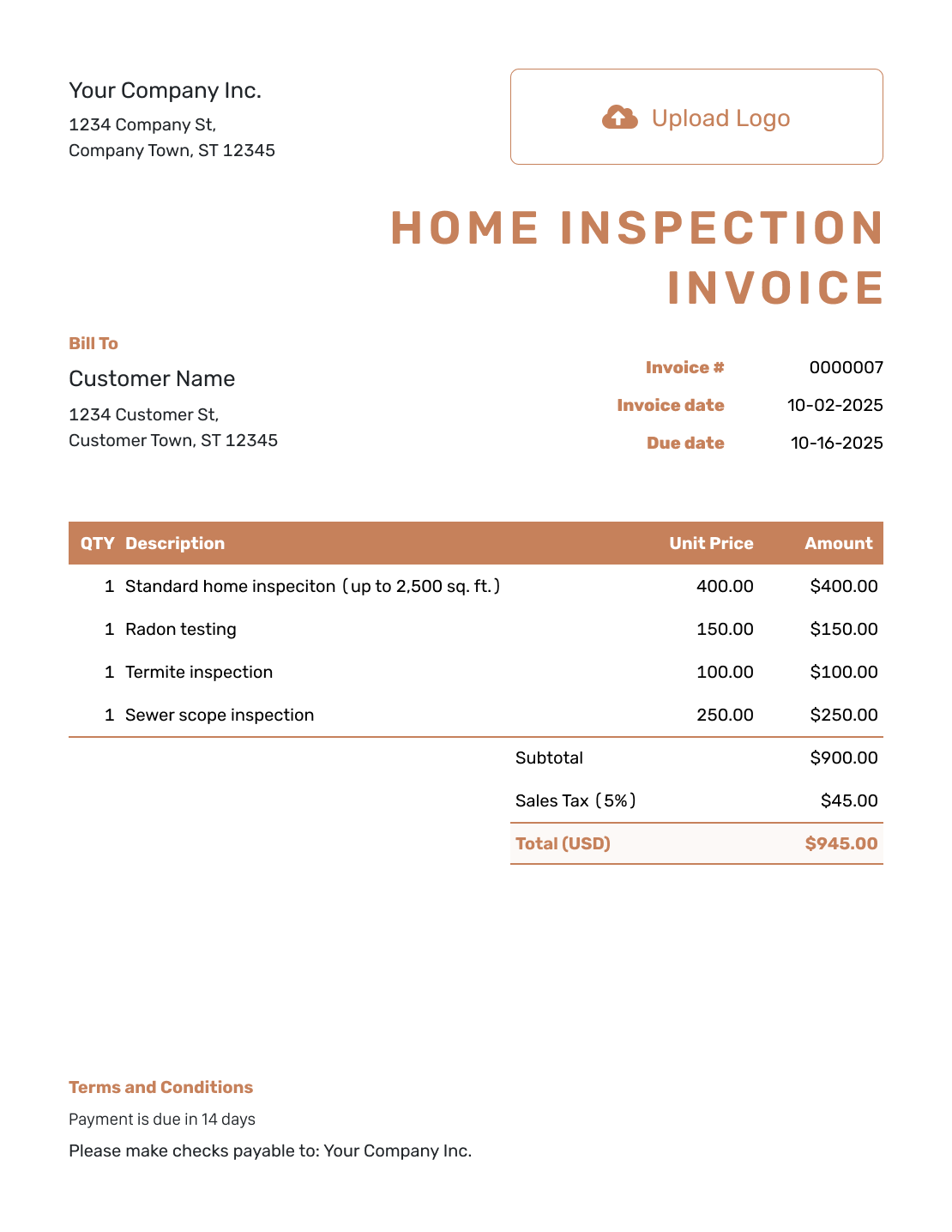
Itemized Home Inspection Invoice Template
Create Free Invoice -
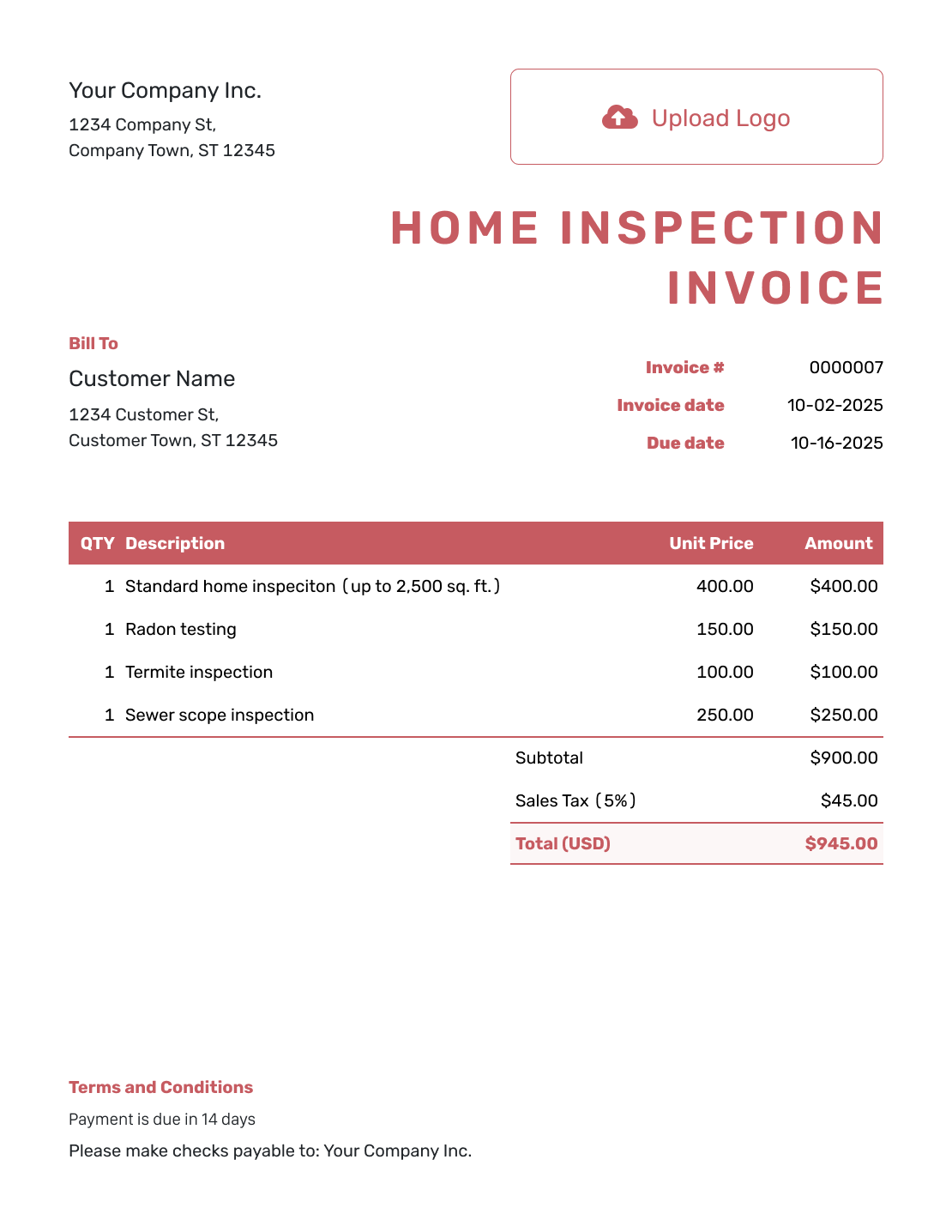
Basic Home Inspection Invoice Template
Create Free Invoice -
Hourly Home Inspection Invoice Template
Create Free Invoice
Home Inspection Invoice File Options
The free Word and Google Docs templates let you edit the booking details in a document. Excel and Google Sheets are alternatives for itemized inspection fees. Use a format that keeps the property and paying customer easy to identify.
- Word Invoice Template
- Google Docs Invoice Template
- Excel Invoice Template
- Google Sheets Invoice Template
When you create the invoice in Docelf, choose the agreed currency from USD, EUR, GBP, CAD, or AUD. Check that the fees match that currency before sending.
Home Inspection Invoice FAQs
-
Who should receive a home inspection invoice?
Send it to the customer who agreed to pay the inspection fee. That may be the buyer, seller, or another business. Do not assume the agent who arranged the visit is responsible for payment.
-
Where should I put the property address?
Include the inspected property address with the booking details in Terms and Conditions or a service description. Keep the paying customer’s billing information in the customer section.
-
How do I bill for add-on inspection services?
List each separately priced service the customer ordered, with its fee. Check that it is not already included in the main inspection price. Use the booking record to confirm what this invoice covers.
-
Is a home inspection invoice the same as the report?
No. The invoice shows the services and payment due. The report records the inspection findings. Docelf creates the invoice, and you can attach an existing report file when appropriate.
-
How do I invoice for a return inspection?
Identify the property, the return-visit date, and what you checked. Use the return-visit fee you agreed with the customer. Keep it distinct from the original inspection charge.
-
Can I create a receipt once the inspection is paid for?
Yes. Record the payment amount and date on the Docelf invoice. Then create a receipt from it. Docelf keeps the payment status and any remaining balance with the invoice.
Get the Inspection Invoice Ready to Send
Give the paying customer a clear bill for the inspection they booked.
- Identify the property and visit
- List the inspection fee and add-ons
- Send the invoice or save a PDF




