Free Pool Service Invoice Template
Create a professional invoice in minutes
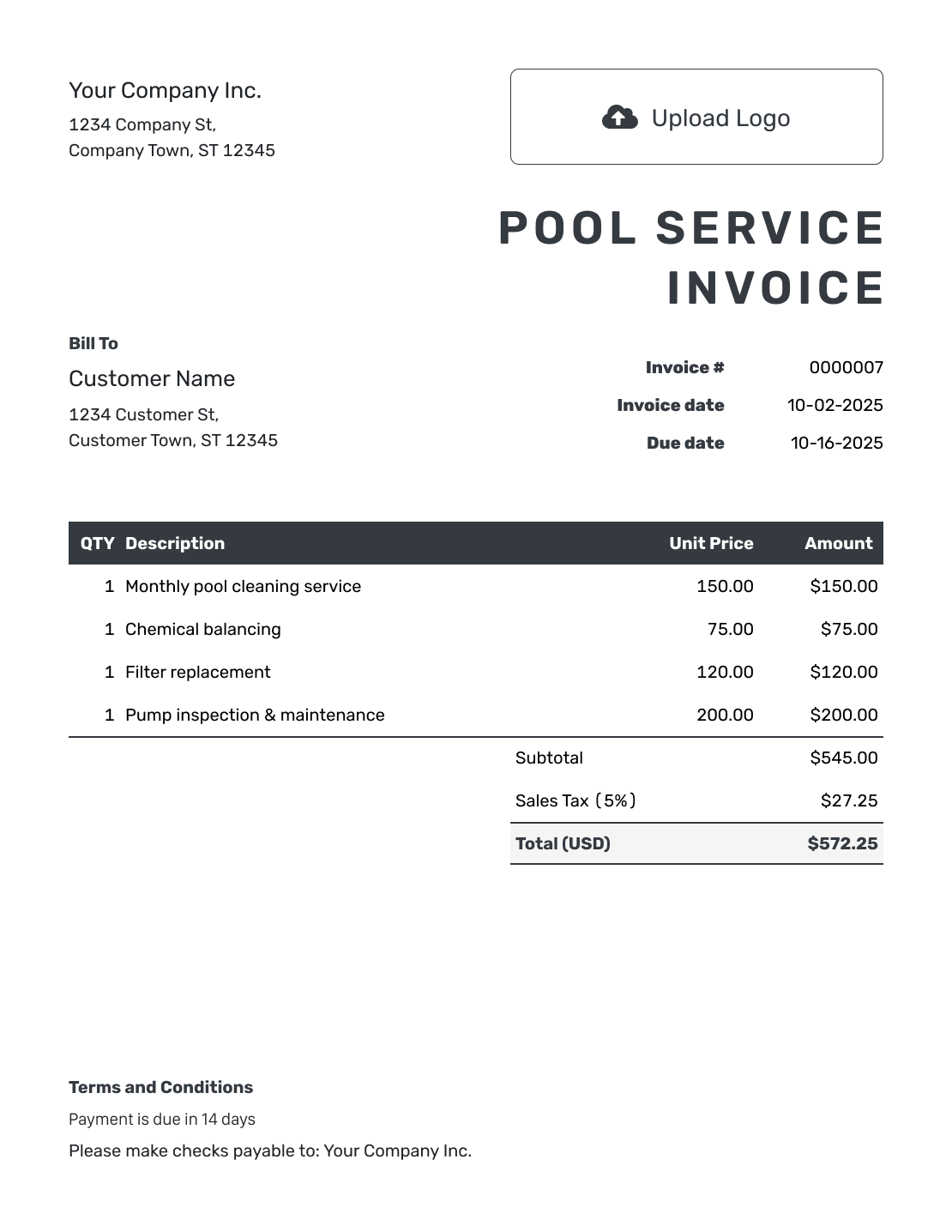
Bill for pool cleaning, maintenance or repairs completed during the visit. Clear service charges and a due date show customers what to pay and help you collect payment.
Email, print or download your invoice as a PDF.
14-day free trial. No credit card required.

Create the invoice. Send it. Get back to work.
Pool Service Invoice Layouts
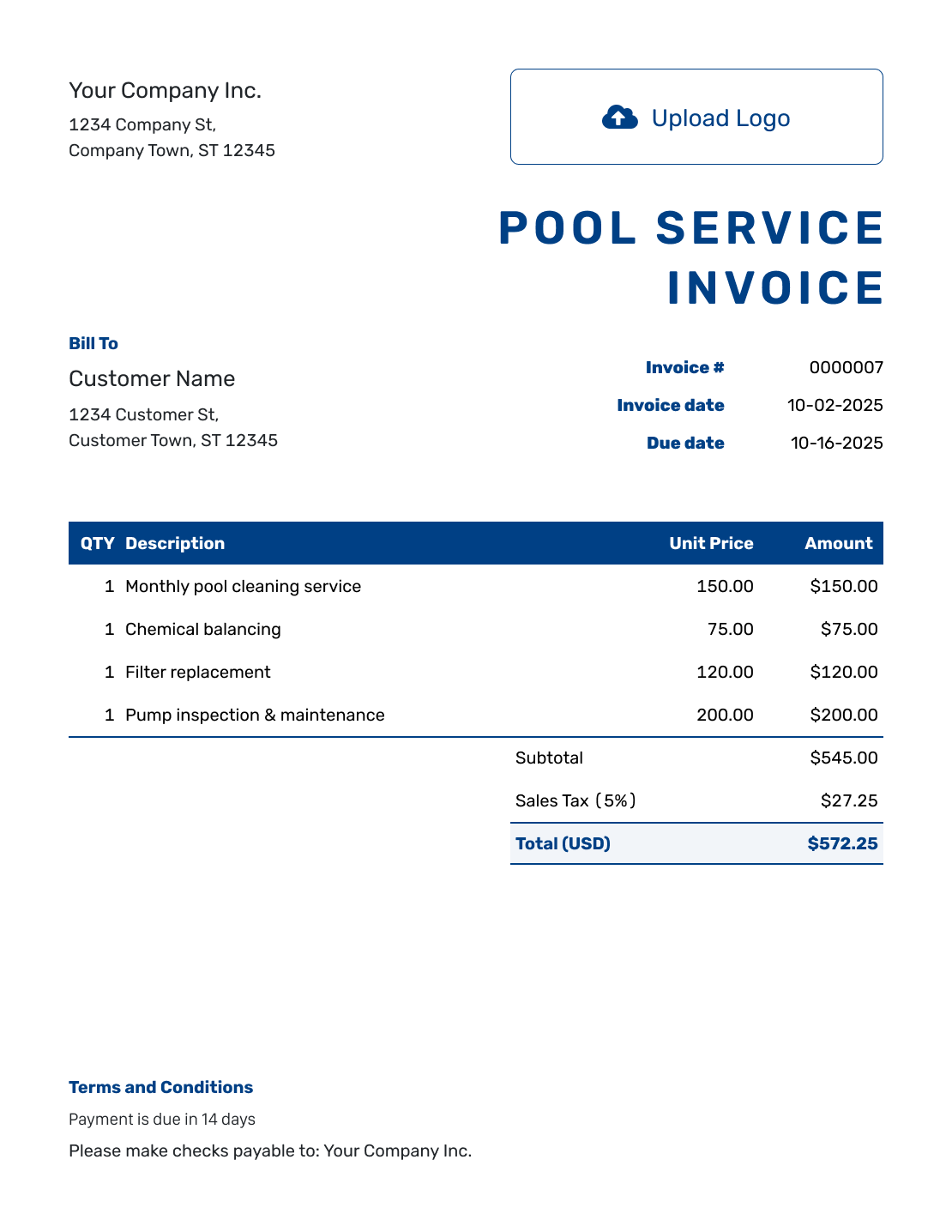
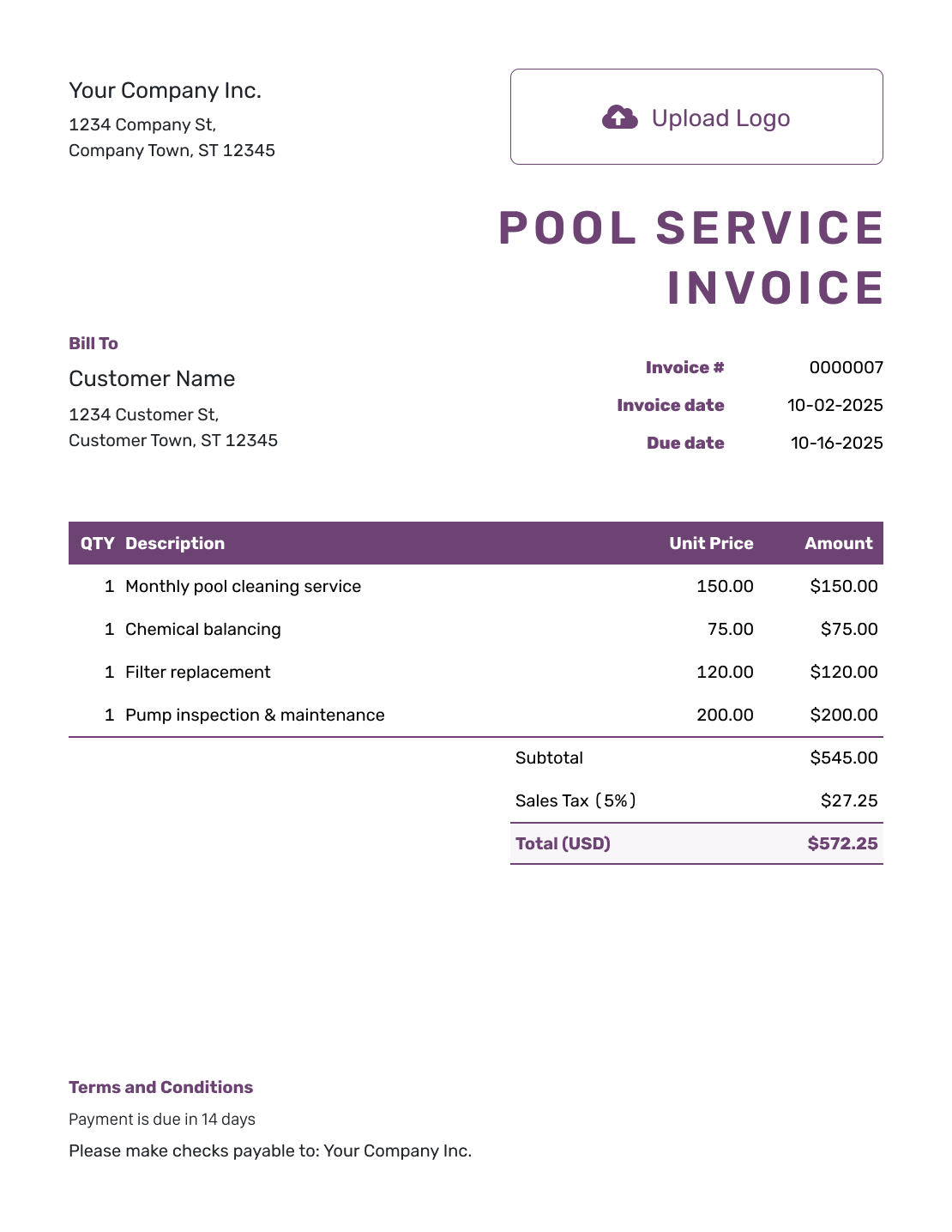
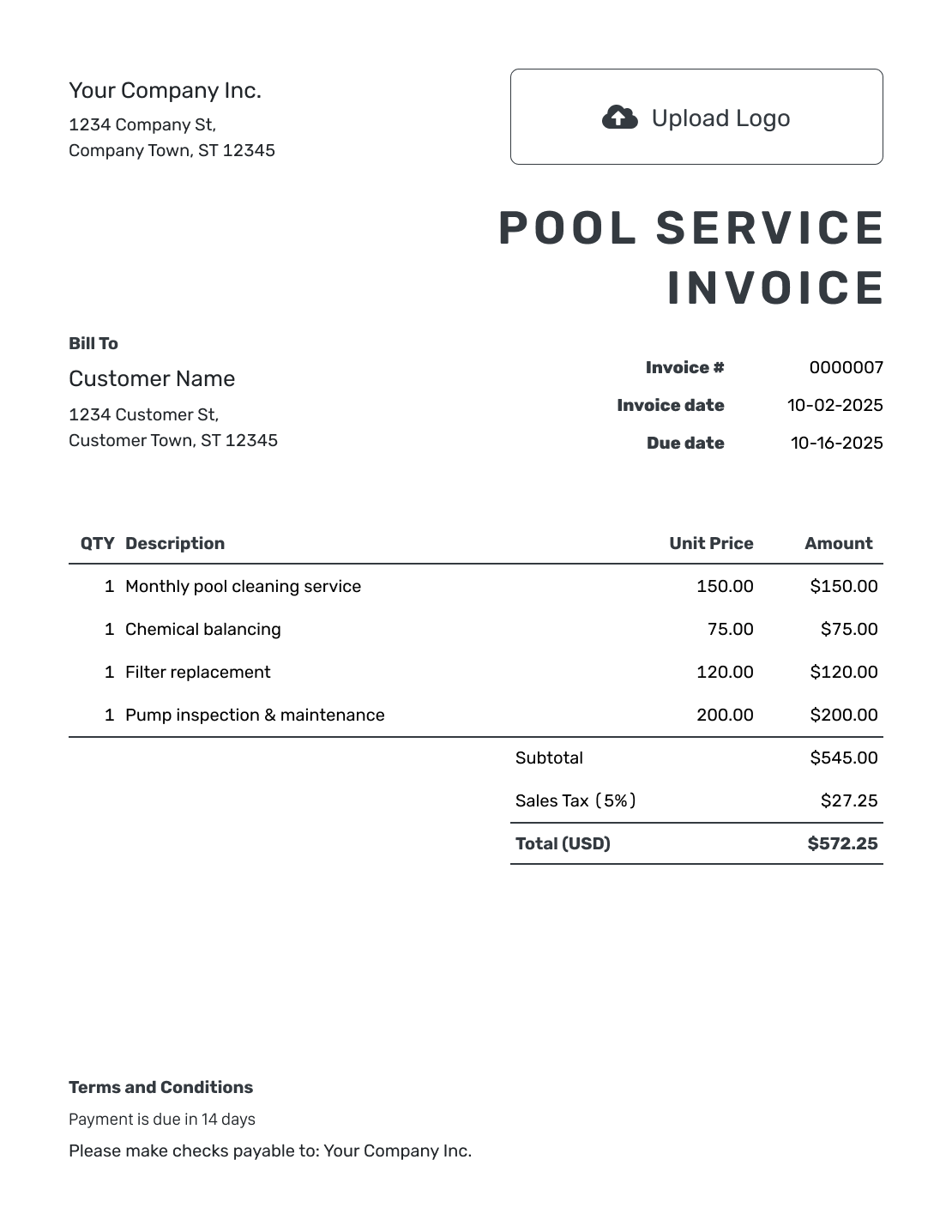
Preview layouts for a single pool visit, regular maintenance, or an approved repair. Open Docelf’s invoice creator to add your own service dates and charges.
How to Create a Pool Service Invoice
Start with your completed visit records. For a monthly bill, check the service dates before carrying over last month’s charges.
- Add Your Business: Enter your pool service business name and billing contact.
- Add Your Logo: Use your usual logo so the customer recognizes a regular service bill.
- Choose the Customer: Select the pool owner or property manager responsible for payment.
- Set the Number and Dates: Check the invoice number, invoice date, and due date for this bill.
- List the Visits and Extras: Include the service dates. Add completed visits, chemicals, and approved repairs.
- Review the Total: Add any tax or discount that applies. Check for charges already included in the service price.
- Add Payment Details and Send: Use Terms and Conditions for the pool address, billing period, and payment instructions. Review, then email or save a PDF.
How to Fill In Pool Service Invoice Line Items
For per-visit billing, show the number of completed visits and the rate for each one. Put approved extra work on its own line. Only charge separately for chemicals when they are outside the agreed service price.
This fictional USD bill covers four weekly visits, an extra filter cleaning, and separately billed chemicals. The example taxes only the $45.50 of chemicals at 8%. It does not tax the service charges. Replace these assumptions with the prices and tax treatment for your customer.
| QTY | Description | Unit Price | Amount |
|---|---|---|---|
| 4 | Weekly pool cleaning — completed visits | $50.00 | $200.00 |
| 1 | Filter cleaning — approved extra service | $75.00 | $75.00 |
| 3 | Liquid chlorine — gallons | $8.50 | $25.50 |
| 2 | Alkalinity increaser — 5 lb bags | $10.00 | $20.00 |
| Subtotal | $320.50 | |
| Sales Tax (8% on chemicals) | $3.64 | |
| Total | $324.14 |
What to Include in Pool Service Invoice Terms
Use Terms and Conditions to connect the bill to the pool address and billing period. Explain what the regular service price includes so the customer can recognize any approved extras.
Adapt the example to your service agreement, including your actual policies for access, missed visits, and payment timing. The sample assumes extras are billed separately. Check local requirements before adding late fees or other conditions.
Example: Terms and Conditions
- This invoice covers the completed visits listed for [Pool Address] during [Billing Period].
- Any separate chemical or extra-service charges follow [Service Agreement] and are listed on this invoice.
- Payment is due on [Due Date] by [Payment Method], using [Invoice Number] as the reference.
- For questions about a visit or charge, contact [Business Contact] with the service date.
Ready to Send This Month’s Pool Invoice?
Add this month’s completed visits and agreed extras in Docelf. It calculates the total so you can review the bill and send it to the customer.
Keep Routine Pool Care and Extra Work Apart
Show why this bill differs from the usual service charge. Check the service agreement and this month’s visits before reusing an earlier total.
Visits Covered by the Service Price
For per-visit billing, enter the completed visit count and price per visit. For one fixed monthly fee, use quantity 1 and the agreed monthly price. Include the billing period and visit dates in the description so the customer can see what the fee covers.
Approved Extras
List only extras outside the regular service price. Add the service date or approval reference for a repair, filter cleaning, or chemical charge.
Prepare the Next Bill Without Repeating Old Charges
For a returning customer, duplicate the previous invoice in Docelf. The copy becomes a new draft with a new invoice number. Update the billing period and completed visits before sending it.
Remove last month’s one-time repair or extra treatment unless you provided it again. Check rescheduled or missed visits against your service record and agreement. For per-visit billing, use the actual visit count rather than copying the previous bill’s quantity.
You can save the regular service description and price for later invoices. The duplicate-document guide explains how to reuse an invoice. You still review and send each new bill yourself.
Keep the Pool Address and Business Details Clear
Use your logo, colors, and fonts for a consistent service invoice. You can add an optional industry name before “Invoice.” Use the footer for billing contact details. Put the pool address in the work description or Terms and Conditions.
Choose from USD, EUR, GBP, CAD, and AUD. Attach a visit record or repair photo when the customer needs it. Docelf accepts PDF, JPG, GIF, PNG, and WebP attachments up to 5 MB each. See how to attach a file.
Keep Pool Service Payments With the Right Bill
Check when your emailed invoice is delivered and opened. Use the billing period in any follow-up so the customer knows which pool service bill you mean.
- Record the payment on the invoice it belongs to.
- Check the remaining balance after a partial payment.
- Create a receipt once you have recorded the payment.
More Pool Service Invoice Layouts
These six previews open the same invoice editor, where you can enter your own customer and service details.
-
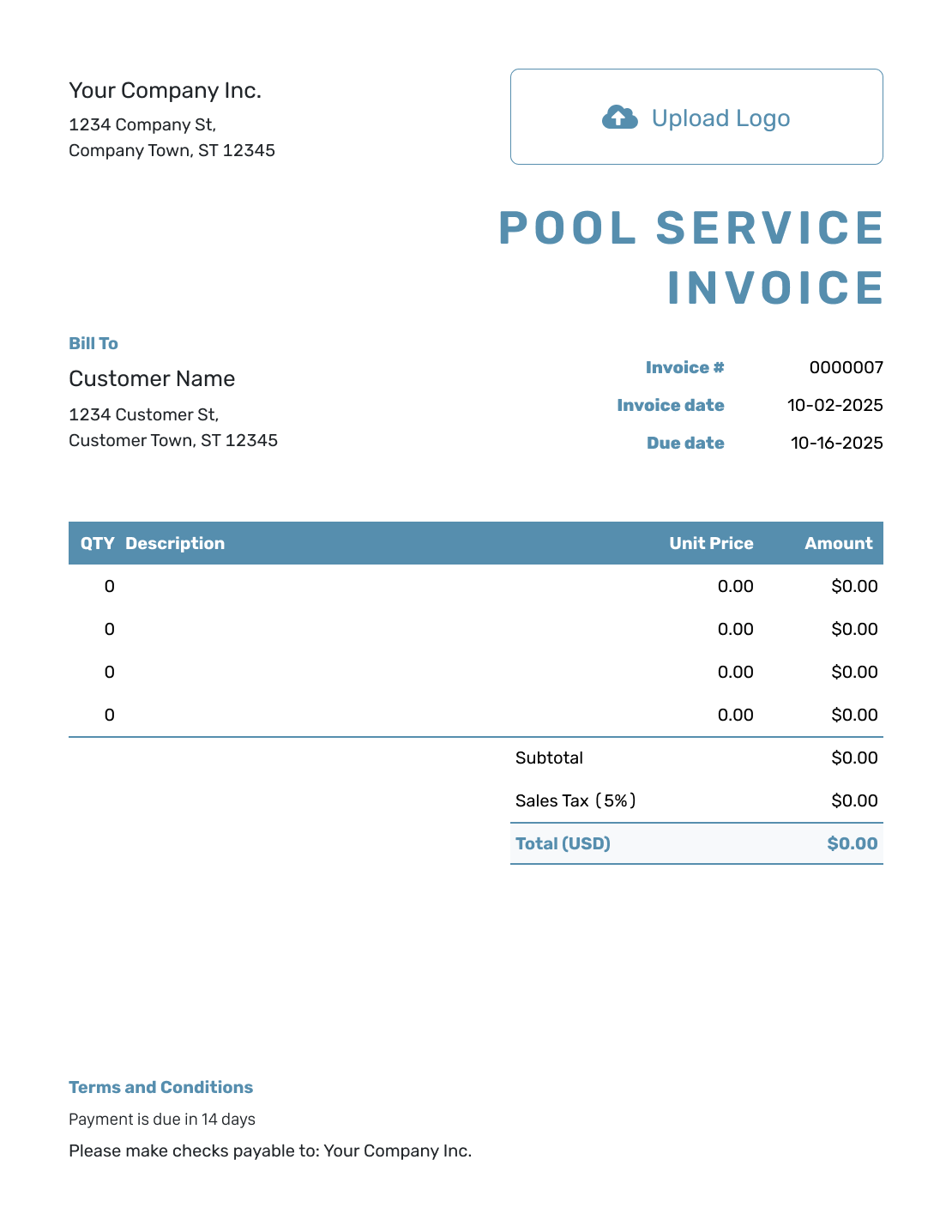
Blank Pool Service Invoice Template
Create Free Invoice -
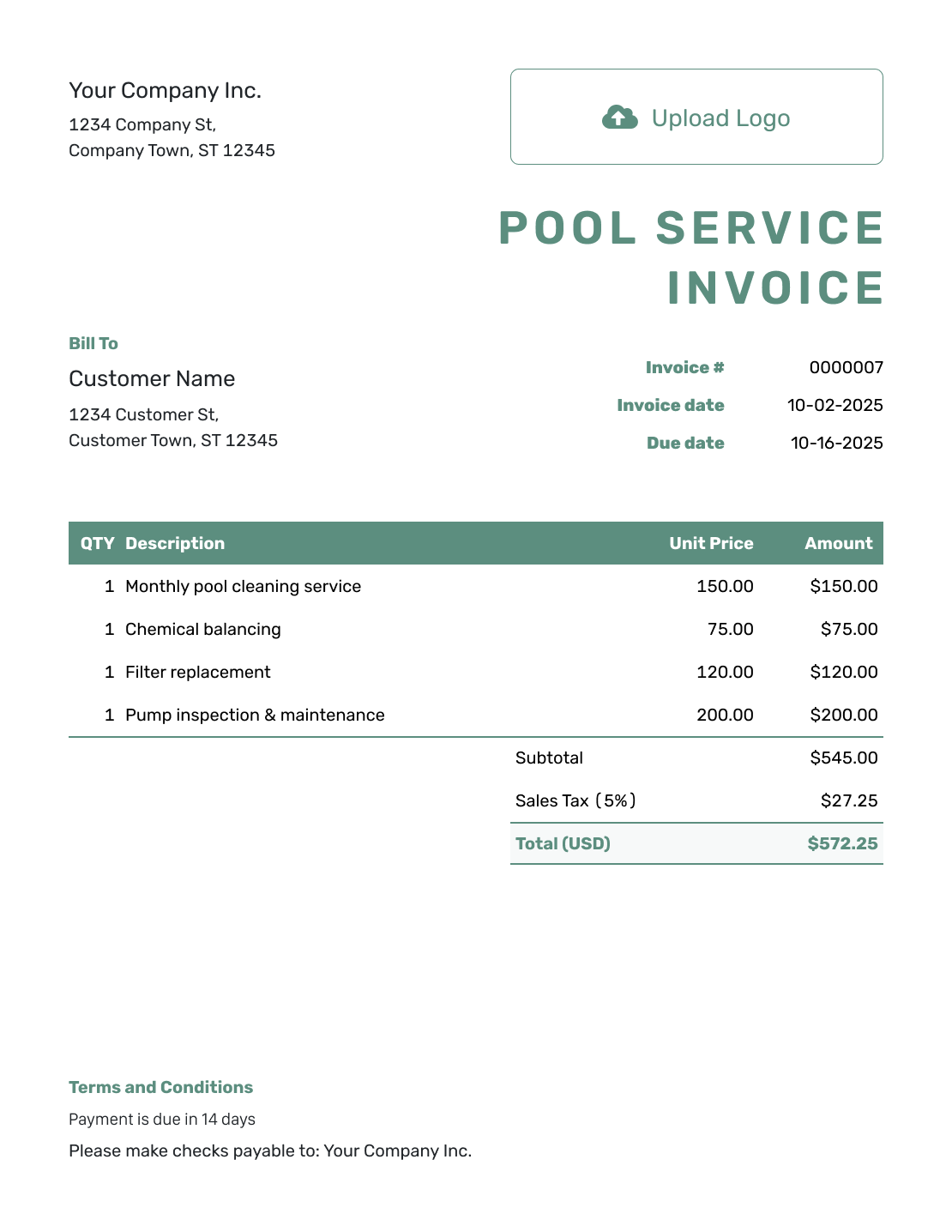
Simple Pool Service Invoice Template
Create Free Invoice -
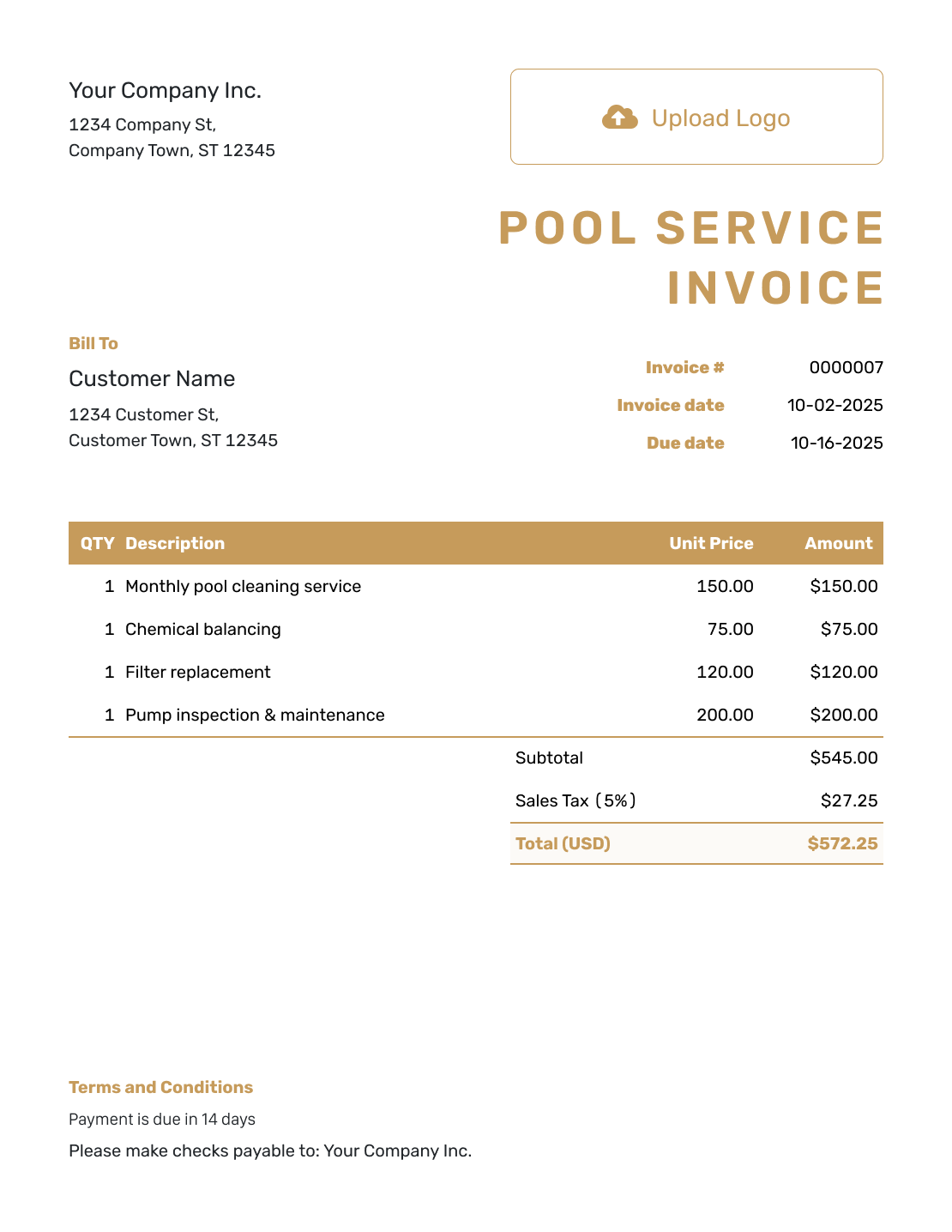
Standard Pool Service Invoice Template
Create Free Invoice -
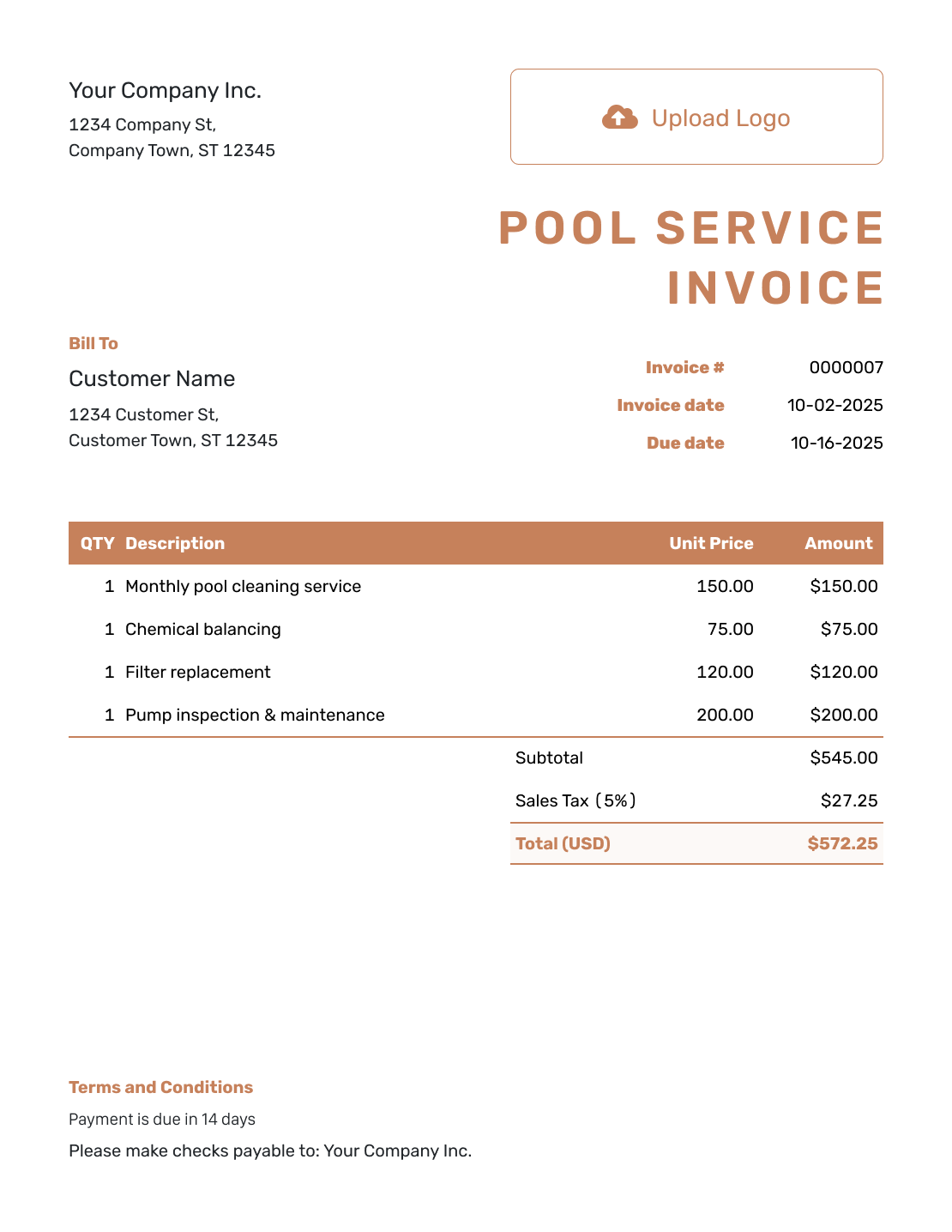
Itemized Pool Service Invoice Template
Create Free Invoice -
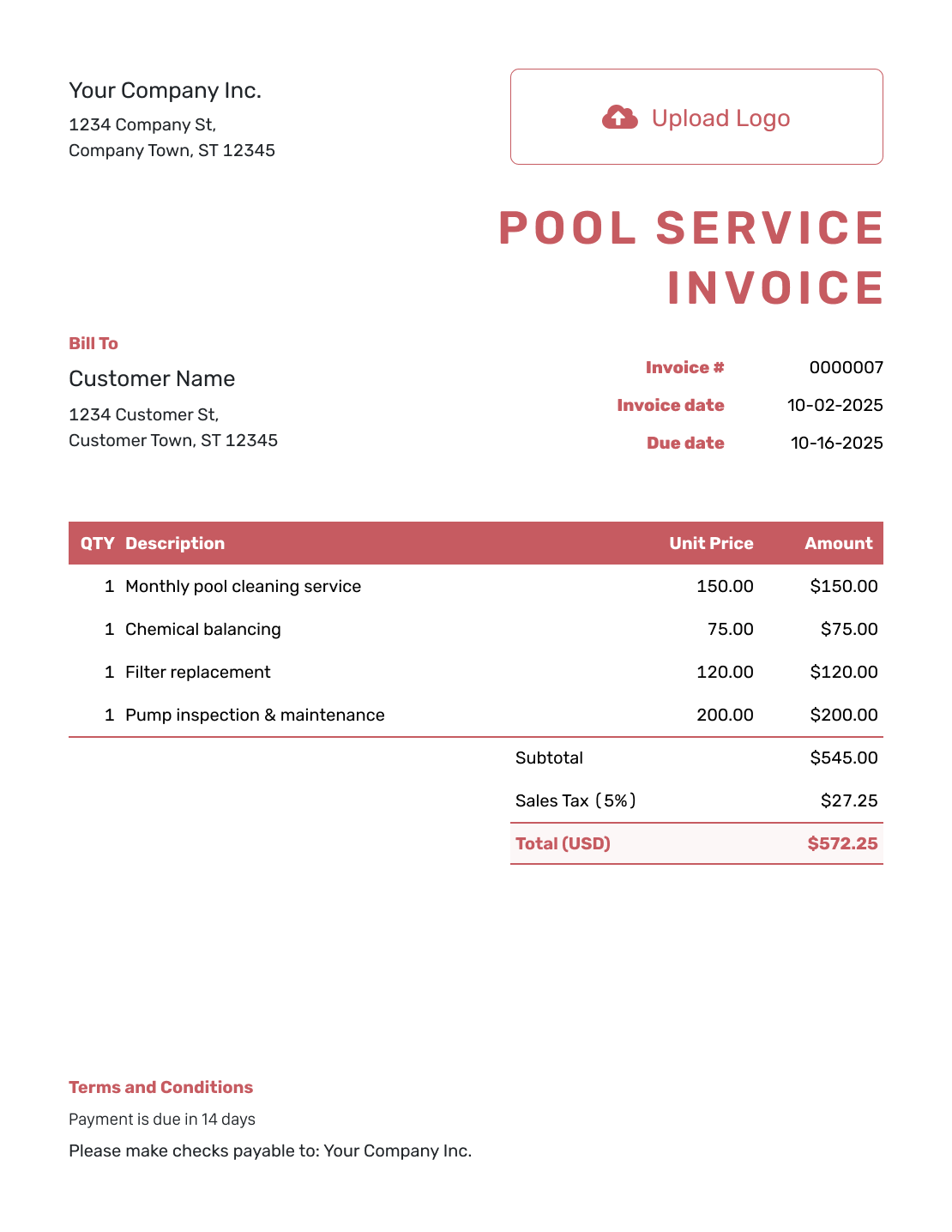
Basic Pool Service Invoice Template
Create Free Invoice -
Hourly Pool Service Invoice Template
Create Free Invoice
Pool Service Invoice File Formats
These general invoice files also work for pool care. Use Word or Google Docs for visit descriptions. Use Excel or Google Sheets when you prefer to list visit counts and chemical charges in a spreadsheet.
Pool Service Invoice FAQs
-
Can I bill several pool service visits on one invoice?
Yes. List the visit dates or billing period and show how you calculated the charge. Use the number of completed visits for per-visit billing, or describe the work covered by an agreed monthly price.
-
Should chemicals appear as separate charges?
Only when your service agreement bills them separately. Name the chemical and quantity so the customer can check the charge. Do not add a chemical charge if it is already included in the regular service price.
-
How should I handle a missed or rescheduled visit?
Check your service record and the policy you agreed with the customer. Update the dates and charges to match. Remove a copied visit if it does not belong on this bill.
-
Where do I put a pump or filter repair?
List the pump or filter repair on its own line when it is outside the regular service price. Add the repair date and agreed charge. Separate parts and labor if you bill them separately. Attach a repair record when it helps explain the work.
-
Can I reuse last month’s pool service invoice?
Yes. Duplicating an invoice in Docelf creates a new draft with a new number. Update the period, visits, and charges. Review and send the new invoice yourself.
-
Can I send a receipt for a pool service payment?
Yes. Record the payment on the correct invoice, then create a receipt from it. For a partial payment, keep the amount paid and remaining balance clear.
Ready to Bill for the Pool Service Visits?
Give the customer one clear record of the pool care covered by this bill.
- List the completed visits for the period
- Separate approved extras from routine service
- Send the bill directly from Docelf




