Free Fencing Quote Template
Create a professional fencing quote in minutes
Break the project into fence runs and gates, with removal or repairs shown as options. A clear total keeps the options manageable and gives customers a clear reason to choose you.
Email, print or download your quote as a PDF.
14-day free trial. No credit card required.

Price the job. Send the quote. Get back to work.
Fencing Quote Template Examples
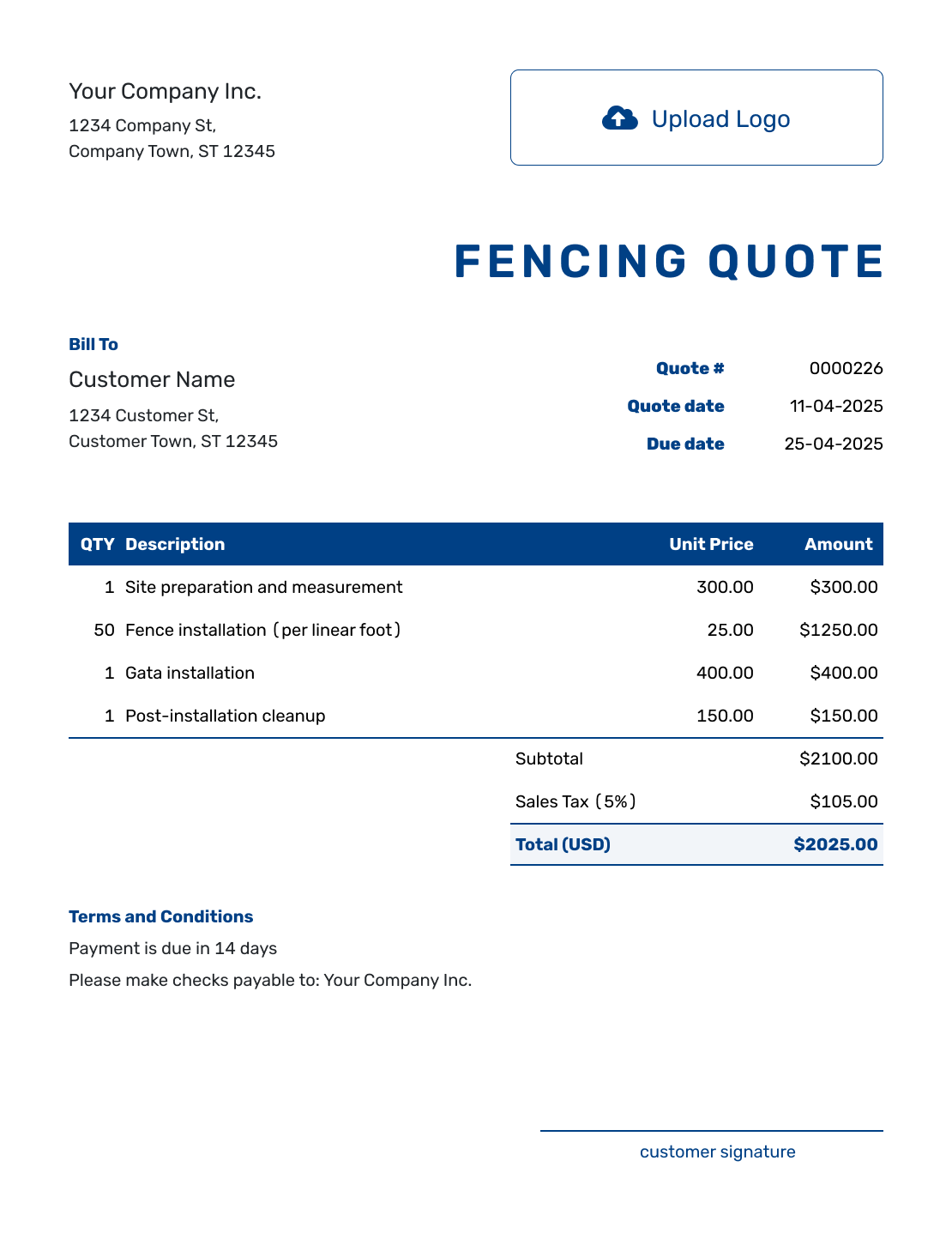
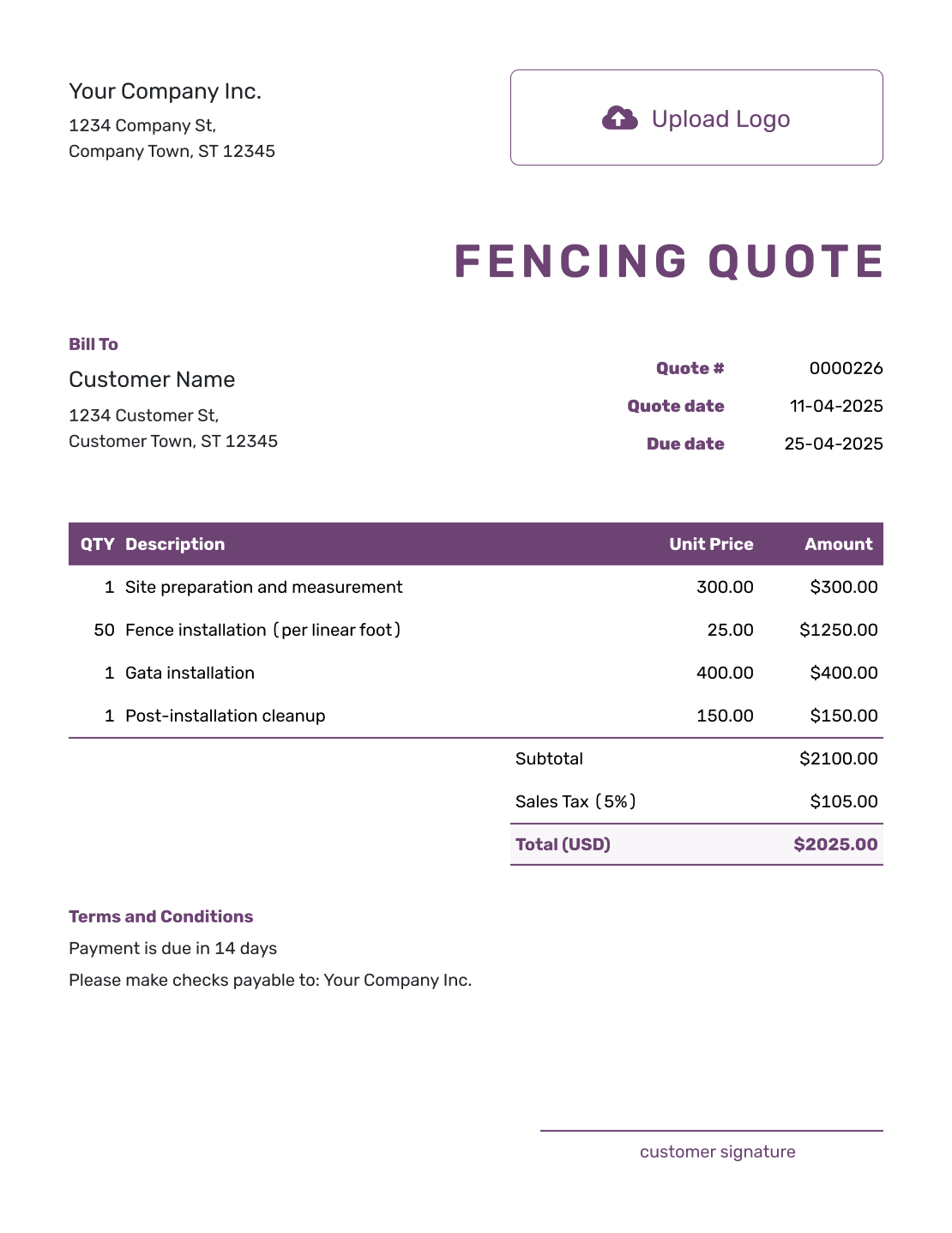
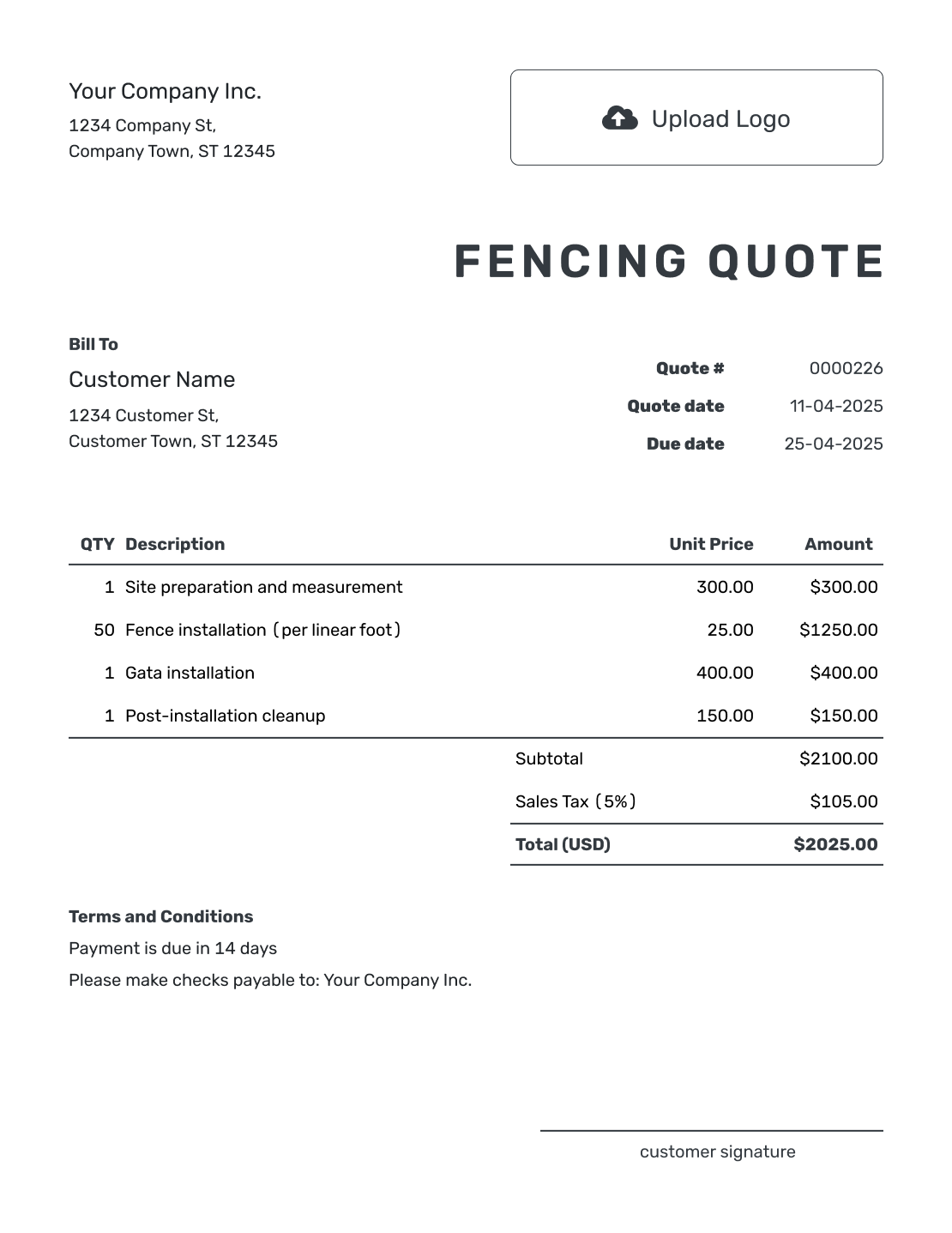
Browse these layouts before adding your own fence measurements and prices. Every preview opens the same Docelf quote editor; it does not load the pictured job. Add your logo and business colors as you edit.
What Is a Fencing Quote?
A fencing quote is a written offer for a defined fence project. It connects the measured layout and chosen fence system to the price you are offering. Your customer can see which runs, gates, and services the offer covers.
Use this page for a fence installation or replacement. For work spanning several trades, use a construction quote or browse the construction quote templates.
How to Create a Fencing Quote
Start with your measurements and material specification. Saved customer and item details can save time, but check the length, gate count, and current prices for this property.
- Your Business: Add your fencing business and contact details.
- Your Logo: Add your logo to match your other business documents.
- Customer and Property: Enter the customer and the installation address.
- Quote Number and Dates: Check the quote number, issue date, and valid-until date.
- Fence Work and Prices: List measured runs, gates, and included removal work with quantities and prices. Apply any discount you offer.
- Terms and Conditions: Use Terms and Conditions for timing, payment, and site assumptions.
- Review and Send: Check the offer, tax, and total. Add a signature field if needed, then email or save a PDF.
How to Fill In Fencing Quote Line Items
Name each run and say whether the price is per linear foot or for the whole job. If an installed rate already includes posts, rails, panels, hardware, concrete, and labor, describe those inclusions rather than charging for them again. Gates and separately priced site work can have their own rows.
This fictional US-dollar quote covers 80 linear feet of six-foot cedar privacy fence and one four-foot pedestrian gate. The fence length excludes the gate opening. The example includes removal and disposal of the old fence, with an illustrative 8% tax on all three items; use the tax treatment that applies to your work.
| QTY | Description | Unit Price | Amount |
|---|---|---|---|
| 80 | Six-foot cedar privacy fence — supplied and installed, per linear foot | $38.00 | $3,040.00 |
| 1 | Four-foot cedar pedestrian gate — installed with hinges and latch | $420.00 | $420.00 |
| 1 | Remove and dispose of 80 feet of old fence, including posts and footings | $320.00 | $320.00 |
| Subtotal | $3,780.00 | |
| Sales Tax (8% illustrative) | $302.40 | |
| Quote Total | $4,082.40 |
What to Include in Fencing Quote Terms
Use Terms and Conditions for the site assumptions behind your price, the installation timing, and when payment is due. Identify the layout or measurements you used, and explain how changes will be agreed.
Keep only policies you actually use. For boundary information, permits, utility marking, or association approval, name the responsible party and check the requirements that apply locally. Adapt this sample to the measured job above before sending it.
Example: Terms and Conditions
- This quote covers the 80-foot fence run, four-foot gate, and old-fence removal described above at [property address], following [layout reference].
- This quote is valid until [date]. Installation timing will be agreed after acceptance.
- The customer will provide the confirmed boundary layout. Responsibility for permits, utility marking, and any association approval will be agreed before work starts.
- The price assumes clear access and ground suitable for normal post installation. Rock excavation and staining are not included; any additional work needs a revised price and approval.
- Payment is due on completion. Changes to the layout, materials, or gate specification require an updated quote for approval.
Create a Fencing Quote Ready to Send
Put the measured fence job into an offer your customer can check against the layout. Docelf calculates the total as you add the work. Review it, then email the quote or save a PDF.
Make the Fence Scope Easy to Check
A fencing customer should be able to see what will be installed, where it will go, and what is included in the price.
Show the Measurements
List each run by location, length, and height, including corners. Say whether the measured length includes or excludes gate openings so the quantities agree with the layout.
Name the Fence System
Name the fence material and style. Specify the posts, panels, hardware, and finish that affect the price.
Separate Removal and Site Work
Describe removal, concrete footings, hauling, disposal, and cleanup clearly. If delivery, equipment, or other site work has a separate price, give it an ordinary line item.
Clarify Boundaries and Permits
State which measurements or property-line information the price relies on. Make clear who handles permits or approvals.
Keep Unselected Fence Options Outside the Total
A stain finish or automated gate may be useful without belonging in the base offer. Describe an optional extra separately until the customer chooses it, so accepting the quote has one clear meaning.
For a different fence material or layout, duplicate the quote as a new draft and update the specification and price. Each version gets a new quote number. Identify the alternatives clearly and confirm which one the customer accepts.
Fencing Quote, Estimate, or Invoice?
Choose the document based on how certain the fence scope is and whether payment is due.
Fencing Quote
Use a quote when the fence layout, materials, services, and price are clear enough to offer in writing.
Construction Estimate
Use an estimate when measurements, ground conditions, material choices, or removal work may change the cost. The construction estimate template can also cover uncertain fence work.
Construction Invoice
Use the construction invoice template to request payment for fence work under the agreed installation terms.
More Fencing Quote Layouts
These layouts offer more ways to present the same fence scope. Choose the wording and level of detail that suit your job.
-
Blank Fencing Quote Template
Create Free Quote -
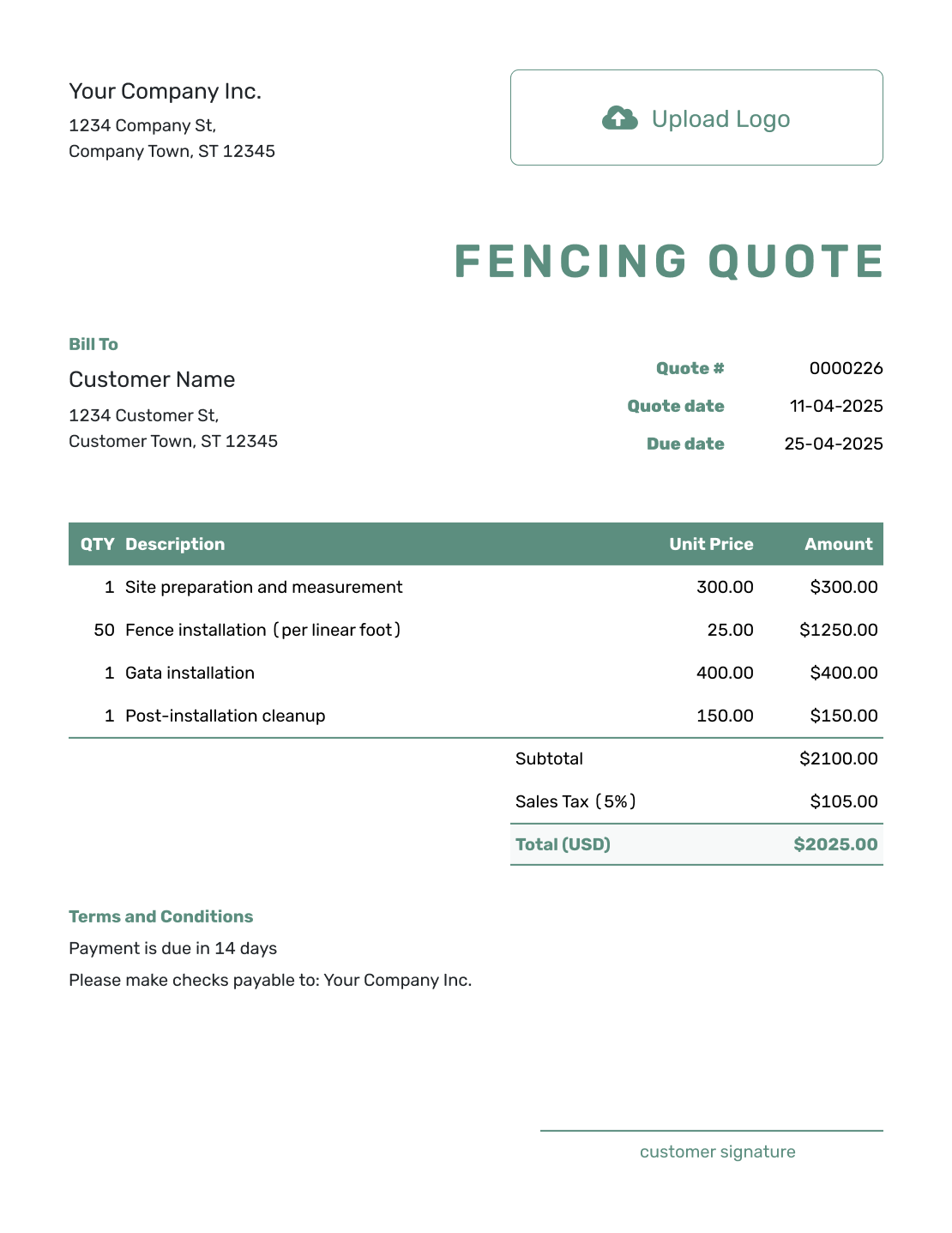
Simple Fencing Quote Template
Create Free Quote -
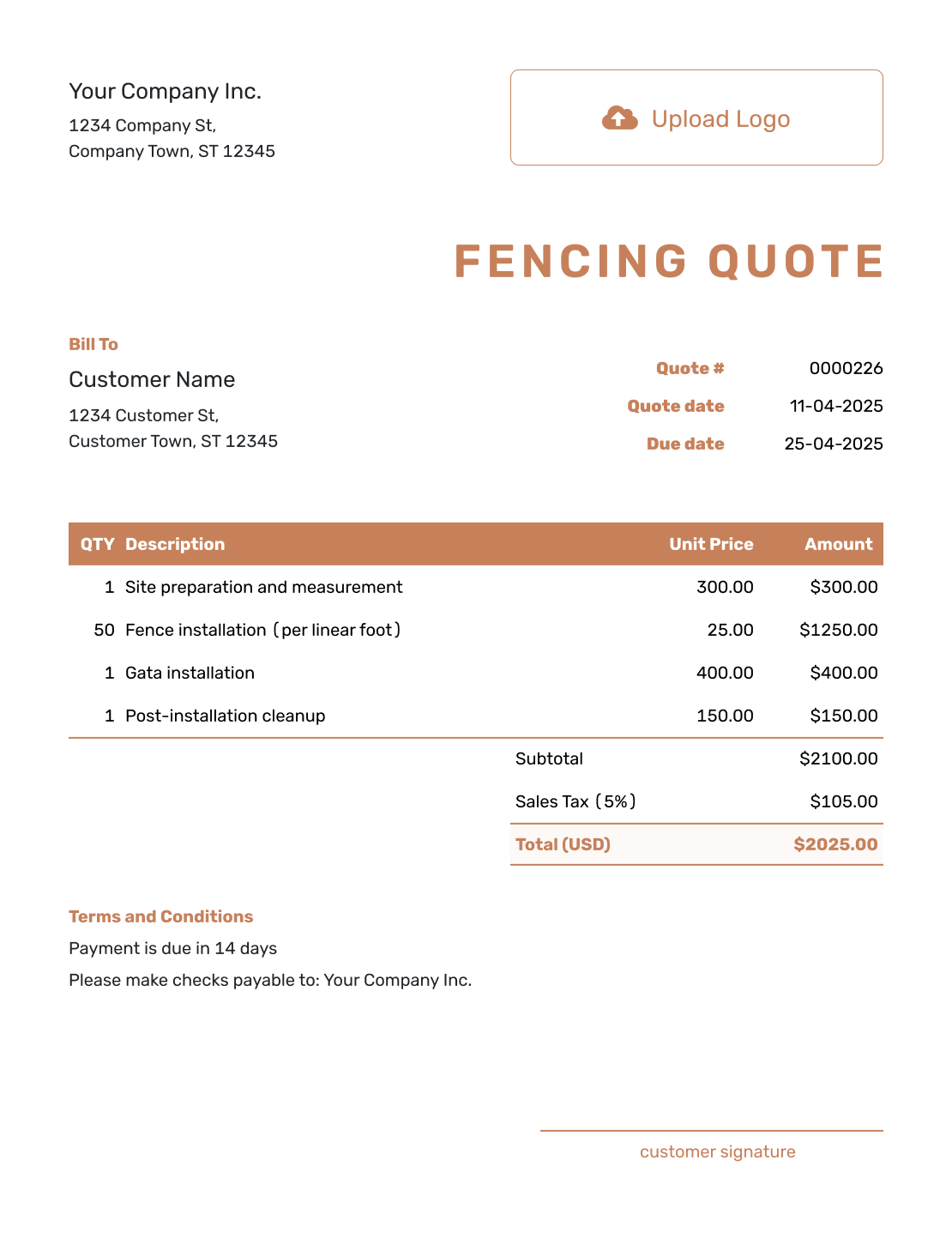
Downloadable Fencing Quote Template
Create Free Quote -
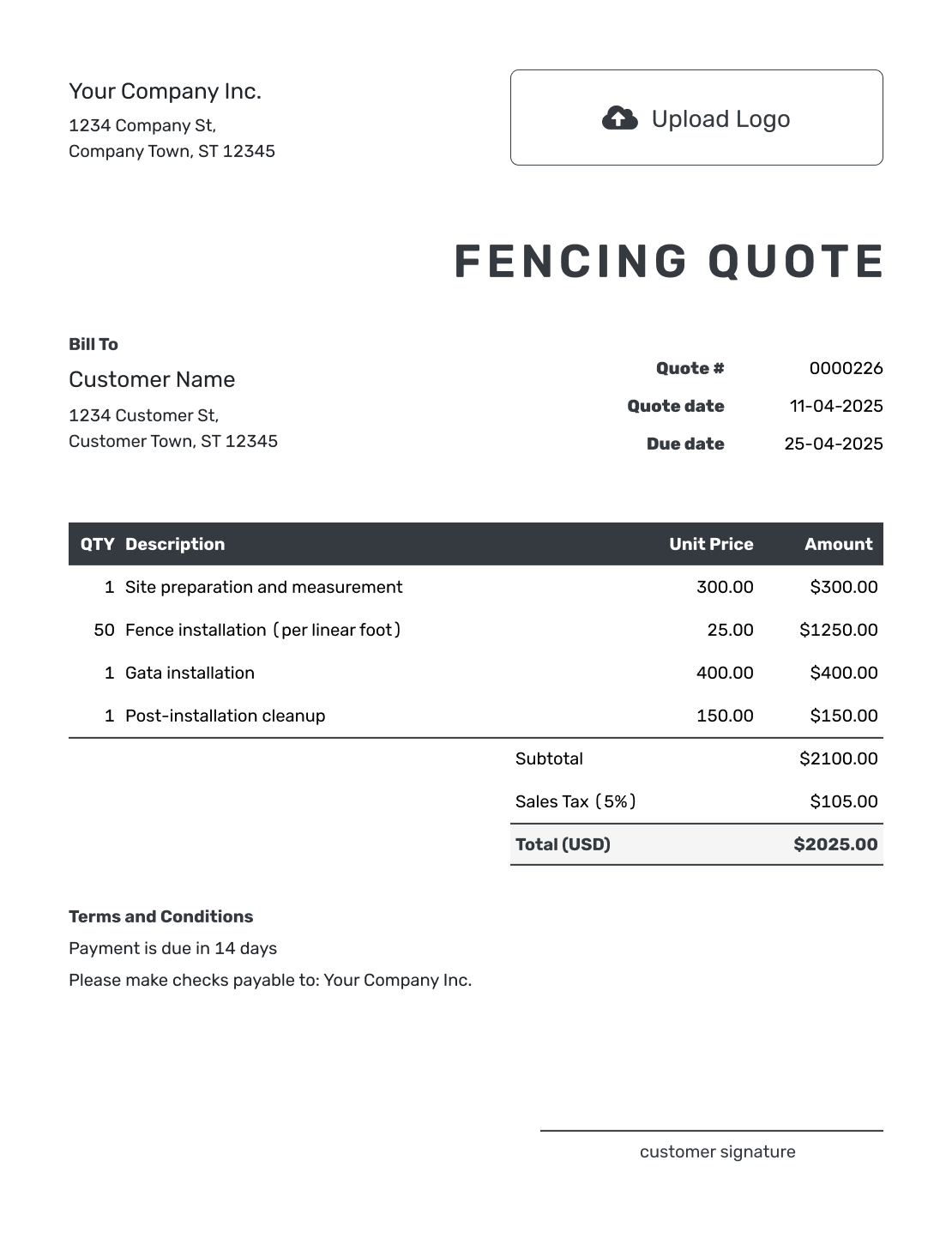
Editable Fencing Quote Template
Create Free Quote -
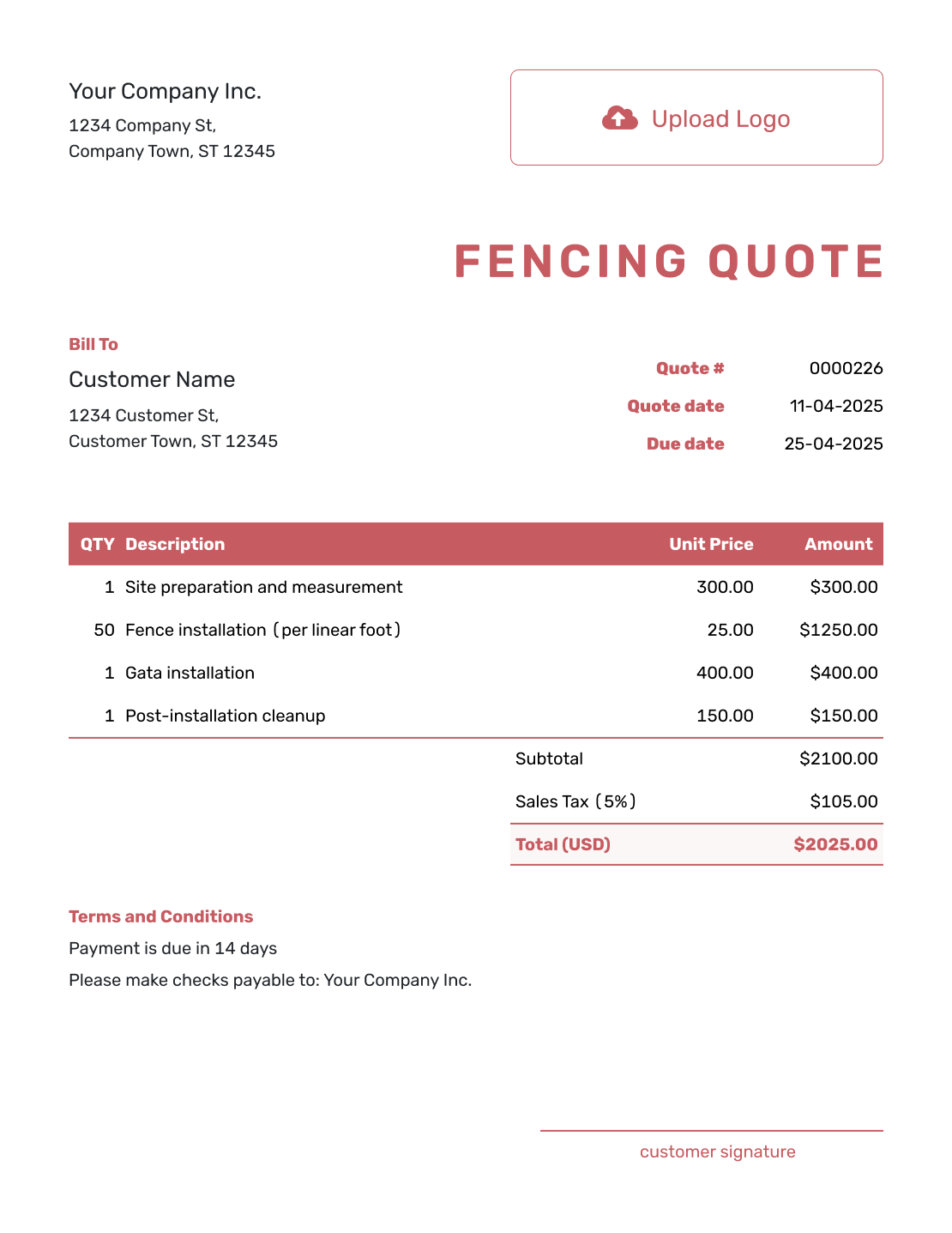
Fillable Fencing Quote Template
Create Free Quote -
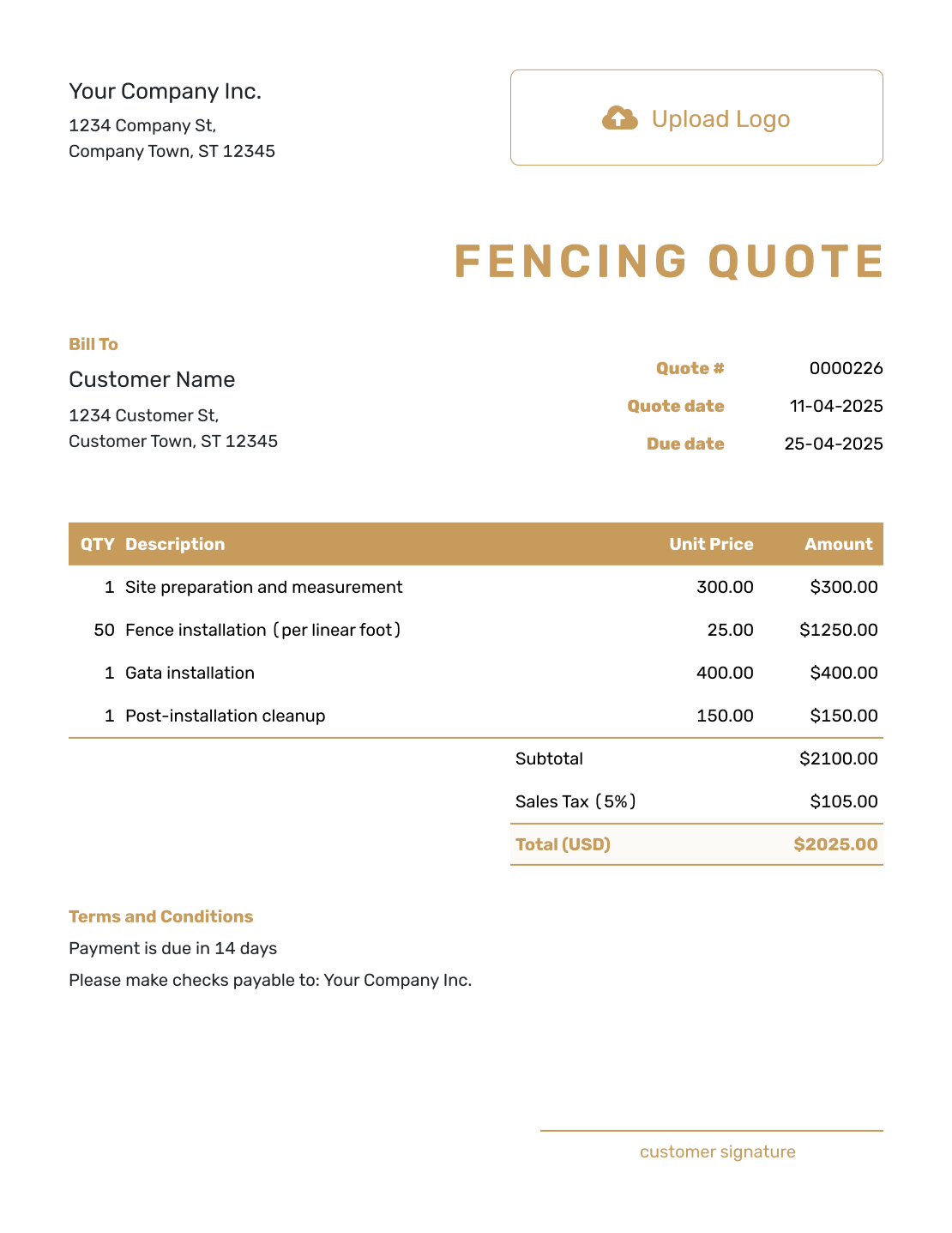
Professional Fencing Quote Template
Create Free Quote
Other Quote Template File Formats
Use Word or Google Docs for descriptions and terms, or Excel or Google Sheets for quantities and prices. These pages provide separate file templates; Docelf downloads your completed online quote as a PDF.
See every option on the quote templates by format page.
More Quote Templates for Fence and Site Work
Use the fencing page for a defined fence installation or replacement. Choose a broader construction template when the job includes other structures, trades, or site work.
After You Send the Fencing Quote
Check delivery and viewing information in the document history. Your customer can accept or decline the quote online; Docelf updates its status and emails you when they respond.
If the layout, material, or gate count changes, revise the offer and ask the customer to accept the updated scope and price. When payment is due, create an invoice from the quote and review the copied details before sending it.
Fencing Quote Template FAQs
-
What is a fencing quote?
A fencing quote is a written offer for a defined fence job. It connects the layout and chosen material to the services, price, and terms, with a valid-until date for the offer.
-
What should I include in a fencing quote?
Include the property and customer details, then identify each fence run and gate. Name the fence system and price the installation. Add removal work, timing, payment terms, and acceptance details.
-
Should a fencing quote show the linear footage?
Show the measured length when it helps explain the price. You can list each fence run separately and include the height, corners, gates, or other layout details that affect materials and labor.
-
Should gates be separate line items?
Separate a gate when its size or installation changes the price. Give automation or special hardware its own line item. This makes it easier for the customer to compare options and understand the total.
-
How do I quote removal of an old fence?
Describe what will be removed. State whether the price covers concrete removal, hauling, disposal, and cleanup. List the work separately when it is a meaningful part of the job.
-
Who should confirm the property line and permits?
State the property information your price relies on. Make clear who handles surveys, permits, utility marking, and association approval. The responsible party may vary by job and location, so make it clear in the quote.
-
What is the difference between a fencing quote and an estimate?
A fencing quote gives a specific price for defined fence work. An estimate is a best prediction of the cost when measurements, ground conditions, materials, or the final scope are not fully known.
-
How do I create a fencing quote online?
Start a quote in Docelf and add the customer and installation address. Describe the measured fence runs and gates, then add the prices and terms. Docelf calculates the total. Review the finished quote before emailing it or downloading a PDF.
-
Can I turn an accepted fencing quote into an invoice?
Yes. Create an invoice from the quote in Docelf. The customer, item, and price details carry over; check them against the accepted fence work and add the payment due date before sending.
Ready to Send Your Fencing Quote?
Give your customer a fence offer they can check against the property plan.
- Show each fence run and gate in the scope
- Keep removal, equipment, and options separate
- Email the fencing quote or download a PDF




