Free Travel Quote Template
Create a professional travel quote in minutes
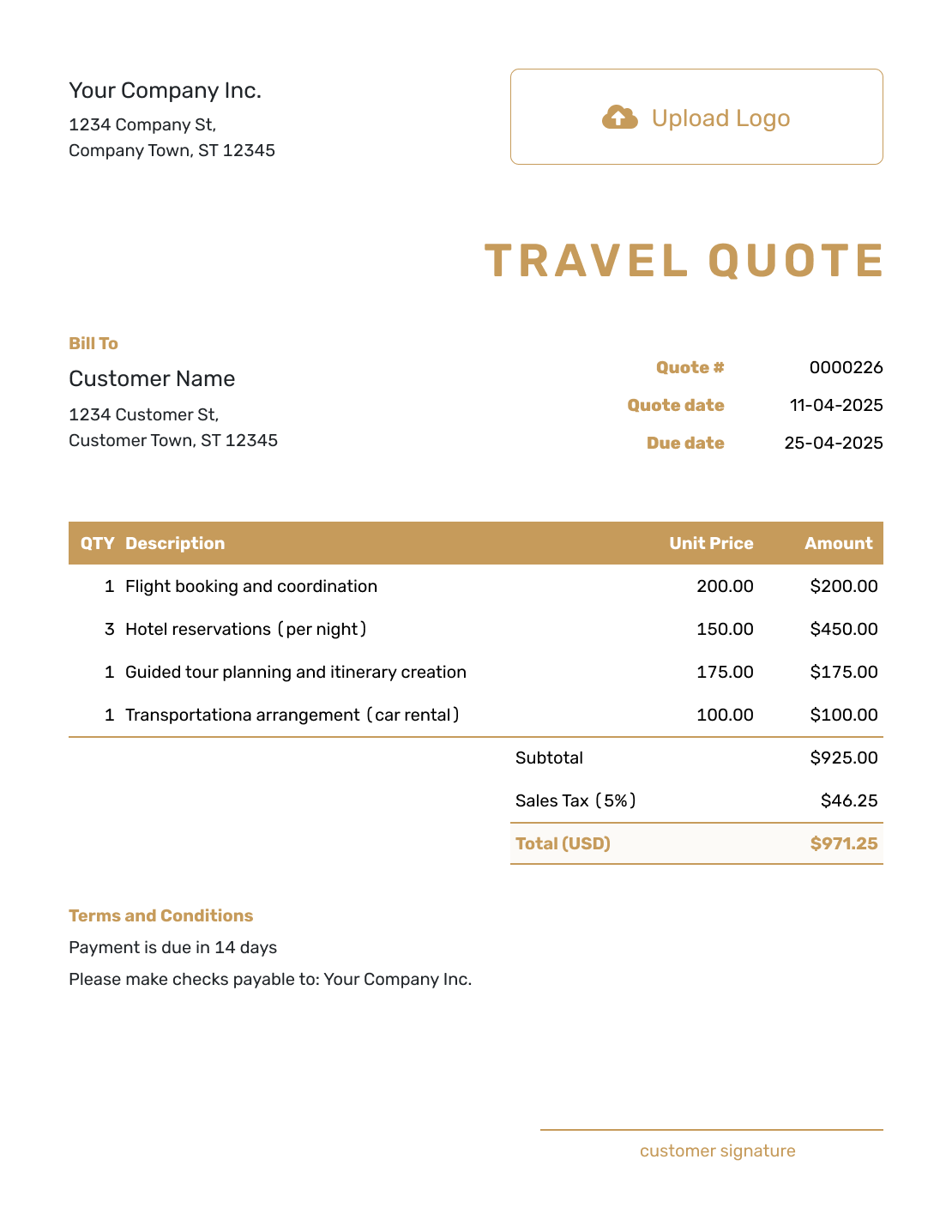
Put the itinerary, trip price and included services together, with paid upgrades as options. The choices are easy to compare without back-and-forth, helping customers book the trip with you.
Email, print or download your quote as a PDF.
14-day free trial. No credit card required.

Price the job. Send the quote. Get back to work.
Travel Quote Template Examples
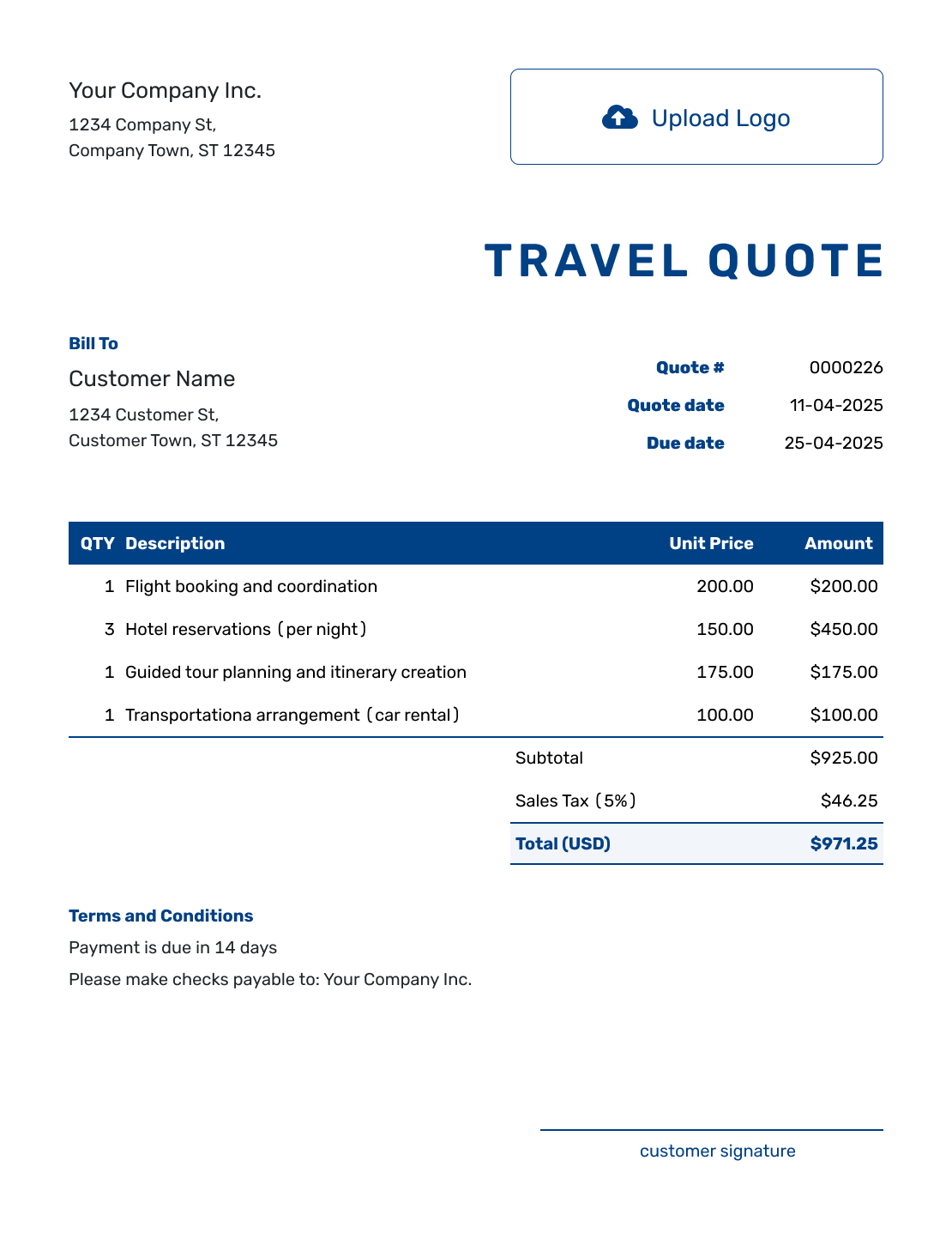
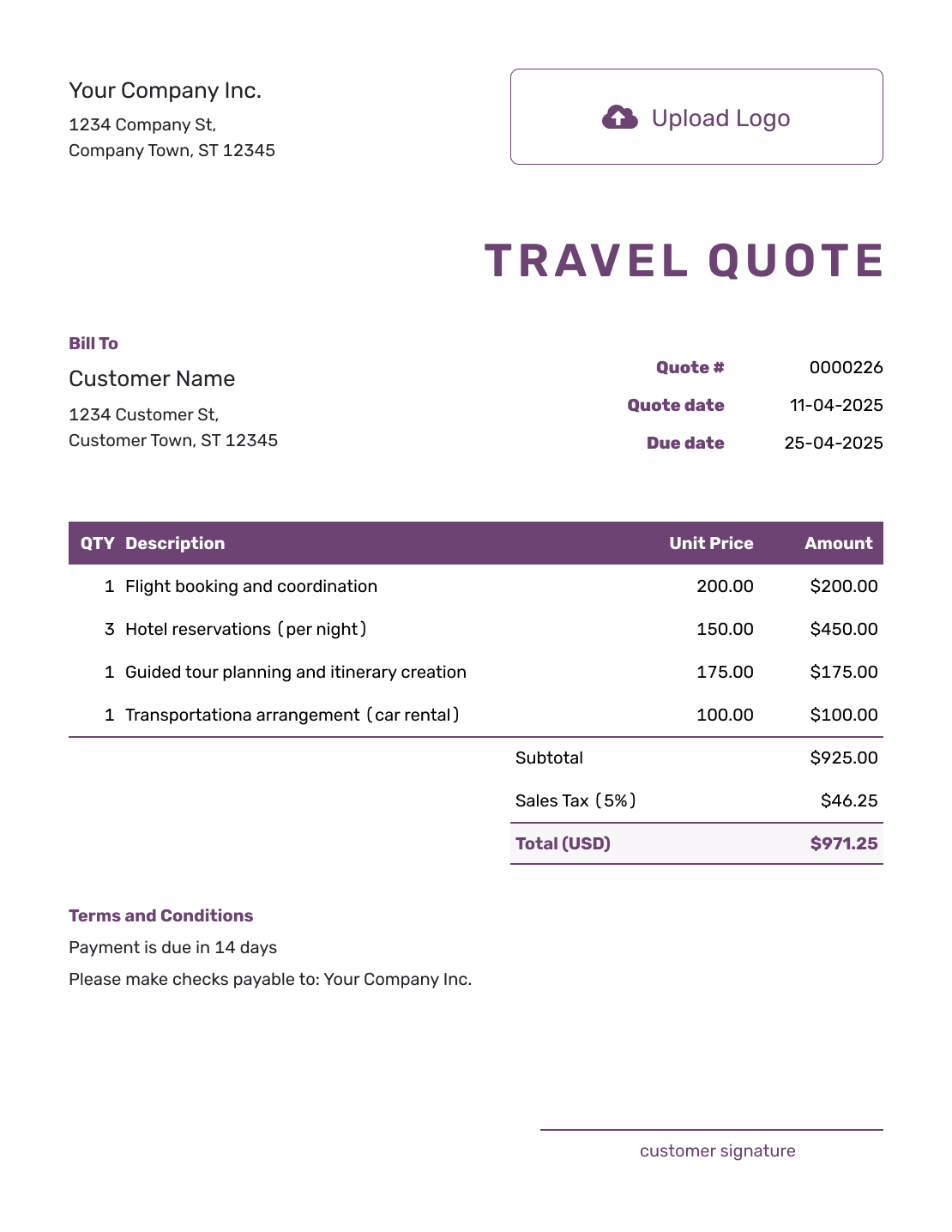
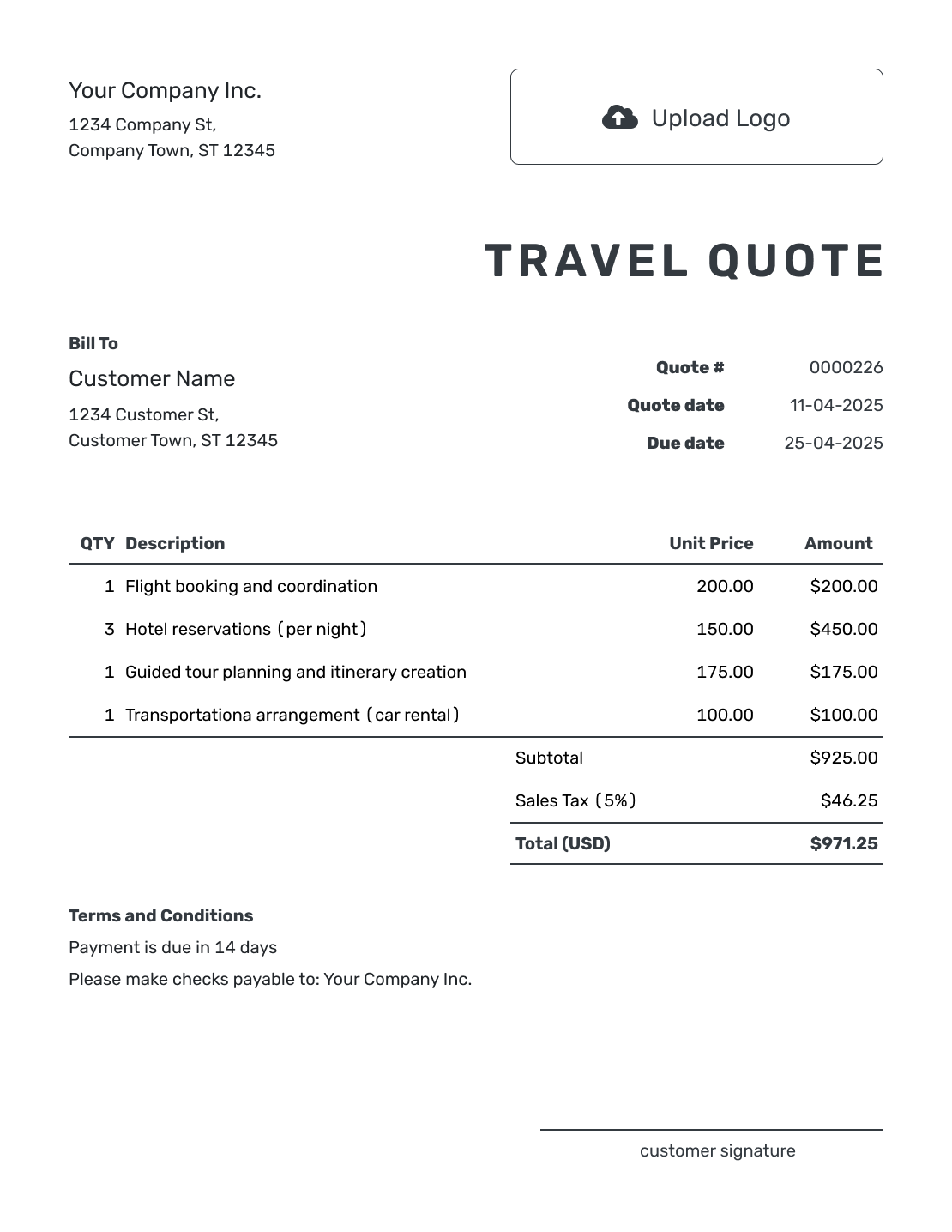
Browse these layouts before adding your own itinerary and prices. Each preview opens the same Docelf quote editor.
What Is a Travel Quote?
A travel quote is a written offer for a trip or travel service. It shows the customer what the trip includes, what it will cost, and how long the offer is valid.
Use it for a custom itinerary or packaged trip when the customer needs to review the price before booking. It also works for tours and group travel.
How to Create a Travel Quote
Have the travel dates, traveler count, and agreed itinerary close at hand. You can reuse saved customer and service details, then check the quantities and rates for this trip.
- Your Business: Add your travel business name and contact details.
- Your Logo: Add the logo used on your travel documents.
- Your Customer: Choose a saved customer or enter the booking contact.
- Number and Dates: Check the quote number and date. Set a valid-until date.
- Trip Services: Describe the itinerary with dates, quantities, and prices.
- Quote Total: Check the currency, taxes, and total for the selected trip.
- Booking Terms: Add terms and check traveler details. Review, then email or download the quote.
How to Fill In Travel Quote Line Items
The quantity needs a unit the customer can recognize. Four nights in one room is four room-nights, while a tour charged per person uses the traveler count. If you sell one package, describe what it covers and avoid charging its included services again.
This fictional four-night city break is for two travelers sharing one room, October 20–24, 2026. Prices are in US dollars. All three charges use an illustrative 8% tax for this example; apply the tax treatment that fits your own services.
| QTY | Description | Unit Price | Amount |
|---|---|---|---|
| 4 | Double room with breakfast — room-nights | $160.00 | $640.00 |
| 1 | Round-trip airport transfer for two travelers | $120.00 | $120.00 |
| 2 | Guided city walking tour — per traveler | $45.00 | $90.00 |
| Subtotal | $850.00 | |
| Tax (8% illustrative) | $68.00 | |
| Quote Total | $918.00 |
The $918.00 is the offer for both travelers together. Flights and unselected upgrades are outside this quote. Only add an upgrade to the priced rows once it becomes part of the trip being quoted.
What to Include in Travel Quote Terms
Use Terms and Conditions to explain what happens between accepting the offer and confirming the trip. A valid-until date tells the customer when to respond; it does not by itself confirm that rooms or tickets have been reserved.
Add the payment schedule and change or cancellation policy your business actually uses. Adapt this sample to the booking, your supplier conditions, and local requirements.
Example: Terms and Conditions
- Quote covers two travelers sharing one double room for October 20–24, 2026, with the transfer and tour listed above.
- Offer valid until October 1, 2026. Please ask us to confirm availability before paying; no reservations have been made.
- Flights and unselected upgrades are not included in the $918.00 total.
- Changes to dates, traveler numbers, or services require a revised quote before booking.
Put the Trip and Price in One Clear Offer
Add the trip services and prices in Docelf. The total updates as you edit, ready for you to check and send to the customer.
What to Include in a Travel Quote
The customer should be able to understand the trip without comparing several emails. Put the key booking details in the quote itself.
Traveler and Trip Details
Add the customer and traveler details. Show the destination, travel dates, and number of travelers.
Itinerary and Included Services
Describe the trip in a useful order. Show the accommodation and transportation that are included. Add activities or planning services when they are part of the offer.
Price and Optional Choices
Show the price for the selected trip. Describe unselected upgrades separately in Terms and Conditions or an attached itinerary, with their extra prices.
Deposit and Booking Terms
State any deposit and payment deadlines you actually use. Explain quote validity and when reservations will be confirmed, along with relevant cancellation or change terms.
Price the Trip in a Way the Customer Can Compare
Choose the pricing structure that matches what you sell. The customer should be able to tell whether a price covers the whole booking or one traveler.
- Package price: Use one price when the trip is sold as a defined bundle and make the included trip clear.
- Per traveler: Show the traveler count used for the quote when the price changes with group size.
- Optional upgrades: Show the extra price outside the quoted total until the customer chooses the upgrade. Then revise the charged items and total.
- Custom or group trip: Show the main assumptions behind the price and update them when the trip changes.
Trip Details Changed Before Booking?
If the dates, group size, or selected services change, update the affected items and terms together. Ask the customer to review the revised offer before you arrange the trip.
A longer day-by-day itinerary can accompany the quote as an attachment. Keep its dates and included services consistent with the priced offer; Docelf supports PDF, JPG, GIF, PNG, and WebP attachments up to 5 MB each.
Travel Quote, Itinerary, or Invoice?
These documents can share trip details, but they do different jobs.
Travel Quote
The quote presents the trip, price, and terms for the customer to consider before booking.
Itinerary
Use the itinerary to show the travel plan and timing. It supports the quote but does not replace the price and offer terms.
Invoice
The invoice requests payment. Use it when an amount becomes due under the agreed booking terms.
More Travel Quote Layouts
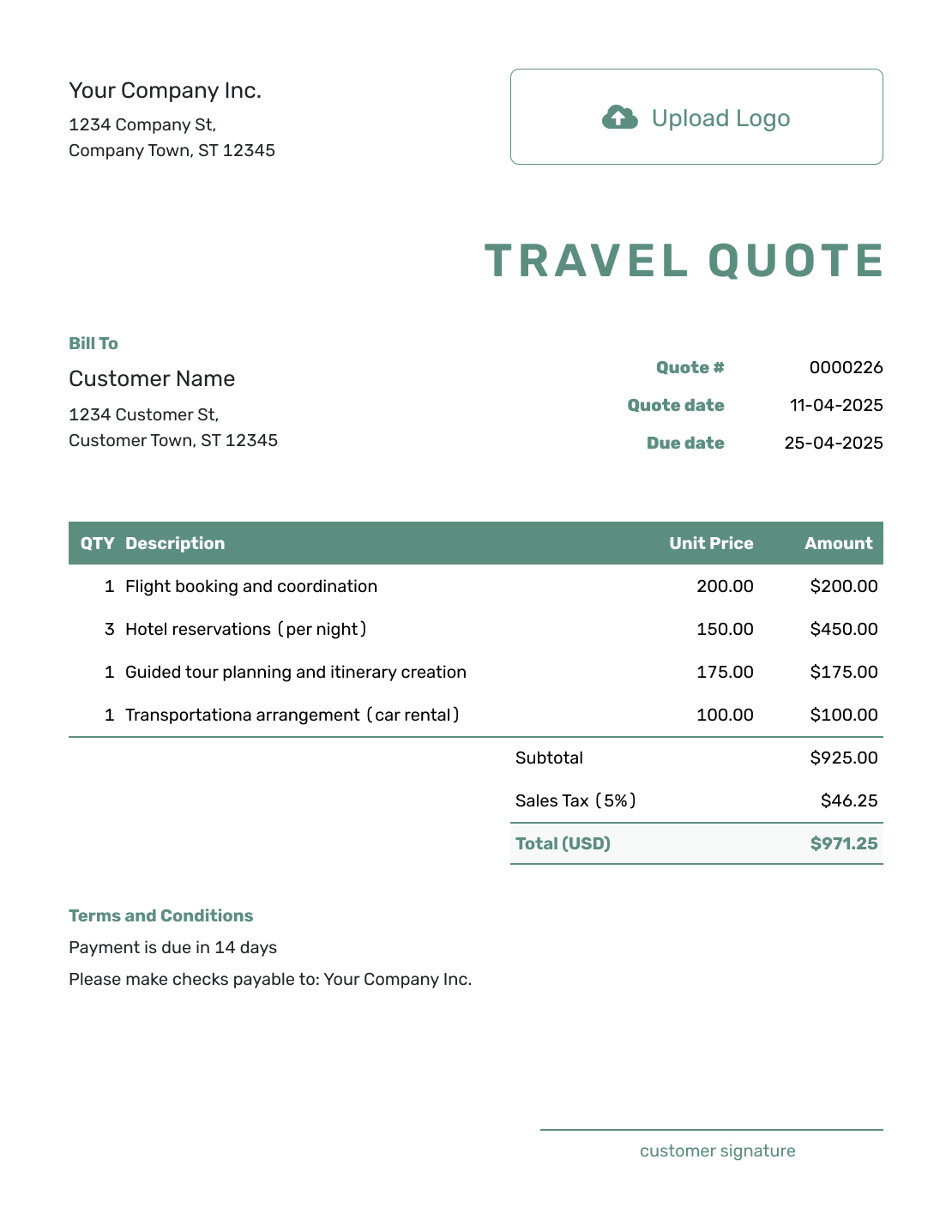
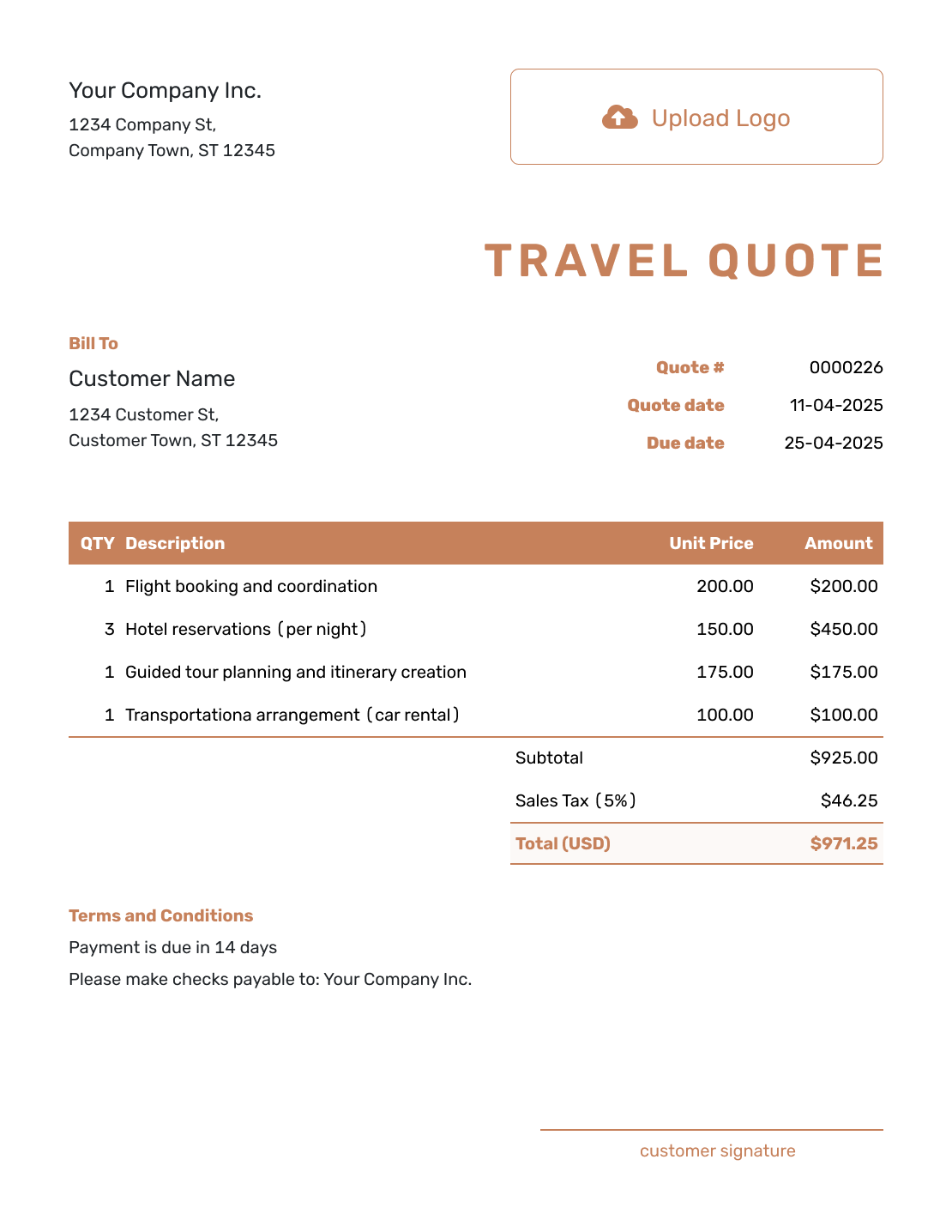
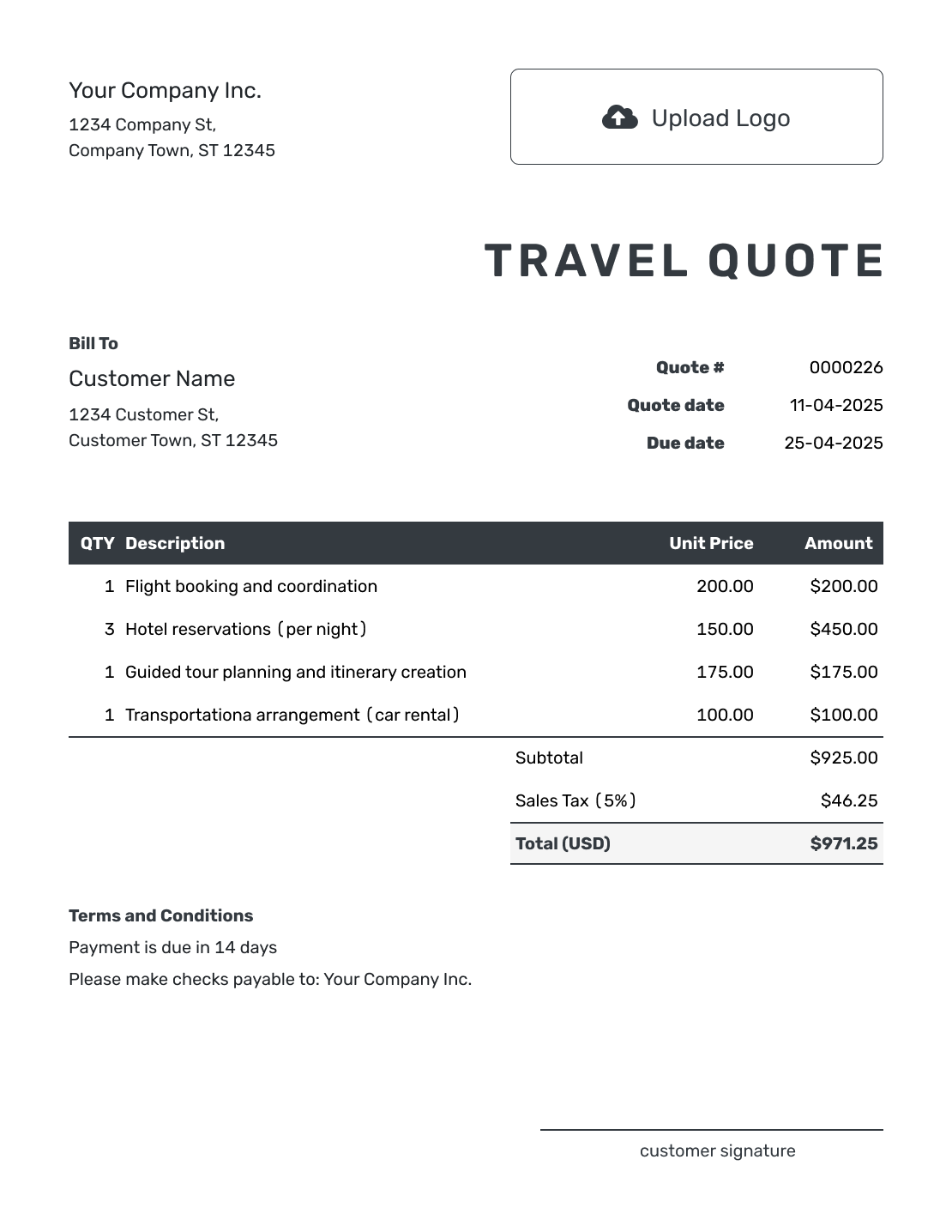
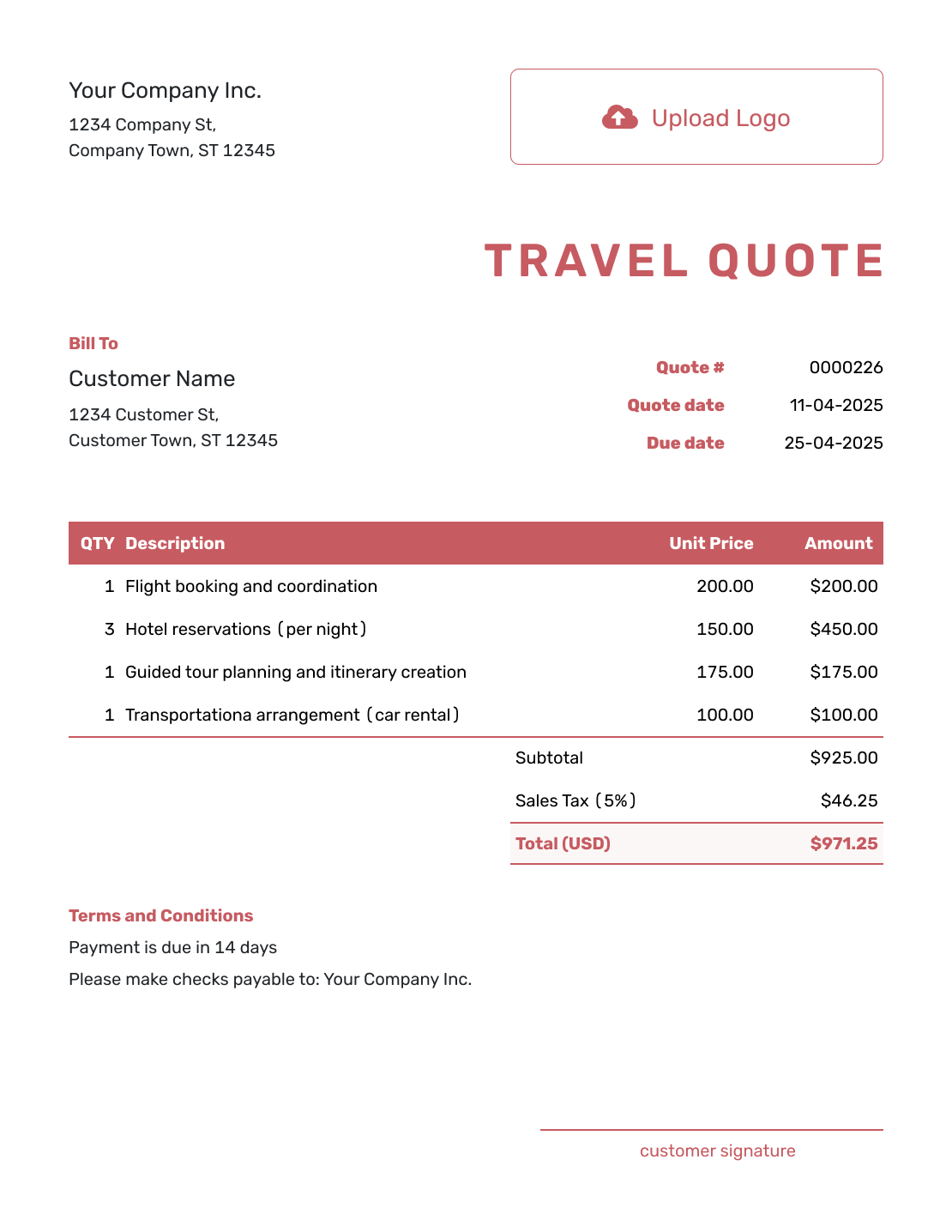
Related Event and Travel Quote Templates
Use a more specific template when the main service is event planning, wedding coordination, or another event-related service.
Other Quote Template File Formats
Prefer a document or spreadsheet? These pages offer separate file templates for trip pricing. Docelf downloads finished quotes as PDFs.
After You Send the Travel Quote
Check the document history to see when your emailed quote was delivered and opened. The customer can accept or decline it online without a Docelf account, and Docelf emails you when they respond.
When it is time to request payment, create an invoice from the quote. Docelf copies the relevant customer, item, and price details, so you can review the booking without entering them again.
Travel Quote Template FAQs
-
What is a travel quote?
A travel quote is a written offer for a trip or travel service. It explains what the customer will receive and what it costs. It also states the booking terms and how long the offer is valid.
-
What should I include in a travel quote?
Include your business and customer details, then identify the destination, travel dates, and traveler count. The itinerary and prices should show what is included. Add the quote number, date, payment timing, and valid-until date so the customer knows which offer they are reviewing.
-
How do I price a custom travel package?
Use one package price or a breakdown that matches how you sell the trip. Label quantities such as travelers, room-nights, and transfers so the price is easy to check. Describe unselected upgrades outside the quoted total; add them to the priced items when the customer chooses them.
-
Should I itemize every part of the trip?
Itemize the parts that help the customer understand the offer or choose between options. A package can stay grouped when the customer only needs one package price, but upgrades and exclusions should still be clear.
-
Should a travel quote include a deposit and cancellation terms?
Yes, when they apply to the booking. State the deposit and when payments are due. Add the change or cancellation terms the customer should know before accepting the quote.
-
What should I do if the itinerary changes?
Update the quote with the revised trip details and price. Ask the customer to accept the updated quote so the final offer matches the trip you will book.
-
How long should a travel quote be valid?
Choose an exact valid-until date that matches the offer you can honor. Explain whether reservations are held or still need confirmation. The quote deadline and the travel dates serve different purposes, so label both clearly.
-
Can I turn an accepted travel quote into an invoice?
Yes. You can create an invoice from a Docelf quote when payment is due. It copies the relevant customer, item, price, and document details. Check the final trip choices before sending the invoice.
-
Can I email or download a travel quote?
Yes. Email the quote from Docelf when the itinerary is ready, or download a PDF to share another way. The customer does not need a Docelf account.
Ready to Put the Trip in Front of the Customer?
Give the customer one clear trip offer before any booking is confirmed.
- Show the route, dates, accommodations, and included services
- Show optional upgrades and booking terms clearly
- Email the travel quote or download a PDF




